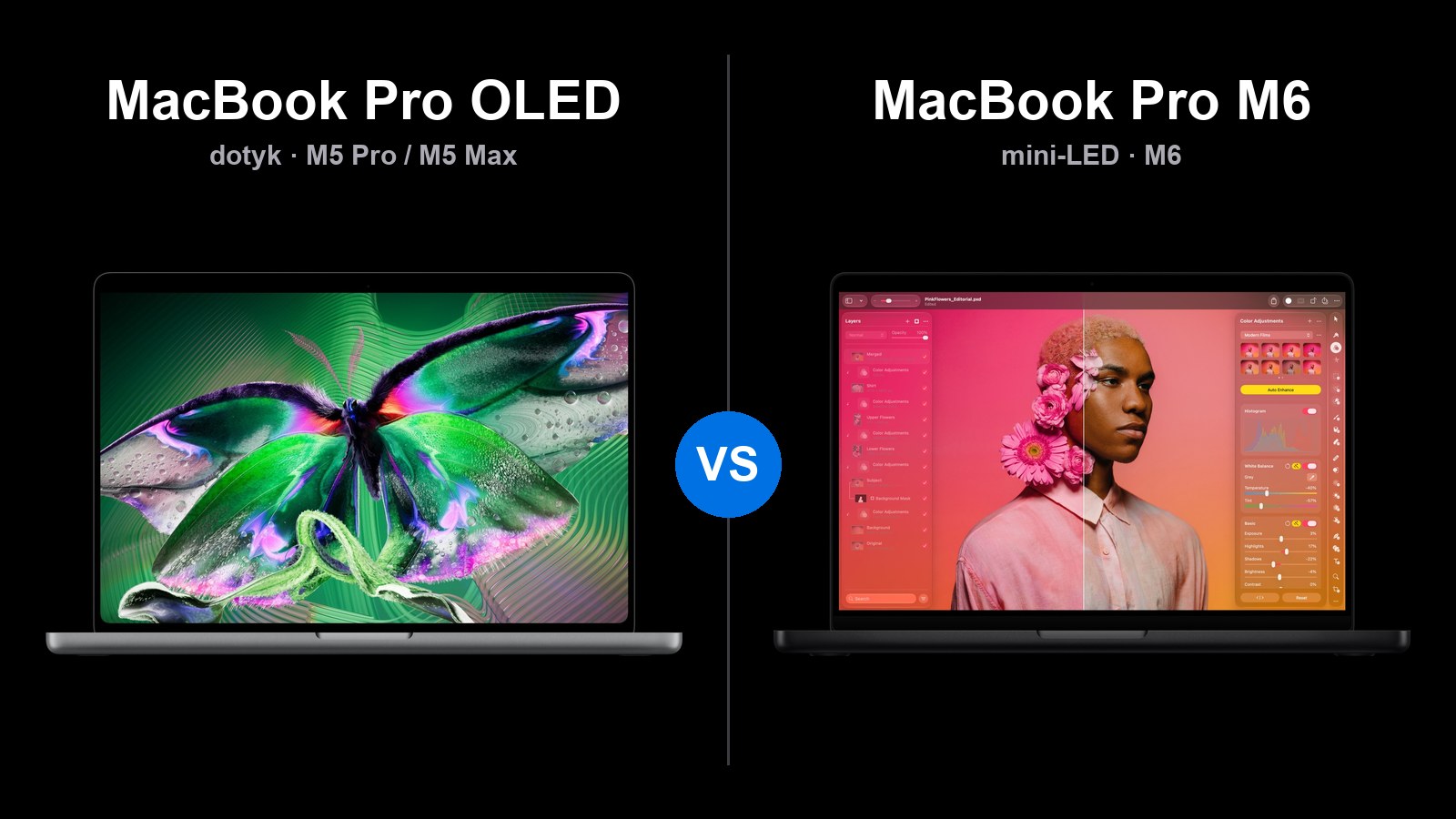
From November 6, 2026, there will be three different MacBook Pros available: a new model with an OLED touchscreen, a new MacBook Pro 14 with the M6 chip, and the existing versions with the M5 Pro and M5 Max. They differ in price by several thousand zlotys, and a more expensive model does not always mean better for you.
Short answer: MacBook Pro 14 with M6 is sufficient for most people and costs from 10,499 PLN. Choose the MacBook Pro OLED for the screen, touch, and lower weight. If you need the power of M5 Pro without OLED, the mini-LED model offers the same chip 2000 PLN cheaper.
Below is a point-by-point comparison: prices in Poland, screen, performance, ports, battery, and accessories. You can find the premiere report in the text Apple Pro and Tell.
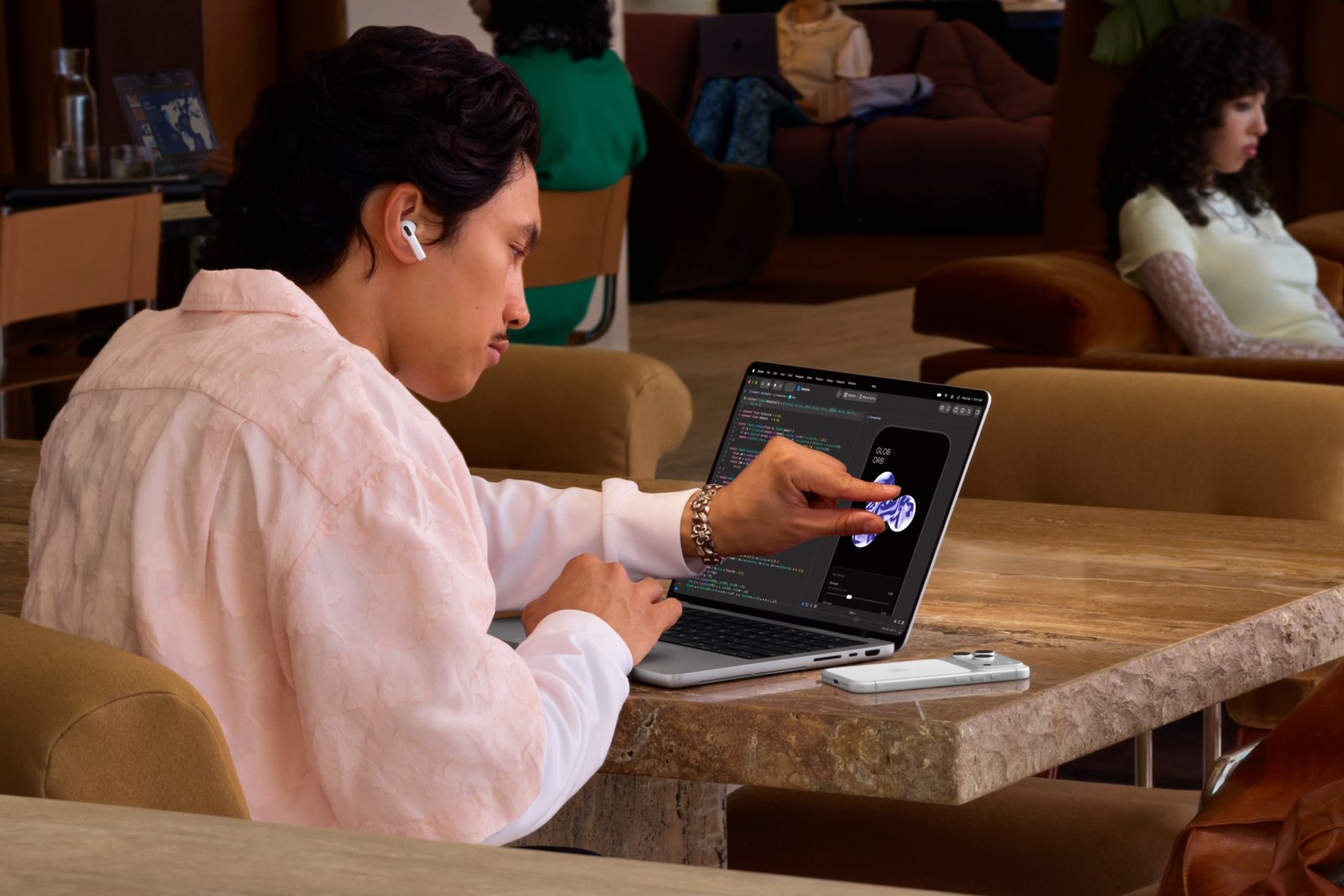
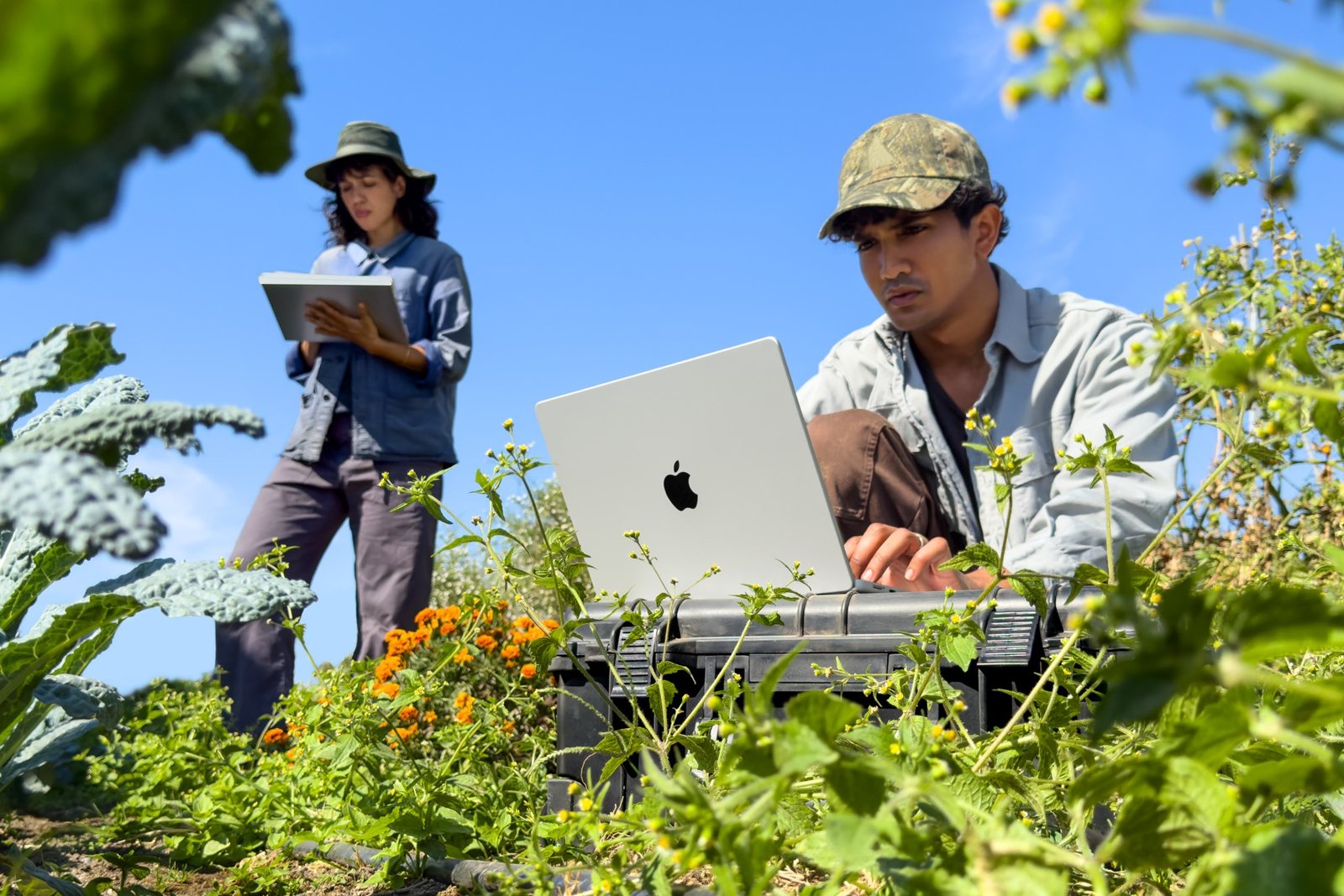
On the left, MacBook Pro with OLED screen, on the right, MacBook Pro 14 with M6. Photos: Apple.
Which MacBook Pro for whom?
| Select | If | Price in Poland from |
|---|---|---|
| MacBook Pro 14 with M6 | you write, program, edit simple videos, and want long battery life in 14 inches | 10,499 PLN |
| MacBook Pro with mini-LED (M5 Pro, M5 Max) | you need a lot of power, RAM above 32 GB, or 3–4 monitors | 12,999 PLN |
| MacBook Pro OLED (M5 Pro, M5 Max) | you care about the best screen, touch, and lower weight | 14,999 PLN |
Prices according to Apple Store in Poland as of October 30, 2026.
Three MacBook Pros: what are the differences
| MacBook Pro OLED | MacBook Pro 14 with M6 | MacBook Pro with mini-LED | |
|---|---|---|---|
| Screen | OLED, touch, Dynamic Island | mini-LED, notch | mini-LED, notch |
| Sizes | 14 and 16 inches | only 14 inches | 14 and 16 inches |
| Chip | M5 Pro or M5 Max | M6 | M5 Pro or M5 Max |
| Max RAM | 128 GB | 32 GB | 128 GB |
| Max SSD | 16 TB | 4 TB | 8 TB |
| Thunderbolt ports | 3 × Thunderbolt 5 | 3 × Thunderbolt 4 | 3 × Thunderbolt 5 |
| External monitors | 3 (M5 Pro) or 4 (M5 Max) | 2 | 3 (M5 Pro) or 4 (M5 Max) |
| Weight 14″ | from 1.38 kg | 1.55 kg | from 1.60 kg |
| Battery 14″ (video) | up to 22 hrs | up to 24 hrs | up to 22 hrs |
| In stores | from 6.11.2026 | from 6.11.2026 | already available |
Data according to Apple specifications for models with OLED and with mini-LED and M6.
All three have HDMI, SDXC card reader, MagSafe 3, and headphone jack. Each is available in two colors: space gray and silver.
Prices in Poland: how much does OLED cost?
The most important discovery from the Apple configurator: OLED costs exactly 2000 PLN more than the mini-LED model with the same chip. This difference is the same in every configuration.
| Configuration | mini-LED | OLED | Difference |
|---|---|---|---|
| 14″, M5 Pro (15 CPU / 16 GPU), 24 GB, 1 TB | 12,999 PLN | 14,999 PLN | 2000 PLN |
| 14″, M5 Pro (18 / 20), 24 GB, 1 TB | 13,999 PLN | 15,999 PLN | 2000 PLN |
| 14″, M5 Max (18 / 32), 36 GB, 2 TB | 21,499 PLN | 23,499 PLN | 2000 PLN |
| 14″, M5 Max (18 / 40), 48 GB, 2 TB | 24,499 PLN | 26,499 PLN | 2000 PLN |
| 16″, M5 Pro (18 / 20), 24 GB, 1 TB | 15,999 PLN | 17,999 PLN | 2000 PLN |
| 16″, M5 Max (18 / 32), 36 GB, 2 TB | 22,999 PLN | 24,999 PLN | 2000 PLN |
| 16″, M5 Max (18 / 40), 48 GB, 2 TB | 25,999 PLN | 27,999 PLN | 2000 PLN |
The MacBook Pro 14 with M6 comes standard with 1 TB SSD, and 2 TB is an additional charge of 2500 PLN. It costs 10,499 PLN with 16 GB RAM, 11,499 PLN with 24 GB, and 12,499 PLN with 32 GB. Nanostructured glass is an additional charge of 750 PLN for each model.
Note: in Poland, no MacBook Pro comes with a power adapter in the box. Only a USB-C to MagSafe 3 cable is included. The Apple power adapter costs an additional 319 PLN for 70 W to 499 PLN for 140 W.
Screen: OLED or mini-LED?
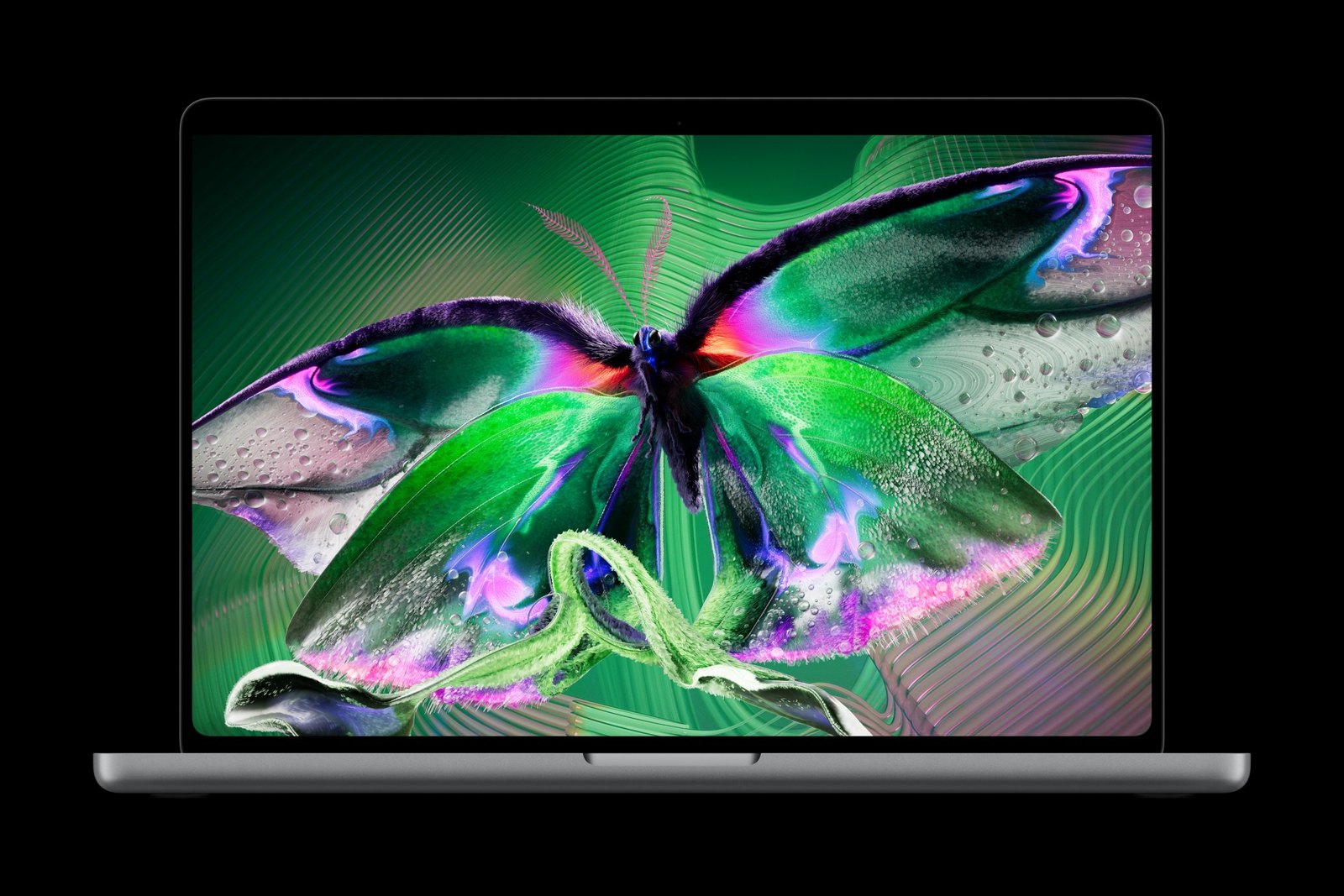
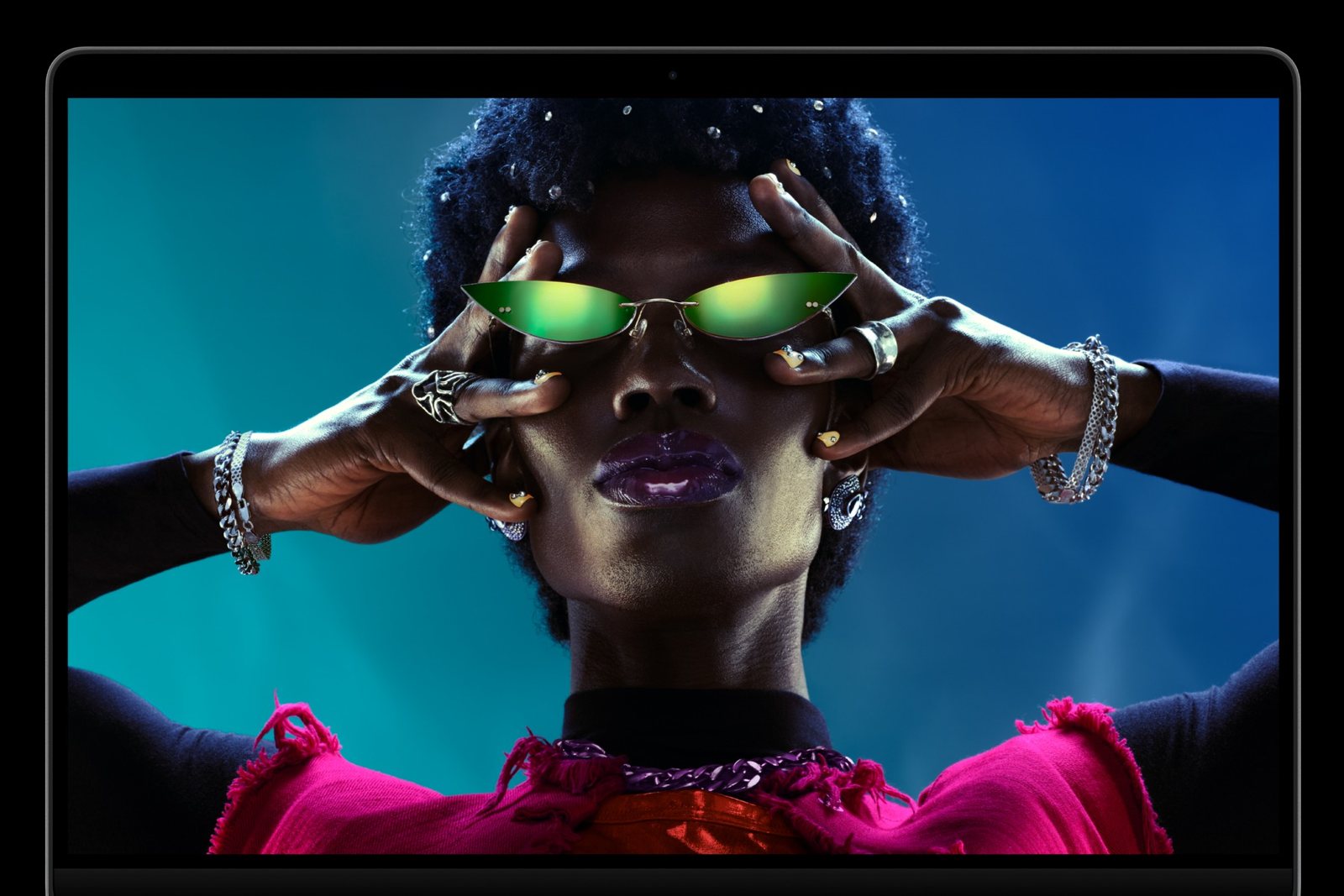
On the left, OLED (PROLED XDR), on the right, mini-LED (Liquid Retina XDR). Photos: Apple.
Brightness, Blackness, and Reflections
The PROLED XDR display is a tandem OLED. Each pixel lights up independently, so black is absolute, and the contrast reaches 10,000,000:1. Brightness is 1000 nits sustained and up to 2000 nits peak in HDR. It achieves the same in SDR content outdoors.
The mini-LED display in M6 and M5 Pro models has 1000 nits sustained and up to 1600 nits in HDR. It’s still very good, but with bright text on a black background, it may show a slight halo. Both displays have a refresh rate of up to 120 Hz.
OLED also received a new anti-reflective coating. According to Fstoppers, it effectively suppressed reflections during the demonstration. However, the real test in sunlight will come after the premiere.
Touch and Dynamic Island in Practice
The OLED model is the first Mac with a touchscreen. You scroll and zoom with your fingers, and macOS adjusts the interface elements for touch use. The keyboard and trackpad remain unchanged. Apple Pencil is not supported.
First impressions from the demonstrations on October 28 are similar. The touch works without delays and is useful for maps, photos, or timelines in Final Cut. According to The Wall Street Journal, however, it can tire the hand during prolonged use. So treat touch as a supplement to the trackpad.
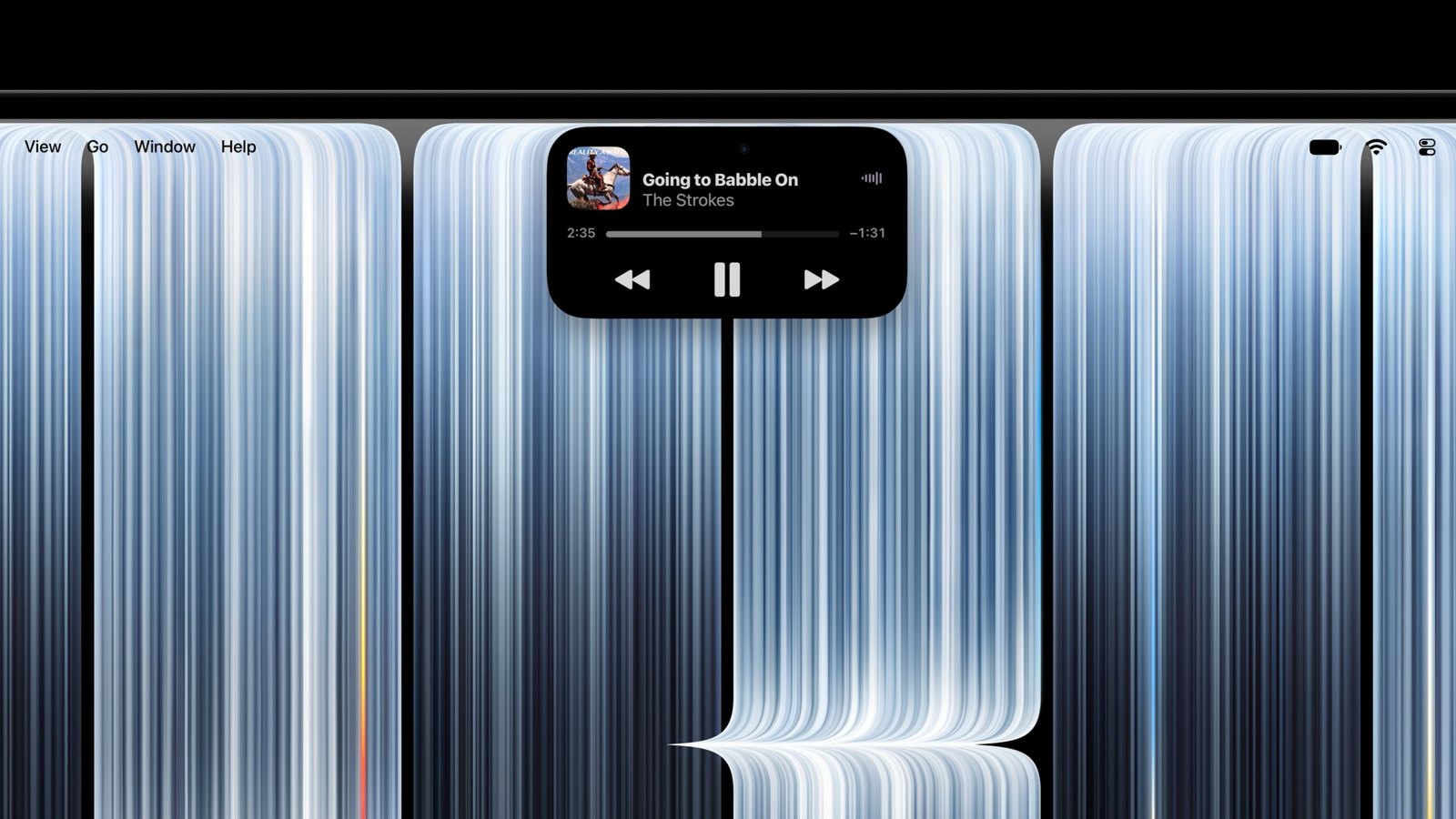
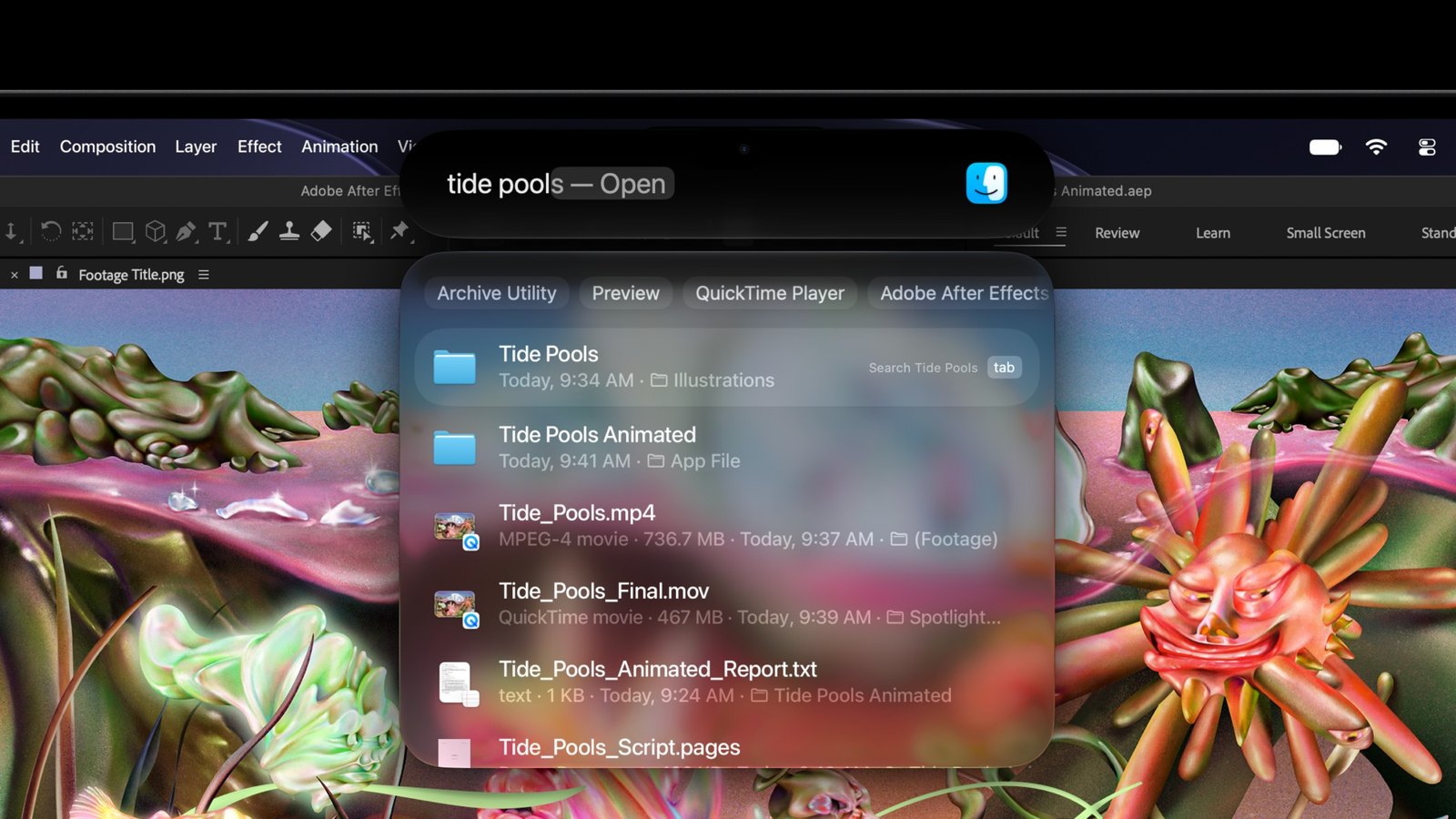
Dynamic Island in MacBook Pro OLED. Photos: Apple.
Dynamic Island replaces the camera notch. It shows the music being played, Spotlight, Siri, and Live Activities. How the screen handles fingerprints and how it holds up battery life during daily use will only be tested after November 6.
Performance: M6 or M5 Pro and M5 Max?
This is the least obvious part of the comparison. M6 is newer, but not always faster. It wins in single-threaded tasks, but loses where the number of cores and graphics matter.
| Chip | Single-core | Multi-core | Graphics (Metal) |
|---|---|---|---|
| M6 (12 CPU / 12 GPU) | 4003 | 21 878 | 89 345 |
| M5 Pro (15 / 16) | 3681 | 29 544 | 125 070 |
| M5 Pro (18 / 20) | 3679 | 33 506 | 135 920 |
| M5 Max (18 / 40) | 3693 | 34 580 | 240 235 |
Average results from Geekbench 7 from October 30, 2026. The M6 score comes from the Mac mini, as the MacBook Pro with M6 is not yet available for sale.
What this means in practice:
- M6 is 8–9% faster in single-threaded tasks than M5 Pro and M5 Max. The browser, office suite, Xcode, or Lightroom work fastest on it with single images.
- M5 Pro is 35–53% faster in multi-threaded tasks. You will feel the difference when exporting video, compiling large projects, and rendering.
- M5 Max has nearly 2.7 times stronger graphics than M6. This chip is for 3D, 8K video, and local AI models.
M6 also has a limit of 32 GB RAM and memory bandwidth of up to 170 GB/s. M5 Pro has 307 GB/s, and M5 Max up to 614 GB/s. If you run large AI models or many virtual machines, M6 will be too tight.
Ports, Monitors, and Charging
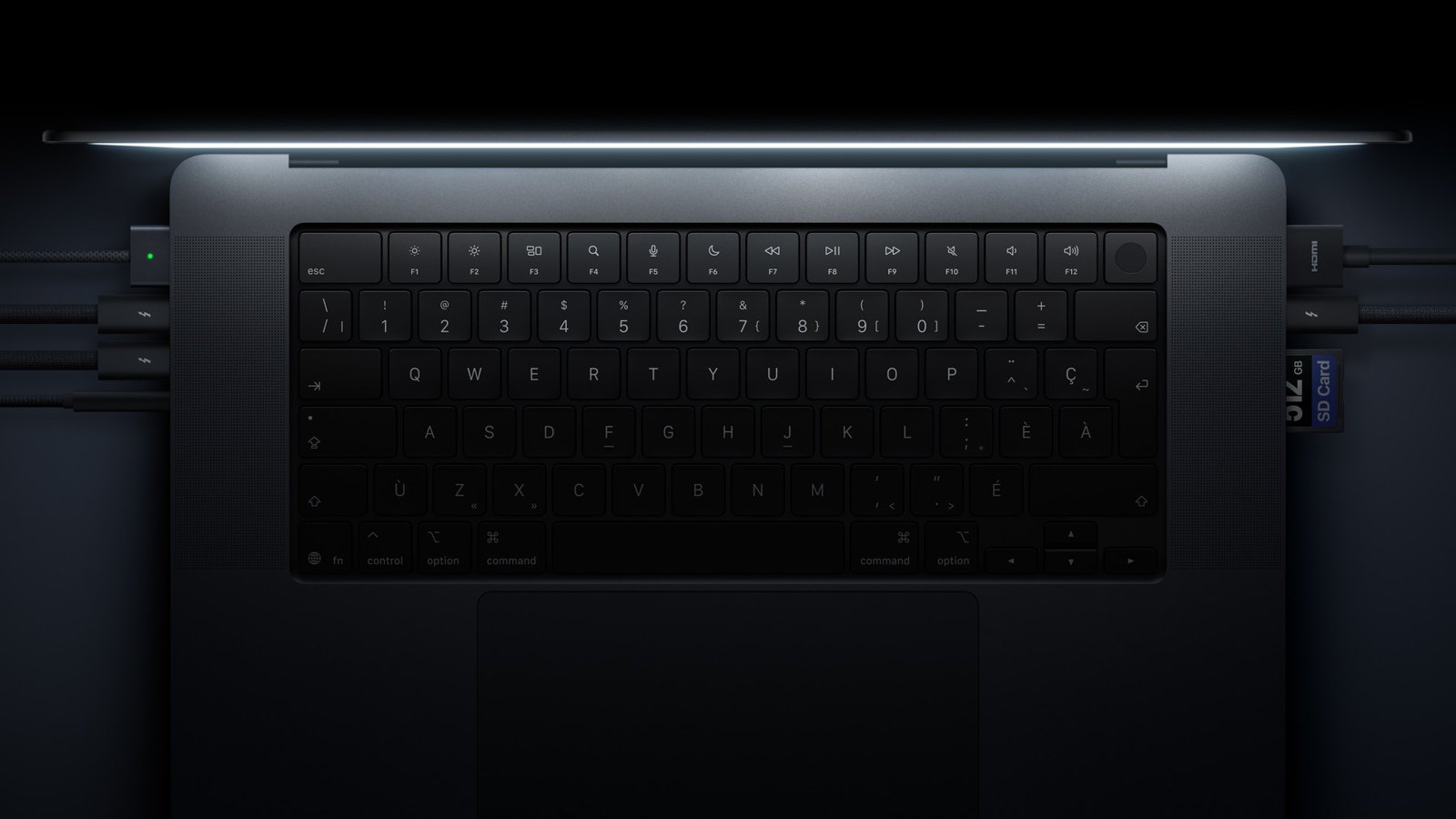
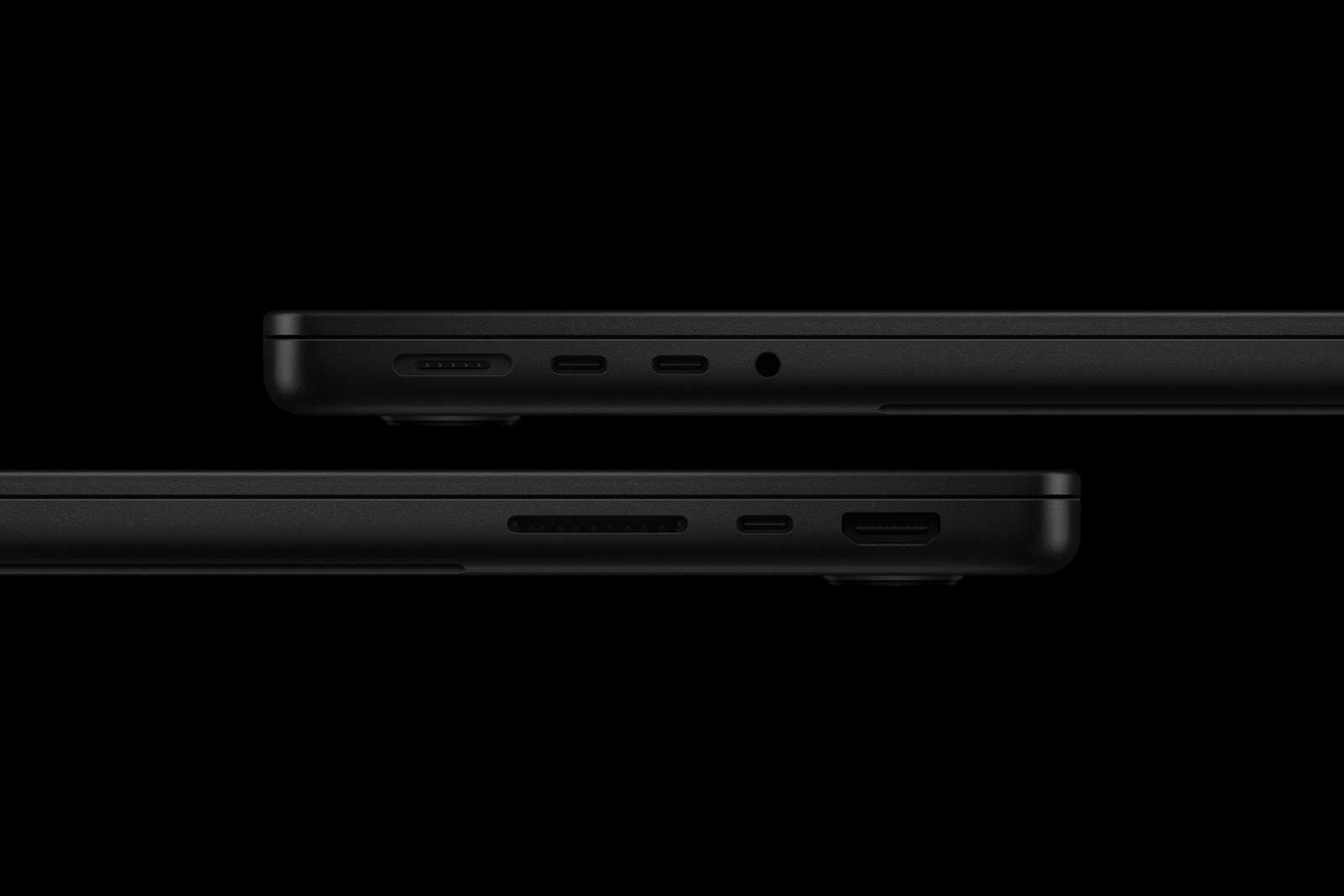
On the left, the ports of the OLED model, on the right, the model with M6. Photos: Apple.
The layout of the ports is the same, but the MacBook Pro with M6 has Thunderbolt 4 (40 Gb/s) instead of Thunderbolt 5 (120 Gb/s). You will notice the difference with the fastest external drives and docking stations.
M6 supports up to 2 external monitors. M5 Pro can handle three, and M5 Max can handle four. If you work at a desk with three screens, M6 is not an option.
For charging the MacBook Pro 14 with M6, Apple recommends a power adapter of at least 60 W. The 14-inch models with M5 Pro and M5 Max require at least 70 W. Fast charging to 50% in about 30 minutes requires 96 W for the 14-inch models and 140 W for the 16-inch models.
Weight, Dimensions, and Battery
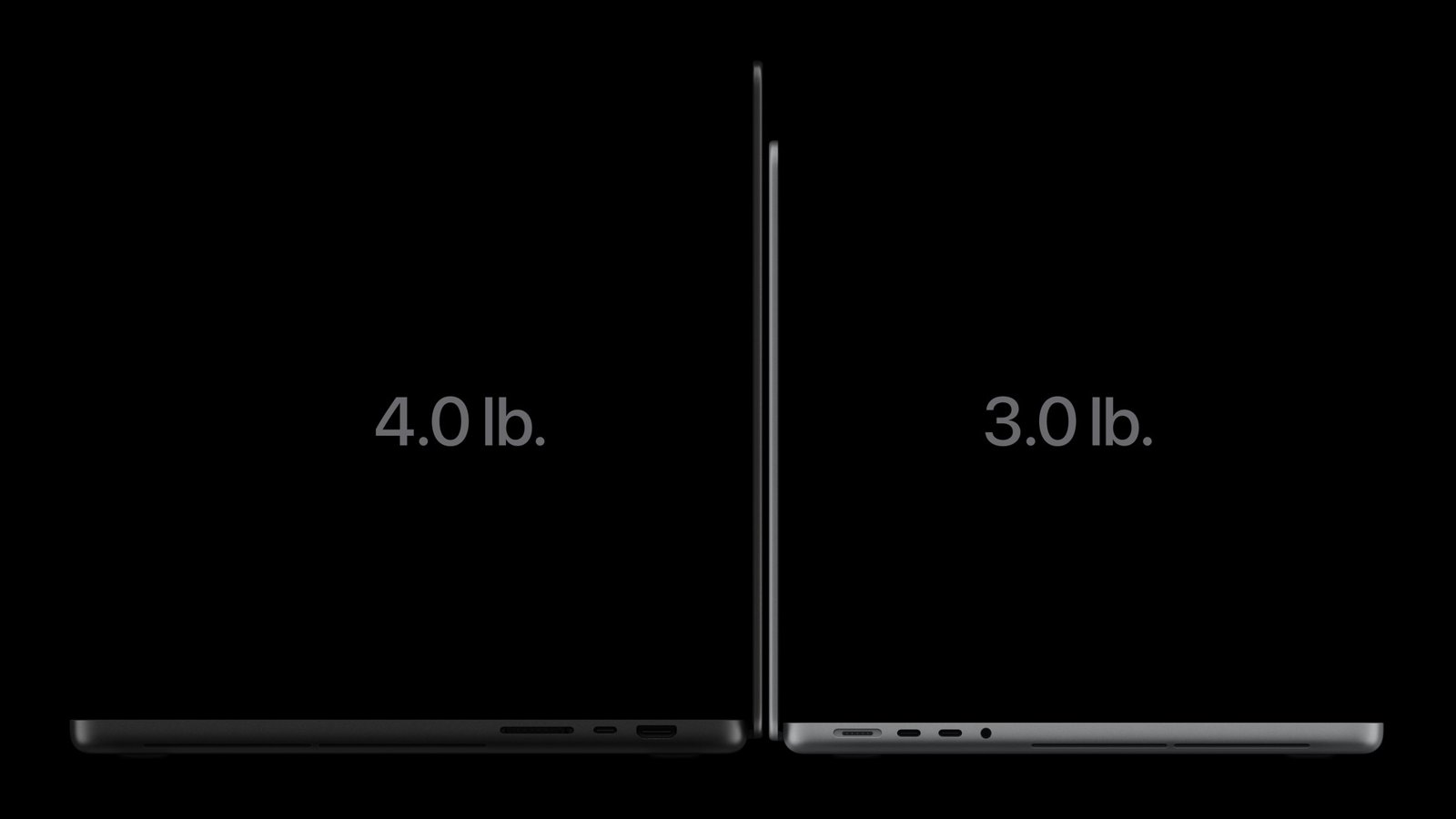
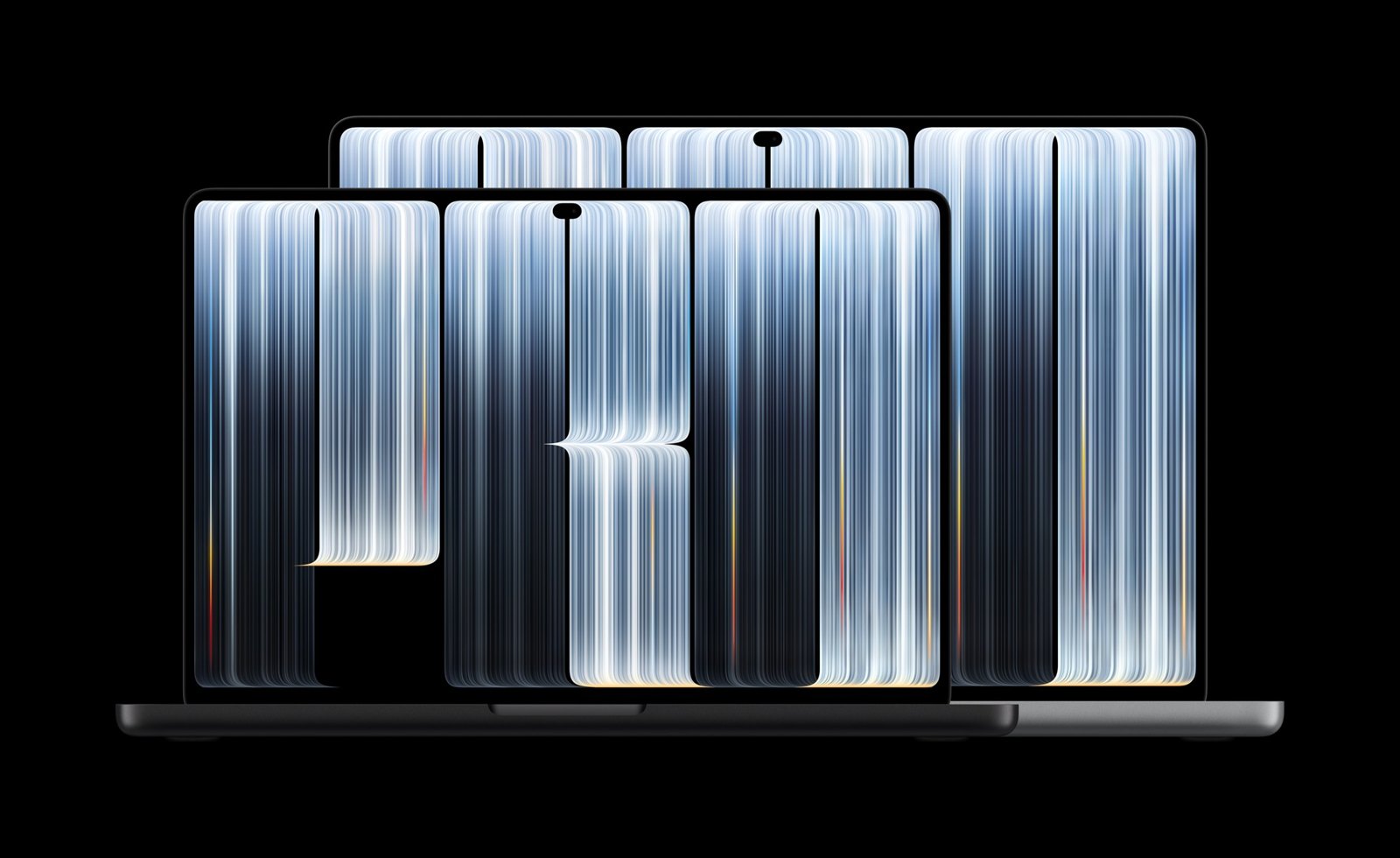
MacBook Pro OLED is thinner and lighter than the mini-LED models. Photos: Apple.
The OLED model is noticeably lighter. The 14-inch version weighs 1.38 kg instead of 1.55 kg in the M6 and 1.60 kg in the mini-LED model with M5 Pro. The 16-inch version weighs 1.82 kg instead of 2.14 kg.
| MacBook Pro OLED 14″ | MacBook Pro 14″ with M6 and mini-LED | |
|---|---|---|
| Dimensions | 310.8 × 216.3 × 15.0 mm | 312.6 × 221.2 × 15.5 mm |
| Battery | 72.6 Wh | 72.4 Wh |
| Video | up to 22 hrs (M5 Pro) | up to 24 hrs (M6) |
Among the 14-inch models, the longest-lasting according to Apple is the MacBook Pro 14 with M6: up to 24 hours of video playback and up to 16 hours of internet browsing. The 14-inch OLED model with M5 Pro achieves up to 22 hours, and with M5 Max up to 20 hours.
14 or 16 inches?
The MacBook Pro with M6 is only available in the 14-inch version. If you want 16 inches, you choose between the mini-LED model and OLED, always with M5 Pro or M5 Max.
14 inches is a better choice if you often carry your laptop. 16 inches provides a larger screen for editing and working with two windows, as well as the longest battery life among models with M5 Pro: up to 24 hours of video.
Accessories: what fits which MacBook Pro?
This is important when choosing: the OLED model has a new, smaller casing. Accessories fit differently.
| Accessory | MacBook Pro 14 with M6 and mini-LED | MacBook Pro OLED |
|---|---|---|
| USB-C Charger | ✅ | ✅ |
| USB-C Cable | ✅ | ✅ |
| USB-C Hub | ✅ | ✅ |
| Sleeve | ✅ | ✅ (looser) |
| Case Cover | ✅ (models 2021–2026) | ❌ |
| Screen Glass or Film | ✅ (models 2021–2026) | ❌ |
The MacBook Pro 14 with M6 has the same dimensions as the MacBook Pro 14 from 2021. Covers and glasses fit them. For the OLED model, new accessories will need to be awaited.
Chargers for MacBook Pro
Since the power adapter is not included in the box, you need to purchase a charger. For 14 inches, 100 W is sufficient, while for 16 inches, 140 W is best. A charger with multiple ports will also charge your phone and headphones.
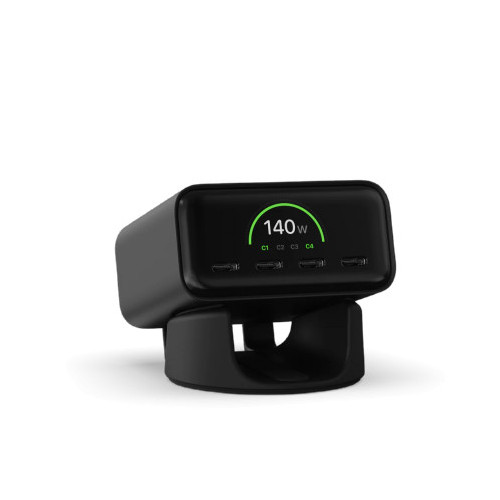
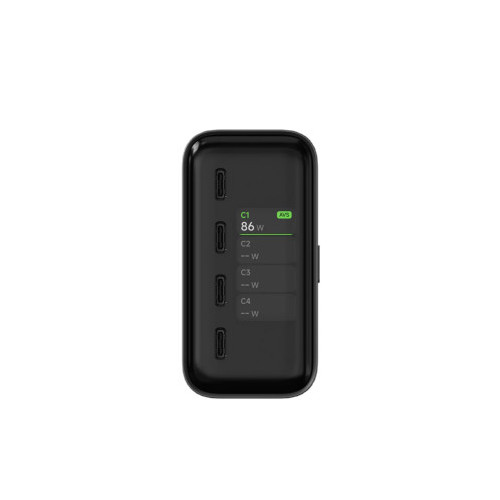
Satechi ChargeView GaN 140W.
Satechi ChargeView GaN 140W has a total of 140 W across four USB-C ports and a display showing the power of each port. For trips, there is the Satechi 4-Port GaN Travel Charger 140W with plugs for different countries.
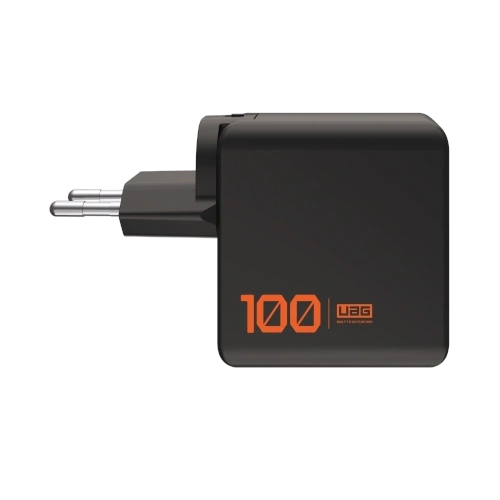

UAG SRGE Charger 100W.
UAG SRGE Charger 100W has a total of 100 W and includes EU, UK, and US plugs in the set. For fast charging of the 16-inch model, choose UGREEN Nexode Pro 160W, which provides up to 140 W from a single USB-C port. We described more models in the article charger for MacBook Pro M5.
Cables and hubs
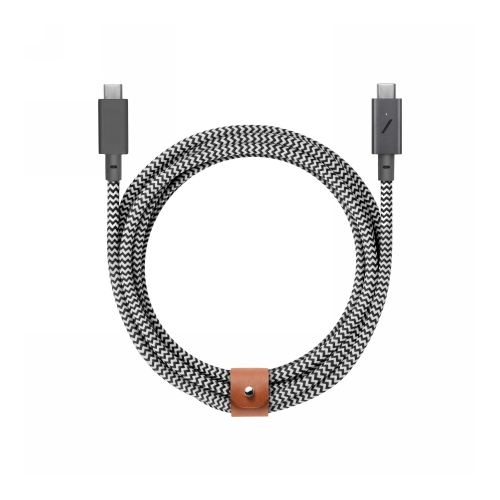
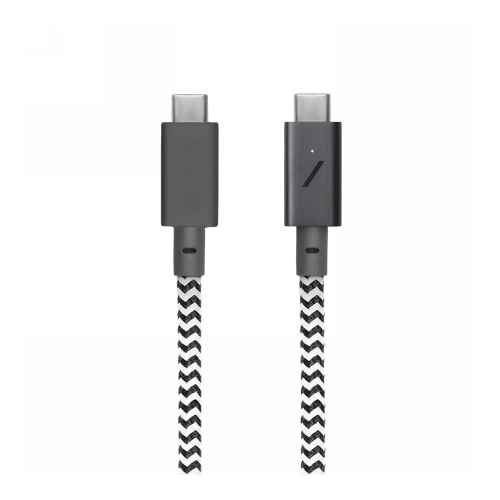
Native Union Belt Cable Pro 240W.
You can also charge every MacBook Pro with a regular USB-C cable through the Thunderbolt port. The Native Union Belt Cable Pro 240W is 2.4 m long and has a durable braid. A cheaper alternative is the UGREEN L534 240W which is 2 m long.
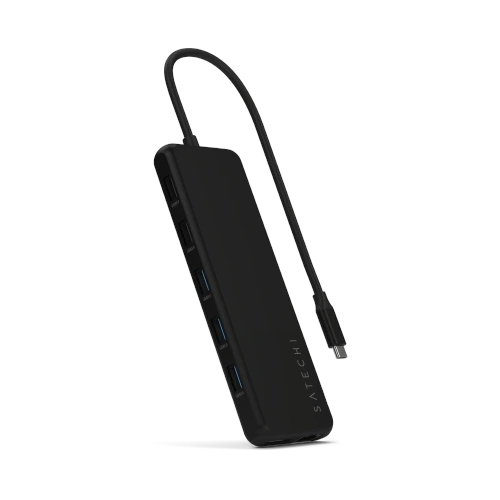
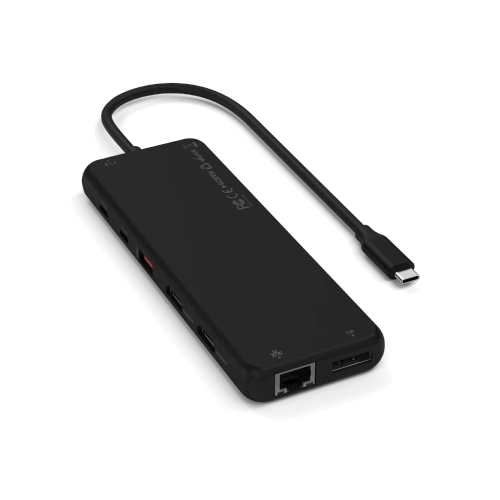
Satechi 13-in-1 Triple Display Multiport Adapter.
Satechi 13-in-1 Triple Display has HDMI, DisplayPort, Ethernet, a card reader, and USB-A ports. Note: on Mac, it will only support one external monitor, as macOS does not support connecting multiple screens through one port. To connect two monitors, plug the second one via HDMI in the MacBook. A small UGREEN 7-in-1 hub with a USB-A port is sufficient for the bag.
Covers and Glasses (M6 and mini-LED)
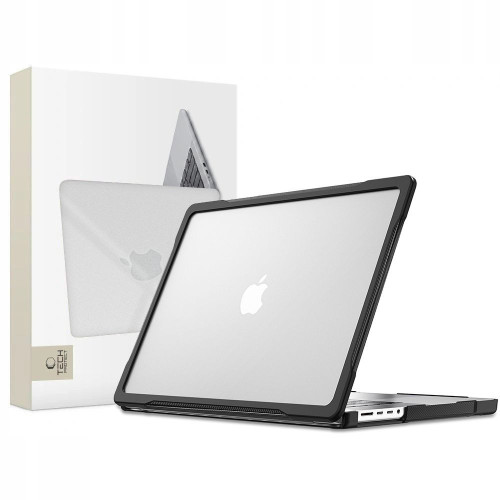
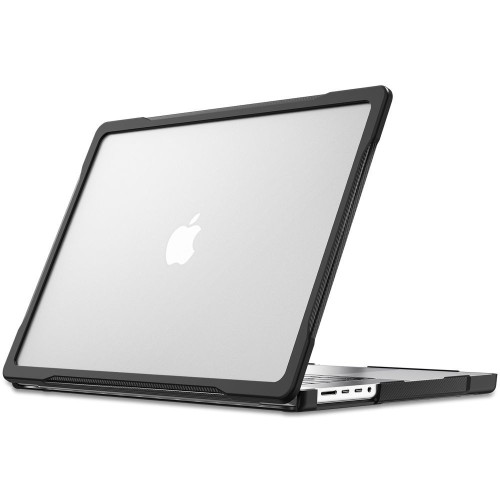
Tech-Protect Velar for MacBook Pro 14.
Tech-Protect Velar is a case for the MacBook Pro 14 from 2021 to 2026, including the M5 Pro and M5 Max. A stronger corner protection is provided by UAG Essential Armor. For 16 inches, there is UAG Essential Armor 16 and a transparent ZAGG Hardshell.
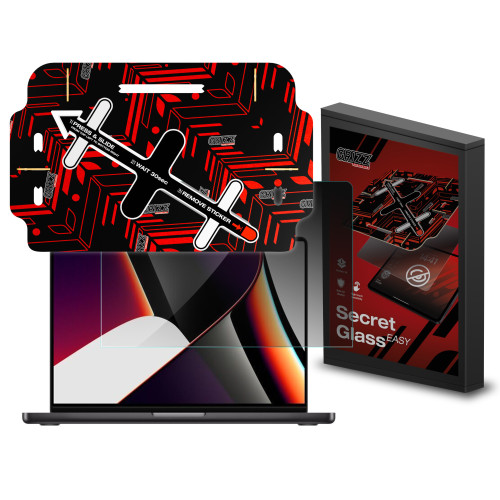
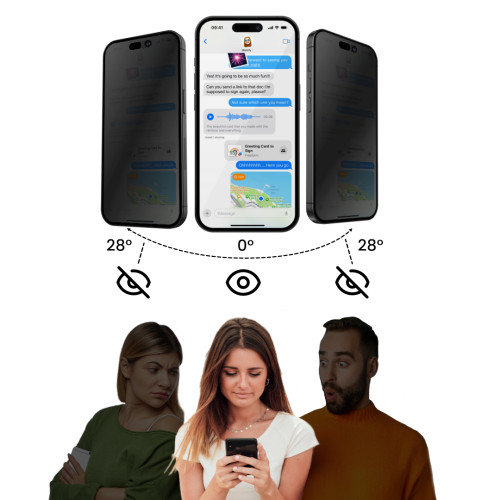
GrizzGlass SecretGlass Easy for MacBook Pro 14.
GrizzGlass SecretGlass Easy is a privacy glass. The person next to you on the train won’t see what you have on your screen. You can find more models in the texts cases for MacBook Pro M5 and glass or film for MacBook Pro.
Covers (also fit the OLED model)

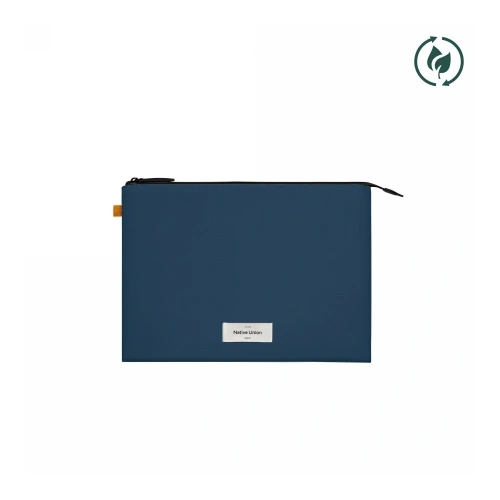
Native Union W.F.A Sleeve for MacBook Pro 14.
The case does not fit tightly to the chassis, so a smaller OLED model will also fit in it, just with more room. Native Union W.F.A Sleeve is available in a 14-inch version and 16-inch.
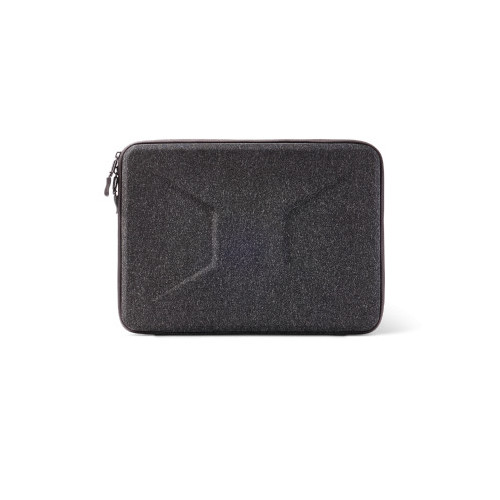
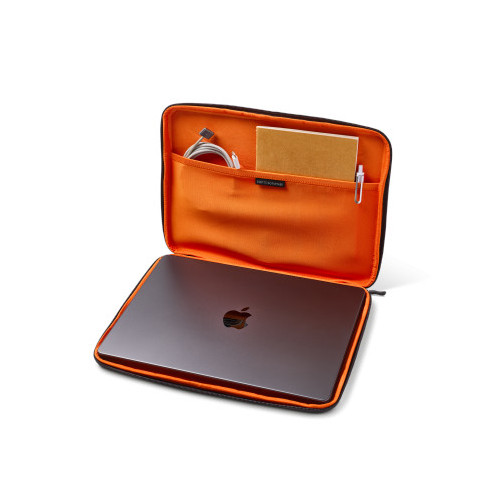
UAG Civilian Shock Sleeve 15–16″.
UAG Civilian Shock Sleeve has reinforced edges and protects against drops. The full selection is in the accessories for MacBook Pro 14 category.
[hs_products ids=”138104,124210,80053,104212,140520,132746,127068,135352″ cols=”4″]
Verdict: which MacBook Pro to buy?
MacBook Pro 14 with M6 is the best choice for most. It is the cheapest, has the fastest single-core performance, and the longest battery life among 14-inch models, and the covers and glasses for it are already available. Limitations include 32 GB of RAM, 2 monitors, and Thunderbolt 4.
MacBook Pro with mini-LED and M5 Pro is the choice if you edit videos, program large projects, or work on three monitors. It has the same power as the OLED model for 2000 PLN less and is available immediately.
MacBook Pro OLED is for those who want the best screen in a laptop and weigh every gram. For an additional 2000 PLN, you get OLED, touch, Dynamic Island, and a case that is over 200 g lighter. Accessories for it will only be hitting stores soon.
FAQ
Does the MacBook Pro OLED have a touchscreen? Yes. It is the first Mac with a touchscreen. You operate it with your fingers, but the Apple Pencil does not work.
How much does the MacBook Pro OLED cost in Poland? From 14,999 PLN for the 14-inch model with M5 Pro and from 17,999 PLN for the 16-inch model.
How much more do I pay for OLED compared to the MacBook Pro with mini-LED? Exactly 2000 PLN for the same chip, memory, and storage.
Is M6 faster than M5 Pro? Single-core, yes, by 8–9% in Geekbench 7. In multi-core and graphics, M5 Pro is clearly faster.
Does the MacBook Pro with M6 have Thunderbolt 5? No. It has three Thunderbolt 4 ports. Thunderbolt 5 is available on models with M5 Pro and M5 Max.
How many monitors can I connect to the MacBook Pro with M6? At most two external monitors. M5 Pro supports three, and M5 Max four.
Does the MacBook Pro come with a charger in the set in Poland? No. The box only contains a USB-C cable for MagSafe 3. The power adapter must be purchased separately.
What charger for MacBook Pro M6 and OLED? At least 60 W for M6, 70 W for 14-inch models with M5 Pro and M5 Max, and 94 W for 16-inch models. For fast charging, you need 96 W for the 14-inch version and 140 W for the 16-inch version.
Does the case for MacBook Pro 14 with M5 fit the OLED model? The cover does not, because the OLED model has different dimensions for the casing and screen: 310.8 × 216.3 mm instead of 312.6 × 221.2 mm. However, it fits the MacBook Pro 14 with M6. A sleeve-type case will fit both.
When will the MacBook Pro OLED and M6 be in stores? From Friday, November 6, 2026. Pre-orders started on October 28.
Sources: Apple specifications for models with OLED and with mini-LED, press release about the MacBook Pro with M6, press release about the MacBook Pro OLED, Apple Store in Poland, Geekbench, Fstoppers, MacDailyNews.
Leave a Reply