Tag: Apple

  • WWDC 2026 — what to expect? iOS 27 and the new Siri

    WWDC 2026 — what to expect? iOS 27 and the new Siri

    WWDC 2026 starts on June 8, and the highlight of the keynote (at 7:00 PM Polish time) will be iOS 27 along with a completely redesigned Siri based on Apple Intelligence. Apple will showcase six new systems: iOS 27, iPadOS 27, macOS 27, watchOS 27, tvOS 27, and visionOS 27. This is a fully software-focused conference, so we are unlikely to see any new hardware.

    Looking for specifics, not marketing fluff? Below we have gathered everything that is known about iOS 27 before the official feature presentation: key new features, a list of supported iPhones, the release date, and what WWDC 2026 means for your phone. No beating around the bush.

    When is the iOS 27 release?

    The iOS 27 developer beta will be available on June 8, 2026, right after the keynote. The public iOS 27 beta is expected in July, and the final, stable version will be available to everyone in the fall of 2026, shortly after the September launch of the iPhone 18 series (iOS 27 release date).

    When is WWDC 2026 and how to watch the keynote?

    WWDC 2026 runs from June 8 to June 12, 2026. The keynote opening the conference takes place on Monday, June 8 at 10:00 AM Pacific Time, which is 7:00 PM in Poland. It is during this presentation that Apple will showcase all the new operating systems.

    You can watch the live stream for free on the Apple Developer website, in the Apple TV app, and on Apple’s YouTube channel. The conference has a hybrid format: online sessions for developers from around the world and an in-person event at Apple Park.

    In short: if you’re only interested in what you’ll get on your iPhone, the keynote on June 8 is enough. The rest of the week is dedicated to technical sessions for developers.

    iOS 27 — what’s new in the update?

    iOS 27 is the biggest premiere of WWDC 2026. According to reliable reports, Apple is focusing this time on stability, performance, and battery life, rather than a visual revolution. Internally, the project is compared to the legendary “Snow Leopard” — a release that refined the system instead of adding dozens of features.

    This doesn’t mean there will be a lack of new features. Here are the key changes we expect in iOS 27:

    • New Siri with Apple Intelligence — features promised back in iOS 18 are finally making their way to users
    • Siri as a chatbot — a full-fledged conversational mode, working similarly to ChatGPT or Claude, with a separate Siri app
    • Personal context — Siri is supposed to understand what is on the screen and perform actions within and between applications
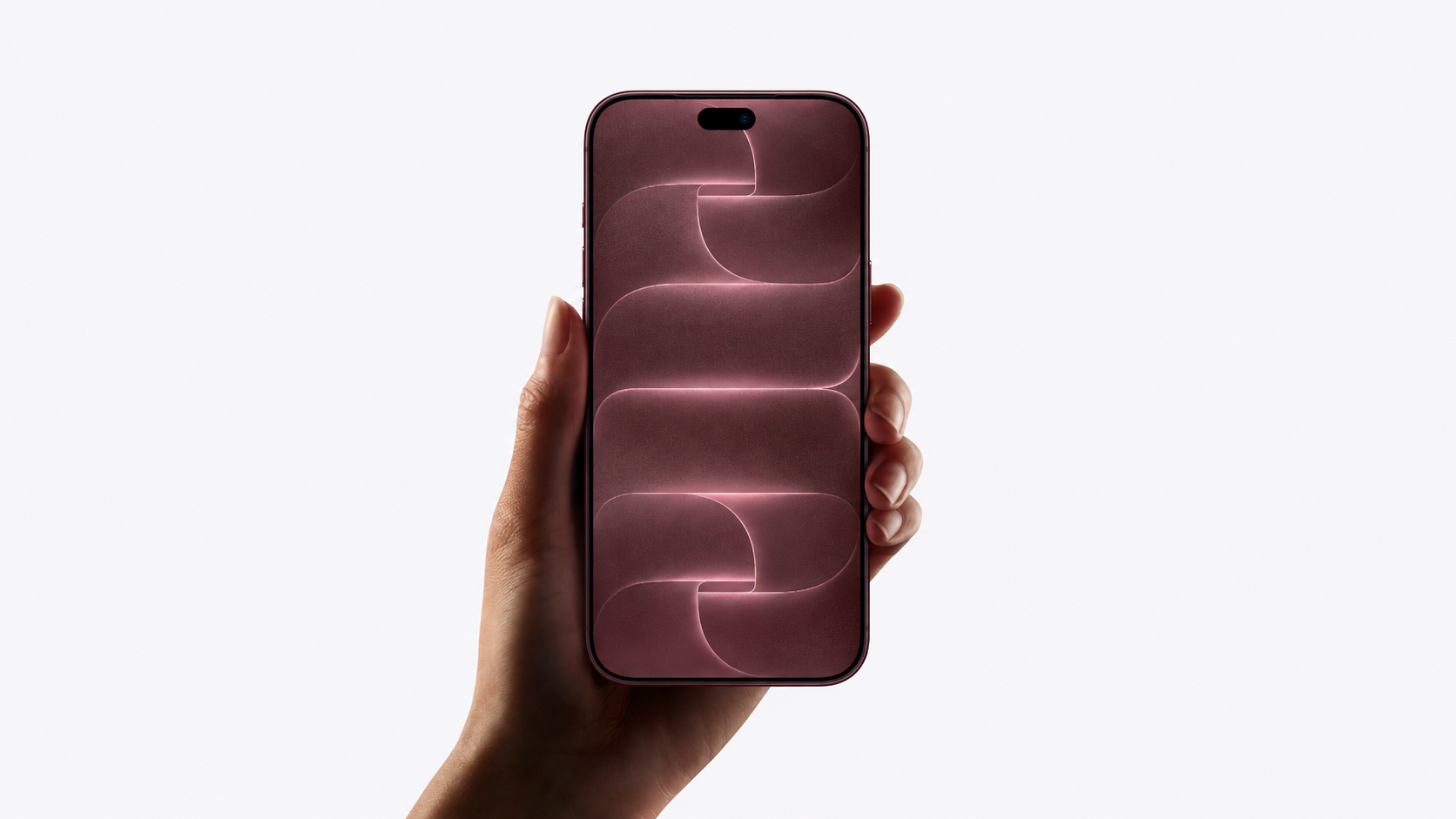
    • Liquid Glass Adjustment — a system slider to adjust the intensity of the Liquid Glass effect throughout the system
    • Smart Photos — AI-based editing in the Photos app and new Visual Intelligence features in the camera
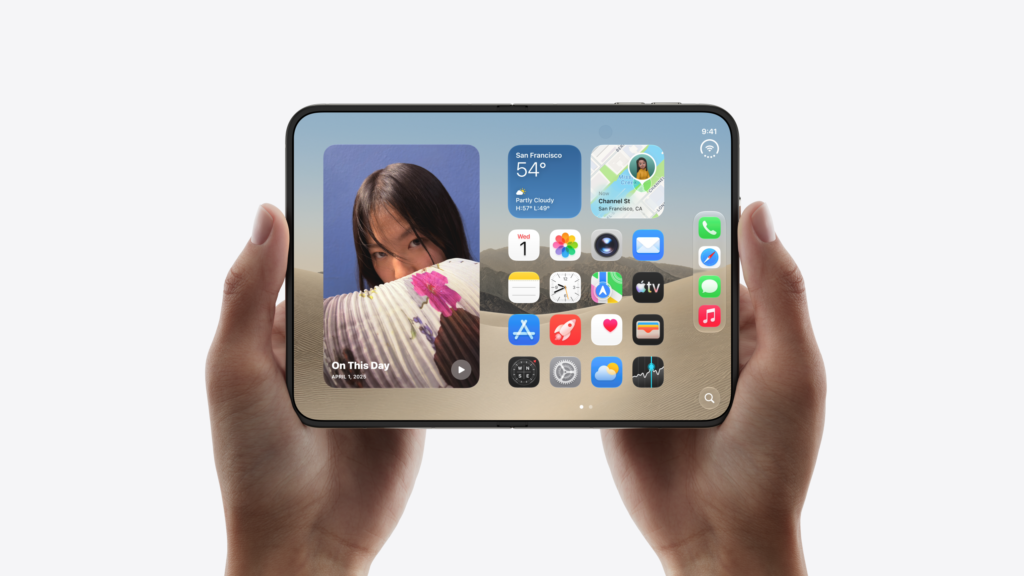
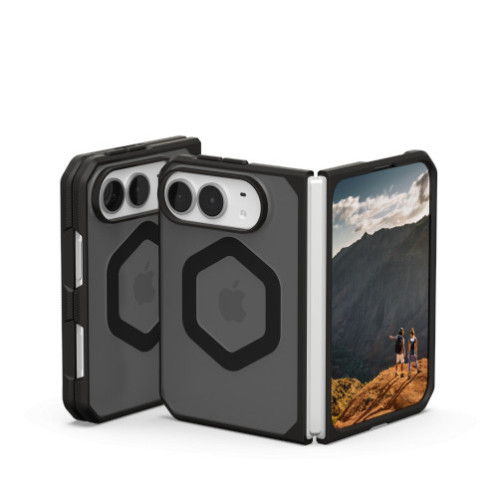
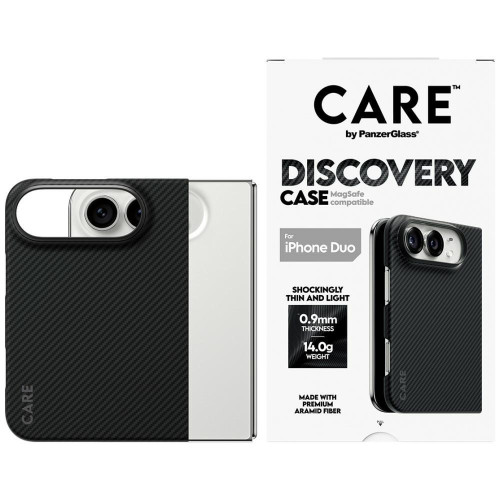
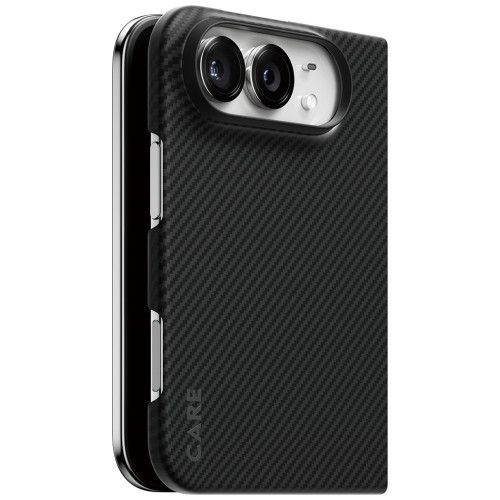
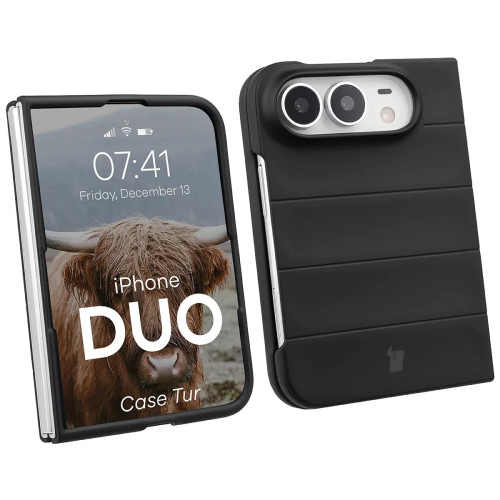
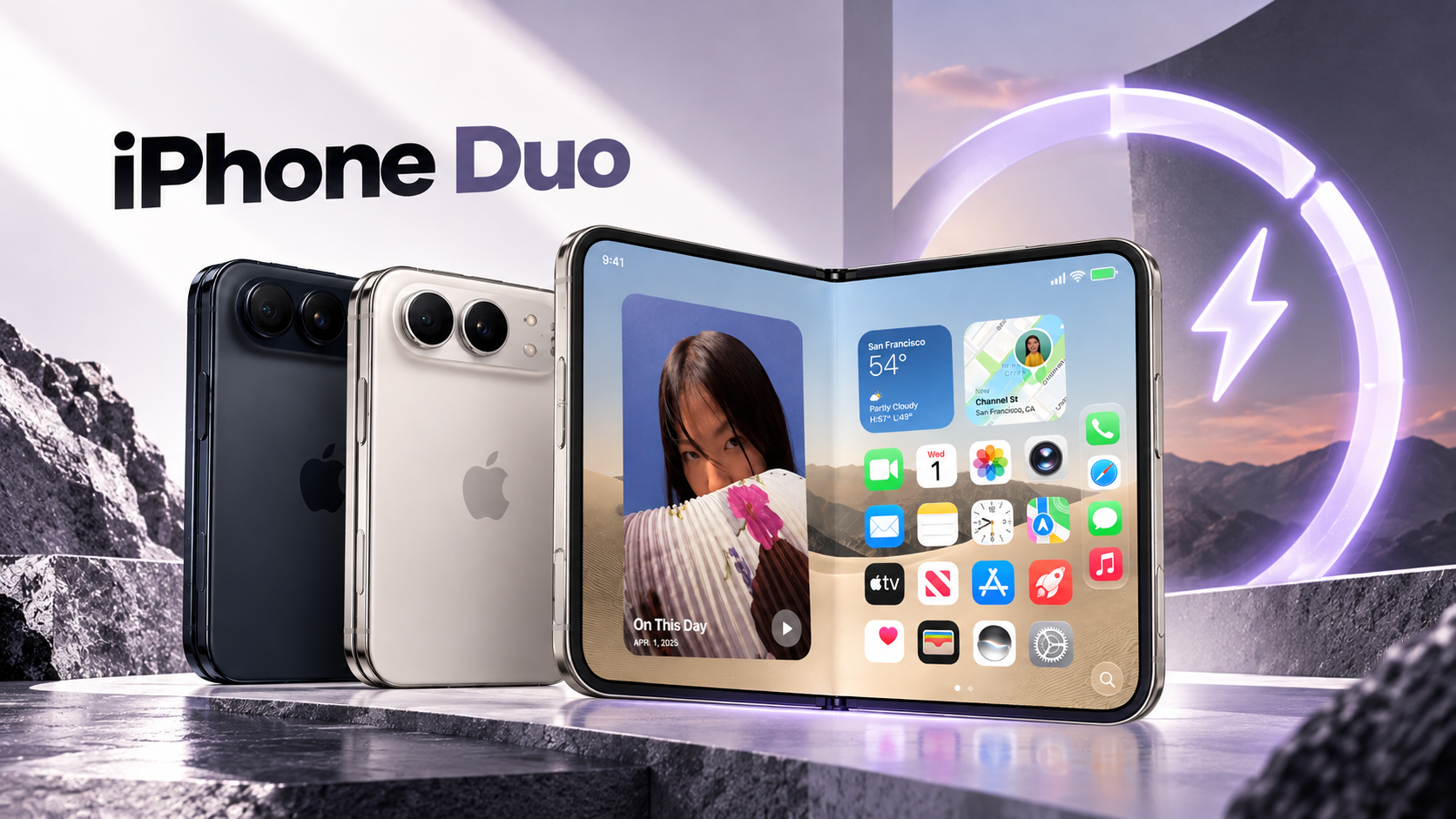
    • Optimizations for Foldable iPhone — a mode for two apps side by side, preparing the ground for the iPhone Fold

    Revamped Siri — the most important change

    The overhaul of Siri is the highlight of the program. The assistant is set to gain “memory” of context, awareness of what you see on the screen, and the ability to take real actions in apps — e.g., “send photos from yesterday’s walk to Ania.” After years of promises, Siri is finally catching up with the competition.

    For the first time, there will also be a standalone Siri app in chat mode. This is a significant shift in philosophy: instead of short commands, you engage in a conversation.

    iOS 27 — which phones support the update?

    iOS 27 supports iPhones from model 12 and above, as well as the iPhone SE 3rd generation (the so-called iOS 27 supported devices). The iPhone 11, 11 Pro, 11 Pro Max, and iPhone SE 2nd generation (2020) are dropping off the list — these are the ones losing support this year.

    Importantly, the update itself is not everything. Apple Intelligence requires a more powerful processor, which is why only newer models will receive the full AI functionality. Compatibility is divided into three levels:

    iPhoneiOS 27Apple Intelligence
    iPhone 17, Air, 17 Pro, 17 Pro Max
    iPhone 16, 16 Plus, 16 Pro, 16 Pro Max, 16e
    iPhone 15 Pro, 15 Pro Max
    iPhone 15, 15 Plus
    iPhone 14 (all)
    iPhone 13 (all)
    iPhone 12 (all)
    iPhone SE (3rd gen)
    iPhone 11 and older

    In practice: if you have an iPhone 15 Pro or newer, you will receive the full iOS 27 with AI features. Do you have an iPhone 12-15 (non-Pro)? You will update the system, but without Apple Intelligence. iPhone 11 and older will remain on iOS 26.

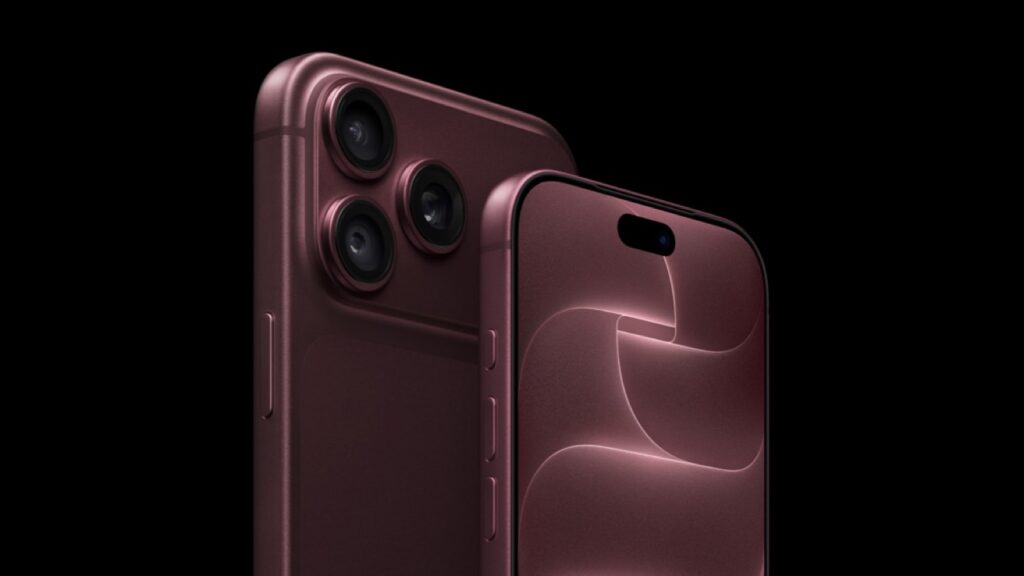
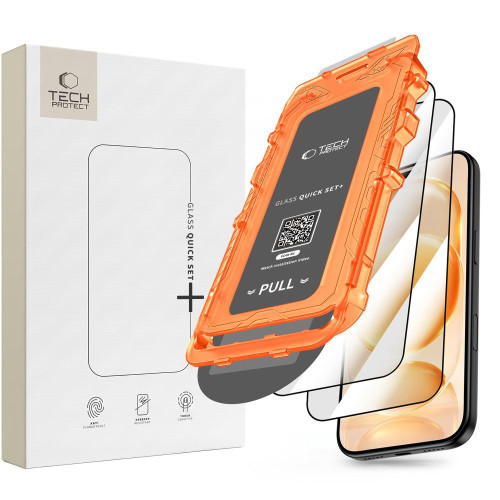
    Are you planning to upgrade to a newer model? If you care about full Apple Intelligence, aim for at least the iPhone 15 Pro. You can find the latest flagship models with full AI support along with iPhone accessories at Home Screen — from cases to tempered glass.

    New features in iPadOS 27, macOS 27, watchOS 27, and other systems

    WWDC 2026 is not just about the iPhone. Apple is unifying the experience across all devices, and the “27” numbering encompasses the entire portfolio.

    • iPadOS 27 — further development of multitasking and windows, bringing the iPad closer to the Mac
    • macOS 27 — another release for Macs, focusing on performance and integration with Apple Intelligence
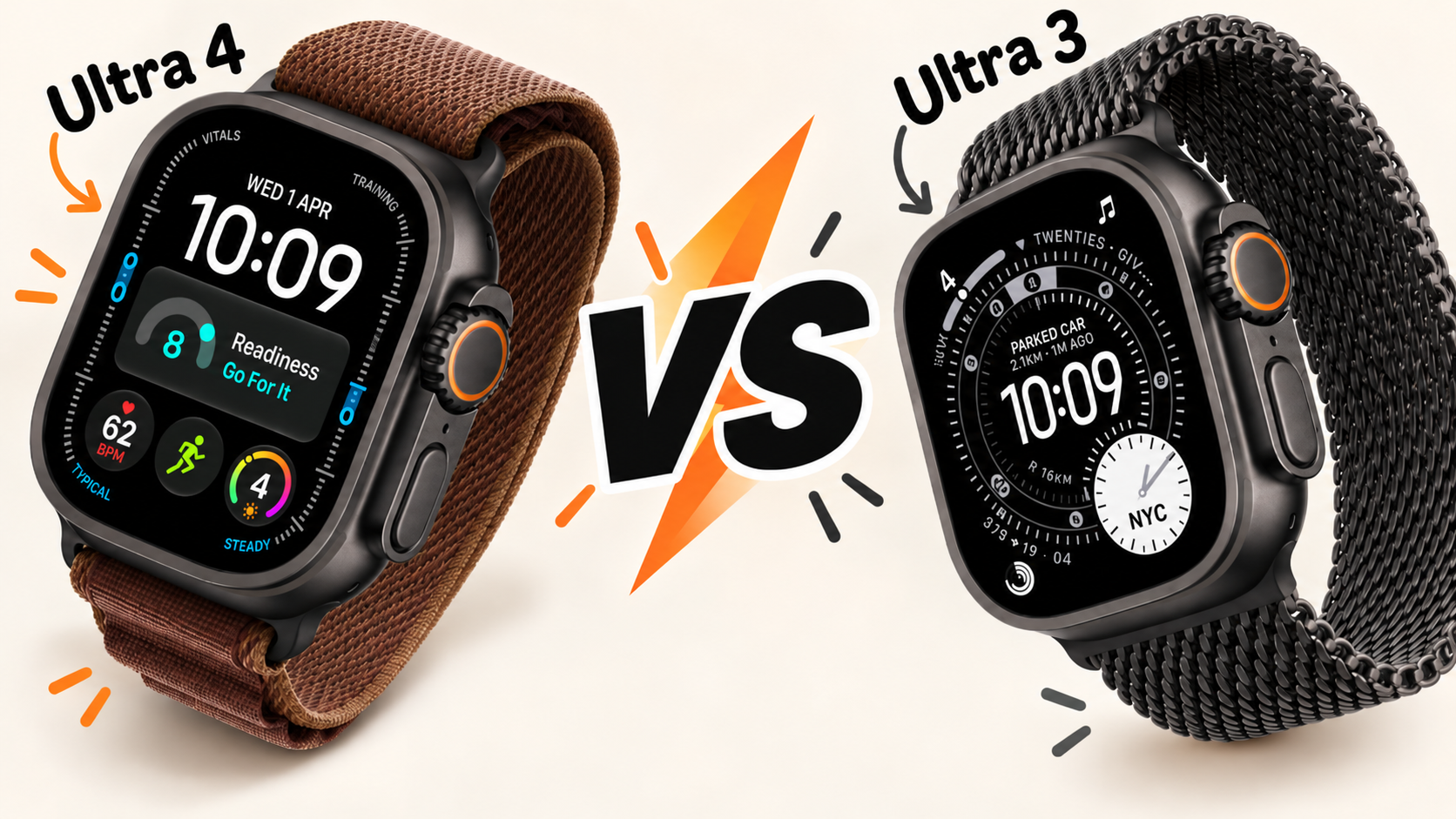
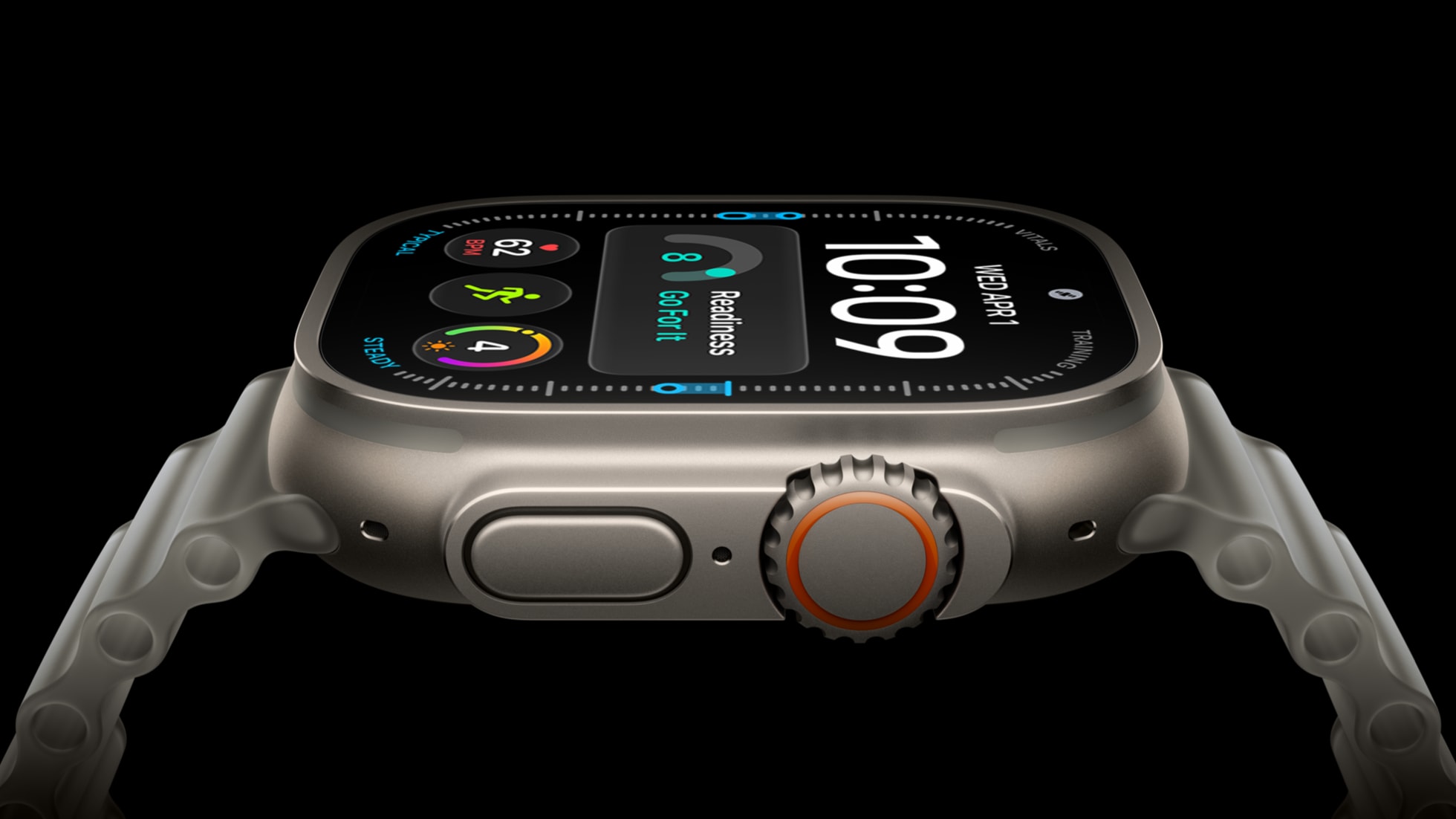
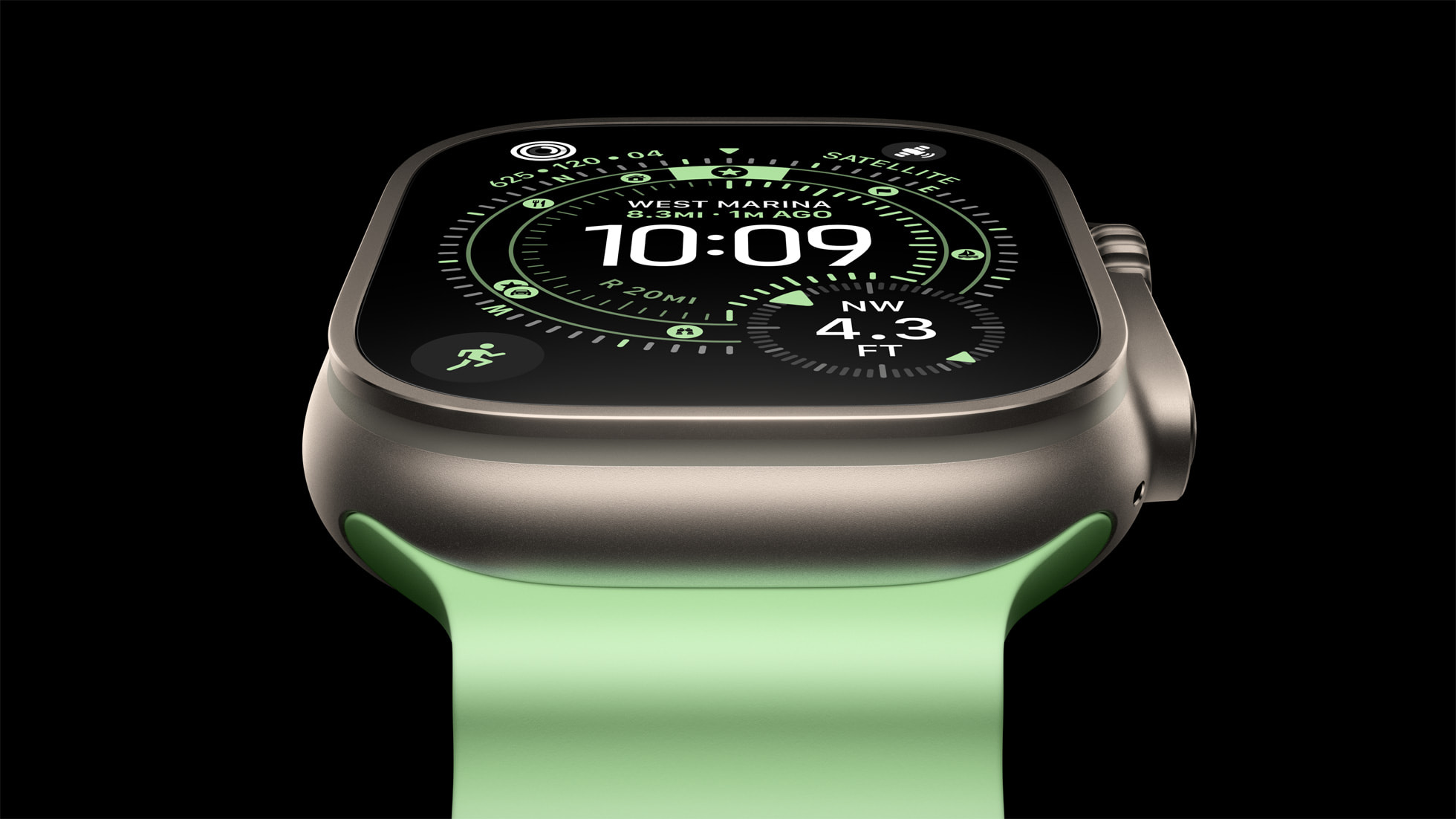
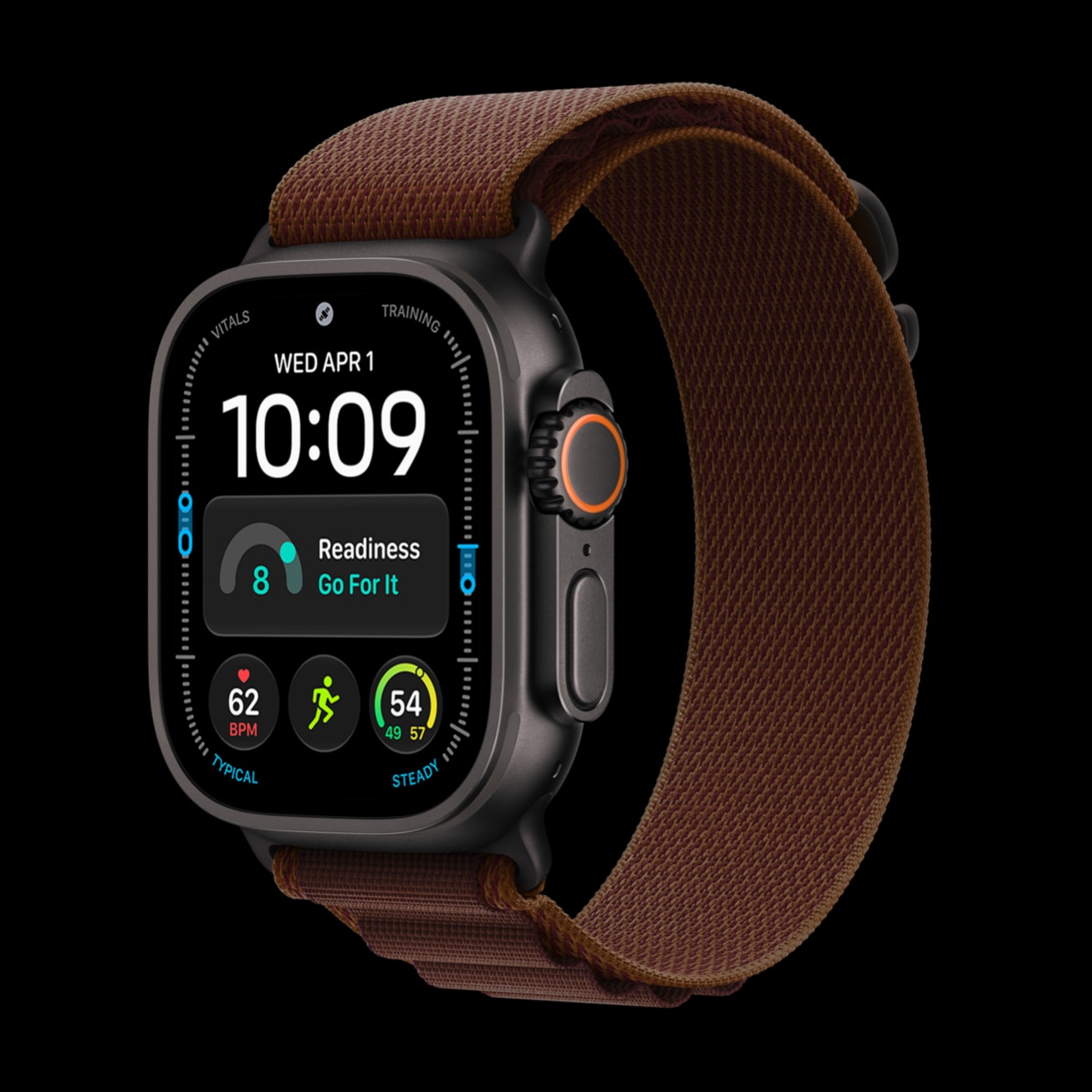
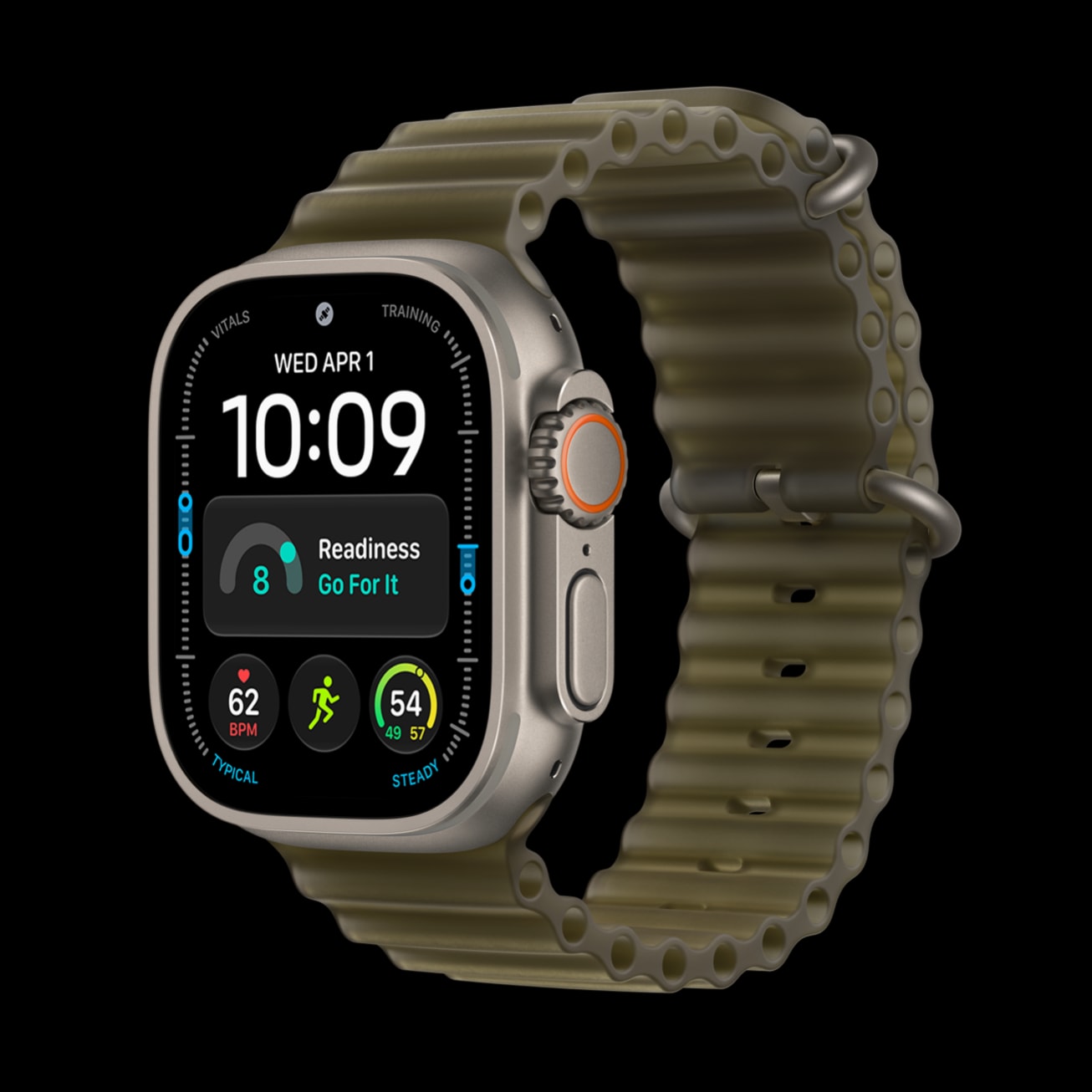
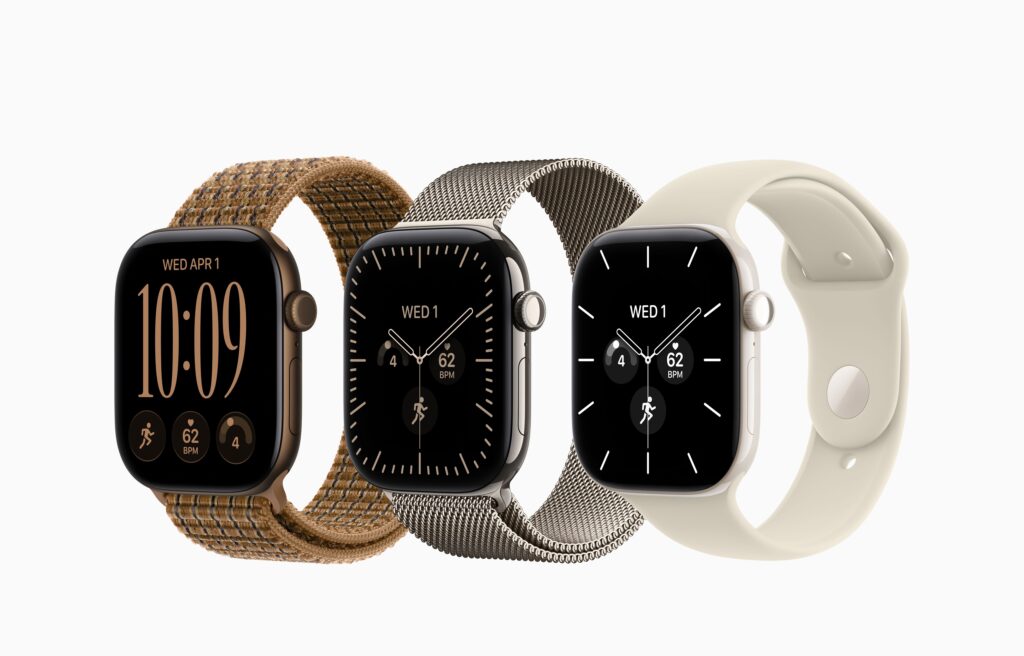
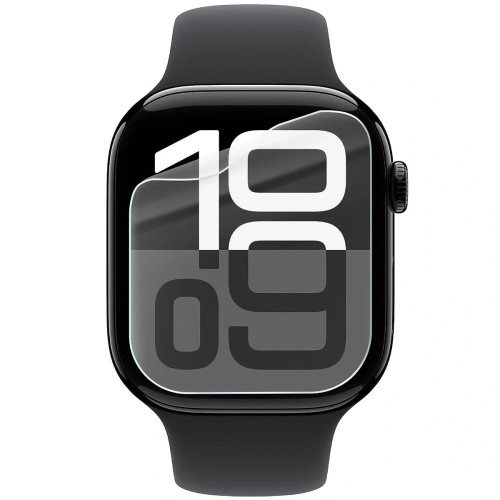
    • watchOS 27 — new watch faces, including the Modular Ultra variant with a large clock and three complications
    • visionOS 27 — development of the system for Apple Vision Pro
    • tvOS 27 — a refresh for Apple TV, with rumors of new hardware in the background

    The consistent “27” numbering means that your iPhone, iPad, Apple Watch, and Mac will receive updates in the same cycle. This is convenient if you use multiple Apple devices at once.

    Will there be new hardware at WWDC 2026?

    Probably not. WWDC has been a software conference for years, and Apple reserves hardware launches for the fall. There are whispers about a new Apple TV and a refreshed Mac mini, but none of these devices have been confirmed.

    If you’re waiting for a new iPhone, the real launch will take place in September 2026 along with the iPhone 18 series. WWDC is a preview of how your current phone will change after the fall update. And if you’re comparing cameras before making a purchase, check out our ranking of the best phones for photos 2026.

    What does WWDC 2026 mean for your iPhone?

    The biggest benefits will go to owners of the iPhone 15 Pro and newer — they will receive the full Apple Intelligence and the new Siri. If you have an older model, iOS 27 will still bring better stability and longer battery life, which for many people is more important than additional AI features.

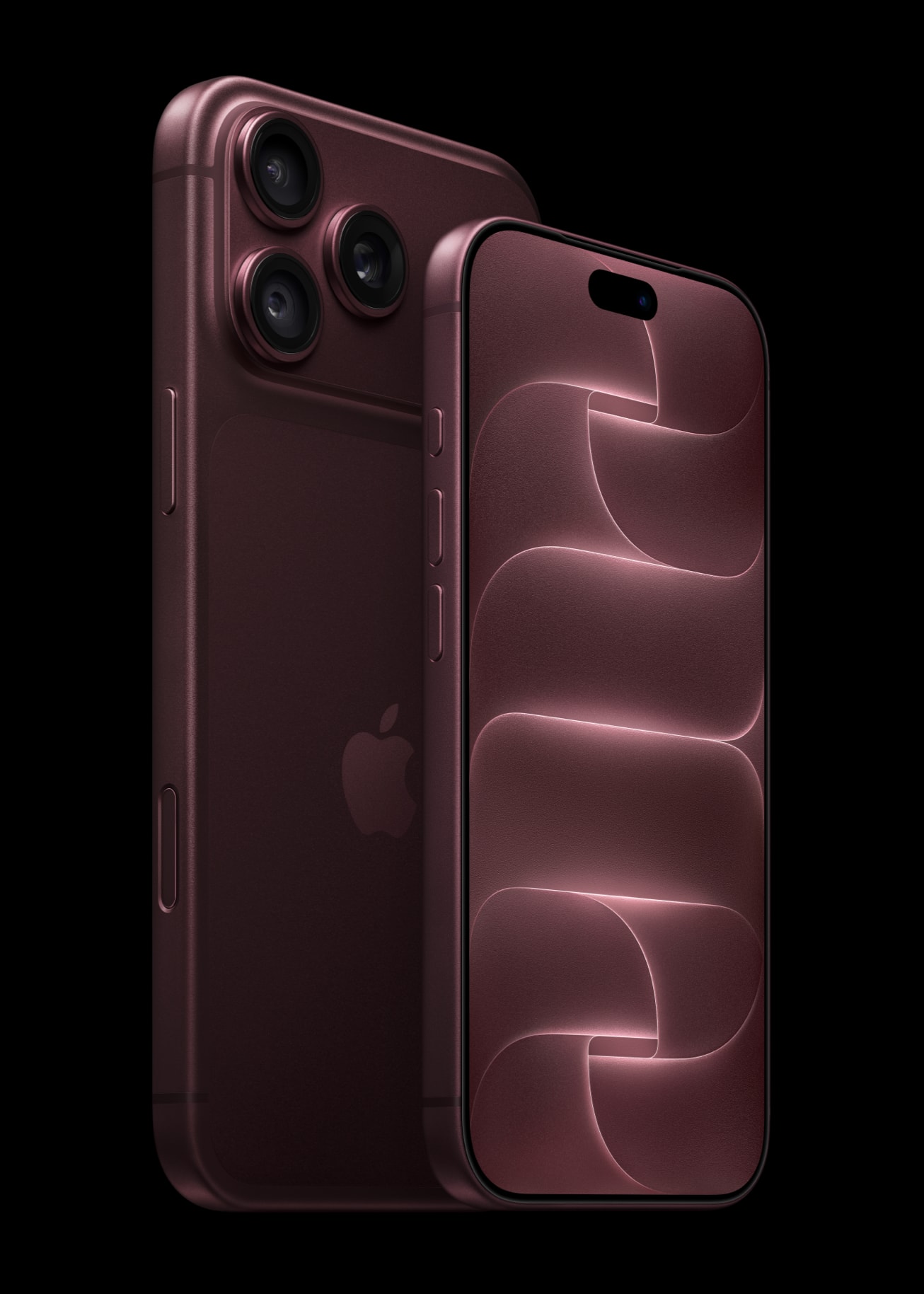
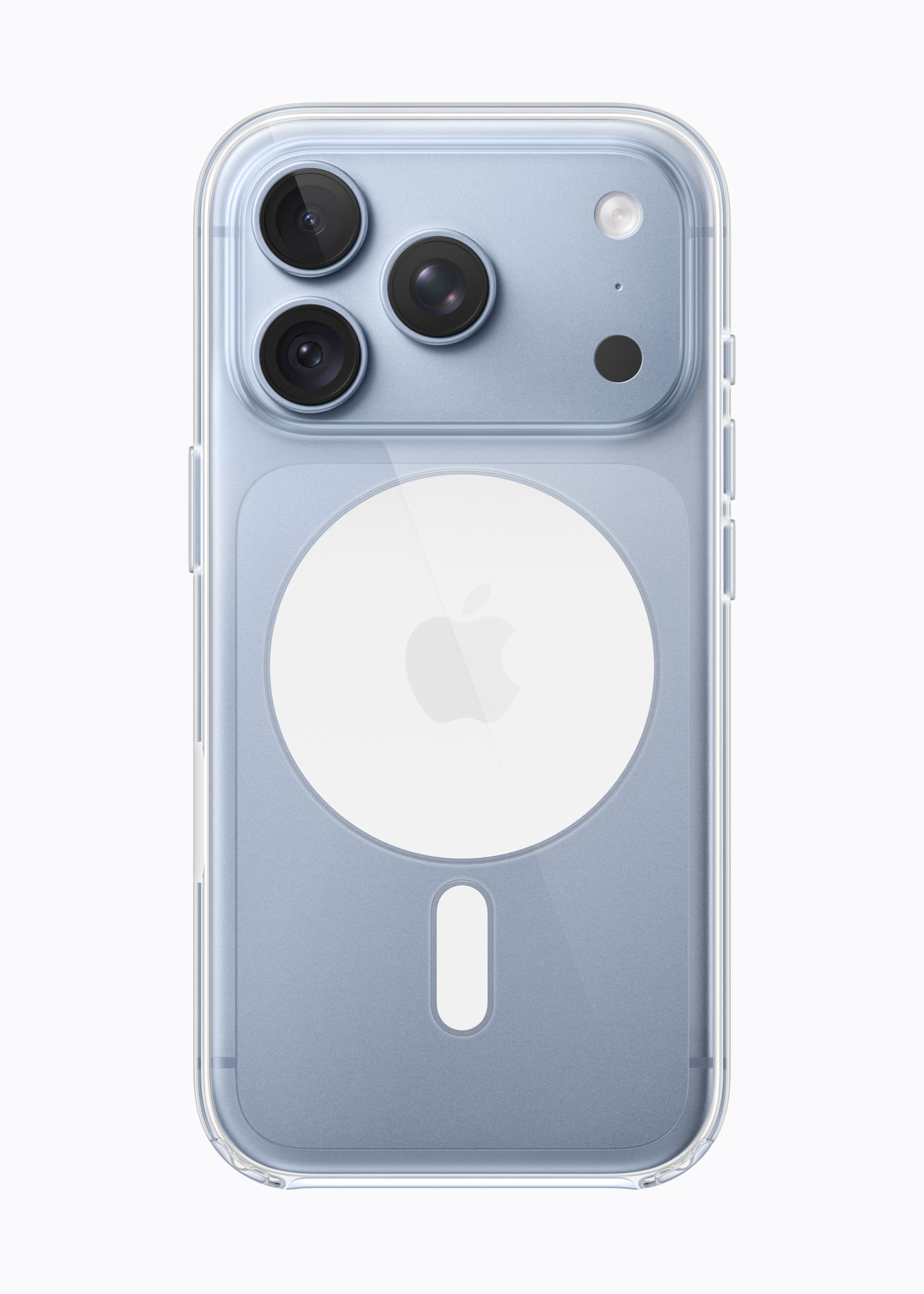
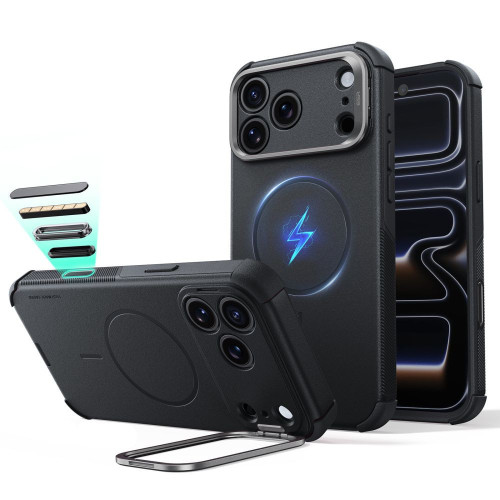
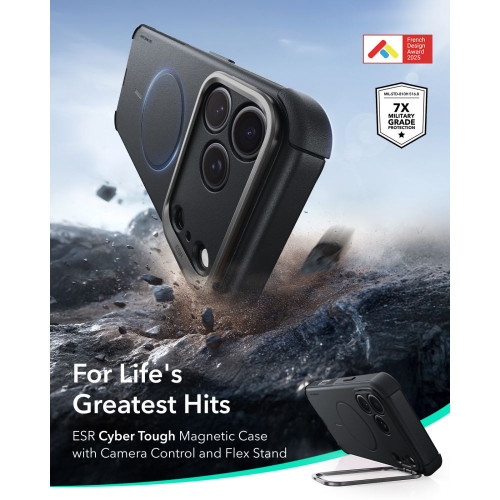
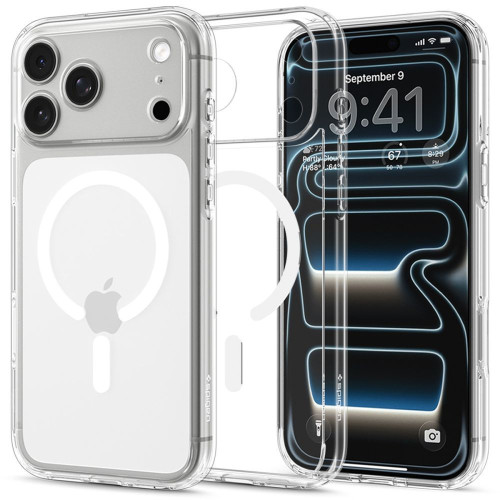
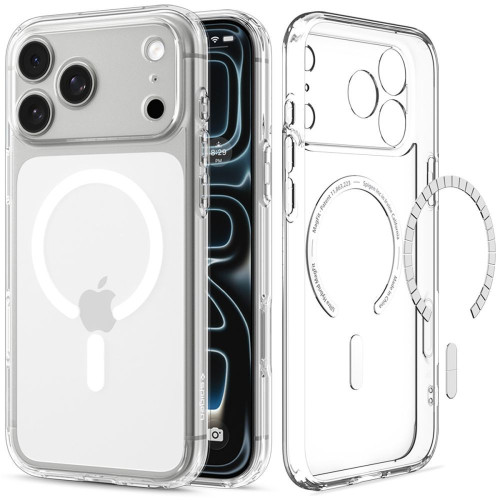
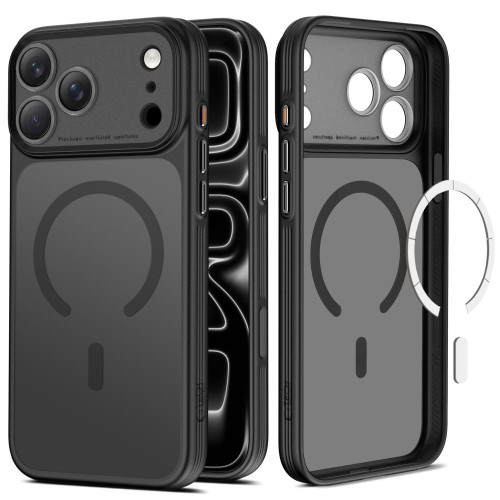
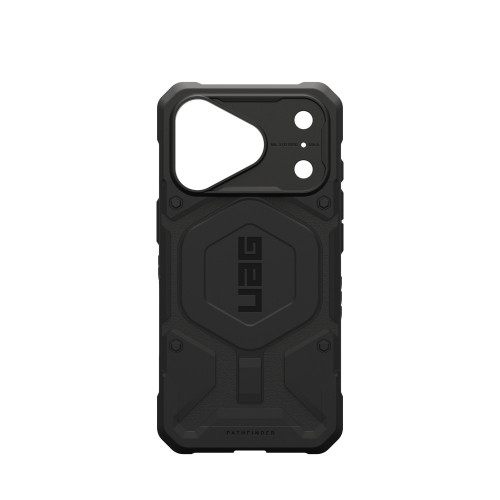
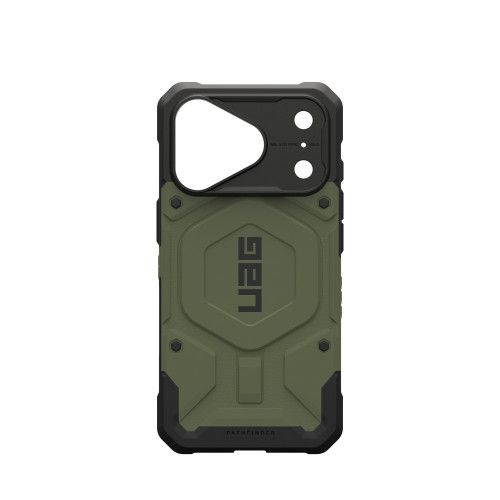
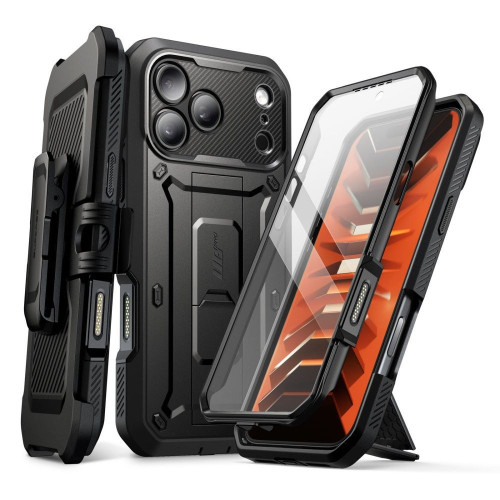
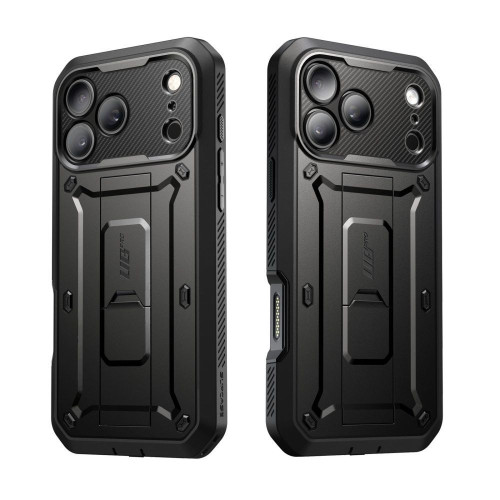
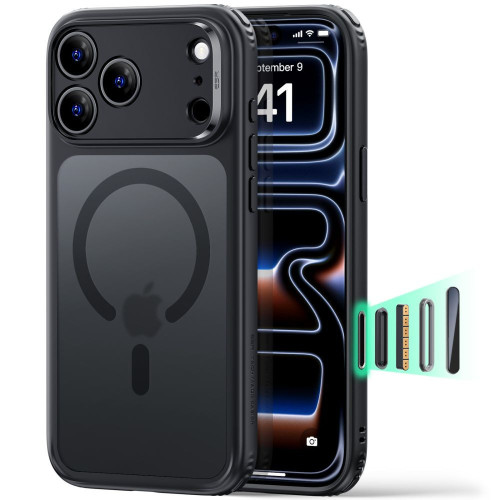
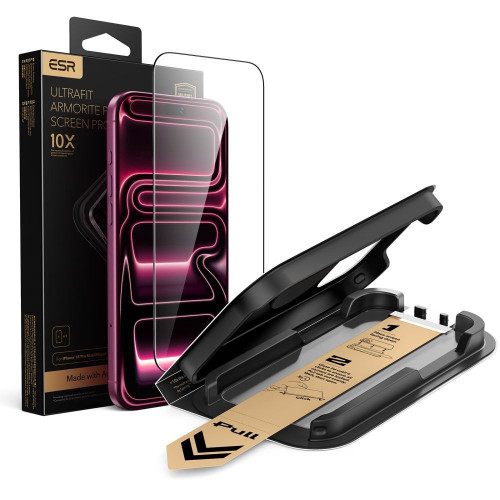
    The new system is also a good time to take care of your hardware. The update doesn’t change the physical protection of the phone, and a well-chosen case and glass still protect against the most common cause of service, which is dropping. Check out cases for the iPhone 17 Pro Max if you’re using the latest flagship.

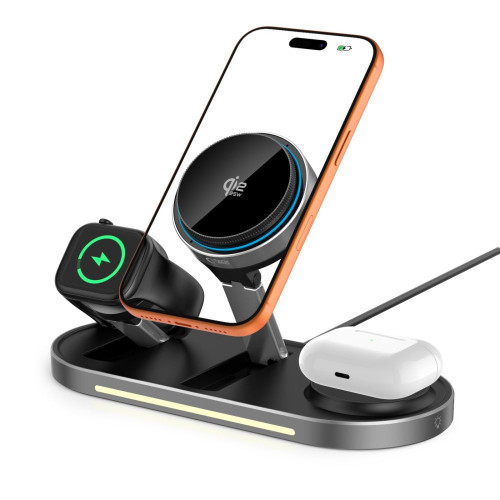
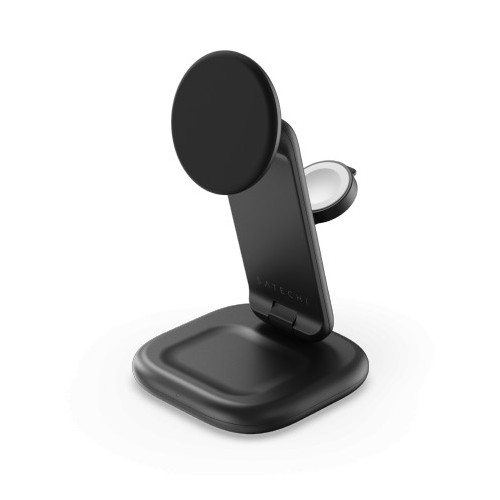
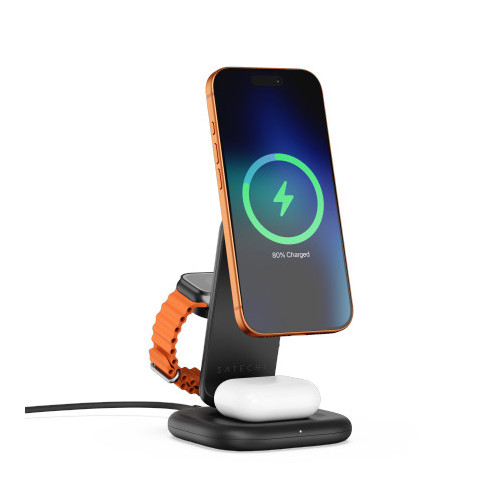
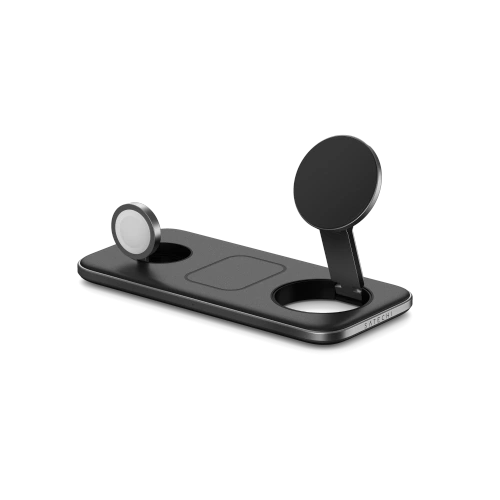
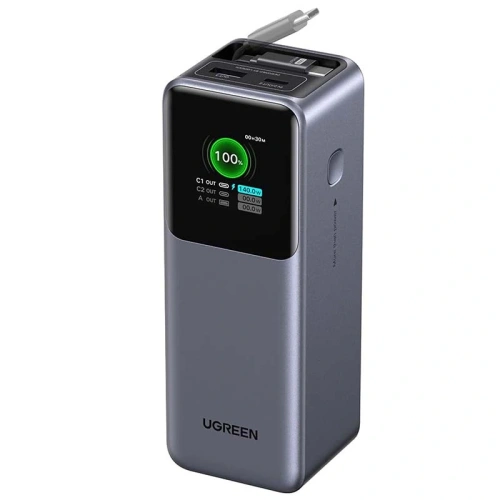
    Owners of newer iPhones will also appreciate the wireless charging ecosystem. After the update, it’s worth complementing your setup with MagSafe accessories and a power bank for a longer day, especially when the new AI features drain the battery.

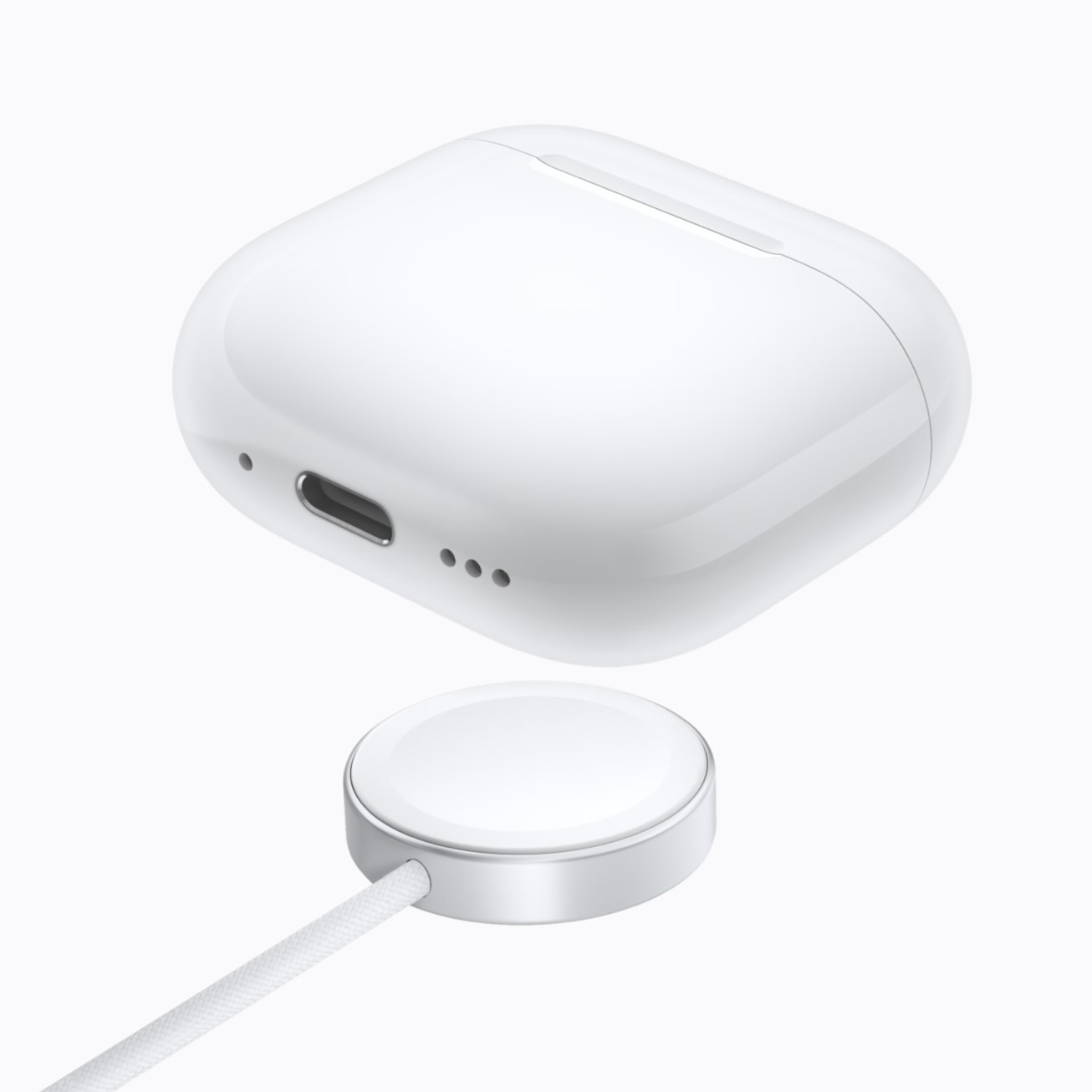
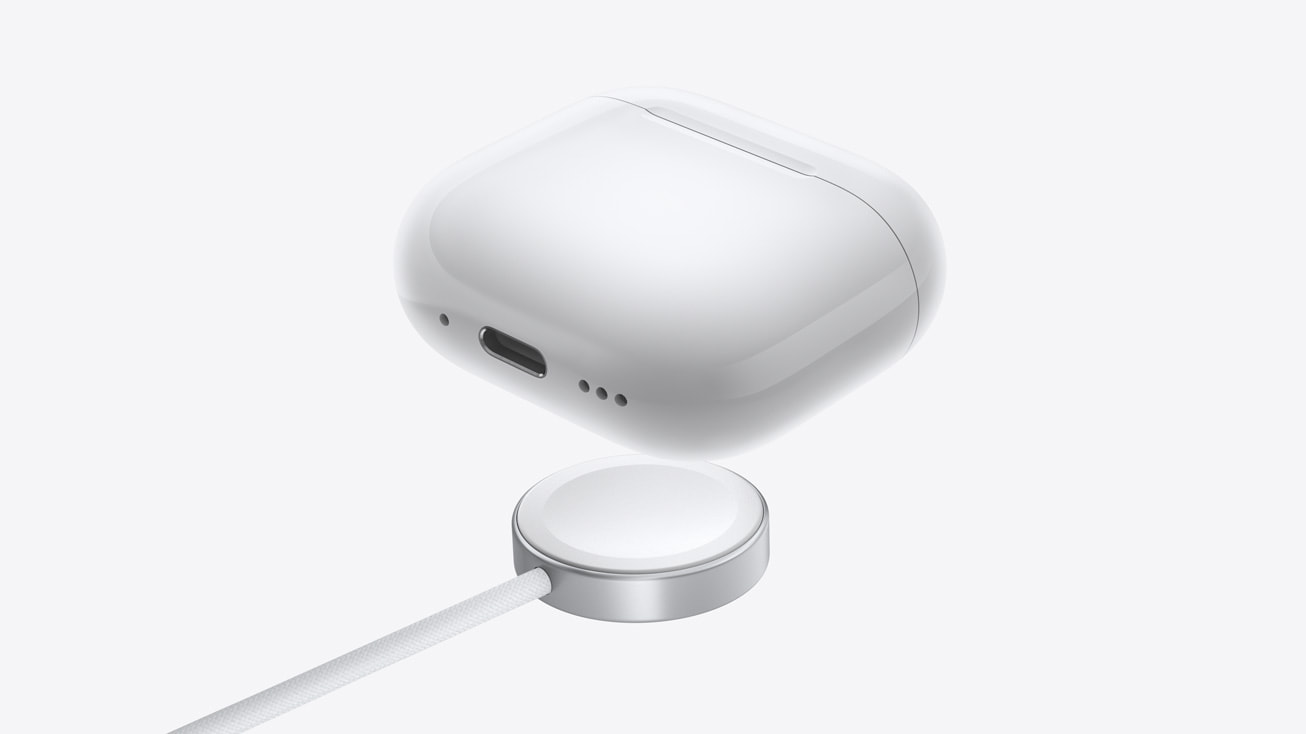
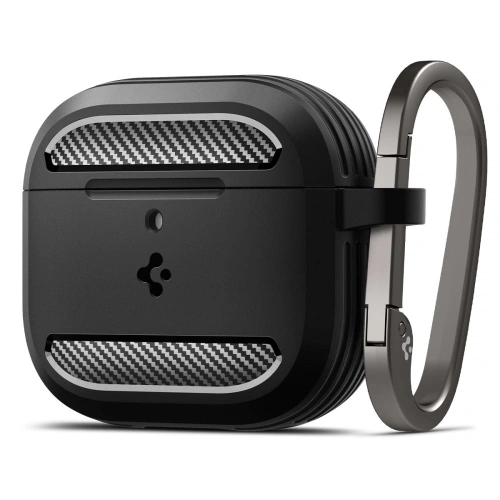
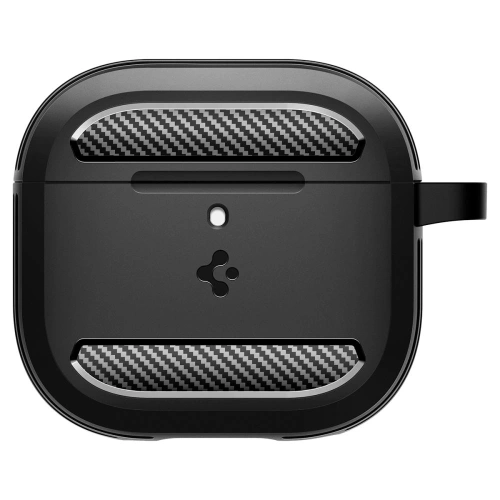
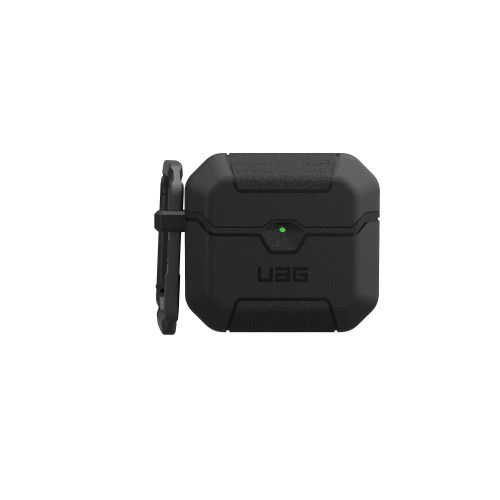
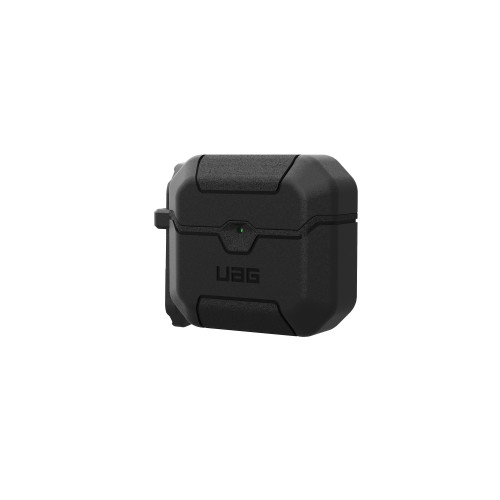
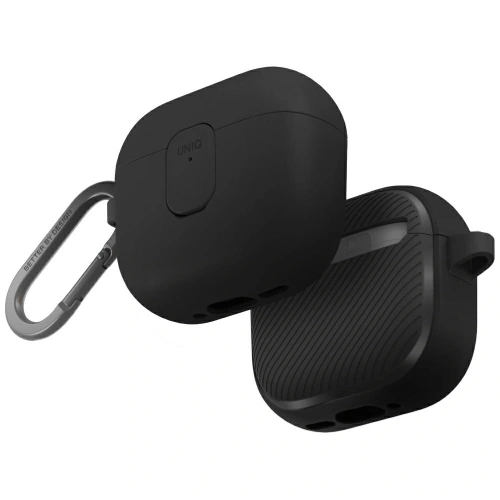
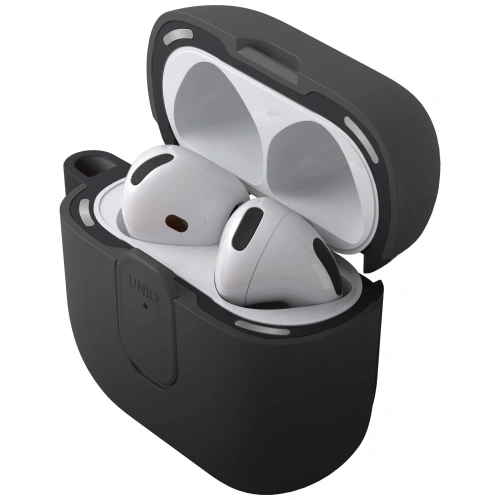
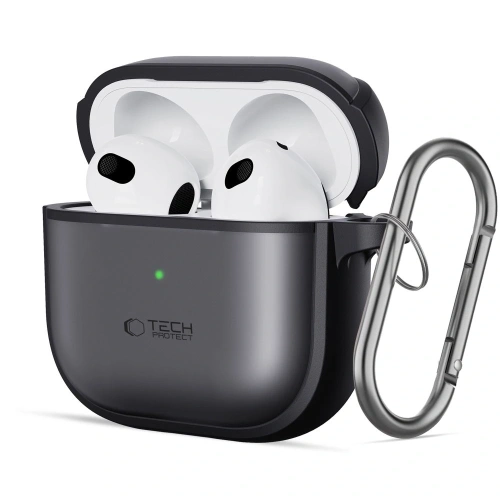
    And since the “27” systems encompass the entire Apple portfolio, it’s a good opportunity to organize accessories for other devices: AirPods case and iPad accessories will be useful for anyone using multiple devices at once.

    Summary — key facts about WWDC 2026

    WWDC 2026 is primarily about software and artificial intelligence. Here are the key takeaways:

    1. Keynote on June 8 at 19:00 Polish time, free online broadcast
    2. iOS 27 focuses on stability, battery life, and the new Siri with Apple Intelligence
    3. Siri gains a chatbot mode, personal context, and a separate app
    4. Support from iPhone 12, but full AI features only from iPhone 15 Pro
    5. No new hardware — device launches will only happen in the fall

    The best time to make a purchasing decision will come after the keynote when we learn the full list of features. If you are already planning a new phone or want to secure your current one, check out the full range of iPhone accessories at Home Screen (ratings: Allegro 99.8%, Google 4.9/5), with free delivery from 100 PLN.

    FAQ — frequently asked questions about WWDC 2026 and iOS 27

    When is the iOS 27 release?

    The developer version of iOS 27 usually appears right after the keynote, which is on June 8, 2026. The public beta is expected in July, and the final, stable version will be available to everyone in the fall of 2026, shortly after the September launch of the iPhone 18 series.

    What’s new in iOS 27?

    The most significant change is the revamped Siri with Apple Intelligence: a chatbot mode, context understanding, and a separate app. Additionally, Apple focuses on stability and longer battery life, adds a system-wide Liquid Glass adjustment slider, AI-based photo editing, and new Visual Intelligence features in the camera.

    Which iPhones will get iOS 27?

    iOS 27 supports iPhones from model 12 and above, as well as the iPhone SE 3rd generation. Support is dropped for the iPhone 11, 11 Pro, 11 Pro Max, and iPhone SE 2nd generation (2020). The full Apple Intelligence features will only be available on the iPhone 15 Pro models and newer.

    Will the new Siri be available in Polish?

    Apple Intelligence is gradually adding more languages, but Polish has not yet been among the first supported. Apple usually provides the official list of languages at the time of release, so it’s worth checking the availability of the new Siri in Polish after the keynote.

    Will they show the new iPhone at WWDC 2026?

    No. WWDC is a software conference. Apple presents new iPhones every fall, so we expect the iPhone 18 series only in September 2026.

    Is it worth waiting to buy an iPhone until WWDC?

    WWDC does not introduce new phones, so it does not directly affect hardware prices. If you need an iPhone now, there is no point in waiting for the keynote. It is worth knowing that the full iOS 27 with AI will be available on models from the iPhone 15 Pro onwards.

    Where to watch the WWDC 2026 keynote live?

    You can watch the keynote for free on the Apple Developer website, in the Apple TV app, and on Apple’s official YouTube channel. The broadcast starts on June 8 at 7:00 PM Polish time.

  • What are the best cases for MacBook Neo 13? Ranking [2026]

    What are the best cases for MacBook Neo 13? Ranking [2026]

    The best case for MacBook Neo 13 is Tech-Protect Velar (125 PLN), a dual-layer case made of hard polycarbonate and a flexible TPU frame, perfectly fitted to the new Apple. For minimalists, the better option is Tech-Protect Smartshell (69 PLN). If you prefer to carry your laptop in a backpack, check out the universal cases from Native Union and UAG, which fit 13 and 14-inch MacBooks.

    MacBook Neo 13 (A18 Pro) is the cheapest Apple laptop, and its casing easily picks up scratches and fingerprints. A good case protects against drops and abrasions while not obscuring the logo or hindering heat dissipation. In this guide, we compare 5 fitted cases for Neo, add 2 universal cases for those carrying their laptop in a bag, and suggest what glass to choose for the screen. All products are from the offer of homescreen.pl.

    Fitted case or universal bag? What to choose for Neo

    Before we move on to the ranking, it is worth understanding the key difference between the two types of protection, as it determines the choice.

    Fitted case (hard case) is a rigid shell that fits directly over the top and bottom of the laptop. The models in our ranking, namely Tech-Protect and Uniq, are specifically designed for the MacBook Neo 13, featuring cutouts perfectly aligned with the ports, speakers, and hinges, as well as ventilation openings in the same places as the Neo cooling grilles. This case protects the laptop at all times, even during use.

    Universal sleeve is a soft case into which you place the closed laptop for transport. The Native Union and UAG sleeves are not exclusively fitted for the Neo; they fit 13 and 14 inch MacBooks, so they will also be useful if you change your equipment in the future. They mainly protect in a backpack, but not during use.

    Tip: The best protection comes from combining both solutions: a fitted case for everyday use plus a sleeve for transport. If you have to choose one, go for the fitted case: it protects the laptop at all times, not just on the go.

    What to pay attention to when choosing a case for MacBook Neo 13

    A good case for the MacBook Neo 13 should meet several conditions, regardless of the price:

    • Precise fit: cutouts for two USB-C ports, speakers, and hinges must hit the mark. That’s why cases designed for Neo matter, not “universal for 13 inches.”
    • Ventilation holes: the laptop heats up under load. The case must have openings that align with the Neo cooling vents.
    • Rubber feet: lift the laptop off the desk, improve air circulation, and stabilize the equipment.
    • Material: polycarbonate (PC) is rigid and lightweight, polypropylene (PP) is more flexible and crack-resistant, while the TPU frame absorbs drop energy.
    • Tool-free installation: a good case snaps on and off without the risk of scratching.

    Note: The case does not protect the screen from the inside. Even with the best case, it’s worth adding glass for the MacBook Neo display, we will return to this later in the article.

    Ranking: best-fitting cases for MacBook Neo 13

    The cases below were selected from the offer of homescreen.pl, focusing on a variety of brands (Tech-Protect, Uniq) and materials. All are specifically tailored for the MacBook Neo 13.

    1. Tech-Protect Velar — our choice (125 zł)

    Tech-Protect Velar case for MacBook Neo 13 in black matte clear
    Tech-Protect Velar for MacBook Neo 13 placed on an open laptop with raised edges

    Our choice. Tech-Protect Velar combines a hard polycarbonate shell with a flexible TPU frame that absorbs impact energy on the profiled corners. It offers the most complete protection in our selection.

    The back has a matte-transparent finish with a subtle milky effect, so the Apple logo remains visible, and the case does not yellow. The raised edges protect the screen and keyboard, while the rubber feet stabilize the laptop on the desk. Velar is mounted with a snap-on mechanism, without any tools.

    ParameterValue
    MaterialPolycarbonate (PC) + TPU frame
    ProtectionTop and bottom part, profiled corners
    Ventilation
    Anti-slip feet
    Price125 PLN

    2. Tech-Protect Kevlar Pro — with built-in stand (125 PLN)

    Tech-Protect Kevlar Pro case for MacBook Neo 13 with stand, matte black clear
    Tech-Protect Kevlar Pro for MacBook Neo 13 with the built-in stand unfolded

    Tech-Protect Kevlar Pro is the same dual-layer construction of PC + TPU as Velar, but with one advantage: a built-in, foldable stand with extendable legs. It lifts the back of the laptop, improves typing ergonomics, and additionally aids cooling.

    The matte finish in the characteristic X pattern is resistant to fingerprints, and the ventilation holes dissipate heat during prolonged use. If you write a lot at your desk, the zero surcharge compared to Velara, and Kevlar Pro gives you a free stand.

    ParameterValue
    MaterialPolycarbonate (PC) + TPU
    Stand✅ foldable, adjustable legs
    Ventilation
    PatternMatte, X motif
    Price125 PLN

    3. Uniq Claro — transparent premium case (129 PLN)

    Transparent Uniq Claro case for MacBook Neo 13 with keyboard cover
    Uniq Claro case for MacBook Neo 13 — top and bottom shell, 360-degree protection

    If you care about full transparency, Uniq Claro is the most refined option. The ultra-thin polycarbonate case with a rubberized base provides 360-degree protection and is yellowing-resistant, which is crucial for transparent cases.

    This is the only model in the ranking with accessories included: a keyboard cover and a camera cap. The ventilation openings align with the Neo cooling system, and the anti-slip feet stabilize the laptop. Uniq Claro is a choice for those who want to maintain the original look of the MacBook while adding keyboard protection.

    ParameterValue
    MaterialPolycarbonate with a rubberized base
    Protection360°, yellowing resistance
    IncludedKeyboard cover, camera cap
    ColorTransparent
    Price129 PLN

    4. Tech-Protect Smartshell — lightweight polycarbonate, wide color selection (69 PLN)

    Tech-Protect Smartshell case for MacBook Neo 13 — lightweight polycarbonate shell
    Tech-Protect Smartshell for MacBook Neo 13 placed on an open laptop

    Tech-Protect Smartshell is the best price-to-quality ratio in our ranking. The lightweight, injection-molded shell made of polycarbonate protects against scratches, abrasions, and dust, while the slim profile maintains the sleek silhouette of the Neo.

    The biggest advantage is the color palette: you can choose from Matte Clear, Crystal Clear, Glitter, and Matte Black, among others. Rubber feet ensure air circulation and prevent slipping, while precise cutouts provide full access to ports without removing the case. For 69 PLN, it’s hard to find a better choice to start with.

    ParameterValue
    MaterialPolycarbonate (PC)
    ColorsMatte Clear, Crystal Clear, Glitter, Matte Black
    Ventilation
    Anti-slip feet
    Price69 PLN

    5. Tech-Protect Softshell — flexible polypropylene in pastels (69 PLN)

    Tech-Protect Softshell case for MacBook Neo 13 in matte blush color
    Tech-Protect Softshell for MacBook Neo 13 in matte blush color — open profile with feet

    Tech-Protect Softshell differs from Smartshell in material: here we have polypropylene (PP), which is more flexible and resistant to cracks. Thanks to its flexibility, the case is exceptionally easy to put on and take off, without the risk of damaging the laptop.

    The two-piece construction (top plus bottom) has rubber feet and precisely placed ventilation holes. The Softshell targets those who like color, available in pastel variants Matte Blush, Matte Indigo, and Crystal Clear. This case is for those who want to stand out with their MacBook, paying only 69 PLN.

    ParameterValue
    MaterialPolypropylene (PP)
    ColorsMatte Blush, Matte Indigo, Crystal Clear
    Ventilation
    InstallationFlexible, tool-free
    Price69 zł

    The Best Transparent Case for MacBook Neo 13

    A transparent case is the most popular choice because it preserves the original, minimalist look of the MacBook. Among the fitted cases for the Neo, three models stand out:

    • Uniq Claro (129 zł), fully transparent, resistant to yellowing, with a keyboard cover included. The best premium option.
    • Tech-Protect Smartshell Crystal Clear (69 zł), crystal clarity at a low price, also available in Matte Clear and Glitter versions.
    • Tech-Protect Velar (125 zł), semi-transparent backpack with a matte effect and TPU frame, if you care about better corner protection.

    You can find a full range of transparent and colored cases in the MacBook Neo 13 accessories category at homescreen.pl, where you can filter products by color and type.

    Comparison of MacBook Neo 13 Cases

    CaseMaterialFeaturePrice
    Tech-Protect VelarPC + TPUBest corner protection125 zł
    Tech-Protect Kevlar ProPC + TPUBuilt-in stand125 zł
    Uniq ClaroPC + rubberKeyboard cover included129 zł
    Tech-Protect SmartshellPolycarbonateColor options, low price69 zł
    Tech-Protect SoftshellPolypropyleneFlexible, pastel colors69 zł

    Universal bags and cases that also fit the MacBook Neo 13

    If you mainly carry your laptop in a backpack or bag, it’s worth considering a soft case. Unlike the cases from the ranking, these models are not exclusively tailored for Neo, they fit 13 and 14-inch MacBooks, so they will also serve you after changing your equipment.

    Native Union Stow Slim Sleeve — stylish premium case (299 PLN)

    Native Union Stow Slim Sleeve case for MacBook 13 and 14 inches in sandstone color
    Native Union Stow Slim Sleeve — MacBook sliding into the case

    Native Union Stow Slim Sleeve is a case for those who appreciate design. It is made of 100% recycled polyester (from PET bottles), has a soft, quilted lining, and an external pocket for small accessories.

    The magnetic closure provides quick access to the laptop, and the slim profile (only 11 mm thick) means the case doesn’t take up space in your bag. Native Union is available in sandstone and slate colors.

    UAG Civilian Shock Sleeve — rugged case with military certification (199 zł)

    Rugged UAG Civilian Shock Sleeve case for MacBook 13 and 14 inches in gray color
    UAG Civilian Shock Sleeve — case with MIL-STD 810G certification for MacBook

    UAG Civilian Shock Sleeve is the choice for those who need maximum protection on the go. The case meets military drop test standards MIL-STD 810G 516.6, which means it is resistant to impacts in conditions beyond everyday use.

    The external, molded EVA shell with a neoprene coating is waterproof and abrasion-resistant, while the interior is lined with soft microfiber. Inside, you’ll find a mesh pocket for a cable and charger, and the zipper opens the case flat. This is the toughest case in our lineup.

    Don’t forget the glass — screen protection for MacBook Neo 13

    The case protects the body, but the screen remains exposed. The Neo display is susceptible to scratches, especially when you close the laptop with crumbs or dust on the keyboard. At homescreen.pl you will find glass screens tailored for MacBook Neo 13 in three variants:

    • Spigen Glas.tR Slim FC Tempered Glass (115 zł) — hardness 9H, oleophobic and anti-dust coating, black Full Cover frames, and a cutout for the camera. You can close the laptop without any obstacles.
    • 3MK FlexibleGlass Hybrid Glass (79 zł) — thickness below 0.5 mm, hardness 7H, and antibacterial layer. Strengthens the screen by 250%, and installation is made easier with positioning frames.
    • GrizzGlass SecretGlass Easy Privacy Glass (129.99 zł) — protects against screen peeking from the side. Perfect for working on a train or in a café when you don’t want someone reading your messages.

    You can check the full offer of films and glasses in the MacBook Neo 13 accessories category, where we have gathered all the screen protection in one place.

    Which case to choose for MacBook Neo 13? Recommendations based on needs

    We have shown the full spectrum of options. To make the decision easier, we suggest which case to choose depending on how you use your laptop:

    Our choice: For most MacBook Neo 13 users, the best case will be the Tech-Protect Velar (125 PLN), offering dual-layer protection, a perfect fit for Neo, and a reasonable price.

    Summary

    The best case for the MacBook Neo 13 is a fitted case that protects the laptop during use, not just when it’s in a bag. From our ranking, the Tech-Protect Velar (125 PLN) stands out due to its combination of hard polycarbonate and a shock-absorbing TPU frame. For 69 PLN, the Smartshell and Softshell are great options, while fans of transparency will appreciate the Uniq Claro.

    If you mainly carry your laptop in a backpack, consider adding a universal sleeve, the stylish Native Union, or the rugged UAG, both compatible with 13 and 14-inch MacBooks. Regardless of your case choice, also protect the screen with Spigen, 3MK glass, or privacy-protecting GrizzGlass.

    Check the full offer in the MacBook Neo 13 accessories category and in the accessories for all MacBooks at homescreen.pl. If you have any questions, write to [email protected], we will advise you on a case that suits your work style.

    FAQ, frequently asked questions

    What case fits best for MacBook Neo 13?

    The best fit are cases specifically designed for Neo, such as Tech-Protect Velar, Kevlar Pro, or Uniq Claro. They have cutouts tailored to the ports and ventilation openings that align with the laptop’s cooling system. Universal cases “for 13 inches” may not perfectly match the ports.

    Does a universal case for a 13-inch MacBook fit Neo?

    Yes, soft cases for 13–14 inches, like Native Union Stow Slim or UAG Civilian Shock, will fit the MacBook Neo 13. However, the case only protects during transport. For protection while using, you need a fitted case that goes over the laptop.

    How much does a case for MacBook Neo 13 cost?

    Fitted cases start at 69 PLN (Tech-Protect Smartshell and Softshell). Models with additional protection and a stand, like Velar or Kevlar Pro, cost 125 PLN, while the transparent Uniq Claro with a keyboard cover costs 129 PLN. Universal premium cases range from 199 to 299 PLN.

    Does a transparent case for MacBook Neo yellow over time?

    Cheap cases made of inferior materials may yellow over time. However, models like Uniq Claro are made from polycarbonate that is resistant to discoloration and yellowing, ensuring they maintain clarity for a long time.

    Is a screen protector needed for the MacBook Neo 13?

    Yes, it is worth it. The case protects the body, but not the screen, which can easily get scratched when you close the laptop with dust on the keyboard. Tempered glass Spigen Glas.tR (115 PLN), hybrid 3MK (79 PLN), or privacy GrizzGlass (129.99 PLN) effectively protect the Neo’s display.

    Is it worth buying a case for the MacBook?

    Yes. A case protects against scratches, scuffs, and the effects of drops, which are the most common damages to laptops. The cost of a case (from 69 PLN) is incomparably lower than the cost of repairing the body or replacing the display, and a good case does not affect the cooling or appearance of the MacBook.

    Does a case hinder the cooling of the MacBook Neo?

    No, as long as you choose a case that fits the Neo. The models in the ranking have ventilation holes that align with the cooling vents and rubber feet that lift the laptop off the desk and improve air circulation.

  • What is the best charger for MacBook Neo 13 [2026]? Top 7 models

    What is the best charger for MacBook Neo 13 [2026]? Top 7 models

    The best charger for MacBook Neo 13 is Ugreen X524 45 W USB-C GaN (59.90 PLN), a compact GaN power supply with Power Delivery that fully utilizes the maximum 30 W that the MacBook Neo accepts, and the additional 15 W reserve will also allow you to charge your iPhone. The second place goes to Usams T70 40 W (49 PLN), a multi-port charger with 2× USB-C and 2× USB-A. Below is the full ranking of 7 models with prices, specifications, and recommendations for various scenarios.

    MacBook Neo 13″ (A18 Pro) is sold without a power adapter, in the box you will find only the laptop and a USB-C cable. You need to purchase the charger separately. We selected 7 models from the homescreen.pl offer, with power ranging from 33 W to 140 W, which is where the new MacBook actually uses the available energy. We focused on proven brands: Ugreen (including Nexode S 140 W), Usams (including US-CC180 Sandru 65 W), Spigen, Crong, and 3MK.

    What power charger for MacBook Neo 13?

    MacBook Neo 13 with A18 Pro chip is the cheapest Apple laptop, launching in March 2026, priced from $599. The device weighs under 1.3 kg and has two USB-C ports (USB 3 on the left, USB 2 on the right). Unlike the MacBook Pro, the Neo does not support fast charging.

    The optimal charger power for MacBook Neo 13 is around 35 W, as this model can accept a maximum of 30 W. Tests have shown that the Neo will not utilize higher power when charging the laptop itself.

    Weaker chargers, such as 20 W, will also charge the laptop, but the charging time will be noticeably longer. Stronger chargers, such as 60–140 W, will be useful when you want to charge multiple devices simultaneously or if you also use them for a more powerful laptop. We do not include models exceeding 140 W in the ranking, as for the Neo they would only mean additional cost, not speed.

    When is it worth choosing a stronger charger (45–140 W)?

    A higher power charger will be useful if:

    • You plan to also charge a more powerful laptop with it, e.g. MacBook Pro (14″ requires 70–96 W, 16″ even 140 W).
    • You are looking for a multi-port charger to simultaneously charge the MacBook Neo and other devices, such as an iPhone, iPad, or AirPods.
    • You travel often and want to have one charger for the entire Apple ecosystem.
    • You want to keep some power reserve for future devices.

    Tip: If you want to charge your laptop and other devices, such as an iPhone and iPad, at the same time, choose a multi-port charger with two or three USB-C ports. Smart power management will automatically adjust the performance for each connected device.

    What standards to look for?

    A charger for the MacBook Neo should support:

    • USB Power Delivery (USB PD), a fast charging standard up to 240 W, essential for USB-C.
    • Minimum 30 W on the USB-C port, to ensure the Neo charges at full supported speed.
    • GaN (gallium nitride), allows for a smaller charger while maintaining power; ideal for a backpack.
    • PPS (Programmable Power Supply), optional, useful for newer iPhones and Samsungs.

    Ranking: 7 best chargers for MacBook Neo 13

    The following models were selected from the homescreen.pl offer, comparing power, number of ports, GaN technology, and value for money. All come from reputable brands and fall within the range of 33–140 W.

    1. Ugreen X524 45 W USB-C GaN, our choice (59.90 PLN)

    Our choice. Ugreen X524 45 W is a GaN charger with a single USB-C port and a power of 45 W for under 60 PLN, making it hard to find a better price-to-performance ratio. Gallium nitride has allowed the casing to be reduced to the size of a standard 25 W charger while delivering a full 45 W output.

    45 W is a safe buffer above the maximum 30 W that Neo accepts. This means that the laptop will charge at the full supported speed, and Ugreen X524 is also sufficient for the iPhone 17 Pro Max (27 W) or iPad Pro. If you want a ready-made set, choose the variant Ugreen X524 45 W with a 1 m USB-C cable for 69.90 PLN.

    ParameterValue
    Power45 W
    Ports1× USB-C
    TechnologyGaN, USB PD
    Weightapprox. 80 g
    Price59.90 zł

    2. Usams T70 40 W, multi-port home hub (49.00 zł)

    If you are looking for one charger that can handle the entire family of devices, Usams T70 40 W is the cheapest option in the ranking. Four ports (2× USB-C + 2× USB-A) allow you to charge a MacBook Neo, iPhone, iPad, and headphones simultaneously, and the total cost is 49 zł. This is unbeatable in this category.
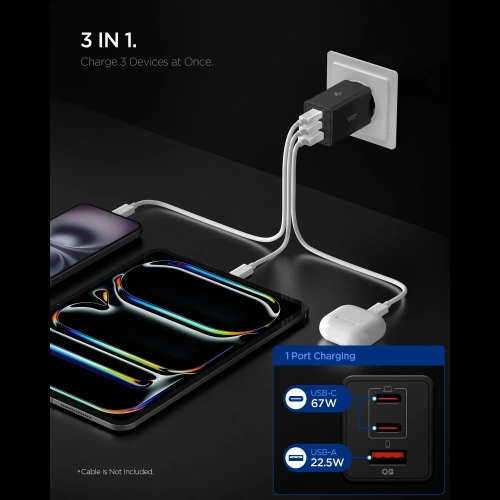
    It is worth remembering that in the Usams T70 40 W is the total power, intelligently distributed among the ports. When charging four devices simultaneously, Neo will receive less than 30 W, but overnight charging of the entire set is not a problem. It is the perfect charger for a desk or a nightstand.

    ParameterValue
    Power40 W (total)
    Ports2× USB-C + 2× USB-A
    TechnologyUSB PD, Quick Charge
    Price49.00 zł

    3. 3MK Hyper Charger PD 33 W GaN, the most power-matched (49.90 zł)

    3MK Hyper Charger PD 33 W GaN is the most precisely power-matched model in the ranking. 33 W is practically exactly what Neo can accept (30 W), so you are not paying for unused capacity. At this price, you also get a second USB-A port, useful for a phone with an older cable or an additional accessory.
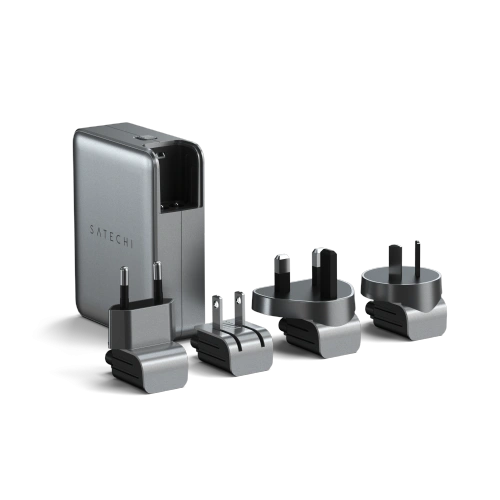
    3MK supports a full set of fast charging standards: USB PD, QC 4+, PPS, AFC, FCP, and SCP. The intelligent circuit automatically adjusts the power to the connected device, and protections against overheating, overloading, and voltage spikes protect both the charger and the laptop.

    ParameterValue
    Power33 W (total)
    Ports1× USB-C + 1× USB-A
    TechnologyGaN, PD, QC 4+, PPS
    Price49.90 zł

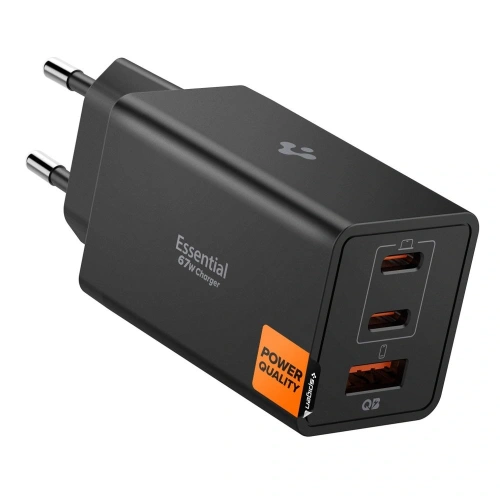
    4. Spigen Essential 45 W (white) with USB-C cable, premium (79.00 zł)

    Spigen is a brand that has built a reputation for premium accessories for the Apple ecosystem. Spigen Essential 45 W is a stable, reliable choice with a 1 m USB-C cable included, you don’t need to buy anything extra. The cable from Spigen is armored and durable, which matters for everyday use in a backpack.

    45 W in Spigen Essential is the same power as in Ugreen, but for an additional 20 PLN you get a branded cable and a classic, white design that matches the MacBook. If you care about aesthetics and a branded set, it’s a reasonable expense.

    ParameterValue
    Power45 W
    Ports1× USB-C
    TechnologyUSB PD
    Included1 m USB-C cable
    Price79.00 zł

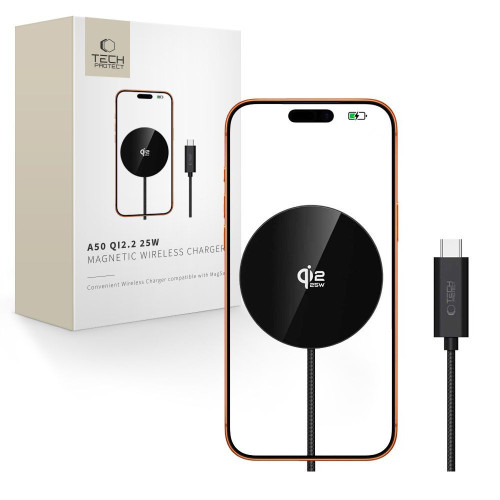
    5. Crong Ultra Compact GaN 45 W with PPS, battery protection (89.00 zł)

    Crong Ultra Compact 45 W stands out for two reasons: very small housing (one of the smallest 45 W chargers on the market) and full support for the PPS (Programmable Power Supply) standard. PPS dynamically adjusts the voltage, which in practice means less heat and reduced battery cell consumption in the long term.

    Crong Ultra Compact is an option for those who want to take care of the longevity of their MacBook Neo and iPhone battery. The price of 89 PLN is higher than the competition, but for the PPS technology in such a compact housing, it’s fair.
    ParameterValue
    Power45 W
    Ports1× USB-C
    TechnologyGaN, PD 3.0, PPS
    Price89.00 PLN

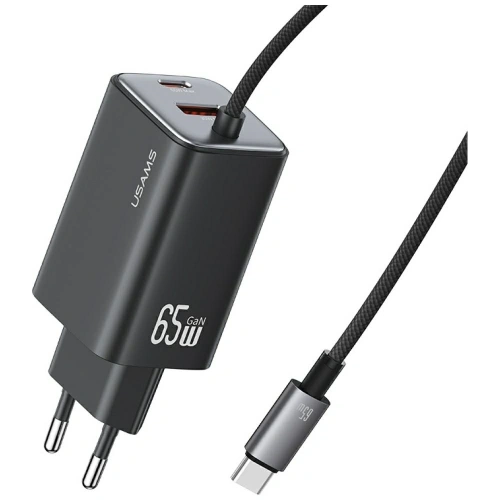
    6. Usams US-CC180 Sandru 65 W GaN, multi-port travel (129.00 PLN)

    Usams US-CC180 Sandru 65 W is a compact GaN charger that combines higher power with multi-port capability in one travel case. Two USB-C ports (main up to 65 W) and one USB-A output allow simultaneous charging of a MacBook Neo, iPhone, and smartwatch, while the foldable plugs save space in your backpack.

    65 W provides a real reserve: the MacBook Neo will get its 30 W from the main port, while the second USB-C port can still power the iPhone at 27 W. For those who want one charger for business trips and home, Usams US-CC180 is a sensible compromise between power and size.

    ParameterValue
    Power65 W (total)
    Ports2× USB-C + 1× USB-A
    TechnologyGaN, USB PD, QC
    Price129.00 PLN

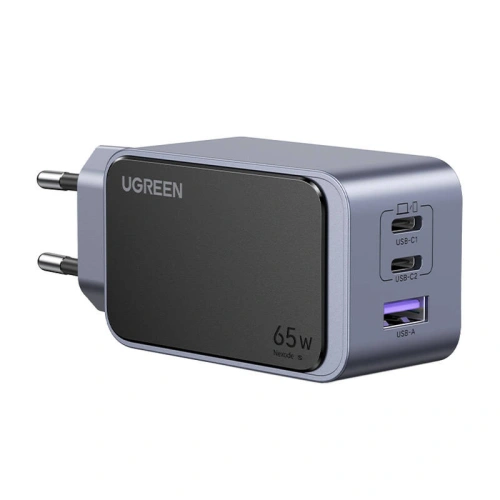
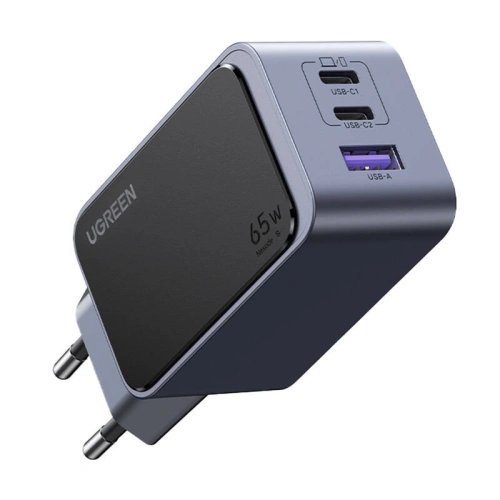
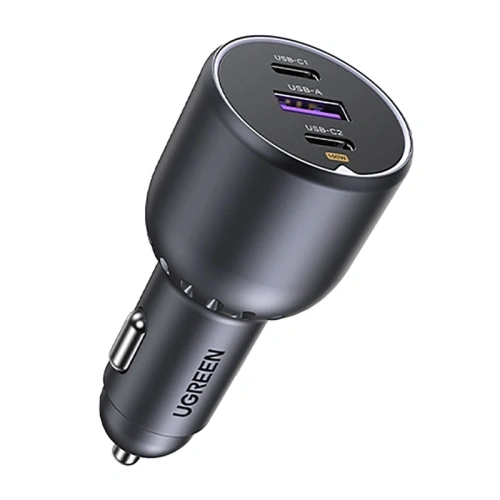
    7. Ugreen Nexode S 140 W GaN with 3× USB-C, desktop power hub (199.00 PLN)

    Ugreen Nexode S 140 W is the most versatile charger in the ranking. Four ports (3× USB-C + 1× USB-A) and 140 W of total power allow you to simultaneously power a MacBook Pro 16″ (140 W), MacBook Neo, iPhone, and wireless headphones, while GaN ensures that the casing remains compact and does not heat up under load.

    At the price of 199 PLN Ugreen Nexode S is exceptionally advantageous, competing single-port 140 W chargers from original manufacturers cost twice as much, and here you also get 3× USB-C for power distribution. This is a choice for users who want to reduce the number of chargers on their desk to one and have extra power for a laptop running at full load.

    ParameterValue
    Power140 W (total)
    Ports3× USB-C + 1× USB-A
    TechnologyGaN, USB PD 3.1
    Price199.00 PLN

    Comparison of chargers for MacBook Neo 13

    ModelPowerPortsGaNPPSPrice
    Ugreen X524 45 W45 W1× USB-C59.90 zł
    Usams T70 40 W40 W2× USB-C + 2× USB-A49.00 zł
    3MK Hyper Charger 33 W33 W1× USB-C + 1× USB-A49.90 zł
    Spigen Essential 45 W white45 W1× USB-C79.00 zł
    Crong Ultra Compact 45 W45 W1× USB-C89.00 zł
    Usams US-CC180 Sandru 65 W65 W2× USB-C + 1× USB-A129.00 zł
    Ugreen Nexode S 140 W140 W3× USB-C + 1× USB-A199.00 zł

    Which charger to choose? Recommendations based on scenarios

    We have shown the full spectrum of possibilities. To make the decision easier, we suggest which charger to choose depending on how you use your MacBook Neo:

    What to avoid when choosing a charger for MacBook Neo

    Not every USB-C charger will charge the MacBook Neo as it should. What to watch out for:

    • Chargers below 20 W will charge the Neo, but very slowly. They are not suitable for intensive laptop use while charging.
    • Chargers without USB Power Delivery, some cheap models are limited to 5 V / 3 A, which gives a maximum of 15 W. Neo won’t even utilize its 30 W limit.
    • Cheap products from marketplaces without certifications, the lack of short-circuit and over-voltage protections poses a real risk of damaging a laptop worth several thousand zlotys.
    • A single 5–10 W charger from a phone, it will physically connect, but it may even discharge the laptop during intensive use.

    Note: MacBook Neo does not support fast charging (like MacBook Pro). Buying a 140 W charger just for Neo makes no sense, as you will only utilize a maximum of 30 W from it. It only makes sense if you plan to charge a MacBook Pro or several devices at the same time.

    Where to buy a charger for MacBook Neo 13?

    You can find all the chargers from the ranking in the category network chargers at homescreen.pl. The store also has a separate category for accessories for MacBook Neo 13″ A18 Pro, where you will find compatible Tech-Protect cases, GrizzGlass screens, and 3MK films.

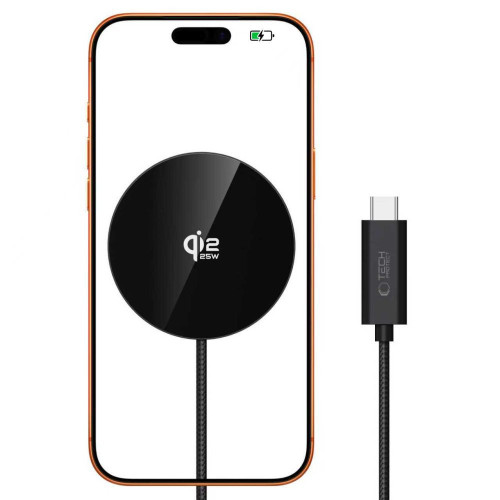
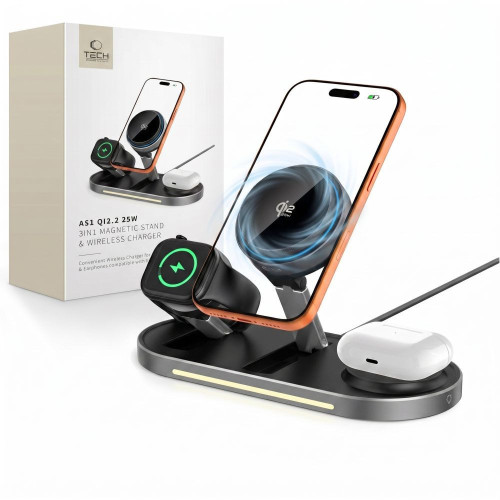
    If you also use an iPhone, it’s worth checking out MagSafe accessories, the wireless chargers work with the phone, and the same USB-C power supply powers both it and the MacBook. This is the most economical way to reduce the number of chargers at home. A wider selection of power banks, USB-C cables, and wireless chargers can also be found in the collective category charging accessories.

    The USB Power Delivery standard, which is supported by both the MacBook Neo and all chargers in the ranking, is detailed in the official USB-IF specification. It’s a good source if you want to understand why 30 W from one charger is not the same as 30 W from another.

    Our choice: For most MacBook Neo 13 users, the optimal choice will be the Ugreen X524 45 W GaN (59.90 PLN), it has ample power, GaN technology, is affordable, and comes from a trusted brand.

    Summary

    The MacBook Neo 13 is sold without a power adapter, so you need to purchase a charger for the MacBook Neo separately. The optimal power is around 35 W, as the laptop accepts a maximum of 30 W and does not support fast charging. More powerful chargers in the range of 45–140 W make sense mainly when you want to charge other devices simultaneously or a more powerful MacBook Pro.
    If you don’t know where to start, choose Ugreen X524 45 W (59.90 PLN), Usams T70 40 W (49 PLN) or 3MK Hyper Charger 33 W (49.90 PLN), all three support USB PD and will charge the Neo at full available speed.

    If you also charge your phone and tablet while traveling, consider the Usams US-CC180 Sandru 65 W (129 PLN) with 2× USB-C + USB-A. For a desk with a MacBook Pro, Neo, and other accessories, the best choice is the Ugreen Nexode S 140 W (199 PLN), which has 3× USB-C + USB-A and 140 W total power, covering even the MacBook Pro 16″ along with a phone and headphones.

    Check the full range of chargers for MacBook Neo in the network chargers category at homescreen.pl and choose a model that fits your work style. If you have any questions, feel free to write to [email protected], and we will advise you on the best configuration for your devices.

    FAQ, frequently asked questions

    What power charger is optimal for MacBook Neo 13?

    The optimal power is around 35 W, as the MacBook Neo accepts a maximum of 30 W and does not support fast charging. Chargers of 33–45 W provide the full supported speed with a slight buffer for a phone.

    Will a 20 W charger charge the MacBook Neo?

    Yes, a 20 W charger will charge the MacBook Neo, but the charging time will be noticeably longer, by about 30–40% compared to a 30–45 W power adapter. This is a good emergency option, but not for everyday use.

    Will the charger for iPhone 16 Pro Max charge the MacBook Neo?

    Yes, if it is a USB-C 30 W (or more) charger with USB Power Delivery support. The 20 W charger from the iPhone will also work, but charging will be slower than with a dedicated 40–45 W power adapter.

    Does the MacBook Neo come with a charger in the box?

    No. In the MacBook Neo box, you will find only the laptop and a USB-C cable. The power adapter must be purchased separately; Apple offers 20 W, 30 W, and 35 W dual-port models.

    Is it worth buying a 140 W charger for the MacBook Neo?

    Only if you plan to use the same charger for the MacBook Pro 14″ or 16″ (which require 70–140 W). For the Neo itself, a 33–45 W charger is sufficient, as the laptop will not draw more than 30 W anyway.

    What is the difference between a GaN charger and a regular one?

    GaN (gallium nitride) is a semiconductor technology that allows for a 30–50% reduction in charger size while maintaining the same power. GaN chargers heat up less and are lighter, making them ideal for backpacks and travel.

    Will a charger from a manufacturer other than Apple work with the MacBook Neo?

    Yes, any USB-C charger that supports USB Power Delivery works with the MacBook Neo, regardless of the brand. Standards (USB PD, power) are what matter, not the manufacturer. Branded chargers from Ugreen, Usams, or Spigen meet the same USB-IF specifications as the original Apple.

    What charger brands are recommended for the MacBook Neo?

    For the MacBook Neo, chargers from trusted accessory brands are the best choice: Ugreen, Usams, Spigen, Crong, and 3MK. These are manufacturers with years of experience in USB PD and GaN, with reliable protections and warranties.