Kategori: Poradniki

  • How to perfectly stick glass on a phone?

    How to perfectly stick glass on a phone?

    How to apply a protective glass on your phone? Learn the basics

    Are you wondering how to perfectly apply a protective glass on your smartphone screen? Do you want to avoid air bubbles, crooked placement, and frustration? You’ve come to the right place! In this guide, we will show you step by step, how to apply glass on your phone – regardless of whether you chose tempered glass, hybrid glass, or a protective film.

    With our tips, you will learn, how to prepare the screen, what to avoid, and what tools to use to achieve a factory-like finish. Ready? Let’s get started! 💪

    Why is it worth applying protective glass on your phone?

    The screen is the most vulnerable part of a smartphone. Even a small scratch can significantly reduce user comfort and the device’s value. Therefore, investing in screen protection is essential.

    What do you gain from protective glass?

    • Protection against scratches and cracks
    • Shock absorption during a fall
    • Lower repair costs (better to replace the glass than the entire screen)
    • A clean, aesthetic appearance for a longer time

    What are the types of screen protection? 🤔

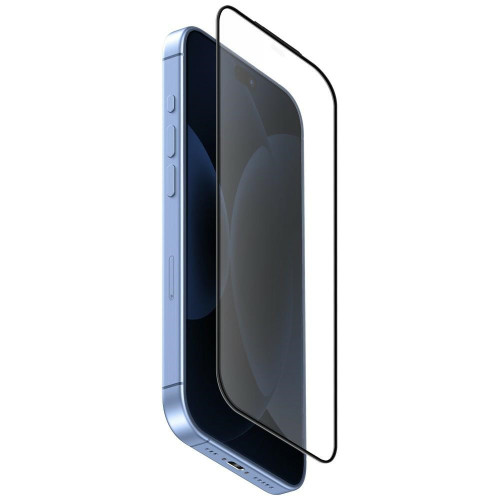
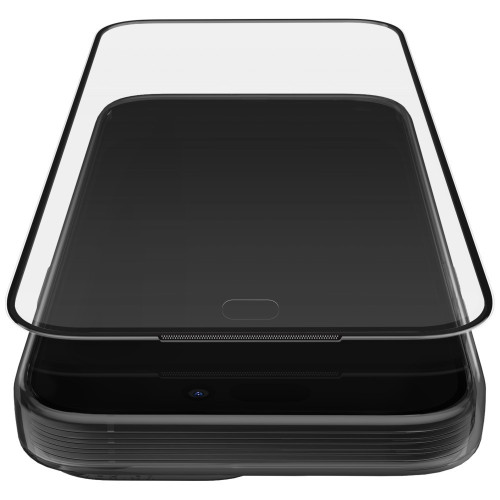
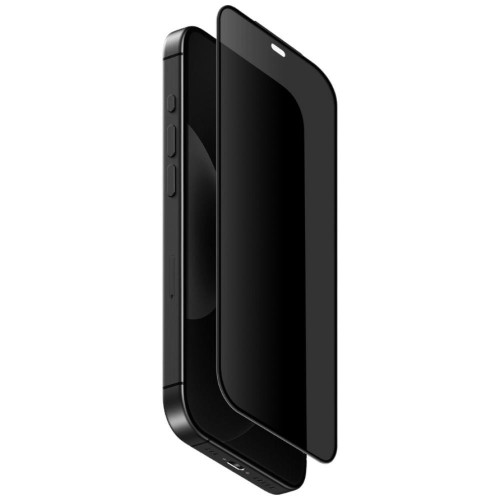
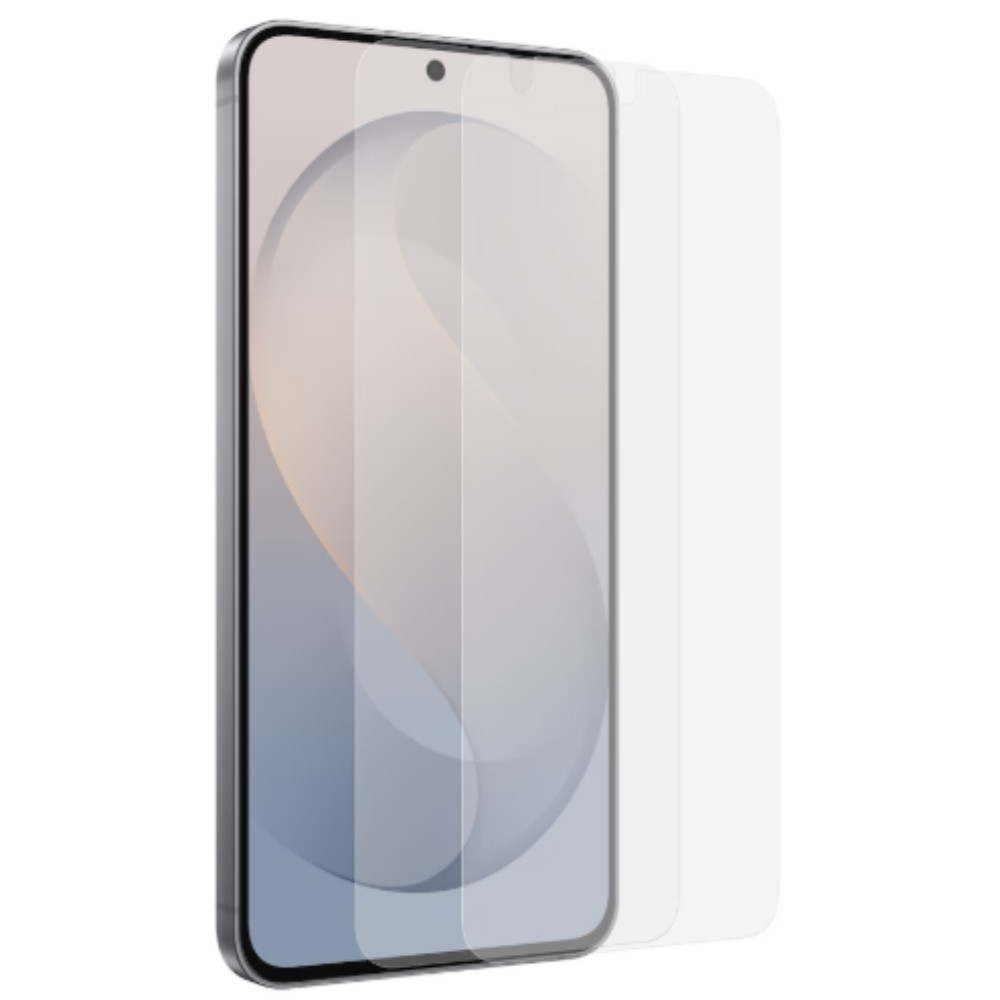
    🔸 Tempered glass (szkło hartowane)

    • Stiff and thick (~0.3–0.5 mm)
    • Hardness 9H
    • Best protection against falls
    • Requires precise installation – once applied, it is difficult to remove without damage

    Examples:

    ✔️ Tempered glass 3mk HardGlass Max Lite iPhone 16 Pro Max
    ✔️ Tempered glass Hofi Glass Pro+ Samsung Galaxy S25 Black
    ✔️Tempered glass Ringke Easy Slide Google Pixel 9a Clear 

    🔸 Hybrid glass

    • Flexible, thinner (~0.2 mm)
    • Does not shatter on impact, but also less resistant to scratches
    • Easier to apply than tempered glass
    • Ideal for curved screens

    Examples:

    ✔️ Hybrid Glass GrizzGlass HybridGlass for Xiaomi 15
    ✔️ Hybrid Glass MyScreen HybridGLASS Apple Samsung Galaxy S24
    ✔️ Hybrid Glass 3MK FlexibleGlass Xiaomi 14T / 14T Pro

    🔸 Protective film (PET / TPU / hydrogel)

    • Ultra thin, almost invisible
    • Protects against scratches and smudges
    • Can be self-healing (hydrogel)
    • Flexible – requires precise smoothing

    Examples:

    ✔️ Matte film GrizzGlass PaperScreen for Samsung Galaxy Z Fold 6
    ✔️ Hydrogel film for screen Bizon Glass Hydrogel for Apple iPhone 14 Pro Max
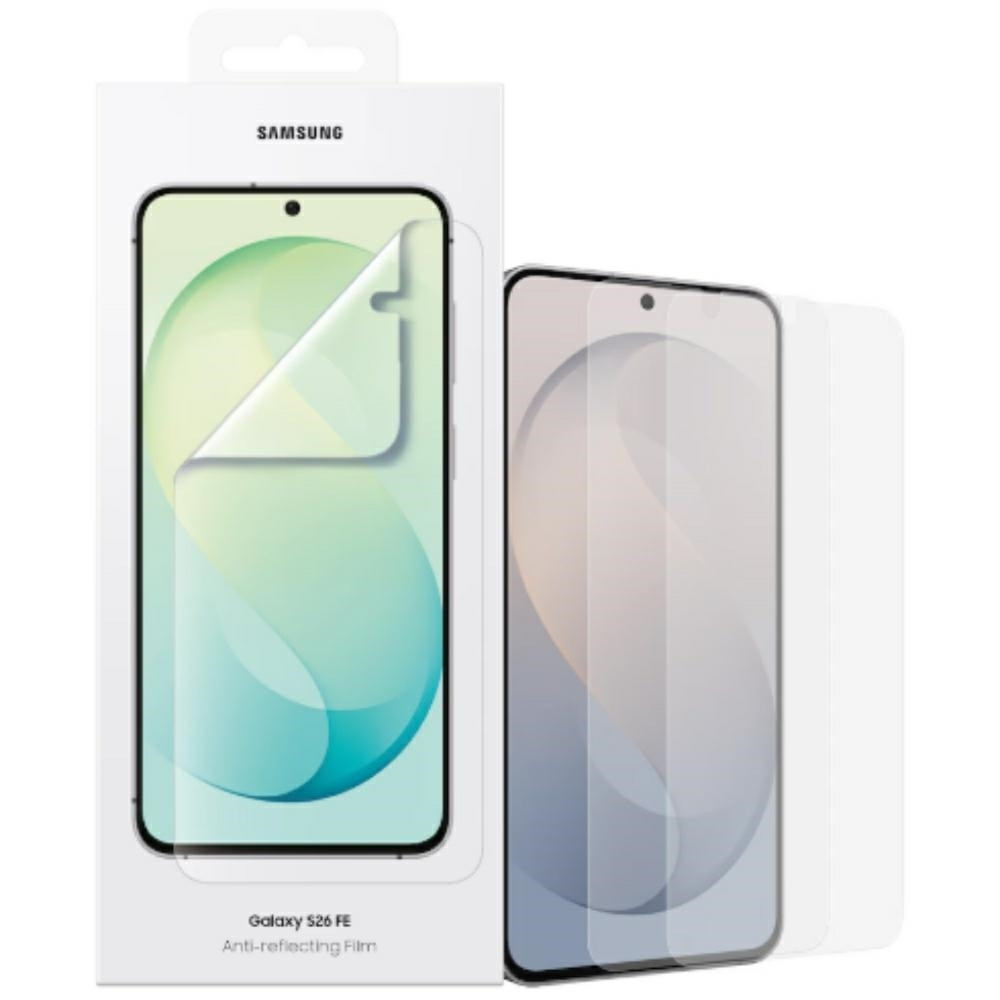
    ✔️Protective film 3MK ARC+ Apple iPhone 16 Plus

    Don’t know what to choose? See below a comparison of screen protection types.

    What will you need?

    Regardless of the type of protection, prepare:

    ✔️ Selected product (glass or film)
    ✔️ Cleaning kit (alcohol cloth + microfiber)
    ✔️ Dust stickers
    ✔️ Plastic card (e.g. bank card or included with the film)
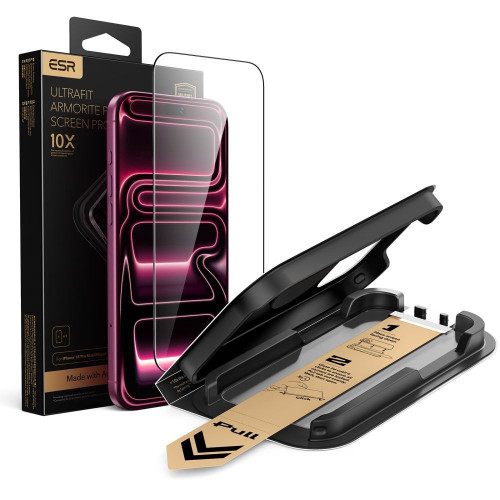
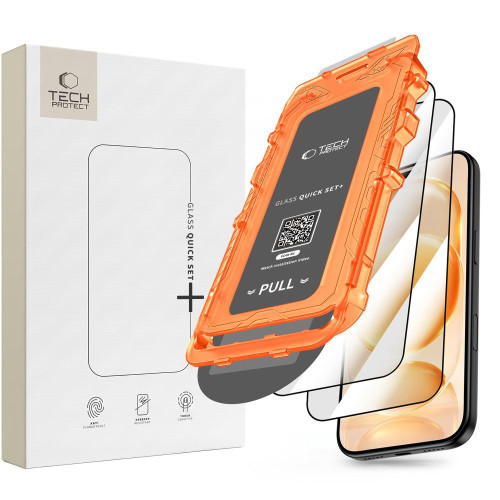
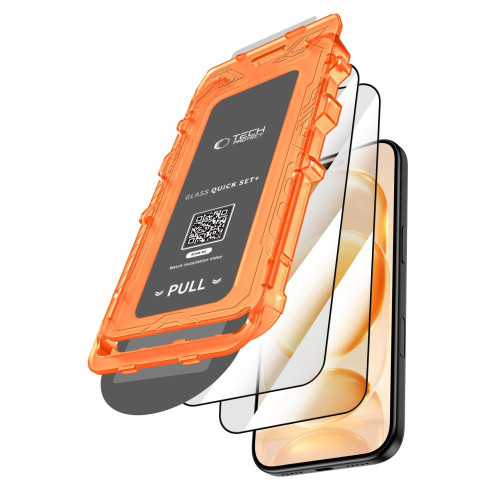
    ✔️ Mounting frame (if included in the set)
    ✔️ Quiet place with good lighting (preferably bathroom after shower)

    How to prepare the screen before applying?

    1. Wash your hands – you will avoid streaks and grease
    2. Turn off the phone – it will be easier to hold and clean
    3. Clean the screen – first with alcohol, then with microfiber
    4. Collect dust with the sticker – even invisible dust can cause bubbles

    How to apply glass or film – step by step

    🟢 For tempered glass

    1. Fit the glass without peeling off the film
    2. Peel off the protective adhesive layer
    3. Slowly lower the glass from the center downwards
    4. Smooth the surface by pushing the air to the edges
    5. Any small bubbles will disappear after a few hours

    🟡 For hybrid glass

    1. Fit and adjust – you can gently correct the position
    2. Remove the protective layer
    3. Stick the glass, smoothing with a plastic card
    4. If necessary – peel off a section, remove dust, and stick it back

    🔵 For protective film

    1. Usually, the film has several layers: number them according to the instructions
    2. Stick the film starting from one edge
    3. Use a card or spatula to slowly smooth the film towards the other side
    4. Peel off the next layers according to the markings (e.g. ①, ②, ③)

    💡 Hydrogel films have self-healing properties – minor scratches disappear on their own!

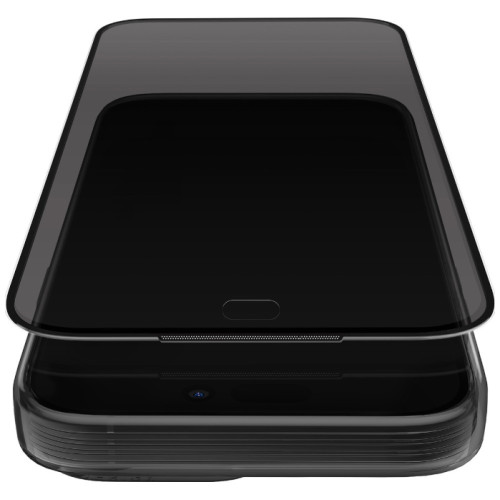
    Is it worth using glasses with a mounting frame?

    Yes! More and more brands are adding mounting frames, which make it easier to perfectly position the product. This is especially helpful with:

    • curved screens
    • small screens (e.g. iPhone SE)
    • first installation

    ✅ Check e.g.:

    Can you peel off and reapply the glass?

    In the case of hybrid films and glasses – yes, but with caution. Tempered glass, once applied, loses its properties when removed and may get damaged.


    Frequently Asked Questions

    Does glass affect touch quality?
    ➡️ No, if you choose a high-quality product – the screen remains just as sensitive.
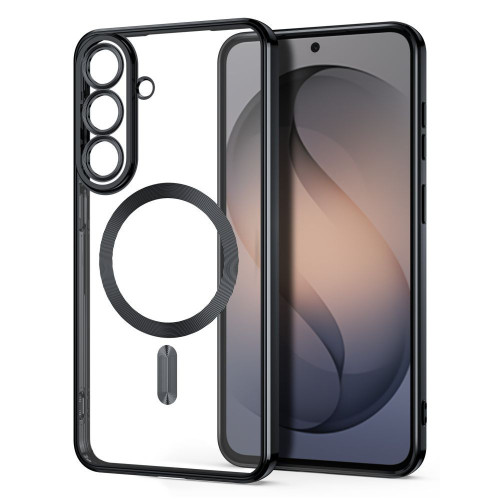
    Can glass crack on its own?
    ➡️ No, but it can get scratched or damaged due to stress, e.g., with a strong case.
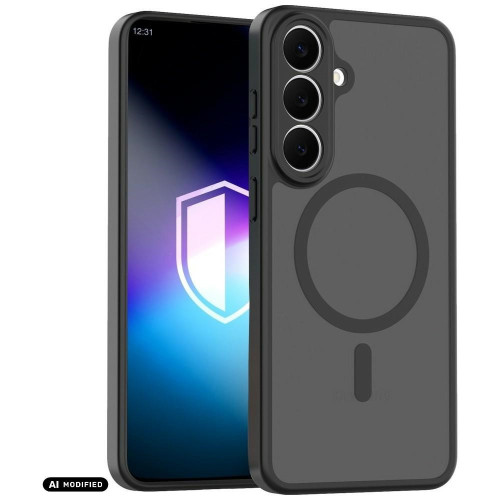
    Does a protective glass work with a fingerprint reader?
    ➡️ It sometimes does – but there is no guarantee. Even if the manufacturer informs about compatibility with the in-screen reader (e.g., in Samsung Galaxy S24, Xiaomi 14T Pro, or OnePlus 12), the effectiveness of reading may vary depending on:
    • the thickness of the glass,
    • the type of adhesive used,
    • the precision of installation,
    • the quality of the scanner in the phone.

    In some cases, re-adding the fingerprint after applying the glass can improve effectiveness. However, some phone and glass manufacturers note that 100% effectiveness cannot be guaranteed.

    Does protective glass fit every case?
    ➡️ Not always. If you have a bulky case, it’s worth choosing «case friendly» glass that doesn’t reach the edges and won’t peel off.

    Can you apply glass yourself without experience?
    ➡️ Yes! Especially if you choose glass with a mounting frame, e.g. 3mk HardGlass Max Lite or Grizz EasyFit. It literally takes 2–3 minutes.

    What’s better – tempered glass, hybrid, or film?
    ➡️ It depends on your needs.

    • Tempered glass = best protection against drops
    • Hybrid = flexible and lightweight
    • Film = thin, almost invisible, good for scratches

    How much does good phone glass cost?
    ➡️ From 15 to 80 PLN, depending on the brand and model. Still cheaper than replacing a display for 1000 PLN+ 😉


  • Which case for Galaxy A26 is worth buying? A review of the best models

    Which case for Galaxy A26 is worth buying? A review of the best models

    Why is it worth investing in a good case?

    Choosing the right smartphone case is not just a matter of taste, but above all, safety and comfort of everyday use. Samsung Galaxy A26 5G is a phone that combines a modern look, good technical parameters, and a reasonable price, so it’s worth taking care of its protection from day one. Without a case, you risk a cracked screen, scratched body, or damaged camera – which are the most valuable things.

    Fortunately, you can find many interesting solutions on the market: from thin and minimalist models, through feminine and decorative patterns, to heavy-duty case for Samsung Galaxy A26, which can survive a fall from height. In this guide, you will find an overview of the most interesting proposals available in our offer – divided by type and purpose. Ready? Let’s get started!

    Case with a finger holder – Bizon Case Hybrid Ring

    You surely have it in your hand, always

    Are you looking for a case that not only protects but is also turbo practical? Bizon Case Hybrid Ring for Samsung Galaxy A26 5G is just that model. On the back, you’ll find a rotating finger grip, which allows the phone to stay in your hand as if it were glued, and when needed, it works as a stand for watching Netflix or YouTube.

    The case is made from a combination of flexible TPU and strong polycarbonate, providing not only comfort but also effective protection against impacts.

    The built-in metal ring works with magnetic mounts – just click and the Galaxy A26 sticks to the car’s air vent as if welded. This is the perfect option for active users who value functionality and do not like compromises.

    Armored protection in every inch


    Tech-Protect Camshield Pro – protection + privacy

    Tech-Protect Camshield Pro Samsung Galaxy A26 5G Black case is a combination of ruggedness with privacy protection. The case features a sliding cover for the camera, allowing you to physically block the lens when not in use. This is useful not only for scratch protection but also when you value your privacy 100%.

    Additionally, the Camshield Pro has reinforced corners, a sturdy back, and slightly raised edges around the screen. The black version looks elegant and professional – great for both everyday use and work.

    Tech-Protect Defense – solidness and elegance

    Another option for the demanding is Tech-Protect Defense case for Samsung Galaxy A26 5G. This model combines a rugged construction with an elegant appearance. Reinforced corners and a dual-layer body effectively protect the phone from impacts, while the textured back adds style and grip confidence.

    Defense also features slightly raised edges around the camera and screen, providing an additional buffer when placing the device on hard surfaces. It’s a good choice if you’re looking for a compromise between protection and aesthetics.

    Flip case – Tech-Protect Wallet

    Wallet and protection in one

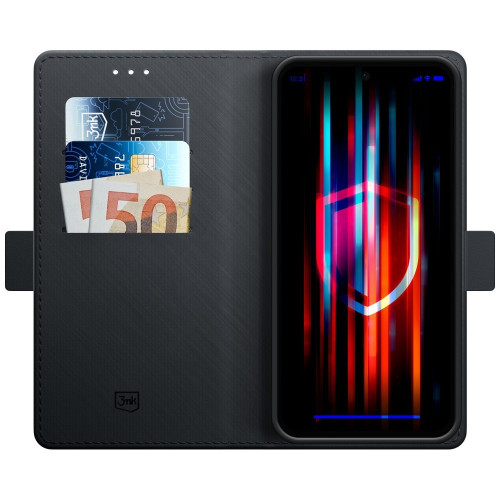
    Don’t you like carrying a wallet? Flip case for Galaxy A26 is the solution for you. Tech-Protect Wallet allows you to hide cards and documents, and the magnetic closure keeps everything in place.

    The case is made of durable eco-leather, giving it an elegant look. Inside, you’ll find practical pockets, and the flap protects the screen from scratches. The stand function is a great addition for watching movies, video calls, or browsing content without holding the phone in your hand.

    Thin and sleek case for Galaxy A26

    Spigen Liquid Air – minimalist protection

    Do you want your phone to remain light and handy? Spigen Liquid Air for Samsung Galaxy A26 5G is a slim case that does not bulk up the device, yet provides excellent cushioning thanks to Air Cushion technology.

    This thin case for Samsung Galaxy A26 perfectly adheres to the body and does not add unnecessary millimeters. The flexible yet durable TPU material protects against scratches, while precise cutouts ensure easy access to all ports and buttons.

    The anti-slip texture on the back improves grip and minimizes the risk of dropping, while the elegant geometric pattern adds style. This is one of the most frequently chosen cases for fans of minimalism and functionality – perfect for those who do not want to give up comfort but also do not like bulky cases.

    Transparent case and glitter effect

    Flexair Clear – show the colors of Galaxy A26

    Do you like the design of your phone? Keep it on display. Tech-Protect Flexair Samsung Galaxy A26 5G Clear case is a transparent case for Samsung Galaxy A26 that provides full visibility of the original colors while effectively protecting against scratches.

    Flexible TPU material protects against damage, and raised edges safeguard the screen and camera. The case is exceptionally lightweight and slim, ensuring it does not bulk up the phone and maintains its original look. It fits perfectly to the body, and a special coating prevents the material from yellowing, which is a common issue with transparent cases.

    Available is also a version with a glitter effect, which subtly shines in the light – a great choice for those who want to stand out and add a touch of elegance to their smartphone. The glitter particles are embedded in the material, so they do not wear off or fall off over time. This is an option for those who want to combine aesthetics with protection – without compromises. The flexible TPU material protects against scratches, and the raised edges safeguard the screen and camera.

    Silicone case for Samsung Galaxy A26

    Soft, light, and comfortable

    Do you value classic solutions? Bizon Case Silicone Magnetic Sq silicone case with magnetic ring and Tech-Protect Icon for Galaxy A26 are proven, lightweight cases that fit well in the hand, protect against scratches, and do not attract fingerprints.

    The silicone in these models is pleasant to the touch, resistant to fading, and easy to keep clean. Thanks to its flexibility, the case fits perfectly to the phone’s body, does not stick out, and does not slide off the edges. Additionally, the slightly matte finish improves grip and prevents the device from slipping out of the hand.

    Bizon Case also offers a built-in magnetic ring that works with magnetic mounts, making it easier to use the phone in the car on a daily basis. It’s an excellent choice for those looking for a simple yet well-thought-out everyday case – without unnecessary frills, but with full functionality.

    Feminine and decorative case for Samsung Galaxy A26

    Spring vibe and marble style

    Are you looking for something different than black or transparent? Tech-Protect Flexair Spring Flowers and Tech-Protect Icon Marble are cases that bring a touch of style and personality to your Galaxy A26.

    The floral patterns in the Spring Flowers version perfectly fit into spring-summer stylizations – they are light, pastel, and cheerful. The case not only decorates but also protects the device thanks to the flexible and well-fitted material.

    On the other hand, Icon Marble is a classic with a touch of luxury – the marble print in shades of white, gray, or pink gives the smartphone an elegant look. The case is perfect for everyday use, but also as an accessory for more formal stylizations. It’s a great choice for women who want their phone to look exceptional – without sacrificing protection.

    Matte finish = class

    3MK Matt Case Pro and Magmat

    If you like a subdued look, go for matte. 3MK Matt Case Pro and Tech-Protect Magmat Matte Black are options that don’t stand out but get the job done.

    This matte case for Samsung Galaxy A26 stands out with its minimalist design and high functionality. The matte surface doesn’t pick up fingerprints, feels nice to the touch, and provides a good grip – which is important, especially when using the phone with one hand.

    3MK Matt Case Pro is known for its thin construction and durable, abrasion-resistant material, while being flexible and fitted to the phone. Tech-Protect Magmat offers a slightly more rugged, masculine look with additional reinforced corners and a sleek black finish.

    Both models are lightweight, fit well in the hand, and do not bulk up the device – ideal for those looking for subtle yet solid protection for everyday use.

    Did this guide interest you, but are you looking for accessories for a different smartphone? Check out our offer on the page:

    Click and find the perfect case for your Galaxy!

  • How does a fingerprint reader work? Discover its applications

    How does a fingerprint reader work? Discover its applications

    What is a fingerprint reader?

    How does a fingerprint reader work in smartphones?

    A fingerprint reader in smartphones is a complex system that utilizes various technologies to identify unique fingerprint patterns. With sensors that scan the fingertip, the device is able to register and store an image of the user’s fingerprints. When the user attempts to unlock the phone, the scanner compares the scanned fingerprint with the stored pattern, allowing for quick and efficient unlocking of the phone.

    What technologies does a fingerprint reader use?

    Fingerprint readers use various technologies, including optical and capacitive. Optical technology uses light to create an image of the fingerprints, while capacitive technology works by measuring the difference in electrical capacitance between different areas of the fingertips. Recently, ultrasonic scanners have also gained popularity, which use sound waves to capture detailed information about the fingerprint, increasing recognition accuracy. What are the types of fingerprint readers?
    Na rynku dostępne są różne rodzaje czytników linii papilarnych, które mogą różnić się zarówno technologią, jak i zastosowaniem. Wyróżniamy m.in. skanery optyczne, pojemnościowe oraz ultradźwiękowe. Każdy z tych typów ma swoje zalety i wady, a ich wybór zależy od specyficznych potrzeb użytkownika. Na przykład, skanery optyczne mogą być tańsze, ale mniej dokładne w porównaniu do skanerów ultradźwiękowych, które oferują wysoki poziom bezpieczeństwa i precyzyjne rozpoznanie
    Jak działa czytnik linii papilarnych?

    Jak skanery odcisków palców rozpoznają linie papilarne?

    Skanery odcisków palców działają poprzez analizę układu linii brodawkowatych, które są unikalne dla każdego człowieka. Po zeskanowaniu odcisku palca, urządzenie przetwarza obraz linii papilarnych i tworzy cyfrowy wzór, który następnie jest porównywany z zapisanymi danymi. Dzięki temu możliwe jest precyzyjne rozpoznanie użytkownika i odblokowanie dostępu do smartfona czy aplikacji.

    Jak czujnik odczytuje odcisk palca?

    Czytnik linii papilarnych odczytuje odcisk palca, wykorzystując czujnik, który może być umiejscowiony w różnych miejscach urządzenia, np. w przycisku Home, na ekranie lub z boku obudowy. Po nałożeniu palca na czujnik, urządzenie skanuje obraz linii papilarnych, a następnie przetwarza go w celu stworzenia cyfrowego wzoru. W przypadku skanera ultradźwiękowego, fala dźwiękowa przechwytywana przez czujnik pozwala na uzyskanie bardziej szczegółowych informacji o odcisku.

    Is unlocking a phone safe?

    The security of unlocking a phone using a fingerprint reader is generally high, but it is not without risks. It is important to remember that biometrics, although difficult to forge, is not completely foolproof. In the case of an optical scanner, there is a risk that the fingerprint image could be cloned. Therefore, smartphone manufacturers are implementing additional security measures, such as facial recognition, to enhance the level of user data protection.

    What are the applications of fingerprint readers?

    What are the benefits of using a fingerprint reader in laptops?

    The use of fingerprint readers in laptops offers many benefits, including increased data security and user convenience. Users can quickly unlock their devices without the need to enter passwords, which is particularly useful in situations where immediate authorization is required. Additionally, this technology minimizes the risk of unauthorized access, which is crucial in the context of storing sensitive information.

    Where else can a biometric fingerprint be used?

    A biometric fingerprint is used in many areas, such as access control to rooms, mobile payment systems, or securing data in the cloud. Many companies use fingerprint readers to allow employees access to offices and IT systems. Additionally, biometric scanners are increasingly found in ATMs, which facilitates and speeds up the transaction process.

    How does a fingerprint reader affect access control?

    Fingerprint readers are an effective access control tool because they can uniquely identify a user based on the unique features of their fingerprint. This makes security systems more resistant to fraud and abuse. The introduction of biometric authentication methods in public places, such as airports or public institutions, increases safety and comfort when using these services.

    Convenience of using fingerprint readers

    How does a fingerprint reader enhance the usability of a smartphone?

    Using a smartphone with a fingerprint reader significantly increases the comfort of using the device. It allows for quick unlocking of the phone without the need to remember complicated passwords. The rise in popularity of this technology has led many manufacturers, such as Samsung, to introduce innovative solutions that enable even easier and more intuitive use of mobile devices. As a result, users can focus on functionality rather than remembering passwords.

    Can multiple fingerprints be saved?

    Yes, many modern devices allow for the saving of several fingerprints, which increases the convenience of using the fingerprint reader. With this feature, users can register the fingerprints of different people, making access to shared devices, such as laptops or tablets, easier. The ability to add multiple fingerprints also allows for quick switching between different users, which is particularly useful in family or office situations.

    Which applications support the operation of fingerprint readers?

    Many mobile applications and operating systems, such as Android, support fingerprint reader functionality, allowing users to conveniently log into their accounts. Banking apps, mobile payments, and security systems utilize biometric technology to enhance transaction security. As a result, users can take full advantage of the app’s features without worrying about the safety of their data.

    How to ensure security using a fingerprint reader?

    What are the potential threats associated with biometrics?

    Although fingerprint readers offer a high level of security, there are certain potential threats associated with biometrics. Fraud, such as creating a fake fingerprint, can lead to unauthorized access. It is also important to remember that in the event of device loss, access to stored data may be compromised if the device is not adequately secured with additional methods, such as a password or facial recognition.

    What precautions should be taken when using a reader?

    To ensure safety when using a fingerprint reader, it is advisable to take a few precautions. First, you should regularly update the device’s software to have access to the latest security features. Second, it is important to use additional authentication methods, such as passwords or PIN codes, in case the fingerprint reader does not work properly. It is also advisable to avoid saving fingerprints on devices that are used by multiple people.

    What to do in case of fingerprint recognition issues?

    In case of fingerprint recognition issues, the first step should be to ensure that the sensor is clean and free from contaminants. It is also worth trying to rescan the fingerprint to improve the quality of the saved pattern. If problems persist, it is recommended to delete the old fingerprint and add it again or register another finger. If issues continue, it is advisable to consult the manufacturer or a specialist for further diagnostics.

  • How to protect the camera lens on your phone


    How to take care of your phone’s camera lens

    For a long time, mobile phones have ceased to serve us only for calling. Now they are more like our small command center, through which we have access to the Internet at any moment, send emails, browse social media, order food through an app, or do shopping with home delivery. In fact, the mobile phone has become a device without which we cannot imagine our daily functioning. It is no wonder that accessories for smartphone protection are so diverse; we no longer just protect the back of the device or the display. We are increasingly aware that the camera lens also deserves solid protection.

    Traditional ways to protect the camera lens on your phone

    The camera lens on your phone should be handled with special care. We should remember to protect it from dust and sand. Any damage, not only visually (as in the case of the screen), will mar our phone but will also significantly affect the quality of the photos we take. Therefore, before taking each photo, you should wipe the lens with a soft cotton cloth or a special lens cleaning cloth. Remember to place the device in a clean and dry place, and when carrying the phone in your pocket, keep the lens as far away from the opening as possible. Remembering these rules during daily use can be quite problematic, so it is worth considering additional protection.

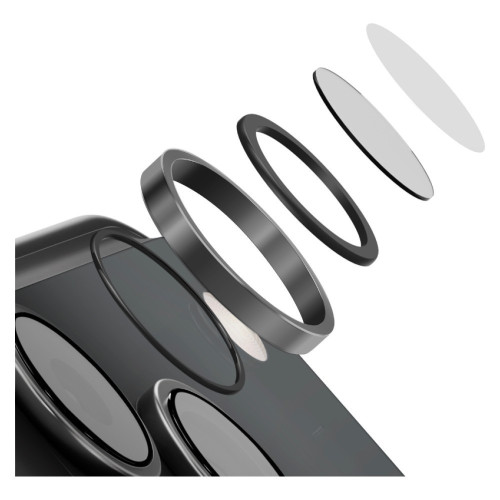
    Hybrid glasses from 3MK

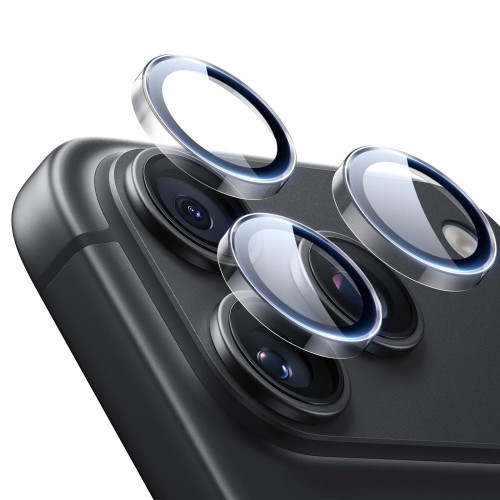
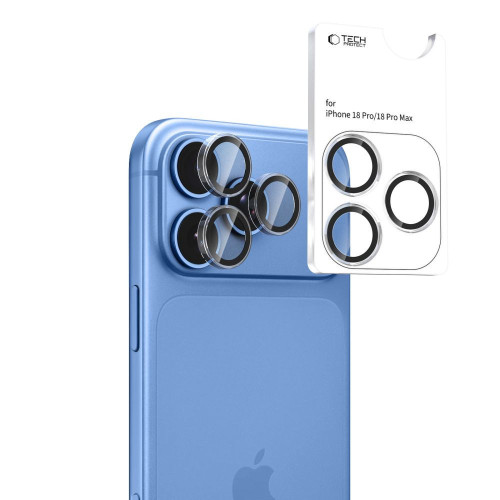
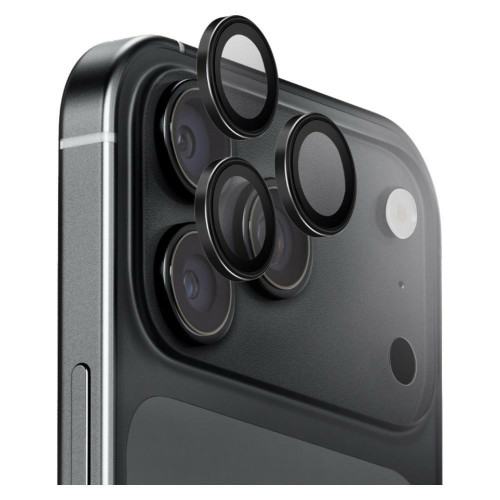
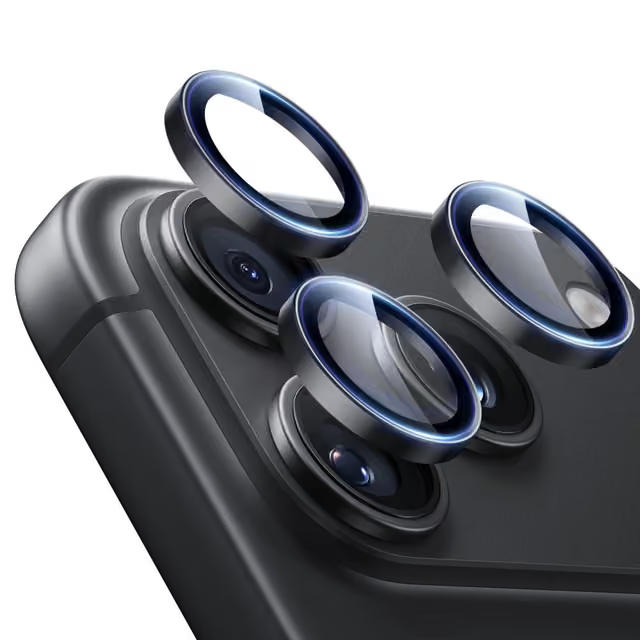
    That is why, to protect the lens from damage and thus not lose quality in the photos taken, additional protection is important. On our store’s website homescreen.pl, you will find a wide selection of hybrid glasses from the Polish manufacturer 3MK. For a small amount of money, we receive a 4 Pack of fitted glasses that will last us throughout the entire period we use a given smartphone. It is worth emphasizing that the material used in no way affects the color and clarity of the lens; it is extremely thin, with a thickness of only 0.16 mm, and strengthens, according to the manufacturer, by 250% compared to an unprotected device. A hardness of up to 7H has been achieved by applying an additional ceramic coating.

    As you can see, it is worth additionally securing the lens on your phone if you care about the quality of the photos you take. This is particularly important when the phone serves as a work tool and we want to advertise ourselves in this way. Another significant reason is the concern for the quality of photos on our social media or those saved in the cloud as family mementos.

  • How to install tempered glass?

    Change of phone – for many of us, it’s a moment eagerly awaited for months, if not years. For others, it is a source of much stress – transferring data, contacts, learning a new interface, changing habits regarding size. Undoubtedly, there is also anxiety related to the desire to keep the new acquisition in the best – possibly pristine – condition for as long as possible.

    It is obvious to choose a case that will fulfill its role – that is, protect the phone – while also pleasing the eye and not excessively spoiling its lines. The choice is relatively simple – manufacturers are doing their best to ensure that the options are truly diverse and tailored to many tastes and needs. We make a decision, buy, put it on – topic closed.

    However, a slightly different situation occurs in the case of tempered glass. Its role is to protect the screen from unwanted scratches, impacts, and falls – some might argue that it is a more important element than the case itself. The choice, just like with cases, is also considerable. From the cheapest options from the Middle Kingdom to the highest quality models with a sapphire finish. However, in this case, making a decision and purchasing is only half – perhaps even less – of the success. The most expensive glass on the market will be of no use if we fail during its installation. 🙂

    Tempered glass in Home Screen

    A fully symmetrical, equal, and clean application of screen protection is not as difficult as it might seem – it only takes a little manual dexterity, a dusted piece of desk/table to perform the «procedure,» and a few minutes of moderate focus. The modest price, which we pay, will reward us with screen protection that is close to factory-like and as non-invasive as possible.

    Let’s get started!

    Spigen Glas.tr, Home Screen Glass and Benks

    The set of accessories that we find in the packaging with the glass usually depends on the price we paid for the given protection. In the case of cheaper options, one can hardly expect anything other than a set of dry and alcohol-soaked wipes and a set of stickers for «dusting» the screen. On the other hand, higher-end options usually come with a microfiber cloth (which is definitely more effective in cleaning the screen) and accessories designed to facilitate the installation process – including a mounting frame that allows the phone to be placed in it, which helps maintain symmetry during the glass application. For the purposes of this guide, however, we will go «raw,» opting for a fully manual installation – contrary to appearances, frames in some situations can do more harm than good.

    Home Screen Glass Set

    Benks Glass Set

    Spigen Glas.tr Align Master Set

    For many, the biggest difficulty may be maintaining cleanliness during installation. What good is it if the glass is applied perfectly straight, if numerous specks gather on its surface and the screen? Unfortunately, there is no magic wand that will eliminate every floating particle in the air 100% – however, wiping the surface where we decided to install it with a damp cloth will definitely help. A popular method is also to perform the «procedure» of applying tempered glass in a steamy (for example, after a bath) bathroom – high humidity in the air will guarantee fewer contaminants floating around, which in turn will translate to a longer «window» between removing the protective film from the glass and applying it to the clean screen.

    A very common mistake that makes it difficult to correctly apply tempered glass is simply… the positioning of the phone. Having it in front of us horizontally (on the longer side) allows us to hold the glass by the shorter sides, which guarantees us a much more comfortable maneuverability of the glass and makes it easier to hold. A seemingly silly thing, but in practice, it changes a lot.

    Tempered glass

    Another theoretically unnecessary step is… setting a light wallpaper on the lock screen, which clearly allows us to assess where the display ends and where the frames begin. Currently, the vast majority of phone models are a black pane of glass, on which it is impossible to stick the glass «by eye,» hoping that we hit the center. The illuminated edge of the display will give us a hint of a reference point, thanks to which we will have a better chance of symmetrical installation. It is also worth applying the glass to the screen «dry,» even before removing the film – this will allow us to assess how we should «aim» in the final stage of installation.

    Before proceeding directly to the application, we must also ensure the most thorough cleaning of the screen. A cloth soaked in alcohol will come in handy here. Don’t worry if numerous droplets of liquid remain on the screen after this stage – the set also includes a dry equivalent, which we use to wipe the damp surface. It is very likely that despite this, there will still be noticeable specks of dust on the display – we try to remove them by «sweeping» them with the cloth, preferably towards one edge. As mentioned earlier, microfiber cloths will definitely make this easier, although they are not essential.

    Cleaning and fitting tempered glass

    You have probably noticed that there were tiny, funny stickers in the glass set. They are covered with a very thin adhesive layer – used to gently «tap» away the pesky dust particles that we couldn’t force to leave the screen surface with a cloth. Just apply it to the display, holding the other end with your fingers – the dust will stick to the sticker, and no trace will remain on the screen.

    Glass installation on iPhone

    If the screen has already been cleaned, all that remains is to press the lock button – this will wake the screen – and then pull the tab of the protective film covering the adhesive layer of the glass. This should be done with a swift motion, without unnecessary delay – remember that every second of this stage is a chance for unwanted dust particles to settle on both the screen and the already exposed adhesive layer of the glass.

    Installation of tempered glass

    Holding the glass by the corners (most conveniently with the thumb and index finger), we apply it to the screen, starting from the top edge of the phone (the top – as the one with the speaker and cameras). We find the center of symmetry – so that each edge of the glass is at roughly the same distance from the edge of the display. This requires the most focus during the entire process of applying tempered glass – it is worth taking a moment to ensure that the distance of the glass to each edge of the screen is as close as possible. We evenly lower the bottom part of the glass, trying to maintain a straight line of the glass in relation to the longer sides of the phone.

    Applying tempered glass

    After the glass has fully settled, we can assess whether the effect is satisfactory and whether any dust particles have found their way under the glass. If nothing of the sort has occurred – we gently press the glass, sliding our index finger along its length – which will bond the adhesive layer of the glass to the screen. If there are air bubbles remaining – we push them out with a cloth/finger beyond the edge of the glass.

    Applying tempered glass

    If, however, the applied glass has «slipped» towards one of the edges more than we would have liked: in practice, one should not peel off the already applied glass – bending it too much may result in cracking, and it is also easy to damage the edge of the adhesive layer by prying the glass with a fingernail. If, despite everything, we feel capable, and the glass has not «stuck» strongly to the screen – we can gently pry it up and move it, trying to detach it from the screen surface as delicately as possible. Again, it will be helpful to wake up the display with a light wallpaper, which will highlight its edges and allow for a more accurate assessment of the symmetry references.

    The same situation applies to the unfortunate dust particles that somehow found their way under the glass. One might attempt to gently pry the edge of the tempered glass with a fingernail (trying, however, not to go too deep into the adhesive part of the glass) – and then insert the second sticker there, which we previously used to remove dust from the bare screen, trying to catch the unwanted intruder on the adhesive. This maneuver, however, requires surgical precision – it is very easy to damage the glass itself, the adhesive layer, or, ironically, let in more dust. It is absolutely not recommended, although if your aesthetic sense does not allow you to befriend that unwanted object between the protective glass and the screen – it is still a method. 🙂

    The final effect should look something like this.

    Fitted tempered glass

    New glass for iPhone

    If you managed to get close to it – heartfelt congratulations, let us know in the comments: we will prepare a diploma for a certified glass installer, which will undoubtedly earn respect and recognition among family and friends. However, if something went wrong along the way – don’t worry, next time you will draw conclusions from this. 🙂 Practice makes perfect!