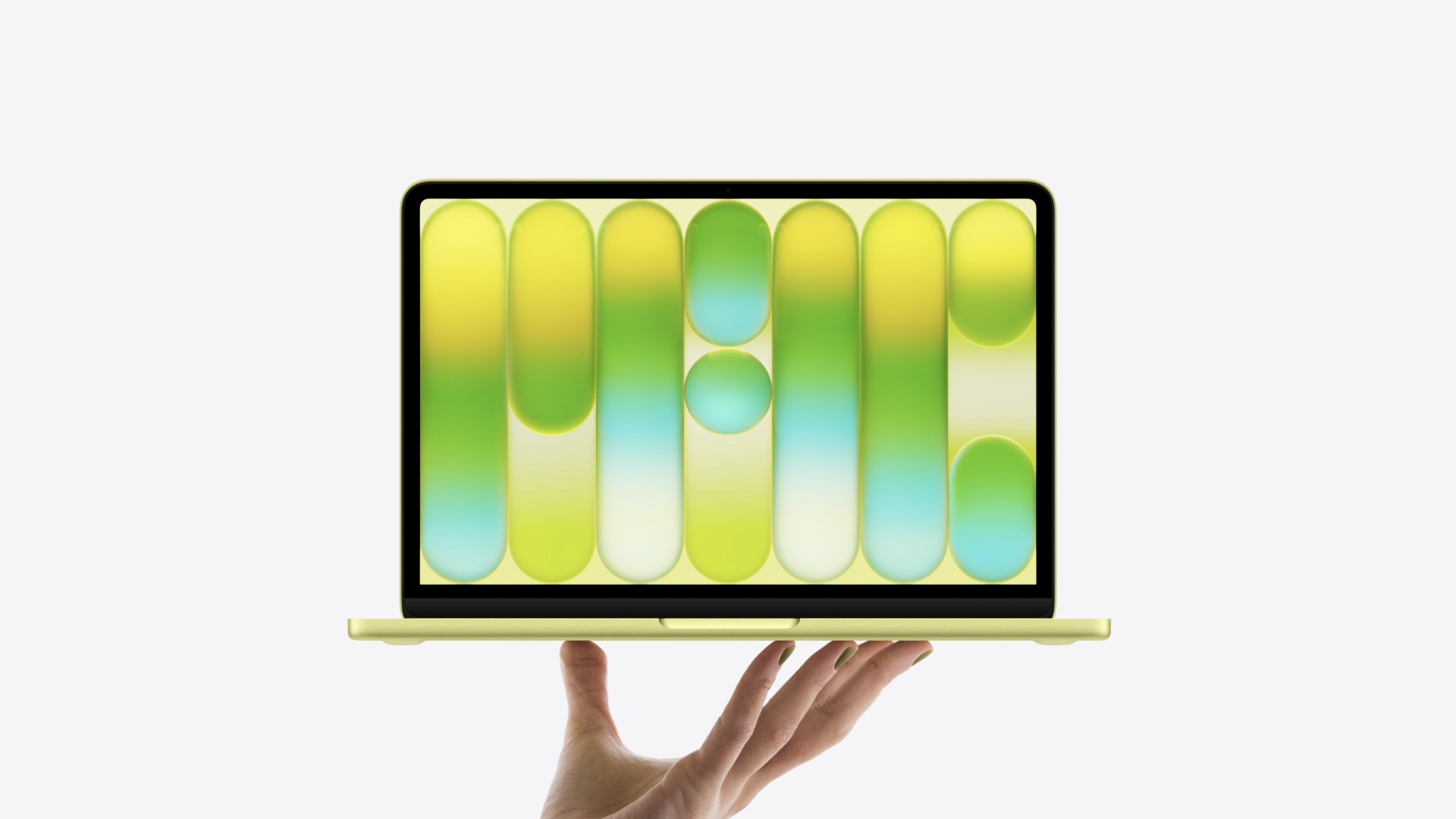
The best glass for the MacBook Neo 13 is the Spigen Glas.tR Slim FC (115 PLN), tempered 9H with full coverage and an oleophobic coating. The best price-to-protection ratio is offered by the hybrid 3MK FlexibleGlass (79 PLN). For working in an open space, choose the Spigen Safe View privacy film.
The MacBook Neo 13 is the cheapest Mac in history, but its glossy Liquid Retina screen scratches just as easily as in more expensive models. The good news: protection costs from 79 PLN, which is less than 3% of the laptop’s price.
In this guide, you will find a ranking of glasses and films for the MacBook Neo 13 available in the Home Screen store, from classic tempered glass, through matte and anti-reflective films, to privacy overlays. Each product is described with a price, specifications, and specific indications for whom it will be suitable.
Does the MacBook Neo 13 even need glass or film?
Let’s be honest: on a laptop, screen protection is not as essential as on a phone that you carry in your pocket with keys. But there are three real reasons to consider glass or film for the MacBook Neo 13.
- Scratches and keyboard imprints — when the lid is closed, the keys almost touch the screen. Crumbs or grains of sand can leave permanent scratches on the display coating.
- Privacy — in a train, café, or open space office, the privacy film obscures the screen from people beside you.
- Anti-reflectiveness — the glossy Liquid Retina panel strongly reflects light. The matte film reduces glare and fingerprints.
Additionally, there is the economic aspect. The MacBook Neo 13 costs 2,999 PLN, and repairing the display out of warranty can cost several hundred to over a thousand PLN. Glass for 79–115 PLN is a cheaper insurance than any visit to a service center.
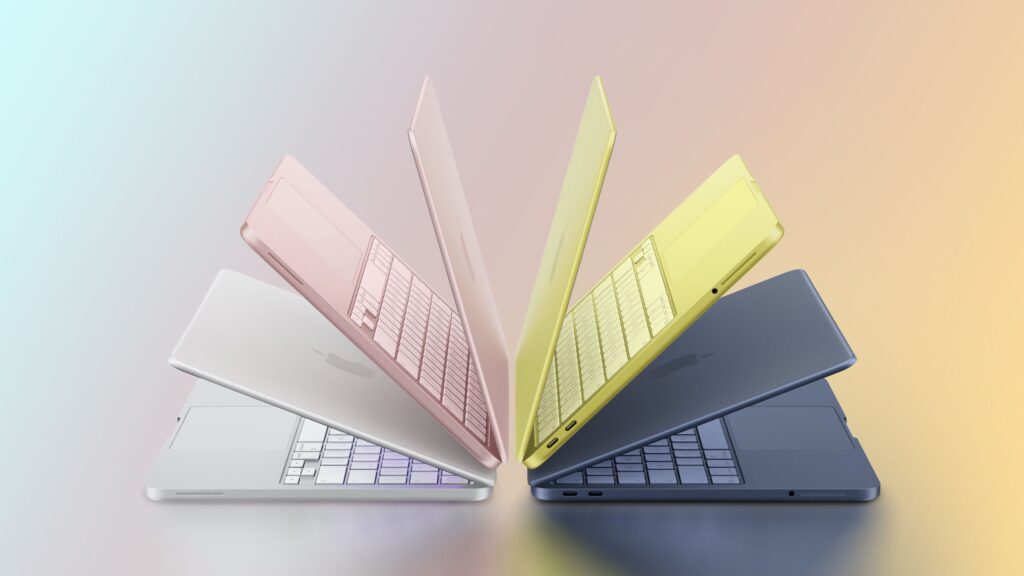
Note: The MacBook Neo 13 screen is not touch-sensitive, so you don’t have to worry about touch sensitivity after applying the glass. Clarity, fit, and coating quality are what matters.
What to pay attention to when choosing glass or film for MacBook Neo 13
Before we move on to the ranking, a brief note on the criteria. The MacBook Neo 13 display has a diagonal of 13″, a resolution of 2408 × 1506 px, and a brightness of 500 nits according to the official Apple specifications. It is a flat, glossy panel without curves, so any overlay adheres to the entire surface.
Key parameters when choosing:
- Type of protection: tempered glass (the hardest), hybrid glass (flexible, does not crack) or film (the thinnest, matte or privacy).
- Hardness: scale from 7H to 9H. The higher, the better resistance to scratches.
- Coatings: oleophobic (fewer fingerprints), anti-reflective (fewer reflections), privacy (viewing angle filter).
- Installation: positioning frame or magnetic system makes it easier to hit perfectly straight, without bubbles.
- Set contents: cloths, dust removal strips, and mounting frame significantly shorten the installation of a large screen.
In the Home Screen store, glasses and films from three brands are available for this model: Spigen, 3MK, and GrizzGlass. Below are the best products from each protection category.
Ranking of glasses and films for MacBook Neo 13
1. Spigen Glas.tR Slim FC — best tempered glass (115 zł)
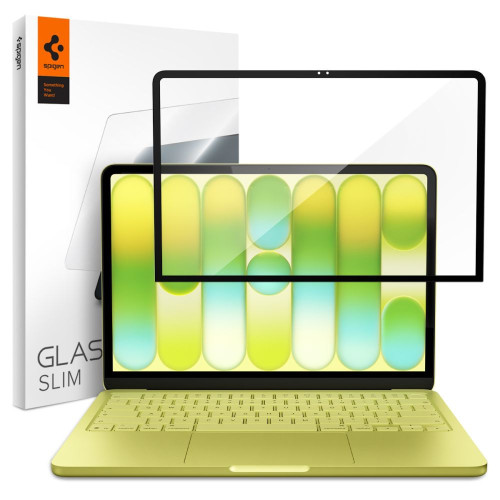
Our selection in the tempered glass category
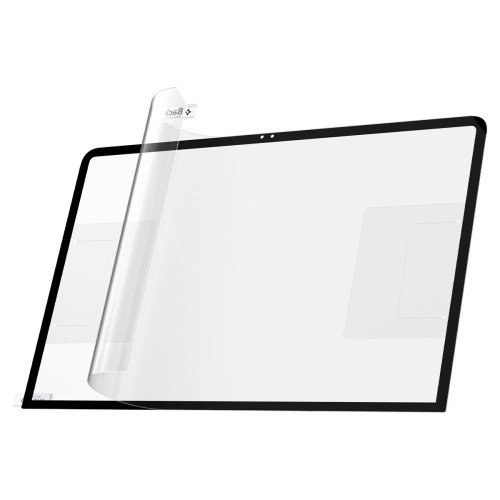
Classic tempered glass with a hardness of 9H, the highest on the scale. Spigen Glas.tR Slim FC features a Full Cover design with an elegant black frame that covers the entire panel with some margin (dimensions 292.38 × 186.74 mm).
What distinguishes Spigen glass:
- Oleophobic coating — the screen collects fewer fingerprints and is easier to clean.
- Anti-Dust Nano Coating — an additional coating from Spigen that reduces dust accumulation under the edges.
- Installation kit included — makes it easier to apply evenly over a large surface.
This is the best choice if you want maximum scratch protection while maintaining the original, glossy readability of the display. The only compromise? The 9H glass is rigid and does not forgive mistakes during installation. It’s worth taking your time.
| Parameter | Value |
|---|---|
| Type | Tempered glass |
| Hardness | 9H |
| Coating | Full Cover (black frame) |
| Coatings | Oleophobic + Anti-Dust Nano |
| Price | 115 PLN |
2. 3MK FlexibleGlass — best price-to-protection ratio (79 PLN)
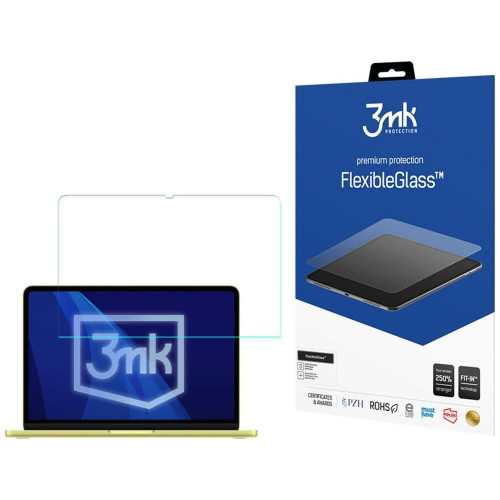
Best price in the ranking
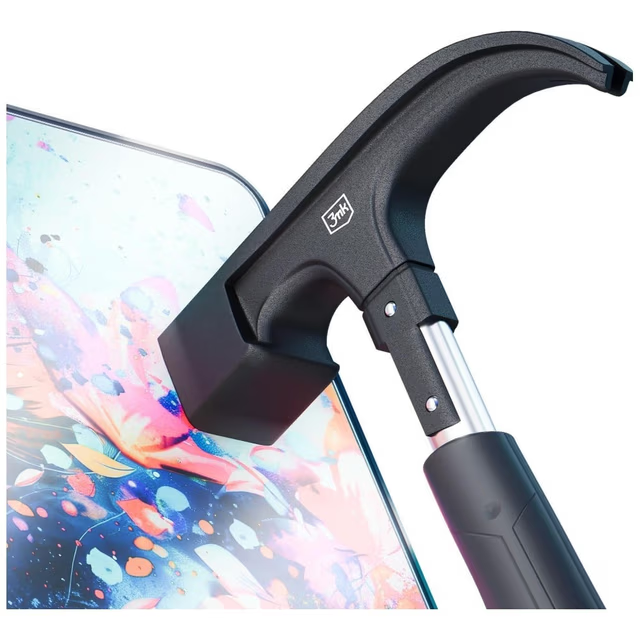
The cheapest protection in the comparison and at the same time a great compromise between glass and film. 3MK FlexibleGlass is a hybrid glass reinforced with a ceramic layer, hardness 7H, thickness below 0.5 mm, and flexibility that prevents it from breaking as easily as regular glass.
Strengths:
- Screen reinforcement by 250% upon impact, according to the manufacturer.
- Antibacterial coating — limits the growth of bacteria on the surface.
- Oleophobic coating and Fit-In™ system with positioning overlays.
If you have ever broken classic tempered glass, the 3MK hybrid will be a more durable and clearly cheaper alternative. At 79 PLN, it is the most sensible purchase for most users.
| Parameter | Value |
|---|---|
| Type | Hybrid glass |
| Hardness | 7H |
| Thickness | < 0.5 mm |
| Coatings | Ceramic + oleophobic + antibacterial |
| Price | 79 PLN |
3. GrizzGlass HybridGlass Easy — rich installation set (86.99 PLN)
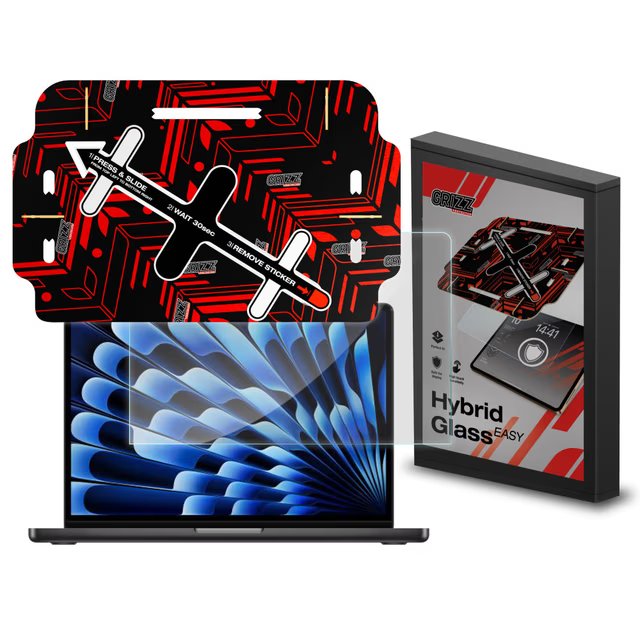
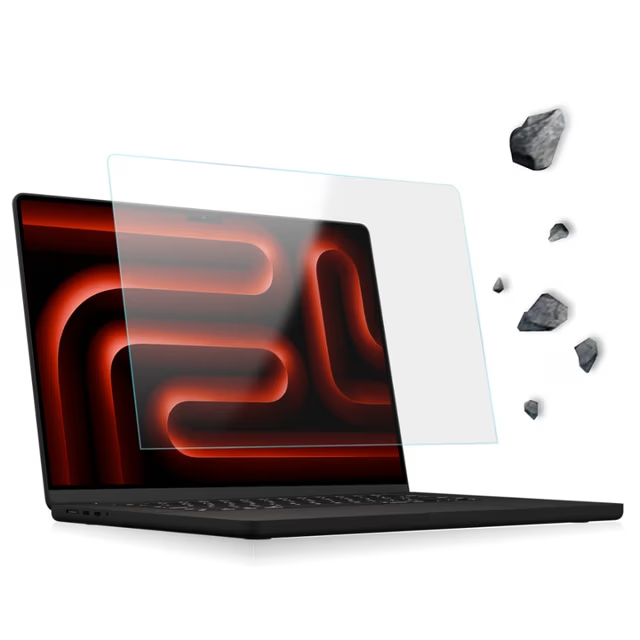
The second proposal in the hybrid glass category. GrizzGlass HybridGlass Easy combines glass with a film and according to the manufacturer strengthens the screen by up to 400% upon impact.
The biggest advantage is the addition of “Easy” in the name: a complete installation kit that makes a difference with a 13-inch screen:
- Eco-friendly positioning frame made of cellulose, aligning the glass perfectly.
- Wet and dry cloth and the DustStix tool for removing dust particles.
- Oleophobic coating reducing fingerprints.
You pay a few zlotys more compared to 3MK, but you get a more comprehensive set and a higher declared resistance to impacts. A good choice if installing large glass stresses you out.
| Parameter | Value |
|---|---|
| Type | Hybrid glass |
| Reinforcement | +400% (according to the manufacturer) |
| Coatings | Oleophobic |
| Set | Cellulose frame, cloths, DustStix |
| Price | 86.99 PLN |
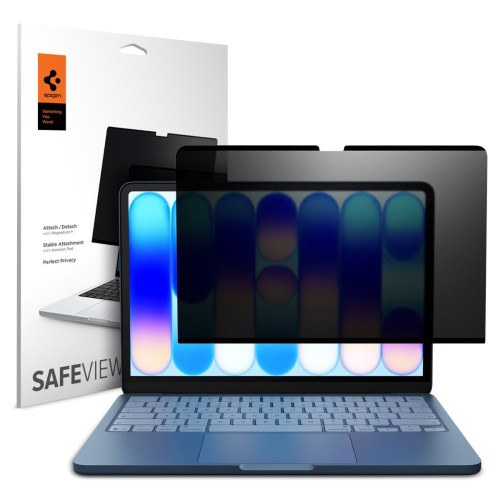
4. Spigen Safe View — privacy film with magnetic installation (126.65 PLN)

Our choice for mobile work
Do you work with confidential data on a train or in an open space? Spigen Safe View is a privacy film that darkens the screen for people looking from an angle, while leaving you with full readability straight on.
The most interesting part is the installation method:
- Magnetic system, no glue. You can apply and remove the film in seconds, e.g., only during travel.
- Reusable — the adhesive layer regenerates after rinsing with water.
- Thickness 0.65 mm and full fit to the panel (292.38 × 186.74 mm).
This is a premium solution for those who value discretion but do not want to permanently darken the screen. You can remove the film at home and regain the full brightness of the Liquid Retina.
| Parameter | Value |
|---|---|
| Type | Privacy film |
| Installation | Magnetic, no glue |
| Thickness | 0.65 mm |
| Multiple installations | ✅ |
| Price | 126.65 PLN |
5. GrizzGlass SecretGlass Easy — privacy glass (129.99 PLN)
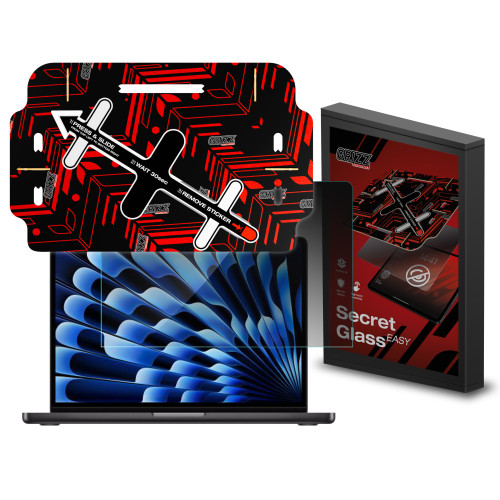
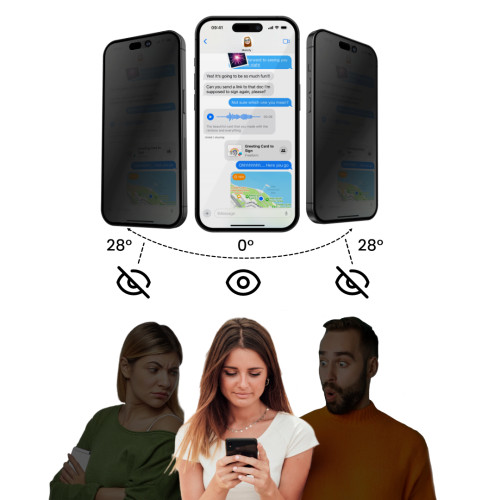
An alternative to privacy film if you prefer stiffer glass. GrizzGlass SecretGlass Easy combines privacy with mechanical protection, prevents side viewing, and at the same time reinforces the screen by 250% thanks to the ceramic layer.
The package includes a complete “Easy” set: a biodegradable positioning frame, wet and dry wipes, and the DustStix tool. It offers two functions in one product: privacy and scratch protection — at the cost of the dimming filter being permanent.
| Parameter | Value |
|---|---|
| Type | Privacy glass |
| Reinforcement | +250% (ceramic layer) |
| Function | Privacy filter (permanent) |
| Set | Cellulose frame, wipes, DustStix |
| Price | 129.99 zł |
6. 3MK PaperFeeling [2 PACK] — matte writing film (119 zł)
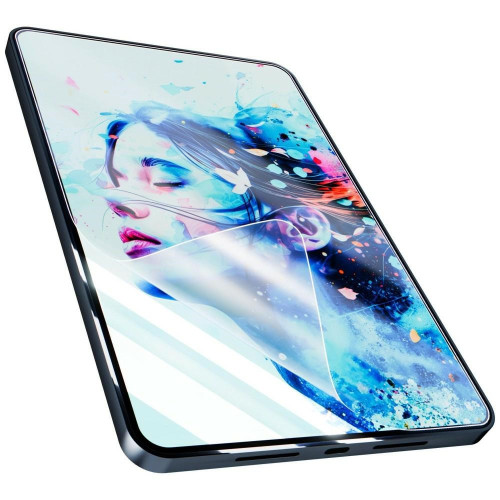
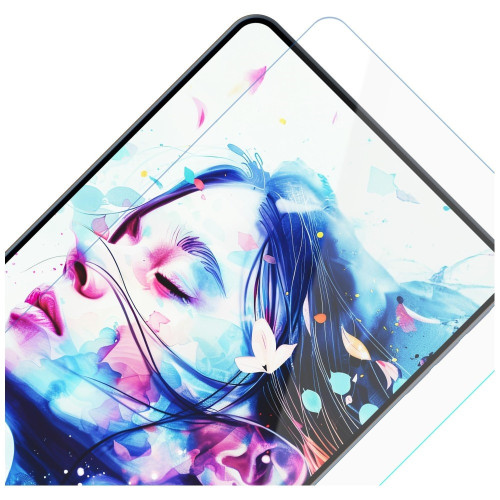
The best option if a glossy screen tires you. 3MK PaperFeeling is a matte film with a thickness of only 0.18 mm, which gives the surface a delicate, paper-like texture and significantly reduces glare and fingerprints.
Two arguments in favor:
- 2 PACK Set — two films for the price, meaning a spare or material for a second installation attempt.
- Reinforcement up to 200%, adhesive Inviscid-Sil™, system Fit-In™ and Dust-Fix™ strips.
The matte coating sacrifices some clarity and color saturation, so it’s not the best choice for graphic designers working with color. However, it works excellently for writing, reading, and working in a bright room.
| Parameter | Value |
|---|---|
| Type | Matte film |
| Thickness | 0.18 mm |
| Content | 2 pieces (2 PACK) |
| Reinforcement | up to 200% |
| Price | 119 PLN |
7. GrizzGlass MatteScreen Easy — anti-reflective film (99.99 PLN)
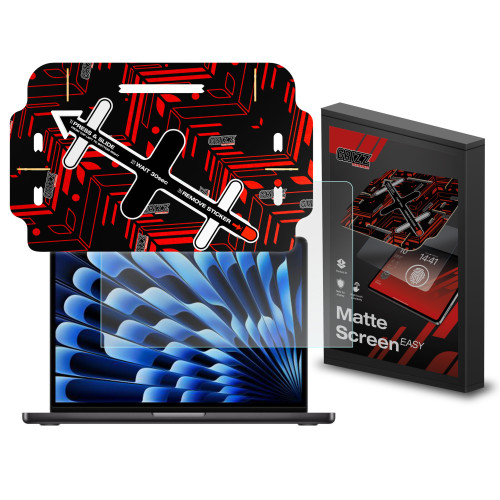

The second matte film in the ranking and 20 PLN cheaper than the 3MK PaperFeeling. GrizzGlass MatteScreen Easy reduces glare and fingerprints, and you also get a complete “Easy” mounting kit with a cellulose frame.
It has a rating of 4.5/5 and is a good choice if you care about the anti-reflective effect but do not need a spare piece from the 2 PACK set. The material is flexible and does not crack, so installation forgives small mistakes.
| Parameter | Value |
|---|---|
| Type | Matte anti-reflective film |
| Effect | Reduction of reflections and fingerprints |
| Rating | 4.5/5 |
| Set | Cellulose frame, cloths, DustStix |
| Price | 99.99 zł |
Comparison of glasses and films for MacBook Neo 13
| Product | Brand | Type | Key parameter | Price |
|---|---|---|---|---|
| Glas.tR Slim FC | Spigen | Tempered glass | Hardness 9H, Full Cover | 115 zł |
| FlexibleGlass | 3MK | Hybrid glass | 7H, +250%, antibacterial | 79 zł |
| HybridGlass Easy | GrizzGlass | Hybrid glass | +400%, full set | 86.99 zł |
| Safe View | Spigen | Privacy film | Magnetic installation | 126.65 zł |
| SecretGlass Easy | GrizzGlass | Privacy glass | Privacy + 250% | 129.99 zł |
| PaperFeeling [2 PACK] | 3MK | Matte film | 0.18 mm, 2 pcs. | 119 zł |
| MatteScreen Easy | GrizzGlass | Matte film | Anti-reflective, 4.5/5 | 99.99 zł |
Our choice: Spigen Glas.tR Slim FC (115 PLN) for maximum protection and original clarity. If you are counting every penny, 3MK FlexibleGlass for 79 PLN offers nearly full protection for two-thirds of the price.
Glass, matte film or privacy film — what to choose for MacBook Neo 13?
The choice depends on how and where you use your laptop. Here are some simple recommendations:
- You just want to protect the screen and maintain the original, glossy image → tempered glass Spigen Glas.tR Slim FC (9H, 115 PLN).
- You are looking for the cheapest, solid protection → hybrid 3MK FlexibleGlass (79 PLN). It doesn’t crack and has an antibacterial coating.
- You are afraid of installing large glass → GrizzGlass HybridGlass Easy with a positioning frame and a set of cloths.
- You work with confidential data in public places → privacy film Spigen Safe View (magnetically removable) or glass GrizzGlass SecretGlass (permanent).
- Are you bothered by reflections of light → matte film 3MK PaperFeeling (2 pcs.) or the cheaper GrizzGlass MatteScreen.
Tip: Matte and privacy films always reduce some brightness and sharpness of the image. If you care about the full quality of the Liquid Retina display on a daily basis, choose clear glass, and purchase a privacy film separately for trips.
It’s also worth considering the rest of the set. Next to the glass in the same category, you will find cases and covers, and if you are considering other models, check out accessories for MacBooks in the full store offer.
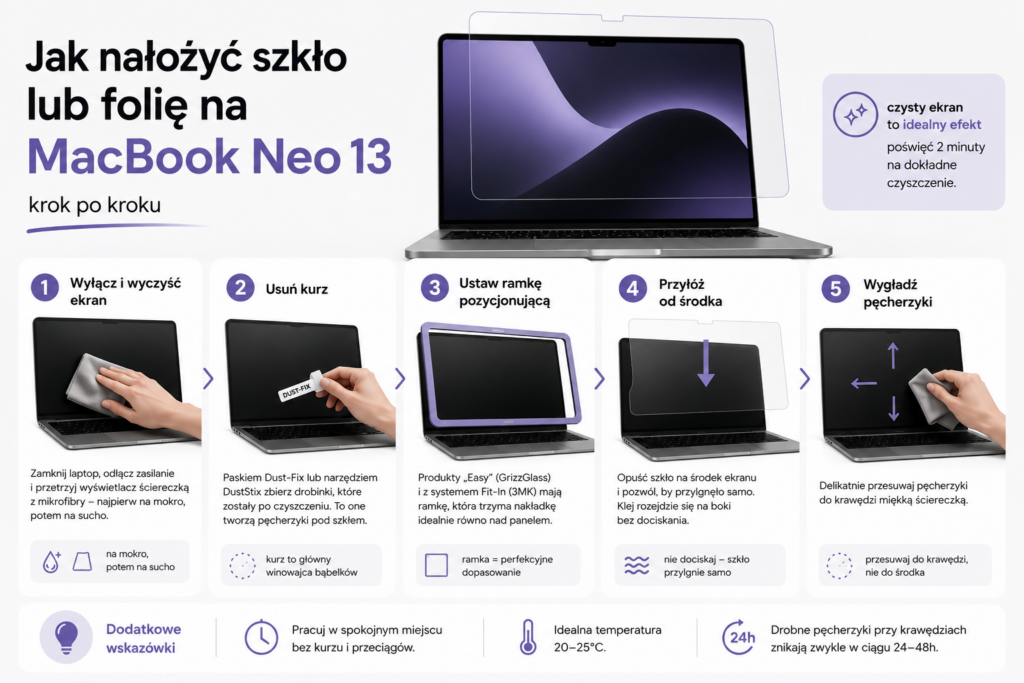
How to apply glass or film to MacBook Neo 13 step by step
Summary
Screen protection for MacBook Neo 13 starts at 79 PLN. That’s less than 3% of the laptop’s price and definitely less than the cost of repairing a scratched display. Regardless of your budget, you will find a suitable product from one of three brands: Spigen, 3MK, and GrizzGlass.
Key takeaways:
- Best tempered glass: Spigen Glas.tR Slim FC (115 PLN), 9H, full coverage, oleophobic coating.
- Best price-to-protection ratio: 3MK FlexibleGlass (79 PLN), hybrid, antibacterial, does not crack.
- Best privacy: Spigen Safe View (126.65 PLN), magnetically removable film.
Before you choose accessories, it’s worth knowing the device itself — read the full specifications and prices of the MacBook Neo. You can compare a set of glasses and films for this model in one place at Home Screen’s offer.
FAQ — frequently asked questions
Is it worth putting glass on the MacBook Neo 13 since the screen is not touch-sensitive?
Yes, if you want to avoid scratches from the keyboard when closing the lid and fingerprints. Glass or film protects the glossy Liquid Retina panel, which costs significantly more to repair than a cover priced at 79–115 PLN.
Tempered glass or film — which is better for the MacBook Neo 13?
Tempered glass (e.g., Spigen Glas.tR Slim FC, 9H) provides the best protection against scratches and maintains a glossy image. Film is thinner and allows for a matte or privacy effect, but slightly reduces brightness. For regular protection, choose glass.
How does the privacy film work on the MacBook Neo 13?
The privacy filter narrows the viewing angle, so people sitting next to you see a dark screen while you read without any problems directly in front of you. The Spigen Safe View attaches magnetically, so you can put it on only while working in a public place.
How much does glass or film for the MacBook Neo 13 cost?
Prices start at 79 PLN for the hybrid 3MK FlexibleGlass. The Spigen tempered glass costs 115 PLN, while privacy and matte films range from 99.99 to 129.99 PLN. All products are available at the Home Screen store.
Does the matte film degrade the image quality on the MacBook Neo 13?
The matte film, such as the 3MK PaperFeeling, reduces reflections and fingerprints, but at the cost of a slight loss of sharpness and color saturation. For writing and reading, this is an advantage; for color work (graphics, photography), clear glass would be better.
Is it difficult to install glass on the MacBook Neo 13?
The large screen requires attention, but products with the “Easy” label (GrizzGlass) and the Fit-In™ system (3MK) include positioning frames and cloths that make it easier to apply evenly without bubbles. Hybrid glass forgives more mistakes than rigid 9H.
Leave a Reply