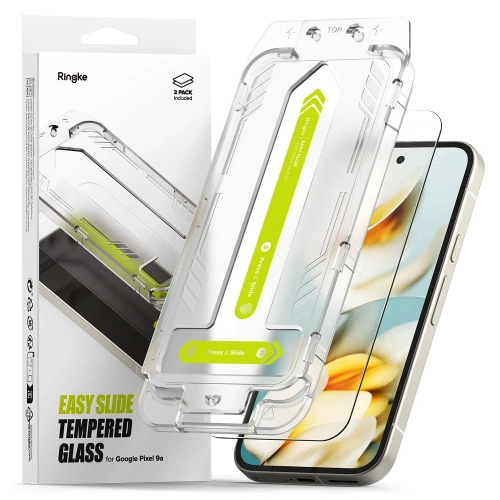
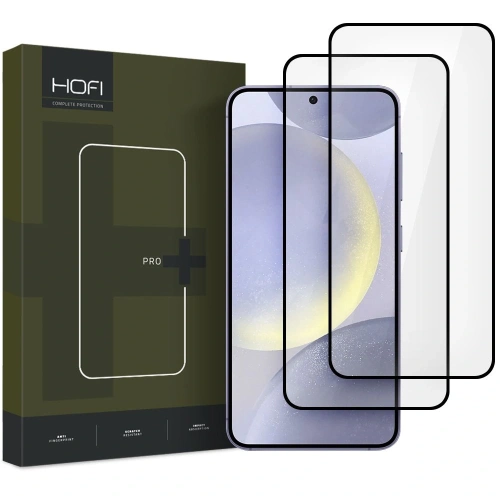
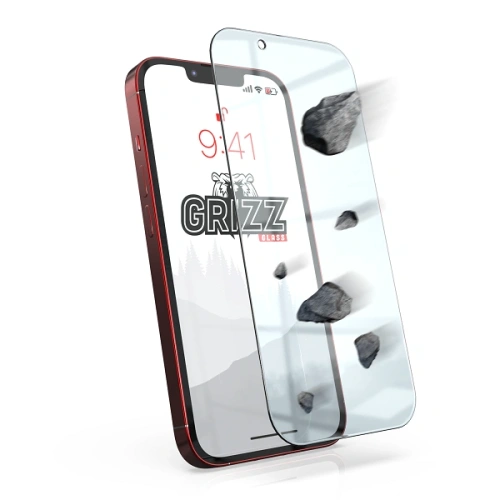
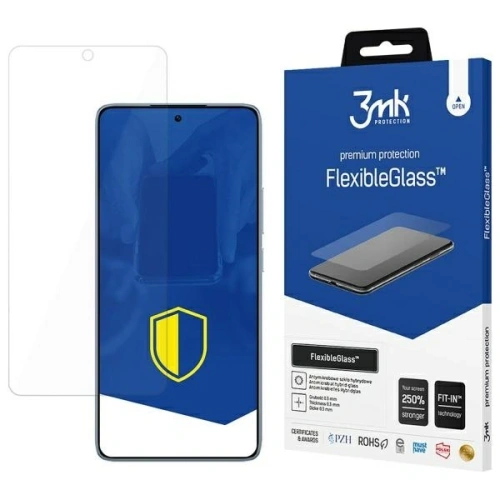
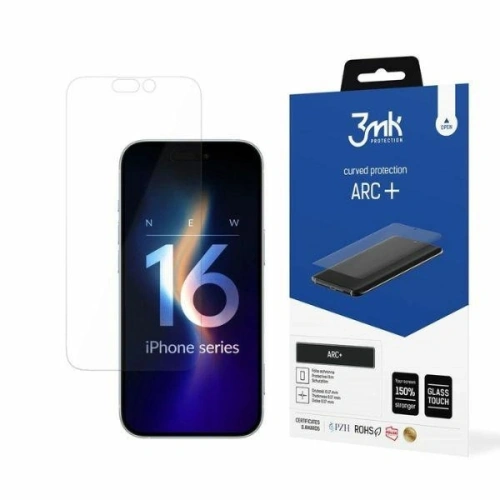
In today’s world, we take our smartphones with us literally everywhere, which exposes them to various threats lurking at every turn. The screen is the most vulnerable to scratches, cracks, or dirt, and its damage evidently affects the comfort of use. As we know, even the cheapest screen protection is better than none. So which option should be chosen to best protect the front panel of the device? Tempered glass or a film? Or maybe it’s worth investing in hybrid glass?
Protective film – discreet protection for modern screens
Protective films for smartphone screens are one of the most aesthetic protective solutions – practically invisible on the display, thin, and extremely lightweight. They work perfectly for the latest phone models with curved screens or very thin bezels, where classic tempered glass might not be suitable. That’s why many people opt for film in models such as Samsung Galaxy S25 Ultra, iPhone 16 Pro, Xiaomi 15, or OnePlus 13 Pro.
The film creates a thin protective layer that effectively safeguards the screen against micro-scratches, smudges, dust, or fingerprints. It’s a great choice for people who do not expose their phone to significant drops but want to keep the screen in perfect visual condition.
Modern TPU protective films or hydrogel films fit perfectly to the screen, without disrupting its sensitivity, and are very easy to clean. Importantly, the films are also compatible with most protective cases, including MagSafe or rugged types.
✅ Advantages of protective film:
exceptionally thin and almost invisible on the screen
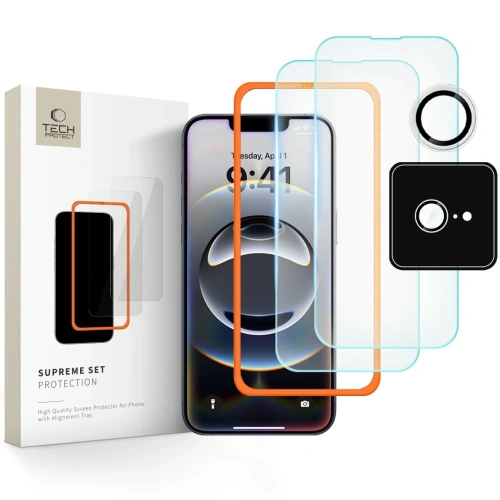
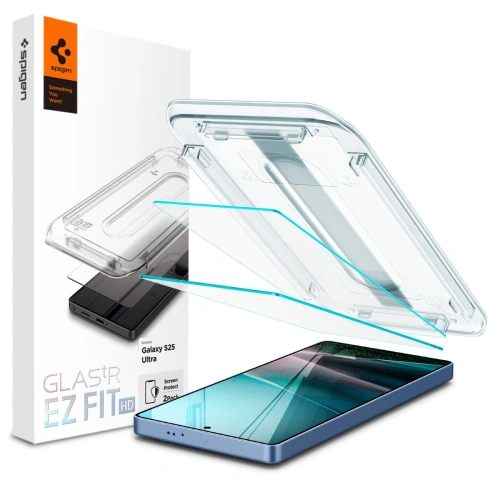
Tempered glass for phone screens is the most popular and proven protective solution, used by both private users and services that install protections. Thanks to its structure and high hardness (usually 9H), it effectively protects the display from scratches, cracks, and the effects of accidental drops. It is an ideal option for people who actively use their smartphones daily – at work, while traveling, during workouts, or while playing with children.
Tempered glass is the perfect protection for models such as iPhone 16 Pro, Samsung Galaxy S25 Ultra, Google Pixel 9, Xiaomi 15 Pro, or OnePlus 13. Thanks to tailored shapes, modern glasses are compatible with most protective cases – including rugged and magnetic types. Tempered glass usually has precisely cut holes for the camera, sensors, and speakers, and its installation is very simple – especially for flat screens.
✅ Advantages of tempered glass:
very high resistance to scratches and drops (hardness 9H)
quick and easy installation, especially on flat screens
possibility of removal and reinstallation (in some models)
does not affect image quality or touch sensitivity
wide availability of models tailored to specific phones
❌ Disadvantages:
greater thickness than film – may be more visible
may lift on curved screens if it is not 3D glass
may crack under very strong impacts (but protects the actual screen)
Hybrid glass – flexible protection of the new generation
Hybrid glass is an innovative solution that combines the advantages of two worlds: the flexibility of protective film and the durability of tempered glass. It is made from a combination of plastics and a thin layer of glass, making it exceptionally resistant to cracks while being flexible and easy to install. It’s the ideal choice for those who want to effectively protect their screen but do not like thick tempered glass.
Hybrid glass for phone screens works perfectly with the latest smartphones featuring curved edges and thin bezels. Thanks to its structure, it adheres perfectly to the display, does not peel at the edges, and does not leave air bubbles.
Modern hybrid glasses provide high touch sensitivity, full transparency, and protection against scratches, micro-scratches, smudges, and fingerprints. Although they are not as hard as classic tempered glass, they do not crack upon falling, making them more durable for everyday use.
✅ Advantages of hybrid glass:
flexible and crack-resistant – does not shatter like tempered glass
ultra-thin – practically imperceptible on the screen
perfect fit for flat and curved screens
easy installation – no risk of air bubbles
compatible with most cases
❌ Disadvantages:
lower hardness than tempered glass (more prone to micro-scratches)
may require more frequent replacement with intensive use
In today’s world, where mobile phones are an inseparable part of our lives, the problem of spam is becoming increasingly common. Spam calls and unwanted SMS messages can be annoying and time-consuming. Therefore, it is crucial to know how to effectively block spam on your phone, whether you are using Android or iPhone. In this article, we will present methods that will allow you to block spam on your phone and protect your personal data from unwanted contacts.
How to block spam calls on Android?
What features does an Android phone offer for blocking spam calls?
Android phones offer a range of features that allow for effective blocking of spam calls. Many models come with built-in software for filtering unwanted calls and messages. You can mark a number as spam, which will automatically block calls from that specific sender. Additionally, the unknown number identification feature allows you to check if a number is suspicious, which significantly simplifies the process of blocking unwanted contacts.
How to block spam calls on Android?
To effectively block spam calls on Android, you need to use the phone’s settings. In the call menu, you can find the “Call Blocking” option, where you can add numbers you want to block. You can also use the automatic spam detection option, which allows for identifying and blocking spammers without the need to manually add numbers. With these features, blocking spam calls becomes simple and convenient.
Is there an app to block unwanted SMS messages?
Yes, there are many apps that allow for effective blocking of unwanted SMS messages. These apps offer various features, including automatic filtering of spam messages and the ability to report spammers. It is worth installing an app that has good reviews and a high rating in the Google Play store to ensure it effectively blocks unwanted messages. With them, you can minimize the number of spam messages received and focus on important communications.
How to effectively block spam on iPhone?
What spam blocking options does iPhone offer?
The iPhone also offers many options for blocking spam. Users can block specific phone numbers, preventing them from contacting you. In the phone settings, there is a “Silence Unknown Senders” feature that automatically filters calls from people not saved in the contacts list. This way, iPhone users can avoid annoying spam calls and focus on important conversations.
Can I filter spam messages on iOS?
Yes, iOS allows for filtering spam messages. Users can enable the message filtering option, which separates messages from unknown senders from those in the contacts list. This way, all suspicious messages will go to a separate folder, making it easier to manage messages and eliminate spam. Additionally, you can report unwanted messages to Apple, which will help improve the spam detection system.
How to set up sender identification on iPhone to avoid spam?
To set up sender identification on iPhone, simply go to settings and activate the “Sender Identification” feature. This option will allow for automatic recognition of message and call senders, significantly simplifying spam identification. You can also add numbers to the blocked list, preventing them from contacting you in the future. With these settings, iPhone users have greater control over who can contact them.
How to block unwanted calls from telemarketers?
What are the best methods to block telemarketers?
Blocking telemarketers can be challenging, but there are many effective methods that can be applied. First, it is worth using the call blocking option on your phone, adding telemarketer numbers to the blocked list. You can also install apps that automatically detect and block calls from telemarketers andspammers. Additionally, it is wise to be cautious when sharing your phone number to minimize the risk of receiving unwanted calls.
Do mobile operators offer spam blocking services?
Many mobile operators offer spam blocking services that can help protect against unwanted calls and messages. These services often include automatic detection of spam numbers and the ability to report spammers. It is worth contacting your operator to find out what options are available to effectively block spam on your phone.
How to check if a number is a spammer?
To check if a number is a spammer, you can use various apps and websites that provide information about phone numbers. Many of them collect data from users who report spam calls, allowing for the creation of a database with information about suspicious numbers. You can also search for the number online to see if other users have reported it as a spammer.
What are the best apps for blocking spam on your phone?
Which apps are most effective in blocking unwanted calls and SMS?
There are many apps available on the market that effectively block unwanted calls and SMS. Some of the most popular apps are Truecaller, Mr. Number, and Hiya. These apps offer various features, including spammer identification, automatic blocking of unwanted calls, and the ability to report spam. It is worth testing a few of them to find the best solution for yourself.
How to use a spam blocking app?
Using a spam blocking app is simple and intuitive. After downloading and installing the app, you need to grant it the appropriate permissions to manage calls and messages. In most cases, the app will automatically start detecting spam calls and messages. Users can also manually add numbers to the blocked list and report unwanted messages. Regular use of the app will significantly reduce the amount of spam on your phone.
Can I delete the app after blocking spam?
Yes, after blocking spam, you can delete the app, but it is worth remembering that this may mean you will no longer have access to blocking features in the future. If the installed app effectively blocked spam and you do not intend to use it anymore, you can delete it. Otherwise, it may be worth considering keeping the app to continuously monitor and manage unwanted calls and messages.
What personal data may be at risk from spam?
What information can be exploited by spammers?
Spammers often use personal data such as phone numbers, email addresses, or names to conduct unwanted marketing campaigns. Additionally, they may collect information about your shopping preferences or payment data, which can lead to fraud. Therefore, it is important to be cautious and not share your personal data with unknown senders.
How to protect your privacy from spam?
To protect your privacy from spam, it is advisable to start by limiting the amount of data you share online. You should avoid providing your phone number on untrusted websites. Additionally, it is worth using blocking options on your phone and apps to manage unwanted calls and messages. Regular software updates can also help secure your device against new threats.
Can I report spam to the appropriate institutions?
Yes, you can report spam to the appropriate institutions. Many countries have dedicated agencies that deal with combating spam and unfair marketing practices. Reporting spam calls and messages can help combat this problem on a larger scale. It is also worth informing your mobile operator about unwanted contacts, which may contribute to improving service quality in the future.
In today’s world, where many smartphone models are available on the market, the ability to check the phone model has become extremely important. Whether you own a Samsung, iPhone, Huawei, or Xiaomi smartphone, knowing the exact model of your phone is crucial in the context of technical support, purchasing accessories such as cases, or software updates. In this article, we will present various ways to check your phone model so that you can quickly and easily obtain the necessary information about your device.
How to check the Samsung phone model?
What information about the phone is available in Settings?
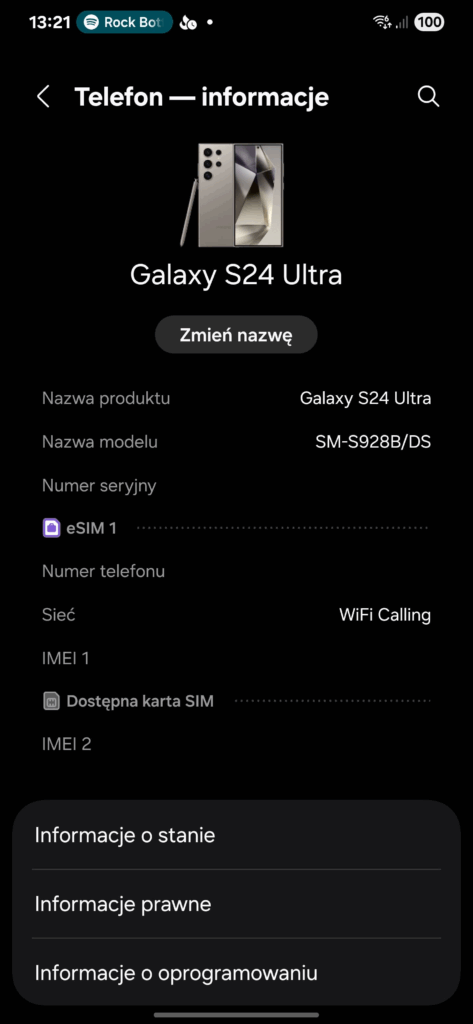
If you want to check the Samsung phone model, the first step should be to go to the phone settings. In the “About phone” section, you will find all the essential data, such as the model name, software version, and serial number. With this information, you can accurately determine which smartphone model you are dealing with, which is particularly important when planning to purchase a new phone case or update the system. The settings also allow you to identify whether you have a model from the Galaxy S, A, or another series, which may affect the availability of certain features and applications.
How to use a short code to check the Samsung Galaxy model?
Another way to check the Samsung phone model is to use a short code. Entering *#1234# on the phone’s keypad allows you to quickly check the model name and software version. This is a very practical method as it does not require access to settings and can be performed at any time. However, it is worth remembering that not all models may support the same code, so it may vary depending on the software version.
Where to find the IMEI number of a Samsung phone?
The IMEI number is a unique identifier for your smartphone, which can be extremely helpful in identifying the phone model. To check the IMEI number on a Samsung phone, you need to enter the code *#06#. This number will appear on the screen and may also be available in the phone settings under the “About phone” section. In case the phone is lost or stolen, the IMEI number is crucial when reporting the incident to the mobile network operator. Knowing this number, you can also obtain technical support and information about your device.
How to check the iPhone model?
What steps should be taken to find the iPhone model name?
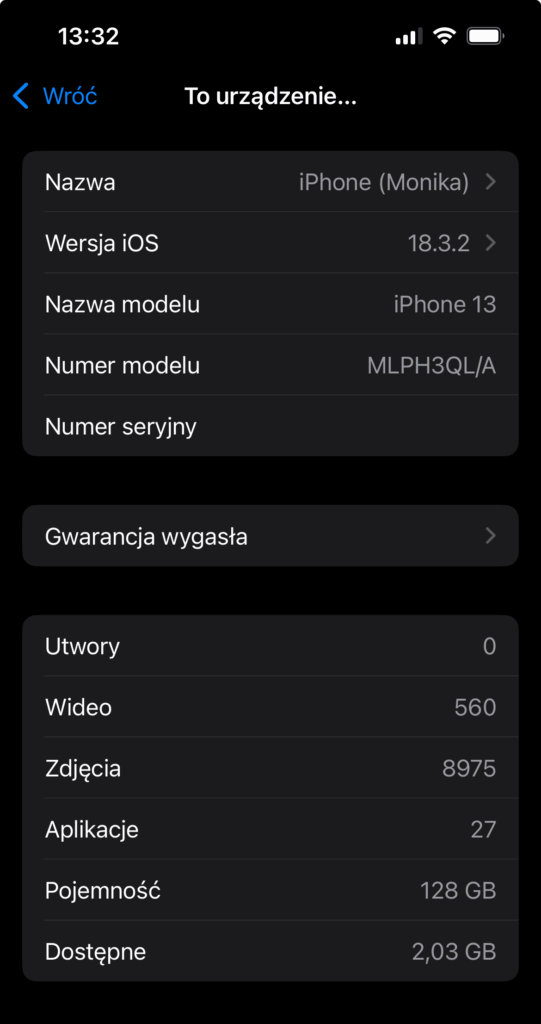
To check the iPhone model, you need to go to the “Settings” section and select “General,” then “About”. There you will find the exact model name of your device. It is worth noting that Apple introduces different iPhone models every year, so knowing the specific model is important, especially when purchasing accessories. For example, iPhone models differ in terms of casing, functionality, and technical specifications, which can affect your purchasing decisions.
How can the IMEI number help in identifying an iPhone?
Similar to Samsung phones, the IMEI number is extremely useful for iPhone owners. You can find it in the settings, in the “About” section, or directly on the device casing. Knowing this number, you can identify the exact phone model and check if the device is locked, lost, or stolen. Moreover, many online services offer the ability to check the phone’s history using the IMEI number, which can be helpful when purchasing a used iPhone.
How do iPhone models differ by year?
iPhone models differ not only in specifications but also in design and materials used in production. For example, the iPhone 12, 13, and 14 introduced various innovations such as better cameras, faster processors, and new casing colors. It is worth noting that depending on the year, there may be significant differences in functionality, which can influence whether you want to invest in a new model or if your current iPhone is sufficient.
How to check the Huawei phone model?
Where to look for information about the Huawei smartphone model?
To check the Huawei phone model, you need to go to the device settings and select the “About phone” section. There you will find all the essential information, including the model name, IMEI number, and software version. Huawei models, such as the P40 or Mate 30, differ in specifications, and knowing the exact model is necessary when you want to update the software or purchase accessories. It is also worth remembering that some models may have different memory variants, which also affects their performance.
How to use a code to check the Huawei phone model?
Another way to check the Huawei smartphone model is to use a USSD code. Entering *#*#2846579#*#* on the phone’s keypad allows you to obtain information about the model and software version. This method is quick and convenient, and it also provides access to additional information about the device. This way, you can easily check the phone model without the need to search through the settings.
How does the IMEI number affect the identification of Huawei devices?
The IMEI number is a key element in identifying any smartphone, including Huawei devices. To check the IMEI number, simply enter the code *#06#. This number is unique to each device and can be used to report theft or loss of the phone. Additionally, the IMEI number allows you to obtain information about the device’s history, which is particularly important when purchasing a used model.
How to check the Xiaomi phone model?
What information can be found in Xiaomi Redmi Settings?
To check the Xiaomi smartphone model, simply go to settings and select the “About phone” section. There you will find the model name, MIUI version, and IMEI number. Xiaomi models, such as the Redmi Note 10 or Mi 11, differ in specifications, and knowing the exact model is important when purchasing accessories such as phone cases. Additionally, this information can be helpful when updating the software.
What are the ways to check the Xiaomi smartphone model?
In addition to checking the model in settings, there is also the option to use a code to obtain information about the Xiaomi smartphone model. Entering *#*#4636#*#* on the phone’s keypad allows you to quickly check the model name and software version. This is a convenient method that allows you to quickly obtain the necessary information without having to search through the settings menu.
How can the IMEI number help in identifying Xiaomi?
The IMEI number is just as important for Xiaomi smartphones as it is for other manufacturers. To check the IMEI number, simply enter the code *#06#. This number is essential for identifying the device and also when reporting theft. It is worth noting that the IMEI number can be used to check the device’s history and its condition, which is important when purchasing a used Xiaomi model.
How to check the smartphone model in Android?
What steps should be taken to check the Android smartphone model?
Checking the model of an Android smartphone is relatively simple. You need to go to settings and then select the “About phone” section. Here you will find the exact model name and system version. It is worth remembering that different manufacturers may introduce different user interfaces, which can affect the location of model information. Therefore, in the case of some models, it may be necessary to search through the settings for device information.
What information can be obtained from the Settings tab?
In the “Settings” tab, you can obtain many valuable pieces of information about the smartphone. In addition to the model name, you will also find the operating system version, serial number, and memory information. Knowledge of this data is essential when planning a software update or purchasing new accessories. It is worth noting that different Android models may have different specifications and may also vary depending on the manufacturer, which can affect their performance.
How do Android smartphone models differ by manufacturer?
Android smartphone models differ not only in specifications but also in design and functionality depending on the manufacturer. For example, Samsung, Huawei, Xiaomi, and other brands have their unique features. Samsung may offer more advanced camera features, while Xiaomi may provide a better price-to-quality ratio. Therefore, it is important to know the exact model of your smartphone to fully utilize its capabilities and purchase the appropriate accessories that will fit your device.
Are you looking for the best case for OnePlus 13? You’ve come to the right place!
OnePlus 13 is a flagship that deserves the highest protection and style. Its modern design, combined with extremely efficient components, means that every owner of this model should take care of proper device protection. In our offer, you will find transparent cases for OnePlus 13, sturdy armored cases for OnePlus 13, elegant flip models, and ultra-thin nature-inspired solutions. The right case will not only protect your smartphone from the effects of daily use but will also highlight its modern appearance, ensuring the highest level of user comfort.
Each of our cases has been carefully selected to meet the highest standards of protection and aesthetics. Whether you are looking for minimalist protection or armored solutions, you will find something perfect for yourself with us. Check our ranking and choose the case that best suits your needs and lifestyle.
The best case models for OnePlus 13
Ringke Fusion-X Case for OnePlus 13
If you care about maximum protection and a dynamic look, the Ringke Fusion-X for OnePlus 13 will be the perfect choice. This armored case:
has a military resistance certification MIL-STD 810G-516.6, which guarantees durability even in harsh conditions,
features transparent back panels that showcase the beauty of the phone,
is equipped with reinforced corners that effectively absorb impacts,
offers a non-slip texture, ensuring a secure grip,
is also available in a Camo version for fans of a more aggressive style.
Price: 55 PLN.
Magnetic MagSafe Ringke Fusion-X Case for OnePlus 13
For users who value the convenience of wireless charging and compatibility with MagSafe accessories, the Magnetic MagSafe Ringke Fusion-Xis a perfect choice. This unique MagSafe case for OnePlus 13 not only protects the smartphone from damage but also allows you to take full advantage of the MagSafe magnetic system. It offers:
compatibility with wireless chargers and MagSafe accessories,
solid protection against impacts and falls,
transparent back panels that expose the original look of the OnePlus 13,
reinforced corners and a non-slip frame,
an elegant and modern look without unnecessary bulk.
Price: 65 PLN.
Armored Bizon Case Tur for OnePlus 13
Besides the popular Ringke Fusion-X, which provides high protection for OnePlus 13, we have a second, equally solid proposal for you – armored case for OnePlus 13Bizon Case Tur. This exceptionally durable case:
offers dual-layer protection: the inner TPU layer absorbs shocks, while the outer hard polycarbonate shell protects against impacts and falls,
provides raised edges around the screen and camera, effectively protecting against scratches,
has precisely fitted cutouts for ports and buttons,
features special reinforced corners that increase drop resistance,
is available in various color options, allowing you to match it to your style.
features transparent back panels made of hard polycarbonate that showcase the original look of the phone,
the flexible TPU frame increases resistance to impacts and falls,
the slim design maintains the original dimensions of the phone,
raised edges additionally protect the screen and camera,
special corner reinforcements absorb shocks during falls,
the matte finish gives the case an elegant look and prevents fingerprints.
Price: 69 PLN.
Bizon Case Łupka for OnePlus 13
For lovers of durability and simplicity, the Bizon Case Łupka for OnePlus 13 will be perfect. This minimalist solution inspired by nature provides effective protection without unnecessary bulk. The Łupka is an example of the perfect balance between lightness and durability. The product:
is made of high-quality hard polycarbonate,
has an ultra-thin design (about 1 mm thick), making it almost unnoticeable on the phone,
is equipped with integrated button covers that protect them from dirt and damage,
features raised edges that protect the screen and camera from scratches when placing the device on flat surfaces,
precisely fitted cutouts ensure full access to all ports and functions of the phone,
features a matte finish that not only looks stylish but also reduces fingerprints.
features a flap that protects the screen from scratches and dirt,
is equipped with practical pockets for payment cards, ID, or banknotes,
closes with a magnetic clasp that secures the phone from accidental opening,
is made of high-quality eco-leather with a pleasant texture,
is available in elegant colors, perfect for both everyday use and business meetings.
Price: 49 PLN.
Transparent Bizon Case Salpa for OnePlus 13
For minimalism lovers, the transparent case for OnePlus 13 will be an excellent choice, combining lightness, subtle protection, and maximum exposure of the smartphone’s original design. With it, your OnePlus 13 will remain the center of attention, maintaining its elegant lines and unique finish, while being effectively protected against daily threats. The Bizon Case Salpa is a lightweight, flexible case:
made of high-quality TPU that perfectly absorbs minor shocks,
maintains full visibility of the phone’s design and color,
features raised edges that protect the screen and camera,
is slim, lightweight, and almost unnoticeable on the device,
fits perfectly to the casing, minimizing the risk of accidental damage.
Price: 25 PLN.
Why is it worth choosing a protective case for OnePlus 13?
Choosing the right protective case for OnePlus 13 is an investment in the safety and aesthetics of your smartphone. At Home Screen, you will find many models that combine modern protection technologies, functionality, and stylish appearance, ensuring that your phone is not only safe but also looks great.
However, remember that a case alone is not enough! If you want to comprehensively protect your smartphone, it is worth additionally investing intempered glass for OnePlus 13or film for OnePlus 13, which effectively protect the screen from mechanical damage and fingerprints.
Our assortment also includes accessories such as camera glass for OnePlus 13, which additionally protects the lenses from scratches and cracks.
Opt for comprehensive protection for your OnePlus 13 and enjoy its perfect appearance every day!
In March 2025, Apple once again proved that it can introduce devices that combine elegance, performance, and versatility. It was then that the world saw the new iPad Air 11″ (7th generation), which debuted alongside its bigger sibling — iPad Air 13″ (7th generation).
These latest Apple tablets are aimed at those looking for high computing power in a lightweight and compact form. Thanks to the use of the powerful Apple M3 chip, the new iPad Air 11″ has become even faster, more responsive, and ready for the most demanding tasks — from photo editing to graphic design to intensive multitasking.
Importantly, despite the use of modern technologies, Apple has maintained an affordable price — making the new iPad Air 11″ 2025 one of the most interesting offerings in the premium segment.
Key Changes in iPad Air 11″ 2025
Compared to the previous model from 2024, the iPad Air 11″ 2025 introduces several significant changes that enhance everyday usability:
Apple M3 Processor — providing up to 50% better performance compared to the M2 chip,
Relocation of the front camera to the longer side of the device — more convenient video calls in landscape mode,
Compatibility with the new Magic Keyboard 2025 — new trackpad and an additional row of function keys,
Support for Apple Pencil Pro — improved stylus with new pressure features and tilt sensors,
Liquid Retina LCD Display — with high brightness and accurate color reproduction, ideal for creative work,
Ultralight and slim design — ensuring mobility without compromises.
As a result, the new model is perfect for students, artists, entrepreneurs, and regular users looking for a device that does it all.
Why it’s worth protecting the new iPad Air 11″ 2025?
Purchasing the new iPad Air 11 2025 is an investment in a device that should last for many years. Unfortunately, daily use exposes the tablet to various types of damage — scratches, dents, or dirt.
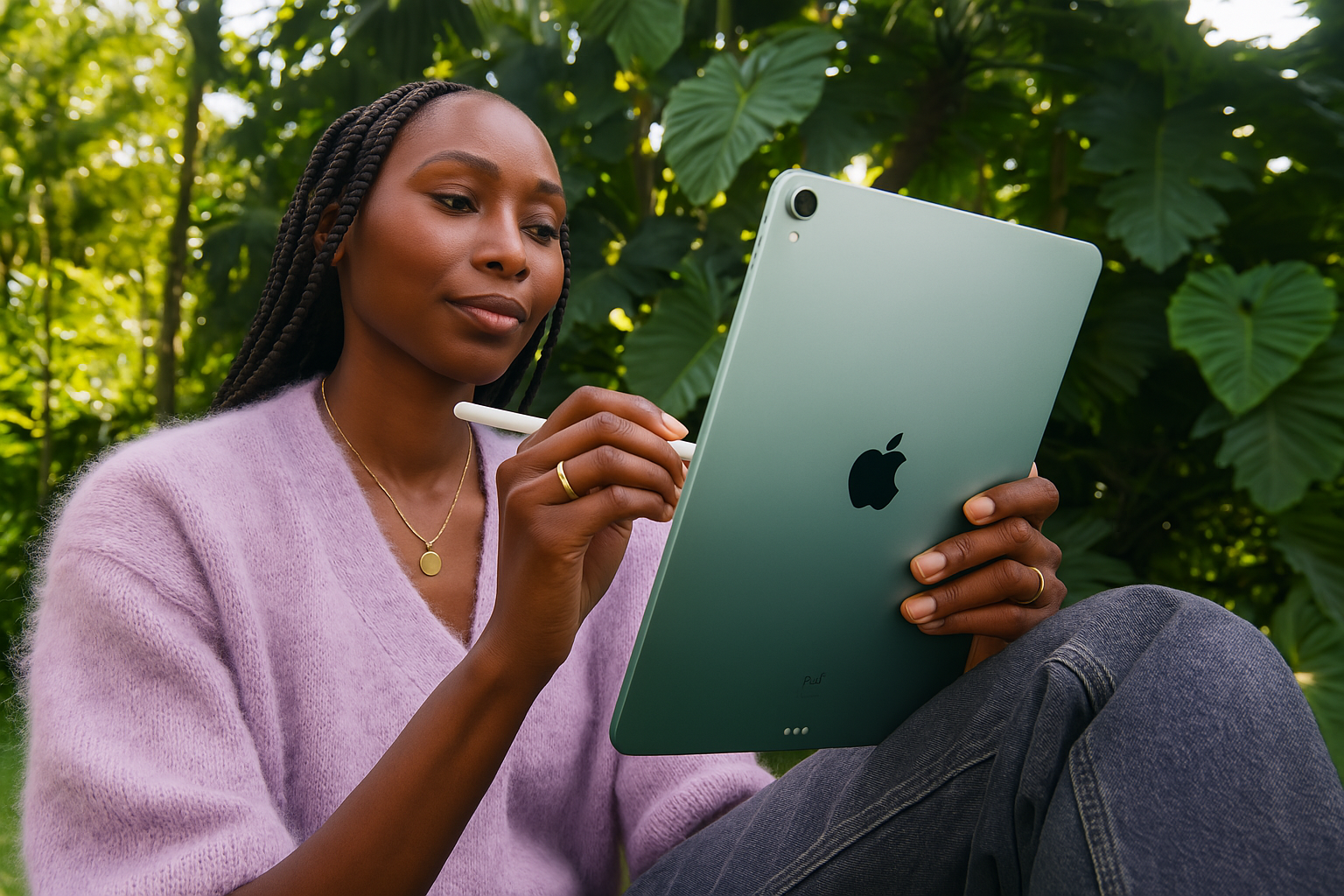
That’s why a proper case for iPad Air 11″ 2025 is absolutely essential to keep the device in perfect condition. A good case not only protects the device from damage but also enhances work comfort — allowing, for example, for convenient positioning of the tablet in writing or movie-watching mode.
In the following part of the article, we will present the best cases for iPad Air 11 7th generation — selected models that guarantee the highest level of protection, stylish appearance, and functionality that you expect from a premium device.
ESR Flip Hybrid Case for iPad Air 11″ 2025 – Purple, Black, Sky Blue
If you are looking for a lightweight, functional, and durable case for your new iPad Air 11″ 2025 (7th generation), the model ESR Flip Hybridwill be a perfect choice. It is the ideal combination of everyday protection with an elegant appearance that does not unnecessarily increase the thickness of the device.
Key features of the ESR Flip Hybrid case:
Solid construction: flexible TPU shell protects the back and sides, while the rigid front cover secures the screen,
Automatic sleep and wake function: the device activates and goes into standby mode when opening and closing the case,
Working modes: the ability to set the iPad in writing or video viewing mode thanks to the foldable cover,
Stylish colors: available in variantsPurple,Black andSky Blue – perfect for both work and everyday use.
Thanks to its minimalist form and high-quality craftsmanship, ESR Flip Hybrid case provides excellent protection and an elegant look for the new iPad Air 11″ M3 2025. It’s a great choice for those who want to combine functionality, comfort, and style.
Spigen Urban Fit Case for iPad Air 11″ 2025
Stylish, lightweight, and perfectly fitted Spigen Urban Fit case is an excellent choice for those looking for elegant protection for their new iPad Air 11″ 2025 (7th generation). The Urban Fit model combines minimalism, modern design, and effective protection both during office work and everyday use.
Key features of the Spigen Urban Fit case:
Elegant outer material: soft fabric with a textile texture, pleasant to the touch and resistant to dirt,
Solid protection: reinforced corners and an internal cover made of flexible TPU protect the device from shocks and drops,
Automatic sleep and wake function: saves the iPad battery by automatically activating or putting the screen to sleep,
Convenient working modes: the ability to set the iPad at various angles, perfect for writing, watching, and video conferencing.
Thanks to high-quality materials and thoughtful design, Spigen Urban Fit is a case that not only looks great but also effectively protects your new iPad Air 11″ M3 2025 in any situation.
UNIQ Moven case for iPad Air 11″ 2025 – Antimicrobial with transparent back
If you are looking for an elegant, modern, and practical solution to protect your iPad Air 11″ 2025 (7th generation), UNIQ Moven case will be an excellent choice. It provides effective protection for the device while showcasing its original design thanks to the transparent back.
Key features of the UNIQ Moven case:
Transparent back: made of durable, scratch-resistant polycarbonate that allows you to showcase the original color and design of the iPad,
Antimicrobial coating: special surface finish that limits the growth of bacteria on the case — an ideal solution for hygiene-conscious users,
Flexible TPU frame: absorbs shocks and protects the edges of the device from damage,
Automatic sleep and wake function: thanks to the smart cover, the device automatically enters sleep or active mode,
Setting modes: the ability to conveniently set the iPad in a position for typing or watching movies.
UNIQ Moven Case is a combination of modern style, functionality, and advanced protection. If you want to secure your new iPad Air 11″ 2025 without covering its elegant appearance, this solution is made just for you.
Spigen Rugged Armor Pro Case for iPad Air 11″ 2025
Spigen Rugged Armor Prois a rugged case for iPad Air 11″ 2025, designed specifically for users who value durability, solidity, and reliable protection in any situation.
Reinforced construction: made of impact-resistant TPU and reinforced corners, effectively absorbs drops and protects the device from serious damage,
Built-in screen cover: the case flap protects the display, and the magnetic closure ensures safety during transport,
Functionality: the ability to set the iPad at different angles — perfect for watching movies, working, or video conferencing,
Modern look: matte, fingerprint-resistant surface and minimalist design with subtle Spigen details.
Spigen Rugged Armor Pro is an excellent choice for active individuals, travelers, and anyone who expects the highest level of protection from their case. If you want to provide your new iPad Air 11″ 2025 with truly solid protection, opt for the proven Spigen rugged case.
Elegant Guess Magnetic 4G Big Logo Case for iPad Air 11″ 2025
If you are looking for elegance, style, and functionality in one, Guess Magnetic 4G Big Logo casewill be the perfect choice for your new iPad Air 11″ 2025 (7th generation). This accessory is designed for users who value a prestigious look and the highest quality of workmanship.
Key features of the elegant Guess 4G Big Logo case:
Unique design: luxurious 4G pattern with a large Guess logo on the front flap attracts attention and emphasizes the prestige of the owner,
Magnetic function: strong magnets keep the flap in place and activate the automatic sleep and wake function of the device,
High-quality materials: durable construction provides protection against scratches, dust, and light shocks, without significantly increasing the size of the tablet,
Functional working modes: the ability to set the iPad at various angles, which is perfect for writing, video conferencing, and watching movies.
Elegant Guess case for iPad Air 11″ 2025 is the perfect combination of prestigious style and everyday functionality that will meet the expectations of even the most demanding users.
Tech-Protect SC Pen for iPad Air 11″ 2025
Tech-Protect SC Pen case is an excellent proposition for users of the new iPad Air 11″ 2025 (7th generation), who value comfort, functionality, and effective protection in everyday use. Thanks to its silicone construction and practical stylus holder, the case is perfect for both work and entertainment.
Key features of the Tech-Protect SC Pen case:
Soft silicone material: pleasant to the touch, abrasion-resistant, and effectively cushioning against shocks and falls,
Built-in Apple Pencil holder: secure storage and quick access to the stylus in any situation,
Smart Cover function: automatic sleep and wake of the device when opening and closing the flap,
Stand functionality: the ability to set the iPad in a comfortable position for watching movies, writing, or working with the stylus.
Tech-Protect SC Pen silicone case combines minimalist design, everyday usability, and solid protection. If you are looking for a practical and stylish case for your iPad Air 11″ 2025, this model will meet all your needs.
Make your iPad Air 11″ 2025 safe and stylish
Opt for protection tailored to your style
Your new iPad Air 11″ 2025 (7th generation) deserves the best protection — one that is as modern and stylish as the device itself. Whether you prefer a light silicone case, a sturdy rugged cover, or an eye-catching Guess elegant case, you really have a lot to choose from.
Every tablet needs the right support — not just during work or study, but also in everyday situations: while traveling, in a café, or at university. A well-chosen case for iPad Air 11″ 2025 not only protects against scratches and impacts but also adds comfort and character.
Choose something that fits your lifestyle: 🔹 Want lightness and simplicity? Go for silicone. 🔹 Looking for indestructible protection? A rugged case will be a perfect choice. 🔹 Or maybe you dream of premium class? Then an elegant case from Guess or UNIQ will make your iPad look even more luxurious.
One thing is for sure — with the right case, your iPad Air 11″ 2025 will be ready for anything!
Check all accessories for iPad Air 11″ 2025 and choose the solutions that best highlight your style and ensure the safety of your device!
Why is it worth protecting the screen of the iPad Air 13″ 2025 with a protective film?
Your new iPad Air 13″ 2025 is not just a device for work, study, or entertainment – it is a serious investment in mobility and top-level performance. The stunning Liquid Retina display, offering incredible sharpness and smoothness of the image, deserves proper protection from day one of use.
Unfortunately, daily use of the tablet, even in home or office conditions, carries the risk of:
accidental scratches,
smudges and fingerprints,
mechanical damage during transport.
That’s why choosing a high-quality protective film is the best way to secure your investment in the iPad for years to come.
What benefits does a protective film provide for the iPad Air 13″ 2025?
Effective screen protection
The protective film creates an additional barrier, protecting the screen from scratches, cracks, and mechanical damage. Especially during everyday use — at work, while traveling, or during study — the display is exposed to contact with hard objects like keys or pens. Thanks to the film, you can significantly reduce the risk of costly repairs and enjoy the perfect appearance of your iPad for longer.
Better writing and drawing experience
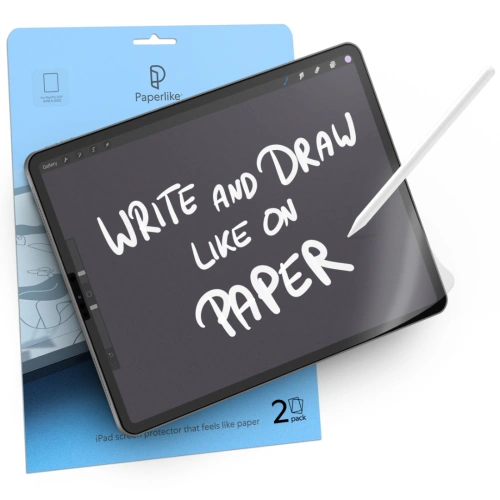
Paper-Feel films improve the comfort of working with the Apple Pencil by mimicking the natural friction of writing on paper. This solution is extremely helpful for students, artists, and anyone frequently using a stylus for taking notes and sketching. With the appropriate resistance of the film, control over the stylus is more precise, which affects the accuracy of the projects created.
Reduction of glare and fingerprints
Matte films effectively reduce light reflections that can hinder work on the screen in bright rooms or outdoors. Additionally, they limit the visibility of smudges and fingerprints, making the screen look more aesthetically pleasing even after prolonged use. As a result, working on the tablet becomes more comfortable, and the readability of the image remains high regardless of lighting conditions.
Types of protective films for iPad Air 13″ 2025
Paper-Feel Films – ideal for artists, students, and professionals
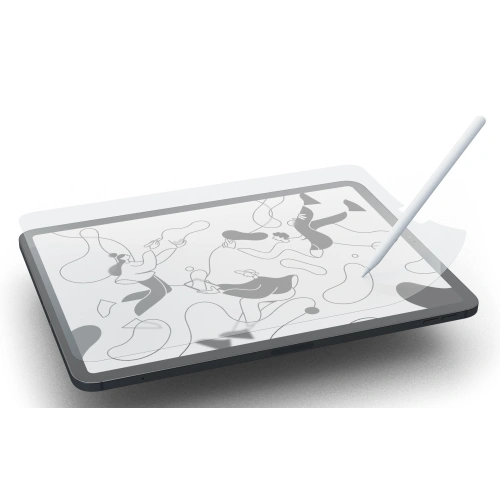
If you care about natural sensations while writing and drawing, the Paper-Feel protective film for iPad Air 13″ 2025 will be an excellent choice. The special surface texture mimics the feeling of writing on paper, increasing control over the Apple Pencil. With the Paper-Feel film, creating handwritten notes, sketching, or designing becomes more precise and comfortable.
Paperlike is the top choice for professionals, graphic designers, and students who intensively use the Apple Pencil. The film provides an incredibly realistic writing experience on paper, significantly increasing control and precision of movements. Thanks to its matte texture, it effectively reduces glare and minimizes eye strain during long work sessions. Additionally, it features high resistance to abrasion and long-lasting performance, making it an ideal choice for everyday use.
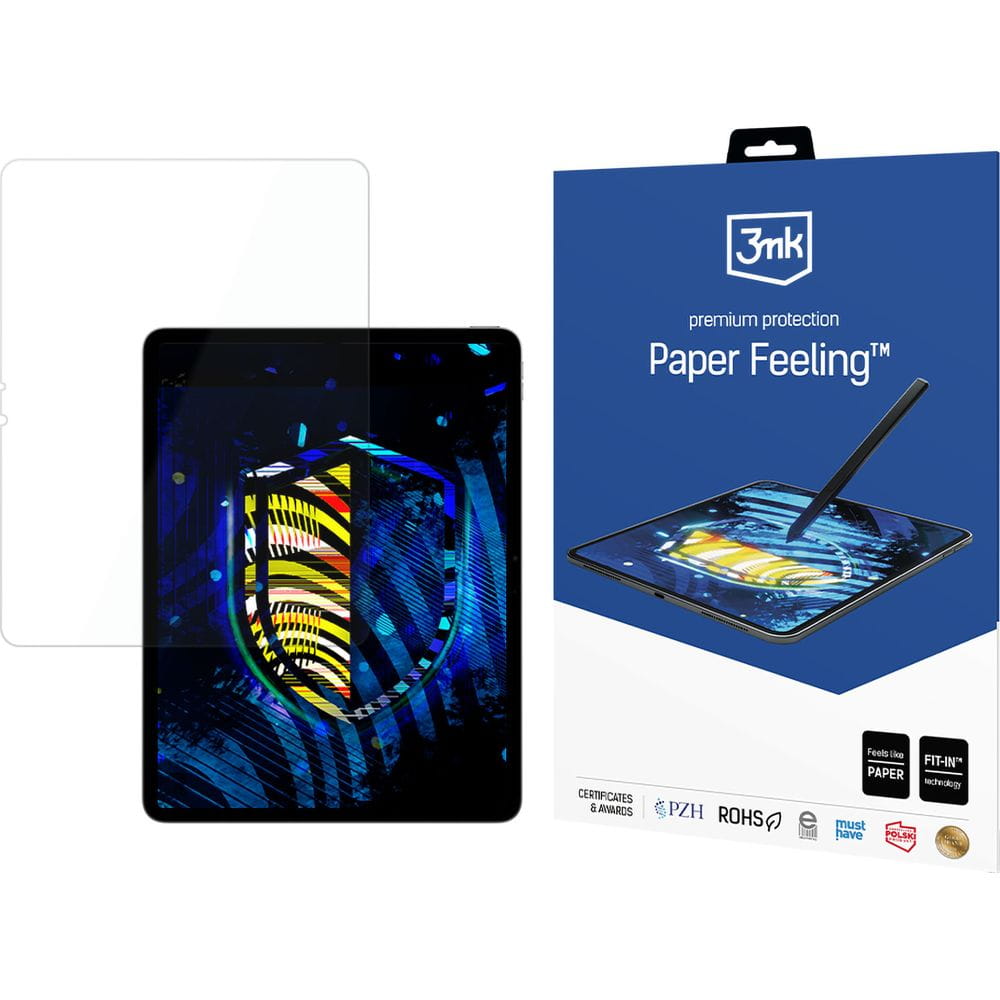
3MK PaperFeeling is a high-quality Paper-Feel protective film that works perfectly for both studying and creative work. The matte surface increases natural friction under the Apple Pencil, providing a realistic writing and drawing experience. The film offers easy installation without air bubbles and excellent adhesion to the screen surface. Resistance to micro-scratches and streaks makes it an ideal choice for demanding users of the iPad Air 13″ 2025.
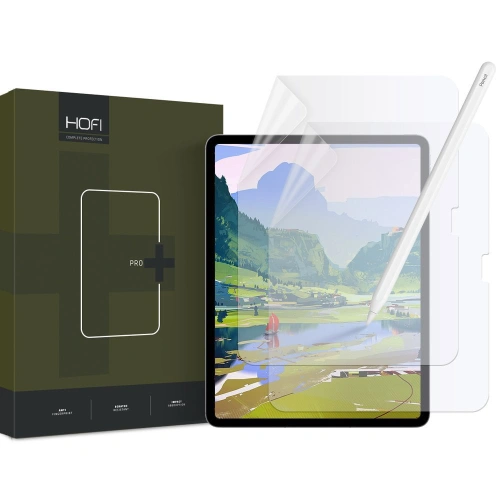
Hofi Paper Pro+ is a protective film that combines high quality with an attractive price. It provides a pleasant matte texture that reduces the slip of the Apple Pencil and increases the comfort of writing and drawing. With solid protection against minor scratches and dirt, it is perfect for everyday use. The film maintains high sensitivity of the touchscreen, without negatively affecting the quality of the displayed image.
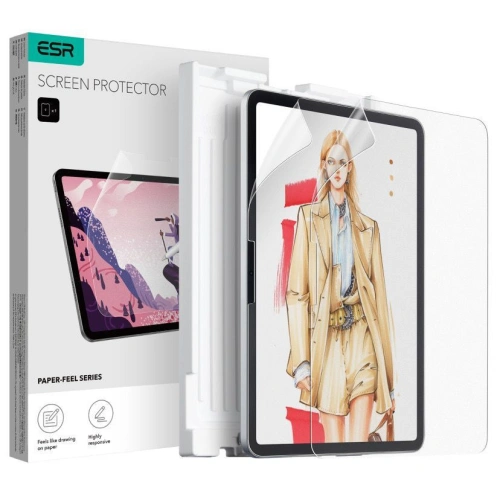
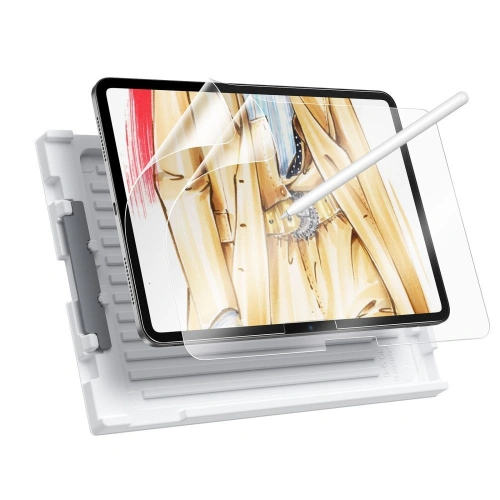
ESR Paper Feel is the perfect solution for those who expect a realistic writing effect and durable screen protection. Thanks to its design, it effectively protects the display from smudges, dust, and scratches, while not altering its high transparency. The matte finish reduces glare, improving comfort in various lighting conditions. This is an excellent choice for users utilizing the iPad for work, study, or entertainment.
✅ Ringke Paper Touch
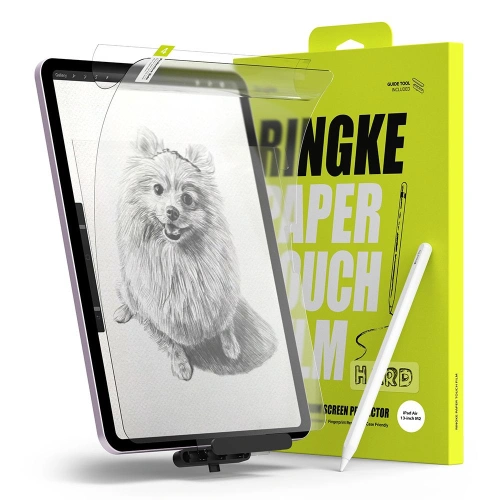
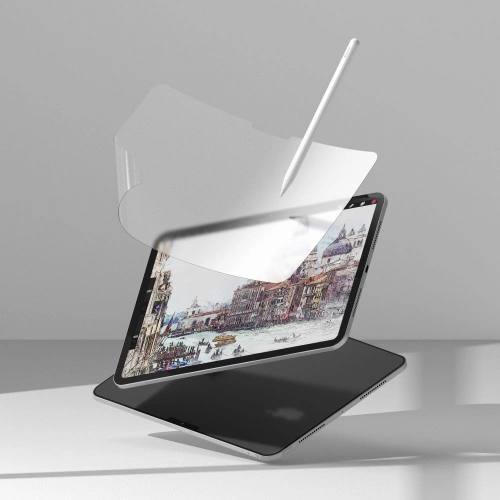
Ringke Paper Touch offers an exceptionally realistic writing effect on the screen, which will be appreciated by all Apple Pencil users. The film stands out for its high resistance to wear, providing long-lasting protection against scratches and fingerprints. The matte finish not only enhances the comfort of writing and drawing but also reduces glare. This is the perfect solution for both professional sketching and everyday tablet use at work or university.
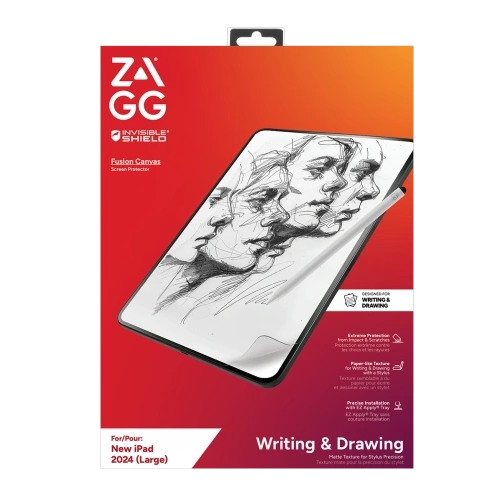
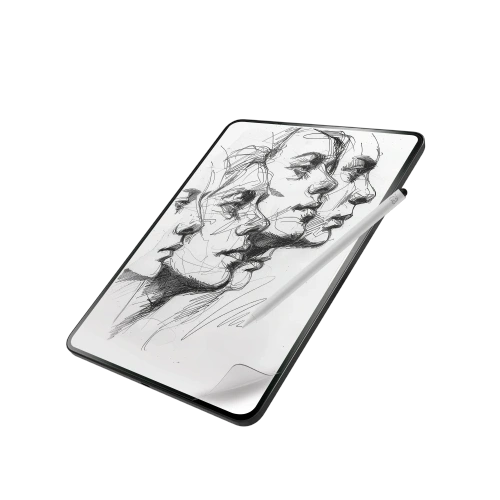
ZAGG Fusion Canvas is a premium film for iPad Air 13, designed for the most demanding iPad users. The product combines the feel of paper friction with innovative self-healing technology, which makes small scratches disappear on their own. The film offers very high resistance to mechanical damage while maintaining full touch sensitivity and image clarity. It is the perfect choice for those looking for maximum durability, writing comfort, and perfect screen protection for years.
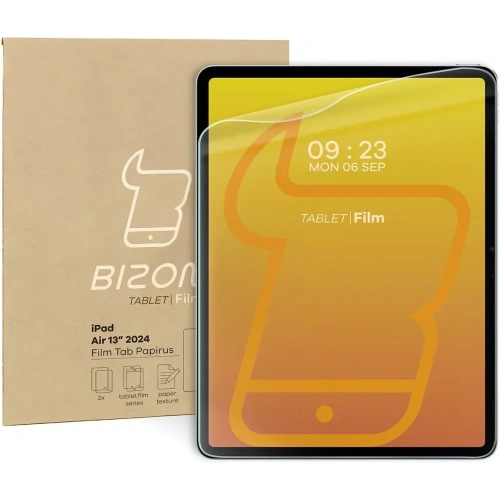
Paper-like film Bizon Film Tab Papirus for iPad Air 13″ 2025 [2 PACK] is a great option for those who expect natural sensations while writing and drawing. The specially designed surface structure effectively mimics the feeling of working on real paper, significantly improving precision and comfort when using the Apple Pencil. The film reduces glare and limits the visibility of fingerprints, ensuring comfortable work even in bright environments.
Matte films for iPad Air 13″ 2025
Matte films – daily protection and user comfort
Matte protective films for iPad Air 13″ 2025 are the perfect solution for those looking for comfort while working in changing lighting conditions. Their main advantage is the reduction of glare and the decrease in the visibility of fingerprints, which affects screen readability. Thanks to the matte surface, working on the tablet is more comfortable both indoors and outdoors. It is a solution for anyone who wants to protect the iPad screen while maintaining its excellent appearance.
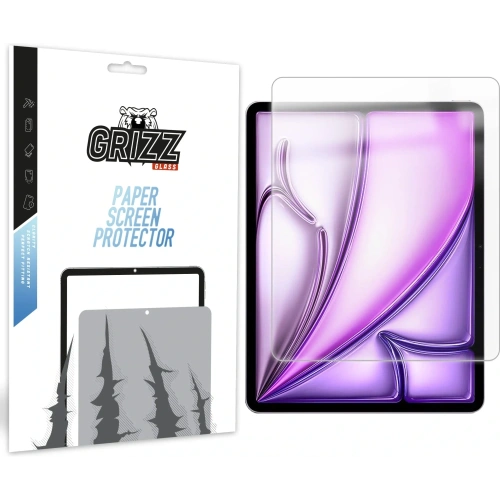
✅ GrizzGlass PaperScreen
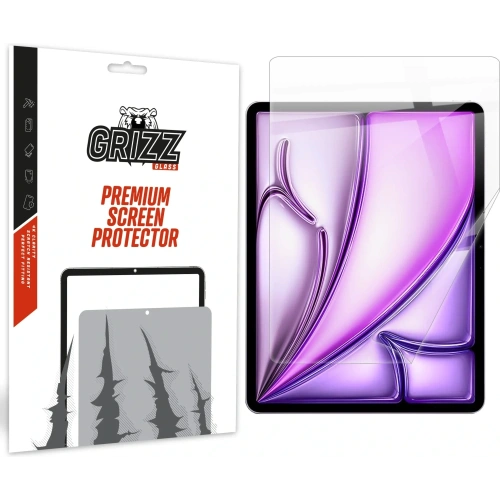
Matte film for iPad Air 13″ 2025 GrizzGlass PaperScreen is an effective protection against glare and everyday dirt. The film significantly improves the comfort of using the tablet in bright light, providing a clearer image without reflections. Additionally, it minimizes the visibility of smudges and fingerprints, keeping the screen looking good throughout the day. Its installation is quick and hassle-free, and the thin design does not affect touch sensitivity.
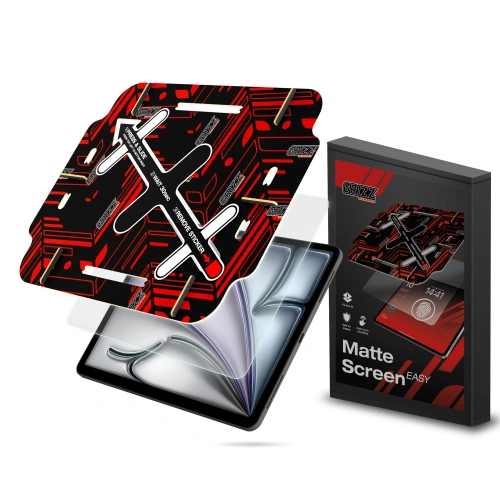
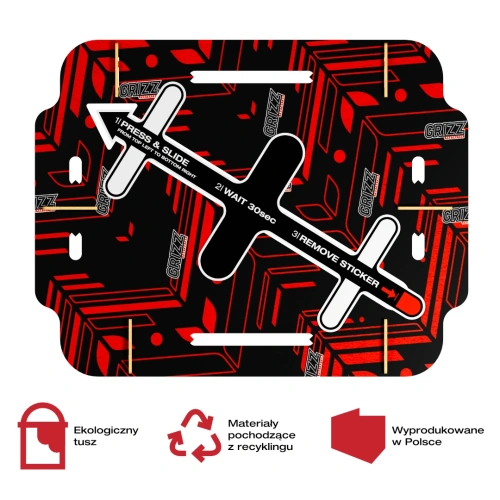
Matte protective film for iPad Air 13 2025 GrizzGlass MatteScreen Easy is a convenient and precise solution for those who value quick installation. With the included installation frame, applying the film is intuitive, with no risk of air bubbles forming. The film’s surface effectively reduces glare and fingerprints, improving the readability and aesthetics of the screen. It is the perfect choice for users who want to quickly and effectively protect their tablet.
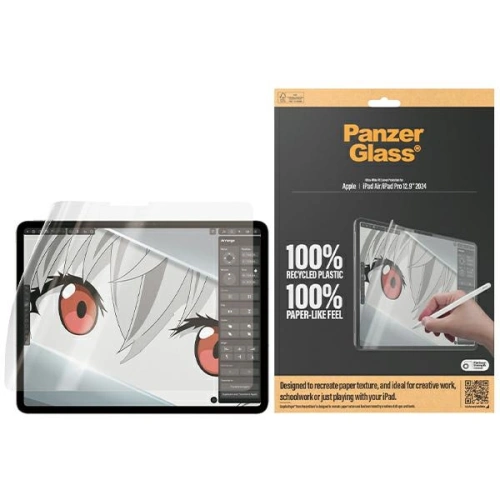
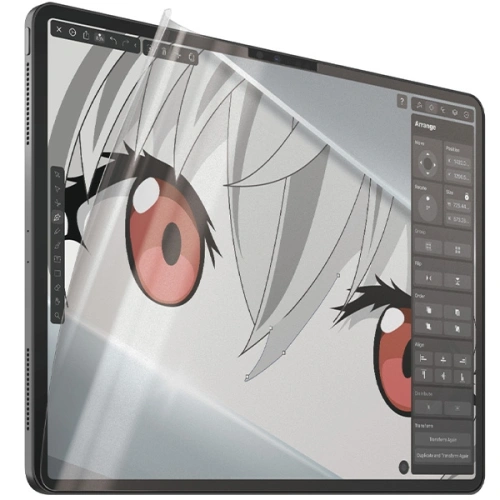
Matte PanzerGlass GraphicPaper film for iPad Air 13″ 2025 combines the effect of paper with advanced screen protection. Thanks to its slightly textured surface, it works great for writing, drawing, and everyday use with the Apple Pencil. It reduces glare and provides excellent scratch resistance while maintaining high image clarity. This is a premium-class option, ideal for professionals and creative users.
Ceramic films for iPad Air 13″ 2025
Ceramic films – modern durability and resistance
Ceramic protective films for iPad Air 13″ 2025are an innovative solution for users looking for maximum protection while maintaining a thin, flexible design. They combine the advantages of traditional films and tempered glass, providing higher resistance to micro-impacts and scratches. Thanks to their flexible structure, they are easy to install and practically invisible on the screen, not altering its appearance or touch sensitivity.
Ceramic protective film for iPad Air 13″ 2025 GrizzGlass CeramicFilm offers effective and durable protection for the display without affecting user comfort. The film is made from flexible ceramic material that provides high resistance to scratches and minor mechanical damage. Thanks to its ultra-thin design, it remains practically invisible on the screen, preserving natural image quality and full touch sensitivity. It is the perfect solution for those seeking reliable protection without adding bulk to the device.
Choose the perfect screen protector for iPad Air 13″ 2025
Protecting the display of the iPad Air 13″ 2025 with the right screen protector is an investment in its longevity and comfort of daily use.
Depending on your needs, you can opt for a Paper-Feel film, which is perfect for writing and drawing, a matte film that reduces glare, or a durable, damage-resistant ceramic film.
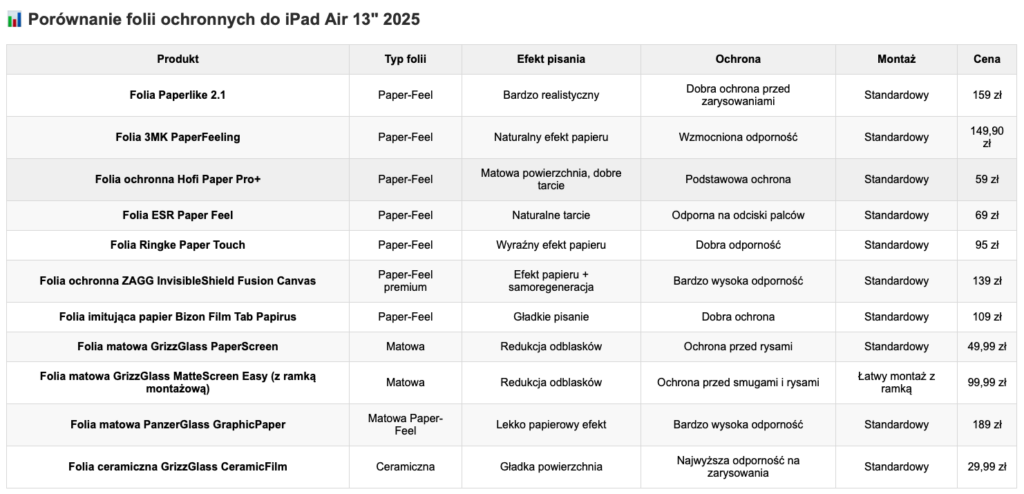
In our store, you will find a wide selection of films that combine effective screen protection with ease of use and aesthetic appearance. To make it easier for you to choose the perfect film, we have prepared a practical comparison table where you will find the key features of the available models:
📊 Comparison table of screen protectors for iPad Air 13″ 2025
Notes: – Paper-Feel films are ideal for Apple Pencil users. – Matte films perform well in bright light. – Ceramic film provides the highest durability with a thin structure.
Find more accessories for iPad Air 13″ 2025
Are you looking for complete protection for your new device? In addition to high-quality protective films, it’s worth checking out other accessories for iPad Air 13″ 2025 available in our store.
How to apply a screen protector on your phone? Learn the basics
Are you wondering how to perfectly apply a screen protector on your smartphone’s screen? Do you want to avoid air bubbles, crooked placement, and frustration? You’ve come to the right place! In this guide, we will show you step by step, how to apply glass on your phone – regardless of whether you’ve chosen tempered glass, hybrid glass, or a protective film.
With our tips, you will learn how to prepare the screen, what to avoid, and what tools to use to achieve a factory-like finish. Ready? Let’s get started! 💪
Why is it worth applying a screen protector on your phone?
The screen is the most vulnerable part of a smartphone. Even a small scratch can significantly reduce user comfort and the device’s value. Therefore, investing in screen protection is essential.
What do you gain from a screen protector?
Protection against scratches and cracks
Shock absorption during a fall
Lower repair costs (it’s better to replace the glass than the entire screen)
A clean, aesthetic appearance for a longer time
What are the types of screen protection? 🤔
🔸 Tempered glass
Rigid and thick (~0.3–0.5 mm)
Hardness 9H
Best protection against drops
Requires precise installation – once applied, it’s difficult to remove without damage
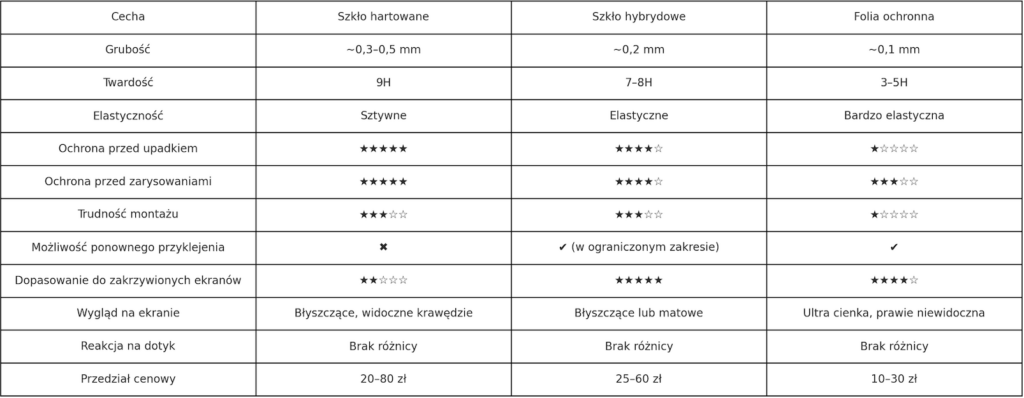
Don’t know what to choose? See below a comparison of screen protection types.
What will you need?
Regardless of the type of protection, prepare:
✔️ Selected product (glass or film) ✔️ Cleaning kit (alcohol cloth + microfiber) ✔️ Dust stickers ✔️ Plastic card (e.g., bank card or one included with the film) ✔️ Mounting frame (if included in the set) ✔️ Quiet place with good lighting (preferably a bathroom after a shower)
How to prepare the screen before applying?
Wash your hands – to avoid streaks and grease
Turn off the phone – easier to hold and clean
Clean the screen – first with alcohol, then with microfiber
Collect dust with a sticker – even invisible dust can cause bubbles
How to apply glass or film – step by step
🟢 For tempered glass
Fit the glass without peeling off the film
Peel off the protective layer of the adhesive
Slowly lower the glass from the center downwards
Smooth the surface by pushing air to the edges
Any small bubbles will disappear after a few hours
🟡 For hybrid glass
Fit and adjust – you can gently correct the position
Remove the protective layer
Stick the glass, smoothing with a plastic card
If necessary – peel off a section, remove dust, and stick it back
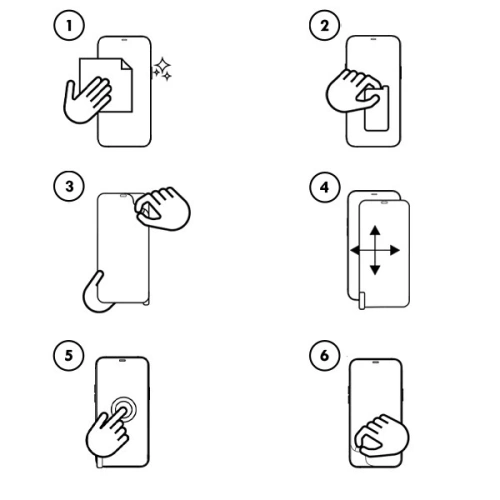
🔵 For protective film
Usually, the film has several layers: number them according to the instructions
Stick the film starting from one edge
Use a card or spatula to slowly smooth the film to the other side
Peel off the next layers according to the markings (e.g. ①, ②, ③)
💡 Hydrogel films have self-healing properties – minor scratches disappear on their own!
Is it worth using glasses with a mounting frame?
Yes! More and more brands are adding mounting frames that make it easier to perfectly position the product. This is especially helpful for:
In the case of hybrid films and glasses – yes, but with caution. Tempered glass, once adhered, loses its properties upon removal and may get damaged.
Frequently Asked Questions
Does glass affect touch quality? ➡️ No, if you choose a high-quality product – the screen remains just as sensitive.
Can glass crack on its own? ➡️ No, but it can get scratched or damaged due to stress, e.g., with a strong case.
Does a protective glass work with a fingerprint reader? ➡️ It sometimes does – but there is no guarantee. Even if the manufacturer states compatibility with the in-screen reader (e.g., in Samsung Galaxy S24, Xiaomi 14T Pro, or OnePlus 12), the effectiveness of the reading may vary depending on:
the thickness of the glass,
the type of adhesive used,
the precision of the installation,
the quality of the scanner in the phone itself.
In some cases, re-adding the fingerprint after applying the glass can improve effectiveness. However, some phone and glass manufacturers note that 100% effectiveness cannot be guaranteed.
Does the protective glass fit every case? ➡️ Not always. If you have a bulky case, it’s worth choosing “case friendly” glass that doesn’t reach the edges and won’t peel off.
Can you apply the glass yourself without experience? ➡️ Yes! Especially if you choose glass with a mounting frame, e.g., 3mk HardGlass Max Lite or Grizz EasyFit. It literally takes 2–3 minutes.
What’s better – tempered glass, hybrid, or film? ➡️ It depends on your needs.
Tempered glass = best protection against drops
Hybrid = flexible and lightweight
Film = thin, almost invisible, good for scratches
How much does good phone glass cost? ➡️ From 15 to 80 PLN, depending on the brand and model. Still cheaper than replacing a display for 1000 PLN+ 😉
Choosing the right smartphone case is not just a matter of taste, but above all, safety and convenience in everyday use. Samsung Galaxy A26 5G is a phone that combines a modern look, good technical parameters, and a reasonable price, so it’s worth taking care of its protection from day one. Without a case, you risk a cracked screen, scratched body, or damaged camera – that is, what is most valuable.
Fortunately, you will find many interesting solutions on the market: from thin and minimalist models, through feminine and decorative patterns, to a rugged case for the Samsung Galaxy A26, which will survive a fall from height. In this guide, you will find an overview of the most interesting proposals available in our offer – divided by type and purpose. Ready? Let’s get started!
Case with a finger holder – Bizon Case Hybrid Ring
You probably have it in your hand, always
Are you looking for a case that not only protects but is also turbo practical? Bizon Case Hybrid Ring for Samsung Galaxy A26 5G is just that model. On the back, you will find a rotating finger holder, which allows the phone to be held in your hand as if it were glued, and when needed, it acts as a stand for watching Netflix or YouTube.
The case is made from a combination of flexible TPU and strong polycarbonate, ensuring not only comfort but also effective protection against impacts.
The built-in metal ring works with magnetic mounts – just click, and the Galaxy A26 sticks to the car’s air vent as if it were welded. This is the perfect option for active users who value functionality and do not like compromises.
Armored protection in every inch
Tech-Protect Camshield Pro – protection + privacy
Tech-Protect Camshield Pro Samsung Galaxy A26 5G Black case is a combination of ruggedness with privacy protection. The case features a sliding cover for the camera, allowing you to physically cover the lens when not in use. This is useful not only for scratch protection but also when you value your privacy 100%.
Additionally, the Camshield Pro has reinforced corners, a sturdy back, and slightly raised edges around the screen. The black version looks elegant and professional – great for both everyday use and work.
Tech-Protect Defense – durability and elegance
Another option for the demanding isTech-Protect Defense case for Samsung Galaxy A26 5G. This model combines a rugged design with a stylish appearance. Reinforced corners and a dual-layer body effectively protect the phone from impacts, while the textured back adds style and grip confidence.
Defense also features slightly raised edges around the camera and screen, providing an additional buffer when placing the device on hard surfaces. It’s a good choice if you’re looking for a compromise between protection and aesthetics.
Flip case – Tech-Protect Wallet
Wallet and protection in one
Don’t like carrying a wallet?Flip case for Galaxy A26 this is the solution for you. Tech-Protect Wallet allows you to store cards and documents, and the magnetic closure keeps everything in place.
The case is made of durable eco-leather, giving it an elegant look. Inside, you’ll find practical pockets, and the flap protects the screen from scratches. The stand function is a great addition for watching movies, video calls, or browsing content without holding the phone in your hand.
Thin and sleek case for Galaxy A26
Spigen Liquid Air – minimalist protection
Do you want your phone to remain light and handy? Spigen Liquid Air for Samsung Galaxy A26 5G is a slim case that does not bulk up the device, yet provides excellent cushioning thanks to Air Cushion technology.
This thin case for Samsung Galaxy A26 perfectly adheres to the body and does not add unnecessary millimeters. The flexible yet durable TPU material protects against scratches, and precise cutouts ensure convenient access to all ports and buttons.
The anti-slip texture on the back improves grip and minimizes the risk of dropping, while the elegant geometric pattern adds style. It is one of the most frequently chosen cases for fans of minimalism and functionality – perfect for those who do not want to give up comfort but also do not like bulky cases.
The flexible TPU material protects against damage, and the raised edges safeguard the screen and camera. The case is exceptionally lightweight and slim, ensuring it doesn’t bulk up the phone and maintains its original appearance. It fits perfectly to the body, and the special coating prevents the material from yellowing, which is a common issue with transparent cases.
A version with a glitter effect is also available, which subtly shines in the light – a great choice for those who want to stand out and add a touch of elegance to their smartphone. The glitter particles are embedded in the material, so they do not wear off or fall off over time. This is an option for those who want to combine aesthetics with protection – without compromises. The flexible TPU material protects against scratches, while the raised edges safeguard the screen and camera.
The silicone in these models is pleasant to the touch, resistant to fading, and easy to keep clean. Thanks to its flexibility, the case fits perfectly to the phone’s body, does not stick out, and does not slide off the edges. Additionally, the slightly matte finish improves grip and prevents the device from slipping out of hand.
Bizon Case also offers a built-in magnetic ring that works with magnetic mounts, making it easier to use the phone in the car on a daily basis. It is an excellent choice for those looking for a simple yet well-thought-out everyday case – without unnecessary frills, but with full functionality.
Women’s and decorative case for Samsung Galaxy A26
The floral patterns in the Spring Flowers version perfectly fit into spring-summer styles – they are light, pastel, and cheerful. The case not only decorates but also protects the device thanks to the flexible and well-fitted material.
On the other hand, Icon Marble is a classic with a touch of luxury – the marble print in shades of white, gray, or pink gives the smartphone an elegant look. The case is perfect for everyday use, but also as an accessory for more formal styles. It’s a great choice for women who want their phone to look exceptional – without sacrificing protection.
Matte finish = class
3MK Matt Case Pro and Magmat
If you like a subdued look, go for matte. 3MK Matt Case Pro and Tech-Protect Magmat Matte Black are options that don’t stand out but get the job done.
Thismatte case for Samsung Galaxy A26 stands out with its minimalist design and high functionality. The matte surface does not pick up fingerprints, feels pleasant to the touch, and provides a good grip – which is important, especially when using the phone with one hand.
3MK Matt Case Pro is known for its thin construction and durable, abrasion-resistant material, while being flexible and tailored to the phone. Tech-Protect Magmat offers a slightly more rugged, masculine look with additional reinforced corners and a sleek black finish.
Both models are lightweight, fit well in the hand, and do not add bulk to the device – ideal for those looking for subtle yet solid everyday protection.
Interested in this guide but looking for accessories for a different smartphone? Check out our offer on the website:
What charging does the Samsung Galaxy S25, S25+, and S25 Ultra support?
The models Samsung Galaxy S25, S25+, and S25 Ultra support different charging powers:
Samsung Galaxy S25 – max. 25W (Super Fast Charging 25W)
Samsung Galaxy S25+ and S25 Ultra – max. 45W (Super Fast Charging 2.0)
Although it might seem that the stronger the charger, the faster the charging, in reality the phone itself limits the power to the maximum supported value. Therefore, for Galaxy S25, the best option is a 25W charger, and for S25+ and Ultra – a 45W charger or more.
Is it worth buying a stronger charger?
✔ Yes, if:
You have other devices (tablet, laptop, another smartphone) that support higher charging power.
You are looking for a future-proof solution that will serve you for years.
You need a universal charger for multiple devices.
❌ No, if:
You are looking for only a charger for Galaxy S25 – 25W is enough, and a compact charger will be cheaper
Best chargers for Samsung Galaxy S25 (max. 25W)
If you use a charger with a power above 25W, the smartphone will still charge at a maximum power of 25W. Therefore, the best choice will be chargers with USB-C PD 25W.
➡ Power 100W, charging a laptop, smartphone, and tablet simultaneously.
➡ Perfect for the office and travel.
Summary – which charger to choose for Samsung Galaxy S25?
If you are looking for a wall charger for Samsung Galaxy S25, choose the 25W with PD and PPS model for stable and efficient charging. For demanding users, the best charger for Samsung Galaxy S25 Ultra is the 45W+ model, compatible with Super Fast Charging 2.0. If you want to charge multiple devices simultaneously, opt for the 65W or 100W model, which will allow you to charge not only your smartphone but also a tablet or laptop.
Remember that choosing the right charger is a guarantee of safety, convenience, and maximum efficiency!
Check more chargers for Samsung Galaxy S25, S25+ and S25 Ultra
If you want to see more models and find the perfect solution for your device, check out our wide range of products. Choose a fast and reliable charger for Samsung Galaxy S25 from those available in our store:
How does a fingerprint reader work in smartphones?
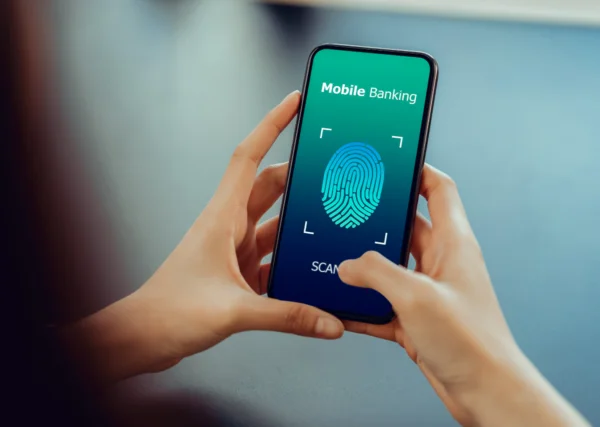
A fingerprint reader in smartphones is a complex system that uses various technologies to identify unique fingerprint patterns. With sensors that scan the fingertip, the device is able to capture and store an image of the user’s fingerprints. When the user attempts to unlock the phone, the scanner compares the scanned fingerprint with the stored pattern, allowing for quick and efficient unlocking of the phone.
What technologies does a fingerprint reader use?
Fingerprint readers use various technologies, including optical and capacitive. Optical technology uses light to create an image of the fingerprints, while capacitive technology works by measuring the difference in electrical capacitance between different areas of the fingertips. Recently, ultrasonic scanners have also gained popularity, which use sound waves to capture detailed information about the fingerprint, increasing recognition accuracy. What are the types of fingerprint readers?
There are various types of fingerprint readers available on the market, which can differ in both technology and application. We distinguish, among others, optical, capacitive, and ultrasonic scanners. Each of these types has its advantages and disadvantages, and their choice depends on the specific needs of the user. For example, optical scanners may be cheaper but less accurate compared to ultrasonic scanners, which offer a high level of security and precise recognition.
How does a fingerprint reader work?
How do fingerprint scanners recognize fingerprints?
Fingerprint scanners work by analyzing the pattern of the papillary lines, which are unique to each individual. After scanning a fingerprint, the device processes the image of the fingerprints and creates a digital template, which is then compared to the stored data. This allows for precise user recognition and unlocking access to the smartphone or application.
How does the sensor read the fingerprint?
The fingerprint reader reads the fingerprint using a sensor that can be located in various places on the device, e.g., in the Home button, on the screen, or on the side of the casing. After placing a finger on the sensor, the device scans the image of the fingerprints and then processes it to create a digital template. In the case of an ultrasonic scanner, the sound wave captured by the sensor allows for more detailed information about the fingerprint.
Is unlocking a phone safe?
The security of unlocking a phone using a fingerprint reader is generally high, but it is not without risks. It is worth remembering that biometrics, although difficult to forge, is not completely foolproof. In the case of optical scanners, there is a risk that a fingerprint image can be cloned. Therefore, smartphone manufacturers are implementing additional security measures, such as facial recognition, to enhance the level of user data protection.
What are the applications of fingerprint readers
What are the benefits of using a fingerprint reader in laptops?
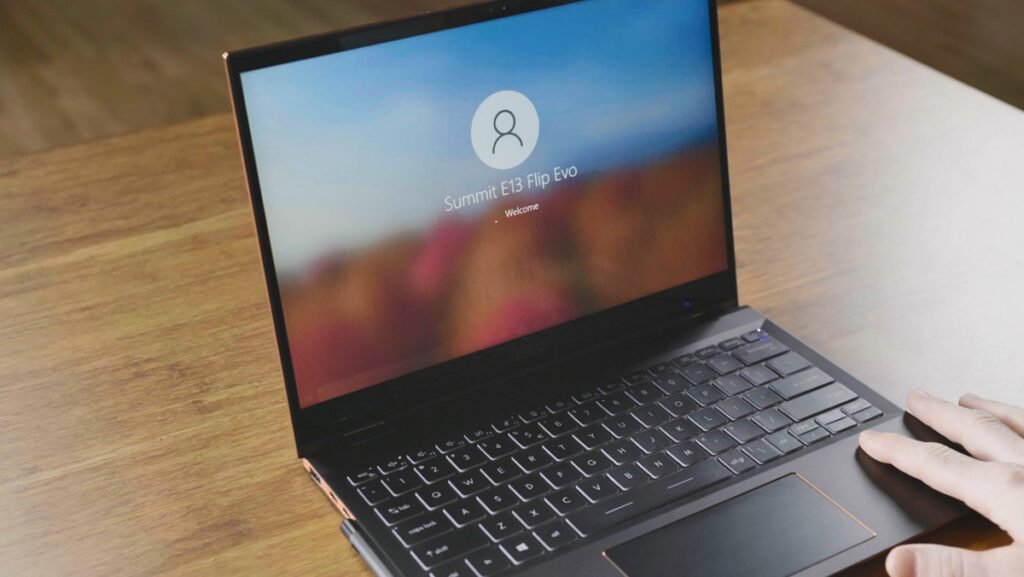
The use of fingerprint readers in laptops brings many benefits, including increased data security and user convenience. Users can quickly unlock their devices without having to enter passwords, which is particularly useful in situations where immediate authorization is needed. Additionally, this technology minimizes the risk of unauthorized access, which is important in the context of storing sensitive information.
Where else can a biometric fingerprint be used?
A biometric fingerprint is used in many areas, such as access control to rooms, mobile payment systems, and securing data in the cloud. Many companies use fingerprint readers to allow employees access to offices and IT systems. Additionally, biometric scanners are increasingly found in ATMs, which facilitates and speeds up the transaction process.
How does a fingerprint reader affect access control?
Fingerprint readers are an effective access control tool because they can uniquely identify a user based on the unique features of their fingerprint. As a result, security systems become more resistant to fraud and abuse. The introduction of biometric authentication methods in public places, such as airports or public institutions, increases security and comfort when using these services.
The convenience of using a fingerprint reader
How does a fingerprint reader enhance smartphone usability?
Using a smartphone with a fingerprint reader significantly increases the comfort of using the device. It allows for quick unlocking of the phone without the need to remember complicated passwords. The rise in popularity of this technology has led many manufacturers, such as Samsung, to introduce innovative solutions that enable even easier and more intuitive use of mobile devices. As a result, users can focus on functionality rather than remembering passwords.
Can multiple fingerprints be saved?
Yes, many modern devices allow the saving of several fingerprints, which increases the convenience of using the fingerprint reader. With this feature, users can register fingerprints of different people, making access to shared devices, such as laptops or tablets, easier. The ability to add multiple fingerprints also allows for quick switching between different users, which is particularly useful in family or office situations.
Which applications support the operation of fingerprint readers?
Many mobile applications and operating systems, such as Android, support fingerprint reader functionality, allowing users to conveniently log into their accounts. Banking apps, mobile payments, and security systems utilize biometric technology to enhance transaction security. As a result, users can take full advantage of the app’s features without worrying about the safety of their data.
How to ensure security using a fingerprint reader?
What are the potential threats associated with biometrics?
Although fingerprint readers offer a high level of security, there are some potential threats associated with biometrics. Fraud, such as creating a fake fingerprint, can lead to unauthorized access. It is also important to remember that in the event of device loss, access to stored data may be at risk if the device is not adequately secured with additional methods, such as a password or facial recognition.
What precautions should be taken when using a reader?
To ensure safety when using a fingerprint reader, it is advisable to take a few precautions. First, you should regularly update the device’s software to have access to the latest security features. Second, it is important to use additional authentication methods, such as passwords or PIN codes, in case the fingerprint reader does not work properly. It is also advisable to avoid saving fingerprints on devices that are used by multiple people.
What to do in case of fingerprint recognition problems?
In case of fingerprint recognition problems, the first step should be to ensure that the sensor is clean and free of contaminants. It is also worth trying to re-scan the fingerprint to improve the quality of the saved pattern. If problems persist, it is recommended to delete the old fingerprint and add it again or register another finger. If issues continue, it is advisable to consult the manufacturer or a specialist for further diagnosis.