Category: Guides

  • Which case for Galaxy A26 is worth buying? A review of the best models

    Which case for Galaxy A26 is worth buying? A review of the best models

    Why is it worth investing in a good case?

    Choosing the right smartphone case is not just a matter of taste, but above all, safety and convenience in everyday use. Samsung Galaxy A26 5G is a phone that combines a modern look, good technical parameters, and a reasonable price, so it’s worth taking care of its protection from day one. Without a case, you risk a cracked screen, scratched body, or damaged camera – that is, what is most valuable.

    Fortunately, you will find many interesting solutions on the market: from thin and minimalist models, through feminine and decorative patterns, to a rugged case for the Samsung Galaxy A26, which will survive a fall from height. In this guide, you will find an overview of the most interesting proposals available in our offer – divided by type and purpose. Ready? Let’s get started!

    Case with a finger holder – Bizon Case Hybrid Ring

    You probably have it in your hand, always

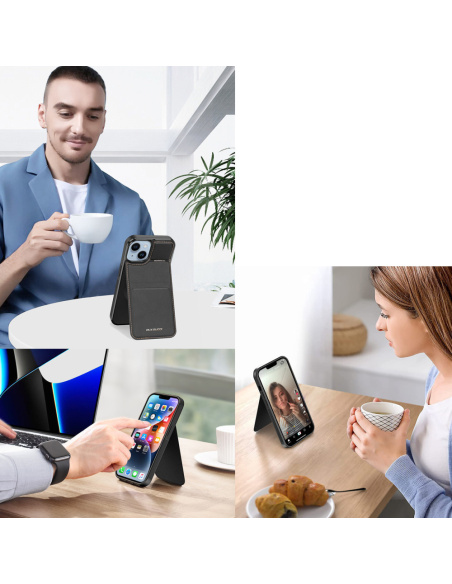
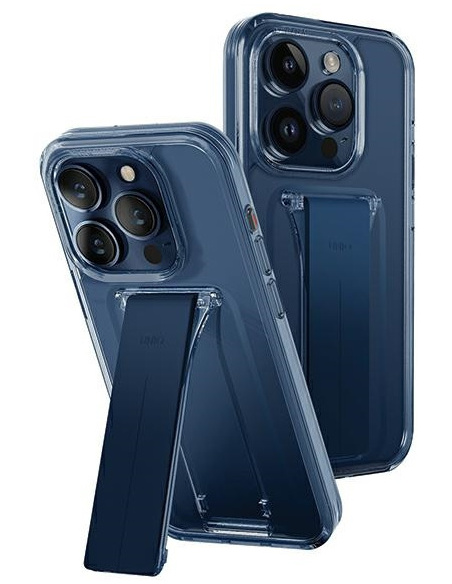
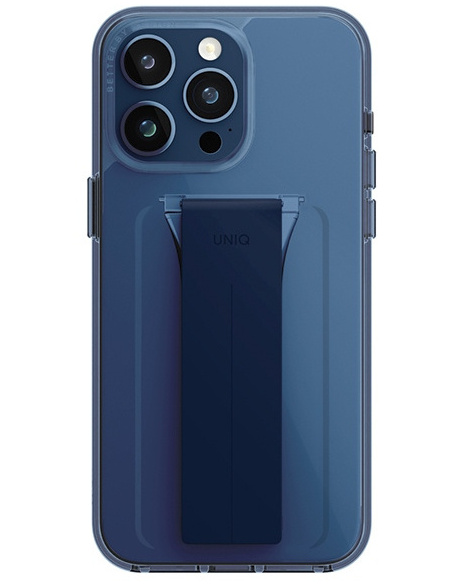
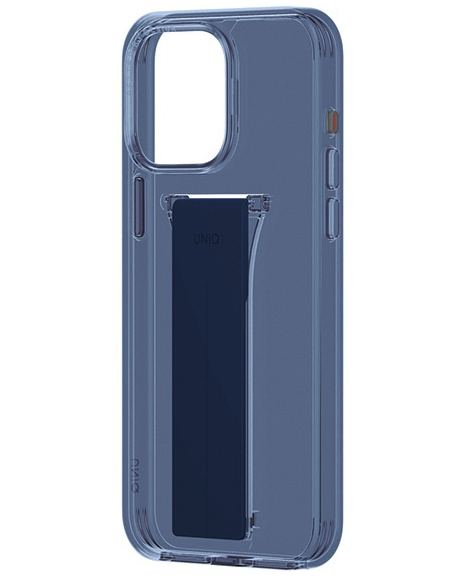
    Are you looking for a case that not only protects but is also turbo practical? Bizon Case Hybrid Ring for Samsung Galaxy A26 5G is just that model. On the back, you will find a rotating finger holder, which allows the phone to be held in your hand as if it were glued, and when needed, it acts as a stand for watching Netflix or YouTube.

    The case is made from a combination of flexible TPU and strong polycarbonate, ensuring not only comfort but also effective protection against impacts.

    The built-in metal ring works with magnetic mounts – just click, and the Galaxy A26 sticks to the car’s air vent as if it were welded. This is the perfect option for active users who value functionality and do not like compromises.

    Armored protection in every inch


    Tech-Protect Camshield Pro – protection + privacy

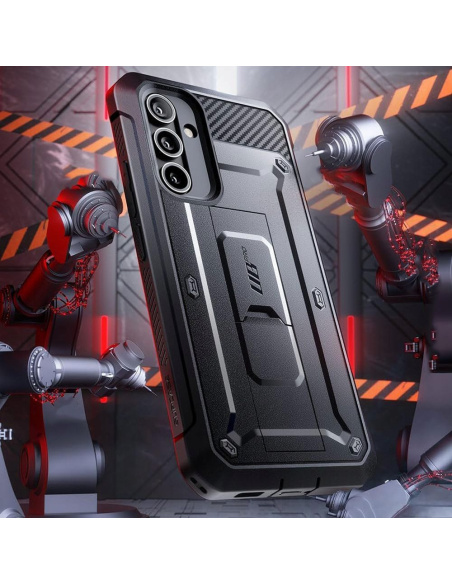
    Tech-Protect Camshield Pro Samsung Galaxy A26 5G Black case is a combination of ruggedness with privacy protection. The case features a sliding cover for the camera, allowing you to physically cover the lens when not in use. This is useful not only for scratch protection but also when you value your privacy 100%.

    Additionally, the Camshield Pro has reinforced corners, a sturdy back, and slightly raised edges around the screen. The black version looks elegant and professional – great for both everyday use and work.

    Tech-Protect Defense – durability and elegance

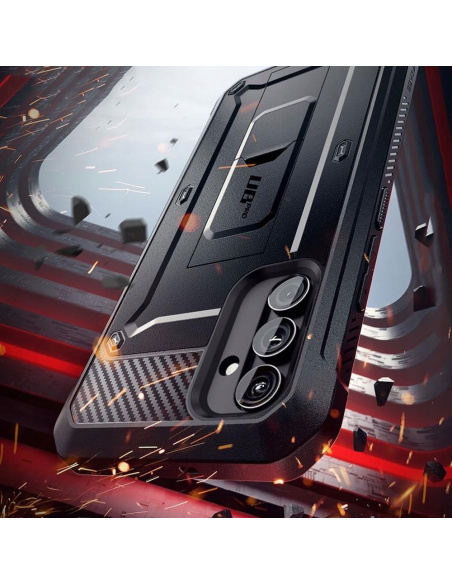
    Another option for the demanding is Tech-Protect Defense case for Samsung Galaxy A26 5G. This model combines a rugged design with a stylish appearance. Reinforced corners and a dual-layer body effectively protect the phone from impacts, while the textured back adds style and grip confidence.

    Defense also features slightly raised edges around the camera and screen, providing an additional buffer when placing the device on hard surfaces. It’s a good choice if you’re looking for a compromise between protection and aesthetics.

    Flip case – Tech-Protect Wallet

    Wallet and protection in one

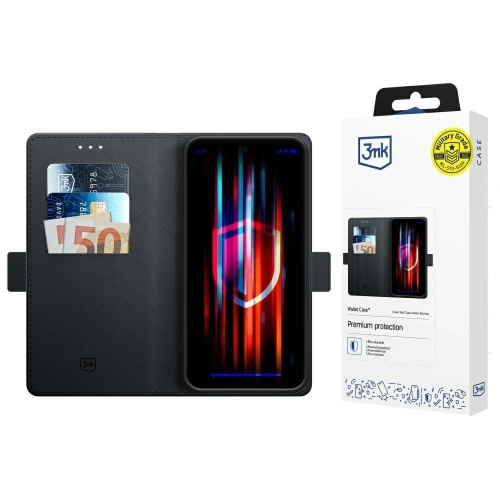
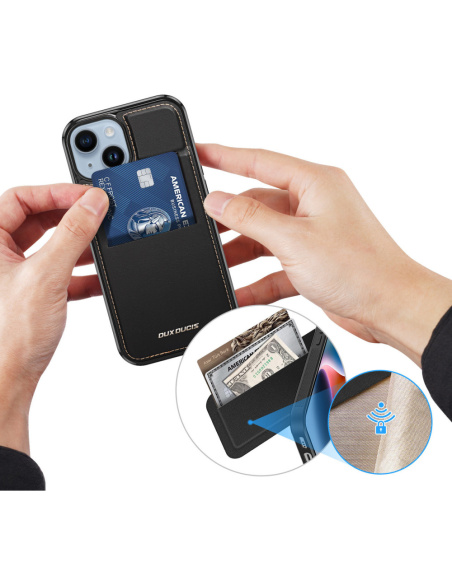
    Don’t like carrying a wallet? Flip case for Galaxy A26 this is the solution for you. Tech-Protect Wallet allows you to store cards and documents, and the magnetic closure keeps everything in place.

    The case is made of durable eco-leather, giving it an elegant look. Inside, you’ll find practical pockets, and the flap protects the screen from scratches. The stand function is a great addition for watching movies, video calls, or browsing content without holding the phone in your hand.

    Thin and sleek case for Galaxy A26

    Spigen Liquid Air – minimalist protection

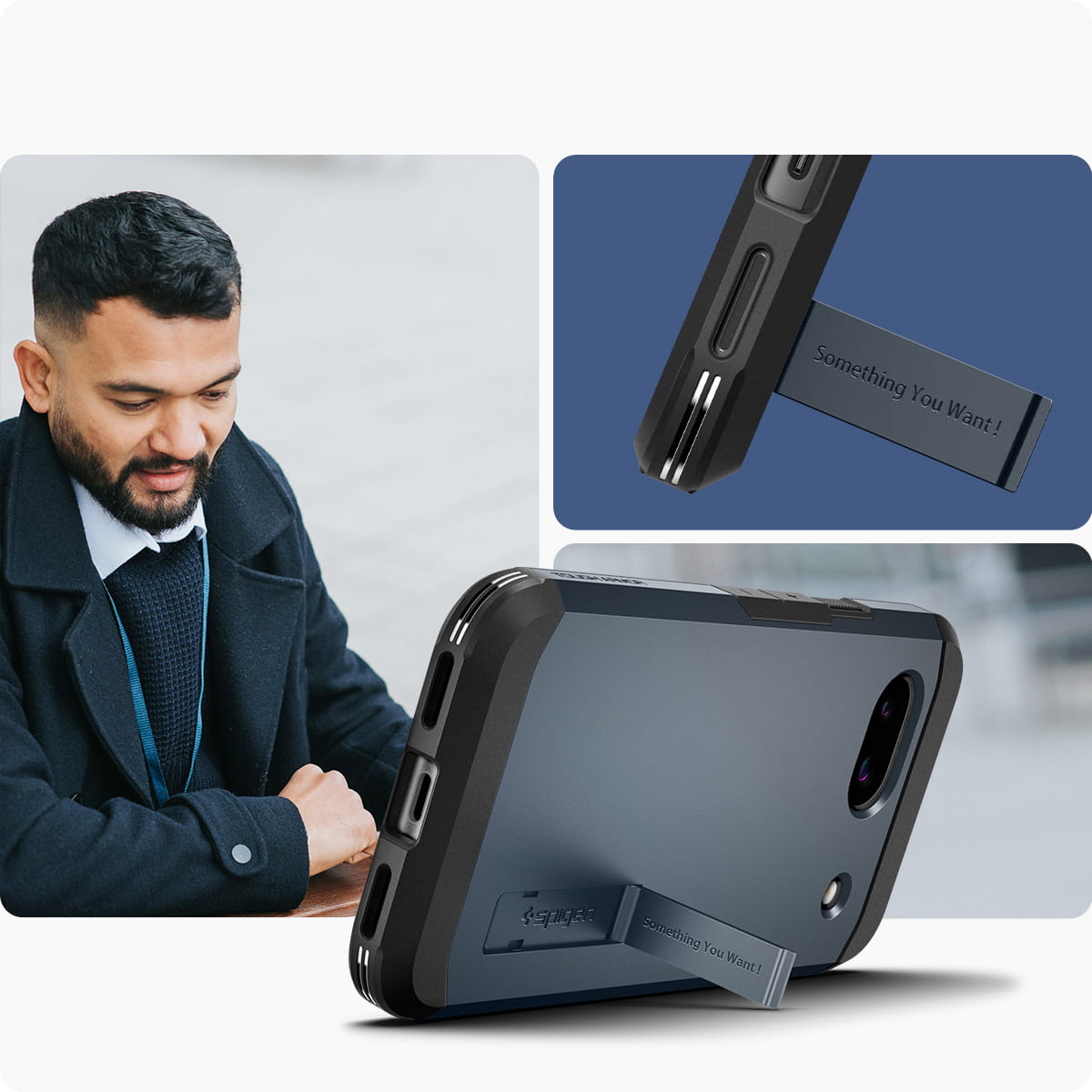
    Do you want your phone to remain light and handy? Spigen Liquid Air for Samsung Galaxy A26 5G is a slim case that does not bulk up the device, yet provides excellent cushioning thanks to Air Cushion technology.

    This thin case for Samsung Galaxy A26 perfectly adheres to the body and does not add unnecessary millimeters. The flexible yet durable TPU material protects against scratches, and precise cutouts ensure convenient access to all ports and buttons.

    The anti-slip texture on the back improves grip and minimizes the risk of dropping, while the elegant geometric pattern adds style. It is one of the most frequently chosen cases for fans of minimalism and functionality – perfect for those who do not want to give up comfort but also do not like bulky cases.

    Transparent and glitter effect cases

    Flexair Clear – show the colors of Galaxy A26

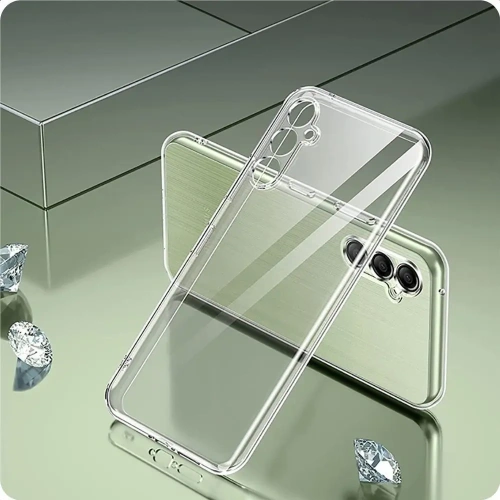
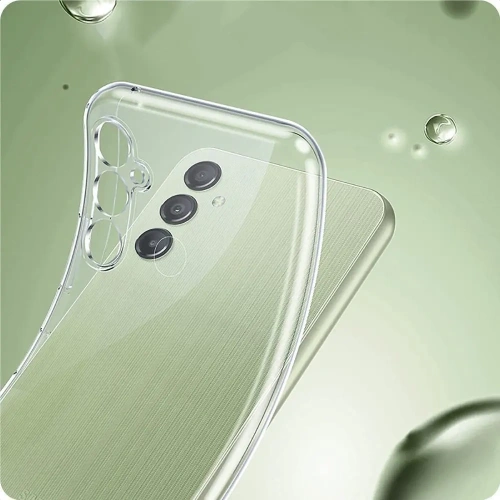
    Do you like the design of your phone? Keep it on display. Tech-Protect Flexair Samsung Galaxy A26 5G Clear case is a transparent case for Samsung Galaxy A26 that provides full visibility of the original colors while effectively protecting against scratches.

    The flexible TPU material protects against damage, and the raised edges safeguard the screen and camera. The case is exceptionally lightweight and slim, ensuring it doesn’t bulk up the phone and maintains its original appearance. It fits perfectly to the body, and the special coating prevents the material from yellowing, which is a common issue with transparent cases.

    A version with a glitter effect is also available, which subtly shines in the light – a great choice for those who want to stand out and add a touch of elegance to their smartphone. The glitter particles are embedded in the material, so they do not wear off or fall off over time. This is an option for those who want to combine aesthetics with protection – without compromises. The flexible TPU material protects against scratches, while the raised edges safeguard the screen and camera.

    Silicone case for Samsung Galaxy A26

    Soft, light, and comfortable

    Do you appreciate classic solutions? Bizon Case Silicone Magnetic Sq silicone case with magnetic ring and Tech-Protect Icon for Galaxy A26 are proven, lightweight cases that fit well in hand, protect against scratches, and do not attract fingerprints.

    The silicone in these models is pleasant to the touch, resistant to fading, and easy to keep clean. Thanks to its flexibility, the case fits perfectly to the phone’s body, does not stick out, and does not slide off the edges. Additionally, the slightly matte finish improves grip and prevents the device from slipping out of hand.

    Bizon Case also offers a built-in magnetic ring that works with magnetic mounts, making it easier to use the phone in the car on a daily basis. It is an excellent choice for those looking for a simple yet well-thought-out everyday case – without unnecessary frills, but with full functionality.

    Women’s and decorative case for Samsung Galaxy A26

    Spring vibe and marble style

    Are you looking for something different than black or transparent? Tech-Protect Flexair Spring Flowers and Tech-Protect Icon Marble are cases that bring a touch of style and personality to your Galaxy A26.

    The floral patterns in the Spring Flowers version perfectly fit into spring-summer styles – they are light, pastel, and cheerful. The case not only decorates but also protects the device thanks to the flexible and well-fitted material.

    On the other hand, Icon Marble is a classic with a touch of luxury – the marble print in shades of white, gray, or pink gives the smartphone an elegant look. The case is perfect for everyday use, but also as an accessory for more formal styles. It’s a great choice for women who want their phone to look exceptional – without sacrificing protection.

    Matte finish = class

    3MK Matt Case Pro and Magmat

    If you like a subdued look, go for matte. 3MK Matt Case Pro and Tech-Protect Magmat Matte Black are options that don’t stand out but get the job done.

    This matte case for Samsung Galaxy A26 stands out with its minimalist design and high functionality. The matte surface does not pick up fingerprints, feels pleasant to the touch, and provides a good grip – which is important, especially when using the phone with one hand.

    3MK Matt Case Pro is known for its thin construction and durable, abrasion-resistant material, while being flexible and tailored to the phone. Tech-Protect Magmat offers a slightly more rugged, masculine look with additional reinforced corners and a sleek black finish.

    Both models are lightweight, fit well in the hand, and do not add bulk to the device – ideal for those looking for subtle yet solid everyday protection.

    Interested in this guide but looking for accessories for a different smartphone? Check out our offer on the website:

    Click and find the perfect case for your Galaxy!

  • What is the best wall charger for the Samsung Galaxy S25?

    What is the best wall charger for the Samsung Galaxy S25?

    What charging does the Samsung Galaxy S25, S25+, and S25 Ultra support?

    The models Samsung Galaxy S25, S25+, and S25 Ultra support different charging powers:

    • Samsung Galaxy S25 – max. 25W (Super Fast Charging 25W)
    • Samsung Galaxy S25+ and S25 Ultra – max. 45W (Super Fast Charging 2.0)

    Although it might seem that the stronger the charger, the faster the charging, in reality the phone itself limits the power to the maximum supported value. Therefore, for Galaxy S25, the best option is a 25W charger, and for S25+ and Ultra – a 45W charger or more.


    Is it worth buying a stronger charger?

    ✔ Yes, if:

    • You have other devices (tablet, laptop, another smartphone) that support higher charging power.
    • You are looking for a future-proof solution that will serve you for years.
    • You need a universal charger for multiple devices.

    ❌ No, if:

    • You are looking for only a charger for Galaxy S25 – 25W is enough, and a compact charger will be cheaper

    Best chargers for Samsung Galaxy S25 (max. 25W)

    If you use a charger with a power above 25W, the smartphone will still charge at a maximum power of 25W. Therefore, the best choice will be chargers with USB-C PD 25W.

    Which 25W charger models are worth choosing?

    Samsung EP-T2510NB 25W Fast Charge Charger

    ➡ Original Samsung charger, fully compatible with Super Fast Charging 25W.

    ➡ Provides stable charging without the risk of overheating.

    ➡ Compact and lightweight, perfect for everyday use and travel.

    UGREEN CD250 PPS PD QC 25W USB-C Power Adapter + USB-C / USB-C 2m Cable

    ➡ Supports Power Delivery (PD) and PPS, adjusting voltage and current to the device.

    ➡ Reduces heating and optimizes charging.

    ➡ Included 2m USB-C cable provides greater convenience.

    3MK Hyper Charger PD 25W Wall Charger White + USB-C / USB-C Cable

    ➡ Solid alternative to original Samsung chargers.

    ➡ Supports fast charging PD 25W.

    ➡ The package includes a USB-C cable.

    Samsung EP-T5020XBEGEU USB-C 25W Wall Charger, USB-C 50W PD + USB-C / USB-C 5A 1.8m Cable

    ➡ USB-C Port 1: 25W PD – ideal for Galaxy S25.

    ➡ USB-C Port 2: 50W PD – for charging laptops and tablets.

    ➡ Best option if you want a universal charger for various devices.

    Best Chargers for Samsung Galaxy S25+ and S25 Ultra

    Models S25+ and S25 Ultra support Super Fast Charging 2.0 at 45W, so it’s best to choose a charger with USB-C PD 45W or more.

    What chargers work best for Galaxy S25+ and S25 Ultra?

    UGREEN CD294 2xUSB-C Wall Charger, 45W, QC, PD

    ➡ Two USB-C ports, allowing you to charge two devices simultaneously.

    ➡ Supports PD and QC, ensuring fast and efficient charging.

    Choetech PD8007 USB-C Wall Charger 45W PPS/PD

    ➡ PPS dynamically adjusts the charging power, minimizing heating.

    ➡ Energy-efficient and safe – the ideal charger for the Samsung Galaxy S25 Ultra.

    Joyroom JR-TCG13 45W USB-C GaN Charger

    ➡ GaN technology makes it more energy-efficient and compact.

    ➡ Full 45W Super Fast Charging 2.0.

    Spigen Arcstation Pro GaN-651 USB-C 65W Network Charger + USB-C Cable

    ➡ Advanced GaN technology – better efficiency and smaller size.

    ➡ Full 45W for S25 Ultra and an additional 65W for other devices.

    ➡ Supports PD and PPS – provides safe and efficient charging.

    ➡ Includes USB-C cable.

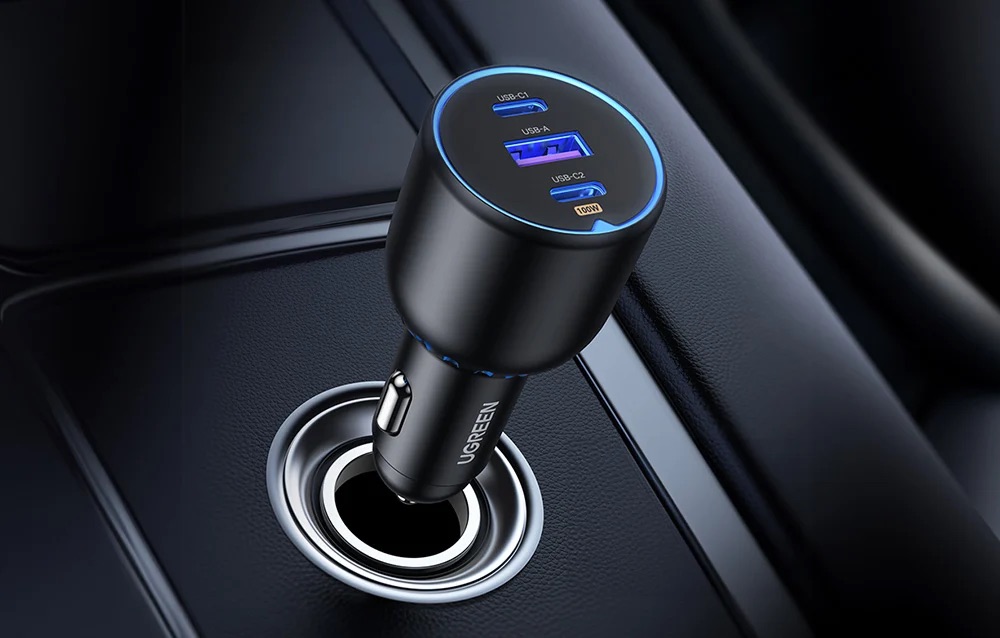
    Joyroom JR-TCG04EU Network Charger 3xUSB-C, 1xUSB-A 100W + USB-C / USB-C Cable

    ➡ Power 100W, charging a laptop, smartphone, and tablet simultaneously.

    ➡ Perfect for the office and travel.


    Summary – which charger to choose for Samsung Galaxy S25?

    If you are looking for a wall charger for Samsung Galaxy S25, choose the 25W with PD and PPS model for stable and efficient charging. For demanding users, the best charger for Samsung Galaxy S25 Ultra is the 45W+ model, compatible with Super Fast Charging 2.0. If you want to charge multiple devices simultaneously, opt for the 65W or 100W model, which will allow you to charge not only your smartphone but also a tablet or laptop.

    Remember that choosing the right charger is a guarantee of safety, convenience, and maximum efficiency!

    Check more chargers for Samsung Galaxy S25, S25+ and S25 Ultra

    If you want to see more models and find the perfect solution for your device, check out our wide range of products. Choose a fast and reliable charger for Samsung Galaxy S25 from those available in our store:
    ➡ Check the full offer of wall chargers and choose the model that best suits your needs!

  • How Does a Fingerprint Reader Work? Discover Its Applications

    How Does a Fingerprint Reader Work? Discover Its Applications

    What is a fingerprint reader?

    How does a fingerprint reader work in smartphones?

    A fingerprint reader in smartphones is a complex system that uses various technologies to identify unique fingerprint patterns. With sensors that scan the fingertip, the device is able to capture and store an image of the user’s fingerprints. When the user attempts to unlock the phone, the scanner compares the scanned fingerprint with the stored pattern, allowing for quick and efficient unlocking of the phone.

    What technologies does a fingerprint reader use?

    Fingerprint readers use various technologies, including optical and capacitive. Optical technology uses light to create an image of the fingerprints, while capacitive technology works by measuring the difference in electrical capacitance between different areas of the fingertips. Recently, ultrasonic scanners have also gained popularity, which use sound waves to capture detailed information about the fingerprint, increasing recognition accuracy. What are the types of fingerprint readers?

    There are various types of fingerprint readers available on the market, which can differ in both technology and application. We distinguish, among others, optical, capacitive, and ultrasonic scanners. Each of these types has its advantages and disadvantages, and their choice depends on the specific needs of the user. For example, optical scanners may be cheaper but less accurate compared to ultrasonic scanners, which offer a high level of security and precise recognition.

    How does a fingerprint reader work?

    How do fingerprint scanners recognize fingerprints?

    Fingerprint scanners work by analyzing the pattern of the papillary lines, which are unique to each individual. After scanning a fingerprint, the device processes the image of the fingerprints and creates a digital template, which is then compared to the stored data. This allows for precise user recognition and unlocking access to the smartphone or application.

    How does the sensor read the fingerprint?

    The fingerprint reader reads the fingerprint using a sensor that can be located in various places on the device, e.g., in the Home button, on the screen, or on the side of the casing. After placing a finger on the sensor, the device scans the image of the fingerprints and then processes it to create a digital template. In the case of an ultrasonic scanner, the sound wave captured by the sensor allows for more detailed information about the fingerprint.

    Is unlocking a phone safe?

    The security of unlocking a phone using a fingerprint reader is generally high, but it is not without risks. It is worth remembering that biometrics, although difficult to forge, is not completely foolproof. In the case of optical scanners, there is a risk that a fingerprint image can be cloned. Therefore, smartphone manufacturers are implementing additional security measures, such as facial recognition, to enhance the level of user data protection.

    What are the applications of fingerprint readers

    What are the benefits of using a fingerprint reader in laptops?

    The use of fingerprint readers in laptops brings many benefits, including increased data security and user convenience. Users can quickly unlock their devices without having to enter passwords, which is particularly useful in situations where immediate authorization is needed. Additionally, this technology minimizes the risk of unauthorized access, which is important in the context of storing sensitive information.

    Where else can a biometric fingerprint be used?

    A biometric fingerprint is used in many areas, such as access control to rooms, mobile payment systems, and securing data in the cloud. Many companies use fingerprint readers to allow employees access to offices and IT systems. Additionally, biometric scanners are increasingly found in ATMs, which facilitates and speeds up the transaction process.

    How does a fingerprint reader affect access control?

    Fingerprint readers are an effective access control tool because they can uniquely identify a user based on the unique features of their fingerprint. As a result, security systems become more resistant to fraud and abuse. The introduction of biometric authentication methods in public places, such as airports or public institutions, increases security and comfort when using these services.

    The convenience of using a fingerprint reader

    How does a fingerprint reader enhance smartphone usability?

    Using a smartphone with a fingerprint reader significantly increases the comfort of using the device. It allows for quick unlocking of the phone without the need to remember complicated passwords. The rise in popularity of this technology has led many manufacturers, such as Samsung, to introduce innovative solutions that enable even easier and more intuitive use of mobile devices. As a result, users can focus on functionality rather than remembering passwords.

    Can multiple fingerprints be saved?

    Yes, many modern devices allow the saving of several fingerprints, which increases the convenience of using the fingerprint reader. With this feature, users can register fingerprints of different people, making access to shared devices, such as laptops or tablets, easier. The ability to add multiple fingerprints also allows for quick switching between different users, which is particularly useful in family or office situations.

    Which applications support the operation of fingerprint readers?

    Many mobile applications and operating systems, such as Android, support fingerprint reader functionality, allowing users to conveniently log into their accounts. Banking apps, mobile payments, and security systems utilize biometric technology to enhance transaction security. As a result, users can take full advantage of the app’s features without worrying about the safety of their data.

    How to ensure security using a fingerprint reader?

    What are the potential threats associated with biometrics?

    Although fingerprint readers offer a high level of security, there are some potential threats associated with biometrics. Fraud, such as creating a fake fingerprint, can lead to unauthorized access. It is also important to remember that in the event of device loss, access to stored data may be at risk if the device is not adequately secured with additional methods, such as a password or facial recognition.

    What precautions should be taken when using a reader?

    To ensure safety when using a fingerprint reader, it is advisable to take a few precautions. First, you should regularly update the device’s software to have access to the latest security features. Second, it is important to use additional authentication methods, such as passwords or PIN codes, in case the fingerprint reader does not work properly. It is also advisable to avoid saving fingerprints on devices that are used by multiple people.

    What to do in case of fingerprint recognition problems?

    In case of fingerprint recognition problems, the first step should be to ensure that the sensor is clean and free of contaminants. It is also worth trying to re-scan the fingerprint to improve the quality of the saved pattern. If problems persist, it is recommended to delete the old fingerprint and add it again or register another finger. If issues continue, it is advisable to consult the manufacturer or a specialist for further diagnosis.

  • TOP 10 cases for Samsung Galaxy S25 Ultra

    TOP 10 cases for Samsung Galaxy S25 Ultra

    Samsung Galaxy S25 Ultra is another step in the evolution of the flagship series. Compared to its predecessor, it offers an improved camera with better zoom, greater performance thanks to a new processor, and an even more advanced AMOLED display with a higher refresh rate. With a longer battery life and modern AI features, it is one of the best smartphones on the market. To ensure its longevity and safety, it is worth investing in the best case for Samsung Galaxy S25 Ultra, which will provide protection and a stylish look.

    Spigen Cases – reliable protection in every style 

    The brand Spigen is one of the leaders in the protective accessories market. Their cases are perfectly fitted to smartphones, offering high resistance to damage and a modern look. In Spigen’s offer, you will find both slim cases for Galaxy S25 Ultra and solid armored cases that will perform well in tough conditions.

    1. Spigen Liquid Air – ultra-light protection in a matte finish 

    🔗 See the case

    If you are looking for minimalist protection, but do not want to compromise on safety, Spigen Liquid Air is the perfect solution. Its ultra-slim design keeps the phone’s original shape, while the matte finish provides a secure grip and an aesthetic look.

    ✅ Slim and flexible design – does not bulk up the device
    ✅ Matte, non-slip surface – resistant to dirt and fingerprints
    ✅ Air Cushion Technology – enhanced corner protection against drops
    ✅ Raised edges for the screen and camera – additional protection against scratches

    🔗 Check more: SLIM CASE FOR GALAXY S25 ULTRA

    2. Spigen Optik Armor – privacy and camera protection 

    🔗 View case

    If you care about maximum camera protectionSpigen Optik Armor is an excellent choice. With its integrated sliding cover, it protects the lenses from scratches, dust, and mechanical damage, while also taking care of your privacy.

    ✅ Integrated sliding camera cover – full protection of the lenses against damage
    ✅ Hybrid TPU + PC construction – effective shock and drop absorption
    ✅ Slim design – elegant look without unnecessary bulk
    ✅ Precise cutouts – full access to ports and buttons

    🔗 Check more: CASE FOR SAMSUNG GALAXY S25 ULTRA

    3. Spigen Rugged Armor Mag – armored protection with MagSafe 

    🔗 See the case

    If you need a solid armored case for Samsung Galaxy S25 Ultra that also supports MagSafe chargingSpigen Rugged Armor Mag is the perfect solution.

    ✅ Flexible shock-resistant TPU – effective impact cushioning
    ✅ MagSafe magnetic compatibility – hassle-free charging and magnetic accessories
    ✅ Raised edges for screen and camera – additional protection against scratches
    ✅ Modern design with carbon accents – sporty look

    🔗 Check more: ARMOR CASE FOR SAMSUNG GALAXY S25 ULTRA

    4. Spigen Slim Armor CS – case with card slots

    🔗 See the case

    If you want to have your most important cards always at hand, Spigen Slim Armor CS is the perfect solution. This functional wallet case allows you to store payment cards and documents, while also providing high protection for the device.

    ✅ Hidden card compartment – convenient storage for cards and cash
    ✅ Hybrid PC + TPU construction – solid protection against damage
    ✅ Raised edges – protection for the screen and camera
    ✅ Minimalist design – classic elegance without unnecessary bulk

    🔗 Check more: WALLET CASE FOR GALAXY S25 ULTRA

    5. Spigen Tough Armor MagSafe – durability at the highest level

    🔗 See case

    If you are looking for maximum durabilitySpigen Tough Armor MagSafe is the case that will protect your smartphone even in the toughest conditions.

    ✅ Reinforced, hybrid construction – a combination of TPU and polycarbonate provides excellent cushioning
    ✅ MagSafe compatibility – stable connection with magnetic accessories
    ✅ Raised edges – protection for the screen and camera against scratches
    ✅ MIL-STD 810G certification – tested resistance to shocks and drops

    🔗 Check more: ARMOR CASE FOR GALAXY S25 ULTRA

    6. Spigen Thin Fit Mag – elegance and MagSafe compatibility 

    🔗 See the case

    If you are looking for a slim case that not only protects your smartphone but is also fully compatible with MagSafe, Spigen Thin Fit Mag is a great choice.

    ✅ Ultraslim design – perfectly fitted, does not bulk up the phone
    ✅ Hard polycarbonate shell – durable protection against scratches
    ✅ Built-in MagSafe magnets – secure attachment and fast charging
    ✅ Raised edges – protection for the screen and camera against damage

    🔗 Check more: SLIM CASE FOR GALAXY S25 ULTRA

    Ringke – transparent durability with MagSafe 

    7. Ringke Fusion Magnetic – transparent protection and MagSafe 

    🔗 See case

    If you want to maintain the original look of your smartphone, while also providing solid protection, Ringke Fusion Magnetic is an excellent choice. The transparent polycarbonate back and flexible TPU frame protect the device from drops, while the built-in magnets ensure full compatibility with MagSafe.

    ✅ Hybrid construction – a combination of durable PC and shock-absorbing TPU
    ✅ Transparent design – showcases the original look of the phone
    ✅ Magnetic MagSafe compatibility – stable connection with accessories
    ✅ Raised edges for screen and camera – additional protection against scratches

    🔗 Check more: TRANSPARENT CASE FOR GALAXY S25 ULTRA

    8. Ringke Onyx Magnetic – durability and functionality 

    🔗 See case

    If you are looking for a case that provides maximum protection in an elegant styleRingke Onyx Magnetic is an excellent choice. Made of high-quality flexible TPU, the case effectively absorbs shocks and protects the phone from damage.

    ✅ Durable TPU construction – impact and drop resistance
    ✅ Textured surface – secure grip and fingerprint resistance
    ✅ MagSafe compatibility – easy connection with magnetic accessories
    ✅ Raised edges – additional protection for the screen and camera

    🔗 Check more: ARMOR CASE FOR GALAXY S25 ULTRA

    Supcase Case – durability and style 

    9. Supcase Cosmo Mag – stylish and feminine case with MagSafe 

    🔗 See the case

    If you are looking for a case that combines protection and eleganceSupcase Cosmo Mag is an excellent choice. With its unique marble pattern, this women’s case for Samsung Galaxy S25 Ultra gives the smartphone a distinctive style while providing full protection.

    ✅ Stylish design in marble pattern – perfect for those who value elegance
    ✅ Shock resistance – effective protection against drops
    ✅ MagSafe compatibility – full functionality of magnetic accessories
    ✅ Raised edges – additional protection for the screen and camera

    🔗 Check more: WOMEN’S CASE FOR GALAXY S25 ULTRA

    10. Supcase Unicorn Beetle Pro – extreme durability and full protection 

    🔗 See case

    If you are looking for the most rugged protectionSupcase Unicorn Beetle Pro is the case that will meet your expectations. It features a dual-layer construction and built-in screen protector, making it one of the most durable cases available on the market.

    ✅ Hybrid construction with TPU and polycarbonate – maximum protection against drops
    ✅ Built-in screen protector – additional layer safeguarding the display
    ✅ Reinforced corners – shock absorption during drops
    ✅ MIL-STD 810G military-grade certification – tested durability
    ✅ Built-in Kickstand – convenient media viewing in portrait and landscape

    🔗 Check more: ARMOR CASE FOR GALAXY S25 ULTRA

    Which case to choose for Samsung Galaxy S25 Ultra?

    Match the case to your needs

    The choice of the right case depends on your individual needs. If you care about maximum protection, an excellent choice would be Supcase Unicorn Beetle Pro or Spigen Rugged Armor Mag. If you want to maintain the original look of the smartphone while also using MagSafe features, consider Spigen Thin Fit Mag or Ringke Fusion Magnetic. For those who value elegance and style, the best solution would be Supcase Cosmo Mag.

    Regardless of which case you choose, it’s worth opting for trusted brands and solid materials that will provide your smartphone with full protection and comfort of use. Check the full range of cases for the Samsung Galaxy S25 Ultra and choose the model perfectly suited to your needs!

    🔗 See the full offer: CASES FOR GALAXY S25 ULTRA

  • The best cases for Samsung Galaxy S25

    The best cases for Samsung Galaxy S25

    Samsung Galaxy S25 Premiere

    What do we know about the new flagship?

    Samsung will officially present the Galaxy S25 series on January 22, 2025. According to current leaks, the smartphone will be equipped with a advanced Exynos 2500 or Snapdragon 8 Gen 4 processor (depending on the market), a new camera system, and a Dynamic AMOLED 2X display with an even higher refresh rate.

    However, advanced technology also means a high price – which makes it worth taking care of proper phone protection as soon as possible. In this article, we will suggest which case for Samsung Galaxy S25 is worth choosing to effectively secure the device while highlighting its modern design.

    Why is it worth investing in a case for the Galaxy S25?

    Does a case really protect the phone from damage?

    Modern smartphones, such as Samsung Galaxy S25, stand out with their elegant appearance, large screens, and thin bezels. Unfortunately, this also means greater susceptibility to mechanical damage. Even a small drop can lead to a cracked screen or casing.

    A good case effectively absorbs shocks and prevents scratches and dents. Additionally, depending on the chosen model, it may offer additional features, such as screen protection, slots for payment cards, or support for MagSafe technology.

    Types of cases for Samsung Galaxy S25 – which one will work best?

    Every user has different needs, which is why we have prepared a comparison of various types of cases that will meet the expectations of both minimalist design enthusiasts and those looking for maximum protection.

    A good quality case for Galaxy S25 can protect the phone even from falls from great heights. The choice of the right model depends on individual preferences and how the user utilizes the smartphone.

    Rugged case for Samsung Galaxy S25

    If you care about maximum protection, the best choice will be a rugged case for Samsung Galaxy S25. This type of cover effectively absorbs shocks and protects the phone from scratches or falls.

    Bizon Case Tur Protective Case for Samsung Galaxy S25 is an excellent choice. Inspired by the majestic aurochs, it provides reliable protection for your phone against scratches, dirt, and drops.

    ✅ Flexible TPU construction – effectively absorbs shocks
    ✅ Raised edges for the screen and camera – additional protection against scratches
    ✅ Textured sides – better grip and reduced risk of slipping
    ✅ Integrated button covers – effective protection without loss of functionality
    ✅ Stylish design – available in colors: red, gray, dark purple, and blue

    This thin yet extremely durable case features special grooves on the back, which serve as additional air cushions. This way, even if dropped from a height, your smartphone will remain safe.

    For the most demanding users, the  Tech-Protect Kevlar MagSafe+ has been created, which is a case with a hybrid, two-piece construction that protects the device from all sides.

    ✅ Hard shell made of PC and TPU – maximum shock resistance
    ✅ Reinforced corners with air cushions – additional cushioning
    ✅ Integrated screen protector – effective separation of the display from surfaces
    ✅ MagSafe compatibility – hassle-free charging and use of magnetic accessories
    ✅ Non-slip surface – secure grip in any situation
    ✅ Functional Kick Stand – comfortable movie watching and more secure holding in hand
    ✅ Military certification MIL-STD-810H – tested for durability

    Kevlar MagSafe+ is the ideal case for active individuals who expect reliable protection and full functionality. Thanks to MagSafe technology, using the smartphone becomes even more convenient, and the additional Kick Stand allows for comfortable viewing of content in both portrait and landscape modes.

    🔗 Check more: HEAVY-DUTY CASE FOR SAMSUNG GALAXY S25 Ultra

    Transparent case for Samsung Galaxy S25

    Subtle protection without compromise

    If you want to protect your phone while not covering its elegant design, transparent case for Samsung Galaxy S25 is the perfect solution. Thanks to modern materials such as polycarbonate and TPU, they provide high protection against scratches, shocks, and dirt, while maintaining the original look of the phone.

    3MK Clear MagCase is a transparent case for Samsung Galaxy S25 that provides full compatibility with MagSafe. Thanks to the built-in magnets, you can conveniently use magnetic accessories and wireless charging without having to remove the case.

    ✅ Built-in MagSafe magnets – stable connection with accessories
    ✅ Ultra-transparent design – showcases the original look of the phone
    ✅ Lightweight construction – does not add unnecessary bulk
    ✅ Reinforced corner protection – minimizes the risk of damage
    ✅ Raised edges around the camera – effective lens protection

    If you want to protect your smartphone while maintaining its original design and slimnessClear MagCase™ by 3MK is an excellent choice.

    Tech-Protect Flexair Hybrid MagSafe is a case with a transparent finish that perfectly highlights the line and silhouette of the Galaxy S25. Made of hard polycarbonate back and flexible TPU frame, it provides a high level of protection while maintaining a slim and lightweight design.

    ✅ Hybrid construction – combination of PC and TPU
    ✅ Precise cutouts – full access to ports and buttons
    ✅ Raised edges – additional protection for the screen and camera
    ✅ Compatibility with MagSafe – magnetic ring allows for fast and convenient wireless charging
    ✅ Easy installation and removal – perfectly fitted to the shape of the phone

    Thanks to the use of MagSafe ringFlexair Hybrid MagSafe allows for stable use of magnetic chargers and accessories, making it an ideal choice for users who value convenience and functionality.

    🔗 Check more: CLEAR CASE FOR SAMSUNG GALAXY S25

    Silicone case for Samsung Galaxy S25

    Tech-Protect Liquid Silicone MagSafe – soft protection in pastel colors

    Tech-Protect Liquid Silicone MagSafe is an exceptional silicone case for Samsung Galaxy S25, combining elegance, functionality, and reliable protection. Made of soft, pleasant-to-touch silicone with hard backs, it perfectly absorbs shocks and protects the phone from everyday damage.

    ✅ Delicate, silicone surface – resistant to dirt and fingerprints
    ✅ Interior lined with microfiber – additional protection against scratches
    ✅ Minimalist design – perfectly fitted to the device
    ✅ Compatibility with MagSafe – hassle-free charging and use of accessories
    ✅ Easy access to all ports and buttons
    ✅ Available in pastel colors

    Thanks to full compatibility with MagSafe, the case allows for wireless charging and magnetic accessories without the need to remove it. This is an excellent solution for those who value practicality and elegant appearance.

    🔗 Check more: MAGSAFE CASE FOR SAMSUNG GALAXY S25 Ultra
    🔗 Check more: SILICONE CASE FOR SAMSUNG GALAXY S25+Plus

    Wallet case for Samsung Galaxy S25

    Tech-Protect Wallet – classic elegance and feminine style

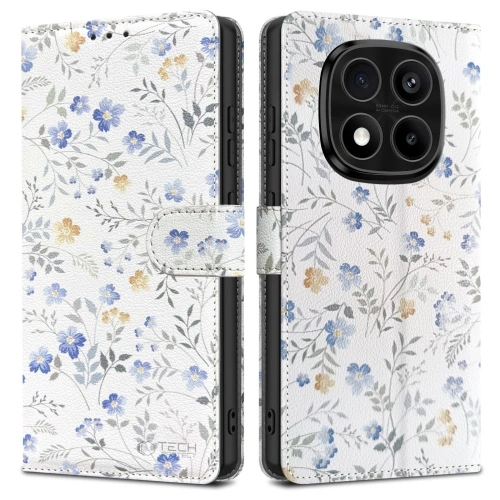
    Tech-Protect Wallet is a wallet case for Samsung Galaxy S25 that combines protection, functionality, and elegant appearance. Available in classic black and a feminine version with a floral pattern, it allows for matching to the user’s individual style.

    ✅ High-quality eco-leather – durable and stylish finish
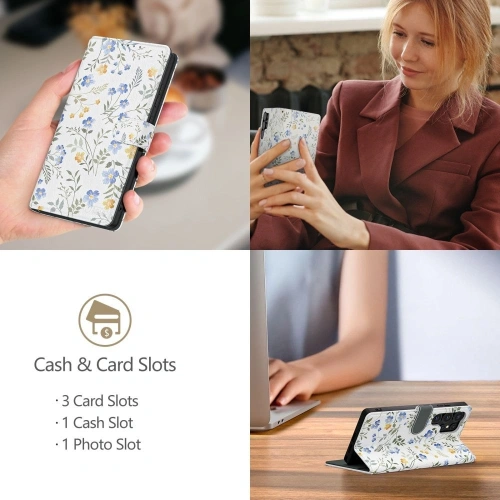
    ✅ Pockets for cards and banknotes – convenient storage for documents
    ✅ Stand function – ability to set the phone in a horizontal position
    ✅ Magnetic closure – protects the screen from accidental scratches
    ✅ Precise cutouts – easy access to ports and buttons
    ✅ Slim and lightweight design – does not excessively increase the dimensions of the phone

    Thanks to the screen protection flap, the case serves as a wallet, making it an ideal solution for those who value practicality and elegant design.

    🔗 Check more: WALLET CASE FOR SAMSUNG GALAXY S25 Ultra

    🔗 Check more: CASE WITH STAND FOR SAMSUNG GALAXY S25+PLUS

    Summary – which case to choose for Samsung Galaxy S25?

    Match the case to your style and needs

    The choice of the right case for Samsung Galaxy S25 depends on your preferences and lifestyle. There are various types of covers available on the market that offer both maximum protection and stylish finish.

    📌 Looking for the highest level of protection?
    ➡️ Choose a rugged case, e.g.  Bizon Case Tur or Tech-Protect Kevlar MagSafe+, which will provide resistance to drops and shocks.

    📌 Want to conveniently use MagSafe charging?
    ➡️ MagSafe case for Galaxy S25, such as 3MK Clear MagCase or Tech-Protect Liquid Silicone MagSafe, is an excellent choice for fans of magnetic accessories.

    📌 Do you care about preserving the original design of the phone?
    ➡️ Transparent case, e.g.  Spigen Ultra Hybrid or Tech-Protect Flexair Hybrid MagSafe, will allow you to enjoy the aesthetics of the Galaxy S25 while protecting it.

    📌 Do you like a soft, pleasant-to-touch case?
    ➡️ Go for a silicone case, such as Tech-Protect Liquid Silicone MagSafe, which combines protection and minimalist design in pastel colors.

    📌 Do you need extra space for cards and cash?
    ➡️ A wallet case, e.g., Tech-Protect Wallet, is the perfect solution for those who value functionality and elegance.

    Secure your Samsung Galaxy S25 now!

    Regardless of whether you care about maximum protection, minimalist design, or additional features, the right case will help you protect your smartphone and enjoy it for a long time.

    🔗 Check the full offer: CASES FOR SAMSUNG GALAXY S25 🚀

  • Poco F6 Pro vs Poco X7 Pro – Which smartphone to choose in 2025?

    Poco F6 Pro vs Poco X7 Pro – Which smartphone to choose in 2025?

    What are the performance differences between the POCO F6 Pro and the POCO X7 Pro? 

    What processors power these phones? 

    POCO F6 Pro is equipped with the Qualcomm Snapdragon 8 Gen 2 SM8550-AB processor, one of the most powerful chips of 2024. This processor, built on a 4 nm technology, offers a maximum clock frequency of 3200 MHz and an advanced Adreno graphics unit that handles the most demanding games and applications exceptionally well.

    On the other hand, the POCO X7 Pro uses the MediaTek Dimensity 8400 Ultra processor, also created using a 4 nm process, but offering a slightly higher clock frequency of 3250 MHz. The Dimensity 8400 Ultra stands out with its All-Big-Core architecture, which boosts performance for artificial intelligence (AI) tasks by up to 50%. Supported by the ARM Mali-G720 MC7 graphics unit, this processor excels at handling modern applications, games, and high-resolution video recordings.

    How is gaming performance? 

    Both models, POCO F6 Pro and POCO X7 Pro, perform excellently in games, but they differ in detailed performance.

    POCO F6 Pro with its Snapdragon 8 Gen 2 processor and Adreno graphics chip provides high fluidity in the most demanding titles. The processor supports technologies such as Ray Tracing and Variable Rate Shading, allowing for more realistic visual effects and efficient management of graphic resources. Games run smoothly even at the highest settings, making the F6 Pro an excellent choice for mobile gamers.

    POCO X7 Pro with its MediaTek Dimensity 8400 Ultra processor and ARM Mali-G720 MC7 graphics chip raises the bar in terms of gameplay optimization. Thanks to the implementation of HyperEngine 6.0 technology, the device offers:

    • Smooth operation in games with dynamic resource management.
    • Higher frame rates in demanding titles such as PUBG Mobile or Genshin Impact.
    • Faster screen response time and better temperature management thanks to the LiquidCool 4.0 cooling system.

    In practice, POCO X7 Pro performs better at maintaining stable frames per second during prolonged gameplay, minimizing the phenomenon of throttling (performance drop). This makes it more suited for long gaming sessions.

    In summary, although both models offer excellent performance, POCO X7 Pro stands out due to better resource optimization and advanced cooling, making it an ideal choice for demanding gamers.

    It is worth adding that with the launch of POCO X7 Pro, Xiaomi surprised superhero fans by introducing a limited Iron Man edition. This special edition aimed at Marvel fans combines advanced technology with a unique design inspired by one of the most iconic comic book heroes.

    What are the differences in RAM and internal storage? 

    POCO F6 Pro and POCO X7 Pro differ in both RAM configurations and internal storage options, which may influence the choice of device depending on the user’s individual needs.

    POCO F6 Pro offers more advanced memory options:

    • RAM: Available configurations are 12 GB or even 16 GB, making this model better suited for users requiring greater multitasking capabilities, such as video editing or working with advanced applications.
    • Internal storage: F6 Pro is available in three variants: 256 GB512 GB and an impressive 1 TB, making it more flexible for storing large amounts of data, such as games, multimedia, or work files.

    POCO X7 Pro features a smaller, but still sufficient amount of memory:

    • RAM: Available configurations are 8 GB or 12 GB, which still provides excellent performance but does not offer as much multitasking capability as the F6 Pro.
    • Internal storage: X7 Pro comes in two variants: 256 GB and 512 GB, which may be sufficient for most users who do not need extremely large data storage.

    What does this mean in practice?

    • POCO F6 Pro is a better choice for those who need a large amount of memory, e.g., for storing large media libraries, working with heavy applications, or long-term use without the need to regularly delete data.
    • POCO X7 Pro on the other hand offers more optimized configurations that work great for everyday use, gaming, and using applications, but may be limiting for the most demanding users.

    In summary, if the priority is a larger amount of RAM and internal storage, POCO F6 Pro will be the better choice. Meanwhile, POCO X7 Pro is a sensible option for users who value a balance between performance and affordability.

    What camera features do POCO F6 Pro and POCO X7 Pro have?

    What are the camera specifications in both models? 

    Both models, POCO F6 Pro and POCO X7 Pro, are equipped with advanced photographic systems, but differ in details that may matter depending on the user’s needs.

    Main cameras

    • POCO F6 Pro:
      • Sensor: 50 MP OmniVision Light Fusion 800.
      • Aperture: f/1.6 – wide, allowing for good photos in low light.
      • Image stabilization: Only OIS (optical image stabilization), which helps reduce shake in photos and videos.
      • Video resolution: Supports recording in impressive 8K at 24 fps.
    • POCO X7 Pro:
      • Sensor: 50 MP Sony IMX882 – a more advanced sensor, offering better detail reproduction and colors.
      • Aperture: f/1.5 – larger than in F6 Pro, which further improves performance in low light.
      • Image stabilization: Both OIS and EIS (electronic image stabilization), providing even smoother video.
      • Video resolution: Maximum resolution 4K at 60 fps, but with better stabilization compared to the F6 Pro.

    Additional cameras

    • Wide-angle camera:
      • Both models feature an 8 MP sensor with an f/2.2 aperture, however, the F6 Pro has a field of view of 119°, while the X7 Pro’s angle data is not available, although the quality is comparable.
    • Macro (available only in F6 Pro):
      • 2 MP with an f/2.4 aperture – allows close-ups of small objects, but is rather an additional feature.

    Front cameras

    • POCO F6 Pro: 16 MP sensor OmniVision OV16A10, aperture f/2.2, allowing recording in Full HD quality (1920 x 1080 px).
    • POCO X7 Pro: 20 MP sensor OmniVision OV20B, aperture f/2.2 – better detail reproduction in selfies and more advanced AI features.

    Camera specifications summary

    • POCO X7 Pro offers a more advanced main camera with a Sony sensor, larger aperture, and EIS, making it more versatile for video recording and photography in challenging lighting conditions.
    • POCO F6 Pro, although it has an equally good main camera, stands out with 8K video support and additional features like a macro camera, which may be attractive to creative photography enthusiasts.

    The final choice depends on whether the user values stabilization and versatility more (X7 Pro), or prefers higher video resolution and additional macro features (F6 Pro).

    What additional features do the cameras offer? 

    POCO F6 Pro and POCO X7 Pro stand out with various additional camera features that allow for more creative photos and videos. Below is a detailed discussion of their capabilities.

    Additional Features in POCO F6 Pro

    • 8K Video Mode: Allows recording in ultra-high resolution, making even the most detailed shots look professional.
    • Macro Photography: With a dedicated 2 MP macro camera, users can capture fine details up close, which is ideal for nature, jewelry, or texture photography.
    • Night Mode: An advanced night mode combined with the OmniVision sensor allows for clear photos in low light, though without AI support.
    • HDR and Panoramas: The camera supports HDR, improving the tonal range of photos, and offers a panorama mode for wide landscape shots.

    Additional Features in POCO X7 Pro

    • OIS and EIS Stabilization: The combination of optical and electronic image stabilization ensures that 4K videos are incredibly smooth, even during dynamic movements.
    • Advanced Night Mode with AI: The Sony IMX882 camera in the X7 Pro uses artificial intelligence to automatically enhance details and brightness in photos taken in low light.
    • Dynamic Shots: A feature that allows you to take photos in motion without blurring, making it ideal for sports photography and dynamic scenes.
    • UltraSnap: Makes it easier to quickly capture perfect shots by automatically adjusting the photo settings to the lighting conditions.
    • 4K Video at 60 fps: Recording in high quality and smoothness, making this model ideal for vlogs and professional recordings.

    Comparison of Additional Features

    • POCO F6 Pro stands out with 8K video support and a dedicated macro camera, making it a better choice for those who value a variety of photography modes.
    • POCO X7 Pro focuses on smooth video recording with EIS and OIS, as well as advanced AI support in night mode and dynamic shots, making it a more versatile tool for photography and videography enthusiasts.

    How does the battery compare in POCO F6 Pro vs POCO X7 Pro? 

    What are the battery capacities in both phones? 

    The battery is a key element of every smartphone that affects usage time and the comfort of daily work. POCO F6 Pro and POCO X7 Pro differ in battery capacity and charging technology, which can be significant for users with different needs.

    Battery in POCO F6 Pro

    POCO F6 Pro is equipped with a battery with a capacity of 5000 mAh, which is standard among smartphones in its class.

    • Usage time: Provides up to 10-12 hours of intensive use during daily activities such as browsing the internet, gaming, or watching videos.
    • Charging technology: Supports fast charging via USB Power Delivery 3.0 with a power of 120 W, allowing the phone to charge from 0 to 100% in just about 25-30 minutes.

    Battery in POCO X7 Pro

    POCO X7 Pro offers a larger battery with a capacity of 6000 mAh, making it more durable in terms of battery life on a single charge.

    • Working time: Thanks to the larger battery capacity, it provides up to 14-16 hours of intensive use, which is particularly beneficial for those using the phone during travel or long workdays.
    • Charging technology: Supports fast charging of 90 W, allowing the phone to charge from 0 to 100% in about 42 minutes.

    Practical comparison

    • POCO F6 Pro is an excellent choice for users who value fast charging, which allows for quick energy replenishment in the phone. However, the smaller battery capacity may require more frequent charging with intensive use.
    • POCO X7 Pro stands out with a larger battery capacity, making it more reliable in the long run. Although charging is slightly slower than in the F6 Pro, this difference is balanced by the longer operating time of the phone on a single charge.

    If fast charging is a priority, POCO F6 Pro will be the better choice. On the other hand, POCO X7 Pro is better suited for those needing a larger battery that provides longer device operation without the need for frequent charging.

    What are the differences in design and display between POCO F6 Pro and POCO X7 Pro?

    What display technologies are used? 

    POCO F6 Pro and POCO X7 Pro offer modern AMOLED display technologies, but differ in details such as resolution, brightness, and durability. These differences affect user comfort and image quality in everyday use.


    Display technology in POCO F6 Pro

    POCO F6 Pro is equipped with a high-resolution AMOLED display of 1440 x 3200 px, resulting in an impressive pixel density of 526 ppi.

    • Screen features:
      • The display supports 120 Hz, ensuring smooth animations and scrolling.
      • The display technology of 68.7 billion colors offers excellent color reproduction, ideal for watching movies or browsing photos.
      • No additional screen protection, which may make it more susceptible to mechanical damage.

    Display Technology in POCO X7 Pro

    POCO X7 Pro features an AMOLED display with a resolution of 1220 x 2712 px and a pixel density of 446 ppi. Although the resolution is lower than that of the F6 Pro, this display is more optimized for energy saving.

    • Screen Features:
      • Supports a refresh rate of 120 Hz, providing equally smooth performance as in the F6 Pro.
      • The display supports 67.7 billion colors, which still offers high image quality, though slightly less detailed than in the F6 Pro.
      • The screen is protected by Corning Gorilla Glass 7i, providing better resistance to scratches and damage compared to the F6 Pro.

    Brightness and Visibility

    • POCO F6 Pro: The display reaches a maximum brightness of around 1200 nits, making the screen well visible in most lighting conditions.
    • POCO X7 Pro: The display reaches an impressive maximum brightness of 3200 nits, making it excellent in direct sunlight and stands out compared to the F6 Pro.

    Design and screen proportions

    • POCO F6 Pro: The screen-to-body ratio is about 89%, providing a larger display area, but with slightly thicker bezels.
    • POCO X7 Pro: With a screen ratio of 88%, the device has slightly larger bezels, but the difference is hard to notice in everyday use.

    Summary of display technologies

    • POCO F6 Pro offers a higher resolution and greater pixel density, resulting in a more detailed image. However, the lack of screen protection may be a drawback for users exposing the device to intensive use.
    • POCO X7 Pro, despite its lower resolution, stands out with better brightness, a more durable display construction with Gorilla Glass 7i, and better adaptation of technology for energy saving.

    The final choice depends on the user’s priorities – if you care about detailed images, choose POCO F6 Pro. However, if you value durability and excellent visibility in any conditions, a better choice would be POCO X7 Pro.

    What software and additional features do POCO F6 Pro and POCO X7 Pro have? 

    What versions of the operating system are installed? 

    POCO F6 Pro and POCO X7 Pro utilize the latest versions of the Android operating system, but differ in terms of interface, additional features, and software versions. These differences affect the user experience and customization options.


    Operating system in POCO F6 Pro

    • Operating systemAndroid 15 (thank you for your attention, Mr. Remigiusz 😉 )
    • User InterfaceHyperOS 1.0 – this is a lightweight and intuitive Xiaomi overlay that offers:
      • Optimization of application performance, which increases the smoothness of daily usage.
      • Extensive customization options, such as changing themes, icon layouts, or widgets.
      • Standard battery and memory management features.
    • AI Support: In HyperOS 1.0, artificial intelligence features are available but limited compared to newer versions.

    Operating System in POCO X7 Pro

    • Operating SystemAndroid 15
    • User InterfaceHyperOS 2.0 – a newer version of the Xiaomi overlay that introduces many improvements:
      • Even better system optimization, resulting in smoother operation even with a large number of open applications.
      • Advanced AI features, such as:
        • AI Erase Pro – removing objects from photos with one click.
        • AI Film – easy creation of professional videos using built-in templates.
        • AI Interpreter – real-time translation, perfect for travel.
      • New personalization options, such as dynamic wallpapers and advanced interactive widgets.
    • Xiaomi Ecosystem Support: HyperOS 2.0 integrates better with Xiaomi devices, such as smart home hardware, allowing seamless management from your phone.

    Additional Features and Software

    Additional Features in POCO F6 Pro

    • Basic AI Tools: Assistance in photo optimization and app management.
    • Game Mode: Allows disabling notifications and increasing processor performance while gaming.
    • 5G Connectivity Support: Provides fast internet connection, especially in areas with developed 5G infrastructure.

    Additional Features in POCO X7 Pro

    • Advanced AI tools:
      • The UltraSnap feature automatically adjusts photo parameters to lighting conditions.
      • Dynamic Shots allows for capturing photos in motion without image blur.
    • LiquidCool 4.0 cooling: Provides better temperature management during intense usage, which is particularly useful in gaming.
    • Wi-Fi 7 and Bluetooth 5.4 support: Newer connectivity standards ensure faster connections and greater stability.

    Summary of software and additional features

    • POCO F6 Pro is a solid device with a lightweight and intuitive HyperOS 1.0 interface, which provides basic AI features and smooth system operation. It is ideal for everyday use.
    • POCO X7 Pro stands out with more advanced HyperOS 2.0 features that integrate artificial intelligence and modern technologies, such as AI Erase Pro and Wi-Fi 7 support. With these solutions, it is a better choice for users seeking the latest technologies and smooth operation in the Xiaomi ecosystem.

    Your choice should depend on whether the priority is basic features and stability (F6 Pro) or advanced AI capabilities and modern technologies (X7 Pro).

    Best accessories for POCO F6 Pro and POCO X7 Pro

    To fully secure and optimize the use of your smartphones, it’s worth selecting the right accessories for POCO F6 Pro, as well as POCO X7 Pro. Whether you’re looking for protection, convenience, or additional functionality, you’ll find something for yourself.

    Check out the full range of accessories to further enhance and personalize your device! 😊

  • The best cases for Samsung Galaxy A56 5G

    The best cases for Samsung Galaxy A56 5G

    When is the Galaxy A56 premiere?

    The premiere of the Galaxy A56 5G is planned for March 2025. This is a natural continuation of the successes of previous models in this series. The Galaxy A55, introduced in 2024, quickly became one of the best-selling mid-range smartphones, mainly due to its excellent value for money. The Galaxy A54, on the other hand, debuted in 2023 and also gained wide recognition, selling “like hotcakes.” These previous models have set a high bar, which makes expectations for the Galaxy A56 extremely high.

    Galaxy A56 5G specifications

    What camera will the Galaxy A56 5G have?

    The Galaxy A56 5G is expected to be equipped with a solid camera setup that will meet the expectations of both mobile photography enthusiasts and everyday users. The main camera with a resolution of 50 MP will be supported by optical image stabilization (OIS), ensuring clear photos even in low light. Additionally, there is a 12 MP ultra-wide lens that will allow for capturing wider shots, perfect for landscape and group photos. The third lens is a 5 MP macro sensor, excellent for photographing details up close.

    The selfie camera, despite the reduced resolution to 12 MP compared to 32 MP in the Galaxy A55, should still provide high-quality photos thanks to improved image processing algorithms.

    What will the charging be like on the Galaxy A56 5G?

    One of the biggest innovations of the Galaxy A56 5G is the introduction of fast charging with a power of 45 W, which rivals even Samsung’s flagship models like the Galaxy S24 Ultra. This is a significant improvement over the previous Galaxy A55 model, which only supported 25 W charging. As a result, the 5000 mAh battery will be able to charge in a much shorter time, which will certainly please active users.

    What software will the Galaxy A56 5G have?

    The Galaxy A56 will debut with Android 15 and the One UI 6.1 overlay. Samsung is introducing advanced features utilizing artificial intelligence, known as Galaxy AI. These features include automatic photo editing, advanced text processing (similar to tools like ChatGPT), translation into various languages, including Polish, and intelligent searching based on the “Circle to Search” system.

    What will the display be like on the Galaxy A56 5G?

    The display is another strong point of the Galaxy A56. The phone will feature a 6.6-inch Dynamic AMOLED screen with a Full HD+ resolution and a refresh rate of 120 Hz. This type of display provides vibrant colors, excellent brightness, and smooth animations, making it ideal for browsing the internet, watching movies, and gaming.

    How efficient will the Galaxy A56 5G be?

    Under the hood, we will find a modern processor Exynos 1580, which according to tests offers 37% greater performance compared to its predecessor, the Exynos 1480. Users will be able to choose between variants with 8 GB RAM and 12 GB RAM, ensuring smooth operation even with demanding applications and multitasking. The phone will be available in versions with 128 GB or 256 GB of storage, with the option to expand it using a microSD card.

    The Galaxy A56 5G is the perfect combination of elegance, functionality, and performance, making it one of the most promising smartphones of 2025.

    What is the best case to choose for the Samsung Galaxy A56 5G?

    Our store proudly expanded its offer with products from the brand Bizon, which is known for high-quality protective accessories. In the assortment, you will find, among others, phone cases, protective glasses, cases for AirPods, accessories for iPads, as well as glasses and films for Apple Watch and straps for Apple watches. But returning to the topic of the Galaxy A56 5G, let’s focus on the best cases that can be chosen for this model.

    Durable case for Samsung Galaxy A56 5G

    One of the best choices for Galaxy A56 5G owners is the armored Bizon Case Tur. This unique case was designed with maximum protection in mind and is inspired by the majestic image of the aurochs, once kept under royal protection. As a result, the case is not only practical but also aesthetic, featuring a subtle logo in the shape of a bison’s head adorning the back wall.

    The case is made of flexible thermoplastic polyurethane (TPU), providing exceptional protection against scratches, dirt, and cushioning in case of a fall. Special grooves on the back not only enhance aesthetic value but also serve as invisible air cushions, further protecting the device. Reinforced corners and raised edges around the screen and camera ensure comprehensive protection in any situation.

    This durable case for Samsung Galaxy A56 5G also offers practical solutions, such as integrated button covers and precisely made cutouts for ports and lenses. Importantly, the case is fully compatible with wireless charging, allowing for convenient use of modern technologies without the need to remove the case.

    The black color gives it a classic, elegant look that will match any style. The inner layer made of microfiber provides additional protection, keeping the phone safe from scratches on the inside.

    Case with Finger Grip for Galaxy A56 5G

    Bizon Case Hybrid Ring is the perfect choice for those looking for protection combined with additional functionality. Equipped with a rotating finger grip, it provides stability in hand, minimizing the risk of drops. At the same time, the grip can serve as a stand, allowing for comfortable movie watching or video calls.

    The case combines durable polycarbonate back with a flexible TPU frame, providing effective protection against damage, dirt, and scratches. The matte finish and dark green frame give the case a modern and elegant look. Raised edges protect the screen and camera, preventing accidental damage.

    Finger grip case for Galaxy A56 5G is equipped with a metal element, allowing it to work with magnetic mounts. This practical solution is ideal for drivers who need a stable phone mount while driving. All buttons and ports are easily accessible thanks to precisely made cutouts.

    The Bizon Case Hybrid Ring is an excellent choice for Galaxy A56 5G users, combining practicality with modern style.

    Smoky case with black frame for Samsung Galaxy A56 5G

    The Bizon Case Angelo for Samsung Galaxy A56 5G is an elegant and functional protection that combines style and practicality. Made from hybrid materials such as flexible TPU and durable polycarbonate (PC), it provides excellent protection against scratches, dirt, and shocks.

    The back of the case is smoky and finished in a matte black color, giving it a modern, minimalist look. The fingerprint-resistant coating keeps it looking neat even with heavy use. Additionally, the case features raised edges around the screen and camera, protecting these vulnerable areas from damage during drops or when placing the phone on flat surfaces.

    Specially reinforced corners with shock-absorbing technology act like airbags, cushioning the impact of hits. The full cutout for the camera lenses ensures easy access and is compatible with other protective accessories, such as camera lens protectors.

    Galaxy A56 5G Protection – Choose Wisely for Your Smartphone

    How to Ensure the Best Protection for Galaxy A56 5G?

    Samsung Galaxy A56 5G is a device that deserves the best protection. Case for Samsung Galaxy A56 and protective accessories, such as tempered glass or camera covers, help keep your phone in excellent condition for a long time. Thanks to them, your smartphone will be not only safe but also stylish.

    Solid protection for Galaxy A56 5G is essential if you care about the safety of the device during everyday use. Opt for proven solutions that not only protect but also highlight the unique design of the phone. Take care of your Galaxy A56 5G today and enjoy its functionality at the highest level!

  • How to turn off an iPhone? All models

    How to turn off an iPhone? All models

    How to turn off iPhone using buttons?

    Which buttons should be pressed?

    To turn off the iPhone, you need to press the side button and any of the volume buttons (increase or decrease). When the slider appears on the screen, you can drag it to turn off the device. It is worth noting that for newer models, such as the iPhone 11 or iPhone X, the process is similar, but there may be differences in button placement. The side button is located on the opposite side of the casing, and the volume buttons are on the left side.

    What to do if the iPhone is unresponsive?

    If the iPhone does not want to turn off, you can try to force it to turn off. To do this, simultaneously press the side button and any of the volume buttons for about 30 seconds until the shutdown slider or the Apple logo appears on the screen. This way, you can reset the iPhone, which often helps in case of the operating system freezing. If that doesn’t work, it may be helpful to connect to a computer and search for solutions using iTunes or Finder.

    What are the differences between newer models?

    For models with Face ID, such as the iPhone 12, 13, or 14, the shutdown process is similar but may differ in details. For example, on iPhone SE (second generation), pressing and holding the side button and any volume button activates the slider. It is worth familiarizing yourself with the instructions for the specific model to ensure that the shutdown process goes correctly.

    How to restart the iPhone?

    How to reset the iPhone easily?

    Restarting the iPhone is extremely simple. After turning off the device, to turn it back on, you need to press and hold the side button until the Apple logo appears. Depending on the model, this may take a few seconds. When the logo appears, you can release the button, and the device will turn off and restart.

    How to force restart the iPhone?

    If standard methods do not work, you can force restart the iPhone. To do this, press and quickly release the volume up button, then quickly release the volume down button. After this step, press and hold the top button until the Apple logo appears on the screen. This action is useful in situations where the device stops responding to commands.

    What does restarting mean for the device?

    Restarting the iPhone can help eliminate errors and restore the smooth operation of the operating system. Many people do not realize that regularly restarting the device can improve its performance and resolve issues with applications that may be malfunctioning. It is a simple action that often brings positive results in many cases.

    How to turn off iPhone SE and other models?

    Is the process different on iPhone SE?

    The process of turning off the iPhone SE is almost identical to other models. You need to press the side button and any of the volume buttons, then drag the shutdown slider to turn off the device. However, it is worth remembering that the iPhone SE (second generation) has differences in button placement compared to iPhones with a bezel-less screen, such as the iPhone X or 11. For older models, it may be helpful to refer to the user manual, especially regarding the button combinations located on its casing.

    How to turn off iPhone X?

    To turn off the iPhone X, you need to simultaneously hold the side button and either the volume up or volume down button. A slider will appear on the screen, which you need to drag to turn off the device. For the iPhone X, turning it off is a bit more complicated because there is no physical “Home” button, which may confuse some users.

    How to turn on the iPhone after it has been turned off?

    To turn on the turned-off device, simply hold the side button for a few seconds until the Apple logo appears on the screen. After a moment, the iPhone should restart, allowing you to use it as usual. It is worth remembering that this process is similar for most models, including iPhone 6, XS, 11, and SE.

    What to do if the iPhone does not turn on?

    What could be the causes of the problem?

    There are many reasons why the iPhone may not turn on. Often the culprit is a dead battery or a malfunction of the operating system. If the iPhone does not respond to pressing the button, it is worth trying to charge the device for at least 30 minutes before taking further steps. Another cause could be hardware damage, which may require service intervention.

    How to force restart when it doesn’t work?

    If the iPhone does not turn on, you can try to force it to restart. You need to hold the side button and one of the volume buttons, then wait until the Apple logo appears on the screen. This action can help in case of software issues that prevent the device from starting normally.

    How to check the battery status of the iPhone?

    To check the battery status of the iPhone, you can go to the device settings. By selecting the “Battery” section, you can get information about the battery’s condition and how long the device has been used. Regularly monitoring the battery status helps avoid problems with its performance in the future.

    What are the best practices for turning off and turning on the iPhone?

    How often should you turn off the iPhone?

    There is no definitive answer to this question, but many people recommend turning off the iPhone at least once every few days. Regularly turning it off allows refreshing the system and can help improve performance. For devices that are often used for intensive tasks, such as gaming or video editing, it is worth considering more frequent shutdowns.

    What are the benefits of regularly restarting?

    Regularly restarting the iPhone brings many benefits. It allows for clearing the cache and resetting processes that may be malfunctioning. Restarting also helps optimize the performance of applications and the operating system, which translates into the overall performance of the device.

    What are Apple’s recommendations in this regard?

    Apple recommends that users regularly update their devices and turn them off from time to time. This can help avoid many software-related issues and achieve better performance. It is also worth using the latest updates, which often include fixes and improvements in the operation of the iPhone’s system.

  • Which case to choose for the Samsung Galaxy Z Flip 6?

    Discover Samsung Galaxy Z Flip 6

    Samsung Galaxy Z Flip 6 is one of the latest foldable smartphones on the market, impressing with its innovative design and advanced features. Equipped with [key technical specifications], it offers users exceptional experiences, combining modern design with high performance.

    Key specifications of Samsung Galaxy Z Flip 6:

    • Display: Dynamic AMOLED 2X, 6.7 inches, 1080 x 2636 pixels
    • Processor: Snapdragon 8 Gen 1
    • RAM: 8 GB
    • Internal storage: 128/256 GB
    • Cameras: Rear 12 MP (main) + 12 MP (ultra-wide), Front 10 MP
    • Battery: 3700 mAh
    • Operating system: Android 13 with One UI 4.0

    Samsung Galaxy Z Flip 6 is not only about exceptional looks but also excellent performance and functionality. However, to fully enjoy the capabilities of this device, it’s worth ensuring its proper protection. In the following part of the article, we will discuss the best cases available at Home Screen store that will protect your phone from damage.

    The best cases for Samsung Galaxy Z Flip 6 available at Home Screen

    Which rugged case for Samsung Galaxy Z Flip 6 to choose?

    Rugged cases are the perfect choice for those who want to maximize the protection of their smartphone. At Home Screen, you will find several models that provide unparalleled protection:

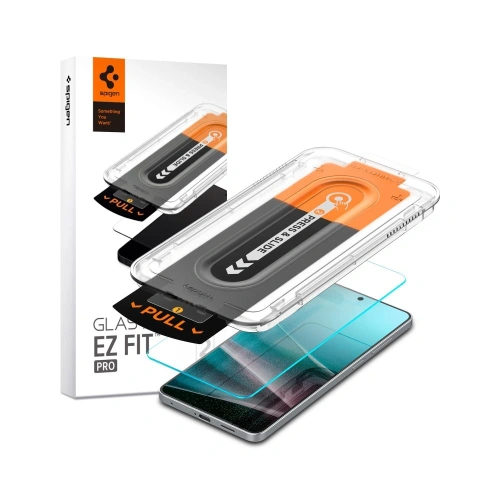
    Supcase Unicorn Beetle Pro Case for Samsung Galaxy Z Flip 6: This case features a durable construction that effectively protects the phone from drops and impacts. The case has a built-in stand that allows for convenient vertical positioning of the phone, which is ideal for watching movies or making video calls. Reinforced corners absorb impact energy, and raised edges protect the screen and camera from scratches.
    etui-supcase-unicorn-beetle-pro-samsung-galaxy-z-flip-6-black-2.jpgetui-supcase-unicorn-beetle-pro-samsung-galaxy-z-flip-6-black-3.jpg

    Supcase IBLSN ArmorBox Case for Samsung Galaxy Z Flip 6: ArmorBox is another solid choice for those who value the safety of their device. Made from durable materials such as polycarbonate and TPU, it provides excellent protection against high drops. The case is equipped with an integrated screen protector that protects the display from scratches. Additionally, ArmorBox has a non-slip surface, which increases grip confidence.

    Which slim case for Samsung Galaxy Z Flip 6 to choose?

    For those who appreciate a subtle look and lightness, slim cases are the perfect solution. They offer basic protection without adding unnecessary bulk:

    Spigen Airskin Case for Samsung Galaxy Z Flip 6 Crystal Clear: This case is an excellent choice for those who want to maintain the original look of their phone. Made from durable polycarbonate, the case is thin and lightweight, yet effectively protects against scratches and light impacts. Its transparency allows you to enjoy the natural look of the Galaxy Z Flip 6.
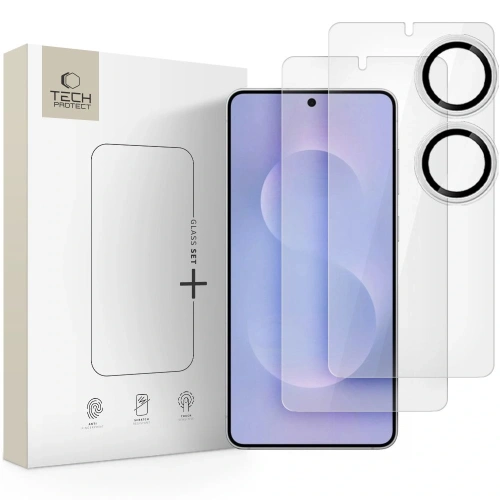
    Spigen Airskin Case for Samsung Galaxy Z Flip 6 Zero One: It stands out with its minimalist and modern design. It is extremely lightweight and thin, so the phone does not lose its slimness. Despite its delicate construction, it provides effective protection against everyday damage. A special coating protects against fingerprints, keeping the case clean.
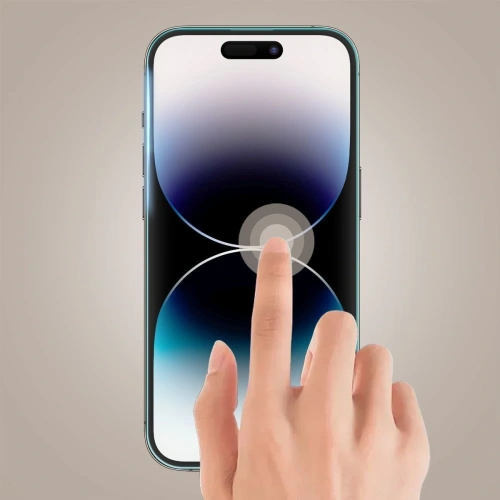
    Spigen Airskin Case for Samsung Galaxy Z Flip 6 Glitter Crystal: This case adds an elegant shine to the phone with its delicate glitter finish. It is a great choice for those who want to add some sparkle to their phone while protecting it from scratches and light impacts. The case is transparent, allowing the original color of the phone to be visible.

    Spigen Airskin Case for Samsung Galaxy Z Flip 6 Aramid Black:
    Made from aramid, the case offers exceptional durability and strength while maintaining a slim profile. Aramid is a high-strength material also used in the production of bulletproof vests, ensuring excellent protection. The matte black surface gives the phone an elegant and modern look.


    Which magnetic case for Samsung Galaxy Z Flip 6 to choose?

    Magnetic cases are a great choice for those who frequently use magnetic accessories, such as car mounts. At Home Screen, you will find:
    Ringke Fusion Magnetic MagSafe Case for Samsung Galaxy Z Flip 6 Clear: This transparent case has built-in magnets that are compatible with MagSafe accessories. It is ideal for those who want to use wireless charging or magnetic car mounts. The case is made of high-quality TPU, providing flexibility and protection against impacts.

    Original Samsung cases for Galaxy Z Flip 6

    Samsung also offers original cases that are perfectly matched to the Galaxy Z Flip 6 and offer high-quality craftsmanship.

    Samsung Galaxy Z Flip 6 Silicone Case with Ring: This silicone case is available in several fashionable colors, such as blue, yellow, mint, or navy. Its soft, matte surface provides a secure grip, and the built-in ring makes it easier to hold the phone and can serve as a stand. The silicone construction effectively protects the phone from impacts and scratches.

    Samsung Galaxy Z Flip 6 Flap ECO-Leather Case: This case is made from eco-friendly leather, which is not only elegant but also environmentally friendly. The Flap ECO-Leather Case offers full phone protection, securing both the back cover and the screen. The case is equipped with a magnet that keeps the flap closed, protecting the screen from scratches. Its elegant design makes it an ideal choice for those who value style and protection.

    Samsung Galaxy Z Flip 6 FlipSuit Case: This innovative case with interchangeable panels allows users to customize the look of their phone. The FlipSuit Case offers not only protection against scratches and impacts but also the possibility of personalization. The interchangeable panels can be easily changed, allowing you to adjust the look of the case to your current mood or style. The case is made from high-quality materials, ensuring durability and an aesthetic appearance.

    Samsung Galaxy Z Flip 6 is an exceptional phone that deserves proper protection. The Home Screen store offers a wide range of cases, from rugged and magnetic to slim and elegant options, as well as original Samsung cases. With such a variety, every user will find something for themselves, regardless of their preferred style and level of protection.

  • How to Check How Much Time I Spend on My Phone? Best Methods and Apps


    Do you feel like your smartphone is like a small magnet that attracts your attention at every free moment? Has scrolling through Instagram or TikTok become your daily routine, or maybe even an addiction? Don’t worry, you’re not alone! Nowadays, our phones accompany us everywhere, but it’s worth considering how much they consume our time. Fortunately, there are ways to control it.

    Don’t worry, we’re not going to persuade you to get rid of your phone (although it might be tempting sometimes). In this article, we’ll suggest how to monitor the time spent on your phone and which apps can help you with that. It’s about gaining control and finding a healthy balance between being online and offline. Time to discover how you can better manage your digital world!

    1. Built-in features in operating systems

    iOS (iPhone)

    iPhone users can use the “Screen Time” feature available in the phone settings. This feature allows you to monitor the time spent in apps, the number of device unlocks, and the number of notifications received. You can also set time limits for individual apps, which is a great way to control usage.

    Android

    For Android users, features like “Digital Wellbeing” or “Digital Health” are available. Similar to iOS, they allow you to track phone usage and set time limits. Additionally, some versions of Android offer a “Focus” mode, which helps you concentrate on work by turning off notifications for a user-specified time.

    2. Apps for monitoring phone time

    Moment (iOS)

    This app not only tracks the time spent on the phone but also offers challenges to help reduce its use. You can set time limits and receive notifications when you exceed them.

    QualityTime (Android)

    QualityTime offers detailed daily, weekly, and monthly reports showing how much time you spend in individual apps. The app also allows you to set time limits and phone-free periods.

    StayFree (Android)

    StayFree is another app that helps track phone time and offers features like blocking apps after reaching a set limit. This is especially useful if you want to restrict access to certain apps at specific times.

    3. Analyzing reports and statistics

    Once you have data from built-in tools or apps, it’s worth reflecting on it. Consider which apps consume most of your time. Are they social media, games, or maybe news apps? It might be a good time to replace some of these activities with something more productive, like reading books or learning new skills.

    4. Conscious phone usage

    Once you know how to manage your screen time, it’s worth introducing a few rules:

    Offline hours: Setting offline hours is an effective way to ensure breaks from the screen. Choose specific times of the day when you consciously decide to put the phone away. It could be just before bedtime to avoid the impact of blue light on sleep, or during meals to focus on eating and talking with loved ones. You can also designate a phone-free morning, which allows you to start the day in a more relaxed way. Regular breaks from technology help reduce stress and improve concentration.

    Turn off notifications: Notifications are one of the main sources of distraction. It’s worth reviewing your phone settings and turning off those that aren’t essential. You can leave only the most important ones, like messages from family or reminders of important events. Turning off notifications helps avoid constantly checking the phone and focus on current tasks. It’s also worth setting the “Do Not Disturb” mode during work or study to minimize distractions.

    Weekend digital detox: A weekend digital detox is a great opportunity to take a break from technology and recharge. You can plan a weekend without a phone or limit its use to an absolute minimum. Use this time for offline activities, such as a walk outdoors, reading books, cooking, or meeting with family and friends. Such a detox helps reset the mind, reduce stress, and spend more quality time with loved ones.

    5. Dealing with phone addiction

    Symptoms of phone addiction: Nomophobia, or the fear of not having access to a phone, manifests itself in anxiety, stress, excessive phone checking, neglecting daily duties, and social isolation.

    Causes of addiction: Phone addiction often results from the need for immediate gratification provided by notifications and interactions on social media. The phone becomes a source of constant stimulation, leading to dopamine addiction.

    Ways to deal with addiction:

    1. Acknowledging the problem: Admitting to addiction is the first step to change. Tracking the time spent on the phone can help identify problematic habits.
    2. Setting limits: Set time limits for phone use and try to stick to them.
    3. Alternative activities: Find activities that bring you joy and engagement, such as sports, hobbies, or meeting friends.
    4. Support from loved ones: Talking to loved ones about the problem can provide support and motivation.
    5. Professional help: In more severe cases, it’s worth consulting a therapist specializing in technology addiction.

    Finally, it’s worth emphasizing that any change in habits requires time and patience. Don’t expect to completely change your approach to technology right away. Small steps, such as setting specific goals or gradually introducing screen breaks, can bring long-term benefits. With each day you consciously manage your time, you gain greater control over your life and better well-being.