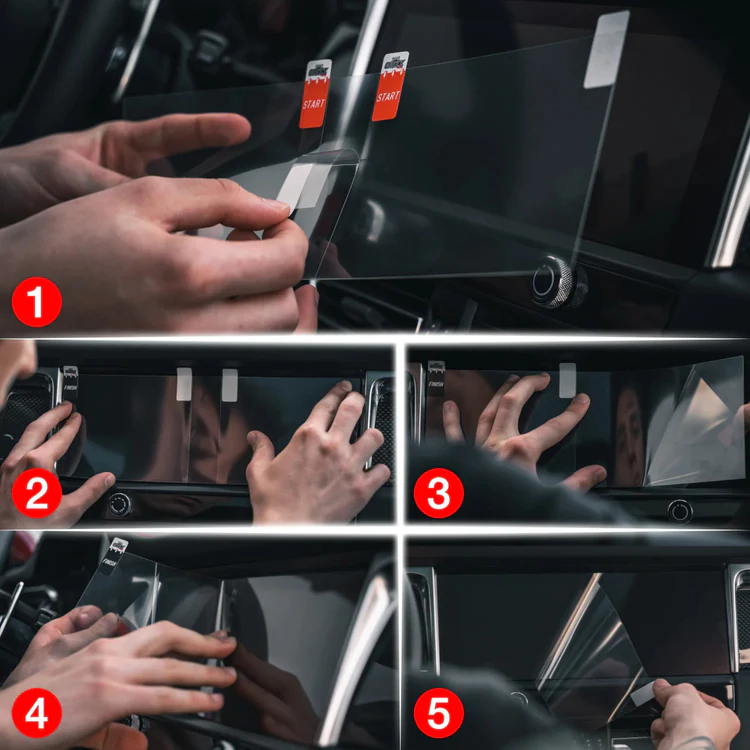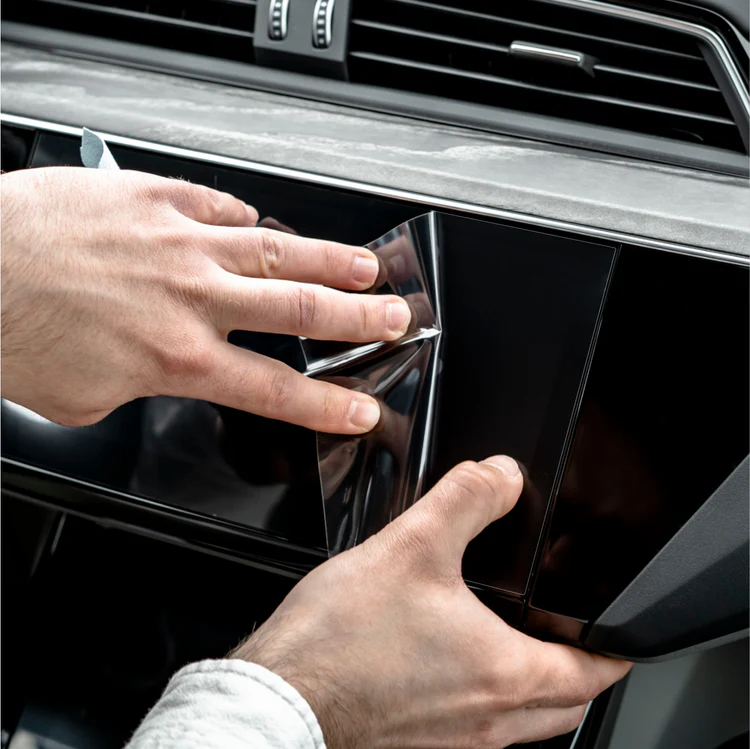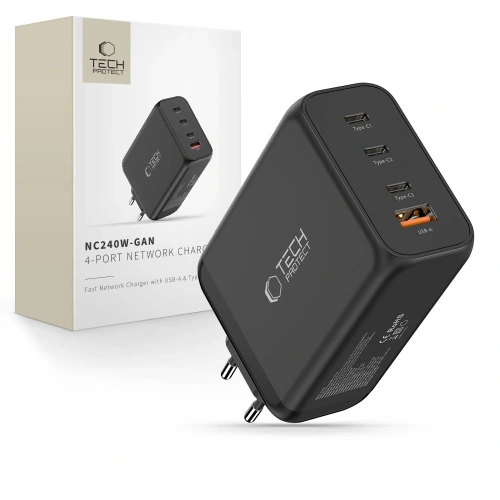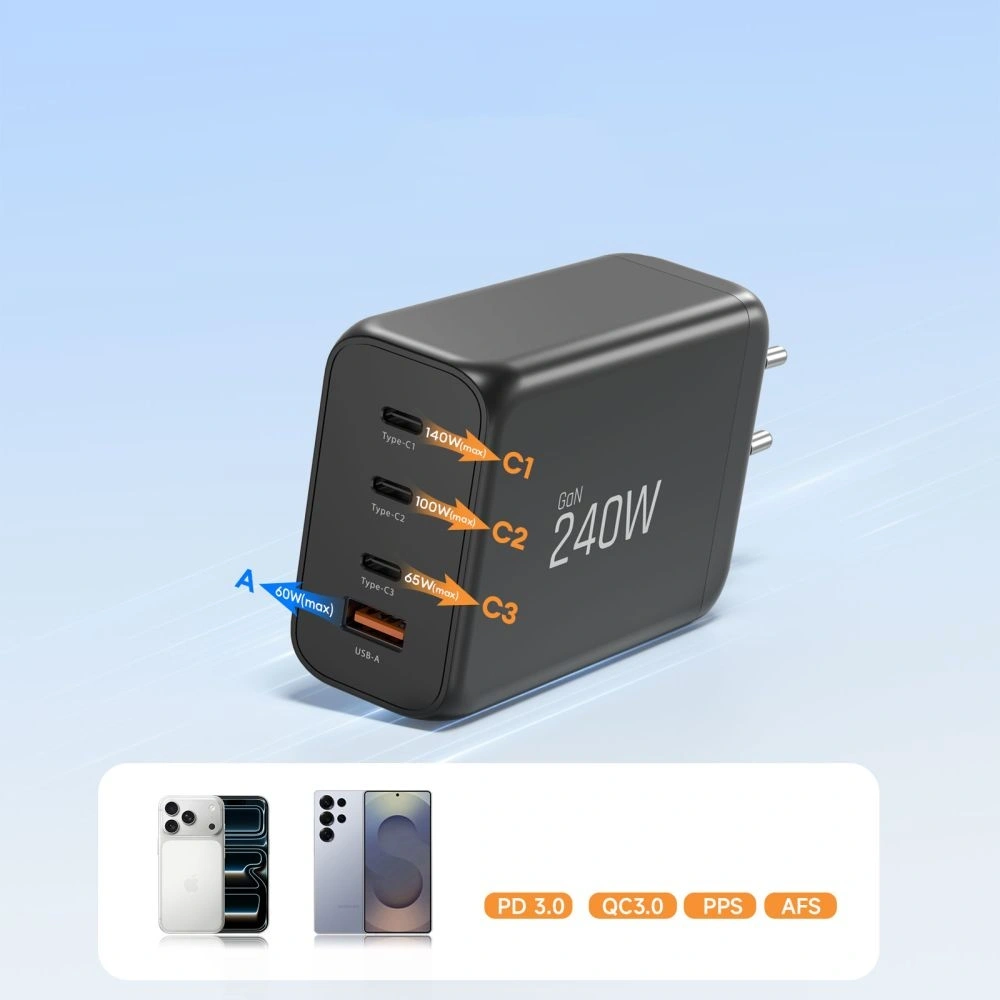
Category: Guides

  • The best cases and screen protectors for Motorola Moto G35 5G — ranking 2026

    The best cases and screen protectors for Motorola Moto G35 5G — ranking 2026

    The best case for the Moto G35 5G is the Tech-Protect CamShield Pro (19 PLN) — rugged with a ring and slider for the camera. The best tempered glass is the 3mk HardGlass (29.90 PLN, hardness 9H). A complete protective set costs from 45 PLN — less than 7% of the phone’s price.

    The Moto G35 5G costs around 700 PLN, and replacing the display is more than half of that amount. In this guide, you will find specific recommendations for cases, tempered glasses, and protective films available at the Home Screen store. No fluff — just products with prices and specifications.

    The guide covers three categories: protective cases, glasses and screen films, and camera protection. We tested each product for materials, thickness, and value for money.

    Why is it worth protecting the Moto G35 5G?

    The Moto G35 5G is a solid budget phone with a 6.7-inch IPS LCD display and a refresh rate of 120 Hz. It has a plastic frame and back, which means two things: it is lighter than glass flagships, but also more prone to scratches.

    Key parameters influencing the choice of accessories:

    • 6.7″ IPS LCD display — large surface to protect, flat screen (no curve)
    • Plastic casing — scratches more easily than glass, but withstands drops better
    • 50 MP camera — protruding camera module requires protection
    • Dimensions: 163.8 x 74.8 x 8 mm, 186 g

    A flat display is good news — you can use both tempered glass and protective film without issues with adhesion on the edges.

    Tip: The Moto G35 5G does not support wireless charging, so you don’t need to pay attention to case compatibility with Qi. Focus on protection and ergonomics.

    Check out the best cases for the Moto G35 5G at homescreen.pl

    The best cases for the Moto G35 5G — ranking

    At Home Screen, cases from three brands are available: Tech-Protect, 3mk, and Bizon. There are no Spigen or ESR — these brands do not produce accessories for budget Motorolas. This is not a problem: Tech-Protect and 3mk offer solid protection at affordable prices.

    1. Tech-Protect CamShield Pro — best protection with a ring (19 PLN)

    Our choice in the protection category

    For 19 PLN, you get a case that on paper competes with products priced at 50–70 PLN. Tech-Protect CamShield Pro combines a hybrid TPU + polycarbonate construction with three practical features:

    • Camera slider — a slider that covers the lenses, protects against scratches in your pocket
    • Ring 360° — the rotating ring serves as a stand and a finger grip
    • Reinforced corners — absorb the energy of a fall

    The inner material is soft TPU (thermoplastic polyurethane), which absorbs shocks. The outer layer made of polycarbonate protects against scratches. Weight 70 g.

    The only downside? The ring adds thickness — the case does not lie flat on the table.

    ParameterValue
    MaterialTPU + polycarbonate
    Weight70 g
    Camera slider
    Ring/stand
    Price19 zł

    2. 3mk Matt Case — matte elegance with certification (39.90 zł)

    If you care about appearance as much as protection, 3mk Matt Case is the best compromise. The matte finish does not collect fingerprints and feels pleasant in hand.

    What distinguishes 3mk? Certifications and tests. The Matt Case passed the Absorber125™ test — 26 drops from a height of 125 cm without damage. Additionally:

    • Washable — can be washed under water without detergents
    • EasyClick™ — buttons respond as if there is no case
    • PZH Certificate — confirmation of material safety
    • RoHS Certificate — compliance with environmental standards

    The material is TPU resistant to scratches, discoloration, and fingerprints. Raised edges protect the screen and camera.

    ParameterValue
    MaterialTPU
    Weight75 g
    Drop test26x from 125 cm
    Washable
    Price39.90 zł

    3. Tech-Protect Magmat — solid and the cheapest (15 zł)

    The cheapest case in the ranking, but that doesn’t mean poor quality. Tech-Protect Magmat is a TPU + polycarbonate hybrid in a matte black finish. For 15 zł you get:

    • Flexible polyurethane frame (shock absorption)
    • Hard polycarbonate back (scratch protection)
    • Button covers
    • Rating of 5/5 based on 2 reviews in the store

    Weight only 50 g — one of the lightest cases in the offer. No additional features like a ring or slider, but if you’re looking for simple, solid protection at the lowest price — it’s a perfect choice.

    4. Bizon Case Tur — armored with microfiber (35 zł)

    Bizon Case Tur is a proposal for those who prioritize protection. A thickness of 2 mm and reinforced corners with air cushions absorb the energy of a fall. Inside, microfiber protects the back of the phone from micro-scratches.

    • 3 colors to choose from: navy blue, light blue, light gray
    • Textured sides — the phone does not slip out of your hand
    • Raised edges around the screen and camera

    It will work well for people who work physically or often drop their phone.

    5. 3mk Clear Case — the best transparent (39.90 zł)

    Want to show the original color of the Moto G35 5G? 3mk Clear Case is a transparent case with a thickness of only 1.2 mm. Despite its slimness, it passed the Absorber125™ test (26 drops from 125 cm).

    • EasyClick™ — responsive buttons
    • Raised edges around the camera and screen
    • PZH and RoHS certification
    • 12-month warranty

    For whom? For users who want minimal protection without changing the look of their phone.

    Comparison of cases for Moto G35 5G

    CaseBrandMaterialTypeWeightFeaturePrice
    CamShield ProTech-ProtectTPU + PCArmored70 gRing + slider19 zł
    Matt Case3mkTPUMatte75 gAbsorber125™, washable39.90 zł
    MagmatTech-ProtectTPU + PCMatte50 gLightest15 zł
    Case TurBizonTPUArmored50 gMicrofiber, 3 colors35 zł
    Clear Case3mkTPUTransparent1.2 mm, Absorber125™39.90 zł

    Our choice: Tech-Protect CamShield Pro for 19 PLN — the best functionality-to-price ratio. Ring, camera slider, and hybrid construction at a price lower than most basic cases.

    Best tempered glasses and screen films for Moto G35 5G

    The flat 6.7″ display on the Moto G35 5G is the perfect surface for tempered glass — the lack of edge curvature means full adherence. Here are the best options.

    1. 3mk HardGlass — the best price-to-protection ratio (29.90 PLN)

    Our choice in the screen protection category

    Classic tempered glass with a hardness of 9H (the highest on the scale) and a thickness of 0.3 mm. 3mk HardGlass offers solid protection without unnecessary extras:

    • Tempering at 420°C — increased resistance to cracks
    • Oleophobic coating — fewer fingerprints
    • Rounded 2.5D edges — ergonomic, the edges of the glass are not felt by the finger
    • Inviscid-Sil™ adhesive — can be removed and reapplied without a trace
    • Installation kit included

    For 29.90 zł you get protection that can withstand contact with keys in your pocket and most accidental drops screen down.

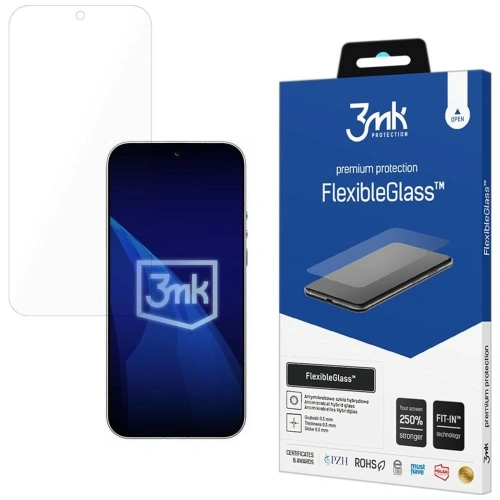
    2. 3mk FlexibleGlass — hybrid with antibacterial protection (34.90 zł)

    A compromise between glass and film. 3mk FlexibleGlass is a hybrid glass reinforced with ceramic — hardness 7H, thickness 0.3 mm, but more flexible than traditional glass.

    What does the hybrid offer? It doesn’t crack as easily as regular glass and adheres better at the edges. An additional bonus:

    • Antibacterial coating — limits the growth of bacteria on the screen
    • Oleophobic coating
    • PZH and RoHS certifications
    • Fit-In™ mounting system — positioning overlays

    If you’ve ever shattered classic tempered glass, FlexibleGlass will be a more durable alternative.

    3. PanzerGlass Ultra-Wide Fit — premium without compromise (99 zł)

    The most expensive glass in the comparison, but it’s PanzerGlass — a premium brand from Denmark. Ultra-Wide Fit covers the entire screen surface with a margin, so you won’t see black edges between the glass and the phone frame.

    • Anti-reflective and oleophobic coating
    • 60% recycled materials — eco-production
    • 33% less paper in packaging than the previous generation
    • High impact resistance

    For whom? For users who want the best possible screen protection and are willing to pay for it. The difference between PanzerGlass and 3mk HardGlass in everyday use is minimal, but PanzerGlass offers wider coverage.

    4. 3mk ARC+ — self-healing film (39.90 zł)

    If you prefer film over glass, 3mk ARC+ is the best option. Thickness of 0.17 mm (three times thinner than glass) and Self-Heal™ technology — minor scratches disappear on their own within 24 hours.

    • Semi-wet installation — mounting gel allows for repositioning
    • Screen reinforcement by 150%
    • Compatible with fingerprint reader
    • RoHS certificate

    A film is a good choice if you don’t like the “thick glass” effect on the screen. It is practically invisible once applied.

    Comparison of glass and film for the Moto G35 5G screen

    ProductBrandTypeHardnessThicknessFeaturePrice
    HardGlass3mkTempered glass9H0.3 mmBest price-to-value ratio29.90 zł
    FlexibleGlass3mkHybrid glass7H0.3 mmAntibacterial34.90 zł
    Ultra-Wide FitPanzerGlassTempered glass9HPremium, full coverage99 zł
    ARC+3mkFilm0.17 mmSelf-Heal™39.90 zł

    Check out tempered glass  for Moto G35 5G at homescreen.pl

    Camera protection — is it worth it?

    The Moto G35 5G has a protruding 50 MP camera module. When the phone is lying on its back on a table, the lens is exposed to scratches. Two solutions:

    3mk Lens Protection [4 PACK] — 14.90 zł

    Four hybrid glasses with a hardness of 7H and a thickness of 0.16 mm. Practically invisible, they do not affect photo quality. Oleophobic coating. For this price, you get a spare for two phones.

    Bizon Glass Snap Lens — 45 zł

    Tempered glass 9H with a black frame. Thicker (0.3 mm) and more visible, but harder. Includes a cloth and positioning stickers.

    Advice: If you are buying a case with a raised edge around the camera (like the Tech-Protect CamShield Pro with a slider), additional lens protection is optional. If you use a thin case or carry your phone without a case — 3mk Lens Protection for 14.90 PLN is cheap insurance.

    How to choose a protective set for Moto G35 5G?

    Three options tailored to your budget:

    Budget set (approx. 45 PLN)
    – Case: Tech-Protect Magmat — 15 PLN
    – Glass: 3mk HardGlass — 29.90 PLN
    Total: approx. 45 PLN — basic screen and body protection

    Optimal set (approx. 64 PLN)
    – Case: Tech-Protect CamShield Pro — 19 PLN
    – Glass: 3mk HardGlass — 29.90 PLN
    – Camera: 3mk Lens Protection — 14.90 PLN
    Total: approx. 64 PLN — complete protection with a ring and slider for the camera

    Premium set (approx. 154 PLN)
    – Case: 3mk Matt Case — 39.90 PLN
    – Glass: PanzerGlass Ultra-Wide Fit — 99 PLN
    – Camera: 3mk Lens Protection — 14.90 PLN
    Total: approx. 154 PLN — the best possible protection

    Our choice: The optimal set for approx. 64 PLN. You get a rugged case with a ring and slider, 9H tempered glass, and camera protection. That’s less than 10% of the phone’s price.

    FAQ — frequently asked questions

    Do Moto G35 5G fit cases from Moto G34?
    No. The Moto G35 5G has different dimensions and button placements than the Moto G34. Buy cases specifically marked as compatible with the Moto G35 5G.

    Can I use wireless charging with the case?
    The Moto G35 5G does not support wireless charging — it does not have a Qi coil. Information about compatibility with inductive charging for cases refers to the general product specification, not this specific phone.

    Tempered glass or film — which better protects the Moto G35 screen?
    Tempered glass (e.g., 3mk HardGlass, 9H) better protects against drops and scratches. Film (e.g., 3mk ARC+) is thinner and virtually invisible, but offers weaker mechanical protection. For most users, tempered glass will be the better choice.

    Is the PanzerGlass for 99 PLN worth its price?
    For most users, the 3mk HardGlass for 29.90 PLN provides sufficient protection. The PanzerGlass Ultra-Wide Fit stands out with wider screen coverage and premium construction, but the difference in everyday protection is not proportional to the price difference.

    How much does the Moto G35 5G weigh with a case?
    The phone itself weighs 186 g. With the lightest case (Tech-Protect Magmat, 50 g) — 236 g. With the heaviest (3mk Matt Case, 75 g) — 261 g.

    Summary

    The Moto G35 5G is a phone for about 700 PLN, and complete protection starts at 45 PLN. The best value for money is offered by Tech-Protect and 3mk products — both brands provide solid protection at affordable prices.

    Key findings:

    • Best case: Tech-Protect CamShield Pro (19 PLN) — ring, camera slider, hybrid construction
    • Best glass: 3mk HardGlass (29.90 PLN) — 9H, 0.3 mm, reusable adhesive
    • Best camera protection: 3mk Lens Protection (14.90 PLN) — 4 pieces for the price of one glass

    Regardless of the chosen set, even the cheapest case for 15 PLN is a better investment than a screen repair for 350 PLN.

    See all accessories for Motorola Moto G35 5G at homescreen.pl

  • Samsung Galaxy S26 Ultra vs Samsung Galaxy S25 Ultra – a battle of generations

    Samsung Galaxy S26 Ultra vs Samsung Galaxy S25 Ultra – a battle of generations

    The Samsung Galaxy S26 Ultra is clearly better than the S25 Ultra in three key areas: performance, charging, and low-light photography.

    The new model offers:

    • more powerful Snapdragon 8 Elite Gen 5 processor
    • brighter main camera f/1.4 (more light at night)
    • faster 60 W charging (75% in 30 minutes)
    • larger vapor chamber and better cooling
    • new Privacy Display feature (private screen)
    • thinner and lighter body

    At the same time, the screen, battery (5000 mAh), and most AI capabilities remain very similar to its predecessor.

    Appearance, dimensions, and build quality

    Comparison of Galaxy S26 Ultra vs Galaxy S25 Ultra construction

    SpecificationSamsung Galaxy S26 UltraSamsung Galaxy S25 Ultra
    Dimensions163.6 × 78.1 × 7.9 mm162.8 × 77.6 × 8.2 mm
    Weight214 g218 g
    FrameArmor AluminiumTitanium
    Front GlassCorning Gorilla Armor 2Corning Gorilla Armor
    Back GlassGorilla Glass Victus 2Gorilla Glass Victus 2
    ResistanceIP68IP68
    PortUSB-C 3.2, OTG, DisplayPort 1.4USB-C 3.2, OTG, DisplayPort 1.4

    What has really changed in the design?

    At first glance, both models are almost identical. The camera layout, shape, proportions – Samsung has not introduced a visual revolution. The differences are subtle and can only be seen when comparing the specifications.

    Galaxy S26 Ultra is thinner (7.9 mm vs 8.2 mm) and lighter (214 g vs 218 g).
    This makes it the slimmest Ultra model in the history of the series. The difference of 0.3 mm may seem symbolic, but with such a large device, it affects the comfort of grip.

    The change that sparks the most discussion is the abandonment of the titanium frame. The Galaxy S25 Ultra used titanium, while the S26 Ultra features Armor Aluminium. In practice, both materials provide very high structural rigidity, but titanium was a distinguishing element of its predecessor. The new model does not feel less solid, but it is a noticeable change in premium communication.

    At the front, the Galaxy S26 Ultra is protected by Gorilla Armor 2, which is the newer generation of protective glass. The back in both cases is Gorilla Glass Victus 2. This means very high resistance to scratches and drops in both devices.

    The IP68 certification remains unchanged — both smartphones are resistant to dust and immersion in water.

    The slimmer design and glass back mean it’s worth taking care of the case protection as well. Case for Samsung Galaxy S26 Ultra helps protect the frame and camera from scratches and cushions falls – especially with such a large and heavy smartphone.


    Screen – similar parameters, but S26 Ultra adds “smart” enhancements

    Display comparison

    Samsung Galaxy S26 UltraSamsung Galaxy S25 Ultra
    Diagonal6.9″6.9″
    TypeDynamic LTPO AMOLED 2XDynamic LTPO AMOLED 2X
    Resolution3120 × 1440 px3120 × 1440 px
    Refresh Rateadaptive 1–120 Hzadaptive 1–120 Hz
    Maximum Brightness2600 nits2600 nits

    What does this mean in practice?

    If we look solely at the numbers, the screen is “the same”: identical diagonal, resolution, brightness, and refresh rate. This is important because the S25 Ultra was already at the absolute top, and Samsung didn’t need to forcefully boost the specifications here.

    The differences in the S26 Ultra only appear when we delve into how the phone processes images.

    New mDNIe engine and ProScaler – why is this necessary if the parameters are the same?

    In the Galaxy S26 Ultra, Samsung adds new elements “under the hood”:

    • mDNIe (Digital Natural Image) – a new image processing engine designed to improve color depth precision and gradations (i.e., tonal transitions, shadows, midtones, subtle differences in hues). In short: the image is supposed to look more “smooth” and natural, without the effect of artificiality in challenging scenes.
    • ProScaler – uses AI to enhance sharpness and readability of details, especially when the source is of lower quality (e.g., lower resolution video, streaming, reels, heavily compressed content).

    These are not “wow on paper” changes, but in everyday use they can provide subtly better image quality: sharper contours in video, less “flat” colors, better transitions in shadows.

    Privacy Display – the biggest difference in the screen (and realistically practical)

    Here we enter a feature that actually distinguishes the S26 Ultra from the S25 Ultra: Privacy Display.

    This is a privacy mode that:

    • limits screen readability from a side angle, so people next to you see less,
    • can work for the entire screen or only for selected elements (e.g., apps, notifications, password/PIN fields),
    • is particularly useful in public places (transportation, queues, open spaces).

    Important detail: when private mode is enabled, the image from “your” angle may look different (this is normal), and depending on conditions (brightness, angle, surroundings), some information may still be somewhat visible — this is not an “invisibility cloak,” just a limitation of the view.

    With such a large, 6.9-inch display, it’s worth considering additional protection. Tempered glass for Samsung Galaxy S26 Ultra is a small cost compared to potential repairs 🔒📱


    Cameras – does brighter optics make a real difference?

    Camera specifications comparison

    Samsung Galaxy S26 UltraSamsung Galaxy S25 Ultra
    Main camera200 MP, f/1.4, 1/1.3”, PDAF, Laser AF, OIS200 MP, f/1.7, 1/1.3”, PDAF, Laser AF, OIS
    Ultrawide50 MP, f/1.9, 120°50 MP, f/1.9, 120°
    Tele 3x10 MP, f/2.4, OIS10 MP, f/2.4, OIS
    Tele 5x50 MP, f/2.8, OIS50 MP, f/3.4, OIS
    Front camera12 MP, f/2.212 MP, f/2.2
    Video8K 30 fps, 4K 120 fps8K 30 fps, 4K 120 fps

    What has changed in practice?

    On paper, the arrangement of the cameras looks almost identical, but the key differences lie in the optics.

    The Galaxy S26 Ultra has received a brighter main lens (f/1.4 instead of f/1.7).
    This means that more light reaches the sensor, which translates to:

    • better night photos,
    • shorter exposure times,
    • lower risk of motion blur,
    • more natural colors in difficult conditions.

    The difference is particularly noticeable after dark.

    The second important change concerns the 5x telephoto lens.
    In the S26 Ultra, it has an aperture of f/2.8 instead of f/3.4, which also improves photo quality in lower light and provides slightly better background depth.

    AI and photo editing

    Both models offer advanced Galaxy AI features, but the Galaxy S26 Ultra introduces the ability to edit photos using text commands. You can describe the effect you want to achieve, and the system will automatically adjust the parameters.

    It’s more of an evolution than a revolution, but for those who frequently edit photos, it can be a real advantage.

    Performance and cooling – the new Snapdragon makes a difference

    Processor comparison

    Samsung Galaxy S26 UltraSamsung Galaxy S25 Ultra
    ProcessorSnapdragon 8 Elite Gen 5 (3 nm)Snapdragon 8 Elite (3 nm)
    Performance cores2 × 4.74 GHz Oryon V32 × 4.47 GHz Oryon V2
    Efficient cores6 × 3.62 GHz6 × 3.53 GHz
    GPUAdreno 840Adreno 830
    Performance increase+19% CPU, +24% GPU, +39% NPU

    What does Snapdragon 8 Elite Gen 5 mean in practice?

    The Galaxy S26 Ultra is the only model in the series to receive Snapdragon 8 Elite Gen 5 for Galaxy – currently the most powerful chip in Qualcomm’s offering.

    Samsung declares:

    • up to 19% faster CPU performance,
    • up to 24% better GPU performance,
    • up to 39% increase in AI unit power (NPU).

    In everyday use, this translates to:

    • faster app switching,
    • more stable performance with many open programs,
    • better fluidity in games,
    • more efficient operation of Galaxy AI features.

    The difference won’t be dramatic when browsing the internet, but in gaming, video editing, or intensive multitasking – it will be.


    Cooling – larger vapor chamber

    The Galaxy S26 Ultra has received a new Vapor Chamber design.
    Samsung reports a thermal performance improvement of about 21%.

    In practice, this means:

    • longer maintenance of maximum performance,
    • fewer clock speed drops in games,
    • more stable performance when recording in 8K.

    This is particularly important when utilizing the power of the new processor – without adequate cooling, even the best chip won’t show its full potential.


    System and updates

    Galaxy S26 Ultra launches with Android 16 and One UI 8.5.
    Galaxy S25 Ultra runs on Android 15 but will receive an update to Android 16.

    Both models have:

    • Galaxy AI support,
    • long update support (multi-year security and system patches).

    Differences in AI features may blur over time as the older model also receives new tools in updates.

    Battery and charging – this is where the difference is most noticeable

    Battery and charging power comparison

    Samsung Galaxy S26 UltraSamsung Galaxy S25 Ultra
    Battery capacity5000 mAh5000 mAh
    Wired charging60 W45 W
    Wireless charging25 W15 W
    Reverse charging4.5 W4.5 W
    30 minutes of chargingup to ~75%about ~69%

    The same battery, but different speed

    In terms of capacity, the batteries are identical – both models have 5000 mAh, so the actual usage time on a single charge will be similar.

    However, the differences are clear in the charging methods:

    Galaxy S26 Ultra supports fast wired charging at 60 W – this means that in about 30 minutes you can reach even ~75% battery.

    Galaxy S25 Ultra charges at 45 W – in a similar charging time, it reaches about ~69%.

    Wireless charging is also faster – S26 Ultra supports up to 25 W, while S25 Ultra offers 15 W.

    This translates to:

    • shorter sessions under the charger,
    • faster charging “here and now”,
    • more flexible use of wireless chargers.

    Although the battery capacity has not changed, S26 Ultra has a clear advantage in charging speed, both wired and wireless.

    Prices and profitability – does the price difference make sense?

    Market price comparison

    Samsung Galaxy S26 UltraSamsung Galaxy S25 Ultra
    12/256 GB6499 PLN5349 PLN
    12/512 GB7399 PLN5799 PLN
    12/1 TB8699 PLN6598 PLN

    💡 Samsung promotion (until March 10):
    🔹 Galaxy S26 Ultra 512 GB quickly on promotion costs about 6499 PLN
    🔹 Galaxy S26 Ultra 1 TB about 7799 PLN
    (effectively this is a reduction of ~900 PLN from the catalog price)

    Price vs value

    The new Galaxy S26 Ultra is not cheap — this is natural for a top Ultra model. However, it has several areas where it significantly surpasses its predecessor:

    ✔️ new Snapdragon 8 Elite Gen 5 processor
    ✔️ brighter main and 5x telephoto camera
    ✔️ faster charging (60 W / 25 W wirelessly)
    ✔️ thinner and lighter design
    ✔️ Privacy Display and new AI features

    At the same time, the S25 Ultra still offers:
    ✔️ great cameras
    ✔️ a very large 5000 mAh battery
    ✔️ top-notch display
    ✔️ stable performance and long updates


    When is the S26 Ultra worth it?

    if you care about:

    • the best possible performance in the Galaxy series,
    • faster charging,
    • better camera in difficult lighting conditions,
    • new AI features and screen privacy

    During promotions, the price difference is smaller, making it easier to justify purchasing the new generation.


    FAQ – frequently asked questions about the Galaxy S26 Ultra

    Is it worth switching from the Galaxy S25 Ultra to the Galaxy S26 Ultra?

    If you care about faster loading, better performance, and a brighter camera for night photos — yes. However, if the S25 Ultra still runs smoothly and the price difference is significant, a change is not necessary.


    Does the Galaxy S26 Ultra have a better camera than the S25 Ultra?

    Yes, but the difference mainly concerns low-light performance. The Galaxy S26 Ultra has a brighter aperture (f/1.4 vs f/1.7) and a better 5x telephoto lens (f/2.8 vs f/3.4), which improves the quality of night photos and close-ups.


    Is the battery in the Galaxy S26 Ultra larger?

    No. Both models have a 5000 mAh battery. The difference lies in faster charging in the S26 Ultra (60 W wired and 25 W wireless).


    What is Privacy Display in the Galaxy S26 Ultra?

    It is a feature that limits screen visibility at an angle. It protects sensitive data, such as banking apps or messages, from being viewed in public places.


    How much does the Samsung Galaxy S26 Ultra cost?

    • Samsung Galaxy S26 Ultra 12/256 GB — ok. 6499 zł
    • Samsung Galaxy S26 Ultra 12/512 GB — ok. 7399 zł
    • Samsung Galaxy S26 Ultra 12/1 TB — ok. 8699 zł

    What colors does the Galaxy S26 Ultra come in?

    The Galaxy S26 Ultra is available in four basic color versions: purple, light blue, black, and white. Additionally, Samsung offers two special variants – silver and gold – which can only be purchased through the manufacturer’s official sales.


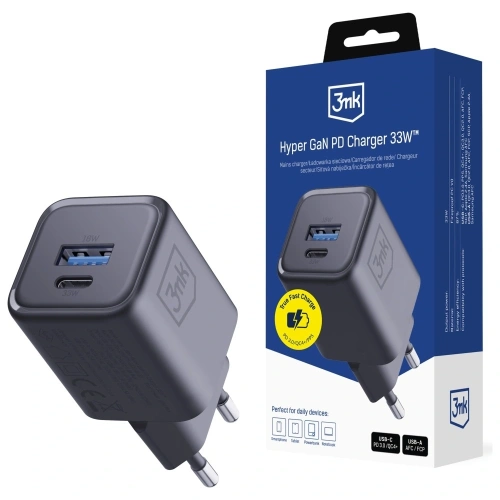
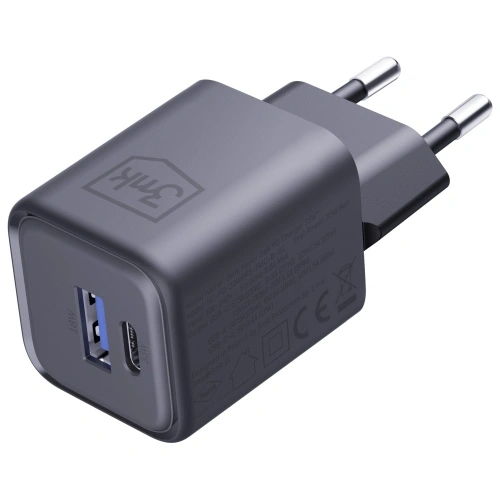
  • What is the best charger for Samsung Galaxy S26?

    What is the best charger for Samsung Galaxy S26?

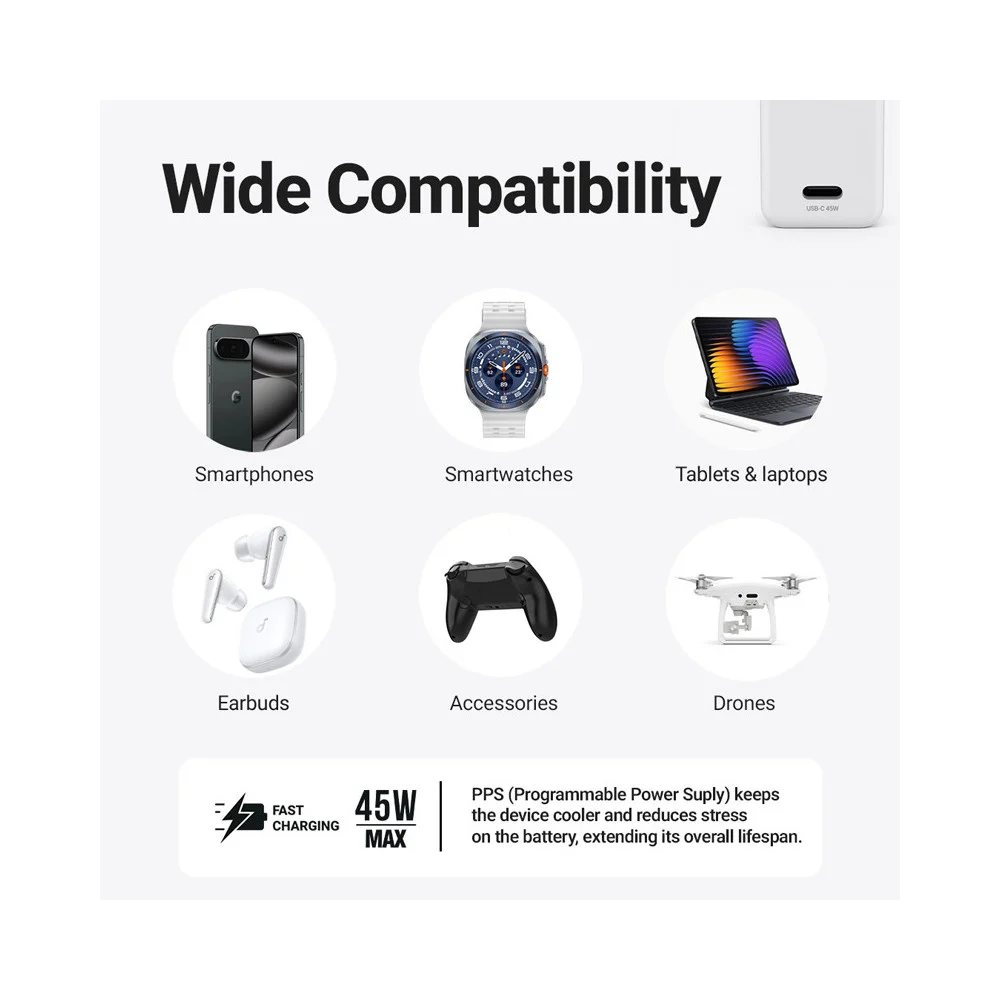
    The best charger for Samsung Galaxy S26 should have 25W power and support for PD and PPS — this is the optimal solution for the basic model, ensuring stable and safe charging.

    For the Galaxy S26+(Plus) it is worth choosing 45W (USB PD 3.0 + PPS / Super Fast Charging) to shorten the battery charging time.

    Meanwhile, the Galaxy S26 Ultra supports charging up to 60W, so the best choice is a 60W charger with PD and PPS, which will allow you to take full advantage of its potential.

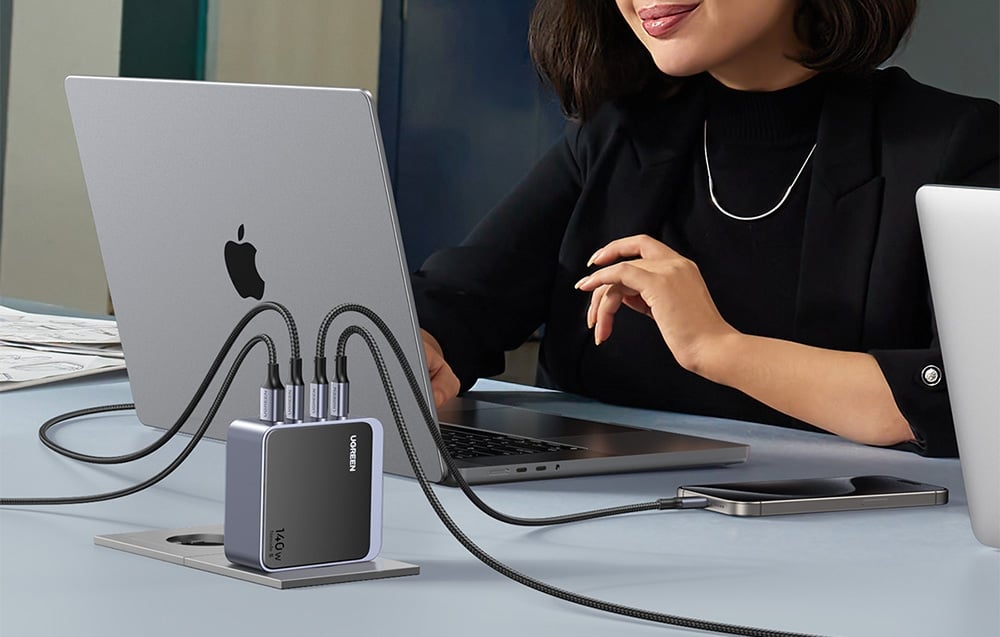
    If you plan to charge multiple devices simultaneously, consider a 65W or stronger model, which will provide extra power for a tablet or laptop as well.

    Remember — a fast wall charger for Samsung Galaxy S26 is one that supports the USB Power Delivery standard and PPS and offers real, model-specific power.

    On the other hand, a wireless charger for Galaxy S26 should support the Qi2 standard and Fast Wireless Charging up to 25 W to ensure the fastest possible charging without using a cable.

    Best chargers for Samsung Galaxy S26 (ranking by model)

    Samsung Galaxy S26

    Charger modelPowerFast charging technologiesPortsPrice
    Samsung EP-T2510NB25WUSB PD + PPS (Super Fast Charging)1x USB-C99.00 zł
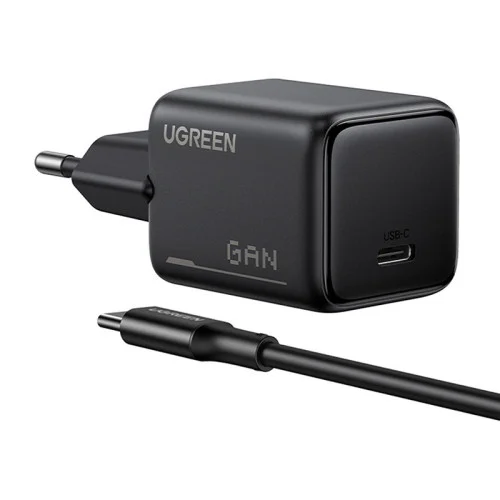
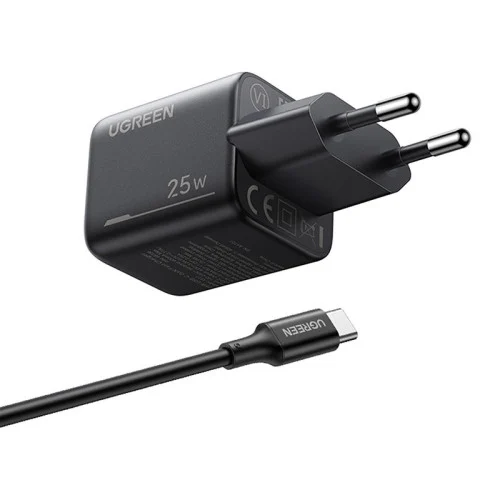
    USAMS T42 mini25WUSB PD 3.01x USB-C55.44 zł
    Tech-Protect NCM2525WUSB PD1x USB-C35.00 zł

    Samsung Galaxy S26+(Plus)

    Charger modelPowerFast charging technologiesPortsPrice
    Samsung EP-T4511NBEGEU45WUSB PD + PPS (Super Fast Charging 2.0)1x USB-C179.00 zł
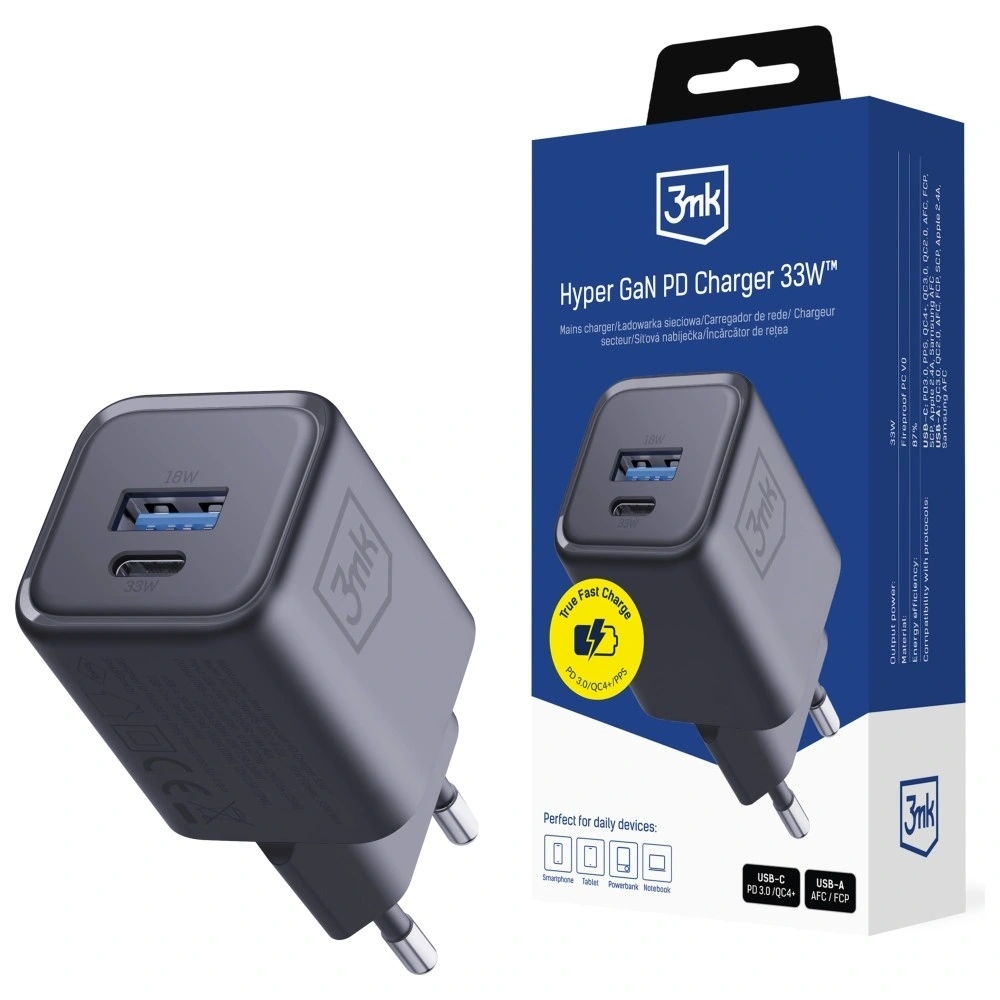
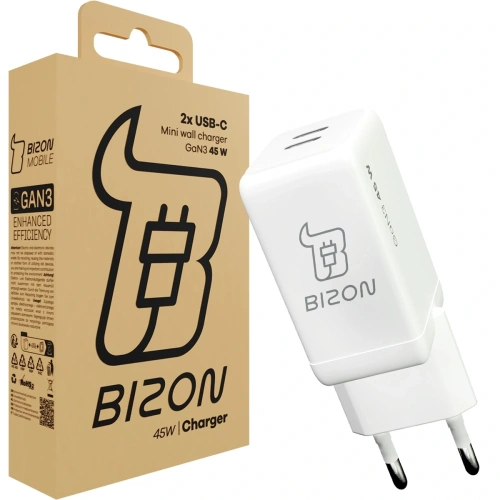
    3MK Hyper Charger GaN45WUSB PD + PPS + QC4+2x USB-C89.90 zł
    Tech-Protect NC45W-GAN45WUSB PD + PPS2x USB-C79.00 zł

    Samsung Galaxy S26 Ultra

    Charger ModelPowerTechnologiesPortsPrice
    UGREEN Nexode Pro100WPD, PPS, QC2x USB-C + USB-A219.90 PLN
    Empower by PanzerGlass Turbo70WUSB PD + QC3.02x USB-C + USB-A179.00 PLN
    Tech-Protect NCA65W-GAN65WPD, QC3.02x USB-C + USB-A75.00 PLN

    Which charger to choose for Samsung Galaxy S26?

    If you want to take full advantage of charging in Samsung Galaxy S26, the key is USB Power Delivery (PD) and PPS standards, which ensure fast, stable, and safe charging.

    Since the Galaxy S26 supports a maximum of 25W, the best choice will be USB-C wall chargers with this power — more powerful models will not speed up charging but may be more versatile and useful for other devices as well.

    Below you will find a summary of tested 25W chargers and brief descriptions that will help you choose the best model for your needs.


    Samsung EP-T2510NB 25W Fast Charge Wall Charger

    Samsung EP-T2510NB is an original Samsung charger, fully compatible with Super Fast Charging 25W technology. It is the safest and most predictable choice for the Galaxy S26. Price 99.00 PLN.

    With full support for USB Power Delivery and PPS the charger dynamically adjusts the voltage and current to the current needs of the smartphone. This translates to stable charging, reduced energy loss, and temperature control even during prolonged use. It is a solution that guarantees maximum compatibility with Samsung’s software and security features.
    • Support for USB Power Delivery + PPS
    • Stable and safe charging without excessive heating
    • Ideal for everyday use
    • Compact design – good for home and travel

    This is the best option if you care about full compatibility and reliable, hassle-free operation for a long time.


    USAMS T42 mini 25W PD 3.0 Wall Charger

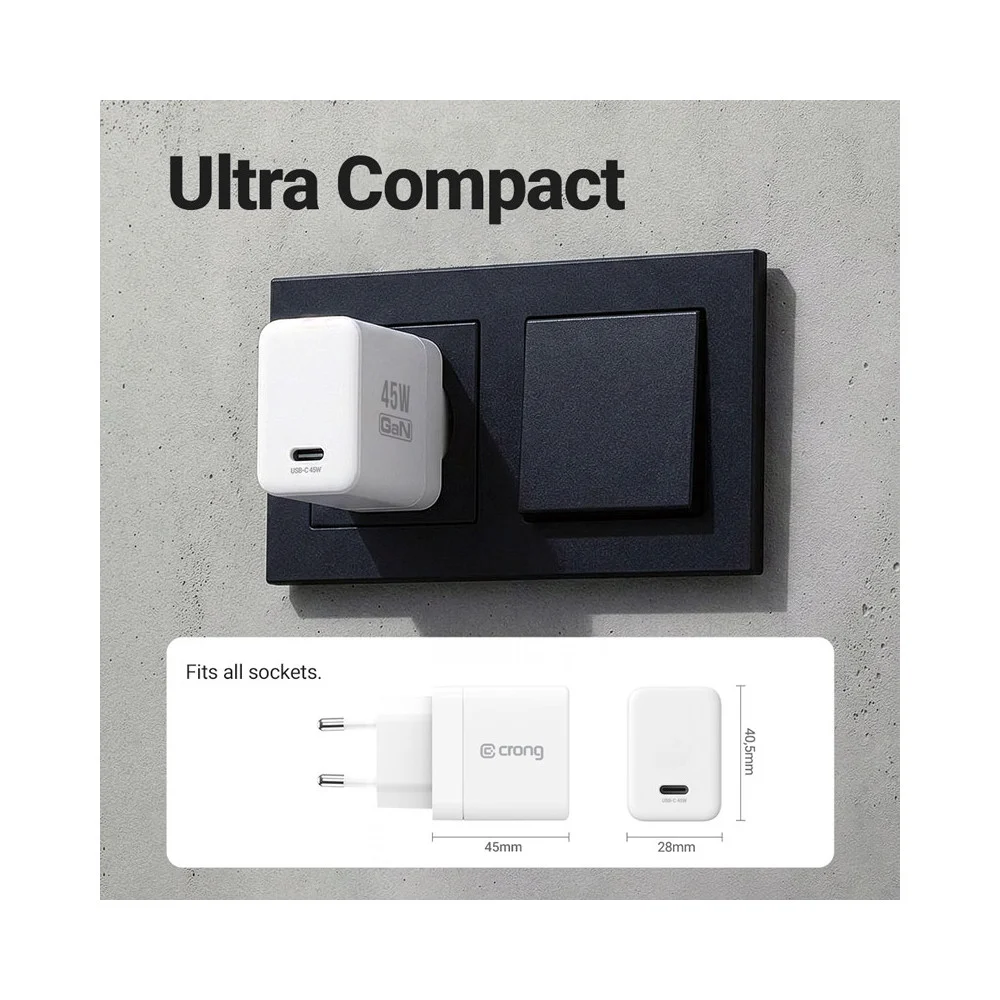
    USAMS T42 is a compact 25W charger with support for PD 3.0, which works great as a cheaper alternative for the Galaxy S26. Price 55.44 PLN.

    This model provides full power of 25W, exactly what the Galaxy S26 uses. Thanks to its small size, it easily fits in a pocket, bag, or travel organizer. It’s a good choice for those who want fast charging without overpaying for a premium brand.
    • Power 25W – optimal for S26
    • Small size, lightweight design
    • Good price-to-performance ratio
    • Modern design

    It will work well as a second charger for work, the car, or trips.


    Tech-Protect NCM25 USB-C PD 25W Charger

    Tech-Protect NCM25 is a budget 25W charger with USB-C, available in several interesting color options. Price 35.00 PLN.

    Despite its low price, it offers support for USB Power Delivery 25W, which means full compatibility with the maximum charging power of the Galaxy S26. It’s a simple, functional solution for those looking for an economical charger for everyday use. Its compact design makes it suitable for both home and travel.

    • USB PD 25W support
    • Very attractive price
    • Compact size
    • Available in various colors

    Cheap wall charger for Galaxy S26 is a great option if you don’t want to overpay and care about maintaining the fast charging standard.


    Which charger to choose for Samsung Galaxy S26+Plus?

    Samsung Galaxy S26+ supports Super Fast Charging 2.0 with a power of up to 45W, so to take full advantage of its potential, it is worth choosing a charger that supports USB Power Delivery and PPS with a minimum power of 45W.

    Weaker 25W chargers will of course charge the phone, but they will not allow you to take advantage of the maximum charging speed. If you care about a shorter battery recharge time, the 45W model will be the best choice.

    Below you will find tested 45W chargers compatible with Galaxy S26+Plus.


    Samsung EP-T4511NBEGEU 45W USB-C Charger

    Samsung EP-T4511NBEGEU is the original charger from the manufacturer, fully compatible with Super Fast Charging 2.0 (45W). Price 179.00 PLN.

    With support for USB PD + PPS, it ensures maximum charging speed for the Galaxy S26+ while maintaining stable temperature and battery safety. This is the most predictable choice if you care about full compatibility with Samsung software and maximum performance.

    • 45W with full support for Super Fast Charging 2.0
    • USB-C with PD + PPS support
    • Stable, fast, and safe charging
    • High quality of workmanship

    The best option if you want to utilize 100% of the Galaxy S26+ capabilities without compromises.


    3MK Hyper Charger PD 45W GaN QC4+ PPS 2C

    3MK Hyper Charger is a modern 45W charger utilizing GaN technology, which allows for a smaller device size while maintaining high efficiency. Price 89.90 PLN.

    Support for PD + PPS + QC4+ makes the charger compatible not only with the Galaxy S26+, but also with other smartphones, tablets, or accessories. Two USB-C ports allow charging two devices simultaneously, increasing its versatility.

    • 45W with PD + PPS (SFC 2.0)
    • GaN technology – less heating and higher efficiency
    • 2x USB-C
    • Very good price-to-performance ratio

    Great alternative to the original Samsung charger at a lower price.


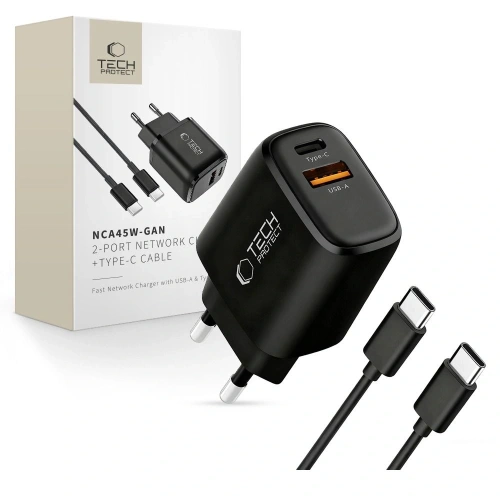
    Tech-Protect NC45W-GAN 2xUSB-C Network Charger

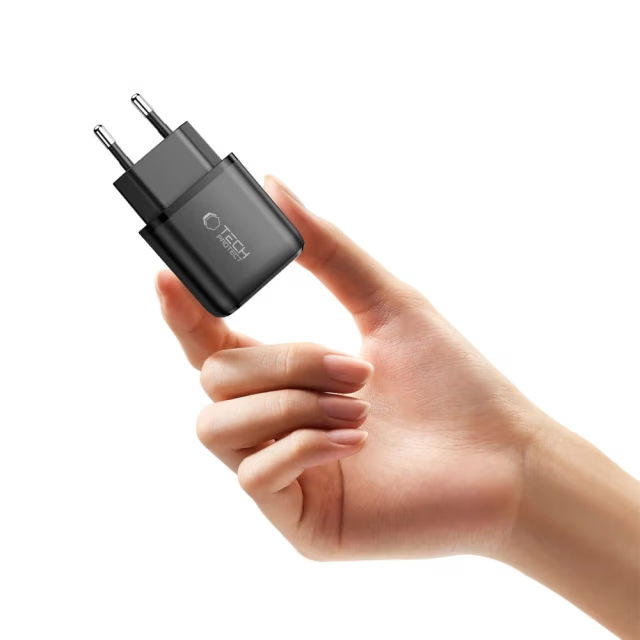
    Tech-Protect NC45W-GAN is a compact 45W charger with two USB-C ports and support for fast charging. Price 79.00 PLN.

    Thanks to GaN technology, it is smaller and more energy-efficient than traditional chargers of the same power. Support for PD + PPS allows you to fully utilize the capabilities of the Galaxy S26+, and the two USB-C ports increase functionality in everyday use.

    • 45W USB Power Delivery + PPS
    • 2x USB-C
    • GaN Technology
    • Compact design

    A good choice if you’re looking for an efficient 45W charger at a reasonable price.


    Which charger to choose for Samsung Galaxy S26 Ultra?

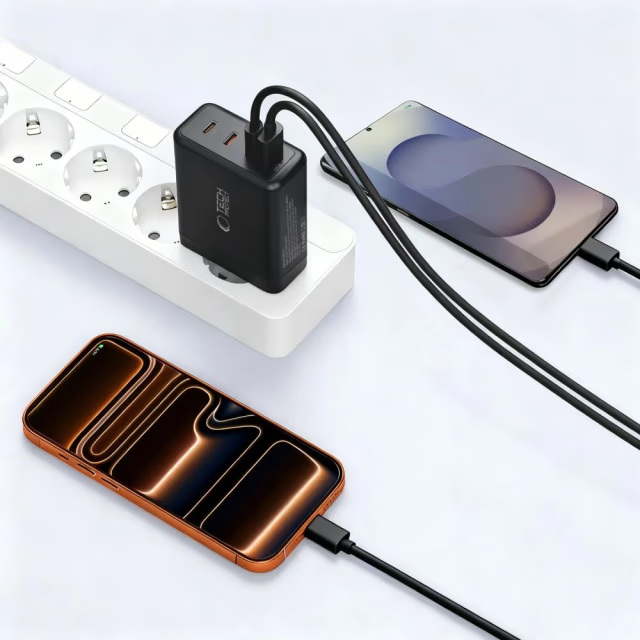
    Samsung Galaxy S26 Ultra supports wired fast charging up to 60W, so it’s worth choosing a charger that will allow you to take full advantage of this performance. Models with 65W and above not only provide fast charging for the phone but are often more versatile — conveniently powering a tablet, headphones, or even a laptop.

    Below you will find tested 65W–100W chargers that will work great with the Galaxy S26 Ultra.


    UGREEN Nexode Pro 100W GaN USB-C + USB-C + USB-A Charger

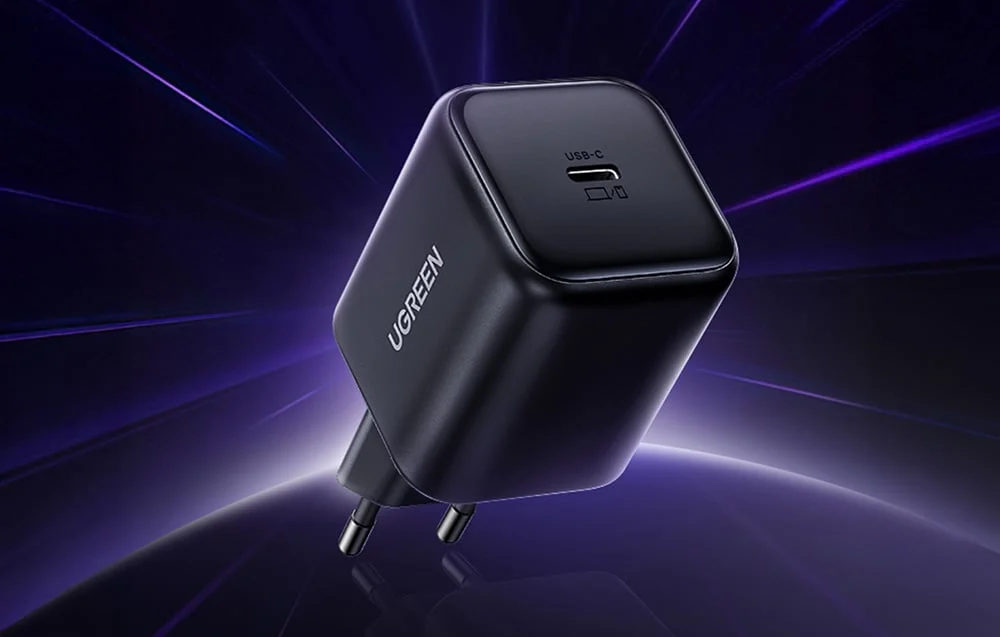
    UGREEN Nexode Pro is one of the most efficient models in the lineup — perfect if you care about maximum power and versatility. Thanks to GaN technology, the charger is more efficient and compact than traditional models of this power. Price 219.90 PLN.

    • Support for USB Power Delivery + PPS + QC for wide compatibility
    • Maximum power of 100W — you can use it not only with Galaxy S26 Ultra
    • 2x USB-C + USB-A — charging multiple devices simultaneously
    • Stable charging without excessive heating

    It’s a great option if you want one charger for your phone, tablet, power bank, headphones, or laptop.


    Empower by PanzerGlass Turbo 70W 2xUSB-C + USB-A Charger

    Empower by PanzerGlass Turbo is a powerful and versatile 70W charger that works perfectly with the Galaxy S26 Ultra, while also being an efficient power source for other devices. Price 179.00 PLN.

    • 70W with support for USB PD + QC3.0
    • 2x USB-C + USB-A — greater connection flexibility
    • Solid build quality
    • Well-balanced power relative to price

    It’s worth considering this model if you need a powerful charger for everyday use and travel — not just for your smartphone.


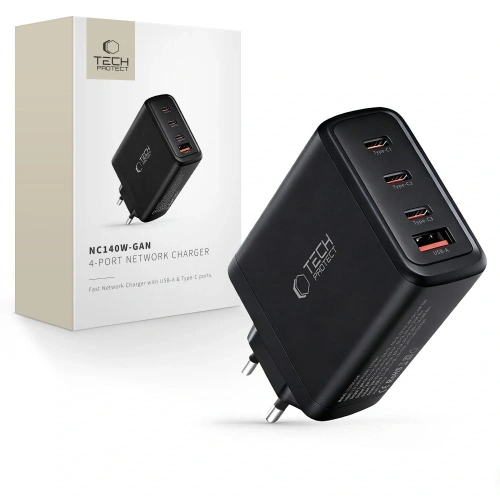
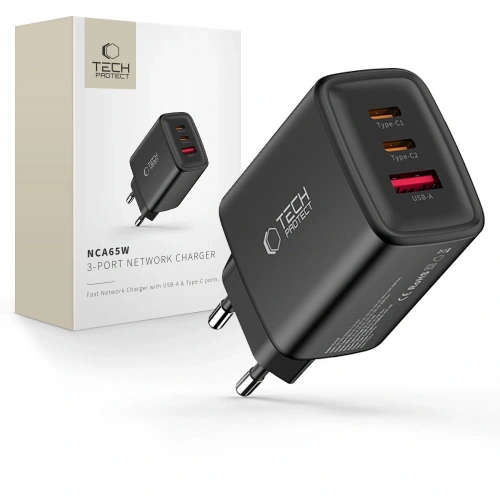
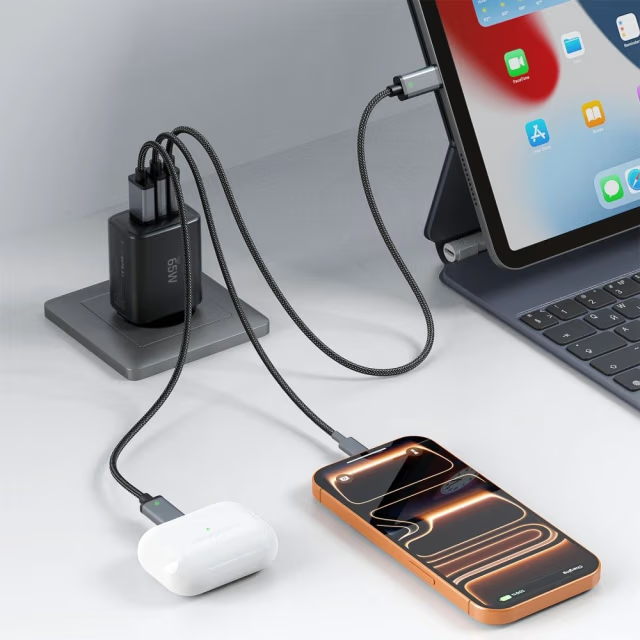
    Tech-Protect NCA65W-GAN USB-C + USB-C + USB-A Wall Charger

    Tech-Protect NCA65W-GAN is a very good budget option with quite a bit of power, capable of handling the Galaxy S26 Ultra and other devices requiring fast charging. Price 75.00 PLN.

    • 65W USB PD + QC3.0
    • 2x USB-C + USB-A — convenient charging of multiple devices
    • GaN technology – less heating and greater efficiency
    • Very favorable price

    This is the best choice if you are looking for a powerful and inexpensive charger for the S26 Ultra without overpaying.


    FAQ – chargers for Samsung Galaxy S26

    Can a higher wattage charger damage the battery?

    No. The smartphone only draws as much power as it can handle. If you connect a 65W or 100W charger to the Galaxy S26 (25W), the phone will still limit the draw to a maximum of 25W. However, it is crucial that the charger supports the USB Power Delivery (PD) and PPS standards — then charging is safe and stable.


    What cable for fast charging Samsung Galaxy S26 will be the best?

    To ensure maximum charging speed for the Samsung Galaxy S26 — especially in the Plus (45W) and Ultra (up to 60W) versions — it is advisable to choose a 5A USB-C to USB-C cable with Power Delivery (PD) and PPS support


    What wattage should the charger have if I want to charge both a laptop and the Galaxy S26 at the same time?

    In this case, it is best to choose a charger with a power of at least 65W, and ideally 70–100W, especially if the laptop supports charging via USB-C. Models with two USB-C ports will allow you to conveniently charge both devices simultaneously without significant power drops.


    Does the Galaxy S26 support fast wireless charging?

    Yes. The Galaxy S26 series supports the Qi2 standard, with:

    • S26 and S26+ up to 20W,
    • S26 Ultra up to 25W.

    To achieve maximum wireless charging speed, it is advisable to choose a Qi2 charger with magnetic positioning.


    Is it worth buying a 60W charger for the Galaxy S26?

    For the basic Galaxy S26 (25W), it does not affect charging speed, but it may be a good choice if you want to use one charger for multiple devices — e.g., a tablet or laptop.


    Will a 45W charger speed up charging for the Galaxy S26?

    No — the Galaxy S26 will use a maximum of 25W. The 45W charger makes sense mainly with the Galaxy S26+Plus model.


    Does fast charging shorten battery life?

    Modern PD and PPS technologies control voltage and temperature, so using a good quality charger, fast charging does not pose a threat to the battery. The most important thing is to avoid cheap, unverified models without proper safeguards.


  • Honor Magic 8 Pro vs Honor Magic 8 Lite – which one to choose?

    Honor Magic 8 Pro vs Honor Magic 8 Lite – which one to choose?

    If you care about the highest performance, top-tier cameras, and technological innovations – Honor Magic8 Pro will definitely be a better choice. This flagship offers top components and features in all aspects (screen, camera, processor, fast charging, etc.).

    On the other hand, Honor Magic8 Lite will be suitable if your priority is long battery life, increased durability of the casing, and a significantly lower price. Magic8 Lite provides solid daily functionality with a fantastic battery, although it falls short of the Pro version in terms of speed and photo quality.

    In short: Honor Magic8 Pro for demanding enthusiasts, Magic8 Lite for practical users who care about budget.

    Two new Honor Magic8 models

    Honor presented two new smartphones from the Magic series at the beginning of 2026, aimed at different audiences. Honor Magic8 Pro is a premium flagship, focused on advanced mobile photography and integration with AI (including Google Assistant Gemini). Meanwhile, Honor Magic8 Lite is a “rugged” mid-range device with a reinforced construction and record battery life. Both models had their Polish premiere in January 2026 – sales started on January 15, 2026. Magic8 Pro showcases the technological capabilities of the Honor brand, while Magic8 Lite aims to attract users looking for long battery life and resistance to damage at a more affordable price.

    Comparison table Magic8 Pro vs Magic8 Lite

    FeaturesHonor Magic8 ProHonor Magic8 Lite
    Screen6.71″ OLED LTPO, adaptive 1–120 Hz, ~1.5K (2808×1256), 6000 nit peak HDR6.79″ OLED, 120 Hz, ~1.5K (2640×1200), 6000 nit peak HDR
    ProcessorSnapdragon 8 Elite Gen 5 (8 cores, most powerful SoC 2026)Snapdragon 6 Gen 4 (8 cores, mid-range chipset)
    Memory (RAM/ROM)12 GB / 512 GB (UFS 4.1)8 GB / 256 GB or 8 GB / 512 GB
    Rear CamerasTriple: 200 Mpix periscope tele (OIS, 3.7× zoom) + 50 Mpix main (f/1.6, OIS) + 50 Mpix ultra-wide (122°)Dual: 108 Mpix main (f/1.75, OIS+EIS) + 5 Mpix ultra-wide (f/2.2)
    Front Camera50 Mpix (likely with 3D sensors for Face ID)16 Mpix
    Battery6270 mAh (silicon-carbon technology), up to 2.5 days of usage7500 mAh (silicon-carbon cell), up to 3–4 days of usage
    Charging100 W wired (up to 100% ~30 min), 80 W wireless66 W wired (no wireless charging)
    ResistanceIP68 / IP69K (waterproof, dustproof; resistant to high-pressure water jets)IP68 / IP69K, cert. SGS Triple Resistant(shock, drop)
    DesignGlass and metal (premium), curved screen, 213 g, 8.3 mm thick. Colors: gold (Sunrise), blue (Sky), black.Reinforced casing, flat symmetrical screen, 189 g, 7.8 mm thick. Colors: black, green (Forest).
    SystemMagicOS 10 (Android 16) – integration with Google Gemini, dedicated AI ButtonMagicOS 9 (Android 15) – similar AI features (photo editor, life assistant), no physical AI Button.

    💡After choosing a model, it’s worth taking care of the protection for the case and screen right away. If you’re aiming for a flagship, check out the best cases for Honor Magic8 Pro— preferably one that securely protects the camera and edges.

    If you prefer a durable mid-range phone, check out cases for Honor Magic8 Lite, which will emphasize its “rugged” character and facilitate everyday use.


    Design and durability: which is more comfortable and resistant?

    On paper, both models appear to be “strong” (high IP ratings), but in hand and in everyday use, they differ significantly: Magic8 Pro is a heavier, bulkier flagship with strong screen protection, while Magic8 Lite is lighter, thinner, and has a larger display – more “practical” for daily use.

    Honor Magic8 Pro – heavier flagship with NanoCrystal Shield and top IP protection

    Magic8 Pro features a 6.71″ OLED (2808 × 1256 px) and HONOR NanoCrystal Shield, which is a real plus if the phone often ends up in a pocket with keys or experiences drops.

    Pro dimensions and specifications (Your data):

    • 161.15 × 75 × 8.4 mm
    • 219 g
    • IP68 / IP69 / IP69K
    • brightness: up to 6000 nits (max), HBM 1800 nits
    • USB-C 3.2 Gen 1

    In practice: the phone is “substantial” – 219 g is noticeable, but this is also typical for models with a large battery and an advanced camera module. If you like solid and “flagship-feeling” equipment, the Pro fulfills this role.

    Honor Magic8 Lite – larger screen, lower weight, and an even wider set of IP standards

    Magic8 Lite has 6.79″ AMOLED (2640 × 1200 px), glass aluminosilicate and one thing that stands out in the specifications: IP66 + IP68 + IP69 + IP69K (which means IP66 is added).

    Construction and dimensions of Lite (your data):

    • 161.9 × 76.1 × 7.76 mm
    • 189 g
    • IP66 / IP68 / IP69 / IP69K
    • screen: 3840 Hz PWM (important for sensitive eyes)

    Lite is 30 g lighter and noticeably thinner. For many people, this will simply be more comfortable in the pocket and in the hand — especially during longer scrolling, reading, or watching videos (larger screen).

    Mini-conclusion: what to choose at this point?

    If you prefer a larger screen, lower weight, and thinner body (plus 3840 Hz PWM) → Magic8 Lite

    If you want a strongly “flagship” feel, compact 6.71″ and NanoCrystal Shield protection → Magic8 Pro


    Screen: brightness, PWM, and comfort for the eyes (Pro vs Lite)

    The screen is one of those things you feel all the time — while scrolling, reading, watching movies, and in the sun. In this pair, the differences are concrete: Pro has a more “flagship” specification (OLED + higher claimed brightness), while Lite focuses on a large AMOLED panel and strong eye comfort features (including 3840 Hz PWM).

    Honor Magic8 Pro – OLED 6.71″ with strong brightness and NanoCrystal Shield

    Pro offers a 6.71″ OLED with a resolution of 2808 × 1256 px and declared brightness parameters:

    • up to 6000 nits (max.)
    • HBM 1800 nits

    This is important in two scenarios:

    • sun / bright environment → the phone remains readable
    • HDR and multimedia → the screen can achieve a very high peak effect

    Additionally, there is HONOR NanoCrystal Shield, which is a real protective bonus for the panel itself.

    Who is this for?
    For those who use their phone a lot outside the home, watch multimedia, and want a “flagship” display without compromises.


    Honor Magic8 Lite – AMOLED 6.79″ + 3840 Hz PWM, a screen friendly to the eyes

    Lite has a larger screen: 6.79″ AMOLED with a resolution of 2640 × 1200 px. It is most distinguished by features related to comfort:

    • 3840 Hz – ultra-high PWM dimming
    • “Eye comfort”
    • “Night display with circadian rhythm”
    • “Dynamic dimming”
    • glass aluminosilicate

    In practice: if you belong to those who strain their eyes in the evening or are sensitive to flicker at low brightness, 3840 Hz PWM may be one of the most noticeable advantages of this model.

    Who is this for?
    For those who read a lot on their phone, work in the evenings, and want a larger screen for movies/scrolling.

    Mini-conclusion: Pro or Lite in terms of the screen?

    • Choose Magic8 Pro if your priority is maximum brightness and a “flagship” OLED + NanoCrystal Shield experience.
    • Choose Magic8 Lite if you want a bigger screen and eye comfort (3840 Hz PWM) is the most important.

    Performance and smoothness: Snapdragon 8 Elite Gen 5 vs Snapdragon 6 Gen 4

    At this point, the differences between Magic8 Pro and Magic8 Lite are the most “black and white.” Pro is built for maximum power and uncompromising performance, while Lite aims for stable everyday use — but with a clearly weaker performance reserve.

    Honor Magic8 Pro – Snapdragon 8 Elite Gen 5 and Adreno 840 (top 2026)

    Magic8 Pro runs on Snapdragon 8 Elite Gen 5 with Adreno 840 graphics, which is a top-tier set. In practice, this provides:

    • very high system fluidity even with many applications at once,
    • great performance in games and with heavier titles,
    • faster photo processing and AI modes (e.g., burst shots, night, “AI” features in the camera),
    • greater comfort “for years,” as the top chipset remains fast longer despite updates and increasing application demands.

    This is a model for those who want to be sure that the phone won’t “struggle” under intensive use.

    Honor Magic8 Lite – Snapdragon 6 Gen 4 (mid-range, but economical and practical)

    Magic8 Lite has Snapdragon 6 Gen 4 (8 cores), which is a mid-range chipset. This means that:

    • in everyday use (social media, navigation, YouTube, browser) it will simply work smoothly,
    • but with heavier tasks (games at high settings, longer editing, more demanding applications) it will show its limitations faster,
    • compared to Pro, it has less “future-proof” power reserve.

    This is a good solution for those who do not need flagship power, but want a stable phone for normal use — with an emphasis on battery life.

    Conclusion: if maximum performance, gaming, and “peace of mind for years” are a priority → Magic8 Pro. If you want daily smoothness without overpaying and are not a demanding user → Magic8 Lite.


    Cameras: 200 MP periscope and 50 MP selfie vs 108 MP and simple photography

    In cameras, it is easiest to see, who each model is for. Magic8 Pro has a typically flagship set (periscope telephoto + strong main + wide) and many photo/video features with AI. Magic8 Lite focuses on simplicity: a good 108 MP main camera and a basic 5 MP ultra-wide.

    Honor Magic8 Pro – triple camera 200 MP + 50 MP + 50 MP and strong AI modes

    On the back, you get 3 cameras:

    • 200 MP periscope telephoto: ƒ/2.6, 1/1.4″ sensor, OIS, 3.7× optical zoom
    • 50 MP main: ƒ/1.6, 1/1.3″ sensor, OIS, 4-in-1 (2.4 μm)
    • 50 MP ultra-wide: ƒ/2.0, 122°, with HD Macro mode at 2.5 cm

    This means that the Pro is “complete”:

    • you have reasonable zoom (not just digital),
    • you have wide angle and close-up macro,
    • you have greater flexibility in difficult lighting thanks to OIS and a bright main camera.

    Additionally, there are many photo/video features from your list, including AI Super Zoomenhanced AI night mode, HDR, super burst, professional mode, multi-video, EIS/OIS.

    On the front: 50 MP (ƒ/2.0) + 3D face unlock — and this is a real advantage of the Pro if you care about fast, “reliable” face unlock and better selfies.

    Honor Magic8 Lite – 108 MP with OIS, but a more basic set

    In the Lite, we have 2 cameras on the back:

    • 108 MP main: ƒ/1.75, OIS
    • 5 MP (second camera): ƒ/1.22

    The main 108 MP camera with OIS is a good foundation for everyday photos (especially during the day and in typical scenarios). However, the set is less versatile than in the Pro — particularly when:

    • you want to zoom without significant loss of quality (no periscope),
    • you often take wide-angle shots in better quality,
    • you care about more advanced photo/video capabilities.

    On the front: 16 MP (ƒ/2.45) — sufficient for video calls and social media, but it’s not in the same league as the 50 MP in the Pro.

    Conclusion: if the camera is important (zoom, night, portraits, versatility, and selfies) → Magic8 Pro. If you mainly take regular photos and want “just a good main camera” → Magic8 Lite will be sufficient.


    Battery and Charging: 6270 mAh + 100W/80W vs 7500 mAh + 66W

    Here the situation is very interesting, because both phones have silicon-carbon batteries, but follow a completely different philosophy: Pro wins in charging speed (also wirelessly), while Lite boasts a record capacity and is focused on maximum runtime.

    Honor Magic8 Pro – 6270 mAh and premium charging (100W + 80W wirelessly)

    Magic8 Pro has a battery:

    • 6270 mAh (typical) / 6090 mAh (rated)
    • technology: next-generation HONOR silicon-carbon

    On top of that, you get:

    • 100W HONOR SuperCharge (wired)
    • 80W HONOR SuperCharge (wireless)

    In practice, Pro is for those who:

    • like to charge their phone “on the go” (briefly, but very quickly),
    • want the convenience of cable-free charging,
    • often use it intensively (photo, video, GPS, games) and quick energy replenishment is more important than breaking battery life records.

    Honor Magic8 Lite – 7500 mAh: a phone for those who don’t want to charge daily

    Magic8 Lite has a battery:

    • 7500 mAh
    • technology: silicon-carbon

    Charging:

    • 66W wired
    • no wireless charging

    This is a model that is ideal if:

    • you want to plug your phone into the charger as rarely as possible,
    • You are often on the go, working “in the field,” or simply don’t like keeping track of percentages,
    • longer battery life is more important than top charging speed.

    Conclusion: if you care about convenience and top charging (including wireless) → Magic8 Pro. If your priority is the longest possible usage time away from the socket → Magic8 Lite.

    💡If you want to make the most of the device, it’s worth choosing compatible accessories — check out fast wireless chargers for Honor Magic8 Pro.

    For the Honor Magic8 Lite, which offers 66 W wired charging and does not support wireless charging, a good choice would be wired chargers for Honor Magic8 Lite — these accessories will help minimize charging time.


    Connectivity and Add-ons: Wi-Fi 7, Bluetooth 6.0, and USB-C 3.2 vs Wi-Fi 6 (ax) and Bluetooth 5.2

    In everyday use, both phones provide everything needed (5G, NFC, modern Wi-Fi), but the Pro version has several typically “flagship” features that will be appreciated by those using fast networks, good audio, and more modern connectivity standards.

    Honor Magic8 Pro – Wi-Fi 7, Bluetooth 6.0, richer audio, and more flexible SIM

    In the Magic8 Pro, you get a very strong package:

    • Wi-Fi 7 (plus Wi-Fi 6 / Wi-Fi Direct, 2.4 and 5 GHz bands)
    • Bluetooth 6.0
    • support for multiple audio codecs: SBC/AAC/aptX/aptX HD/aptX Adaptive/LDAC/LHDC 5.0/LC3
    • NFC
    • USB-C 3.2 Gen 1 (this is a practical difference, e.g., when transferring data)

    Additionally, the Pro also has more advanced card options:

    • Dual SIM in several variants: SIM+SIM / SIM+eSIM / eSIM+eSIM

    And an expanded multi-system navigation with precise bands:

    • GPS L1+L5 + AGPS
    • GLONASS, Galileo (E1+E5a+E5b), BeiDou (B1I+B1C+B2a+B2b), QZSS (L1+L5)

    Plus multimedia bonus:

    • HONOR Sound + HONOR Surround Subwoofer (in practice: stronger, “fuller” sound than typical mid-range devices).

    Honor Magic8 Lite – modern base: Wi-Fi 6 (ax), Bluetooth 5.2, 4×4 MIMO

    Lite has a very reasonable set, simply more “mid-range”:

    • Wi-Fi in standards a/b/g/n/ac/ax (which means practically Wi-Fi 6 / ax)
    • Bluetooth 5.2
    • NFC
    • Wi-Fi Direct
    • additionally: 4×4 MIMO

    Audio codecs are also decent:

    • SBC/AAC/LDAC/aptX/aptX HD/aptX Adaptive + BLE

    Navigation is complete (GPS, A-GPS, Galileo, GLONASS, BeiDou), but without specified bands like L1/L5.

    Connector:

    • USB-C (without specifying the version as in Pro).

    Conclusion: if you care about the most modern connectivity (Wi-Fi 7, Bluetooth 6.0), faster wired transfer (USB-C 3.2), and richer audio → Magic8 Pro. If you just want very good connectivity for everyday use (Wi-Fi 6/ax, NFC, 5G) without paying extra for “top standards” → Magic8 Lite.


    System and features: MagicOS 10 (Android 16) vs MagicOS 9 (Android 15)

    The system difference between these models is not just a “number”. Magic8 Pro starts with a newer version of Android and MagicOS, which means a longer perspective for updates and the latest features. Magic8 Lite operates on an older version but still offers a complete set of the most important solutions.

    Honor Magic8 Pro – Android 16 and MagicOS 10.0

    Magic8 Pro runs on:

    • Android 16
    • MagicOS 10.0

    This provides:

    • newer system base,
    • greater future-proofing for updates,
    • better integration with AI features (especially with the camera and system tools),
    • potentially longer security support.

    In practice: by buying the Pro, you start with the latest software, which usually means more updates in the future and slower “aging” of the system.


    Honor Magic8 Lite – Android 15 and MagicOS 9.0

    Magic8 Lite runs on:

    • Android 15
    • MagicOS 9.0

    It is still a modern system that provides:

    • smooth operation,
    • access to all current applications,
    • typical MagicOS features (customization, gestures, power-saving modes, camera tools).

    The difference will not be dramatic in the first months of use, but in the long run, the Pro has a “starting” advantage due to the newer version of Android.


    Conclusion: if you care about the latest system and maximum future-proofing → Magic8 Pro. If Android 15 is completely sufficient for you and you don’t care about being “on the latest version” → Magic8 Lite will be fully functional.


    Who is Honor Magic8 Pro for, and who is Honor Magic8 Lite for?

    Honor Magic8 Pro — for the demanding and those who want a “limitless phone”

    Choose Magic8 Pro if your phone usage is more than just social media and a browser — and you want hardware that won’t limit you.

    For mobile gamers and fans of maximum smoothness

    If you play demanding titles and want stable performance, Pro is the safer choice. A top-tier chipset + strong GPU simply means more comfort today and greater reserves for the coming years.

    For those who take a lot of photos and use zoom

    You have optical zoom from the periscope, a powerful camera setup, and advanced photo/video modes with AI. If you often take photos in the evening, at concerts, while traveling, or like to “zoom in” without losing quality — the Pro will be clearly better.

    For multitaskers and those working on their phone

    If you frequently switch between apps, make video calls, edit files, scan documents, and want everything to run smoothly — the Pro offers greater freedom and a newer system base.

    For those who want charging convenience (including wireless)

    If you value quick “top-ups on the go” and like to place your phone on a charger without a cable — the Pro has an advantage with wireless charging and faster wired charging.


    Honor Magic8 Lite — for the practical: battery, convenience, and great price

    Choose Magic8 Lite if you are looking for a “life phone”: it should last long, be comfortable, and cost reasonably — without paying extra for flagship features.

    For travelers, drivers, and those often away from home

    A large battery makes a difference when you don’t want to remember to charge every day. The Lite is also convenient for navigation and watching content (large screen).

    For the everyday user: social media, videos, messaging apps

    If your phone is mainly for the internet, apps, quick photos, banking, and entertainment — Lite will handle it easily, and it will be easier on your wallet.

    For students and those buying “most sensibly”

    At this price, Lite is a pragmatic choice: a large screen for notes/reading, a good battery for the whole day, and no feeling that you are overpaying for power you won’t use.

    For those sensitive to eye comfort in the evening

    If you spend a lot of time on your phone after dark and care about solutions for eye comfort (e.g., high PWM, eye protection modes) — Lite has a very strong argument here.


    FAQ: Honor Magic8 Pro vs Honor Magic8 Lite — frequently asked questions

    Does Honor Magic8 Lite have wireless charging?

    No. Honor Magic8 Lite does not support wireless charging. It only offers wired charging 66W.


    Does Honor Magic8 Pro have wireless charging?

    Yes. Honor Magic8 Pro supports wireless charging 80W (HONOR SuperCharge) and 100W wired. This is one of the significant differences between the models.


    Which model has a better camera: Magic8 Pro or Magic8 Lite?

    Honor Magic8 Pro. It has a triple set (200 MP periscope + 50 MP + 50 MP) and 50 MP front, making it more versatile, especially in zoom and challenging conditions. Lite has 108 MP with OIS and a simpler set, good for everyday photos.


    Does Honor Magic8 Lite have image stabilization (OIS)?

    Yes — the main camera 108 MP in Magic8 Lite has OIS, which helps in low light photography and video recording.


    Which phone is better for gaming?

    Honor Magic8 Pro, because it has a top-tier Snapdragon 8 Elite Gen 5 chipset and stronger graphics. The Lite (Snapdragon 6 Gen 4) will handle everyday games, but in heavier titles, it will show its limitations faster.


    Which model has a better battery?

    When it comes to battery life, the Honor Magic8 Lite wins with a 7500 mAh battery. The Magic8 Pro has 6270 mAh and can also last long, but the Lite is typically “long-lasting”.


    Are both models waterproof?

    Yes, both have high resistance to water and dust.

    • Magic8 Pro: IP68 / IP69 / IP69K
    • Magic8 Lite: IP66 / IP68 / IP69 / IP69K

    Which model has a better screen? Honor Magic8 Pro or Lite?

    It depends on what is more important:

    • Magic8 Pro has a 6.71″ OLED with very high brightness (max 6000 nits) and protection from NanoCrystal Shield.
    • Magic8 Lite has a larger 6.79″ AMOLED and a strong argument for eye comfort: 3840 Hz PWM.

    Which model is lighter and more comfortable for everyday use?

    Honor Magic8 Lite — weighs 189 g and has a thickness of 7.76 mm. Magic8 Pro is heavier (219 g) and thicker (8.4 mm).


  • What are the best cases for Samsung Galaxy S26?

    What are the best cases for Samsung Galaxy S26?

    When choosing a case for Samsung Galaxy S26, it’s worth matching it to your style of use. A different model is needed by someone who wants slim protection for everyday use, and another by someone who wants to maximally secure the phone against drops.

    On the market today, you will find both fashionable premium cases (Karl Lagerfeld, Guess)light silicone modelsrugged Supcase covers, as well as transparent or matte variants that do not hide the phone’s design. This way, you can easily match the protection to your needs and budget.

    👉 Check out the best cases for Samsung Galaxy S26 and choose the perfect model for yourself.

    💡If you’re aiming for a larger screen, remember that the dimensions differ between versions. Therefore, before purchasing, also check cases for Samsung Galaxy S26 Plus and cases for Samsung Galaxy S26 Ultra — so that everything fits perfectly.

    📊 TOP best cases for Samsung Galaxy S26

    CategoryMain choice (premium / higher price)PriceBiggest advantageAlternatives (with prices)
    Women’s / fashionKarl Lagerfeld IML MagSafe Case119 PLNPremium style, trendy designGuess IML Leopard / Classic Logo – 139 PLN
    Tech-Protect Lamano MagSafe – 39 PLN
    Silicone and lightweightRingke Silicone Magnetic MagSafe79 PLNSoft silicone + MagSafeMercury Silicone – 49 PLN
    Tech-Protect Silicone MagSafe – 39 PLN
    RuggedSupcase IBLSN Armorbox MagSafe159 PLNMaximum 360° protectionTech-Protect Kevlar Cam+ (2-pack) – 95 PLN
    Ringke Fusion-X Magnetic – 65 PLN
    TransparentUNIQ LifePro Xtreme MagClick119 PLNHigh durability + transparent design3MK Clear MagCase – 49.90 PLN
    Tech-Protect Flexair Hybrid – 35 PLN
    MatteBizon Case MatteO with ring45 PLNMatte finish + magnetic ringTech-Protect Magmat MagSafe – 39 PLN
    Modern finishBMW M Kevlar Logo MagSafe149 PLNAramid fiber / KevlarUNIQ Lyden MagClick (eco leather) – 129 PLN
    Tech-Protect Ion Carbon MagSafe – 45 PLN

    👜 Which women’s case for Galaxy S26 to choose?

    Women’s case for Samsung Galaxy S26 is a combination of protection and style. In this category, not only the protection of the phone matters, but also the design that highlights the user’s character. Fashionable prints, golden details, animal motifs, or luxurious finishes make the case an element of styling.

    If you care about the “wow” effect and want your phone to look designer — the models below will be a hit.


    Karl Lagerfeld IML MagSafe

    IML Repeated Series / Peekaboo / KC Script Choupette is a proposal for fans of premium fashion accents. The distinctive logo and Choupette motif give the smartphone a luxurious character, and the built-in MagSafe increases functionality. Price: 119 PLN.

    Who is this the best choice for?

    ➡️ For women who treat their phone as a fashion accessory and enjoy branded accents.
    ➡️ For fans of minimalist yet recognizable design.

    Main benefits

    ✔️ Original design by Karl Lagerfeld
    ✔️ Built-in MagSafe
    ✔️ Good protection for the back and sides
    ✔️ Premium effect


    Guess IML Leopard / 4G Classic Logo Charm

    Two variants Guess IML Leopard and Guess 4G Classic Logo Charm combine elegant style with distinctive branding — the leopard print makes a statement, and the classic 4G charm looks premium and fits many styles. It’s a great option when you want your case to not only protect but also look like an accessory. Price: 139 PLN.

    Who is this the best choice for?

    ➡️ For those who want to stand out with their phone’s pattern and detail.
    ➡️ For fans of premium accessories (logo, charms, “fashion vibe”).

    Main benefits

    ✔️ Trendy design
    ✔️ Premium effect and strong style in hand
    ✔️ Good fit for the phone
    ✔️ Versions with MagSafe


    Tech-Protect Lamano MagSafe

    If you are looking for a trendy design at an affordable price, Tech-Protect Lamano MagSafe is an interesting alternative to more expensive fashion brands. The leopard print gives the phone a distinctive character, while the case remains lightweight and comfortable for everyday use. It’s a good option if you care about style without spending over 100 zł. Price: 39 zł.

    Who is it the best choice for?

    ➡️ For those who want a trendy design at a budget price.
    ➡️ For users looking for a lightweight case with MagSafe.

    Main benefits

    ✔️ Attractive price
    ✔️ Trendy leopard print
    ✔️ Built-in MagSafe ring
    ✔️ Slim, lightweight construction

    💡 Why is it worth choosing a women’s case for the Samsung Galaxy S26?

    Fashionable case for the Galaxy S26 is more than just protection — it’s a style element. Depending on your budget, you can opt for premium branded models or cheaper yet still impressive designs. Each of these options allows you to secure your phone while giving it a unique, more “fashion” character.


    Which silicone and lightweight case for the Galaxy S26 should you choose?

    If you care about a slim design and comfortable grip, silicone case for the Samsung Galaxy S26 will be one of the safest choices. Such models effectively cushion minor falls, do not bulk up the phone, and perform well in everyday use.


    Ringke Silicone Magnetic MagSafe

    If you care about a durable and well-made silicone case, Ringke Silicone Magnetic is one of the strongest candidates in this category.

    Who is this the best choice for?

    ➡️ For those who want minimalism and good finish.
    ➡️ For users utilizing MagSafe.

    Main benefits

    ✔️ Soft, pleasant silicone
    ✔️ Built-in magnet
    ✔️ Slim design
    ✔️ Good fit to the phone


    Mercury Silicone for Samsung Galaxy S26

    If you are looking for a classic, budget-friendly solution, Mercury Silicone  is a proven choice for everyday use. The case is lightweight, flexible, and provides good protection for the sides of the device against scratches. Price: 49 PLN.

    Who is this the best choice for?

    ➡️ For those who want simple protection without extras.
    ➡️ For users who value low weight.

    Main benefits

    ✔️ Lightweight construction
    ✔️ Flexible material
    ✔️ Good protection for the sides
    ✔️ Favorable price


    Tech-Protect Silicone MagSafe

    If you care about a low price and support for magnetic accessories,  Tech-Protect Silicone MagSafe is a sensible option. The classic black version will work well both at work and privately. Price: 39 PLN.

    Who is this the best choice for?

    ➡️ For those who want the cheapest MagSafe case.
    ➡️ For users looking for simplicity and functionality.

    Main benefits

    ✔️ Very good price
    ✔️ Built-in magnetic ring
    ✔️ Minimalist design
    ✔️ Lightweight and slim form


    Which durable case to choose for the Galaxy S26?

    If your phone often ends up in your pocket with keys, slips from your hand, or you use it at work/outdoors, armored case for Samsung Galaxy S26 will be the best decision. Reinforced corners, tougher backs, and a sturdier construction absorb impact energy better than classic, thin cases.

    This category is for those who prefer “peace of mind” and real protection—even at the cost of slightly larger dimensions.


    Supcase IBLSN Armorbox Mag MagSafe for Samsung Galaxy S26

    If you want the absolute maximum protection, Supcase for Samsung Galaxy S26 is one of the strongest choices in the lineup. The Armorbox has a clearly reinforced construction and looks like a case “for special tasks,” while also supporting MagSafe. Price: 159 PLN.

    Who is this the best choice for?

    ➡️ For people who often drop their phone or use it outdoors.
    ➡️ For users who want armored protection + MagSafe.

    Main benefits

    ✔️ Very high level of protection
    ✔️ Reinforced construction and corners
    ✔️ MagSafe in armored form
    ✔️ Great for tough conditions


    Tech-Protect Kevlar Cam+ for Samsung Galaxy S26 (2 PACK)

    If you care about a strong case, but in a more “technological” style, Tech-Protect Kevlar Cam+ is a great compromise. The 2-pack version is practical (spare / replacement), and the finish character suits those who like a raw, sporty look. Price: 95 PLN.

    Who is this the best choice for?

    ➡️ For those who want durability without excessive “bulk”.
    ➡️ For those who prefer a technical, modern design.

    Main benefits

    ✔️ Enhanced everyday protection
    ✔️ Set of 2 pieces (practical solution)
    ✔️ Better grip and durable back
    ✔️ Good balance: protection vs thickness


    Ringke Fusion-X Magnetic MagSafe

    If you want reinforced protection, but not as bulky as typical “tanks”, Ringke Fusion-X Magnetic MagSafe  is one of the most versatile models. The characteristic reinforced corners and hybrid construction work great for everyday use, and MagSafe is onboard. Price: 65 PLN.

    Who is this the best choice for?

    ➡️ For those who want armored protection at a reasonable price.
    ➡️ For users looking for a compromise: durability + everyday comfort.

    Main benefits

    ✔️ Reinforced corners (better cushioning)
    ✔️ Hybrid, durable construction
    ✔️ MagSafe for charging and accessories
    ✔️ Very good price for this class


    Which transparent case to choose for the Galaxy S26?

    If you want to maintain the original design of the Samsung Galaxy S26, while also providing solid protection, it’s worth opting for a transparent case for the Samsung Galaxy S26. Transparent cases allow you to showcase the color and shape of the phone, while also protecting it from scratches and minor drops.

    Transparent models are a great solution for those who appreciate minimalism and do not like the “damaged” design of the case.


    UNIQ LifePro Xtreme MagClick Charging

    If you care about transparent protection with good cushioningUNIQ LifePro Xtreme MagClick Charging is one of the stronger options in this category. The case maintains clarity while also having reinforced edges and supporting MagClick/MagSafe. Price: 119 PLN.

    Who is this the best choice for?

    ➡️ For those who want to showcase the original color and design of the phone.
    ➡️ For those who need transparent protection with MagSafe.

    Main benefits

    ✔️ Transparent, minimalist look
    ✔️ MagClick/MagSafe compatibility
    ✔️ Reinforced edges
    ✔️ Good shock absorption from falls


    3MK Clear MagCase

    If you are looking for a clean, classic, transparent case3MK Clear MagCase for Samsung Galaxy S26 is a good choice at a budget price. The simple design without unnecessary embellishments works well for everyday use and does not cover the phone’s design. Price: 49.90 PLN.

    Who is it the best choice for?

    ➡️ For minimalists in design.
    ➡️ For those who want a light, transparent case without magnets.

    Main benefits

    ✔️ Transparency without compromise
    ✔️ Classic, universal look
    ✔️ Light and slim
    ✔️ Great price


    Tech-Protect Flexair Hybrid MagSafe

    If you want a transparent case, but in an even lighter version than “Xtreme”, Tech-Protect Flexair Hybrid MagSafe is an economical and functional option. Price: 35 PLN.

    Who is this the best choice for?

    ➡️ For those who want a transparent case with MagSafe at the lowest price.
    ➡️ For those who prefer minimalist solutions.

    Main benefits

    ✔️ MagSafe support
    ✔️ Slim and lightweight profile
    ✔️ Transparent back
    ✔️ Very affordable price


    Which matte case for Galaxy S26 to choose?

    If you don’t like fingerprints, shine, and “slippery” backs, matte case for Samsung Galaxy S26 will be a great choice. The matte finish looks more elegant, provides a more secure grip, and usually better hides minor scratches that occur during everyday use.

    This is the perfect option for those who want to combine minimalist style with practicality.


    Bizon Case MatteO for Samsung Galaxy S26

    If you care about a matte look and magnetic functionality, Bizon Case MatteO is a very reasonable choice. The smoky black finish looks modern, and the magnetic ring makes it easier to use accessories. Price: 45 PLN.

    Who is this the best choice for?

    ➡️ For those who want a matte case without streaks and fingerprints.
    ➡️ For users who like magnetic accessories.

    Main benefits

    ✔️ Matte finish (fewer fingerprints)
    ✔️ More secure grip in hand
    ✔️ Magnetic ring
    ✔️ Modern, smoky appearance


    Tech-Protect Magmat MagSafe for Samsung Galaxy S26

    If you prefer simple, classic black and MagSafe at a budget price, Tech-Protect Magmat MagSafe for Samsung Galaxy S26 will be a good choice. This case is for those who want to “get the job done”: it should look neat and work without fuss. Price: 39 zł.

    Who is this the best choice for?

    ➡️ For fans of simple, matte style.
    ➡️ For those looking for a cheap case with MagSafe.

    Main benefits

    ✔️ Matte surface and neat appearance
    ✔️ Compatibility with MagSafe
    ✔️ Lightweight, comfortable form
    ✔️ Very good price


    Premium case for Samsung Galaxy S26 — Kevlar, carbon, and eco-leather

    If you care about an elegant look and modern texture, a great choice would be a premium case for Samsung Galaxy S26 made from Kevlar/aramid, carbon, or eco-leather materials. Such models usually fit better in the hand, show fewer signs of use, and look “classy” even over time.

    BMW M Kevlar Logo MagSafe

    If you are looking for a premium effect and a “motorsport” character, BMW M Kevlar case  will be a strong choice. The aramid fiber-inspired surface gives a unique texture, and the BMW M branding makes an impression without being excessive. Price: 149 PLN.

    Who is this the best choice for?

    ➡️ For automotive enthusiasts and premium style.
    ➡️ For those who want an elegant case with texture and MagSafe.

    Main benefits

    ✔️ Kevlar/aramid look (modern texture)
    ✔️ BMW M branding (premium)
    ✔️ MagSafe for accessories and charging
    ✔️ Very “masculine,” technical style


    UNIQ Lyden MagClick Charging

    If you prefer modern elegance,  UNIQ Lyden for Samsung Galaxy S26 with an eco-leather finish is a great everyday option — especially for “work” and more subdued styles. The case looks neat, feels pleasant to the touch, and supports MagClick/MagSafe. Price: 129 PLN.

    Who is this the best choice for?

    ➡️ For those who want a business, elegant look.
    ➡️ For users looking for an eco-leather finish + MagSafe.

    Main benefits

    ✔️ Eco-leather material (premium look)
    ✔️ MagClick/MagSafe compatibility
    ✔️ Subdued, elegant design
    ✔️ Good option “for the office”


    Tech-Protect Ion Carbon MagSafe

    If you want a modern, carbon finish without spending over 100 PLN, Tech-Protect Ion Carbon MagSafe is a very reasonable choice. It looks technical, is lightweight, and fits well with minimalist accessories. Price: 45 PLN.

    Who is this the best choice for?

    ➡️ For fans of carbon and technical style.
    ➡️ For those who want an affordable option with MagSafe.

    Main benefits

    ✔️ Carbon look (modern aesthetics)
    ✔️ MagSafe at a good price
    ✔️ Lightweight construction
    ✔️ Minimalist, “tech” character

    Why is it worth choosing a case with a modern finish for the Samsung Galaxy S26?

    Models with aramid, carbon, or eco-leather combine practicality with a premium look. Thanks to their texture, they fit better in the hand, look “clean” even over time, and match a minimalist style. They are a great choice if you want your Galaxy S26 to look modern and elegant.


    How to choose the best case for Samsung Galaxy S26?

    1) Match the level of protection to your lifestyle

    If your phone often slips from your hand or you use it outdoors — choose a rugged case for Samsung Galaxy S26. For home/office, silicone or hybrid is usually sufficient.

    2) Decide if you need MagSafe

    If you use magnetic chargers, mounts, or wallets — choose a MagSafe case for Galaxy S26.

    3) Choose a finish that won’t irritate you

    Matte cases collect fewer fingerprints, transparent ones show the phone’s color, and carbon/eco-leather looks more premium and “clean” over time.

    4) Pay attention to the edges around the screen and camera

    A good case should have slightly raised edges — this makes a difference when placing the phone screen down.

    5) Think about how you carry your phone

    If you often toss it into your pocket with keys or carry it in a bag with other items, consider a sturdier hybrid or rugged case for Samsung Galaxy S26 — damage usually comes from everyday small things, not from “big drops”.

    It’s also worth immediately securing the screen and camera by choosing tempered glass for Samsung Galaxy S26, which will protect the display from micro-scratches and cracking upon impact.


    FAQ – Frequently Asked Questions about Samsung Galaxy S26

    What is the difference between Galaxy S26, S26+, and S26 Ultra?

    The differences mainly concern the screen size, battery, cameras, and the presence of the S Pen (only in Ultra).


    What screen do Galaxy S26, S26+, and S26 Ultra have?

    Galaxy S26 – approx. 6.3″
    Galaxy S26+ – approx. 6.7″
    Galaxy S26 Ultra – approx. 6.9″


    Which model has the best camera?

    The most advanced camera set is in the Galaxy S26 Ultra – a main sensor of 200 MP and a 50 MP periscope telephoto lens.


    What processor will the Galaxy S26 series have?

    Galaxy S26 and S26+ – Exynos 2600 (Europe) or Snapdragon 8 Gen 5 (selected markets).
    Galaxy S26 Ultra – Snapdragon 8 Gen 5 (also in leaks referred to as “Snapdragon 8 Elite Gen 5”).


    Which model has the largest battery?

    Galaxy S26 Ultra – approx. 5000–5400 mAh.
    S26+ – approx. 4900 mAh.
    S26 – approx. 4300 mAh.


    What charging options do the S26 models offer?

    Galaxy S26 – up to 45 W.
    Galaxy S26+ – up to 45 W.
    Galaxy S26 Ultra – up to 60 W.


    Do all models have S Pen?

    No. The S Pen stylus is available only with the Galaxy S26 Ultra.


    How much RAM does the Galaxy S26 have?

    S26 – 12 GB (possible 16 GB in selected versions).
    S26+ and S26 Ultra – 12–16 GB.


    What internal memory versions will be available?

    S26 and S26+ – 256 GB or 512 GB.
    S26 Ultra – 256 GB / 512 GB / 1 TB.


    When is the Galaxy S26 premiere?

    According to leaks, the premiere is scheduled for February 25, 2026, and sales are expected to start in March 2026.


  • Google Pixel 10a vs Pixel 9a — is it worth choosing the new model?

    Google Pixel 10a vs Pixel 9a — is it worth choosing the new model?

    Today, February 18, 2026, the pre-sale of Google Pixel 10a begins — Google announced this itself in a short video on the Made by Google channel. This is important because the A series usually debuted later in the year, and this time Google is clearly accelerating the schedule.

    In practice, Pixel 10a and 9a are very similar (the same Tensor G4, similar ~6.3″ 120 Hz display, similar camera setup, and 5100 mAh battery). So if you want the best value for money, Pixel 9a usually wins on price, especially during promotions.

    When is it worth paying extra for Pixel 10a? Mainly when “specific details” matter: faster charging (according to leaks 45 W), newer glass (Gorilla Glass 7i), and minor design changes (flatter back / camera module).

    Vanden Borre: European retailer revealed details before the premiere

    Vanden Borre is an example of a classic situation where “the store published the page too early.” Such product cards are often created based on marketing materials from the distributor, which is why they are very valuable – especially when they contain specific information about the device’s features and characteristics.

    What does the Vanden Borre listing bring?

    In their description, Pixela 10a features a lot of “user” details that are typical for Google communication:

    • battery: claims of 30+ hours of operation and a power-saving mode for about 120 hours,
    • durability: IP68 (water and dust),
    • screen: Actua 6.3” with a refresh rate of up to 120 Hz,
    • AI and smart features: emphasis on solutions like Gemini Live, “Nano Banana”, call features (e.g., noise reduction), Highlight to search,
    • variants and prices: the store suggests memory configurations (e.g. 128/256 GB) and visible price levels.

    Comparison of Google Pixel 10a vs Pixel 9a — table

    FeatureGoogle Pixel 10aGoogle Pixel 9a
    StatusPre-order: February 18, 2026Available
    System / supportAndroid 16 + 7 years Pixel 9a has 7 years of updates/security
    ProcessorGoogle Tensor G4Google Tensor G4
    RAM / storage8 GB, 128/256 GB (UFS 3.1 according to leaks)8 GB, 128/256 GB
    Screen~6.3″ OLED, up to 120 Hz6.3″ pOLED (Actua), 60–120 Hz
    Front glassGorilla Glass 7i Gorilla Glass 3
    Cameras (rear)48 MP (OIS) + 13 MP ultra-wide48 MP + 13 MP ultra-wide
    Selfie camera13 MP13 MP
    Battery5100 mAh5100 mAh
    Wired chargingup to 45 W approx. 23 W
    ResistanceIP68IP68
    ConnectivityBluetooth 6, Wi-Fi 6E, NFC, USB-CBluetooth 5.3, Wi-Fi 6E, NFC, USB-C 
    Dimensions / weight153.9 × 73 × 9 mm, 183 g (according to leaks)154.7 × 73.3 × 8.9 mm, 186 g
    ColorsObsidian, Berry, Fog, Lavender (according to leaks) Obsidian, Porcelain, Peony, Iris (Google Store) 
    PricesEurope approx. €499 (128 GB) and ~€600 (256 GB)Google Store UK: £499 Poland (market): approx. 1656 zł (128 GB)

    What does this specification mean in practice and is it worth the extra cost?

    On paper, the Pixel 10a looks like a very close relative of the Pixel 9a — and that’s true: the core of the phone is practically the same. Therefore, the decision of “is it worth it” comes down to a few specific differences that can be felt in everyday use.

    Tensor G4 Processor + 8 GB RAM: a big leap? Probably not

    The Pixel 10a is expected to be based on Tensor G4 and offer 8 GB RAM, which is a configuration very similar to the 9a. In practice, this means that:

    • the daily performance speed (apps, social, navigation) will be very similar,
    • the “feeling” of the system and smoothness should be at the same level,
    • any differences may arise more from Android optimization and AI features than from “power”.

    Is it worth paying extra just for this? No. If the 9a meets your needs, the 10a won’t suddenly change the performance class.


    6.3″ OLED 120 Hz display: the comfort is the same

    Both models target a display of around 6.3″ and a refresh rate of 120 Hz, so in everyday scrolling and content viewing, the difference will be minimal.

    Is it worth paying extra for the screen? Probably not — it’s a similar level and similar feelings.


    Battery 5100 mAh: similar, but 10a might win on charging habits

    Capacity 5100 mAh is very good in this class, and Vanden Borre provides marketing claims of 30+ hours and an extreme mode for about 120 hours.

    Is this an argument “for 10a”? The capacity alone — no, because it’s similar in 9a. But…


    Charging 45 W: this might be the only upgrade that you can actually feel

    If 45 W charging in Pixel 10a (according to WinFuture) is confirmed, it’s a difference that changes everyday life:

    • short top-ups before going out make sense,
    • less stress when using a lot of camera, GPS, and data,
    • easier to “save the day” without a power bank.

    Is it worth paying extra for charging?

    Yes, if you often charge on the go and are annoyed by slower battery replenishment.
    No, if you mainly charge at night — then you won’t feel the advantage.


    Cameras 48 MP + 13 MP: “hardware-wise” almost the same

    Leaks suggest a set of 48 MP (OIS) + 13 MP ultra-wide + 13 MP selfie. This indicates a continuation of Google’s strategy: algorithms do the work, not a chase for megapixels.

    Is it worth paying extra for photos? If you expect a significant jump in quality compared to 9a — probably not. If you want new AI features for photos (e.g., suggestions/enhancers) — then yes, but it largely depends on what Google leaves as “exclusive” and what will also come to 9a via an update.


    Gorilla Glass 7i vs Gorilla Glass 3: small change on paper, big for peace of mind

    According to leaks, the Pixel 10a is set to receive Gorilla Glass 7i, while the Pixel 9a has Gorilla Glass 3. In practice, this is a difference that doesn’t make a “wow” in specifications, but can make sense in everyday life because:

    • newer glass usually handles micro-scratches and minor mishaps better,
    • it’s easier to keep the screen in “nice condition” without visible marks after a few months.

    Is it worth paying extra for glass?

    Yes, if you don’t like protective film/glass or often carry your phone in your pocket with keys.
    No, if you immediately apply glass/film anyway — then the difference is less noticeable.

    Even if the Pixel 10a has newer glass, many people still choose additional protection — so it’s worth just checking tempered glass for Google Pixel 10a, and for the 9 check glass for Google Pixel 9a.


    Bluetooth 6 vs Bluetooth 5.3: an upgrade “for the future”, but not for everyone

    The Pixel 10a is rumored to switch to Bluetooth 6, while the Pixel 9a will remain with Bluetooth 5.3. In everyday use, it may not always be a revolution, but it can be useful if:

    • you use TWS headphones a lot and care about connection stability,
    • you have several BT devices (watch, car, headphones) and switch often,
    • you plan to keep the phone “for years” and want a newer standard for future accessories.

    Is it worth paying extra for Bluetooth 6?

    Rather just as a bonus, not as the main reason for the change. It’s a detail you’ll appreciate mainly when you actually live in the BT accessories ecosystem and want maximum compatibility for the future.


    IP68 and a more “flat” back: small things, but practical

    IP68 is simply peace of mind (rain, kitchen, dust). And the flattened camera module is a detail you’ll appreciate:

    • the phone sits more stably on the table,
    • it’s easier to choose a thinner case,
    • it catches less in your pocket.

    Is it worth paying extra for design/durability? It’s a nice bonus, but rarely justifies the change from 9a to 10a on its own.

    If you want to take real care of the case on a daily basis, check the best cases for Google Pixel 10a, and if you stick with the predecessor, choose a case for Google Pixel 9a.


    FAQ: Google Pixel 10a vs Pixel 9a

    Is it worth buying the Google Pixel 10a instead of the Pixel 9a?
    It is worth it if you care about faster charging and newer details (glass, Bluetooth). If price is a priority, the Pixel 9a will usually be more cost-effective.

    Is the Pixel 10a much better than the Pixel 9a?
    No — it’s more of a slight refresh. The core (processor, RAM, cameras, battery) is very similar, and the biggest differences are in charging, glass, and connectivity.

    When does the pre-sale for the Google Pixel 10a start?
    The pre-sale starts on February 18, 2026.

    Does the Pixel 10a have IP68?
    According to leaks and store listings — yes, it has IP68 (water and dust resistance).

    Does the Pixel 10a have 120 Hz?
    Yes — the pre-release information mentions a ~6.3″ OLED display with a refresh rate of up to 120 Hz.

    Does the Pixel 10a have faster charging than the Pixel 9a?
    According to leaks, the Pixel 10a is expected to have up to 45 W, which would be a clear advantage over the 9a.

    Are the cameras in the Pixel 10a better than in the Pixel 9a?
    Hardware-wise, they look very similar (48 MP + 13 MP). If there are differences, they are likely to be in features and algorithms rather than in “raw specifications.”

    Is it worth upgrading from the Pixel 9a to the Pixel 10a?
    Most often, no — unless you really care about faster charging and the extra cost is small.

    What could be the price of the Pixel 10a in Poland?
    Based on the announced prices in euros and typical market conversions in Poland, it is most often mentioned to be around ~2399–2499 PLN at launch (this will only be confirmed by official sales).


  • What are the best cases for the Redmi Note 15 Pro 5G?

    What are the best cases for the Redmi Note 15 Pro 5G?

    For the Redmi Note 15 Pro 5G, it’s worth choosing a case that suits your usage style. A transparent case is ideal if you want to maintain the phone’s appearance, a silicone one will be best for everyday protection, a rugged case will provide maximum security during drops, and a magnetic case is a good choice for those using mounts and MagSafe accessories.

    Regardless of your choice, a well-selected case for the Xiaomi Redmi Note 15 Pro 5G will effectively protect the phone and adapt it to your needs.

    📊 TOP cases for the Redmi Note 15 Pro 5G — quick comparison

    CategoryCase ModelWhy it’s worth itApprox. Price
    Minimal protection + appearanceBizon Case Salpa Flexible Case — transparentvery thin, shows the phone~25 PLN
    Tech-Protect Flexair Clear Caselight protection and full transparency~19 PLN
     Daily protectionTech-Protect Icon Black Casesoft silicone, better grip~29 PLN
    Maximum protection – armoredBizon Case Tur Armored Case — blackreinforced casing, high resistance~35 PLN
    Tech-Protect Camshield Pro — Matte Black Casearmored + camera cover~29 PLN
    Magnetic and functionalTech-Protect Rugged Shield MagSafe — Matte Black CaseMagSafe-like magnetic + armored protection~39 PLN
    Tech-Protect Magmat MagSafe — Matte Black Casemagnetic + classic protection~35 PLN

    What are the best transparent cases for Redmi Note 15 Pro 5G?

    Transparent case for Redmi Note 15 Pro 5G is the perfect solution if you care about maintaining the original look of the phone while protecting it from scratches, dirt, and minor drops. Such models are lightweight, slim, and perfectly fitted to the shape of the device, ensuring they do not add bulk to its profile.

    Bizon Case Salpa – transparent case made of flexible TPU

    Bizon Case Salpa is a case made from high-quality, flexible TPU that fits perfectly on the Redmi Note 15 Pro 5G. The case is lightweight and almost “invisible,” allowing you to show off the color and design details of the phone, while simultaneously protecting it from daily damage.

    Who is this the best choice for?
    ➡️ For those who want minimalist protection, without adding thickness and without hiding the phone’s original design.
    ➡️ For those who often change accessories or the color of the device and do not want the case to dominate the design.
    ➡️ For users who value lightness, simplicity, and aesthetics.

    Main benefits:
    ✔️ Very good transparency — shows the color and details of the case
    ✔️ Flexible fit — adapts to the shape of the phone
    ✔️ Slim profile — does not bulk up the device
    ✔️ Protection against everyday scratches and dirt


    Tech-Protect Flexair Clear – transparent case with flexible fit

    Tech-Protect Flexair Clear is a transparent case designed for users who want to combine high transparency with ease of use. The flexible material makes it easy to put on and take off, and the fit to the shape of the phone is nearly perfect.

    Who is this the best choice for?
    ➡️ For those looking for the simplest and lightest protection.
    ➡️ For users who value transparency and subtle design.
    ➡️ For people who do not need a rugged case but want to protect their phone from scratches and dirt.

    This case will work best if you care about a lightly protective, transparent case that does not change the appearance of the phone.


    What are the best silicone cases for the Redmi Note 15 Pro 5G?

    Silicone case for the Redmi Note 15 Pro 5G is one of the most commonly chosen types of protection for everyday use. They provide better grip in hand, well absorb minor falls, and at the same time do not bulk up the phone as much as armored cases. It is the golden mean between appearance and protection. Silicone cases work great both at work and in everyday life – in pockets, bags, or backpacks.

    Tech-Protect Icon Marble – silicone case with a marble pattern

    Tech-Protect Icon Marble is a stylish version of the classic silicone case that combines practical protection with elegant, marble design. The delicate marble pattern adds a subtle character to the case and makes the phone look more feminine and fashionable, without sacrificing user comfort.

    Who is this the best choice for?
    ➡️ For those who want a stylish case with character, not just ordinary protection.
    ➡️ For users who appreciate an elegant, marble pattern and aesthetic accessories.
    ➡️ For those who want the case to be a fashionable accessory, not just a functional gadget.

    Main benefits:
    ✔️ Subtle marble pattern Marble — a more stylish look for the case
    ✔️ Soft silicone providing better grip
    ✔️ Protection of the casing against scratches and dirt
    ✔️ Compatibility with Redmi Note 15 Pro 5G – perfect fit

    This is a great choice if you are interested in feminine cases for Redmi Note 15 Pro 5G that combine trendy appearance with functionality.

    Tech-Protect Icon Black Case — choose classic black

    Tech-Protect Icon Black Case is a classic silicone case designed for users of Redmi Note 15 Pro 5G who value comfort, practicality, and everyday protection. The black color gives it a universal, elegant character that fits well with both casual and more formal styles.

    This model combines a smooth, soft surface with user comfort and effective protection for the phone case. The flexible silicone ensures that the case sits securely in the hand and provides a firm grip, reducing the risk of accidental slipping of the device.

    Who is this the best choice for?
    ➡️ For those looking for a solid case for everyday use, without unnecessary embellishments.
    ➡️ For users who value a secure grip and comfort when holding the phone in hand.
    ➡️ For those who want a black, classic case that matches any style and scenario.

    Main benefits:
    ✔️ Soft silicone — provides comfort and a secure grip
    ✔️ Model fit — perfectly protects the casing and buttons of the Redmi Note 15 Pro 5G
    ✔️ Aesthetic black color — matches any style
    ✔️ Practical protection — protects the phone from scratches, dirt, and minor impacts


    What are the best rugged cases for the Redmi Note 15 Pro 5G?

    Rugged case for the Redmi Note 15 Pro 5G is the best choice for those who expect maximum phone protection – both during everyday use and in tougher conditions. The reinforced construction, solid materials, and additional corner protection ensure that the smartphone is better secured against drops and impacts.

    This is the ideal category for users who want peace of mind about their phone – regardless of whether they carry it in their pocket, bag, or use it at work.

    Bizon Case Tur – armored case with reinforced protection

    Bizon Case Tur is a classic armored case designed for high resistance to mechanical damage. The solid construction effectively protects the phone’s body, and the raised edges additionally safeguard the screen and camera.

    Who is this the best choice for?
    ➡️ For those who want to maximally protect their phone from drops.
    ➡️ For users working in the field or intensively using their phone.
    ➡️ For those who prioritize functionality and durability over a slim form.

    Main benefits:
    ✔️ Armored construction increasing the phone’s resistance
    ✔️ Reinforced corners
    ✔️ Raised edges protecting the screen and camera
    ✔️ Secure grip and stable fit to the case

    Tech-Protect Camshield Pro – rugged case with camera protection

    Tech-Protect Camshield Pro is a rugged case that, in addition to a reinforced body, offers additional camera protection. The sliding mechanism protects the lenses from scratches and dirt, which will be particularly appreciated by those who often carry their phone in their pocket or bag.

    Who is it the best choice for?
    ➡️ For users who want to protect not only the body but also the camera.
    ➡️ For those who take a lot of photos and care about the condition of the lenses.
    ➡️ For those looking for a rugged case with additional protective features.

    Main benefits:
    ✔️ Rugged construction with enhanced durability
    ✔️ Sliding camera cover
    ✔️ Raised edges protecting the screen
    ✔️ Matte finish with a modern look

    What are the best MagSafe cases for the Redmi Note 15 Pro 5G?

    MagSafe case for the Redmi Note 15 Pro 5G is the perfect solution for users who use magnetic car mounts, wallets, or accessories. The built-in magnetic ring allows for stable attachment of the phone without additional plates, while also providing solid protection for the casing.

    It’s a great choice for drivers, mobile workers, and anyone who values convenience and functionality.

    Tech-Protect Rugged Shield MagSafe – armored magnetic case

    Tech-Protect Rugged Shield MagSafe combines military-grade protection with magnetic functionality. The reinforced design effectively protects the phone from drops, and the built-in MagSafe-like system allows for quick and secure attachment of the phone to compatible accessories.

    Who is this the best choice for?
    ➡️ For those who use magnetic mounts in their cars.
    ➡️ For users who want to combine high protection with the convenience of MagSafe.
    ➡️ For those who expect one case for everything – work, car, and everyday carry.

    Main benefits:
    ✔️ Built-in MagSafe-like magnetic ring
    ✔️ Military-grade construction with enhanced resistance
    ✔️ Stable attachment to magnetic accessories
    ✔️ Matte finish and secure grip

    Tech-Protect Magmat MagSafe – magnetic case for everyday use

    Tech-Protect Magmat MagSafe is a proposal for those who want to use magnetic accessories, but prefer a slightly lighter construction than typical rugged cases. The slim form and magnetic ring make the case perfect for everyday use.

    Who is this the best choice for?
    ➡️ For users who use MagSafe-like daily, not just in the car.
    ➡️ For those who want magnetic convenience without a very thick case.
    ➡️ For those who appreciate modern design and practical solutions.

    Main benefits:
    ✔️ Magnetic MagSafe-like system
    ✔️ Slimmer construction than in rugged cases
    ✔️ Stable holding on magnetic mounts
    ✔️ Minimalist, modern design


    Which case to choose for the Redmi Note 15 Pro 5G? – summary of the choice

    The choice of a case for the Redmi Note 15 Pro 5G should primarily depend on how you use your phone on a daily basis and what you expect from protection. Different cases will suit those who prioritize appearance, others for active users, and yet others for drivers using magnetic mounts.

    A well-chosen case not only protects the smartphone but also improves user comfort, grip confidence, and adapts the phone to your lifestyle.


    Transparent, silicone, armored, or magnetic – which case will be the best?

    If you care about maintaining the original design of the phone, the best choice will be transparent cases for the Redmi Note 15 Pro 5G. This solution is lightweight, discreet, and ideal for everyday protection against scratches and dirt.

    For intensive, everyday use, silicone cases are excellent, improving grip and providing better cushioning for minor drops. This is the most commonly chosen option as a universal “everyday” case.

    If the phone is to be maximally protected, the best choice will be rugged cases for the Redmi Note 15 Pro 5G. The reinforced construction, raised edges, and solid materials provide a higher level of protection – especially at work, during travel, or with frequent drops.

    On the other hand, users who use car mounts and magnetic accessories should pay attention to MagSafe-like cases for the Redmi Note 15 Pro 5G, which increase convenience without the need for additional plates.


    What to consider when choosing a case for the Redmi Note 15 Pro 5G?

    When choosing a case, it is worth considering:

    • the level of protection you need on a daily basis,
    • the thickness and weight of the case,
    • the style and appearance that match your preferences,
    • additional features, such as camera protection or a magnetic system.

    Best case for Redmi Note 15 Pro 5G allows not only to protect the phone but also to customize it to your needs – regardless of whether you prefer minimalism, style, or maximum durability.


    ❓ FAQ – frequently asked questions about Redmi Note 15 Pro

    When was the Redmi Note 15 Pro 5G released?

    The release of the Redmi Note 15 Pro took place in China in August 2025, while the global release – including in Poland – occurred at the turn of December 2025 and January 2026. Promotional launches in Poland started in January 2026.


    What colors is the Redmi Note 15 Pro 5G available in?

    The Redmi Note 15 Pro 5G is available in three color options: Black, Glacier Blue, and Titanium.


    Is the Redmi Note 15 Pro 5G available in Poland?

    Yes, the Redmi Note 15 Pro 5G is available in Poland through official distribution and selected retailers.


    Does the Redmi Note 15 Pro 5G have a large screen?

    Yes, the model features a large 6.77-inch display, which works well for multimedia and everyday use.


    What memory versions does the Redmi Note 15 Pro 5G offer?

    The Redmi Note 15 Pro 5G is mainly offered in Poland with a configuration of 8 GB RAM and 256 GB of internal storage.


    What battery does the Redmi Note 15 Pro 5G have?

    The Redmi Note 15 Pro 5G is equipped with a 6500 mAh battery, which provides a long usage time on a single charge, even with intensive use.


    Does the Redmi Note 15 Pro 5G support fast charging?

    Yes, the smartphone supports 45 W turbo charging, which allows for quick energy replenishment and reduces the charging time of the phone.


    Does the Redmi Note 15 Pro 5G support reverse charging?

    Yes, Redmi Note 15 Pro 5G supports 18 W reverse charging, allowing it to power other devices, such as wireless headphones or a smartphone, via a cable.


  • TOP 10 MagSafe phone wallets (2026)

    TOP 10 MagSafe phone wallets (2026)

    The best MagSafe wallets are models that combine a strong magnet, a slim design, and additional functional features. The TOP 10 list includes, among others, PITAKA Woven Wallet MagSafe for minimalism fans, Satechi Vegan Leather Wallet Stand MagSafe as a wallet with a solid stand, POPSOCKETS PopWallet+ MagSafe for those who value a comfortable grip, and UNIQ Lyden DS RFID MagSafe offering a very good price-to-functionality ratio. The ranking also includes models with mirrors, finger grips, RFID protection, and budget options — making it easy to match a MagSafe wallet to individual needs and usage style.

    👉 Check all MagSafe accessories that allow you to make the most of your phone’s capabilities – from magnetic wallets to mounts and stands.

    🏆 TOP 10 MagSafe wallets – ranking and comparison

    #ProductPriceCard CapacityKey FeatureFor Whom
    1PITAKA Woven Wallet MagSafe209 PLN2 cards/4 business cardsultra-lightweight designminimalism / premium
    2Satechi Vegan Leather Wallet Stand MagSafe219 PLN2–3 cardswallet + standwork / office
    3POPSOCKETS PopWallet+ PopGrip MagSafe179 PLN2–3 cardswallet + PopGrip holderergonomics / everyday
    4UNIQ Lyden DS RFID MagSafe99 PLN3–4 cardsRFID + standbest price/performance ratio
    5Ringke Wallet Slide Grip MagSafe89 PLN2–3 cardsfinger strap + standsecure grip
    6UNIQ Coehl Esme MagSafe99 PLN2–3 cardsmirror + supportfeminine design
    7BMW Wallet Card Slot Stand MagSafe149 PLN2–3 cardsBMW logo + supportcar enthusiast
    8Guess Wallet Card Slot MagSafe 4G129 PLN2–3 cardstrendy Guess designbrand fans
    9Laut MAGMOJI Wallet MagSafe(approx. 89 PLN)1–2 cardsplush designchildren / teenagers
    10Tech-Protect MagWallet MagSafe29 PLN1–2 cardsminimalist designbudget choice

    Which MagSafe wallet to choose?

    MagSafe wallets are convenient accessories that allow you to keep your cards always at hand without carrying a traditional wallet. Choosing the best MagSafe wallet is worth tailoring to your own style of using the phone and other MagSafe accessories that you use daily.

    PITAKA Woven Wallet MagSafe

    PITAKA Woven Wallet MagSafe is an ultra-light MagSafe wallet designed for users who value minimalist accessories and an extremely thin phone profile. Made from durable aramid fiber, it does not bulk up the case and fits perfectly with iPhones that support MagSafe.

    Key features:

    • aramid fiber – very light and resistant to damage
    • thin design – almost imperceptible on the back of the phone
    • strong MagSafe magnet providing stable attachment
    • capacity: 2 cards or 4 business cards
    • modern, minimalist design

    Who is it for?
    For fans of minimalism, premium iPhone users, and those who want to replace a classic wallet with a simple and elegant solution.


    Satechi Vegan Leather Wallet Stand MagSafe

    Satechi Vegan Leather Wallet Stand MagSafe is an elegant magnetic wallet with a stand function, designed for users who frequently use their phone for work, video calls, and watching content. Made from high-quality vegan leather, it combines premium aesthetics with very practical use.

    Key features:

    • vegan leather with an elegant, business look
    • built-in stable stand for horizontal phone placement
    • MagSafe compatibility – secure and quick attachment
    • capacity: 2–3 cards
    • slim design despite the additional function

    Why is it worth it?
    This model stands out with its functionality, which is often lacking in minimalist MagSafe wallets. The ability to stand the phone is perfect for online meetings, working at a desk, or watching movies without holding the device in hand.

    Who is it for?

    For remote or office workers, users who appreciate elegant, subdued design, and those who want to combine a MagSafe wallet with a stand.


    POPSOCKETS PopWallet+ PopGrip PW+ MS G2 MagSafe

    POPSOCKETS PopWallet+ PopGrip PW+ MS G2 MagSafe is a magnetic wallet that combines a card holder with a convenient PopGrip, significantly improving the grip of the phone. This solution is designed for intensive, everyday use — especially with one hand.

    Key features:

    • combination of MagSafe wallet with PopGrip
    • compatibility with MagSafe – quick and stable attachment
    • capacity: 2–3 cards
    • improvement of ergonomics and control over the phone
    • ability to comfortably use the phone with one hand

    Why is it worth it?
    This model stands out with functionality that classic MagSafe wallets. The PopGrip holder makes it easier to type, take photos, browse social media, and reduces the risk of dropping the phone, while also keeping cards always at hand.

    For whom?
    For people who often use their phone with one hand, active smartphone users, fans of ergonomic solutions, and those who want to combine a MagSafe wallet with a convenient holder.


    UNIQ Lyden DS RFID MagSafe

    UNIQ Lyden DS RFID MagSafe is a functional magnetic wallet that combines RFID card protection with a practical stand function, while maintaining an attractive price. It is one of the most versatile models in the lineup, performing well in everyday use.

    Key features:

    • built-in RFID protection protecting cards from scanning
    • stand function for convenient phone positioning
    • compatibility with MagSafe – stable attachment
    • capacity: 3–4 cards
    • good balance between functionality and price

    Why is it worth it?
    The Lyden DS model stands out because it offers features typically found in more expensive MagSafe wallets. RFID protection increases the security of payment cards, and the stand is useful for watching movies or video calls.

    For whom?
    For those looking for a practical MagSafe wallet at a reasonable price, users who value card security, and those who want a stand feature without paying extra for premium models.


    Ringke Wallet Slide Grip MagSafe

    Ringke Wallet Slide Grip MagSafe is a magnetic wallet designed for users who want a secure grip on their phone and additional functionality without giving up MagSafe. It features a built-in, retractable finger strap that enhances ergonomics and comfort of use.

    Key features:

    • retractable finger strap, activated with a single motion
    • MagSafe compatibility – stable attachment
    • capacity: 2–3 cards
    • made of PU leather and soft suede lining
    • ability to set the phone in a horizontal position (stand function)

    Why is it worth it?
    This model combines several practical solutions in one accessory. The finger strap increases control over the phone while typing or browsing content, and the stand function is useful for watching movies or video calls.

    For whom?
    For people who often use their phone with one hand, value a secure grip and ease of use, and at the same time want a MagSafe wallet with additional features.


    UNIQ Coehl Esme MagSafe

    UNIQ Coehl Esme MagSafe is a magnetic wallet that stands out with a feminine design and built-in mirror and stand, making it not only a cardholder but also a practical everyday accessory. It’s a combination of style and functionality at an affordable price.

    Key features:

    • built-in mirror – useful in everyday situations
    • stand function for setting the phone
    • MagSafe compatibility – stable attachment
    • capacity: 2–3 cards
    • elegant, subtle design

    Why is it worth it?
    The Esme model stands out among classic MagSafe wallets with additional features that genuinely enhance its usability. The mirror and stand make the wallet a practical accessory, not just a place for cards.

    Who is it for?
    For women looking for a stylish MagSafe wallet, individuals who appreciate an elegant phone appearance, and those who want to have a mirror and stand function at hand.


    BMW Wallet Card Slot Stand MagSafe Signature Collection

    BMW Wallet Card Slot Stand MagSafe Signature Collection is a magnetic wallet designed for automotive enthusiasts and premium accessory lovers. The model features official BMW branding and a stand function, combining stylish appearance with practical use.

    Key features:

    • original design with BMW logo (Signature Collection)
    • MagSafe compatibility – secure attachment
    • stand function for convenient phone positioning
    • capacity: 2–3 cards
    • elegant, solid construction

    Why is it worth it?
    This MagSafe wallet is not only a functional accessory but also a style element. It serves as a daily addition for users who want to emphasize their interests and use their phone in a more comfortable way.

    For whom?
    For fans of the BMW brand, automotive enthusiasts, and those looking for a stylish MagSafe wallet with a stand function and recognizable design.


    Guess Wallet Card Slot MagSafe 4G

    Guess Wallet Card Slot MagSafe 4G is a magnetic card wallet that primarily focuses on fashionable appearance and the recognizable style of the Guess brand. The distinctive 4G pattern makes it not only a practical accessory but also a clear element of phone styling.

    Key features:

    • distinctive pattern Guess 4G
    • compatibility with MagSafe – quick and stable attachment
    • capacity: 2–3 cards
    • slim, lightweight design
    • aesthetic matched to Guess cases and accessories

    Why is it worth it?
    This model is perfect where appearance matters. The Guess Wallet Card Slot MagSafe 4G allows you to keep the most important cards always at hand while giving your phone a trendy, lifestyle character.

    For whom?
    For fans of the Guess brand, those who appreciate stylish phone accessories, and users who want to combine a MagSafe wallet with fashionable design.


    Laut MAGMOJI Wallet MagSafe

    Laut MAGMOJI Wallet MagSafe is a children’s magnetic wallet that stands out with its soft, plush design in the form of cute bears. Instead of a classic card slot, it offers a small pocket for coins or small items, making it a fun and practical accessory for your phone.

    Key features:

    • plush, soft material friendly for children
    • MagSafe compatibility – easy and quick attachment
    • pocket for small items or coins
    • lightweight design
    • original, child-friendly appearance

    Why is it worth it?
    This model will work as a children’s MagSafe wallet, which not only teaches how to store small items but also allows for a fun way to personalize the phone. It is an interesting alternative to classic magnetic wallets.

    For whom?
    For children, younger smartphone users, and those looking for a children’s wallet in the form of an unusual, plush MagSafe gadget.


    Tech-Protect MagWallet MagSafe Universal Magnetic Card Holder

    Tech-Protect MagWallet MagSafe is a minimalist magnetic wallet that stands out with its very low price and simple form. It is a universal card holder designed for those who want to see how MagSafe works in practice without investing in more expensive models.

    Key features:

    • minimalist, lightweight design
    • MagSafe compatibility – quick attachment to the phone or case
    • capacity: 1–2 cards
    • universal design suitable for various phone models
    • one of the lowest prices in the comparison

    Why is it worth it?
    This is a good choice for a start or as a backup MagSafe wallet. It fulfills the basic function of card storage, does not bulk up the phone, and allows the use of magnetic accessories without high costs.

    Who is it for?
    For those looking for the cheapest MagSafe wallet, users who prefer simplicity, and those who want to test magnetic wallets without a large budget.


    FAQ – MagSafe magnetic wallets

    Does the MagSafe magnetic wallet hold securely to the phone?

    Yes, good MagSafe wallets use strong magnets that securely hold onto the iPhone or MagSafe case during everyday use.


    Does the MagSafe wallet damage payment cards?

    No, the magnets used in MagSafe wallets do not damage payment cards. Additionally, many models offer RFID protection.


    How many cards can you carry in a MagSafe wallet?

    Typically from 1 to 4 cards, depending on the model and the thickness of the cards.


    Does the MagSafe wallet fit Android?

    Yes, provided that the phone or case has a built-in magnetic ring compatible with MagSafe.


    Does the MagSafe wallet block wireless charging?

    Yes – to charge the phone wirelessly, the wallet must be removed from the back.


    Can the MagSafe wallet replace a traditional wallet?

    For many people, yes, especially if they only carry the most important cards and documents.


    Which MagSafe wallet to choose for everyday use?

    For everyday use, thin and lightweight models work best, while for work or home, it’s worth considering MagSafe wallets with a stand.


  • Redmi Note 15 Pro+ vs Redmi Note 14 Pro+ – is it worth paying extra for the new model?

    Redmi Note 15 Pro+ vs Redmi Note 14 Pro+ – is it worth paying extra for the new model?

    The series Xiaomi Redmi Note 15 is one of the most talked-about launches in the mid-range segment at the beginning of 2026. Although the first units reached Polish stores as early as December 2025the official launch in Poland took place on January 15, 2026.

    Among the available models in Poland is also the flagship Redmi Note 15 Pro+Plus 5G, which naturally began to be compared to its predecessor, the Redmi Note 14 Pro+Plus.

    So — are the changes significant enough to make it worth switching?

    If you are using the Redmi Note 14 Pro+Plus and are considering an upgrade, the Redmi Note 15 Pro+Plus will be a clear step forward. The new model offers a significantly larger 6500 mAh batterybrighter 6.83” displaybetter 32 MP selfie camera, a newer HyperOS 2 (Android 15) system, and longer update support. The Redmi Note 14 Pro+Plus still remains a very good and cheaper choice, but in terms of “future-proofing,” the Redmi Note 15 Pro+Plus wins.

    Redmi Note 15 Pro+Plus vs Redmi Note 14 Pro+Plus – comparison table

    FeatureRedmi Note 14 Pro+PlusRedmi Note 15 Pro+Plus
    ProcessorSnapdragon 7s Gen 3 (4 nm)Snapdragon 7s Gen 4 (4 nm)
    Display6.67” AMOLED 1.5K, 120 Hz6.83” AMOLED 1.5K, 120 Hz
    Max brightnessup to 3000 nitsup to 3200 nits
    Main camera200 MP OIS200 MP OIS (enhanced algorithms)
    Selfie camera20 MP32 MP
    Battery5110 mAh6500 mAh
    Wired charging120 W HyperCharge100 W HyperCharge
    Reverse charging❌ none✅ 22.5 W (wired)
    ResistanceIP68IP66 / IP68
    SystemHyperOS (Android 14)HyperOS 2 (Android 15)
    Actual prices in Poland (approximately)about 1479–1799 PLN for the 12/512 GB variantabout ~1929–2299 PLN for the 12/512 GB variant

    * Prices may vary depending on the store and promotions — the prices are approximately based on offers from various sellers.


    Display – which Redmi Note has a better screen?

    Is the screen on the Redmi Note 15 Pro+Plus larger?

    Yes. The Redmi Note 15 Pro+Plus features a 6.83-inch AMOLED screen, while the Redmi Note 14 Pro+Plus has a 6.67 inches. The difference may not seem significant on paper, but in practice:

    • more workspace,
    • better video viewing experience,
    • more convenient use of apps in split-screen mode.

    Has the image quality improved?

    Yes, although it is not a revolution. Both models offer:

    • resolution 1.5K,
    • refresh rate 120 Hz,
    • support for HDR10+ and Dolby Vision.

    Redmi Note 15 Pro+(Plus) wins brightness – up to 3200 nits (vs 3000 nits), which improves readability in full sunlight.

    👉 Check durable glass for Redmi Note 15 Pro+Plus.


    Performance – does the new processor make a difference?

    Snapdragon 7s Gen 4 vs Snapdragon 7s Gen 3 – what does it change?

    Redmi Note 15 Pro+Plus uses a newer processor that:

    • is slightly faster in everyday tasks,
    • handles multitasking better,
    • will be supported with system updates for a longer time.

    In everyday use, the difference is not drastic, but the new model is simply more future-proof.

    Is the Redmi Note 14 Pro+Plus still fast enough?

    Yes. For social media, browsing the internet, videos, photos, and most games, the performance is still very good and in everyday use, it’s hard to talk about any stutters. The smartphone handles multitasking and typical applications without any problems.

    However, it should be noted that this is an older generation processor. If you plan to use the phone for several more years, use it intensively for work, or want longer system support, the advantage gradually shifts towards the newer generation, namely the Redmi Note 15 Pro+Plus.

    👉 Check out tempered glass for the Redmi Note 14 Pro+Plus.


    Cameras – which Redmi Note takes better photos?

    Is the 200 MP camera in both models the same?

    On paper, very similar. Both Redmi Note 15 Pro+Plus and Redmi Note 14 Pro+Plus offer:

    • main camera 200 MP,
    • optical image stabilization (OIS),
    • large sensor 1/1.4”.

    In practice, the differences in daytime photos are minimal, especially in good lighting.


    Where does the Redmi Note 15 Pro+Plus have a photographic advantage?

    The new model wins primarily in:

    • better night and HDR algorithms,
    • more natural photo processing,
    • significantly better 32 MP selfie camera (vs 20 MP).

    If you often take selfies or record videos for social media, the advantage of the Redmi Note 15 Pro+Plus is clear.

    With a larger camera module and a protruding island, it’s also worth considering protection for the casing.

    👉Check the best cases for the Redmi Note 15 Pro+Plus.


    Does the Redmi Note 14 Pro+Plus still take good photos?

    Yes. It is still a very solid camera in its class, especially:

    • for daytime photos,
    • for 4K video,
    • for mobile photography without manual editing.

    If you use this model on a daily basis, additional protection also makes sense.

    👉Check protective case for the Redmi Note 14 Pro+Plus.


    Battery and charging – the biggest difference between generations

    Does the Redmi Note 15 Pro+Plus last longer on a single charge?

    Definitely yes.
    The difference between 6500 mAh and 5110 mAh is noticeable in everyday use:

    • Redmi Note 14 Pro+Plus → reliably one day,
    • Redmi Note 15 Pro+Plus → even 1.5–2 days without charging.

    This is one of the biggest changes in the new generation.


    Do both models charge equally fast?

    Slightly differently:

    • Redmi Note 14 Pro+Plus → 120 W,
    • Redmi Note 15 Pro+Plus → 100 W.

    In practice, both charge very quickly, and the difference of a few minutes doesn’t matter much.
    However, the new model offers something that the older one does not.


    Does the Redmi Note 15 Pro+Plus have reverse charging?

    Yes. Only the Redmi Note 15 Pro+Plus supports 22.5 W reverse charging, allowing it to function as a power bank — for example, for headphones or a smartwatch.
    The Redmi Note 14 Pro+Plus does not have this feature.


    Durability and construction – which model is more “bulletproof”?

    Are both Redmi Notes waterproof?

    Yes. Both smartphones meet the IP68 standard, however:

    • Redmi Note 15 Pro+Plus additionally has IP66,
    • the new model is better protected in everyday conditions (rain, dust, splashes).

    Has the build quality changed?

    The differences are subtle but noticeable:

    • thinner bezels around the screen,
    • a larger display without increasing weight,
    • a more “flagship” feel in hand.
    • the use of Corning Gorilla Glass Victus 2.

    System and updates – which model is more future-proof?

    Android 15 vs Android 14 – does it matter?

    Yes, especially in the long run:

    • Redmi Note 15 Pro+Plus launches with HyperOS 2 (Android 15),
    • Redmi Note 14 Pro+Plus runs on HyperOS (Android 14).

    The new model:

    • will be supported longer with updates,
    • will receive more system and AI features,
    • is better prepared for future Android versions.

    Summary – which model to choose in 2026?

    If we compare both smartphones as a whole, the differences between the generations are clear, though not revolutionary. Redmi Note 15 Pro+Plus is the more future-proof model – it offers a larger battery, a newer system, a better selfie camera, and additional features that the predecessor lacks.
    On the other hand, Redmi Note 14 Pro+Plus still remains a very solid premium mid-range device that makes sense in 2026, especially if you find a good promotion.

    In short:

    • comfort and long usage → Redmi Note 15 Pro+Plus
    • good price and proven design → Redmi Note 14 Pro+Plus

    Is it worth upgrading from Redmi Note 14 Pro+Plus to Redmi Note 15 Pro+Plus?

    When does such a change make sense?

    Upgrading to a newer model will be worthwhile if:

    • you care about a significantly longer battery life,
    • you often use your phone outside the home and don’t want to charge it every day,
    • you take a lot of selfies or video calls (better front camera),
    • you plan to use the phone for several more years and want longer system support.

    In such a scenario, the Redmi Note 15 Pro+Plus realistically improves the comfort of daily use.


    When is it better to stick with the Redmi Note 14 Pro+Plus?

    A change is not necessary if:

    • your current phone runs smoothly and meets your needs,
    • you don’t care about record battery life,
    • you mainly use the main camera, not the front one,
    • you find an attractive price or already have a well-protected phone with accessories.

    In that case, the Redmi Note 14 Pro+Plus will still handle 2026 comfortably.


    FAQ – frequently asked questions from users

    Is the Redmi Note 15 Pro+Plus 5G available in Poland?

    Yes. Redmi Note 15 Pro+Plus 5G has been officially available in Poland since January 15, 2026, although the first units appeared for sale as early as December 2025.


    What are the differences between the Redmi Note 15 Pro+Plus and the Redmi Note 14 Pro+Plus?

    The Redmi Note 15 Pro+Plus offers a larger screensignificantly larger battery (6500 mAh), an IP68 certification, and additional features such as 22.5 W reverse charging, which the Pro version lacks.


    Is the Redmi Note 15 Pro+Plus a good phone for several years?

    Yes. With Android 15, HyperOS 2, a large battery, and a powerful processor the Redmi Note 15 Pro+Plus is more future-proof than the Redmi Note 14 Pro+Plus.


    Is the Redmi Note 15 Pro+Plus better for work and multitasking?

    Yes. The larger 6.83” screen, newer processor, and better system optimization make the Redmi Note 15 Pro+Plus more suitable for work, emails, maps, and business applications.


    Does the Redmi Note 14 Pro+Plus make sense as a cheaper alternative?

    Yes. In 2026, the Redmi Note 14 Pro+Plus is still a reasonable choice if:

    • you care about a lower price,
    • you don’t need the largest battery,
    • Android 14 and a proven design are sufficient for you.

    Is the Redmi Note 15 Pro+Plus suitable for gaming?

    Yes, although it is not a gaming phone. The Snapdragon 7s Gen 4 provides smooth gameplay in popular games, and the large 120 Hz AMOLED screen enhances the gaming experience.


    Does the Redmi Note 15 Pro+Plus have eSIM?

    Yes. The Redmi Note 15 Pro+Plus supports Dual SIM (nano SIM + eSIM), just like the Redmi Note 14 Pro+Plus.


    Does the Redmi Note 15 Pro+Plus have better screen protection?

    Yes. The smartphone features Gorilla Glass Victus 2, and additionally has higher brightness and better PWM control, which improves usability in sunlight and in the evening.


    Is it worth switching from Redmi Note 14 Pro+Plus to Redmi Note 15 Pro+Plus?

    The change makes sense mainly if you care about longer battery lifenewer system, and better front camera. If your current Note 14 Pro+ is working fine, the upgrade is not necessary.


    Does the Redmi Note 15 Pro+Plus have reverse charging?

    Yes. It supports 22.5 W reverse charging, which is not available on the Redmi Note 14 Pro+Plus.


  • OnePlus 15R vs OnePlus 15 – smartphone comparison

    OnePlus 15R vs OnePlus 15 – smartphone comparison

    OnePlus 15 will be a better choice for users who expect a top-notch camera, longer update support, wireless charging, and a full-fledged flagship.

    OnePlus 15R, on the other hand, is a great alternative for those looking for a powerful smartphone at a lower price, with a large battery and very fast performance, but with some compromises in the camera and premium features.

    If you care about the best photos and full features – choose OnePlus 15.

    However, if price, performance, and battery life matter – OnePlus 15R will be the more sensible choice.

    OnePlus 15 vs OnePlus 15R – quick comparison

    FeatureOnePlus 15OnePlus 15R
    Screen6.78″ AMOLED LTPO, 165 Hz6.83″ AMOLED LTPS, 165 Hz
    ProcessorSnapdragon 8 EliteSnapdragon 8 Gen
    Cameras50 MP + ultra + telephoto50 MP + ultra
    Battery7300 mAh7400 mAh
    Charging120 W + wireless80 W
    USB / eSIMUSB-C 3.2, eSIMUSB-C 2.0
    ResistanceIP68 / IP69KIP68 / IP69K
    Pricefrom 3999 PLN749 € (promotion)

    Although OnePlus 15 and OnePlus 15R may seem very similar at first glance, the table clearly shows that these smartphones are aimed at two different user groups.


    Dimensions, weight, and build quality of OnePlus 15R vs OnePlus 15

    Dimensions and weight – differences in everyday use

    Both smartphones are large and quite heavy due to the use of large screens and capacious batteries. OnePlus 15R is slightly larger and heavier than OnePlus 15, which, given the already considerable dimensions of the flagship, may somewhat reduce the comfort of use, especially when handling with one hand.

    • OnePlus 15: 161.4 × 76.7 × 8.1 mm, approx. 211 g
    • OnePlus 15R: 163.4 × 77.0 × 8.3 mm, 214–219 g (depending on the version)

    The differences are not huge, but in practice OnePlus 15 feels slightly more manageable and better balanced.

    👉 Check out cases for OnePlus 15 that will protect the body and camera without adding bulk to the smartphone.


    Build Quality and Durability of the Body

    The build quality of both models is at a very high level. Both OnePlus 15 and OnePlus 15R offer:

    • an aluminum frame,
    • IP68/IP69K water resistance (full resistance also to strong water jets under pressure),
    • a solid premium-class construction.

    The backs of smartphones can be made of glass or composite fiberglass – depending on the color variant, so it’s worth paying attention to this when choosing a specific version.


    Premium materials and details – where does OnePlus 15 have the advantage?

    Looking closely, OnePlus 15 performs better in terms of build quality. The flagship received:

    • better screen protection – Gorilla Glass Victus 2 (vs Gorilla Glass 7i in the 15R model),
    • more impressive and advanced camera module,
    • more modern USB-C 3.2 port, which provides faster data transfer

    In comparison, OnePlus 15R uses USB-C 2.0, which in everyday use may not always be noticeable, but matters when transferring large files.

    👉 Check case for OnePlus 15R, designed for a larger body and camera island.


    Screen and display quality – LTPO vs LTPS

    OnePlus 15 display – premium LTPO technology

    The OnePlus 15 is equipped with a 6.78-inch AMOLED LTPO display, which offers adaptive refresh rates ranging from 1–120 Hz (and up to 165 Hz in selected scenarios).
    Thanks to LTPO technology, the refresh rate can dynamically adjust to the content, resulting in better smoothness and lower energy consumption.

    The display also stands out with:

    • very high resolution,
    • brightness reaching up to 3600 nits,
    • support for HDR10+ and HDR Vivid,
    • an excellent color reproduction and deep black.

    This is one of the best displays currently available in smartphones.

    👉 Check out tempered glass for OnePlus 15, which effectively protects the LTPO display from cracks and scratches.


    OnePlus 15R Display – larger, but less advanced

    The OnePlus 15R received a slightly larger, 6.83-inch LTPS AMOLED display. It also offers refresh rates up to 165 Hz, but without the full adaptation known from LTPO.

    In practice, this means that:

    • the screen operates in steps (e.g. 60 / 90 / 120 Hz),
    • it does not drop to 1 Hz with static content,
    • it may consume slightly more energy in everyday use.

    In terms of brightness, contrast, and colors, the 15R display still presents a very high level and in normal use, it will be hard to consider it weak.

    OnePlus 15 vs OnePlus 15R – which display is better?

    • OnePlus 15 wins thanks to LTPO technology, better energy efficiency, and a more “flagship” character.
    • OnePlus 15R offers a larger display, great fluidity, and very good image quality, but with minor technological compromises.

    👉 Check out durable glass for OnePlus 15R, tailored for the larger display and rounded edges.


    Cameras – the biggest difference between OnePlus 15R and OnePlus 15

    Main camera – similar sensors, different capabilities

    Both OnePlus 15 and OnePlus 15R use a 50-megapixel Sony IMX906 sensor as the main camera, which means very good daytime photo quality in both models.

    However, differences appear in the details:

    • OnePlus 15 offers a fuller autofocus system (including laser AF),
    • OnePlus 15R performs well in good light, but loses precision in low-light conditions.

    In practice, the flagship focuses faster and retains more details after dark.


    Ultrawide camera – clear advantage of OnePlus 15

    Here the difference is very clear:

    • OnePlus 15: 50 MP, wide angle with autofocus
    • OnePlus 15R: 8 MP, without AF

    The ultrawide lens in OnePlus 15 offers significantly better detail, better colors, and greater versatility (also for macro shots).

    In OnePlus 15R, the wide-angle camera is purely supplementary and falls short in quality compared to the rest of the set.


    Telephoto Lens – only in OnePlus 15

    This is a key difference:

    • OnePlus 15 has a 50 MP telephoto lens with approximately 3.5× optical zoom,
    • OnePlus 15R does not have a telephoto lens – zoom is achieved solely digitally.

    This means that portrait photos, close-ups, and distant photography perform significantly better on the OnePlus 15. For those who take a lot of pictures of people or details, this is a huge advantage for the flagship.


    Front Camera and Video

    Both models offer a 32-megapixel selfie camera with autofocus, which is still a rarity in the market. The quality of front photos is at a very good level, both for selfies and video calls.

    Differences arise in video:

    • OnePlus 15 supports 8K recording and more advanced stabilization,
    • OnePlus 15R is limited to 4K, which will still be sufficient for most users.

    If the camera is very important to you, the OnePlus 15 is definitely the better choice – it offers a telephoto lens, a significantly better ultra-wide angle, and more stable performance in low light.
    The OnePlus 15R is suitable for everyday photos with the main camera, but its photographic capabilities are clearly limited compared to the flagship model.


    Performance and gaming – flagship power in both models

    Processor and memory – Snapdragon in two versions

    Both the OnePlus 15 and the OnePlus 15R are among the most powerful smartphones on the market, but they differ in the variant of the processor used.

    • The OnePlus 15 is equipped with Snapdragon 8 Elite (Gen 5) – the most powerful version of the chip,
    • The OnePlus 15R uses Snapdragon 8 Gen 5 in the standard configuration.

    In practice, this means that the OnePlus 15 has a slight but noticeable performance advantage, especially in synthetic tests and prolonged loads.


    Performance in gaming and everyday use

    In everyday use,  the differences are hard to notice. Both smartphones:

    • operate extremely smoothly,
    • handle multitasking without issues,
    • run the most demanding games at maximum graphical settings.

    Thanks to the 165 Hz displays, both models perform excellently in mobile gaming.  The OnePlus 15 maintains more stable frames during longer sessions and  heats up more slowly, which gamers will appreciate.


    RAM and internal storage

    • OnePlus 15: up to 16 GB RAM and even 1 TB of storage
    • OnePlus 15R: up to 12 GB RAM and 512 GB of storage

    For most users, the 15R configurations will be more than sufficient, but the OnePlus 15 offers greater power reserve and better future-proofing.


    Battery and charging – large cells, different approach

    Battery capacity – slight advantage of OnePlus 15R

    Both models offer very large batteries, among the largest in their class:

    • OnePlus 15: approx. 7300 mAh
    • OnePlus 15R: approx. 7400 mAh

    On paper, the OnePlus 15R has a slightly larger capacity, however, in practice, the OnePlus 15 often achieves longer runtimes, mainly due to its more energy-efficient LTPO display.

    👉 Check fast chargers for OnePlus 15.


    Battery life on a single charge

    In everyday use, both smartphones easily last the entire intense day, and with moderate use even 1.5–2 days.

    Differences arise in scenarios:

    • OnePlus 15 performs better when browsing the internet and with static content (LTPO),
    • OnePlus 15R does well in gaming and multimedia, where the large battery compensates for higher energy consumption.

    Charging speed – a clear advantage for OnePlus 15

    This is one of the key differentiating points between the two models:

    • OnePlus 15:
      • wired charging 120 W,
      • wireless charging,
      • very short energy replenishment time (full)
    • OnePlus 15R:
      • wired charging 80 W,
      • no wireless charging

    Both models charge quickly, but OnePlus 15 clearly wins in functionality and convenience, especially for those using wireless chargers.

    👉Check out network chargers for OnePlus 15R.


    Price and promotions for OnePlus 15R and OnePlus 15

    OnePlus 15R – launch promotion and gifts

    OnePlus 15R officially went on sale and is already available with an attractive offer.
    The price has been reduced from €849 to €749, which means savings of €100 compared to the regular price.

    Moreover, as part of the promotion you receive two gifts worth a total of €94, added at no extra charge. This is a real benefit that further increases the value of the purchase right at launch.

    If you are planning to buy the OnePlus 15R, this is one of the best moments to take advantage of the price promotion and bonuses available immediately.


    OnePlus 15 – price and availability in Poland

    OnePlus 15 has been available for some time now as a full-fledged flagship of the brand. This model is aimed at users who expect the best camera, a premium display, and a full set of features without compromises.

    Current prices for OnePlus 15 in Polish stores:

    • 12 GB RAM / 256 GB – approx. 3999 zł
    • 16 GB RAM / 512 GB – approx. 4699 zł

    Although the OnePlus 15 is clearly more expensive than the 15R version, the price difference is due to its richer equipment, better photographic capabilities, and additional premium features such as wireless charging.


    FAQ – OnePlus 15R and OnePlus 15

    Is the OnePlus 15R already available for sale?

    Yes. The OnePlus 15R is officially on sale and can be purchased in the current launch promotion. There is currently a price reduction from €849 to €749, and two gifts worth a total of €94 are included with the purchase.


    How much does the OnePlus 15 cost in Poland?

    The current prices for the OnePlus 15 in Poland are:

    • 12 GB RAM / 256 GB – about 3999 zł
    • 16 GB RAM / 512 GB – about 4699 zł

    Prices may vary slightly depending on the store and current promotions.


    Which model is more worthwhile – OnePlus 15 or OnePlus 15R?

    It depends on your needs:

    • OnePlus 15R will be a better choice if you care about lower price, high performance, and current promotions with gifts.
    • OnePlus 15 is a proposal for those who want better camera, wireless charging, and a full-fledged flagship, even at the cost of a higher price.

    Does OnePlus 15R have a worse camera than OnePlus 15?

    Yes. OnePlus 15 offers a more advanced camera setup, including a telephoto lens and better ultra-wide angle. OnePlus 15R will perform well in everyday photos, but is not as versatile in photography as the flagship model.


    Does OnePlus 15R have wireless charging?

    No. OnePlus 15R does not support wireless charging. This feature is available only in the OnePlus 15 model, which also offers faster wired charging.


    Is the OnePlus 15R suitable for gaming?

    Yes. The OnePlus 15R is a very good smartphone for mobile gaming – it offers high performance, a 165 Hz display, and a large battery that allows for long gaming sessions.