Blog

  • Xiaomi Redmi Note 5 – a mid-range phone at a good price

    One of the giants among smartphone manufacturers, a combination of Chinese precision and low prices. Do you know which company is being referred to? Of course, it is Xiaomi, and more specifically, today we will focus on Xiaomi Redmi Note 5 and Xiaomi Redmi Note 5 Pro.

    Xiaomi Redmi Note 5 is a mid-range smartphone, but some of its parameters can be compared to flagship models. Its strong points undoubtedly include a large battery. Undeniably, the high-quality display and aesthetic design featuring aluminum are also significant advantages. An additional plus is the very attractive price. But how does this phone compare to its predecessor, the Redmi Note 4?

    In terms of appearance, the devices are similar; the manufacturer maintained the width and thickness of its predecessor, but the Redmi Note 5 is longer. When it comes to the display, it has also gained in length. Its dimensions changed from 5.5” in Note 4 to 5.99” in Note 5. Besides the length, the display has also significantly improved in quality, as evidenced by its much better viewing angles. Furthermore, Xiaomi decided to enhance the user experience by transitioning from angular shapes to slightly more rounded ones. They also eliminated the functional buttons below the screen in favor of on-screen buttons. The same goes for the cameras. There is also significant progress in their specifications in favor of Note 5. The dual rear camera should perform better in low light conditions and allows for background blur, while the front camera has received support in the form of a flash.
    On the other hand, Xiaomi Redmi Note 5 Pro is nothing more than a slightly improved version of Xiaomi Redmi Note 5. The first difference can be seen in the selfie camera. In Note 5 Pro, a 20-megapixel front camera has been installed, which will surely appeal to those who enjoy taking a lot of selfies. Another change between the models is the upgrade of the processor from Qualcomm Snapdragon 625 to 636, which affects the performance increase of Xiaomi Redmi Note 5 Pro. Note 5 Pro also has a larger amount of RAM, with a maximum of 6GB, while Note 5 has only a maximum of 4GB RAM. In the resources of Redmi Note 5 Pro, we also find a newer version of the Bluetooth system and support for fast charging (Quick Charge 2.0).

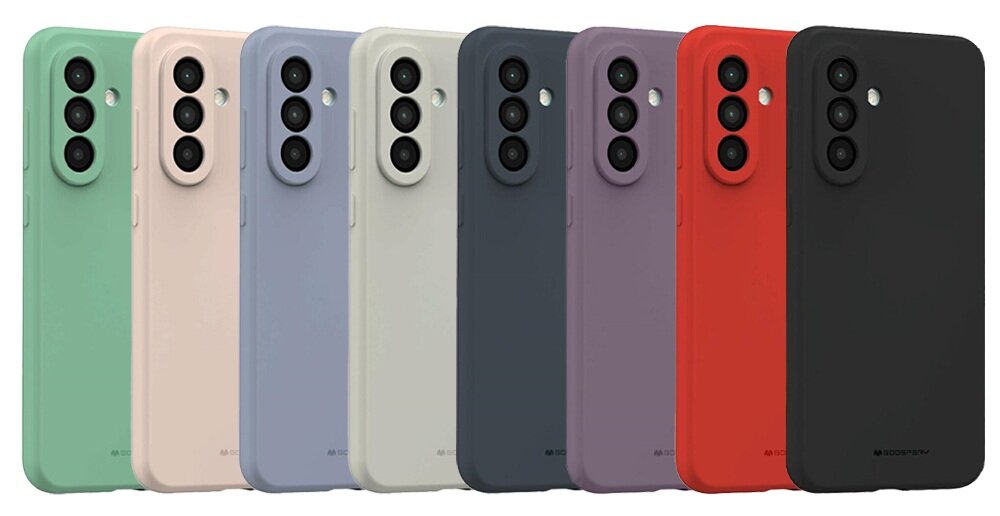
    If you own a Xiaomi Redmi Note 5 or the Pro version, or are considering purchasing one of them, you are certainly looking or will be looking for ways to effectively protect your smartphone. And here our store Home Screen comes to your aid. In our assortment, you will find many cases that will certainly meet your expectations. In our offer, you will find, for example, MSVII Case for Xiaomi Redmi Note 5, which, thanks to polycarbonate, is durable while mitigating the effects of falls. In this case, the manufacturers focused primarily on the comfort of daily use, and it must be admitted that they succeeded excellently. A tempered glass is also included in the set. MSVII Case is available in various color variants (case preview below the article).

    For Xiaomi Redmi Note 5 or its Pro version, you can also equip yourself with a “book case” type case, which additionally protects the front panel of the device. DuxDucis SkinPro Case for Xiaomi Redmi Note 5 is an extremely pleasant case to the touch, which excellently fulfills the protective function for the smartphone. The internal pocket found in this case allows for storing documents along with the phone, ensuring that everything important is always with you in one place. The case is sold as a set with tempered glass.

    Xiaomi Redmi Note 5/Redmi Note 5 Pro are interesting propositions for those who value high quality at a relatively low price. It is pleasing to see that Xiaomi continuously tries to improve its smartphones and introduce various interesting features that facilitate usage. And will Xiaomi Redmi Note 5/Redmi Note 5 Pro meet your requirements? You will have to find out for yourself.

  • What do we know about the new iPhones?

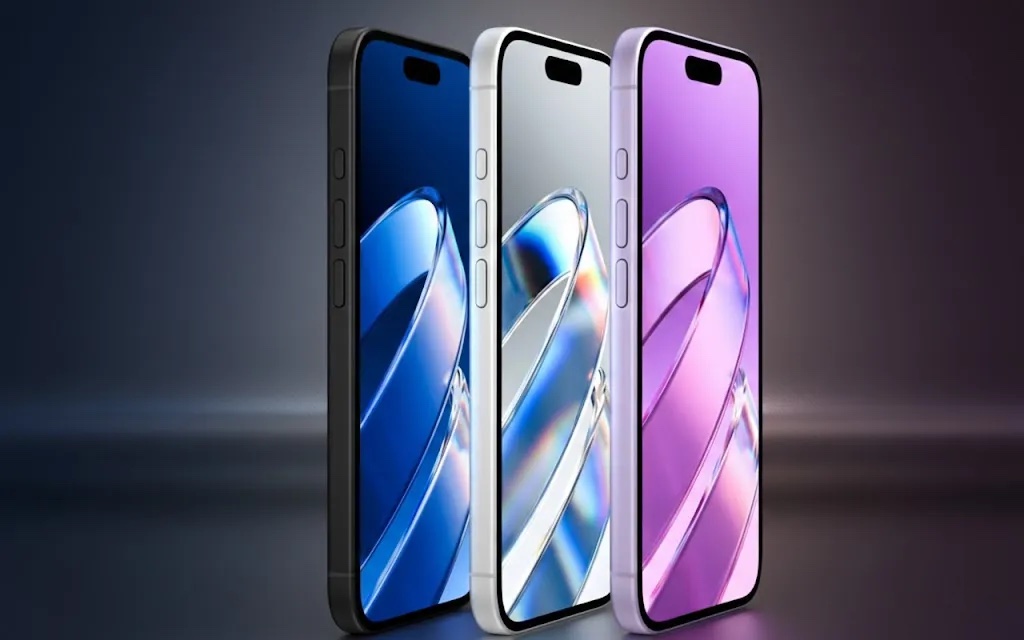
    The iPhone has long been one of the most frequently chosen devices in recent years. It has earned this primarily due to its flawlessly functioning operating system, excellent design, and intuitive handling. In September, Apple is expected to present three models of iPhones: the successor to the “ten,” its enlarged version, and a budget model with an IPS display. Rumors say that Apple had trouble naming the new devices, so for the purposes of this article, before we learn the actual names they have adopted, let’s use the terms iPhone X 2018, iPhone X Plus, and iPhone 9.

    iPhone X Plus:

    Rumors say that this model is to be equipped with the largest display in the history of iPhones, measuring 6.5 inches, made in OLED technology with a resolution of 1243x 2688. The X Plus model is also expected to have 4 GB of RAM, and its price is estimated to be around 900-1000 dollars, which means that after adding taxes in Poland, we can talk about a device whose price will oscillate around five thousand zlotys. According to rumors, the device will receive an improved iSight camera that will allow for horizontal mode operation. The smartphone is expected to be available in three body colors, but whether this will actually be the case remains to be seen.

    iPhone 9:

    Temporarily named so on the Internet, as Apple has not officially confirmed the names of the new models. The iPhone 9 is expected to be the cheapest of the trio, as its price is estimated to be around 600-700 dollars, which means we can say about three thousand zlotys. Due to its lower price compared to the others, it will be equipped with a 6.1-inch display made in IPS technology. Interestingly, rumors say that the iPhone 9 will have only one camera, and the casing will be made of aluminum. This, in turn, will affect the number of color variants in which this model is expected to appear.
    iPhone X 2018:

    If the leaks turn out to be true, the iPhone X 2018 will be equipped with a 5.8-inch display made in OLED technology. The money we will have to spend to become its owner is approximately 800-900 dollars, which is roughly over four thousand zlotys.
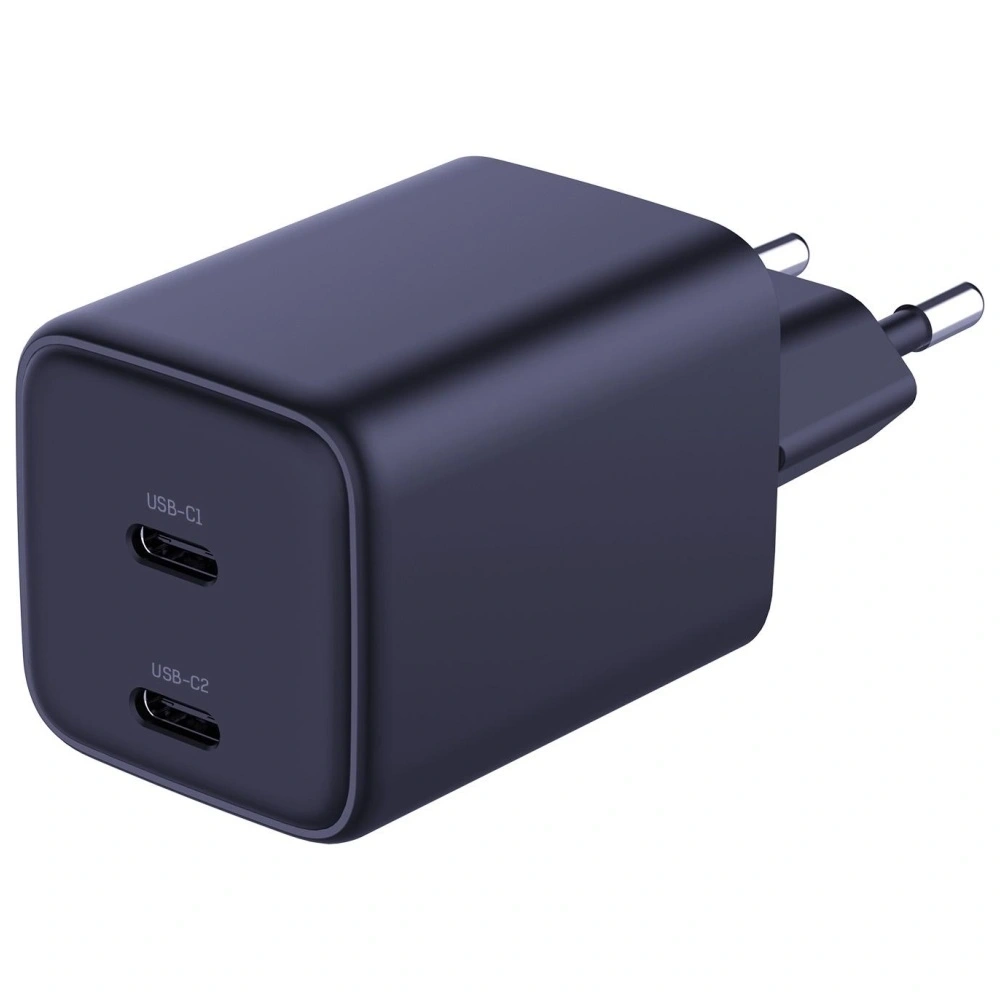
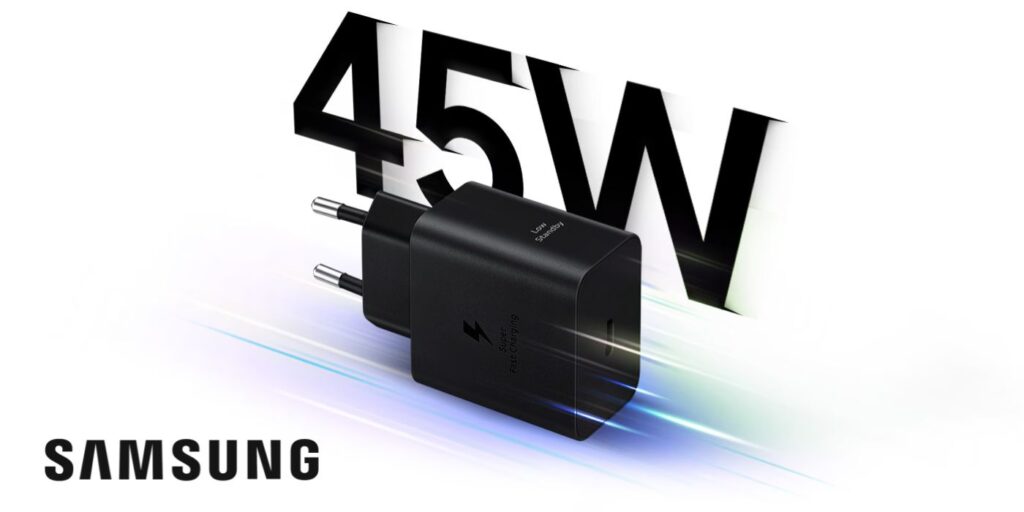
    It is also worth adding that with the purchase of the new models, the customer will receive a charger with fast charging capability. All will also be equipped with a notch and face ID. Will the rumors prove true? Will the company actually lower the costs of purchasing iPhones just to gain new customers? We will find out soon, and for now, we have no choice but to wait for the official presentation of the new iPhone models.

  • Review of cases for Huawei Mate 20 Lite

    The next version of the iconic smartphone was recently presented by one of the most popular companies. What customers love about their products is the combination of Chinese precision and innovative solutions with a Western, modern look. Huawei, the company we are talking about, recently proposed a new, refreshed, and most importantly, modified version of the Mate 10 Lite model, whose name is Mate 20 Lite. The device has a 6.3-inch diagonal screen, trendy design, and large file storage – 64 GB. The phone is also equipped with Huawei Face Unlock, which is the equivalent of the popular Face ID. However, to become the owner of such a gem, we need to prepare around 1599 PLN. It is not for us to judge whether that is a lot or a little, but I know that no one wants their device to break due to our stupidity for such an amount. So what to do to avoid unnecessary repairs that create a hole in our budget? It is best to equip yourself with a case dedicated to this model and a matching tempered glass right from the start.

    In the Home Screen store, you will find many cases for Huawei Mate 20 Lite. They come in various styles, whatever you can imagine. Some are thick and armored, while others are thin. Some are colorful, while others are completely transparent. However, they all share one common task. They are meant to protect your device from unwanted scratches, cracks, or dirt.

    Case for Huawei Mate 20 Lite – Spigen Liquid Crystal

    Check the product: Spigen Liquid Crystal

    Are you looking for a thin case that gives the smartphone a slim and comfortable shape and also cushions the device’s falls thanks to air cushions in the corners? Great! In that case, be sure to take a look at the Spigen Liquid Crystal case. This thin and seemingly flimsy case will adequately protect your device during daily use. Additionally, one of its advantages is that it does not significantly interfere with the smartphone’s appearance, and thanks to the material it is made of (polyurethane), it improves the device’s grip in your hand compared to the “naked” Huawei Mate 20 Lite.

    Spigen Rugged Armor – case with military certification

    Check the product: Spigen Rugged Armor

    If you are a fan of cases with a more armored look and have no idea how it happens that your device so often ends up on the floor, you should definitely get to know the Spigen Rugged Armor case for Huawei Mate 20 Lite. This case is made of thermoplastic material, which provides excellent protection against scratches and cracks. It is also worth mentioning that this case for Huawei Mate 20 Lite has a military certification MIL-STD-810G, and its small thickness allows for a more secure grip and no fear of the device slipping out of your hand.

    MSVII – case for Mate 20 Lite smartphone

    Check the product: MSVII

    We also have an interesting solution for those who care about a unique look for their device while providing high-level protection. The MSVII case for Huawei Mate 20 Lite will be perfect for people who want to give their device a touch of uniqueness, thanks to the many color variants in which the case can be purchased in our store. An important advantage of this case is also the rubber coating, which prevents the device from slipping out of your hand, improving the comfort of using the device. Although the case is minimalist and slim, it will certainly not disappoint you in terms of protecting your Mate 20 Lite.

    case for huawei mate 20 lite

    DuxDucis SkinPro Case

    Check the product: DuxDucis SkinPro

    If you care about giving your device class and at the same time dream of it being protected as best as possible, take a look at the DuxDucis SkinPro case for Huawei Mate 20 Lite. This is a book case that works great for protecting the back of your smartphone as well as its strategic part – the screen. An advantage of these cases is also that in the inner part, we can find a pocket for documents, allowing us to keep everything important together in one place. The eco-leather from which the case is made is not only very pleasant to the touch but also provides excellent protection and undoubtedly improves the comfort of working with the device. The case also allows for horizontal positioning of the smartphone, which will particularly appeal to fans of watching movies. This case is available in our store in many color options, including: gray, blue, gold, and rose gold.

    huawei mate 20 lite case

    HS Case SOLID TPU for Huawei Mate 20 Lite

    Check the product: HS Case SOLID TPU

    One of the more interesting cases for Huawei Mate 20 Lite is the slim and comfortable to use HS Case SOLID TPU. The undeniable advantage of this case is the attention to detail in its execution, so you will have no problems accessing external ports, etc. Interestingly, this case for Huawei Mate 20 Lite has a mesh pattern that dissipates heat better than other case options for this smartphone. Additionally, the case is thin but also incredibly resistant to scratches, and the classic black design gives your device a unique charm.

    case for huawei mate 20 lite

    Cases for Huawei Mate 20 Lite in our offer are numerous, each prepared to meet the expectations of different users. Which one to choose? That is a question you must answer for yourself regarding what you expect from a case and what matters most to you. We hope that this article has at least somewhat familiarized you with the available options, but if you have any further questions or doubts, or if you are unsure which case will work best for you, contact us, and we will do everything to help you choose the case of your dreams!

  • Pre-release about OnePlus 6T

    Very soon, at the end of October, the premiere of the new smartphone from OnePlus. It is a Chinese company engaged in the production of phones. The new flagship is expected to be called OnePlus 6T, which is generating a lot of excitement among technology fans. Speculations are emerging regarding the appearance, features, and internal equipment of the device. There are also many leaks and unconfirmed rumors on this topic. In this article, I will try to gather all the information we currently know about the OnePlus 6T.

    The appearance does not hold many secrets for us, as the smartphone has already appeared in many visualizations and renders. The OnePlus 6T is expected to have a 6.4-inch AMOLED display with a resolution of 1080 x 2340 pixels and a fingerprint reader built into the front panel. The display will also feature a popular notch, but in an unusual shape – in the shape of a small, aesthetic teardrop. Interestingly, the smartphone has been stripped of the 3.5mm jack.

    According to rumors, the OnePlus 6T will be equipped with similar components as its older brother – the OnePlus 6. It will have an octa-core Qualcomm Snapdragon 845 processor. The device will also include 8GB of RAM, and depending on the version, 64, 128, or 256GB for files. Although there is a lot of built-in storage for data, it is worth remembering that the OnePlus 6T will probably not have a microSD card reader.

    An important piece of information for Android enthusiasts, but not only, is that the device will run on the latest Android 9 Pie with the Oxygen OS overlay. It is also known from rumors that the manufacturer is still working on renewing the interface and the gesture system. The OnePlus 6T will have a 3700mAh battery.

    There will also be many changes regarding the cameras in the device. The device is expected to offer us two main sensors, including one with a resolution of 12 Mpix with a variable aperture of f/1.5-f/2.4.

    Expected technical specifications:

    • ~6.4-inch AMOLED display (1080 x 2340 pixels)
    • 8-core Qualcomm Snapdragon 845 processor
    • 8 GB of RAM
    • 64, 128, or 256 GB of storage
    • Android 9 Pie with OxygenOS overlay
    • 3700 mAh battery with fast charging
    • Wi-Fi 802.11ac
    • Bluetooth 5.0
    • GPS/GLONASS
    • NFC
    • LTE modem
    • dual SIM
    • USB C port
    • in-display fingerprint reader
    • face recognition
    • dimensions 157.5 x 75.7 x 8.2 mm

    The premiere of the new OnePlus 6T is coming soon. Will the rumors prove true and will it actually be as we write? Or will the manufacturer surprise us and offer something completely different? We will find out very soon.

  • Huawei Mate 20 Pro – what surprised after its release?

    Behind us is the premiere of the successor to the iconic Huawei Mate 10 Pro – Huawei Mate 20 Pro. It is characterized by its unique appearance, interesting technical solutions, and most importantly, excellent performance. As a company representative stated at the premiere in London – Huawei Mate 20 Pro is the best of the Chinese company’s devices so far. What else do we know about it? What does it look like? What is hidden inside? In this article, we will introduce you to the specifications of this model.

    The phone has an incredibly attractive appearance. It is set to be available in several color variants: including pink gold and twilight. The dimensions of the Huawei Mate 20 Pro are 157.20 x 72.30 x 8.60 mm. The bezels on the front of the device are extremely narrow, which allows for a diagonal display size of 6.39 inches. The screen is made using OLED technology, and its resolution is 1140×3120 pixels. It can be immediately acknowledged that the display in the Huawei Mate 20 Lite features very good color reproduction and proper contrast.

    The fingerprint reader in the Mate 20 Pro is located in the screen, but it is not visible on it, as it is located directly beneath it. However, the problem may be that it occupies only a small part of the screen, making it difficult to hit without looking.

    One thing that undoubtedly catches the eye is the arrangement of the cameras on the back of the device. Three cameras and one flash are arranged in a 2×2 system, which looks very interesting. It deserves praise that Huawei does not copy the layout/design of the rear panel from other companies’ devices, but creates its own, original solutions. Unfortunately, we cannot say the same about the front panel, which is a copy of many current smartphones – referring to the ubiquitous notch.

    The Huawei Mate 20 Pro is equipped with face unlock features, which are based not only on the camera but also on a module that builds a map of the face. The manufacturers stated that they are confident enough in their technology that, in addition to standard use for unlocking the device, it can also be used for payments, logging into banks, etc.

    The Mate 20 Pro will run on Android 9.0 Pie. The device is equipped with the latest processor used in Android smartphones, the Kirin 980. It also has 6 or 8 GB of RAM and, depending on the version, 128 or 256 GB for user files. Interestingly, Huawei decided to give users the option to expand the memory of their Mate 20 Pro via a nanoSD memory card.

    The battery capacity is 4200 mAh and it can also be charged wirelessly. What distinguishes this battery is the ability for super-fast charging – in half an hour, the battery is supposed to be charged to 70 percent thanks to the 40-watt charger included in the package. The Mate 20 Pro can also function as a wireless charger – for a watch, headphones, or another smartphone that supports wireless charging.

    The Huawei Mate 20 Pro does not have a headphone jack, but it does have a USB-C port intended for charging the smartphone. It also supports all the latest wireless connectivity standards, including LTE and NFC (used for wireless payments).

    Summary:

    • dimensions 157.80 x 72.30 x 8.60 mm
    • weight 189.00 g
    • color display OLED, 16M colors, 1440 x 3120 px
    • 6.39 inches
    • Li-ion battery 4200 mAh
    • fast charging
    • internal memory: 128 GB, 256 GB
    • RAM: 6 GB, 8 GB
    • memory card: Nano SD (up to 256 GB)
    • operating system Android 9.0 Pie

    The price of the Huawei Mate 20 Pro in Poland is expected to be 4299 PLN. Is that a lot? It’s hard to say. On one hand, the device has so many interesting features and is equipped with such good components that it is clear what you are paying for. However, will it win over the market and top the popularity rankings? That is still unknown, and whether it is worth buying must be decided by each individual.

  • Is it worth insuring your phone?

    Is it worth insuring your phone?

    What are the variants of mobile phone insurance?

    What types of insurance does smartphone insurance cover?

    The most commonly encountered types of insurance are:

    • Theft insurance – covers situations such as pickpocketing, robbery, or burglary.
    • Mechanical damage insurance – pertains to damages resulting from falls, impacts, or accidental crushing of the phone.
    • Water damage insurance – covers damages caused by contact with liquids, e.g., spilling coffee, water, or falling into a puddle.
    • Combined packages – insurances that cover several risks at once, e.g., theft + damage + water damage.

    It is also worth paying attention to products like AppleCare+, Samsung Care+, or offers from operators like Orange Smart Care or Plus Display Protection. (However, it is worth noting that manufacturer offers are often more expensive but provide faster service – e.g., Apple replaces the phone “on the spot” in official stores.)

    What should equipment insurance cover?

    A good scope of protection should include:

    • Theft or robbery
    • Mechanical damage (e.g., cracked screen, crushing)
    • Water damage and moisture
    • Device malfunction (e.g., a phone that won’t turn on)
    • The possibility of equipment replacement when repair is not cost-effective
    • Repair time (the shorter, the better)

    Optionally, it is worth considering insurance against loss or accidental destruction, although these cases are less frequently covered by insurers. (Some insurances offered by banks as part of personal accounts or credit cards may cover loss or robbery – it is worth checking your bank agreement conditions.)

    What are the costs of purchasing mobile phone insurance?

    What are the costs of purchasing mobile phone insurance?

    The cost of the policy primarily depends on:

    • The value of the phone (the more expensive, the higher the premium)
    • The scope of protection (the broader, the more expensive)
    • The duration of the insurance (e.g., 12 months vs. 24 months)
    • Additional services (e.g., replacement phone)

    For example, insuring a new smartphone worth 4000 PLN may cost between 20 to 60 PLN per month. It is worth comparing offers from different companies and operators, as prices and conditions can vary significantly. (Sometimes it is cheaper to pay a lump sum upfront – instead of monthly installments.)

    What to do in case of phone theft?

    How to report mobile phone theft?

    1. Report the matter to the police and obtain the appropriate protocol.
    2. Contact the insurer as soon as possible (usually within 24–48 hours).
    3. Prepare the data: policy number, device data (IMEI), description of the situation, documents from the police.
    4. Await verification and decision from the insurer.

    After a positive decision, the insurer may cover the cost of purchasing a new phone or its repair if the device is recovered in a damaged state. (Some insurers also offer the option of receiving a shopping voucher or exchanging for a refurbished phone – it is worth checking such provisions in the terms and conditions.)

    What information is needed to report a claim?

    To effectively report the theft of a phone, it is necessary to prepare the appropriate information. The insurer usually requires personal data, policy number, and details regarding the incident. It is also advisable to attach any documents confirming the theft, such as a police report or crime protocol. The more information and evidence we present, the faster and smoother the claims process will be.

    How does the insurer assist in case of theft?

    The insurer assists in the case of phone theft by covering the costs associated with the loss. After reporting the claim, the insurance company conducts an investigation and assesses whether the event is covered by the insurance terms. In the case of a positive decision, the insurer may cover the cost of purchasing a new phone or repairing the device if possible. It is worth noting that each policy has its specific conditions that should be carefully analyzed before purchase.

    What damages are covered by phone insurance?

    Does the insurance cover water damage or screen damage?

    Typical cases covered by the policy include:

    • Cracks and scratches on the display
    • Crushing (e.g., in a bag or pocket)
    • Damage to charging ports
    • Water damage and moisture
    • Problems with starting the device

    What is not covered by equipment insurance?

    • Intentional destruction
    • Negligence or improper use
    • Damage to equipment not reported within the time specified in the policy
    • Natural disasters (unless the policy provides for this)

    (It is also worth remembering that many companies do not recognize damages if the device was rooted or had an unlocked bootloader.)

    Rooting (eng. “root access”)

    This is the process of granting oneself full administrator rights (so-called “root”) in the Android system. It allows:

    • removing factory applications,
    • modifying the system,
    • installing custom applications/operating systems.

    ➡️ For the insurer: This is a form of interference that may violate the terms of warranty and insurance, as the user may have made changes affecting the stability or security of the system.


    Unlocked bootloader

    The bootloader is a program that launches the operating system. When it is “unlocked,” unofficial software (so-called ROMs) can be installed or the system can be changed.

    ➡️ For the insurer: This is a signal that the user may have modified the software in a way not intended by the manufacturer, which often results in the loss of warranty or insurance protection.


    Why is this important?

    In the terms and conditions (General Terms of Insurance), there is often a provision that:

    “The insurer is not liable for damages resulting from unauthorized interference with the device’s software.”

    This means that if your phone was rooted or had an unlocked bootloader and, for example, malfunctions or is damaged – the insurer may refuse to pay compensation.

    What are the insurance conditions regarding damages?

    The insurance conditions regarding phone damages vary depending on the chosen package. It is crucial to understand what types of damages are covered and what the procedures for reporting these damages are. Insurers often require that the user promptly report the damage and provide the appropriate documents confirming the incident. It is also worth checking whether the policy includes a deductible, which is the amount the user must cover themselves in the event of a claim.

    How to check the status of mobile phone insurance policy?

    Where to find the general terms of insurance?

    The general terms of insurance can be found on the insurer’s website or in the documentation received when purchasing the policy. It is worth thoroughly reviewing these documents, as they contain key information regarding the scope of protection, exclusions, and procedures for reporting claims. Insurers often also offer the possibility to contact an advisor who can help clarify any doubts related to the insurance conditions.

    What information can be found in the policy?

    The insurance policy contains a number of important information, such as the scope of protection, the amount of the premium, the sums insured, and the conditions for reporting claims. Additionally, the policy should include information regarding the insurance period and any exclusions that may affect the realization of benefits in the event of an incident. Knowledge of this information is crucial for effectively utilizing insurance protection.

    How often should the insurance premium be checked?

    Regularly checking the insurance premium is important to ensure that our insurance still meets our needs and that we have not missed any changes in the insurance conditions. It is a good idea to review the policy at least once a year to verify whether the premium is adequate to the value of the insured equipment and whether the scope of protection still satisfies us. It may happen that changes made in the insurers’ offers lead to more favorable conditions for users.

    What are the benefits of purchasing mobile phone insurance?

    How can mobile phone insurance help in case of malfunction?

    Mobile phone insurance can be extremely helpful in the event of device malfunction. When the phone stops working due to damage, the insurer will cover the costs of repair or replacement, which helps avoid high expenses. In the case of minor defects, such as a cracked display, insurance can significantly reduce repair costs, making having a policy an extremely beneficial solution. Users can be at ease knowing that in case of device problems, they will not be left alone with repair costs.

    What are the advantages of having insurance for tablets and smartwatches?

    Having insurance for tablets and smartwatches brings many benefits that are similar to those offered by mobile phone insurance. In the event of damage or theft of these devices, users can count on the insurer’s assistance in covering the costs of purchasing new equipment or repairing the damaged one. Additionally, insurance for various mobile devices allows for coverage of both tablets and smartwatches, which increases the comfort of using these technologies.

    Why is it worth purchasing insurance for various mobile devices?

    Purchasing insurance for various mobile devices, such as smartphones, tablets, or smartwatches, is an investment that can bring many benefits. In the age of rising electronics costs, protection against theft and damage becomes crucial. Insurance allows for avoiding large expenses related to repairs or purchasing new equipment in case of malfunction. In addition to savings, insurance also provides a sense of security and peace of mind, which is extremely valuable in today’s times.

    Frequently Asked Questions (FAQ)

    Is it worth insuring a new phone?
    Yes, especially if the device is expensive or heavily used.

    Can I insure a phone purchased online?
    Yes, but some companies require the policy to be purchased within a certain time after the purchase.

    Does the insurance work abroad?
    Often yes, but you should check if the policy covers events outside the territory of Poland.

    Does the insurance cover loss of the phone?
    Not always – many policies exclude cases of loss. You should check the terms and conditions.

    (It is also worth ensuring that loss does not mean “lack of supervision over the property” – in such a case, the insurer may refuse to pay compensation.)

  • Motorola Edge 60 vs Edge 60 Pro

    Motorola Edge 60 vs Edge 60 Pro

    In the world of modern smartphones, choosing the right model can be a challenge, especially when dealing with flagship devices like the Motorola Edge 60 and Edge 60 Pro. Both models offer a range of advanced features that attract users’ attention. In this article, we will provide a detailed comparison of these two smartphones to help you decide which one is the best choice for you.

    What are the main differences between Motorola Edge 60 and Edge 60 Pro?

    Comparison of technical specifications

    Both models of the Motorola Edge 60 series differ not only in price but also in technical specifications. The Motorola Edge 60 Pro is powered by the MediaTek Dimensity 8350 processor, which provides impressive performance and 5G support, while the standard Edge 60 model uses the Dimensity 7300. It is worth noting that these differences can affect daily usage, especially for intensive use of applications that require high computational power.

    Processor performance in both models

    When it comes to processor performance, the Motorola Edge 60 Pro impresses with its power. With the use of a modern chip, this smartphone handles multiple tasks simultaneously, which is extremely important for users who utilize multitasking features. While the Motorola Edge 60 also provides good performance for everyday use, the Pro version stands out with significantly better results in performance tests, translating to even faster and more responsive device operation.

    What are the differences in RAM and internal memory?

    Both the Motorola Edge 60 and Edge 60 Pro offer an impressive amount of RAM – in both cases, the user receives 12 GB, ensuring smooth system operation and seamless handling of multiple applications simultaneously. This is particularly important for those who use their smartphones intensively – for example, gaming, photo editing, or switching between multiple tasks throughout the day.

    Differences arise in terms of internal memory. The standard Edge 60 model is available in versions with 256 GB or 512 GB of data storage, providing plenty of space for applications, photos, videos, or documents. In contrast, the Edge 60 Pro is only available in the top configuration of 512 GB, making it even more attractive for those who want to ensure that they won’t run out of space even with very intensive use.

    How does the camera perform in Motorola Edge 60 vs Motorola Edge 60 Pro?

    Photo quality and camera features

    The Edge 60 Pro is equipped with a triple camera with a main 50 MP lens and a telephoto lens with 3x optical zoom. The Edge 60 model also has a 50 MP main camera, but it lacks a telephoto lens – it is limited to an ultra-wide angle. Both models offer AI features, night mode, portrait mode, and the ability to save in RAW format.

    What are the differences in video recording?

    When it comes to video recording, the Motorola Edge 60 Pro stands out with the ability to record in 8K quality, while the Edge 60 is limited to 4K. This allows professional users to create higher resolution videos, which can be a significant factor when choosing between these two models. Both smartphones also offer various recording modes that allow capturing dynamic scenes while maintaining high image quality.

    What are the advantages and disadvantages of Motorola Edge 60 and Edge 60 Pro?

    What do users say about both models?

    User reviews of both models are generally positive, but differences in price and technical specifications lead to varying expectations. Users of the Motorola Edge 60 praise its affordable price and solid build quality, while owners of the Pro model highlight its performance and advanced photographic capabilities. However, it is important to remember that users expect the highest quality from flagship models, which means that each has its pros and cons.

    What are the opinions on durability and design?

    Durability and design are other important aspects that influence the purchasing decision. Both models meet the MIL-STD-810H standard, meaning they are resistant to shocks and drops. The design of the smartphones, available in leather and nylon-inspired variants, as well as in Pantone Gibraltar Sea and Pantone Dazzling Blue shades, is eye-catching and aligns with the latest trends. Users pay attention to aesthetics and ergonomics, making these models not only functional but also elegant.

    Is it worth paying extra for the Pro model?

    The decision of whether it is worth paying extra for the Pro model depends on the individual preferences of the user. If you care about the best performance, advanced camera features, and more memory, the Motorola Edge 60 Pro will be a better choice. On the other hand, if you do not plan to use the latest technologies intensively, the standard Edge 60 model may be a more cost-effective option.

    How do both models perform with Android 15?

    Android 15 features in Motorola Edge 60 and Edge 60 Pro

    Both models run on Android 15, providing users with access to the latest features and improved security. Motorola has introduced specialized Moto AI features that make it easier to use the device and adapt its operation to the individual needs of users. As a result, users can enjoy smooth system operation and an intuitive interface in both models.

    Support for software updates

    Support for software updates is a key factor when choosing a smartphone. Motorola provides regular updates for both models, meaning users will be able to take advantage of the latest features and fixes, which increases the security and stability of the system. Expectations for support for Android 15 are high, and Motorola strives to meet them, which is a positive aspect for potential buyers.

    What are the customization options?

    When it comes to customization, both the Motorola Edge 60 and Edge 60 Pro offer extensive options for adjusting the user interface. With various themes, icons, and options to change the appearance of the home screen, users can personalize their devices according to their individual preferences. This makes both versions attractive for those who value unique style and functionality.

    What are the multimedia capabilities of Motorola Edge 60 and Edge 60 Pro?

    Comparison of stereo speakers and Dolby Atmos

    In terms of multimedia, the Motorola Edge 60 Pro offers better sound quality thanks to support for Dolby Atmos technology and stereo speakers that provide an incredibly rich and realistic sound. The Edge 60 model also has stereo speakers, but differences in sound quality may be noticeable to audiophiles. For those who value good sound, choosing the Pro may be more beneficial.

    What is the display quality?

    Both models are equipped with AMOLED displays with a refresh rate of 120 Hz, ensuring smooth image and vibrant colors. However, it is worth noting that the Edge 60 Pro may have higher maximum brightness, which is beneficial in bright lighting. The screen with a resolution of 4500 nits in the Pro makes using the device in difficult conditions a pleasure.

    What are the differences in battery and its performance?

    Both models also differ in battery capacity. The Motorola Edge 60 Pro is equipped with a 6000 mAh battery with fast charging, providing a longer usage time on a single charge. In contrast, the Edge 60 model has a battery capacity of 5200 mAh. These differences can affect daily usage, especially for those who use multimedia and applications intensively. Users pay attention to battery life, making this aspect significant when choosing a model.

    Accessories for Motorola Edge 60 and Motorola Edge 60 Pro

    Complete your set with proven accessories

    To fully utilize the capabilities of your new smartphone, it is worth reaching for accessories tailored to the specific model. In the store Home Screen, you will find a wide selection of products that work perfectly with the latest devices from Motorola.

    Whether you choose the Motorola Edge 60 or Motorola Edge 60 Pro – the right accessories will help you not only better protect your phone but also increase comfort and functionality in everyday use.

    High-quality  glass for Motorola Edge 60 or protective film for Edge 60 Pro will effectively protect the screen from scratches and damage, while a properly selected case will provide not only protection but also a modern look. Make sure your smartphone is ready for anything – both at work and on the go.

    👉 Check out: accessories for Motorola Edge 60 and accessories for Motorola Edge 60 Pro

  • Fast car charger – which one to choose?

    Fast car charger – which one to choose?

    In today’s world, where we travel more frequently and our mobile devices become indispensable companions, a fast car charger is becoming an essential accessory. Whether we are using navigation, listening to music, or need to respond to messages in real-time, the need for access to power is immense. In the following article, we will discuss how to choose the best car charger, how fast charging works, and which models are worth noting in the market.

    How to choose the best car charger?

    Choosing the right car charger can be crucial for the comfort of using mobile devices during travel. It is worth paying attention to several important aspects, such as the type of connector and output power. When selecting a charger, consider whether you need a model with a USB-A port, USB-C, or perhaps one with wireless inductive charging.

    What are the differences between USB-A and USB-C car chargers?

    USB-A and USB-C car chargers differ primarily in the type of connector. USB-A is an older standard that is still widely used, but USB-C is becoming increasingly popular due to faster charging and data transfer capabilities. The USB-C connector also supports Power Delivery (PD) technology, allowing for higher charging powers, reaching up to 100 W. The choice between these two types of connectors should depend on the equipment you have and its requirements.

    What output power should a good car charger have?

    The output power of a car charger is a key parameter that determines the charging speed. A good charger should have an output power of at least 18 W, which will allow for fast charging of smartphones and tablets. For laptops, it is advisable to opt for models with 60 W or 65 W power to effectively charge the device. The use of fast charging technologies, such as QC 3.0 or PD, will increase charging efficiency even in challenging conditions.

    Which car charger is best for charging a laptop?

    When choosing a car charger for a laptop, it is worth paying attention to models that offer an output power of 60 W or more. Car chargers with a USB-C port that support Power Delivery technology will be the best choice. With them, you can charge a laptop in a shorter time and also use additional features, such as powering other devices during travel. It is also important to consider the quality of materials used and safety, which is crucial for long-term use.

    What is fast charging and how does it work?

    Fast charging is a technology that allows mobile devices to be charged in significantly less time than traditional methods. By using higher power and intelligent energy management, it is possible to quickly deliver energy to batteries. It is worth knowing that different fast charging standards, such as Quick Charge (QC) and Power Delivery (PD), offer different powers and modes of operation.

    What is the difference between PD and QC in fast charging?

    Power Delivery (PD) and Quick Charge (QC) are two of the most popular fast charging standards. PD, mainly used in USB-C connectors, allows for energy transfer up to 100 W, making it ideal for charging laptops. QC 3.0, on the other hand, is a technology developed by Qualcomm that allows for fast charging of mobile devices, such as smartphones. The differences between these standards mainly lie in the maximum power and the way devices communicate, which affects charging efficiency.

    Which devices support fast charging?

    Fast charging is primarily supported by modern smartphones, tablets, and laptops. Most devices from brands like Samsung, Huawei, and Apple (e.g., iPhone) are compatible with fast charging technology. It is worth investing in a car charger that supports both PD and QC to ensure that we can charge all our devices in a short time, regardless of their type.

    What are the advantages of a fast car charger?

    The advantages of a fast car charger include primarily time savings, which is extremely important during travel. With fast charging, you can charge a smartphone or tablet in a short time, allowing you to fully utilize their functions without worrying about running out of battery. Additionally, modern car chargers often offer additional protection against overheating and surges, ensuring safe usage.

    How to install a car charger in a vehicle?

    Installing a car charger is a simple process, but it is worth paying attention to a few details to ensure comfort and safety while charging devices.

    Where is the best place to put a car charger?

    The best place to install a car charger is the cigarette lighter socket, which is located in the central part of the dashboard. This location provides easy access to the charger while driving and allows for convenient plugging and unplugging of cables. It is also worth considering models with longer cables that allow for free use of devices in different parts of the vehicle.

    How to connect the charger to the cigarette lighter socket?

    Connecting the charger to the cigarette lighter socket is very simple. You need to insert the charger plug into the socket, ensuring that it is properly seated. Once connected, the charger should automatically start charging the connected devices. It is important to remember not to use too many devices simultaneously, as this may lead to the charger overheating.

    Do I need additional cables to install the charger?

    In most cases, the car charger comes with the appropriate cable, but it is worth ensuring that you have a USB-C or USB-A cable that will be compatible with your devices. When charging laptops, especially those that require higher power, it may be necessary to have the appropriate cable with a higher specification, e.g., with a 5A or 3.0 certification. It is also worth investing in additional cables to ensure that you can always charge your devices while traveling.

    How to take care of a car charger to make it last longer?

    To ensure that the car charger lasts as long as possible, it is advisable to follow a few best practices for usage. Regular maintenance and proper usage can significantly extend the device’s lifespan.

    What are the best practices for using a car charger?

    The best practices for using a car charger include avoiding overheating the device by not using it in extreme temperatures and not overloading the cigarette lighter socket. It is also important to not leave the charger plugged into the socket when not in use, as this may lead to damage. Regularly cleaning the ports and ensuring that the connectors are in good condition will also contribute to the device’s longer lifespan.

    How to avoid overheating the car charger?

    To avoid overheating the car charger, it is worth paying attention to its location and usage conditions. You should avoid placing the charger in areas exposed to high temperatures, such as the dashboard in full sunlight. Additionally, it is advisable to regularly check that the charger’s ventilation is not blocked, which could lead to the device overheating.

    What problems may occur with a car charger and how to solve them?

    Problems with a car charger may include lack of charging, overheating, or damaged cables. In the case of no charging, it is worth ensuring that the charger is properly connected to the cigarette lighter socket and that the cable is in good condition. If the charger is overheating, you should stop using it and allow it to cool down. If the cable is damaged, it may be necessary to replace it with a new one to ensure safety during charging.

    What are the best fast car chargers on the market?

    There are many models of fast car chargers available on the market, differing in features and output power. It is worth paying attention to a few popular brands that offer solid products.

    Joyroom JR-CL06 – multi-port car charger 154W for demanding users

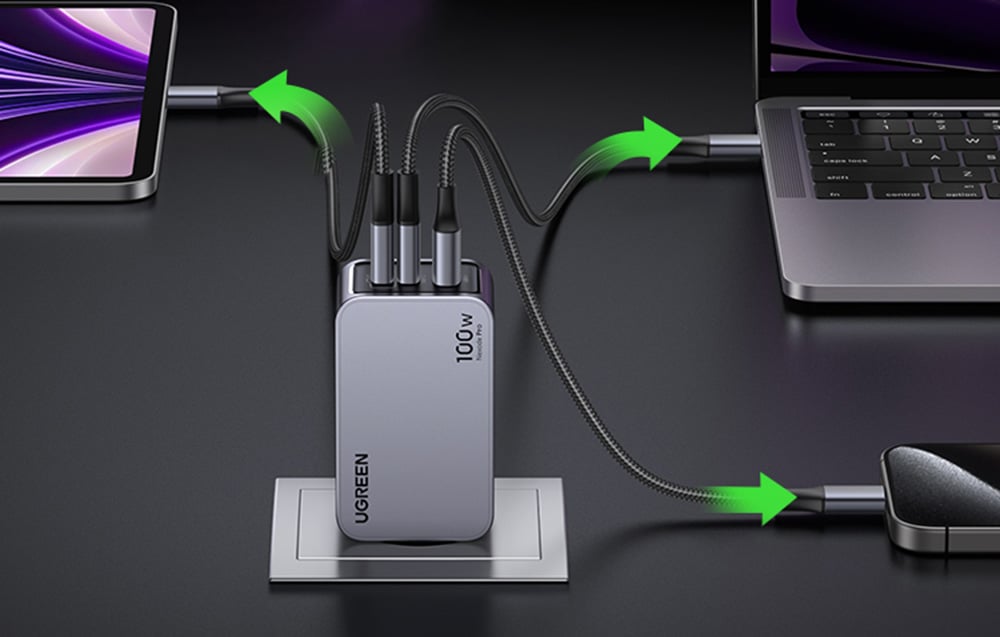
    Joyroom JR-CL06 is a true powerhouse among car chargers. It offers up to 154 W of total power, allowing you to charge not only several phones simultaneously but also a tablet, power bank, or even a laptop with USB-C. It supports Power Delivery (PD) and Quick Charge 3.0, ensuring lightning-fast charging for virtually any phone model – from iPhone to Samsung Galaxy and Xiaomi.

    With multiple USB ports (including USB-C), the charger is perfect for family cars, long trips, or work on the go. An additional advantage is its solid construction and high quality of workmanship.

    For whom?
    For those who often charge several devices at once and do not want to compromise.


    UGREEN EC703 – compact car charger 75W with 3 ports

    UGREEN EC703 is a practical car charger that stands out with its compact design and high total power – up to 75W. Equipped with two USB-C ports and one USB-A, it allows charging up to three devices simultaneously – including smartphones, tablets, and even laptops with USB-C.

    It supports the most important fast charging technologies, such as Power Delivery 3.0, Quick Charge 3.0, AFC, FCP, and PPS, making it a universal solution regardless of what phone you use – iPhone, Samsung, Xiaomi, or another brand.

    UGREEN has also implemented advanced security systems – against overheating, surges, or short circuits – allowing you to use it without worries during any trip.

    For whom?
    For those who often travel with family or passengers and need a charger to power several devices simultaneously. It also works well as a universal model for smartphones, power banks, and even notebooks with USB-C.


    LDNIO C101 – versatile car charger 100W with LED display

    LDNIO C101 is a compact and efficient car charger, offering a total power of up to 100W. Equipped with USB-C (PD) and USB-A (QC 3.0) ports, it allows simultaneous charging of two devices with maximum efficiency. Thanks to support for multiple fast charging standards, such as Power Delivery 3.0, Quick Charge 3.0, AFC, SCP, and PPS, it ensures compatibility with a wide range of devices, including smartphones, tablets, and laptops.

    The built-in LED display continuously informs about the voltage and current of charging, allowing real-time monitoring of the charging process. The advanced security system protects against overheating, surges, overloads, and short circuits, ensuring safe usage.

    For whom?
    For drivers looking for a reliable and universal car charger that meets the demands of fast charging various devices during travel.


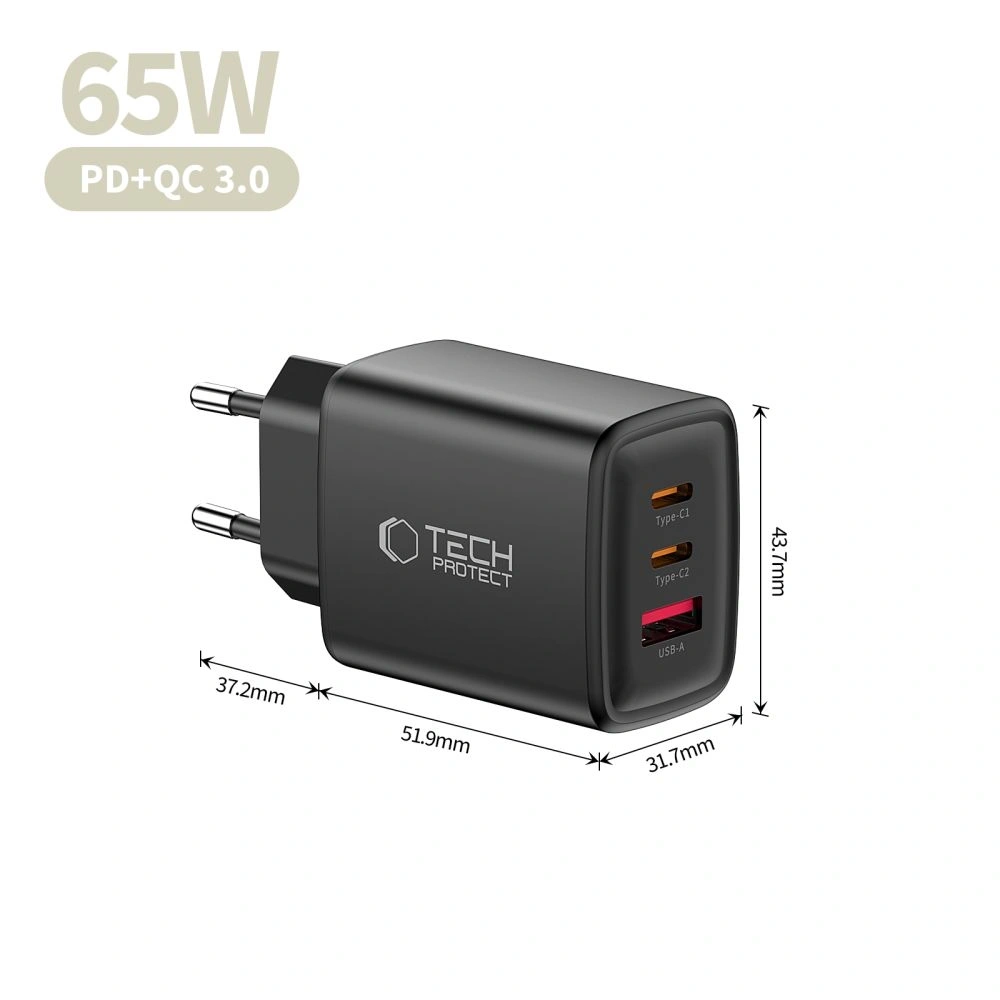
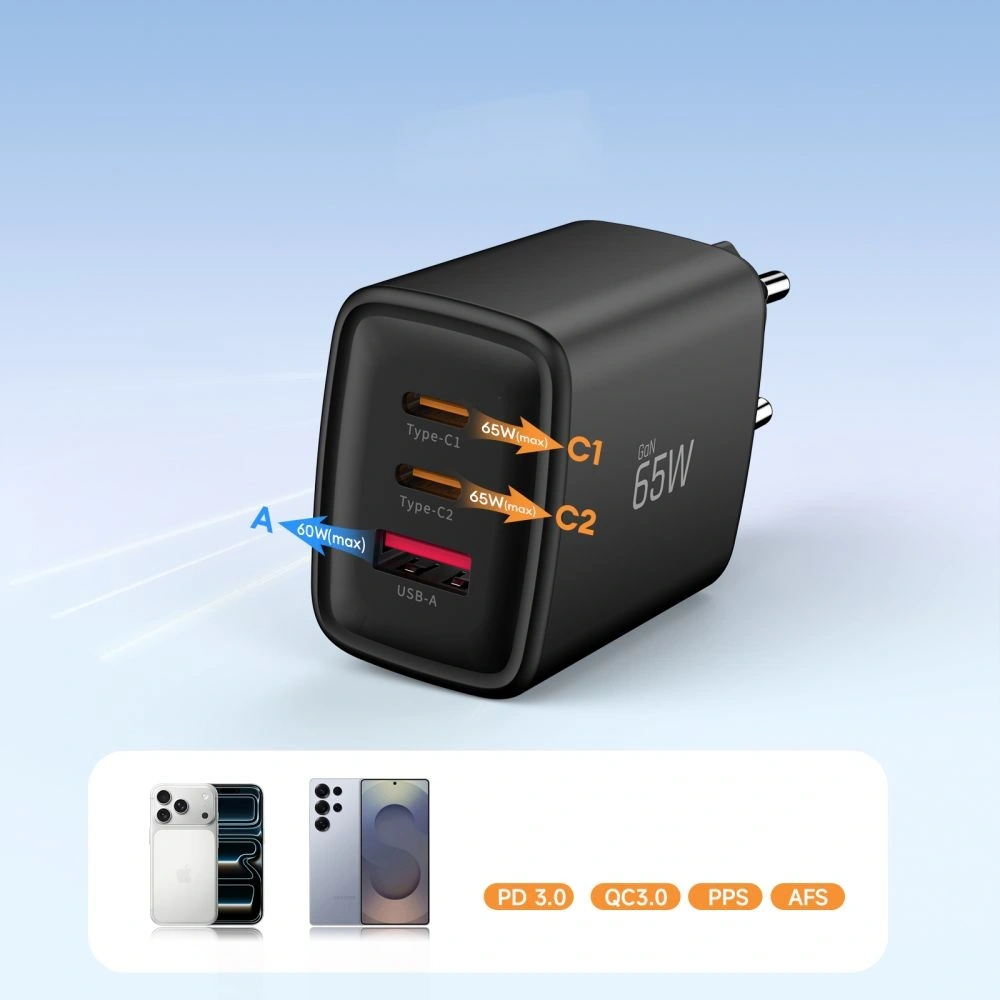
    Tech-Protect CC45W – compact car charger with PD and QC 3.0

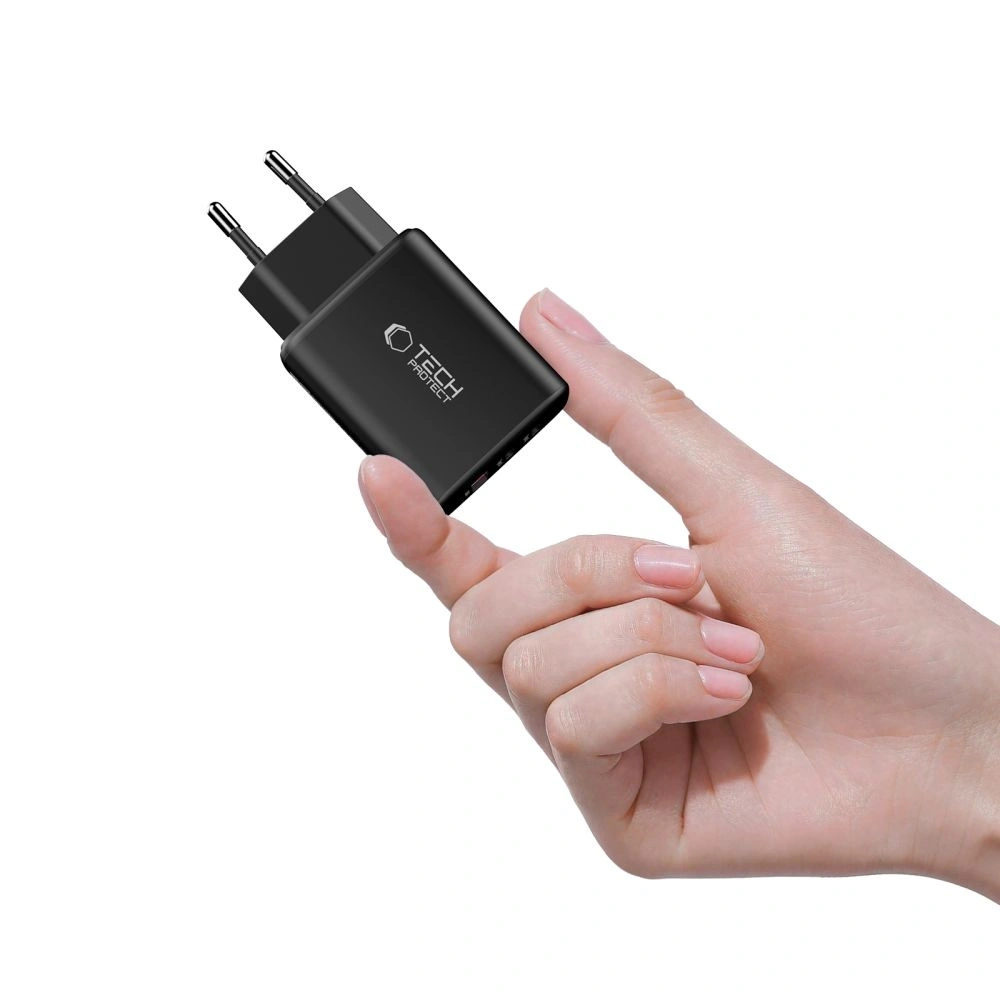
    Tech-Protect CC45W is a minimalist yet highly functional car charger that is perfect for everyday use. It offers two ports – USB-C with Power Delivery and USB-A with Quick Charge 3.0 – allowing for fast charging of two devices simultaneously. The total power of 45W is sufficient to power a modern smartphone, tablet, or even smaller laptops with USB-C charging.

    The charger supports popular fast charging protocols, so regardless of whether you use an iPhone, Samsung, Xiaomi, or another brand – you can count on efficient and safe charging while driving. The housing made of aluminum and polycarbonate is not only durable but also looks good – ideal for those who value simplicity and reliability.

    For whom?
    For those looking for a simple yet efficient car charger with fast charging support and dual output – without unnecessary extras but with maximum functionality.


    Baseus Particular Digital Display – stylish car charger 65W with LED display

    Baseus Particular Digital Display is an elegant and functional car charger with a power of 65W, designed for fast and safe charging of devices while traveling. Equipped with a USB-C port with Power Delivery and a USB-A port with Quick Charge 3.0, it allows charging two devices simultaneously – for example, a smartphone and a tablet or laptop.

    The applied intelligent charging technology automatically adjusts the operating parameters to the needs of the connected devices. In practice, this means efficient charging without overheating and the risk of battery damage. The built-in LED display shows the current voltage and current, allowing the user to monitor the entire process.

    A distinguishing feature of this charger is its transparent body with subtle LED backlighting, giving it a modern, futuristic character – it will blend well in both classic and modern car interiors.

    For whom?
    For those who value not only functionality and fast charging but also aesthetics and clear control over the charged equipment.

    USAMS CC158CC02 – powerful car charger 125W with three ports and futuristic design

    USAMS CC158CC02 is an advanced car charger that offers an impressive power of 125W. Equipped with three ports – one USB-C with Power Delivery and two USB-A with Quick Charge 3.0 – it allows simultaneous charging of three devices with maximum efficiency. Thanks to support for multiple fast charging standards, such as QC, AFC, SCP, FCP, and Apple 2.4, it ensures compatibility with a wide range of devices, including smartphones, tablets, and laptops.

    The charger’s design features a transparent blue housing that showcases precise internal components, giving it a modern and attractive appearance. Additionally, built-in warm LED lights indicate the charger’s activity, and a digital display allows for real-time monitoring of voltage and current.

    For whom?
    For drivers looking for an efficient and stylish car charger that enables fast and safe charging of multiple devices simultaneously, with an additional feature for monitoring charging parameters.


    Joyroom JR-CCN01 – compact car charger 60W with LED backlight

    Joyroom JR-CCN01 is a modern car charger with a total power of 60W, equipped with USB-C with Power Delivery and USB-A with Quick Charge 3.0. It allows simultaneous charging of two devices, such as smartphones, tablets, or power banks, with high efficiency.

    Thanks to support for multiple fast charging standards, including PD 3.0, QC 3.0, PPS, Samsung AFC, and Huawei FCP, it ensures wide compatibility with various devices. The intelligent chip manages energy distribution, protecting connected devices from overheating and overload.

    The charger’s design features multi-color LED backlighting with the option to choose from seven colors, making it easier to use at night. The housing made of fire-resistant PC+ABS material increases safety during use.

    For whom?
    For drivers looking for a compact and stylish car charger that provides fast and safe charging of two devices simultaneously.


    Spigen Essential EV301 – compact USB-C charger 30W

    Spigen is a brand known for premium accessories, and the EV301 is an example of simplicity that works. This compact model Essential EV301 features a 30W USB-C port and supports Power Delivery (PD) technology – making it ideal for iPhones (e.g., iPhone 14, 15, 16) and newer Androids (Pixel, Galaxy).

    Despite its small size, the charger offers advanced protections and fast charging that significantly shortens the time to plug into the socket. Its discreet design does not protrude from the cigarette lighter socket, making it well-suited for modern car interiors.

    For whom?
    For minimalists or drivers using a single phone who value high quality and reliability.

    Fast car charger – small gadget, big difference

    As you can see, choosing the right car charger doesn’t have to be difficult – just pay attention to a few key parameters, such as power, number of ports, and supported charging standards. Whether you use your phone occasionally or daily on the go, a fast car charger with fast charging technology, such as Power Delivery or Quick Charge, significantly enhances travel comfort.

    By investing in a high-quality accessory, you gain not only rapid charging but also safety for your device. Therefore, it is worth opting for proven models – tailored to your needs and type of smartphone.

    Remember: a modern and efficient car charger is not a luxury, but a practical addition that you will quickly appreciate in everyday use.

    👉 Check out more models at Home Screen store – you will find several solid car chargers, perfectly matched to your devices and driving style.

  • How to properly charge a phone?

    How to properly charge a phone?

    In today’s world, smartphones have become an inseparable part of our lives. Their functionality largely depends on the quality of the battery that powers the entire system. Properly charging the phone is a key aspect that can significantly affect the battery life of a smartphone. In this article, we will look at how to charge your phone correctly to extend battery life and what practices and tips are worth implementing to avoid common charging mistakes. Understanding the basic principles of battery charging in a phone will help us enjoy longer device operation time and its reliability.

    How to charge your phone correctly to extend battery life?

    Is discharging to zero necessary?

    Many users believe that to effectively care for the battery in their smartphone, they should regularly discharge it to zero. In reality, modern lithium-ion batteries do not require such drastic measures. Discharging the battery to zero can actually harm the cell, leading to its degradation. The optimal solution is to maintain the battery charge level between 20% and 80%. This way, we can extend the battery life and avoid unnecessary stress on the cell.

    What are the best charging practices?

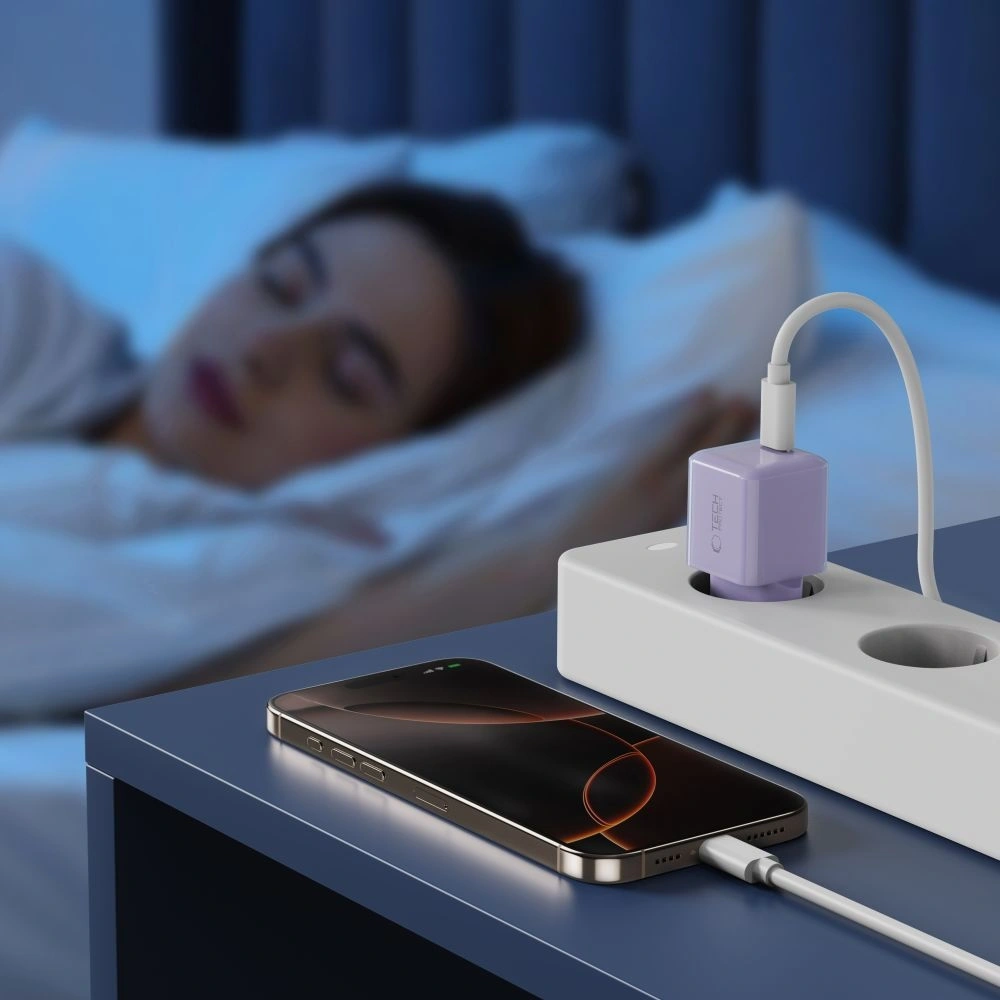
    To charge your phone correctly, it is worth following a few basic rules. First, use original chargers that are tailored to the specific model of the smartphone, such as Samsung, iPhone, or Xiaomi. Second, avoid charging the phone in places where it can overheat, such as in the sun or near heat sources. It is also a good practice to avoid using the phone while charging, as this can lead to battery overheating. Additionally, it is worth remembering that fast charging, while convenient, can affect the lifespan of the cell. Therefore, it is advisable to use this option only when necessary.

    What myths about battery charging are false?

    There are many myths about battery charging that can mislead users. One of them is the belief that a new phone should be charged for a long time before first use. In reality, modern batteries are ready to use right out of the box. Another myth is that you should always charge your phone to 100%. As mentioned earlier, the optimal charge level is 20-80%. It is also worth noting that there is no need to discharge the battery to zero, which can lead to cell damage.

    What are the consequences of improper battery charging in a phone?

    How does heating affect cell lifespan?

    Improperly charging a phone, especially excessive heating, negatively impacts battery lifespan. During charging, the battery generates heat, which is a normal phenomenon. However, if the smartphone is charged at too high a temperature, it can lead to accelerated cell degradation. Therefore, it is important to avoid situations where the phone overheats, such as using it while charging or charging in hot conditions. Prolonged exposure to high temperatures can shorten battery life and reduce its performance.

    Is fast charging safe for smartphones?

    Fast charging has become a popular solution that allows you to charge your phone in a short time. While many modern smartphones, such as those from Apple or Samsung, are equipped with fast charging technologies, not every user is aware of the potential risks. Although fast charging is designed to minimize the risk of battery damage, frequent use of this option can lead to cell overheating, which negatively affects its lifespan. Therefore, it is advisable to use this method only when absolutely necessary.

    What symptoms indicate battery damage?

    Users should be aware of symptoms that may indicate battery damage. Pay attention to sudden drops in charge level, which may suggest that the battery in your smartphone is losing its ability to store energy. Other signs include overheating of the device during charging, as well as extended charging times. If you notice that your phone stops holding a charge even after short use, it may be a sign that the battery needs to be replaced. In such cases, it is advisable to visit an authorized service center to diagnose the problem and take appropriate steps.

    How much percent to charge the phone to avoid damaging the battery?

    What are the recommended charge levels?

    As mentioned earlier, to charge your phone correctly, you should maintain the battery charge level between 20% and 80%. However, it is worth noting that some studies suggest that the best level for long-term battery health is 50%. Regularly charging to 100% can accelerate cell degradation, so it is better to avoid this if not necessary. Additionally, if you plan not to use the phone for an extended period, it is advisable to charge it to about 50% and store it in a cool, dry place.

    Is it worth charging the battery in the phone to 100%?

    Charging the battery to 100% may seem tempting, especially when we want maximum device operation time. However, charging to full capacity is not recommended if we want to extend battery life. Each full charge and discharge affects the life cycles of the cell. Over time, such practices can lead to a decrease in battery capacity. Therefore, if possible, it is better to charge the phone to 80% and not let it discharge below 20%.

    How often should you charge a smartphone?

    There is no definitive answer to how often you should charge a smartphone. It largely depends on the individual needs of the user and how they use the device. However, the general rule is that it is worth charging the phone regularly to avoid extreme charge levels. For most users, charging once a day will be sufficient to keep the battery in good condition. It is important to adjust charging habits to your needs while keeping in mind the recommendations for optimal charge levels.

    How to properly charge the battery in a new phone?

    Is the first charge important?

    The first charge of a new phone is often considered a crucial moment in the battery’s lifespan. In the past, it was recommended that the battery be charged for several hours before first use. However, modern lithium-ion batteries do not require such care. It is enough to connect the device to the charger when the charge level reaches about 20%. Of course, it is worth remembering to use original accessories, which will ensure safe charging of the smartphone.

    What accessories are best for charging?

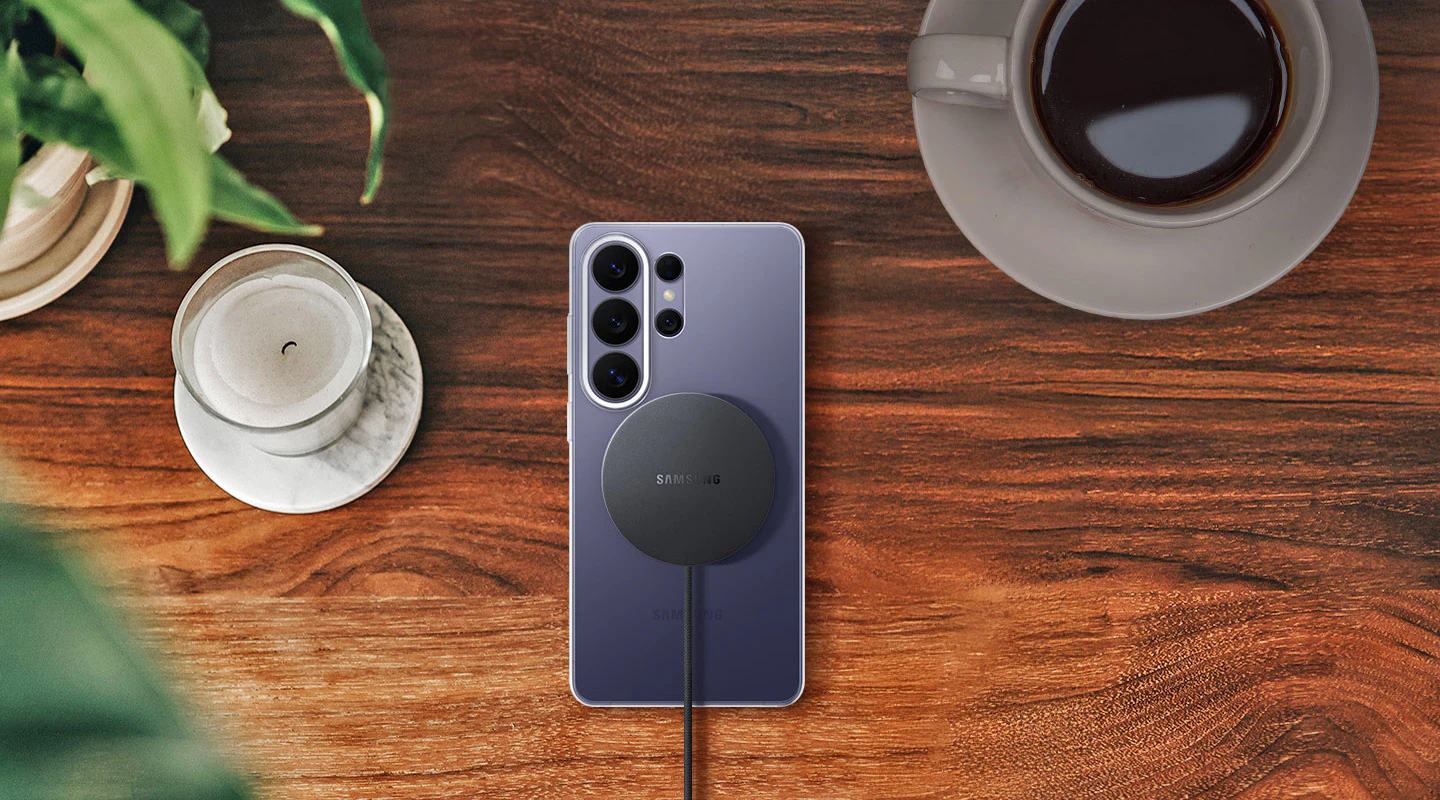
    Choosing the right charging accessories is crucial for battery lifespan. It is always worth investing in original chargers and cables from the manufacturer, as they are tailored to the specifications of a given smartphone model. In the case of wireless charging, it is advisable to choose chargers that have the appropriate safety and efficiency certifications. This way, you can be sure that the charging will be both fast and safe for the battery.

    What mistakes to avoid when charging a new phone?

    When charging a new phone, it is worth avoiding several common mistakes. First, do not use the phone while charging, as this can lead to the device overheating. Second, try to avoid charging in high-temperature places, which can negatively affect cell lifespan. Additionally, do not use low-quality accessories that may be incompatible with your smartphone. By following these rules, you can significantly extend the battery life of your new phone.

    What devices and charging methods are the safest?

    Are wireless chargers better than traditional ones?

    Wireless chargers are gaining popularity due to their convenience. While many people wonder if they are better than traditional wired chargers, the answer is not straightforward. Wireless chargers are safe and convenient, but they may be less efficient in terms of charging time and can generate more heat. Therefore, if you care about quickly charging the battery, it is better to use a traditional charger. However, if you prefer convenience, wireless charging can also be a good choice.

    What are the differences between chargers from different manufacturers?

    The differences between chargers from different manufacturers can affect charging performance and safety. Each company, such as Samsung, Apple, or Xiaomi, designs its accessories with specific smartphone models in mind. It is worth paying attention to technical parameters, such as charging power, which may vary depending on the manufacturer. Using incompatible accessories can lead to battery damage or even damage to the entire device, so it is always advisable to use original accessories.

    How to connect the phone to ensure optimal charging?

    To ensure optimal charging, pay attention to a few basic rules. First of all, connect the phone to the original charger to avoid compatibility issues. Make sure the charging port is clean and free of debris, which will allow for a proper connection. It is also advisable to avoid using long cables, which can lead to energy loss. During charging, ensure the device has adequate ventilation to avoid overheating. By following these simple rules, you can enjoy long battery life in your smartphone.

  • Antivirus for phone – effective protection against threats in 2025

    Antivirus for phone – effective protection against threats in 2025

    In today’s digital world, our smartphones are true treasure troves of private data. We use them for banking, online shopping, and store a lot of personal information on them. It’s no wonder that phones attract cybercriminals.

    On the market, you will find plenty of antivirus applications for phones. Popular options such as Avast Mobile Security, Bitdefender Antivirus Free, or proposals from ESET are available in both free and paid versions. Many of them use cloud scanning – this allows threats to be detected without overloading the phone.

    When choosing an antivirus, it’s worth looking at additional features. Modern antivirus applications are not just about protection against malware, but also privacy protection, application control, and security when using public Wi-Fi.

    Key Takeaways

    • An antivirus for phones protects against viruses, malware, and attempts to steal personal data.
    • Free versions of antivirus software like Avast, AVG, or Bitdefender provide basic protection without straining the budget.
    • Modern antivirus applications offer additional features such as Wi-Fi network scanning or privacy protection, which increases the overall security of the device.

    What is an antivirus for phones and why is it needed?

    An antivirus for phones is specialized software that protects smartphones from cyberattacks and malicious code. It serves as the first line of defense against digital threats that can harm your private data.

    The Most Important Threats to Smartphones

    Modern smartphones store vast amounts of sensitive personal data. This makes them a tempting target for cybercriminals. The most common threats include:

    • Malicious applications – programs masquerading as legitimate applications
    • Phishing – attempts to obtain data through fake websites and messages
    • Ransomware – software that blocks access to the device and demands a ransom
    • Exploits – taking advantage of vulnerabilities in the operating system

    Antiviruses for phones inform about dangerous websites and applications before they cause trouble. Today’s malware can steal banking data, passwords, or even photos.

    Threats evolve almost every day. Regular antivirus updates are therefore really important if you want to maintain security.

    The Role of Antivirus Protection in Modern Mobile Devices

    Installing antivirus on your phone is one of the key steps if you care about protecting your device and your data. Modern antivirus programs offer more than just fighting viruses:

    • Monitor downloaded files and installed applications
    • Block suspicious websites
    • Protect connections on Wi-Fi networks
    • Offer anti-theft features (location, remote blocking)

    The operating system alone is not enough – system updates help, but an external antivirus really strengthens protection.

    Types of Mobile Threats – Viruses, Malware, Ransomware, and More

    Android phones are exposed to many digital threats – from data theft to blocking access to the device. Attacks are becoming increasingly clever and harder to detect.

    Viruses and Malware on Android

    Malware is a broad term for malicious software: viruses, worms, trojans, and other nasties. They often hide in seemingly innocent applications.

    Experts warn – as many as 60,000 Android applications could be used to inject malicious code. Such threats can:

    • Steal personal data and passwords
    • Display unwanted ads
    • Slow down the phone
    • Drain the battery and data transfer

    The most commonly encountered types of malicious software are viruses, trojans, and worms. Viruses attach themselves to legitimate applications, trojans masquerade as useful programs, and worms spread themselves through the network.

    Ransomware and Protection Against It

    Ransomware is a type of malicious software that blocks access to the device or encrypts files, then demands a ransom for their decryption. For people who keep important data on their phones, this is a serious problem.

    When ransomware attacks, a message appears on the screen demanding payment – usually in cryptocurrencies, as this makes it harder to catch the perpetrators.

    How to protect against it? Here are a few things worth doing:

    1. Regularly back up – preferably in the cloud or on an external drive
    2. Do not click on suspicious links in SMS and emails
    3. Download applications only from official stores, like Google Play
    4. Use antivirus on your phone

    Spyware and Tracking Software

    Spyware is a type of threat that quietly tracks what we do on the device. It can record location, intercept messages, record calls, and even steal login data.

    Spyware most often gets onto the phone through applications from untrusted sources or through email attachments. It can operate for weeks or months without showing any obvious signs of a problem.

    What can suggest the presence of spyware?

    • The battery and data package disappear faster than usual
    • The phone heats up for no reason
    • Strange sounds are heard during calls
    • Applications start by themselves

    A good antivirus should be able to detect and remove spyware, which provides some peace of mind about privacy.

    Phishing and Cyberattacks Targeting Users

    Phishing is a type of fraud where someone impersonates a well-known company or bank to obtain our data. On phones, it most often appears as a fake SMS, email, or strange notification.

    Typical phishing looks like an urgent request to log into a bank or confirm data. The link leads to a site that pretends to be real but is not.

    How to recognize phishing?

    • Language errors in the content
    • Strange email addresses of senders
    • Requests for sensitive data
    • Time pressure and threats like “we will block your account”

    Vigilance is key – it’s worth checking who really sent the message before clicking anything. A good antivirus on the phone can warn against suspicious sites, which can save your skin.

    How Does Antivirus Software Work on Phones?

    An antivirus on a phone works on several levels. It protects the hardware from threats, detects and removes dangerous files, and monitors what is happening in the system. Detection methods are becoming increasingly clever, and the program itself operates more in the background than in the foreground.

    Application Scanning and Threat Detection

    Antiviruses use several methods to find suspicious things. The basis is scanning all applications and files for harmful code.

    What does scanning look like?

    • Comparing code with a database of known viruses
    • Heuristic analysis – looking for unusual behaviors
    • Checking what permissions applications have

    The scanner regularly searches the phone’s memory. If it finds something dangerous, it gives the option to delete, quarantine, or ignore the threat.

    Modern antiviruses warn during installation if an application seems suspicious. This is useful because sometimes it’s hard to assess whether something is safe.

    Real-Time Protection Against Malware

    Real-time protection is essentially the heart of the antivirus on the phone. The program constantly observes what is happening and reacts when something seems off.

    What does such protection include?

    1. Blocking suspicious sites and internet connections
    2. Wi-Fi monitoring – warnings about insecure networks
    3. Blocking malicious SMS and emails

    The antivirus operates in the background, checking every new application or file. If it detects something, it immediately blocks the threat and notifies the user.

    Better programs can also recognize phishing, attempts to steal data, or the installation of spyware before they can cause harm.

    The Most Popular Antivirus for Phones – Overview and Features

    On the market, we can find plenty of antivirus applications for phones. The best ones not only protect against viruses but also offer additional options that enhance security.

    Avast, AVG Antivirus, and Bitdefender Mobile Security

    Avast Mobile Security is a really comprehensive tool – it allows you to scan the device, protect privacy, and secure Wi-Fi networks. The application also has an app lock and monitors the security of online accounts.

    AVG AntiVirus, which belongs to the same company as Avast, offers similar features. It protects against viruses, allows blocking dangerous applications, and has a Wi-Fi scanner.

    Bitdefender Mobile Security stands out with a strong antivirus engine – it effectively recognizes new threats. Bitdefender protects privacy, secures mobile banking, and helps in case of phone theft.

    Kaspersky and Other Leading Antivirus Programs

    Kaspersky Mobile Antivirus is a proven antivirus program that provides solid protection against malicious software. The product version includes features for blocking unwanted calls and filtering SMS.

    McAfee Mobile Security protects against viruses and helps maintain privacy. It also allows you to locate your phone if you lose it or someone steals it.

    Norton Mobile Security is another strong solution for phones. The program effectively scans applications for privacy threats and blocks dangerous websites.

    AhnLab V3 Mobile Security, though less known, offers advanced protection against various mobile threats and does not slow down the device.

    Key Features of Antivirus Software for Mobile Devices

    Modern antiviruses for phones do much more than just block viruses. They protect privacy, data, and help ensure the physical security of the device.

    Privacy Protection and Data Security

    A good mobile antivirus should protect the user’s privacy. Real-time scanning works in the background and detects threats before they can cause any damage.

    It’s also worth paying attention to application lock, which allows you to secure selected programs with a password – ideal if you have sensitive data there.

    Advanced antiviruses detect:

    • Malicious software (malware)
    • Spyware
    • Ransomware

    Applications like Avast Mobile Security also offer data security monitoring and scanning for system vulnerabilities. This really helps maintain privacy.

    VPN and Secure Internet Browsing

    An integrated VPN in the antivirus provides an additional layer of protection while surfing the web. It encrypts the connection, so even on public Wi-Fi, your data is safer.

    Secure browsing warns against suspicious sites and blocks access to fake phishing sites. It’s like a virtual shield during everyday internet use.

    Wi-Fi protection scans available networks and warns against connecting to unsecured access points.

    Some applications also offer call and SMS filtering, which protects against spam and phishing attempts.

    Theft Protection and Tracking

    The anti-theft module allows you to remotely lock the device if you lose it or someone steals it.

    Phone location enables quick finding of lost equipment on the map. If necessary, you can also:

    • Turn on a loud alarm
    • Take a picture of the person trying to unlock the phone
    • Wipe data to prevent it from falling into the wrong hands

    Advanced antiviruses also block applications that track activity and detect unauthorized access to the microphone, camera, or location data.

    An interesting option is the configuration of safety zones – you receive a notification when the device leaves a specified area.

    Recommendations for Choosing and Configuring Antivirus for Phones

    Choosing an antivirus for your phone is not a decision to be made in five minutes. It’s worth reviewing the features and parameters of available solutions. Proper configuration really makes a difference in everyday security.

    What to Pay Attention to When Choosing an Antivirus Application

    It’s best to opt for proven antivirus applications from reputable manufacturers – Avast, Bitdefender, Kaspersky. Reviews from other users or recommendations from friends can also be helpful.

    What should you pay attention to?

    • Real-time protection – monitoring installed applications
    • On-demand scanning – the ability to manually check the phone
    • Privacy protection – securing personal data
    • Low impact on battery – the application shouldn’t drain all the energy

    Also take a look at the license period and subscription prices. Some applications provide basic protection for free, while additional features require payment.

    Some experts suggest installing two antivirus programs for better protection, although not everyone agrees with this.

    The Importance of Updates and Security Patches

    Without regular updates, even the best antivirus won’t be effective. Every application requires current security patches that protect against new threats.

    It’s worth enabling automatic updates to ensure you’re using the latest version. Manufacturers often improve their applications because threats are constantly changing.

    It’s also good to disable battery optimization for the antivirus – then the program runs in the background without interruptions. Here are some practical tips:

    1. Check for updates at least once a week
    2. Ensure the application can run in the background
    3. Update the phone’s operating system
    4. Verify the virus database in the antivirus application

    The Impact of Antivirus on Phone Performance and Network Security

    Antiviruses on phones have a dual job: they protect the hardware from threats while also using its computing power. How much they affect performance and network security depends on several factors that are worth considering before installation.

    Performance Optimization and Resource Usage

    There’s no denying it – some antiviruses can slow down the phone, especially during system scans. Sometimes just one heavier application can make a difference in smoothness.

    Fortunately, more and more antiviruses have energy-saving and memory-saving modes. It’s worth checking if the chosen program offers such an option, as not all do.

    Applications running in the background can drain the battery faster and take up a lot of RAM. Regular updates of virus databases also put some load on the system, but without them, protection makes no sense.

    When choosing an antivirus, it’s good to opt for one that won’t bog down the phone. Not every program is lightweight, so it’s better to check reviews before installation.

    Security While Using Wi-Fi and Encryption

    A good antivirus will not only detect a virus but also ensure network security. Wi-Fi monitoring features can warn against strange networks or attempts at attacks.

    Some applications have built-in VPNs that encrypt the connection. This is really useful, especially when using public Wi-Fi in a café or at a train station.

    Modern antiviruses have many interesting mechanisms to help you navigate the web safely. Among them, you will find:

    • Blocking suspicious sites
    • Protection for banking transactions
    • Shield against phishing
    • Privacy control in applications

    When choosing an antivirus, it’s worth paying attention to the Wi-Fi scanning feature. This makes it easier to avoid untrusted networks and potential threats.

    Frequently Asked Questions

    Many users have questions about antivirus for phones. Below you will find answers to the most frequently asked ones.

    What is the best free antivirus for phones?

    Among free options, Bitdefender Antivirus Free, AVG Free Antivirus, or Avast Mobile Security are most often recommended. They provide basic protection against viruses and do not require payment.

    AVG and Avast are particularly popular because they regularly update their virus databases. This increases the chances of detecting new threats.

    Is it necessary to install antivirus on an Android phone?

    It is not absolutely mandatory, but it is definitely worth it. Android is more exposed to attacks than iOS, mainly due to its openness.

    If you only install applications from Google Play and do not click on suspicious links, the risk is lower. However, an antivirus provides an additional layer of protection, which can be useful as threats become increasingly clever.

    How can I check if my phone already has antivirus installed?

    The easiest way is to go into settings and review the list of applications. Some phones, like Samsungs, already have factory-installed security.

    You can also check the “Security” or “Device Protection” section in the settings. If you don’t see any information about antivirus there, you probably don’t have it installed.

    Do free antiviruses for phones offer sufficient protection?

    Free programs protect against the most common threats, detecting known viruses and malware. However, their features can be limited.

    Paid versions offer more, such as privacy protection or better banking security. For most users, a free antivirus is sufficient, although if you keep sensitive data on your phone, it’s better to consider a premium version.

    What protective features should a good antivirus for phones have?

    A good antivirus should have real-time protection, file and application scanning, and phishing detection. Wi-Fi protection and blocking dangerous sites are also useful.

    Additionally, look for options such as privacy protection, theft protection, or battery optimization. The best applications also protect against spying and ransomware.

    How often should I update the antivirus on my phone?

    It’s best to update the antivirus on your phone daily, preferably automatically. Such regular updates help protect against new threats and harmful software that appears almost constantly.

    Most modern antivirus applications automatically download updates as long as the phone is connected to Wi-Fi. It’s worth checking the application settings to ensure that automatic updates are indeed enabled. As for minimum system requirements, the latest antiviruses usually require Android 9.0 or newer.