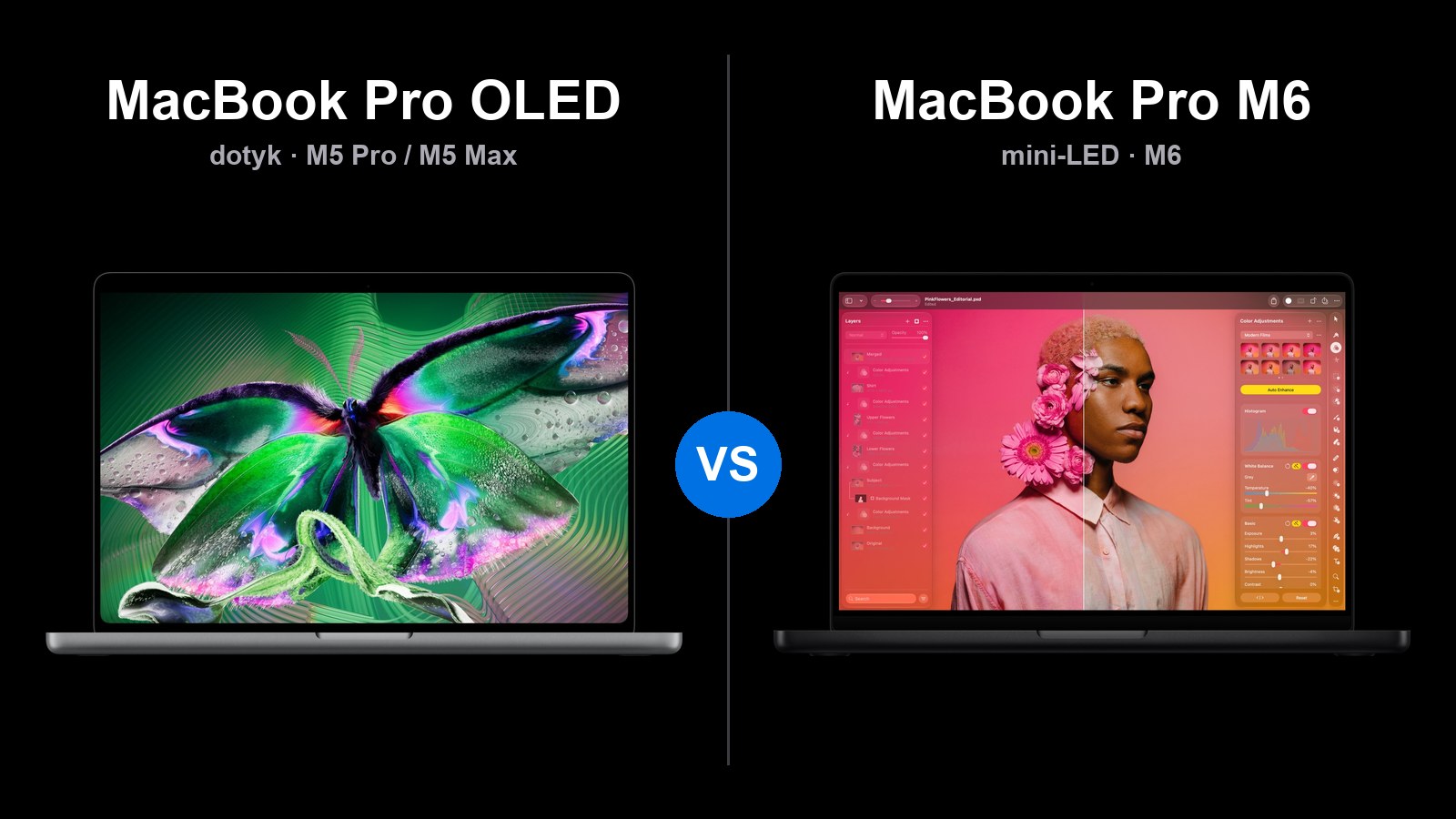
From November 6, 2026, there will be three different MacBook Pros available: a new model with an OLED touchscreen, a new MacBook Pro 14 with the M6 chip, and the existing versions with M5 Pro and M5 Max. They differ in price by several thousand zlotys, and more expensive does not always mean better for you.
Short answer: MacBook Pro 14 with M6 is sufficient for most people and costs from 10,499 zlotys. Choose MacBook Pro OLED for the screen, touch, and lower weight. If you need M5 Pro power without OLED, the mini-LED model offers the same chip 2000 zlotys cheaper.
Below is a point-by-point comparison: prices in Poland, screen, performance, ports, battery, and accessories. You can find the premiere report in the text Apple Pro and Tell.
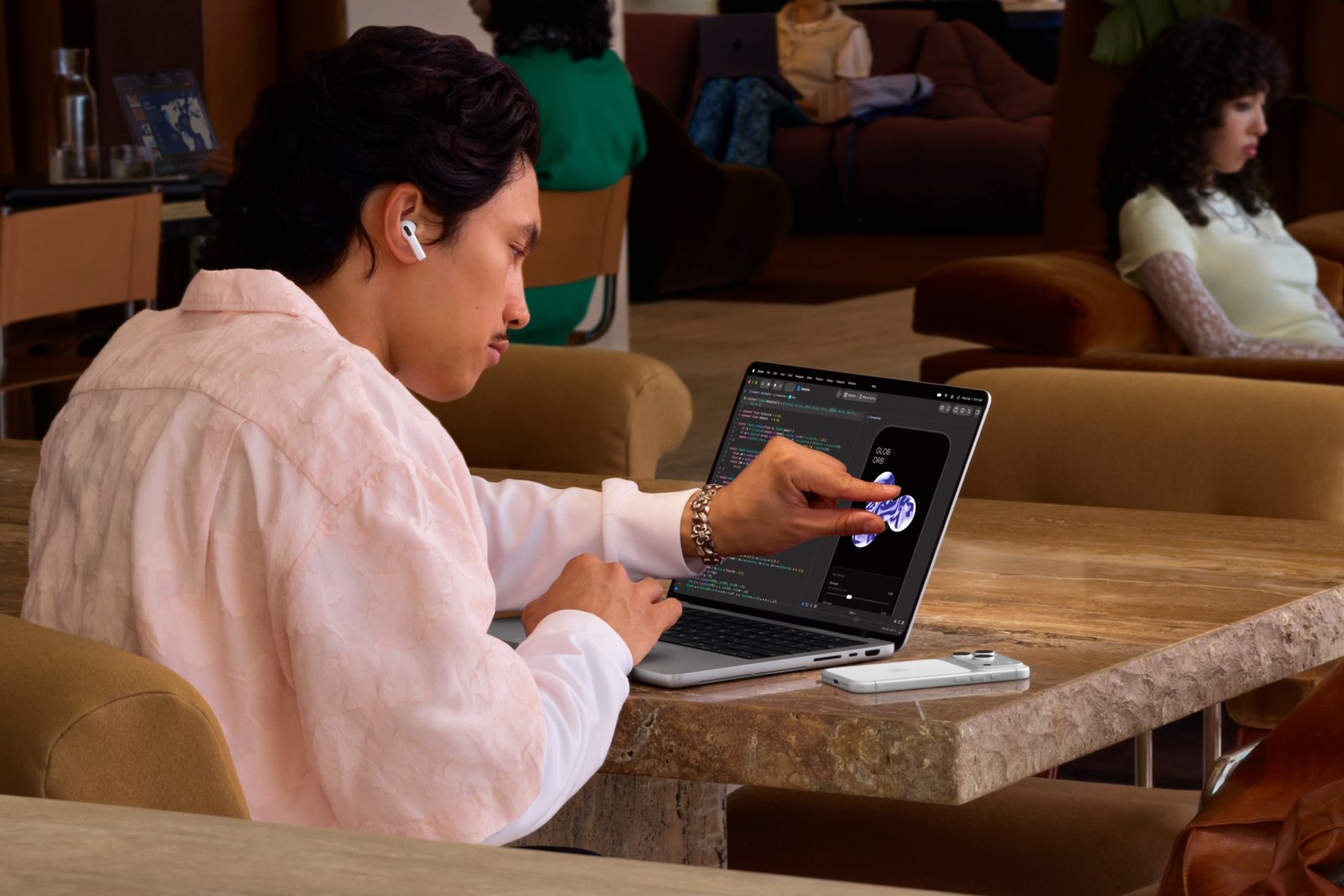
On the left, MacBook Pro with OLED screen, on the right, MacBook Pro 14 with M6. Photos: Apple.
Which MacBook Pro for whom?
| Select | If | Price in Poland from |
|---|---|---|
| MacBook Pro 14 with M6 | you write, program, edit simple videos and want long battery life in 14 inches | 10,499 PLN |
| MacBook Pro with mini-LED (M5 Pro, M5 Max) | you need a lot of power, RAM above 32 GB or 3–4 monitors | 12,999 PLN |
| MacBook Pro OLED (M5 Pro, M5 Max) | you care about the best screen, touch, and lower weight | 14,999 PLN |
Prices according to Apple Store in Poland as of October 30, 2026.
Three MacBook Pros: what are the differences
| MacBook Pro OLED | MacBook Pro 14 z M6 | MacBook Pro z mini-LED | |
|---|---|---|---|
| Ekran | OLED, dotykowy, Dynamic Island | mini-LED, wcięcie | mini-LED, wcięcie |
| Rozmiary | 14 i 16 cali | tylko 14 cali | 14 i 16 cali |
| Czip | M5 Pro lub M5 Max | M6 | M5 Pro lub M5 Max |
| RAM maks. | 128 GB | 32 GB | 128 GB |
| SSD maks. | 16 TB | 4 TB | 8 TB |
| Porty Thunderbolt | 3 × Thunderbolt 5 | 3 × Thunderbolt 4 | 3 × Thunderbolt 5 |
| Monitory zewnętrzne | 3 (M5 Pro) lub 4 (M5 Max) | 2 | 3 (M5 Pro) lub 4 (M5 Max) |
| Masa 14″ | od 1,38 kg | 1,55 kg | od 1,60 kg |
| Bateria 14″ (wideo) | do 22 godz. | do 24 godz. | do 22 godz. |
| W sklepach | od 6.11.2026 | od 6.11.2026 | już dostępny |
Dane według specyfikacji Apple dla modeli z OLED oraz z mini-LED i M6.
Wszystkie trzy mają HDMI, czytnik kart SDXC, MagSafe 3 i gniazdo słuchawkowe. Każdy jest dostępny w dwóch kolorach: gwiezdnej czerni i srebrnym.
Ceny w Polsce: ile kosztuje OLED?
The most important discovery from the Apple configurator: OLED costs exactly 2000 zł more than the mini-LED model with the same chip. This difference is the same in every configuration.
| Configuration | mini-LED | OLED | Difference |
|---|---|---|---|
| 14″, M5 Pro (15 CPU / 16 GPU), 24 GB, 1 TB | 12 999 zł | 14 999 zł | 2000 zł |
| 14″, M5 Pro (18 / 20), 24 GB, 1 TB | 13 999 zł | 15 999 zł | 2000 zł |
| 14″, M5 Max (18 / 32), 36 GB, 2 TB | 21 499 zł | 23 499 zł | 2000 zł |
| 14″, M5 Max (18 / 40), 48 GB, 2 TB | 24 499 zł | 26 499 zł | 2000 zł |
| 16″, M5 Pro (18 / 20), 24 GB, 1 TB | 15 999 zł | 17 999 zł | 2000 zł |
| 16″, M5 Max (18 / 32), 36 GB, 2 TB | 22 999 zł | 24 999 zł | 2000 zł |
| 16″, M5 Max (18 / 40), 48 GB, 2 TB | 25 999 zł | 27 999 zł | 2000 zł |
The MacBook Pro 14 with M6 comes standard with 1 TB SSD, and 2 TB is an additional charge of 2500 zł. It costs 10 499 zł with 16 GB RAM, 11 499 zł with 24 GB, and 12 499 zł with 32 GB. Nanostructured glass is an additional charge of 750 zł for each model.
Note: in Poland, no MacBook Pro comes with a power adapter in the box. The package only includes a USB-C to MagSafe 3 cable. The Apple power adapter costs an additional 319 zł for 70 W to 499 zł for 140 W.
Screen: OLED or mini-LED?
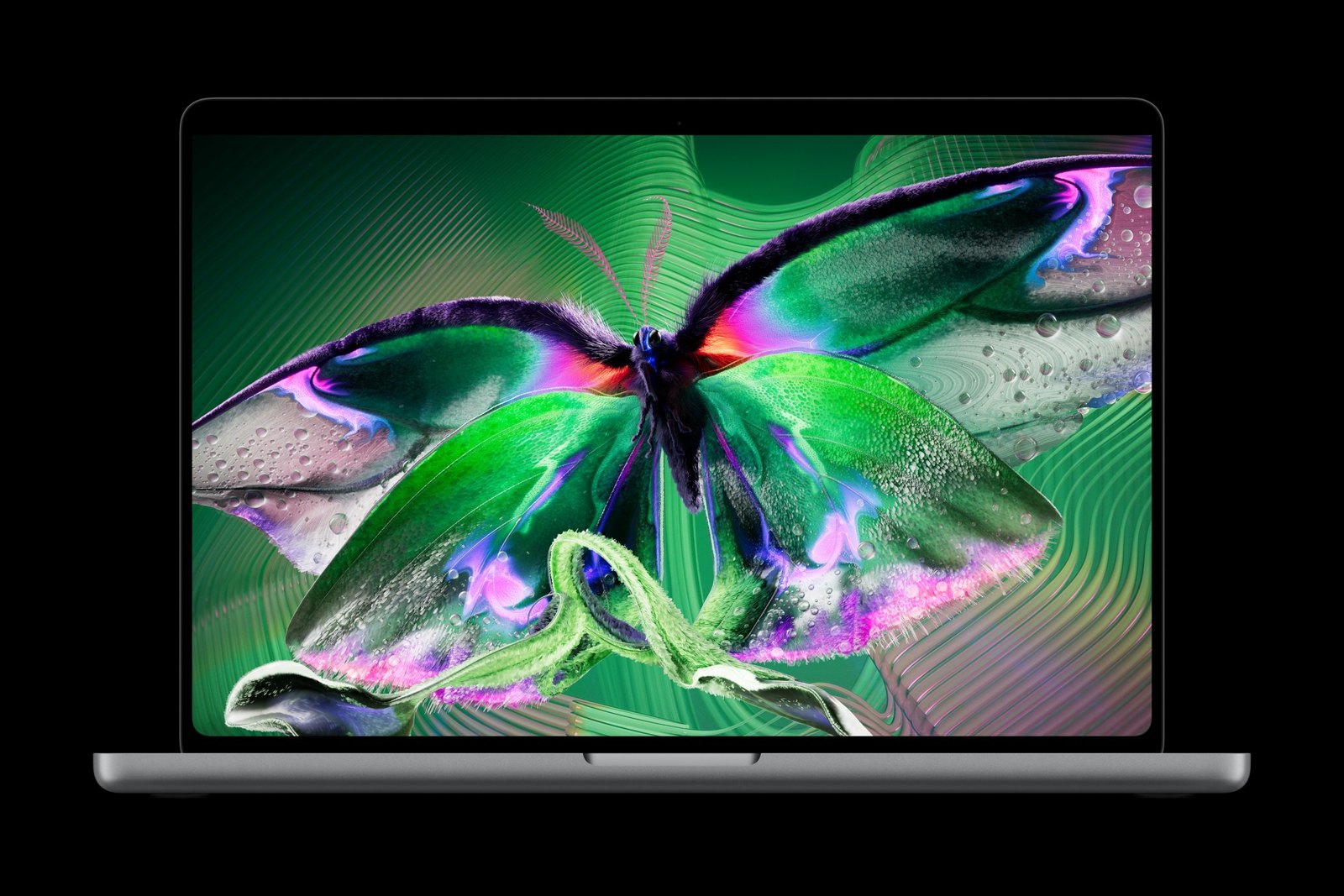
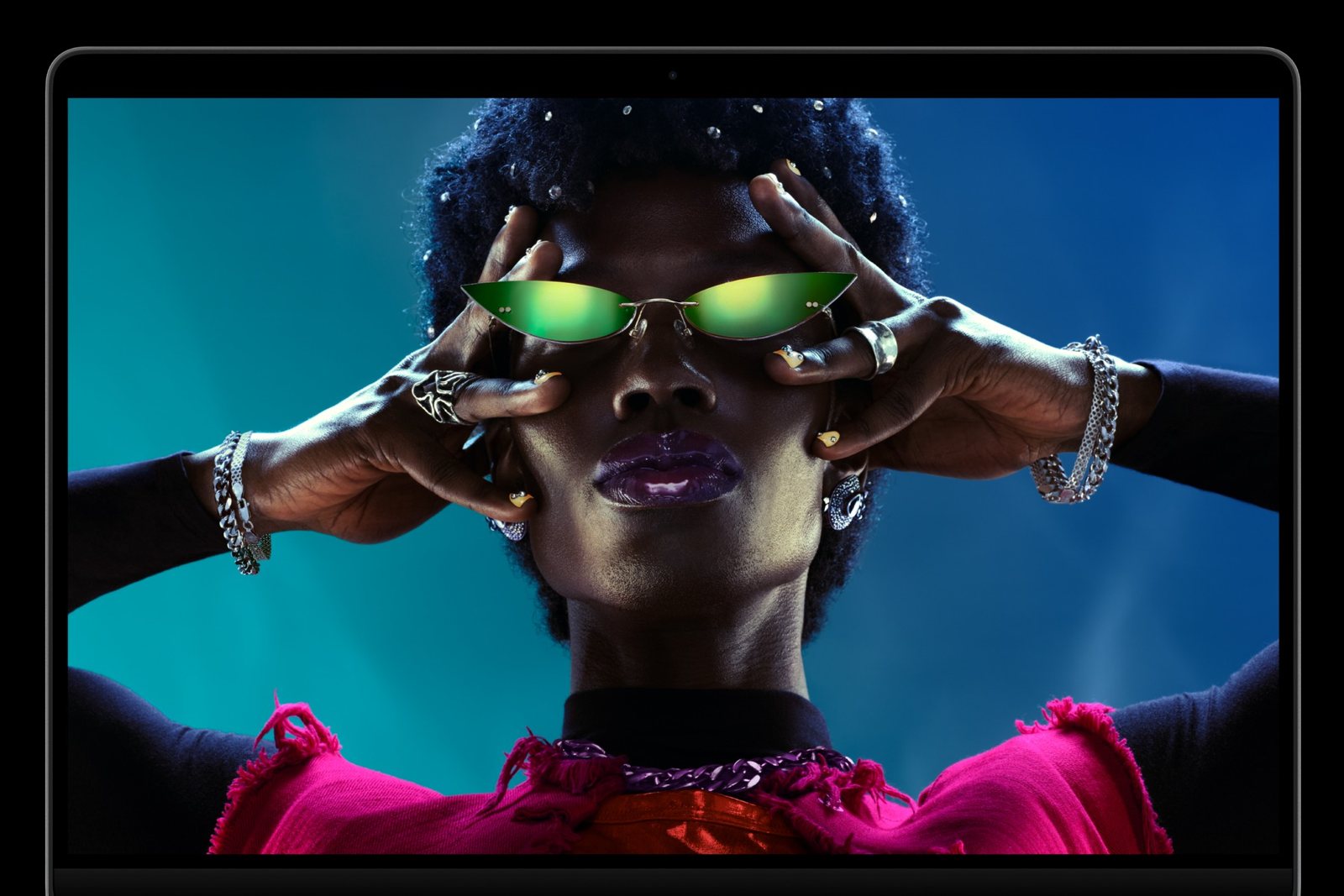
Po lewej ekran OLED (PROLED XDR), po prawej mini-LED (Liquid Retina XDR). Zdjęcia: Apple.
Jasność, czerń i odbicia
Ekran PROLED XDR to tandemowy OLED. Każdy piksel świeci sam, więc czerń jest całkowita, a kontrast sięga 10 000 000:1. Jasność to 1000 nitów stale i do 2000 nitów szczytowo w HDR. Tyle samo osiąga w treściach SDR na zewnątrz.
Ekran mini-LED w M6 i modelach z M5 Pro ma 1000 nitów stale i do 1600 nitów w HDR. Wciąż jest bardzo dobry, ale przy jasnych napisach na czarnym tle może pokazać lekką poświatę. Oba ekrany mają odświeżanie do 120 Hz.
OLED dostał też nową powłokę antyrefleksyjną. Według Fstoppers dobrze tłumiła odbicia na pokazie. Prawdziwy test w słońcu przyjdzie jednak po premierze.
Dotyk i Dynamic Island w praktyce
Model OLED to the first Mac with a touchscreen. You scroll and zoom with your fingers, and macOS adjusts the interface elements for finger use. The keyboard and trackpad remain unchanged. Apple Pencil is not supported.
The first impressions from the demonstrations on October 28 are similar. The touch works without delays and is useful for maps, photos, or timelines in Final Cut. According to Wall Street Journal, however, it tires the hand during longer use. So treat touch as an addition to the trackpad.
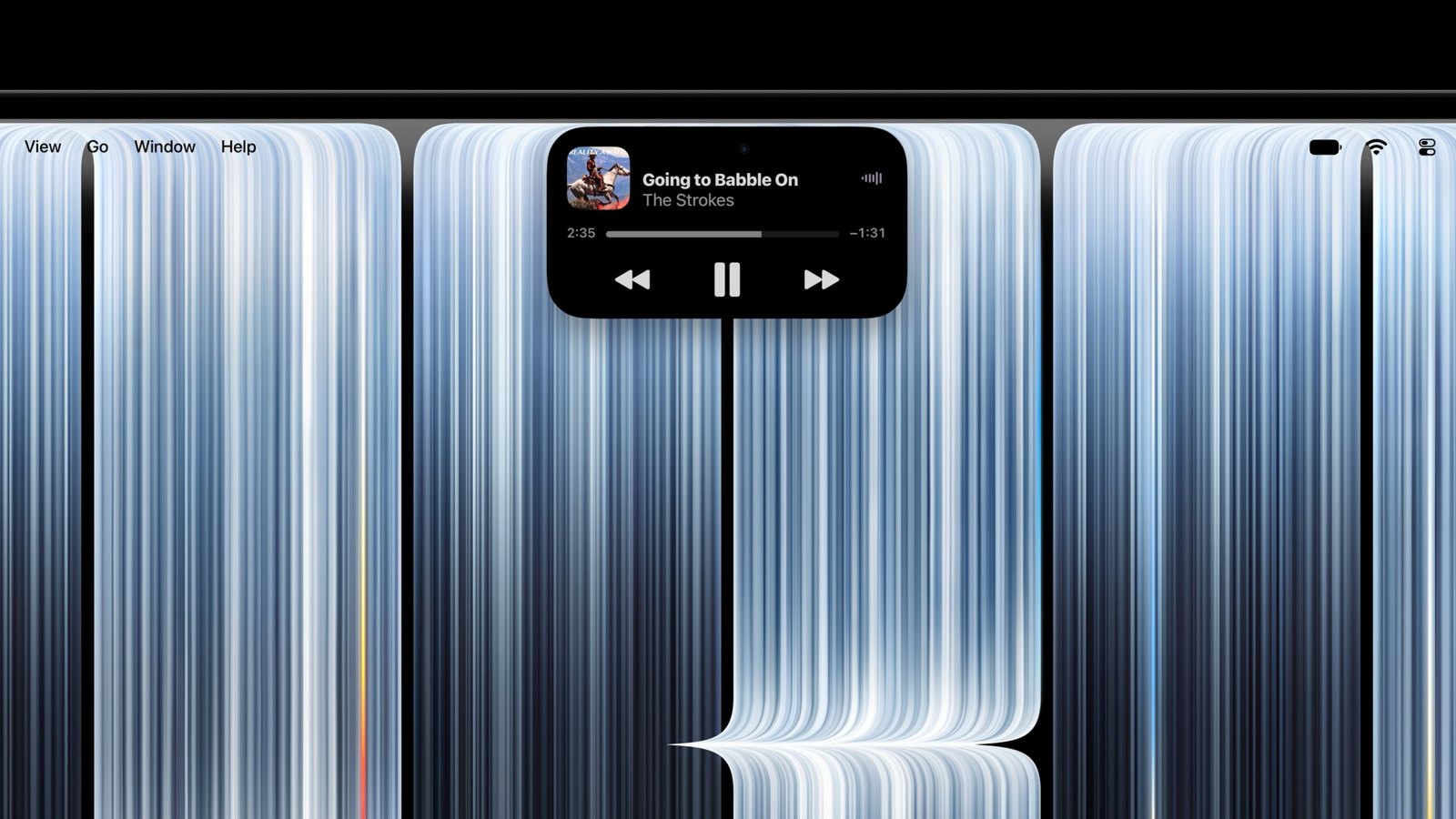
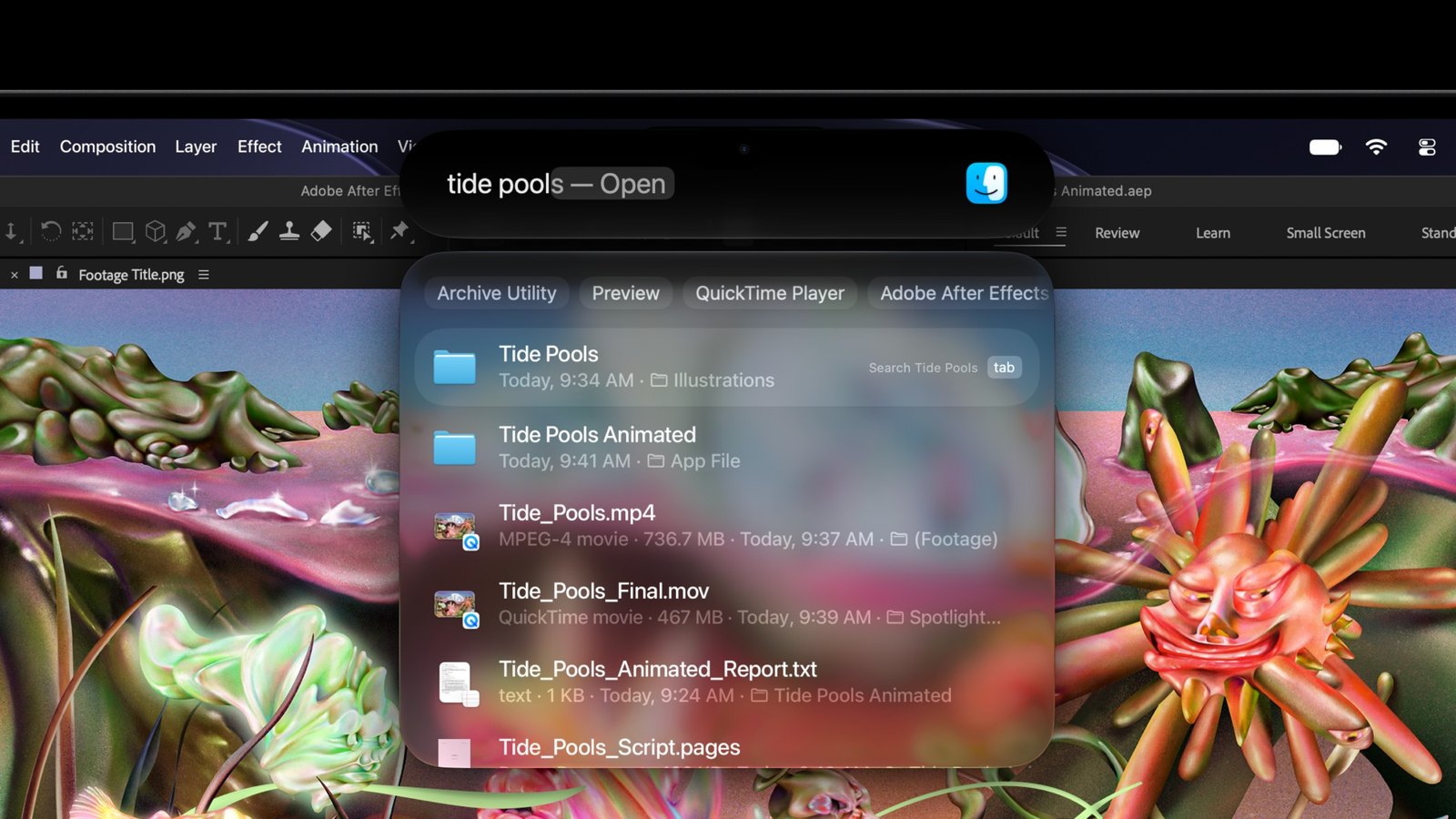
Dynamic Island in MacBook Pro OLED. Photos: Apple.
Dynamic Island replaces the camera notch. It shows the music being played, Spotlight, Siri, and Live Activities. How the screen handles fingerprints and how it holds battery life during daily use will only be tested after November 6.
Performance: M6 or M5 Pro and M5 Max?
To najmniej oczywista część porównania. M6 jest nowszy, ale nie zawsze szybszy. Wygrywa w zadaniach jednowątkowych, a przegrywa tam, gdzie liczy się liczba rdzeni i grafika.
| Czip | Single-core | Multi-core | Grafika (Metal) |
|---|---|---|---|
| M6 (12 CPU / 12 GPU) | 4003 | 21 878 | 89 345 |
| M5 Pro (15 / 16) | 3681 | 29 544 | 125 070 |
| M5 Pro (18 / 20) | 3679 | 33 506 | 135 920 |
| M5 Max (18 / 40) | 3693 | 34 580 | 240 235 |
Średnie wyniki z Geekbench 7 z 30 października 2026. Wynik M6 pochodzi z Maca mini, bo MacBook Pro z M6 nie jest jeszcze w sprzedaży.
Co to oznacza w praktyce:
- M6 jest o 8–9% szybszy jednowątkowo od M5 Pro i M5 Max. Przeglądarka, pakiet biurowy, Xcode czy Lightroom przy pojedynczych zdjęciach działają na nim najszybciej.
- M5 Pro jest o 35–53% szybszy wielowątkowo. Różnicę poczujesz przy eksporcie wideo, kompilacji dużych projektów i renderowaniu.
- M5 Max ma prawie 2,7 raza mocniejszą grafikę niż M6. To czip do 3D, wideo 8K i lokalnych modeli AI.
M6 ma też limit 32 GB RAM i przepustowość pamięci do 170 GB/s. M5 Pro ma 307 GB/s, a M5 Max do 614 GB/s. Jeśli uruchamiasz duże modele AI albo wiele maszyn wirtualnych, M6 będzie za ciasny.
Ports, monitors and charging
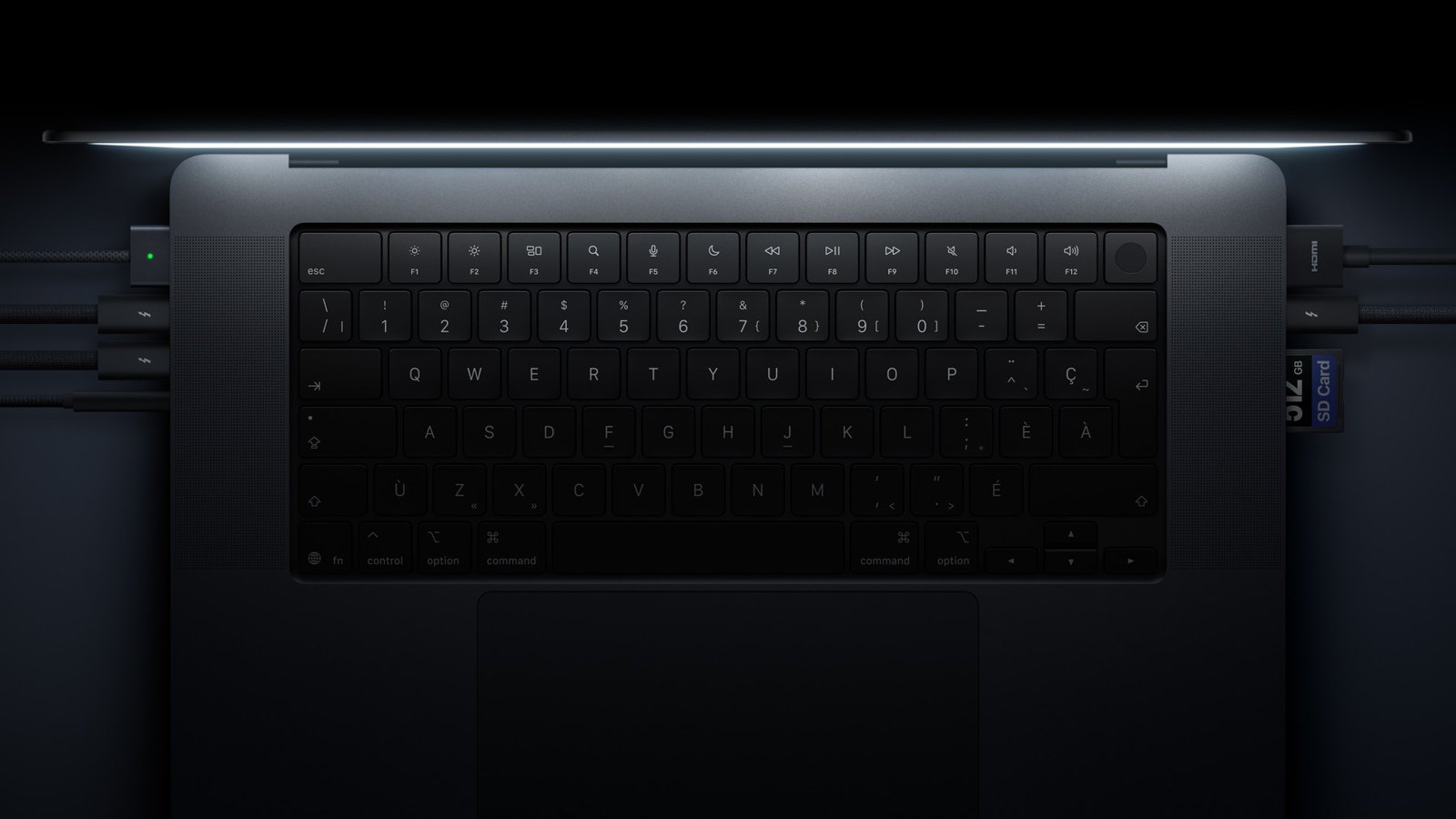
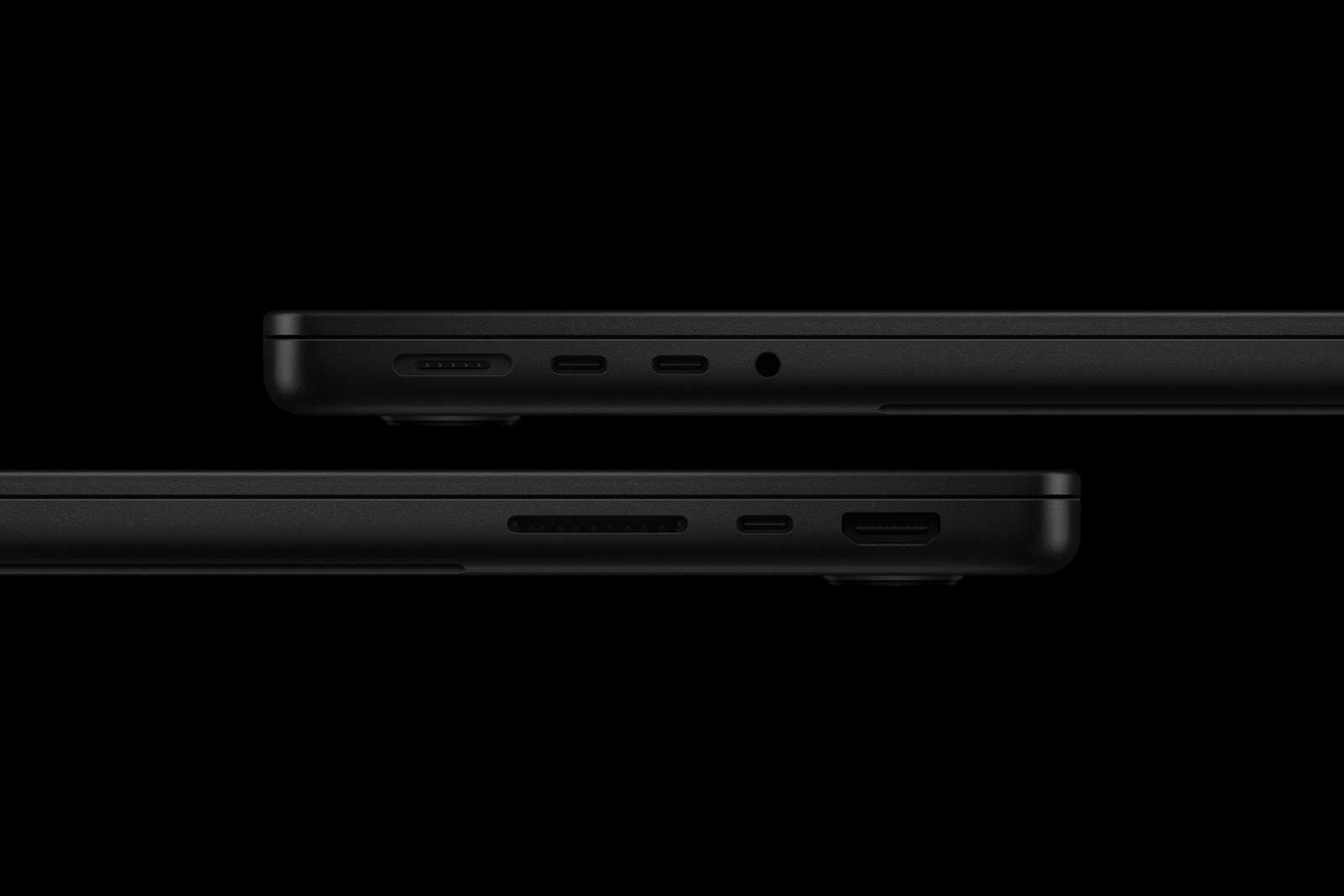
On the left, the ports of the OLED model, on the right, the model with M6. Photos: Apple.
The port layout is the same, but the MacBook Pro with M6 has Thunderbolt 4 (40 Gb/s) instead of Thunderbolt 5 (120 Gb/s). You will notice the difference with the fastest external drives and docking stations.
M6 supports up to 2 external monitors. M5 Pro can handle three, and M5 Max four. If you work at a desk with three screens, M6 is not an option.
For charging the MacBook Pro 14 with M6, Apple recommends a power adapter of at least 60 W. The 14-inch models with M5 Pro and M5 Max require at least 70 W. Fast charging to 50% in about 30 minutes requires 96 W for the 14-inch models and 140 W for the 16-inch models.
Weight, dimensions and battery
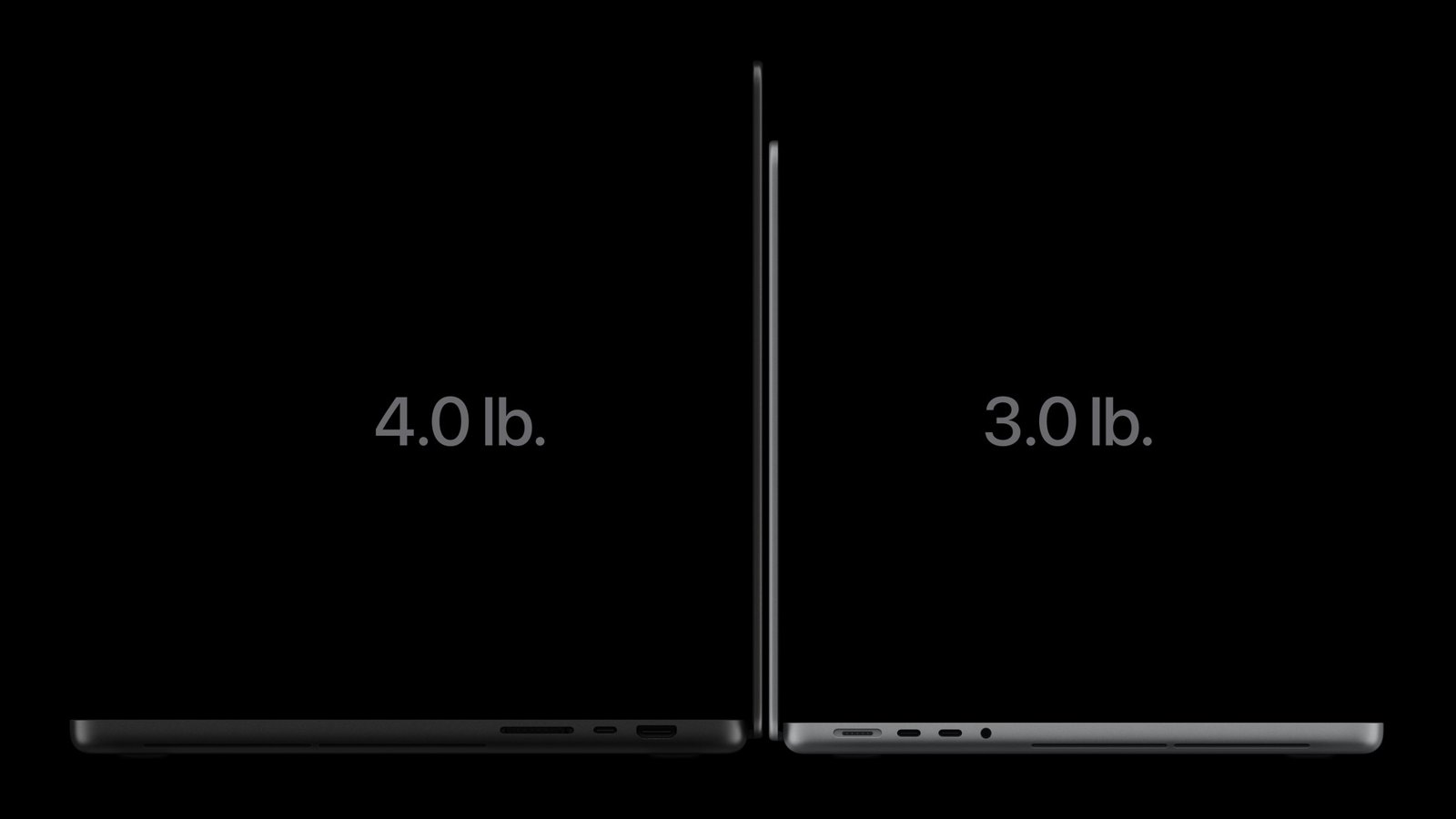
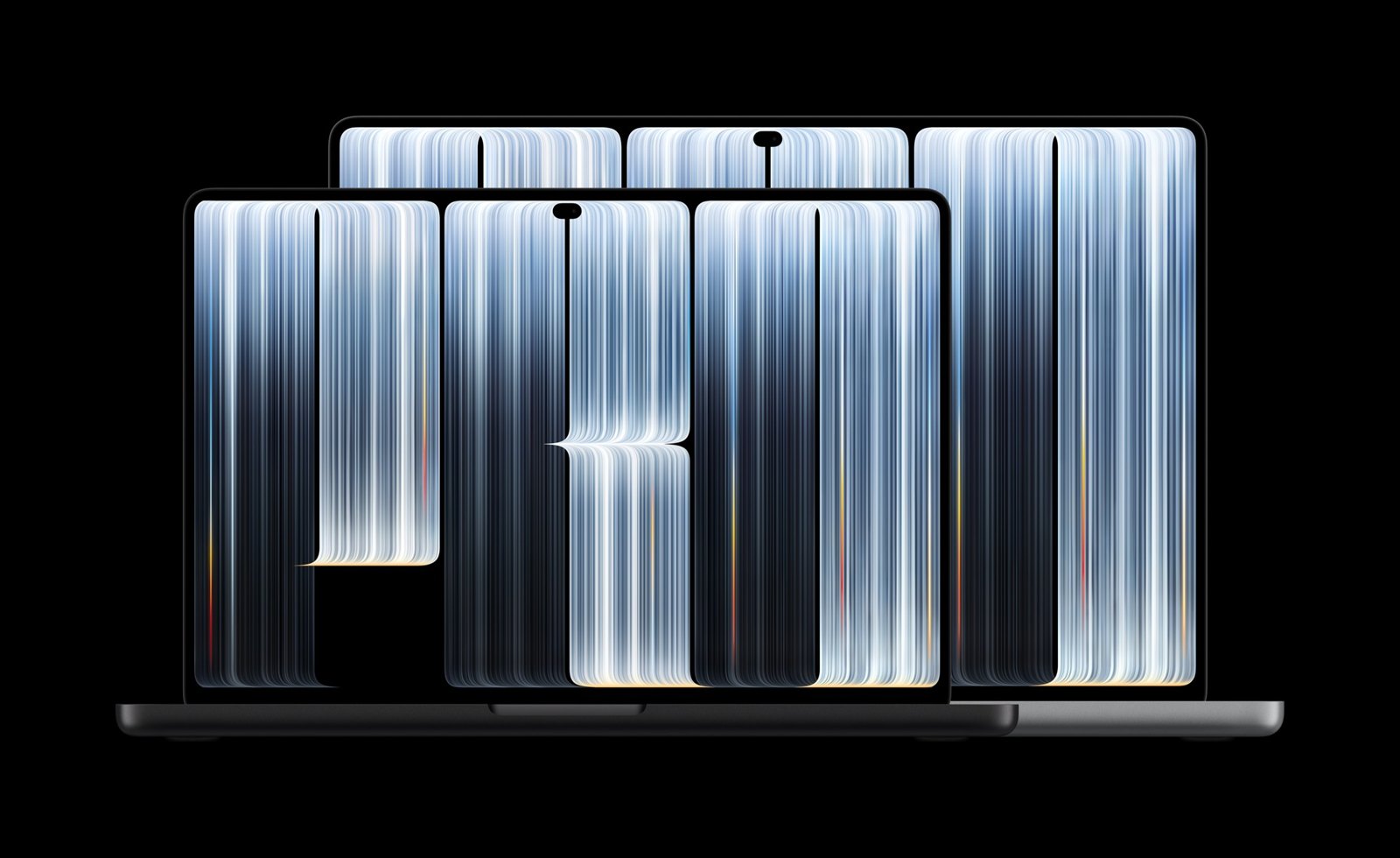
MacBook Pro OLED jest cieńszy i lżejszy od modeli z mini-LED. Zdjęcia: Apple.
Model OLED jest wyraźnie lżejszy. Wersja 14 cali waży 1,38 kg zamiast 1,55 kg w M6 i 1,60 kg w modelu z mini-LED i M5 Pro. Wersja 16 cali waży 1,82 kg zamiast 2,14 kg.
| MacBook Pro OLED 14″ | MacBook Pro 14″ z M6 i mini-LED | |
|---|---|---|
| Wymiary | 310,8 × 216,3 × 15,0 mm | 312,6 × 221,2 × 15,5 mm |
| Bateria | 72,6 Wh | 72,4 Wh |
| Wideo | do 22 godz. (M5 Pro) | do 24 godz. (M6) |
Wśród modeli 14 cali najdłużej według Apple działa MacBook Pro 14 z M6: do 24 godzin odtwarzania wideo i do 16 godzin przeglądania internetu. Model OLED 14 cali z M5 Pro osiąga do 22 godzin, a z M5 Max do 20 godzin.
14 czy 16 cali?
MacBook Pro z M6 jest tylko w wersji 14 cali. Jeśli chcesz 16 cali, wybierasz między modelem z mini-LED a OLED, zawsze z M5 Pro albo M5 Max.
14 cali to lepszy wybór, gdy często nosisz laptopa. 16 cali daje większy ekran do montażu i pracy na dwóch oknach oraz najdłuższą baterię wśród modeli z M5 Pro: do 24 godzin wideo.
Akcesoria: co pasuje do którego MacBooka Pro?
To ważne przy wyborze: model OLED ma nową, mniejszą obudowę. Akcesoria pasują więc różnie.
| Akcesorium | MacBook Pro 14 z M6 i mini-LED | MacBook Pro OLED |
|---|---|---|
| Ładowarka USB-C | ✅ | ✅ |
| Kabel USB-C | ✅ | ✅ |
| Hub USB-C | ✅ | ✅ |
| Pokrowiec (sleeve) | ✅ | ✅ (luźniej) |
| Nakładka na obudowę | ✅ (modele 2021–2026) | ❌ |
| Szkło lub folia na ekran | ✅ (modele 2021–2026) | ❌ |
MacBook Pro 14 z M6 ma te same wymiary co MacBooki Pro 14 od 2021 roku. Nakładki i szkła do nich pasują. Do modelu OLED trzeba poczekać na nowe akcesoria.
Ładowarki do MacBooka Pro
Skoro zasilacza nie ma w pudełku, ładowarkę trzeba dokupić. Do 14 cali wystarczy 100 W, do 16 cali najlepiej 140 W. Ładowarka z kilkoma portami naładuje przy okazji telefon i słuchawki.
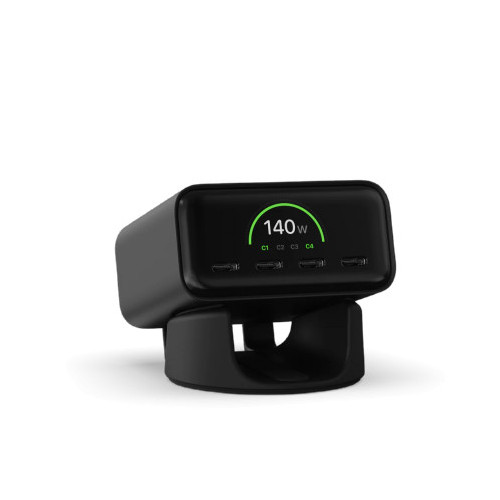
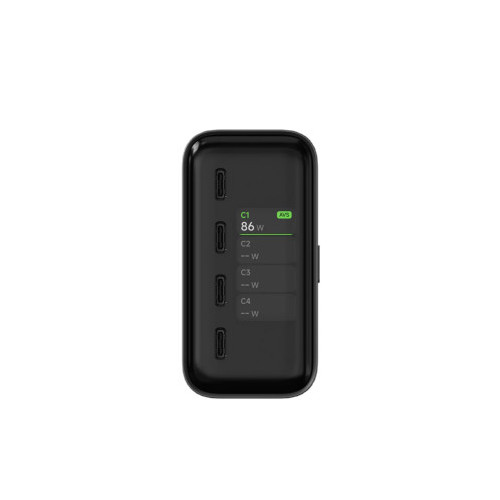
Satechi ChargeView GaN 140W.
Satechi ChargeView GaN 140W has a total of 140 W across four USB-C ports and a display showing the power of each port. For trips, there is the Satechi 4-Port GaN Travel Charger 140W with plugs for different countries.
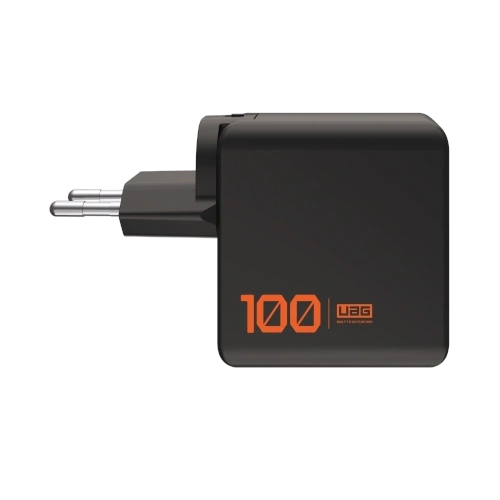

UAG SRGE Charger 100W.
UAG SRGE Charger 100W has a total of 100 W and includes EU, UK, and US plugs. For fast charging of the 16-inch model, choose UGREEN Nexode Pro 160W, which provides up to 140 W from a single USB-C port. We described more models in the text charger for MacBook Pro M5.
Cables and hubs
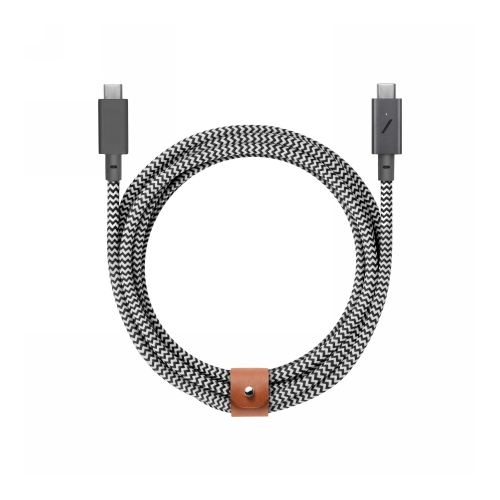
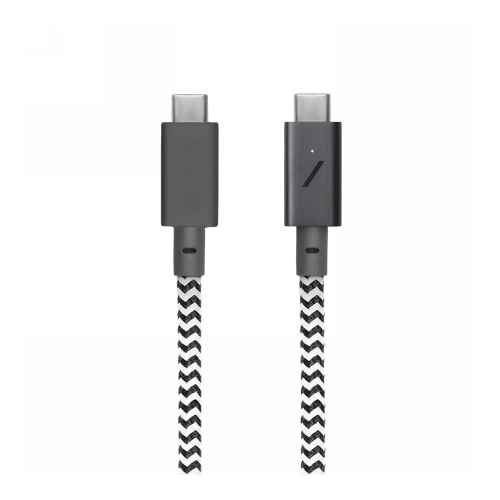
Native Union Belt Cable Pro 240W.
Every MacBook Pro can also be charged with a regular USB-C cable through the Thunderbolt port. Native Union Belt Cable Pro 240W is 2.4 m long and has a durable braid. A cheaper alternative is UGREEN L534 240W which is 2 m long.
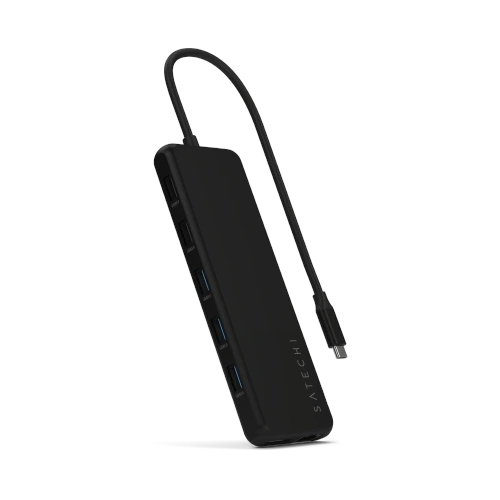
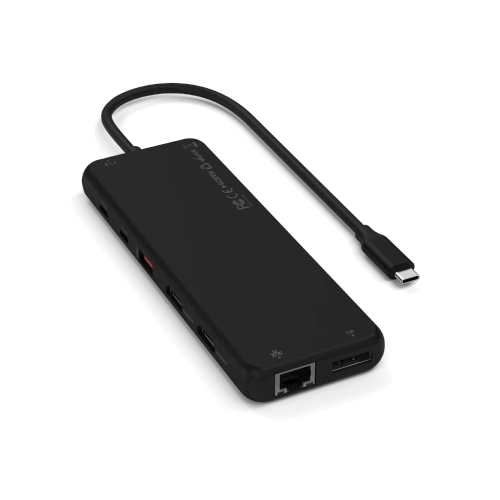
Satechi 13-in-1 Triple Display Multiport Adapter.
Satechi 13-in-1 Triple Display has HDMI, DisplayPort, Ethernet, card reader, and USB-A ports. Note: on Mac, it will only support one external monitor, as macOS does not support connecting multiple screens through one port. To connect two monitors, plug the second one via HDMI into the MacBook. A small UGREEN 7-in-1 hub with a USB-A port is sufficient for the bag.
Covers and Glasses (M6 and mini-LED)
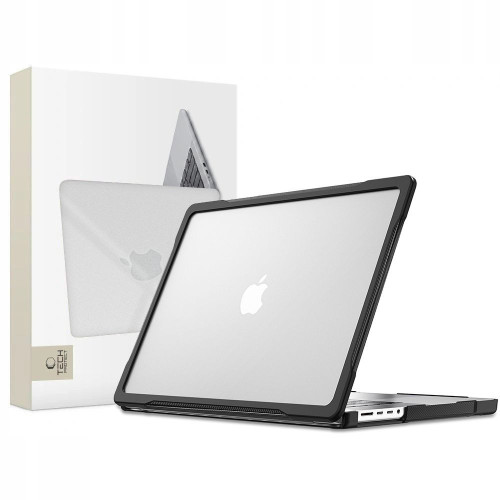
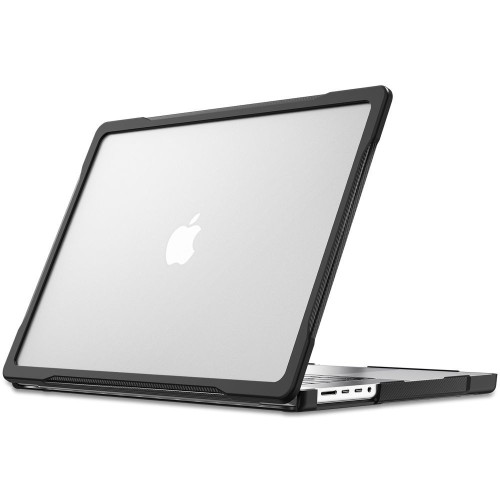
Tech-Protect Velar for MacBook Pro 14.
Tech-Protect Velar is a case for the MacBook Pro 14 from 2021 to 2026, including M5 Pro and M5 Max. A stronger corner protection is provided by UAG Essential Armor. For 16 inches, there is UAG Essential Armor 16 and a transparent ZAGG Hardshell.
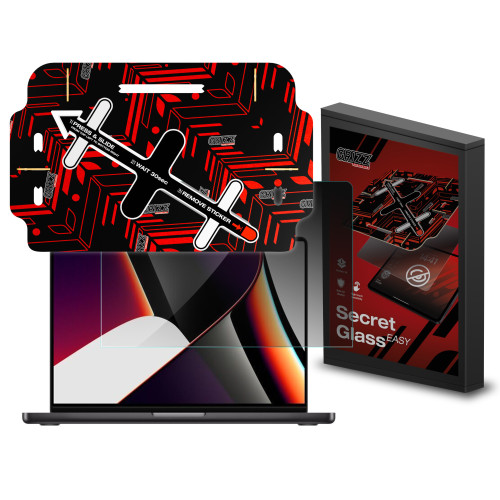
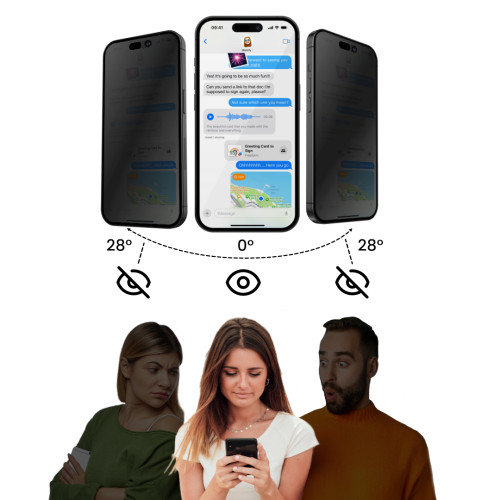
GrizzGlass SecretGlass Easy for MacBook Pro 14.
GrizzGlass SecretGlass Easy is a privacy glass. The person next to you on the train won’t see what’s on your screen. You can find more models in the texts cases for MacBook Pro M5 and glass or film for MacBook Pro.
Covers (also fit the OLED model)

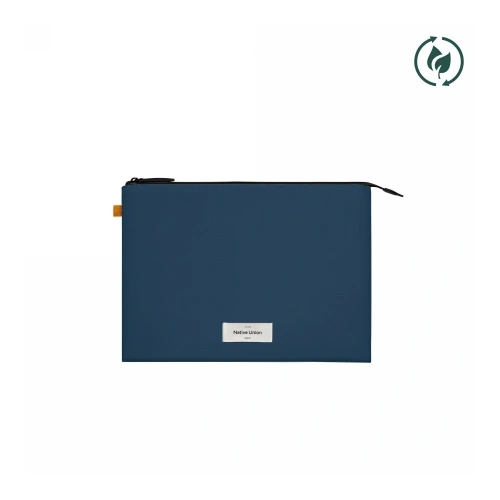
Native Union W.F.A Sleeve for MacBook Pro 14.
The case does not fit tightly to the housing, so a smaller OLED model will also fit in it, just with more slack. Native Union W.F.A Sleeve is available in 14 inches and 16 inches.
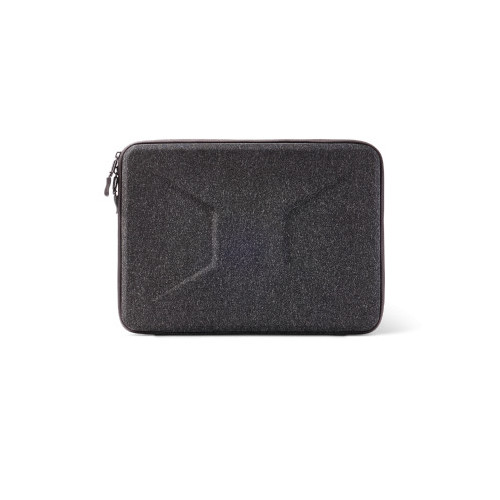
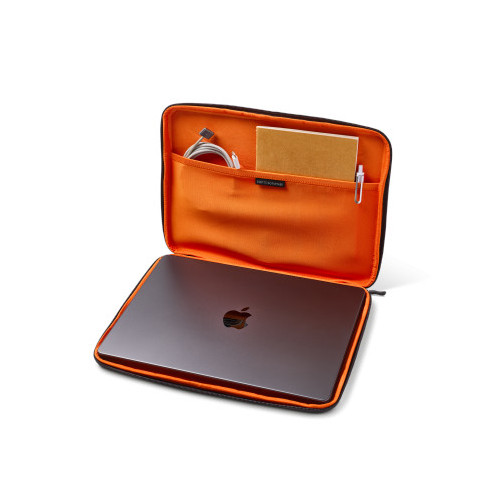
UAG Civilian Shock Sleeve 15–16″.
UAG Civilian Shock Sleeve has reinforced edges and protects against falls. The full selection is in the accessories for MacBook Pro 14 category.
[hs_products ids=»138104,124210,80053,104212,140520,132746,127068,135352″ cols=»4″]
Verdict: which MacBook Pro to buy?
MacBook Pro 14 with M6 is the best choice for most. It is the cheapest, has the fastest single-core performance, and the longest battery life among 14-inch models, and the overlays and glasses for it are already available. Limitations include 32 GB of RAM, 2 monitors, and Thunderbolt 4.
MacBook Pro with mini-LED and M5 Pro is the choice if you are editing video, programming large projects, or working on three monitors. It has the same power as the OLED model for 2000 PLN less and is available immediately.
MacBook Pro OLED is for those who want the best screen in a laptop and weigh every gram. For an additional 2000 PLN, you get OLED, touch, Dynamic Island, and a body that is over 200 g lighter. Accessories for it will only start arriving in stores.
FAQ
Does the MacBook Pro OLED have a touchscreen? Yes. It is the first Mac with a touchscreen. You operate it with your fingers, but the Apple Pencil does not work.
How much does the MacBook Pro OLED cost in Poland? From 14,999 PLN for the 14-inch model with M5 Pro and from 17,999 PLN for the 16-inch model.
How much extra do I pay for OLED compared to the MacBook Pro with mini-LED? Exactly 2000 PLN for the same chip, memory, and disk.
Is M6 faster than M5 Pro? Single-threaded, yes, by 8–9% in Geekbench 7. Multi-threaded and in graphics, M5 Pro is clearly faster.
Does the MacBook Pro with M6 have Thunderbolt 5? No. It has three Thunderbolt 4 ports. Thunderbolt 5 is available on models with M5 Pro and M5 Max.
How many monitors can I connect to the MacBook Pro with M6? At most two external monitors. M5 Pro supports three, and M5 Max four.
Does the MacBook Pro come with a charger in Poland? No. The box only contains a USB-C to MagSafe 3 cable. The power adapter must be purchased separately.
What charger for MacBook Pro M6 and OLED? At least 60 W for M6, 70 W for 14-inch models with M5 Pro and M5 Max, and 94 W for 16-inch models. For fast charging, you need 96 W for the 14-inch version and 140 W for the 16-inch version.
Does the case for MacBook Pro 14 with M5 fit the OLED model? The cover does not, because the OLED model has different dimensions for the casing and screen: 310.8 × 216.3 mm instead of 312.6 × 221.2 mm. However, it fits the MacBook Pro 14 with M6. A sleeve-type case will fit both.
When will the MacBook Pro OLED and M6 be in stores? From Friday, November 6, 2026. Pre-orders started on October 28.
Sources: Apple specifications for models with OLED and with mini-LED, press release about the MacBook Pro with M6, press release about the MacBook Pro OLED, Apple Store in Poland, Geekbench, Fstoppers, MacDailyNews.
Legg att eit svar