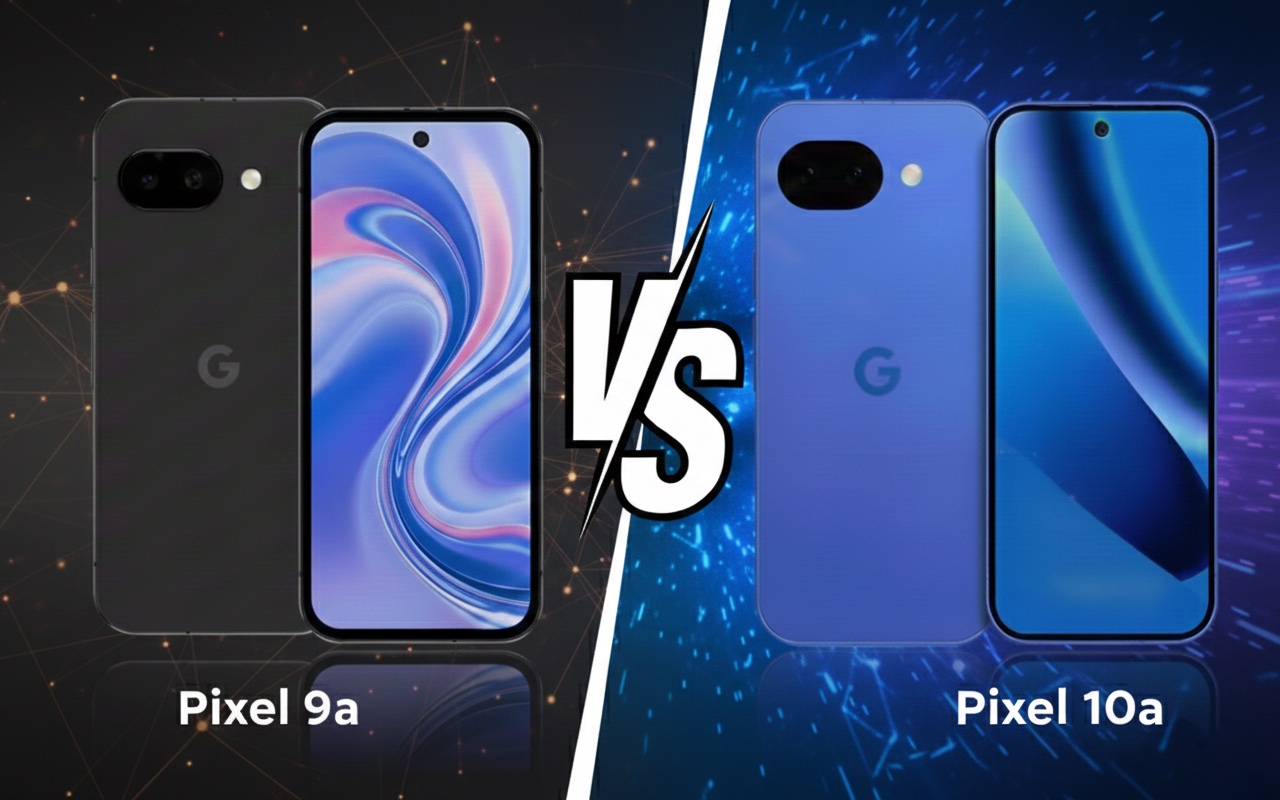
Today, February 18, 2026, the pre-sale of Google Pixel 10a begins — Google announced this itself in a short video on the Made by Google channel. This is important because the A series usually debuted later in the year, and this time Google is clearly accelerating the schedule.
In practice, Pixel 10a and 9a are very similar (the same Tensor G4, similar ~6.3″ 120 Hz screen, similar camera setup, and 5100 mAh battery). So if you want the best value for money, Pixel 9a usually wins on price, especially during promotions.
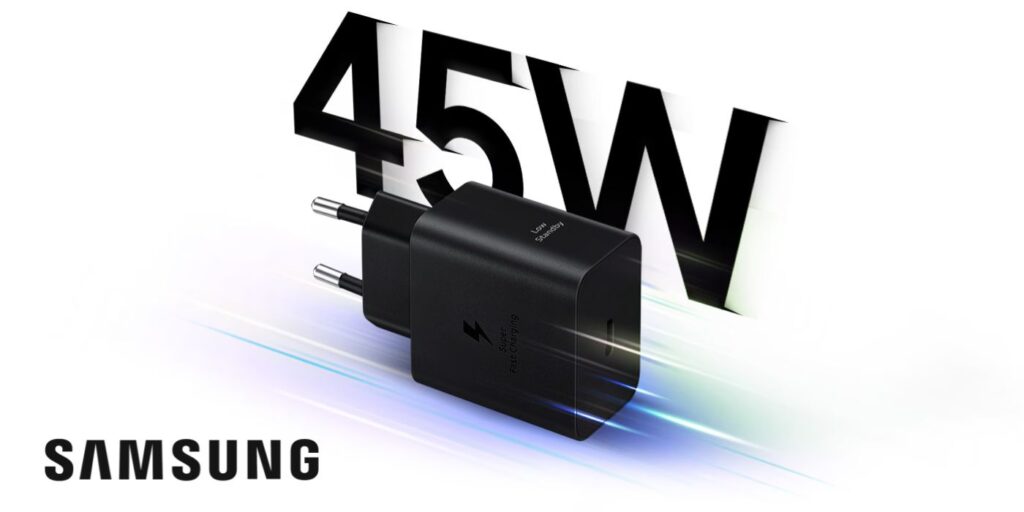
When is it worth paying extra for Pixel 10a? Mainly when “specific details” matter: faster charging (according to leaks 45 W), newer glass (Gorilla Glass 7i), and minor design changes (flatter back / camera module).
Vanden Borre: the European retailer revealed details before the premiere
Vanden Borre is an example of a classic situation where “the store published the page too early.” Such product cards are often created based on marketing materials from the distributor, which is why they are very valuable – especially when they contain specific information about the device’s features and specifications.
fot. Vanden Borrefot. Vanden Borre
What does the Vanden Borre listing bring?
In their description, Pixela 10a includes a lot of «user» details that are typical for Google communication:
battery: claims of 30+ hours of operation and a power-saving mode for about 120 hours,
resistance: IP68 (water and dust),
screen: Actua 6.3” with refresh rate up to 120 Hz,
AI and smart features: emphasis on solutions like Gemini Live, “Nano Banana”, call features (e.g., noise reduction), Highlight to search,
variants and prices: the store suggests memory configurations (e.g. 128/256 GB) and visible price levels.
photo. Vanden Borre
Comparison of Google Pixel 10a vs Pixel 9a — table
Cecha
Google Pixel 10a
Google Pixel 9a
Status
Przedsprzedaż: 18 lutego 2026
W sprzedaży
System / wsparcie
Android 16 + 7 lat
Pixel 9a ma 7 lat aktualizacji/bezpieczeństwa
Procesor
Google Tensor G4
Google Tensor G4
RAM / pamięć
8 GB, 128/256 GB (UFS 3.1 wg przecieków)
8 GB, 128/256 GB
Ekran
~6,3″ OLED, do 120 Hz
6,3″ pOLED (Actua), 60–120 Hz
Szkło z przodu
Gorilla Glass 7i
Gorilla Glass 3
Aparaty (tył)
48 MP (OIS) + 13 MP ultraszeroki
48 MP + 13 MP ultraszeroki
Aparat selfie
13 MP
13 MP
Bateria
5100 mAh
5100 mAh
Ładowanie przewodowe
do 45 W
ok. 23 W
Odporność
IP68
IP68
Łączność
Bluetooth 6, Wi-Fi 6E, NFC, USB-C
Bluetooth 5.3, Wi-Fi 6E, NFC, USB-C
Wymiary / waga
153,9 × 73 × 9 mm, 183 g (wg przecieków)
154,7 × 73,3 × 8,9 mm, 186 g
Kolory
Obsidian, Berry, Fog, Lavender (wg przecieków)
Obsidian, Porcelain, Peony, Iris (Google Store)
Ceny
Europa ok. 499 € (128 GB) i ~600 € (256 GB)
Google Store UK: £499 Polska (rynek): ok. 1656 zł (128 GB)
What does this specification mean in practice and is it worth the extra cost?
On paper, the Pixel 10a looks like a very close relative of the Pixel 9a — and that’s true: the core of the phone is practically the same. Therefore, the decision of «is it worth it» comes down to a few specific differences that can be felt in everyday use.
Tensor G4 Processor + 8 GB RAM: a big leap? Not really
The Pixel 10a is expected to be based on Tensor G4 and offer 8 GB RAM, which is a configuration very similar to the 9a. In practice, this means that:
the everyday speed of operation (apps, social, navigation) will be very similar,
the «feeling» of the system and fluidity should be at the same level,
any differences may arise more from Android optimization and AI features than from «power».
Is it worth paying extra just for this? No. If the 9a meets your needs, the 10a won’t suddenly change the performance class.
6.3″ OLED 120 Hz Display: the same comfort
Both models aim for a display around 6.3″ and a refresh rate of 120 Hz, so in everyday scrolling and content viewing, the difference will be minimal.
Is it worth paying extra for the screen? Rather not — it’s a similar level and similar feelings.
Battery 5100 mAh: similar, but 10a may win with charging habits
Capacity 5100 mAh is very good in this class, and Vanden Borre provides marketing claims of 30+ hours and an extreme mode for about 120 hours.
Is this an argument “for 10a”? The capacity alone — no, because it’s similar in 9a. But…
Charging 45 W: this may be the only upgrade that you can actually feel
If 45 W charging in Pixel 10a is confirmed (according to WinFuture), then it’s a difference that changes everyday life:
short top-ups before going out make sense,
less stress when using a lot of camera, GPS, and data,
easier to “save the day” without a power bank.
Is it worth paying extra for charging?
Yes, if you often charge on the go and are annoyed by slower battery replenishment. No, if you mainly charge at night — then you won’t feel the advantage.
48 MP + 13 MP cameras: “hardware-wise” almost the same
Leaks suggest a set of 48 MP (OIS) + 13 MP ultra-wide + 13 MP selfie. This hints at the continuation of Google’s strategy: algorithms do the work, not a chase for megapixels.
Is it worth paying extra for photos? If you expect a significant quality jump compared to 9a — probably not. If you want new AI features for photos (e.g., suggestions/enhancers) — then yes, but it largely depends on what Google leaves as “exclusive” and what will also come to 9a via an update.
Gorilla Glass 7i vs Gorilla Glass 3: small change on paper, big for peace of mind
In leaks, the Pixel 10a is said to get Gorilla Glass 7i, while the Pixel 9a has Gorilla Glass 3. In practice, this is a difference that doesn’t make a “wow” in specifications, but it can make sense in everyday life because:
newer glass usually handles micro-scratches and minor mishaps better,
it’s easier to keep the screen in “nice condition” without visible marks after a few months.
Is it worth paying extra for glass?
Yes, if you don’t like protective film/glass or often carry your phone in your pocket with keys. No, if you immediately put on glass/film anyway — then the difference is less noticeable.
Bluetooth 6 vs Bluetooth 5.3: an upgrade “for the future”, but not for everyone
The Pixel 10a is rumored to switch to Bluetooth 6, while the Pixel 9a will stick with Bluetooth 5.3. In everyday use, it won’t always be a revolution, but it may be useful if:
you use TWS headphones a lot and care about connection stability,
you have several BT devices (watch, car, headphones) and switch often,
you plan to keep the phone “for years” and want a newer standard for future accessories.
Is it worth paying extra for Bluetooth 6?
Rather just as a bonus, not as the main reason for the change. It’s a detail that you will appreciate mainly when you actually live in the BT accessory ecosystem and want maximum compatibility for the future.
IP68 and a more «flat» back: small things, but practical
IP68 is simply peace of mind (rain, kitchen, dust). And the flattened camera module is a detail that you will appreciate:
the phone lies more stable on the table,
it’s easier to choose a thinner case,
it catches less in your pocket.
Is it worth paying extra for design/durability? It’s a nice bonus, but it rarely justifies the change from 9a to 10a on its own.
Is it worth buying the Google Pixel 10a instead of the Pixel 9a? It is worth it if you care about faster charging and newer details (glass, Bluetooth). If price is a priority, the Pixel 9a will usually be more cost-effective.
Is the Pixel 10a much better than the Pixel 9a? No — it’s more of a slight refresh. The core (processor, RAM, cameras, battery) is very similar, and the biggest differences are in charging, glass, and connectivity.
When does the pre-sale of the Google Pixel 10a start? The pre-sale starts on February 18, 2026.
Does the Pixel 10a have IP68? According to leaks and store listings — yes, it has IP68 (water and dust resistance).
Does the Pixel 10a have 120 Hz? Yes — the pre-release information mentions a ~6.3″ OLED display with a refresh rate of up to 120 Hz.
Does the Pixel 10a have faster charging than the Pixel 9a? According to leaks, the Pixel 10a is expected to have up to 45 W, which would be a clear advantage over the 9a.
Are the cameras in the Pixel 10a better than in the Pixel 9a? Hardware-wise, they look very similar (48 MP + 13 MP). If there are differences, they are likely to be in features and algorithms rather than in “raw specifications.”
Is it worth upgrading from the Pixel 9a to the Pixel 10a? Most often not — unless you really care about faster charging and the additional cost is small.
What could be the price of the Pixel 10a in Poland? Based on the announced prices in euros and typical market conversions in Poland, it is most often said to be around ~2399–2499 PLN at launch (this will only be confirmed by official sales).
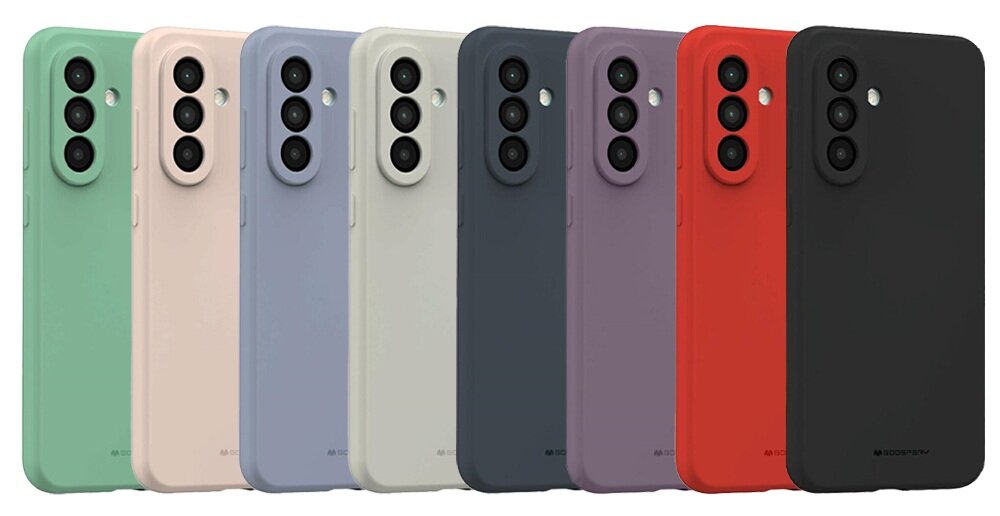
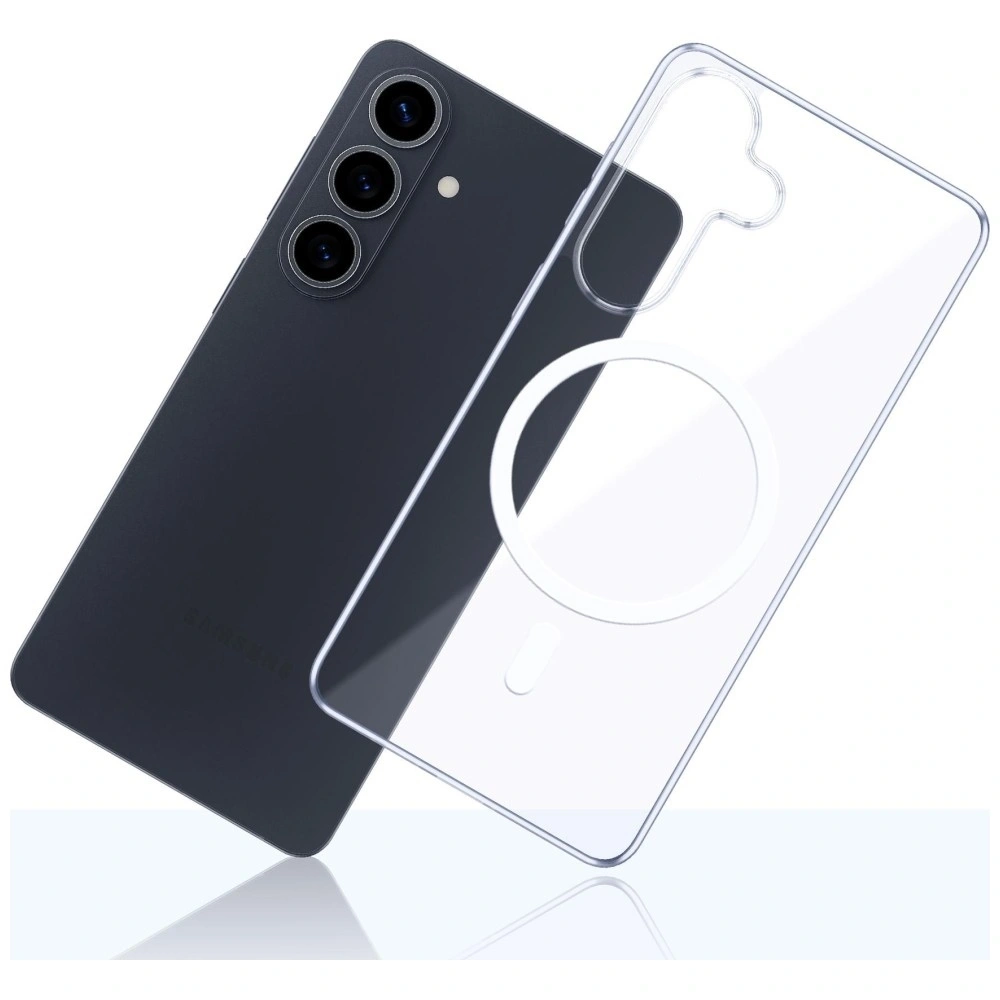
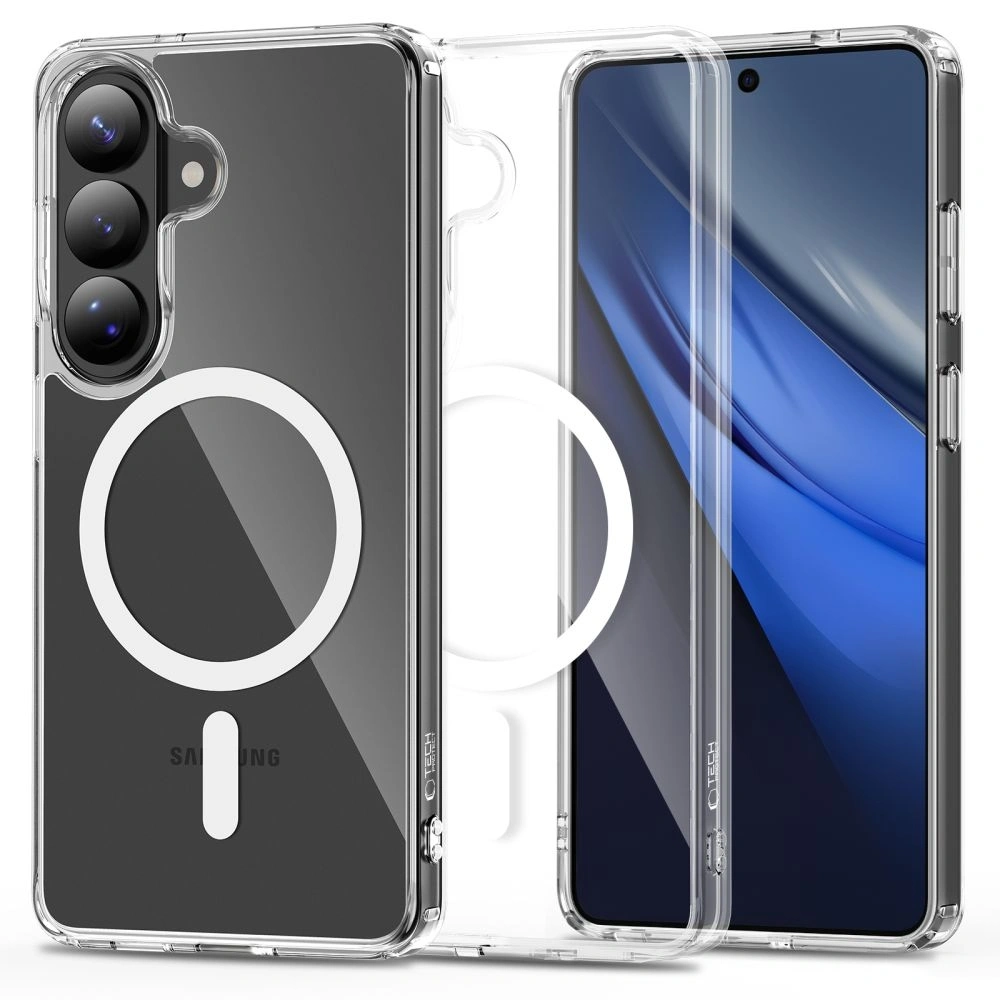
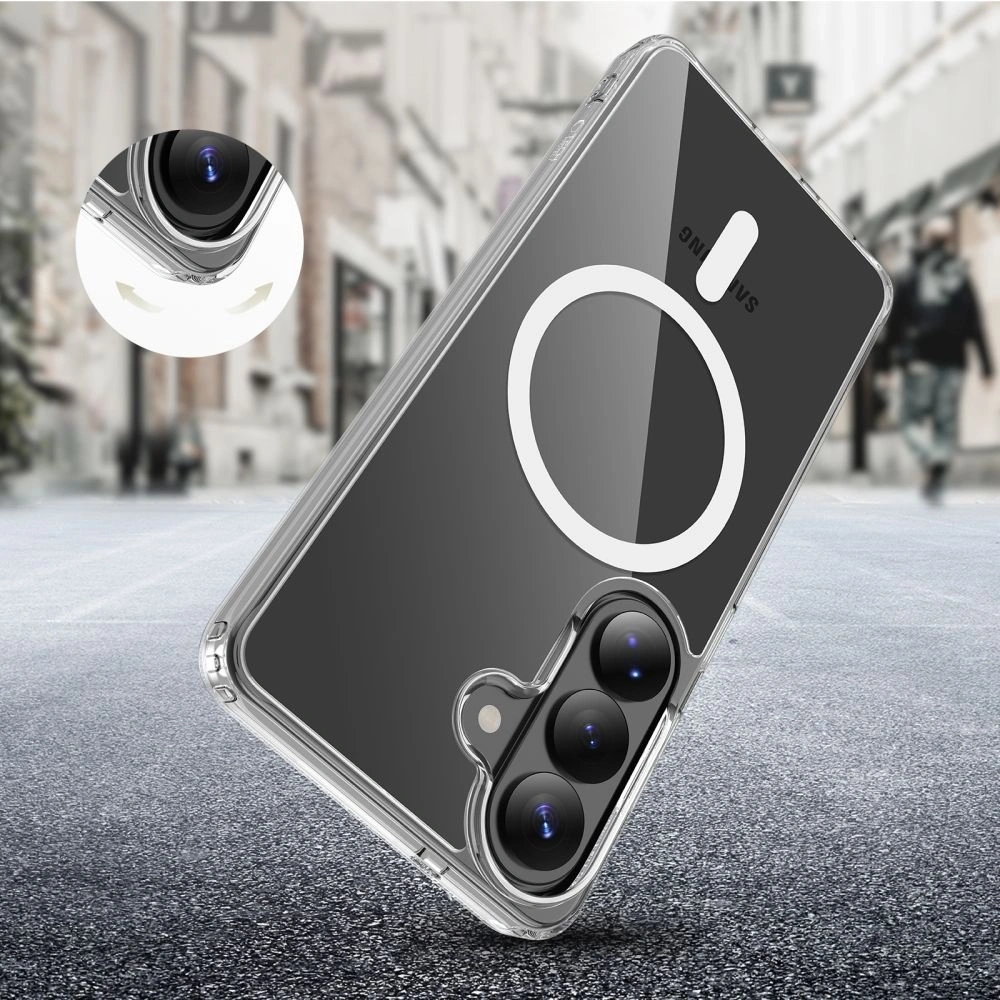
Choosing a case for Samsung Galaxy S26 is worth matching it to your usage style. A different model is needed by someone who wants slim protection for everyday use, and another by someone who wants to maximize the phone’s protection against drops.
On the market today, you will find both trendy premium cases (Karl Lagerfeld, Guess), light silicone models, armored Supcase housings, as well as transparent or matte variants that do not hide the phone’s design. This makes it easy to match the protection to your needs and budget.
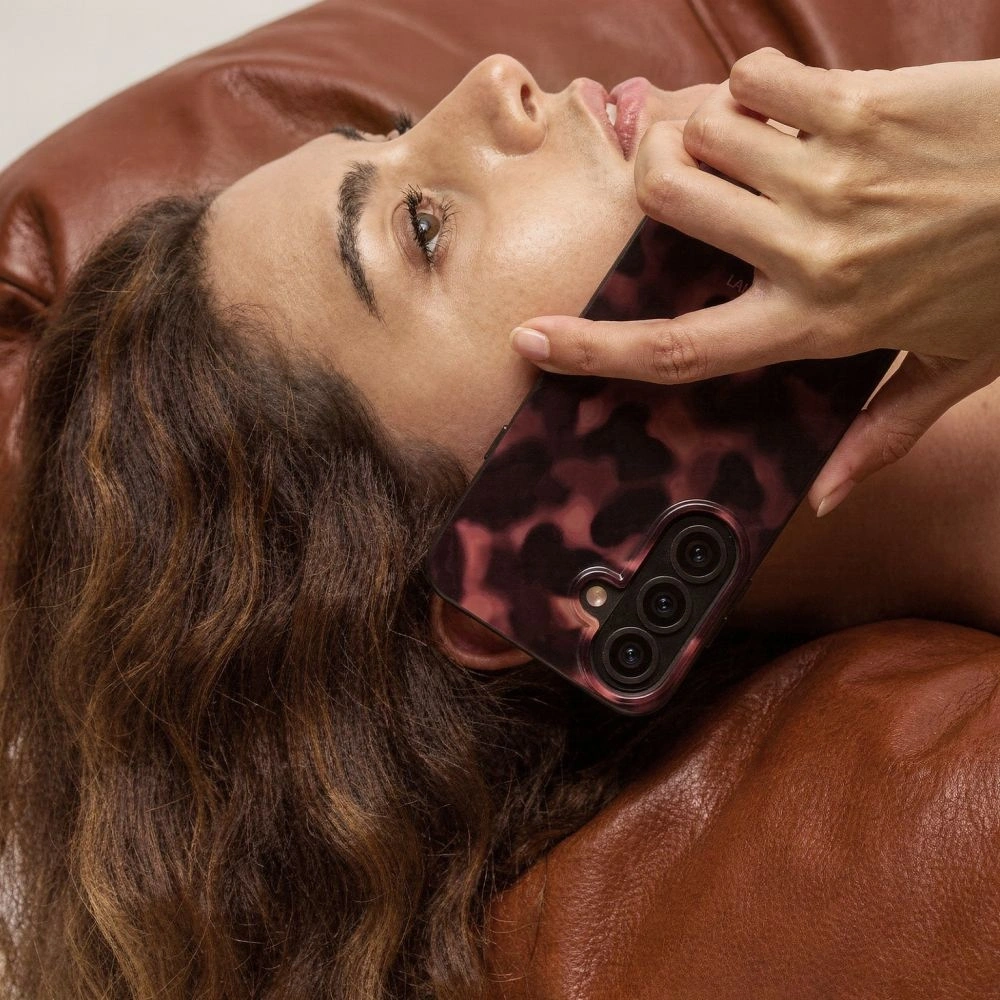
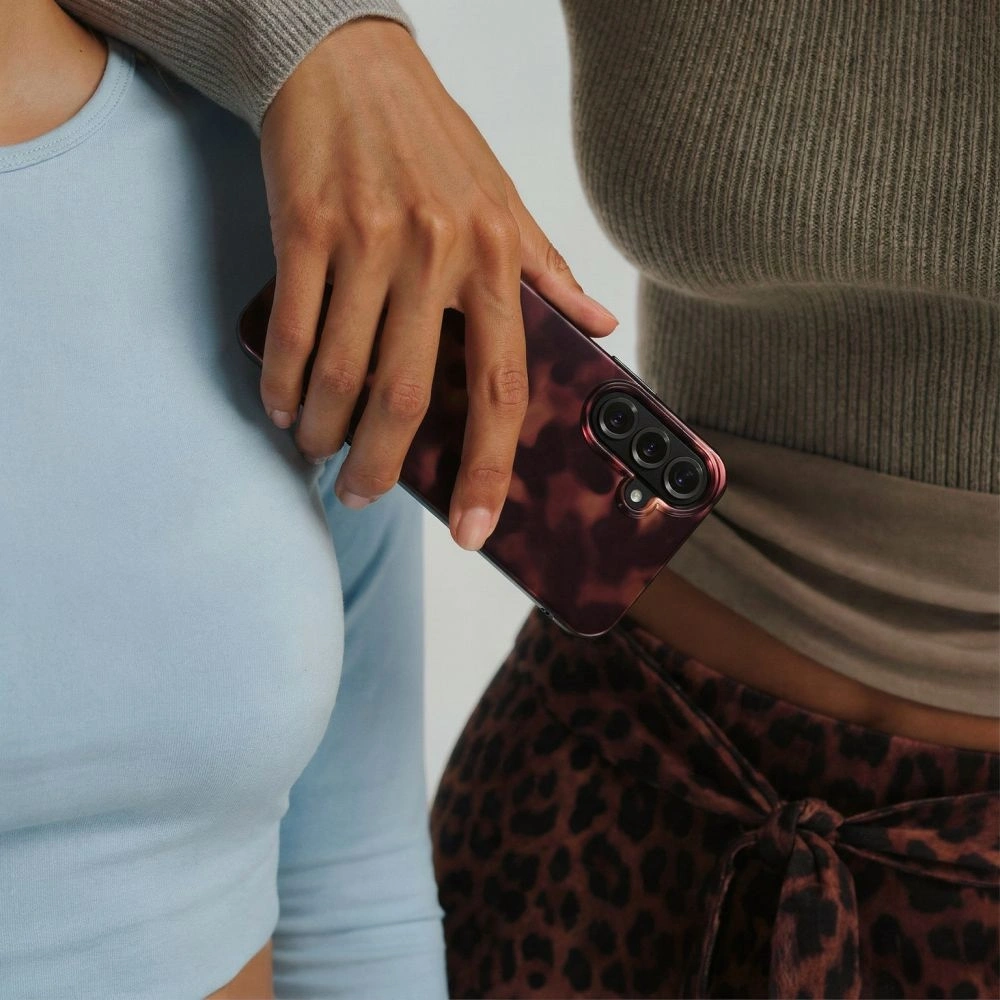
Women’s case for Samsung Galaxy S26 is a combination of protection and style. In this category, not only the phone’s security matters, but also the design that highlights the user’s character. Fashionable prints, golden details, animal motifs, or luxurious finishes make the case an element of styling.
If you care about the «wow» effect and want your phone to look designer — the models below will be a perfect choice.
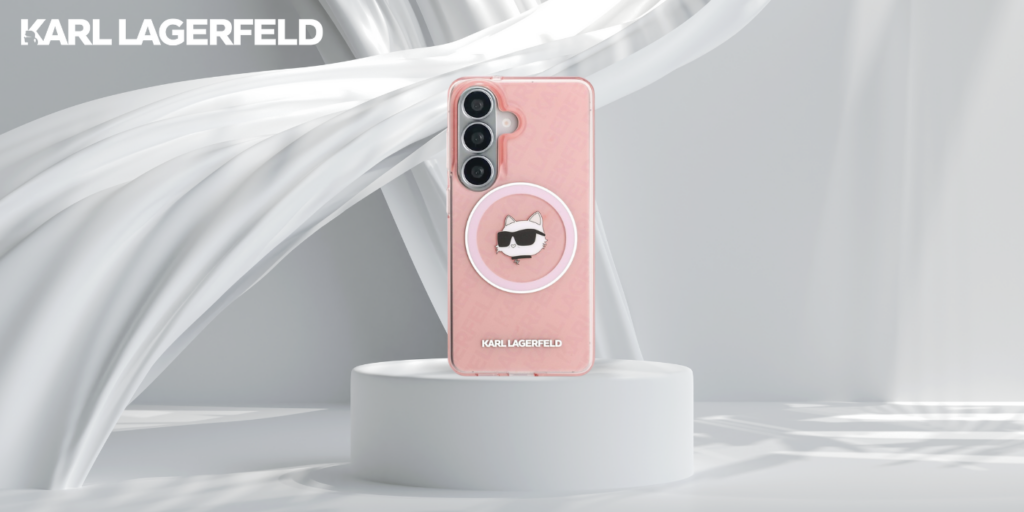
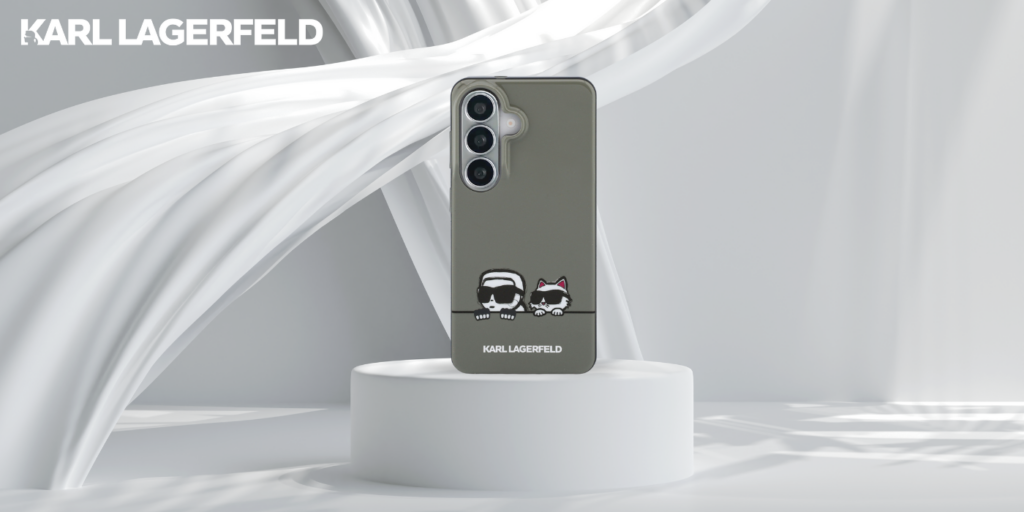
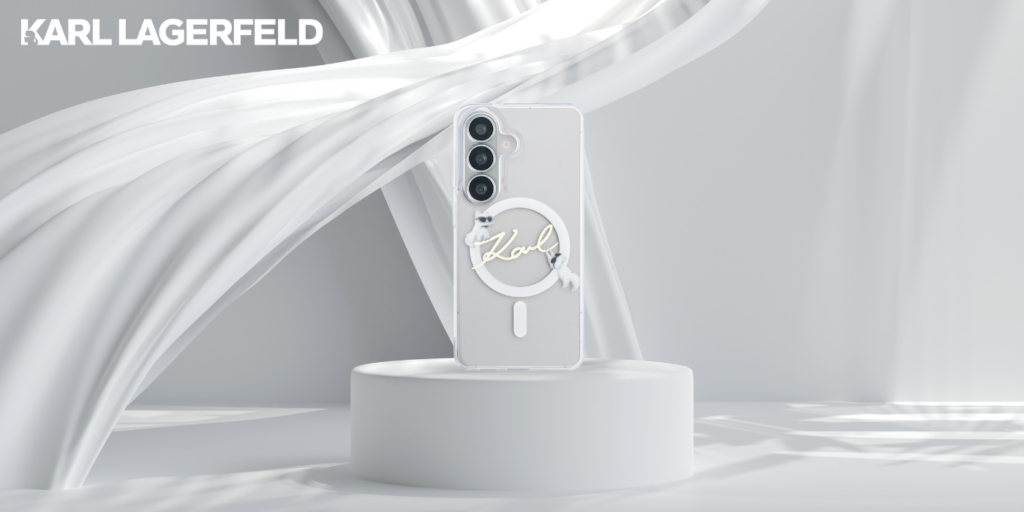
Karl Lagerfeld IML MagSafe
IML Repeated Series /Peekaboo/ KC Script Choupette is a proposal for fans of premium fashion accents. The distinctive logo and Choupette motif give the smartphone a luxurious character, and the built-in MagSafe enhances functionality. Price: 119 PLN.
Who is this the best choice for?
➡️ For women who treat their phone as a fashion accessory and like branded accents. ➡️ For fans of minimalist yet recognizable design.
Main benefits
✔️ Original design by Karl Lagerfeld ✔️ Built-in MagSafe ✔️ Good protection for the back and sides ✔️ Premium effect
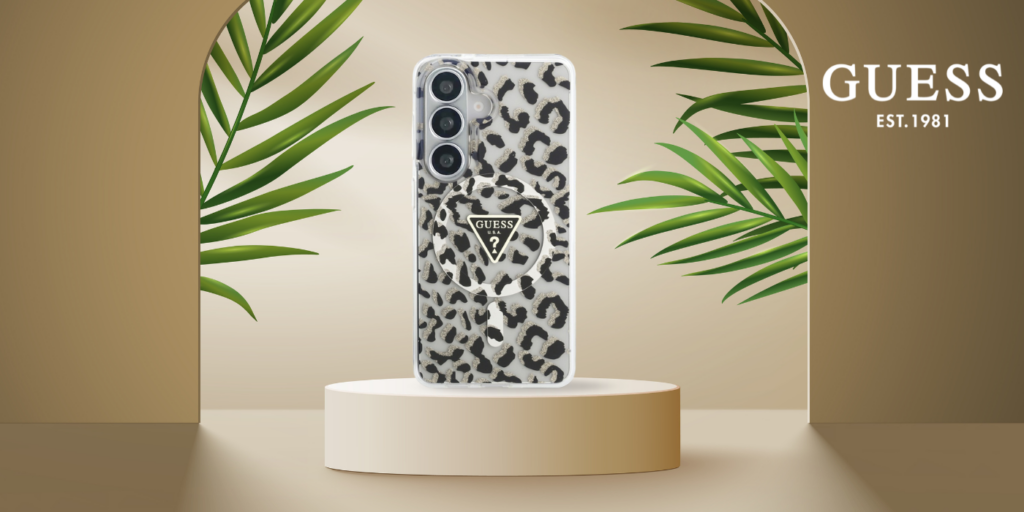
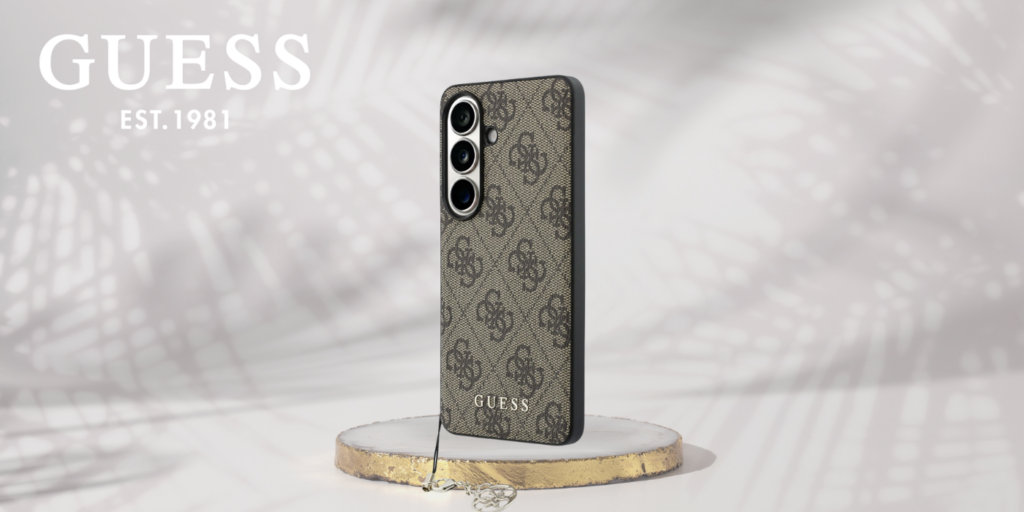
Guess IML Leopard / 4G Classic Logo Charm
Two variants Guess IML Leopard and Guess 4G Classic Logo Charm combine elegant style with distinctive branding — the leopard print makes a «wow» statement, and the classic 4G charm looks premium and fits many styles. It’s a great option when you want the case to not only protect but also look like an accessory. Price: 139 zł.
Who is this the best choice for?
➡️ For those who want to stand out with their phone’s pattern and detail. ➡️ For fans of premium accessories (logo, charms, “fashion vibe”).
Main benefits
✔️ Trendy design ✔️ Premium effect and strong style in hand ✔️ Good fit for the phone ✔️ Versions with MagSafe
Tech-Protect Lamano MagSafe
If you’re looking for a trendy design at an affordable price, Tech-Protect Lamano MagSafeis an interesting alternative to more expensive fashion brands. The leopard print gives the phone a distinctive character while the case remains lightweight and comfortable for everyday use. It’s a good option if you care about style without spending over 100 zł. Price: 39 zł.
Who is it the best choice for?
➡️ For those who want a trendy design at a budget price. ➡️ For users looking for a lightweight case with MagSafe.
Main benefits
✔️ Attractive price ✔️ Trendy leopard print ✔️ Built-in MagSafe ring ✔️ Slim, lightweight construction
💡 Dlaczego warto wybrać kobiece etui do Samsung Galaxy S26?
Modne etui do Galaxy S26 to coś więcej niż ochrona — to element stylu. W zależności od budżetu możesz postawić na markowe modele premium albo tańsze, ale nadal efektowne wzory. Każda z tych opcji pozwala zabezpieczyć telefon i jednocześnie nadać mu wyjątkowy, bardziej „fashion” charakter.
Jakie silikonowe i lekkie etui do Galaxy S26 wybrać?
Jeśli zależy Ci na smukłej konstrukcji i wygodnym chwycie, silikonowe etui do Samsung Galaxy S26 będzie jednym z najbezpieczniejszych wyborów. Tego typu modele dobrze amortyzują drobne upadki, nie pogrubiają telefonu i sprawdzają się w codziennym użytkowaniu.
Ringke Silicone Magnetic MagSafe
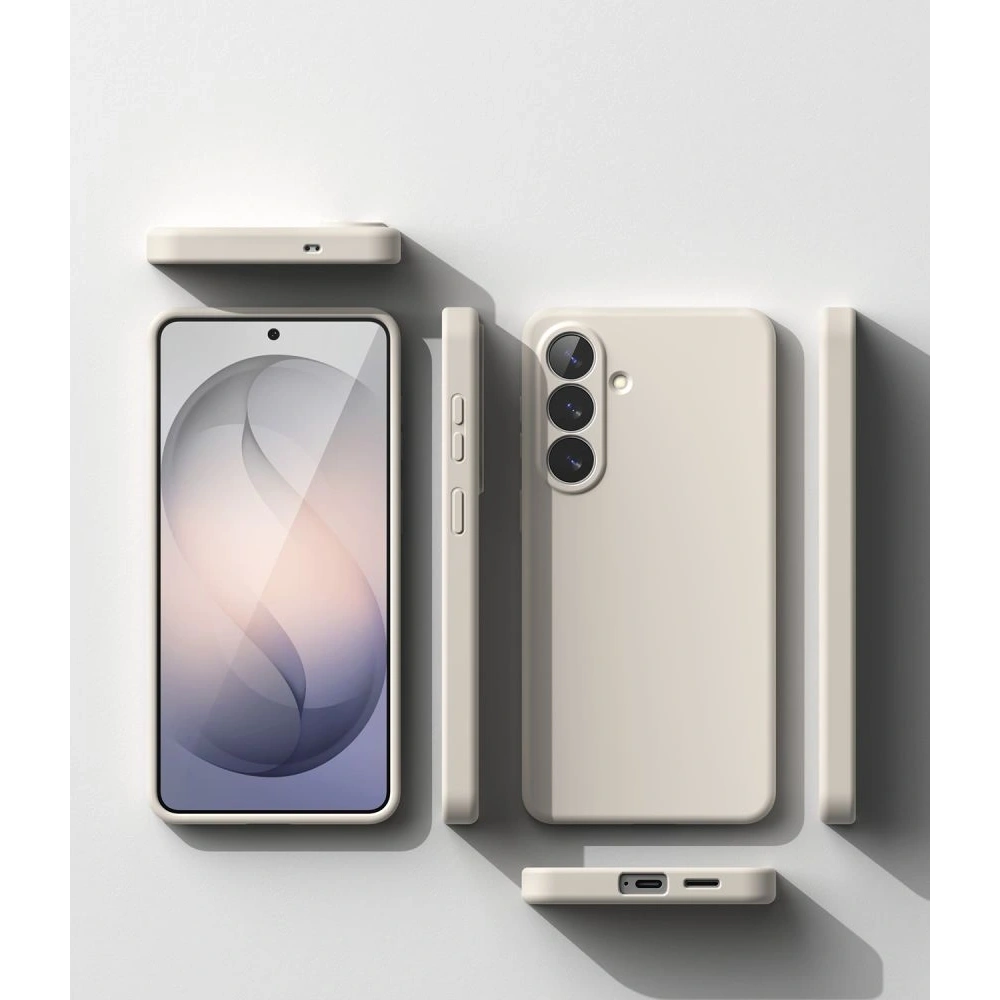
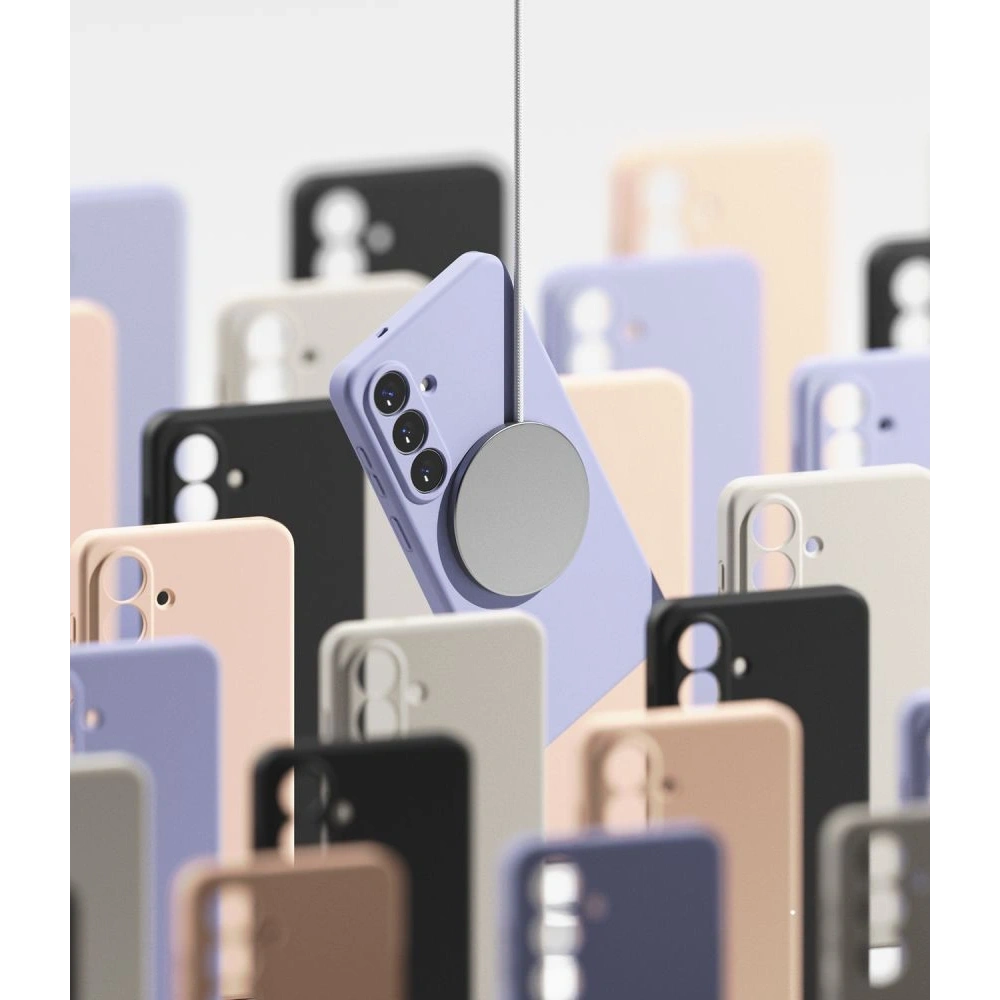
If you care about a durable and well-made silicone case,Ringke Silicone Magnetic is one of the strongest candidates in this category.
Who is it the best choice for?
➡️ For those who want minimalism and good finish. ➡️ For users utilizing MagSafe.
Main benefits
✔️ Soft, pleasant silicone ✔️ Built-in magnet ✔️ Slim design ✔️ Good fit to the phone
Mercury Silicone for Samsung Galaxy S26
If you are looking for a classic, budget-friendly solution, Mercury Silicone is a proven choice for everyday use. The case is lightweight, flexible, and provides good protection for the sides of the device against scratches. Price: 49 zł.
Who is it the best choice for?
➡️ For those who want simple protection without extras. ➡️ For users who value low weight.
Main benefits
✔️ Lightweight construction ✔️ Flexible material ✔️ Good side protection ✔️ Attractive price
Tech-Protect Silicone MagSafe
If you care about a low price and support for magnetic accessories, Tech-Protect Silicone MagSafeis a reasonable option. The classic black version works well both at work and privately. Price: 39 zł.
Who is this the best choice for?
➡️ For those who want the cheapest MagSafe case. ➡️ For users looking for simplicity and functionality.
Main benefits
✔️ Very good price ✔️ Built-in magnetic ring ✔️ Minimalist design ✔️ Lightweight and slim form
What durable case to choose for the Galaxy S26?
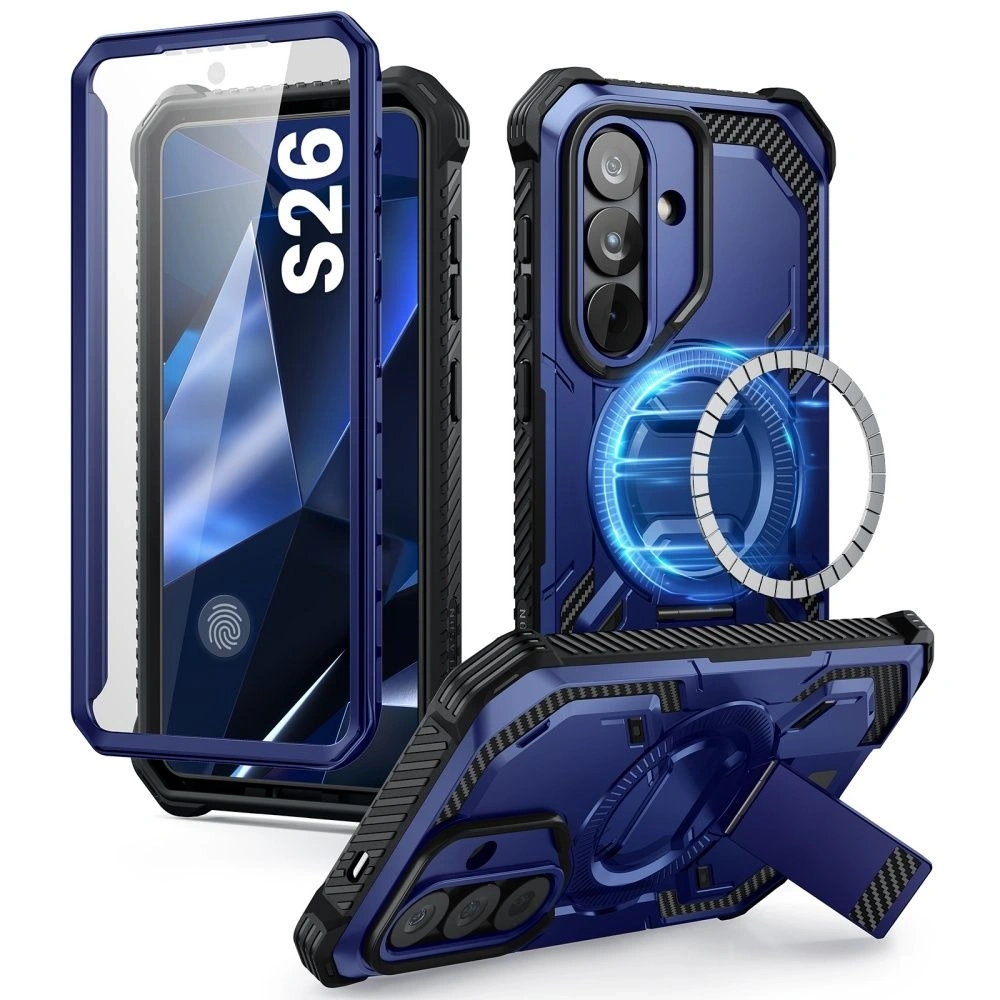
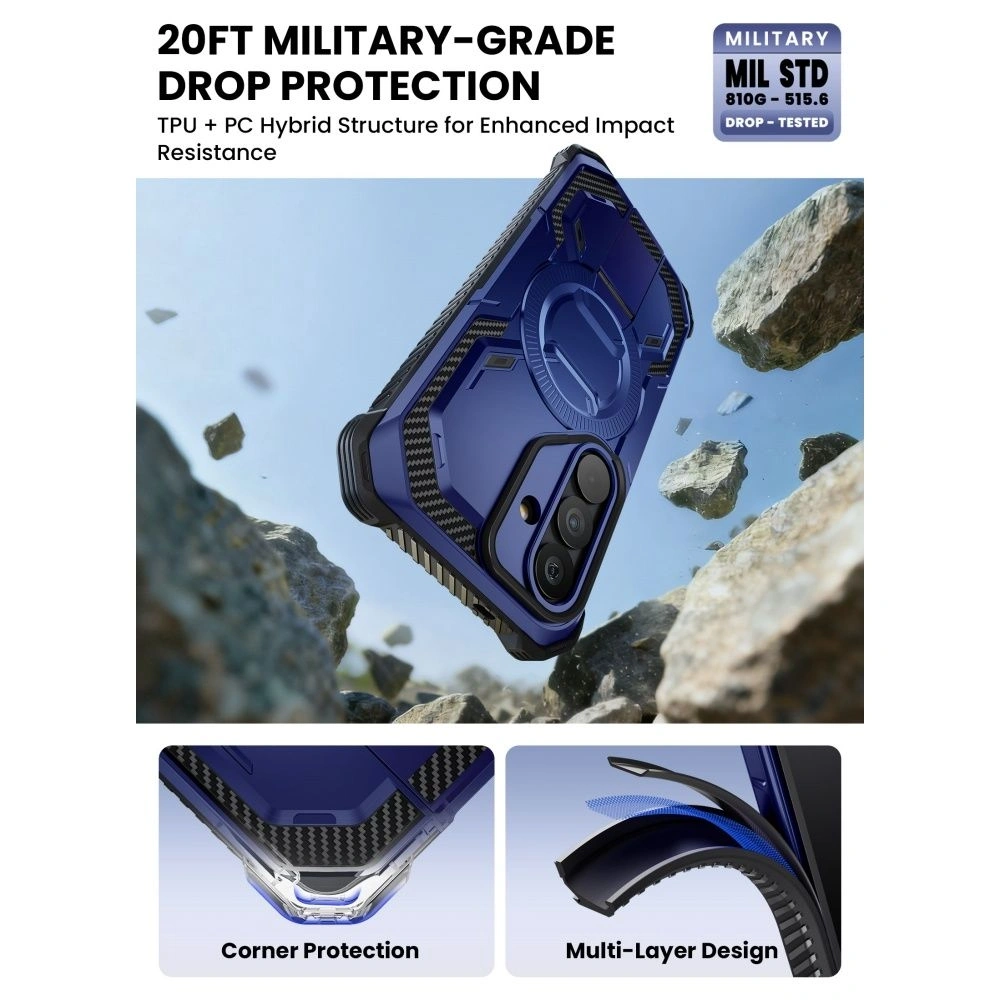
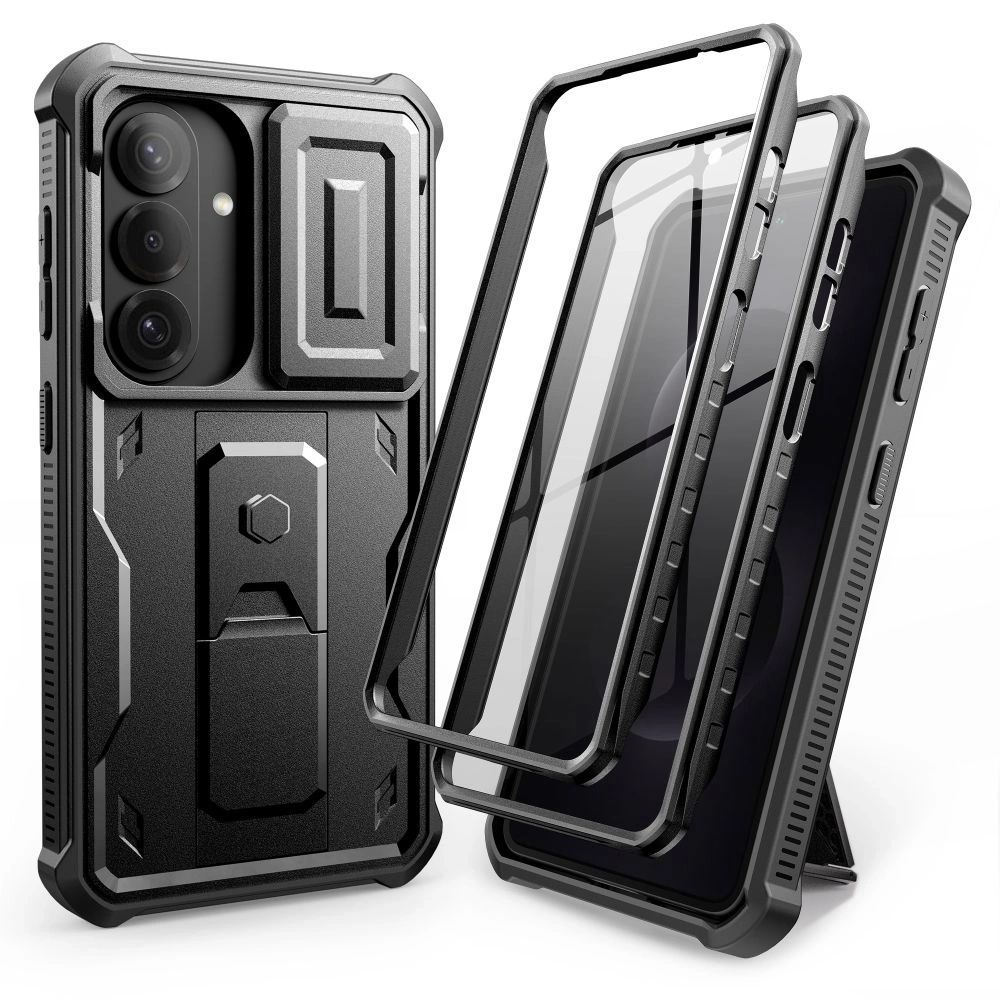
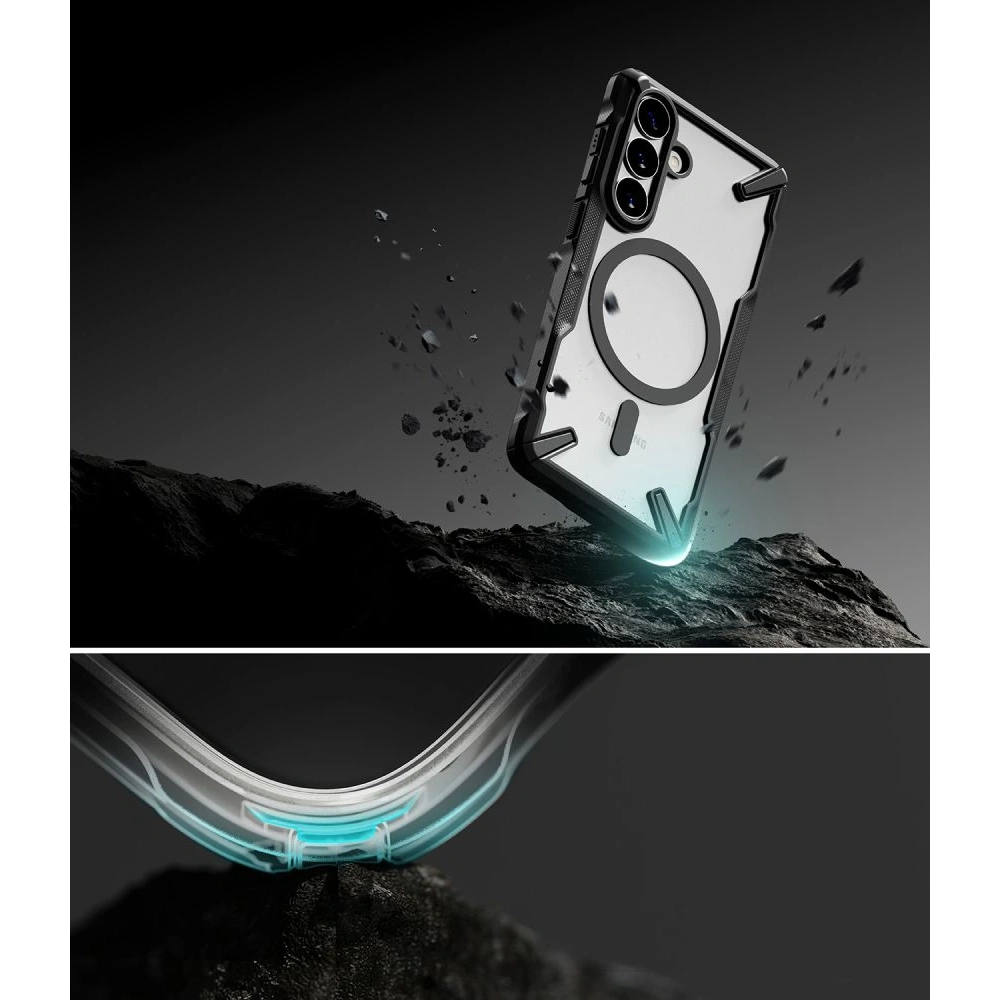
If your phone often ends up in your pocket with keys, falls from your hand, or you use it at work/outdoors,armored case for Samsung Galaxy S26will be the best decision. Reinforced corners, tougher backs, and a sturdier construction absorb fall energy better than classic, thin cases.
This category is for those who prefer «peace of mind» and real protection — even at the cost of slightly larger dimensions.
Supcase IBLSN Armorbox Mag MagSafe for Samsung Galaxy S26
If you want the absolute maximum protection, Supcase for Samsung Galaxy S26 is one of the strongest choices in the lineup. The Armorbox has a clearly reinforced construction and looks like a case «for special tasks,» while also supporting MagSafe. Price: 159 PLN.
Who is this the best choice for?
➡️ For those who often drop their phone or use it outdoors. ➡️ For users who want armored protection + MagSafe.
Main benefits
✔️ Very high level of protection ✔️ Reinforced construction and corners ✔️ MagSafe in armored form ✔️ Great for tough conditions
Tech-Protect Kevlar Cam+ for Samsung Galaxy S26 (2 PACK)
If you care about a strong case, but in a more «technological» style,Tech-Protect Kevlar Cam+ is a great compromise. The 2-pack version is practical (spare / replacement), and the finish style suits those who like a raw, sporty look. Price: 95 PLN.
Who is this the best choice for?
➡️ For those who want durability without excessive «brick». ➡️ For those who prefer a technical, modern design.
Main benefits
✔️ Enhanced everyday protection ✔️ Set of 2 pieces (practical solution) ✔️ More secure grip and durable back ✔️ Good balance: protection vs thickness
Ringke Fusion-X Magnetic MagSafe
If you want enhanced protection, but not as bulky as typical «tanks»,Ringke Fusion-X Magnetic MagSafe is one of the most versatile models. The characteristic reinforced corners and hybrid construction work great for everyday use, and MagSafe is onboard. Price: 65 zł.
Who is this the best choice for?
➡️ For those who want armored protection at a reasonable price. ➡️ For users looking for a compromise: durability + everyday convenience.
Main benefits
✔️ Reinforced corners (better shock absorption) ✔️ Hybrid, durable construction ✔️ MagSafe for charging and accessories ✔️ Very good price for this class
Which transparent case to choose for the Galaxy S26?
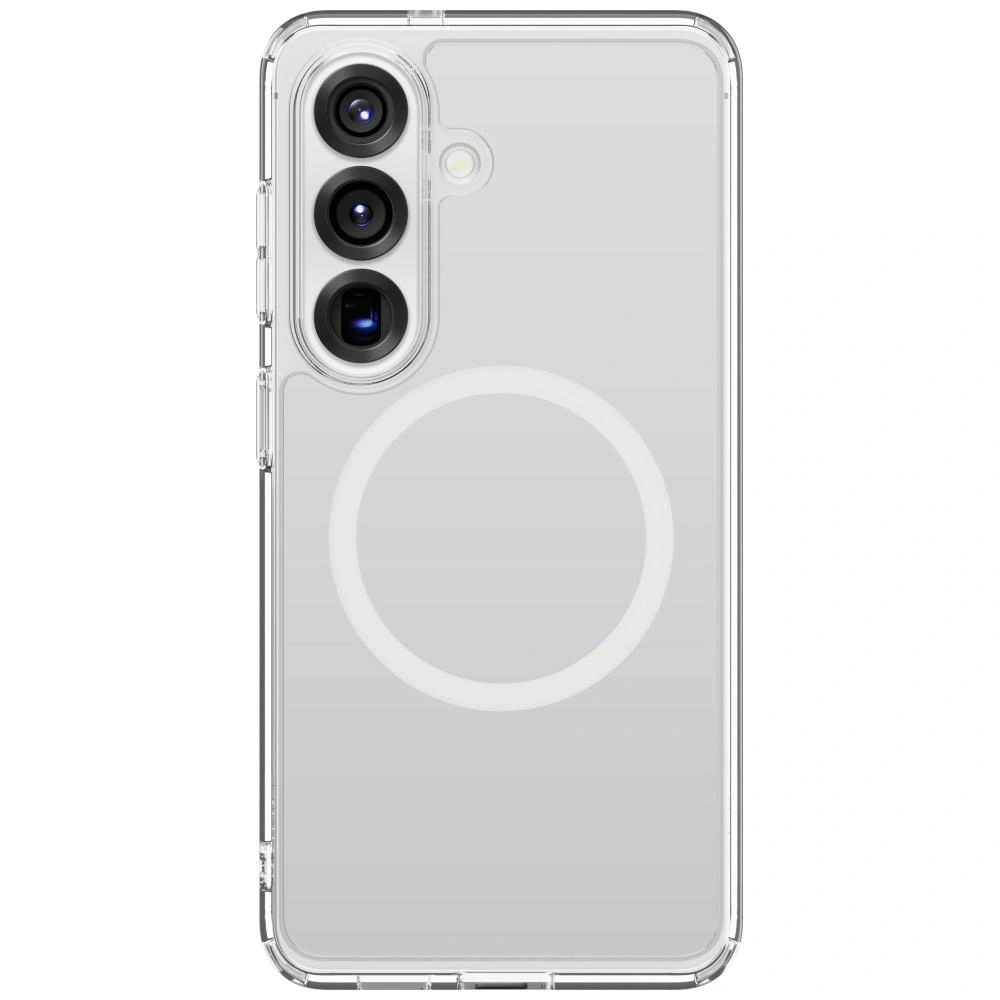
If you want to preserve the original design of the Samsung Galaxy S26 while providing solid protection, it’s worth opting for a transparent case for the Samsung Galaxy S26. Transparent cases allow you to showcase the color and shape of the phone while protecting it from scratches and minor drops.
Transparent models are a great solution for those who value minimalism and dislike a «damaged» design of the case.
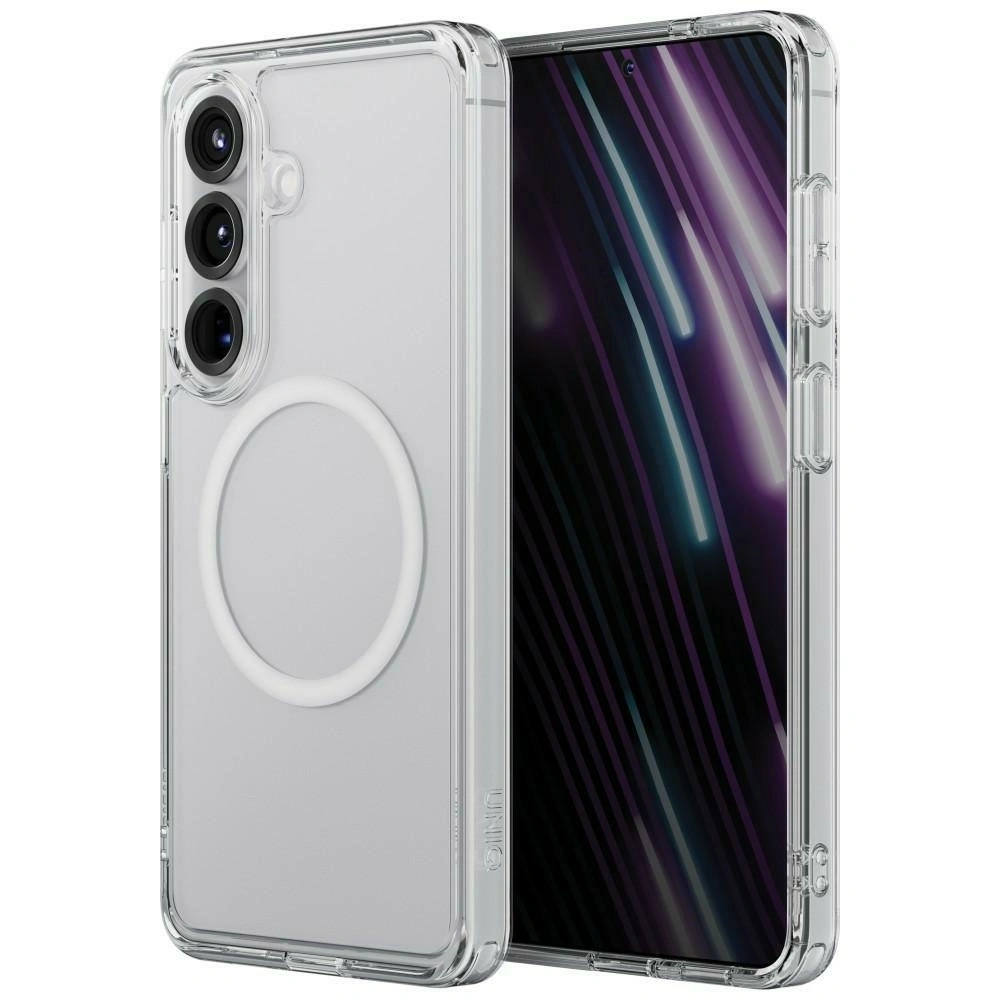
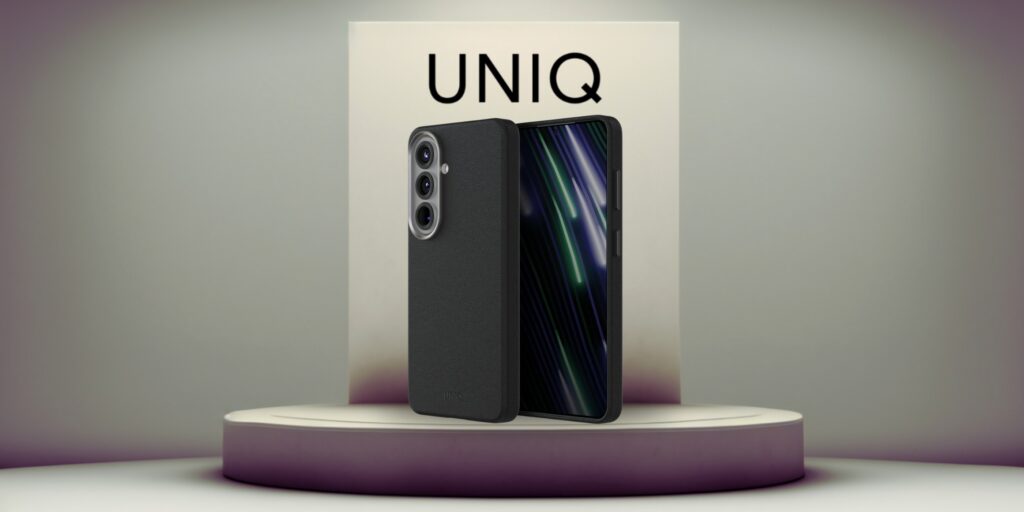
UNIQ LifePro Xtreme MagClick Charging
If you care about transparent protection with good cushioning, UNIQ LifePro Xtreme MagClick Charging is one of the stronger options in this category. The case maintains clarity while having reinforced edges and supports MagClick/MagSafe. Price: 119 zł.
Who is this the best choice for?
➡️ For those who want to showcase the original color and design of the phone. ➡️ For those who need transparent protection with MagSafe.
Main benefits
✔️ Transparent, minimalist look ✔️ MagClick/MagSafe compatibility ✔️ Reinforced edges ✔️ Good shock absorption from falls
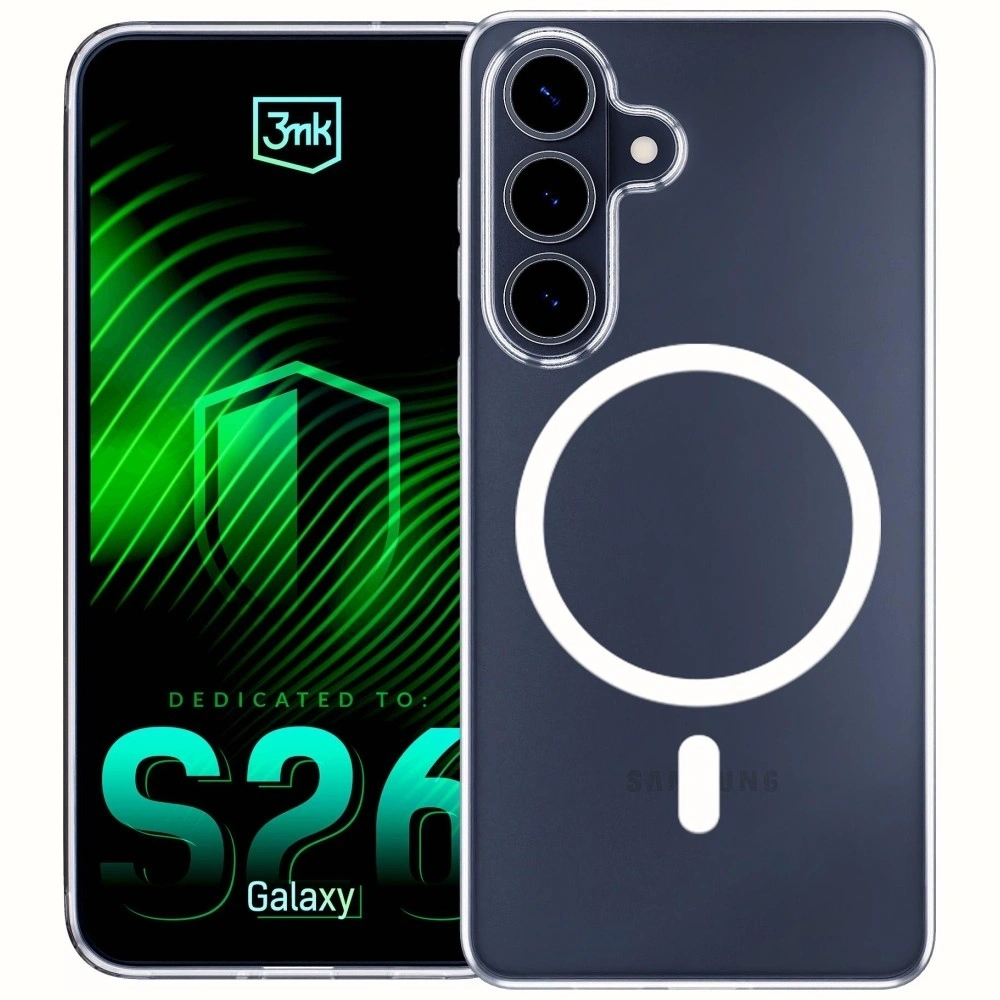
3MK Clear MagCase
If you are looking for a clear, classic, transparent case, 3MK Clear MagCase for Samsung Galaxy S26 is a good choice at a budget price. The simple design without unnecessary frills works well for everyday use and does not cover the phone’s design. Price: 49.90 zł.
Who is it the best choice for?
➡️ For minimalists in design. ➡️ For those who want a light, transparent case without magnets.
Main benefits
✔️ Transparency without compromises ✔️ Classic, universal look ✔️ Light and slim ✔️ Great price
Tech-Protect Flexair Hybrid MagSafe
If you want a transparent case, but in an even lighter version than “Xtreme”, Tech-Protect Flexair Hybrid MagSafe is an economical and functional option. Price: 35 PLN.
Who is it the best choice for?
➡️ For those who want a transparent case with MagSafe at the lowest price. ➡️ For those who prefer minimalist solutions.
Main benefits
✔️ MagSafe support ✔️ Slim and lightweight profile ✔️ Transparent back ✔️ Very affordable price
Which matte case for Galaxy S26 to choose?
If you don’t like fingerprints, shine, and «slippery» backs,matte case for Samsung Galaxy S26will be a great choice. The matte finish looks more elegant, provides a more secure grip, and usually better masks minor scratches that occur during everyday use.
To idealna opcja dla osób, które chcą połączyć minimalistyczny styl z praktycznością.
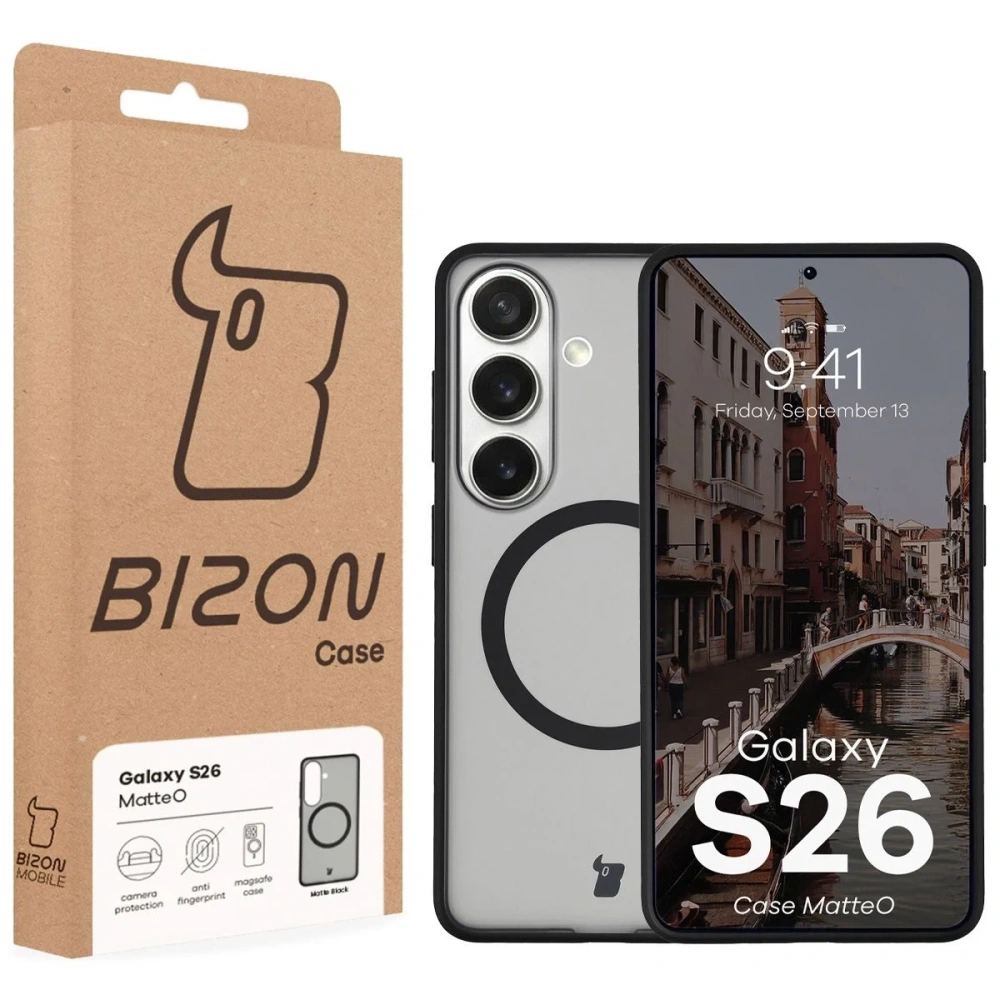
Bizon Case MatteO do Samsung Galaxy S26
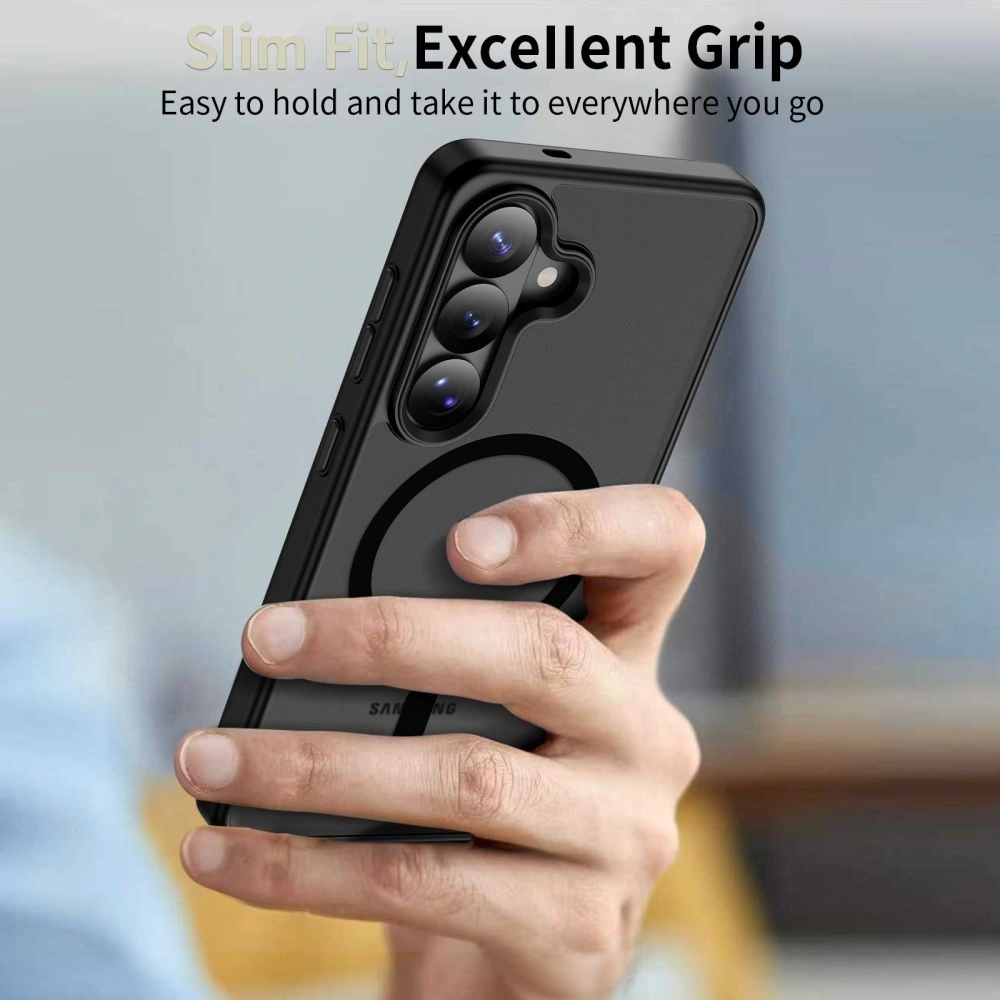
Jeśli zależy Ci na matowym wyglądzie i magnetycznej funkcjonalności,Bizon Case MatteOto bardzo sensowna propozycja. Przydymione-czarne wykończenie wygląda nowocześnie, a pierścień magnetyczny ułatwia korzystanie z akcesoriów. Cena: 45 zł.
Dla kogo to najlepszy wybór?
➡️ Dla osób, które chcą matowe etui bez smug i odcisków. ➡️ Dla użytkowników, którzy lubią magnetyczne dodatki.
Tech-Protect Magmat MagSafe for Samsung Galaxy S26
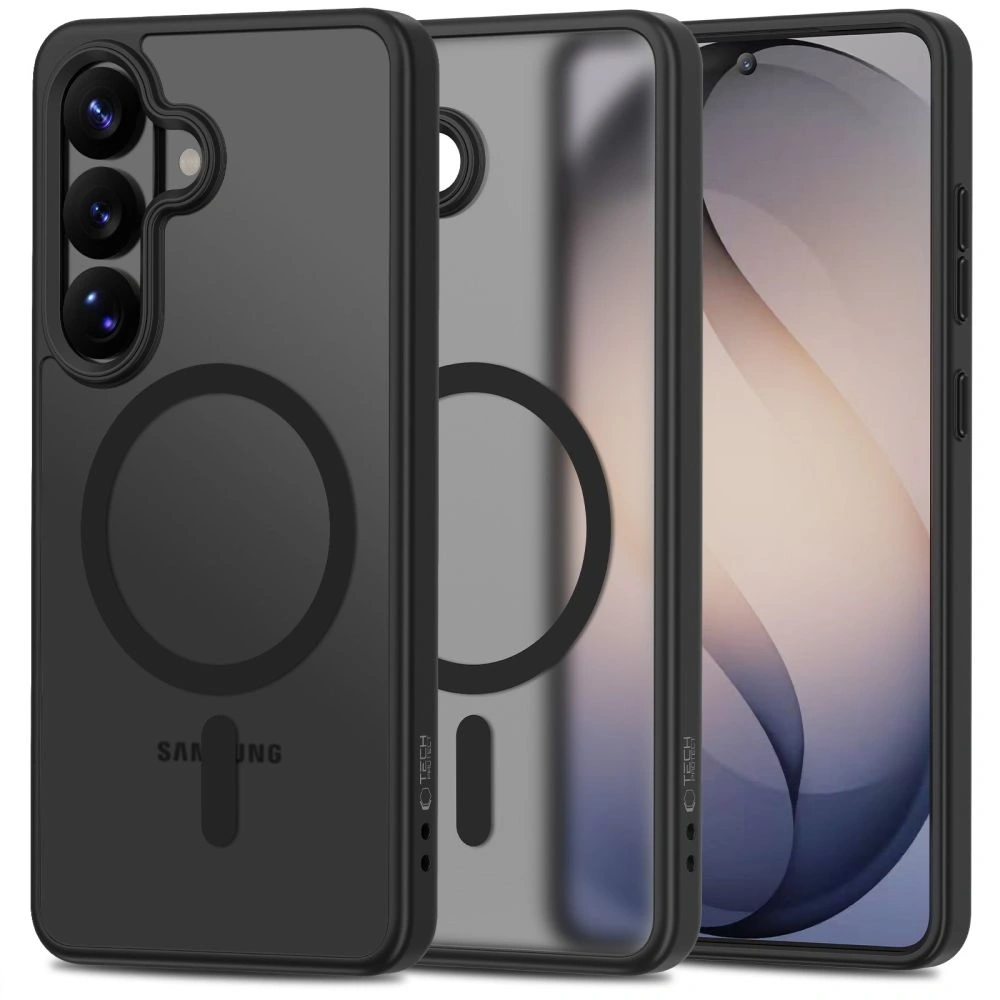
If you prefer simple, classic black and MagSafe at a budget price,Tech-Protect Magmat MagSafe for Samsung Galaxy S26 will be a good choice. This case is for those who want to «get the job done»: it should look neat and work without fuss. Price: 39 zł.
Who is this the best choice for?
➡️ For fans of simple, matte style. ➡️ For those looking for an affordable case with MagSafe.
Main benefits
✔️ Matte surface and neat appearance ✔️ Compatibility with MagSafe ✔️ Lightweight, comfortable form ✔️ Very good price
Premium case for Samsung Galaxy S26 — Kevlar, carbon, and eco-leather
If you care about an elegant look and modern texture, a great choice will be premium case for Samsung Galaxy S26 made from Kevlar/aramid, carbon, or eco-leather materials. Such models usually fit better in hand, show fewer signs of use, and look «classy» even over time.
BMW M Kevlar Logo MagSafe
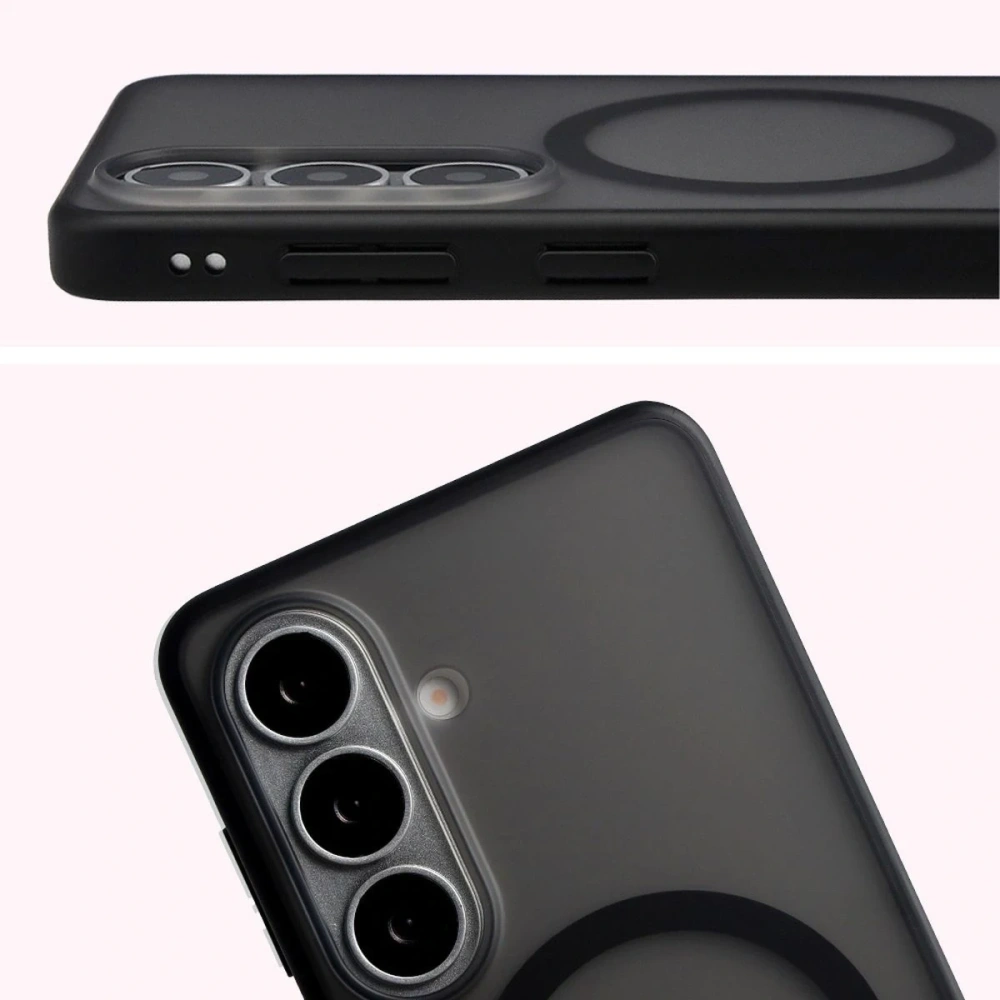
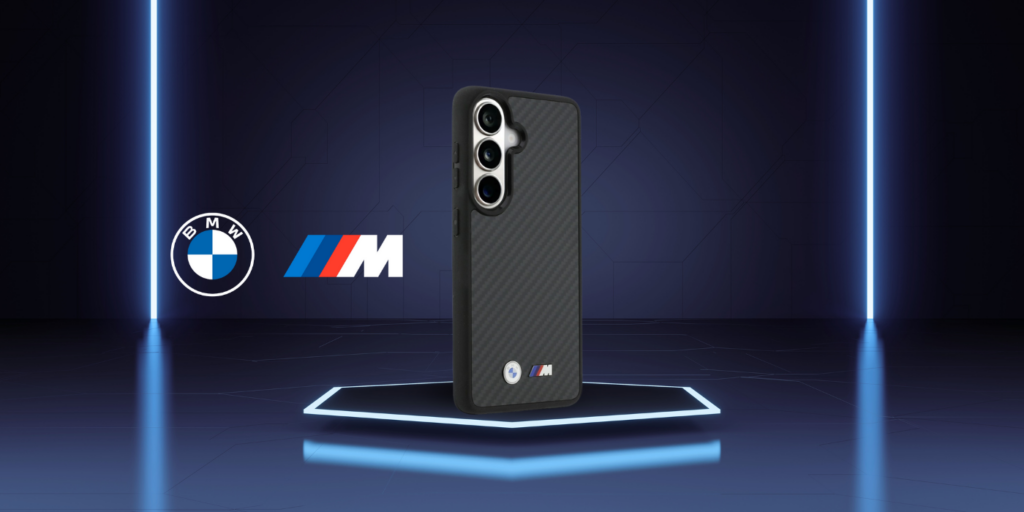
If you are looking for a premium effect and a «motorsport» character,BMW M Kevlar case will be a strong choice. The aramid fiber-inspired surface gives a unique texture, and the BMW M branding makes an impression without being excessive. Price: 149 zł.
Who is this the best choice for?
➡️ For automotive enthusiasts and premium style. ➡️ For those who want an elegant case with texture and MagSafe.
Main benefits
✔️ Kevlar/aramid look (modern texture) ✔️ BMW M branding (premium) ✔️ MagSafe for accessories and charging ✔️ Very «masculine,» technical style
UNIQ Lyden MagClick Charging
If you prefer modern elegance, UNIQ Lyden for Samsung Galaxy S26 with an eco-leather finish is a great everyday option — especially «for work» and for more subdued styles. The case looks neat, feels pleasant to the touch, and supports MagClick/MagSafe. Price: 129 zł.
Who is this the best choice for?
➡️ For those who want a business-like, elegant appearance. ➡️ For users looking for an eco-leather finish + MagSafe.
Main benefits
✔️ Eco-leather material (premium look) ✔️ MagClick/MagSafe compatibility ✔️ Subdued, elegant design ✔️ Good option «for the office»
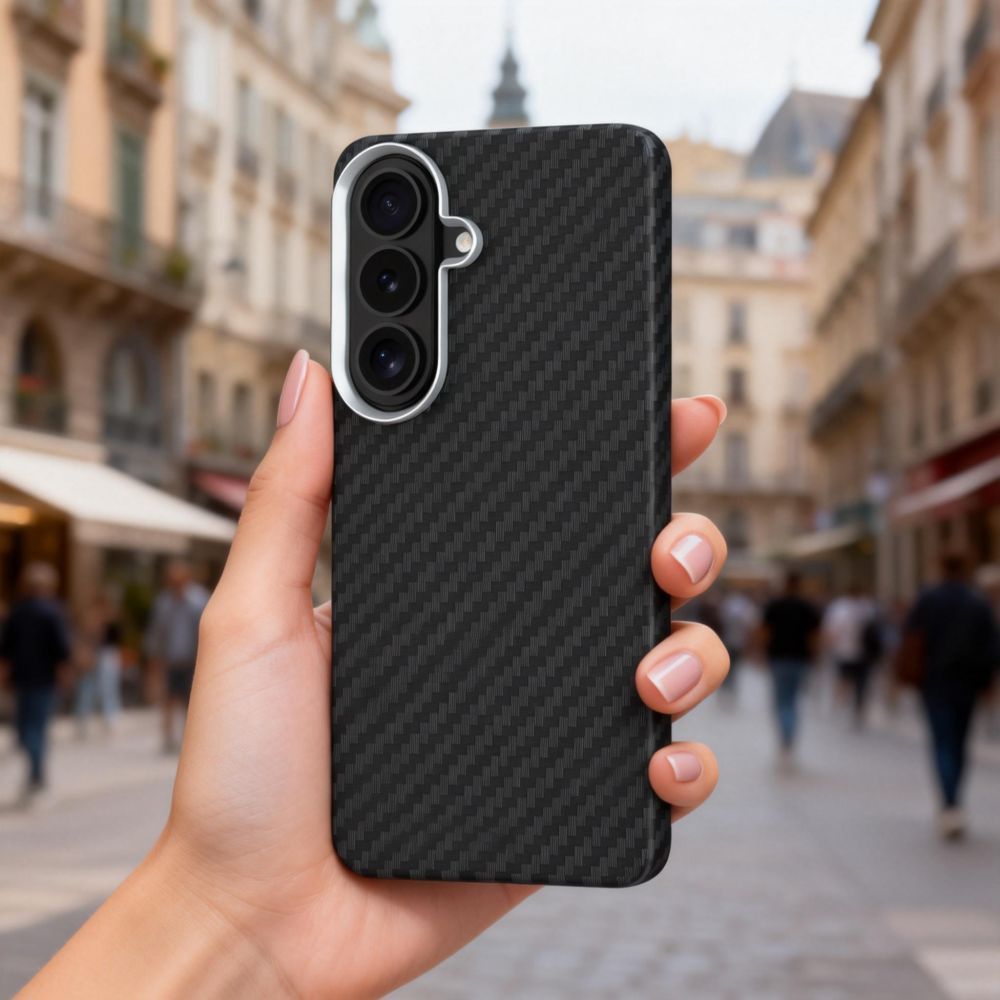
Tech-Protect Ion Carbon MagSafe
If you want a modern, carbon finish, but without spending over 100 zł, Tech-Protect Ion Carbon MagSafe is a very reasonable choice. It looks technical, is lightweight, and fits well with minimalist accessories. Price: 45 zł.
Who is this the best choice for?
➡️ For fans of carbon and technical style. ➡️ For those who want an affordable option with MagSafe.
Main benefits
✔️ Carbon look (modern aesthetics) ✔️ MagSafe at a good price ✔️ Lightweight construction ✔️ Minimalist, “tech” character
Why is it worth choosing a case with a modern finish for the Samsung Galaxy S26?
Models with aramid, carbon, or eco-leather combine practicality with a premium appearance. Thanks to the texture, they fit better in the hand, look «clean» even over time, and match a minimalist style. It’s a great choice if you want your Galaxy S26 to look modern and elegant.
How to choose the best case for Samsung Galaxy S26?
1) Match the level of protection to your lifestyle
If the phone often slips from your hand or you use it outdoors — choose rugged case for Samsung Galaxy S26. For home/office, silicone or hybrid is usually sufficient.
Matte cases pick up fewer fingerprints, transparent ones show the phone’s color, and carbon/eco-leather looks more premium and «clean» over time.
4) Pay attention to the edges around the screen and camera
A good case should have slightly raised edges — this makes a difference when placing the phone screen down.
5) Think about how you carry your phone
If you often toss it into your pocket with keys or carry it in a bag with other items, consider a sturdier hybrid or rugged case for Samsung Galaxy S26 — damage usually comes from everyday little things, not from “big drops”.
It’s also worth immediately protecting the screen and camera by choosing tempered glass for Samsung Galaxy S26, which will protect the display from micro-scratches and cracking upon impact.
FAQ – Frequently Asked Questions about Samsung Galaxy S26
What is the difference between Galaxy S26, S26+, and S26 Ultra?
The differences mainly concern the screen size, battery, cameras, and the presence of the S Pen stylus (only in Ultra).
What screen do Galaxy S26, S26+, and S26 Ultra have?
If you care about the highest performance, top-tier cameras, and technological innovations – Honor Magic8 Pro will definitely be a better choice. This flagship offers top components and features in all aspects (screen, camera, processor, fast charging, etc.).
On the other hand, Honor Magic8 Lite will be suitable if the priority is long battery life, increased durability of the casing, and significantly lower price. Magic8 Lite provides solid everyday functionality with a fantastic battery, although it falls short of the Pro version in terms of speed and photo quality.
In short: Honor Magic8 Pro for demanding enthusiasts, Magic8 Lite for practical users mindful of their budget.
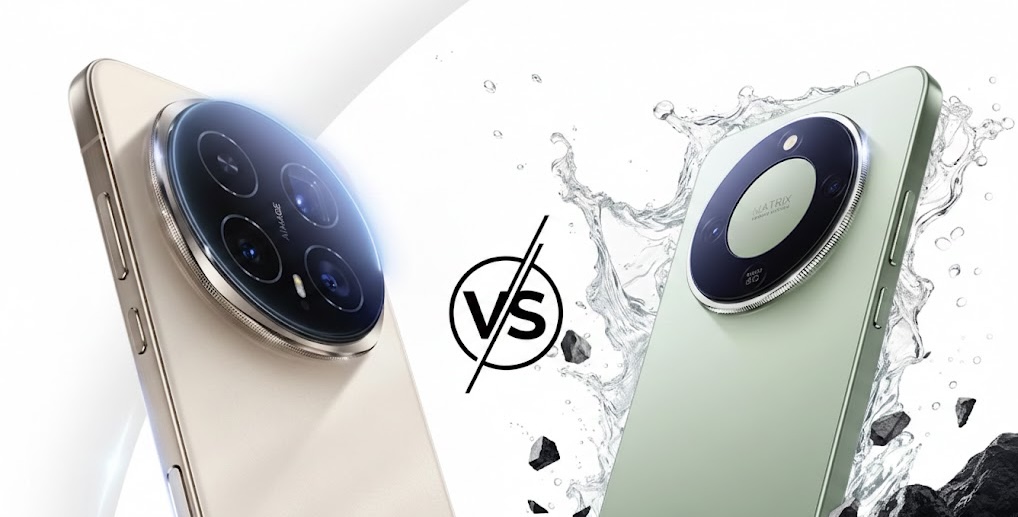
Two new Honor Magic8 models
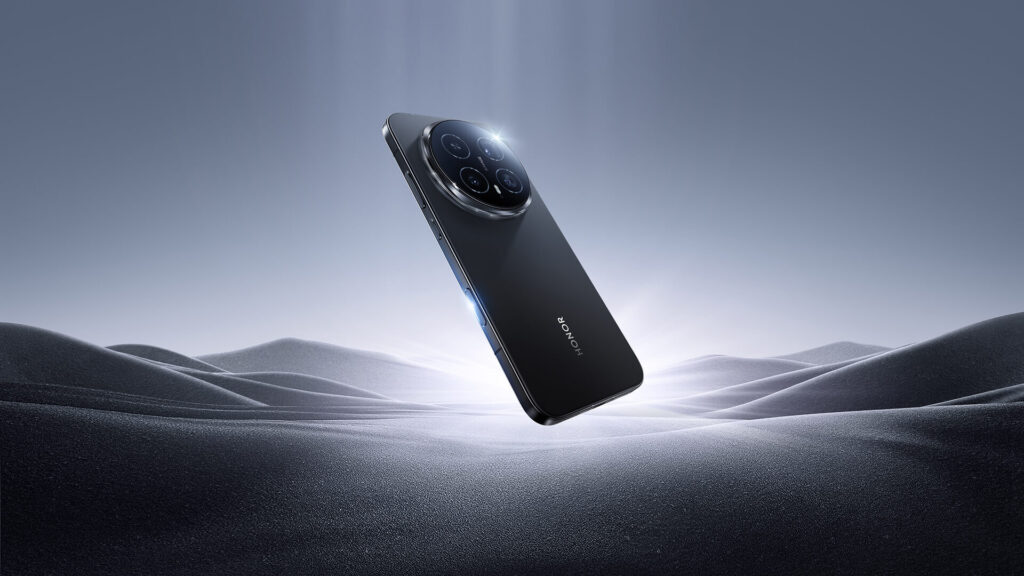
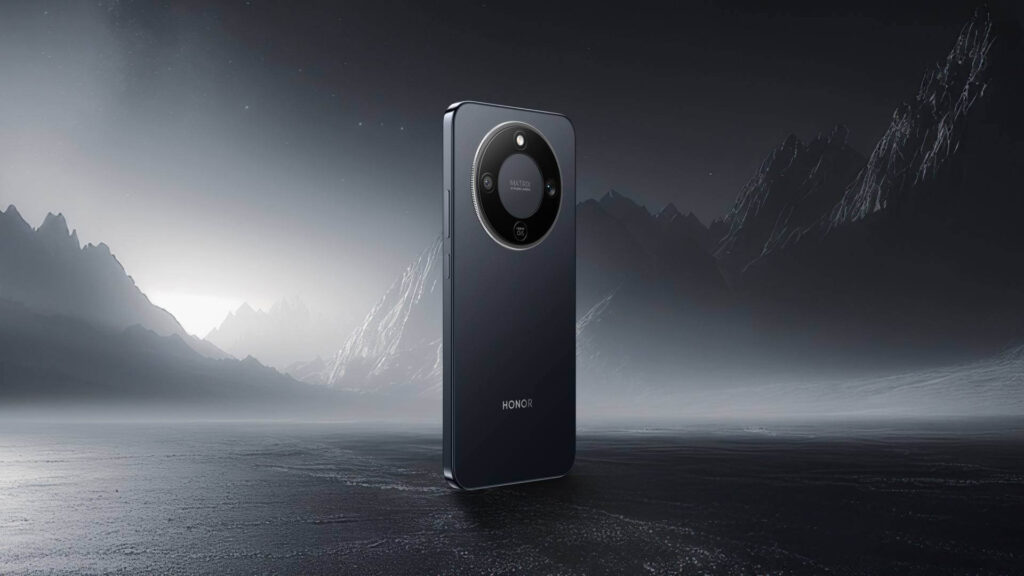
Honor presented two new smartphones from the Magic series at the beginning of 2026, aimed at different audiences. Honor Magic8 Pro is a premium flagship focused on advanced mobile photography and AI integration (including Google Assistant Gemini). Meanwhile, Honor Magic8 Lite is a “rugged” mid-range device with a reinforced construction and record battery life. Both models had their Polish premiere in January 2026 – sales started on January 15, 2026. Magic8 Pro showcases the technological capabilities of the Honor brand, while Magic8 Lite aims to attract users looking for long battery life and damage resistance at a more accessible price.
Glass and metal (premium), curved screen, 213 g, 8.3 mm thick. Colors: gold (Sunrise), blue (Sky), black.
Reinforced body, flat symmetrical screen, 189 g, 7.8 mm thick. Colors: black, green (Forest).
System
MagicOS 10 (Android 16) – integration with Google Gemini, dedicated AI Button
MagicOS 9 (Android 15) – similar AI features (photo editor, life assistant), no physical AI Button.
💡After choosing a model, it’s worth taking care of the protection for the casing and screen right away. If you’re aiming for a flagship, check out the best cases for Honor Magic8 Pro— preferably one that will securely protect the camera and edges.
If you prefer a durable mid-range phone, take a look at cases for Honor Magic8 Lite, which will highlight its «rugged» character and make everyday use easier.
Design and Durability: Which is more comfortable and resistant?
On paper, both models appear to be «strong» (high IP ratings), but in hand and in daily use, they differ significantly: Magic8 Pro is a heavier, bulkier flagship with strong screen protection, while Magic8 Lite is lighter, thinner, and has a larger display – more «practical» for everyday use.
Honor Magic8 Pro – Heavier flagship with NanoCrystal Shield and top IP protection
Magic8 Pro features a 6.71″ OLED (2808 × 1256 px) and protection from HONOR NanoCrystal Shield, which is a real plus if the phone often ends up in a pocket with keys or experiences drops.
Pro dimensions and specifications (Your data):
161.15 × 75 × 8.4 mm
219 g
IP68 / IP69 / IP69K
jasność: do 6000 nitów (max), HBM 1800 nit
USB-C 3.2 Gen 1
W praktyce: telefon jest „konkretny” – 219 g czuć, ale to też typowe dla modeli z dużą baterią i rozbudowanym modułem aparatów. Jeśli lubisz sprzęt solidny i „flagowy w odczuciu”, Pro spełnia tę rolę.
Honor Magic8 Lite – większy ekran, niższa waga i jeszcze szerszy zestaw norm IP
Magic8 Lite ma 6,79″ AMOLED (2640 × 1200 px), szkło glinokrzemianowe i jedną rzecz, która mocno wybija się w specyfikacji: IP66 + IP68 + IP69 + IP69K (czyli dochodzi IP66).
Konstrukcja i gabaryty Lite (Twoje dane):
161,9 × 76,1 × 7,76 mm
189 g
IP66 / IP68 / IP69 / IP69K
screen: 3840 Hz PWM (important for sensitive eyes)
Lite is 30 g lighter and noticeably thinner. For many people, this will simply be more comfortable in the pocket and in the hand — especially during longer scrolling, reading, or watching videos (larger screen).
Mini-conclusion: what to choose at this point?
If you prefer a larger screen, lower weight, and thinner body (plus 3840 Hz PWM) → Magic8 Lite
If you want a strongly “flagship” feel, compact 6.71″ and NanoCrystal Shield protection → Magic8 Pro
Screen: brightness, PWM, and comfort for the eyes (Pro vs Lite)
The screen is one of those things you feel constantly — while scrolling, reading, watching movies, and in the sun. In this pair, the differences are concrete: Pro has a more «flagship» specification (OLED + higher claimed brightness), while Lite focuses on a large AMOLED panel and strong eye comfort features (including 3840 Hz PWM).
Honor Magic8 Pro – OLED 6.71″ with strong brightness and NanoCrystal Shield
Pro offers 6.71″ OLED with a resolution of 2808 × 1256 px and claimed brightness parameters:
up to 6000 nits (max.)
HBM 1800 nits
This is important in two scenarios:
sun / bright environment → the phone remains readable
HDR and multimedia → the screen can achieve a very high peak effect
Additionally, there is HONOR NanoCrystal Shield, which is a real protective bonus for the panel itself.
Who is this for? For those who use their phone a lot outside the home, watch multimedia, and want a «flagship» display without compromises.
Honor Magic8 Lite – AMOLED 6,79″ + 3840 Hz PWM, czyli ekran przyjazny oczom
Lite has a larger screen: 6.79″ AMOLED with a resolution of 2640 × 1200 px. It is most distinguished by features related to comfort:
3840 Hz – ultra-high PWM dimming
“Eye comfort”
“Night display with circadian rhythm”
“Dynamic dimming”
glass silicate
In practice: if you belong to those who strain their eyes in the evening or are sensitive to flickering at low brightness, 3840 Hz PWM may be one of the most noticeable advantages of this model.
Who is this for? For those who read a lot on their phone, work in the evenings, and want a larger screen for movies/scrolling.
Mini-wniosek: Pro czy Lite pod kątem ekranu?
Wybierz Magic8 Pro, jeśli priorytetem jest maksymalna jasność i „flagowe” wrażenie OLED + NanoCrystal Shield.
Wybierz Magic8 Lite, jeśli chcesz większy ekran i najmocniej liczy się komfort oczu (3840 Hz PWM).
Wydajność i płynność działania: Snapdragon 8 Elite Gen 5 vs Snapdragon 6 Gen 4
W tym punkcie różnice między Magic8 Pro i Magic8 Lite są najbardziej „zero-jedynkowe”. Pro jest zbudowany do maksymalnej mocy i pracy bez kompromisów, a Lite celuje w stabilną codzienność — ale z wyraźnie słabszym zapasem wydajności.
Honor Magic8 Pro – Snapdragon 8 Elite Gen 5 i Adreno 840 (top 2026)
Magic8 Pro działa na Snapdragon 8 Elite Gen 5 z grafiką Adreno 840, czyli zestawie z absolutnej czołówki. W praktyce daje to:
very high system fluidity even with many applications at once,
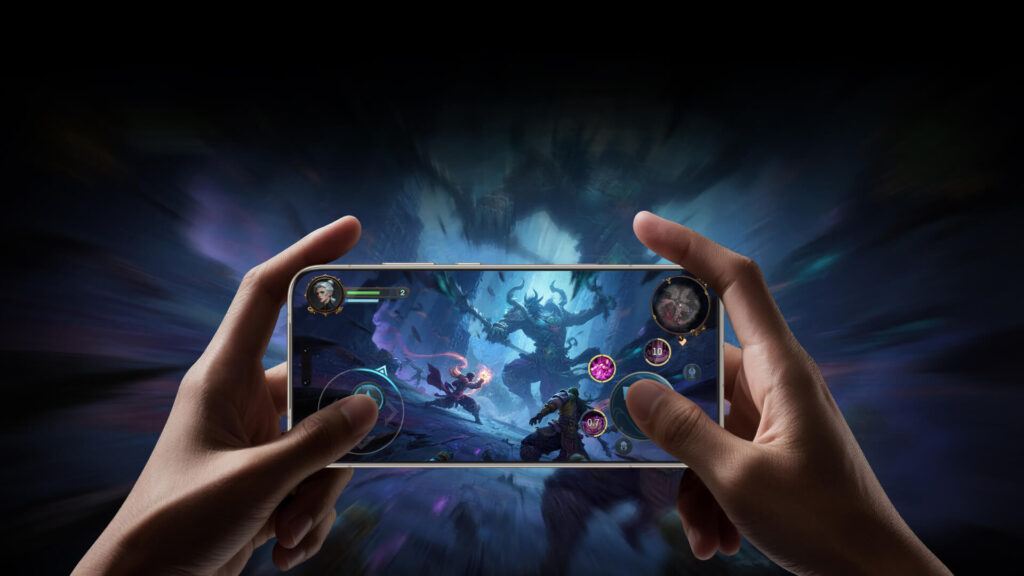
great performance in games and with heavier titles,
faster processing of photos and AI modes (e.g. photo series, night, «AI» features in the camera),
greater comfort «for years,» as the top chip remains fast longer despite updates and increasing application demands.
This is a model for those who want to be sure that the phone won’t «catch its breath» during intensive use.
Honor Magic8 Lite – Snapdragon 6 Gen 4 (mid-range, but economical and practical)
Magic8 Lite has Snapdragon 6 Gen 4 (8 cores), which is a mid-range chipset. This means that:
in everyday use (social media, navigation, YouTube, browser) it will simply work smoothly,
but with heavier tasks (games on high settings, longer editing, more demanding applications) it will show limitations faster,
compared to Pro, it has less «future-proof» power reserve.
This is a good solution for those who do not need flagship power, but want a stable phone for normal use — with an emphasis on battery life.
Conclusion: if maximum performance, gaming, and «peace for years» are a priority → Magic8 Pro. If you want daily smoothness without overpaying and are not a demanding user → Magic8 Lite.
Cameras: 200 MP periscope and 50 MP selfie vs 108 MP and simple photography
In cameras, it is easiest to see, who each model is for. Magic8 Pro has a typically flagship set (periscope telephoto + strong main + wide) and many photo/video features with AI. Magic8 Lite focuses on simplicity: a good 108 MP main camera and a basic 5 MP ultra-wide.
Honor Magic8 Pro – triple camera 200 MP + 50 MP + 50 MP and strong AI modes
50 MP ultraszeroki: ƒ/2.0, 122°, z trybem HD Macro z 2,5 cm
To oznacza, że Pro jest „kompletny”:
masz sensowny zoom (nie tylko cyfrowy),
masz szeroki kąt i makro z bliska,
masz większą elastyczność w trudnym świetle dzięki OIS i jasnemu głównemu.
Do tego dochodzi sporo funkcji foto/wideo z Twojej listy, m.in. AI Super Zoom, wzmocniony tryb nocny AI, HDR, super burst, tryb profesjonalny, multi-wideo, EIS/OIS.
Z przodu: 50 MP (ƒ/2.0) + odblokowywanie twarzą 3D — i to jest realna przewaga Pro, jeśli zależy Ci na szybkim, „pewnym” face unlock oraz lepszych selfie.
Honor Magic8 Lite – 108 MP z OIS, ale zestaw bardziej podstawowy
W Lite mamy z tyłu 2 aparaty:
108 MP główny: ƒ/1.75, OIS
5 MP (drugi aparat): ƒ/1.22
Główny aparat 108 MP z OIS to dobry fundament do codziennych zdjęć (zwłaszcza w dzień i w typowych scenariuszach). Natomiast zestaw jest mniej uniwersalny niż w Pro — szczególnie gdy:
chcesz zoomować bez dużej utraty jakości (brak peryskopu),
często robisz ujęcia szerokim kątem w lepszej jakości,
zależy Ci na bardziej rozbudowanych możliwościach foto/wideo.
Z przodu: 16 MP (ƒ/2.45) — wystarczy do wideorozmów i social mediów, ale to nie ta liga co 50 MP w Pro.
Conclusion: if the camera is important (zoom, night, portraits, versatility, and selfies) → Magic8 Pro. If you mainly take regular photos and want «just a good main camera» → Magic8 Lite will be sufficient.
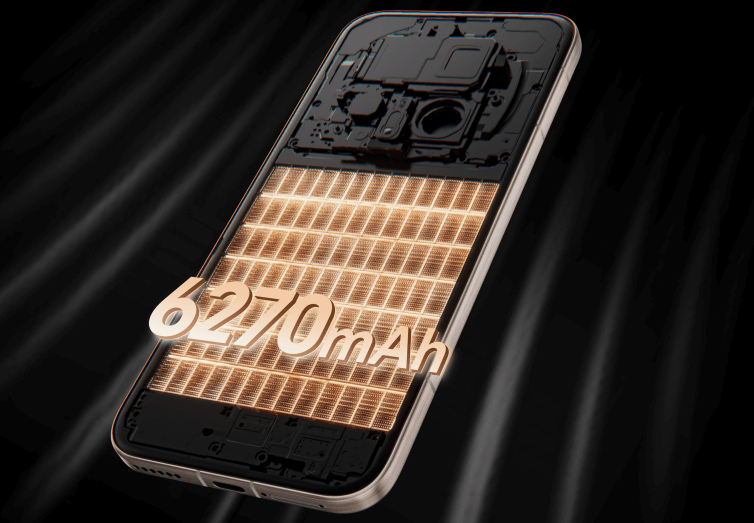
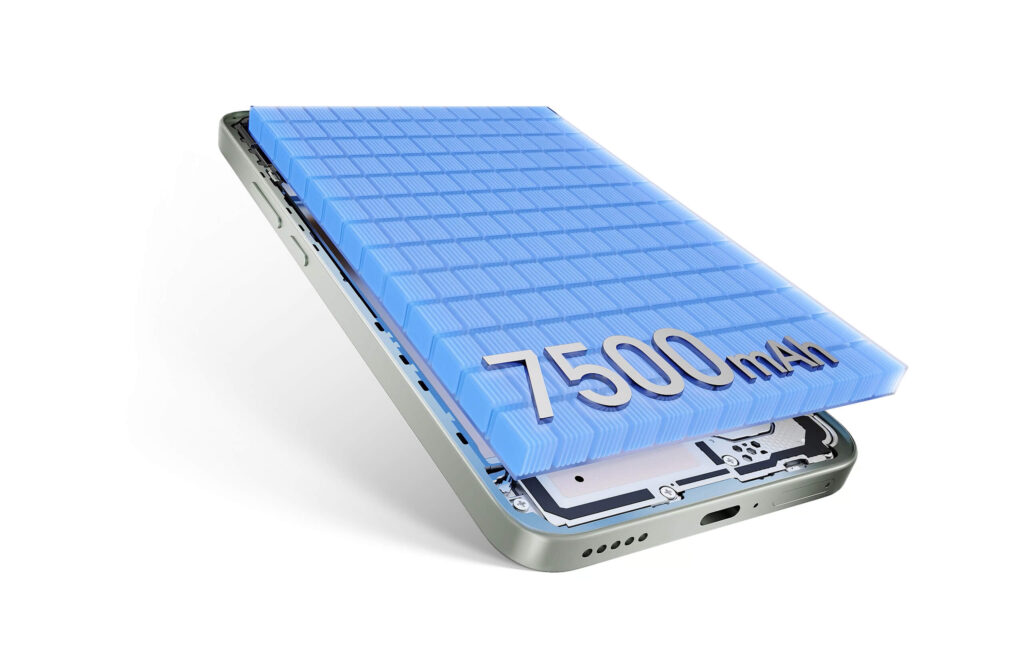
Battery and charging: 6270 mAh + 100W/80W vs 7500 mAh + 66W
The situation here is very interesting, as both phones have silicon-carbon batteries, but follow a completely different philosophy: Pro wins in charging speed (also wirelessly), while Lite excels in capacity and is focused on maximum runtime.
Honor Magic8 Pro – 6270 mAh and premium charging (100W + 80W wirelessly)
Magic8 Pro has a battery:
6270 mAh (typical) / 6090 mAh (rated)
technology: next-generation HONOR silicon-carbon
In addition, you get:
100W HONOR SuperCharge (wired)
80W HONOR SuperCharge (wireless)
In practice, Pro is for those who:
like to charge their phone «on the go» (briefly, but very quickly),
want the convenience of cable-free charging,
often use it intensively (photo, video, GPS, games) and quick energy replenishment is more important than breaking work time records.
Honor Magic8 Lite – 7500 mAh: a phone for those who don’t want to charge daily
Magic8 Lite has a battery:
7500 mAh
technology: silicon-carbon
Charging:
66W wired
no wireless charging
This is a model that is ideal if:
you want to plug your phone into the charger as rarely as possible,
you are often on the road, working «in the field», or simply do not like to keep track of percentages,
longer battery life is more important than top loading speed.
Conclusion: if you care about convenience and top charging (including wireless) → Magic8 Pro. If your priority is the longest possible time away from the socket → Magic8 Lite.
In the case of Honor Magic8 Lite, which offers 66 W wired charging and does not support wireless charging, a good choice would bewired chargers for Honor Magic8 Lite — these accessories will allow you to minimize the charging time.
Connectivity and Add-ons: Wi-Fi 7, Bluetooth 6.0, and USB-C 3.2 vs Wi-Fi 6 (ax) and Bluetooth 5.2
In everyday use, both phones provide everything you need (5G, NFC, modern Wi-Fi), but the Pro version has several typically «flagship» features that will be appreciated by those using fast networks, good audio, and more modern connectivity standards.
Honor Magic8 Pro – Wi-Fi 7, Bluetooth 6.0, richer audio, and more flexible SIM
HONOR Sound + HONOR Surround Subwoofer (w praktyce: mocniejszy, „pełniejszy” dźwięk niż w typowych średniakach).
Honor Magic8 Lite – nowoczesna baza: Wi-Fi 6 (ax), Bluetooth 5.2, 4×4 MIMO
Lite ma bardzo sensowny zestaw, po prostu bardziej „klasy średniej”:
Wi-Fi w standardach a/b/g/n/ac/ax (czyli praktycznie Wi-Fi 6 / ax)
Bluetooth 5.2
NFC
Wi-Fi Direct
dodatkowo: 4×4 MIMO
Kodeki audio też są porządne:
SBC/AAC/LDAC/aptX/aptX HD/aptX Adaptive + BLE
Nawigacja jest pełna (GPS, A-GPS, Galileo, GLONASS, BeiDou), ale bez podanych pasm typu L1/L5.
Złącze:
USB-C (bez doprecyzowania wersji jak w Pro).
Conclusion: if you care about the most modern connectivity (Wi-Fi 7, Bluetooth 6.0), faster wired transfer (USB-C 3.2), and richer audio → Magic8 Pro. If you just want very good connectivity for everyday use (Wi-Fi 6/ax, NFC, 5G) without paying extra for “top standards” → Magic8 Lite.
System and features: MagicOS 10 (Android 16) vs MagicOS 9 (Android 15)
The system difference between these models is not just a “number”. Magic8 Pro starts with a newer version of Android and MagicOS, which means a longer perspective for updates and the latest features. Magic8 Lite works on an older version but still offers a complete set of the most important solutions.
Honor Magic8 Pro – Android 16 and MagicOS 10.0
Magic8 Pro runs on:
Android 16
MagicOS 10.0
This provides:
newer system base,
greater future-proofing for updates,
better integration with AI features (especially with the camera and system tools),
potentially longer security support.
In practice: by buying the Pro, you start with the latest software, which usually means more updates in the future and slower «aging» of the system.
Honor Magic8 Lite – Android 15 and MagicOS 9.0
Magic8 Lite runs on:
Android 15
MagicOS 9.0
It is still a modern system that provides:
smooth operation,
access to all current applications,
typical MagicOS features (customization, gestures, power-saving modes, camera tools).
The difference won’t be dramatic in the first months of use, but in the long run, the Pro has a «starting» advantage due to the newer version of Android.
Conclusion: if you care about the latest system and maximum future-proofing → Magic8 Pro. If Android 15 is completely sufficient for you and you don’t care about being «on the latest version» → Magic8 Lite will be fully functional.
Who is Honor Magic8 Pro for, and who is Honor Magic8 Lite for?
Honor Magic8 Pro — for the demanding and those who want a «limitless phone»
Choose Magic8 Pro if your phone usage is more than just social media and a browser — and you want hardware that won’t limit you.
For mobile gamers and fans of maximum fluidity
If you play demanding titles and want stable performance, Pro is the safer choice. A top-tier chipset + strong GPU simply means more comfort today and a greater reserve for the coming years.
For those who take a lot of photos and use zoom
You have optical zoom from the periscope, a powerful camera setup, and advanced photo/video modes with AI. If you often take pictures in the evening, at concerts, while traveling, or like to «zoom in» without losing quality — Pro will be clearly better.
For multitaskers and those working on their phone
If you often switch between apps, make video calls, edit files, scan documents, and want everything to run smoothly — Pro offers more freedom and a newer system base.
For those who want convenient charging (also wireless)
If you value quick «top-ups on the go» and like to place your phone on a charger without a cable — Pro has an advantage with wireless charging and faster wired charging.
Honor Magic8 Lite — for the practical: battery, convenience, and great price
Choose Magic8 Lite if you’re looking for a «life phone»: it should last long, be comfortable, and cost reasonably — without paying extra for flagship features.
For travelers, drivers, and those often away from home
A large battery makes a difference when you don’t want to remember to charge it every day. Lite is also convenient for navigation and watching content (large screen).
For the everyday user: social media, videos, messaging apps
If your phone is mainly for the internet, apps, quick photos, banking, and entertainment — Lite will handle it easily and will be easier on your wallet.
For students and those buying “most sensibly”
At this price, Lite is a pragmatic choice: a large screen for notes/reading, a good battery for the whole day, and no feeling that you are overpaying for power that you won’t use.
For those sensitive to eye comfort in the evening
If you spend a lot of time on your phone after dark and care about solutions for eye comfort (e.g., high PWM, eye protection modes) — Lite has a very strong argument here.
FAQ: Honor Magic8 Pro vs Honor Magic8 Lite — most common questions
Does Honor Magic8 Lite have wireless charging?
No. Honor Magic8 Lite does not support wireless charging. It only offers wired charging 66W.
Does Honor Magic8 Pro support wireless charging?
Yes. Honor Magic8 Pro supports wireless charging 80W (HONOR SuperCharge) and 100W wired. This is one of the significant differences between the models.
Which model has a better camera: Magic8 Pro or Magic8 Lite?
Honor Magic8 Pro. It has a triple set (200 MP periscope + 50 MP + 50 MP) and 50 MP front, making it more versatile, especially in zoom and challenging conditions. Lite has 108 MP with OIS and a simpler set, good for everyday photos.
Does Honor Magic8 Lite have image stabilization (OIS)?
Yes — the main camera 108 MP in Magic8 Lite has OIS, which helps in low light photography and video recording.
Which phone is better for gaming?
Honor Magic8 Pro, because it has the top-notch Snapdragon 8 Elite Gen 5 and stronger graphics. Lite (Snapdragon 6 Gen 4) will handle everyday games, but in heavier titles, it will show its limitations faster.
Which model has a better battery?
When it comes to battery life, the winner is Honor Magic8 Lite thanks to its 7500 mAh battery. Magic8 Pro has 6270 mAh and can also last long, but Lite is typically “long-distance”.
Are both models waterproof?
Yes, both have high resistance to water and dust.
Magic8 Pro: IP68 / IP69 / IP69K
Magic8 Lite: IP66 / IP68 / IP69 / IP69K
Which model has a better screen? Honor Magic8 Pro or Lite?
It depends on what is more important:
Magic8 Pro has a 6.71″ OLED with very high brightness (max 6000 nits) and protection of NanoCrystal Shield.
Magic8 Lite has a larger 6.79″ AMOLED and a strong argument for eye comfort: 3840 Hz PWM.
Which model is lighter and more comfortable for everyday use?
Honor Magic8 Lite weighs 189 g and has a thickness of 7.76 mm. Magic8 Pro is heavier (219 g) and thicker (8.4 mm).
The best charger for Samsung Galaxy S26 should have 25W power and support for PD and PPS — this is the optimal solution for the basic model, ensuring stable and safe charging.
For the Galaxy S26+(Plus) it is worth choosing 45W (USB PD 3.0 + PPS / Super Fast Charging) to shorten the battery charging time.
On the other hand, Galaxy S26 Ultra supports charging up to 60W, so the best option is a 60W charger with PD and PPS, which will allow you to take full advantage of its potential.
If you plan to charge multiple devices simultaneously, consider a 65W or stronger model, which will provide enough power for a tablet or laptop as well.
Meanwhile, a wireless charger for Galaxy S26 should support the Qi2 standard and Fast Wireless Charging up to 25 W, to ensure the fastest possible charging without using a cable.
Best chargers for Samsung Galaxy S26 (ranking by model)
Samsung Galaxy S26
Model ładowarki
Moc
Technologie szybkiego ładowania
Porty
Cena
Samsung EP-T2510NB
25W
USB PD + PPS (Super Fast Charging)
1x USB-C
99,00 zł
USAMS T42 mini
25W
USB PD 3.0
1x USB-C
55,44 zł
Tech-Protect NCM25
25W
USB PD
1x USB-C
35,00 zł
Samsung Galaxy S26+(Plus)
Model ładowarki
Moc
Technologie szybkiego ładowania
Porty
Cena
Samsung EP-T4511NBEGEU
45W
USB PD + PPS (Super Fast Charging 2.0)
1x USB-C
179,00 zł
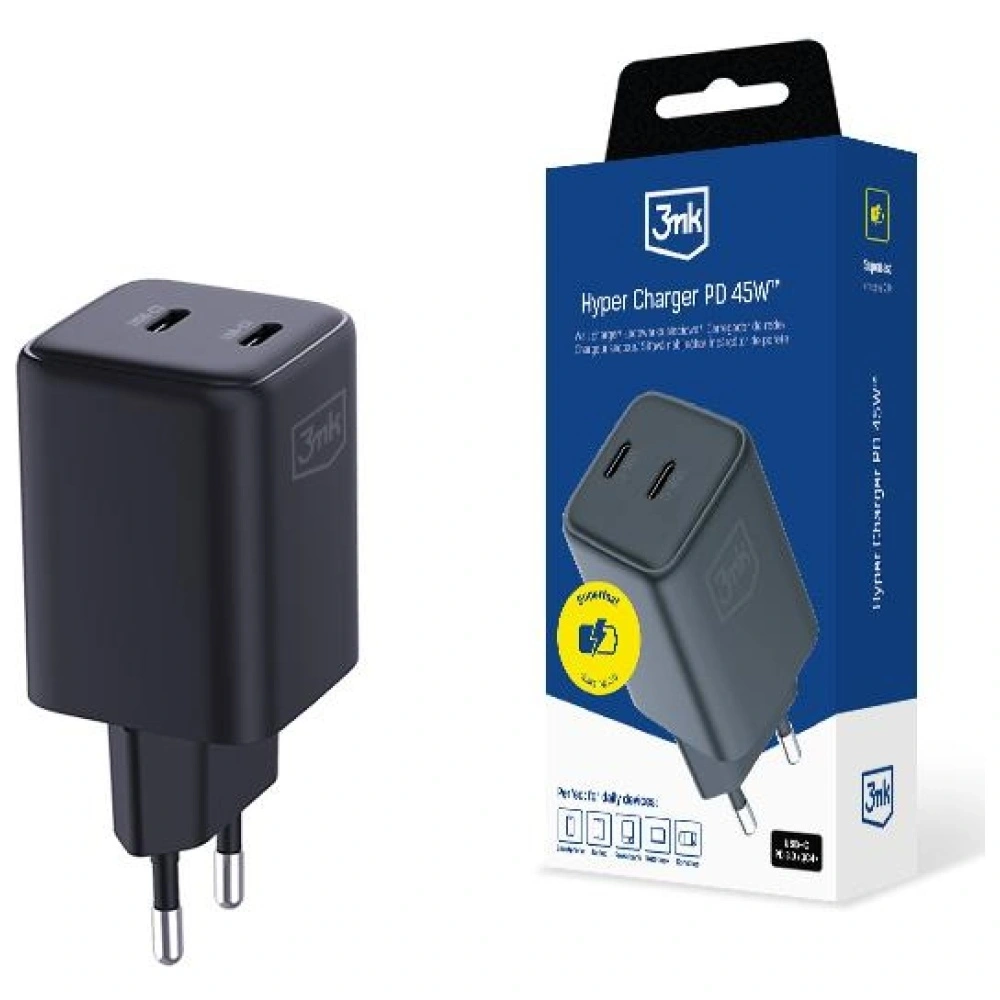
3MK Hyper Charger GaN
45W
USB PD + PPS + QC4+
2x USB-C
89,90 zł
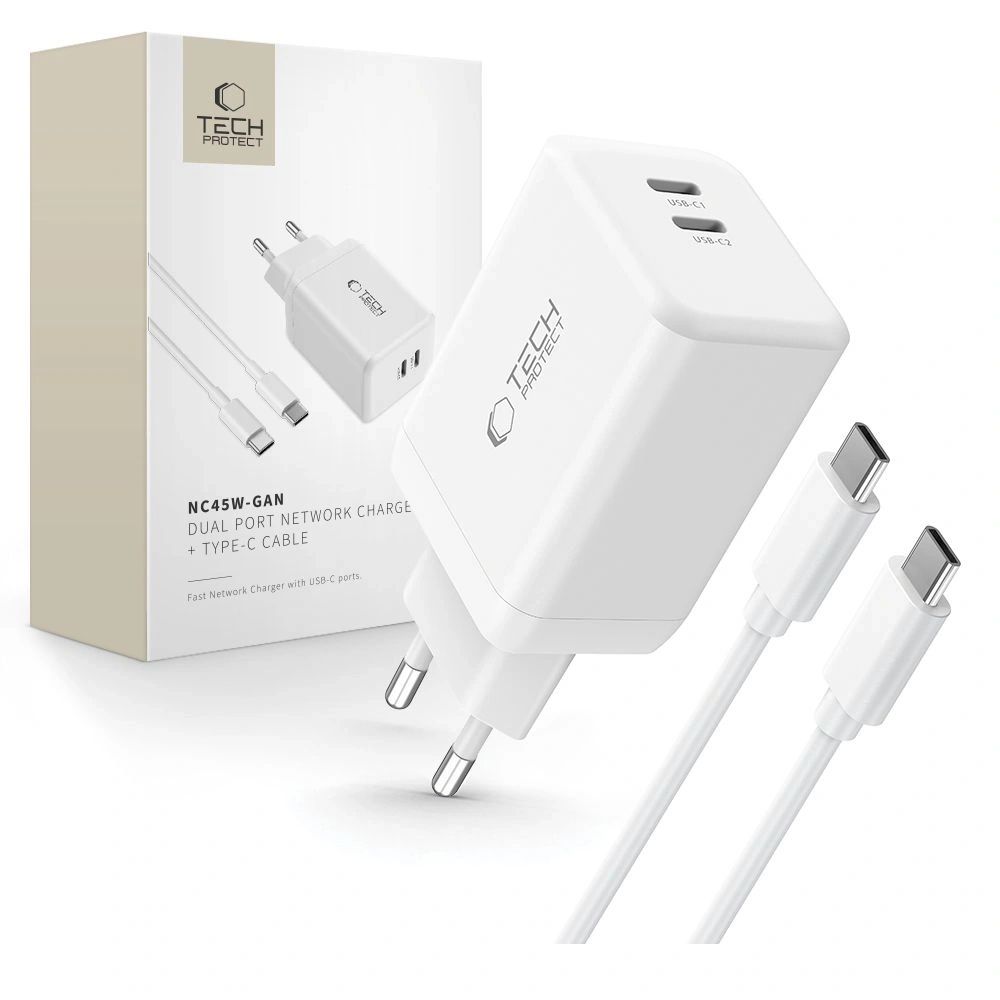
Tech-Protect NC45W-GAN
45W
USB PD + PPS
2x USB-C
79,00 zł
Samsung Galaxy S26 Ultra
Charger Model
Power
Technologies
Ports
Price
UGREEN Nexode Pro
100W
PD, PPS, QC
2x USB-C + USB-A
219.90 PLN
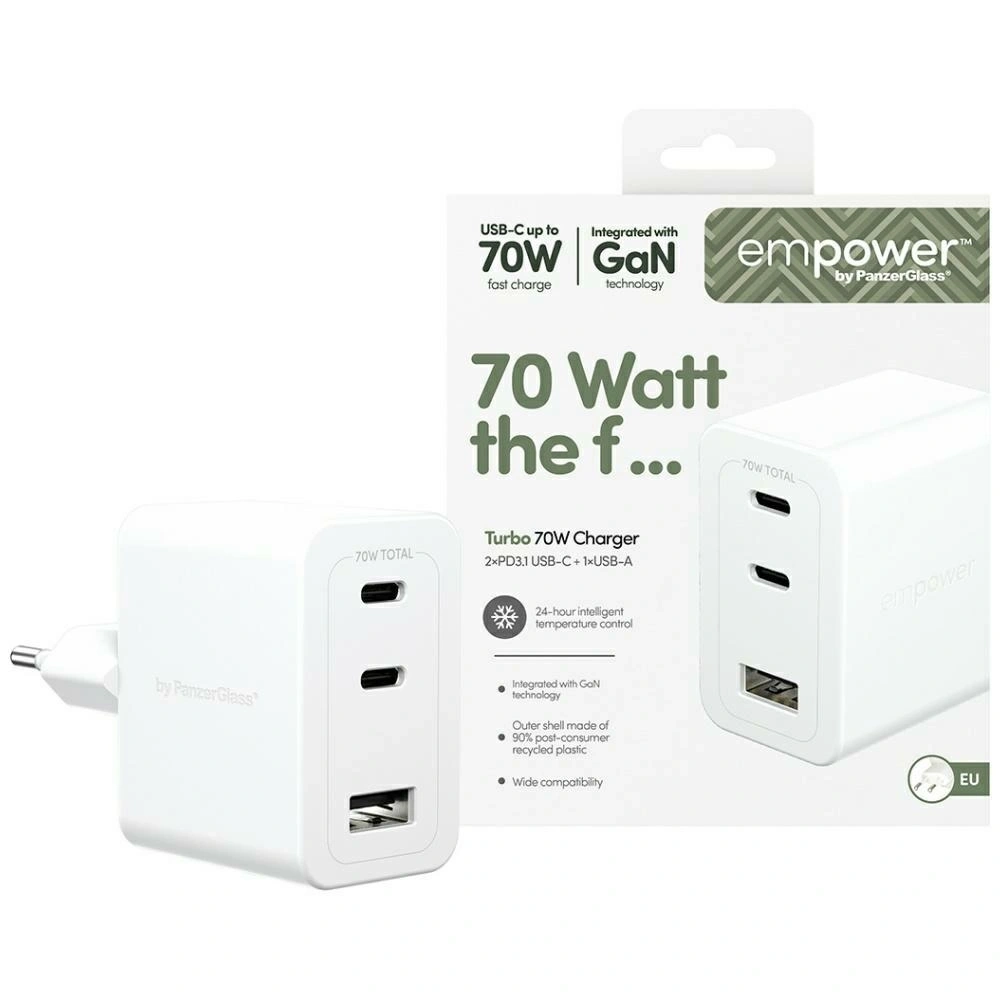
Empower by PanzerGlass Turbo
70W
USB PD + QC3.0
2x USB-C + USB-A
179.00 PLN
Tech-Protect NCA65W-GAN
65W
PD, QC3.0
2x USB-C + USB-A
75.00 PLN
Which charger to choose for Samsung Galaxy S26?
If you want to take full advantage of charging in Samsung Galaxy S26, the key are USB Power Delivery (PD) and PPS standards that ensure fast, stable, and safe charging.
Since the Galaxy S26 supports a maximum of 25W, the best choice will be USB-C wall chargers of that power — stronger models will not speed up charging but may be more versatile and useful for other devices as well.
Below you will find a comparison of tested 25W chargers and short descriptions that will help you choose the best model for your needs.
Samsung EP-T2510NB 25W Fast Charge Wall Charger
Samsung EP-T2510NB is an original Samsung charger, fully compatible with Super Fast Charging 25W technology. It is the safest and most predictable choice for the Galaxy S26. Price 99.00 PLN.
Thanks to full support for USB Power Delivery and PPS, the charger dynamically adjusts voltage and current to the current needs of the smartphone. This translates to stable charging, lower energy losses, and temperature control even during prolonged use. It is a solution that guarantees maximum compatibility with Samsung’s software and security features.
Support for USB Power Delivery + PPS
Stable and safe charging without excessive heating
Ideal for everyday use
Compact design – good for home and travel
This is the best option if you care about full compatibility and reliable, hassle-free operation for a long time.
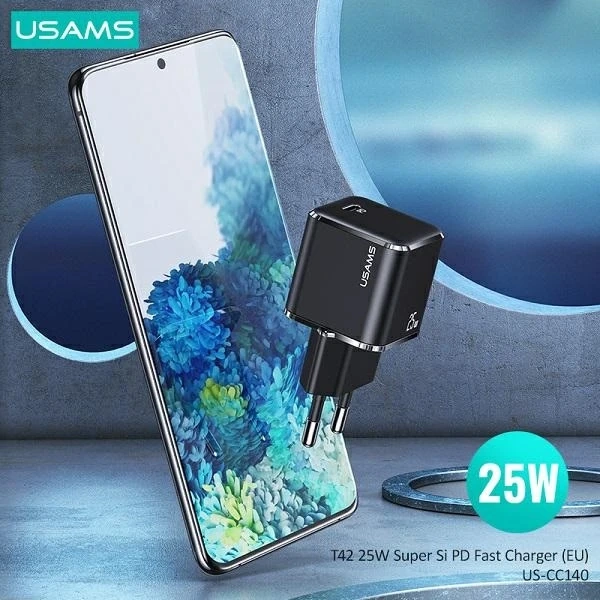
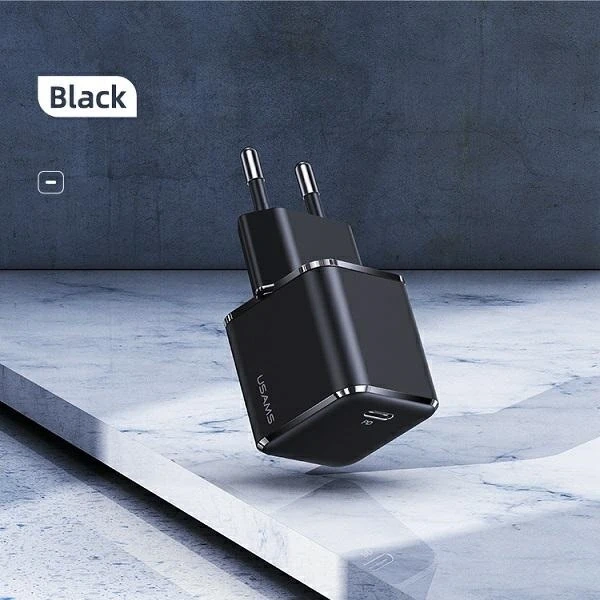
USAMS T42 mini 25W PD 3.0 ładowarka sieciowa
USAMS T42 is a compact 25W charger with support for PD 3.0, which is a great alternative to the Galaxy S26 at a lower price. Price 55.44 PLN.
This model provides full power of 25W, which is exactly what the Galaxy S26 will use. Thanks to its small size, it easily fits in a pocket, bag, or travel organizer. It’s a good choice for those who want fast charging without overpaying for a premium brand.
Power 25W – optimal for S26
Small size, lightweight construction
Good price-to-performance ratio
Modern design
It will work well as a second charger for work, the car, or trips.
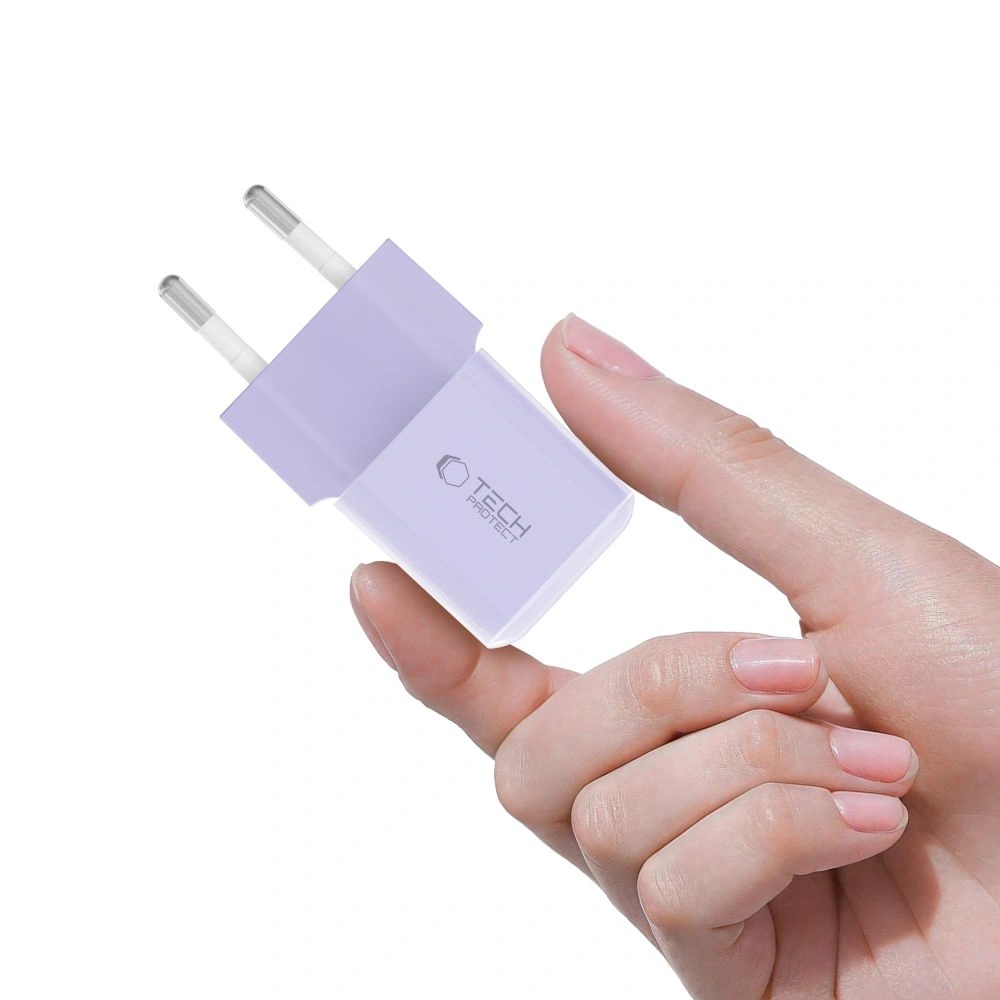
Tech-Protect NCM25 is a budget 25W charger with USB-C, available in several interesting color versions. Price 35.00 PLN.
Despite the low price, it offers support for USB Power Delivery 25W, which means full compatibility with the maximum charging power of the Galaxy S26. This simple, functional solution is ideal for those looking for an economical charger for everyday use. Its compact design makes it suitable for both home and travel.
USB PD 25W support
Very attractive price
Compact size
Available in various colors
Cheap wall charger for Galaxy S26 is a great option if you don’t want to overpay and care about maintaining fast charging standards.
Which charger to choose for Samsung Galaxy S26+Plus?
Samsung Galaxy S26+ supports Super Fast Charging 2.0 with power up to 45W, so to take full advantage of its potential, it’s worth choosing a charger that supports USB Power Delivery and PPS with a minimum power of 45W.
Słabsze ładowarki 25W oczywiście naładują telefon, ale nie pozwolą wykorzystać maksymalnej szybkości ładowania. Jeśli zależy Ci na krótszym czasie uzupełniania baterii, model 45W będzie najlepszym wyborem.
Poniżej znajdziesz sprawdzone ładowarki 45W kompatybilne z Galaxy S26+Plus.
Samsung EP-T4511NBEGEU to oryginalna ładowarka producenta, w pełni zgodna z technologią Super Fast Charging 2.0 (45W). Cena 179,00 zł.
Dzięki obsłudze USB PD + PPS zapewnia maksymalną szybkość ładowania Galaxy S26+ przy zachowaniu stabilnej temperatury i bezpieczeństwa baterii. To najbardziej przewidywalny wybór, jeśli zależy Ci na pełnej kompatybilności z oprogramowaniem Samsunga oraz maksymalnej wydajności.
45W z pełnym wsparciem Super Fast Charging 2.0
USB-C z obsługą PD + PPS
Stabilne, szybkie i bezpieczne ładowanie
Wysoka jakość wykonania
Najlepsza opcja, jeśli chcesz wykorzystać 100% możliwości Galaxy S26+ bez kompromisów.
3MK Hyper Charger to nowoczesna ładowarka 45W wykorzystująca technologię GaN, która pozwala zmniejszyć rozmiar urządzenia przy zachowaniu wysokiej wydajności. Cena 89,90 zł.
Obsługa PD + PPS + QC4+ sprawia, że ładowarka jest kompatybilna nie tylko z Galaxy S26+, ale także z innymi smartfonami, tabletami czy akcesoriami. Dwa porty USB-C pozwalają ładować dwa urządzenia jednocześnie, co zwiększa jej uniwersalność.
45W z PD + PPS (SFC 2.0)
Technologia GaN – mniejsze nagrzewanie i wyższa efektywność
2x USB-C
Bardzo dobry stosunek ceny do możliwości
Świetna alternatywa dla oryginalnej ładowarki Samsung w niższej cenie.
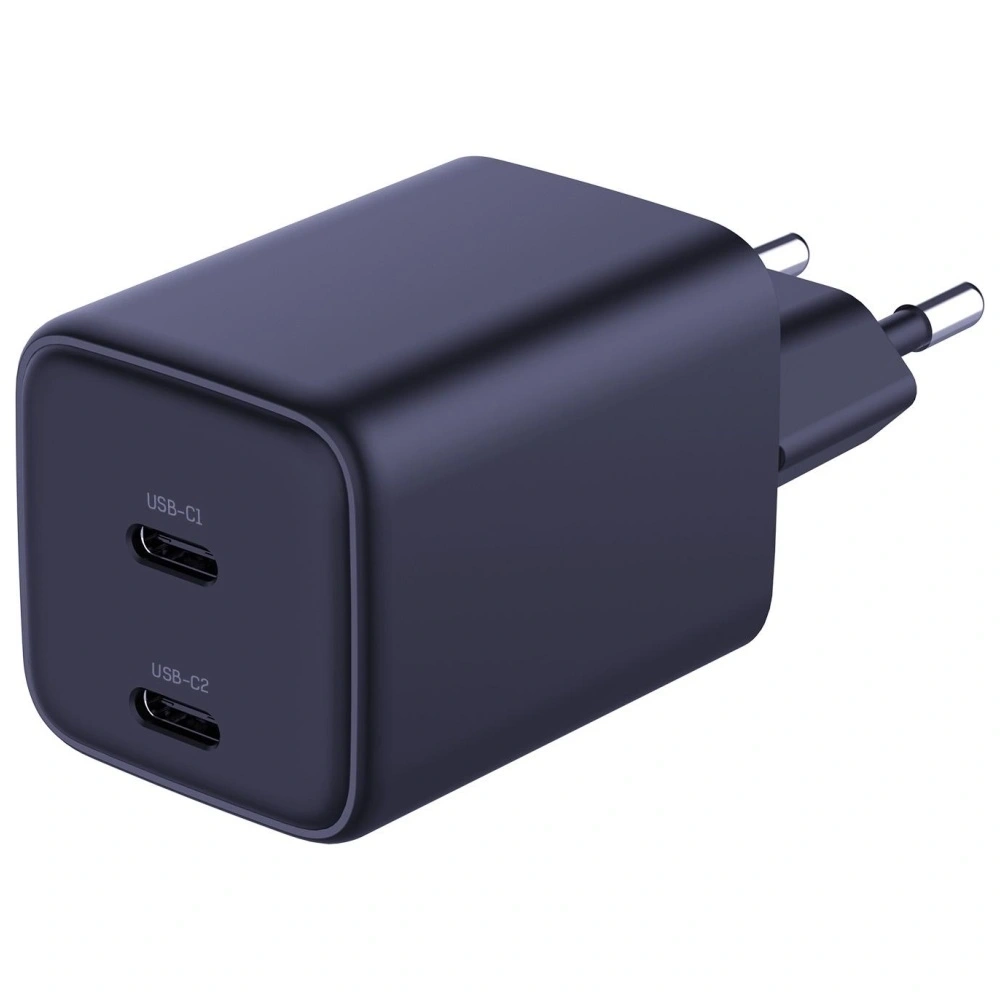
Ładowarka sieciowa Tech-Protect NC45W-GAN 2xUSB-C
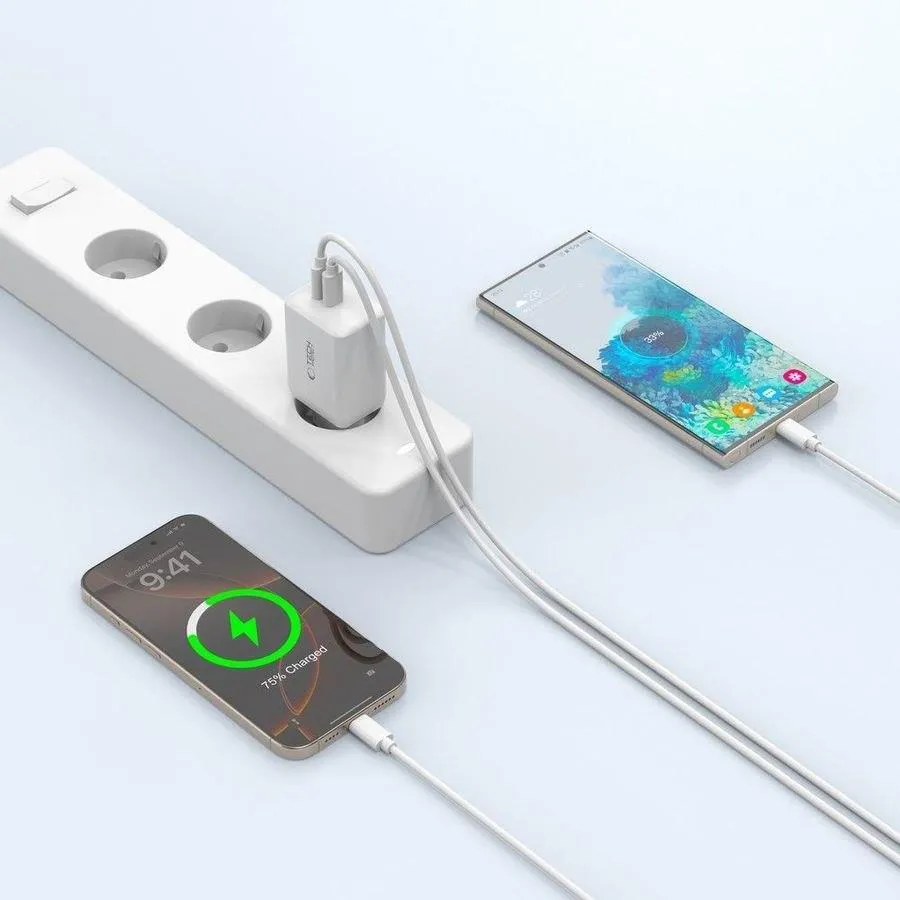
Tech-Protect NC45W-GAN is a compact 45W charger with two USB-C ports and support for fast charging. Price 79.00 PLN.
Thanks to GaN technology, it is smaller and more energy-efficient than traditional chargers of the same power. Support for PD + PPS allows you to fully utilize the capabilities of the Galaxy S26+, and two USB-C ports increase functionality in everyday use.
45W USB Power Delivery + PPS
2x USB-C
GaN Technology
Compact design
A good choice if you’re looking for an efficient 45W charger at a reasonable price.
Which charger to choose for Samsung Galaxy S26 Ultra?
Samsung Galaxy S26 Ultra supports wired fast charging up to 60W, so it’s worth choosing a charger that allows you to make the most of this performance. Models with 65W and above not only provide fast charging for the phone, but are often more versatile — conveniently powering a tablet, headphones, or even a laptop.
Below you will find tested chargers from 65W to 100W that work great with the Galaxy S26 Ultra.
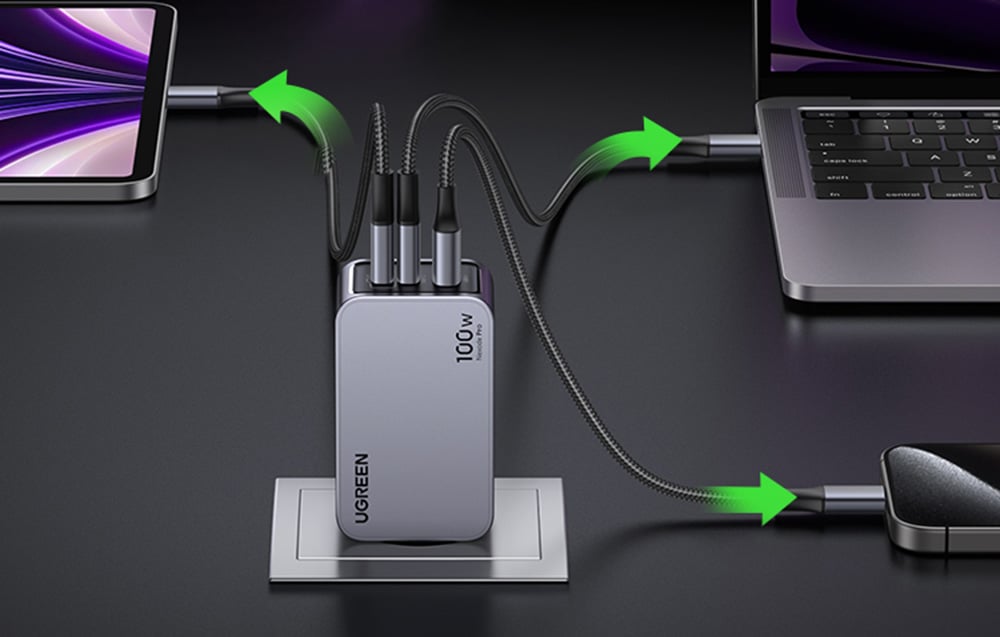
UGREEN Nexode Pro 100W GaN USB-C + USB-C + USB-A Charger
UGREEN Nexode Pro is one of the most efficient models in the lineup — perfect if you care about maximum power and versatility. Thanks to GaN technology, the charger is more efficient and compact than traditional models of this power. Price 219.90 PLN.
Support for USB Power Delivery + PPS + QC for wide compatibility
Maximum power 100W — you can use it not only with Galaxy S26 Ultra
It’s a great option if you want one charger for your phone, tablet, power bank, headphones, or laptop.
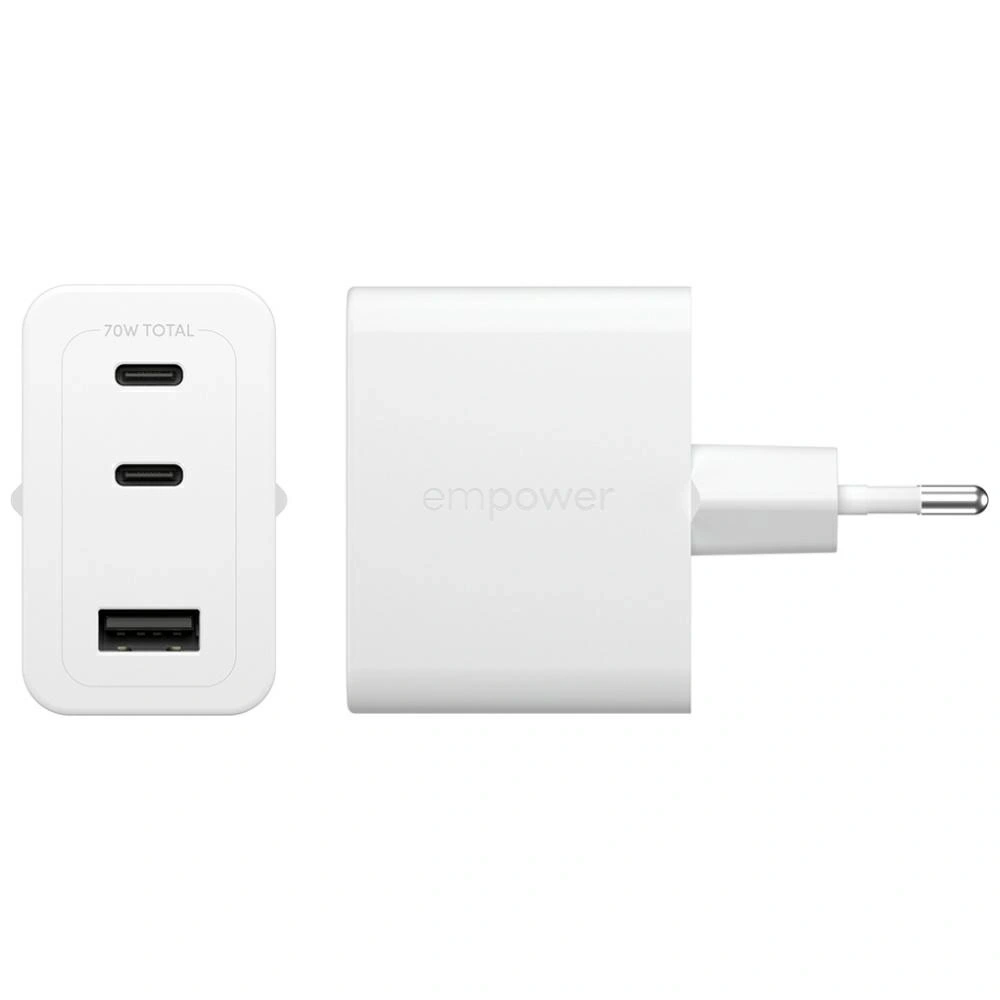
Empower by PanzerGlass Turbo 70W 2xUSB-C + USB-A Charger
Empower by PanzerGlass Turbo is a powerful and versatile 70W charger that works perfectly with the Galaxy S26 Ultra, while also being an efficient power source for other devices. Price 179.00 PLN.
70W with support for USB PD + QC3.0
2x USB-C + USB-A — greater connection flexibility
Solid build quality
Well-balanced power relative to price
It’s worth considering this model if you’re looking for a powerful charger for everyday use and travel — not just for your smartphone.
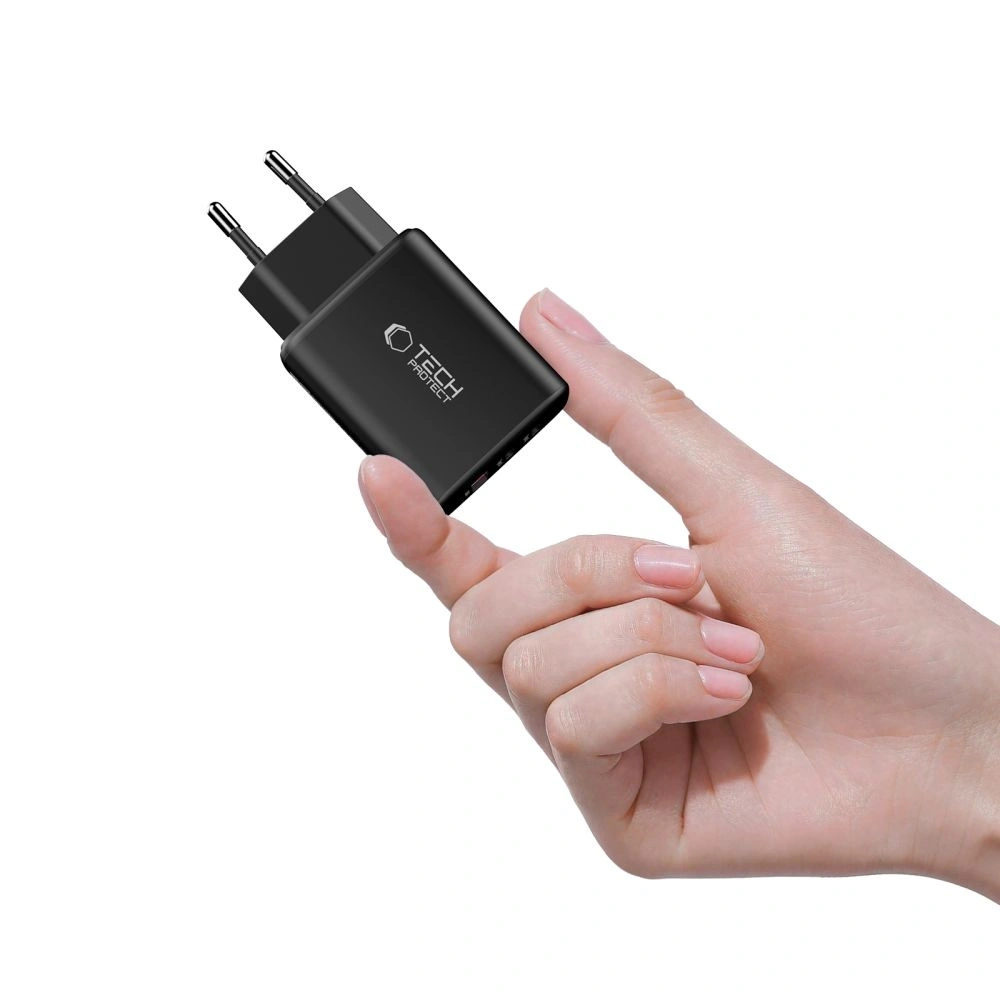
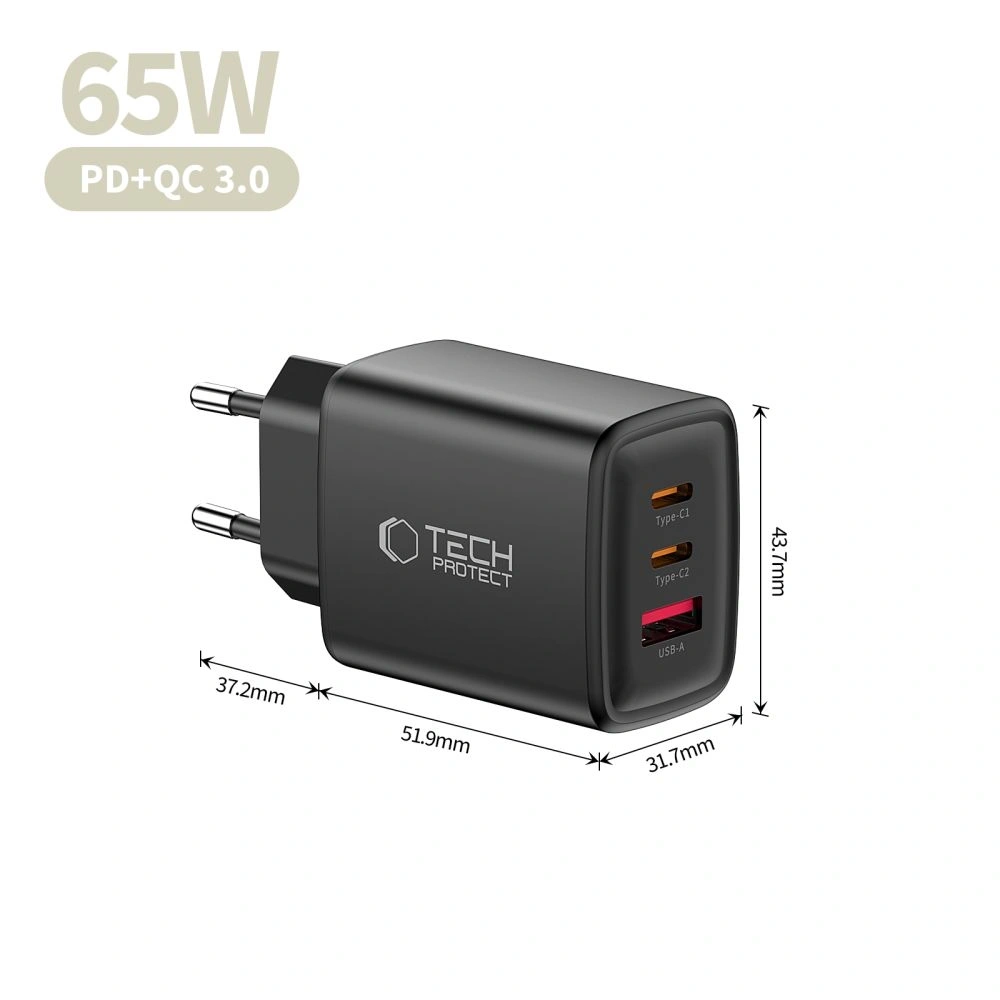
Tech-Protect NCA65W-GAN is a very good budget option with quite a high power that can handle the Galaxy S26 Ultra and other devices requiring fast charging. Price 75.00 PLN.
65W USB PD + QC3.0
2x USB-C + USB-A — convenient charging of multiple devices
GaN technology – less heating and greater efficiency
Very favorable price
This is the best choice if you are looking for a powerful and cheap charger for the S26 Ultra without overpaying.
Jaką moc powinna mieć ładowarka, jeśli chcę ładować jednocześnie laptopa i Galaxy S26?
In that case, it is best to choose a charger with a power of at least 65W, and optimally 70–100W, especially if the laptop supports charging via USB-C. Models with two USB-C ports will allow you to conveniently charge both devices simultaneously without significant power drops.
Does the Galaxy S26 support fast wireless charging?
Yes. The Galaxy S26 series supports the Qi2 standard, with:
S26 and S26+ up to 20W,
S26 Ultra up to 25W.
To achieve maximum wireless charging speed, it is advisable to choose a Qi2 charger with magnetic positioning.
Is it worth buying a 60W charger for the Galaxy S26?
For the basic Galaxy S26 (25W), it does not affect charging speed, but it may be a good choice if you want to use one charger for multiple devices — e.g., a tablet or laptop.
Will a 45W charger speed up charging for the Galaxy S26?
No — Galaxy S26 will use a maximum of 25W. The 45W charger makes sense mainly with the Galaxy S26+Plus model.
Does fast charging shorten battery life?
Modern PD and PPS technologies control voltage and temperature, so using a good quality charger, fast charging does not pose a threat to the battery. The most important thing is to avoid cheap, unverified models without proper safeguards.
The best charger for Samsung Galaxy S26 should have 25W power and support for PD and PPS — this is the optimal solution for the basic model, ensuring stable and safe charging.
For the Galaxy S26+(Plus) it is worth choosing 45W (USB PD 3.0 + PPS / Super Fast Charging) to shorten the battery charging time.
On the other hand, Galaxy S26 Ultra supports charging up to 60W, so the best choice is a 60W charger with PD and PPS, which will allow you to utilize its full potential.
If you plan to charge multiple devices simultaneously, consider a 65W or stronger model, which will provide enough power for a tablet or laptop as well.
Meanwhile, a wireless charger for Galaxy S26 should support the Qi2 standard and Fast Wireless Charging up to 25 W, to ensure the fastest possible charging without using a cable.
Best chargers for Samsung Galaxy S26 (ranking by model)
Samsung Galaxy S26
Model ładowarki
Moc
Technologie szybkiego ładowania
Porty
Cena
Samsung EP-T2510NB
25W
USB PD + PPS (Super Fast Charging)
1x USB-C
99,00 zł
USAMS T42 mini
25W
USB PD 3.0
1x USB-C
55,44 zł
Tech-Protect NCM25
25W
USB PD
1x USB-C
35,00 zł
Samsung Galaxy S26+(Plus)
Model ładowarki
Moc
Technologie szybkiego ładowania
Porty
Cena
Samsung EP-T4511NBEGEU
45W
USB PD + PPS (Super Fast Charging 2.0)
1x USB-C
179,00 zł
3MK Hyper Charger GaN
45W
USB PD + PPS + QC4+
2x USB-C
89,90 zł
Tech-Protect NC45W-GAN
45W
USB PD + PPS
2x USB-C
79,00 zł
Samsung Galaxy S26 Ultra
Charger Model
Power
Technologies
Ports
Price
UGREEN Nexode Pro
100W
PD, PPS, QC
2x USB-C + USB-A
219.90 zł
Empower by PanzerGlass Turbo
70W
USB PD + QC3.0
2x USB-C + USB-A
179.00 zł
Tech-Protect NCA65W-GAN
65W
PD, QC3.0
2x USB-C + USB-A
75.00 zł
Which charger to choose for Samsung Galaxy S26?
If you want to take full advantage of charging in Samsung Galaxy S26, the key are USB Power Delivery (PD) and PPS standards that ensure fast, stable, and safe charging.
Since the Galaxy S26 supports a maximum of 25W, the best choice will be USB-C wall chargers of that power — more powerful models will not speed up charging but may be more versatile and useful for other devices as well.
Below you will find a comparison of tested 25W chargers and short descriptions that will help you choose the best model for your needs.
Samsung EP-T2510NB 25W Fast Charge Wall Charger
Samsung EP-T2510NB is an original Samsung charger, fully compatible with Super Fast Charging 25W technology. It is the safest and most predictable choice for the Galaxy S26. Price 99.00 zł.
With full support for USB Power Delivery and PPS the charger dynamically adjusts the voltage and current to the current needs of the smartphone. This translates to stable charging, lower energy losses, and temperature control even during prolonged use. This solution guarantees maximum compatibility with Samsung’s software and security features.
Support for USB Power Delivery + PPS
Stable and safe charging without excessive heating
Ideal for everyday use
Compact design – good for home and travel
This is the best option if you care about full compatibility and reliable, hassle-free operation for a long time.
USAMS T42 mini 25W PD 3.0
USAMS T42 is a compact 25W charger with support for PD 3.0, which is a great alternative to the Galaxy S26 at a lower price. Price 55.44 PLN.
This model provides full power of 25W, which is exactly what the Galaxy S26 will use. Thanks to its small size, it easily fits in a pocket, bag, or travel organizer. It’s a good choice for those who want fast charging without overpaying for a premium brand.
Power 25W – optimal for S26
Small size, lightweight construction
Good price-to-performance ratio
Modern design
It will work well as a second charger for work, the car, or trips.
Tech-Protect NCM25 is a budget 25W USB-C charger available in several interesting color versions. Price 35.00 zł.
Despite the low price, it offers support for USB Power Delivery 25W, which means full compatibility with the maximum charging power of the Galaxy S26. It is a simple, functional solution for those looking for an economical charger for everyday use. Its compact design makes it suitable for both home and travel.
USB PD 25W support
Very attractive price
Compact size
Available in various colors
Cheap wall charger for Galaxy S26 is a great option if you don’t want to overpay and care about maintaining fast charging standards.
Which charger to choose for Samsung Galaxy S26+Plus?
Samsung Galaxy S26+ supports Super Fast Charging 2.0 with a power of up to 45W, so to take full advantage of its potential, it is worth choosing a charger that supports USB Power Delivery and PPS with a minimum power of 45W.
Wejście słabsze 25W oczywiście naładują telefon, ale nie pozwolą wykorzystać maksymalnej szybkości ładowania. Jeśli zależy Ci na krótszym czasie uzupełniania baterii, model 45W będzie najlepszym wyborem.
Poniżej znajdziesz sprawdzone ładowarki 45W kompatybilne z Galaxy S26+Plus.
Samsung EP-T4511NBEGEU to oryginalna ładowarka producenta, w pełni zgodna z technologią Super Fast Charging 2.0 (45W). Cena 179,00 zł.
Dzięki obsłudze USB PD + PPS zapewnia maksymalną szybkość ładowania Galaxy S26+ przy zachowaniu stabilnej temperatury i bezpieczeństwa baterii. To najbardziej przewidywalny wybór, jeśli zależy Ci na pełnej kompatybilności z oprogramowaniem Samsunga oraz maksymalnej wydajności.
45W z pełnym wsparciem Super Fast Charging 2.0
USB-C z obsługą PD + PPS
Stabilne, szybkie i bezpieczne ładowanie
Wysoka jakość wykonania
Najlepsza opcja, jeśli chcesz wykorzystać 100% możliwości Galaxy S26+ bez kompromisów.
3MK Hyper Charger to nowoczesna ładowarka 45W wykorzystująca technologię GaN, która pozwala zmniejszyć rozmiar urządzenia przy zachowaniu wysokiej wydajności. Cena 89,90 zł.
Obsługa PD + PPS + QC4+ sprawia, że ładowarka jest kompatybilna nie tylko z Galaxy S26+, ale także z innymi smartfonami, tabletami czy akcesoriami. Dwa porty USB-C pozwalają ładować dwa urządzenia jednocześnie, co zwiększa jej uniwersalność.
45W z PD + PPS (SFC 2.0)
Technologia GaN – mniejsze nagrzewanie i wyższa efektywność
2x USB-C
Bardzo dobry stosunek ceny do możliwości
Świetna alternatywa dla oryginalnej ładowarki Samsung w niższej cenie.
Tech-Protect NC45W-GAN 2xUSB-C Network Charger
Tech-Protect NC45W-GAN is a compact 45W charger with two USB-C ports and support for fast charging. Price 79.00 PLN.
Thanks to GaN technology, it is smaller and more energy-efficient than traditional chargers of the same power. Support for PD + PPS allows you to fully utilize the capabilities of the Galaxy S26+, and the two USB-C ports increase functionality in everyday use.
45W USB Power Delivery + PPS
2x USB-C
GaN Technology
Compact design
A good choice if you’re looking for an efficient 45W charger at a reasonable price.
Which charger to choose for Samsung Galaxy S26 Ultra?
Samsung Galaxy S26 Ultra supports wired fast charging up to 60W, so it’s worth choosing a charger that will allow you to take full advantage of this performance. Models with 65W and above not only provide fast charging for the phone but are often more versatile — conveniently powering a tablet, headphones, or even a laptop.
Below you will find tested chargers from 65W to 100W that will work great with the Galaxy S26 Ultra.
UGREEN Nexode Pro 100W GaN USB-C + USB-C + USB-A Charger
UGREEN Nexode Pro is one of the most efficient models in the lineup — perfect if you care about maximum power and versatility. Thanks to GaN technology, the charger is more efficient and compact than traditional models of this power. Price 219.90 PLN.
Support for USB Power Delivery + PPS + QC for wide compatibility
Maximum power 100W — you can use it not only with Galaxy S26 Ultra
This is a great option if you want to have one charger for your phone, tablet, power bank, headphones, or laptop.
Empower by PanzerGlass Turbo 70W 2xUSB-C + USB-A Charger
Empower by PanzerGlass Turbo is a powerful and versatile 70W charger that works perfectly with the Galaxy S26 Ultra, while also being an efficient power source for other devices. Price 179.00 PLN.
70W with support for USB PD + QC3.0
2x USB-C + USB-A — greater connection flexibility
Solid build quality
Well-balanced power relative to price
It is worth considering this model if you need a powerful charger for everyday use and travel — not just for your smartphone.
Tech-Protect NCA65W-GAN is a very good budget option with quite a lot of power, capable of handling the Galaxy S26 Ultra and other devices requiring fast charging. Price 75.00 PLN.
65W USB PD + QC3.0
2x USB-C + USB-A — convenient charging for multiple devices
GaN technology – less heating and greater efficiency
Very favorable price
This is the best choice if you are looking for a strong and inexpensive charger for the S26 Ultra without overpaying.
Jaką moc powinna mieć ładowarka, jeśli chcę ładować jednocześnie laptopa i Galaxy S26?
In that case, it is best to choose a charger with a power of at least 65W, and ideally 70–100W, especially if the laptop supports charging via USB-C. Models with two USB-C ports will allow you to conveniently charge both devices simultaneously without significant power drops.
Does the Galaxy S26 support fast wireless charging?
Yes. The Galaxy S26 series supports the Qi2 standard, with:
S26 and S26+ up to 20W,
S26 Ultra up to 25W.
To achieve maximum wireless charging speed, it is worth choosing a Qi2 charger with magnetic positioning.
Is it worth buying a 60W charger for the Galaxy S26?
For the basic Galaxy S26 (25W), it does not affect the charging speed, but it can be a good choice if you want to use one charger for several devices — e.g., a tablet or laptop.
Will a 45W charger speed up charging for the Galaxy S26?
No — Galaxy S26 wykorzysta maksymalnie 25W. Ładowarka 45W ma sens głównie przy modelu Galaxy S26+Plus.
Czy szybkie ładowanie skraca żywotność baterii?
Nowoczesne technologie PD i PPS kontrolują napięcie oraz temperaturę, dlatego przy użyciu dobrej jakości ładowarki szybkie ładowanie nie stanowi zagrożenia dla baterii. Najważniejsze jest unikanie tanich, niesprawdzonych modeli bez odpowiednich zabezpieczeń.
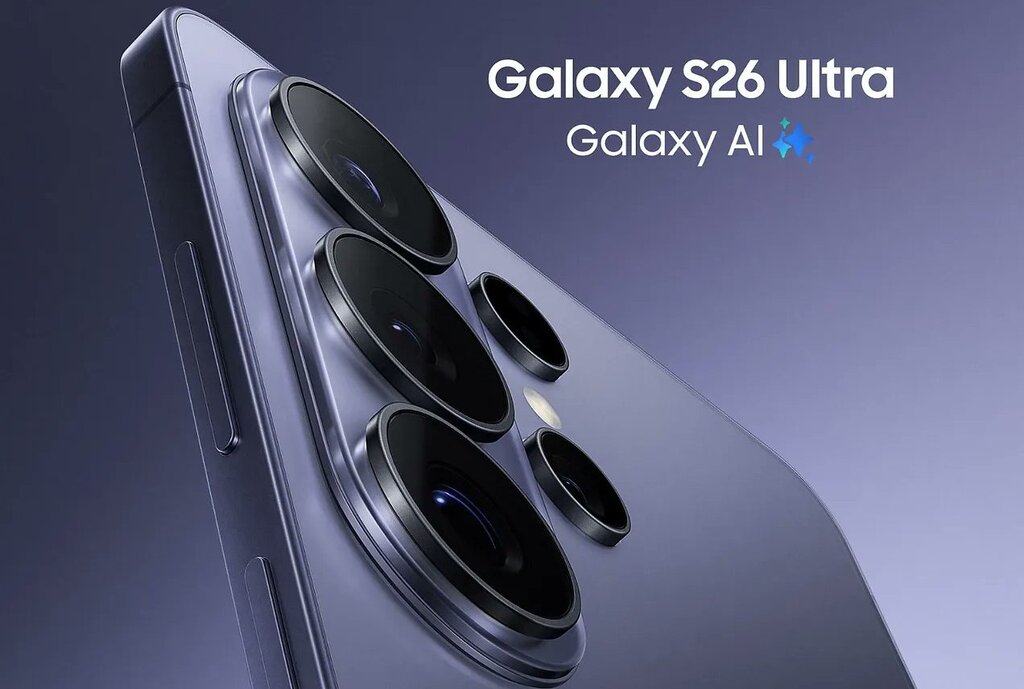
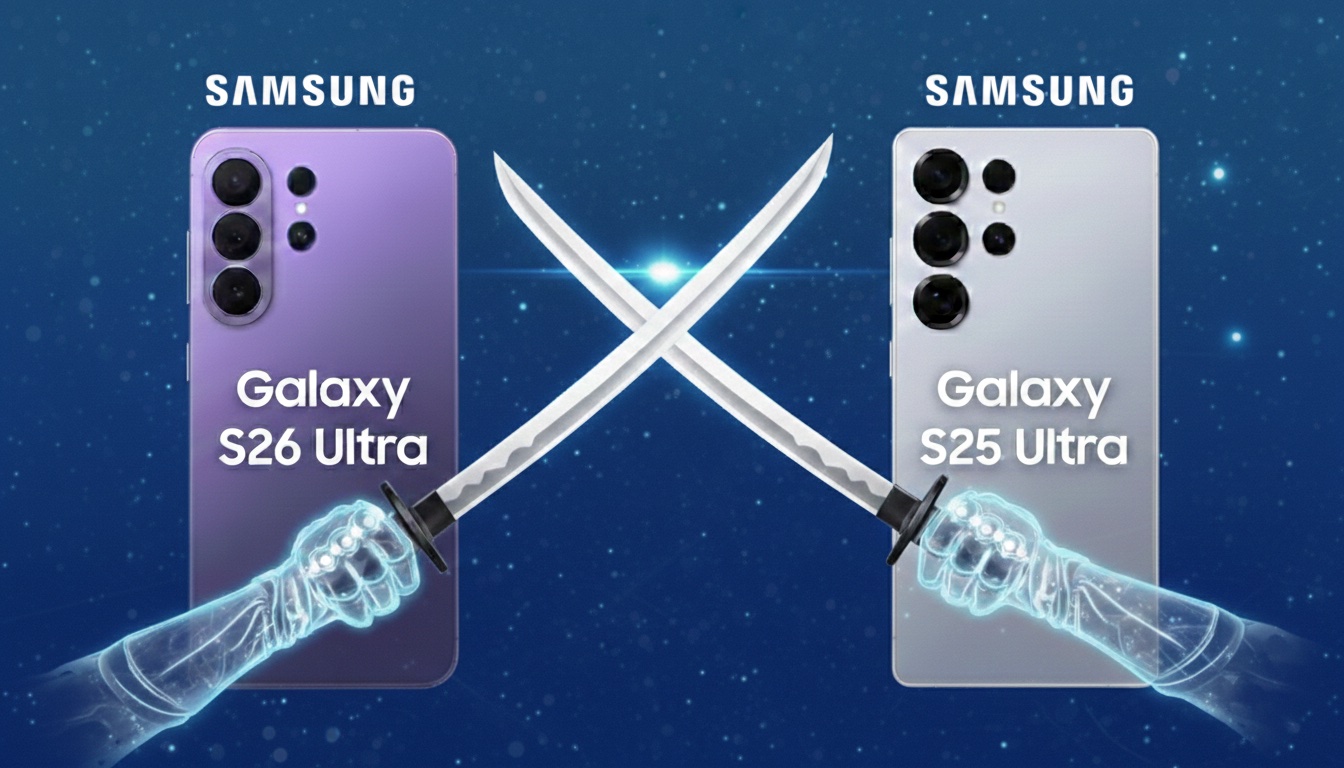
Samsung Galaxy S26 Ultra is clearly better than S25 Ultra in three key areas: performance, charging, and low-light photography.
The new model offers:
more powerful Snapdragon 8 Elite Gen 5 processor
brighter main camera f/1.4 (more light at night)
faster 60 W charging (75% in 30 minutes)
larger vapor chamber and better cooling
new Privacy Display feature (private screen)
thinner and lighter body
At the same time, the screen, battery (5000 mAh), and most AI capabilities remain very similar to its predecessor.
Appearance, dimensions, and build quality
Comparison of Galaxy S26 Ultra vs Galaxy S25 Ultra construction
Specyfikacja
Samsung Galaxy S26 Ultra
Samsung Galaxy S25 Ultra
Wymiary
163,6 × 78,1 × 7,9 mm
162,8 × 77,6 × 8,2 mm
Waga
214 g
218 g
Ramka
Armor Aluminium
Tytan
Szkło przód
Corning Gorilla Armor 2
Corning Gorilla Armor
Szkło tył
Gorilla Glass Victus 2
Gorilla Glass Victus 2
Odporność
IP68
IP68
Port
USB-C 3.2, OTG, DisplayPort 1.4
USB-C 3.2, OTG, DisplayPort 1.4
Co realnie zmieniło się w konstrukcji?
Na pierwszy rzut oka oba modele są niemal identyczne. Układ aparatów, bryła, proporcje – Samsung nie wprowadził rewolucji wizualnej. Różnice są subtelne i widać je dopiero po zestawieniu specyfikacji.
Galaxy S26 Ultra jest cieńszy (7,9 mm vs 8,2 mm) i lżejszy (214 g vs 218 g). To sprawia, że jest najbardziej smukłym modelem Ultra w historii serii. Różnica 0,3 mm może wydawać się symboliczna, ale przy tak dużym urządzeniu wpływa na komfort chwytu.
The change that sparks the most discussion is the abandonment of the titanium frame. The Galaxy S25 Ultra used titanium, while the S26 Ultra features Armor Aluminium. In practice, both materials provide very high structural rigidity, but titanium was a distinguishing element of its predecessor. The new model does not feel less solid, but it is a noticeable change in premium communication.
At the front, the Galaxy S26 Ultra is protected by Gorilla Armor 2, which is the newer generation of protective glass. The back in both cases is Gorilla Glass Victus 2. This means very high resistance to scratches and drops in both devices.
The IP68 certification remains unchanged — both smartphones are resistant to dust and immersion in water.
The slimmer design and glass back make it worth taking care of the case protection as well.Case for Samsung Galaxy S26 Ultra helps protect the frame and camera from scratches and cushions falls – especially with such a large and heavy smartphone.
Screen – similar parameters, but S26 Ultra adds “smart” enhancements
Display comparison
Samsung Galaxy S26 Ultra
Samsung Galaxy S25 Ultra
Przekątna
6,9″
6,9″
Typ
Dynamic LTPO AMOLED 2X
Dynamic LTPO AMOLED 2X
Rozdzielczość
3120 × 1440 px
3120 × 1440 px
Odświeżanie
adaptacyjne 1–120 Hz
adaptacyjne 1–120 Hz
Jasność maksymalna
2600 nitów
2600 nitów
Co to oznacza w praktyce?
Jeśli patrzymy wyłącznie na liczby, ekran jest „taki sam”: identyczna przekątna, rozdzielczość, jasność i odświeżanie. To ważne, bo S25 Ultra już był w absolutnej topce i Samsung nie musiał tu na siłę podbijać specyfikacji.
Różnice w S26 Ultra pojawiają się dopiero wtedy, gdy wejdziemy w to, jak telefon przetwarza obraz.
Nowy silnik mDNIe i ProScaler – po co to, skoro parametry są takie same?
W Galaxy S26 Ultra Samsung dorzuca nowe elementy „pod maską”:
mDNIe (Digital Natural Image) – nowy silnik przetwarzania obrazu, który ma poprawiać precyzję głębi kolorów i gradacje (czyli przejścia tonalne, cienie, półcienie, delikatne różnice w barwach). W skrócie: obraz ma wyglądać bardziej „gładko” i naturalnie, bez efektu sztuczności w trudnych scenach.
ProScaler – uses AI to enhance sharpness and readability of details, especially when the source has lower quality (e.g. lower resolution video, streaming, reels, heavily compressed content).
These are not “wow on paper” changes, but in everyday use they can provide a subtly better impression of image quality: sharper contours in video, less “flat” colors, better transitions in shadows.
Privacy Display – the biggest difference in the screen (and realistically practical)
Here we enter a feature that truly distinguishes the S26 Ultra from the S25 Ultra: Privacy Display.
This is a privacy mode that:
limits screen readability from the side angle, so people next to you see less,
can work for the entire screen or only for selected elements (e.g. apps, notifications, password/PIN fields),
is particularly useful in public places (transportation, queues, open spaces).
Important detail: when you enable private mode, the image from «your» angle may look different (this is normal), and depending on the conditions (brightness, angle, environment), some information may still be visible to some extent — this is not an «invisibility cloak,» just a limitation of the view.
With such a large, 6.9-inch display, it’s worth considering additional protection. Tempered glass for Samsung Galaxy S26 Ultra is a small cost compared to potential repairs 🔒📱
Cameras – does brighter optics make a real difference?
Camera specifications comparison
Samsung Galaxy S26 Ultra
Samsung Galaxy S25 Ultra
Main camera
200 MP, f/1.4, 1/1.3”, PDAF, Laser AF, OIS
200 MP, f/1.7, 1/1.3”, PDAF, Laser AF, OIS
Ultrawide
50 MP, f/1.9, 120°
50 MP, f/1.9, 120°
Tele 3x
10 MP, f/2.4, OIS
10 MP, f/2.4, OIS
Tele 5x
50 MP, f/2.8, OIS
50 MP, f/3.4, OIS
Front camera
12 MP, f/2.2
12 MP, f/2.2
Video
8K 30 fps, 4K 120 fps
8K 30 fps, 4K 120 fps
What has changed in practice?
On paper, the arrangement of the cameras looks almost identical, but the key differences lie in the optics.
The Galaxy S26 Ultra has received a brighter main lens (f/1.4 instead of f/1.7). This means that more light reaches the sensor, which translates to:
better night photos,
shorter exposure time,
lower risk of motion blur,
more natural colors in difficult conditions.
The difference is particularly noticeable after dark.
The second important change concerns the 5x telephoto lens. In the S26 Ultra, it has an aperture of f/2.8 instead of f/3.4, which also improves photo quality in low light and provides slightly better background blur.
AI and photo editing
Both models offer advanced Galaxy AI features, but the Galaxy S26 Ultra introduces the ability to edit photos using text commands. You can describe the effect you want to achieve, and the system will adjust the parameters automatically.
To bardziej ewolucja niż rewolucja, ale dla osób często edytujących zdjęcia może być to realna przewaga.
Wydajność i chłodzenie – nowy Snapdragon robi różnicę
Porównanie procesora
Samsung Galaxy S26 Ultra
Samsung Galaxy S25 Ultra
Procesor
Snapdragon 8 Elite Gen 5 (3 nm)
Snapdragon 8 Elite (3 nm)
Rdzenie wydajnościowe
2 × 4.74 GHz Oryon V3
2 × 4.47 GHz Oryon V2
Rdzenie efektywne
6 × 3.62 GHz
6 × 3.53 GHz
GPU
Adreno 840
Adreno 830
Wzrost wydajności
+19% CPU, +24% GPU, +39% NPU
—
Co oznacza Snapdragon 8 Elite Gen 5 w praktyce?
Galaxy S26 Ultra jako jedyny model w serii otrzymał Snapdragon 8 Elite Gen 5 dla Galaxy – obecnie najmocniejszy układ w ofercie Qualcomm.
Samsung deklaruje:
do 19% szybsze działanie CPU,
do 24% lepszą wydajność GPU,
up to 39% increase in AI unit power (NPU).
In everyday use, this translates to:
faster app switching,
more stable performance with many open programs,
better fluidity in games,
more efficient operation of Galaxy AI features.
The difference won’t be dramatic when browsing the internet, but in gaming, video editing, or intensive multitasking – it will be.
Cooling – larger vapor chamber
The Galaxy S26 Ultra has received a new vapor chamber design. Samsung reports a thermal performance improvement of about 21%.
In practice, this means:
longer maintenance of maximum performance,
fewer throttling drops in games,
more stable performance when recording in 8K.
This is particularly important when utilizing the power of the new processor – without proper cooling, even the best chip won’t show its full potential.
System i aktualizacje
Galaxy S26 Ultra startuje z Androidem 16 i One UI 8.5. Galaxy S25 Ultra pracuje na Androidzie 15, ale otrzyma aktualizację do Androida 16.
Oba modele mają:
wsparcie Galaxy AI,
długie wsparcie aktualizacyjne (wieloletnie poprawki bezpieczeństwa i systemu).
Różnice w funkcjach AI z czasem mogą się zacierać, ponieważ starszy model również dostaje nowe narzędzia w aktualizacjach.
Bateria i ładowanie – tu różnica jest najbardziej odczuwalna
Porównanie baterii i mocy ładowania
Samsung Galaxy S26 Ultra
Samsung Galaxy S25 Ultra
Battery capacity
5000 mAh
5000 mAh
Wired charging
60 W
45 W
Wireless charging
25 W
15 W
Reverse charging
4.5 W
4.5 W
30 minutes of charging
up to ~75%
about ~69%
The same battery, but different speed
In terms of capacity, the batteries are identical – both models have 5000 mAh, so the actual runtime on a single charge will be similar.
However, the differences are clear in the charging methods:
Galaxy S26 Ultra supports fast wired charging at 60 W – this means that in about 30 minutes you can reach even ~75% of the battery.
Galaxy S25 Ultra charges at 45 W – in a similar time, the charging reaches about ~69%.
Wireless charging is also faster – S26 Ultra supports up to 25 W, while S25 Ultra offers 15 W.
This translates to:
shorter sessions under the charger,
faster charging «here and now»,
more flexible use of wireless chargers.
Although the battery capacity has not changed, S26 Ultra has a clear advantage in terms of charging speed, both wired and wireless.
Prices and profitability – does the price difference make sense?
Market price comparison
Samsung Galaxy S26 Ultra
Samsung Galaxy S25 Ultra
12/256 GB
6499 zł
5349 zł
12/512 GB
7399 zł
5799 zł
12/1 TB
8699 zł
6598 zł
💡 Samsung promotion (until March 10): 🔹 Galaxy S26 Ultra 512 GB quickly on promotion costs about 6499 zł 🔹 Galaxy S26 Ultra 1 TB about 7799 zł (effectively this is a reduction of ~900 zł from the list price)
Price vs value
The new Galaxy S26 Ultra is not cheap — this is natural for a top Ultra model. However, it has several areas where it significantly surpasses its predecessor:
✔️ new Snapdragon 8 Elite Gen 5 processor ✔️ brighter main and 5x telephoto camera ✔️ faster charging (60 W / 25 W wirelessly) ✔️ thinner and lighter design ✔️ Privacy Display and new AI features
At the same time, the S25 Ultra still offers: ✔️ excellent cameras ✔️ very large 5000 mAh battery ✔️ top-notch display ✔️ stable performance and long updates
When is the S26 Ultra worth it?
if you care about:
the best possible performance in the Galaxy series,
faster charging,
better camera in low light conditions,
new AI features and screen privacy
During promotions, the price difference is smaller and it is easier to justify purchasing the new generation.
FAQ – frequently asked questions about Galaxy S26 Ultra
Is it worth switching from Galaxy S25 Ultra to Galaxy S26 Ultra?
If you care about faster loading, better performance, and a brighter camera for night photos — yes. However, if the S25 Ultra still runs smoothly and the price difference is significant, a change is not necessary.
Does the Galaxy S26 Ultra have a better camera than the S25 Ultra?
Yes, but the difference mainly concerns low-light performance. The Galaxy S26 Ultra has a brighter aperture (f/1.4 vs f/1.7) and a better 5x telephoto lens (f/2.8 vs f/3.4), which improves the quality of night photos and close-ups.
Is the battery in the Galaxy S26 Ultra larger?
No. Both models have a 5000 mAh battery. The difference lies in the faster charging in the S26 Ultra (60 W wired and 25 W wireless).
What is Privacy Display in the Galaxy S26 Ultra?
It is a feature that limits screen visibility at side angles. It protects sensitive data, such as banking apps or messages, from being viewed in public places.
How much does the Samsung Galaxy S26 Ultra cost?
Samsung Galaxy S26 Ultra 12/256 GB — ok. 6499 zł
Samsung Galaxy S26 Ultra 12/512 GB — ok. 7399 zł
Samsung Galaxy S26 Ultra 12/1 TB — ok. 8699 zł
What colors does the Galaxy S26 Ultra come in?
The Galaxy S26 Ultra is available in four basic color versions: purple, light blue, black, and white. Additionally, Samsung offers two special variants – silver and gold – which can only be purchased through the manufacturer’s official sales.
Nowy MacBook Pro M5 (2025) to potężny laptop z układem M5 i wyświetlaczem 14 calowym, który zasługuje na równie mocną ładowarkę. W zestawie – przynajmniej w krajach Unii Europejskiej – nie znajdziesz już zasilacza, dlatego warto dobrać odpowiedni model.
Najlepszym wyborem będzie UGREEN GaN 200W – oferuje pełną moc dla MacBooka i zapas energii dla innych urządzeń. Alternatywnie świetnie sprawdzą się Blitzwolf BW-S30 175W i Mophie SpeedPort 120W, które łączą wydajność z kompaktową konstrukcją.
Jak wybrać odpowiednią ładowarkę do MacBook Pro M5?
Wybór ładowarki do nowego MacBooka Pro M5 (2025) może wydawać się prosty, ale w praktyce warto zwrócić uwagę na kilka kluczowych parametrów. Odpowiedni model powinien oferować nie tylko wystarczającą moc, ale też obsługę najnowszych standardów szybkiego ładowania i odpowiednie zabezpieczenia.
💡 Czynniki kompatybilności
Moc minimum 96 W – to wartość rekomendowana przez Apple dla modeli 14”.
Power Delivery 3.1 (PD 3.1) – standard that allows for intelligent adjustment of voltage and current.
USB-C port with E-Marker support – guarantees safe, stable high-power charging.
GaN Technology (Gallium Nitride) – increases energy efficiency and reduces charger heating.
⚡ Key features to consider
Number of USB-C / USB-A ports – if you want to charge a laptop, iPhone, and iPad simultaneously, choose a model with at least 3 ports.
OVP / OCP / OTP protections – protect the equipment from overvoltage, overheating, and overload.
Cable length and quality – the best results will be achieved with a 240W USB-C cable with E-Marker certification.
🔝 TOP 5 chargers for MacBook Pro M5 (2025)
Model
Moc i porty
Opis
Cena
UGREEN GaN 200W USB-A, 3×USB-C (szara)
200 W · 3×USB-C + USB-A
Najmocniejsza w zestawieniu — szybko ładuje MacBooka Pro M5 i inne urządzenia jednocześnie.
299 zł
Blitzwolf BW-S30 175W 6 w 1 (4×USB-C + 2×USB-A)
175 W · 4×USB-C + 2×USB-A
Stacja ładująca 6 w 1 – jedno urządzenie do laptopa, telefonu i tabletu.
159 zł
Mophie GaN SpeedPort 120W (3×USB-C + USB-A, biały)
120 W · 3×USB-C + USB-A
Elegancka ładowarka premium z technologią GaN, idealna do ekosystemu Apple.
399 zł
Satechi PD GaN Charger 100W (USB-A + 2×USB-C, Space Gray)
100 W · 2×USB-C + USB-A
Kompaktowy, stylowy zasilacz PD 3.1 – idealny do codziennego użytku.
369 zł
4smarts Flex Pro 100W Travel Edition (3×USB-C + USB-A)
100 W · 3×USB-C + USB-A
Lekka ładowarka GaN – świetna w podróży z MacBookiem Pro M5.
269 zł
Która ładowarka najszybciej naładuje MacBook Pro M5?
🔹 UGREEN GaN 200W USB-A, 3×USB-C
If you care about maximum power, the choice is simple — UGREEN GaN 200W is the most powerful charger in the comparison. With three USB-C ports with power up to 200 W, you can charge a MacBook Pro M5, iPad, and iPhone simultaneously. The technology used GaN (Gallium Nitride) increases energy efficiency and helps maintain a low operating temperature.
UGREEN automatically adjusts the power to the devices, ensuring that each one is charged optimally. This is the perfect solution for those who want one charger for everything – from laptops to office accessories.
🔹 Blitzwolf BW-S30 175W 6 in 1 (4×USB-C + 2×USB-A)
Is there a charger that can replace several power supplies? Definitely yes. Blitzwolf BW-S30 is a practical 6 in 1 charging station that serves as a power hub on your desk. It offers 175 W total power and allows you to charge a laptop, phone, tablet, watch, and headphones simultaneously.
Each port automatically adjusts the charging parameters to the connected device, ensuring maximum efficiency and safety. This is an excellent option for those who have an extensive set of devices and want to reduce the number of cables and sockets.
🔹 4smarts Flex Pro 100W Travel Edition (3×USB-C + USB-A)
Are you traveling with a MacBook Pro M5? 4smarts Flex Pro 100W is a lightweight, compact charger perfect for a bag or backpack. It supports the Power Delivery 3.1 standard and delivers up to 100 W of power, easily powering a laptop, smartphone, and tablet. Its small size and high efficiency make it a great choice for those who often work on the go or during business trips.
🔹 Satechi PD GaN Charger 100W (USB-A + 2×USB-C)
Does a premium charger make sense with the MacBook Pro M5? Definitely yes. Satechi PD GaN 100W is a compact, elegant premium charger that looks like a natural extension of the MacBook. The metallic casing in Space Gray perfectly matches Apple’s aesthetics, and GaN technology ensures fast and safe charging. It’s the perfect choice for those who value design, mobility, and reliability in one device.
🔹 Mophie GaN SpeedPort 120W (3×USB-C + USB-A)
Jeśli szukasz mocy w eleganckiej formie, Mophie GaN SpeedPort 120W to wybór klasy premium. Jej biały, minimalistyczny design doskonale komponuje się z urządzeniami Apple, a moc 120 W wystarcza do szybkiego ładowania MacBooka Pro M5 i innych sprzętów. Technologia GaN zapewnia wysoką sprawność i niższe zużycie energii, a dzięki czterem portom możesz ładować laptopa, iPada i telefon jednocześnie. To doskonałe połączenie stylu, wydajności i mobilności.
No. In the versions sold in Poland and the European Union, Apple no longer includes a power adapter. In the box, there is only a USB-C – MagSafe 3 (2 m) cable, so the charger must be purchased separately.
⭐ How long does the MacBook Pro M5 last on a single charge?
The battery in the new MacBook Pro M5 allows for up to 24 hours of video playback or about 18 hours during a typical workday. It has one of the best battery lives among professional laptops.
⭐ Is the MacBook Pro M5 faster than the M4 model?
Yes, noticeably. The M5 chip offers up to 20% higher CPU performance and 1.6× faster GPU than its predecessor. Additionally, it has an improved neural engine, providing up to 3.5× better AI performance.
⭐ What charger should I choose for MacBook Pro M5?
The best choice is one that supports Power Delivery 3.1 and has a power of at least 96 W. Great options include the UGREEN 200W, Satechi 100W or Blitzwolf 175W, which offer fast and stable charging.
⭐ Is a GaN charger safe for MacBook?
Yes ✅ Chargers with GaN (Gallium Nitride) technology are more efficient, cooler, and more energy-saving than traditional ones. They are completely safe, take up less space, and charge faster.
⭐ Can I charge MacBook Pro M5 with an iPad charger?
Yes, but the charging will be much slower. iPad chargers usually have a power of 30–35 W, which is enough to keep it running, but not for fast charging a laptop. For MacBook, chargers 96–140 W are recommended.
⭐ Is it worth buying a multi-port charger?
Definitely yes. Models like UGREEN 200W or Blitzwolf BW-S30 175W allow you to charge a laptop, phone, and tablet simultaneously. It’s an ideal solution for the office or travel – fewer cables, more order.
⭐ Is it worth buying a MacBook Pro M5 in 2025?
Yes, it is one of the most powerful Apple laptops. It offers longer battery life, better cooling, and immense computing power. It’s a great choice for creators, programmers, and users of professional applications.
For Galaxy S26+Plus, models of 20–25 W will be optimal, while the basic Galaxy S26 will fully utilize 15 W chargers.
If you choose a magnetic charger, you also need a case with a built-in magnetic ring that stabilizes the phone during charging.
Therefore, before purchasing a charger, it is worth selecting a MagSafe case for Galaxy S26 that will ensure full compatibility with Qi2 magnetic chargers and maximum charging efficiency.
Additionally, pay attention to whether the charger is:
a classic pad,
a vertical charging stand,
or a 2-in-1 or 3-in-1 station (phone + headphones + watch).
If you care that it is really a fast charger for Galaxy S26, pay attention to the maximum power supported by your model and support for the Qi2 standard.
🏆 TOP 5 wireless chargers for Samsung Galaxy S26
Below you will find a comparison of the best-matched models for Galaxy S26, S26+ and S26 Ultra — taking into account power, functionality, and application.
📊 Comparison of chargers for Galaxy S26
Place
Model
Power
Type
Price
Best for
1️⃣
Spigen EF323MQ 3-in-1 (25W)
25 W
Magnetic 3-in-1 station
259.00 zł
⭐ S26 Ultra
2️⃣
Zens Travel Pro 2 (20W)
20 W
Magnetic 2-in-1
148.01 zł
⭐ S26+Plus
3️⃣
Crong PowerSpot 3-in-1
15 W
Station + USB ports
199.00 zł
Universal
4️⃣
Satechi Foldable 2-in-1 Qi2
15 W
Foldable magnetic
389.00 zł
Desk / home
5️⃣
4smarts Aura Sound Qi2
15 W
Station + LED speaker
249.00 zł
Room / desk
What is the strongest wireless charger for Galaxy S26 Ultra?
In practice, this means significantly faster charging than with classic pads of 10–15 W. If you care about time and want it to be a truly fast charger for S26 Ultra, choose only 25 W models.
Spigen EF323MQ 3-in-1 Magnetic 25W – full Qi2.2 power for S26 Ultra
It is a 3-in-1 magnetic station that not only charges your phone quickly but also helps organize your desk space. With one device, you can power your smartphone, headphones, and watch — without the tangle of wires and several separate chargers.
The magnetic mount stabilizes the phone and positions it perfectly in the charging axis, which increases energy efficiency and reduces interruptions in the charging process. You will achieve the best results when combined with a MagSafe case for Galaxy S26 with a built-in magnetic ring.
Najważniejsze cechy:
pełne 25 W bezprzewodowo (Qi2.2)
magnetyczne mocowanie MagSafe-kompatybilne
ładowanie 3 urządzeń jednocześnie
stabilna pozycja telefonu (pion/poziom)
elegancka stacja do biurka lub sypialni
Dla kogo?
✔ dla użytkowników Galaxy S26 Ultra, którzy chcą maksymalnej mocy 25 W ✔ dla osób posiadających kilka urządzeń (telefon + słuchawki + zegarek) ✔ dla tych, którzy cenią porządek i jedno centralne miejsce ładowania
Jeśli zależy Ci na maksymalnej wydajności i najbardziej kompletnym rozwiązaniu do S26 Ultra — to obecnie najmocniejsza opcja w rankingu.
What fast wireless charger for Galaxy S26+Plus?
Galaxy S26+Plus supports wireless charging of up to 20 W — more than the basic S26 (15 W), but less than S26 Ultra (25 W). To achieve a realistically higher wireless charging speed, it’s worth choosing a model that actually produces ~20 W output power.
One of the best solutions available is a charger that offers magnetic mounting, Qi2 support, and around 20 W power — allowing you to charge the S26+ faster than a typical 15 W pad.
Wireless charger 2in1 Zens Travel Charger Pro 2 20W MagSafe
Zens Travel Charger Pro 2 20W MagSafe is a compact, magnetic wireless charger that supports up to 20 W output power and simultaneously charges two devices — a phone and a second accessory (e.g., headphones).
Najważniejsze cechy:
20 W bezprzewodowo — szybkie ładowanie idealne dla Galaxy S26+
2-w-1 — jeden pad do telefonu i drugiego urządzenia
Kompaktowa konstrukcja — świetna do biurka lub w podróży
Dzięki obsłudze Qi2 przy zachowaniu mocy 20 W ten model zapewnia szybsze ładowanie niż klasyczne padd’y 15 W, a jednocześnie jest wygodnym rozwiązaniem do codziennego użytku.
Dla kogo:
✔ użytkownicy Galaxy S26+, ✔ osoby, które chcą szybszego bezprzewodowego ładowania bez dużej stacji, ✔ wygodne ładowanie dwóch urządzeń jednym urządzeniem.
Best 3-in-1 Charging Station for Galaxy S26
If you also use a Galaxy Watch or wireless headphones in addition to your phone, a 3-in-1 charging station might be a good solution. Such chargers allow you to charge multiple devices simultaneously in one place, keeping your desk or nightstand more organized.
In practice, this means fewer cables and one central charging station for all devices. One of the most practical options in our offer is a set that combines wireless charging with an additional fast wall charger.
Crong Set Wall Charger 2xUSB-C 35W + Wireless GaN PD PowerSpot Pivot Stand 3-in-1 Black
Crong PowerSpot Pivot Stand 3-in-1 is a functional charging station that allows you to charge a smartphone, headphones, and a watch simultaneously. This way, it can replace several separate chargers and organize your desk space.
The wireless part of the charger supports the standard Qi up to about 15 W, which is fully sufficient for conveniently charging the Galaxy S26 and S26+. The phone can be positioned both vertically and horizontally, which is useful when watching movies or making video calls.
A significant advantage of this set is also the GaN 35 W wall charger with two USB-C Power Delivery ports, which allows for fast wired charging of additional devices.
Key features:
wireless charging Qi up to approx. 15 W
charging 3 devices simultaneously
charger GaN 35 W with 2× USB-C PD included
ability to position the phone vertically or horizontally
convenient station for desk or nightstand
For whom?
✔ for users Galaxy S26 or S26+ who want one station for all devices ✔ for those using Galaxy Watch and wireless headphones ✔ for those who want to reduce the number of cables on their desk
Foldable Magnetic Charger for Galaxy S26
If you prefer a more compact solution than a large 3-in-1 station, a good option might be a foldable magnetic charger. This type of model takes up less space on your desk and works great for travel as well.
Satechi 2-in-1 Wireless Foldable Charging Stand Qi2
Satechi 2-in-1 Foldable Charging Stand Qi2 is an elegant and very compact magnetic charger that allows you to charge two devices simultaneously. Its foldable design makes it easy to take with you on the go or use as a convenient stand on your desk.
The model supports the standard Qi2, which ensures stable magnetic alignment of the phone and efficient wireless charging. This way, the phone is always in the perfect charging position.
Key features:
supports the standard Qi2
magnetic phone mounting
charging 2 devices simultaneously
foldable design perfect for travel
elegant design matching your desk
Who is it for?
✔ for those looking for a compact charger for Galaxy S26 ✔ for users utilizing magnetic charging ✔ for those who travel often and want to take the charger with them
Wireless charger with speaker for Galaxy S26
Some chargers offer additional features that can be useful on a desk or in the bedroom. A good example is a model that combines wireless charging with a Bluetooth speaker.
4smarts Aura Sound Qi2 charging station
4smarts Aura Sound Qi2is a wireless charger that, in addition to charging functions, also offers abuilt-in Bluetooth speaker and LED lighting. This allows it to serve as a small multimedia center on a desk or nightstand.
The charger supports the Qi2 standard and allows you to conveniently charge your phone without using a cable. It’s an interesting solution for those who want to combine charging functionality with additional audio capabilities.
Main features:
wireless charging Qi2
built-in Bluetooth speaker
LED backlighting
modern design for desk or bedroom
convenient phone charging without a cable
Who is it for?
✔ for those who want chargers with additional functions ✔ for users who use their phone at the desk or bed ✔ for those who like modern 2-in-1 gadgets
Which wireless charger to choose for Galaxy S26?
The choice of the right wireless charger for the Galaxy S26 primarily depends on the phone model and how you use the device. The Galaxy S26 series supports various charging powers, so it’s worth selecting a charger to fully utilize your smartphone’s capabilities.
How to choose a charger for a specific Galaxy S26 model?
If you are using the Galaxy S26 Ultra, the best choice would be a charger supporting 25 W in the Qi2 standard, as it allows you to achieve maximum charging speed without using a cable.
For the Galaxy S26+, the optimal solution would be a charger offering around 20 W of power, which will allow charging the phone faster than standard models of 10–15 W.
On the other hand, the Galaxy S26 supports wireless charging up to about 15 W, so even simpler Qi chargers will be fully sufficient for everyday use.
When choosing, it is also worth paying attention to additional features, such as:
the ability to charge multiple devices simultaneously (2-in-1 or 3-in-1 stations)
magnetic alignment of the phone in the Qi2 standard
convenient form desk stand or nightstand
Thanks to this, the charger can become not only a power source but also a convenient element of everyday smartphone use.
FAQ – frequently asked questions about wireless chargers for Galaxy S26
Yes. Modern chargers supporting the Qi2 standard are compatible with the Galaxy S26 series. The Qi2 standard uses the magnetic alignment of the phone to the charger, allowing the device to position itself in the ideal charging position and charge more stably.
Is wireless charging slower than wired charging?
Generally, wireless charging is slower than wired charging. However, modern chargers Qi2 with a power of 20–25 W significantly reduce charging time and are a more convenient alternative for many users compared to traditional cables.
Does every wireless charger work with Galaxy S26?
Yes, most chargers supporting the Qi standard will be compatible with Samsung Galaxy S26. However, it is advisable to choose newer models Qi2, which offer more stable charging and magnetic alignment of the phone to the charger.
Does a wireless charger heat up the phone?
During wireless charging, the phone may get slightly warm, which is a normal occurrence. However, modern chargers Qi2 and Qi have safety systems that monitor temperature and prevent the device from overheating.
Is wireless charging safe for the battery?
Yes, wireless charging is safe for the phone’s battery. Modern chargers have protections against overheating, overvoltage, and overcharging, ensuring that the charging process is fully controlled.
Can you use the phone while wireless charging?
Yes, you can use the phone while wireless charging. Many chargers are designed as stands, allowing you to comfortably watch movies, make video calls, or read messages.
Is a 3-in-1 charger a good choice for the Galaxy S26?
3-in-1 chargers are a very convenient solution, especially if you also use Galaxy Watch and wireless headphones. With one station, you can charge all devices simultaneously and avoid cable clutter.
The best tempered glass for Samsung Galaxy S26 Ultra should have 9H hardness, a good oleophobic coating, and an easy installation system that allows for a perfect fit on the curved screen. In practice, the best options are models with an installation frame, such as Spigen Glas.tr EZ Fit or ESR UltraFit Armorite.
Ranking of tempered glasses for Samsung Galaxy S26 Ultra — comparison
Below you will find a quick comparison of the best tempered glasses for Samsung Galaxy S26 Ultra in 2026.
1. Best tempered glass — Spigen Glas.tr EZ Fit Pro HD
Spigen Glas.tr EZ Fit Pro HDis one of the best-crafted tempered glasses for the Samsung Galaxy S26 Ultra. The manufacturer has implemented the EZ Fit installation system, which allows for perfect fitting of the glass to the screen in seconds — without shifts and air bubbles.
The glass is made of tempered material with a hardness of 9H, effectively protecting the screen from scratches and minor impacts. The package includes two glasses, so you can keep one as a spare.
Key features:
✅ installation system EZ Fit with installation frame ✅ hardness 9H resistant to scratches ✅ oleophobic coating reducing fingerprints ✅ high HD clarity ✅ package includes 2 glasses
Price: 79 PLN
If you are looking for easy installation and high-quality protection, this is one of the best tempered glasses for the Galaxy S26 Ultra.
2. The most durable glass — ESR UltraFit Armorite
ESR UltraFit Armorite is tempered glass designed for maximum impact resistance. The manufacturer has used a reinforced Armorite glass construction that better protects the screen during falls.
A significant advantage is also the UltraFit installation frame, which makes it easier to perfectly fit the glass to the Galaxy S26 Ultra screen.
Key features:
✅ reinforced glass Armorite with high resistance ✅ installation frame UltraFit ✅ high image clarity ✅ oleophobic coating ✅ set of 2 glasses in the package
Price: 85 zł
This is a great choice for those who want maximum protection for the Samsung flagship screen.
3. Best matte glass — 3mk HardGlass Matt Max
3mk HardGlass Matt Max is tempered glass with a matte surface that effectively reduces light reflections and fingerprints on the screen.
Matte glasses are particularly convenient when using the phone in sunlight and during intensive use.
Main advantages:
✅ matte anti-fingerprint surface ✅ less light reflection ✅ high scratch resistance ✅ compatibility with fingerprint reader ✅ full screen coverage
Price: 89 PLN
This is a good choice for those who do not like glossy screens and frequent phone cleaning.
4. Best price-to-quality ratio — Ringke Easy Slide
Ringke Easy Slide is a very popular tempered glass for the Galaxy S26 Ultra, offering good protection at a reasonable price.
The manufacturer has implemented the Easy Slide installation system, which allows for easy positioning of the glass on the screen without shifting.
Najważniejsze cechy:
✅ system instalacji Easy Slide ✅ zestaw 2 szkieł w opakowaniu ✅ wysoka przejrzystość szkła ✅ dobra kompatybilność z etui
Cena: 49 zł
To jeden z najlepszych wyborów w kategorii cena / jakość.
5. Najtańsze szkło hartowane — Tech-Protect Glass Fit
Tech-Protect Glass Fit to bardzo budżetowe szkło hartowane do Samsung Galaxy S26 Ultra, które mimo niskiej ceny oferuje podstawową ochronę ekranu.
Thanks to the hardness 9H the glass protects the screen from scratches and minor damage.
Key features:
✅ hardness 9H ✅ good screen transparency ✅ set of 2 glasses in the package ✅ very attractive price
Price: 19 PLN
This is a good choice for those looking for the cheapest screen protection for the Galaxy S26 Ultra.
Best tempered glass for Galaxy S26 Ultra — quick selection
If you don’t want to analyze the entire ranking, below you will find quick recommendations based on your needs.
How to choose tempered glass for Samsung Galaxy S26 Ultra?
Choosing the right tempered glass for Galaxy S26 Ultra depends on several factors: level of protection, ease of installation, and the type of coating on the glass surface.
Glass hardness
The best tempered glasses have 9H hardness, which protects the screen from scratches caused by keys, coins, or sand particles.
It is worth remembering that the tempered glass should break instead of the phone’s display. Replacing the glass costs several dozen zlotys, while repairing the Galaxy S26 Ultra screen can cost over 1000 zlotys.
Installation system
More and more manufacturers are using installation frames, which facilitate the perfect fit of the glass to the screen.
You can find such solutions in models like:
Spigen Glas.tr EZ Fit
ESR UltraFit Armorite
Ringke Easy Slide
Thanks to this, the installation of the glass is quick and practically bubble-free.
Oleophobic coating
The oleophobic coating reduces fingerprints and smudges on the screen, keeping the phone cleaner and easier to use.
In practice, all good tempered glass for Samsung Galaxy S26 Ultra has this coating.
Compatibility with cases
Good glass should be marked as case friendly, meaning it is minimally narrower than the entire screen surface. This way, the case does not lift the glass at the edges.
Which tempered glass for Galaxy S26 Ultra to choose?
If you care about
Choose
the easiest installation
Spigen Glas.tr EZ Fit Pro HD
the highest durability
ESR UltraFit Armorite
matte screen without fingerprints
3mk HardGlass Matt Max
good price
Ringke Easy Slide
the cheapest protection
Tech-Protect Glass Fit
Tempered glass or protective film for Galaxy S26 Ultra?
Type of protection
Advantages
Disadvantages
Tempered glass
best screen protection
can break upon impact
Protective film
very thin
weaker protection
Matte glass
fewer fingerprints
slightly worse clarity
In most cases, tempered glass for the Samsung Galaxy S26 Ultra will be the best choice as it provides the highest level of screen protection.
If you want to comprehensively secure your phone, in addition to tempered glass, it is worth considering other accessories.
FAQ – frequently asked questions about tempered glass for Samsung Galaxy S26 Ultra
Does tempered glass for Samsung Galaxy S26 Ultra affect the operation of the fingerprint reader?
Good tempered glass for Samsung Galaxy S26 Ultra is compatible with the fingerprint reader in the screen. However, it is important to properly install the glass and increase the touch sensitivity in the phone settings.
Does tempered glass degrade image quality?
No. High-quality tempered glasses for Galaxy S26 Ultra are practically invisible on the screen. They offer high transparency and an oleophobic coating that reduces fingerprints.
Does tempered glass protect the screen from cracking?
Hartglass primarily absorbs impact energy and shatters instead of the phone screen. This protects the display from more serious damage.
Is tempered glass compatible with cases?
Yes. Most models are designed to be case-friendly, meaning they are minimally smaller than the entire screen area. This prevents the case from lifting the glass at the edges.
How often should tempered glass be replaced?
Tempered glass is usually replaced when it cracks or gets heavily scratched. That’s why many products are sold in 2-pack sets, allowing one glass to be kept as a spare.
Realme 16 Pro og realme 16 Pro+ er kommende premium mellomklasse telefoner som sannsynligvis vil debutere 6. januar (India) og bør snart være tilgjengelige i Europa. Telefonene skiller seg ut med design laget i samarbeid med Naoto Fukasawa, stor OLED 1.5K 144 Hz skjerm, enormt 7000 mAh batteri med 80 W lading og et 200 MP kamera, mens Pro+ versjonen tilbyr i tillegg et periskop teleobjektiv. Realme 16 Pro bruker Dimensity 7300, mens Pro+ vil få Snapdragon prosessor.
📊 Realme 16 Pro vs Realme 16 Pro+(Plus) – rask sammenligning
Egenskap
realme 16 Pro
realme 16 Pro+
Lansering (India)
6. januar (forventet)
6. januar (forventet)
Skjerm
6,78″ OLED 1.5K, 144 Hz
6,78″ OLED 1.5K, 144 Hz
Prosessor
MediaTek Dimensity 7300
Snapdragon (mest sannsynlig 7 Gen 4)
RAM / minne
8 / 12 / 16 GB RAM* 128–512 GB
8 / 12 GB RAM 128–512 GB
Hovedkamera
200 MP
200 MP
Ultravidvinkelkamera
8 MP
8 MP
Teleobjektiv
❌ ingen
✅ periskop 3.5×
Frontkamera
50 MP
50 MP
Batteri
~7000 mAh
~7000 mAh
Lading
80 W
80 W
System
Android 16 + realme UI 7
Android 16 + realme UI 7
Fingeravtrykksleser
ultralyd i skjermen
ultralyd i skjermen
IR-blaster
ja
ja
Design
Naoto Fukasawa, to-farget bakside
Naoto Fukasawa, to-farget bakside
* RAM-konfigurasjoner avhenger av markedet – 16 GB variant tilgjengelig kun i Kina.
Designet til realme 16 Pro inspirert av Naoto Fukasawa
Hvem er Naoto Fukasawa og hvilken innflytelse har han hatt på utseendet til realme 16 Pro?
Naoto Fukasawa er en av de mest anerkjente industrielle designerne i verden. Hans arbeid inkluderer samarbeid med merker som MUJI, B&B Italia og Maruni, og hans design er en del av den permanente samlingen til Museum of Modern Art (MoMA) i New York. Realme har offisielt bekreftet at serien realme 16 Pro er designet i tråd med hans visjon, noe som er sjeldent i mellomklasse-segmentet.
Fukasawas innflytelse er tydelig i den minimalistiske tilnærmingen til form, rolige linjer og avvik fra aggressive, «gaming» aksenter til fordel for et design som skal forbli aktuelt i mange år.
To-farget bakdeksel og et nytt stilistisk språk for realme
Baksiden av realme 16 Pro og realme 16 Pro+ skiller seg ut med to-farget premium finish, som kombinerer en matt panel med en blank kameramodul. Denne tilnærmingen gir telefonen et mer elegant og ryddig preg.
Oppsettet av kameraene tiltrekker seg oppmerksomhet med sin enkle, symmetriske form, som kan minne om løsninger kjent fra dyrere modeller fra konkurrentene. Helheten passer inn i en ny stilretning for merket realme, som fokuserer på premium estetikk, og ikke bare imponerende tall i spesifikasjonen.
Fargene til realme 16 Pro – inspirasjon fra naturen og blomsterdesign
Produsenten har forberedt flere fargevarianter inspirert av naturen og blomsterdesign, som godt gjenspeiler Fukasawas designfilosofi:
Camellia Pink – subtil rosa inspirert av kamelia blomster
Orchid Purple – uttrykksfull, men elegant lilla
Master Gold – klassisk, luksuriøst gull
Pebble Grey / Master Grey – dempet grå med steinaktig karakter
Realme understreker at noen farger er laget med tanke på det indiske markedet, men erfaringene fra tidligere lanseringer viser at noen fargevarianter senere også kommer til Europa.
📱 Skjermen til realme 16 Pro – er OLED 1.5K 144 Hz en reell fordel?
Stor 6,78 tommers skjerm med høyere oppløsning 1.5K
realme 16 Pro og realme 16 Pro+ er utstyrt med en 6,78-tommers OLED panel, som ifølge lekkasjer tilbyr en oppløsning på 1.5K. Dette er en stadig mer vanlig kompromiss mellom Full HD+ og QHD+, som gir klarere bilder uten dramatisk økning i energiforbruket.
I praksis betyr dette:
bedre skarphet på tekst og detaljer,
høyere lesbarhet ved større diagonaler,
mindre belastning på batteriet enn ved 2K skjermer.
144 Hz oppdateringsfrekvens – jevnhet over standarden i mellomklassen
Både realme 16 Pro og Pro+ versjonen skal tilby oppdateringsfrekvens på opptil 144 Hz. Dette er en parameter som fortsatt er sjelden i mellomklassen og forbedrer:
jevn scrolling,
grensesnitt animasjoner,
komfort ved spilling og daglig bruk.
Selv om den faktiske bruken av 144 Hz avhenger av optimaliseringen av systemet og applikasjonene, setter det faktum at en slik skjerm brukes, serie 16 Pro høyere enn mange konkurrenter som begrenser seg til 120 Hz.
Ultralyd fingeravtrykksleser i skjermen
Et stort kjennetegn ved serien er ultralyd fingeravtrykksleser integrert i skjermen. Dette er en løsning kjent hovedsakelig fra dyrere smarttelefoner, som:
fungerer raskere enn tradisjonelle optiske lesere,
håndterer fuktige fingre bedre,
tilbyr høyere sikkerhetsnivå.
Hvis denne funksjonen faktisk kommer til begge modellene i Europa, vil det være en av de største fordelene til realme 16 Pro over konkurrentene i dette prissegmentet.
Bildekvalitet og brukskomfort i hverdagen
Kombinasjonen av OLED-teknologi, høy oppdateringsfrekvens og høyere oppløsning antyder at realme satser sterkt på komfort ved innholdskonsum – filmer, serier, sosiale medier og spill. Dette er spesielt viktig i kombinasjon med det store 7000 mAh batteriet, som vil tillate bruk av skjermen i mange timer uten hyppig lading.
Batteriet til realme 16 Pro – er 7000 mAh en ny standard i mellomklassen?
Enorm kapasitet uten kompromisser mellom markedene
Realme 16 Pro og realme 16 Pro+ skal være utstyrt med et batteri med en kapasitet på omtrent 7000 mAh, noe som er betydelig høyere enn standarden i mellomklassen. Det er viktig å merke seg at produsenten ifølge lekkasjer ikke planlegger å differensiere kapasiteten avhengig av markedet, noe som betyr at de europeiske variantene bør få samme celle som modellene solgt i Asia.
Et så stort batteri kombinert med energieffektive prosessorer og OLED 1.5K skjerm bør resultere i:
opptil 2 dager med intensiv bruk,
svært lang batterilevetid i blandet modus,
mindre degradering av cellen ved daglig lading.
Rask lading på 80 W – praktisk energipåfylling
Til tross for den store kapasiteten, planlegger realme å bruke 80 W kablet lading. Dette er en løsning som gjør at:
du raskt kan fylle opp energien før du går ut av huset,
redusere tiden telefonen er tilkoblet laderen,
opprettholde brukskomfort selv på en veldig intensiv dag.
Selv om den nøyaktige ladetiden ikke er avslørt ennå, antyder erfaringene fra tidligere realme-modeller at lading til 50–60% bør ta noen få minutter.
Energieffektivitet i stedet for «vattløp»
Bruken av Dimensity 7300 i realme 16 Pro og Snapdragon i Pro+ versjonen indikerer at realme fokuserer på energi effektivitet, og ikke bare rå ytelse. I praksis betyr dette:
stabil drift uten overoppheting,
bedre skjermtid (SoT),
langsommere batteriforbruk over flere år.
Batteriet som et reelt kjøpsargument
I segmentet for smarttelefoner opp til omtrent 2500 kr er et så stort batteri fortsatt sjeldent, spesielt i kombinasjon med OLED-skjerm og rask lading. Hvis realme forbedrer systemoptimaliseringen, kan 7000 mAh bli en av hovedgrunnene til at brukere velger serien 16 Pro.
Ytelsen til realme 16 Pro og Pro+ – Dimensity mot Snapdragon
Realme 16 Pro med Dimensity 7300 – stabilitet og energieffektivitet
I henhold til Geekbench listen, er realme 16 Pro utstyrt med MediaTek Dimensity 7300. Dette er en moderne, energieffektiv brikke laget med 4 nm litografi, som ikke sikter mot benchmark-rekorder, men mot jevn og forutsigbar drift i hverdagen.
I praksis bør Dimensity 7300 gi:
svært god arbeidskultur,
lavt energiforbruk,
tilstrekkelig ytelse for daglige oppgaver, multimedia og spill.
Dette er en tydelig endring fra realme 15 Pro, som satset på en kraftigere Snapdragon-brikke, men til kostnad av høyere energibehov.
Realme 16 Pro+ – Snapdragon for de mer krevende
Realme har offisielt bekreftet at Pro+ modellen vil få Snapdragon prosessor, som oftest i lekkasjer er nevnt som Snapdragon 7 Gen 4. Dette er en brikke som er betydelig kraftigere enn Dimensity 7300, designet med tanke på:
bedre ytelse i spill,
stabilere kameradrift (ISP),
høyere kraftreserve for fremtiden.
Dermed vil realme 16 Pro+ være et naturlig valg for brukere som forventer maksimal jevnhet og større kraftreserve, selv på bekostning av noe kortere batterilevetid på en enkelt lading.
RAM og datalagring
Serien realme 16 Pro skal tilby flere minnekonfigurasjoner:
8 eller 12 GB RAM som standard,
variant 16 GB RAM mulig på utvalgte markeder,
intern lagring fra 128 GB til og med 512 GB.
Et så bredt utvalg av konfigurasjoner gjør det mulig å tilpasse telefonen både til grunnleggende brukere og mer krevende brukere.
realme UI 7 og Android 16
Begge modellene skal kjøre på Android 16 med realme UI 7. Produsenten fokuserer her på:
en lett og rask brukergrensesnitt,
utvidede tilpasningsmuligheter,
god optimalisering for store skjermer og høy oppdateringsfrekvens.
I henhold til den nåværende politikken til realme kan man forvente 3 år med Android-oppdateringer og 4 år med sikkerhetsoppdateringer.
Kameraene til realme 16 Pro og Pro+ – gjør 200 MP og periskop en forskjell?
200 MP sensor som hovedkamera i begge modeller
Både realme 16 Pro og realme 16 Pro+ skal være utstyrt med et hovedkamera på 200 MP, noe som fortsatt gjør stort inntrykk i mellomklasse-segmentet. Selve oppløsningen garanterer selvfølgelig ikke kvalitet, men i kombinasjon med riktig optikk og bildebehandling kan det gi:
svært høy detaljrikdom i bildene,
effektiv digital zoom uten stor kvalitetstap,
større fleksibilitet i beskjæring.
realme lover også forbedrede bildebehandlingsalgoritmer som skal håndtere hudfarge og portrettbilder bedre.
8 MP ultravidvinkel og 50 MP selfie-kamera
Et supplement til kamerasettet er 8-megapiksel ultravidvinkelobjektiv, som finnes i begge modeller. Dette er en standardløsning i denne klassen, hovedsakelig beregnet for landskaps- og gruppebilder.
På forsiden finner vi derimot 50 MP kamera, som bør gi:
høy kvalitet på selfies,
god detaljrikdom under videosamtaler,
solid videomateriale for sosiale medier.
Periskop teleobjektiv – fordelen til realme 16 Pro+
Den største forskjellen mellom modellene gjelder teleobjektivet. realme 16 Pro+ skal få periskopobjektiv med omtrent 3,5x optisk zoom, noe som er en løsning som vanligvis finnes i betydelig dyrere smarttelefoner.
Dermed vil Pro+ varianten tilby:
betydelig bedre zoom,
bedre portrettkvalitet,
større fotografisk allsidighet.
Den grunnleggende realme 16 Pro vil ikke få teleobjektiv, noe som tydelig posisjonerer den som en mer universell modell, men mindre avansert fotografisk.
Kameraene i praksis – forsiktig optimisme
Historien om smarttelefoner med 200 MP sensorer viser at tall ikke er alt. Det som er avgjørende er:
bevaring av kvalitet i svakt lys,
effektivitet av stabilisering,
arbeidet til HDR- og nattalgoritmer.
Hvis realme faktisk forbedrer kameroptimaliseringen og utnytter potensialet til periskopet i Pro+ versjonen, kan serie 16 Pro reelt true konkurransen i segmentet opp til omtrent 2500 kr.
Realme 16 Pro og Pro+ – når er lanseringen og hva kan de koste i Norge?
Lanseringsdato og tilgjengelighet i Europa
I følge flere uavhengige og pålitelige kilder vil realme 16 Pro og realme 16 Pro+ debutere 6. januar på det indiske markedet. Selv om produsenten ikke har annonsert en offisiell europeisk lanseringsdato ennå, antyder den nåværende strategien til realme at telefonene vil komme til Europa – inkludert Norge – innen noen uker etter debuten i India.
I praksis betyr dette:
europeisk lansering januar / februar,
rask tilgjengelighet av tilbehør (deksler, glass, ladere),
ingen store spesifikasjonsforskjeller mellom regionene.
Minnevarianter – bredt utvalg for mellomklassen
Serien realme 16 Pro skal tilby mer fleksible minnekonfigurasjoner enn forgjengerne, noe som er et klart nikk til brukere som krever mer lagringsplass.
Forventede varianter:
realme 16 Pro
8 / 128 GB
8 / 256 GB
12 / 256 GB
realme 16 Pro+
8 / 256 GB
12 / 256 GB
12 / 512 GB
Varianten med 16 GB RAM kan forbli begrenset til det kinesiske markedet.
Forventede priser for realme 16 Pro og Pro+ i Norge
Offisielle priser for det europeiske markedet er ennå ikke avslørt, men basert på:
prisene på forrige generasjon,
markedsposisjonen til realme,
den spesifikasjonen som er brukt,
kan man anta følgende prisklasser:
realme 16 Pro: omtrent 1400–1600 kr
realme 16 Pro+: omtrent 2200–2500 kr
En slik prising plasserer serien 16 Pro direkte i konkurranse med de sterkeste mellomklasse telefonene på markedet, men tilbyr samtidig elementer som sjelden finnes i denne klassen – som 7000 mAh batteri eller periskop teleobjektiv.
Posisjonering av serien realme 16 Pro
Realme retter seg tydelig mot brukere som:
ønsker en telefon for flere år,
verdsetter premium design,
forventer lang batterilevetid,
men ikke ønsker å gå inn i flaggskipprissegmentet.
Hvis produsenten opprettholder rimelige priser og god tilgjengelighet i Europa, kan realme 16 Pro og Pro+ bli noen av de mest populære mellomklasse telefonene i 2026.
FAQ – Realme 16 Pro og Realme 16 Pro+
⭐ Når er lanseringen av realme 16 Pro og realme 16 Pro+?
Den offisielle lanseringen av serien realme 16 Pro er planlagt til 6. januar (indisk marked). I Europa, inkludert Norge, bør telefonene være tilgjengelige noen uker senere, mest sannsynlig i januar eller februar.
⭐ Hvilken prosessor har realme 16 Pro?
realme 16 Pro er utstyrt med MediaTek Dimensity 7300, noe som bekreftes av Geekbench listen. Dette er en energieffektiv 4 nm brikke som er fokusert på stabil drift og lang batterilevetid.
⭐ Hvilken prosessor har realme 16 Pro+?
Produsenten har bekreftet at realme 16 Pro+ vil få Snapdragon prosessor. Ifølge lekkasjer vil dette være Snapdragon 7 Gen 4, selv om den nøyaktige modellen ikke er offisielt annonsert ennå.
⭐ Har realme 16 Pro et 200 MP kamera?
Ja. realme 16 Pro har et hovedkamera på 200 MP, supplert med 8 MP ultravidvinkelobjektiv og 50 MP frontkamera.
⭐ Hva er forskjellen mellom realme 16 Pro og realme 16 Pro+?
De viktigste forskjellene er:
kraftigere Snapdragon prosessor i Pro+ versjonen,
periskop teleobjektiv med 3.5× zoom kun i Pro+,
høyere pris for Pro+ modellen.
De andre elementene, som skjerm, batteri og hovedkamera på 200 MP, er svært like.
⭐ Har realme 16 Pro+ et periskop teleobjektiv?
Ja. realme 16 Pro+ skal få periskop teleobjektiv med omtrent 3,5x optisk zoom, noe som er sjeldent i mellomklassen.
⭐ Hvilket batteri har realme 16 Pro og Pro+?
Begge modellene er utstyrt med et batteri med en kapasitet på omtrent 7000 mAh og rask lading på 80 W, uten forskjeller mellom markedene.
⭐ Har realme 16 Pro en OLED 144 Hz skjerm?
Ja. Serien realme 16 Pro skal tilby 6,78-tommers OLED 1.5K skjerm med oppdateringsfrekvens på opptil 144 Hz, noe som gir svært høy bildekvalitet.
⭐ Hvor lenge vil realme 16 Pro motta oppdateringer?
I henhold til produsentens nåværende politikk kan man forvente 3 år med Android-oppdateringer og 4 år med sikkerhetsoppdateringer, selv om realme ikke har bekreftet støtte for serien 16 offisielt ennå.