Skribent: Monika

  • What is the best charger for the Samsung Galaxy S26?

    What is the best charger for the Samsung Galaxy S26?

    The best charger for Samsung Galaxy S26 should have 25W power and support for PD and PPS — this is the optimal solution for the basic model, ensuring stable and safe charging.

    For the Galaxy S26+(Plus) it is worth choosing 45W (USB PD 3.0 + PPS / Super Fast Charging) to shorten the battery charging time.

    On the other hand, Galaxy S26 Ultra supports charging up to 60W, so the best option is a 60W charger with PD and PPS, which will allow you to take full advantage of its potential.

    If you plan to charge multiple devices simultaneously, consider a 65W or stronger model, which will provide enough power for a tablet or laptop as well.

    Remember — a fast wall charger for Samsung Galaxy S26 is one that supports the USB Power Delivery standard and PPS and offers real, model-specific power.

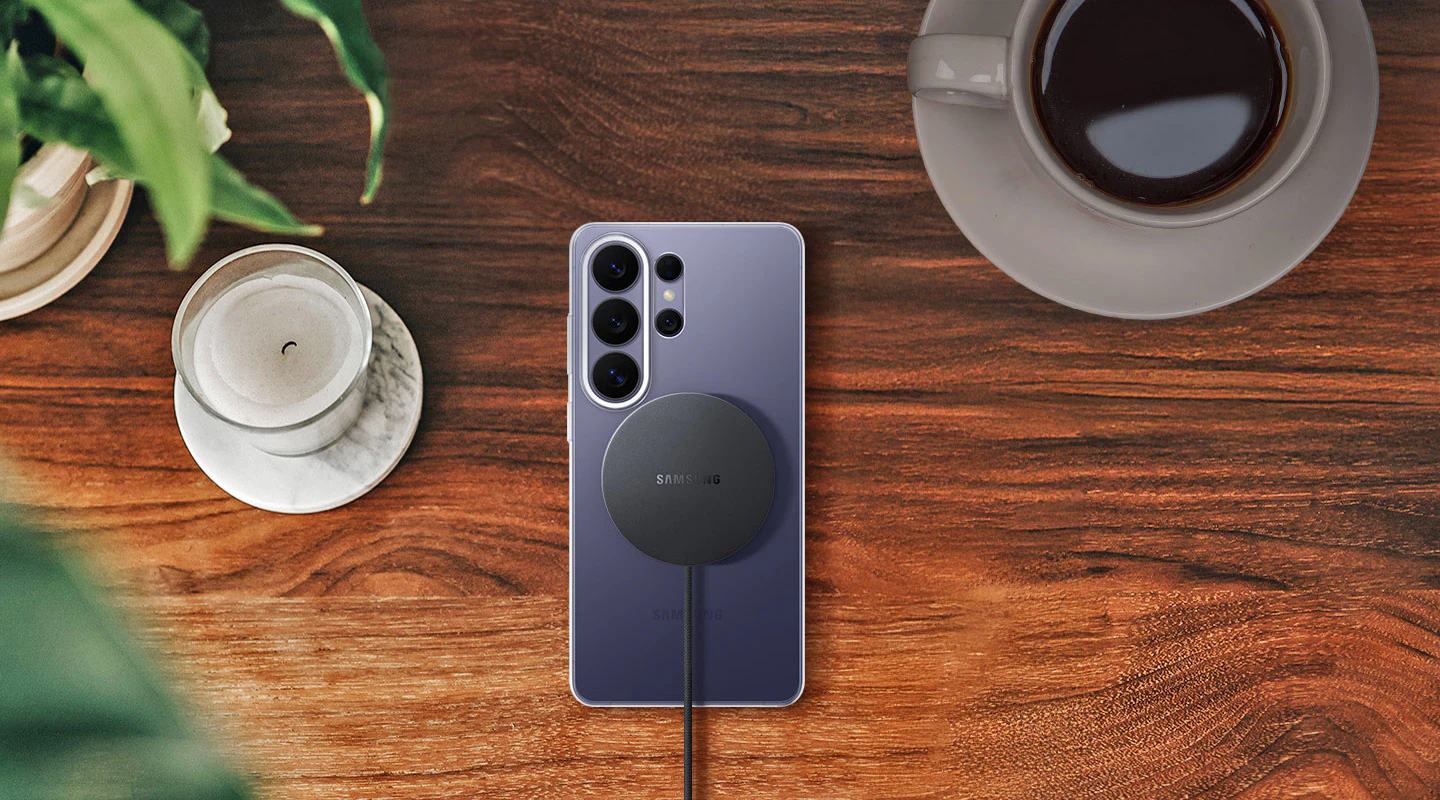
    Meanwhile, a wireless charger for Galaxy S26 should support the Qi2 standard and Fast Wireless Charging up to 25 W, to ensure the fastest possible charging without using a cable.

    Best chargers for Samsung Galaxy S26 (ranking by model)

    Samsung Galaxy S26

    Model ładowarkiMocTechnologie szybkiego ładowaniaPortyCena
    Samsung EP-T2510NB25WUSB PD + PPS (Super Fast Charging)1x USB-C99,00 zł
    USAMS T42 mini25WUSB PD 3.01x USB-C55,44 zł
    Tech-Protect NCM2525WUSB PD1x USB-C35,00 zł

    Samsung Galaxy S26+(Plus)

    Model ładowarkiMocTechnologie szybkiego ładowaniaPortyCena
    Samsung EP-T4511NBEGEU45WUSB PD + PPS (Super Fast Charging 2.0)1x USB-C179,00 zł
    3MK Hyper Charger GaN45WUSB PD + PPS + QC4+2x USB-C89,90 zł
    Tech-Protect NC45W-GAN45WUSB PD + PPS2x USB-C79,00 zł

    Samsung Galaxy S26 Ultra

    Charger ModelPowerTechnologiesPortsPrice
    UGREEN Nexode Pro100WPD, PPS, QC2x USB-C + USB-A219.90 PLN
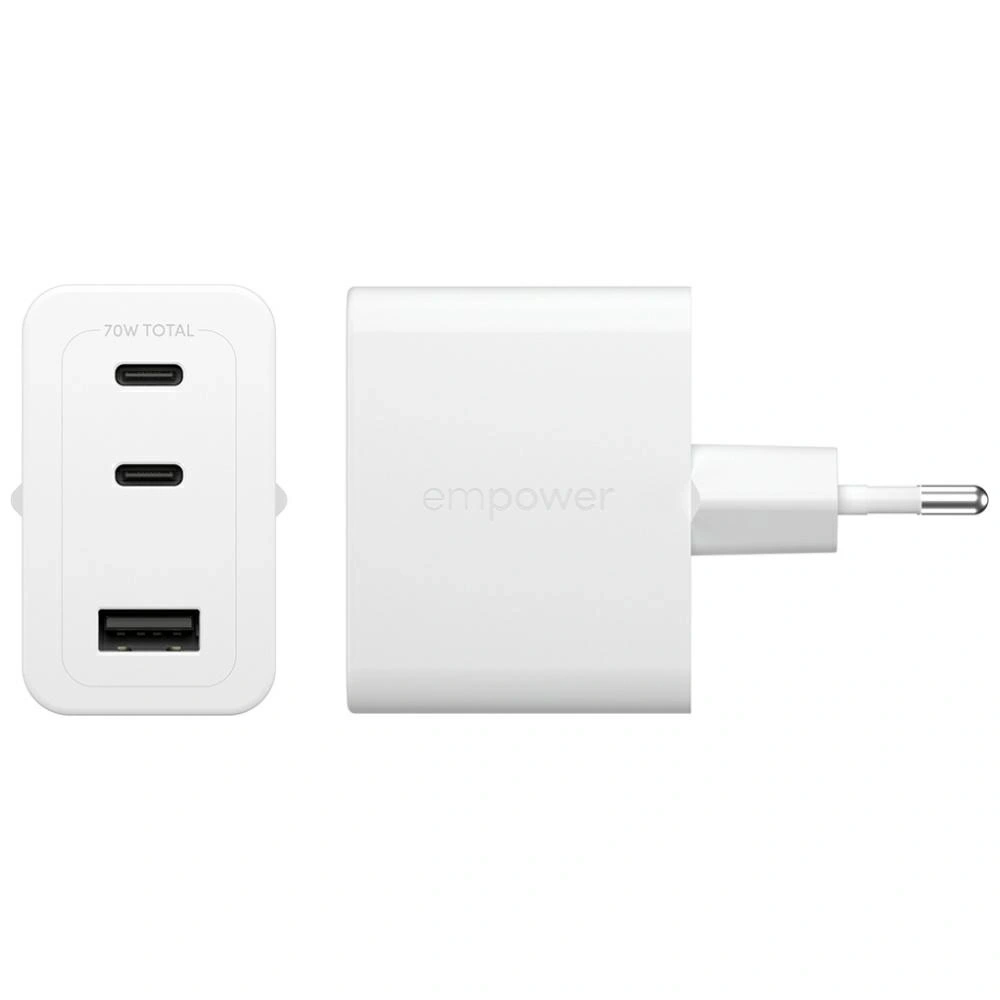
    Empower by PanzerGlass Turbo70WUSB PD + QC3.02x USB-C + USB-A179.00 PLN
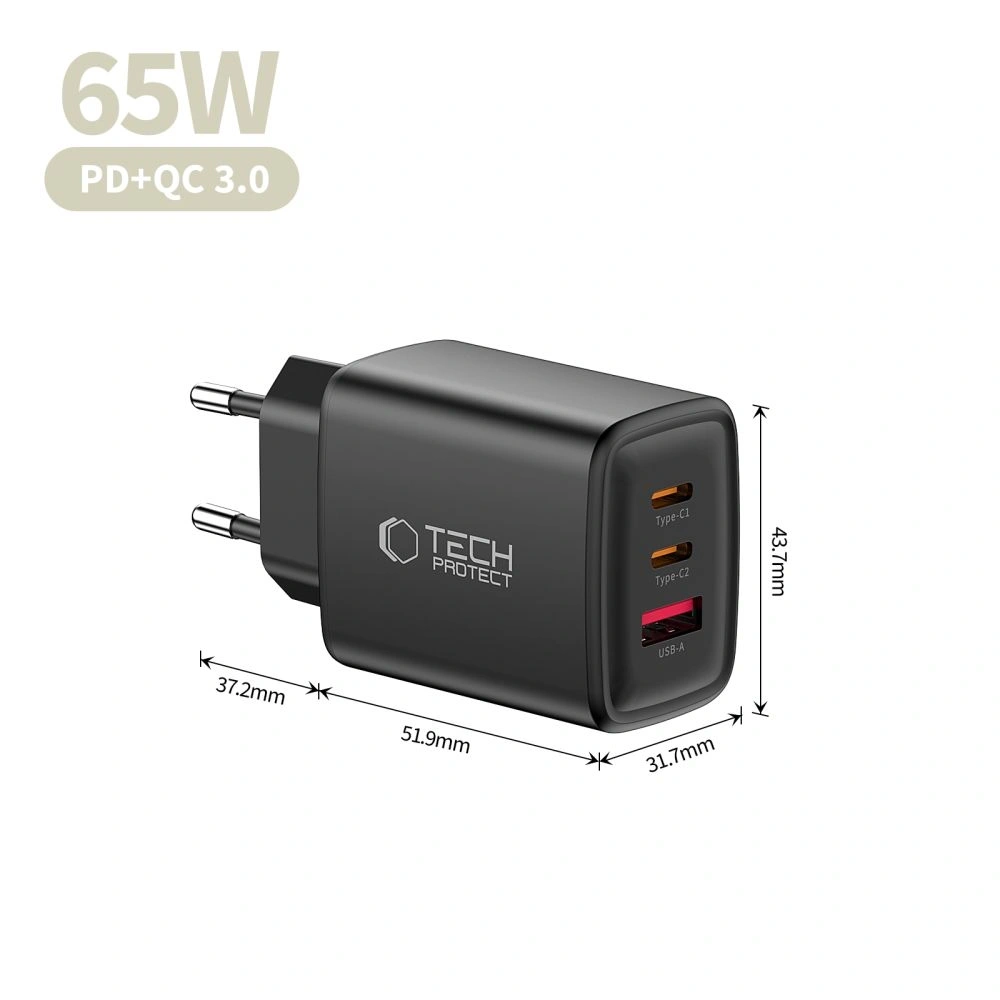
    Tech-Protect NCA65W-GAN65WPD, QC3.02x USB-C + USB-A75.00 PLN

    Which charger to choose for Samsung Galaxy S26?

    If you want to take full advantage of charging in Samsung Galaxy S26, the key are USB Power Delivery (PD) and PPS standards that ensure fast, stable, and safe charging.

    Since the Galaxy S26 supports a maximum of 25W, the best choice will be USB-C wall chargers of that power — stronger models will not speed up charging but may be more versatile and useful for other devices as well.

    Below you will find a comparison of tested 25W chargers and short descriptions that will help you choose the best model for your needs.


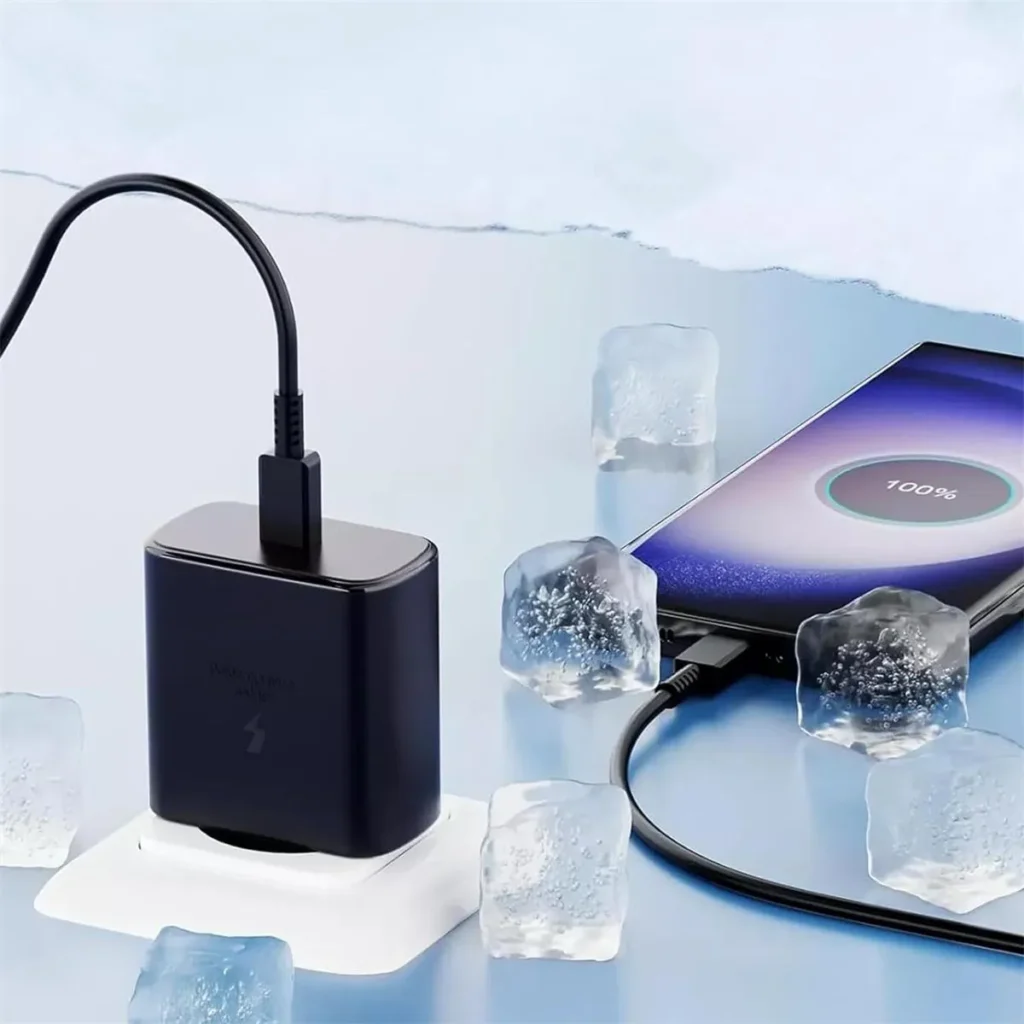
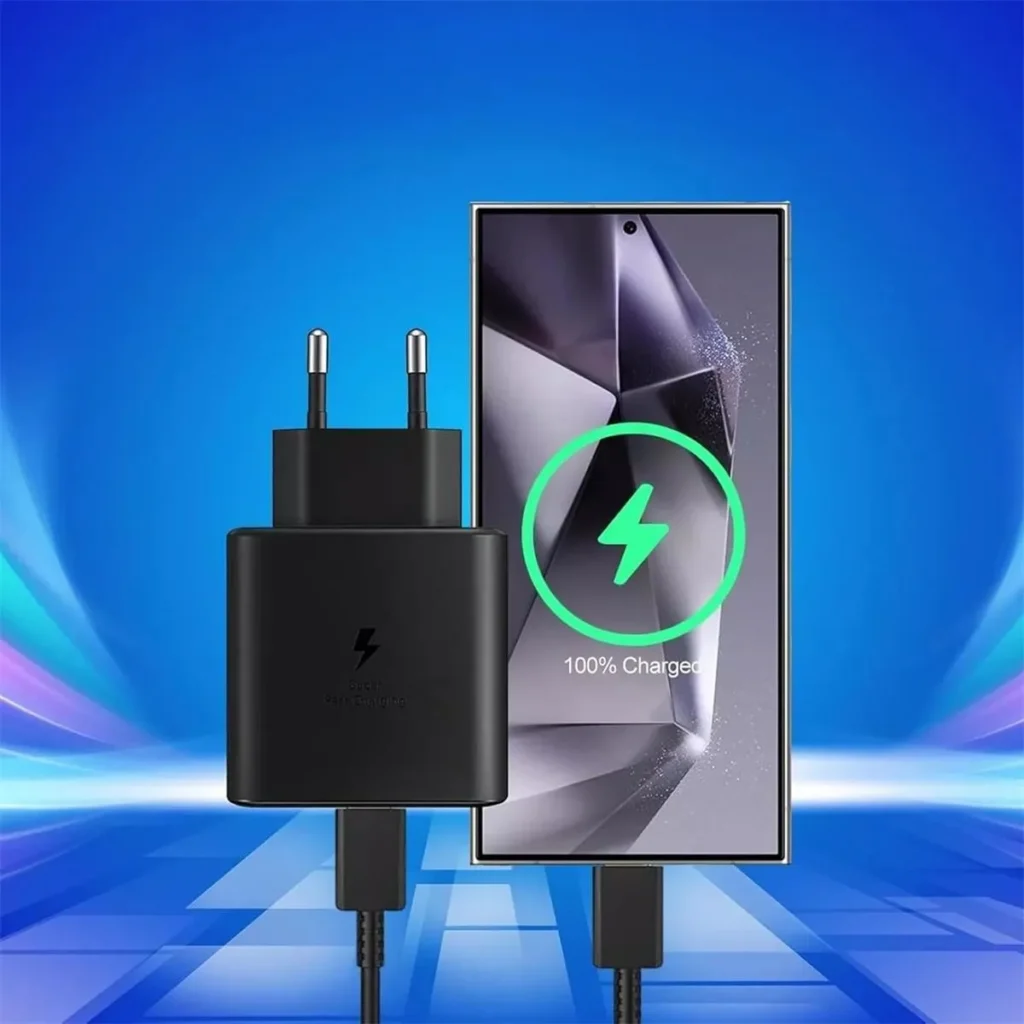
    Samsung EP-T2510NB 25W Fast Charge Wall Charger

    Samsung EP-T2510NB is an original Samsung charger, fully compatible with Super Fast Charging 25W technology. It is the safest and most predictable choice for the Galaxy S26. Price 99.00 PLN.

    Thanks to full support for USB Power Delivery and PPS, the charger dynamically adjusts voltage and current to the current needs of the smartphone. This translates to stable charging, lower energy losses, and temperature control even during prolonged use. It is a solution that guarantees maximum compatibility with Samsung’s software and security features.

    • Support for USB Power Delivery + PPS
    • Stable and safe charging without excessive heating
    • Ideal for everyday use
    • Compact design – good for home and travel

    This is the best option if you care about full compatibility and reliable, hassle-free operation for a long time.
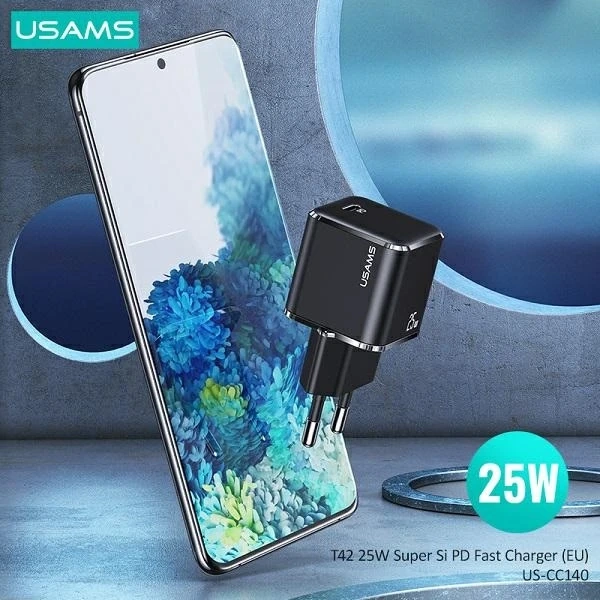
    USAMS T42 mini 25W PD 3.0 ładowarka sieciowa

    USAMS T42 is a compact 25W charger with support for PD 3.0, which is a great alternative to the Galaxy S26 at a lower price. Price 55.44 PLN.

    This model provides full power of 25W, which is exactly what the Galaxy S26 will use. Thanks to its small size, it easily fits in a pocket, bag, or travel organizer. It’s a good choice for those who want fast charging without overpaying for a premium brand.

    • Power 25W – optimal for S26
    • Small size, lightweight construction
    • Good price-to-performance ratio
    • Modern design

    It will work well as a second charger for work, the car, or trips.

    Ładowarka sieciowa Tech-Protect NCM25 USB-C PD 25W

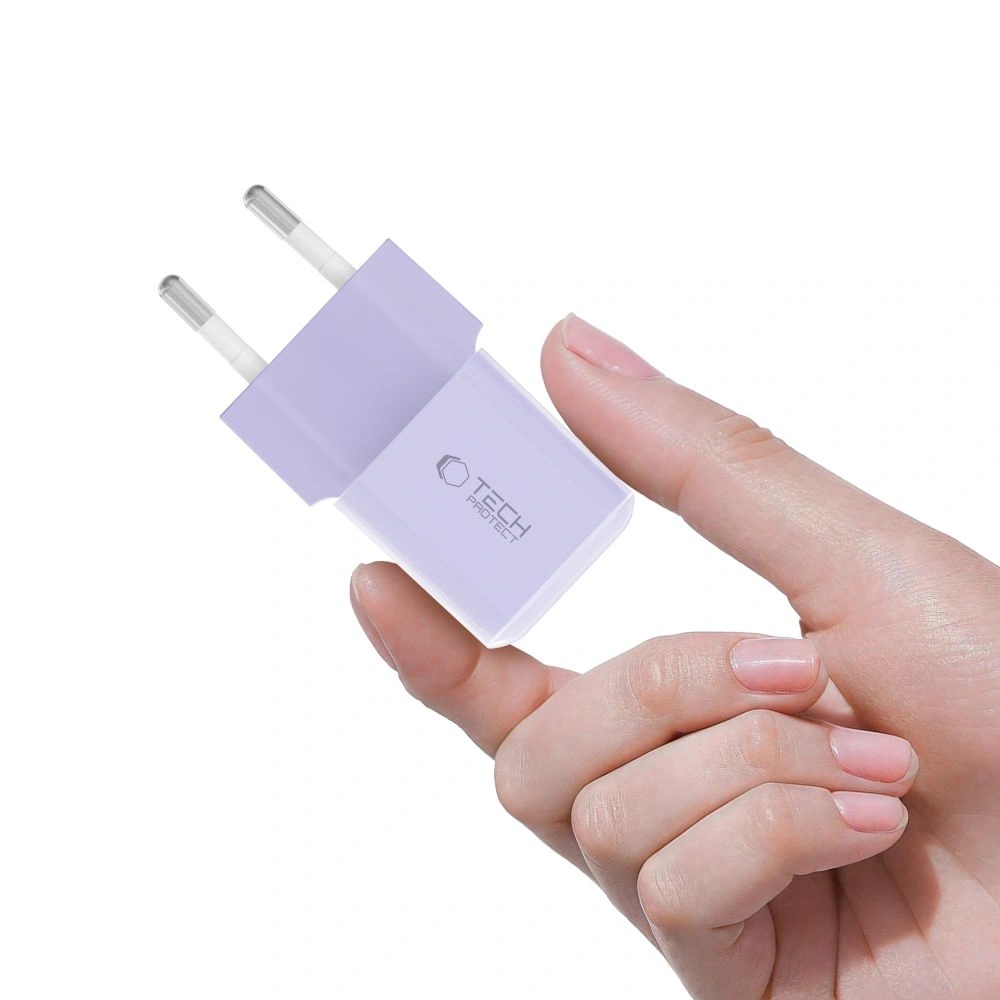
    Tech-Protect NCM25 is a budget 25W charger with USB-C, available in several interesting color versions. Price 35.00 PLN.

    Despite the low price, it offers support for USB Power Delivery 25W, which means full compatibility with the maximum charging power of the Galaxy S26. This simple, functional solution is ideal for those looking for an economical charger for everyday use. Its compact design makes it suitable for both home and travel.

    • USB PD 25W support
    • Very attractive price
    • Compact size
    • Available in various colors

    Cheap wall charger for Galaxy S26 is a great option if you don’t want to overpay and care about maintaining fast charging standards.


    Which charger to choose for Samsung Galaxy S26+Plus?

    Samsung Galaxy S26+ supports Super Fast Charging 2.0 with power up to 45W, so to take full advantage of its potential, it’s worth choosing a charger that supports USB Power Delivery and PPS with a minimum power of 45W.

    Słabsze ładowarki 25W oczywiście naładują telefon, ale nie pozwolą wykorzystać maksymalnej szybkości ładowania. Jeśli zależy Ci na krótszym czasie uzupełniania baterii, model 45W będzie najlepszym wyborem.

    Poniżej znajdziesz sprawdzone ładowarki 45W kompatybilne z Galaxy S26+Plus.


    Ładowarka sieciowa Samsung EP-T4511NBEGEU 45W USB-C

    Samsung EP-T4511NBEGEU to oryginalna ładowarka producenta, w pełni zgodna z technologią Super Fast Charging 2.0 (45W). Cena 179,00 zł.

    Dzięki obsłudze USB PD + PPS zapewnia maksymalną szybkość ładowania Galaxy S26+ przy zachowaniu stabilnej temperatury i bezpieczeństwa baterii. To najbardziej przewidywalny wybór, jeśli zależy Ci na pełnej kompatybilności z oprogramowaniem Samsunga oraz maksymalnej wydajności.

    • 45W z pełnym wsparciem Super Fast Charging 2.0
    • USB-C z obsługą PD + PPS
    • Stabilne, szybkie i bezpieczne ładowanie
    • Wysoka jakość wykonania

    Najlepsza opcja, jeśli chcesz wykorzystać 100% możliwości Galaxy S26+ bez kompromisów.


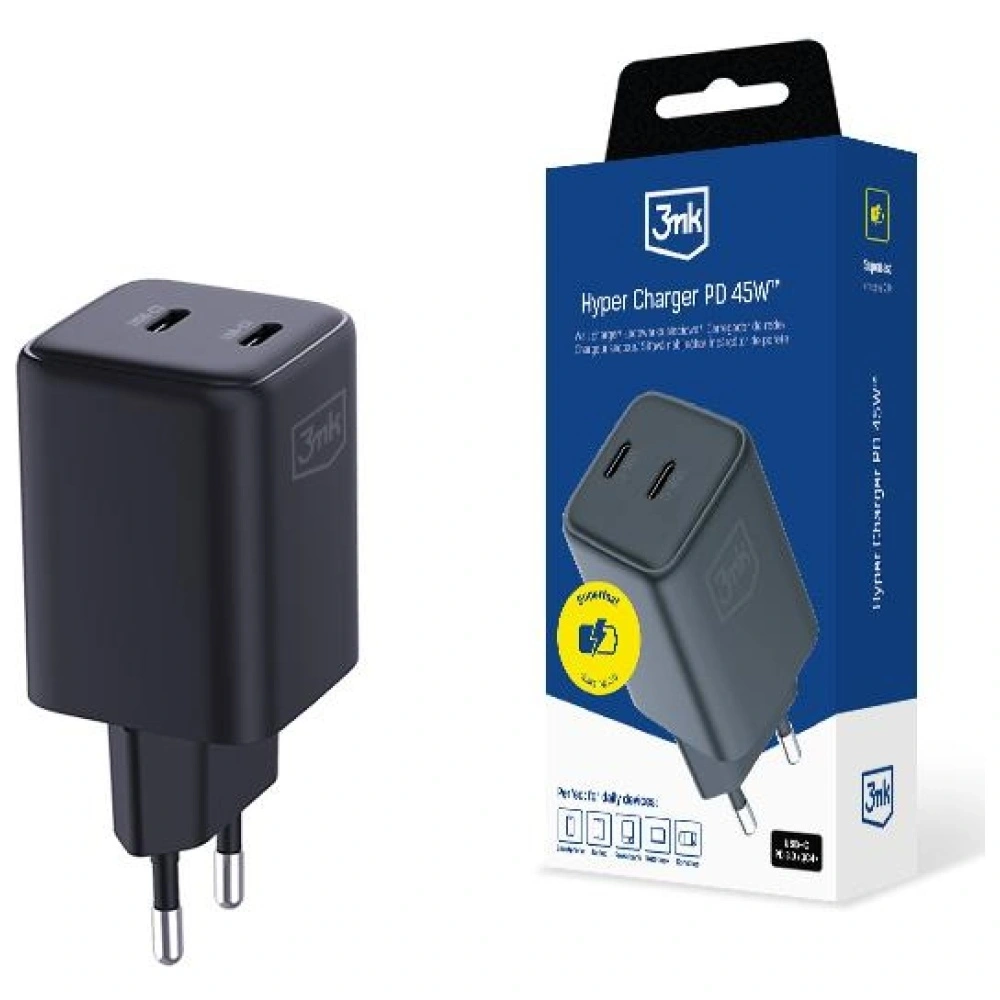
    Ładowarka sieciowa 3MK Hyper Charger PD 45W GaN QC4+ PPS 2C

    3MK Hyper Charger to nowoczesna ładowarka 45W wykorzystująca technologię GaN, która pozwala zmniejszyć rozmiar urządzenia przy zachowaniu wysokiej wydajności. Cena 89,90 zł.

    Obsługa PD + PPS + QC4+ sprawia, że ładowarka jest kompatybilna nie tylko z Galaxy S26+, ale także z innymi smartfonami, tabletami czy akcesoriami. Dwa porty USB-C pozwalają ładować dwa urządzenia jednocześnie, co zwiększa jej uniwersalność.

    • 45W z PD + PPS (SFC 2.0)
    • Technologia GaN – mniejsze nagrzewanie i wyższa efektywność
    • 2x USB-C
    • Bardzo dobry stosunek ceny do możliwości

    Świetna alternatywa dla oryginalnej ładowarki Samsung w niższej cenie.


    Ładowarka sieciowa Tech-Protect NC45W-GAN 2xUSB-C

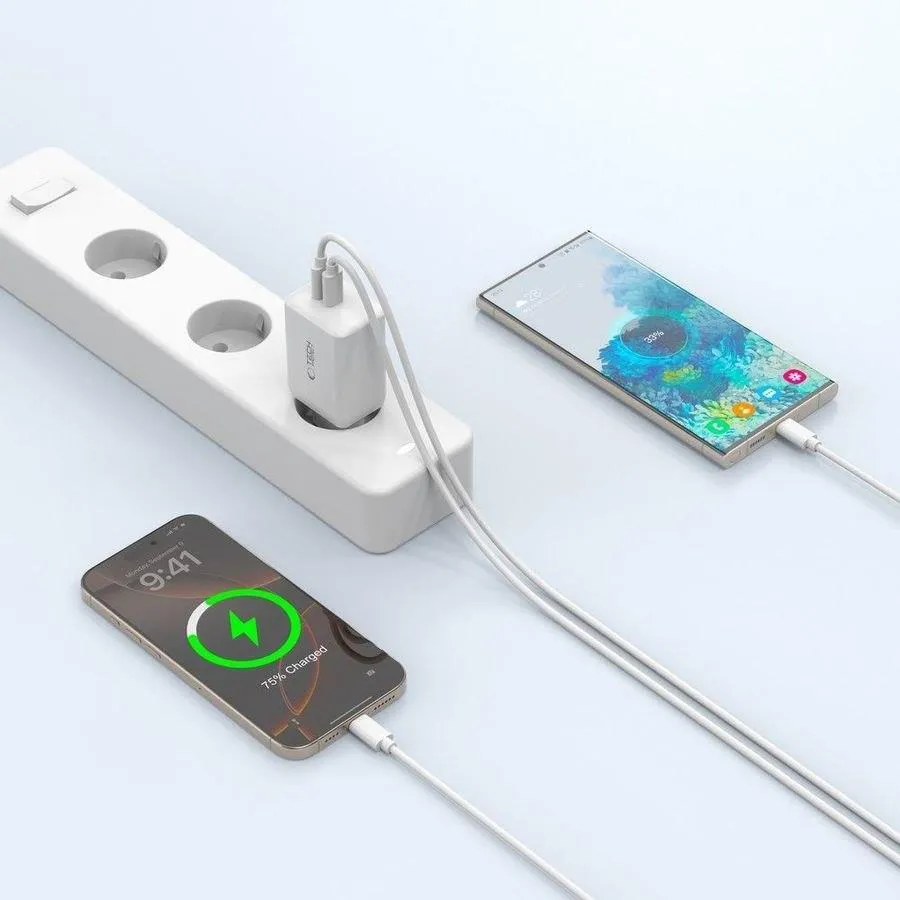
    Tech-Protect NC45W-GAN is a compact 45W charger with two USB-C ports and support for fast charging. Price 79.00 PLN.

    Thanks to GaN technology, it is smaller and more energy-efficient than traditional chargers of the same power. Support for PD + PPS allows you to fully utilize the capabilities of the Galaxy S26+, and two USB-C ports increase functionality in everyday use.

    • 45W USB Power Delivery + PPS
    • 2x USB-C
    • GaN Technology
    • Compact design

    A good choice if you’re looking for an efficient 45W charger at a reasonable price.


    Which charger to choose for Samsung Galaxy S26 Ultra?

    Samsung Galaxy S26 Ultra supports wired fast charging up to 60W, so it’s worth choosing a charger that allows you to make the most of this performance. Models with 65W and above not only provide fast charging for the phone, but are often more versatile — conveniently powering a tablet, headphones, or even a laptop.

    Below you will find tested chargers from 65W to 100W that work great with the Galaxy S26 Ultra.


    UGREEN Nexode Pro 100W GaN USB-C + USB-C + USB-A Charger

    UGREEN Nexode Pro is one of the most efficient models in the lineup — perfect if you care about maximum power and versatility. Thanks to GaN technology, the charger is more efficient and compact than traditional models of this power. Price 219.90 PLN.

    • Support for USB Power Delivery + PPS + QC for wide compatibility
    • Maximum power 100W — you can use it not only with Galaxy S26 Ultra
    • 2x USB-C + USB-A — charging multiple devices simultaneously
    • Stable charging without excessive heating

    It’s a great option if you want one charger for your phone, tablet, power bank, headphones, or laptop.


    Empower by PanzerGlass Turbo 70W 2xUSB-C + USB-A Charger

    Empower by PanzerGlass Turbo is a powerful and versatile 70W charger that works perfectly with the Galaxy S26 Ultra, while also being an efficient power source for other devices. Price 179.00 PLN.

    • 70W with support for USB PD + QC3.0
    • 2x USB-C + USB-A — greater connection flexibility
    • Solid build quality
    • Well-balanced power relative to price

    It’s worth considering this model if you’re looking for a powerful charger for everyday use and travel — not just for your smartphone.


    Tech-Protect NCA65W-GAN USB-C + USB-C + USB-A Network Charger

    Tech-Protect NCA65W-GAN is a very good budget option with quite a high power that can handle the Galaxy S26 Ultra and other devices requiring fast charging. Price 75.00 PLN.

    • 65W USB PD + QC3.0
    • 2x USB-C + USB-A — convenient charging of multiple devices
    • GaN technology – less heating and greater efficiency
    • Very favorable price

    This is the best choice if you are looking for a powerful and cheap charger for the S26 Ultra without overpaying.

  • What is the best charger for Samsung Galaxy S26?

    What is the best charger for Samsung Galaxy S26?

    The best charger for Samsung Galaxy S26 should have 25W power and support for PD and PPS — this is the optimal solution for the basic model, ensuring stable and safe charging.

    For the Galaxy S26+(Plus) it is worth choosing 45W (USB PD 3.0 + PPS / Super Fast Charging) to shorten the battery charging time.

    On the other hand, Galaxy S26 Ultra supports charging up to 60W, so the best choice is a 60W charger with PD and PPS, which will allow you to utilize its full potential.

    If you plan to charge multiple devices simultaneously, consider a 65W or stronger model, which will provide enough power for a tablet or laptop as well.

    Remember — a fast wall charger for Samsung Galaxy S26 is one that supports the USB Power Delivery standard and PPS and offers real, model-specific power.

    Meanwhile, a wireless charger for Galaxy S26 should support the Qi2 standard and Fast Wireless Charging up to 25 W, to ensure the fastest possible charging without using a cable.

    Best chargers for Samsung Galaxy S26 (ranking by model)

    Samsung Galaxy S26

    Model ładowarkiMocTechnologie szybkiego ładowaniaPortyCena
    Samsung EP-T2510NB25WUSB PD + PPS (Super Fast Charging)1x USB-C99,00 zł
    USAMS T42 mini25WUSB PD 3.01x USB-C55,44 zł
    Tech-Protect NCM2525WUSB PD1x USB-C35,00 zł

    Samsung Galaxy S26+(Plus)

    Model ładowarkiMocTechnologie szybkiego ładowaniaPortyCena
    Samsung EP-T4511NBEGEU45WUSB PD + PPS (Super Fast Charging 2.0)1x USB-C179,00 zł
    3MK Hyper Charger GaN45WUSB PD + PPS + QC4+2x USB-C89,90 zł
    Tech-Protect NC45W-GAN45WUSB PD + PPS2x USB-C79,00 zł

    Samsung Galaxy S26 Ultra

    Charger ModelPowerTechnologiesPortsPrice
    UGREEN Nexode Pro100WPD, PPS, QC2x USB-C + USB-A219.90 zł
    Empower by PanzerGlass Turbo70WUSB PD + QC3.02x USB-C + USB-A179.00 zł
    Tech-Protect NCA65W-GAN65WPD, QC3.02x USB-C + USB-A75.00 zł

    Which charger to choose for Samsung Galaxy S26?

    If you want to take full advantage of charging in Samsung Galaxy S26, the key are USB Power Delivery (PD) and PPS standards that ensure fast, stable, and safe charging.

    Since the Galaxy S26 supports a maximum of 25W, the best choice will be USB-C wall chargers of that power — more powerful models will not speed up charging but may be more versatile and useful for other devices as well.

    Below you will find a comparison of tested 25W chargers and short descriptions that will help you choose the best model for your needs.


    Samsung EP-T2510NB 25W Fast Charge Wall Charger

    Samsung EP-T2510NB is an original Samsung charger, fully compatible with Super Fast Charging 25W technology. It is the safest and most predictable choice for the Galaxy S26. Price 99.00 zł.

    With full support for USB Power Delivery and PPS the charger dynamically adjusts the voltage and current to the current needs of the smartphone. This translates to stable charging, lower energy losses, and temperature control even during prolonged use. This solution guarantees maximum compatibility with Samsung’s software and security features.

    • Support for USB Power Delivery + PPS
    • Stable and safe charging without excessive heating
    • Ideal for everyday use
    • Compact design – good for home and travel

    This is the best option if you care about full compatibility and reliable, hassle-free operation for a long time.


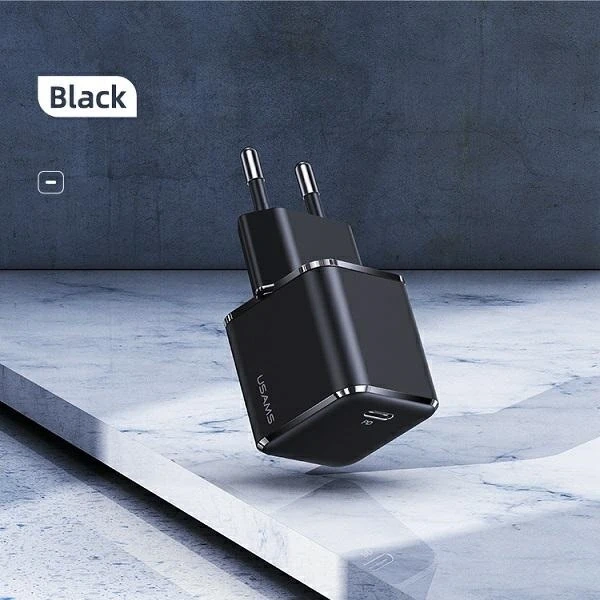
    USAMS T42 mini 25W PD 3.0

    USAMS T42 is a compact 25W charger with support for PD 3.0, which is a great alternative to the Galaxy S26 at a lower price. Price 55.44 PLN.

    This model provides full power of 25W, which is exactly what the Galaxy S26 will use. Thanks to its small size, it easily fits in a pocket, bag, or travel organizer. It’s a good choice for those who want fast charging without overpaying for a premium brand.

    • Power 25W – optimal for S26
    • Small size, lightweight construction
    • Good price-to-performance ratio
    • Modern design

    It will work well as a second charger for work, the car, or trips.

    Ładowarka sieciowa Tech-Protect NCM25 USB-C PD 25W

    Tech-Protect NCM25 is a budget 25W USB-C charger available in several interesting color versions. Price 35.00 zł.

    Despite the low price, it offers support for USB Power Delivery 25W, which means full compatibility with the maximum charging power of the Galaxy S26. It is a simple, functional solution for those looking for an economical charger for everyday use. Its compact design makes it suitable for both home and travel.

    • USB PD 25W support
    • Very attractive price
    • Compact size
    • Available in various colors

    Cheap wall charger for Galaxy S26 is a great option if you don’t want to overpay and care about maintaining fast charging standards.


    Which charger to choose for Samsung Galaxy S26+Plus?

    Samsung Galaxy S26+ supports Super Fast Charging 2.0 with a power of up to 45W, so to take full advantage of its potential, it is worth choosing a charger that supports USB Power Delivery and PPS with a minimum power of 45W.

    Wejście słabsze 25W oczywiście naładują telefon, ale nie pozwolą wykorzystać maksymalnej szybkości ładowania. Jeśli zależy Ci na krótszym czasie uzupełniania baterii, model 45W będzie najlepszym wyborem.

    Poniżej znajdziesz sprawdzone ładowarki 45W kompatybilne z Galaxy S26+Plus.


    Ładowarka sieciowa Samsung EP-T4511NBEGEU 45W USB-C

    Samsung EP-T4511NBEGEU to oryginalna ładowarka producenta, w pełni zgodna z technologią Super Fast Charging 2.0 (45W). Cena 179,00 zł.

    Dzięki obsłudze USB PD + PPS zapewnia maksymalną szybkość ładowania Galaxy S26+ przy zachowaniu stabilnej temperatury i bezpieczeństwa baterii. To najbardziej przewidywalny wybór, jeśli zależy Ci na pełnej kompatybilności z oprogramowaniem Samsunga oraz maksymalnej wydajności.

    • 45W z pełnym wsparciem Super Fast Charging 2.0
    • USB-C z obsługą PD + PPS
    • Stabilne, szybkie i bezpieczne ładowanie
    • Wysoka jakość wykonania

    Najlepsza opcja, jeśli chcesz wykorzystać 100% możliwości Galaxy S26+ bez kompromisów.
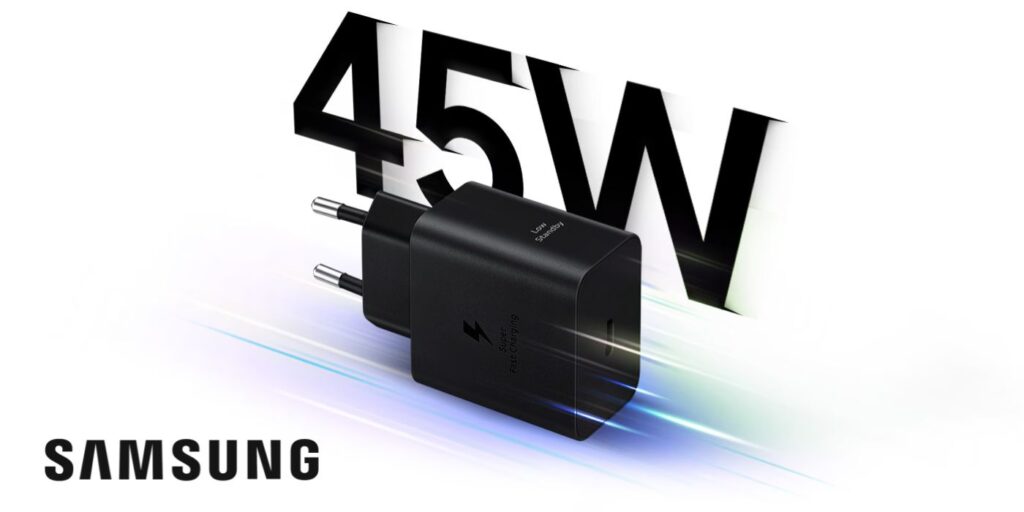

    Ładowarka sieciowa 3MK Hyper Charger PD 45W GaN QC4+ PPS 2C

    3MK Hyper Charger to nowoczesna ładowarka 45W wykorzystująca technologię GaN, która pozwala zmniejszyć rozmiar urządzenia przy zachowaniu wysokiej wydajności. Cena 89,90 zł.

    Obsługa PD + PPS + QC4+ sprawia, że ładowarka jest kompatybilna nie tylko z Galaxy S26+, ale także z innymi smartfonami, tabletami czy akcesoriami. Dwa porty USB-C pozwalają ładować dwa urządzenia jednocześnie, co zwiększa jej uniwersalność.

    • 45W z PD + PPS (SFC 2.0)
    • Technologia GaN – mniejsze nagrzewanie i wyższa efektywność
    • 2x USB-C
    • Bardzo dobry stosunek ceny do możliwości

    Świetna alternatywa dla oryginalnej ładowarki Samsung w niższej cenie.
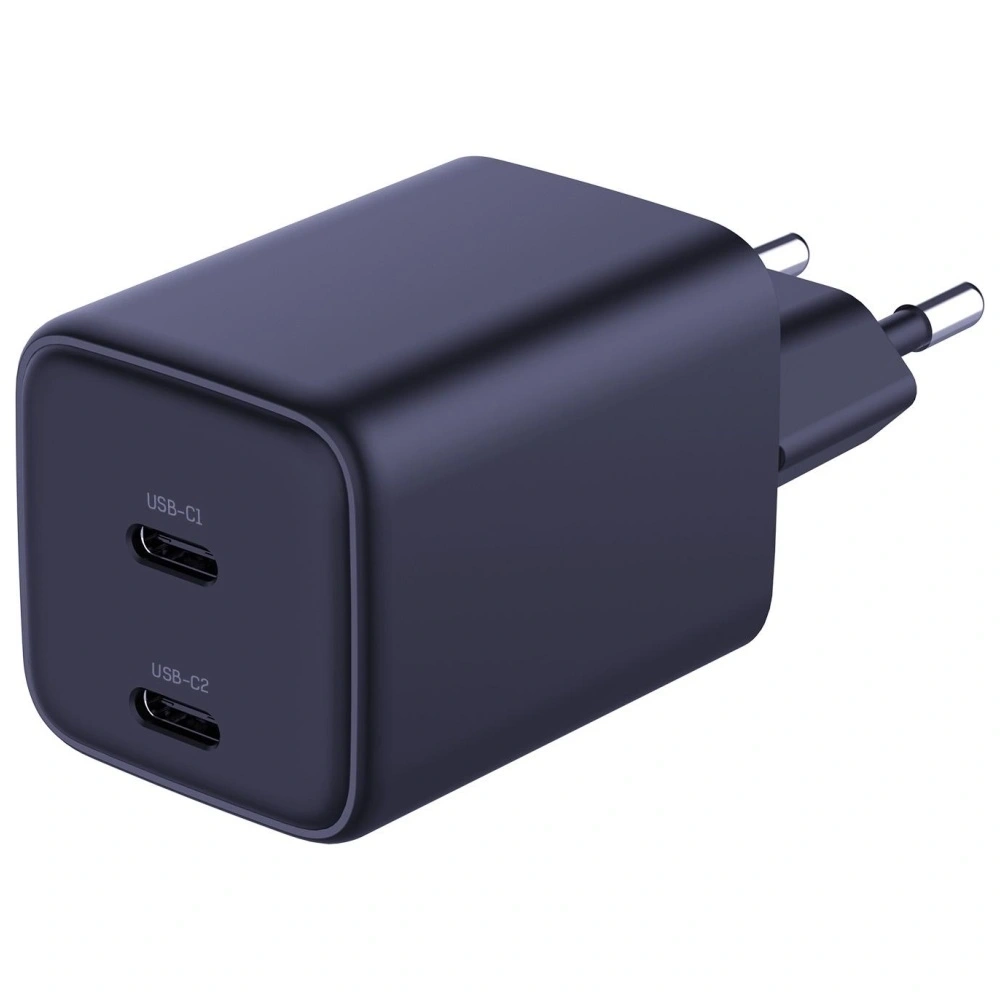

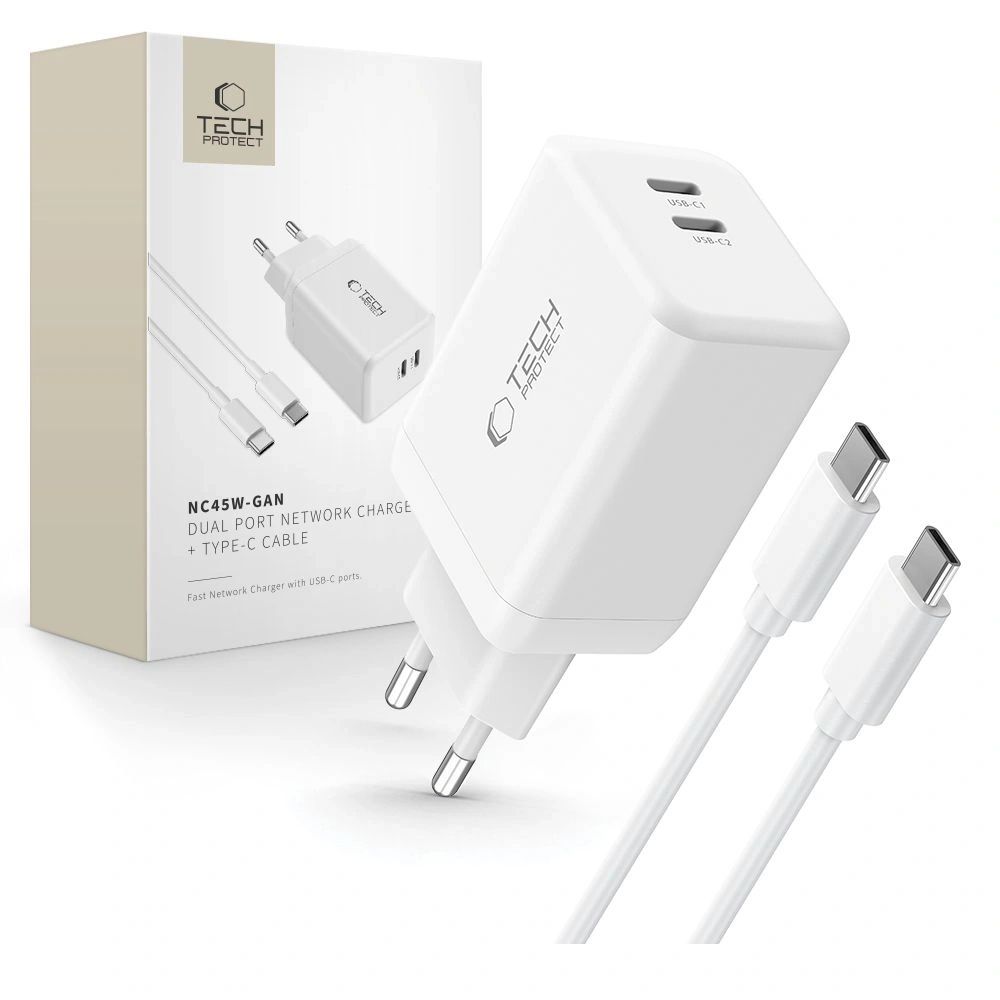
    Tech-Protect NC45W-GAN 2xUSB-C Network Charger

    Tech-Protect NC45W-GAN is a compact 45W charger with two USB-C ports and support for fast charging. Price 79.00 PLN.

    Thanks to GaN technology, it is smaller and more energy-efficient than traditional chargers of the same power. Support for PD + PPS allows you to fully utilize the capabilities of the Galaxy S26+, and the two USB-C ports increase functionality in everyday use.

    • 45W USB Power Delivery + PPS
    • 2x USB-C
    • GaN Technology
    • Compact design

    A good choice if you’re looking for an efficient 45W charger at a reasonable price.

    Which charger to choose for Samsung Galaxy S26 Ultra?

    Samsung Galaxy S26 Ultra supports wired fast charging up to 60W, so it’s worth choosing a charger that will allow you to take full advantage of this performance. Models with 65W and above not only provide fast charging for the phone but are often more versatile — conveniently powering a tablet, headphones, or even a laptop.

    Below you will find tested chargers from 65W to 100W that will work great with the Galaxy S26 Ultra.


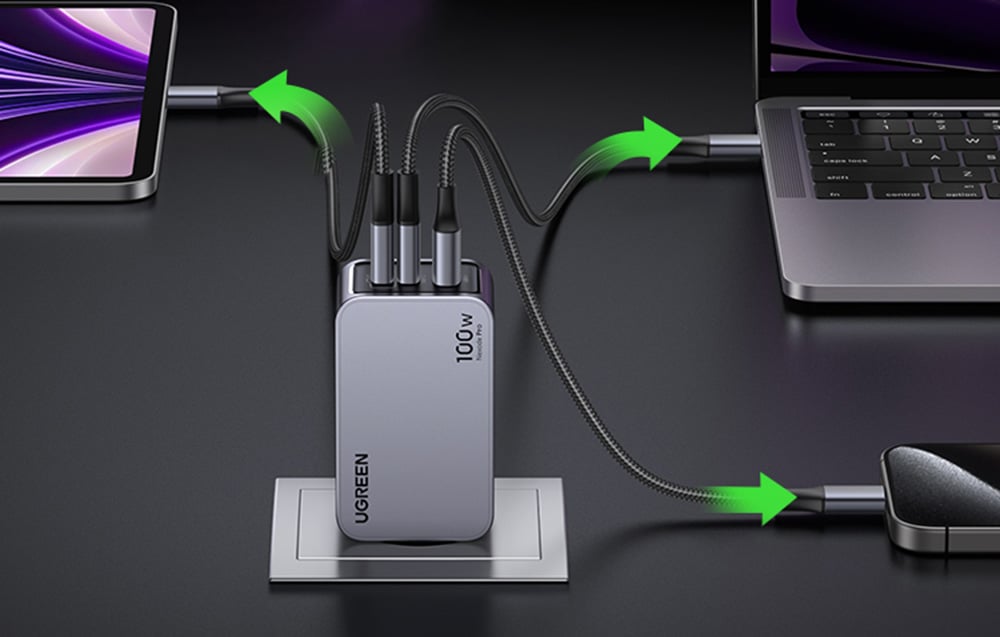
    UGREEN Nexode Pro 100W GaN USB-C + USB-C + USB-A Charger

    UGREEN Nexode Pro is one of the most efficient models in the lineup — perfect if you care about maximum power and versatility. Thanks to GaN technology, the charger is more efficient and compact than traditional models of this power. Price 219.90 PLN.

    • Support for USB Power Delivery + PPS + QC for wide compatibility
    • Maximum power 100W — you can use it not only with Galaxy S26 Ultra
    • 2x USB-C + USB-A — charging multiple devices simultaneously
    • Stable charging without excessive heating

    This is a great option if you want to have one charger for your phone, tablet, power bank, headphones, or laptop.

    Empower by PanzerGlass Turbo 70W 2xUSB-C + USB-A Charger

    Empower by PanzerGlass Turbo is a powerful and versatile 70W charger that works perfectly with the Galaxy S26 Ultra, while also being an efficient power source for other devices. Price 179.00 PLN.

    • 70W with support for USB PD + QC3.0
    • 2x USB-C + USB-A — greater connection flexibility
    • Solid build quality
    • Well-balanced power relative to price

    It is worth considering this model if you need a powerful charger for everyday use and travel — not just for your smartphone.
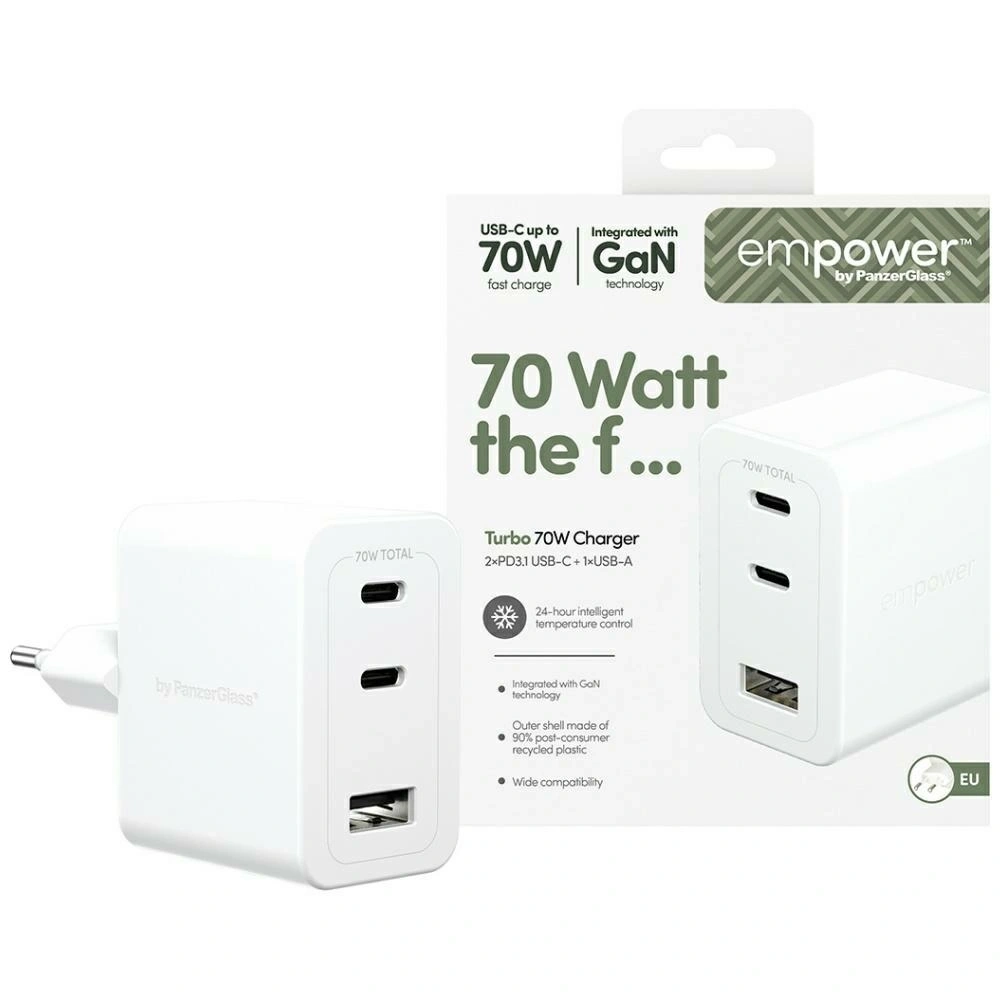

    Tech-Protect NCA65W-GAN USB-C + USB-C + USB-A Network Charger

    Tech-Protect NCA65W-GAN is a very good budget option with quite a lot of power, capable of handling the Galaxy S26 Ultra and other devices requiring fast charging. Price 75.00 PLN.

    • 65W USB PD + QC3.0
    • 2x USB-C + USB-A — convenient charging for multiple devices
    • GaN technology – less heating and greater efficiency
    • Very favorable price

    This is the best choice if you are looking for a strong and inexpensive charger for the S26 Ultra without overpaying.
  • Samsung Galaxy S26 Ultra vs Samsung Galaxy S25 Ultra – generational showdown

    Samsung Galaxy S26 Ultra vs Samsung Galaxy S25 Ultra – generational showdown

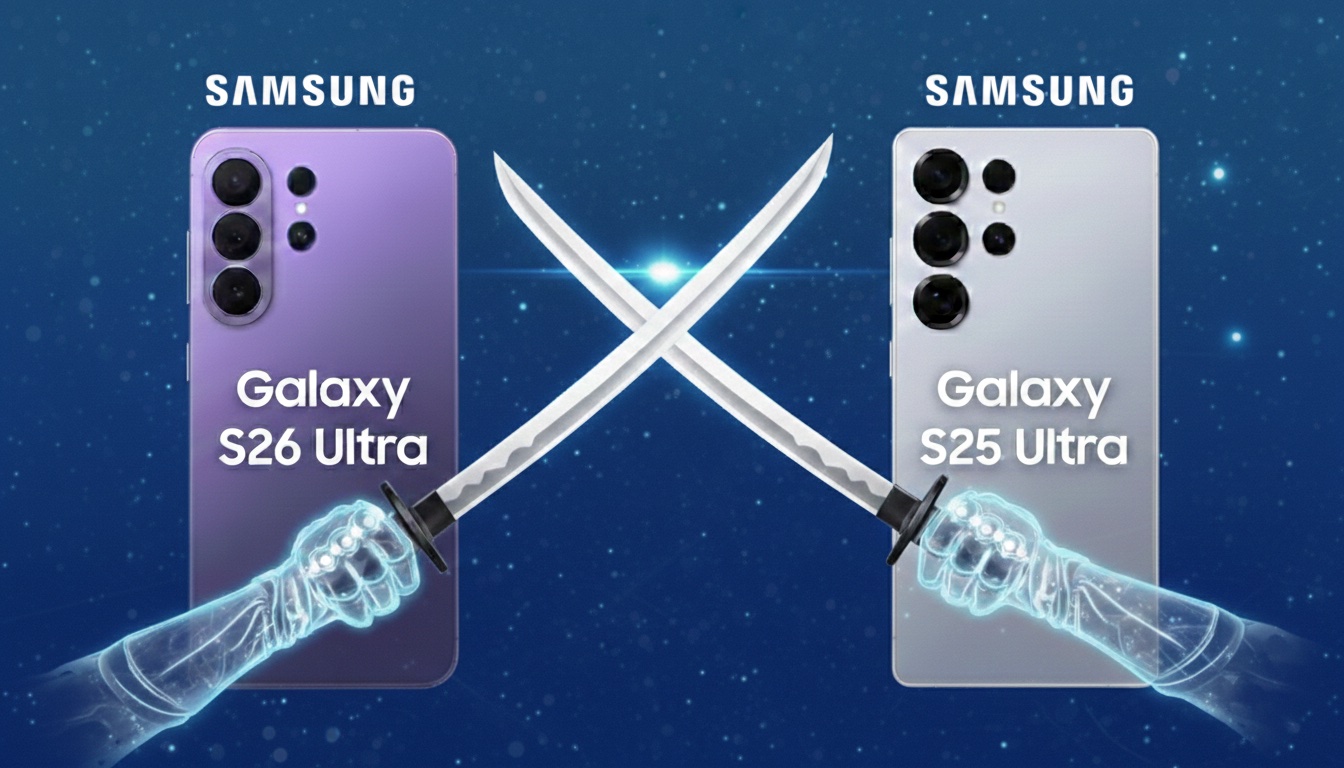
    Samsung Galaxy S26 Ultra is clearly better than S25 Ultra in three key areas: performance, charging, and low-light photography.

    The new model offers:

    • more powerful Snapdragon 8 Elite Gen 5 processor
    • brighter main camera f/1.4 (more light at night)
    • faster 60 W charging (75% in 30 minutes)
    • larger vapor chamber and better cooling
    • new Privacy Display feature (private screen)
    • thinner and lighter body

    At the same time, the screen, battery (5000 mAh), and most AI capabilities remain very similar to its predecessor.

    Appearance, dimensions, and build quality

    Comparison of Galaxy S26 Ultra vs Galaxy S25 Ultra construction

    SpecyfikacjaSamsung Galaxy S26 UltraSamsung Galaxy S25 Ultra
    Wymiary163,6 × 78,1 × 7,9 mm162,8 × 77,6 × 8,2 mm
    Waga214 g218 g
    RamkaArmor AluminiumTytan
    Szkło przódCorning Gorilla Armor 2Corning Gorilla Armor
    Szkło tyłGorilla Glass Victus 2Gorilla Glass Victus 2
    OdpornośćIP68IP68
    PortUSB-C 3.2, OTG, DisplayPort 1.4USB-C 3.2, OTG, DisplayPort 1.4

    Co realnie zmieniło się w konstrukcji?

    Na pierwszy rzut oka oba modele są niemal identyczne. Układ aparatów, bryła, proporcje – Samsung nie wprowadził rewolucji wizualnej. Różnice są subtelne i widać je dopiero po zestawieniu specyfikacji.

    Galaxy S26 Ultra jest cieńszy (7,9 mm vs 8,2 mm) i lżejszy (214 g vs 218 g).
    To sprawia, że jest najbardziej smukłym modelem Ultra w historii serii. Różnica 0,3 mm może wydawać się symboliczna, ale przy tak dużym urządzeniu wpływa na komfort chwytu.

    The change that sparks the most discussion is the abandonment of the titanium frame. The Galaxy S25 Ultra used titanium, while the S26 Ultra features Armor Aluminium. In practice, both materials provide very high structural rigidity, but titanium was a distinguishing element of its predecessor. The new model does not feel less solid, but it is a noticeable change in premium communication.

    At the front, the Galaxy S26 Ultra is protected by Gorilla Armor 2, which is the newer generation of protective glass. The back in both cases is Gorilla Glass Victus 2. This means very high resistance to scratches and drops in both devices.

    The IP68 certification remains unchanged — both smartphones are resistant to dust and immersion in water.

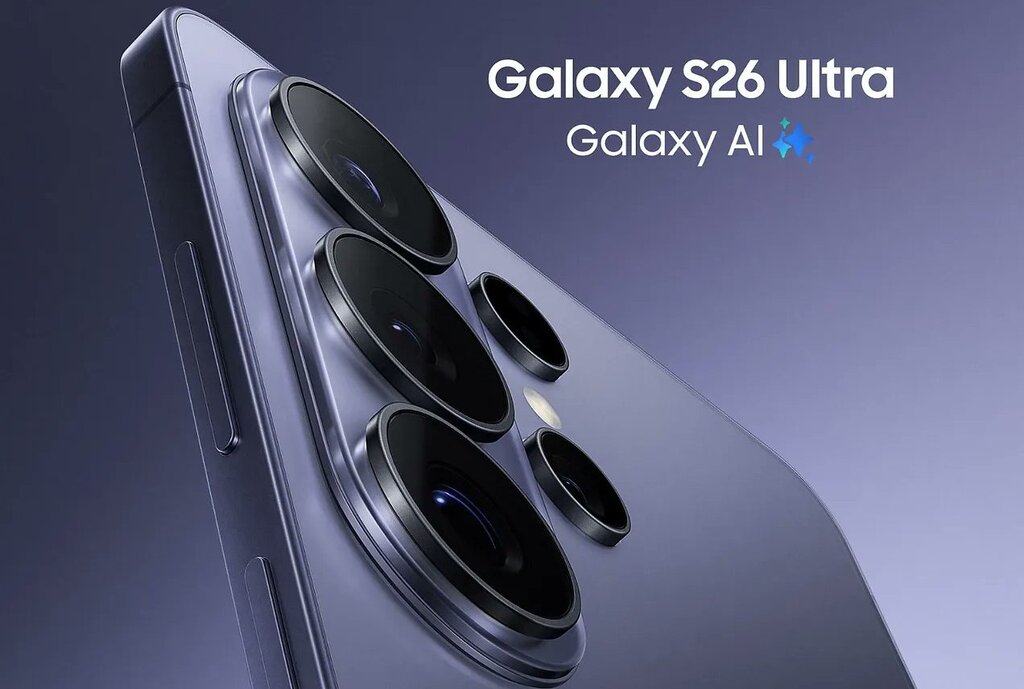
    The slimmer design and glass back make it worth taking care of the case protection as well. Case for Samsung Galaxy S26 Ultra helps protect the frame and camera from scratches and cushions falls – especially with such a large and heavy smartphone.


    Screen – similar parameters, but S26 Ultra adds “smart” enhancements

    Display comparison

    Samsung Galaxy S26 UltraSamsung Galaxy S25 Ultra
    Przekątna6,9″6,9″
    TypDynamic LTPO AMOLED 2XDynamic LTPO AMOLED 2X
    Rozdzielczość3120 × 1440 px3120 × 1440 px
    Odświeżanieadaptacyjne 1–120 Hzadaptacyjne 1–120 Hz
    Jasność maksymalna2600 nitów2600 nitów

    Co to oznacza w praktyce?

    Jeśli patrzymy wyłącznie na liczby, ekran jest „taki sam”: identyczna przekątna, rozdzielczość, jasność i odświeżanie. To ważne, bo S25 Ultra już był w absolutnej topce i Samsung nie musiał tu na siłę podbijać specyfikacji.

    Różnice w S26 Ultra pojawiają się dopiero wtedy, gdy wejdziemy w to, jak telefon przetwarza obraz.

    Nowy silnik mDNIe i ProScaler – po co to, skoro parametry są takie same?

    W Galaxy S26 Ultra Samsung dorzuca nowe elementy „pod maską”:

    • mDNIe (Digital Natural Image) – nowy silnik przetwarzania obrazu, który ma poprawiać precyzję głębi kolorów i gradacje (czyli przejścia tonalne, cienie, półcienie, delikatne różnice w barwach). W skrócie: obraz ma wyglądać bardziej „gładko” i naturalnie, bez efektu sztuczności w trudnych scenach.
    • ProScaler – uses AI to enhance sharpness and readability of details, especially when the source has lower quality (e.g. lower resolution video, streaming, reels, heavily compressed content).

    These are not “wow on paper” changes, but in everyday use they can provide a subtly better impression of image quality: sharper contours in video, less “flat” colors, better transitions in shadows.

    Privacy Display – the biggest difference in the screen (and realistically practical)

    Here we enter a feature that truly distinguishes the S26 Ultra from the S25 Ultra: Privacy Display.

    This is a privacy mode that:

    • limits screen readability from the side angle, so people next to you see less,
    • can work for the entire screen or only for selected elements (e.g. apps, notifications, password/PIN fields),
    • is particularly useful in public places (transportation, queues, open spaces).

    Important detail: when you enable private mode, the image from «your» angle may look different (this is normal), and depending on the conditions (brightness, angle, environment), some information may still be visible to some extent — this is not an «invisibility cloak,» just a limitation of the view.

    With such a large, 6.9-inch display, it’s worth considering additional protection. Tempered glass for Samsung Galaxy S26 Ultra is a small cost compared to potential repairs 🔒📱


    Cameras – does brighter optics make a real difference?

    Camera specifications comparison

    Samsung Galaxy S26 UltraSamsung Galaxy S25 Ultra
    Main camera200 MP, f/1.4, 1/1.3”, PDAF, Laser AF, OIS200 MP, f/1.7, 1/1.3”, PDAF, Laser AF, OIS
    Ultrawide50 MP, f/1.9, 120°50 MP, f/1.9, 120°
    Tele 3x10 MP, f/2.4, OIS10 MP, f/2.4, OIS
    Tele 5x50 MP, f/2.8, OIS50 MP, f/3.4, OIS
    Front camera12 MP, f/2.212 MP, f/2.2
    Video8K 30 fps, 4K 120 fps8K 30 fps, 4K 120 fps

    What has changed in practice?

    On paper, the arrangement of the cameras looks almost identical, but the key differences lie in the optics.

    The Galaxy S26 Ultra has received a brighter main lens (f/1.4 instead of f/1.7).
    This means that more light reaches the sensor, which translates to:

    • better night photos,
    • shorter exposure time,
    • lower risk of motion blur,
    • more natural colors in difficult conditions.

    The difference is particularly noticeable after dark.

    The second important change concerns the 5x telephoto lens.
    In the S26 Ultra, it has an aperture of f/2.8 instead of f/3.4, which also improves photo quality in low light and provides slightly better background blur.

    AI and photo editing

    Both models offer advanced Galaxy AI features, but the Galaxy S26 Ultra introduces the ability to edit photos using text commands. You can describe the effect you want to achieve, and the system will adjust the parameters automatically.
    To bardziej ewolucja niż rewolucja, ale dla osób często edytujących zdjęcia może być to realna przewaga.

    Wydajność i chłodzenie – nowy Snapdragon robi różnicę

    Porównanie procesora

    Samsung Galaxy S26 UltraSamsung Galaxy S25 Ultra
    ProcesorSnapdragon 8 Elite Gen 5 (3 nm)Snapdragon 8 Elite (3 nm)
    Rdzenie wydajnościowe2 × 4.74 GHz Oryon V32 × 4.47 GHz Oryon V2
    Rdzenie efektywne6 × 3.62 GHz6 × 3.53 GHz
    GPUAdreno 840Adreno 830
    Wzrost wydajności+19% CPU, +24% GPU, +39% NPU

    Co oznacza Snapdragon 8 Elite Gen 5 w praktyce?

    Galaxy S26 Ultra jako jedyny model w serii otrzymał Snapdragon 8 Elite Gen 5 dla Galaxy – obecnie najmocniejszy układ w ofercie Qualcomm.

    Samsung deklaruje:

    • do 19% szybsze działanie CPU,
    • do 24% lepszą wydajność GPU,
    • up to 39% increase in AI unit power (NPU).

    In everyday use, this translates to:

    • faster app switching,
    • more stable performance with many open programs,
    • better fluidity in games,
    • more efficient operation of Galaxy AI features.
    The difference won’t be dramatic when browsing the internet, but in gaming, video editing, or intensive multitasking – it will be.

    Cooling – larger vapor chamber

    The Galaxy S26 Ultra has received a new vapor chamber design.
    Samsung reports a thermal performance improvement of about 21%.

    In practice, this means:

    • longer maintenance of maximum performance,
    • fewer throttling drops in games,
    • more stable performance when recording in 8K.

    This is particularly important when utilizing the power of the new processor – without proper cooling, even the best chip won’t show its full potential.


    System i aktualizacje

    Galaxy S26 Ultra startuje z Androidem 16 i One UI 8.5.
    Galaxy S25 Ultra pracuje na Androidzie 15, ale otrzyma aktualizację do Androida 16.

    Oba modele mają:

    • wsparcie Galaxy AI,
    • długie wsparcie aktualizacyjne (wieloletnie poprawki bezpieczeństwa i systemu).

    Różnice w funkcjach AI z czasem mogą się zacierać, ponieważ starszy model również dostaje nowe narzędzia w aktualizacjach.

    Bateria i ładowanie – tu różnica jest najbardziej odczuwalna

    Porównanie baterii i mocy ładowania

    Samsung Galaxy S26 UltraSamsung Galaxy S25 Ultra
    Battery capacity5000 mAh5000 mAh
    Wired charging60 W45 W
    Wireless charging25 W15 W
    Reverse charging4.5 W4.5 W
    30 minutes of chargingup to ~75%about ~69%

    The same battery, but different speed

    In terms of capacity, the batteries are identical – both models have 5000 mAh, so the actual runtime on a single charge will be similar.

    However, the differences are clear in the charging methods:

    Galaxy S26 Ultra supports fast wired charging at 60 W – this means that in about 30 minutes you can reach even ~75% of the battery.

    Galaxy S25 Ultra charges at 45 W – in a similar time, the charging reaches about ~69%.

    Wireless charging is also faster – S26 Ultra supports up to 25 W, while S25 Ultra offers 15 W.

    This translates to:

    • shorter sessions under the charger,
    • faster charging «here and now»,
    • more flexible use of wireless chargers.

    Although the battery capacity has not changed, S26 Ultra has a clear advantage in terms of charging speed, both wired and wireless.

    Prices and profitability – does the price difference make sense?

    Market price comparison

    Samsung Galaxy S26 UltraSamsung Galaxy S25 Ultra
    12/256 GB6499 zł5349 zł
    12/512 GB7399 zł5799 zł
    12/1 TB8699 zł6598 zł

    💡 Samsung promotion (until March 10):
    🔹 Galaxy S26 Ultra 512 GB quickly on promotion costs about 6499 zł
    🔹 Galaxy S26 Ultra 1 TB about 7799 zł
    (effectively this is a reduction of ~900 zł from the list price)

    Price vs value

    The new Galaxy S26 Ultra is not cheap — this is natural for a top Ultra model. However, it has several areas where it significantly surpasses its predecessor:

    ✔️ new Snapdragon 8 Elite Gen 5 processor
    ✔️ brighter main and 5x telephoto camera
    ✔️ faster charging (60 W / 25 W wirelessly)
    ✔️ thinner and lighter design
    ✔️ Privacy Display and new AI features

    At the same time, the S25 Ultra still offers:
    ✔️ excellent cameras
    ✔️ very large 5000 mAh battery
    ✔️ top-notch display
    ✔️ stable performance and long updates


    When is the S26 Ultra worth it?

    if you care about:

    • the best possible performance in the Galaxy series,
    • faster charging,
    • better camera in low light conditions,
    • new AI features and screen privacy

    During promotions, the price difference is smaller and it is easier to justify purchasing the new generation.


    FAQ – frequently asked questions about Galaxy S26 Ultra

    Is it worth switching from Galaxy S25 Ultra to Galaxy S26 Ultra?

    If you care about faster loading, better performance, and a brighter camera for night photos — yes. However, if the S25 Ultra still runs smoothly and the price difference is significant, a change is not necessary.


    Does the Galaxy S26 Ultra have a better camera than the S25 Ultra?

    Yes, but the difference mainly concerns low-light performance. The Galaxy S26 Ultra has a brighter aperture (f/1.4 vs f/1.7) and a better 5x telephoto lens (f/2.8 vs f/3.4), which improves the quality of night photos and close-ups.


    Is the battery in the Galaxy S26 Ultra larger?

    No. Both models have a 5000 mAh battery. The difference lies in the faster charging in the S26 Ultra (60 W wired and 25 W wireless).


    What is Privacy Display in the Galaxy S26 Ultra?

    It is a feature that limits screen visibility at side angles. It protects sensitive data, such as banking apps or messages, from being viewed in public places.


    How much does the Samsung Galaxy S26 Ultra cost?

    • Samsung Galaxy S26 Ultra 12/256 GB — ok. 6499 zł
    • Samsung Galaxy S26 Ultra 12/512 GB — ok. 7399 zł
    • Samsung Galaxy S26 Ultra 12/1 TB — ok. 8699 zł

    What colors does the Galaxy S26 Ultra come in?

    The Galaxy S26 Ultra is available in four basic color versions: purple, light blue, black, and white. Additionally, Samsung offers two special variants – silver and gold – which can only be purchased through the manufacturer’s official sales.


  • What is the best charger for MacBook Pro M5?

    What is the best charger for MacBook Pro M5?

    Nowy MacBook Pro M5 (2025) to potężny laptop z układem M5 i wyświetlaczem 14 calowym, który zasługuje na równie mocną ładowarkę. W zestawie – przynajmniej w krajach Unii Europejskiej – nie znajdziesz już zasilacza, dlatego warto dobrać odpowiedni model.

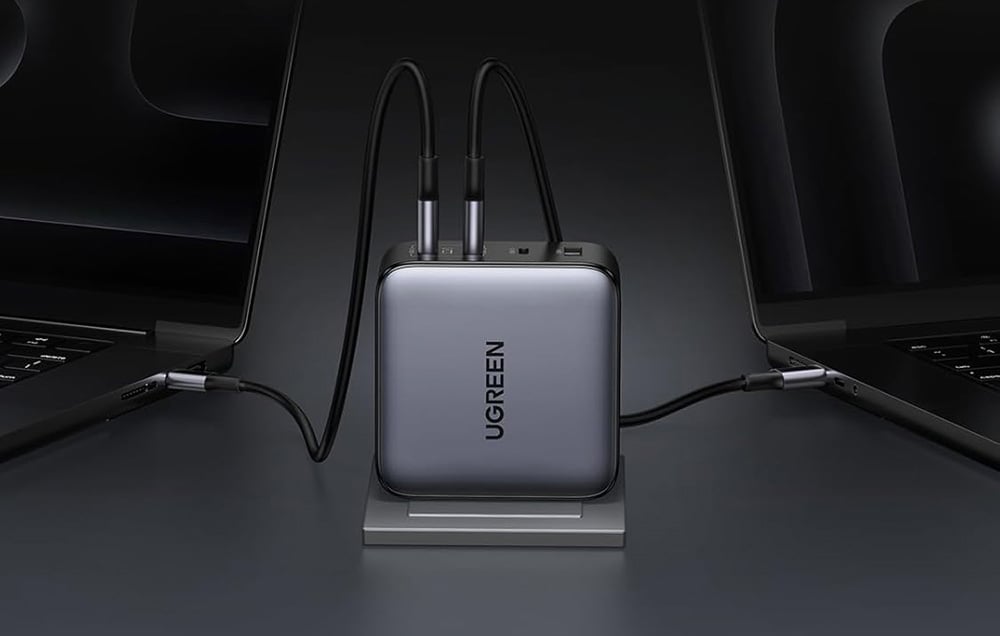
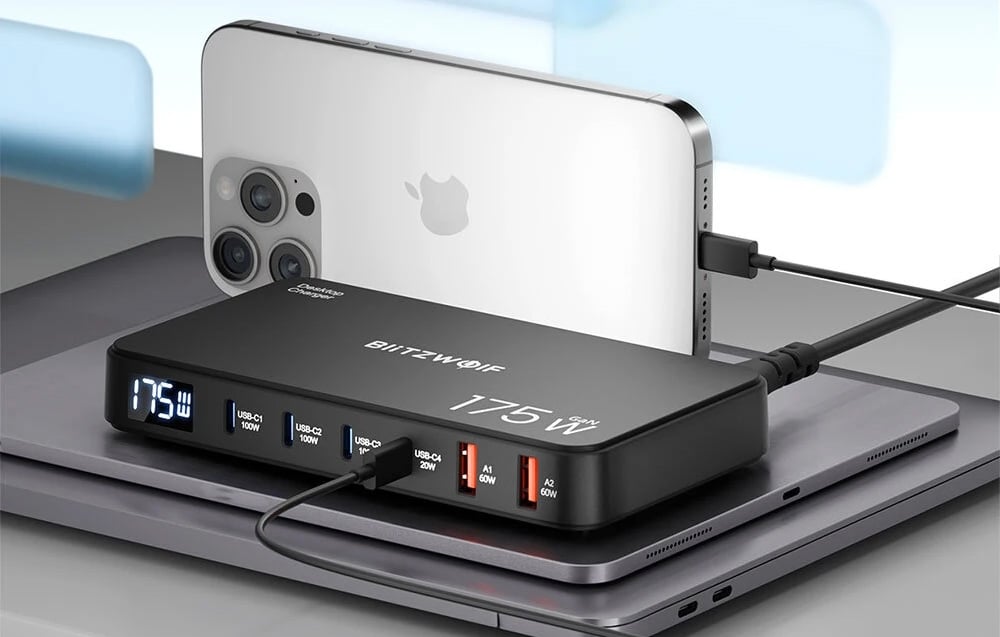
    Najlepszym wyborem będzie UGREEN GaN 200W – oferuje pełną moc dla MacBooka i zapas energii dla innych urządzeń. Alternatywnie świetnie sprawdzą się Blitzwolf BW-S30 175W i Mophie SpeedPort 120W, które łączą wydajność z kompaktową konstrukcją.

    Jak wybrać odpowiednią ładowarkę do MacBook Pro M5?

    Wybór ładowarki do nowego MacBooka Pro M5 (2025) może wydawać się prosty, ale w praktyce warto zwrócić uwagę na kilka kluczowych parametrów.
    Odpowiedni model powinien oferować nie tylko wystarczającą moc, ale też obsługę najnowszych standardów szybkiego ładowania i odpowiednie zabezpieczenia.

    💡 Czynniki kompatybilności

    • Moc minimum 96 W – to wartość rekomendowana przez Apple dla modeli 14”.
    • Power Delivery 3.1 (PD 3.1) – standard that allows for intelligent adjustment of voltage and current.
    • USB-C port with E-Marker support – guarantees safe, stable high-power charging.
    • GaN Technology (Gallium Nitride) – increases energy efficiency and reduces charger heating.

    ⚡ Key features to consider

    • Number of USB-C / USB-A ports – if you want to charge a laptop, iPhone, and iPad simultaneously, choose a model with at least 3 ports.
    • OVP / OCP / OTP protections – protect the equipment from overvoltage, overheating, and overload.
    • Cable length and quality – the best results will be achieved with a 240W USB-C cable with E-Marker certification.

    🔝 TOP 5 chargers for MacBook Pro M5 (2025)

    ModelMoc i portyOpisCena
    UGREEN GaN 200W USB-A, 3×USB-C (szara)200 W · 3×USB-C + USB-ANajmocniejsza w zestawieniu — szybko ładuje MacBooka Pro M5 i inne urządzenia jednocześnie.299 zł
    Blitzwolf BW-S30 175W 6 w 1 (4×USB-C + 2×USB-A)175 W · 4×USB-C + 2×USB-AStacja ładująca 6 w 1 – jedno urządzenie do laptopa, telefonu i tabletu.159 zł
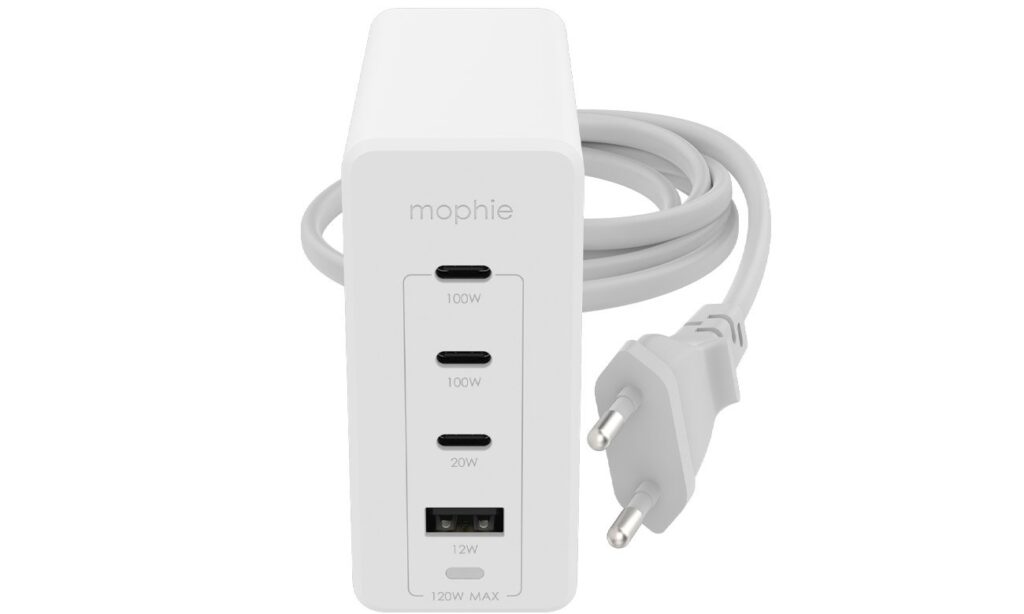
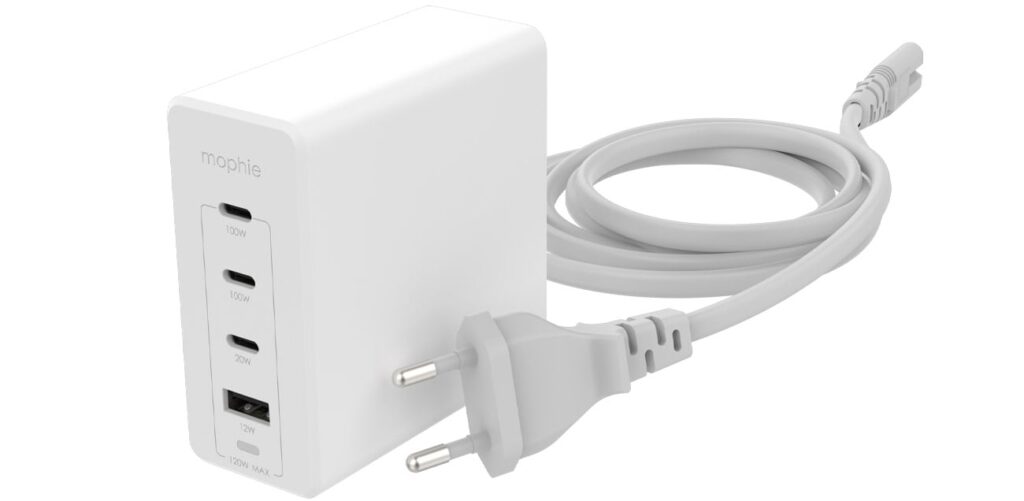
    Mophie GaN SpeedPort 120W (3×USB-C + USB-A, biały)120 W · 3×USB-C + USB-AElegancka ładowarka premium z technologią GaN, idealna do ekosystemu Apple.399 zł
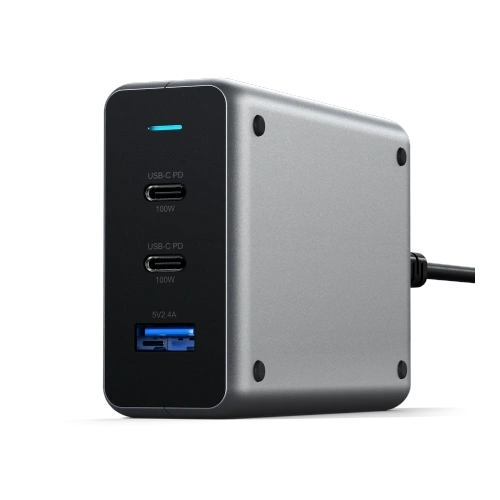
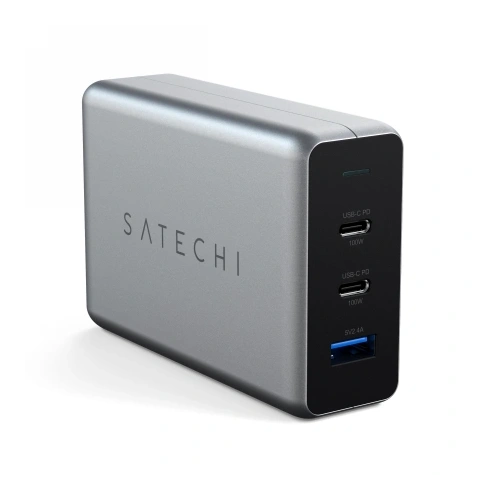
    Satechi PD GaN Charger 100W (USB-A + 2×USB-C, Space Gray)100 W · 2×USB-C + USB-AKompaktowy, stylowy zasilacz PD 3.1 – idealny do codziennego użytku.369 zł
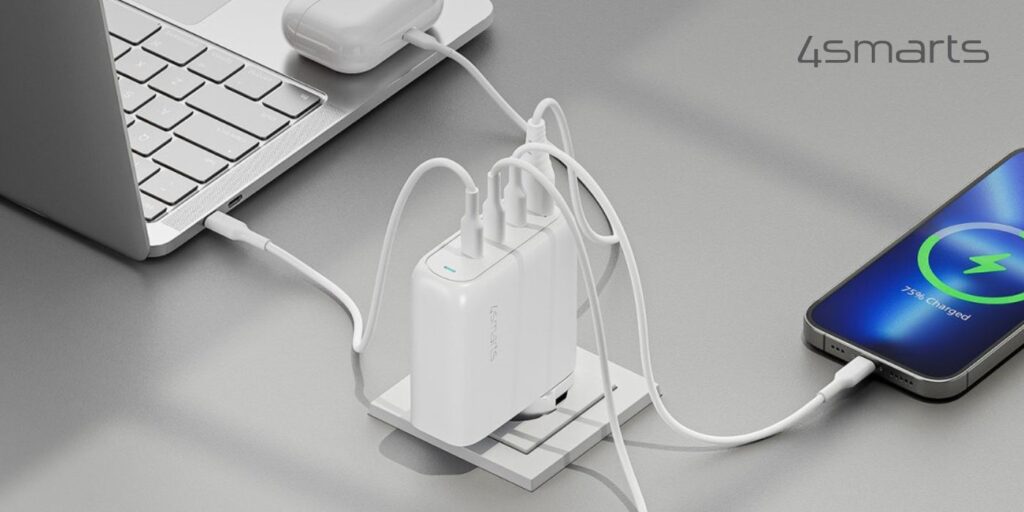
    4smarts Flex Pro 100W Travel Edition (3×USB-C + USB-A)100 W · 3×USB-C + USB-ALekka ładowarka GaN – świetna w podróży z MacBookiem Pro M5.269 zł

    Która ładowarka najszybciej naładuje MacBook Pro M5?

    🔹 UGREEN GaN 200W USB-A, 3×USB-C

    If you care about maximum power, the choice is simple — UGREEN GaN 200W is the most powerful charger in the comparison. With three USB-C ports with power up to 200 W, you can charge a MacBook Pro M5, iPad, and iPhone simultaneously. The technology used GaN (Gallium Nitride) increases energy efficiency and helps maintain a low operating temperature.

    UGREEN automatically adjusts the power to the devices, ensuring that each one is charged optimally. This is the perfect solution for those who want one charger for everything – from laptops to office accessories.

    🔹 Blitzwolf BW-S30 175W 6 in 1 (4×USB-C + 2×USB-A)

    Is there a charger that can replace several power supplies? Definitely yes. Blitzwolf BW-S30 is a practical 6 in 1 charging station that serves as a power hub on your desk. It offers 175 W total power and allows you to charge a laptop, phone, tablet, watch, and headphones simultaneously.

    Each port automatically adjusts the charging parameters to the connected device, ensuring maximum efficiency and safety. This is an excellent option for those who have an extensive set of devices and want to reduce the number of cables and sockets.

    🔹 4smarts Flex Pro 100W Travel Edition (3×USB-C + USB-A)

    Are you traveling with a MacBook Pro M5? 4smarts Flex Pro 100W is a lightweight, compact charger perfect for a bag or backpack. It supports the Power Delivery 3.1 standard and delivers up to 100 W of power, easily powering a laptop, smartphone, and tablet. Its small size and high efficiency make it a great choice for those who often work on the go or during business trips.

    🔹 Satechi PD GaN Charger 100W (USB-A + 2×USB-C)

    Does a premium charger make sense with the MacBook Pro M5? Definitely yes. Satechi PD GaN 100W is a compact, elegant premium charger that looks like a natural extension of the MacBook. The metallic casing in Space Gray perfectly matches Apple’s aesthetics, and GaN technology ensures fast and safe charging. It’s the perfect choice for those who value design, mobility, and reliability in one device.

    🔹 Mophie GaN SpeedPort 120W (3×USB-C + USB-A)

    Jeśli szukasz mocy w eleganckiej formie, Mophie GaN SpeedPort 120W to wybór klasy premium.
    Jej biały, minimalistyczny design doskonale komponuje się z urządzeniami Apple, a moc 120 W wystarcza do szybkiego ładowania MacBooka Pro M5 i innych sprzętów. Technologia GaN zapewnia wysoką sprawność i niższe zużycie energii, a dzięki czterem portom możesz ładować laptopa, iPada i telefon jednocześnie. To doskonałe połączenie stylu, wydajności i mobilności.

    💡 Check all chargers for MacBook Pro M5


    ❓ Frequently Asked Questions about MacBook Pro M5

    ⭐ Does the MacBook Pro M5 come with a charger?

    No. In the versions sold in Poland and the European Union, Apple no longer includes a power adapter.
    In the box, there is only a USB-C – MagSafe 3 (2 m) cable, so the charger must be purchased separately.


    ⭐ How long does the MacBook Pro M5 last on a single charge?

    The battery in the new MacBook Pro M5 allows for up to 24 hours of video playback or about 18 hours during a typical workday.
    It has one of the best battery lives among professional laptops.


    ⭐ Is the MacBook Pro M5 faster than the M4 model?

    Yes, noticeably.
    The M5 chip offers up to 20% higher CPU performance and 1.6× faster GPU than its predecessor.
    Additionally, it has an improved neural engine, providing up to 3.5× better AI performance.


    ⭐ What charger should I choose for MacBook Pro M5?

    The best choice is one that supports Power Delivery 3.1 and has a power of at least 96 W.
    Great options include the UGREEN 200WSatechi 100W or Blitzwolf 175W, which offer fast and stable charging.


    ⭐ Is a GaN charger safe for MacBook?

    Yes ✅
    Chargers with GaN (Gallium Nitride) technology are more efficient, cooler, and more energy-saving than traditional ones.
    They are completely safe, take up less space, and charge faster.


    ⭐ Can I charge MacBook Pro M5 with an iPad charger?

    Yes, but the charging will be much slower.
    iPad chargers usually have a power of 30–35 W, which is enough to keep it running, but not for fast charging a laptop.
    For MacBook, chargers 96–140 W are recommended.


    ⭐ Is it worth buying a multi-port charger?

    Definitely yes.
    Models like UGREEN 200W or Blitzwolf BW-S30 175W allow you to charge a laptop, phone, and tablet simultaneously.
    It’s an ideal solution for the office or travel – fewer cables, more order.


    ⭐ Is it worth buying a MacBook Pro M5 in 2025?

    Yes, it is one of the most powerful Apple laptops.
    It offers longer battery life, better cooling, and immense computing power.
    It’s a great choice for creators, programmers, and users of professional applications.

  • Best Wireless Charger for Samsung Galaxy S26 – TOP 5 (2026)

    Best Wireless Charger for Samsung Galaxy S26 – TOP 5 (2026)

    The best wireless charger for Samsung Galaxy S26 Ultra should support 25 W in the Qi2 standard, as only then will you utilize the full power of the phone.

    For Galaxy S26+Plus, models of 20–25 W will be optimal, while the basic Galaxy S26 will fully utilize 15 W chargers.

    If you choose a magnetic charger, you also need a case with a built-in magnetic ring that stabilizes the phone during charging.

    Therefore, before purchasing a charger, it is worth selecting a  MagSafe case for Galaxy S26 that will ensure full compatibility with Qi2 magnetic chargers and maximum charging efficiency.

    Additionally, pay attention to whether the charger is:

    • a classic pad,
    • a vertical charging stand,
    • or a 2-in-1 or 3-in-1 station (phone + headphones + watch).

    If you care that it is really  a fast charger for Galaxy S26, pay attention to the maximum power supported by your model and support for the Qi2 standard.

    🏆 TOP 5 wireless chargers for Samsung Galaxy S26

    Below you will find a comparison of the best-matched models for Galaxy S26, S26+ and S26 Ultra — taking into account power, functionality, and application.


    📊 Comparison of chargers for Galaxy S26

    PlaceModel PowerTypePriceBest for
    1️⃣Spigen EF323MQ 3-in-1 (25W)25 WMagnetic 3-in-1 station259.00 zł⭐ S26 Ultra
    2️⃣Zens Travel Pro 2 (20W)20 WMagnetic 2-in-1148.01 zł⭐ S26+Plus
    3️⃣Crong PowerSpot 3-in-115 WStation + USB ports199.00 złUniversal
    4️⃣Satechi Foldable 2-in-1 Qi215 WFoldable magnetic389.00 złDesk / home
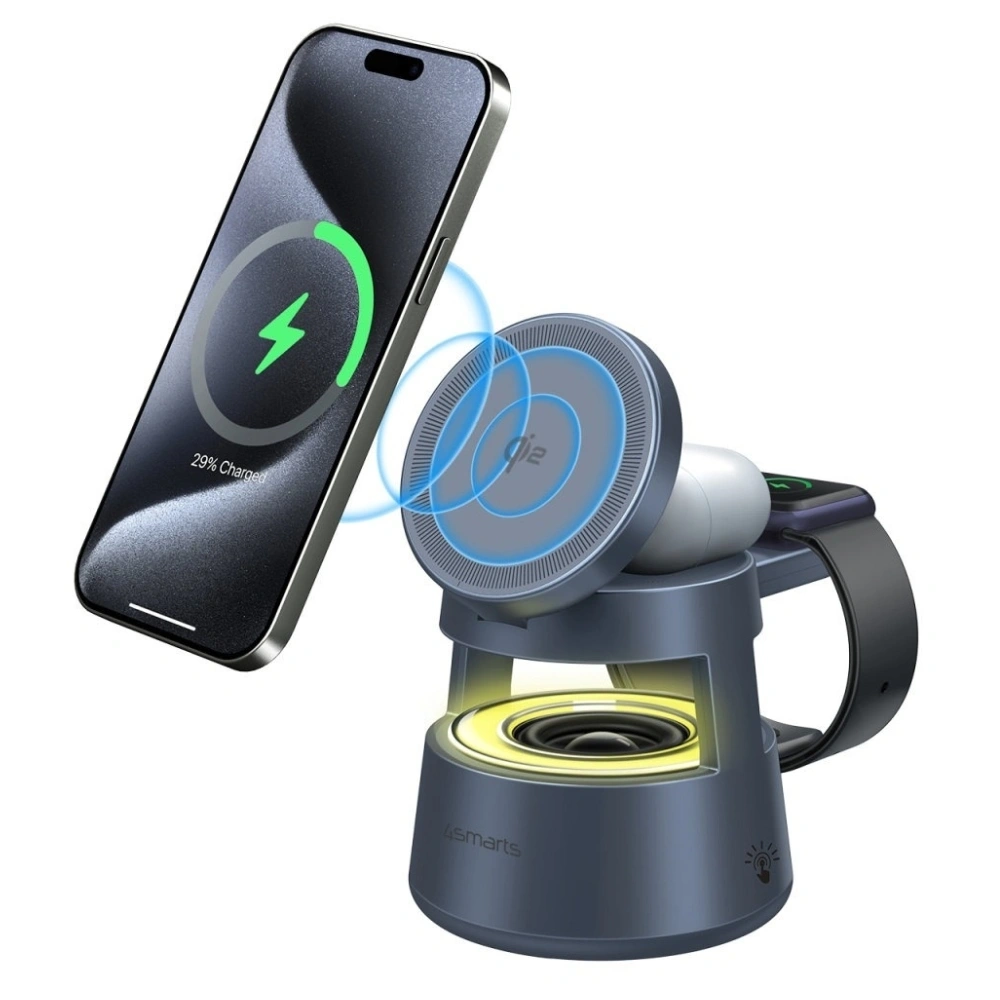
    5️⃣4smarts Aura Sound Qi215 WStation + LED speaker249.00 złRoom / desk

    What is the strongest wireless charger for Galaxy S26 Ultra?

    The strongest wireless charger for Samsung Galaxy S26 Ultra is a model supporting 25 W in the Qi2 standard. Only such power allows you to fully utilize the capabilities of this phone without using a cable.

    In practice, this means significantly faster charging than with classic pads of 10–15 W. If you care about time and want it to be a truly fast charger for S26 Ultra, choose only 25 W models.

    Spigen EF323MQ 3-in-1 Magnetic 25W – full Qi2.2 power for S26 Ultra

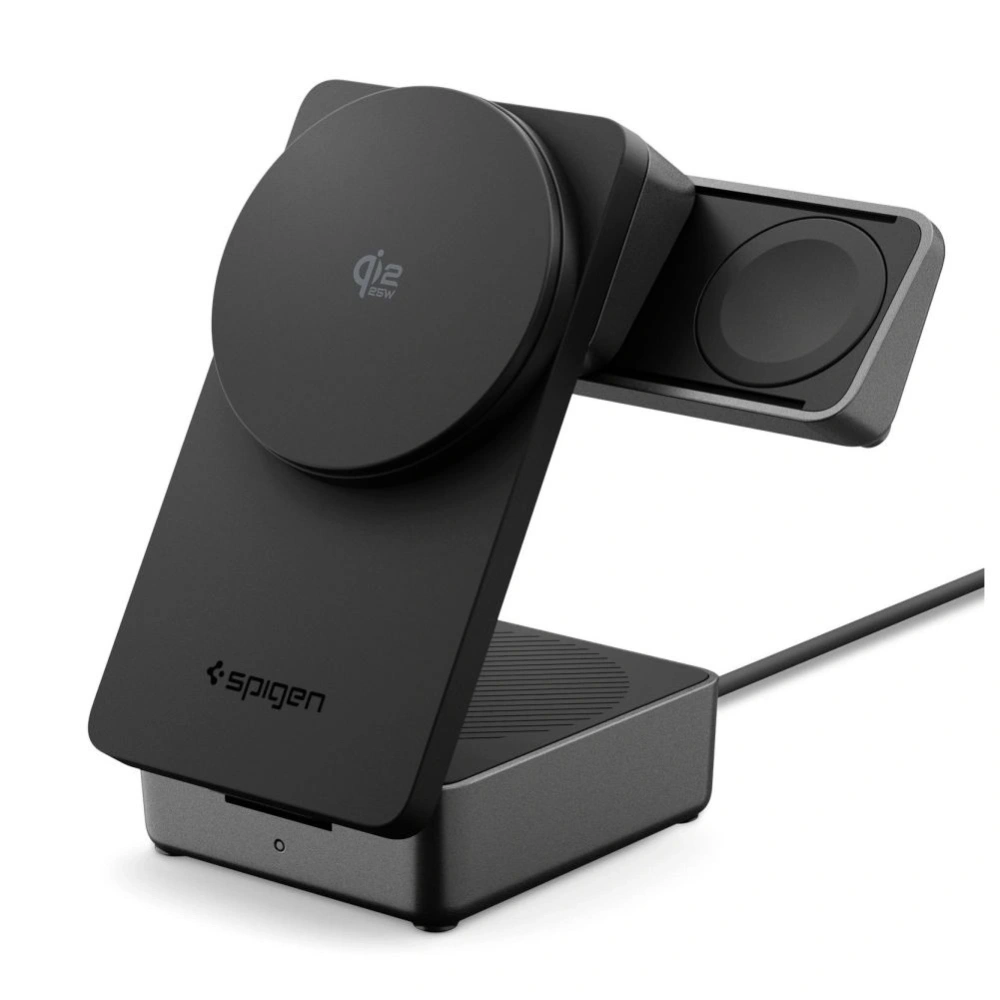
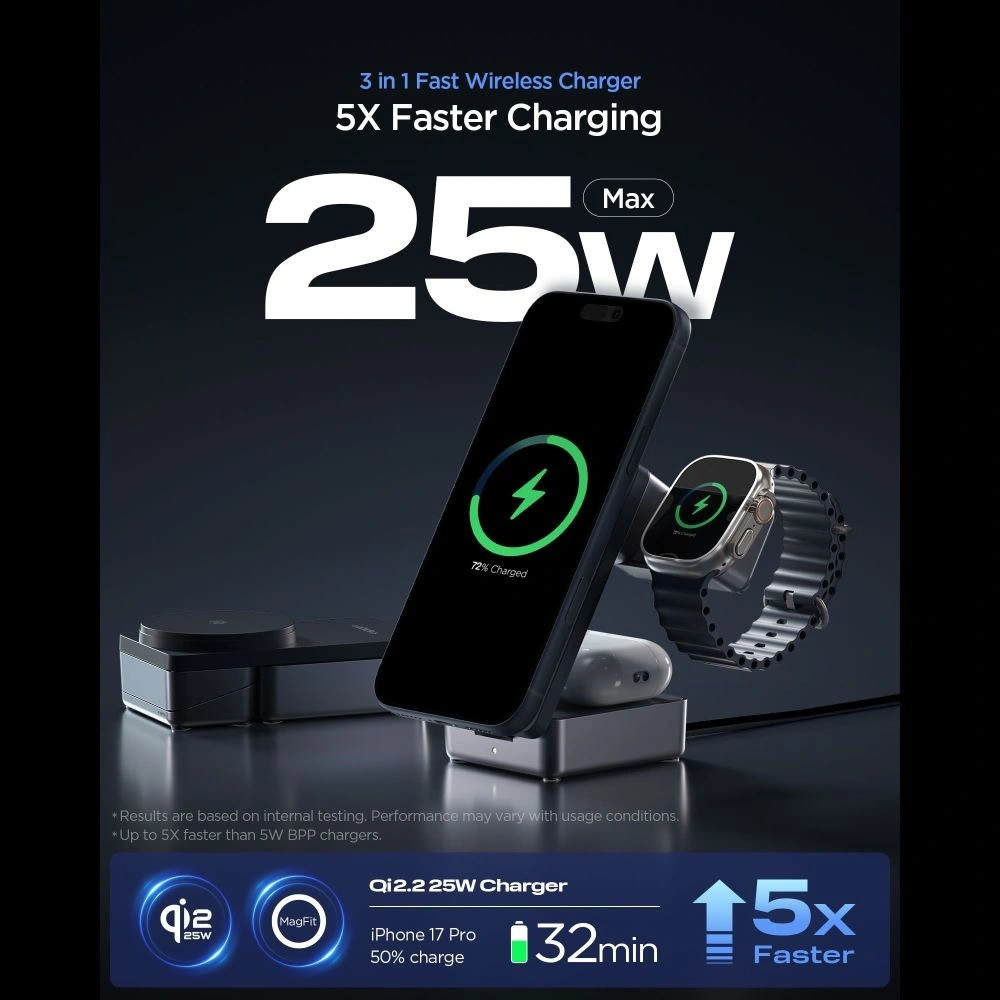
    The best choice from our offer is Spigen EF323MQ 3-in-1 Magnetic 25W Qi2.2, which is a magnetic charging station supporting full 25 W wirelessly.

    It is a 3-in-1 magnetic station that not only charges your phone quickly but also helps organize your desk space. With one device, you can power your smartphone, headphones, and watch — without the tangle of wires and several separate chargers.

    The magnetic mount stabilizes the phone and positions it perfectly in the charging axis, which increases energy efficiency and reduces interruptions in the charging process. You will achieve the best results when combined with a MagSafe case for Galaxy S26 with a built-in magnetic ring.

    Najważniejsze cechy:

    • pełne 25 W bezprzewodowo (Qi2.2)
    • magnetyczne mocowanie MagSafe-kompatybilne
    • ładowanie 3 urządzeń jednocześnie
    • stabilna pozycja telefonu (pion/poziom)
    • elegancka stacja do biurka lub sypialni

    Dla kogo?

    ✔ dla użytkowników Galaxy S26 Ultra, którzy chcą maksymalnej mocy 25 W
    ✔ dla osób posiadających kilka urządzeń (telefon + słuchawki + zegarek)
    ✔ dla tych, którzy cenią porządek i jedno centralne miejsce ładowania

    Jeśli zależy Ci na maksymalnej wydajności i najbardziej kompletnym rozwiązaniu do S26 Ultra — to obecnie najmocniejsza opcja w rankingu.


    What fast wireless charger for Galaxy S26+Plus?

    Galaxy S26+Plus supports wireless charging of up to 20 W — more than the basic S26 (15 W), but less than S26 Ultra (25 W). To achieve a realistically higher wireless charging speed, it’s worth choosing a model that actually produces ~20 W output power.

    One of the best solutions available is a charger that offers magnetic mounting, Qi2 support, and around 20 W power — allowing you to charge the S26+ faster than a typical 15 W pad.

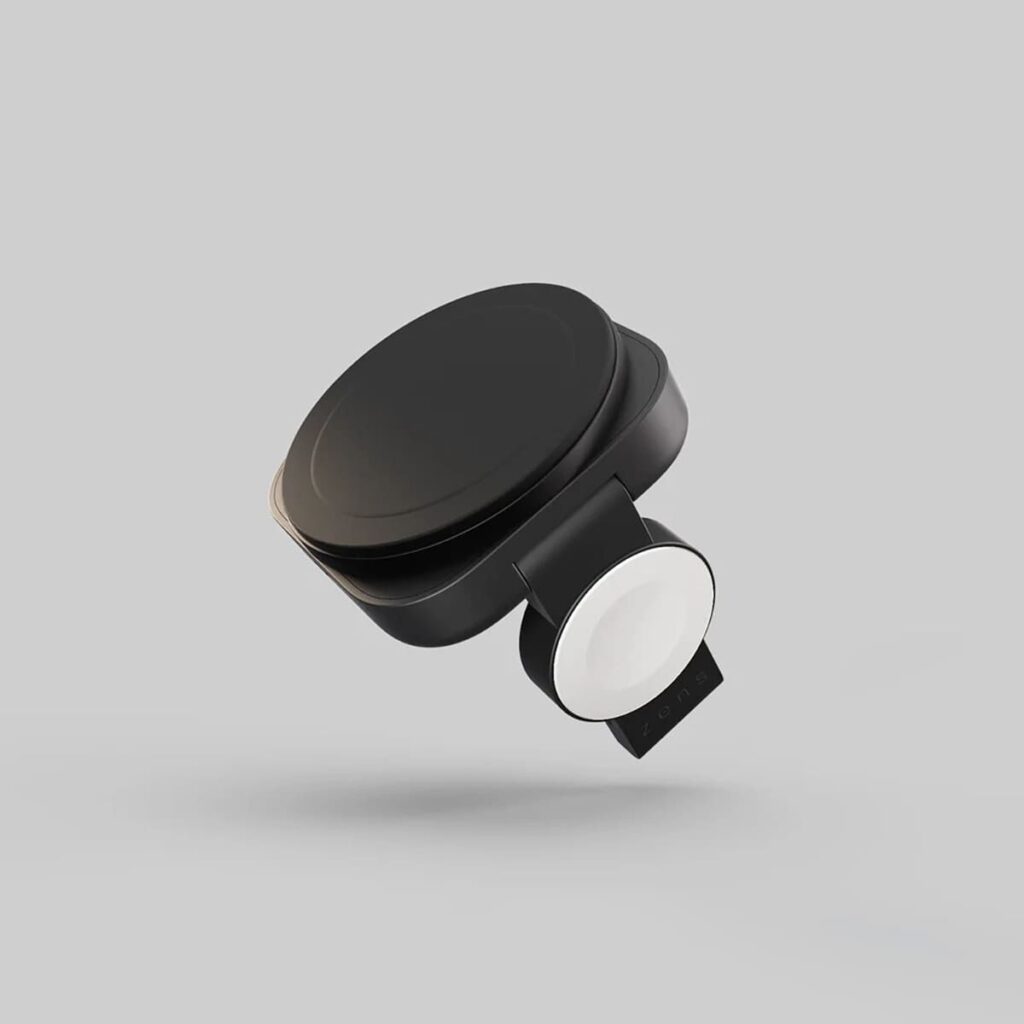
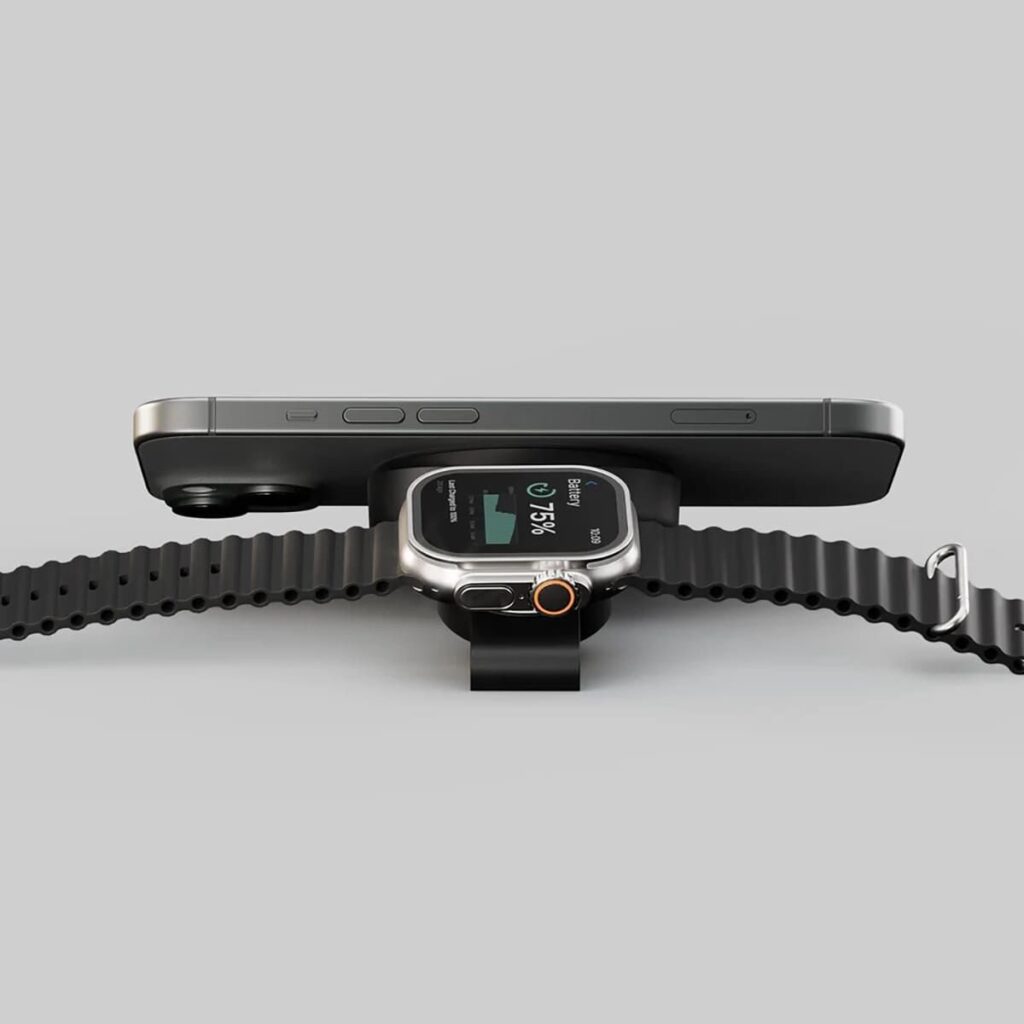
    Wireless charger 2in1 Zens Travel Charger Pro 2 20W MagSafe

    Zens Travel Charger Pro 2 20W MagSafe is a compact, magnetic wireless charger that supports up to 20 W output power and simultaneously charges two devices — a phone and a second accessory (e.g., headphones).

     Najważniejsze cechy:

    •  20 W bezprzewodowo — szybkie ładowanie idealne dla Galaxy S26+
    • MagSafe-kompatybilna — mocne magnetyczne mocowanie telefonu
    • 2-w-1 — jeden pad do telefonu i drugiego urządzenia
    • Kompaktowa konstrukcja — świetna do biurka lub w podróży

    Dzięki obsłudze Qi2 przy zachowaniu mocy 20 W ten model zapewnia szybsze ładowanie niż klasyczne padd’y 15 W, a jednocześnie jest wygodnym rozwiązaniem do codziennego użytku.

    Dla kogo:

    ✔ użytkownicy Galaxy S26+,
    ✔ osoby, które chcą szybszego bezprzewodowego ładowania bez dużej stacji,
    ✔ wygodne ładowanie dwóch urządzeń jednym urządzeniem.


    Best 3-in-1 Charging Station for Galaxy S26

    If you also use a Galaxy Watch or wireless headphones in addition to your phone, a 3-in-1 charging station might be a good solution. Such chargers allow you to charge multiple devices simultaneously in one place, keeping your desk or nightstand more organized.

    In practice, this means fewer cables and one central charging station for all devices. One of the most practical options in our offer is a set that combines wireless charging with an additional fast wall charger.

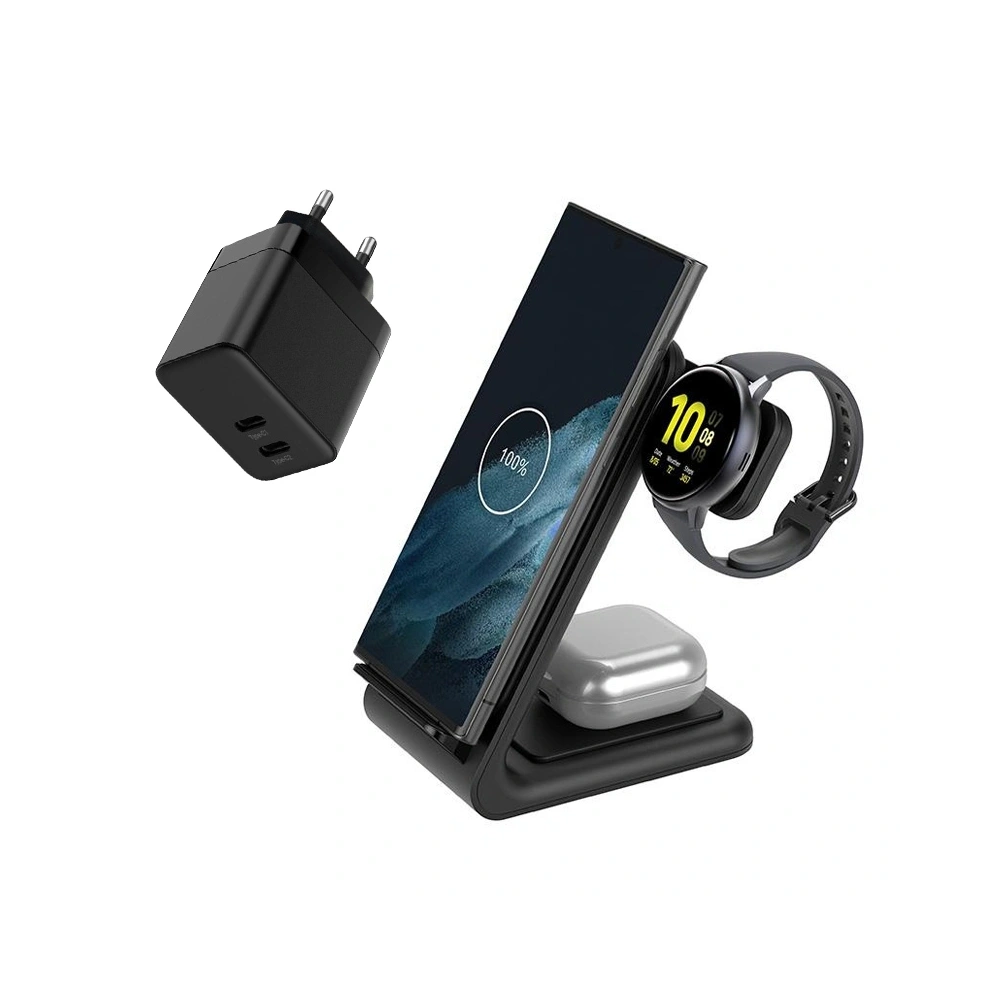
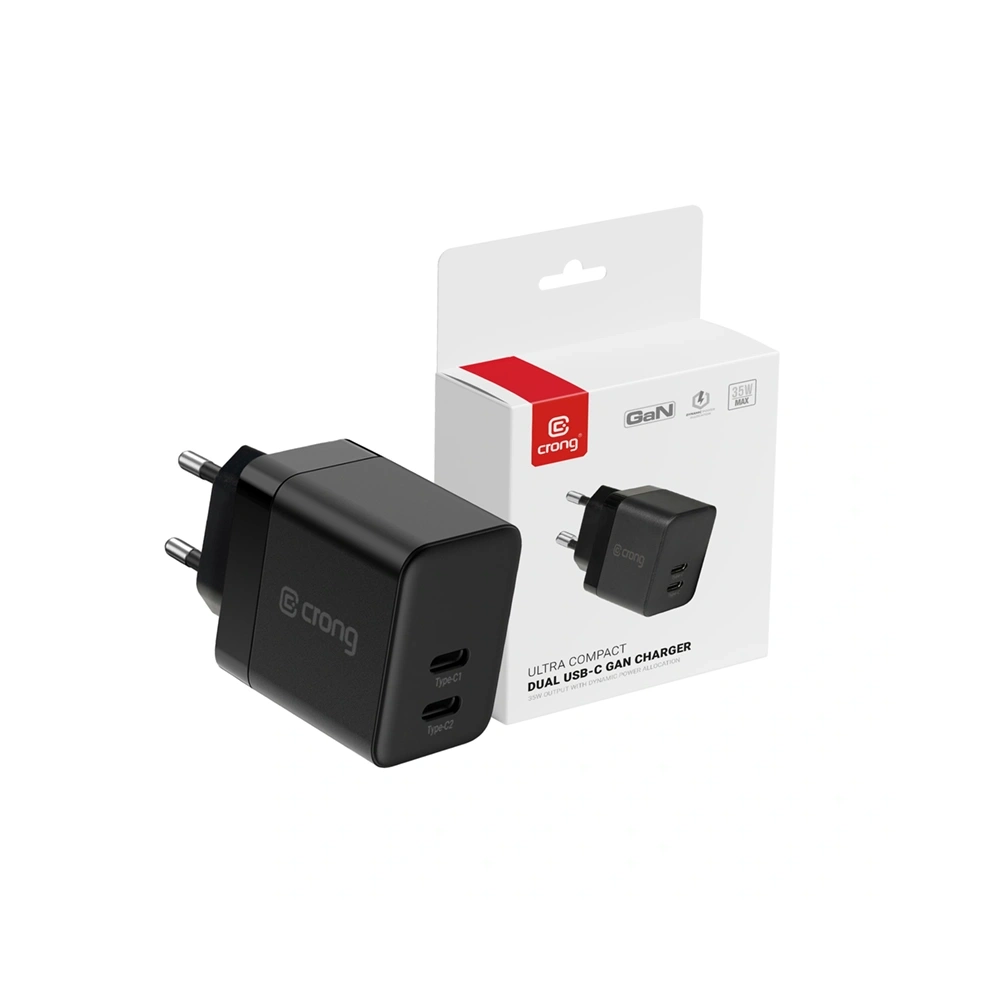
    Crong Set Wall Charger 2xUSB-C 35W + Wireless GaN PD PowerSpot Pivot Stand 3-in-1 Black

    Crong PowerSpot Pivot Stand 3-in-1 is a functional charging station that allows you to charge a smartphone, headphones, and a watch simultaneously. This way, it can replace several separate chargers and organize your desk space.

    The wireless part of the charger supports the standard Qi up to about 15 W, which is fully sufficient for conveniently charging the Galaxy S26 and S26+. The phone can be positioned both vertically and horizontally, which is useful when watching movies or making video calls.

    A significant advantage of this set is also the GaN 35 W wall charger with two USB-C Power Delivery ports, which allows for fast wired charging of additional devices.

    Key features:

    • wireless charging Qi up to approx. 15 W
    • charging 3 devices simultaneously
    • charger GaN 35 W with 2× USB-C PD included
    • ability to position the phone vertically or horizontally
    • convenient station for desk or nightstand

    For whom?

    ✔ for users Galaxy S26 or S26+ who want one station for all devices
    ✔ for those using Galaxy Watch and wireless headphones
    ✔ for those who want to reduce the number of cables on their desk

    Foldable Magnetic Charger for Galaxy S26

    If you prefer a more compact solution than a large 3-in-1 station, a good option might be a foldable magnetic charger. This type of model takes up less space on your desk and works great for travel as well.

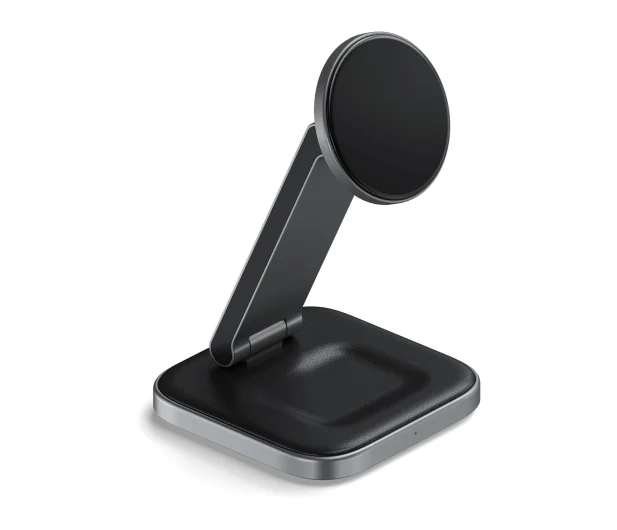
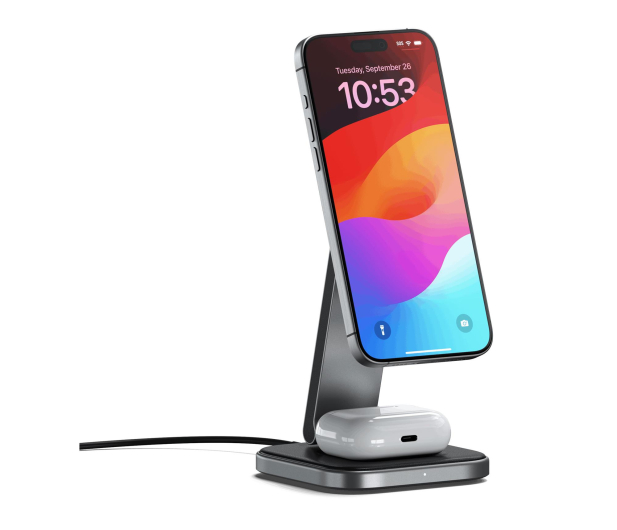
    Satechi 2-in-1 Wireless Foldable Charging Stand Qi2

    Satechi 2-in-1 Foldable Charging Stand Qi2 is an elegant and very compact magnetic charger that allows you to charge two devices simultaneously. Its foldable design makes it easy to take with you on the go or use as a convenient stand on your desk.

    The model supports the standard Qi2, which ensures stable magnetic alignment of the phone and efficient wireless charging. This way, the phone is always in the perfect charging position.

    Key features:

    • supports the standard Qi2
    • magnetic phone mounting
    • charging 2 devices simultaneously
    • foldable design perfect for travel
    • elegant design matching your desk

    Who is it for?

    ✔ for those looking for a compact charger for Galaxy S26
    ✔ for users utilizing magnetic charging
    ✔ for those who travel often and want to take the charger with them


    Wireless charger with speaker for Galaxy S26

    Some chargers offer additional features that can be useful on a desk or in the bedroom. A good example is a model that combines wireless charging with a Bluetooth speaker.

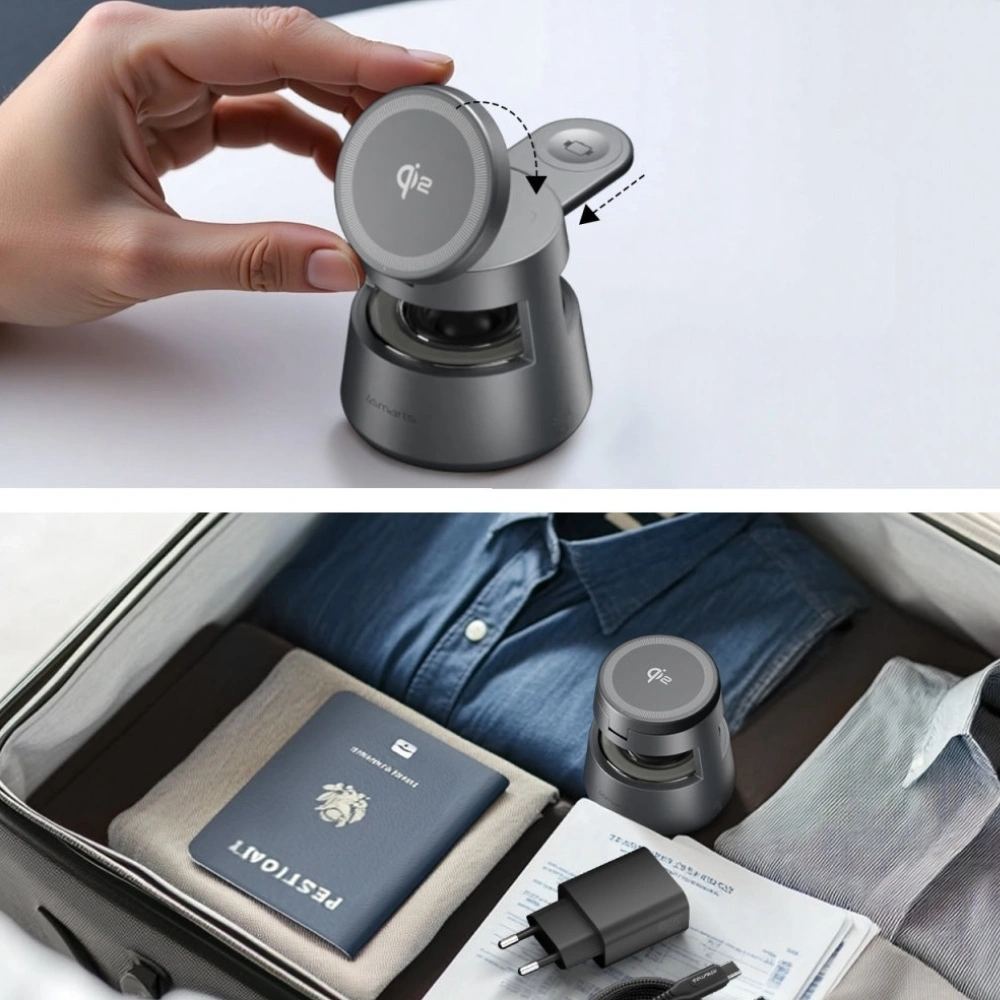
    4smarts Aura Sound Qi2 charging station

    4smarts Aura Sound Qi2 is a wireless charger that, in addition to charging functions, also offers abuilt-in Bluetooth speaker and LED lighting. This allows it to serve as a small multimedia center on a desk or nightstand.

    The charger supports the Qi2 standard and allows you to conveniently charge your phone without using a cable. It’s an interesting solution for those who want to combine charging functionality with additional audio capabilities.

    Main features:

    • wireless charging Qi2
    • built-in Bluetooth speaker
    • LED backlighting
    • modern design for desk or bedroom
    • convenient phone charging without a cable

    Who is it for?

    ✔ for those who want chargers with additional functions
    ✔ for users who use their phone at the desk or bed
    ✔ for those who like modern 2-in-1 gadgets


    Which wireless charger to choose for Galaxy S26?

    The choice of the right wireless charger for the Galaxy S26 primarily depends on the phone model and how you use the device. The Galaxy S26 series supports various charging powers, so it’s worth selecting a charger to fully utilize your smartphone’s capabilities.

    How to choose a charger for a specific Galaxy S26 model?

    If you are using the Galaxy S26 Ultra, the best choice would be a charger supporting 25 W in the Qi2 standard, as it allows you to achieve maximum charging speed without using a cable.

    For the Galaxy S26+, the optimal solution would be a charger offering around 20 W of power, which will allow charging the phone faster than standard models of 10–15 W.

    On the other hand, the Galaxy S26 supports wireless charging up to about 15 W, so even simpler Qi chargers will be fully sufficient for everyday use.

    When choosing, it is also worth paying attention to additional features, such as:

    • the ability to charge multiple devices simultaneously (2-in-1 or 3-in-1 stations)
    • magnetic alignment of the phone in the Qi2 standard
    • convenient form desk stand or nightstand

    Thanks to this, the charger can become not only a power source but also a convenient element of everyday smartphone use.


    FAQ – frequently asked questions about wireless chargers for Galaxy S26

    Do MagSafe chargers work with Samsung Galaxy S26?

    Yes, many MagSafe chargers work with Samsung Galaxy S26 phones. However, to fully utilize the magnetic alignment of the phone to the charger, it is best to use a MagSafe case for Samsung Galaxy S26.


    Does the Qi2 charger work with Galaxy S26?

    Yes. Modern chargers supporting the Qi2 standard are compatible with the Galaxy S26 series. The Qi2 standard uses the magnetic alignment of the phone to the charger, allowing the device to position itself in the ideal charging position and charge more stably.


    Is wireless charging slower than wired charging?

    Generally, wireless charging is slower than wired charging. However, modern chargers Qi2 with a power of 20–25 W significantly reduce charging time and are a more convenient alternative for many users compared to traditional cables.


    Does every wireless charger work with Galaxy S26?

    Yes, most chargers supporting the Qi standard will be compatible with Samsung Galaxy S26. However, it is advisable to choose newer models Qi2, which offer more stable charging and magnetic alignment of the phone to the charger.


    Does a wireless charger heat up the phone?

    During wireless charging, the phone may get slightly warm, which is a normal occurrence. However, modern chargers Qi2 and Qi have safety systems that monitor temperature and prevent the device from overheating.


    Is wireless charging safe for the battery?

    Yes, wireless charging is safe for the phone’s battery. Modern chargers have protections against overheating, overvoltage, and overcharging, ensuring that the charging process is fully controlled.


    Can you use the phone while wireless charging?

    Yes, you can use the phone while wireless charging. Many chargers are designed as stands, allowing you to comfortably watch movies, make video calls, or read messages.


    Is a 3-in-1 charger a good choice for the Galaxy S26?

    3-in-1 chargers are a very convenient solution, especially if you also use Galaxy Watch and wireless headphones. With one station, you can charge all devices simultaneously and avoid cable clutter.


  • What is the best tempered glass for Samsung S26 Ultra? TOP 5 ranking (2026)

    What is the best tempered glass for Samsung S26 Ultra? TOP 5 ranking (2026)

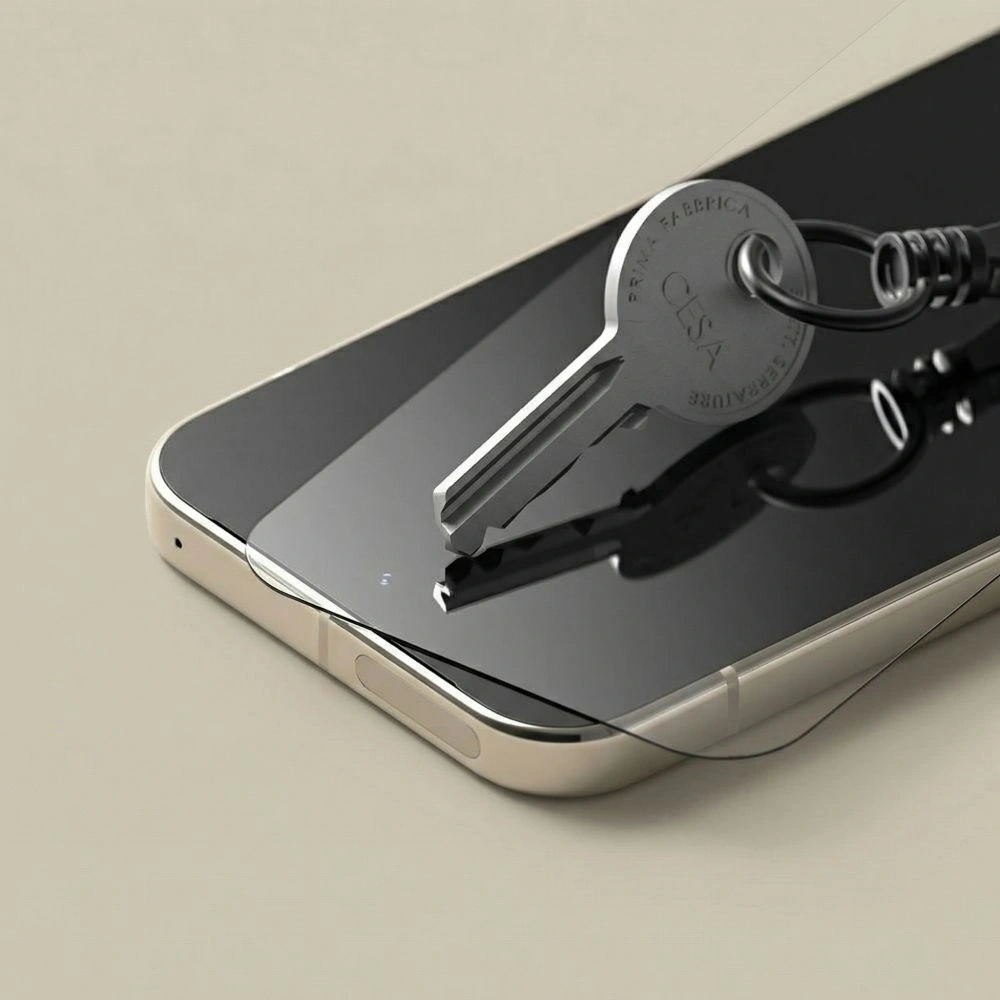
    The best tempered glass for Samsung Galaxy S26 Ultra should have 9H hardness, a good oleophobic coating, and an easy installation system that allows for a perfect fit on the curved screen. In practice, the best options are models with an installation frame, such as Spigen Glas.tr EZ Fit or ESR UltraFit Armorite.

    Ranking of tempered glasses for Samsung Galaxy S26 Ultra — comparison

    Below you will find a quick comparison of the best tempered glasses for Samsung Galaxy S26 Ultra in 2026.

    Glass modelManufacturerTypeSetBiggest advantagePrice
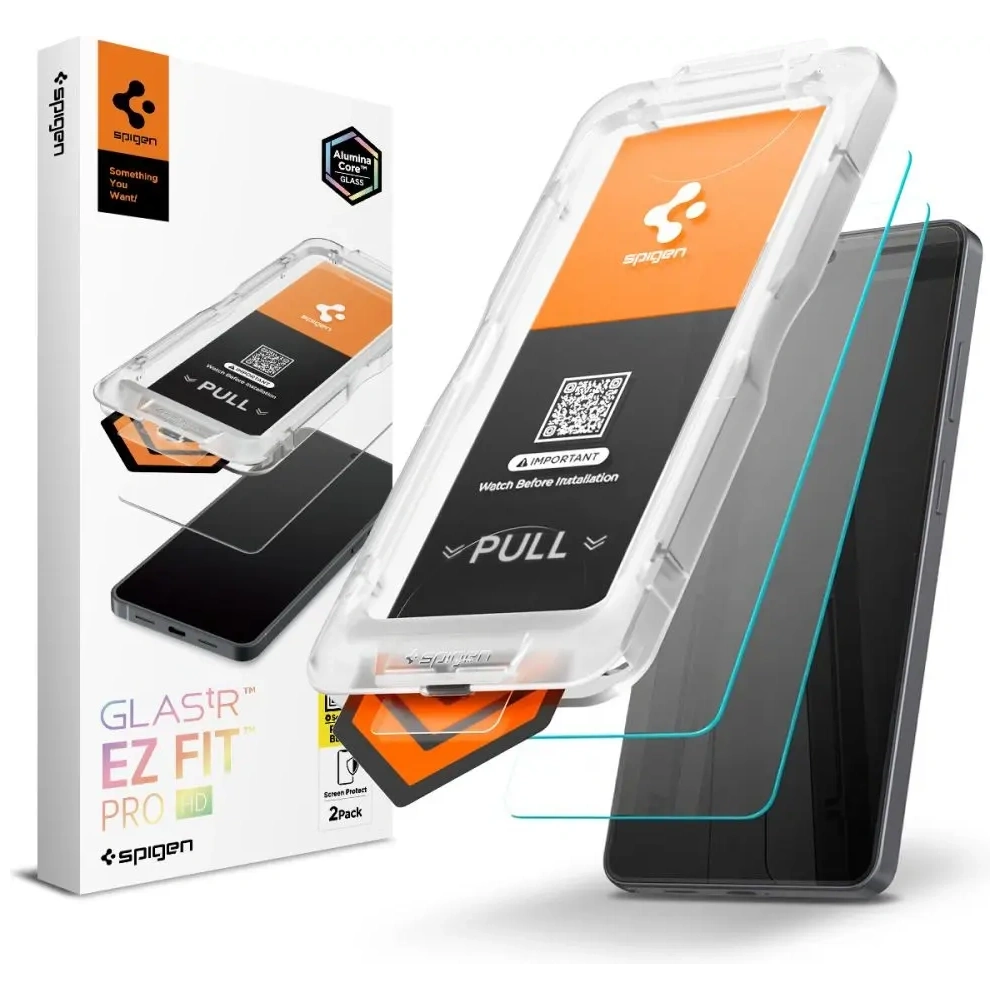
    Spigen Glas.tr EZ Fit Pro HDSpigenHD tempered glass2 pcs.very easy installation with EZ Fit frame79 zł
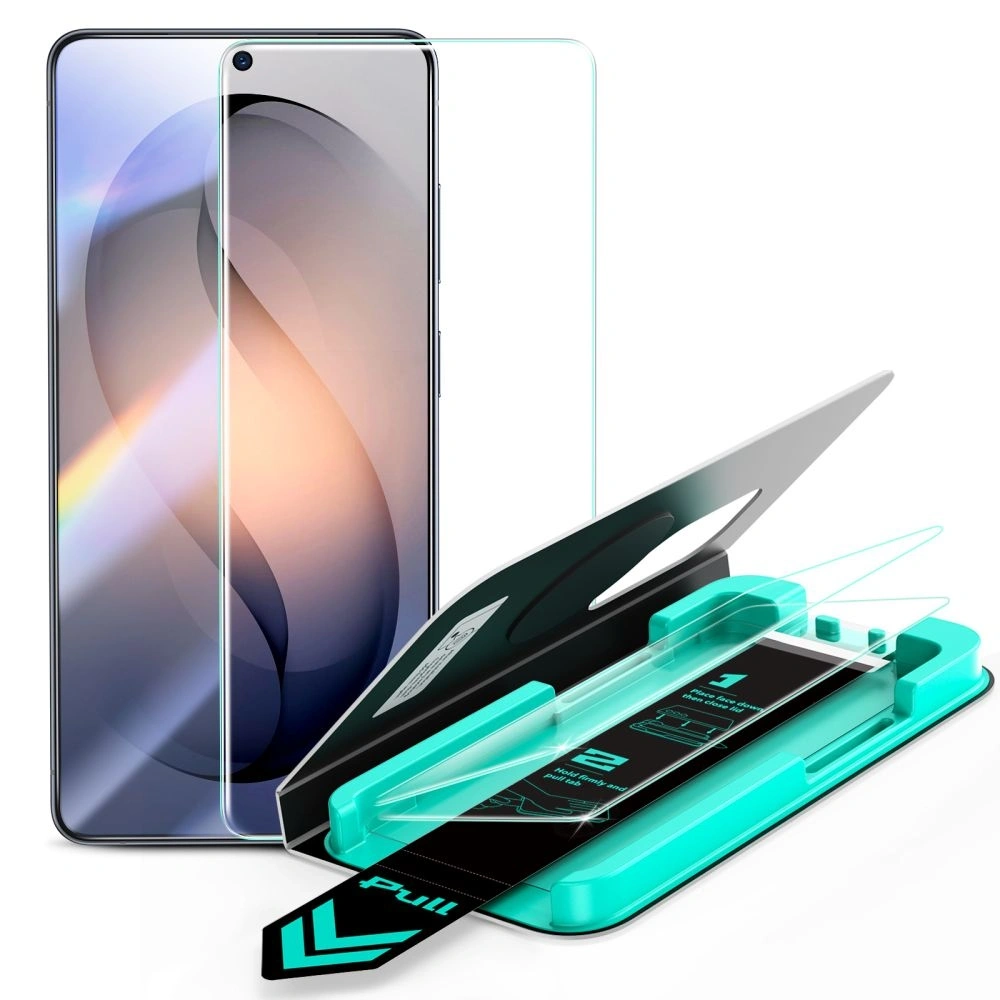
    ESR UltraFit ArmoriteESRtempered glass2 pcs.very high impact resistance85 zł
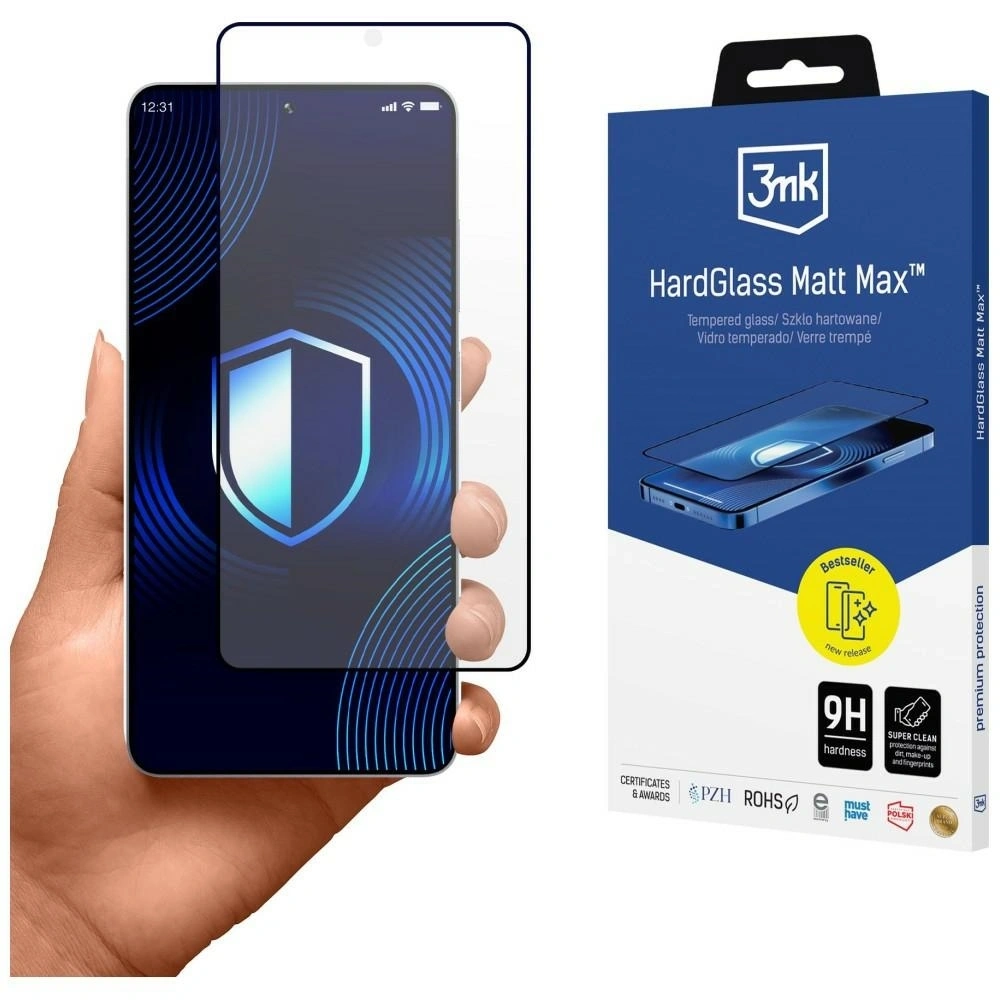
    3mk HardGlass Matt Max3mkmatte tempered glass1 pc.matte surface without fingerprints89 zł
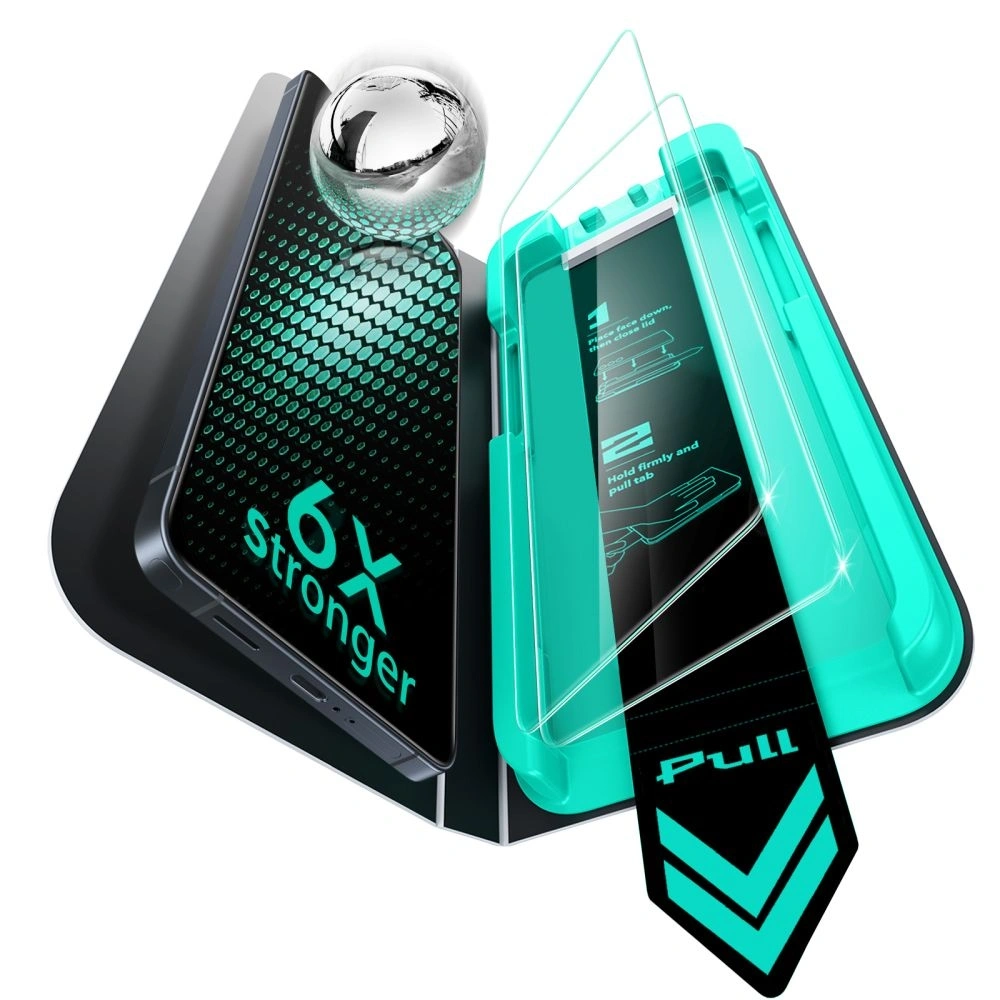
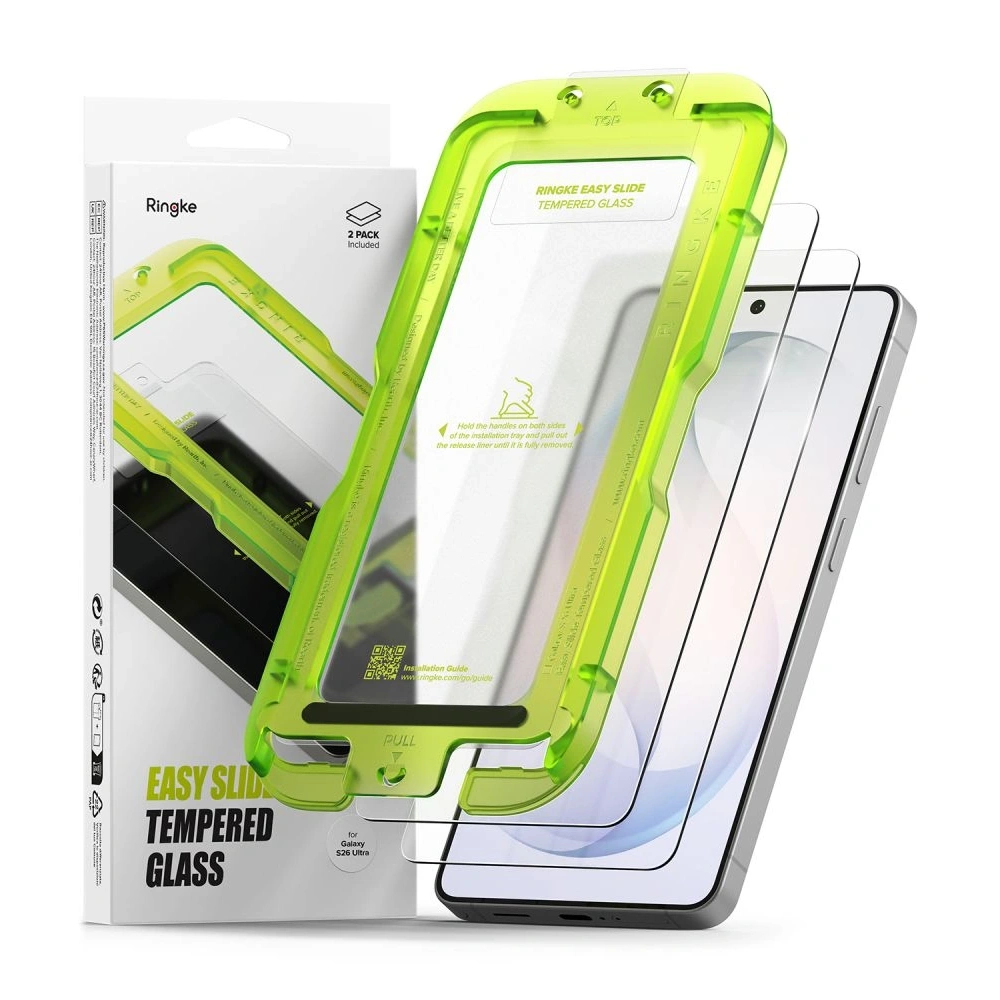
    Ringke Easy SlideRingketempered glass2 pcs.quick installation thanks to the applicator49 zł
    Tech-Protect Glass FitTech-Protecttempered glass2 pcs.the cheapest solid screen protection19 zł

    Check out the best tempered glass for Samsung Galaxy S26 Ultra at homescreen.pl


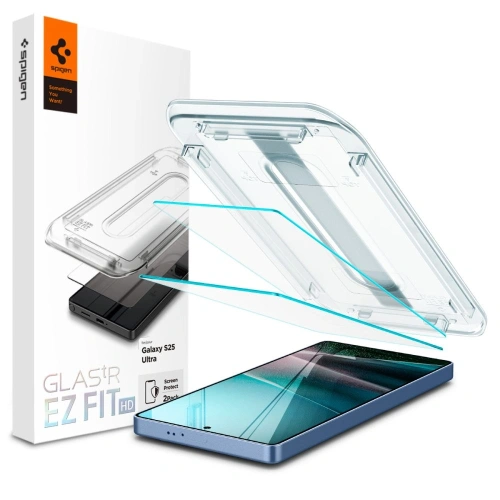
    1. Best tempered glass — Spigen Glas.tr EZ Fit Pro HD

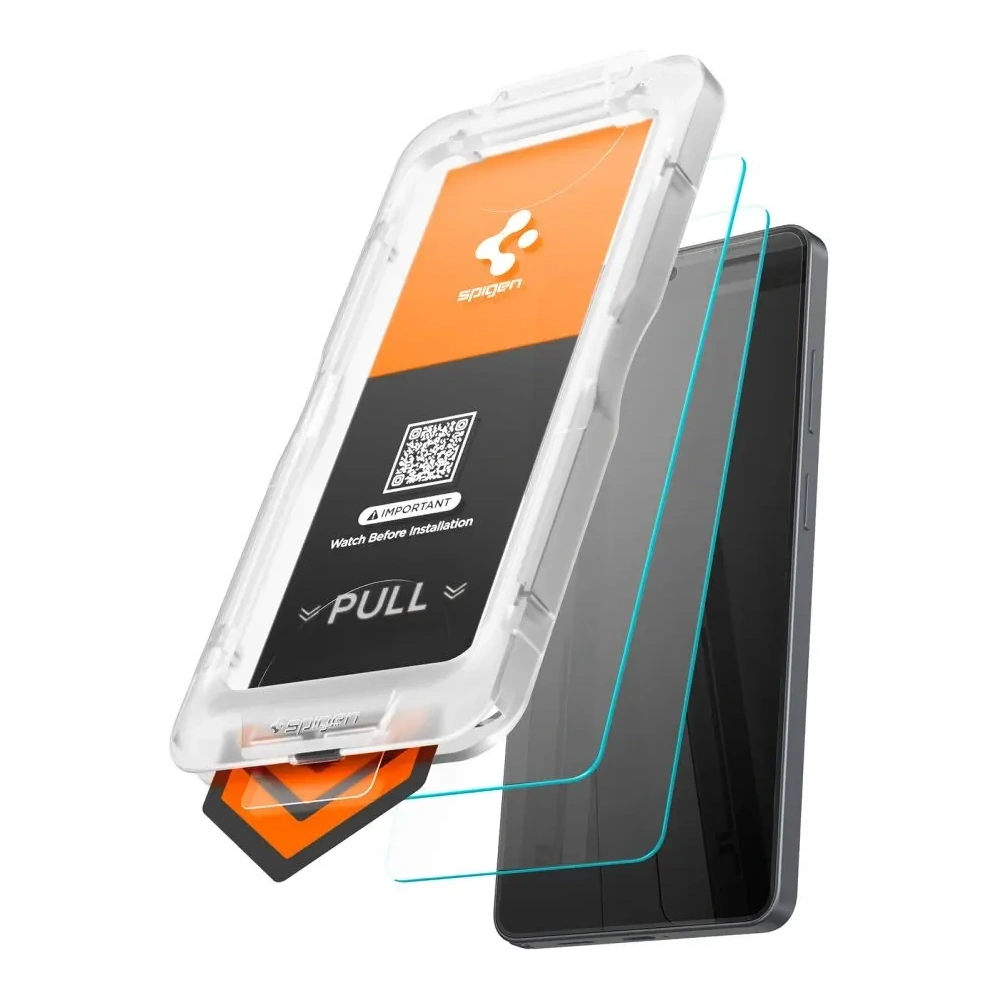
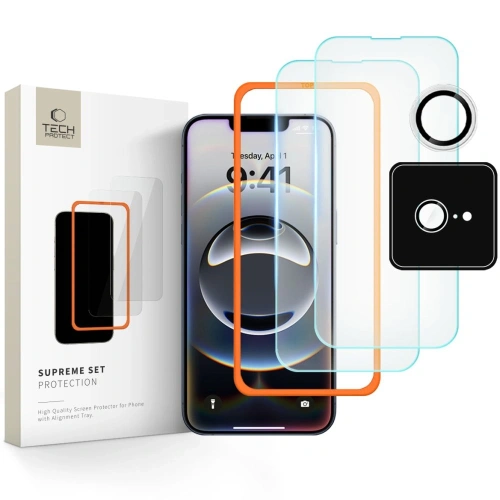
    Spigen Glas.tr EZ Fit Pro HD is one of the best-crafted tempered glasses for the Samsung Galaxy S26 Ultra. The manufacturer has implemented the EZ Fit installation system, which allows for perfect fitting of the glass to the screen in seconds — without shifts and air bubbles.

    The glass is made of tempered material with a hardness of 9H, effectively protecting the screen from scratches and minor impacts. The package includes two glasses, so you can keep one as a spare.

    Key features:

    ✅ installation system EZ Fit with installation frame
    ✅ hardness 9H resistant to scratches
    oleophobic coating reducing fingerprints
    ✅ high HD clarity
    ✅ package includes 2 glasses

    Price: 79 PLN

    If you are looking for easy installation and high-quality protection, this is one of the best tempered glasses for the Galaxy S26 Ultra.


    2. The most durable glass — ESR UltraFit Armorite

    ESR UltraFit Armorite is tempered glass designed for maximum impact resistance. The manufacturer has used a reinforced Armorite glass construction that better protects the screen during falls.

    A significant advantage is also the UltraFit installation frame, which makes it easier to perfectly fit the glass to the Galaxy S26 Ultra screen.

    Key features:

    ✅ reinforced glass Armorite with high resistance
    ✅ installation frame UltraFit
    ✅ high image clarity
    ✅ oleophobic coating
    ✅ set of 2 glasses in the package

    Price: 85 zł

    This is a great choice for those who want maximum protection for the Samsung flagship screen.


    3. Best matte glass — 3mk HardGlass Matt Max

    3mk HardGlass Matt Max is tempered glass with a matte surface that effectively reduces light reflections and fingerprints on the screen.

    Matte glasses are particularly convenient when using the phone in sunlight and during intensive use.

    Main advantages:

    ✅ matte anti-fingerprint surface
    ✅ less light reflection
    ✅ high scratch resistance
    ✅ compatibility with fingerprint reader
    ✅ full screen coverage

    Price: 89 PLN

    This is a good choice for those who do not like glossy screens and frequent phone cleaning.


    4. Best price-to-quality ratio — Ringke Easy Slide

    Ringke Easy Slide is a very popular tempered glass for the Galaxy S26 Ultra, offering good protection at a reasonable price.

    The manufacturer has implemented the Easy Slide installation system, which allows for easy positioning of the glass on the screen without shifting.

    Najważniejsze cechy:

    ✅ system instalacji Easy Slide
    ✅ zestaw 2 szkieł w opakowaniu
    ✅ wysoka przejrzystość szkła
    ✅ dobra kompatybilność z etui

    Cena: 49 zł

    To jeden z najlepszych wyborów w kategorii cena / jakość.


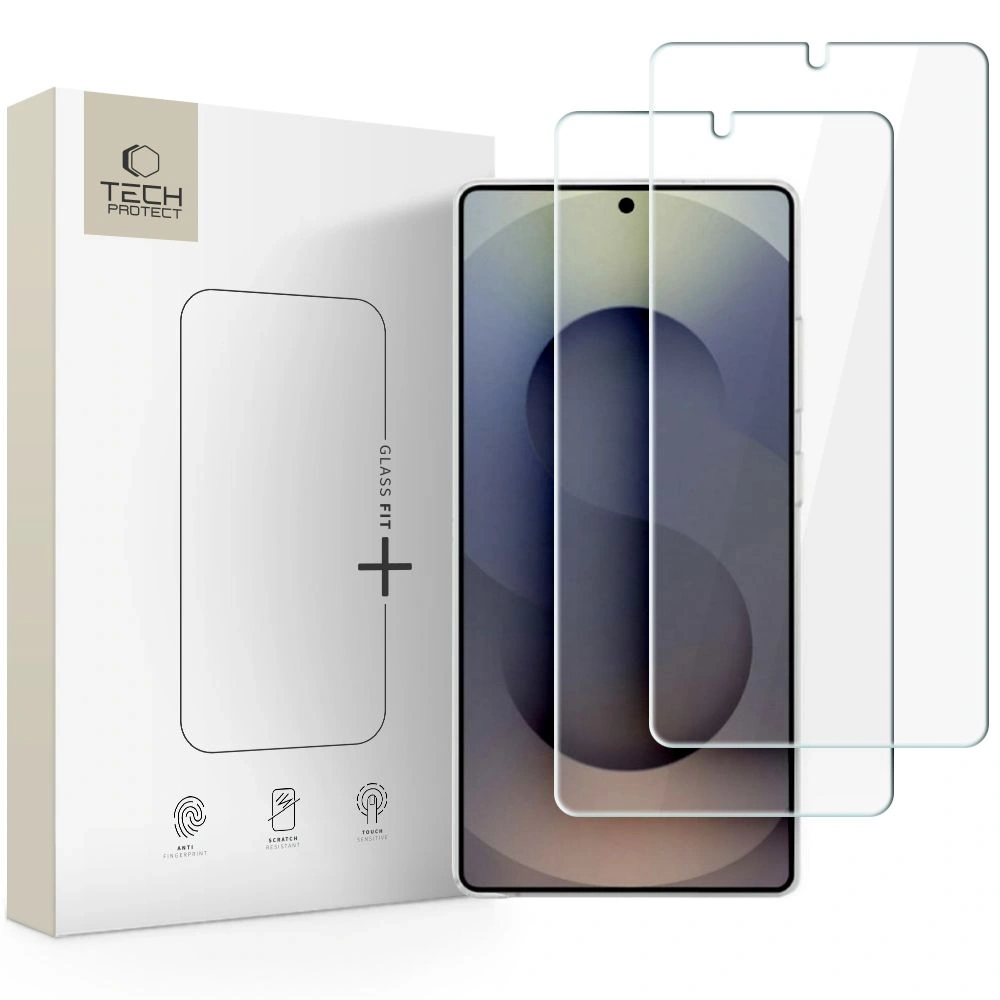
    5. Najtańsze szkło hartowane — Tech-Protect Glass Fit

    Tech-Protect Glass Fit to bardzo budżetowe szkło hartowane do Samsung Galaxy S26 Ultra, które mimo niskiej ceny oferuje podstawową ochronę ekranu.

    Thanks to the hardness 9H the glass protects the screen from scratches and minor damage.

    Key features:

    ✅ hardness 9H
    ✅ good screen transparency
    ✅ set of 2 glasses in the package
    ✅ very attractive price

    Price: 19 PLN

    This is a good choice for those looking for the cheapest screen protection for the Galaxy S26 Ultra.

    Best tempered glass for Galaxy S26 Ultra — quick selection

    If you don’t want to analyze the entire ranking, below you will find quick recommendations based on your needs.

    Each of the above is a proven tempered glass for Samsung Galaxy S26 Ultra, which effectively protects the screen from scratches and mechanical damage.


    How to choose tempered glass for Samsung Galaxy S26 Ultra?

    Choosing the right tempered glass for Galaxy S26 Ultra depends on several factors: level of protection, ease of installation, and the type of coating on the glass surface.

    Glass hardness

    The best tempered glasses have 9H hardness, which protects the screen from scratches caused by keys, coins, or sand particles.

    It is worth remembering that the tempered glass should break instead of the phone’s display. Replacing the glass costs several dozen zlotys, while repairing the Galaxy S26 Ultra screen can cost over 1000 zlotys.


    Installation system

    More and more manufacturers are using installation frames, which facilitate the perfect fit of the glass to the screen.

    You can find such solutions in models like:

    • Spigen Glas.tr EZ Fit
    • ESR UltraFit Armorite
    • Ringke Easy Slide

    Thanks to this, the installation of the glass is quick and practically bubble-free.


    Oleophobic coating

    The oleophobic coating reduces fingerprints and smudges on the screen, keeping the phone cleaner and easier to use.

    In practice, all good tempered glass for Samsung Galaxy S26 Ultra has this coating.


    Compatibility with cases

    Good glass should be marked as case friendly, meaning it is minimally narrower than the entire screen surface. This way, the case does not lift the glass at the edges.


    Which tempered glass for Galaxy S26 Ultra to choose?

    If you care aboutChoose
    the easiest installationSpigen Glas.tr EZ Fit Pro HD
    the highest durabilityESR UltraFit Armorite
    matte screen without fingerprints3mk HardGlass Matt Max
    good priceRingke Easy Slide
    the cheapest protectionTech-Protect Glass Fit

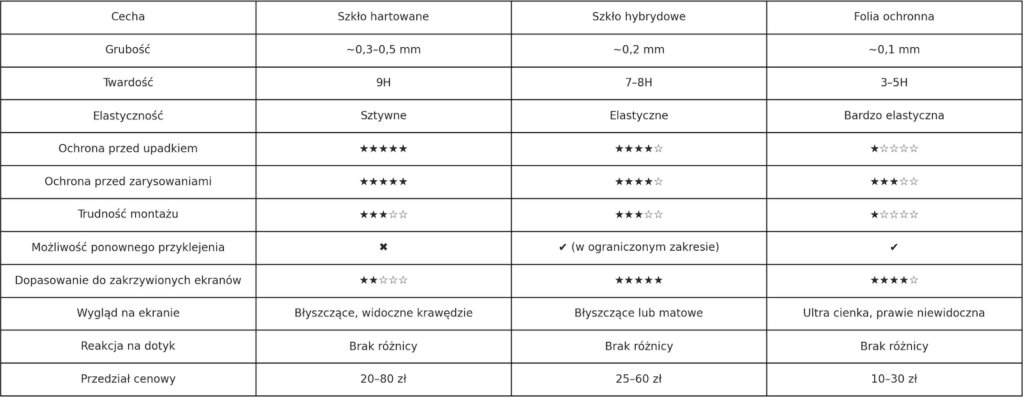
    Tempered glass or protective film for Galaxy S26 Ultra?

    Type of protectionAdvantagesDisadvantages
    Tempered glassbest screen protectioncan break upon impact
    Protective filmvery thinweaker protection
    Matte glassfewer fingerprintsslightly worse clarity

    In most cases, tempered glass for the Samsung Galaxy S26 Ultra will be the best choice as it provides the highest level of screen protection.

    If you want to comprehensively secure your phone, in addition to tempered glass, it is worth considering other accessories.

    Check all tempered glasses for Samsung Galaxy S26 Ultra and accessories for this model at Home Screen.


    FAQ – frequently asked questions about tempered glass for Samsung Galaxy S26 Ultra

    Does tempered glass for Samsung Galaxy S26 Ultra affect the operation of the fingerprint reader?

    Good tempered glass for Samsung Galaxy S26 Ultra is compatible with the fingerprint reader in the screen. However, it is important to properly install the glass and increase the touch sensitivity in the phone settings.


    Does tempered glass degrade image quality?

    No. High-quality tempered glasses for Galaxy S26 Ultra are practically invisible on the screen. They offer high transparency and an oleophobic coating that reduces fingerprints.


    Does tempered glass protect the screen from cracking?

    Hartglass primarily absorbs impact energy and shatters instead of the phone screen. This protects the display from more serious damage.


    Is tempered glass compatible with cases?

    Yes. Most models are designed to be case-friendly, meaning they are minimally smaller than the entire screen area. This prevents the case from lifting the glass at the edges.


    How often should tempered glass be replaced?

    Tempered glass is usually replaced when it cracks or gets heavily scratched. That’s why many products are sold in 2-pack sets, allowing one glass to be kept as a spare.


  • Realme 16 Pro og 16 Pro+ Plus – kva veit vi før lanseringa?

    Realme 16 Pro og 16 Pro+ Plus – kva veit vi før lanseringa?

    Realme 16 Pro og realme 16 Pro+ er kommende premium mellomklasse telefoner som sannsynligvis vil debutere 6. januar (India) og bør snart være tilgjengelige i Europa. Telefonene skiller seg ut med design laget i samarbeid med Naoto Fukasawa, stor OLED 1.5K 144 Hz skjerm, enormt 7000 mAh batteri med 80 W lading og et 200 MP kamera, mens Pro+ versjonen tilbyr i tillegg et periskop teleobjektiv. Realme 16 Pro bruker Dimensity 7300, mens Pro+ vil få Snapdragon prosessor.

    📊 Realme 16 Pro vs Realme 16 Pro+(Plus) – rask sammenligning

    Egenskaprealme 16 Prorealme 16 Pro+
    Lansering (India)6. januar (forventet)6. januar (forventet)
    Skjerm6,78″ OLED 1.5K, 144 Hz6,78″ OLED 1.5K, 144 Hz
    ProsessorMediaTek Dimensity 7300Snapdragon (mest sannsynlig 7 Gen 4)
    RAM / minne8 / 12 / 16 GB RAM*
    128–512 GB
    8 / 12 GB RAM
    128–512 GB
    Hovedkamera200 MP200 MP
    Ultravidvinkelkamera8 MP8 MP
    Teleobjektiv❌ ingen✅ periskop 3.5×
    Frontkamera50 MP50 MP
    Batteri~7000 mAh~7000 mAh
    Lading80 W80 W
    SystemAndroid 16 + realme UI 7Android 16 + realme UI 7
    Fingeravtrykksleserultralyd i skjermenultralyd i skjermen
    IR-blasterjaja
    DesignNaoto Fukasawa, to-farget baksideNaoto Fukasawa, to-farget bakside

    * RAM-konfigurasjoner avhenger av markedet – 16 GB variant tilgjengelig kun i Kina.


    Designet til realme 16 Pro inspirert av Naoto Fukasawa

    Hvem er Naoto Fukasawa og hvilken innflytelse har han hatt på utseendet til realme 16 Pro?

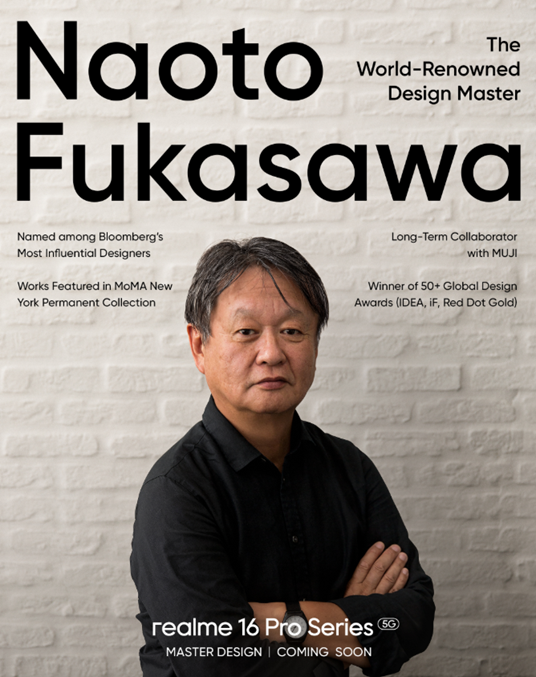
    Naoto Fukasawa er en av de mest anerkjente industrielle designerne i verden. Hans arbeid inkluderer samarbeid med merker som MUJI, B&B Italia og Maruni, og hans design er en del av den permanente samlingen til Museum of Modern Art (MoMA) i New York. Realme har offisielt bekreftet at serien realme 16 Pro er designet i tråd med hans visjon, noe som er sjeldent i mellomklasse-segmentet.

    Fukasawas innflytelse er tydelig i den minimalistiske tilnærmingen til form, rolige linjer og avvik fra aggressive, «gaming» aksenter til fordel for et design som skal forbli aktuelt i mange år.

    To-farget bakdeksel og et nytt stilistisk språk for realme

    Baksiden av realme 16 Pro og realme 16 Pro+ skiller seg ut med to-farget premium finish, som kombinerer en matt panel med en blank kameramodul. Denne tilnærmingen gir telefonen et mer elegant og ryddig preg.

    Oppsettet av kameraene tiltrekker seg oppmerksomhet med sin enkle, symmetriske form, som kan minne om løsninger kjent fra dyrere modeller fra konkurrentene. Helheten passer inn i en ny stilretning for merket realme, som fokuserer på premium estetikk, og ikke bare imponerende tall i spesifikasjonen.

    Fargene til realme 16 Pro – inspirasjon fra naturen og blomsterdesign

    Produsenten har forberedt flere fargevarianter inspirert av naturen og blomsterdesign, som godt gjenspeiler Fukasawas designfilosofi:

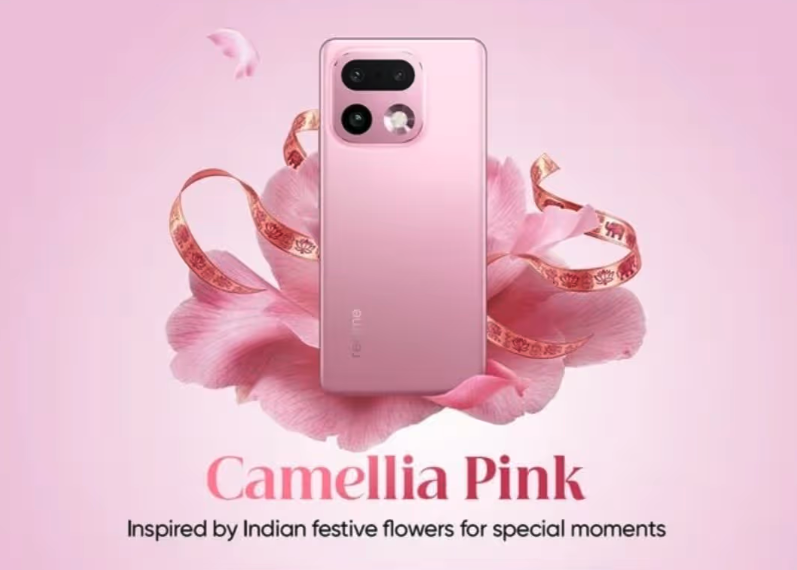
    • Camellia Pink – subtil rosa inspirert av kamelia blomster
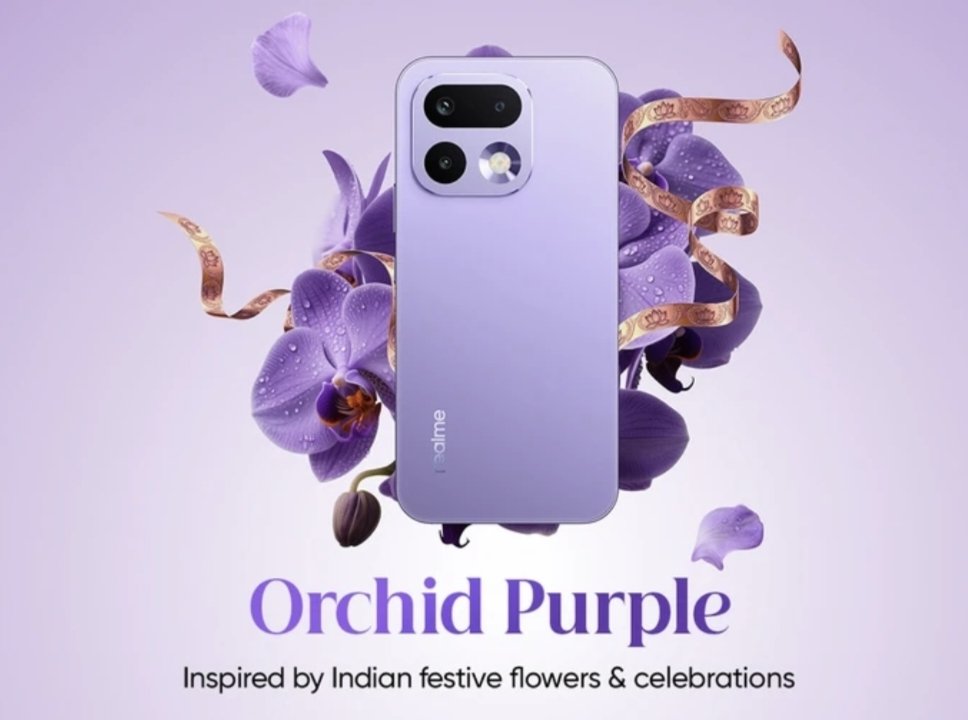
    • Orchid Purple – uttrykksfull, men elegant lilla
    • Master Gold – klassisk, luksuriøst gull
    • Pebble Grey / Master Grey – dempet grå med steinaktig karakter

    Realme understreker at noen farger er laget med tanke på det indiske markedet, men erfaringene fra tidligere lanseringer viser at noen fargevarianter senere også kommer til Europa.


    📱 Skjermen til realme 16 Pro – er OLED 1.5K 144 Hz en reell fordel?

    Stor 6,78 tommers skjerm med høyere oppløsning 1.5K

    realme 16 Pro og realme 16 Pro+ er utstyrt med en 6,78-tommers OLED panel, som ifølge lekkasjer tilbyr en oppløsning på 1.5K. Dette er en stadig mer vanlig kompromiss mellom Full HD+ og QHD+, som gir klarere bilder uten dramatisk økning i energiforbruket.

    I praksis betyr dette:

    • bedre skarphet på tekst og detaljer,
    • høyere lesbarhet ved større diagonaler,
    • mindre belastning på batteriet enn ved 2K skjermer.

    144 Hz oppdateringsfrekvens – jevnhet over standarden i mellomklassen

    Både realme 16 Pro og Pro+ versjonen skal tilby oppdateringsfrekvens på opptil 144 Hz. Dette er en parameter som fortsatt er sjelden i mellomklassen og forbedrer:

    • jevn scrolling,
    • grensesnitt animasjoner,
    • komfort ved spilling og daglig bruk.

    Selv om den faktiske bruken av 144 Hz avhenger av optimaliseringen av systemet og applikasjonene, setter det faktum at en slik skjerm brukes, serie 16 Pro høyere enn mange konkurrenter som begrenser seg til 120 Hz.

    Ultralyd fingeravtrykksleser i skjermen

    Et stort kjennetegn ved serien er ultralyd fingeravtrykksleser integrert i skjermen. Dette er en løsning kjent hovedsakelig fra dyrere smarttelefoner, som:

    • fungerer raskere enn tradisjonelle optiske lesere,
    • håndterer fuktige fingre bedre,
    • tilbyr høyere sikkerhetsnivå.

    Hvis denne funksjonen faktisk kommer til begge modellene i Europa, vil det være en av de største fordelene til realme 16 Pro over konkurrentene i dette prissegmentet.

    Bildekvalitet og brukskomfort i hverdagen

    Kombinasjonen av OLED-teknologi, høy oppdateringsfrekvens og høyere oppløsning antyder at realme satser sterkt på komfort ved innholdskonsum – filmer, serier, sosiale medier og spill. Dette er spesielt viktig i kombinasjon med det store 7000 mAh batteriet, som vil tillate bruk av skjermen i mange timer uten hyppig lading.


    Batteriet til realme 16 Pro – er 7000 mAh en ny standard i mellomklassen?

    Enorm kapasitet uten kompromisser mellom markedene

    Realme 16 Pro og realme 16 Pro+ skal være utstyrt med et batteri med en kapasitet på omtrent 7000 mAh, noe som er betydelig høyere enn standarden i mellomklassen. Det er viktig å merke seg at produsenten ifølge lekkasjer ikke planlegger å differensiere kapasiteten avhengig av markedet, noe som betyr at de europeiske variantene bør få samme celle som modellene solgt i Asia.

    Et så stort batteri kombinert med energieffektive prosessorer og OLED 1.5K skjerm bør resultere i:

    • opptil 2 dager med intensiv bruk,
    • svært lang batterilevetid i blandet modus,
    • mindre degradering av cellen ved daglig lading.

    Rask lading på 80 W – praktisk energipåfylling

    Til tross for den store kapasiteten, planlegger realme å bruke 80 W kablet lading. Dette er en løsning som gjør at:

    • du raskt kan fylle opp energien før du går ut av huset,
    • redusere tiden telefonen er tilkoblet laderen,
    • opprettholde brukskomfort selv på en veldig intensiv dag.

    Selv om den nøyaktige ladetiden ikke er avslørt ennå, antyder erfaringene fra tidligere realme-modeller at lading til 50–60% bør ta noen få minutter.

    Energieffektivitet i stedet for «vattløp»

    Bruken av Dimensity 7300 i realme 16 Pro og Snapdragon i Pro+ versjonen indikerer at realme fokuserer på energi effektivitet, og ikke bare rå ytelse. I praksis betyr dette:

    • stabil drift uten overoppheting,
    • bedre skjermtid (SoT),
    • langsommere batteriforbruk over flere år.

    Batteriet som et reelt kjøpsargument

    I segmentet for smarttelefoner opp til omtrent 2500 kr er et så stort batteri fortsatt sjeldent, spesielt i kombinasjon med OLED-skjerm og rask lading. Hvis realme forbedrer systemoptimaliseringen, kan 7000 mAh bli en av hovedgrunnene til at brukere velger serien 16 Pro.


    Ytelsen til realme 16 Pro og Pro+ – Dimensity mot Snapdragon

    Realme 16 Pro med Dimensity 7300 – stabilitet og energieffektivitet

    I henhold til Geekbench listen, er realme 16 Pro utstyrt med MediaTek Dimensity 7300. Dette er en moderne, energieffektiv brikke laget med 4 nm litografi, som ikke sikter mot benchmark-rekorder, men mot jevn og forutsigbar drift i hverdagen.

    I praksis bør Dimensity 7300 gi:

    • svært god arbeidskultur,
    • lavt energiforbruk,
    • tilstrekkelig ytelse for daglige oppgaver, multimedia og spill.

    Dette er en tydelig endring fra realme 15 Pro, som satset på en kraftigere Snapdragon-brikke, men til kostnad av høyere energibehov.

    Realme 16 Pro+ – Snapdragon for de mer krevende

    Realme har offisielt bekreftet at Pro+ modellen vil få Snapdragon prosessor, som oftest i lekkasjer er nevnt som Snapdragon 7 Gen 4. Dette er en brikke som er betydelig kraftigere enn Dimensity 7300, designet med tanke på:

    • bedre ytelse i spill,
    • stabilere kameradrift (ISP),
    • høyere kraftreserve for fremtiden.

    Dermed vil realme 16 Pro+ være et naturlig valg for brukere som forventer maksimal jevnhet og større kraftreserve, selv på bekostning av noe kortere batterilevetid på en enkelt lading.

    RAM og datalagring

    Serien realme 16 Pro skal tilby flere minnekonfigurasjoner:

    • 8 eller 12 GB RAM som standard,
    • variant 16 GB RAM mulig på utvalgte markeder,
    • intern lagring fra 128 GB til og med 512 GB.

    Et så bredt utvalg av konfigurasjoner gjør det mulig å tilpasse telefonen både til grunnleggende brukere og mer krevende brukere.

    realme UI 7 og Android 16

    Begge modellene skal kjøre på Android 16 med realme UI 7. Produsenten fokuserer her på:

    • en lett og rask brukergrensesnitt,
    • utvidede tilpasningsmuligheter,
    • god optimalisering for store skjermer og høy oppdateringsfrekvens.

    I henhold til den nåværende politikken til realme kan man forvente 3 år med Android-oppdateringer og 4 år med sikkerhetsoppdateringer.


    Kameraene til realme 16 Pro og Pro+ – gjør 200 MP og periskop en forskjell?

    200 MP sensor som hovedkamera i begge modeller

    Både realme 16 Pro og realme 16 Pro+ skal være utstyrt med et hovedkamera på 200 MP, noe som fortsatt gjør stort inntrykk i mellomklasse-segmentet. Selve oppløsningen garanterer selvfølgelig ikke kvalitet, men i kombinasjon med riktig optikk og bildebehandling kan det gi:

    • svært høy detaljrikdom i bildene,
    • effektiv digital zoom uten stor kvalitetstap,
    • større fleksibilitet i beskjæring.

    realme lover også forbedrede bildebehandlingsalgoritmer som skal håndtere hudfarge og portrettbilder bedre.

    8 MP ultravidvinkel og 50 MP selfie-kamera

    Et supplement til kamerasettet er 8-megapiksel ultravidvinkelobjektiv, som finnes i begge modeller. Dette er en standardløsning i denne klassen, hovedsakelig beregnet for landskaps- og gruppebilder.

    På forsiden finner vi derimot 50 MP kamera, som bør gi:

    • høy kvalitet på selfies,
    • god detaljrikdom under videosamtaler,
    • solid videomateriale for sosiale medier.

    Periskop teleobjektiv – fordelen til realme 16 Pro+

    Den største forskjellen mellom modellene gjelder teleobjektivet.
    realme 16 Pro+ skal få periskopobjektiv med omtrent 3,5x optisk zoom, noe som er en løsning som vanligvis finnes i betydelig dyrere smarttelefoner.

    Dermed vil Pro+ varianten tilby:

    • betydelig bedre zoom,
    • bedre portrettkvalitet,
    • større fotografisk allsidighet.

    Den grunnleggende realme 16 Pro vil ikke få teleobjektiv, noe som tydelig posisjonerer den som en mer universell modell, men mindre avansert fotografisk.

    Kameraene i praksis – forsiktig optimisme

    Historien om smarttelefoner med 200 MP sensorer viser at tall ikke er alt. Det som er avgjørende er:

    • bevaring av kvalitet i svakt lys,
    • effektivitet av stabilisering,
    • arbeidet til HDR- og nattalgoritmer.

    Hvis realme faktisk forbedrer kameroptimaliseringen og utnytter potensialet til periskopet i Pro+ versjonen, kan serie 16 Pro reelt true konkurransen i segmentet opp til omtrent 2500 kr.


    Realme 16 Pro og Pro+ – når er lanseringen og hva kan de koste i Norge?

    Lanseringsdato og tilgjengelighet i Europa

    I følge flere uavhengige og pålitelige kilder vil realme 16 Pro og realme 16 Pro+ debutere 6. januar på det indiske markedet. Selv om produsenten ikke har annonsert en offisiell europeisk lanseringsdato ennå, antyder den nåværende strategien til realme at telefonene vil komme til Europa – inkludert Norge – innen noen uker etter debuten i India.

    I praksis betyr dette:

    • europeisk lansering januar / februar,
    • rask tilgjengelighet av tilbehør (deksler, glass, ladere),
    • ingen store spesifikasjonsforskjeller mellom regionene.

    Minnevarianter – bredt utvalg for mellomklassen

    Serien realme 16 Pro skal tilby mer fleksible minnekonfigurasjoner enn forgjengerne, noe som er et klart nikk til brukere som krever mer lagringsplass.

    Forventede varianter:

    • realme 16 Pro
      • 8 / 128 GB
      • 8 / 256 GB
      • 12 / 256 GB
    • realme 16 Pro+
      • 8 / 256 GB
      • 12 / 256 GB
      • 12 / 512 GB

    Varianten med 16 GB RAM kan forbli begrenset til det kinesiske markedet.

    Forventede priser for realme 16 Pro og Pro+ i Norge

    Offisielle priser for det europeiske markedet er ennå ikke avslørt, men basert på:

    • prisene på forrige generasjon,
    • markedsposisjonen til realme,
    • den spesifikasjonen som er brukt,

    kan man anta følgende prisklasser:

    • realme 16 Pro: omtrent 1400–1600 kr
    • realme 16 Pro+: omtrent 2200–2500 kr

    En slik prising plasserer serien 16 Pro direkte i konkurranse med de sterkeste mellomklasse telefonene på markedet, men tilbyr samtidig elementer som sjelden finnes i denne klassen – som 7000 mAh batteri eller periskop teleobjektiv.

    Posisjonering av serien realme 16 Pro

    Realme retter seg tydelig mot brukere som:

    • ønsker en telefon for flere år,
    • verdsetter premium design,
    • forventer lang batterilevetid,
    • men ikke ønsker å gå inn i flaggskipprissegmentet.

    Hvis produsenten opprettholder rimelige priser og god tilgjengelighet i Europa, kan realme 16 Pro og Pro+ bli noen av de mest populære mellomklasse telefonene i 2026.


    FAQ – Realme 16 Pro og Realme 16 Pro+

    Når er lanseringen av realme 16 Pro og realme 16 Pro+?

    Den offisielle lanseringen av serien realme 16 Pro er planlagt til 6. januar (indisk marked). I Europa, inkludert Norge, bør telefonene være tilgjengelige noen uker senere, mest sannsynlig i januar eller februar.

    Hvilken prosessor har realme 16 Pro?

    realme 16 Pro er utstyrt med MediaTek Dimensity 7300, noe som bekreftes av Geekbench listen. Dette er en energieffektiv 4 nm brikke som er fokusert på stabil drift og lang batterilevetid.

    Hvilken prosessor har realme 16 Pro+?

    Produsenten har bekreftet at realme 16 Pro+ vil få Snapdragon prosessor. Ifølge lekkasjer vil dette være Snapdragon 7 Gen 4, selv om den nøyaktige modellen ikke er offisielt annonsert ennå.

    Har realme 16 Pro et 200 MP kamera?

    Ja. realme 16 Pro har et hovedkamera på 200 MP, supplert med 8 MP ultravidvinkelobjektiv og 50 MP frontkamera.

    Hva er forskjellen mellom realme 16 Pro og realme 16 Pro+?

    De viktigste forskjellene er:

    • kraftigere Snapdragon prosessor i Pro+ versjonen,
    • periskop teleobjektiv med 3.5× zoom kun i Pro+,
    • høyere pris for Pro+ modellen.

    De andre elementene, som skjerm, batteri og hovedkamera på 200 MP, er svært like.

    Har realme 16 Pro+ et periskop teleobjektiv?

    Ja. realme 16 Pro+ skal få periskop teleobjektiv med omtrent 3,5x optisk zoom, noe som er sjeldent i mellomklassen.

    Hvilket batteri har realme 16 Pro og Pro+?

    Begge modellene er utstyrt med et batteri med en kapasitet på omtrent 7000 mAh og rask lading på 80 W, uten forskjeller mellom markedene.

    Har realme 16 Pro en OLED 144 Hz skjerm?

    Ja. Serien realme 16 Pro skal tilby 6,78-tommers OLED 1.5K skjerm med oppdateringsfrekvens på opptil 144 Hz, noe som gir svært høy bildekvalitet.

    Hvor lenge vil realme 16 Pro motta oppdateringer?

    I henhold til produsentens nåværende politikk kan man forvente 3 år med Android-oppdateringer og 4 år med sikkerhetsoppdateringer, selv om realme ikke har bekreftet støtte for serien 16 offisielt ennå.

  • Best Cases for Galaxy Z Flip 7 (2025) – Spigen Model Rankings

    Best Cases for Galaxy Z Flip 7 (2025) – Spigen Model Rankings

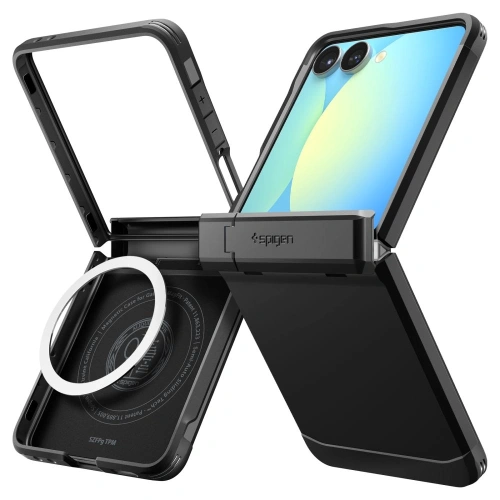
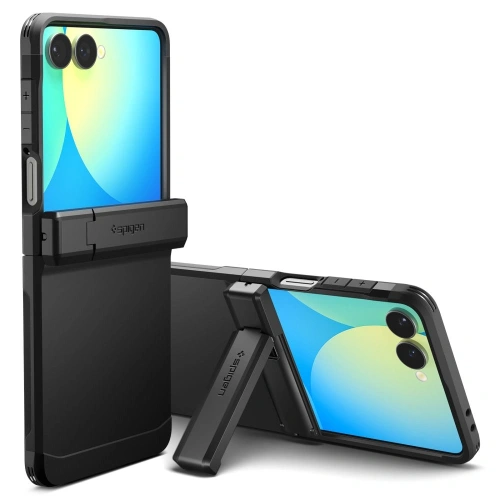
    The best case for the Galaxy Z Flip 7 in 2025 is Spigen Tough Armor Pro MagSafe – it provides the highest level of protection, covers the hinge, supports wireless charging, and works great for everyday use. For those who value slimness or a designer look, a good choice would be Airskin Aramid and Ultra Hybrid Pro Neo One.

    The Galaxy Z Flip 7 is a next-generation foldable smartphone, so choosing the right case is not just a matter of appearance, but primarily the safety of the mechanism and the screen. The Spigen brand offers many models compatible with this phone – both rugged and ultra-thin. Check which one best suits your style and needs.

    🛍️ 🛍️ All of the above models are available in the store homescreen.pl in the category cases for Galaxy Z Flip 7 – order online with fast shipping throughout Poland.

    Comparison table: The best Spigen cases for Galaxy Z Flip 7

    ModelTypCenaMagSafeOchronaWyróżnik
    Tough Armor Pro MagSafePancerne329⭐⭐⭐⭐⭐ (MIL-STD)Osłona zawiasu + kickstand
    Slim Armor Pro MagSafeSmukłe/pancerne339 ⭐⭐⭐⭐Kompaktowy pancerz
    Ultra Hybrid Pro MagSafe Neo OneHybrydowe przezroczyste269⭐⭐⭐⭐Styl + widoczny design
    Airskin MagSafeUltra cienkie159⭐⭐Lekkość i cena
    Airskin AramidUltra cienkie premium329⭐⭐Materiał klasy premium

    TOP 5 etui Galaxy Z Flip 7 – opisy produktów

    1. Spigen Tough Armor Pro MagSafe – maksymalna ochrona zawiasu i MagSafe

    Etui Touch Armor Pro Magsafe o konstrukcji hybrydowej (TPU + PC), zaprojektowane z myślą o odporności na wstrząsy. Posiada certyfikat MIL-STD 810G oraz zintegrowany pierścień MagSafe. Dodatkowym atutem jest składana nóżka (kickstand), która ułatwia oglądanie wideo.

    Najlepsze dla: osób aktywnych, szukających najwyższej ochrony
    Cena: 329 zł

    Zalety:

    • pancerna konstrukcja z osłoną zawiasu
    • obsługa MagSafe i ładowania bezprzewodowego
    • wbudowany kickstand

    Wady:

    • grubsze niż inne modele

    Spigen Slim Armor Pro MagSafe – elegancka ochrona w kompaktowej formie

     The Slim Armor Pro MagSafe case combines a stylish look with advanced protection. It provides hinge protection, is thinner than the Tough Armor Pro, and supports MagSafe. Ideal for those who value a balance between appearance and safety.

    Best for: everyday and business users
    Price: 339 PLN

    Advantages:

    • slimmer profile than Tough Armor
    • full compatibility with MagSafe
    • protects the screen and hinge

    Disadvantages:

    • price similar to armored models

    3. Spigen Ultra Hybrid Pro MagSafe Neo One – modern, transparent, magnetic

    Ultra Hybrid Pro MagSafe Neo One is a transparent hybrid case (TPU + PC) with a MagSafe ring and reinforced corners. With its matte finish, it showcases the phone’s design while protecting it from scratches and light impacts.

    Best for: design enthusiasts and lightweight lovers
    Price: 269 zł

    Advantages:

    • transparent, modern form
    • MagSafe compatibility
    • anti-yellowing, corner protection

    Disadvantages:

    • does not directly protect the hinge

    4. Spigen Airskin MagSafe – ultra cienkie i lekkie

    Minimalistyczna, przeźroczysta konstrukcja z twardego poliwęglanu, która wspiera MagSafe. Etui Airskin MagSafe idealnie przylega do telefonu i praktycznie nie zwiększa jego grubości.

    Najlepsze dla: minimalistów i miłośników prostoty
    Cena: 159 zł

    Zalety:

    • najlżejsze i najcieńsze etui z zestawienia
    • obsługuje MagSafe
    • precyzyjne dopasowanie

    Wady:

    • niska odporność na uderzenia
    • brak osłony zawiasu

    5. Spigen Airskin Aramid – luksusowy aramid dla wymagających

    Etui Airskin Aramid wykonane z aramidu – materiału używanego w kamizelkach kuloodpornych. Nie posiada MagSafe, ale zachwyca lekkością, elegancją i odpornością na zarysowania. Matowe wykończenie i smukła linia to jego znaki rozpoznawcze.

    Najlepsze dla: użytkowników ceniących styl premium
    Cena: 329 zł

    Zalety:

    • aramidowa konstrukcja premium
    • ultracienkie, idealne do kieszeni
    • antypoślizgowa powierzchnia

    Wady:

    • no MagSafe
    • mniejsza ochrona przy upadkach

    Które etui Spigen wybrać dla siebie?

    • 👔 Dla biznesu i elegancji: Airskin Aramid – luksusowy wygląd i minimalizm
    • 🏋️‍♂️ Dla aktywnych i sportowych: Tough Armor Pro – pancerny i z kickstandem
    • 🧳 Dla codziennego użytkowania: Slim Armor Pro – balans ochrony i stylu
    • 💡 Dla fanów designu: Ultra Hybrid Pro – przezroczystość i styl
    • 🌿 Dla minimalistek: Airskin MagSafe – najlżejsze i najcieńsze

    How to choose the right case for the Galaxy Z Flip 7?

    Compatibility factors

    • The case must be dedicated to the Galaxy Z Flip 7 model (2025) – older versions do not fit due to differences in hinge construction.

    Key features to consider

    • MagSafe and wireless charging
    • Hinge and corner protection
    • Materials: TPU, PC, aramid
    • Style: rugged, slim, transparent

    Price ranges

    • Up to 200 PLN – lightweight, basic (Airskin MagSafe)
    • 200–300 PLN – hybrid, designer (Ultra Hybrid Pro)
    • Above 300 PLN – rugged or premium (Tough Armor, Aramid)

    Frequently Asked Questions (FAQ)

    🌟 Which case offers the best protection?

    Spigen Tough Armor Pro MagSafe – provides the highest level of protection (MIL-STD), hinge cover, and cushioning.

    🌟 Does the Spigen case for Flip 7 support wireless charging?

    Yes, all models with MagSafe allow for wireless charging and the use of magnetic accessories.

    🌟 What materials are the most durable?

    The most resistant are TPU + PC combinations, while aramid fiber combines durability with lightness.

    🌟 Do thin cases also provide good protection?

    Cases like Airskin Mag or Aramid are good for scratches, but do not protect against strong impacts. They should be considered as everyday use cases, not «armored».

     Our recommendation

    🔝 The best choice for most users:
    👉 Spigen Tough Armor Pro MagSafe for Galaxy Z Flip 7

    ✅ protects the hinge, screen, and lens
    ✅ supports fast wireless charging
    ✅ works well both at work and in the field

    On the homescreen.pl website you will also find other models and brands compatible with Galaxy Z Flip 7 case and Z Fold 7 case.

    📦 Looking for the Tough Armor version for Galaxy Z Fold 7? Check out: Spigen Tough Armor Pro Fold 7.

    📞 Have questions? Contact us – we will advise you on which case will work best for you.

  • Best protective films for iPad Air 13″ 2025 (7th generation) – buying guide

    Best protective films for iPad Air 13″ 2025 (7th generation) – buying guide

    Why is it worth protecting the screen of the iPad Air 13″ 2025 with a protective film?

    Your new iPad Air 13″ 2025 is not just a device for work, study, or entertainment – it is a serious investment in mobility and top-level performance. The stunning Liquid Retina display, offering incredible sharpness and smoothness of image, deserves proper protection from day one of use.

    Unfortunately, daily use of the tablet, even in home or office conditions, carries the risk of:

    • accidental scratches,
    • smudges and fingerprints,
    • mechanical damage during transport.

    That’s why choosing a high-quality protective film is the best way to secure your investment in the iPad for years to come.

    What benefits does a protective film provide for the iPad Air 13″ 2025?

    Effective screen protection

    The protective film creates an additional barrier, protecting the screen from scratches, cracks, and mechanical damage. Especially during daily use — at work, while traveling, or studying — the display is exposed to contact with hard objects like keys or pens. With the film, you can significantly reduce the risk of costly repairs and enjoy the perfect appearance of your iPad for longer.

    Better writing and drawing experience

    Paper-Feel films improve the comfort of working with the Apple Pencil by mimicking the natural friction of writing on paper. This solution is extremely helpful for students, artists, and anyone frequently using a stylus for taking notes and sketching. With the appropriate resistance of the film, control over the stylus is more precise, which affects the accuracy of the created projects.

    Reduction of glare and fingerprints

    Matte films effectively reduce glare that can hinder work on the screen in bright rooms or outdoors. Additionally, they limit the visibility of smudges and fingerprints, making the screen look more aesthetically pleasing even after prolonged use. As a result, working on the tablet becomes more comfortable, and the readability of the image remains high regardless of lighting conditions.

    Types of protective films for iPad Air 13″ 2025

    Paper-Feel Folies – ideal for artists, students, and professionals

    If you care about natural sensations while writing and drawing, Paper-Feel protective film for iPad Air 13″ 2025 will be an excellent choice. The special surface texture mimics the feeling of writing on paper, increasing control over the Apple Pencil. With the Paper-Feel film, creating handwritten notes, sketching, or designing becomes more precise and comfortable.

    ✅ Paperlike protective film

    Paperlike is the top choice for professionals, graphic designers, and students who intensively use the Apple Pencil. The film provides an incredibly realistic writing experience on paper, significantly increasing control and precision of movements. Thanks to its matte structure, it effectively reduces glare and decreases eye strain during long work sessions. Additionally, it features high resistance to abrasion and long-lasting retention of functional properties, making it an ideal choice for everyday use.


    ✅ 3MK PaperFeeling

    3MK PaperFeeling is a high-quality Paper-Feel protective film that works perfectly for both studying and creative work. The matte surface increases natural friction under the Apple Pencil, providing a realistic writing and drawing experience. The film offers easy installation without air bubbles and excellent adhesion to the screen surface. Resistance to micro-scratches and smudges makes it an ideal choice for demanding users of the iPad Air 13″ 2025.


    ✅ Hofi Paper Pro+

    Hofi Paper Pro+ is a protective film that combines high quality craftsmanship with an attractive price.
    It provides a pleasant matte texture that reduces the slip of the Apple Pencil and increases the comfort of writing and drawing. With solid protection against minor scratches and dirt, it performs excellently in everyday use. The film maintains high sensitivity of the touchscreen without negatively affecting the quality of the displayed image.


    ✅ ESR Paper Feel

    Folia ESR Paper Feel is the perfect solution for those who expect a realistic writing effect and durable screen protection. Thanks to its design, it effectively protects the display from smudges, dust, and scratches, while not altering its high transparency. The matte finish reduces glare, improving comfort in various lighting conditions.
    This is an excellent choice for users utilizing the iPad for both work and during learning or entertainment.


    ✅ Ringke Paper Touch

    Ringke Paper Touch offers an exceptionally realistic writing effect on the screen, which will be appreciated by all Apple Pencil users. The film stands out for its high resistance to wear, providing long-lasting protection against scratches and fingerprints. The matte finish not only enhances the comfort of writing and drawing but also reduces glare.
    This is the perfect solution for both professional sketching and everyday tablet use at work or university.


    ✅ ZAGG InvisibleShield Fusion Canvas

    ZAGG Fusion Canvas to folia klasy premium do iPad Air 13«, stworzona z myślą o najbardziej wymagających użytkownikach iPadów. Produkt łączy efekt papierowego tarcia z innowacyjną technologią samoregeneracji, dzięki której drobne rysy znikają samoistnie. Folia oferuje bardzo wysoką odporność na uszkodzenia mechaniczne, zachowując przy tym pełną czułość dotyku i wyraźność obrazu. Jest to idealny wybór dla osób, które szukają maksymalnej trwałości, komfortu pisania oraz perfekcyjnej ochrony wyświetlacza na lata.


    ✅ Bizon Film Tab Papirus

    Folia imitująca papier Bizon Film Tab Papirus do iPad Air 13″ 2025 [2 PACK] to świetna propozycja dla osób, które oczekują naturalnych wrażeń podczas pisania i rysowania. Specjalnie zaprojektowana struktura powierzchni skutecznie imituje odczucie pracy na prawdziwym papierze, co znacząco poprawia precyzję i komfort korzystania z Apple Pencil. Folia zmniejsza refleksy świetlne i ogranicza widoczność odcisków palców, zapewniając wygodną pracę nawet w jasnym otoczeniu.


    Matte films for iPad Air 13″ 2025

    Matte films – daily protection and user comfort

    Matte protective films for iPad Air 13″ 2025 are the perfect solution for those seeking comfort while working under varying lighting conditions. Their main advantage is the reduction of glare and the decrease in the visibility of fingerprints, which affects screen readability.
    Thanks to the matte surface, working on the tablet is more comfortable both indoors and outdoors. This is a solution for anyone who wants to protect the iPad screen while maintaining its excellent appearance.

    ✅ GrizzGlass PaperScreen

    Matowa folia do iPad Air 13″ 2025 GrizzGlass PaperScreen is an effective protection against glare and everyday dirt. The film significantly improves the comfort of using the tablet in bright light, providing a clearer image without reflections. Additionally, it minimizes the visibility of smudges and fingerprints, keeping the screen looking neat throughout the day. Its installation is quick and hassle-free, and the thin construction does not affect touch sensitivity.


    ✅ GrizzGlass MatteScreen Easy (with mounting frame)

    Matowa folia ochronna do iPad Air 13 2025 GrizzGlass MatteScreen Easy is a convenient and precise solution for those who value quick installation. Thanks to the included installation frame, applying the film is intuitive, with no risk of air bubbles forming. The film’s surface effectively reduces glare and fingerprints, improving the readability and aesthetics of the screen. It is the perfect choice for users who want to quickly and effectively protect their tablet.


    ✅ PanzerGlass GraphicPaper

    Matte PanzerGlass GraphicPaper film for iPad Air 13″ 2025 combines the effect of paper with advanced screen protection. Thanks to its slightly textured surface, it works great for writing, drawing, and everyday work with the Apple Pencil. It reduces glare and provides excellent scratch resistance while maintaining high image clarity. This is a premium class proposal, ideal for professionals and creative users.


    Ceramic films for iPad Air 13″ 2025

    Ceramic films – modern durability and resistance

    Ceramic protective films for iPad Air 13″ 2025 is an innovative solution for users looking for maximum protection while maintaining a thin, flexible design. They combine the advantages of traditional films and tempered glass, providing higher resistance to micro-impacts and scratches. Thanks to their flexible structure, they are easy to install and practically invisible on the screen, not changing its appearance or touch sensitivity.


    ✅ GrizzGlass CeramicFilm

    Ceramic protective film for iPad Air 13″ 2025 GrizzGlass CeramicFilm offers effective and durable display protection without affecting user comfort. The film is made of flexible ceramic material that provides high resistance to scratches and minor mechanical damage. Thanks to its ultra-thin design, it remains practically invisible on the screen, preserving natural image quality and full touch sensitivity. It is the ideal solution for those seeking reliable protection without adding bulk to the device.


    Select the perfect protective film for iPad Air 13″ 2025

    Protecting the display of the iPad Air 13″ 2025 with the right protective film is an investment in its longevity and comfort of daily use.

    Depending on your needs, you can opt for a Paper-Feel film that works great for writing and drawing, a matte film that reduces glare, or a durable, damage-resistant ceramic film.

    In our store, you will find a wide selection of films that combine effective screen protection with user comfort and aesthetic appearance.
    To make it easier for you to choose the perfect film, we have prepared a practical comparison table where you will find the key features of the available models:

    📊 Comparison table of protective films for iPad Air 13″ 2025

    Uwagi:
    – Folie Paper-Feel są idealne dla użytkowników Apple Pencil.
    – Folie matowe świetnie sprawdzają się w jasnym świetle.
    – Folia ceramiczna zapewnia najwyższą trwałość przy cienkiej strukturze.

    Znajdź więcej akcesoriów do iPad Air 13″ 2025

    Are you looking for complete protection for your new device? In addition to high-quality protective films, it’s worth checking out other accessories for iPad Air 13″ 2025 available in our store.

    You will find a wide selection of products such as cases for iPad Air 13″ 2025, which provide additional protection against mechanical damage. If you want to protect your screen even more effectively, be sure to check out our tempered glass for iPad Air 13″ 2025 and hybrid glass for iPad Air 13″ 2025, which combine durability and flexibility.

    By choosing the right accessories, you can be sure that your iPad will not only be well protected but also look great.

  • How to perfectly stick glass on a phone?

    How to perfectly stick glass on a phone?

    How to apply a protective glass on your phone? Learn the basics

    Are you wondering how to perfectly apply a protective glass on your smartphone screen? Do you want to avoid air bubbles, crooked placement, and frustration? You’ve come to the right place! In this guide, we will show you step by step, how to apply glass on your phone – regardless of whether you chose tempered glass, hybrid glass, or a protective film.

    With our tips, you will learn, how to prepare the screen, what to avoid, and what tools to use to achieve a factory-like finish. Ready? Let’s get started! 💪

    Why is it worth applying protective glass on your phone?

    The screen is the most vulnerable part of a smartphone. Even a small scratch can significantly reduce user comfort and the device’s value. Therefore, investing in screen protection is essential.

    What do you gain from protective glass?

    • Protection against scratches and cracks
    • Shock absorption during a fall
    • Lower repair costs (better to replace the glass than the entire screen)
    • A clean, aesthetic appearance for a longer time

    What are the types of screen protection? 🤔

    🔸 Tempered glass (szkło hartowane)

    • Stiff and thick (~0.3–0.5 mm)
    • Hardness 9H
    • Best protection against falls
    • Requires precise installation – once applied, it is difficult to remove without damage

    Examples:

    ✔️ Tempered glass 3mk HardGlass Max Lite iPhone 16 Pro Max
    ✔️ Tempered glass Hofi Glass Pro+ Samsung Galaxy S25 Black
    ✔️Tempered glass Ringke Easy Slide Google Pixel 9a Clear 

    🔸 Hybrid glass

    • Flexible, thinner (~0.2 mm)
    • Does not shatter on impact, but also less resistant to scratches
    • Easier to apply than tempered glass
    • Ideal for curved screens

    Examples:

    ✔️ Hybrid Glass GrizzGlass HybridGlass for Xiaomi 15
    ✔️ Hybrid Glass MyScreen HybridGLASS Apple Samsung Galaxy S24
    ✔️ Hybrid Glass 3MK FlexibleGlass Xiaomi 14T / 14T Pro

    🔸 Protective film (PET / TPU / hydrogel)

    • Ultra thin, almost invisible
    • Protects against scratches and smudges
    • Can be self-healing (hydrogel)
    • Flexible – requires precise smoothing

    Examples:

    ✔️ Matte film GrizzGlass PaperScreen for Samsung Galaxy Z Fold 6
    ✔️ Hydrogel film for screen Bizon Glass Hydrogel for Apple iPhone 14 Pro Max
    ✔️Protective film 3MK ARC+ Apple iPhone 16 Plus

    Don’t know what to choose? See below a comparison of screen protection types.

    What will you need?

    Regardless of the type of protection, prepare:

    ✔️ Selected product (glass or film)
    ✔️ Cleaning kit (alcohol cloth + microfiber)
    ✔️ Dust stickers
    ✔️ Plastic card (e.g. bank card or included with the film)
    ✔️ Mounting frame (if included in the set)
    ✔️ Quiet place with good lighting (preferably bathroom after shower)

    How to prepare the screen before applying?

    1. Wash your hands – you will avoid streaks and grease
    2. Turn off the phone – it will be easier to hold and clean
    3. Clean the screen – first with alcohol, then with microfiber
    4. Collect dust with the sticker – even invisible dust can cause bubbles

    How to apply glass or film – step by step

    🟢 For tempered glass

    1. Fit the glass without peeling off the film
    2. Peel off the protective adhesive layer
    3. Slowly lower the glass from the center downwards
    4. Smooth the surface by pushing the air to the edges
    5. Any small bubbles will disappear after a few hours

    🟡 For hybrid glass

    1. Fit and adjust – you can gently correct the position
    2. Remove the protective layer
    3. Stick the glass, smoothing with a plastic card
    4. If necessary – peel off a section, remove dust, and stick it back

    🔵 For protective film

    1. Usually, the film has several layers: number them according to the instructions
    2. Stick the film starting from one edge
    3. Use a card or spatula to slowly smooth the film towards the other side
    4. Peel off the next layers according to the markings (e.g. ①, ②, ③)

    💡 Hydrogel films have self-healing properties – minor scratches disappear on their own!

    Is it worth using glasses with a mounting frame?

    Yes! More and more brands are adding mounting frames, which make it easier to perfectly position the product. This is especially helpful with:

    • curved screens
    • small screens (e.g. iPhone SE)
    • first installation

    ✅ Check e.g.:

    Can you peel off and reapply the glass?

    In the case of hybrid films and glasses – yes, but with caution. Tempered glass, once applied, loses its properties when removed and may get damaged.


    Frequently Asked Questions

    Does glass affect touch quality?
    ➡️ No, if you choose a high-quality product – the screen remains just as sensitive.

    Can glass crack on its own?
    ➡️ No, but it can get scratched or damaged due to stress, e.g., with a strong case.

    Does a protective glass work with a fingerprint reader?
    ➡️ It sometimes does – but there is no guarantee. Even if the manufacturer informs about compatibility with the in-screen reader (e.g., in Samsung Galaxy S24, Xiaomi 14T Pro, or OnePlus 12), the effectiveness of reading may vary depending on:

    • the thickness of the glass,
    • the type of adhesive used,
    • the precision of installation,
    • the quality of the scanner in the phone.

    In some cases, re-adding the fingerprint after applying the glass can improve effectiveness. However, some phone and glass manufacturers note that 100% effectiveness cannot be guaranteed.

    Does protective glass fit every case?
    ➡️ Not always. If you have a bulky case, it’s worth choosing «case friendly» glass that doesn’t reach the edges and won’t peel off.

    Can you apply glass yourself without experience?
    ➡️ Yes! Especially if you choose glass with a mounting frame, e.g. 3mk HardGlass Max Lite or Grizz EasyFit. It literally takes 2–3 minutes.

    What’s better – tempered glass, hybrid, or film?
    ➡️ It depends on your needs.

    • Tempered glass = best protection against drops
    • Hybrid = flexible and lightweight
    • Film = thin, almost invisible, good for scratches

    How much does good phone glass cost?
    ➡️ From 15 to 80 PLN, depending on the brand and model. Still cheaper than replacing a display for 1000 PLN+ 😉