Skribent: Monika

  • What is the best charger for iPhone 17?

    What is the best charger for iPhone 17?

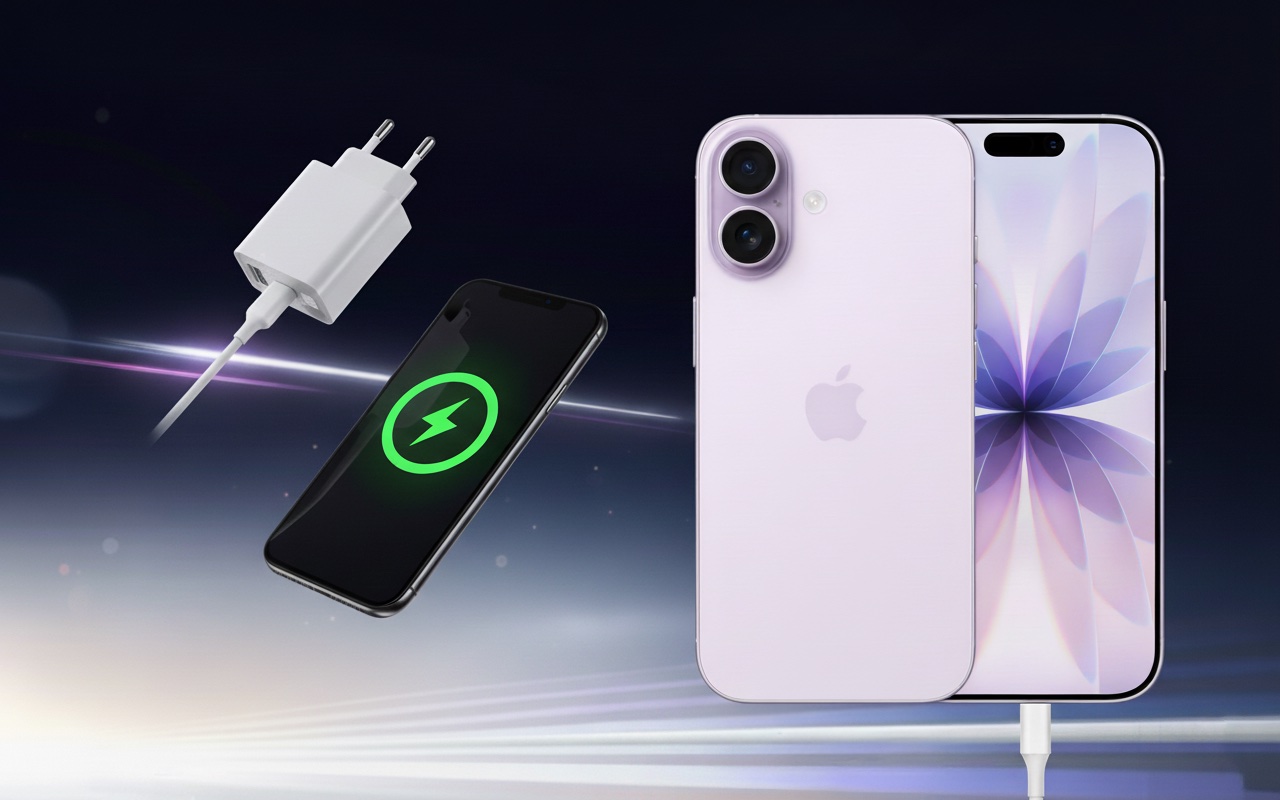
    The best charger for iPhone 17 is a fast USB-C PD charger with a power of at least 30–40 W, which allows you to charge the phone to 50% in about 20 minutes. In everyday use, MagSafe/Qi2 (up to 25 W) wireless chargers and MagSafe power banks will also work great.

    iPhone 17 = USB-C + Power Delivery.
    The phone supports the USB Power Delivery (PD) standard, which means fast and safe wired charging. In practice:

    • Optimum: a power supply 30–40 W (USB-PD) + USB-C ↔ USB-C cable; this is the fastest and most stable set for daily charging.
    • Stronger power supplies (e.g., 67 W / 96 W from MacBook) are completely safe – the iPhone itself «negotiates» the power drawn, so it won’t overheat and it won’t shorten the battery life.
    • Minimum from Apple: 20 W – it works, but if you care about time, it’s worth reaching for 30–40 W (especially in Pro models).

    New communication chip N1 – better “chemistry” with accessories.
    The iPhone 17 introduces the chip N1 (Wi-Fi 7, Bluetooth 6, Thread), which improves the stability and reliability of wireless functions (e.g., AirDrop, Hotspot), but also communication with wireless chargers. The result: faster connection setup, more stable power holding, and fewer interruptions when placing/picking up the phone.

    TOP 5 chargers for iPhone 17 ranking – comparison table

    ModelMoc maks.PortyTechnologiaStandardyCenaKrótko o modelu
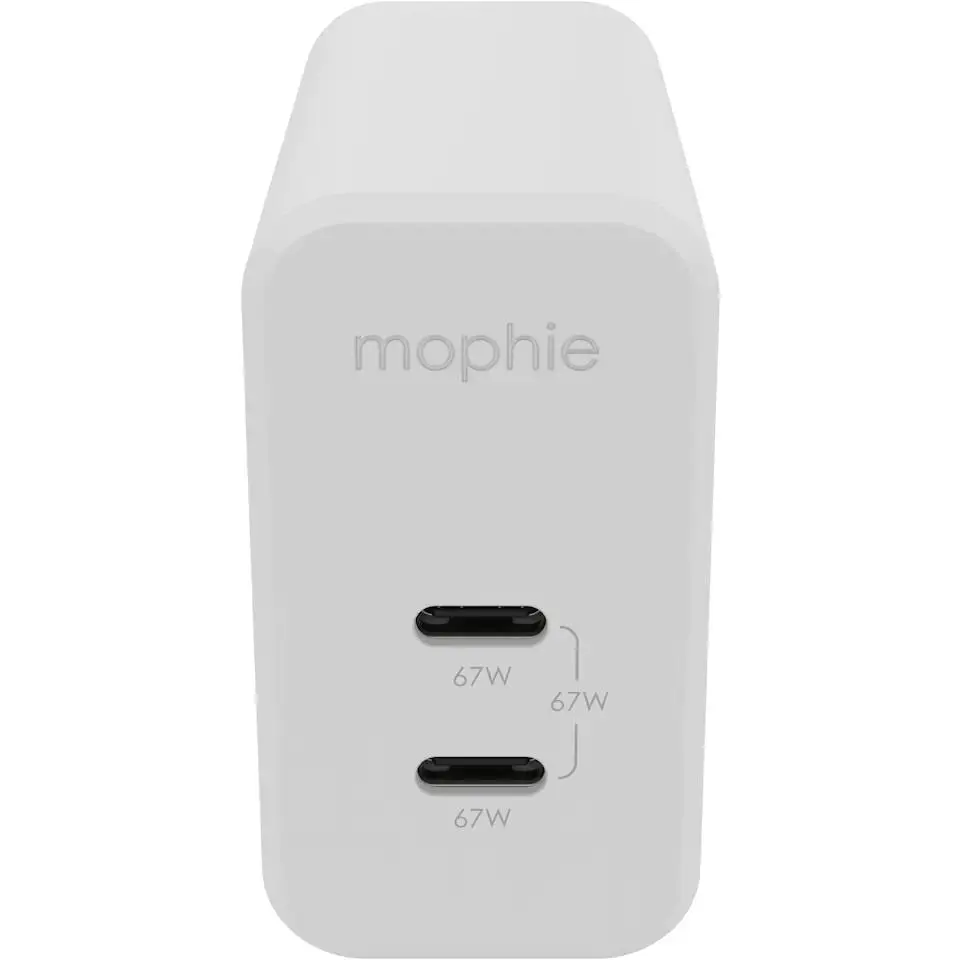
    Mophie GaN Charger Dual 67W 2×USB-C (biała)67 W2× USB-CGaNUSB-PD329,00 złPremium; jedna ładowarka do iPhone’a + MacBooka/iPada, kompaktowa i wydajna.
    UGREEN CD224 65W 3×USB-C + 1×USB-A (czarna)65 W3× USB-C, 1× USB-AGaNUSB-PD (PPS), QC200,00 złUniwersalna „stacja” do wielu urządzeń – szybkie ładowanie i multitasking.
    UGREEN Nexode Pro 45W 2×USB-C (szara)45 W2× USB-CGaNUSB-PD (PPS)99,90 złMała i podróżna; szybkie ładowanie iPhone’a 17 + drugie urządzenie równocześnie.
    4smarts PDPlug Dual 45W 2×USB-C (biała)45 W2× USB-CGaNUSB-PD79,00 złPraktyczna na co dzień – iPhone + iPad/AirPods naraz, rozsądna cena.
    Joyroom JR-TCL05 45W GaN 2x USB-C/organizer/kabel USB-C45 W1× USB-CGaNUSB-PD 3.0, PPS, QC4.0+99,00 złKompaktowa 45 W; 2×USB-C; organizer + kabel w zestawie.

    Jaka najlepsza szybka ładowarka do iPhone 17 ?

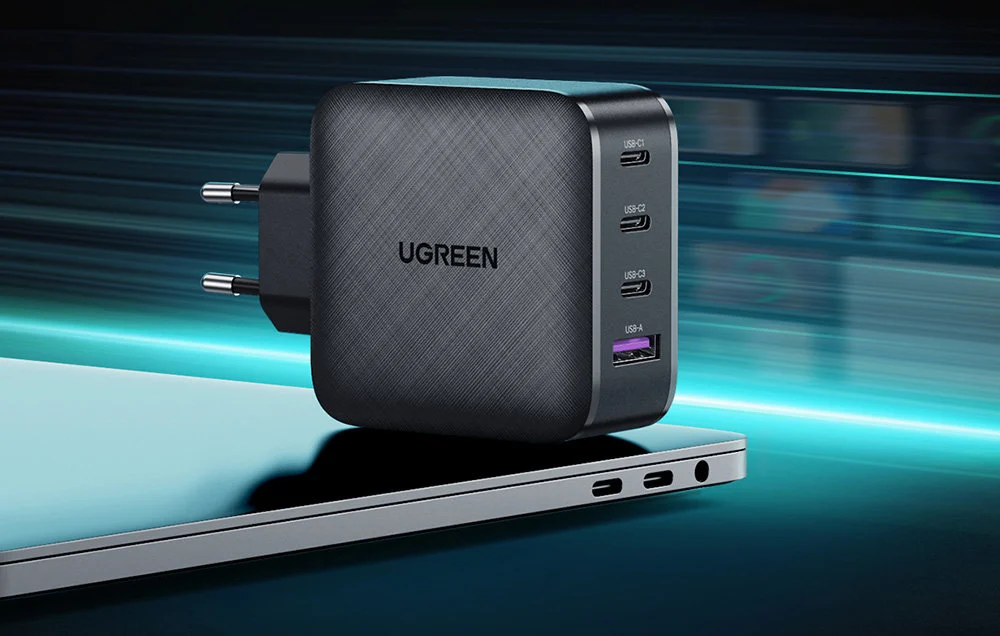
    Ładowarka sieciowa Ugreen Nexode GaN 65W (3×USB-C + 1×USB-A)

    Ugreen Nexode GaN 65W is a true charging powerhouse for the entire Apple ecosystem. With a power of 65 W and support for USB Power Delivery 3.0, it can easily charge the iPhone 17 in fast charging mode, and it works just as well with the iPad or even the MacBook.

    The biggest advantage of this charger is as many as four ports – 3×USB-C and 1×USB-A – allowing multiple devices to be charged simultaneously without loss of power. GaN technology makes the charger smaller, more efficient, and less heat-generating than traditional adapters.

    ➡️ This is the best choice for those who want to have one charger for the iPhone 17, AirPods, Apple Watch, and laptop.
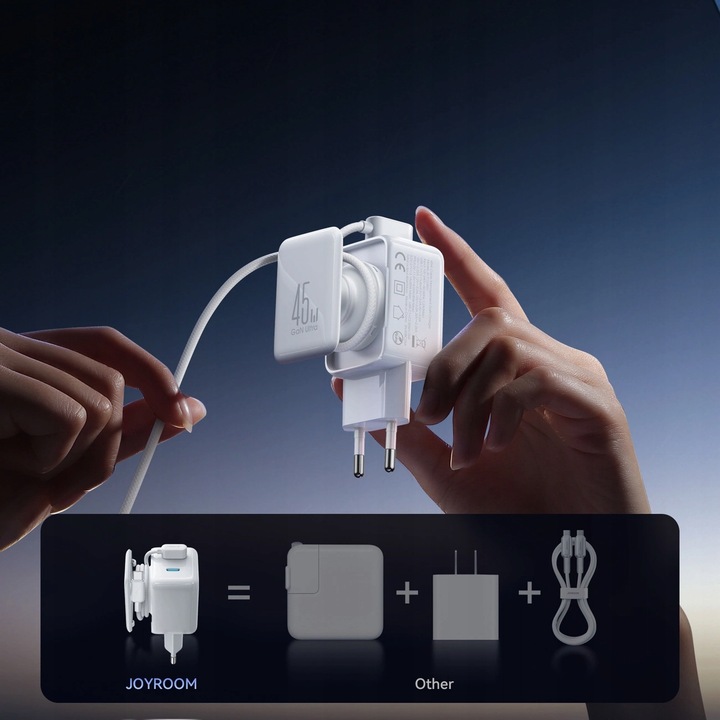
    Joyroom JR-TCL05 45W GaN Wall Charger (2×USB-C) with Cable Organizer + USB-C↔USB-C Cable Included

    Joyroom JR-TCL05 is a compact 45 W charger designed for fast and convenient charging of the iPhone 17. Two USB-C ports allow you to power both a smartphone and a second device simultaneously, and modern GaN technology ensures high efficiency with small dimensions and lower operating temperature. The manufacturer includes a USB-C↔USB-C cable in the set, so you immediately have a complete set for fast charging without the need to purchase a cable separately.

    A practical addition is the integrated cable organizer, which helps keep your desk and bag tidy. The JR-TCL05 is perfect as a «daily driver» for the iPhone 17 – it is lightweight, travel-friendly, and offers full charging speed in USB Power Delivery standard.

    ➡️ If you are looking for a 45-watt charger with two USB-C ports that comes with a decent cable and doesn’t take up much space, this Joyroom model is a very reasonable and modern choice.
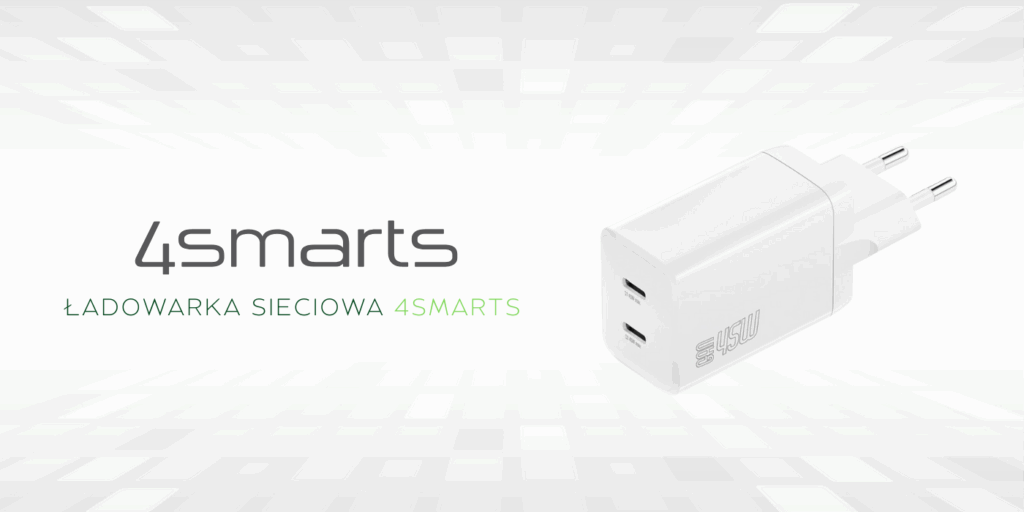
    4smarts PDPlug Dual 45W GaN Charger (2×USB-C)

    4smarts PDPlug Dual 45W Charger is a practical solution for users with more than one Apple device. Two USB-C ports allow for simultaneous charging of the iPhone 17 and, for example, an iPad or AirPods.

    With 45 W of power, it guarantees fast charging in accordance with the Power Delivery standard, and GaN technology ensures smaller size and better energy efficiency. This makes the adapter compact and easy to carry.

    ➡️ This is the best choice if you often charge multiple devices at once and care about a compact, reliable charger.
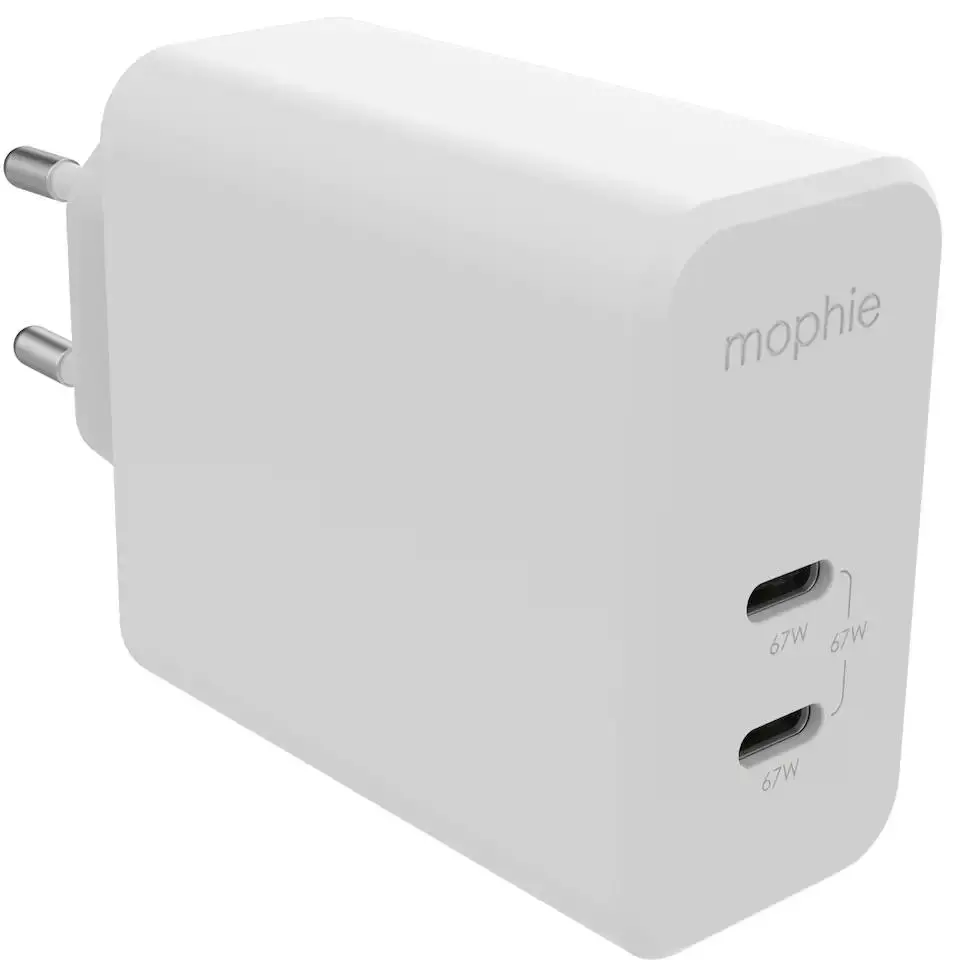
    Ładowarka sieciowa Mophie GaN Dual 67W (2×USB-C)

    Mophie GaN Dual 67W to ładowarka klasy premium, która wyróżnia się eleganckim designem i dużą mocą. Dzięki 67 W bez problemu obsłuży nie tylko iPhone’a 17, ale także MacBooka Pro czy inne wymagające urządzenia.

    Dwa porty USB-C pozwalają wygodnie naładować jednocześnie smartfon i laptopa, co czyni ten model doskonałym rozwiązaniem do domu i podróży. Wysoka jakość wykonania i zastosowanie technologii GaN przekładają się na większą sprawność i mniejsze nagrzewanie.

    ➡️ To ładowarka dla najbardziej wymagających – jeśli chcesz mieć jedno urządzenie do wszystkiego, Mophie GaN Dual 67W jest najlepszym wyborem.
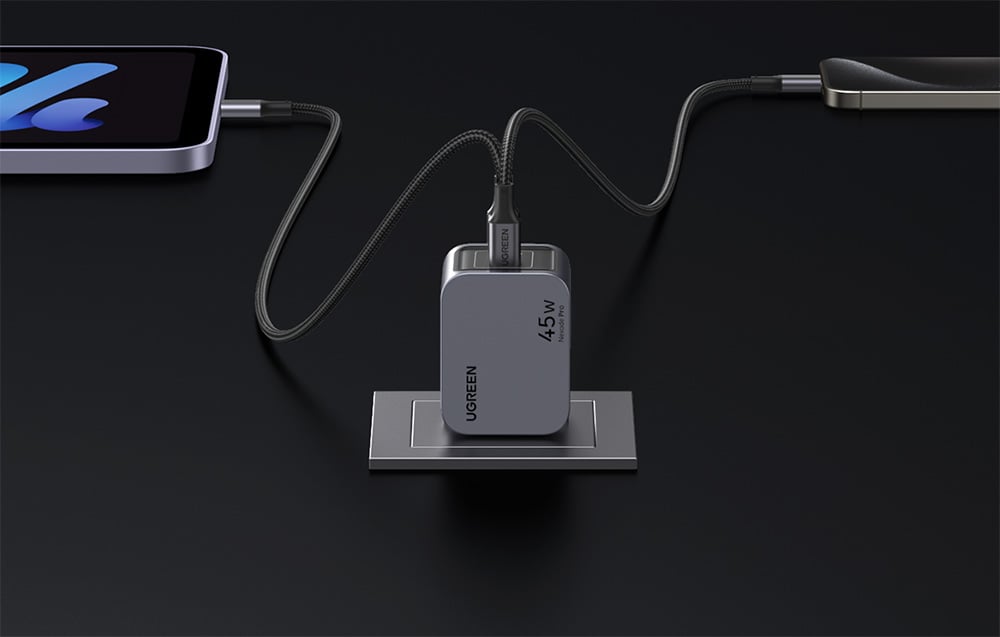
    Ładowarka sieciowa Ugreen Nexode Pro 45W (2×USB-C)

    Ugreen Nexode Pro 45W is a compact and modern charger with two USB-C ports. The power of 45 W fully utilizes fast charging for the iPhone 17, and the additional port allows you to connect a second device without losing functionality.

    Thanks to GaN technology, it is lightweight, energy-efficient, and convenient for transport. It’s a great choice for people who travel often and need an efficient charger for their smartphone, tablet, or headphones.

    ➡️ If you care about compact size and solid performance, the Ugreen Nexode Pro 45W is the ideal solution.
    ⚡Check all fast chargers for iPhone 17

    👉 It’s best to opt for:

    • 30–40 W USB-C PD – the fastest and safest charging for iPhone 17,
    • GaN chargers 65–67 W – if you want one charger also for iPad or MacBook,
    • compact 45 W with two ports – perfect for travel and everyday use.

    iPhone 17 – which wireless charger will be the best?

    Wireless charging on iPhone 17 has never been so fast and convenient. All models – from the basic to Pro Max – support both MagSafe and the new Qi2.2 standard. This allows you to choose between original Apple accessories and modern chargers from third-party companies that offer the same power and often additional features.

    • MagSafe – up to 25 W (20 W in iPhone 17 Air); full compatibility with the Apple ecosystem, magnetic alignment, stable phone mounting.
    • Qi2.2 – up to 25 W; open standard based on MagSafe, supported by an increasing number of manufacturers, allows for fast charging and wider compatibility with cases and accessories.

    The best wireless chargers for iPhone 17 are those that offer stable charging at 25 W, along with user convenience: magnetic attachment, stand function, and the ability to charge multiple devices simultaneously (e.g., iPhone + AirPods + Apple Watch).

    The best inductive chargers for iPhone 17 — TOP 5

    ModelTypeMax powerPriceAbout the model
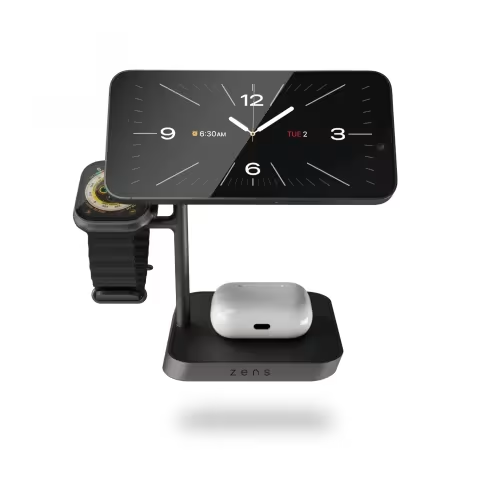
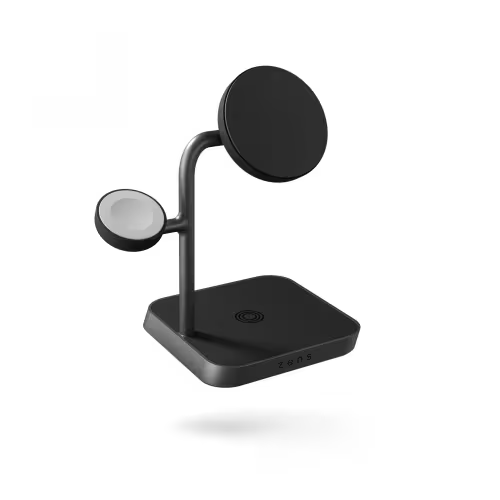
    Zens Office Charger Pro 3 (Qi2 25 W)3-in-1 (iPhone + Watch + AirPods)25 W (Qi2)499 złPremium office station; full 25 W for iPhone 17, very stable.
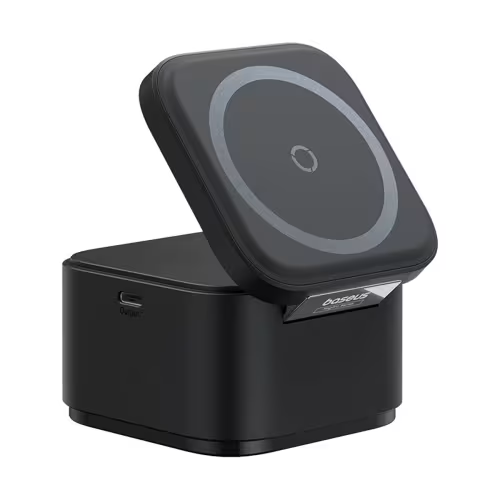
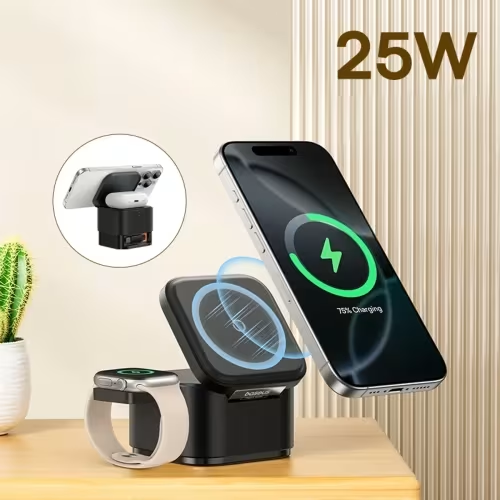
    Baseus MagPro 3-in-1 25 W3-in-125 W249 złGreat price/features ratio; fast 25 W and ergonomics.
    Baseus BS-W531 2-in-1 MagSafe/Qi2-in-1 (iPhone + AirPods)20 W209 złSlim 2-in-1 with magnet, good «everyday» base.
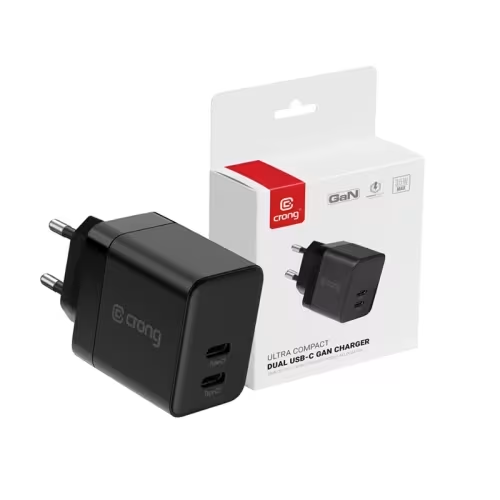
    Crong Powerspot Pivot Stand 3-in-1 + 35 W power supply3-in-1 (with stand)up to 15–20 W199 zł«Ready-to-use» – comes with a 2×USB-C 35 W power supply; super value.
    UGREEN W528 2-in-1 20 W2-in-1 (iPhone + AirPods)20 W159 złCompact for desk/nightstand; fast wireless up to 20 W.

    Baseus MagPro 3-w-1 25 W

    Zens Office Charger Pro 3 is a top-class 3-in-1 charging station that supports the new Qi2 standard with a power of up to 25 W for the iPhone 17. This allows you to enjoy full wireless charging speeds that match wired charging. The station is designed to simultaneously power the iPhone, Apple Watch, and AirPods, and its design makes it look great on your desk.

    It’s the perfect choice for those who value order and want a single, reliable device to charge their entire Apple ecosystem. Zens is a premium brand, so you can count on high build quality and stable performance.
    Baseus MagPro 3-w-1 25 W

    Baseus MagPro 3-w-1 offers fast charging up to 25 W in the MagSafe/Qi2 standard, making it a great compromise between performance and price. You can simultaneously charge your iPhone 17, Apple Watch, and AirPods, while the magnetic mount ensures a stable connection with your phone.

    This solution works well both at home and in the office – functional and reasonably priced. If you are looking for a station that can handle all Apple devices and doesn’t cost as much as premium models, this Baseus is the best choice.
    Crong Powerspot Pivot Stand 3-w-1 + power supply 35 W

    Crong Powerspot Pivot Stand is a practical 3-in-1 station that stands out because you also receive a 35 W wall charger with two USB-C ports in the set. This way, you don’t have to worry about an additional power supply – you have a ready-made set straight out of the box. The station itself allows you to charge your iPhone, Apple Watch, and AirPods simultaneously, offering power of about 15–20 W.

    It’s the perfect solution if you’re looking for a complete set at a reasonable price and care about an elegant stand for your desk or nightstand.
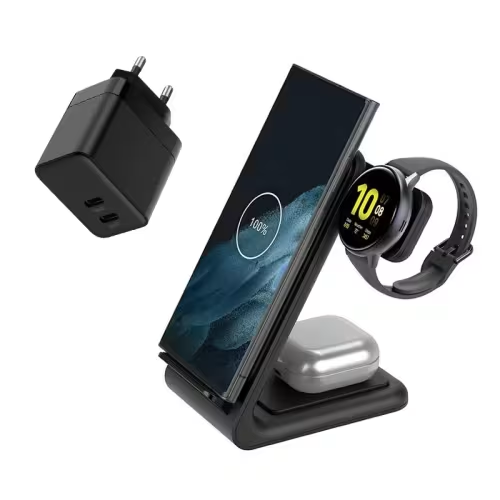
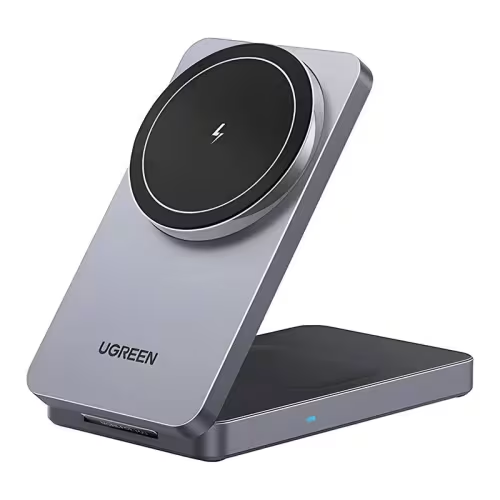
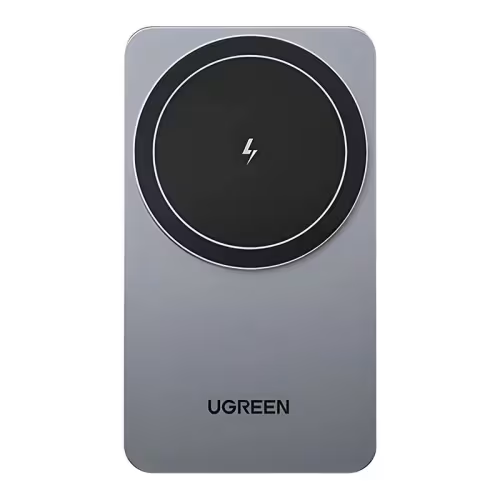
    UGREEN W528 2-in-1 20 W

    UGREEN W528 is a compact 2-in-1 charger that combines simplicity and functionality. It supports charging up to 20 W, which is noticeably faster than traditional 15 W chargers, and additionally allows you to power both the iPhone 17 and AirPods at the same time. Its minimalist design and small size make it perfect for a desk or travel.

    It is a choice for those who want a practical charger for everyday use – fast, reliable, and space-saving.
    ⚡Check all induction chargers for iPhone 17 in the Home Screen store.


    FAQ – frequently asked questions about iPhone 17 chargers

    Does the iPhone 17 come with a charger in the box?

    No, just like in previous generations, the iPhone 17 is sold without a charger in the box. You only receive a USB-C ↔ USB-C cable. Therefore, it’s worth choosing the appropriate wall adapter or wireless charger right away.

    What charger power is best for the iPhone 17?

    The minimum recommended power is 20 W (according to Apple’s recommendation). However, to fully utilize fast charging capabilities, it’s best to choose a 30–40 W USB-C PD charger. The iPhone 17 negotiates power draw itself, so you can also use stronger power adapters (e.g., 67 W or 96 W from a MacBook) – this is completely safe.

    Is the 67 W or 96 W MacBook charger suitable for the iPhone 17?

    Yes, the iPhone 17, thanks to USB-PD, draws only as much power as it needs (about 30–40 W). A stronger adapter will not harm the battery or cause overheating.

    How long does fast charging take for the iPhone 17?

    Using a 30–40 W USB-C PD charger, you can charge the battery to about 50% in 20 minutes. Full charging takes about 1 hour and 15–30 minutes, depending on the model.

    Does the iPhone 17 support fast wireless charging?

    Yes. All iPhone 17 models support charging MagSafe and Qi2 up to 25 W (iPhone 17 Air – up to 20 W). This is significantly faster than the iPhone 16, where the limit was 15 W.

    Is it worth buying a 3-in-1 charger for the iPhone 17?

    If you use an Apple Watch and AirPods simultaneously, a 3-in-1 station is a very convenient solution – you have one device to charge the entire ecosystem. If you only care about the iPhone, a smaller 2-in-1 charger or a single Qi2/MagSafe pad will be more practical.

    Are cheaper induction chargers safe?

    Yes, provided they comply with the Qi2 or MagSafe standard and have protections (against overvoltage, overheating). It is advisable to choose products from reputable brands (UGREEN, Baseus, Spigen, Crong) that offer certification and stable parameters.
  • AirPods Pro 3 Case – Which One to Choose in 2025?

    AirPods Pro 3 Case – Which One to Choose in 2025?

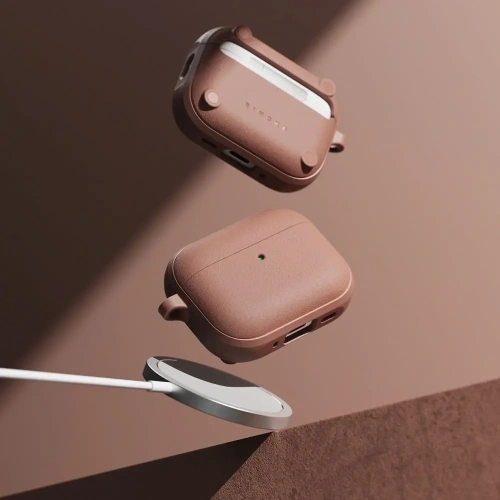
    Are you looking for the perfect case for AirPods Pro 3? You’ve come to the right place. Whether you prefer lightweight silicone, transparent material, or rugged protection, the selection in 2025 is vast.

    The most popular models combine functionality, style, and full compatibility with MagSafe, ensuring that the headphones are safe and always ready to charge.

    🔗 Check out all cases for AirPods Pro 3 and choose the best fit for yourself.

    🔰 Ranking of cases for AirPods Pro 3 – best models 2025

    KategoriaGłówny wybórNajwiększa zaletaAlternatywyCena orientacyjna
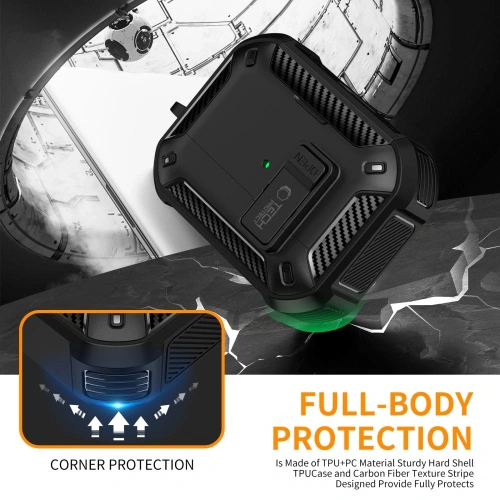
    Pancerne i odporne na upadkiSpigen Rugged ArmorNiezrównana ochrona klasy premium, certyfikat MIL-STD, matowe wykończenieTech-Protect Carbonox MagSafe85 zł / 39 zł
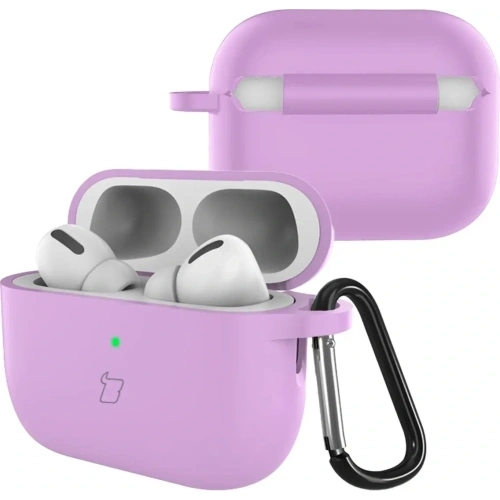
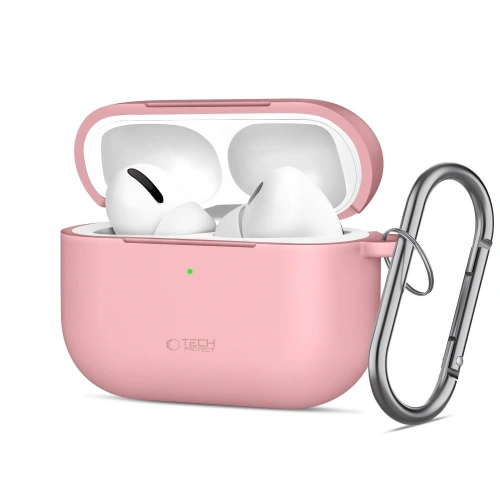
    Silikonowe i lekkieBizon Case Headphone SiliconeMiękkie, matowe wykończenie i praktyczny karabińczykTech-Protect Silicone Hook 25 zł / 19 zł
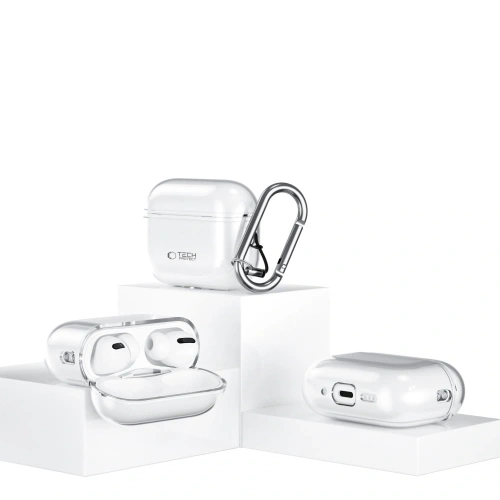
    Przezroczyste i półprzezroczysteBizon Case Headphone ClearElastyczne TPU, odporne na żółknięcie, zachowuje oryginalny wygląd słuchawekTech-Protect FlexAir Clear29 zł / 29 zł
    Magnetyczne z MagSafeRingke Onyx Magnetic MagSafeWbudowany MagSafe i smycz – wygodne noszenie i szybkie ładowanie ESR Orbit HaloLock MagSafe59 zł / 55 zł
    Funkcjonalne z uchwytem lub smycząTech-Protect Slim Hook Zintegrowany karabińczyk i smukła, lekka formaESR Orbit HaloLock (ze smyczą), Bizon Headphone Clear39 zł

    Pancerne i odporne na upadki etui do AirPods Pro 3

    For those who need maximum protection against falls and scratches, the best choice will be rugged case for AirPods Pro 3. Made from hard, shock-resistant materials, it effectively absorbs impacts and protects the headphones in any conditions – at work, during travel, or while training.

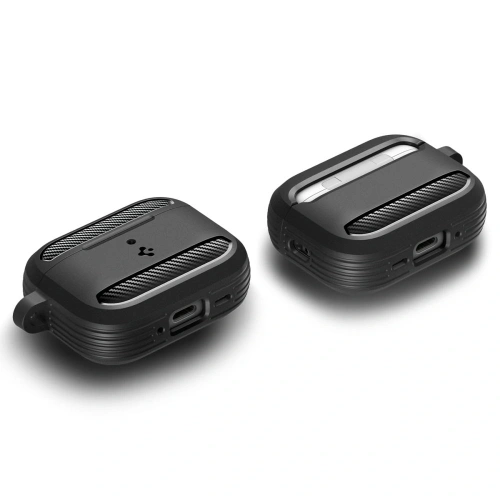
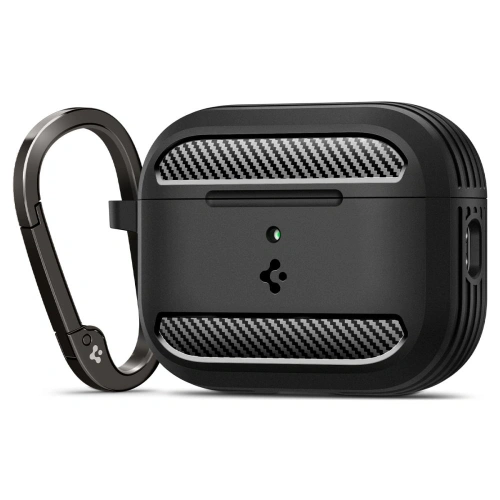
    Spigen Rugged Armor – a classic rugged case

    Spigen Rugged Armor is a case designed for intense, everyday use. Flexible TPU with characteristic “carbon” inserts effectively absorbs impacts, while the refined mold securely envelops the AirPods Pro 3 case, protecting it from scratches and accidental openings. The matte finish looks professional and maintains its freshness even after many months of use.

    ✅ Protection: reinforced edges + flexible TPU effectively absorbs impacts
    ✅ Standard: design inspired by MIL-STD, high resistance to falls
    ✅ Closure: secure closure – reduced risk of accidental opening
    ✅ Finish: matte + carbon accents, does not collect fingerprints
    ✅ Ergonomics: does not excessively bulk up, easy to put on and take off
    ✅ Estimated price: 85 PLN

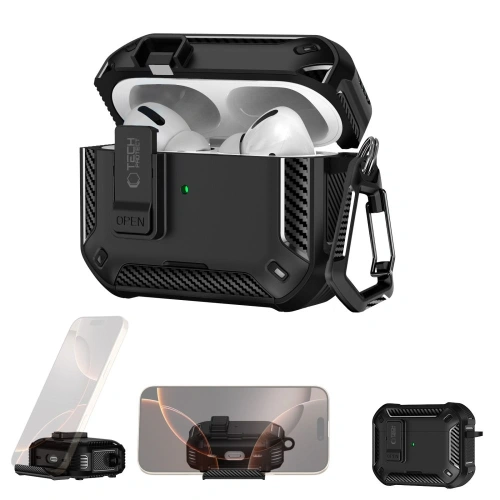
    Tech-Protect Carbonox MagSafe – modern protection with magnet

    Tech-Protect Carbon MagSafe combines a solid, «technical» design with the convenience of wireless charging. Thicker walls and carbon fiber texture withstand daily «rough use,» and the built-in MagSafe ring allows you to attach the case to a charger or mount without removing the cover. It’s a practical choice for active users — at the gym, for fieldwork, and everyday use.

    ✅ MagSafe: built-in ring – charging and mounting without removal
    ✅ Construction: reinforced edges, «carbon fiber» look – better impact resistance
    ✅ Grip: textured surface reduces slipping
    ✅ Application: training, fieldwork, everyday EDC
    ✅ For whom: functionality and durability at a reasonable price
    ✅ Estimated price: 39 PLN


    Silicone and lightweight case for AirPods Pro 3

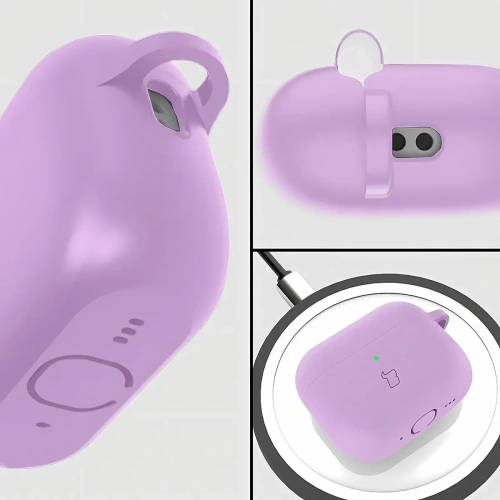
    Silicone case for AirPods Pro 3 is the most popular type of protection – lightweight, soft to the touch, and available in many colors. Perfect for everyday use, it protects against scratches and dust, and thanks to its flexibility, it absorbs minor impacts well. An additional advantage is the carabiners that make it easier to carry the headphones with a bag or backpack.

    Bizon Case Headphone Silicone — color, softness, and comfort

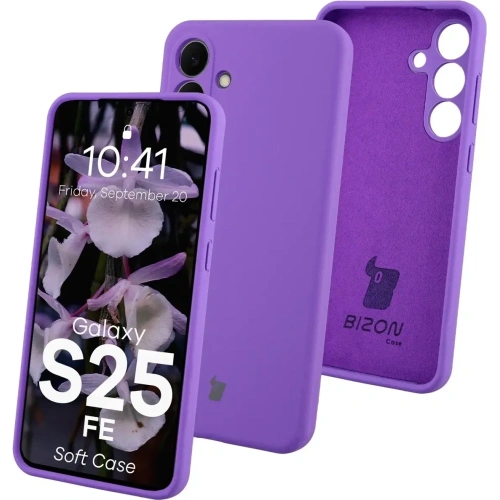
    Bizon Case Headphone Silicone is a classic of the genre. The soft, pleasant-to-touch material perfectly fits the shape of the AirPods Pro 3 case, does not stick out, and does not move during everyday use. The matte texture gives an elegant appearance and prevents fingerprints from accumulating. The set includes a sturdy carabiner that allows you to attach the headphones to a bag, keys, or a belt loop. Available in many colors – from pastel to intense.

    ✅ Soft, flexible silicone – comfort and lightness
    ✅ Matte finish – pleasant to the touch, non-slip
    ✅ Carabiner – easy carrying and protection against loss
    ✅ Easy cleaning – just a damp cloth
    ✅ For whom: users who value lightness and colorful design
    ✅ Approximate price: 25 zł

    Tech-Protect Silicone Hook — simplicity and functionality

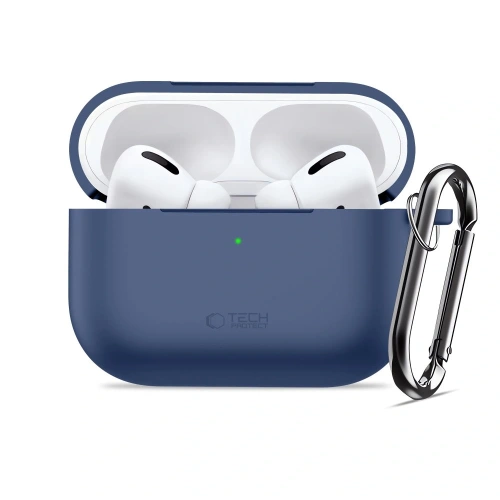
    Tech-Protect Silicone Hook is a minimalist case for those who value simplicity and convenience. The smooth silicone provides good protection against scratches, and the soft structure ensures that the case does not slip from your hand. The included metal hook allows you to easily attach the AirPods to your backpack or bag, keeping them always within reach. It’s the perfect choice for those looking for an affordable, practical solution for everyday use.

    ✅ Lightweight design and compact shape
    ✅ Soft silicone – pleasant to the touch and easy to clean
    ✅ Hook – safe carrying on the outside of a bag or belt
    ✅ Style: delicate, pastel colors (Dusty Pink, Mint, Navy)
    ✅ For whom: people looking for practical and inexpensive case
    ✅ Approximate price: 19 zł


    Transparent and semi-transparent case for AirPods Pro 3

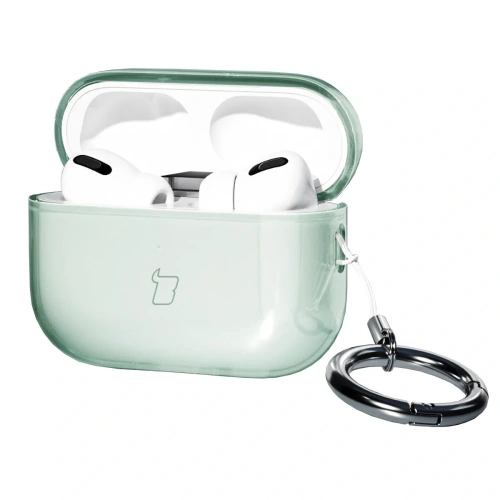
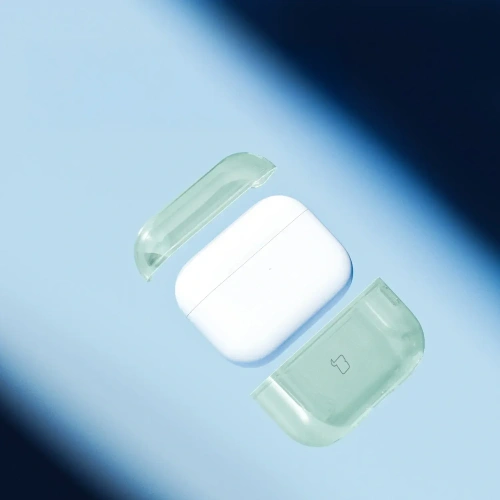
    If you want to maintain the original look of the Apple case, choose transparent case for AirPods Pro 3. Modern TPU is flexible, scratch-resistant, and does not yellow as quickly as older materials. Semi-transparent versions add a subtle color while still showcasing the distinctive design of Apple headphones.

    Bizon Case Headphone Clear — minimalist protection with a color accent

    Bizon Case Headphone Clear combines crystal clarity with practical portability. The gently tinted “transparent-green” version adds subtle character, and the flexible TPU effectively absorbs minor impacts. The carabiner clip makes it easy to attach the headphones to a backpack or lanyard.
    ✅ Material: flexible TPU, resistant to micro-scratches
    ✅ Appearance: transparent + light color, showcases the Apple logo
    ✅ Usage: easy to put on, does not loosen on the case
    ✅ Mobility: sturdy carabiner included
    ✅ For whom: minimalism with a touch of color for everyday use
    ✅ Approximate price: 29 zł

    Tech-Protect FlexAir Clear — „invisible” case that protects

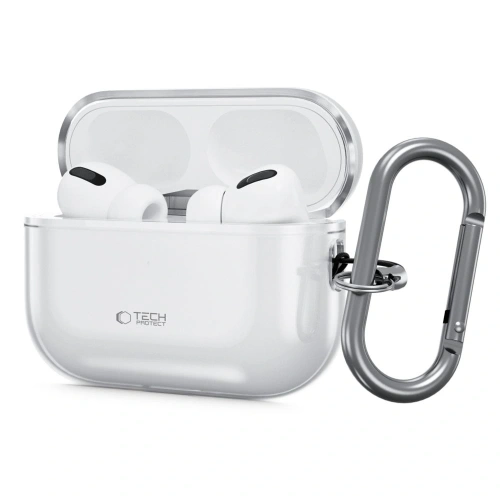
    Tech-Protect FlexAir Clear is a fully transparent case for AirPods Pro 3 that “disappears” on the case while protecting against scratches and scuffs in a bag or backpack. The flexible design improves grip and makes it easier to put on without the risk of cracks.
    ✅ Material: crystal clear TPU
    ✅ Protection: scratch resistance and minor drops
    ✅ Ergonomics: better grip, thin walls
    ✅ Aesthetics: no unnecessary additions, clean Apple look
    ✅ For whom: maximum simplicity and lightness
    ✅ Approximate price: 29 zł


    Magnetic case with MagSafe for AirPods Pro 3

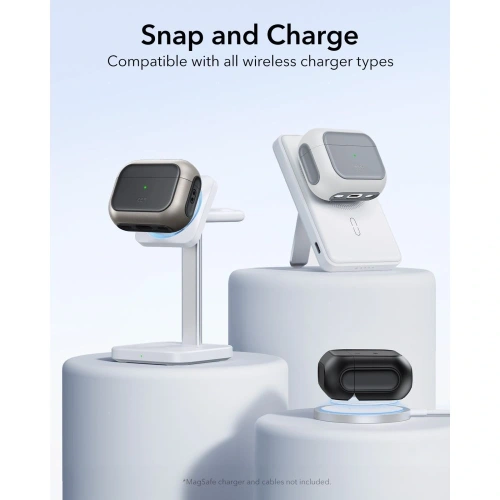
    If you use a magnetic charger or MagSafe mount, opt for MagSafe case for AirPods Pro 3. Such models have a built-in magnetic ring that ensures stable charging and convenient attachment without removing the case. This is a combination of practicality, style, and full compatibility with the Apple ecosystem.

    ESR Orbit HaloLock MagSafe — elegance and functionality for everyday use

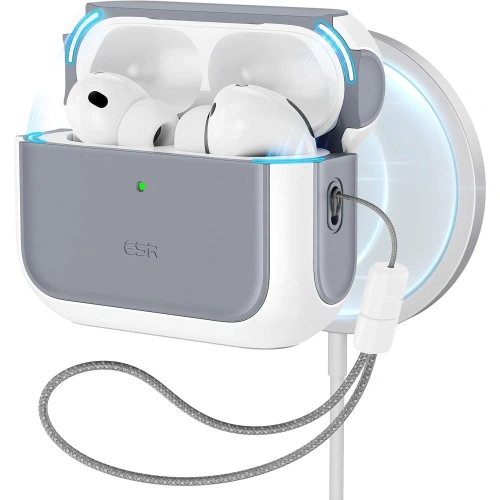
    ESR Orbit HaloLock MagSafe is one of the most refined cases with magnetic attachment. The manufacturer has used a combination of hard polycarbonate and flexible TPU, providing optimal protection against scratches and minor impacts. The integrated MagSafe ring works perfectly with Apple chargers, and the set includes a practical lanyard, allowing you to attach the headphones to a bag, keys, or belt. The slightly matte surface and pastel colors (Lavender, Titanium) make the model look light and modern – perfectly fitting the design of the AirPods.

    ✅ MagSafe: stable charging and attachment without removing the case
    ✅ Accessories: includes a lanyard – convenient carrying
    ✅ Protection: PC + TPU, resistant to daily abrasions
    ✅ Design: minimalist, elegant, in Apple style
    ✅ For whom: daily use and convenience in every situation
    ✅ Estimated price: 55 zł

    Ringke Onyx Magnetic MagSafe — stylish accent and solid construction

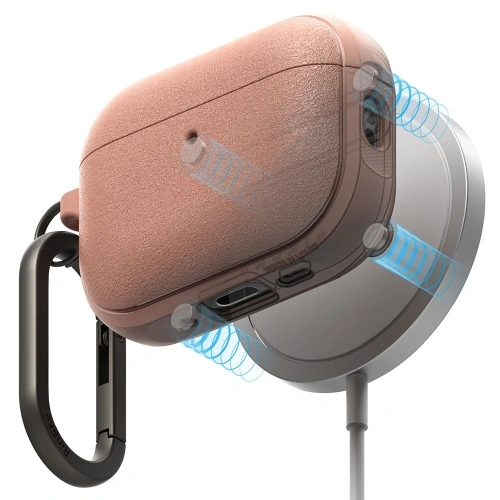
    Ringke Onyx Magnetic MagSafe stands out with its unique color Constant Coral and characteristic matte texture. The case features reinforced corners that absorb impacts, and thanks to the delicate rubberized surface, it fits securely in hand. The built-in MagSafe ring allows the use of magnetic chargers, mounts, or stands, and with its premium fit, it looks incredibly elegant. This is the perfect option for users who want to combine protection, design, and modern solutions.

    ✅ MagSafe: full compatibility with chargers and magnetic mounts
    ✅ Surface: matte, non-slip TPU – great grip
    ✅ Protection: reinforced corners, durable construction
    ✅ Style: unique Constant Coral color – trendy, energetic accent
    ✅ For whom: those who appreciate a stylish look and the convenience of MagSafe
    ✅ Approximate price: 59 zł

    How to choose the best case for AirPods Pro 3?

    Material

    The most versatile remain TPU and silicone. TPU (often “clear” or semi-clear) is flexible, holds its shape well, and withstands abrasion better — great when you want to maintain the look of Apple. Silicone provides a soft, “meaty” grip and better cushioning for minor impacts; it can also feel more pleasant in the hand during winter. If maximum durability is a priority, choose a rugged case (thicker walls, reinforced corners, harder blends). For magnetic charging, look for the note MagSafe/Qi2 and an integrated ring.

    Fit

    A good case for AirPods Pro 3 must be molded for this model: no looseness, with a lid that closes evenly and without “springing.” Check that the status LED hole and charging port are cut precisely, and that the hinge is not overly covered — this is a common flaw in cheap cases. If you often take the case out of your pocket/backpack, consider models with additional flap security (snap, stiffer top part), which reduce the risk of accidental opening.

    MagSafe and charging

    If you are using a magnetic charger, choose a case with a built-in MagSafe ring. Look for information on holding strength (stability on stands) and wall thickness — too thick or “soft” silicone cases can weaken the magnetism. Well-designed models allow charging without removal, and at the same time do not shift on the pad. If you are using MagSafe car mounts, the priority is secure centering and non-slip texture.

    Additional features and ergonomics

    Lanyard/carabiner is real convenience: you can attach AirPods to your bag, belt, or backpack and reduce the risk of losing them. Ring/360° grip facilitates removal and improves grip, but adds a few grams and millimeters. Pay attention to surface texture (matte vs. glossy): matte better masks scratches and fingerprints, glossy looks “clean,” but scratches more quickly. In rugged models, check if the case catches on pockets and if it is easy to remove (when cleaning).
    Style and finishes

    Trendy 2025: pastelowe kolory, półprzezroczyste „frosted” oraz pojedyncze, wyraziste akcenty (np. Constant Coral). Przezroczyste TPU eksponuje logo Apple i kolor oryginalnego futerału; pół-clear dodaje subtelnego tonu bez utraty „looku” Apple. Silikon w macie jest „cieplejszy” i mniej śliski, a pancerne wykończenia (carbon, szczotkowane wzory) nadają technicznego charakteru. Jeśli chcesz spójności, zgraj odcień z paskiem zegarka, etui telefonu lub plecakiem.

    Cena, jakość i gwarancja

    Sensowne etui kupisz już za 20–30 zł (basic silikon/TPU). W okolicach 40–60 zł dostajesz lepsze spasowanie, dodatki (smycz, karabińczyk) i często MagSafe. Półka 70–90 zł to marki premium (lepsza precyzja odlewu, trwalsze mieszanki, milszy w dotyku mat). 

    FAQ – najczęściej zadawane pytania o AirPods Pro 3

    ⭐ Czy etui do AirPods Pro 2 pasuje do AirPods Pro 3?
    Nie w każdym przypadku. Obie generacje mają podobny rozmiar, ale różnią się układem diody LED i portu ładowania. Aby uniknąć luzów lub niedopasowania, wybieraj modele oznaczone wyraźnie jako etui do AirPods Pro 3.

    ⭐ Czy warto kupić etui z MagSafe do AirPods Pro 3?
    Tak, jeśli korzystasz z ładowarek lub uchwytów magnetycznych. Etui z MagSafe ma wbudowany pierścień magnetyczny, który stabilizuje ładowanie i umożliwia przypięcie futerału do uchwytów samochodowych lub biurkowych bez kabli.

    ⭐ What case best protects AirPods Pro 3 from drops?
    The best protection is provided by rugged cases, such as Spigen Rugged Armor or Tech-Protect Carbonox MagSafe. They have thicker walls, reinforced corners, and harder material blends that effectively absorb impacts.

    ⭐ Which case for AirPods Pro 3 to choose for everyday use?
    For daily use, silicone or transparent cases work great – lightweight, comfortable, and well-fitted. They take up little space in your pocket and provide basic protection against scratches.

    ⭐ How to care for the case to keep it looking new?
    Clean silicone cases with a soft microfiber cloth and mild detergent. Transparent TPU is best washed with water and a bit of soap, avoiding alcohol which can accelerate yellowing. Occasionally, remove the case and wipe the hinge and edges.

    ⭐ Do all cases for AirPods Pro 3 support wireless charging?
    Not all of them. Cases made of very thick silicone or rugged ones with a carbon layer may limit inductive charging. For certainty, choose models described as compatible with MagSafe / Qi2.

  • Discover the best cases for Samsung Galaxy S25 FE

    Discover the best cases for Samsung Galaxy S25 FE

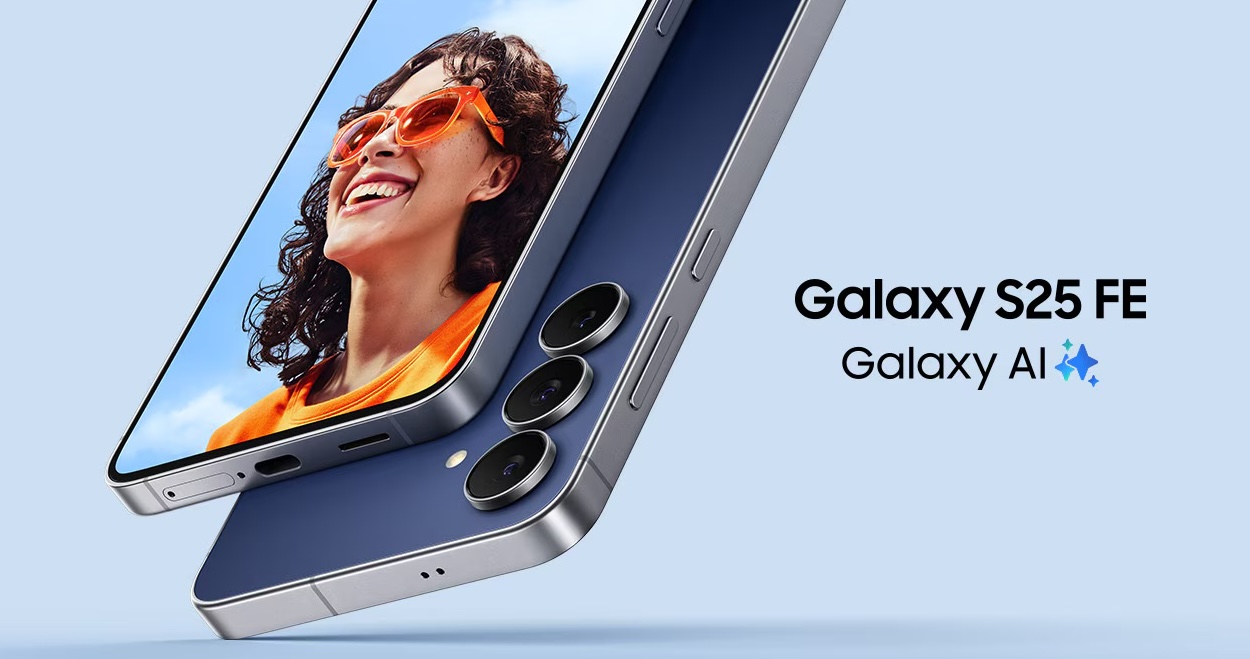
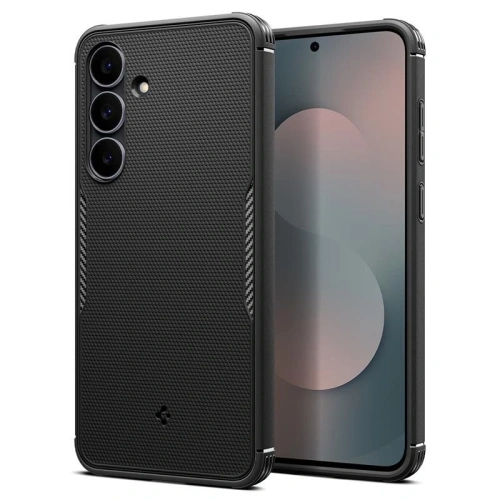
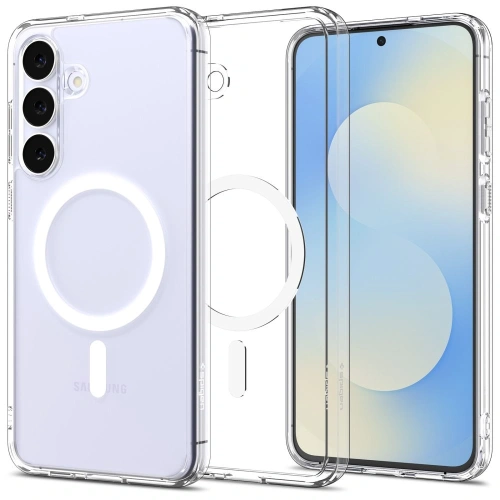
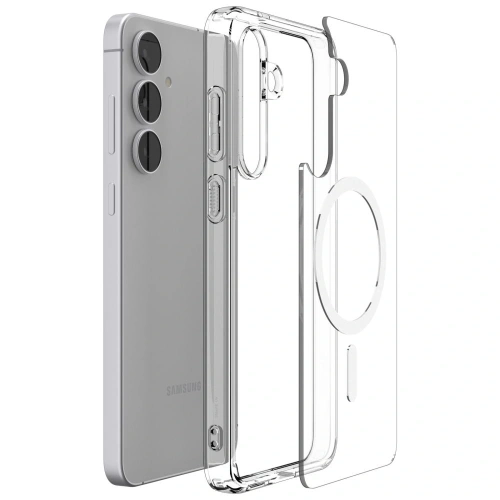
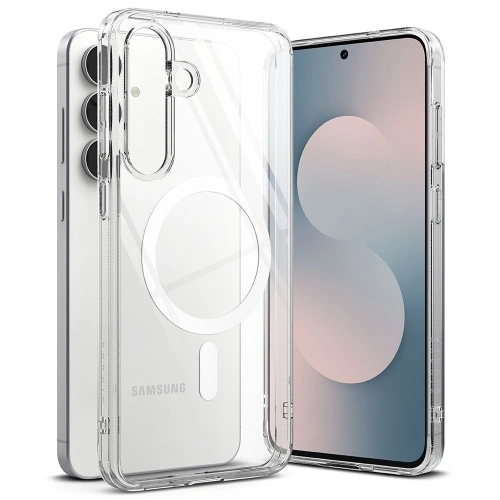
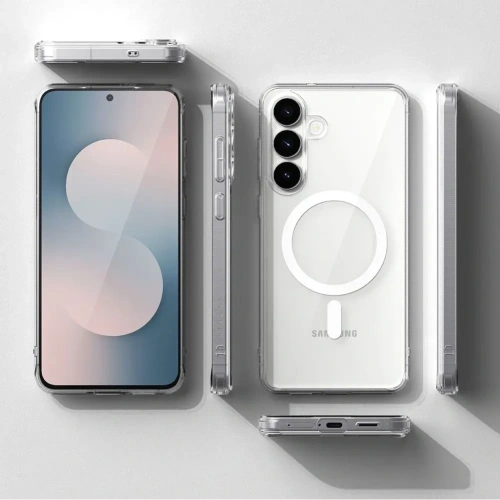
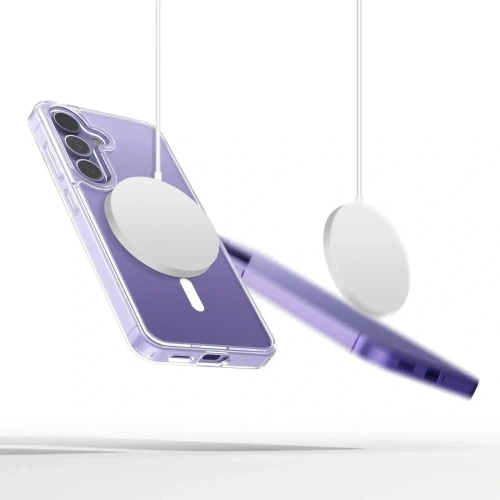
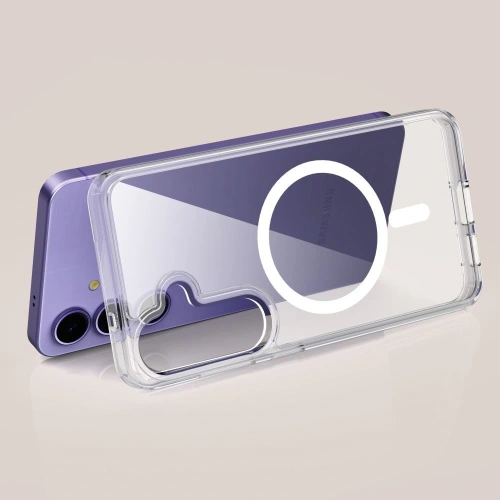
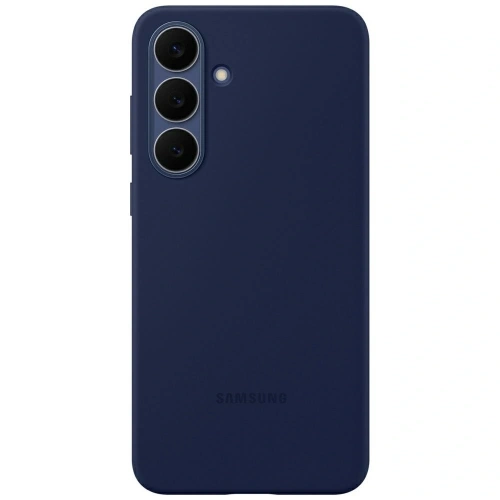
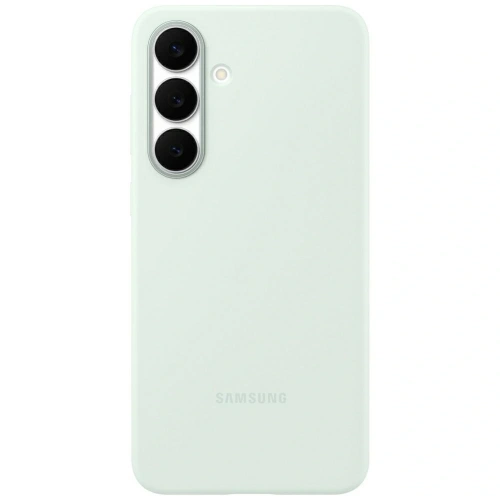
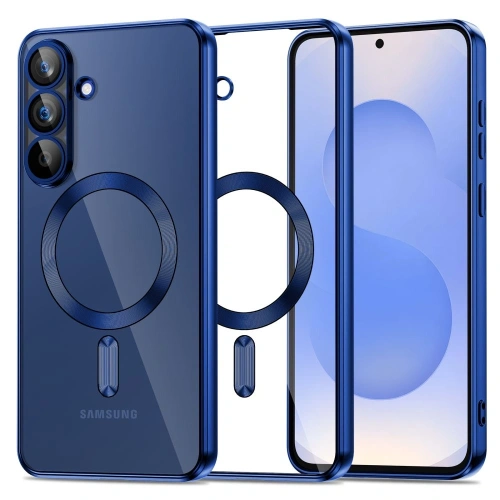
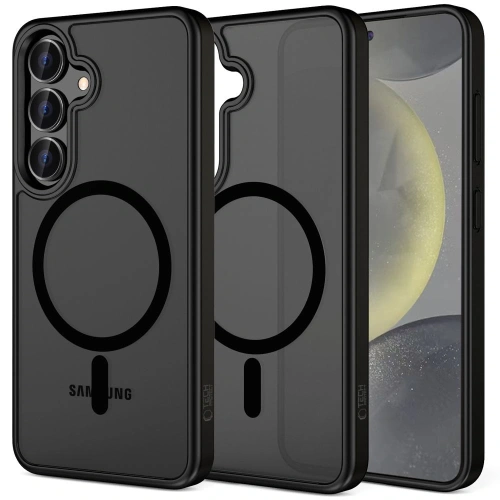
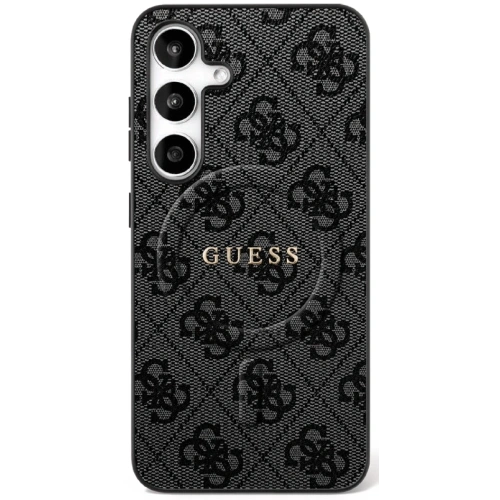
    If you are looking for the perfect case for the Samsung Galaxy S25 FE, choose a model that matches your style. The best protection is provided by Spigen Core Armor Mag. If you want to maintain the phone’s design – choose Spigen Ultra Hybrid Mag or Ringke Fusion Magnetic. Color and originality lovers will appreciate  Samsung Silicone Case, while style fans will like – Guess 4G Classic Logo MagSafe.

    TOP 5 categories of cases for Samsung Galaxy S25 FE

    CategoryMain choice (premium / higher price)Biggest advantageAlternatives
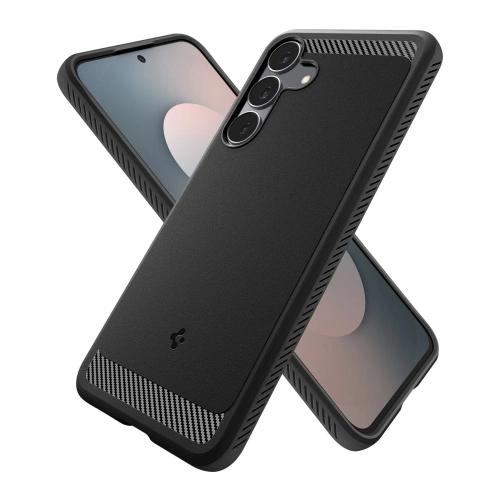
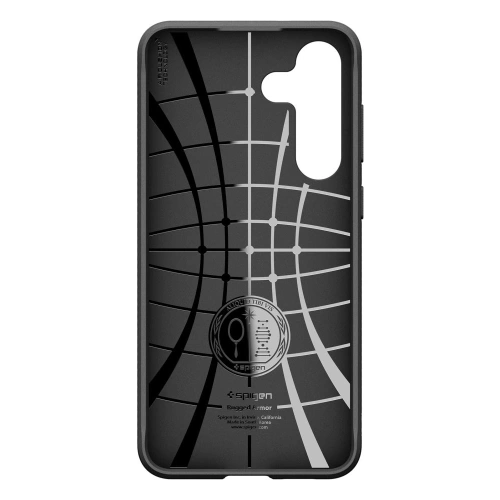
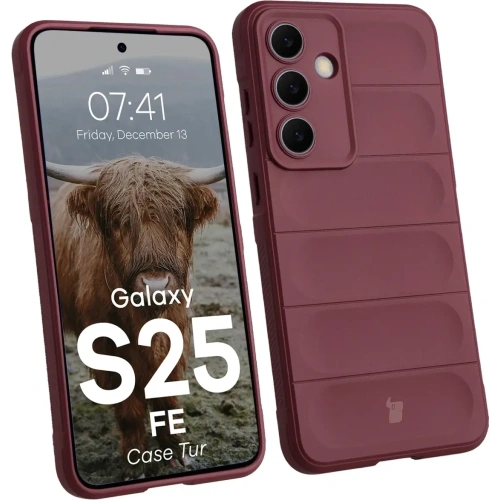
    Rugged and drop-resistantSpigen Core Armor Mag (109 zł)Rugged protection + MagSafe; MIL-STD-810G certificationSpigen Rugged Armor (59 zł), Ringke Onyx Magnetic (69 zł), Bizon Case Tur (35 zł)
    Transparent and hybrid (MagSafe)Spigen Ultra Hybrid Mag Clear/White (105 zł)Transparent design with MagSafe magnetic ringRingke Fusion Magnetic (65 zł), Tech-Protect FlexAir Hybrid MagSafe (35 zł), Tech-Protect MagFlex (29 zł)
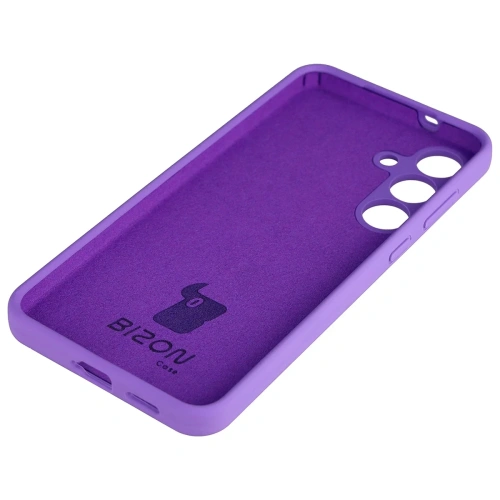
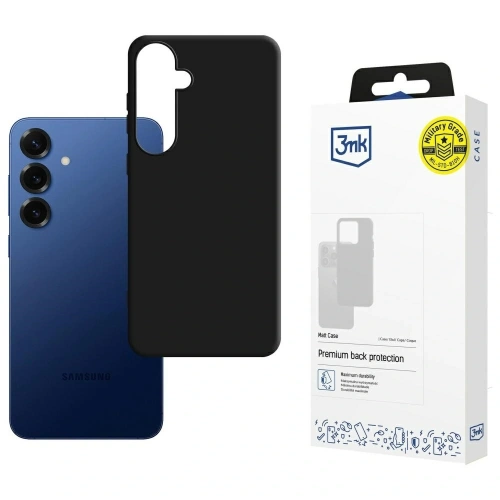
    Silicone and lightweightSamsung Silicone Case (original, 169 zł)Soft silicone, microfiber inside, perfect fitBizon Soft Case (45 zł), 3MK Matt Case (44,90 zł), Tech-Protect MagMat MagSafe (39 zł)
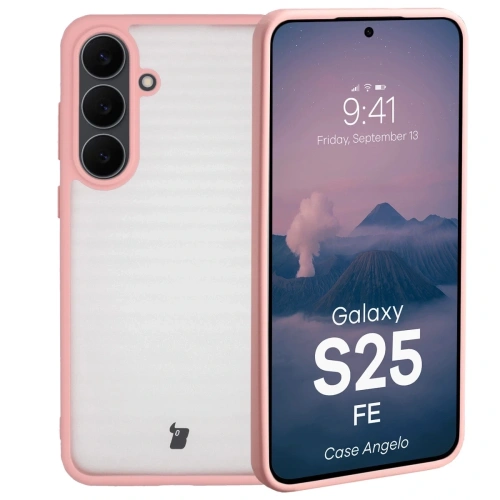
    Elegant and feminineGuess 4G Ring Classic Logo MagSafe (149 zł)Premium style with Guess logo and MagSafe ringGuess Big 4G Black (149 zł), Tech-Protect Icon Marble (29 zł), Bizon Angelo semi-transparent (29 zł)
    Semi-transparent and colorfulTech-Protect MagFlex MagSafe Navy Blue (29 zł)Colorful design + semi-transparent effect with MagSafeBizon Angelo (29 zł), Tech-Protect MagMat MagSafe (39 zł)

    Rugged and resistant cases for Samsung Galaxy S25 FE

    🔹 Spigen Core Armor Mag – pancerna ochrona z MagSafe

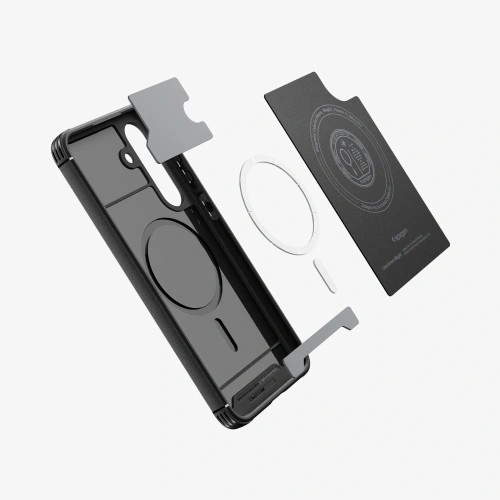
    Jeśli priorytetem jest bezpieczeństwo, Spigen Core Armor Mag to etui, które zapewnia ochronę klasy militarnej. Producent potwierdza odporność na upadki zgodnie ze standardem MIL-STD-810G, co oznacza, że Galaxy S25 FE przetrwa nawet z wysokości dwóch metrów.
    Miękkie TPU z systemem Air Cushion skutecznie amortyzuje uderzenia, a zintegrowany pierścień MagSafeumożliwia wygodne korzystanie z magnetycznych uchwytów i ładowarek.
    Matowe wykończenie wygląda elegancko, a przy tym zapobiega wyślizgiwaniu się telefonu z dłoni. To etui dla osób, które nie idą na kompromisy i oczekują maksymalnego bezpieczeństwa w codziennym użytkowaniu.

    🔹 Spigen Rugged Armor – klasyk w przystępnej cenie

    Jeśli chcesz solidnej ochrony bez nadmiernego pogrubienia telefonu, Spigen Rugged Armor to klasyk, który od lat cieszy się uznaniem użytkowników.
    Wykonany z elastycznego TPU, z karbonową teksturą i wzmocnionymi narożnikami, doskonale radzi sobie z przypadkowymi upadkami. W przeciwieństwie do masywniejszych modeli zachowuje smukły profil i lekkość.

    🔹 Bizon Case Tur – pancerny w budżetowej cenie

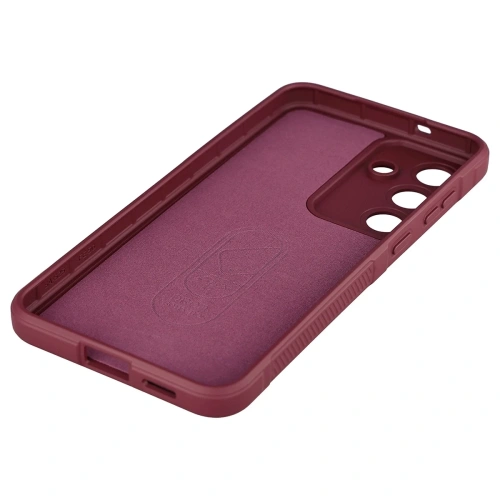
    On the other hand, Bizon Case Tur is a great choice for those looking for a sturdy case for work or outdoor activities.
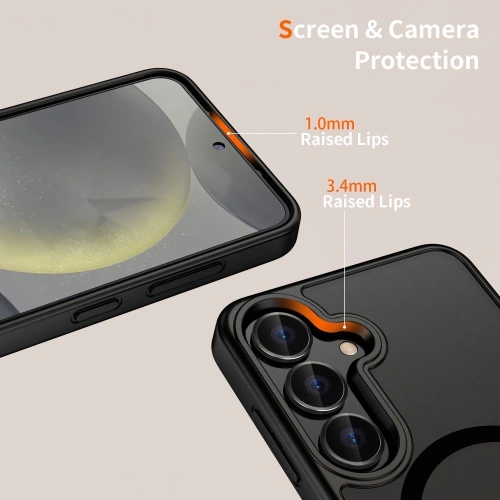
    The dual layer (TPU + hard polycarbonate) absorbs shocks, and the raised edges protect the screen and camera. For just under 40 PLN, it offers really good protection for everyday use.

    👉 Best for: people who want absolute peace of mind about their phone’s safety, regardless of the conditions.
    🔗 See more: rugged cases for Samsung Galaxy S25 FE


    Transparent and hybrid MagSafe cases for Samsung Galaxy S25 FE

    🔹 Spigen Ultra Hybrid Mag Clear/White – maximum clarity

    Don’t want to cover the elegant case of the Galaxy S25 FE? Choose Spigen Ultra Hybrid Mag.
    This case is made of a combination of rigid polycarbonate and flexible TPU edges, providing the perfect balance between protection and aesthetics.
    The built-in MagSafe ring allows the use of magnetic accessories and wireless charging, and the transparent back does not yellow even after months of use.

    🔹 Ringke Fusion Magnetic – transparent alternative

    Model Ringke Fusion Magnetic is an excellent alternative to Spigen – it protects just as well but costs less.
    The magnetic ring allows you to connect a car mount, and the additional scratch-resistant coating ensures durability for years.

    🔹 Tech-Protect FlexAir Hybrid MagSafe – lightweight and affordable option

    If you care about a transparent, lightweight case at a lower price, Tech-Protect FlexAir Hybrid MagSafe is a sure bet.
    The flexible design absorbs minor drops, and the minimalist look allows you to maintain the phone’s original character.

    👉 Najlepsze dla: miłośników prostoty, nowoczesnego designu i magnetycznych akcesoriów.
    🔗 Zobacz więcej: przeźroczyste etui do Samsung Galaxy S25 FE


    Silikonowe etui do Samsung Galaxy S25 FE

    🔹 Samsung Silicone Case – oryginalna jakość i kolory

    Original Samsung case for Galaxy S25 Fe  is synonymous with fit and comfort.
    The soft, velvety surface feels pleasant in the hand, while the inner microfiber layer protects the back of the phone from scratches. Available in pastel colors (black, white, mint, blue), the case perfectly complements the modern design of the Galaxy S25 FE.
    Although it is one of the more expensive options, its quality and durability fully justify the price.

    🔹 Bizon Soft Case – pleasant and cheaper

    This is a great alternative to the original Samsung case.
    Bizon Soft Case is made of flexible silicone, which absorbs shocks well and provides a secure grip. Available in many colors, it fits both the office and everyday activities.

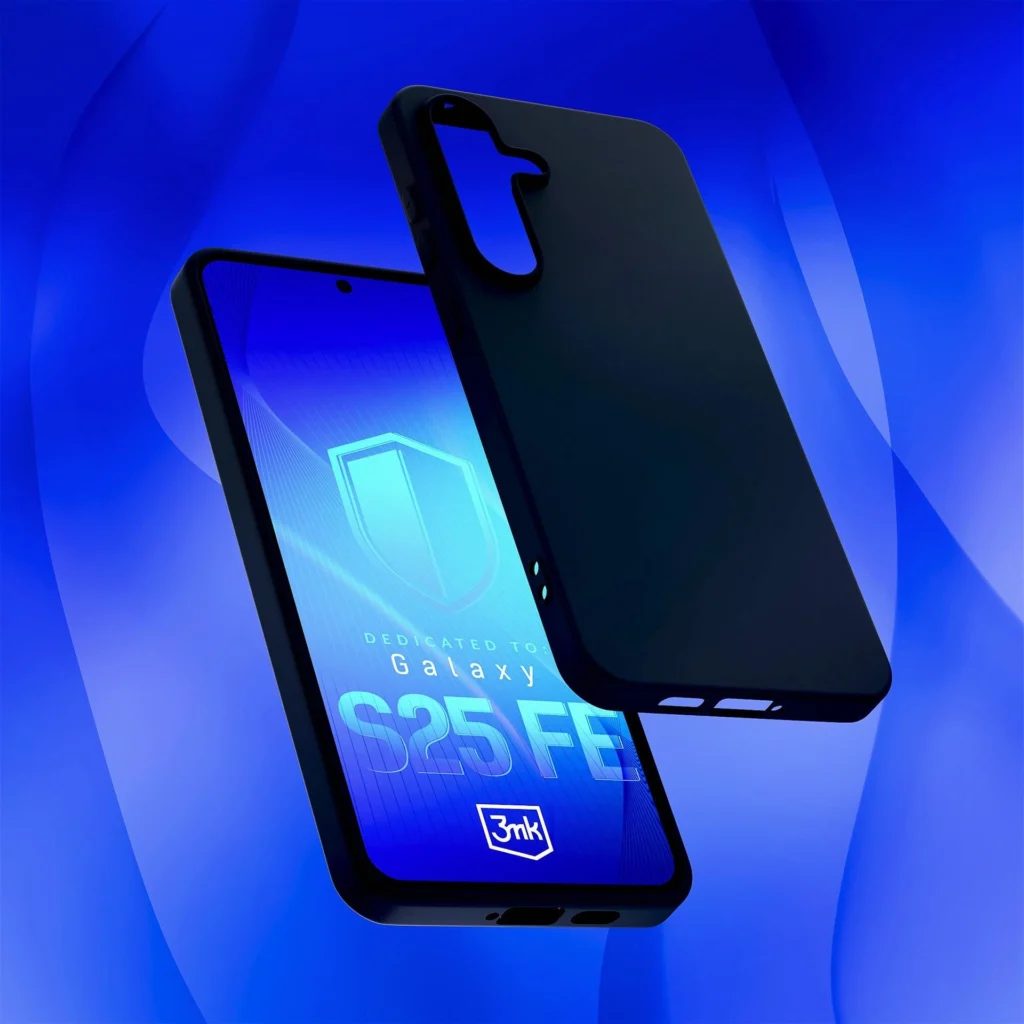
    🔹 3MK Matt Case – anti-slip and stylish

    3MK Matt Case is a case for lovers of matte aesthetics.
    Its surface does not collect fingerprints and provides a sense of security when holding the phone with one hand.

    👉 Best for: people who value simplicity, softness, and comfort of use.
    🔗 See more: silicone case for Samsung Galaxy S25 FE


    Elegant case for Samsung Galaxy S25 FE (for women and business)

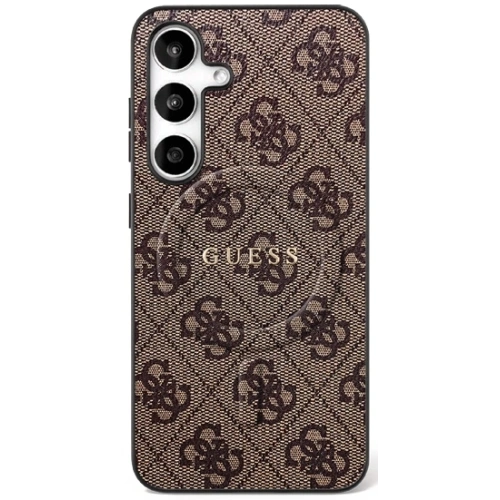
    🔹 Guess 4G Ring Classic Logo MagSafe – luxurious choice in premium style

    For those who treat their smartphone as part of their image, Guess 4G Ring Classic Logo MagSafe is a combination of elegance and functionality.
    The case features a leather finish with an embossed 4G pattern, gold details, and a magnetic ring MagSafe, which allows for wireless charging and the use of magnetic mounts.

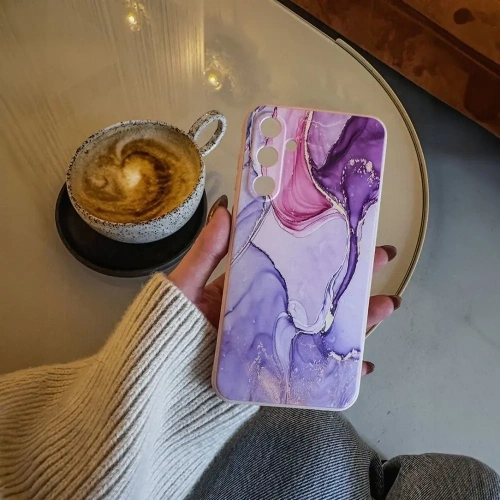
    🔹 Tech-Protect Icon Marble – artistic elegance in an accessible form

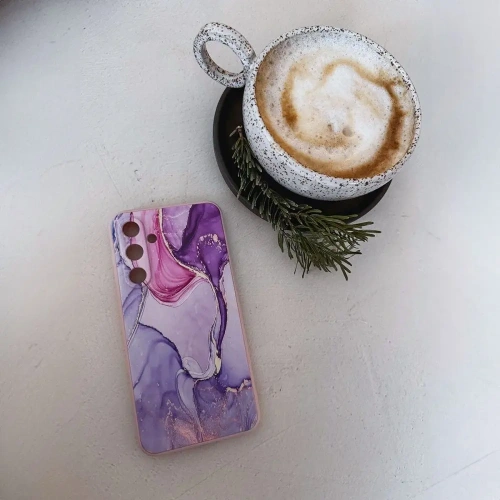
    For fans of modern patterns, a great choice will be Tech-Protect Icon Marble.
    The case inspired by the marble motif combines elegance with lightness — subtle lines and delicate reflections add style, while the thin, flexible construction does not bulk up the phone.
    This model will work well both in the office and in everyday use – it is the perfect compromise between protection, design, and price.

    👉 Najlepsze dla: Kobiet ceniących styl, eleganckie dodatki i perfekcyjne dopasowanie do nowoczesnego telefonu.
    🔗 Zobacz więcej: kobiece etui do Samsung Galaxy S25 FE


    Półprzezroczyste i kolorowe etui do Samsung Galaxy S25 FE

    🔹 Tech-Protect MagFlex MagSafe Navy Blue – półtransparentny efekt

    Tech-Protect MagFlex to idealne połączenie lekkości, koloru i nowoczesnego stylu.
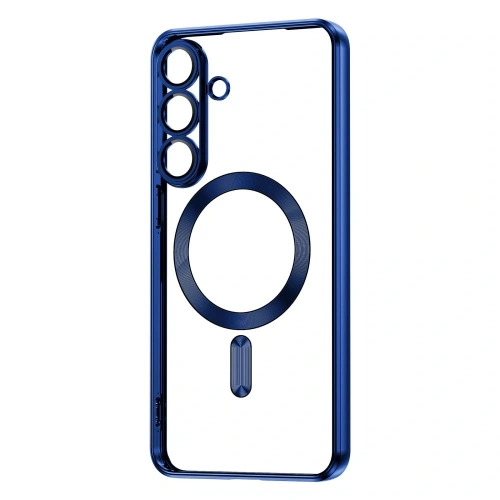
    Półprzezroczysta konstrukcja delikatnie przyciemnia obudowę telefonu, nadając jej subtelny efekt cienia. Wbudowany pierścień MagSafe umożliwia korzystanie z ładowarek magnetycznych bez konieczności zdejmowania etui.

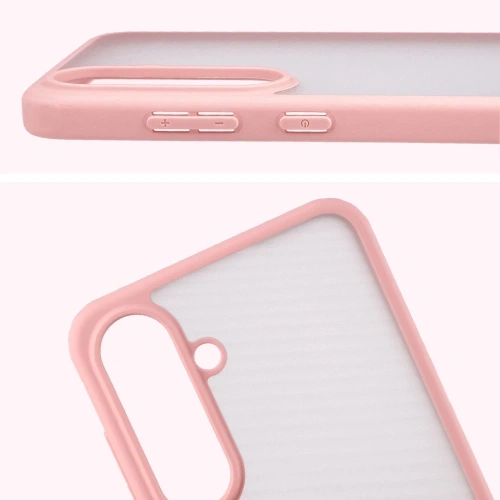
    🔹 Bizon Angelo Case – kolorowa ramka i lekki design

    Bizon Angelo is a great choice for those looking for a cheap yet aesthetic case.
    The semi-transparent back and colorful frame create an interesting contrast that catches the eye. Perfect for everyday use – lightweight, thin, and at the same time well-protecting against scratches.

    🔹 Tech-Protect MagMat MagSafe – matowe i pewne w dłoni

    Tech-Protect MagMat for fans of simplicity and matte aesthetics. The MagMat surface is resistant to fingerprints, and MagSafe allows the use of magnetic mounts in the car or wireless chargers.
    👉 Best for: people who want to combine a modern look with MagSafe functionality.
    🔗 See more: colorful cases for Samsung Galaxy S25 FE


    How to choose the right case for Samsung Galaxy S25 FE

    The choice of the perfect case for the Galaxy S25 FE depends on how you use your phone and what you expect the most — maximum protection, lightness, style, or magnetic functionality.
    Before deciding on a specific model, it’s worth paying attention to a few key factors that affect both the comfort of use and the durability of the accessory.

    🔹 Compatibility Factors

    • Dedicated model: Make sure the case is designed specifically for Samsung Galaxy S25 FE (2025)– this smartphone differs in dimensions and camera layout from previous generations (e.g. S24 FE or S25).
    • MagSafe / Qi2: If you use wireless chargers, choose a case marked as MagSafe or Qi2 Compatible. Magnets are built into the back and do not negatively affect charging.
    • Additional camera protection: It’s good if the case has a raised edge around the lenses — this protects them from cracks and scratches when placing the phone down.
    • Protective film or glass: Check if the case does not interfere with tempered glass. Many models (e.g. Spigen Ultra Hybrid) are fully case friendly, meaning compatible with protective screens.

    🔹 Key Features to Consider

    • Ochrona narożników: The most common place for damage. Look for cases with cushioning technology (e.g., Air Cushion in Spigen models).
    • Materiał wykonania:
      • TPU – flexible, cushioning, great for everyday use.
      • Poliwęglan (PC) – rigid, scratch-resistant, often found in hybrid cases.
      • Silikon – pleasant to the touch, fits well, ideal for the office and daily use.
    • Podwyższone ranty: Protect the screen and camera when placing the phone on hard surfaces.
    • MagSafe: Increasingly popular also in cases for Samsung — allows for fast, magnetic charging and accessory mounting (holders, power banks, rings).
    • Styl i kolorystyka: Not only protection — cases are also a way to personalize. For women, Guess models or marble Tech-Protect cases work great, while for men – matte and rugged Spigens.

    🔹 Price Ranges

    Price segmentPrice range (PLN)CharacteristicsExample models
    Budget29–49 złBasic protection, simple TPU materials, no MagSafeBizon Case Tur, Tech-Protect MagMat, 3MK Matt Case
    Mid-range59–109 złHybrid constructions, solid cushioning, MagSafeSpigen Rugged Armor, Ringke Fusion Magnetic, Tech-Protect FlexAir
    Premium129–169 złLuxury finishes, original products, MagSafeSamsung Silicone Case, Guess 4G Ring Classic, Spigen Core Armor Mag

    Regardless of whether you are looking for a rugged casesiliconetransparent with MagSafe, or an elegant Guess model, you will find all the best options in the offer of Home Screen.

    To ensure full protection of your smartphone, it’s worth complementing the set with tempered glass for Samsung Galaxy S25 FE – high-quality glass effectively protects the screen from cracks while not affecting touch sensitivity or the quality of the displayed image.


    Frequently Asked Questions about Samsung Galaxy S25 FE Cases

    ⭐ Which case best protects the Samsung Galaxy S25 FE?

    The best protection is provided by armored models – e.g. Spigen Core Armor Mag or Bizon Case Tur. They have reinforced corners, raised edges, and absorb impacts according to the MIL-STD-810G standard.

    ⚡ Does the Galaxy S25 FE case work with wireless chargers?

    Yes, most cases, including armored and silicone ones, are compatible with Qi2 inductive charging.
    Models marked with MagSafe (e.g. Spigen Ultra Hybrid Mag, Guess 4G Ring) additionally facilitate magnetic attachment to chargers and mounts.

    📱 Does the MagSafe case work on Samsung phones?

    Yes – from the Galaxy S24 and S25 series, many cases have integrated MagSafe magnetic rings.
    Some Apple accessories also work with Samsungs if the case has the correct magnet layout (e.g. power banks, car mounts).

    💎 Which case for Galaxy S25 FE does not bulk up the phone?

    The thinnest are silicone cases (e.g. Samsung Silicone Case or Bizon Soft Case) and transparent hybrid cases (e.g. Ringke Fusion Magnetic).
    They are lightweight, fit well, and do not increase the thickness of the phone, maintaining its original appearance.

    🧼 How to clean a case for Samsung Galaxy S25 FE?

    Just wipe it with a soft microfiber cloth and a gentle detergent.
    For silicone and transparent models, it is advisable to avoid alcohol — it can dull the surface or accelerate yellowing.

    🌈 What colors of cases are the most popular for Galaxy S25 FE

    The most commonly chosen are black, transparent, mint, and navy blue.
    Also increasingly popular are semi-transparent cases with colorful frames, which add an original character to the smartphone.

    💰 How much does a good case for Samsung Galaxy S25 FE cost?

    Prices range from 29 PLN to 169 PLN.
    In the premium segment, the dominant brands are Spigen and Guess, while in the cheaper segment – Bizon and Tech-Protect.

  • Apple Watch Ultra 2 vs Watch Ultra 3 – comparison, differences, and cost-effectiveness

    Apple Watch Ultra 2 vs Watch Ultra 3 – comparison, differences, and cost-effectiveness

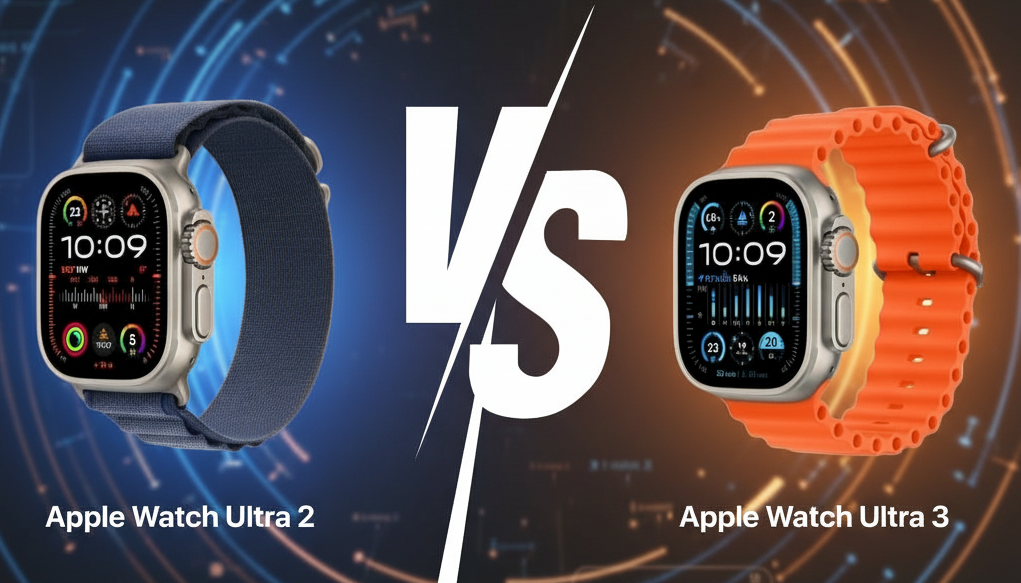
    Apple Watch Ultra 3 is an evolution, not a revolution compared to Ultra 2 – both watches look almost identical, but Ultra 3 has a larger display, longer battery life, satellite connectivity, and a 5G RedCap modem. For most users, Ultra 2 will still be a great choice, but if you are just buying a premium smartwatch or need maximum independence in the field – Ultra 3 is the best choice for 2025.

    Comparison table: Apple Watch Ultra 2 vs Ultra 3

    CechaApple Watch Ultra 2 (2023)Apple Watch Ultra 3 (2025)
    Start price (PL)currently approx. 3399 zł3799 zł (launch price)
    Case materialGrade 5 titanium (natural or black)Grade 5 titanium (natural or black)
    Dimensions49 × 44 × 14.4 mm49 × 44 × 12 mm
    Weight (without strap)61.4–61.8 g61.6–61.8 g
    Display1.92″ LTPO OLED (410 × 502 px, 326 ppi) – 3000 nit1.99″ LTPO3 OLED (422 × 514 px, 326 ppi) – 3000 nit
    Processor (SiP)Apple S9 + Neural EngineApple S10 + Neural Engine
    Internal memory64 GB64 GB
    Cellular connectivity4G/LTE (eSIM)5G RedCap + 4G/LTE (eSIM)
    Satellite connectivity❌ None✅ Emergency SOS via Satellite
    Local connectivityWi-Fi 4 (2.4/5 GHz), Bluetooth 5.3, UWB 2nd gen., GPS L1+L5Same
    Battery – typical usageUp to 36 hUp to 42 h
    Battery – Low Power ModeUp to 72 hUp to 72 h
    ResistanceWR100, IP6X, MIL-STD-810HWR100, IP6X, MIL-STD-810H
    Health sensorsHeart rate, ECG, SpO₂, temp., accelerometer, gyroscopeThe same + hypertension notification, Sleep Score
    Sports featuresMulti-sport, Backtrack, compass, GPS L1+L5The same + Workout Buddy (AI trainer)
    Operating systemwatchOS 10 → update to watchOS 26watchOS 26 (factory)
    Update supportuntil 2028until 2030

    What does the Apple Watch Ultra 3 look like and how does it differ from the Ultra 2?

    Does the Apple Watch Ultra 3 have a new design?

    On the outside, Apple Watch Ultra 3 looks almost identical to Ultra 2, but the devil is in the details. Apple has retained the distinctive aircraft-grade titanium case (Grade 5) with a size of 49 mm, however, the new model has thinner screen bezels by 24%. This allows the Ultra 3 to offer a larger working area (1.99″ vs 1.92″) without increasing the overall dimensions.

    Interestingly, the case of the Ultra 3 is also thinner (12 mm instead of 14.4 mm), which makes the watch sit better on the wrist.
    The weight remains almost identical – around 61–62 g without the strap, so in everyday use, there is no noticeable difference in weight.

    What materials are used in the Apple Watch Ultra 3?

    Both watches – Ultra 2 and Ultra 3 – utilize the same exceptionally durable titanium and sapphire glassthat is scratch-resistant.
    The construction meets IP6X, WR100 (up to 100 m immersion) and MIL-STD-810H, which is a military standard for resistance to shocks, dust, moisture, and extreme temperatures.

    In practice, this means that both Ultra 2 and Ultra 3 are ready for mountain trekking, swimming, and even diving up to 40 m – ideal for outdoor athletes.

    What colors are available for the Apple Watch Ultra 3?

    Apple continues with two color variants:

    • Natural titanium (silver)
    • Black titanium

    These are minimalist, elegant shades that pair well with any strap – from silicone sports to leather and fabric.
    👉 See straps for Apple Watch Ultra 3 at the Home Screen store


    Display, performance, and battery – what has been improved in the Apple Watch Ultra 3?

    Is the display in Ultra 3 better?

    Yes. The Ultra 3 has a newer LTPO OLED 3rd generation panel, which provides better viewing angles, deeper blacks, and greater energy efficiency.
    Although the brightness remains the same (3000 nits), in practice, the Ultra 3 is more readable in sunlight and has a smoother always-on mode with a refresh rate of 1 Hz – for the first time on the Apple Watch, you can constantly see the second hand.

    The resolution has increased from 410×502 px to 422×514 px, which is not revolutionary but improves the sharpness of dials and the readability of maps in training mode.

    Does the new S10 processor make a difference?

    The Apple Watch Ultra 3 is powered by S10 SiP chip, which replaced S9 from Ultra 2.
    The differences in speed are minimal, but S10 is more energy-efficient, which combined with the new display gives a real +6 hours of battery.
    The new chip also enables wrist flick gesture (waving the wrist for control) and better processing of AI features with watchOS 26.

    How long does the Apple Watch Ultra 3 last on battery?

    Apple declares:

    • Ultra 2: up to 36 h of normal use
    • Ultra 3: up to 42 h (normally) or 72 h in power-saving mode

    Tests confirm that Ultra 3 actually lasts even 2–3 days with typical use (with Always-On Display).
    Fast USB-C charging in 15 minutes adds about 12 h of usage.

    👉 Check fast chargers for Apple Watch Ultra 3


    Connectivity and new features

    5G, satellite, and greater independence

    Apple Watch Ultra 3 is the first Apple smartwatch with support for 5G RedCap networks and satellite SOS connectivity.
    Thanks to this, the watch can connect to the network even in places where there is no GSM coverage.
    The Emergency SOS via Satellite feature allows you to send an emergency message and GPS coordinates to emergency services or emergency contacts — it works similarly to iPhone 14 and 15.
    This solution is mainly aimed at people engaged in trekking, sailing, or off-road activities, where lack of coverage is a real problem.

    The new modem 5G RedCap improves coverage and energy efficiency, not offering the full 5G speed known from smartphones, but sufficient for maps, notifications, or Siri.
    In Poland, the 5G Standalone feature is already being implemented by operators, so Ultra 3 will be fully compatible in the coming months.

    Additional connectivity enhancements

    • improved antenna layout (better coverage in difficult terrain),
    • UWB 2nd gen. – precise device locating in the “Find” app,
    • dual GPS L1+L5 – accurate route tracking even in mountains and cities,
    • Bluetooth 5.3 and Wi-Fi 4 (2.4 / 5 GHz) with lower power consumption.

    These enhancements make Ultra 3 the most “independent” Apple smartwatch so far – it operates independently from the iPhone, even in the field.

    Health and sports features

    Both generations of the Apple Watch Ultra offer a wide range of health sensors, however, the Ultra 3 expands their capabilities programmatically.
    The watch monitors heart rate (optical 3rd gen), ECG, blood oxygen (SpO₂), body temperature, and detects falls and accidents (Crash Detection).

    The new features in Ultra 3 are:

    • notifications for hypertension,
    • Sleep Score – daily sleep quality rating,
    • Workout Buddy – an AI smart coach from Apple Intelligence, analyzing progress and motivating during workouts.

    In terms of sports, both models offer:

    • measurement of running power, stride length, and ground contact,
    • precise GPS L1+L5 and barometric altimeter,
    • Multi-sport mode (triathlon, cycling, swimming, climbing),
    • 86 dB emergency siren and Backtrack mode (return navigation).

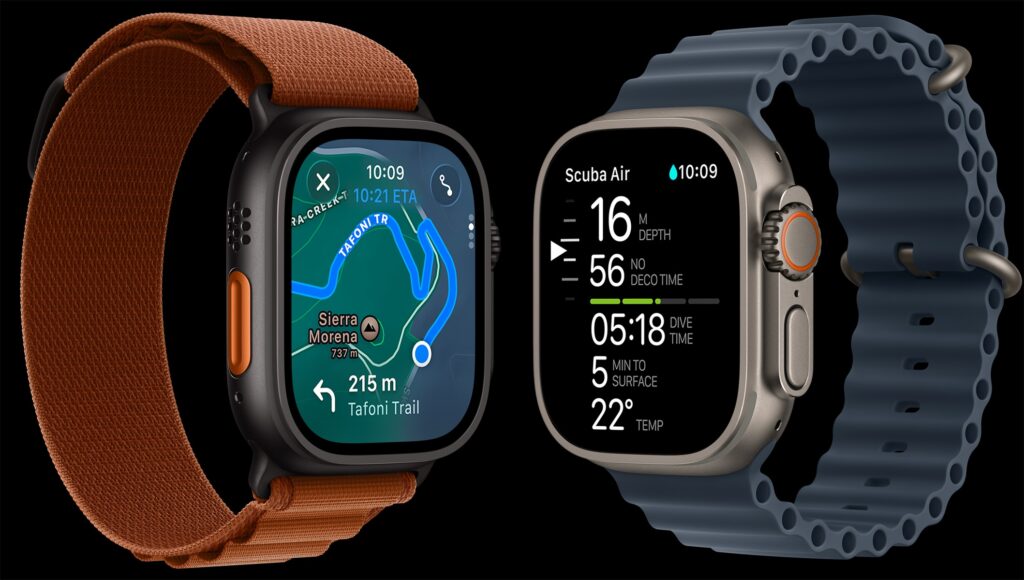
    The watches are waterproof up to 100 m, resistant to seawater and dust, and thanks to the EN13319 certification, they can serve as a dive computer.


    Software and support

    How long will Apple update these watches?

    Apple is known for its long support of its devices, and the Ultra series is no exception.
    Apple Watch Ultra 2 debuted with watchOS 10, and after updates, it now runs on watchOS 26, while Ultra 3 comes factory-installed with this version.

    How long will support last?

    • Ultra 2 – security and system updates expected until around 2028,
    • Ultra 3 – full support until 2030.

    This means that by purchasing Ultra 3, you gain two more years of updates, and consequently – a longer device lifespan and access to new Apple Intelligence (AI) features that may require a newer chip S10.

    Compatibility and ecosystem

    Both models work with iPhone 11 or newer (running iOS 26).
    Thanks to integration with the Apple ecosystem, users can take advantage of:

    • Apple Fitness+ (workouts with trainers),
    • Apple Pay (contactless payments),
    • Apple Music and Podcasts,
    • health data synchronization in iCloud.

    Ultra 3 and Ultra 2 also have full accessory compatibility – 49 mm bands and chargers are interchangeable between generations.


    Is it worth buying Apple Watch Ultra 3 instead of Ultra 2?

    For most users, the differences between Ultra 2 and Ultra 3 are not revolutionary, but real.
    The new model is more efficient, lasts longer on battery, supports 5G and satellite communication, and has longer support.

    When is it better to choose Ultra 3?

    • if you do not yet have a watch from the Ultra series,
    • if you often stay out of network coverage (mountains, sailing, travel),
    • you want the most future-proof model with 5G and SOS via Satellite,
    • you care about an AI trainer and longer battery life.

    When is it better to buy Ultra 2?

    • when you have a limited budget – the price difference is often 400–600 PLN,
    • if you mainly use the watch in the city and do not need satellite connectivity,
    • if you already have Ultra 2 – switching does not make much economic sense.

    In terms of cost-effectiveness, a simple rule can be applied:

    🔹 New users → choose Ultra 3
    🔹 Ultra 2 owners → stick with the current model


    📊 Summary: Apple Watch Ultra 3 vs Ultra 2

    AspektLepszy wybórKomentarz
    Design i jakość wykonaniaRemisOba modele z tytanu, ta sama solidność
    EkranUltra 3Cieńsze ramki, nowszy panel LTPO3
    BateriaUltra 3+6 h przy typowym użytkowaniu
    ŁącznośćUltra 35G RedCap + SOS via Satellite
    Funkcje zdrowotneUltra 3Nowe algorytmy: nadciśnienie, Sleep Score
    Funkcje sportoweRemisWorkout Buddy (AI) tylko w Ultra 3
    CenaUltra 2Zazwyczaj tańszy o 400–600 zł
    Wsparcie systemoweUltra 3Do 2030 r. (vs 2028 r.)

    💬 Opinie użytkowników i recenzje

    Recenzenci (The Verge, Tom’s Guide, MacRumors) zgodnie podkreślają, że Ultra 3 to świetny smartwatch, ale bardziej dopracowanie niż rewolucja.
    Nowe funkcje są wartościowe głównie dla osób, które potrzebują ich w praktyce (outdoor, bezpieczeństwo, sport).

    „Ultra 3 jest dla tych, którzy jeszcze nie mają Ultra — dla posiadaczy Ultra 2 to raczej luksus, nie konieczność.” — The Verge

    Users praise primarily the longer battery life, larger screen, and the sturdiness of the construction.
    The most common conclusion: if this is your first Ultra – go for the «three»; if you have the «two» – wait for Ultra 4.


    FAQ – frequently asked questions about Apple Watch Ultra 3 and Ultra 2

    ⭐️ Is it worth buying Apple Watch Ultra 3 in 2025?
    Yes, if you are just buying your first Apple Watch Ultra. The Ultra 3 model has a larger screen, longer battery life, satellite connectivity, and 5G support, making it the most future-proof choice. For Ultra 2 owners, the change is not necessary, as the differences are not revolutionary.

    ⭐️ What is the difference between Apple Watch Ultra 3 and Ultra 2?
    The Ultra 3 has a larger screen (1.99″ vs 1.92″), thinner bezels, a newer S10 processor, RedCap 5G connectivity, SOS via Satellite feature, and longer system support until 2030. The other elements – such as health sensors or durability – are practically identical.

    ⭐️ How long does the battery last in Apple Watch Ultra 3?
    The watch lasts up to 42 hours with normal use and up to 72 hours in power-saving mode. Thanks to fast charging, just 15 minutes is enough to gain about 12 hours of use.

    ⭐️ Does the Apple Watch Ultra 3 work in Poland with 5G network?
    Yes, it uses the 5G RedCap mode, which operates in Standalone (SA) 5G networks. Polish operators – including Plus, Orange, and T-Mobile – are gradually implementing this solution, so compatibility will expand.

    ⭐️ Does the Apple Watch Ultra 3 support SOS via satellite in Poland?
    Yes, Apple has announced the availability of the Emergency SOS via Satellite feature for users in Poland and the entire EU. The service is free for the first 2 years after activating the watch.

    ⭐️ Do the bands and cases from Apple Watch Ultra 2 fit Ultra 3?
    Yes. All accessories for the 49 mm case are fully compatible. Therefore, you can use your existing bands, cases, and chargers with the new model.

    ⭐️ Does the Apple Watch Ultra 3 have new health features?
    Ultra 3 introduces hypertension notifications and the Sleep Score feature – a sleep quality assessment. Both models measure heart rate, ECG, SpO₂, and detect falls or accidents (Crash Detection).

    ⭐️ Is the Apple Watch Ultra 3 suitable for diving?
    Yes. The watch is water-resistant up to 100 meters and meets the EN13319 standard, allowing it to be used as a dive computer up to a depth of 40 m. It also works in salt water and extreme temperatures.

    ⭐️ What are the prices of Apple Watch Ultra 3 and Ultra 2 in Poland?
    Ultra 3 costs around 3799 zł (premiere), while Ultra 2 is available from around 3399 zł. The difference of about 400–600 zł depends on the store and promotions. If Ultra 2 is significantly cheaper, it will still be a very good choice.

    ⭐️ Does Apple Watch Ultra 3 work without an iPhone?
    Yes. Thanks to the eSIM module and cellular connectivity (LTE/5G), Ultra 3 can operate independently – receiving calls, messages, and GPS data without a phone nearby.

    ⭐️ Does Ultra 3 support Apple Pay and Siri in Polish?
    Yes, the watch fully supports Apple Pay and Siri in Polish, both online and offline (thanks to on-device processing).

    ⭐️ Does Apple Watch Ultra 3 have a better screen than Ultra 2?
    Yes. Although the brightness remains at 3000 nits, Ultra 3 has a newer LTPO OLED 3rd generation display, with thinner bezels and better viewing angles.

  • iPad Pro M5 vs M4 – which one is worth buying in 2025?

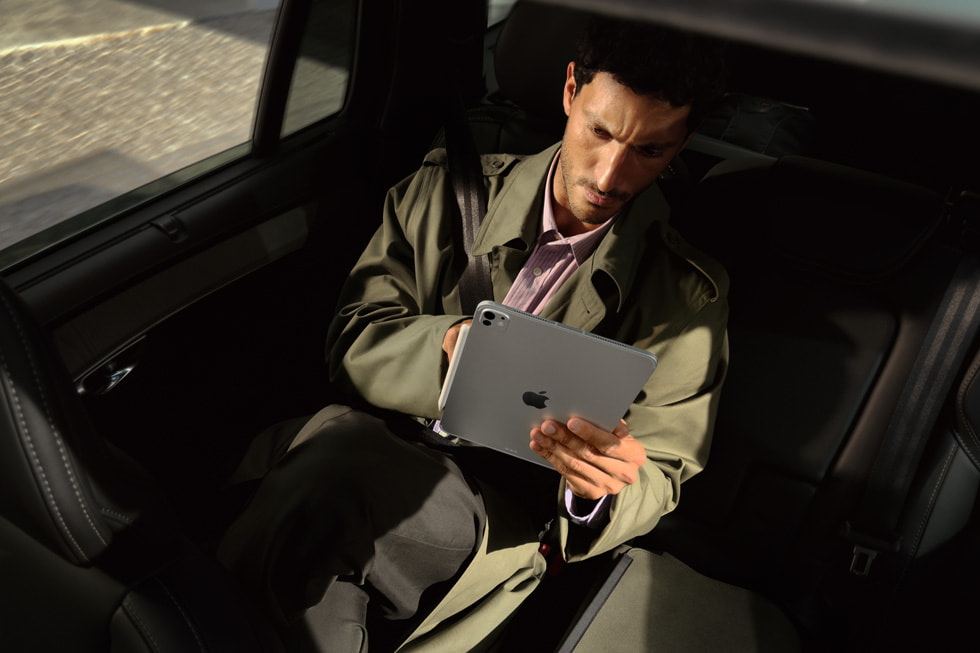
    iPad Pro M5 vs M4 – which one is worth buying in 2025?

    The latest iPad Pro with the M5 chip is an evolutionary upgrade from the M4 predecessor. It offers higher performance (especially in graphics and AI), faster connectivity (Wi‑Fi 7, Bluetooth 6, faster 5G), and support for fast charging. The iPad Pro M5 will be the best choice for professionals and the most demanding users, while the iPad Pro M4 will still perform excellently for those with slightly lower requirements – and at a lower price. 

    📊iPad Pro M5 vs iPad Pro M4 – Comparison Table

    CechaiPad Pro M4 11″iPad Pro M4 12.9″iPad Pro M5 11″iPad Pro M5 13″
    Wyświetlacz11″ OLED Ultra Retina XDR, 120 Hz, HDR12.9″ OLED Ultra Retina XDR11″ OLED Ultra Retina XDR13″ OLED Ultra Retina XDR
    ProcesorApple M4Apple M4Apple M5Apple M5
    RAM8–16 GB8–16 GB12–16 GB12–16 GB
    Pamięć256 GB – 2 TB SSD256 GB – 2 TB SSD256 GB – 2 TB (szybszy SSD)256 GB – 2 TB (szybszy SSD)
    Aparaty12 + 10 Mpix + LiDAR12 + 10 Mpix + LiDARbez zmianbez zmian
    ŁącznośćWi-Fi 6E, BT 5.3Wi-Fi 6E, BT 5.3Wi-Fi 7, BT 6, 5G C1XWi-Fi 7, BT 6, 5G C1X
    Ładowanieok. 20–30 Wok. 20–30 WFast Charge (50% w 30 min)Fast Charge (50% w 30 min)
    SystemiPadOS 17iPadOS 17iPadOS 26iPadOS 26
    Cena startowaod 999 USDod 1299 USDod 999 USDod 1299 USD

    At first glance: iPad Pro M5 and M4 are very similar in terms of base specifications – both come in the same sizes and have fantastic OLED displays, identical cameras, and enclosures. The biggest differences lie in performance and internal components: the M5 chip delivers higher performance than the M4, M5 models have more RAM in cheaper configurations, as well as newer connectivity modules (Wi‑Fi 7, 5G C1X modem) and fast charging capability.


    Screen and design – does the iPad Pro M5 have a better display than M4?

    The same Ultra Retina XDR OLED screen

    Both the iPad Pro M4 and M5 have the identical top-of-the-line Ultra Retina XDR OLED screen with ProMotion 120 Hz technology and full HDR support (1600 nit peak). It is the same tandem OLED panel that Apple introduced in 2024 and still has no competition in the tablet world.

    The image quality is phenomenal: perfect blacks, high contrast, and a wide P3 color gamut. Both models provide smooth scrolling and responsiveness that no other tablet offers. In practice, you won’t notice a difference between the M4 and M5 screens – Apple didn’t need to change it, as it had already reached a «reference» level.
    Design – cienki, lekki i solidny

    Obie generacje iPadów Pro mają taką samą konstrukcję z aluminium lotniczego, z płaskimi krawędziami i bardzo małymi ramkami.
    Wymiary i waga pozostały identyczne:

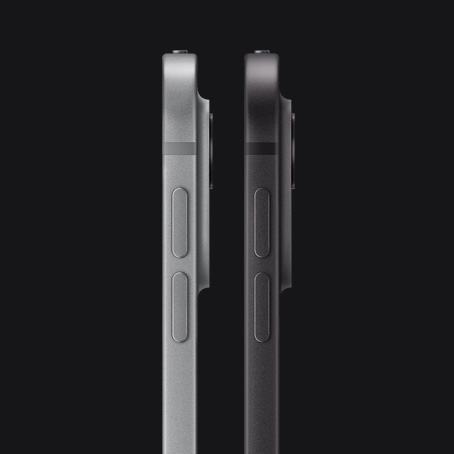
    • iPad Pro 11″ – 5,3 mm grubości, ok. 470 g
    • iPad Pro 13″ – 5,1 mm grubości, ok. 570 g

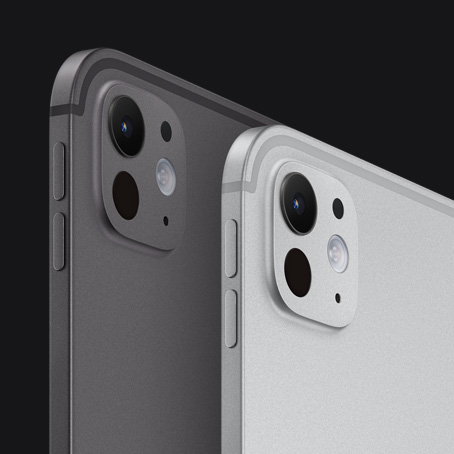
    To wciąż najcieńsze tablety na rynku. Nowością w iPadzie Pro M5 jest kolor Space Black (czarny), który zastąpił dotychczasową gwiezdną szarość. Dla wielu użytkowników to drobna, ale pożądana zmiana estetyczna.

    💡 Check also cases for iPad Pro 13″ or cases for iPad Pro 11″, to properly protect this ultra-thin design from scratches.
    Front camera – now in a better place

    The most practical change concerns the position of the front camera. In the iPad Pro M5, it has been moved to the longer edge, so during horizontal conversations you look directly into the lens.
    In the M4, the camera was on the shorter side, so in horizontal orientation it gave the impression of a “side glance.” If you often hold online meetings or video lessons – this improvement really makes a difference.


    Performance and computing power – Apple M5 vs M4

    How big is the performance difference between M4 and M5?

    The Apple M5 chip is an improved version of the M4 chip, made in the same 3 nm process, but with a new core architecture.

    • CPU: up to 15% faster, with better power management,
    • GPU: up to 40% more powerful, with support for 3rd generation ray tracing,
    • Neural Engine: even 4× faster in AI tasks.

    In everyday use (notes, browsing the web, movies) the differences are minimal. But if you work with RAW files, design in Procreate, edit 4K videos in LumaFusion, or use AI applications – M5 will provide a real increase in work comfort.

    More RAM in cheaper models

    This is a significant change.

    • iPad Pro M4 (256/512 GB) → 8 GB RAM
    • iPad Pro M5 (256/512 GB) → 12 GB RAM

    For demanding applications, this is a big difference – M5 handles multitasking better and keeps more projects open without refreshing. The 1 TB and 2 TB versions in both models have 16 GB RAM.

    Faster disk and memory

    M5 korzysta z nowszych modułów SSD NVMe, oferujących nawet 2× szybszy odczyt i zapis danych. Zwiększono też przepustowość pamięci do 153 GB/s (z 120 GB/s w M4).
    Efekt: krótsze czasy ładowania aplikacji, szybsze przenoszenie dużych plików i płynniejsze działanie w profesjonalnych aplikacjach.


    Bateria i ładowanie – czy iPad Pro M5 działa dłużej?

    Czas pracy

    Apple deklaruje taki sam czas działania: do 10 godzin Wi-Fi lub 9 godzin w sieci 5G.
    W praktyce iPad Pro M5 ma nieco lepszą efektywność energetyczną – dzięki nowszemu procesorowi i modemowi zużywa mniej energii pod dużym obciążeniem (np. podczas streamingu 4K czy pracy na 5G).

    Szybkie ładowanie – wreszcie!

    The biggest novelty is fast charge.
    The iPad Pro M5 can be charged up to 50% in about 30 minutes using a 40W or stronger power adapter (e.g., a MacBook charger).
    The M4 model did not support fast charging and needed over an hour for a similar result.
    This is a huge advantage if you use the iPad outdoors or want to quickly recharge it between meetings.

    🔋 See also tempered glass for iPad Pro 13″ and glass for iPad Pro 11″, if you want to protect the screen from damage during everyday use or charging in a bag.


    Cameras and multimedia – does M5 take better photos?

    Rear setup unchanged

    Both models have the same layout:

    • main camera 12 Mpix (f/1.8),
    • ultra-wide 10 Mpix (123°),
    • LiDAR scanner for AR and autofocus.

    The quality of photos and 4K video remains the same. Apple did not change the sensors or optics. These are solid cameras for scans and recordings, but they still do not match the Pro iPhones.

    Front camera – practical change

    The 12 Mpix module with Center Stage remains the same, but its position (on the longer side in M5) significantly improves the comfort of video conferencing.

    Sound and multimedia

    The system of four stereo speakers with Dolby Atmos remains unchanged. The sound is still fantastic – full and loud, even without headphones.
    Both iPads lack a 3.5 mm Jack socket, but you can use USB-C or Bluetooth headphones.


    Connectivity and accessories – what’s new in the iPad Pro M5?

    Wi-Fi 7 and Bluetooth 6

    The new connectivity chip in M5 supports the Wi-Fi 7 (802.11be) standard, providing higher speeds and lower latencies.
    M4 remains with Wi-Fi 6E.
    Bluetooth 6 allows simultaneous audio connections and better energy management – these are future-proof features that you will appreciate over time.

    5G C1X modem

    The iPad Pro M5 received Apple’s proprietary C1X modem instead of the Qualcomm chip. It is even 50% faster and consumes less energy.
    If you often work in the field, M5 will provide more stable connections and fewer signal «drops».

    Accessory compatibility

    Full compatibility in both directions:

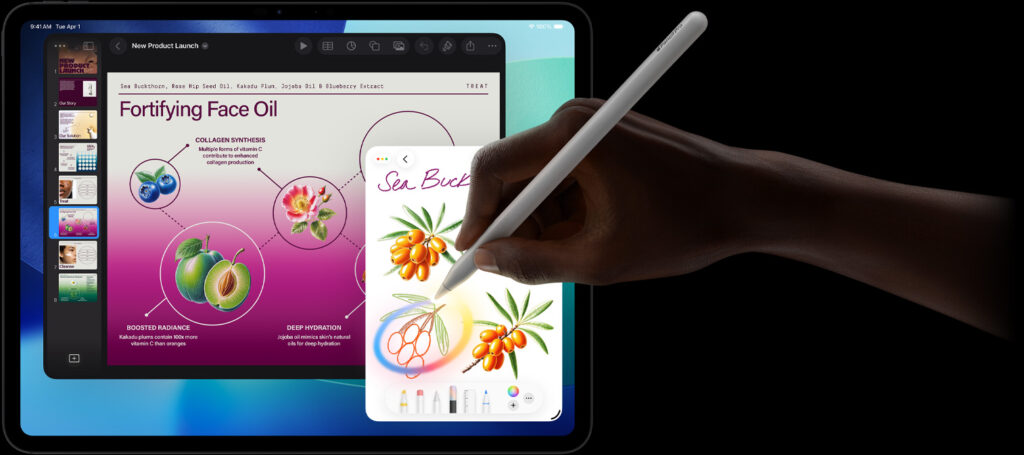
    • Apple Pencil 2 and Apple Pencil Pro work with M4 and M5,
    • Magic Keyboard (old and new with function keys) fits both models,
    • the same Smart Connector and magnetic mounts.

    No need to buy new accessories when changing iPads – that’s a big plus.

    Is it worth paying extra for the iPad Pro M5?

    When to choose M5

    • You work with video, 3D graphics, design, or AI.
    • You often use a 5G modem and care about faster transmission.
    • You need fast-charge and modern connectivity standards.
    • You want hardware with longer system support (iPadOS 26+).

    When M4 is enough

    • Używasz iPada do notatek, filmów, gier i codziennych zadań.
    • Nie potrzebujesz najszybszych sieci ani szybkiego ładowania.
    • Liczy się dla Ciebie niższa cena – M4 oferuje 90 % możliwości M5, często w promocji tańszy o kilkaset złotych.

    ❓ FAQ – najczęstsze pytania o iPad Pro M5 vs iPad Pro M4

    🔹 Jaka jest główna różnica między iPad Pro M5 a M4?

    iPad Pro M5 ma nowszy procesor Apple M5, szybsze GPU i AI, więcej RAM w tańszych modelach oraz obsługuje szybkie ładowanie. Reszta (ekran, obudowa, aparaty) pozostała bez zmian.

    🔹 Czy iPad Pro M5 ma lepszy ekran?

    Nie. Oba iPady Pro mają ten sam ekran Ultra Retina XDR OLED 120 Hz, o jasności do 1600 nitów.

    🔹 Czy warto dopłacić do iPada Pro M5?

    Tak – jeśli używasz iPada do grafiki, wideo, projektów 3D lub AI.
    Nie – jeśli korzystasz głównie z multimediów i notatek.

    🔹 Czy iPad Pro M5 ma szybszy procesor?

    Yes, the processor Apple M5 is about ~15% faster in CPU and up to 40% faster in GPU than M4.

    🔹 How much RAM do the iPad Pro M4 and M5 have?

    M4: 8 GB (256/512 GB) or 16 GB (1–2 TB)
    M5: 12 GB (256/512 GB) or 16 GB (1–2 TB)

    🔹 Does the iPad Pro M5 have a longer battery life?

    Unofficially – slightly longer under heavy load, but Apple claims the same 10 h.

    🔹 Does the iPad Pro M5 support fast charging?

    Yes. It supports fast-charge 50% in 30 min (charger ≥ 40 W).

    🔹 Does the iPad Pro M4 support fast charging?

    No. M4 charges normally (20–30 W), without fast-charge mode.

    🔹 Does the iPad Pro M5 have a better camera?

    No. The cameras are identical (12 + 10 Mpix + LiDAR), only the position of the front camera differs – in M5 it is on the side.

    🔹 Is the camera on the iPad Pro M5 better for video calls?

    Yes, because it has been moved to the longer edge – now you look straight into the lens during a call.

    🔹 Does the iPad Pro M5 have Wi-Fi 7?

    Yes, M5 supports Wi-Fi 7 and Bluetooth 6. M4 has Wi-Fi 6E and BT 5.3.

    🔹 Does the iPad Pro M5 have a new 5G modem?

    Yes. M5 uses the Apple C1X modem – faster and more energy-efficient than Qualcomm in M4.

    🔹 Does the iPad Pro M5 work with Apple Pencil Pro?

    Yes. Apple Pencil Pro works with the iPad Pro M5 and M4.

    🔹 Do accessories from the iPad Pro M4 fit M5?

    Yes – full compatibility. Magic Keyboard, Apple Pencil, and other accessories work on both models.

  • Xiaomi 15 vs Xiaomi 17 – what’s new?

    Xiaomi 15 vs Xiaomi 17 – what’s new?

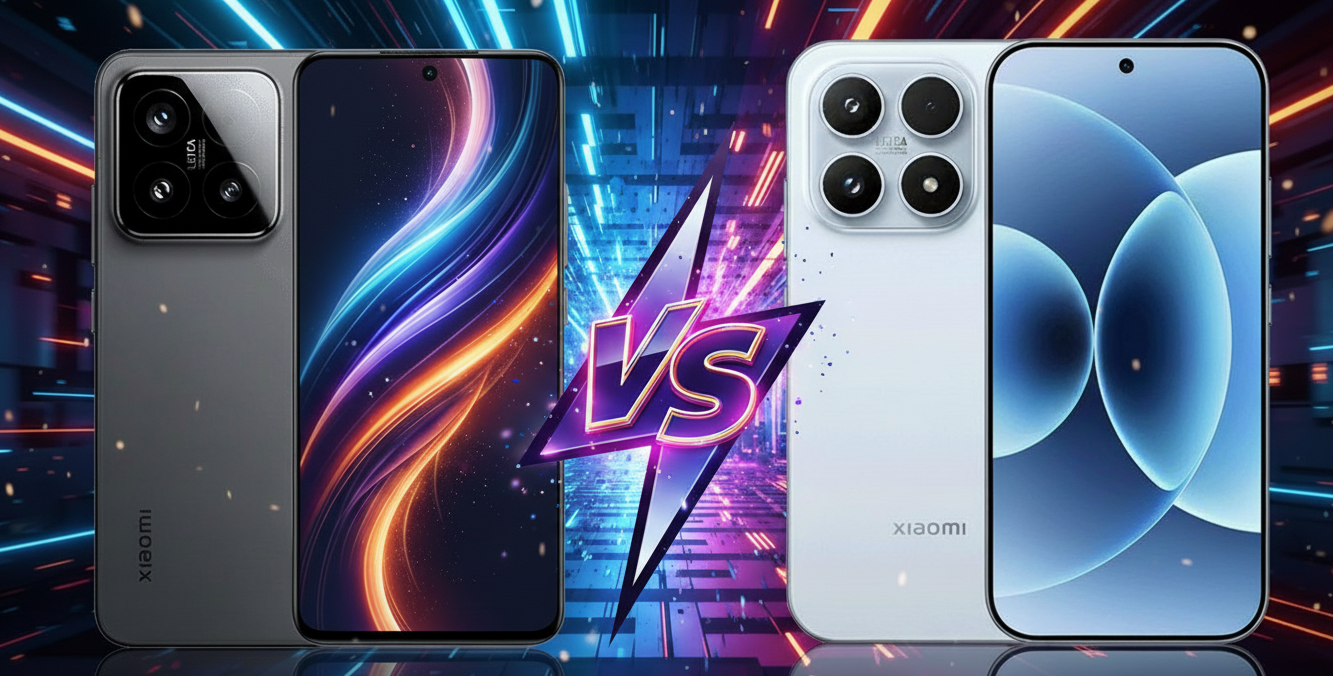
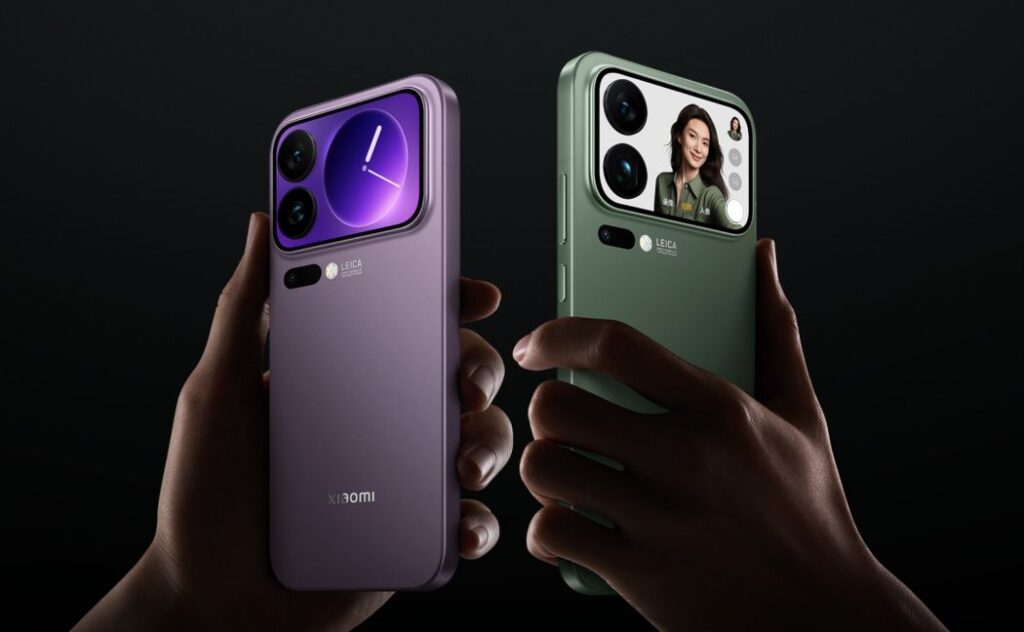
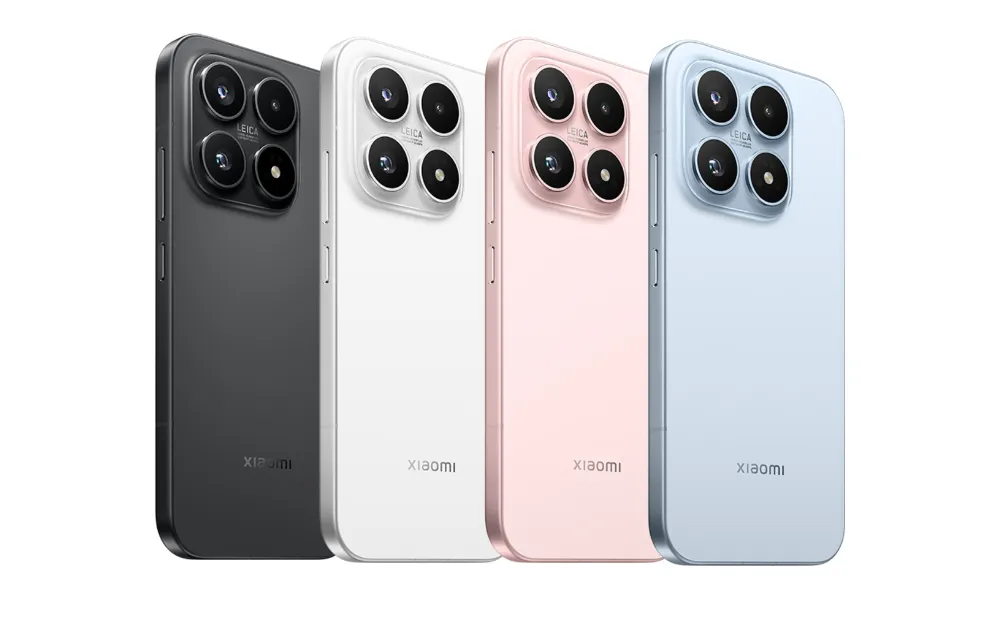
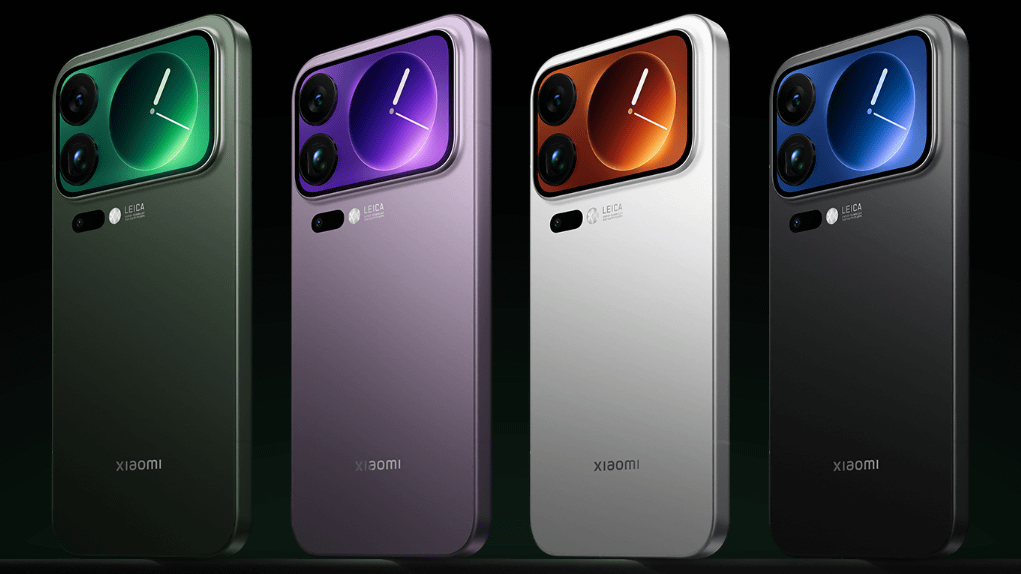
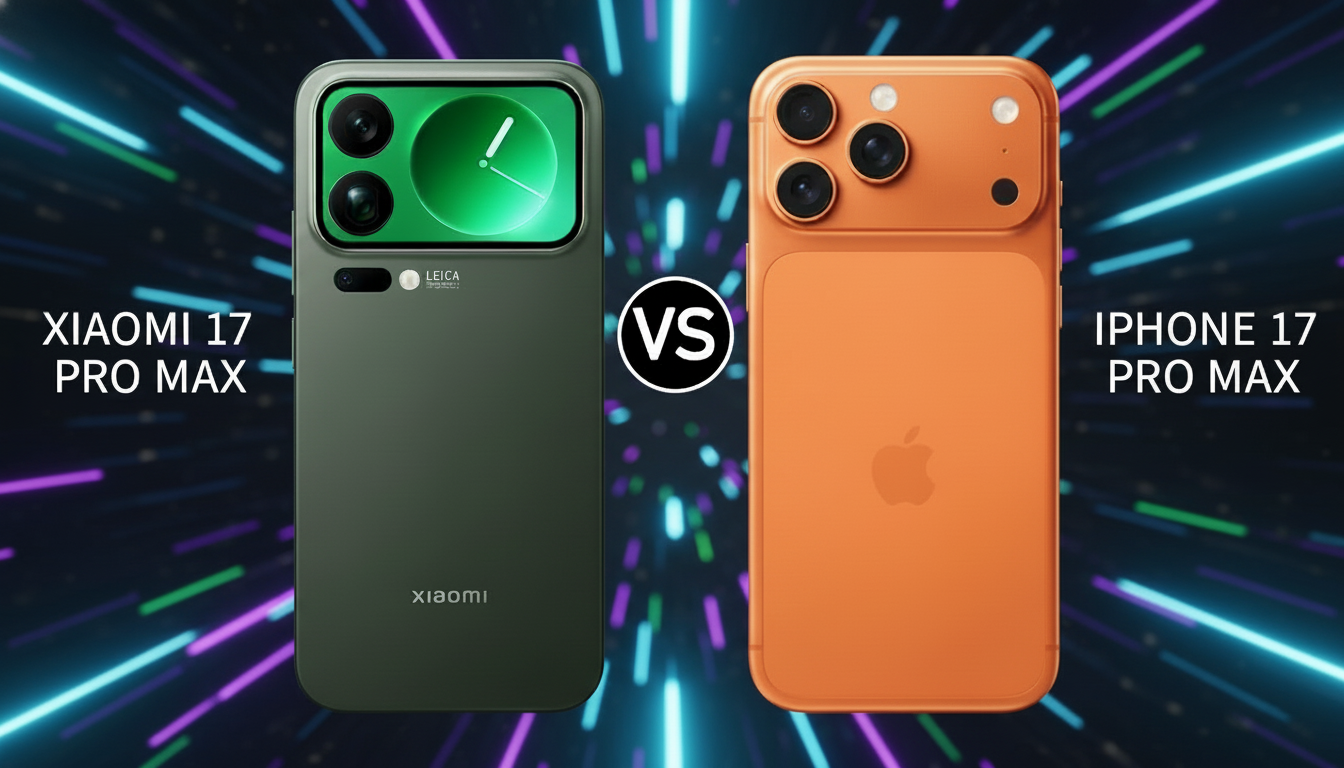
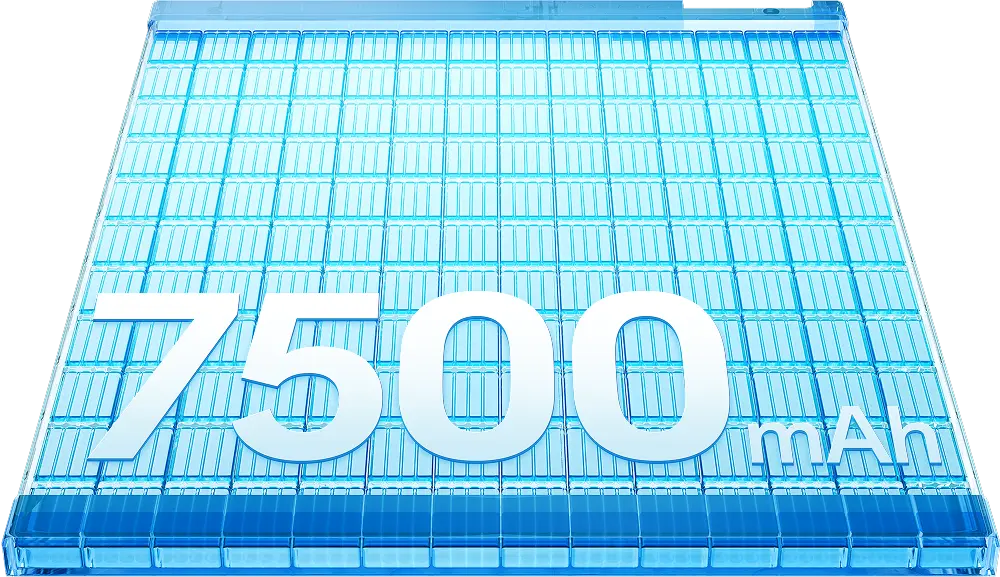
    The series Xiaomi 17 is a significant step forward compared to Xiaomi 15. All models – from the basic to Pro Max – bring the new Snapdragon 8 Elite Gen 5 processorbetter Leica cameraslarger batteries (up to 7500 mAh) and the latest HyperOS 3.0 system based on Android 16.
    On the other hand, Xiaomi 15 still remains a great choice for those looking for top performance at a lower price.

    Comparison table Xiaomi 15 vs Xiaomi 17

    SpecyfikacjaXiaomi 15 / 15 Pro / 15 Pro MaxXiaomi 17 / 17 Pro / 17 Pro Max
    Data premieryIV kw. 2024 (globalnie)III kw. 2025 (Chiny), globalnie 2026
    System / UIAndroid 15, HyperOS 2.0Android 16, HyperOS 3.0
    Ekran6,36″ LTPO AMOLED (3200 nit HDR, 120 Hz) – Pro / Pro Max do 6,7″6,3″ LTPO AMOLED (3500 nit HDR, 120 Hz) – Pro / Pro Max z ekranem tylnym OLED (2,7–2,9″)
    ProcesorSnapdragon 8 Elite (3 nm, Oryon V2 do 4,32 GHz)Snapdragon 8 Elite Gen 5 (3 nm, Oryon V3 do 4,6 GHz)
    GPUAdreno 830Adreno 840
    RAM / pamięć12/16 GB LPDDR5x, 256/512 GB UFS 4.0 (1 TB w Pro Max)12/16 GB LPDDR5x, 256/512 GB UFS 4.1 (1 TB w Pro / Pro Max)
    Aparat tylny50 MP (f/1.6, OIS) + 50 MP szeroki (115°) + 50 MP tele 2,6× (Pro 5×)50 MP (f/1.7, Leica, OIS) + 50 MP szeroki (102° lub makro 5 cm) + 50 MP tele 2,6× / 5×
    Aparat przedni32 MP (f/2.0), bez AF (Pro z AF)50 MP (f/2.2, PDAF) z autofokusem
    Bateria5240–6100 mAh (15–Pro Max), 90 W / 50 W6300–7500 mAh (17–Pro Max), 120 W / 50 W
    Łączność5G, Wi-Fi 7, Bluetooth 5.4, NFC, Dual SIM + eSIM, USB-C 3.2 DP, IP685G, Wi-Fi 7, Bluetooth 5.4, NFC, UWB (Pro / Pro Max), USB-C 3.2 DP, IP68
    Szkło / inneDragon Glass 2, czytnik ultradźwiękowyDragon Glass 3, UWB, ekran tylny (Pro / Pro Max)
    Cena (start)od ok. 3779 zł (12/256 GB, PL 2025)podobny poziom cenowy w Chinach – PL premiera 2026

    Performance of Xiaomi 15 vs Xiaomi 17

    Which one is faster?

    Both smartphones are powered by top Qualcomm processors. Xiaomi 15 uses the Snapdragon 8 Elite (3 nm) with Oryon V2 cores (up to 4.32 GHz) and Adreno 830 graphics, while Xiaomi 17 received the newer Snapdragon 8 Elite Gen 5 (3 nm) with Oryon V3 cores (up to 4.6 GHz) and Adreno 840 graphics.

    In practice, this translates to a noticeable increase in performance. According to the manufacturer, the unit in Xiaomi 17 is 20–50% faster than in Xiaomi 15. Benchmarks confirm this data – GeekBench indicates around 3440 pts (single-core) for Xiaomi 17 vs 2769 pts for Xiaomi 15, and AnTuTu gives a clear advantage to the new model.

    In everyday use

    Both smartphones offer 12 or 16 GB of LPDDR5x memory, ensuring smooth operation of the system and games. However, Xiaomi 17 handles multitasking better, loads applications faster, and maintains high performance longer under heavy load. For gamers and demanding users – the choice is obvious.


    Xiaomi 15 vs Xiaomi 17 Display

    Does Xiaomi 17 have a better display than Xiaomi 15?

    • Xiaomi 15 has an LTPO AMOLED panel with a diagonal of 6.36″, a resolution of 2670 × 1200 px (~460 ppi), and a variable refresh rate from 1 to 120 Hz. The maximum brightness reached 3200 nits.
    • Xiaomi 17 offers an LTPO AMOLED display with a diagonal of 6.3″, a resolution of 2656 × 1220 px (~464 ppi) with an adaptive refresh rate of 1-120 Hz, but with a maximum brightness of up to 3500 nits and Dragon Crystal Glass 3 protective glass.

    🔎 What does this mean in practice

    • In strong sunlight conditions, the Xiaomi 17 screen will be more readable due to its higher brightness – which translates to better visibility outdoors.
    • LTPO z zakresem 1–120 Hz oznacza, że częstotliwość odświeżania może być dynamicznie dopasowana w zależności od treści, co pomaga w oszczędzaniu baterii – obie generacje mają tę funkcję, ale 17-tka to bardziej dopracowane rozwiązanie.
    • Wyższa jasność i nowsze szkło ochronne w Xiaomi 17 oznaczają także lepszą wytrzymałość i mniejsze ryzyko refleksów lub utraty czytelności w słońcu.
    • Choć zmiana rozmiaru ekranu jest minimalna (6,36″ → 6,3″), Xiaomi 17 zyskuje na kompaktowości i lepszym stosunku proporcji, przy jednoczesnym zachowaniu znakomitej jakości obrazu.

    W serii Xiaomi 17 (Pro i Pro Max) pojawiają się dodatkowe ulepszenia:

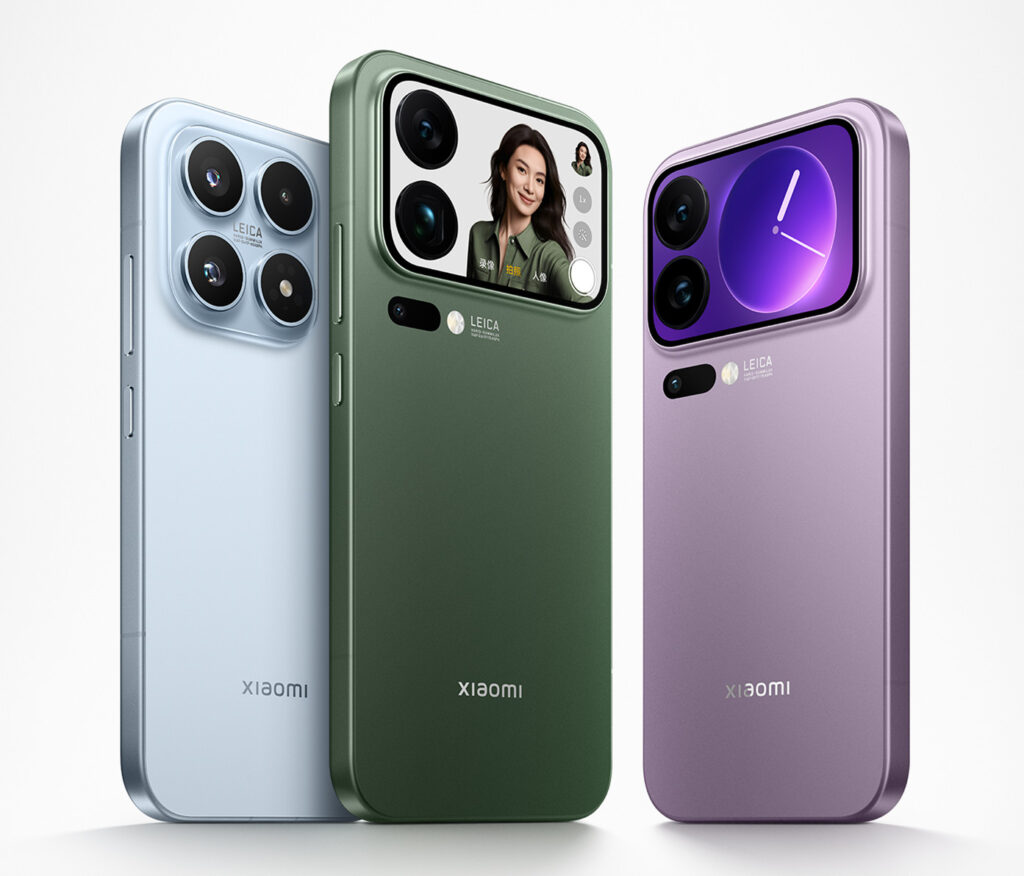
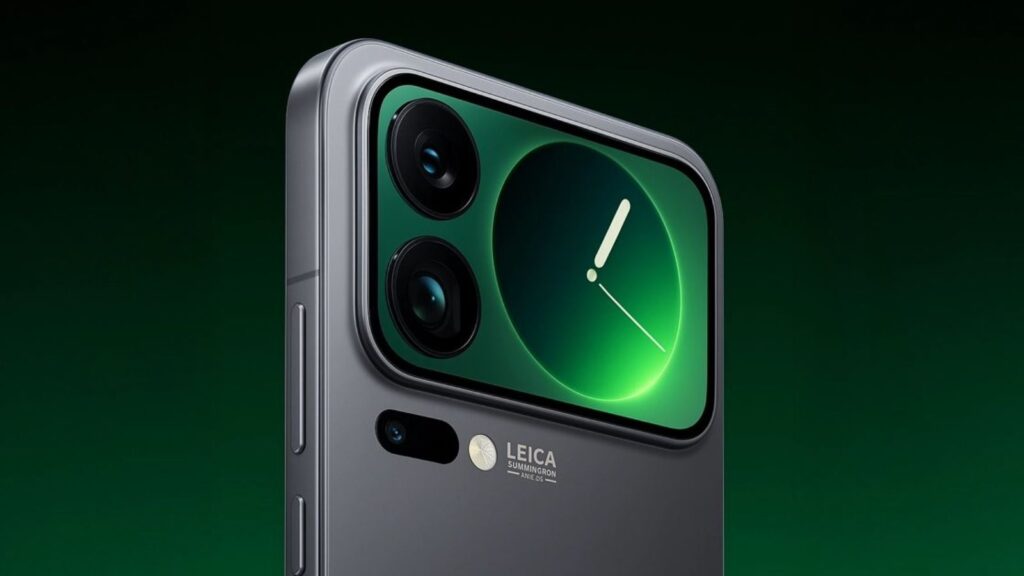
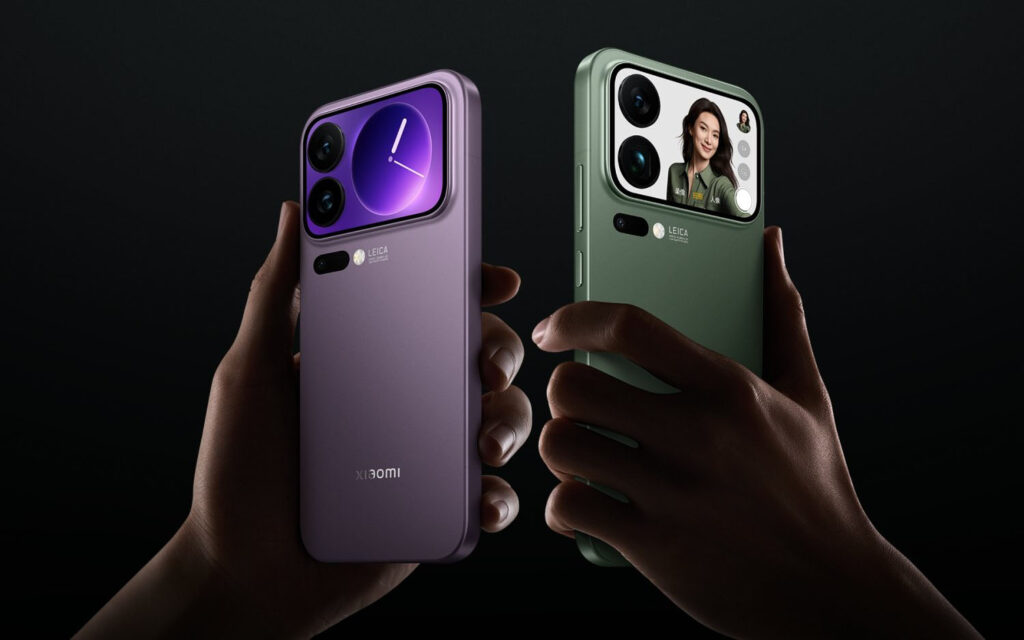
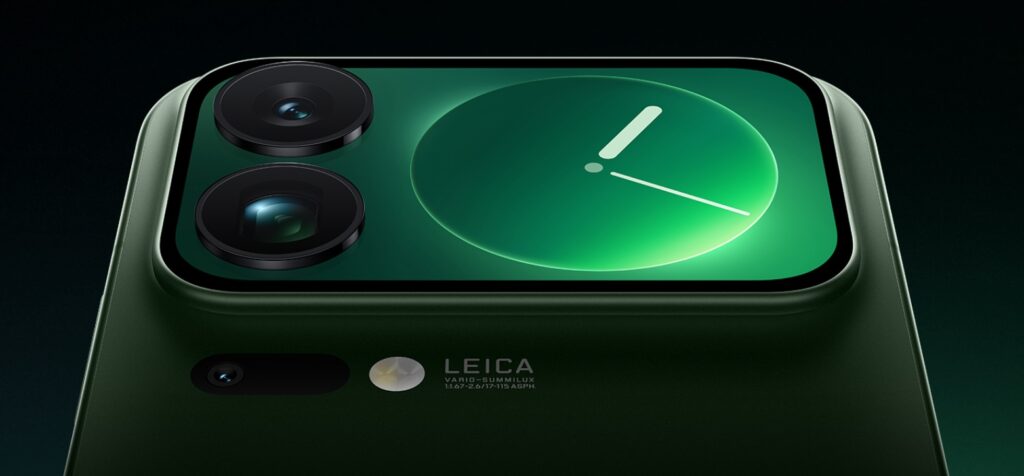
    • Dla wariantów Pro i Pro Max dostępny jest ekran pomocniczy z tyłu obudowy o przekątnej ok. 2,7″-2,9″ – który może służyć jako podgląd aparatów lub wyświetlać powiadomienia. 
    • Wyższa jasność (3500 nitów) utrzymana również w Pro/Pro Max, co oznacza, że niezależnie od wersji otrzymujesz topowy panel.

    ✅ Wniosek

    Jeżeli priorytetem jest najlepszy ekran — czyli doskonała jasność, szybka adaptacja odświeżania i lepsze szkło ochronne — wtedy Xiaomi 17 wypada lepiej niż Xiaomi 15. Jeśli jednak używasz smartfona głównie w normalnych warunkach i nie zależy Ci na ekstremalnej jasności czy ekranie tylnym w wersji Pro/Pro Max — ekran Xiaomi 15 wciąż sprosta większości zastosowań.

    👉 Sprawdź szkło hartowane do Xiaomi 15


    Aparat Leica w Xiaomi 15 i 17

    Który robi lepsze zdjęcia?

    W sekcji aparatów oba smartfony stoją na bardzo wysokim poziomie, ale Xiaomi 17 wprowadza kilka znaczących ulepszeń w porównaniu do Xiaomi 15.

    • W Xiaomi 15: tylny zestaw trzech aparatów 50 MP (główny f/1.62 + ultraszeroki f/2.2 + tele f/2.0, 2,6× zoom) zgodnie z testem DXOMARK.
    • W Xiaomi 17: również trzy aparaty po 50 MP każdy, ale z nowszym sensorem Light Fusion 950 (1/1.31″, f/1.67) i ultrawide 50 MP f/2.4, tele 50 MP 2,6× zoom (a w wariantach Pro/Pro Max nawet 5× zoom optyczny). 
    • Kamera przednia w Xiaomi 17: 50 MP z PDAF i autofokusem — w Xiaomi 15 było 32 MP bez AF

    What does it mean in practice?

    • Better photo quality in low light: a larger sensor and improved lens in Xiaomi 17 mean more light, less noise, and better dynamic range (in Pro/Pro Max versions with LOFIC technology for 16.5 EV). 
    • Better zooms: the basic model 17 maintains a 2.6× zoom, but the Pro and Pro Max versions are equipped with a 5× telephoto lens with a larger sensor – providing a real advantage when photographing from a distance. 
    • Higher selfie detail: 50 MP with autofocus in 17 is definitely an improved front camera compared to 32 MP without AF in 15.
    • New features and processing: The 17 series uses newer Leica AI algorithms and better optics — effectively improving colors, contrast, and depth.

    ✅ Conclusions

    If the camera is a priority for you, then the Xiaomi 17 takes photography and video to the next level: better zooms, better sensor, more details.
    However, if your needs are standard — photos, videos, social media — the Xiaomi 15 still delivers great results and may be a more cost-effective choice.

    🛒 Check out case for Xiaomi 15 at Home Screen store


    Battery and charging – Xiaomi 17 outclasses its predecessor

    How long does Xiaomi 17 last?

    The biggest advancement between the Xiaomi 15 and 17 series concerns the battery and energy efficiency.

    • Xiaomi 15 offered a battery capacity of 5240 mAh,
    • Xiaomi 15 Pro – about 5700 mAh,
    • Xiaomi 15 Pro Max – about 6100 mAh.

    The new generation goes a step further:

    • Xiaomi 17 has 7000 mAh,
    • Xiaomi 17 Pro – 6300 mAh,
    • Xiaomi 17 Pro Max – up to 7500 mAh, making it one of the most powerful flagships on the market.

    The difference is huge – in practice, the 17 series lasts even 40–60% longer on a single charge than the 15 series.
    The new Snapdragon 8 Elite Gen 5 chips, manufactured using a 3 nm process, are more energy efficient, so even more powerful devices consume less energy.

    Charging Speed

    • Xiaomi 15 / Pro / Pro Max: 90 W wired + 50 W wireless + 22.5 W reverse charging.
    • Xiaomi 17 / Pro / Pro Max: up to 120 W wired50 W wireless22.5 W reverse.

    This means that even the massive 7500 mAh battery in the Pro Max model can be fully charged in about 25 minutes, while the smaller Xiaomi 17 can replenish its energy in just under 20 minutes.

    In practice:

    • 10 minut ładowania to ok. 50 % energii,
    • 30 minut – pełne naładowanie,
    • a 50 W bezprzewodowe działa stabilnie nawet z ładowarkami Qi2.

    ✅ Wniosek

    Seria Xiaomi 17 to nie tylko więcej mocy, ale też rekordowy czas pracy na baterii.
    Model 17 Pro Max z ogniwem 7500 mAh i ładowaniem 120 W to jeden z najwydajniejszych flagowców 2025/2026 roku. Jeśli bateria i szybkie ładowanie są dla Ciebie priorytetem – to właśnie ta wersja zdecydowanie deklasuje poprzednią serię 15.

    👉 Sprawdź szybkie ładowarki do Xiaomi 17


    System i funkcje

    Co nowego wnosi HyperOS 3.0 i Android 16?

    W serii Xiaomi 17 zastosowano najnowszą wersję interfejsu — HyperOS 3.0, działającą na bazie Androida 16. System wprowadza m.in.:

    • odświeżony interfejs z szybszymi animacjami i mniejszym opóźnieniem,
    • better energy management and RAM optimization — which positively affects smooth operation and multitasking,
    • new “Cross-Device” features and AI assistants that better integrate the phone with other Xiaomi devices (e.g., TV, headphones, tablet).
      Additionally, the HyperOS 3.0 update in the 17 models has been confirmed with version 3.0.17.0, containing stability fixes and optimizations for the rear screen and gaming. 

    🔹 Pro and Pro Max versions – rear screen, UWB, and advanced features

    In the 17 Pro and 17 Pro Max models, hardware and software features not available in the base version have been added:

    • rear OLED screen (“Dynamic Back Display”) with a diagonal of ~2.7″–2.9″, allowing for camera preview, notifications, or wallpaper personalization. 
    • support for UWB (Ultra Wide Band) technology – used for precise device location and better integration with accessories (e.g., headphones, locators).
    • better cooling, larger memory (up to 1 TB), which translates to even smoother operation and greater future-proofing of the smartphone.

    Price and availability

    which Xiaomi is more worth it?

    Xiaomi 17 debuted in China in October 2025 and will hit the global market in 2026. Prices remain similar to Xiaomi 15 – around 4500 PLN for the 12/256 GB version.

    Xiaomi 15 is already available in Poland and currently costs around 3779 PLN, and after the release of the newer model, it will be possible to buy it even cheaper.

    💸 Conclusion: if you want to save money – choose Xiaomi 15. If you care about maximum performance and battery – Xiaomi 17 will be a better choice.


    🏁 Final opinion – which model to choose?

    After analyzing all key aspects — performance, screen, cameras, battery, system, and price — here’s a summary of which model will be the best in a specific situation:

    ✅ If you care about maximum performance and the best possible smartphone for years, choose:

    • Xiaomi 17 Pro Max — largest display (6.9″), huge battery (~7500 mAh), 5× optical zoom, rear OLED screen, full UWB support, latest processor.
    • Xiaomi 17 Pro — if you want a compromise: basically the same components as in Pro Max, but slightly smaller dimensions and lower price.

    ✅ If you want a great flagship, but don’t necessarily need absolutely top parameters – for many users the best choice will be:

    • Xiaomi 17 – the “basic” flagship of the 17 series: Gen 5 processor, large battery (~7000 mAh), improved camera and screen — still a huge leap compared to the 15 series, but in a more accessible size.

    💡 If you have a limited budget or don’t need all the “features” of the new generation — the ideal choice will be:

    • Xiaomi 15 – great performance, very good camera set, compact form and attractive price. It is still a flagship that will meet expectations in everyday use.

    📣 Śledź nas na bieżąco – kiedy Xiaomi 17 będzie dostępny w Polsce, znajdziesz u nas wszystkie akcesoria do Xiaomi 17: etui, szkła ochronne, ładowarki i więcej!


    ⭐ FAQ – najczęściej zadawane pytania o Xiaomi 15 i Xiaomi 17

    ⭐ Czy etui od Xiaomi 15 pasuje na Xiaomi 17?

    Nie, każdy z modeli ma inne wymiary i rozmieszczenie aparatów. Etui z serii 15 nie będzie pasować na Xiaomi 17 – warto dobrać dedykowane akcesoria.


    ⭐ Czy Xiaomi 17 ma lepszy aparat od Xiaomi 15?

    Tak – przede wszystkim dzięki nowej matrycy Light Fusion 950 oraz 50 MP aparacie selfie z autofokusem. Wersje Pro i Pro Max oferują też 5× zoom optyczny i lepsze zdjęcia nocne.


    ⭐ Jak długo działa Xiaomi 17 na baterii?

    Zależnie od modelu, od 9 do 12 godzin SoT (ekranu na włączonym).
    Wersja Pro Max z baterią 7500 mAh może działać nawet dwa dni bez ładowania przy umiarkowanym użytkowaniu.


    ⭐ Does Xiaomi 17 have wireless charging?

    Yes, the entire 17 series supports 50 W wireless charging and 22.5 W reverse charging, allowing you to power headphones, a smartwatch, or another phone.


    ⭐ Does Xiaomi 17 have a rear screen?

    Yes, the Pro and Pro Max versions have an additional 2.7–2.9 inch OLED screen on the back panel – for selfies, notifications, and personalization.


    ⭐ Is it worth buying Xiaomi 15 in 2025?

    Yes. Despite the launch of the 17 series, Xiaomi 15 is still one of the best-priced flagships – it offers high performance, an AMOLED display, and Leica cameras, and its price has dropped below 3800 PLN.


    ⭐ When will Xiaomi 17 be available in Poland?

    The global premiere is scheduled for Q1 2026 Then the 17 series will be available for official sale in Europe.


    ⭐ Does Xiaomi 17 support UWB and the latest AI features?

    Yes – the 17 Pro and Pro Max models have an UWB (Ultra Wide Band) module and AI features in HyperOS 3.0 (e.g. scene recognition, speech transcription, interface personalization).


    ⭐ How much do Xiaomi 15 and Xiaomi 17 cost in Poland?

    Xiaomi 17 (12/256 GB) – estimated around 4,500 PLN after global launch

    Xiaomi 15 (12/256 GB) – approx. 3,779 PLN


  • What are the best cases for MacBook Pro M5 (2025)?

    What are the best cases for MacBook Pro M5 (2025)?

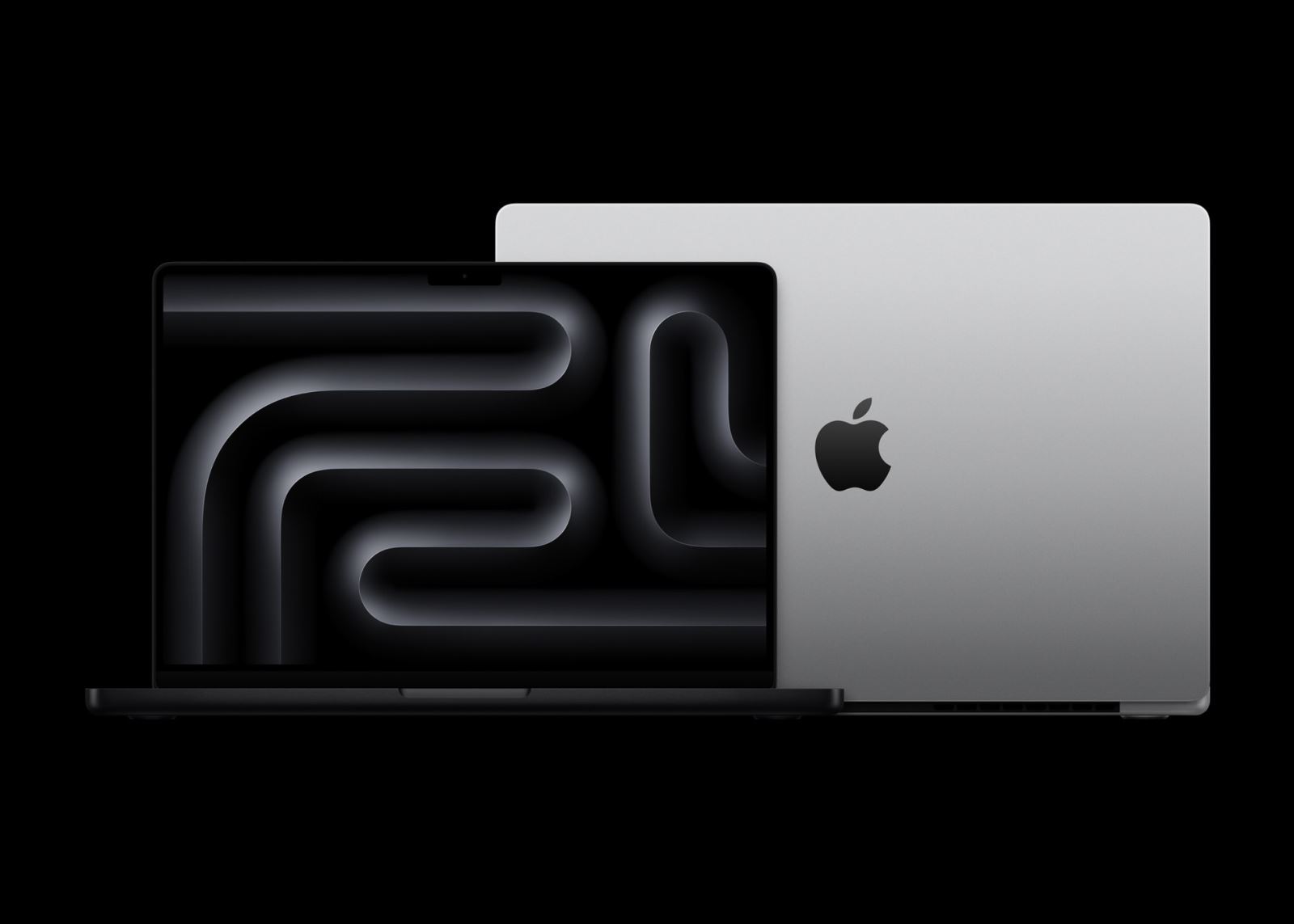
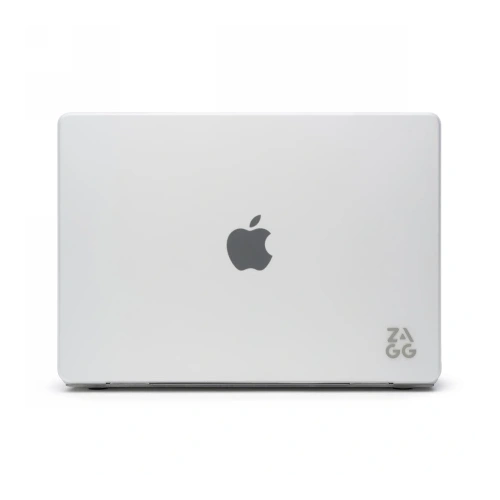
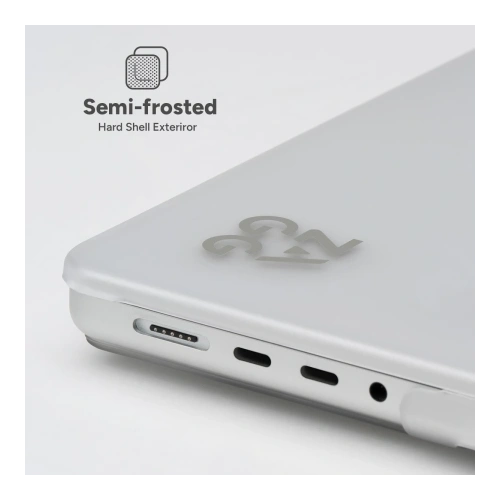
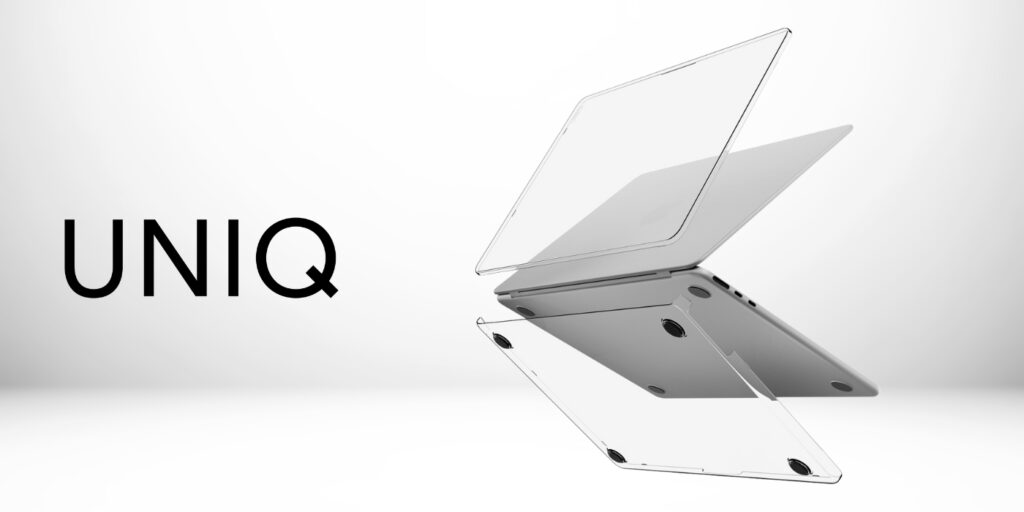
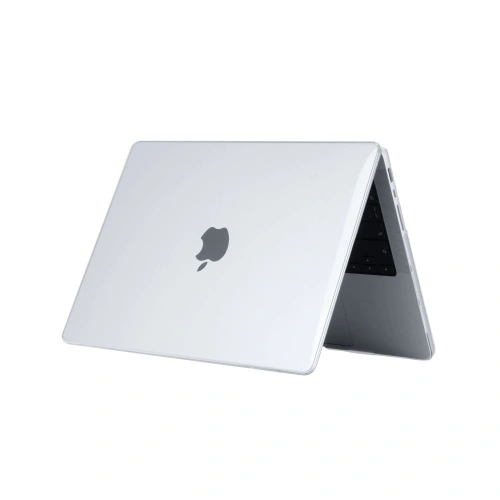
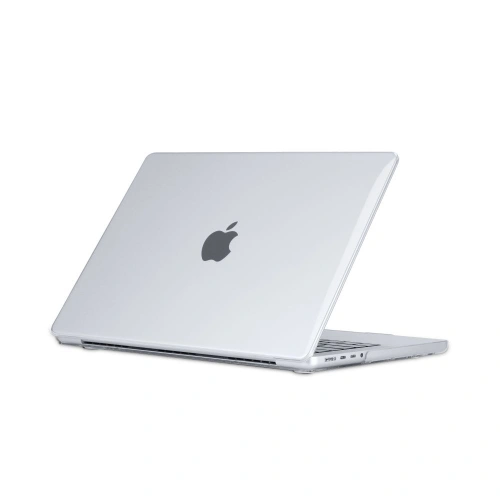
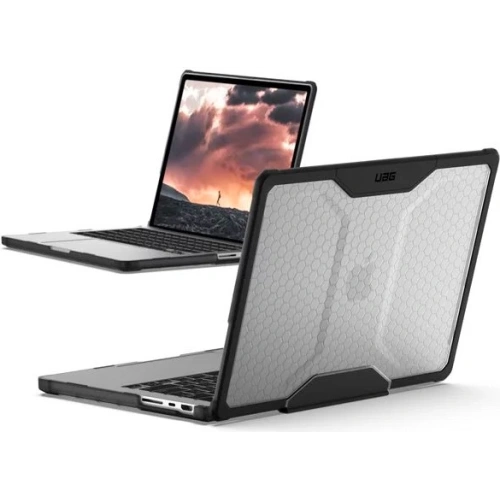
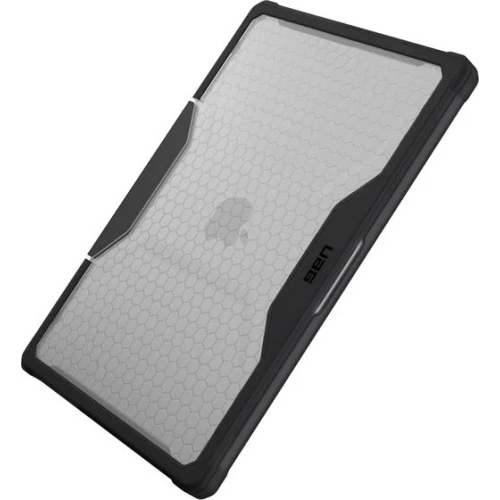
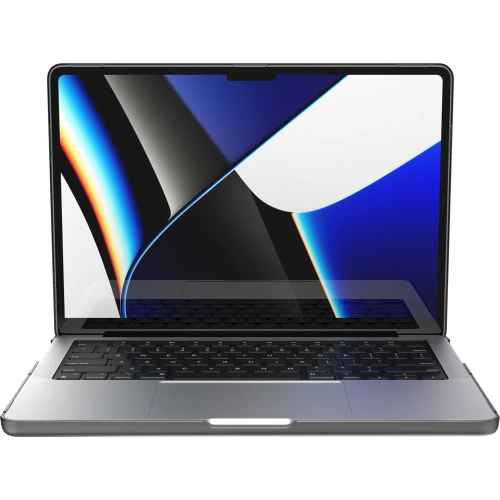
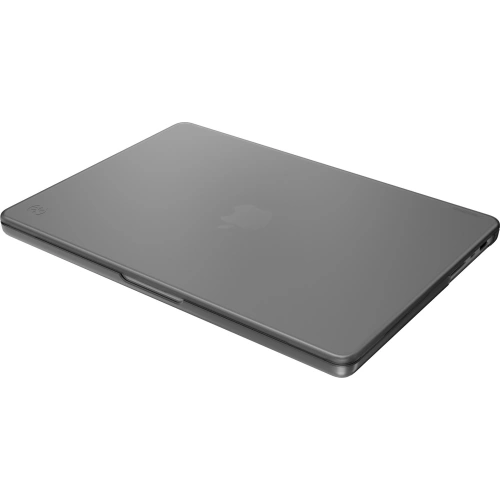
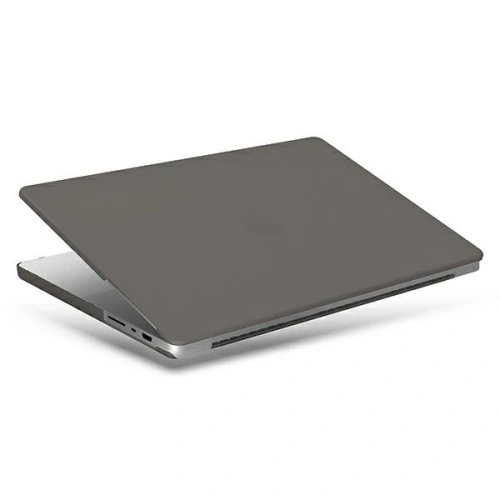
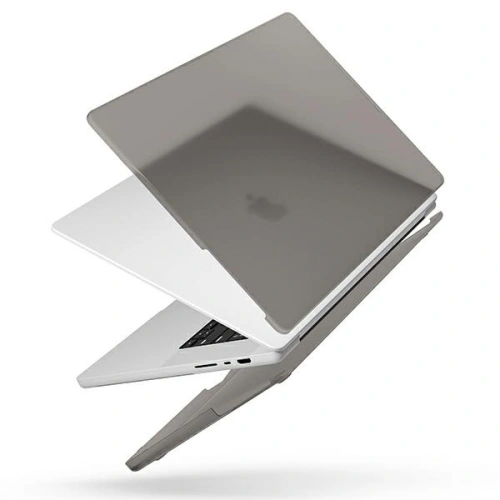
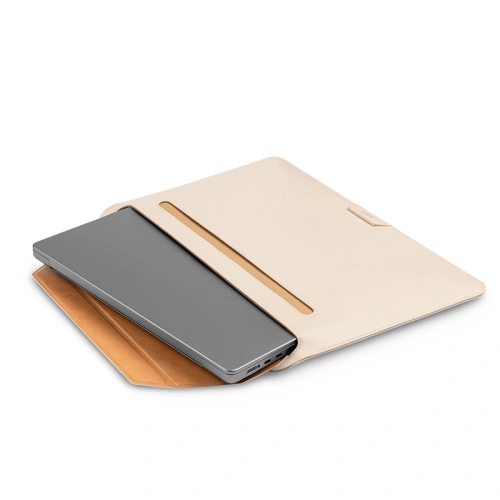
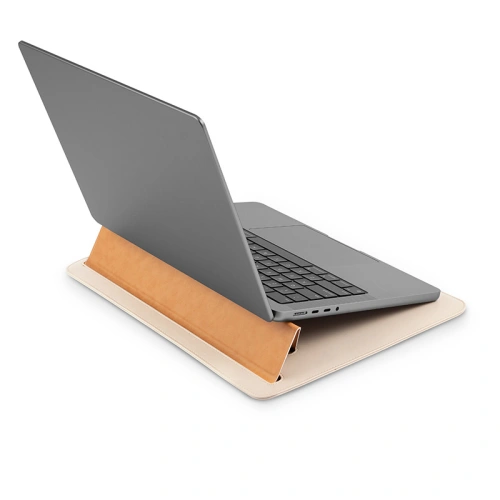
    Do nowego MacBook Pro 14″ M5 (2025) najlepiej pasują etui kompatybilne z modelami z lat 2021–2025, ponieważ Apple zachowało identyczny rozmiar i układ portów. Jeśli szukasz maksymalnej ochrony, wybierz pancerne etui UAG Plyo, a jeśli chcesz zachować smukły, elegancki wygląd laptopa — świetnie sprawdzą się przezroczyste obudowy ZAGG Hardshell lub UNIQ Vero. Dla fanów minimalizmu i stylu polecamy też matowe etui Speck SmartShell, a dla osób mobilnych — pokrowiec Moshi Muse 3-in-1 z funkcją podstawki.

    👉 Wszystkie etui do MacBook Pro 14″ M5 (2025) znajdziesz w sklepie Home Screen.

    📊 Tabela TOP 5 etui do MacBook Pro 14″ M5 (2025)

    KategoriaGłówny wybórNajwiększa zaletaAlternatywyCena
    🔍 Przezroczyste etuiZAGG Hardshell Apple MacBook Pro 14″ (2021-2025)Idealne dopasowanie i pełna ochrona przy zachowaniu oryginałuUNIQ Vero / Tech-Protect SmartShell Crystal Clear199 zł/159zł/69zł
    🛡️ Pancerne etuiUAG Urban Armor Gear Plyo Apple MacBook Pro 14″ (2021-2025)Wojskowa ochrona (MIL-STD 810G), gumowe wzmocnienia rogówSpeck SmartShell Onyx Black319 zł/199zł
    🎒 Funkcjonalne i styloweMoshi Muse 3-in-1 Slim Apple MacBook Pro 14″ (2021-2025)Pokrowiec z podstawką i kieszenią, wykonany z wegańskiej skóryUNIQ Claro Matte Clear359 zł/139zł
    🌫️ Matowe i minimalistyczneSpeck SmartShell Apple MacBook Pro 14″ (2021-2025) (Onyx Black)Elegancki wygląd, odporność na zarysowaniaTech-Protect SmartShell Matte Black / UNIQ Claro Smoke Matt Grey199 zł/139zł/69zł
    💰 Najtańsza opcjaTech-Protect SmartShell Apple MacBook Pro 14″ (2021-2025) Crystal ClearNiska cena i zaskakująco dobra jakość wykonaniaTech-Protect SmartShell Matte Black69 zł

    Jakie najlepsze przeźroczyste etui do MacBook Pro 14″ M5 (2025)?

    Transparent case is a great option if you want to protect your laptop while maintaining its original appearance. When choosing a transparent case for MacBook Pro 14″, pay attention to the quality of the material, the thickness of the casing, and access to ports — a well-chosen model will provide protection without compromising aesthetics.

    ZAGG Hardshell – transparent premium case for MacBook Pro 14″ 2025

    ZAGG Hardshell is an unbeatable solution for those who want to combine maximum protection with a minimalist look. The case is made from durable polycarbonate with high scratch and crack resistance, effectively protecting the aluminum casing of the MacBook.
    The surface is perfectly transparent, allowing you to maintain the original color and design of the laptop, and the precise fit ensures that the cover does not shift even with frequent opening and closing of the screen.
    All Thunderbolt, HDMI, and MagSafe ports are fully accessible, and additional rubber feet provide better stability when working on a desk.

    💬 Highlight: it is one of the few cases that combines lightness, elegance, and real protection against impacts.
    💡 For whom: for users who want to protect their MacBook while still enjoying its luxurious appearance. (Price 199 zł)


    UNIQ Vero – an elegant alternative to ZAGG at a lower price

    UNIQ Vero is a stylish, transparent case designed for Apple users who expect premium quality but at a more accessible price.
    The slim construction made of lightweight material fits perfectly to the MacBook Pro 14″ casing without adding unnecessary thickness. The material is yellowing-resistant, so the case will maintain its clarity even after many months of use.
    The inner cushioning layer dissipates impact energy, and the anti-slip finish protects the laptop from accidentally sliding off surfaces.

    💬 Highlight: a great combination of lightness, durability, and style — perfect for everyday use in the office or at university.
    💡 For whom: for those looking for a premium transparent case at a more reasonable price, while keeping the laptop’s clean, professional look. (Price 159 zł)


    Tech-Protect SmartShell Crystal Clear – best protection at a low price

    Tech-Protect SmartShell Crystal Clear is an excellent choice for those who want solid protection for their MacBook without straining their budget.
    The case is made of flexible, crack-resistant material that protects against scratches, dust, and light impacts. Thanks to the transparent design, it maintains the laptop’s original appearance, while the matte finish on the edges prevents slipping in the hands.
    SmartShell features precise cutouts for all ports and a ventilation system that does not block airflow – which is crucial when working with the efficient Apple M5 chip.

    💬 Highlight: great value for money – one of the highest-rated budget cases for the MacBook Pro 14″ M5.
    💡 For whom: for those who want an affordable, lightweight, and practical case for everyday use. (Price 69 zł)


    🛡️ Best rugged case for MacBook Pro 14″ M5 (2025)

    If you often carry your laptop, work on the go, or simply want to ensure that your equipment can survive any fall — it’s worth investing in a rugged case for MacBook Pro 14″ M5
    Such cases stand out with reinforced construction, military-grade durability, and anti-slip finish. They are designed for users who value safety and durability more than minimalism.

    UAG Plyo – military-grade case (MIL-STD 810G)

    UAG Plyo is one of the most durable and resistant cases for MacBook Pro 14″ M5 (2025). The construction meets military standard MIL-STD 810G, which means that the case has passed drop and impact resistance tests.
    The combination of rigid polycarbonate and flexible rubber corners effectively absorbs shocks, while the transparent back allows you to maintain the original look of the laptop.
    Thanks to the anti-slip finish and precise cutouts for ports, UAG Plyo guarantees protection without sacrificing functionality.

    💬 Highlight: one of the few military-certified constructions – ideal for demanding users.
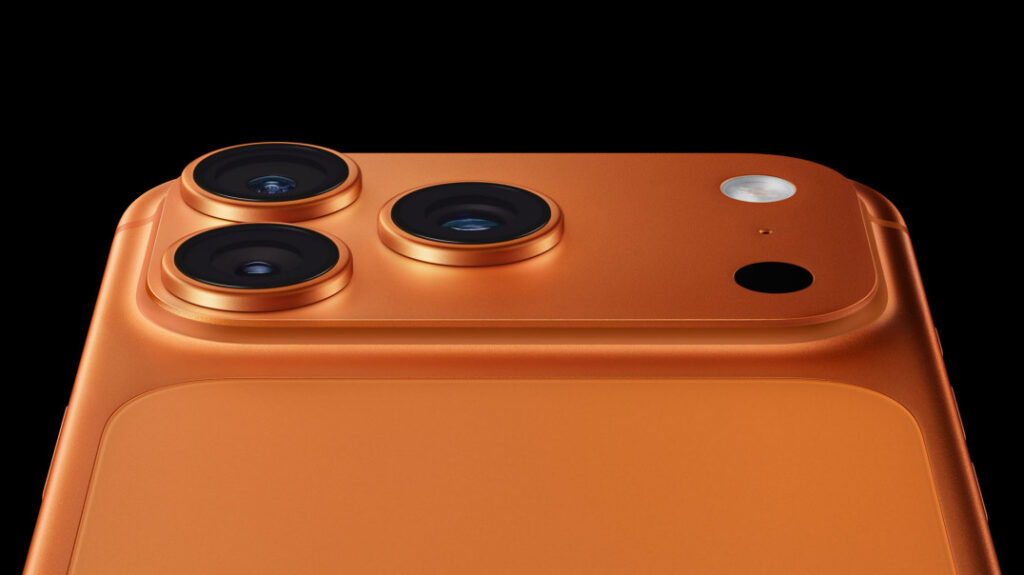
    💡 For whom: for people who travel frequently, work in the field, or simply appreciate premium durability. (Price 319 zł)


    What are the best matte cases for MacBook Pro 14″ M5 (2025)?

    If you care about a modern, subdued look for your laptop while also ensuring good protection, it’s worth opting for a matte case for MacBook Pro 14″ M5 (2025). Such models combine aesthetics with functionality, and you can also find options at a very good price — meaning truly cheap cases for MacBook Pro 14″ M5 (2025).

    Speck SmartShell MacBook Pro 14″ Onyx Black

    Etui Speck SmartShell Onyx Black to propozycja dla tych, którzy oczekują stylu i ochrony w jednym. Matowe wykończenie ogranicza ślady palców i nadmiar połysku, a konstrukcja z trwałego poliwęglanu zabezpiecza MacBooka przed zarysowaniami i uderzeniami. Model jest kompatybilny z komputerami MacBook Pro 14″ z lat 2021–2025 (czyli również z M5). 

    💡 Dla kogo: Użytkownicy biznesowi, studenci, wszyscy, którzy cenią elegancki, profesjonalny wygląd i nie chcą, aby laptop wyglądał na “opakowany”.
    💬 Wyróżnik: matowa tekstura + solidna konstrukcja + przystępna cena jak na markę premium. (Cena 199 zł)


    UNIQ Claro MacBook Pro 14″ Smoke Matt Grey

    Etui UNIQ Claro Smoke Matt Grey to smukła, matowa alternatywa. Wykonane z poliwęglanu, bardzo dobrze przylega do laptopa, nie dodaje zbytniej objętości, a przy tym zachowuje minimalistyczny wygląd. Materiał jest odporny na żółknięcie — co w przypadku jasnych wykończeń jest istotne.

    💡 Dla kogo: Ci, którzy chcą dobrej jakości matowe etui, ale w niższym budżecie — i zależy im na wykończeniu, które wygląda nowocześnie, ale nie krzyczy “etui”.
    💬 Wyróżnik: świetna relacja cena/wartość, smukłość i matowe wykończenie w jednym. (Cena 139zł)


    Tech‑Protect SmartShell MacBook Pro 14″ Matte Black

    Etui Tech-Protect SmartShell Matte Black to bardzo budżetowa propozycja, ale mimo ceny oferuje przyzwoitą ochronę. Matowa powierzchnia dodaje stylu, konstrukcja została zaprojektowana tak, by zapewnić dostęp do portów i dobry chwyt urządzenia. 

    💡 Dla kogo: Dla użytkowników, którzy chcą prostego i skutecznego etui matowego bez dużego wydatku — idealne jako opcja “na start” lub dla laptopa używanego głównie w domu.
    💬 Wyróżnik: budżetowa cena + matowe wykończenie + dobra ochrona podstawowa. (Cena 69zł)


    What are the best women’s cases for MacBook Pro 14″ M5 (2025)?

    If you care about an elegant, stylish look while also having a practical solution for work or travel, it’s worth opting for women’s cases for MacBook Pro 14″ M5 (2025). In this category, the brand Moshi reigns supreme, combining fashionable design, high quality craftsmanship, and functionality — perfect for women who value style but don’t want to sacrifice comfort.

    Moshi Muse 3-in-1 Slim – stylish and practical case for women

    Moshi Muse 3-in-1 Slim is a unique combination of elegance and functionality. The case serves three roles – it protects the MacBook, acts as a stand, and has a pocket for accessories like a mouse or charger. Made fromvegan leather and soft microfiber, it provides excellent protection against scratches and shocks, while the magnetic closureSlipGrip™ prevents accidental slipping of the laptop. The case is available in trendy shades ofSeashell White andLuna Pink, making it a perfect match for a woman’s work style and everyday use.

    💬 Highlight: functional and elegant 3-in-1 case – cover, stand, and organizer in one.
    💡 For whom: for women who often work on the go, value style, practicality, and premium craftsmanship. (Price 359 zł)

    👉 Check all cases for MacBook Pro 14″ M5 (2025) in the Home Screen store


    How to choose the best case for MacBook Pro 14″ M5 (2025)?

    Choosing the right case is not just a matter of appearance. A good case for MacBook Pro 14″ M5 (2025) should provide protection, fit, and comfort of use while highlighting the laptop’s style. Before you decide on a specific model, pay attention to a few key aspects.


    Fit for MacBook Pro 14″ model (2021–2025)

    Nowy MacBook Pro 14″ M5 has the same dimensions as previous versions (M1, M2, M3, M4), so most cases marked «2021–2025» will be fully compatible.
    Always make sure that the manufacturer clearly states the supported generations — this guarantees a perfect fit and no gaps.
    💡 Tip: avoid «universal» cases – they may block ports or not fit the contours of the casing.


    Material and level of protection

    When choosing a case, consider how often you carry your laptop:

    • If you mainly use it in the office — a lightweight hardshell case (e.g. ZAGG, UNIQ) will suffice.
    • For frequent travel, a rugged case (e.g. UAG Plyo) that meets the MIL-STD 810G standard will work well.
    • If you care about slimness and aesthetics, choose a matte or transparent case — they provide good protection while looking light.
      💬 Best combination: polycarbonate (rigidity) + TPU (flexibility of corners).

    Style and color scheme

    MacBook Pro is a device that looks premium in itself — so the case should emphasize this, not cover it.

    • Transparent case – showcases the Apple logo.
    • Matte – adds elegance and a business style.
    • Women’s case (e.g. Moshi Muse) – combines trendy design with practicality.
      💡 Pro tip: match the case color to the laptop finish (e.g. Space Gray + Smoke Matt Grey looks great).

    Price and value for money

    More expensive doesn’t always mean better.
    The best cases at a good price for the MacBook Pro 14″ M5 offer solid protection and cost a fraction of the device’s price.

    • Models Tech-Protect – perfect for everyday use.
    • Speck and UNIQ – a compromise between price and design.
    • UAG and Moshi – premium class if you care about maximum protection and style.

    💬 Tip: choose products from trusted sources — in the Home Screen store you can be sure of full compatibility with the MacBook Pro 14″ (2021–2025).


    Frequently Asked Questions about the MacBook Pro 14«(FAQ)

    ⭐ Does the case for the MacBook Pro 14″ from 2021 fit the M5 (2025) version?

    Yes. All models of MacBook Pro 14″ from 2021 to 2025 (M1–M5) have identical dimensions, port placements, and case shapes.


    ⭐ What case best protects a MacBook while traveling?

    The best for transport are rugged cases (e.g., UAG Plyo) or cases with cushioning features (Moshi Muse 3-in-1). They protect not only against scratches but also against shocks and drops.
    If you often carry your laptop in a backpack – choose a model with a non-slip finish.


    ⭐ Do transparent cases yellow over time?

    Not in the case of premium brands. ZAGG Hardshell and UNIQ Vero use materials resistant to UV radiation, which maintain clarity even after many months.
    Cheaper models may slightly cloud – this is natural with prolonged use.


    ⭐ Does a matte case scratch faster than a transparent one?

    Marginally – but that’s the price for a subtle look. The matte surface (e.g., in Speck SmartShell or UNIQ Claro) better masks signs of use and fingerprints, so in practice, the laptop looks more aesthetic, even after a longer time.


    ⭐ What case to choose for office work?

    For the office, matte or transparent premium cases will be ideal, as they look elegant and do not increase the weight of the laptop. Recommended models: Speck SmartShell Onyx Black, UNIQ Claro Smoke Matt Grey, ZAGG Hardshell.


    ⭐ What case to choose for a MacBook for a student or mobile work?

    For mobile users, the Moshi Muse 3-in-1 Slim will work great – it combines protection, a pocket for accessories, and a stand function. It’s the perfect women’s case for MacBook Pro 14″ M5, which looks elegant and is practical for everyday use.


    ⭐ Can a case be combined with a protective film or glass on the screen?

    Yes, most cases (e.g. ZAGG, UNIQ, Tech-Protect) do not come into contact with the screen, so they can be combined with a film or tempered glass.
    👉 Check out tempered glass for MacBook Pro 14« M5


    Does the case affect the opening and closing of the MacBook lid?

    No. A good quality case for MacBook Pro 14″ M5 is designed with the perfect margin at the hinges, so it does not hinder the opening or closing of the lid.


    How to care for the case to keep it looking new?

    Every few weeks, remove the case and dust off the edges – this will prevent micro-scratches on the MacBook’s body.

    Regularly wipe it with a soft microfiber cloth.

    Do not use detergents or alcohol.

  • What glass/film for MacBook Pro M5? (2025)

    What glass/film for MacBook Pro M5? (2025)

    For MacBook Pro M5 (2025), the best options are hybrid glasses or protective films. If you care about maximum scratch protection – choose hybrid glass (e.g. GrizzGlass HybridGlass Easy).

    For working comfort in sunlight and a matte effect, a matte film (e.g. Moshi iVisor AG) will be ideal.
    And if you work in public spaces – the 3MK Privacy Filter will effectively hide the content of your screen.

    👉 Check all glasses and protective films for MacBook Pro 14″ (M1–M5) at Home Screen and choose the best protection for your laptop.

    🏆 Ranking of the best glasses and films for MacBook Pro M5 (2025)

    KategoriaGłówny wybórNajwiększa zaletaCena
    Folia prywatyzująca3MK Privacy Filterogranicza kąt widzenia – ochrona danych w podróży279,90 zł
    Folia matowa (premium)Moshi iVisor AG Matteusuwa odblaski, wielokrotnego użytku199,00 zł
    Szkło hybrydowe (premium)3MK FlexibleGlasscertyfikowana twardość 7H, marka premium119,90 zł
    Folia antyrefleksyjna (ARC)Nillkin Pure Series AR Filmredukuje refleksy bez utraty kolorów119,00 zł
    Folia matowa (ekonomiczna)GrizzGlass MatteScreen Easymatowy efekt i prosty montaż bez bąbelków99,99 zł
    Szkło hybrydoweGrizzGlass HybridGlass Easyelastyczne szkło odporne na pękanie86,99 zł

    Jakie najlepsze szkło hybrydowe do MacBook Pro M5?

    Jeśli chcesz skutecznie zabezpieczyć ekran przed zarysowaniami i pęknięciami, wybierz szkło hybrydowe do MacBook Pro M5. Ten typ ochrony łączy trwałość szkła hartowanego z elastycznością folii, zapewniając pełną przejrzystość i odporność na uszkodzenia. Idealny wybór dla osób, które często przenoszą laptopa lub korzystają z niego w podróży.

    3MK FlexibleGlass do MacBook Pro 14″ (M1–M5)

    3MK FlexibleGlass Hybrid Glass is a premium product designed for ultrabooks such as the Apple MacBook Pro 14″ (M1, M2, M3, M4, M5 series). Its advanced construction combines the durability of tempered glass with the flexibility of film, providing the screen with significantly higher resistance to scratches, impacts, and cracking. It is one of the most frequently chosen glasses for Apple laptops – thin, durable, and almost invisible after application.

    Distinctive features:

    • Hardness up to 7H – scratch resistance significantly higher than that of classic protective films.
    • Shatterproof construction – does not crack upon impact and does not create sharp edges.
    • Minimal thickness of approx. 0.3 mm allows for the preservation of the original appearance and sensitivity of the Retina screen.
    • The package includes all mounting accessories: wet and dry cloth, application card, and positioning tapes.

    Why it’s worth it:

    If you often carry your laptop or use it in office-mobile conditions, 3MK FlexibleGlass will provide full protection without affecting image quality. With perfect transparency and a smooth surface, working on the screen remains just as comfortable as without any protective layer.

    Montage tip:
    Apply the glass in a clean room, preferably without drafts. After application, leave the MacBook closed for a few hours to allow the adhesive layer to stabilize and adhere well across the entire surface of the screen.

    GrizzGlass HybridGlass Easy for MacBook Pro 14″ (M1–M5)

    GrizzGlass HybridGlass Easy is a durable hybrid glass that effectively protects the MacBook Pro 14″ screen from scratches and mechanical damage. Thanks to its flexible structure, it does not shatter upon impact while maintaining excellent clarity and natural color reproduction.
    This is a solid and affordable solution for those who want to protect their screen without compromising the aesthetics of the computer.

    Distinctive features:

    • Wzmocniona konstrukcja – odporność na pękanie i zarysowania nawet przy intensywnym użytkowaniu.
    • Elastyczne szkło zwiększające wytrzymałość ekranu nawet o 400 % w porównaniu z brakiem ochrony.
    • Technologia EasyApp – prosty montaż bez smug i pęcherzyków powietrza.
    • Bardzo dobra przejrzystość i powłoka odporna na odciski palców.

    Dlaczego warto:

    GrizzGlass HybridGlass Easy to idealny wybór, jeśli szukasz mocnej ochrony w rozsądnej cenie. Sprawdza się zarówno w biurze, jak i w podróży — chroni ekran przed zarysowaniami od klawiatury, kabli czy innych akcesoriów. Dzięki cienkiej strukturze nie zaburza pracy zawiasów ani nie wpływa na jakość wyświetlanego obrazu.


    Matte film for MacBook Pro M5 – perfect for glare-free work

    If you often use your MacBook Pro M5 in the office, café, or by the window, opt for a matte film. This type of protection eliminates reflections and light glare, increasing work comfort. Additionally, it prevents smudges and fingerprints, keeping the screen looking clean all day long.

    Moshi iVisor AG Matte for MacBook Pro 14″ (M1–M5)

    Moshi iVisor AG Matte is a premium film designed for users who expect maximum comfort and perfect fit. Its surface has an anti-glare coating that effectively eliminates reflections and light reflections. This allows you to work on the Retina screen even in bright lighting — without eye strain.

    Key features:

    • High-quality AG (Anti-Glare) matte coating that reduces glare and light reflections.
    • The film is reusable – it can be removed, washed, and reapplied without losing adhesion.
    • Perfectly fitted for MacBook Pro 14″ – does not affect colors or sharpness of the Retina screen.
    • Anti-static surface prevents dust and smudges from sticking.

    Why it’s worth it:

    This is the best solution for those who spend many hours in front of a screen and need a clean, matte image without reflections. Moshi iVisor AG Matte provides a «soft light» effect and improves text readability in bright rooms. Additionally, as a reusable film, it works perfectly in offices and during frequent travels.

    Installation tip:

    Apply the film to a clean screen, starting from the top edge and slowly pressing downwards. If air bubbles appear – peel back a section and reapply. After installation, wipe the surface with a microfiber cloth to achieve the perfect matte effect.

    GrizzGlass MatteScreen Easy for MacBook Pro 14″ (M1–M5)

    GrizzGlass MatteScreen Easy is a modern, anti-reflective matte film designed for everyday use. The EasyApp technology allows for quick and hassle-free installation without the risk of air bubbles. The film’s surface effectively diffuses light and prevents greasy marks, ensuring the screen always looks aesthetically pleasing.

    Distinctive features:

    • Matte anti-reflective coating – reduces light reflections and improves screen visibility.
    • Oleophobic coating resistant to fingerprints and dirt.
    • EasyApp system ensuring simple and quick installation without tools.
    • Thin and lightweight design – does not affect the closing of the lid or the appearance of the MacBook.

    Why it’s worth it:

    It’s the perfect choice for those who want to increase work comfort in sunlight or under a lamp while maintaining the image’s sharpness. The GrizzGlass MatteScreen Easy film performs excellently in everyday use – it is almost invisible, and the screen remains readable regardless of the angle of light incidence.


    Privacy film for MacBook Pro M5 – full privacy protection

    For those who often work while traveling, in an open-space office, or in a café, the best choice will be privacy film for MacBook Pro M5. This solution effectively limits the viewing angle of the screen, protecting your data from the eyes of bystanders. From the outside, the image becomes darkened, allowing you to freely use your laptop in any conditions.
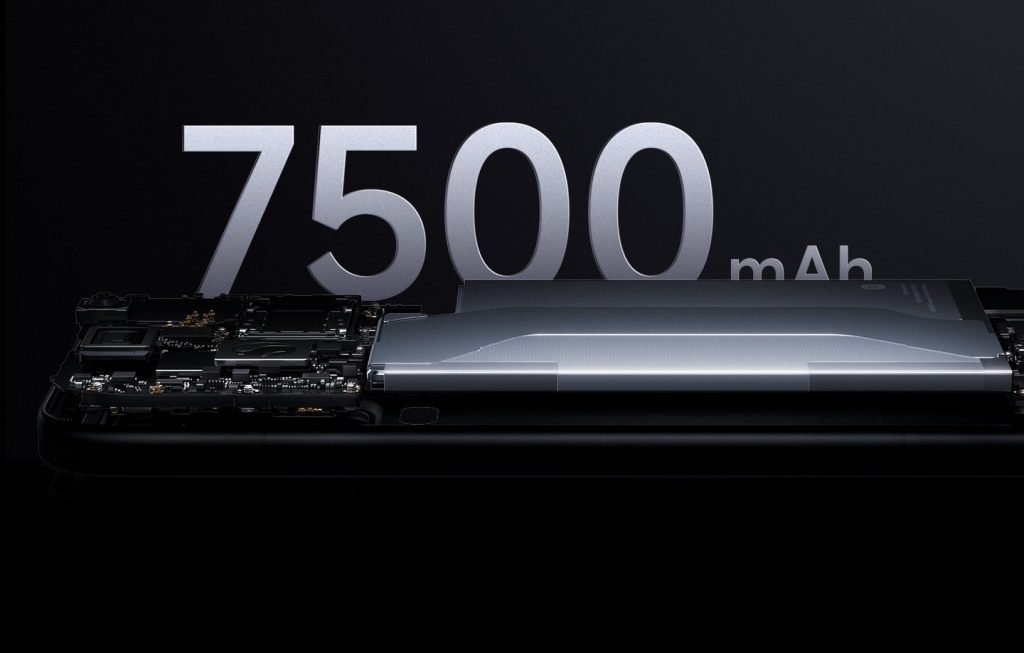

    3MK Privacy Filter for MacBook Pro 14″ (M1–M5)

    3MK Privacy Filter is a premium product designed specifically for MacBook Pro 14″ users. It utilizes advanced micro-louver technology, ensuring that the screen is fully visible only to the person sitting directly in front. From the side, the image becomes black, preventing others from viewing the content, whether they are fellow passengers, clients, or colleagues.
    Distinctive features:

    • Privacy filter – narrows the viewing angle of the screen, ensuring maximum data confidentiality.
    • Reduction of light reflections – the matte surface reduces glare and improves work comfort.
    • Scratch and streak resistance – the film protects the screen from everyday damage.
    • Dedicated fit – perfectly adheres to the MacBook Pro 14″ (M1–M5) display without affecting colors and image sharpness.

    Why it’s worth it:

    The 3MK Privacy Filter is not only about privacy protection but also offers a professional appearance and greater work safety. The film works perfectly while traveling, in business meetings, and in public places where controlling the environment is difficult. Thanks to high-quality materials, the screen remains readable and sharp even at a slight tilt, and the filter does not limit brightness during normal use.

    Wskazówka montażowa:

    Nakładaj folię w dobrze oświetlonym miejscu, zaczynając od górnej krawędzi ekranu. Po przyklejeniu delikatnie wygładź powierzchnię miękką ściereczką, aby usunąć powietrze spod warstwy ochronnej. Warto przetestować różne kąty nachylenia pokrywy – optymalny efekt prywatyzacji uzyskuje się przy typowym kącie pracy laptopa (około 100–110°).

    Folia antyrefleksyjna (ARC) do MacBook Pro M5 – naturalny obraz bez odbić

    Jeśli zależy Ci na zachowaniu oryginalnych kolorów ekranu Retina, ale chcesz ograniczyć odbicia światła, postaw na folię antyrefleksyjną (ARC). Ten typ ochrony stanowi kompromis między szkłem a folią matową — nie tłumi kolorów, a jednocześnie skutecznie redukuje refleksy. Idealna dla grafików, programistów i osób, które cenią maksymalną ostrość obrazu.

    Nillkin Pure Series AR Film do MacBook Pro 14″ (M1–M5)

    Nillkin Pure Series AR Film is a professional solution for users who want to maintain the full quality of the displayed image while eliminating annoying glare. The applied anti-reflective layer provides an excellent balance between clarity and protection — the screen remains sharp and contrasty even in bright light.

    Key features:

    • Anti-reflective coating (AR) – reduces reflections, improving visibility and work comfort.
    • High optical clarity – preserves natural colors and sharpness of the Retina display.
    • Thin construction – does not affect the closing of the lid or the sensitivity of the display.
    • Resistance to fingerprints and smudges thanks to the oleophobic coating.

    Why it’s worth it:

    Nillkin Pure Series AR Film is the ideal choice for professionals who need maximum image quality without reflections. It works great in office and creative work — e.g., in photo editing, graphic creation, or video editing. It is a screen protector that does not affect visual experiences while protecting against micro-scratches and dirt.

    🟢 Summary – which protection to choose for MacBook Pro M5?

    Type of protectionBest choiceFor whomMain advantage
    💎 Hybrid glass3MK FlexibleGlass / GrizzGlass HybridGlass Easyfrequent travelers, mobile workershighest resistance to scratches and cracking
    🌤️ Matte filmMoshi iVisor AG Matte / GrizzGlass MatteScreen Easyworking in bright rooms or outdoorsno reflections, comfort for the eyes
    🕶️ Privacy film3MK Privacy Filteropen space offices, travel, business meetingsdata and privacy protection
    🌈 Anti-reflective film (ARC)Nillkin Pure Series AR Filmgraphic designers, editors, Retina usersnatural colors and reduced reflections

    Frequently Asked Questions about MacBook Pro M5 (FAQ)

    Does hybrid glass affect the brightness of the MacBook Pro M5 screen?

    No, hybrid glass does not reduce the brightness or contrast of the screen. Models like 3MK FlexibleGlass or GrizzGlass HybridGlass Easy have high light transmittance, so the image remains clear and natural – just like without any protective layer.

    Does a matte film for MacBook Pro M5 change the colors of the Retina display?

    A matte film may slightly soften the contrast and give the image a satin finish, but it does not distort colors. High-quality films, such as Moshi iVisor AG Matte, maintain color fidelity while reducing glare and eye strain.

    Does a privacy film make it harder to work at low screen brightness?

    Yes, at minimal brightness the screen may appear darker because the privacy film narrows the viewing angle. However, simply increasing the brightness by a few levels will restore full readability while still maintaining the privacy effect.

    ★ Can hybrid glass be combined with a keyboard case or screen cover?

    Yes, hybrid glass can be easily combined with a keyboard case or the laptop’s top cover. Just make sure that the case does not press against the glass when closing – especially in models with very thin screen bezels.

    How to remove air bubbles from the film or protective glass?

    The best way is to do it immediately after installation, gently pushing the air out with a card or cloth towards the edges. If the bubbles persist after a few hours, you can gently peel back a section of the film and reapply it.

    Can the film or glass be removed without damaging the screen?

    Yes – products like 3MK and GrizzGlass have a silicone layer that leaves no adhesive residue. Just slowly peel the protection from one of the corners, without using sharp tools or excessive force.

    How often should you replace the protective film or glass on a MacBook Pro M5?

    On average every 6–12 months, depending on usage intensity. If scratches, dirt under the protective layer appear, or the film starts to peel off, it is worth replacing it with a new one to maintain full clarity of the image.

  • Xiaomi 17 Pro Max kontra iPhone 17 Pro Max

    Xiaomi 17 Pro Max kontra iPhone 17 Pro Max

    Xiaomi 17 Pro Max offers a larger battery (7500 mAh), a brighter screen, and a lower price, while the iPhone 17 Pro Max wins in photo quality, system stability, and long update support.
    In short: Xiaomi is a powerful smartphone for demanding users looking for maximum performance, while the iPhone 17 Pro Max is the choice for those who value perfect integration and reliability.

    Numbering jump – why did Xiaomi skip from series 15 straight to 17?

    Xiaomi surprised the industry, skipping series 16 and presenting flagship models Xiaomi 17, 17 Pro, and 17 Pro Max right away. For many, it’s just a marketing trick, but in reality, there is a specific plan behind it — technological and image-related.

    Does Xiaomi want to compete with the iPhone 17 also in name?

    According to sources Android Authority and PhoneArena, the manufacturer deliberately skipped number 16 to align with the numbering of the iPhone. This way, the Xiaomi 17 Pro Max becomes a natural rival to the iPhone 17 Pro Max — both in name and in the premium class.
    This is a symbolic but effective move: it shows that Xiaomi does not want to be “a generation behind” Apple, but to play in the same league with it.

    Change of strategy and the start of the «new era» of HyperOS

    Xiaomi defines the series 17 as “the beginning of a new era” – it is the first full generation designed for the HyperOS 3, completely different from MIUI. This means a more cohesive user experience, better optimization, and longer system support.
    According to Android Authority, the company wants to “build a bridge between the mobile ecosystem and smart home” – HyperOS connects smartphones, watches, tablets, and IoT.

    💬 What does this mean for the user?

    • Xiaomi 17 Pro Max is not just a successor to the 15, but a redefinition of the flagship line.
    • The manufacturer introduced a new design language, better cooling, larger batteries, and an improved camera to differentiate itself from its predecessors.
    • The numerical jump is also a marketing message: “we are ready to compete with Apple on equal terms.”

    📈 In short:
    Xiaomi jumped from series 15 to 17 not by accident. This is a move that aims to show that the brand has matured to the status of a «full-fledged competitor to Apple,» rather than just a cheaper alternative.


    📊 Comparison table – Xiaomi 17 Pro Max vs iPhone 17 Pro Max

    ParameterXiaomi 17 Pro MaxiPhone 17 Pro Max
    SoC (chipset)Snapdragon 8 Elite Gen 5 (3 nm)Apple A19 Pro
    RAM12 GB lub 16 GB LPDDR5X12 GB LPDDR5X
    Wbudowana pamięć256/512 GB lub 1 TB (UFS 4.1)256/512 GB, 1 TB lub 2 TB
    Wyświetlacz6,9″ LTPO AMOLED, 120 Hz, HDR (do 3500 nit)6,9″ OLED Super Retina XDR, 120 Hz, HDR (do 3000 nit)
    AparatyTył: 50 MP (f/1.7) + 50 MP (tele 5× f/2.6) + 50 MP (ultraszer.) przód: 50 MPTył: 48 MP (f/1.78) + 48 MP (f/2.2) + 48 MP (tele 4× f/2.8) przód: 18 MP
    Bateria7500 mAh, ładowanie: 100 W przew., 50 W bezprzew.4823 mAh (zwykły SIM) lub 5088 mAh (eSIM), ładowanie: 40 W
    SystemXiaomi HyperOS 3 (Android 16)iOS 26
    Cena startowaok. 1088 USD (-4700 zł, import)6299 zł (256 GB)

    Performance – computing power of two flagships

    Snapdragon 8 Elite Gen 5 in Xiaomi 17 Pro Max

    Xiaomi 17 Pro Max uses the new Snapdragon 8 Elite Gen 5 chipset, which according to leaks operates in several devices from the 17 series with a clock speed of up to ~4.6 GHz.
    In Geekbench 6.4/6.5 tests, scores of around 3,705–3,831 points (single-core) and 11,228–11,525 points (multi-core) for devices with this chipset appear, which is confirmed by leaks.
    However, it should be noted — these are preliminary results / leaks, so they may change during official tests.

    Apple A19 Pro in iPhone 17 Pro Max – optimization and stability

    The iPhone 17 Pro Max is powered by the Apple A19 Pro processor. In Geekbench 6 tests, according to sources, the scores were: ≈ 3,871 points (single-core) and ≈ 9,968 points (multi-core)
    This data is officially published by Tom’s Guide and Geekbench Browser, making it more reliable than leaks in the case of the competitor.

    🎮 Conclusions in the context of usage and gaming

    • Xiaomi shows very high multi-core performance — the chipset «threatens» to be comparable to Apple in multi-threaded performance, which means it may have an advantage in demanding games or multitasking tasks.
    • iPhone, on the other hand, shows an advantage in single-threaded tests and offers great energy efficiency and stability during prolonged use — which may mean fewer performance drops in real-time.
    • Considering that Xiaomi’s results mainly come from leaks, it is worth approaching such a statement with some caution.

    ➡ In summary: both models are absolutely flagship in terms of computing power — the differences are subtle and depend on the specific application. If you care about «maximum core count» and synthetic tests — Xiaomi may be the favorite. However, if the priority is smooth operation, system optimization, and support for years — iPhone remains the safe choice.

    👉 Check the case for iPhone 17 Pro Max, which will protect your smartphone from drops, scratches, and everyday wear.


    Camera – comparison of cameras Xiaomi 17 Pro Max and iPhone 17 Pro Max

    What camera does Xiaomi 17 Pro Max have? Specifications and capabilities

    Xiaomi 17 Pro Max received a set of three 50 MP cameras:

    • main (f/1.7, sensor 1/1.28″),
    • telephoto 5× (50 MP, f/2.6, 115 mm),
    • ultrawide (50 MP, f/2.4).
      On the front – an impressive 50 MP (21 mm) camera.

    This set allows recording in 4K @ 60 fps and slow-motion up to 1920 fps. According to the NotebookCheck service, Xiaomi has introduced one of the best photo-video systems in the history of its flagships – with excellent detail and natural colors.
    Users especially praise the 5× telephoto, which provides an advantage in distant shots.


    How does the camera perform on the iPhone 17 Pro Max? Apple focuses on realism and AI

    The iPhone 17 Pro Max uses a triple 48 MP set:

    • main (f/1.78, 24 mm),
    • ultraszeroki (f/2.2, 13 mm),
    • teleobiektyw 4× (f/2.8, 100 mm),
      a także czujnik LiDAR i przedni aparat 18 MP z funkcją Centre Stage.

    Serwis Tom’s Guide ocenił nowy system jako „najlepszy aparat w historii Apple”, głównie dzięki jednolitej rozdzielczości 48 MP we wszystkich obiektywach i trybom ProRes RAW oraz Dolby Vision.
    Nowością jest integracja Apple Intelligence (AI), która automatycznie dobiera ekspozycję i ton koloru, redukując potrzebę ręcznej edycji.

    👉 Sprawdź szkło na aparat do iPhone 17 Pro Max, dzięki któremu Twoje zdjęcia będą ostre i bez zarysowań — idealnie pasuje do codziennego użytkowania i ochrony sprzętu.


    Bateria i ładowanie – kto wygra w codziennym użytkowaniu?

    Potężna pojemność Xiaomi 17 Pro Max

    Xiaomi 17 Pro Max is equipped with a battery with a capacity of 7500 mAh, which, combined with wired charging of 100 W and wireless charging of 50 W, gives a clear advantage in battery performance tests. Sources indicate that such a setup provides at least 2 full days of intensive use.
    It is also worth noting that Xiaomi has implemented fast charging (often under 30 minutes to full) and efficient battery temperature management during charging.

    Efektywność iPhone’a 17 Pro Max

    Apple iPhone 17 Pro Max has a battery with an estimated capacity of 4823-5088 mAh, which, with proper system optimization and the A19 Pro processor, allows for very good operating times — in typical usage tests, values around 42 hours between charges are reported.
    Charging is done via USB-C (approximately 40 W) and using MagSafe, which increases user convenience and compatibility with Apple accessories.

    📊 Co to znaczy w praktyce?

    FeatureXiaomi 17 Pro MaxiPhone 17 Pro Max
    Battery capacity7500 mAh4823-5088 mAh
    Wired charging100 Wapprox. 40 W USB-C
    Wireless charging50 WMagSafe / standard Qi
    Real usage time2 days+ of intensive use42 hours of typical use

    For users who heavily use their smartphone – games, movies, photos – Xiaomi may prove to be a better choice for battery/charging. However, if you care about stability, a proven ecosystem, and charging convenience – the iPhone still offers a very strong package.


    Display – AMOLED vs Super Retina XDR

    Xiaomi 17 Pro Max Display – brightness and the «wow» effect

    The Xiaomi 17 Pro Max features a huge, 6.9-inch LTPO AMOLED display with a refresh rate of 120 Hz. This panel achieves an impressive peak brightness of up to 3500 nits in HDR mode, making it one of the brightest screens in smartphone history.
    It supports full DCI-P3 color coverage, a contrast ratio of 5,000,000:1, and adaptive refresh rates of 1–120 Hz, which automatically adjusts to the content, saving energy.

    Recenzenci (m.in. NotebookCheck i GizmoChina) chwalą go za doskonałą widoczność w słońcu, świetne kąty widzenia oraz głęboką czerń typową dla paneli AMOLED.
    Dodatkowo Xiaomi zastosowało tryb czytania i funkcję HDR 10+, które poprawiają komfort podczas oglądania filmów i przeglądania treści multimedialnych.

    Ekran iPhone 17 Pro Max – perfekcyjna kalibracja i naturalne barwy

    iPhone 17 Pro Max posiada 6,9-calowy wyświetlacz OLED Super Retina XDR o rozdzielczości 2868 × 1320 pikseli (460 ppi). Apple wprowadziło tu ulepszoną technologię ProMotion 120 Hz, adaptacyjne odświeżanie 1–120 Hz oraz maksymalną jasność do 3000 nitów w trybie HDR (1600 nitów typowo).

    Ekran Apple tradycyjnie zachwyca naturalnym odwzorowaniem kolorów i niesamowitym kontrastem (2 000 000:1).
    Recenzenci z Tom’s Guide i TechRadar podkreślają, że jest to najbardziej realistyczny panel OLED wśród flagowców 2025 roku – idealny do pracy z grafiką i edycji wideo.
    W codziennym użytkowaniu różnice między oboma modelami są subtelne, ale iPhone utrzymuje przewagę w precyzji barw i równomiernym balansie bieli.

    ⚖️ Comparison of screens – brightness vs calibration

    FeatureXiaomi 17 Pro MaxiPhone 17 Pro Max
    TypeLTPO AMOLEDOLED Super Retina XDR
    Peak brightnessup to 3500 nitsup to 3000 nits
    Refresh rate1–120 Hz1–120 Hz (ProMotion)
    Resolution3200 × 1440 px (QHD+)2868 × 1320 px
    Colorsvivid, saturated (DCI-P3 100 %)natural, neutral
    HDRHDR 10+Dolby Vision, HDR10

    📊 Conclusions:

    • Xiaomi 17 Pro Max – the highest brightness and stunning image ideal for multimedia.
    • iPhone 17 Pro Max – excellent color accuracy, balance, and realism of the image.

    Operating system and support – Android HyperOS 3 vs iOS 26

    Xiaomi 17 Pro Max – HyperOS 3 and update perspective

    Xiaomi 17 Pro Max runs on HyperOS 3, based on Android 16, which aims to provide a smoother and cleaner user environment than previous overlays.
    Although Xiaomi boasts numerous features and a new design, the available sources have not yet provided an official support period for Android system and security updates. Therefore, it is worth noting in the article that the support may be shorter than that of competitors.

    iPhone 17 Pro Max – iOS 26 and a solid future

    The iPhone 17 Pro Max comes with the iOS 26 system, which introduces features like Apple Intelligence and is announced as an update available for many models older than the 17 series. Apple is known for long support for system and security updates – making this aspect a strong advantage for users planning to use the phone for years.


    💰 Price – how much do the flagships cost in 2025?

    Price of Xiaomi 17 Pro Max

    The starting price for the Xiaomi 17 Pro Max is listed as around $999 at the time of launch.
    In Poland, this value may be higher for the imported version (due to taxes, customs, global variant).

    Price of iPhone 17 Pro Max

    The starting price in the USA is $1,199 for the base version. In Poland, the price is around 6,299 zł for the 256 GB version. Market analyses suggest a possible price increase to $1,249 or more in some countries in the future.


    FAQ – Xiaomi 17 Pro Max vs iPhone 17 Pro Max

    ⭐ Which is better: Xiaomi 17 Pro Max or iPhone 17 Pro Max?

    In everyday use, both phones are extremely fast and polished. Xiaomi 17 Pro Max has a larger battery and a brighter screen, while iPhone 17 Pro Max excels in system fluidity and video quality. The choice depends on preferences – Android or iOS.

    ⭐ What is the performance of Xiaomi 17 Pro Max compared to iPhone 17 Pro Max?

    Xiaomi 17 Pro Max with Snapdragon 8 Elite Gen 5 processor achieves very high scores in multi-core tests, while iPhone 17 Pro Max with A19 Pro chip is faster in single-threaded tasks. Both are top flagship models of 2025.

    ⭐ Which has a better camera – Xiaomi 17 Pro Max or iPhone 17 Pro Max?

    iPhone 17 Pro Max has an advantage in filming (Dolby Vision, ProRes RAW) and natural colors, while Xiaomi 17 Pro Max performs better in night photography and 5× zoom.

    ⭐ How long does the battery last in Xiaomi 17 Pro Max and iPhone 17 Pro Max?

    Xiaomi has a huge 7500 mAh battery and 100 W charging, allowing it to last over 2 days. The iPhone with a battery of about 5000 mAh lasts shorter, but thanks to iOS 26 optimization, it still offers a very long runtime.

    ⭐ Is Xiaomi 17 Pro Max available in Poland?

    Officially no – the model is mainly sold in China, but it can be purchased through import. The iPhone 17 Pro Max is available through Apple’s full distribution in Poland.

    ⭐ How much does iPhone 17 Pro Max and Xiaomi 17 Pro Max cost?

    The price of the iPhone 17 Pro Max in Poland starts at about 6299 zł, while the Xiaomi 17 Pro Max (imported) costs about 4700 zł.

    ⭐ Is it worth buying Xiaomi 17 Pro Max in 2025?

    Yes, if you care about the best battery, a huge screen, and great value for money. For those who value stability and the Apple ecosystem, the better choice will be the iPhone 17 Pro Max.

  • Oppo Find X9 Pro vs Vivo X300 Pro

    Oppo Find X9 Pro vs Vivo X300 Pro

    Oppo Find X9 Pro vs Vivo X300 Pro — który jest lepszy?

    Jeśli zależy Ci przede wszystkim na najlepszej baterii, rekordowej jasności ekranu i potężnym zoomieOppo Find X9 Pro będzie lepszym wyborem.
    Jeśli natomiast priorytetem są najlepsze zbliżenia optyczne, bardziej naturalne kolory Zeiss oraz zaawansowana stabilizacja gimbalowa, przewagę zyskuje Vivo X300 Pro.

    Oba modele to flagowce 2025 roku o bardzo zbliżonej wydajności — ten sam procesor Dimensity 9500, identyczne pamięci 16/512 GB, świetne ekrany LTPO 120 Hz i niezwykle mocne zestawy aparatów 50 MP + 50 MP + 200 MP. Różnice sprowadzają się do filozofii marki:

    • Oppo Find X9 Pro — większa bateria 7500 mAh, jaśniejszy ekran (do 3600 nitów), współpraca z Hasselblad, zoom do 200× (z konwerterem).
    • Vivo X300 Pro — lepszy teleobiektyw peryskopowy Zeiss APO (~3,7×), stabilizacja gimbalowa, perfekcyjna ostrość przy zoomach i kolory Zeiss.

    Co to oznacza w praktyce?

    • Do mobilnej fotografii profesjonalnej i zoomów → Vivo X300 Pro.
    • Do codziennego użytkowania, multimediów, jasnego ekranu i długiej pracy na baterii → Oppo Find X9 Pro.

    Comparison Table: Oppo Find X9 Pro vs Vivo X300 Pro

    KategoriaOppo Find X9 ProVivo X300 Pro
    Wyświetlacz6,78″ AMOLED LTPO, 2772×1272 px, 3600 nitów, 120 Hz6,78″ AMOLED LTPO, 2800×1260 px, wysoka jasność, 120 Hz
    ProcesorMediaTek Dimensity 9500 (3 nm)MediaTek Dimensity 9500 (3 nm)
    RAM / Pamięć16 GB LPDDR5X / 512 GB UFS 4.116 GB LPDDR5X / 512 GB UFS 4.1
    Aparat tylny50 MP (główny) + 50 MP (ultra) + 200 MP tele 3× + sensor mono50 MP (główny gimbal OIS) + 50 MP (ultra) + 200 MP tele ~3,7× Zeiss APO
    Przednia kamera50 MP AF50 MP AF
    Zoom3× optyczny, 10× optyczny z konwerterem, do 200× cyfrowy~3,7× optyczny, ~8,7× z konwerterem, do 100× cyfrowy
    Wideo4K 120 fps (Dolby Vision), 1080p 240 fps4K 120 fps (Dolby Vision), 1080p 240 fps
    Bateria7500 mAh, 80 W, 50 W bezprzew.6510 mAh / 5440 mAh (UE), 90 W, 40 W bezprzew.
    OdpornośćIP66 / IP68 / IP69IP68 / IP69
    SystemColorOS 16 (Android 15/16)OriginOS 6 (Android 16)
    Wymiary / Waga161,3 × 76,5 × 8,3 mm / 224 g161,98 × 75,48 × 7,99 mm / 226 g
    Cena w Polsceok. 5499 zł ok. 5999 zł

    Cameras

    Oppo Find X9 Pro – Hasselblad and 200× zoom

    Oppo Find X9 Pro focuses on the duo Hasselblad + 200 MP telephoto, offering a set for those who enjoy zoom and versatility:

    • 50 MP main (Sony LYT-828, f/1.5, OIS) – excellent quality, natural colors, high detail.
    • 50 MP ultra-wide (120°, AF) – sharp macro shots and wide frames.
    • 200 MP periscope 3× (f/2.1, OIS) – enormous resolution allows hybrid zoom up to 120×, and with the optional Hasselblad teleconverter, up to 10× optical and 200× digital.
    • Danxia Sensor (mono) – better color analysis and black-and-white photos.

    Hasselblad modes (Natural Colour, XPan) give photos a distinctive style, and the Night Mode in the Find X9 Pro is one of the best on the market.

    For whom?
    ➡️ For those who want powerful zoom and cinematic Hasselblad colors.

    Vivo X300 Pro – Zeiss, peryskop APO i stabilizacja gimbalowaa

    Vivo X300 Pro jest bardziej „fotograficzny” w profesjonalnym sensie — stawia na ostrość, optykę i kolory:

    • 50 MP główny (Sony LYT-828, f/1.57) z gimbalową stabilizacją OIS CIPA 5.5 — niesamowita stabilność przy nocnych zdjęciach i wideo.
    • 50 MP ultraszeroki z AF — również świetny jako makro.
    • 200 MP tele ~3,7× Zeiss APO (1/1.4”, f/2.67) – klasa sama w sobie:
      • ostrzejszy od Oppo przy dużych zoomach,
      • brak aberracji (dzięki APO),
      • z telekonwerterem Zeiss osiąga nawet 1600 mm ekwiwalentu.

    Kolory Zeiss są bardziej naturalne i kinowe, a tryby portretowe Zeiss (Biotar, Cine-Flare, bokeh portretowy) dodają zdjęciom charakteru.

    Dla kogo?
    ➡️ Dla osób, które chcą najlepszej jakości optycznej i idealnych zbliżeń.

    Podsumowanie aparatów

    • Najlepszy zoom i wszechstronność: Oppo Find X9 Pro
    • Najlepsza jakość telefoto i profesjonalna optyka: Vivo X300 Pro
    • Najlepsza stabilizacja i noc: Vivo X300 Pro
    • Najlepsze zdjęcia panoramiczne i styl Hasselblad: Oppo Find X9 Pro

    Wyświetlacz

    Oppo Find X9 Pro – jeden z najjaśniejszych ekranów na rynku

    Oppo stawia na efekt „wow”.
    Ekran Find X9 Pro to niemal wzorcowy panel OLED dla osób, które często korzystają ze smartfona na zewnątrz:

    • 6,78″ AMOLED LTPO 120 Hz
    • Rozdzielczość 2772×1272 px (1.5K)
    • Rekordowa jasność 3600 nitów – jeden z najjaśniejszych ekranów 2025
    • Ultra-cienkie ramki 1,15 mm
    • Wysokie odświeżanie 120 Hz z LTPO (1–120 Hz)
    • Crystal Shield Glass + Gorilla Glass Victus 2

    Ekran Oppo jest idealny do multimediów, gier i zdjęć, zwłaszcza gdy korzystasz z telefonu w pełnym słońcu — jasność robi ogromną różnicę.

    Vivo X300 Pro – perfekcyjnie zbalansowany AMOLED z cienkimi ramkami

    Vivo również stosuje topowy panel OLED, ale skupia się na precyzji odwzorowania barw i designie:

    • 6,78″ AMOLED LTPO 120 Hz
    • Rozdzielczość 2800×1260 px (1.5K)
    • Ramki zaledwie 1,1 mm – jedne z najcieńszych w smartfonach
    • 100% pokrycia DCI-P3
    • Bardzo wysoka jasność HDR10+
    • Szkło hartowane o wysokiej odporności

    Obraz w Vivo jest nieco bardziej naturalny, ze świetnym kontrastem i idealną czernią — szczególnie pod kątem widać, że to panel klasy premium.

    Podsumowanie ekranów

    • Najwyższa jasność: Oppo Find X9 Pro
    • Najbardziej smukłe ramki: Vivo X300 Pro
    • Najlepsze HDR i kolory: zbliżone, lekkie prowadzenie Vivo
    • Użyteczność w słońcu: Oppo > Vivo

    Oba wyświetlacze to absolutna topka, ale Oppo minimalnie wygrywa „siłą”, a Vivo „estetyką”.


    Wydajność i podzespoły

    Ten sam procesor – topowa wydajność w obu modelach

    Oppo Find X9 Pro i Vivo X300 Pro korzystają z identycznego, flagowego procesora MediaTek Dimensity 9500 (3 nm). To układ zaprojektowany pod fotografię obliczeniową, AI i wydajność w grach, osiągający poziom Snapdragona z najwyższej półki.

    Najważniejsze cechy wspólne:

    • 8 rdzeni, w tym superwydajny Cortex-X
    • Wysoka moc graficzna
    • Bardzo niskie zużycie energii (technologia 3 nm)
    • Świetna stabilność nawet przy długich sesjach foto/wideo
    • Idealne działanie gier w 120 Hz

    W praktyce – nie da się “wybrać szybszego”, bo oba są tak samo mocne.

    Memory and Fluidity

    Here we also have a draw:

    • 16 GB RAM LPDDR5X
    • 512 GB UFS 4.1
    • Very fast I/O
    • Possibility to expand RAM by an additional 8–16 GB (virtually)

    In everyday use, both phones operate extremely fast, without app reloads, with perfect animation fluidity.


    Cooling and Stability

    Both designs utilize advanced heat dissipation systems:

    • Oppo: large vapor chamber + graphite layers
    • Vivo: expanded cooling system + AI optimizations

    Effect?
    Even when recording 4K 120 fps or gaming, the phones do not overheat and do not lose performance.


    Connectivity and accessories – full top specification

    Both Find X9 Pro and X300 Pro offer everything expected from a flagship in 2025:

    • 5G (SA/NSA)
    • Wi-Fi 7
    • Bluetooth 6.0 LE Audio
    • NFC
    • USB-C 3.2 Gen1
    • Stereo speakers
    • Precise haptics
    • IR blaster (TV/air conditioning remote)

    These are complete premium smartphones without any compromises.


    Performance summary

    • Computing power: draw
    • System fluidity: draw
    • Gaming: draw
    • Stability during long recordings: light handling of Vivo thanks to the gimbal
    • Cost-effectiveness in terms of power: both at the highest level

    Battery

    Oppo Find X9 Pro – the largest battery in its class

    Oppo wins in capacity – it’s one of the longest-lasting flagships of 2025.

    Key numbers:

    • 7500 mAh – huge battery
    • 80 W wired charging
    • 50 W wireless charging
    • approx. 10 W reverse charging
    • Full charge: ~40 minutes

    In practice, Oppo lasts 1.5–2 days of use, even with a bright 120 Hz display.
    It’s a great choice for those who travel a lot, take photos, and want to reach for the charger less often.

    Vivo X300 Pro – szybkie ładowanie + duża bateria (choć mniejsza niż Oppo

    Vivo ma mniejszą baterię, ale nadal ponadprzeciętną:

    • 6510 mAh (wersja global)
    • 5440 mAh (wersja UE)
    • 90 W ładowanie przewodowe
    • 40 W ładowanie bezprzewodowe
    • 10 W reverse charging
    • Pełne ładowanie: ~30 minut

    Różnica względem Oppo wynosi ok. 13–20%, ale Vivo nadrabia szybszym ładowaniem oraz inteligentnym zarządzaniem energią (OriginOS + LTPO 1 Hz).

    Czas pracy w praktyce

    • Oppo Find X9 Pro: 7–9h SOT → komfortowe 1,5–2 dni
    • Vivo X300 Pro: 6–8h SOT → 1–1,5 dnia

    Both phones are durable, but Oppo has a real advantage – a significant difference is felt especially with the bright screen and 4K/120 fps photos.

    Resistance and Waterproofing

    Both models offer top-level protection:

    • IP68 + IP69 (Vivo and Oppo)
    • Oppo additionally has a certificate of IP66 – resistance to water jets under pressure

    This is a rare combination — the phones are resistant even to heavy rain, dust, or shallow immersion.

    Battery Summary

    • Longest battery life: Oppo Find X9 Pro
    • Fastest charging: Vivo X300 Pro
    • Best water resistance: tie (Oppo has additional IP66)
    • Most “hassle-free” in daily use: Oppo

    Software

    ColorOS 16 w Oppo Find X9 Pro – stability, AI i dopracowane animacje

    Oppo stawia na dojrzały, dopracowany system ColorOS 16, oparty na Androidzie 15 (z szybkim przejściem na Android 16).
    To nakładka znana z:

    • bardzo płynnych animacji,
    • inteligentnego zarządzania energią Trinity Engine,
    • świetnej personalizacji (motywy, AOD, ikony),
    • rozbudowanych funkcji AI:
      • AI Writer (podsumowywanie tekstu, generowanie wpisów),
      • AI Clean-up (usuwanie obiektów ze zdjęć),
      • AI Eraser video.

    ColorOS oferuje też Touch to Share – szybkie przesyłanie plików między laptopem a telefonem, oraz rozbudowane tryby prywatności (Private Safe, App Lock).

    To system dla osób, które chcą intuicyjnej, szybkiej i stabilnej nakładki z mocnym wsparciem AI.

    OriginOS 6 w Vivo X300 Pro – nowoczesny design, Zeiss i ekosystem PC

    Vivo zastosowało zupełnie nową, globalną wersję OriginOS 6 na Androidzie 16.
    To jedna z najnowocześniejszych nakładek 2025 roku.

    Najważniejsze funkcje:

    • minimalistyczny, elegancki interfejs,
    • bardzo płynne animacje 120 Hz,
    • Office Kit – świetna współpraca z komputerem:
      • Task Handoff (kontynuacja pracy na PC),
      • Screen Mirroring,
      • przeciąganie plików między telefonem a laptopem,
    • One-Tap Transfer – szybkie przesyłanie danych między Vivo a iPhonem,
    • szeroka integracja z profilami kolorystycznymi Zeiss w aparacie.

    OriginOS jest nowocześniejszy wizualnie i bardziej „efektowny” niż ColorOS, ale równie szybki i lekki.

    Updates and support

    Both models offer a similar range of updates:

    • 3 versions of Android
    • 4–5 years of security patches

    This means that the phones will be supported until 2029–2030.

    Software summary

    • Most refined UI: ColorOS 16
    • Most modern and impressive: OriginOS 6
    • Best collaboration with computer: Vivo (Office Kit)
    • Most AI tools: Oppo

    Price and availability

    Oppo Find X9 Pro – price in Poland

    • Version 16 GB / 512 GB
    • Price: 5,499 PLN

    Vivo X300 Pro – price in Poland

    • Version 16 GB / 512 GB
    • Price: 5,999 PLN

    Which smartphone is more cost-effective?

    If you care only about the price-to-performance ratio, the more cost-effective option is:

    • Oppo Find X9 Pro – usually cheaper (from 5,499 PLN), and offers a larger battery of 7500 mAh, record screen brightness of 3600 nits, and a strong 200 MP zoom.

    On the other hand:

    • Vivo X300 Pro for 5,999 PLN is a better choice if you care about the highest quality telephoto photos, gimbal stabilization, and distinctive Zeiss colors.

    Summary:

    Best camera and optical zoom: Vivo X300 Pro

    Najlepsza cena/jakość: Oppo Find X9 Pro


    FAQ – najczęściej zadawane pytania

    Który telefon robi lepsze zdjęcia – Oppo Find X9 Pro czy Vivo X300 Pro?

    Vivo X300 Pro oferuje lepszą jakość telefoto dzięki obiektywowi 200 MP Zeiss APO ~3,7×, stabilizacji gimbalowej i naturalnym kolorom Zeiss. Oppo wygrywa przy zoomie cyfrowym, oferując nawet 200× z konwerterem.


    Który smartfon ma lepszą baterię?

    Oppo Find X9 Pro, dzięki ogromnej baterii 7500 mAh, działa zauważalnie dłużej niż Vivo X300 Pro (5440–6510 mAh). To najlepszy wybór dla osób, które dużo podróżują lub korzystają z telefonu intensywnie.


    Który ekran jest lepszy – Oppo czy Vivo?

    Oppo Find X9 Pro ma jaśniejszy ekran do 3600 nitów, co daje przewagę w słońcu. Vivo X300 Pro ma nieco węższe ramki i naturalniejsze kolory, ale różnice są niewielkie.


    How do they perform in everyday efficiency?

    The performance is practically identical, as both smartphones use MediaTek Dimensity 9500, 16 GB RAM, and UFS 4.1. In practice, it’s hard to feel any difference.


    Which model is more cost-effective?

    The most cost-effective is Oppo Find X9 Pro (starting from 5,499 PLN).
    Vivo X300 Pro for around 5,999 PLN only wins if you care about the best telephoto lens and gimbal stabilization.


    Are both phones waterproof?

    Yes — both have IP68 and IP69 certifications, which means resistance to immersion, dust, and high-pressure water jets.


    Is it worth paying extra for Vivo X300 Pro?

    Yes, if your priority is telephoto photography, optical zoom, and gimbal stabilization.
    If not – Oppo Find X9 Pro offers a better price/performance balance.