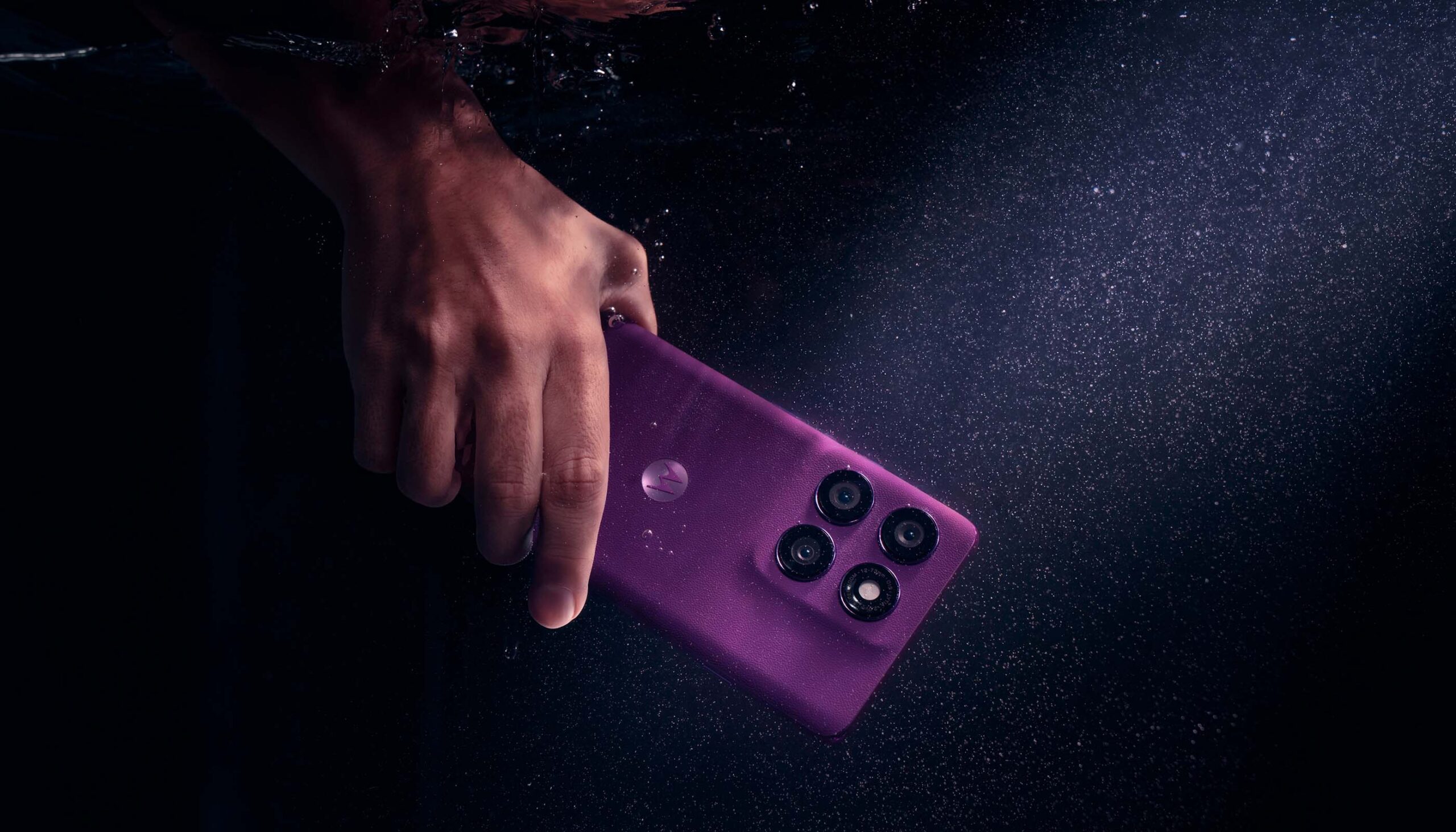
In the world of modern smartphones, choosing the right model can be a challenge, especially when dealing with flagship devices like the Motorola Edge 60 and Edge 60 Pro. Both models offer a range of advanced features that attract users’ attention. In this article, we will provide a detailed comparison of these two smartphones to help you decide which one is the best choice for you.
What are the main differences between Motorola Edge 60 and Edge 60 Pro?
Comparison of technical specifications
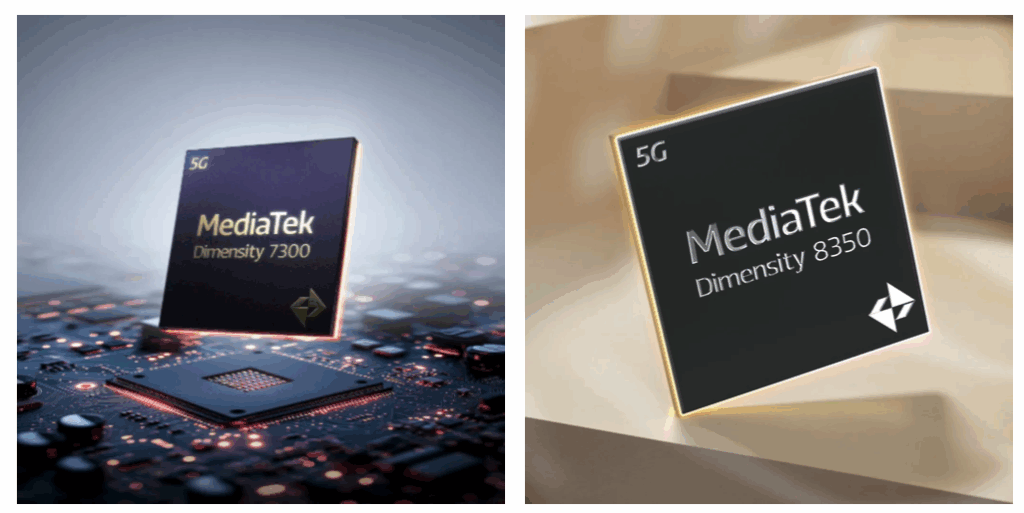
Both models of the Motorola Edge 60 series differ not only in price but also in technical specifications. The Motorola Edge 60 Pro is powered by the MediaTek Dimensity 8350 processor, which provides impressive performance and 5G support, while the standard Edge 60 model uses the Dimensity 7300. It is worth noting that these differences can affect daily usage, especially for intensive use of applications that require high computational power.
Processor performance in both models
When it comes to processor performance, the Motorola Edge 60 Pro impresses with its power. With the use of a modern chip, this smartphone handles multiple tasks simultaneously, which is extremely important for users who utilize multitasking features. While the Motorola Edge 60 also provides good performance for everyday use, the Pro version stands out with significantly better results in performance tests, translating to even faster and more responsive device operation.
What are the differences in RAM and internal memory?
Both the Motorola Edge 60 and Edge 60 Pro offer an impressive amount of RAM – in both cases, the user receives 12 GB, ensuring smooth system operation and seamless handling of multiple applications simultaneously. This is particularly important for those who use their smartphones intensively – for example, gaming, photo editing, or switching between multiple tasks throughout the day.
Differences arise in terms of internal memory. The standard Edge 60 model is available in versions with 256 GB or 512 GB of data storage, providing plenty of space for applications, photos, videos, or documents. In contrast, the Edge 60 Pro is only available in the top configuration of 512 GB, making it even more attractive for those who want to ensure that they won’t run out of space even with very intensive use.
How does the camera perform in Motorola Edge 60 vs Motorola Edge 60 Pro?
Photo quality and camera features
The Edge 60 Pro is equipped with a triple camera with a main 50 MP lens and a telephoto lens with 3x optical zoom. The Edge 60 model also has a 50 MP main camera, but it lacks a telephoto lens – it is limited to an ultra-wide angle. Both models offer AI features, night mode, portrait mode, and the ability to save in RAW format.
What are the differences in video recording?
When it comes to video recording, the Motorola Edge 60 Pro stands out with the ability to record in 8K quality, while the Edge 60 is limited to 4K. This allows professional users to create higher resolution videos, which can be a significant factor when choosing between these two models. Both smartphones also offer various recording modes that allow capturing dynamic scenes while maintaining high image quality.
What are the advantages and disadvantages of Motorola Edge 60 and Edge 60 Pro?
What do users say about both models?
User reviews of both models are generally positive, but differences in price and technical specifications lead to varying expectations. Users of the Motorola Edge 60 praise its affordable price and solid build quality, while owners of the Pro model highlight its performance and advanced photographic capabilities. However, it is important to remember that users expect the highest quality from flagship models, which means that each has its pros and cons.
What are the opinions on durability and design?
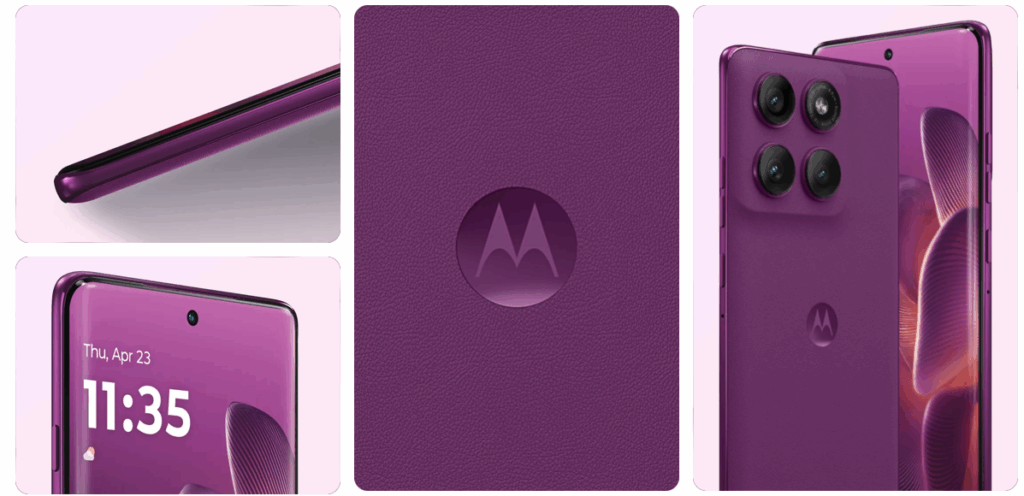
Durability and design are other important aspects that influence the purchasing decision. Both models meet the MIL-STD-810H standard, meaning they are resistant to shocks and drops. The design of the smartphones, available in leather and nylon-inspired variants, as well as in Pantone Gibraltar Sea and Pantone Dazzling Blue shades, is eye-catching and aligns with the latest trends. Users pay attention to aesthetics and ergonomics, making these models not only functional but also elegant.
Is it worth paying extra for the Pro model?
The decision of whether it is worth paying extra for the Pro model depends on the individual preferences of the user. If you care about the best performance, advanced camera features, and more memory, the Motorola Edge 60 Pro will be a better choice. On the other hand, if you do not plan to use the latest technologies intensively, the standard Edge 60 model may be a more cost-effective option.
How do both models perform with Android 15?
Android 15 features in Motorola Edge 60 and Edge 60 Pro
Both models run on Android 15, providing users with access to the latest features and improved security. Motorola has introduced specialized Moto AI features that make it easier to use the device and adapt its operation to the individual needs of users. As a result, users can enjoy smooth system operation and an intuitive interface in both models.
Support for software updates
Support for software updates is a key factor when choosing a smartphone. Motorola provides regular updates for both models, meaning users will be able to take advantage of the latest features and fixes, which increases the security and stability of the system. Expectations for support for Android 15 are high, and Motorola strives to meet them, which is a positive aspect for potential buyers.
What are the customization options?
When it comes to customization, both the Motorola Edge 60 and Edge 60 Pro offer extensive options for adjusting the user interface. With various themes, icons, and options to change the appearance of the home screen, users can personalize their devices according to their individual preferences. This makes both versions attractive for those who value unique style and functionality.
What are the multimedia capabilities of Motorola Edge 60 and Edge 60 Pro?
Comparison of stereo speakers and Dolby Atmos
In terms of multimedia, the Motorola Edge 60 Pro offers better sound quality thanks to support for Dolby Atmos technology and stereo speakers that provide an incredibly rich and realistic sound. The Edge 60 model also has stereo speakers, but differences in sound quality may be noticeable to audiophiles. For those who value good sound, choosing the Pro may be more beneficial.
What is the display quality?
Both models are equipped with AMOLED displays with a refresh rate of 120 Hz, ensuring smooth image and vibrant colors. However, it is worth noting that the Edge 60 Pro may have higher maximum brightness, which is beneficial in bright lighting. The screen with a resolution of 4500 nits in the Pro makes using the device in difficult conditions a pleasure.
What are the differences in battery and its performance?
Both models also differ in battery capacity. The Motorola Edge 60 Pro is equipped with a 6000 mAh battery with fast charging, providing a longer usage time on a single charge. In contrast, the Edge 60 model has a battery capacity of 5200 mAh. These differences can affect daily usage, especially for those who use multimedia and applications intensively. Users pay attention to battery life, making this aspect significant when choosing a model.
Accessories for Motorola Edge 60 and Motorola Edge 60 Pro
Complete your set with proven accessories
To fully utilize the capabilities of your new smartphone, it is worth reaching for accessories tailored to the specific model. In the store Home Screen, you will find a wide selection of products that work perfectly with the latest devices from Motorola.
Whether you choose the Motorola Edge 60 or Motorola Edge 60 Pro – the right accessories will help you not only better protect your phone but also increase comfort and functionality in everyday use.
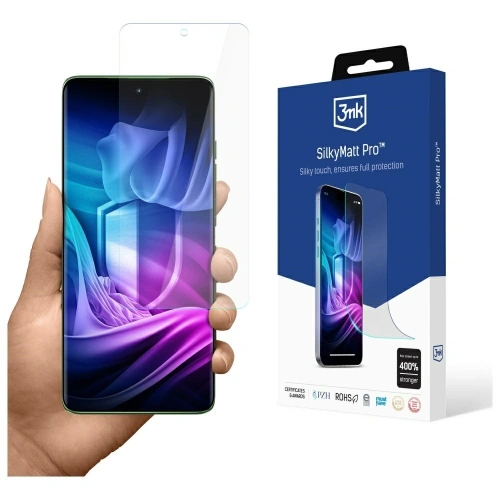
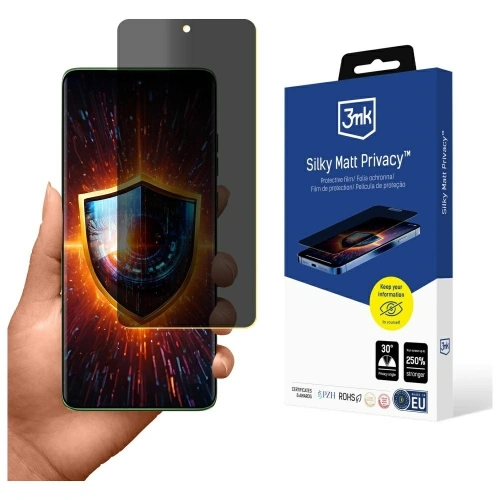
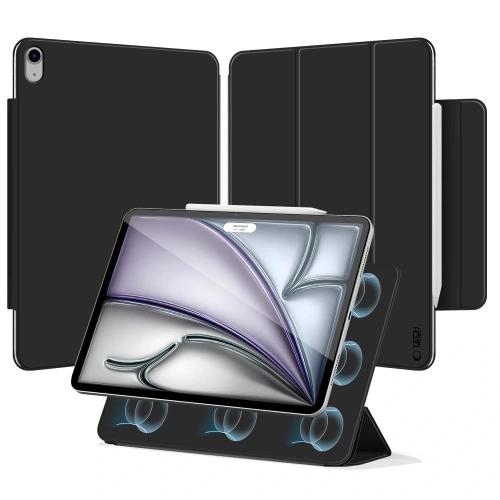
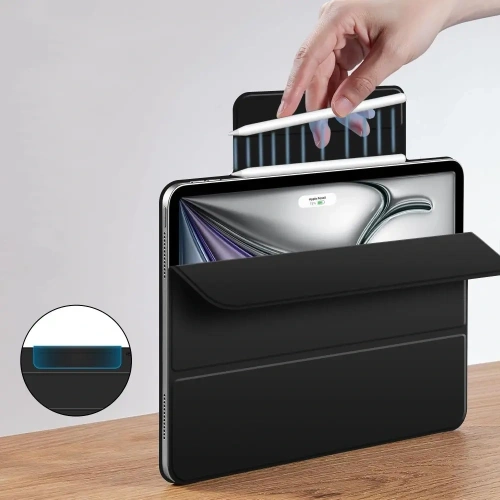
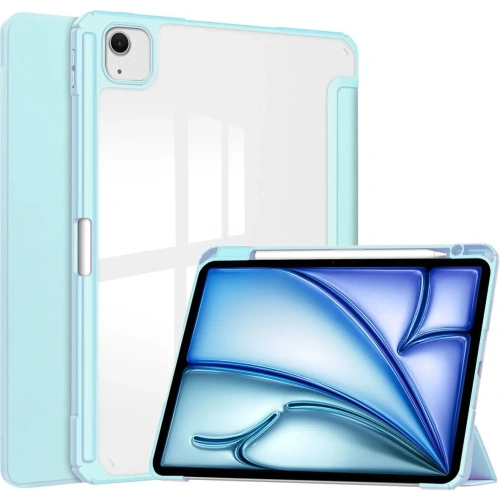
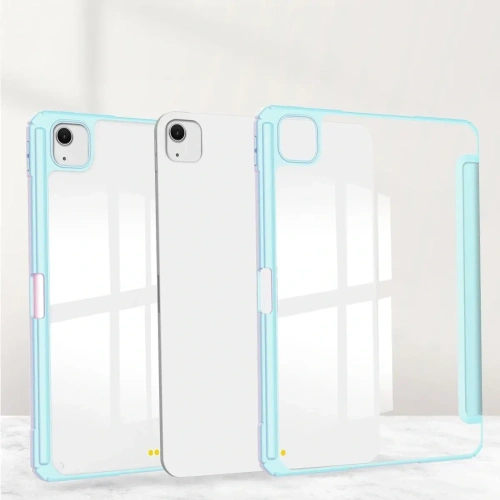
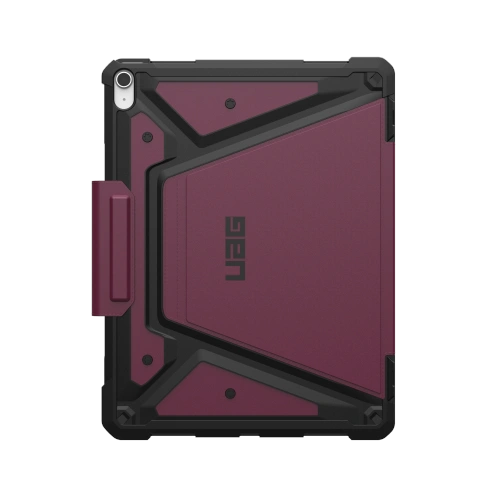
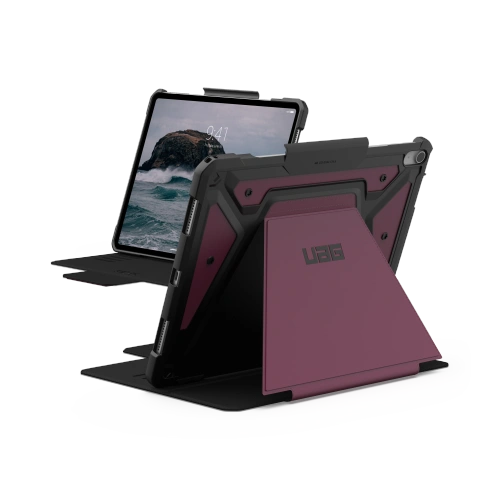
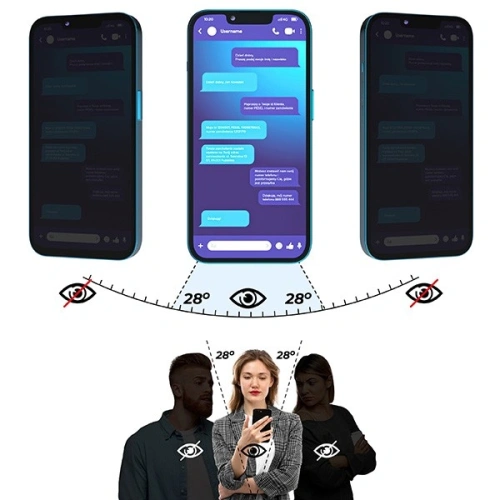
High-quality glass for Motorola Edge 60 or protective film for Edge 60 Pro will effectively protect the screen from scratches and damage, while a properly selected case will provide not only protection but also a modern look. Make sure your smartphone is ready for anything – both at work and on the go.
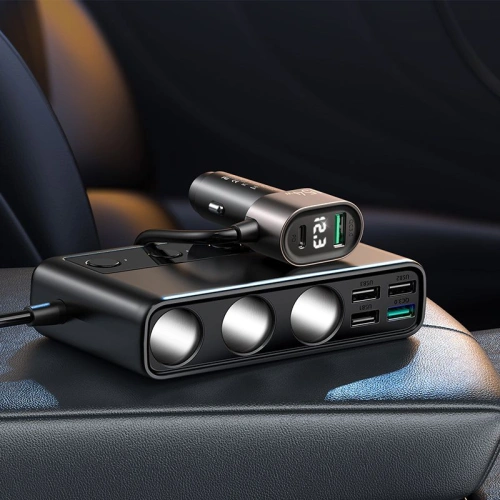
In today’s world, where we travel more frequently and our mobile devices become indispensable companions, a fast car charger is becoming an essential accessory. Whether we are using navigation, listening to music, or need to respond to messages in real-time, the need for access to power is immense. In the following article, we will discuss how to choose the best car charger, how fast charging works, and which models are worth noting in the market.
How to choose the best car charger?
Choosing the right car charger can be crucial for the comfort of using mobile devices during travel. It is worth paying attention to several important aspects, such as the type of connector and output power. When selecting a charger, consider whether you need a model with a USB-A port, USB-C, or perhaps one with wireless inductive charging.
What are the differences between USB-A and USB-C car chargers?
USB-A and USB-C car chargers differ primarily in the type of connector. USB-A is an older standard that is still widely used, but USB-C is becoming increasingly popular due to faster charging and data transfer capabilities. The USB-C connector also supports Power Delivery (PD) technology, allowing for higher charging powers, reaching up to 100 W. The choice between these two types of connectors should depend on the equipment you have and its requirements.
What output power should a good car charger have?
The output power of a car charger is a key parameter that determines the charging speed. A good charger should have an output power of at least 18 W, which will allow for fast charging of smartphones and tablets. For laptops, it is advisable to opt for models with 60 W or 65 W power to effectively charge the device. The use of fast charging technologies, such as QC 3.0 or PD, will increase charging efficiency even in challenging conditions.
Which car charger is best for charging a laptop?
When choosing a car charger for a laptop, it is worth paying attention to models that offer an output power of 60 W or more. Car chargers with a USB-C port that support Power Delivery technology will be the best choice. With them, you can charge a laptop in a shorter time and also use additional features, such as powering other devices during travel. It is also important to consider the quality of materials used and safety, which is crucial for long-term use.
What is fast charging and how does it work?
Fast charging is a technology that allows mobile devices to be charged in significantly less time than traditional methods. By using higher power and intelligent energy management, it is possible to quickly deliver energy to batteries. It is worth knowing that different fast charging standards, such as Quick Charge (QC) and Power Delivery (PD), offer different powers and modes of operation.
What is the difference between PD and QC in fast charging?
Power Delivery (PD) and Quick Charge (QC) are two of the most popular fast charging standards. PD, mainly used in USB-C connectors, allows for energy transfer up to 100 W, making it ideal for charging laptops. QC 3.0, on the other hand, is a technology developed by Qualcomm that allows for fast charging of mobile devices, such as smartphones. The differences between these standards mainly lie in the maximum power and the way devices communicate, which affects charging efficiency.
Which devices support fast charging?
Fast charging is primarily supported by modern smartphones, tablets, and laptops. Most devices from brands like Samsung, Huawei, and Apple (e.g., iPhone) are compatible with fast charging technology. It is worth investing in a car charger that supports both PD and QC to ensure that we can charge all our devices in a short time, regardless of their type.
What are the advantages of a fast car charger?
The advantages of a fast car charger include primarily time savings, which is extremely important during travel. With fast charging, you can charge a smartphone or tablet in a short time, allowing you to fully utilize their functions without worrying about running out of battery. Additionally, modern car chargers often offer additional protection against overheating and surges, ensuring safe usage.
How to install a car charger in a vehicle?
Installing a car charger is a simple process, but it is worth paying attention to a few details to ensure comfort and safety while charging devices.
Where is the best place to put a car charger?
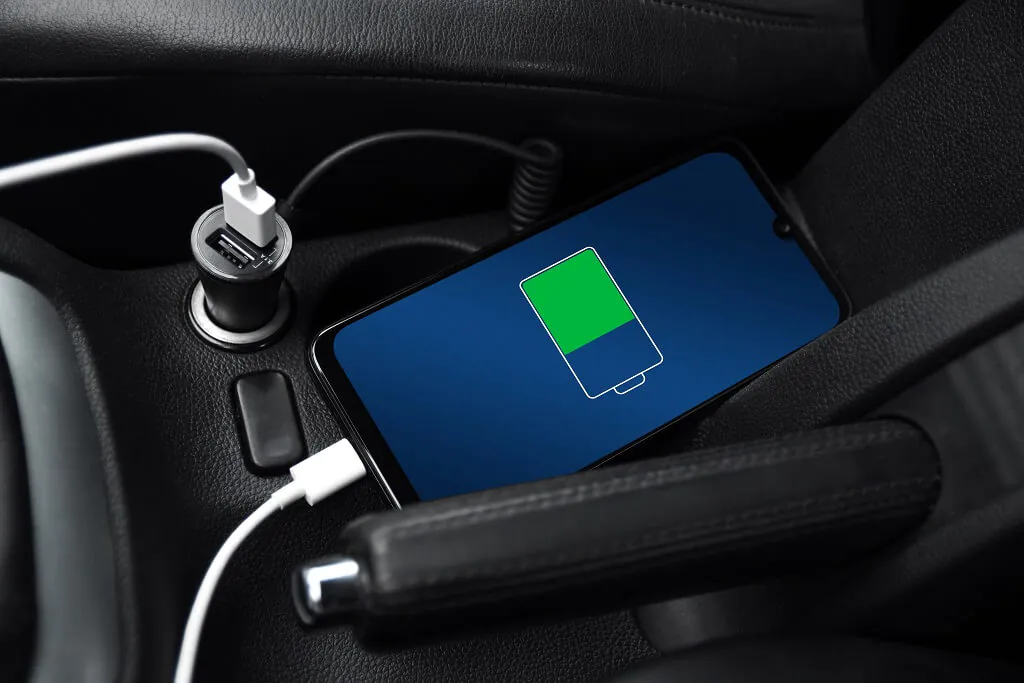
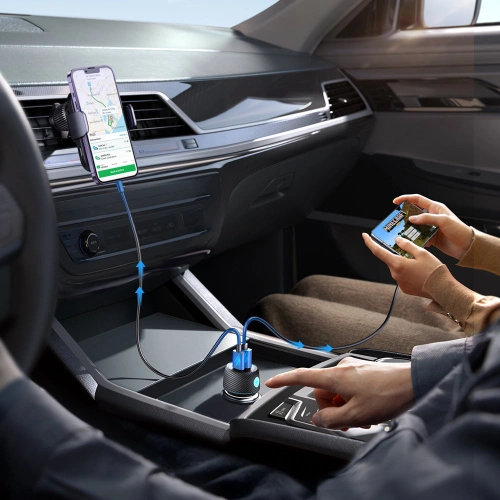
The best place to install a car charger is the cigarette lighter socket, which is located in the central part of the dashboard. This location provides easy access to the charger while driving and allows for convenient plugging and unplugging of cables. It is also worth considering models with longer cables that allow for free use of devices in different parts of the vehicle.
How to connect the charger to the cigarette lighter socket?
Connecting the charger to the cigarette lighter socket is very simple. You need to insert the charger plug into the socket, ensuring that it is properly seated. Once connected, the charger should automatically start charging the connected devices. It is important to remember not to use too many devices simultaneously, as this may lead to the charger overheating.
Do I need additional cables to install the charger?
In most cases, the car charger comes with the appropriate cable, but it is worth ensuring that you have a USB-C or USB-A cable that will be compatible with your devices. When charging laptops, especially those that require higher power, it may be necessary to have the appropriate cable with a higher specification, e.g., with a 5A or 3.0 certification. It is also worth investing in additional cables to ensure that you can always charge your devices while traveling.
How to take care of a car charger to make it last longer?
To ensure that the car charger lasts as long as possible, it is advisable to follow a few best practices for usage. Regular maintenance and proper usage can significantly extend the device’s lifespan.
What are the best practices for using a car charger?
The best practices for using a car charger include avoiding overheating the device by not using it in extreme temperatures and not overloading the cigarette lighter socket. It is also important to not leave the charger plugged into the socket when not in use, as this may lead to damage. Regularly cleaning the ports and ensuring that the connectors are in good condition will also contribute to the device’s longer lifespan.
How to avoid overheating the car charger?
To avoid overheating the car charger, it is worth paying attention to its location and usage conditions. You should avoid placing the charger in areas exposed to high temperatures, such as the dashboard in full sunlight. Additionally, it is advisable to regularly check that the charger’s ventilation is not blocked, which could lead to the device overheating.
What problems may occur with a car charger and how to solve them?
Problems with a car charger may include lack of charging, overheating, or damaged cables. In the case of no charging, it is worth ensuring that the charger is properly connected to the cigarette lighter socket and that the cable is in good condition. If the charger is overheating, you should stop using it and allow it to cool down. If the cable is damaged, it may be necessary to replace it with a new one to ensure safety during charging.
What are the best fast car chargers on the market?
There are many models of fast car chargers available on the market, differing in features and output power. It is worth paying attention to a few popular brands that offer solid products.
Joyroom JR-CL06 – multi-port car charger 154W for demanding users
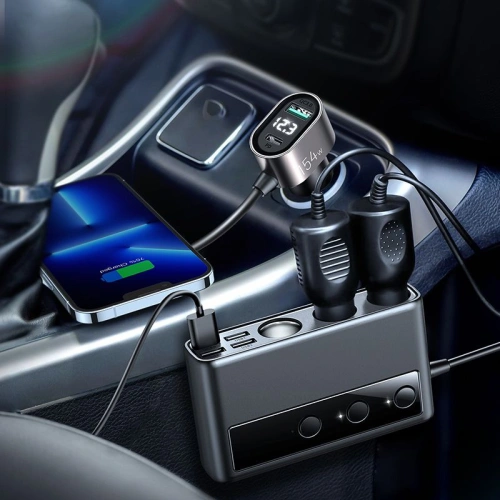
Joyroom JR-CL06 is a true powerhouse among car chargers. It offers up to 154 W of total power, allowing you to charge not only several phones simultaneously but also a tablet, power bank, or even a laptop with USB-C. It supports Power Delivery (PD) and Quick Charge 3.0, ensuring lightning-fast charging for virtually any phone model – from iPhone to Samsung Galaxy and Xiaomi.
With multiple USB ports (including USB-C), the charger is perfect for family cars, long trips, or work on the go. An additional advantage is its solid construction and high quality of workmanship.
For whom? For those who often charge several devices at once and do not want to compromise.
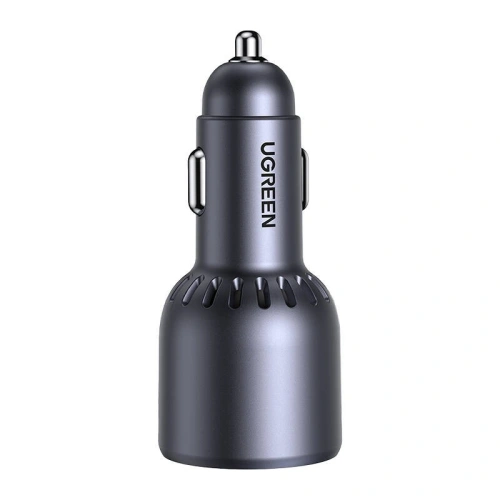
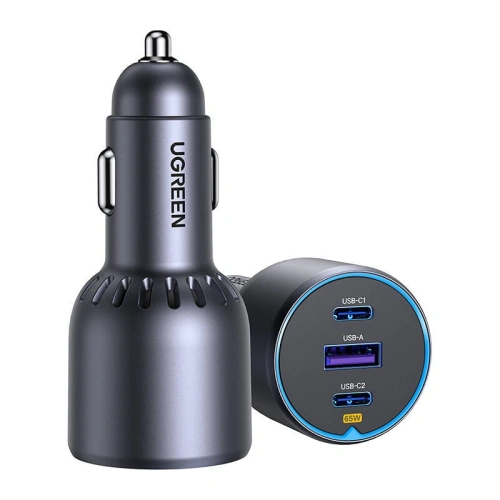
UGREEN EC703 – compact car charger 75W with 3 ports
UGREEN EC703 is a practical car charger that stands out with its compact design and high total power – up to 75W. Equipped with two USB-C ports and one USB-A, it allows charging up to three devices simultaneously – including smartphones, tablets, and even laptops with USB-C.
It supports the most important fast charging technologies, such as Power Delivery 3.0, Quick Charge 3.0, AFC, FCP, and PPS, making it a universal solution regardless of what phone you use – iPhone, Samsung, Xiaomi, or another brand.
UGREEN has also implemented advanced security systems – against overheating, surges, or short circuits – allowing you to use it without worries during any trip.
For whom? For those who often travel with family or passengers and need a charger to power several devices simultaneously. It also works well as a universal model for smartphones, power banks, and even notebooks with USB-C.
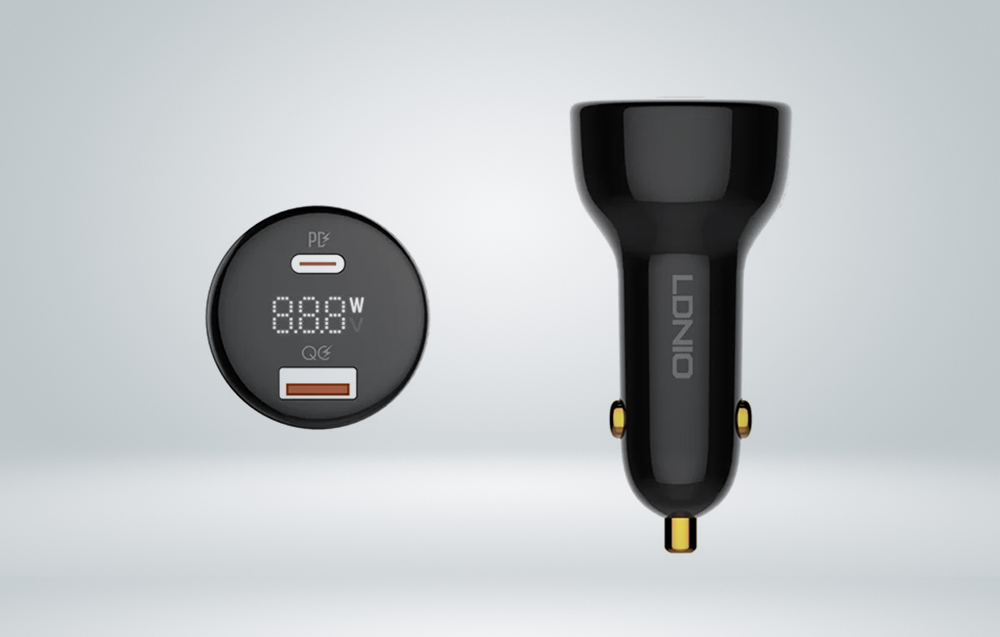
LDNIO C101 – versatile car charger 100W with LED display
LDNIO C101 is a compact and efficient car charger, offering a total power of up to 100W. Equipped with USB-C (PD) and USB-A (QC 3.0) ports, it allows simultaneous charging of two devices with maximum efficiency. Thanks to support for multiple fast charging standards, such as Power Delivery 3.0, Quick Charge 3.0, AFC, SCP, and PPS, it ensures compatibility with a wide range of devices, including smartphones, tablets, and laptops.
The built-in LED display continuously informs about the voltage and current of charging, allowing real-time monitoring of the charging process. The advanced security system protects against overheating, surges, overloads, and short circuits, ensuring safe usage.
For whom? For drivers looking for a reliable and universal car charger that meets the demands of fast charging various devices during travel.
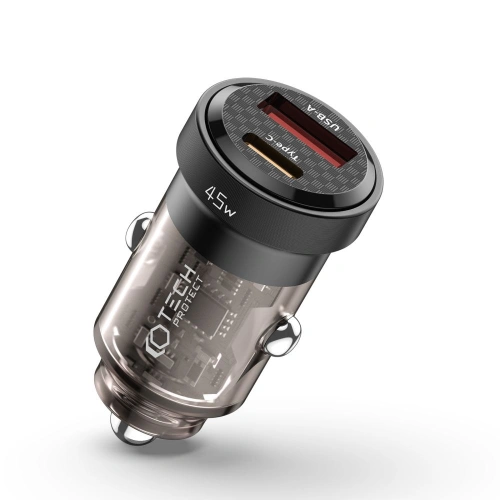
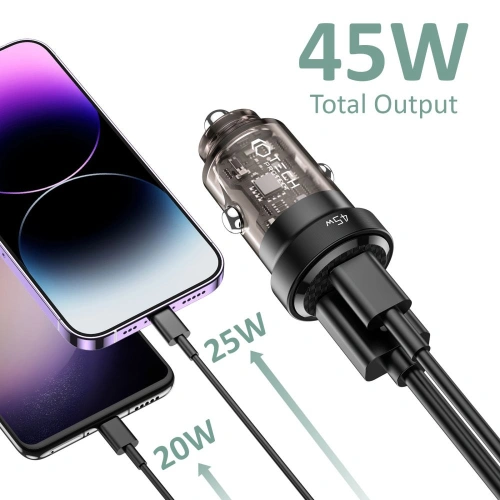
Tech-Protect CC45W – compact car charger with PD and QC 3.0
Tech-Protect CC45W is a minimalist yet highly functional car charger that is perfect for everyday use. It offers two ports – USB-C with Power Delivery and USB-A with Quick Charge 3.0 – allowing for fast charging of two devices simultaneously. The total power of 45W is sufficient to power a modern smartphone, tablet, or even smaller laptops with USB-C charging.
The charger supports popular fast charging protocols, so regardless of whether you use an iPhone, Samsung, Xiaomi, or another brand – you can count on efficient and safe charging while driving. The housing made of aluminum and polycarbonate is not only durable but also looks good – ideal for those who value simplicity and reliability.
For whom? For those looking for a simple yet efficient car charger with fast charging support and dual output – without unnecessary extras but with maximum functionality.
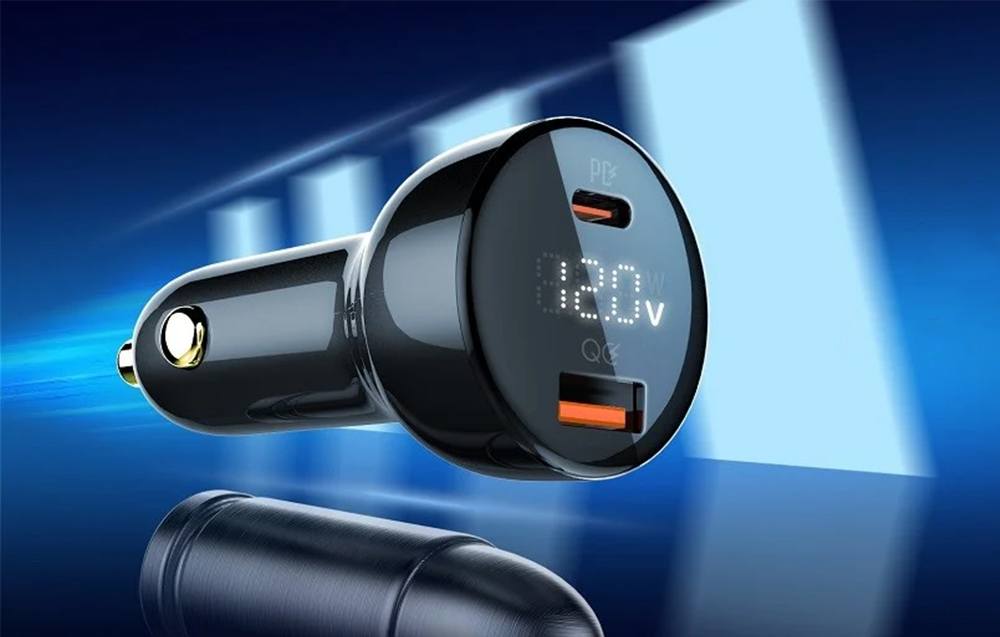
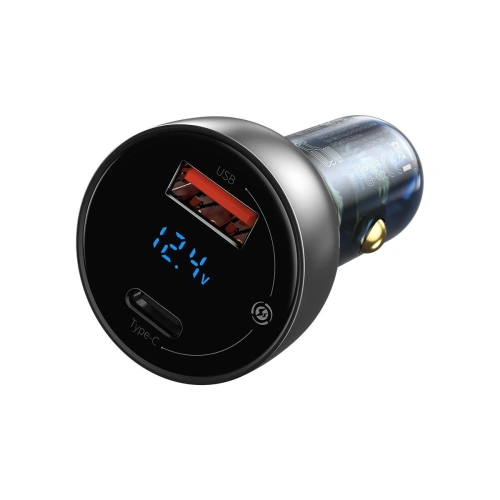
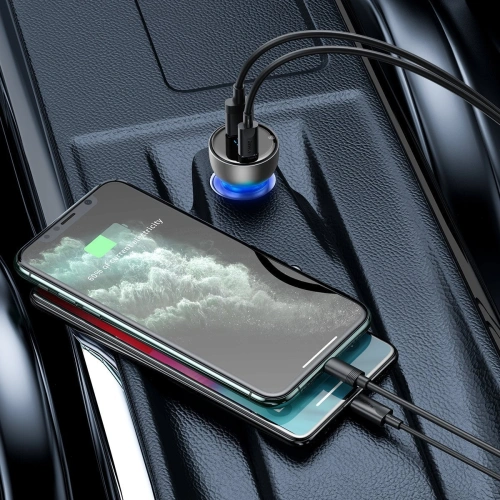
Baseus Particular Digital Display – stylish car charger 65W with LED display
Baseus Particular Digital Display is an elegant and functional car charger with a power of 65W, designed for fast and safe charging of devices while traveling. Equipped with a USB-C port with Power Delivery and a USB-A port with Quick Charge 3.0, it allows charging two devices simultaneously – for example, a smartphone and a tablet or laptop.
The applied intelligent charging technology automatically adjusts the operating parameters to the needs of the connected devices. In practice, this means efficient charging without overheating and the risk of battery damage. The built-in LED display shows the current voltage and current, allowing the user to monitor the entire process.
A distinguishing feature of this charger is its transparent body with subtle LED backlighting, giving it a modern, futuristic character – it will blend well in both classic and modern car interiors.
For whom? For those who value not only functionality and fast charging but also aesthetics and clear control over the charged equipment.
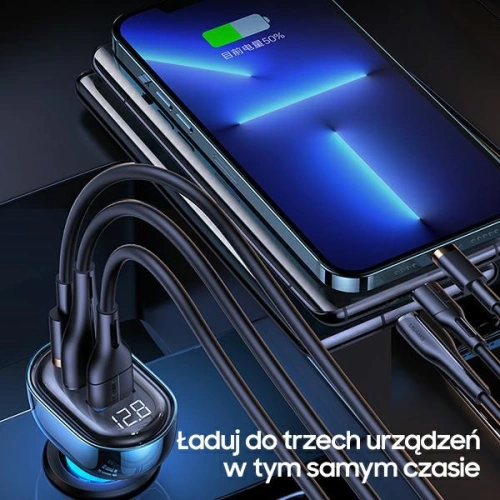
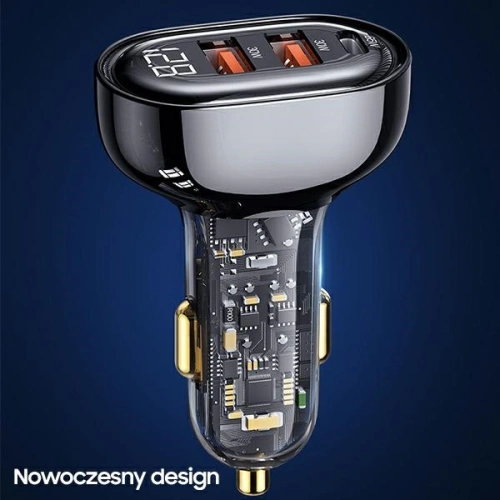
USAMS CC158CC02 – powerful car charger 125W with three ports and futuristic design
USAMS CC158CC02 is an advanced car charger that offers an impressive power of 125W. Equipped with three ports – one USB-C with Power Delivery and two USB-A with Quick Charge 3.0 – it allows simultaneous charging of three devices with maximum efficiency. Thanks to support for multiple fast charging standards, such as QC, AFC, SCP, FCP, and Apple 2.4, it ensures compatibility with a wide range of devices, including smartphones, tablets, and laptops.
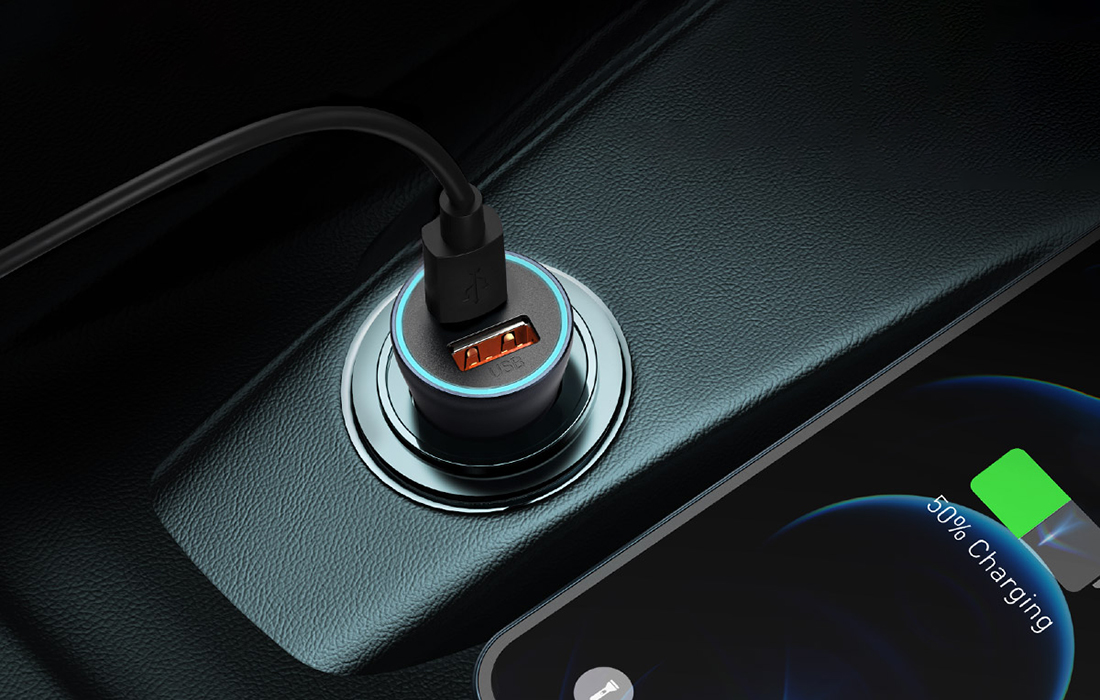
The charger’s design features a transparent blue housing that showcases precise internal components, giving it a modern and attractive appearance. Additionally, built-in warm LED lights indicate the charger’s activity, and a digital display allows for real-time monitoring of voltage and current.
For whom? For drivers looking for an efficient and stylish car charger that enables fast and safe charging of multiple devices simultaneously, with an additional feature for monitoring charging parameters.
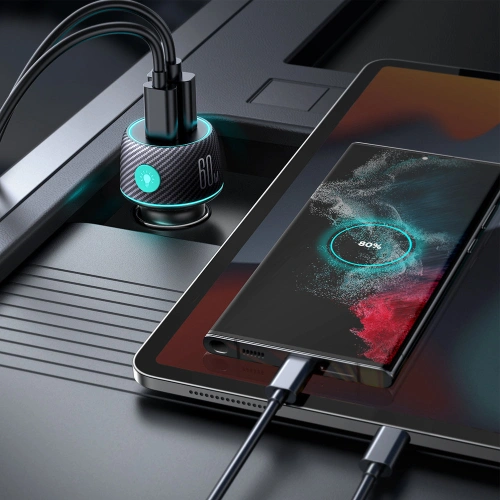
Joyroom JR-CCN01 – compact car charger 60W with LED backlight
Joyroom JR-CCN01is a modern car charger with a total power of 60W, equipped with USB-C with Power Delivery and USB-A with Quick Charge 3.0. It allows simultaneous charging of two devices, such as smartphones, tablets, or power banks, with high efficiency.
Thanks to support for multiple fast charging standards, including PD 3.0, QC 3.0, PPS, Samsung AFC, and Huawei FCP, it ensures wide compatibility with various devices. The intelligent chip manages energy distribution, protecting connected devices from overheating and overload.
The charger’s design features multi-color LED backlighting with the option to choose from seven colors, making it easier to use at night. The housing made of fire-resistant PC+ABS material increases safety during use.
For whom? For drivers looking for a compact and stylish car charger that provides fast and safe charging of two devices simultaneously.
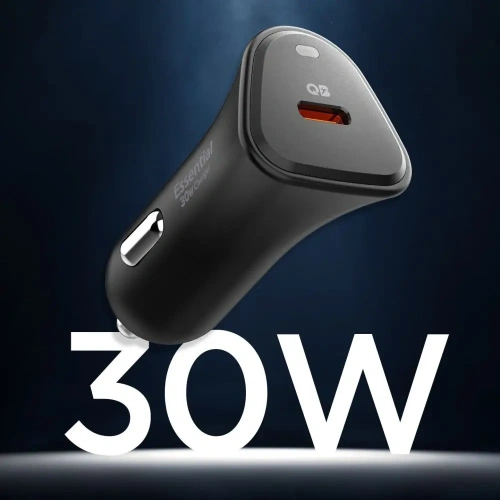
Spigen is a brand known for premium accessories, and the EV301 is an example of simplicity that works. This compact model Essential EV301 features a 30W USB-C port and supports Power Delivery (PD) technology – making it ideal for iPhones (e.g., iPhone 14, 15, 16) and newer Androids (Pixel, Galaxy).
Despite its small size, the charger offers advanced protections and fast charging that significantly shortens the time to plug into the socket. Its discreet design does not protrude from the cigarette lighter socket, making it well-suited for modern car interiors.
For whom? For minimalists or drivers using a single phone who value high quality and reliability.
Fast car charger – small gadget, big difference
As you can see, choosing the right car charger doesn’t have to be difficult – just pay attention to a few key parameters, such as power, number of ports, and supported charging standards. Whether you use your phone occasionally or daily on the go, a fast car charger with fast charging technology, such as Power Delivery or Quick Charge, significantly enhances travel comfort.
By investing in a high-quality accessory, you gain not only rapid charging but also safety for your device. Therefore, it is worth opting for proven models – tailored to your needs and type of smartphone.
Remember: a modern and efficient car chargeris not a luxury, but a practical addition that you will quickly appreciate in everyday use.
👉 Check out more models at Home Screen store – you will find several solid car chargers, perfectly matched to your devices and driving style.
In today’s world, smartphones have become an inseparable part of our lives. Their functionality largely depends on the quality of the battery that powers the entire system. Properly charging the phone is a key aspect that can significantly affect the battery life of a smartphone. In this article, we will look at how to charge your phone correctly to extend battery life and what practices and tips are worth implementing to avoid common charging mistakes. Understanding the basic principles of battery charging in a phone will help us enjoy longer device operation time and its reliability.
How to charge your phone correctly to extend battery life?
Is discharging to zero necessary?
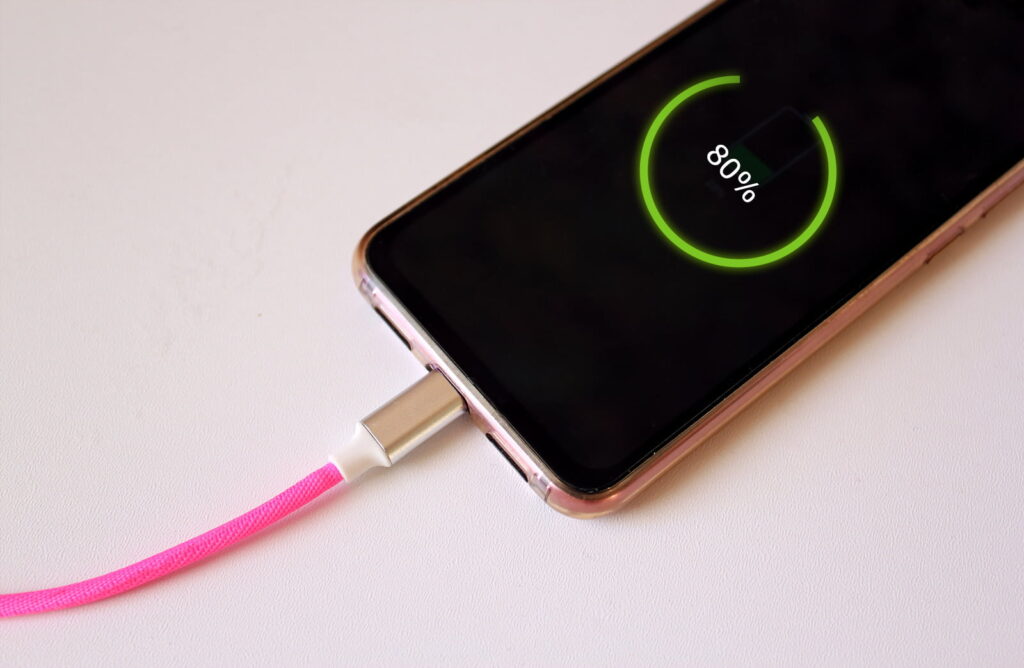
Many users believe that to effectively care for the battery in their smartphone, they should regularly discharge it to zero. In reality, modern lithium-ion batteries do not require such drastic measures. Discharging the battery to zero can actually harm the cell, leading to its degradation. The optimal solution is to maintain the battery charge level between 20% and 80%. This way, we can extend the battery life and avoid unnecessary stress on the cell.
What are the best charging practices?
To charge your phone correctly, it is worth following a few basic rules. First, use original chargers that are tailored to the specific model of the smartphone, such as Samsung, iPhone, or Xiaomi. Second, avoid charging the phone in places where it can overheat, such as in the sun or near heat sources. It is also a good practice to avoid using the phone while charging, as this can lead to battery overheating. Additionally, it is worth remembering that fast charging, while convenient, can affect the lifespan of the cell. Therefore, it is advisable to use this option only when necessary.
What myths about battery charging are false?
There are many myths about battery charging that can mislead users. One of them is the belief that a new phone should be charged for a long time before first use. In reality, modern batteries are ready to use right out of the box. Another myth is that you should always charge your phone to 100%. As mentioned earlier, the optimal charge level is 20-80%. It is also worth noting that there is no need to discharge the battery to zero, which can lead to cell damage.
What are the consequences of improper battery charging in a phone?
How does heating affect cell lifespan?
Improperly charging a phone, especially excessive heating, negatively impacts battery lifespan. During charging, the battery generates heat, which is a normal phenomenon. However, if the smartphone is charged at too high a temperature, it can lead to accelerated cell degradation. Therefore, it is important to avoid situations where the phone overheats, such as using it while charging or charging in hot conditions. Prolonged exposure to high temperatures can shorten battery life and reduce its performance.
Is fast charging safe for smartphones?
Fast charging has become a popular solution that allows you to charge your phone in a short time. While many modern smartphones, such as those from Apple or Samsung, are equipped with fast charging technologies, not every user is aware of the potential risks. Although fast charging is designed to minimize the risk of battery damage, frequent use of this option can lead to cell overheating, which negatively affects its lifespan. Therefore, it is advisable to use this method only when absolutely necessary.
What symptoms indicate battery damage?
Users should be aware of symptoms that may indicate battery damage. Pay attention to sudden drops in charge level, which may suggest that the battery in your smartphone is losing its ability to store energy. Other signs include overheating of the device during charging, as well as extended charging times. If you notice that your phone stops holding a charge even after short use, it may be a sign that the battery needs to be replaced. In such cases, it is advisable to visit an authorized service center to diagnose the problem and take appropriate steps.
How much percent to charge the phone to avoid damaging the battery?
What are the recommended charge levels?
As mentioned earlier, to charge your phone correctly, you should maintain the battery charge level between 20% and 80%. However, it is worth noting that some studies suggest that the best level for long-term battery health is 50%. Regularly charging to 100% can accelerate cell degradation, so it is better to avoid this if not necessary. Additionally, if you plan not to use the phone for an extended period, it is advisable to charge it to about 50% and store it in a cool, dry place.
Is it worth charging the battery in the phone to 100%?
Charging the battery to 100% may seem tempting, especially when we want maximum device operation time. However, charging to full capacity is not recommended if we want to extend battery life. Each full charge and discharge affects the life cycles of the cell. Over time, such practices can lead to a decrease in battery capacity. Therefore, if possible, it is better to charge the phone to 80% and not let it discharge below 20%.
How often should you charge a smartphone?
There is no definitive answer to how often you should charge a smartphone. It largely depends on the individual needs of the user and how they use the device. However, the general rule is that it is worth charging the phone regularly to avoid extreme charge levels. For most users, charging once a day will be sufficient to keep the battery in good condition. It is important to adjust charging habits to your needs while keeping in mind the recommendations for optimal charge levels.
How to properly charge the battery in a new phone?
Is the first charge important?
The first charge of a new phone is often considered a crucial moment in the battery’s lifespan. In the past, it was recommended that the battery be charged for several hours before first use. However, modern lithium-ion batteries do not require such care. It is enough to connect the device to the charger when the charge level reaches about 20%. Of course, it is worth remembering to use original accessories, which will ensure safe charging of the smartphone.
What accessories are best for charging?
Choosing the right charging accessories is crucial for battery lifespan. It is always worth investing in original chargers and cables from the manufacturer, as they are tailored to the specifications of a given smartphone model. In the case of wireless charging, it is advisable to choose chargers that have the appropriate safety and efficiency certifications. This way, you can be sure that the charging will be both fast and safe for the battery.
What mistakes to avoid when charging a new phone?
When charging a new phone, it is worth avoiding several common mistakes. First, do not use the phone while charging, as this can lead to the device overheating. Second, try to avoid charging in high-temperature places, which can negatively affect cell lifespan. Additionally, do not use low-quality accessories that may be incompatible with your smartphone. By following these rules, you can significantly extend the battery life of your new phone.
What devices and charging methods are the safest?
Are wireless chargers better than traditional ones?
Wireless chargers are gaining popularity due to their convenience. While many people wonder if they are better than traditional wired chargers, the answer is not straightforward. Wireless chargers are safe and convenient, but they may be less efficient in terms of charging time and can generate more heat. Therefore, if you care about quickly charging the battery, it is better to use a traditional charger. However, if you prefer convenience, wireless charging can also be a good choice.
What are the differences between chargers from different manufacturers?
The differences between chargers from different manufacturers can affect charging performance and safety. Each company, such as Samsung, Apple, or Xiaomi, designs its accessories with specific smartphone models in mind. It is worth paying attention to technical parameters, such as charging power, which may vary depending on the manufacturer. Using incompatible accessories can lead to battery damage or even damage to the entire device, so it is always advisable to use original accessories.
How to connect the phone to ensure optimal charging?
To ensure optimal charging, pay attention to a few basic rules. First of all, connect the phone to the original charger to avoid compatibility issues. Make sure the charging port is clean and free of debris, which will allow for a proper connection. It is also advisable to avoid using long cables, which can lead to energy loss. During charging, ensure the device has adequate ventilation to avoid overheating. By following these simple rules, you can enjoy long battery life in your smartphone.
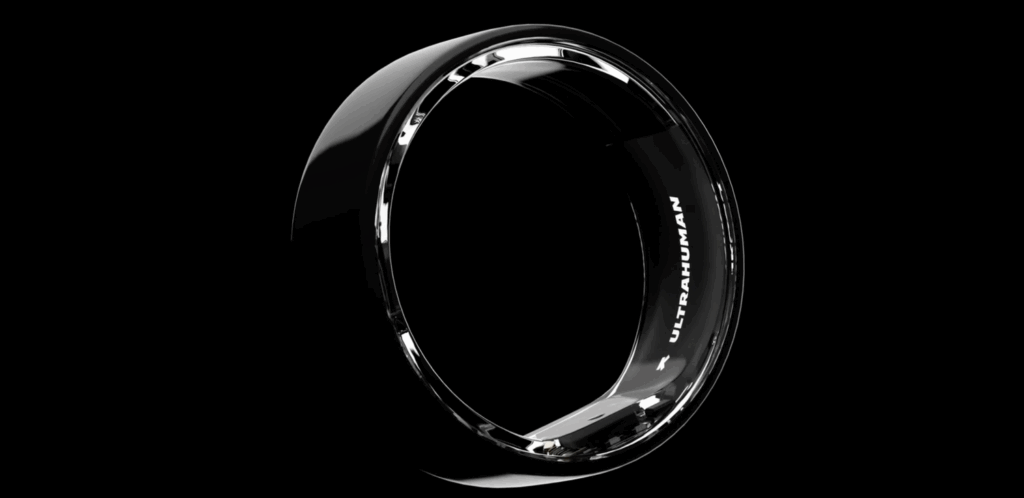
The market for smart rings is rapidly evolving – from a few niche models sold a few years ago to a stage where brands like Samsung, Acer, Oura, and Amazfit are participating. One of the hottest debuts of 2025 is the Acer FreeSense Ring, showcased at Computex 2025. This is the first smart ring from this brand, which aims to offer a complete set of health features without the need for a subscription. How does it compare to the competition? Is it a worthy alternative to the Oura Ring Gen3, Samsung Galaxy Ring, or Ultrahuman Ring Air? Let’s find out.
What is the Acer FreeSense Ring?
Acer FreeSense Ring is a smart ring for 2025 that has the potential to revolutionize the wearable device market. This advanced smart ring is designed for daily health monitoring, and its biggest distinguishing feature is the absence of any subscription – all functions are available immediately upon purchase. The new Acer smart ring was presented at Computex 2025 and is a response to the growing demand for small, convenient devices for analyzing fitness and well-being. Acer, known mainly for laptops, is making a bold entry into the smart ring market.
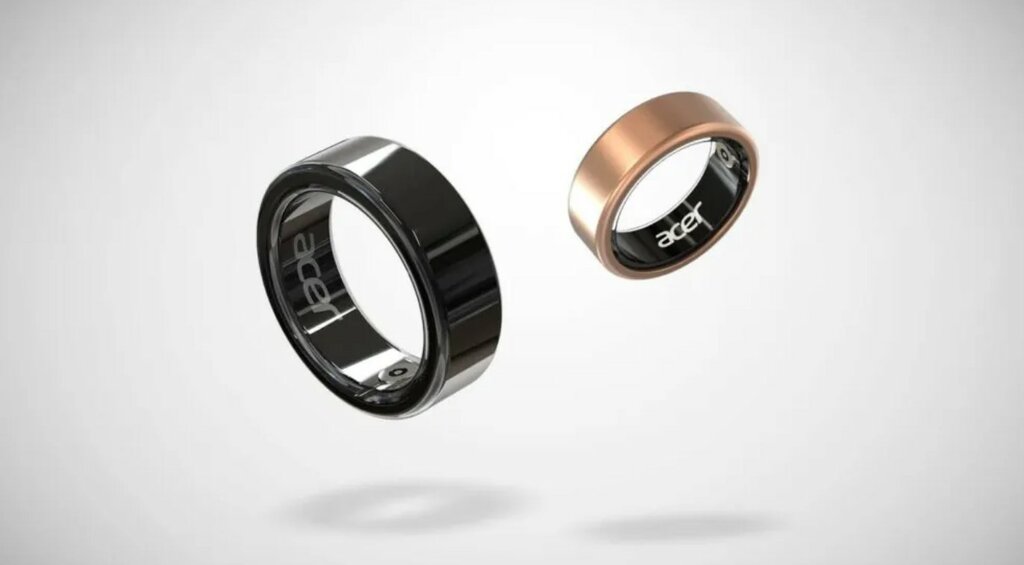
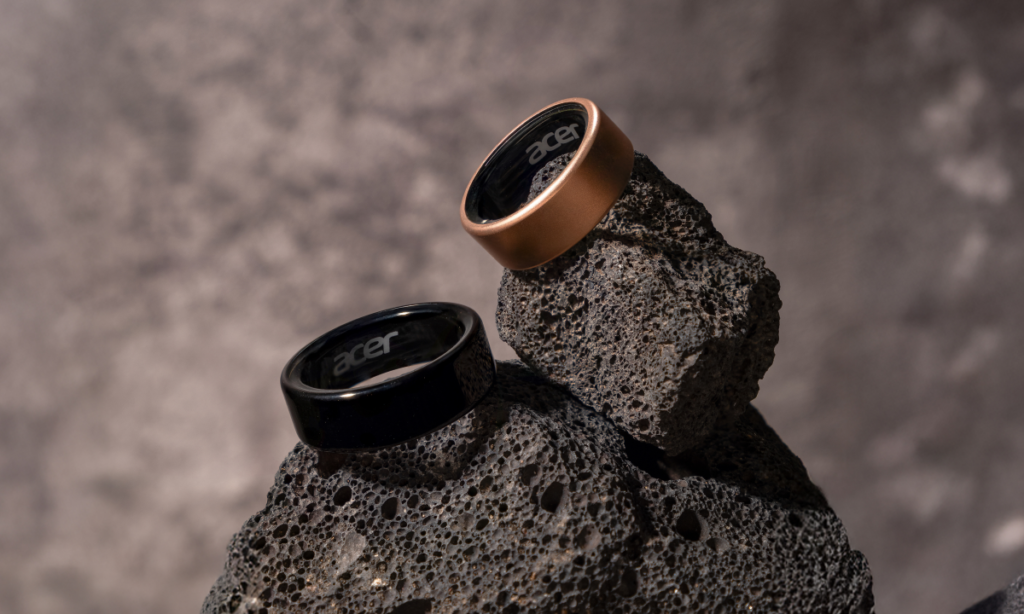
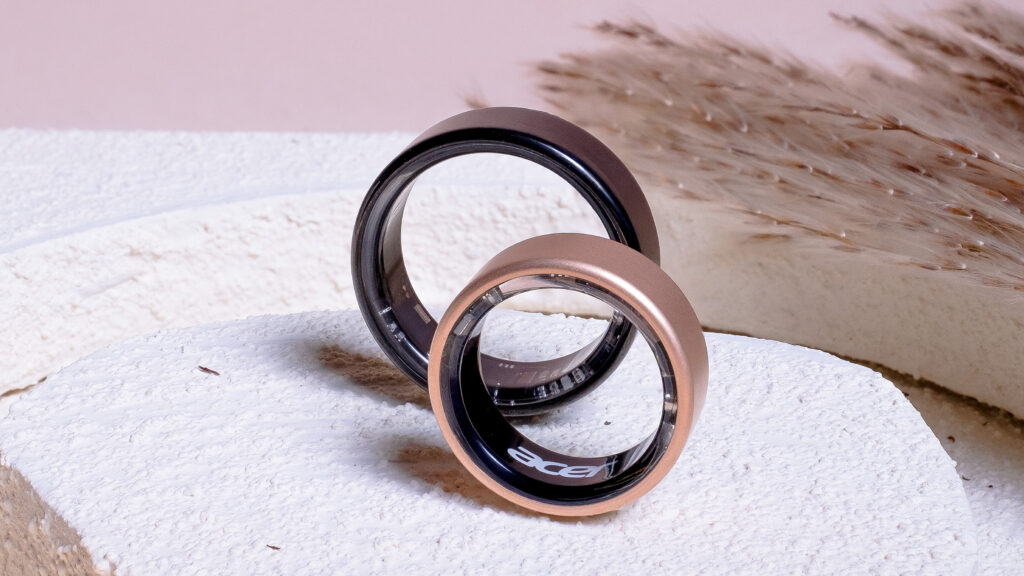
The Acer FreeSense Ring is a small, elegant ring made from an ultra-light titanium alloy and available in two colors: matte rose gold and glossy black. At first glance, it looks like ordinary jewelry, but inside it hides advanced electronics. This move by Acer – a company previously associated mainly with laptops, monitors, and e-bikes – shows that even electronics giants see potential in the next-generation wearable device segment. Smart rings are quickly moving from being a niche curiosity for gadget enthusiasts to becoming fully-fledged devices for everyday use, aimed at improving our health and lifestyle.
What can the Acer FreeSense Ring do? Key features
The Acer FreeSense Ring is equipped with advanced biometric sensors. Among its features, you will find:
heart rate and heart rate variability (HRV) measurement,
blood oxygen saturation (SpO₂),
sleep monitoring with phase breakdown (REM, deep, light),
step counting and activity analysis,
fatigue and recovery level analysis,
smart notifications and health suggestions powered by AI.
All data is collected and presented in the dedicated Acer FreeSense App, available on Android and iOS.
An additional feature is gesture control – with hand movements, you can, for example, trigger the camera shutter on your phone. This is a convenient and modern solution that may allow for controlling other devices in the future.
No subscription – a true advantage over the competition
Unlike the Oura Ring or Ultrahuman Ring, Acer FreeSense Ring does not require any subscription. This means:
no additional monthly costs,
access to all data and analyses immediately upon purchase,
a fair approach to the user.
For many consumers, this is a key argument in favor of choosing this model.
Acer FreeSense Ring specifications – lightweight, durable, and waterproof
Acer FreeSense Ring is made of titanium and coated with a PVD layer, ensuring scratch resistance. There are two colors to choose from: glossy black and matte rose gold.
Key technical parameters:
material: titanium alloy,
weight: 2–3 g (depending on size),
sizes: #7 to #13,
water resistance: 5 ATM (up to 50 m),
battery life: up to 4 days,
inductive charging.
All of this makes the ring lightweight, comfortable, and almost unnoticeable on the finger – ideal for wearing 24/7.
Who is the Acer FreeSense Ring for?
This health smart ring is suitable for:
active individuals who want to track their training, heart rate, and recovery,
users who value convenience and do not want to wear a smartwatch,
fans of a healthy lifestyle and biohacking,
anyone who wants to improve sleep quality and better manage stress.
With its universal design, it fits any style – both sporty and elegant attire.
How does Acer FreeSense compare to the competition?
Comparison with other smart rings
Feature / Model
Acer FreeSense
Galaxy Ring
Oura Ring Gen3
RingConn Gen2
Ultrahuman Ring Air
Amazfit Helio Ring
Subscription
❌ No
❌ No
✅ Yes
❌ No
❌ No
❌ No
Compatibility
Android, iOS
Android (Samsung)
Android, iOS
Android, iOS
Android, iOS
Android
Battery
up to 4 days
up to 7 days
up to 7 days
up to 10 days
up to 4 days
up to 4 days
Water resistance
5 ATM
10 ATM
10 ATM
10 ATM
IPX8
5 ATM
Weight
2–3 g
2.3–3 g
4–6 g
2–3 g
~3 g
3–4 g
Sensors
Heart rate, SpO₂, HRV
Heart rate, skin temp
Heart rate, temp, HRV
Heart rate, SpO₂
Heart rate, HRV
Heart rate, HRV
Gestures
✅ Yes
❌ No (for now)
❌ No
❌ No
❌ No
❌ No
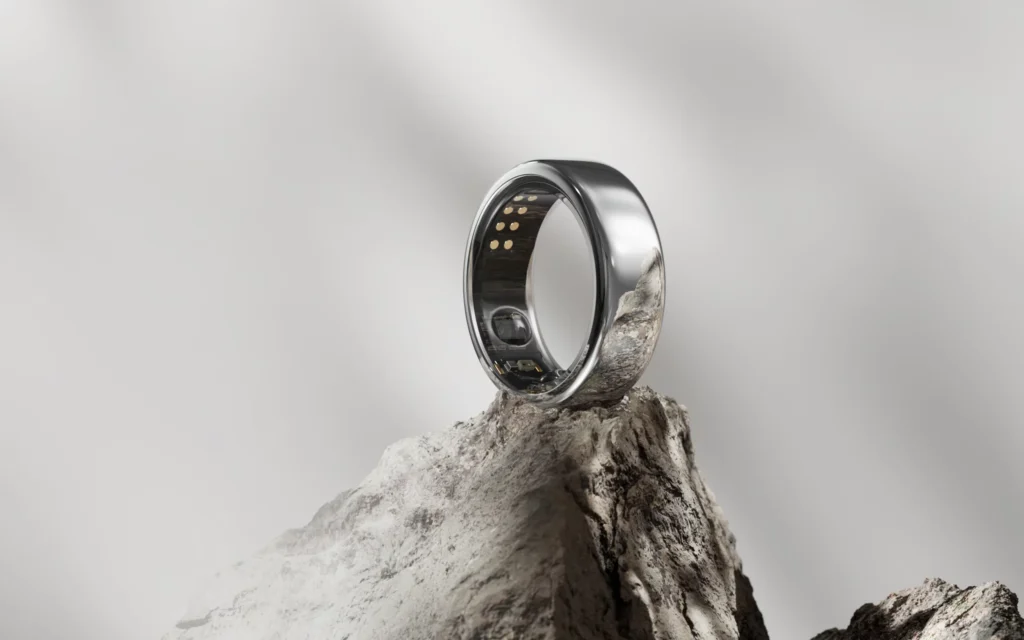
Oura Ring Gen3 – a leader with experience and a scientific approach
Oura is a brand that practically created the category of smart rings. The Finnish company has built not just a gadget around its product, but also a wellness ecosystem, used by athletes, doctors, biohackers, and even corporations and researchers.
Key features:
Very precise analysis of sleep, recovery, and body readiness (the so-called readiness score).
Utilization of scientific data to create metrics (e.g., HRV, skin temperature, resting heart rate).
Regularly updated app with health reports and forecasts.
For whom? For those who want more than just a “step counter” – Oura is a tool for consciously caring for the body, supporting prevention, recovery, and lifestyle optimization. Ideal for athletes, people working under stress, and enthusiasts of medical technology.
Samsung Galaxy Ring – smart ring with a powerful ecosystem backing
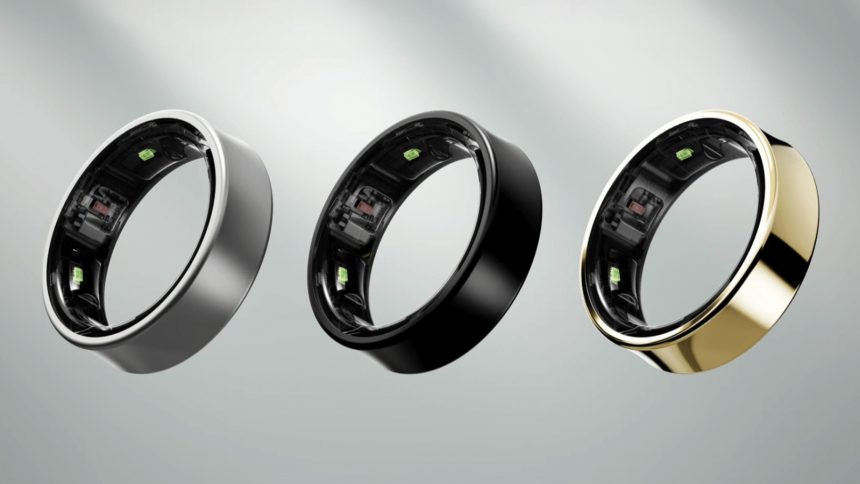
Galaxy Ring is the first ring from the tech giant, which already has experience in wearable devices (Galaxy Watch, Galaxy Buds). Samsung is not creating a completely new ecosystem but integrating the ring into its existing Galaxy environment.
Key features:
Deep integration with the Samsung Health app.
Advanced health sensors – including skin temperature, sleep, heart rate, stress level.
Ability to sync with Galaxy Watch, smartphone, and future IoT devices.
For whom? For Galaxy users and those connected to Android who want to use a complete, closed ecosystem, where all health data is consistent and synchronized.
RingConn Gen 2 – a discreet and solid player with long battery life
RingConn is a lesser-known brand but very active in developing its product. The company focuses heavily on seamless usage and freedom from subscriptions. Their motto: “Buy once, use fully.”
Key features:
Very long battery life (up to 12 days).
Simple, clear app interface – without intrusive recommendations.
Regular updates, growing user base, and positive reviews.
For whom? For those who want a ring primarily as a tool for tracking basic health parameters – discreetly, without engaging in elaborate analyses or paid features. Ideal for pragmatists, minimalists, and those who value long battery life.
Ultrahuman Ring Air – smart ring for biohackers and athletes
Ultrahuman is a company from India that started with a metabolic platform and glucose sensors (CGM). Their ring is an extension of the ecosystem based on analyzing the body’s response to diet, stress, and effort.
Key features:
Analysis of “energy score,” recovery, and sleep aimed at optimizing lifestyle.
Ability to integrate with Ultrahuman M1 glucose sensors.
Designed for users with a higher level of health awareness.
For whom? For those who are already consciously tracking their health metrics – e.g., training with a plan, following a ketogenic diet, monitoring glucose or sleep with apps like WHOOP or Fitbit. A great choice for biohacking enthusiasts, as well as trainers and wellness specialists.
Amazfit Helio Ring – the simplest way into the world of smart rings
Amazfit, a brand belonging to Zepp Health, is known for producing solid watches and bands at an affordable price. The Helio Ring is their attempt to create a smart ring for the masses – simple, convenient, and without complications.
For whom? For users who do not need advanced analysis but want a comfortable, aesthetic, and simple ring as an addition to a healthy lifestyle. A good choice for beginners, as well as for those who do not want to use a watch.
Release date and price in Poland
The Acer FreeSense ring is expected to go on sale in the summer of 2025, likely in August. The estimated price is 199–249 dollars, which in Poland may mean around 900–1100 PLN.
It is not yet known whether Acer will introduce the FreeSense Ring directly to Polish stores, but considering the brand’s popularity, it is very likely.
Is it worth waiting for the Acer FreeSense Ring?
Definitely yes, especially if you are looking for:
a smart ring without a subscription,
compatible with iPhone and Android,
with health features, not just a pedometer,
that does not cost a fortune like Oura or Galaxy Ring.
The FreeSense Ring could be the best smart ring of 2025 in the price range up to 1000 PLN. Acer has shown that it understands market needs and can offer a thoughtful, functional, and affordable product.
Are smart rings the future of wearables?
Everything indicates that they are. Smart rings are a natural evolution of wearable devices – they are small, convenient, and increasingly precise. Instead of a smartwatch, you can have a whole set of sensors… on your finger.
The Acer FreeSense Ring shows that this technology can be:
accessible,
stylish,
and truly useful.
If you are looking for a smart ring without a subscription that will take care of your health, sleep, and activity, then the FreeSense Ring from Acer is one of the most interesting choices of 2025.
Many people wonder how to quickly connect a phone to a TV. The easiest way to do this is through the wireless screen mirroring function or a regular cable – then the content from the smartphone appears on the big screen. You can then watch photos, videos, or presentations directly on the TV – it couldn’t be more convenient.
Connecting a smartphone to a TV does not require any special skills. Most new TVs and phones support screen mirroring, and you can also use an HDMI cable with an adapter or special apps from the Play Store.
The most important methods of connecting a phone to a TV
Transferring the image from a smartphone to a TV is a convenient way to watch movies, photos, or play games on a large screen. We can choose both regular cables and wireless technologies.
Wired connection using HDMI and USB-C
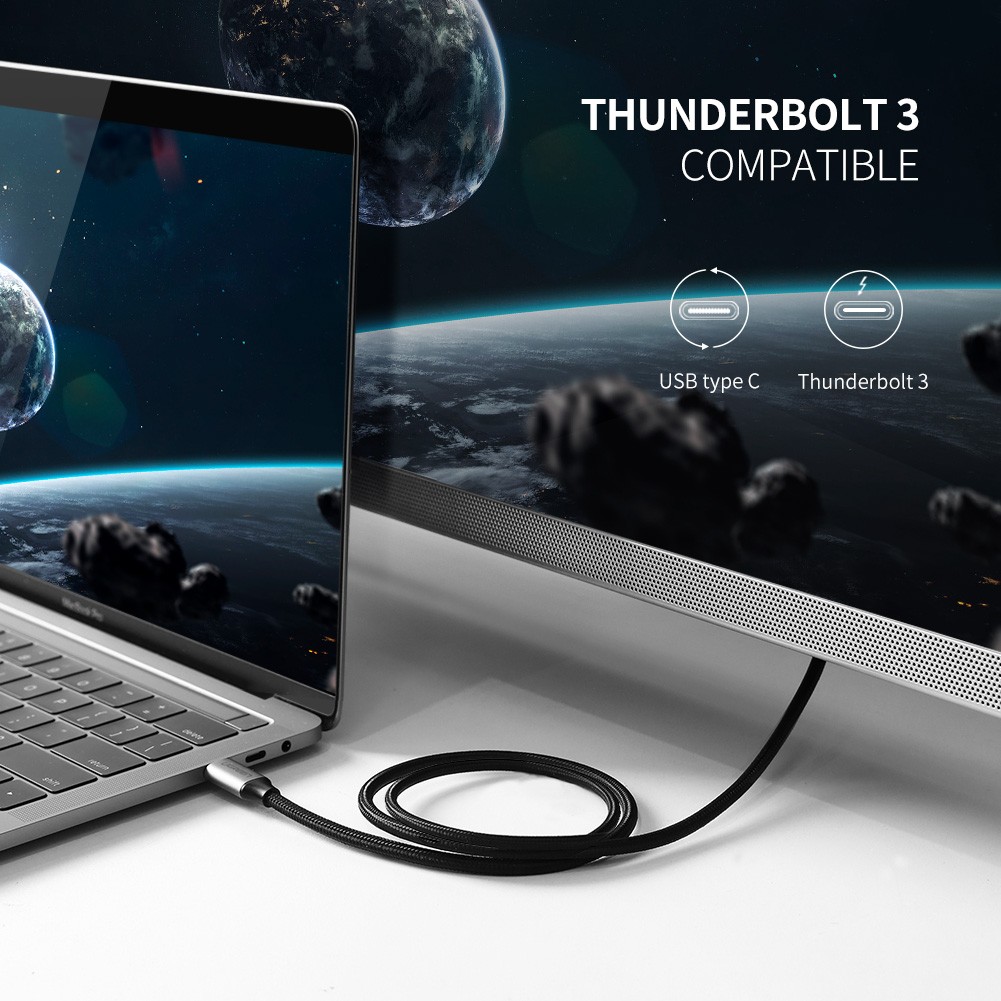
The simplest way to connect a phone to a TV is with an HDMI cable or a USB-C adapter. Most new Android smartphones have a USB-C port that allows for quick transmission of both image and sound.
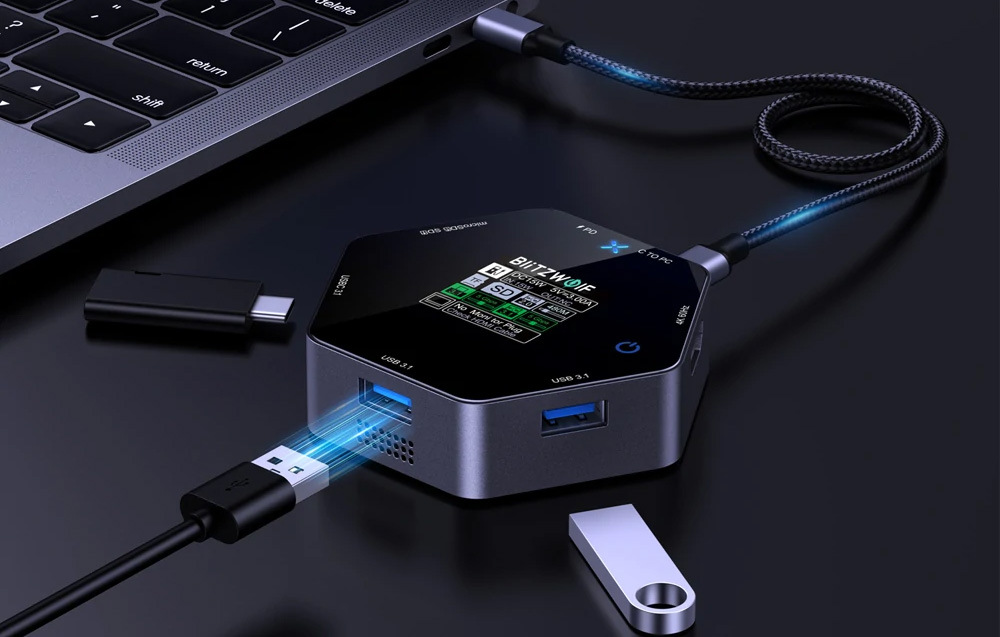
Most Smart TVs have several HDMI inputs – you connect the cable, optionally use a docking station with HDMI, and you’re good to go. This is a stable option that works even without the internet.
Advantages of a wired connection:
No lag in the image
High video quality
Simple setup
Wireless screen mirroring
It is also possible without cables – just use wireless screen mirroring. The most commonly encountered technologies are Miracast, Google Cast (Chromecast), AirPlay (for Apple), and Wi-Fi Direct.
Many new Smart TVs have a screen mirroring function or built-in Chromecast. All you need is for both devices to be on the same Wi-Fi network, and you select “screen mirroring” on your phone.
Android phones, such as Xiaomi, usually have a screen sharing option – they support Miracast and Google Cast. This allows you to display apps like YouTube or Netflix on the TV with just one click.
The most important features of wireless connections:
No cables
High compatibility
Quick screen sharing
Support for various devices and operating systems
Connecting a smartphone to a TV depends on the model, system, and chosen technology. The most important thing is to choose an option that fits your equipment – then multimedia transmission or screen sharing will go smoothly.
Connecting a phone to a TV via Smart TV
Android phones often connect easily to Smart TVs, especially Samsung or Xiaomi. The most commonly used options are SmartView or Screen Mirroring.
In practice: on your phone, go to settings, turn on “Screen Mirroring,” “Smart View,” or “Cast.” On the TV, activate the appropriate option in the menu. Both devices must be on the same Wi-Fi network to see each other.
Connecting to a TV using iPhone and Apple TV
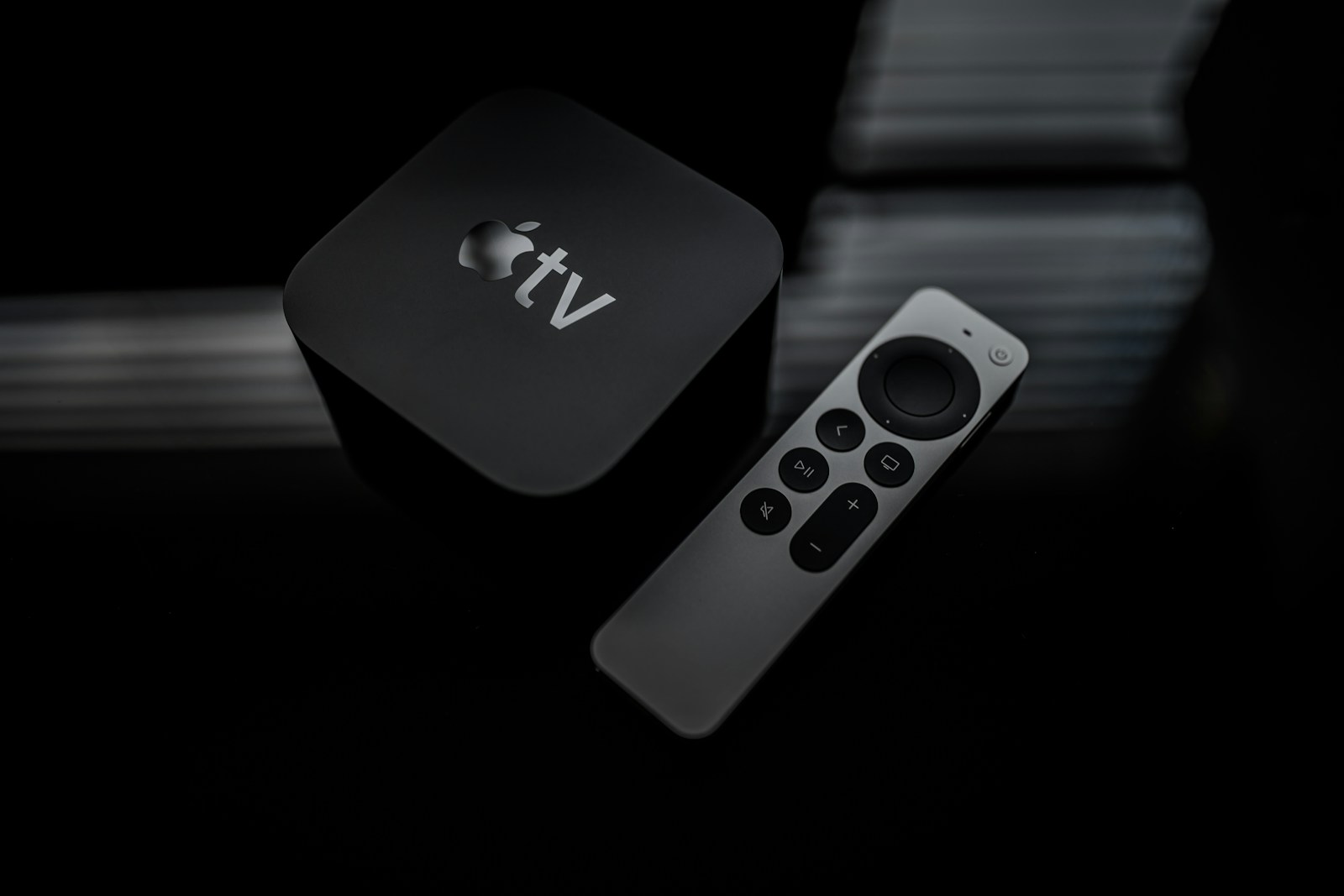
iPhone users mainly use AirPlay. To connect an iPhone to Apple TV or a Smart TV that supports AirPlay, both devices must be connected to the same Wi-Fi network.
What next?
Open the Control Center on your iPhone – swipe down from the top right corner.
Press “Screen Mirroring.”
Select Apple TV or the TV from the list.
If a code appears on the TV, enter it on your iPhone.
This feature supports the transmission of photos, videos, music, and games from the iPhone without cables. Apple TV also allows access to Netflix or YouTube.
Connecting via Chromecast
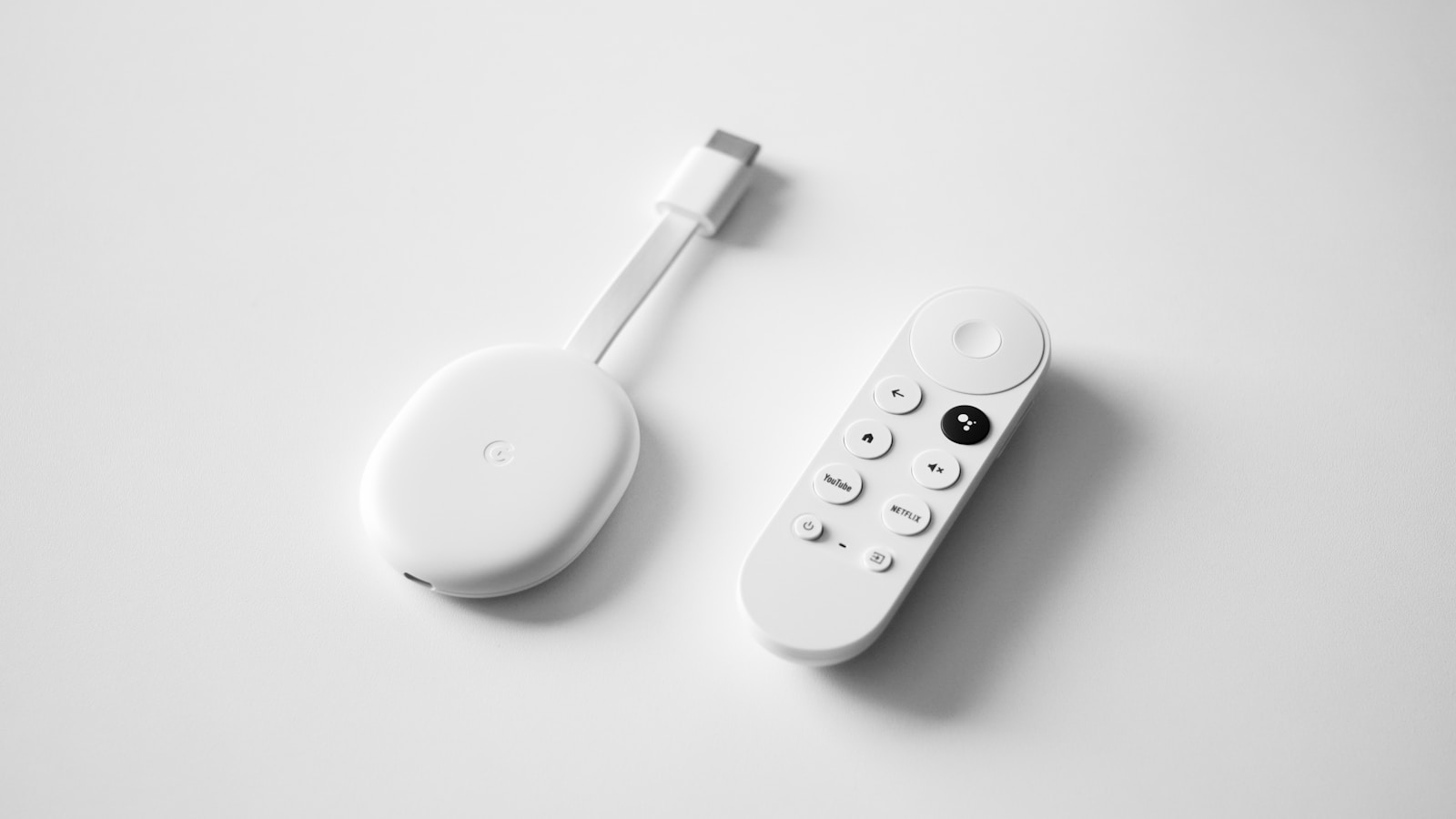
Google Chromecast is one of those solutions that can really make life easier. All you need is a Chromecast device connected to the HDMI on the TV and the Google Home app on your smartphone, whether it’s Android or iPhone.
After installing the app and connecting to the same Wi-Fi network as the Chromecast, you need to configure the device and then select “Cast Screen” in Google Home.
Chromecast allows you to stream images, videos, and music from apps like YouTube, Netflix, or Spotify. Interestingly, Xiaomi TVs often already have this function built-in, so you don’t need to invest in additional equipment.
Practical applications and additional features
Connecting a phone to a TV offers many possibilities that can be useful in everyday life. Managing multimedia, screen sharing, or using options available on the smartphone – all of this is at your fingertips.
Watching movies and sharing multimedia
Transferring movies or other multimedia from a phone to a larger screen provides a completely different viewing comfort. Most often, Google Cast or direct streaming through apps like YouTube or Netflix is used.
If someone chooses an HDMI cable, they usually appreciate the stability of the connection. This is especially important when we care about smooth images and no lag when watching high-resolution movies.
The phone is also great for displaying photos, music, and other files. This is useful during family gatherings or presentations – you can easily share an album or a short video on the big screen. For more details, check out the page on connecting a phone to a TV.
Screen mirroring and Smart View
Screen mirroring is simply displaying everything from the phone on the TV. You can see apps, games, websites, or photos in real-time. This is convenient when you need to show something to a larger group or make a presentation.
On Samsung devices, this option is called Smart View. It allows you to quickly connect via Wi-Fi to a compatible TV, often without any cables. Other smartphones use Google Home or Miracast.
During screen mirroring, you control everything from the phone. The image and sound reach the TV almost instantly, and the operation is really simple – even if someone doesn’t usually deal with smart TV functions. You can find many practical tips on the page about how to connect a smartphone to a TV.
Controlling the TV from the phone
The phone can serve as a remote control and command center for the TV. After installing the appropriate app, you can change channels, adjust the volume, or switch image sources.
The most commonly used apps are from TV manufacturers, but Google Home also works well. This makes operation more convenient – and no more searching for the remote in the cushions.
You can also control it by voice, type text on the screen keyboard, or browse multimedia. This is convenient, especially when using the internet or streaming services. If you want to see examples, check out the guide on practical ways to connect a smartphone to a TV.
Frequently Asked Questions
Phones can be connected to a TV in several ways – wired or wirelessly, depending on the equipment. The most commonly used connections are via Wi-Fi, HDMI cable, Bluetooth, or dedicated functions in some TVs.
How to display the phone screen on the TV via Wi-Fi?
If your TV supports Miracast, Google Cast, or something similar, you can easily transmit the image via Wi-Fi. On your phone, find the screen sharing option or “Screen Mirroring,” then simply select your TV from the list. And that’s it – movies, photos, or games will appear on the big screen. If you’re looking for details, check out the guide on connecting a phone via Wi-Fi.
How can I connect my phone to the TV using an HDMI cable?
For this connection, you need an HDMI cable and the appropriate adapter – usually USB-C to HDMI or micro USB to HDMI, depending on the phone model. After connecting, just set the TV to the correct source (HDMI). The image and sound will appear immediately, without lag. If you want more details, check the article on wired connections via HDMI.
Is there a way to connect a phone to a TV without using a Wi-Fi network?
You can use an HDMI cable and the appropriate adapter, such as USB-C to HDMI. There are also wireless options that do not require an active Wi-Fi network, like Wi-Fi Direct – devices connect directly without a router. You can find more on the page about alternatives to Wi-Fi.
How can I transmit the image from my phone to the TV using Bluetooth?
Bluetooth is not suitable for transmitting images or screens to a TV. This technology is mainly used for audio – for example, from a phone to a speaker or TV. Video transmission via Bluetooth is practically not supported by TVs, so it’s better to opt for Wi-Fi or HDMI.
What is the way to connect a phone to an LG TV?
On LG TVs, you will usually find the Screen Share or Miracast function. In the TV menu, look for the “Screen Sharing” or “Screen Share” option and enable it. On your phone, select the appropriate function and connect both devices wirelessly. Simple, right?
How can I connect my phone to the TV wirelessly if I don’t have Wi-Fi?
If your TV and phone support Wi-Fi Direct, you can connect them without using a router or the internet. This is a local connection – the devices communicate directly, so you can transmit both image and sound.
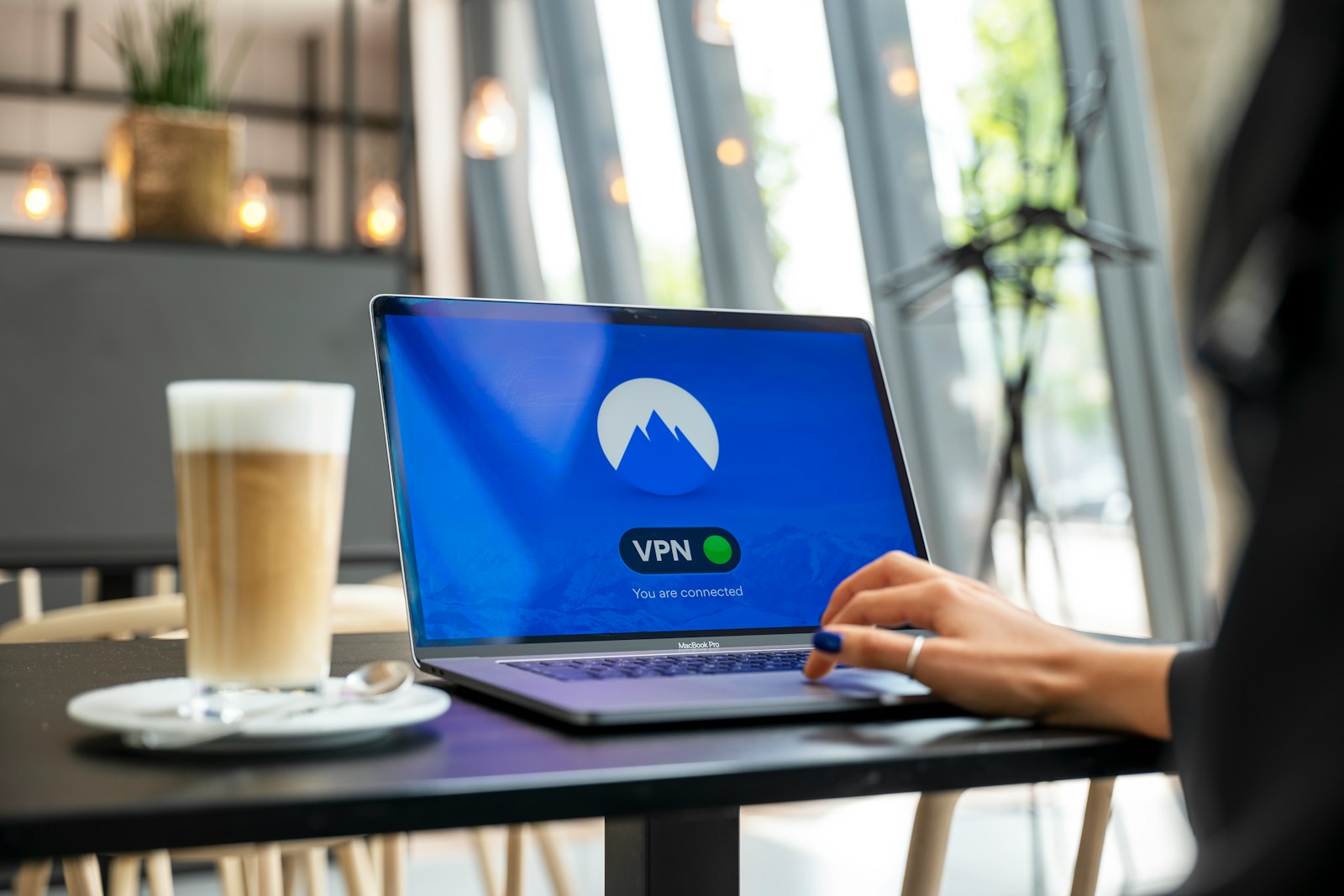
VPN, or virtual private network, is a technology that protects privacy and data security while using the internet. VPN allows the user to securely transmit information over public networks, hiding their true IP address and encrypting all internet traffic. This makes it harder to be tracked and easier to avoid spying when using a VPN.
VPN is becoming increasingly popular, especially when someone wants to access content unavailable in their country or uses public Wi-Fi networks. Such a tunnel between the computer and the VPN server provides an additional layer of protection and anonymity.
It is useful not only at home but also at work, where maintaining the confidentiality of transmitted information is important. VPN is also a convenient option for those who want to browse the internet securely or access services unavailable in their region.
Key Information
VPN increases privacy and security on the internet.
It works by encrypting data and hiding the IP address.
It is useful in both everyday life and business.
What is VPN – Virtual Private Network
A virtual private network (VPN) is a technology that allows for secure data transmission over the internet. It enables users to protect their information and maintain privacy while using the network.
Basic Definition and Principle of Operation
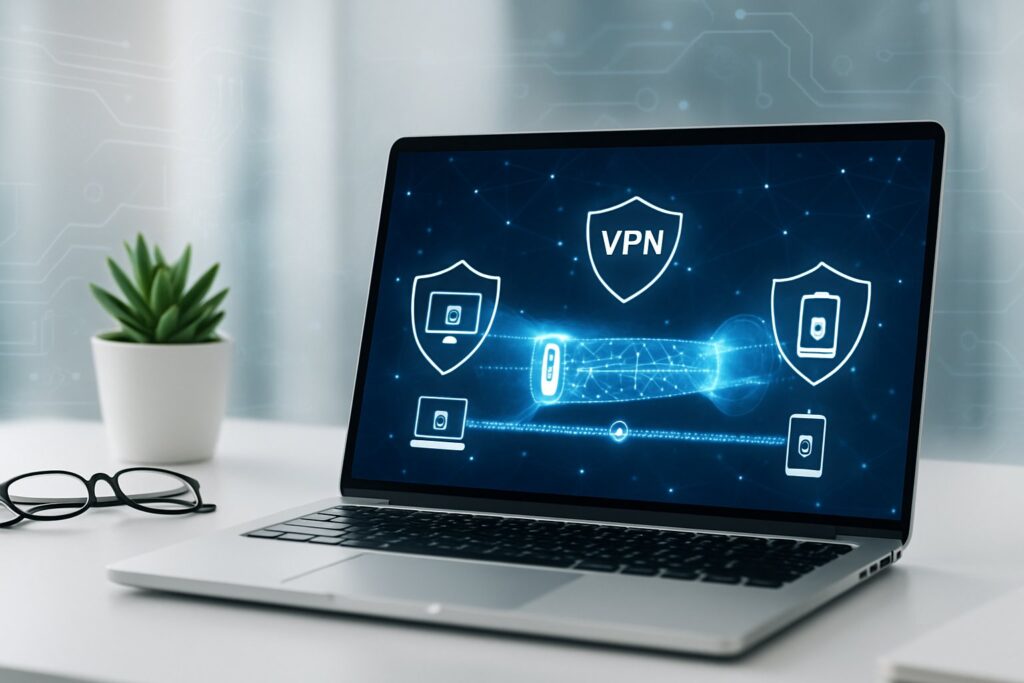
VPN creates a closed tunnel between the user and the target server. This tunnel ensures that data is transmitted as if the user were on their private network, even when using public internet.
An example of VPN use is accessing company resources from outside the office, without the risk of data leakage. This technology is used by both individuals and companies to enhance communication security and access content with regional restrictions.
In practice, the user connects to a VPN server, which acts as an intermediary in data transmission. The IP address is masked, so the user’s true location is hidden.
VPN Technology and Data Security
VPN plays a significant role in protecting online privacy. It encrypts transmitted information, so even if someone intercepts the connection, they cannot read the data.
This provides a greater sense of security on public Wi-Fi networks, such as in cafes or airports. Eavesdropping on network traffic does not give access to the user’s real data.
This helps avoid attacks such as spoofing, password interception, or online activity monitoring. Companies also use VPNs so that employees can securely connect to the company’s internal systems from abroad. You can read more about the security offered by VPN on the page about the operation of virtual private networks.
Tunneling and Encrypting Connections
Tunneling is the process of creating a virtual channel through which data is transmitted between the user’s device and the VPN server. The tunnel hides the content of the connection from outsiders. Even the internet service provider cannot see what the user is doing online.
Encryption transforms plain text data into a form unreadable by outsiders. Only the VPN server or the appropriate recipient can decrypt it. The most popular encryption protocols in VPNs are OpenVPN, IKEv2/IPSec, and WireGuard.
The table below shows the benefits of tunneling and encryption:
Benefits of Tunneling and Encryption
Description
Data Protection
Prevents third parties from reading transmitted information
Tunneling and encryption are the foundation of every VPN technology, as they are responsible for the anonymity and security of users on the internet. The most popular service of this type is NordVPN.
How VPN Works and What It Allows the User
VPN protects the user’s personal data while using the Internet, masks the IP address, and allows for secure and anonymous browsing of websites. This helps protect privacy, change location, and reduces the risk of data loss on public Wi-Fi networks.
Privacy and Anonymity Protection Online
VPN provides a higher level of privacy and anonymity online. It encrypts the internet connection, making the data transmitted over the network harder to intercept by third parties. This also includes personal data, such as logins or passwords.
When you use a VPN, your IP address is not visible to websites. Information about location and online activity is protected, which reduces the chances of tracking and profiling by advertising companies. It can be said that VPN is a practical element of GDPR that strengthens control over personal data.
VPN works well in both home and corporate networks, where protecting the confidentiality of information is essential.
Changing Location and Hiding IP Address
With VPN, you can choose a server in another country. This makes your IP address appear to be assigned to the selected region. As a result, you can change your visible location on the internet.
This allows you to bypass regional blocks and access websites or services that are unavailable in your country. An example? Streaming services or websites with limited content availability – more on this topic here.
Hiding the true IP address provides additional identity protection and reduces the risk of network attacks aimed at a specific person.
Secure Access to Public Wi-Fi Networks
Wi-Fi in cafes, hotels, or airports? Almost everyone uses it, although most of these networks are poorly secured. Unfortunately, this means a higher risk that someone will spy on your private data. VPN automatically encrypts all your internet traffic, regardless of where you are.
Even if someone intercepts data on a public network, information such as logins or card numbers remains encrypted. This is really important if you don’t want to fall victim to identity theft.
Key Elements and Mechanisms of VPN Operation
VPN uses several mechanisms to protect your data on the internet. The most important are VPN servers, encryption, and the impact of these solutions on speed and network stability.
VPN Server and Its Role in Data Transmission
A VPN server acts as an intermediary – it connects your computer to the rest of the internet. When you activate VPN, all traffic first goes to the VPN server and only then to the target website or service. Your real IP address is hidden – you appear on the internet as the VPN server.
You can choose the country through which your traffic passes, allowing you to bypass geographical blocks. The VPN server can also be set up on a router, covering all home devices with protection. This provides greater privacy and anonymity, and your data is better protected (more about the role of the VPN server).
Data Encryption – Types and Their Importance
Encryption makes your data completely unreadable to outsiders. VPN creates a “tunnel” between your computer and the VPN server. If someone intercepts data on the way – they cannot read it without a special key (more about encryption in VPN).
The most commonly encountered types of encryption are AES-256 and protocols like OpenVPN and WireGuard. AES-256 provides a high level of security, and even banks use it. The choice of protocol affects how well your data is protected and how fast the connection works.
Impact of VPN on Connection Speed and Stability
VPN can slow down the internet – data is encrypted and must pass through an additional server. The further the selected server is, the greater the potential delays.
Modern protocols and good encryption help minimize speed drops. Stability depends on the quality of the VPN server and the network. It is best to choose servers that are close by and use protocols like WireGuard, which provide fast and stable connections, even through routers or Wi-Fi.
Applications of VPN in Everyday Life and Business
VPN protects sensitive data and allows for secure connections to the corporate network while working remotely. This enables both individuals and companies to avoid security breaches or unauthorized access to important information.
Protection of Personal Data in Light of GDPR
GDPR requires companies to care for the privacy and security of personal data. VPN helps meet these requirements – it encrypts transmitted data and hides users’ IP addresses. This reduces the risk of unauthorized access even on public Wi-Fi networks.
With VPN, it is easier to avoid personal data leaks or cybercriminal attacks. The encrypted connection between the computer and the server minimizes the possibility of intercepting sensitive information. A virtual private network also allows for anonymity online, which is compliant with GDPR.
Key Benefits of VPN in Data Protection:
Data transmission encryption
Hiding the true IP address
Meeting GDPR security standards
Secure Remote Work and Access to Corporate Networks
Remote work is a reality today. Employees need secure access to corporate documents or servers. VPN creates an encrypted tunnel between the employee’s device and the company’s network, making it difficult to intercept data.
Thanks to VPN, companies can better control who has access to key information. Different levels of permissions can be set, and connection attempts can be monitored. This realistically reduces the risk of breaches or data leaks.
More and more companies are choosing VPN to secure remote work – this way, they protect customer data, employee information, and their own trade secrets. It is not only a matter of security but also building trust with contractors. You can find more about business applications of VPN on the Bitdefender website.
Frequently Asked Questions
VPN allows you to maintain privacy online by encrypting user data and changing their IP address. Different devices and systems provide VPN features in different ways, and costs and security depend on the chosen solution.
How Does VPN Work on a Phone?
VPN on a phone creates a secure tunnel between the smartphone and the Internet. The VPN app encrypts the data that the phone sends and receives, so no one should be able to spy on them or your location. Using VPN, you can confidently use your phone even on public Wi-Fi networks without worrying too much about security.
How to Enable VPN Service?
You can activate VPN through a dedicated app or directly in the phone’s settings. After installing the VPN app, you just need to log in and connect to the selected server. On some devices, you just need to go to network settings and add a new VPN profile – that’s all.
How to Disable VPN Service?
To disable VPN, simply disconnect the connection in the app or turn it off in the phone’s network settings. After that, the device will use the regular internet connection again, without VPN encryption.
What is the Cost of Using VPN?
VPN prices can vary – it depends on the company. Most often, you pay a monthly or annual subscription. Some companies offer family packages or trial versions, so you can test the service before purchasing.
Are There Free VPNs and Are They Safe?
You can find free VPN services, but their security can vary. They often offer weaker encryption or sell user data for marketing purposes. It is better to opt for trusted apps and services that provide proper encryption and privacy protection.
In What Situations is it Recommended to Use VPN?
It is advisable to enable VPN when connecting to public Wi-Fi – in such places, it is easy for third parties to intercept data. It is also useful if you want to protect your privacy online or bypass regional blocks on websites or streaming services. Sometimes it is simply more convenient and provides peace of mind, especially when you are unsure who else is using the same network.
In today’s digital world, our smartphones are true treasure troves of private data. We use them for banking, online shopping, and store a lot of personal information on them. It’s no wonder that phones attract cybercriminals.
On the market, you will find plenty of antivirus applications for phones. Popular options such as Avast Mobile Security, Bitdefender Antivirus Free, or proposals from ESET are available in both free and paid versions. Many of them use cloud scanning – this allows threats to be detected without overloading the phone.
When choosing an antivirus, it’s worth looking at additional features. Modern antivirus applications are not just about protection against malware, but also privacy protection, application control, and security when using public Wi-Fi.
Key Takeaways
An antivirus for phones protects against viruses, malware, and attempts to steal personal data.
Free versions of antivirus software like Avast, AVG, or Bitdefender provide basic protection without straining the budget.
Modern antivirus applications offer additional features such as Wi-Fi network scanning or privacy protection, which increases the overall security of the device.
What is an antivirus for phones and why is it needed?
An antivirus for phones is specialized software that protects smartphones from cyberattacks and malicious code. It serves as the first line of defense against digital threats that can harm your private data.
The Most Important Threats to Smartphones
Modern smartphones store vast amounts of sensitive personal data. This makes them a tempting target for cybercriminals. The most common threats include:
Malicious applications – programs masquerading as legitimate applications
Phishing – attempts to obtain data through fake websites and messages
Ransomware – software that blocks access to the device and demands a ransom
Exploits – taking advantage of vulnerabilities in the operating system
Antiviruses for phones inform about dangerous websites and applications before they cause trouble. Today’s malware can steal banking data, passwords, or even photos.
Threats evolve almost every day. Regular antivirus updates are therefore really important if you want to maintain security.
The Role of Antivirus Protection in Modern Mobile Devices
Installing antivirus on your phone is one of the key steps if you care about protecting your device and your data. Modern antivirus programs offer more than just fighting viruses:
Monitor downloaded files and installed applications
Block suspicious websites
Protect connections on Wi-Fi networks
Offer anti-theft features (location, remote blocking)
The operating system alone is not enough – system updates help, but an external antivirus really strengthens protection.
Types of Mobile Threats – Viruses, Malware, Ransomware, and More
Android phones are exposed to many digital threats – from data theft to blocking access to the device. Attacks are becoming increasingly clever and harder to detect.
Viruses and Malware on Android
Malware is a broad term for malicious software: viruses, worms, trojans, and other nasties. They often hide in seemingly innocent applications.
Experts warn – as many as 60,000 Android applications could be used to inject malicious code. Such threats can:
Steal personal data and passwords
Display unwanted ads
Slow down the phone
Drain the battery and data transfer
The most commonly encountered types of malicious software are viruses, trojans, and worms. Viruses attach themselves to legitimate applications, trojans masquerade as useful programs, and worms spread themselves through the network.
Ransomware and Protection Against It
Ransomware is a type of malicious software that blocks access to the device or encrypts files, then demands a ransom for their decryption. For people who keep important data on their phones, this is a serious problem.
When ransomware attacks, a message appears on the screen demanding payment – usually in cryptocurrencies, as this makes it harder to catch the perpetrators.
How to protect against it? Here are a few things worth doing:
Regularly back up – preferably in the cloud or on an external drive
Do not click on suspicious links in SMS and emails
Download applications only from official stores, like Google Play
Use antivirus on your phone
Spyware and Tracking Software
Spyware is a type of threat that quietly tracks what we do on the device. It can record location, intercept messages, record calls, and even steal login data.
Spyware most often gets onto the phone through applications from untrusted sources or through email attachments. It can operate for weeks or months without showing any obvious signs of a problem.
What can suggest the presence of spyware?
The battery and data package disappear faster than usual
The phone heats up for no reason
Strange sounds are heard during calls
Applications start by themselves
A good antivirus should be able to detect and remove spyware, which provides some peace of mind about privacy.
Phishing and Cyberattacks Targeting Users
Phishing is a type of fraud where someone impersonates a well-known company or bank to obtain our data. On phones, it most often appears as a fake SMS, email, or strange notification.
Typical phishing looks like an urgent request to log into a bank or confirm data. The link leads to a site that pretends to be real but is not.
How to recognize phishing?
Language errors in the content
Strange email addresses of senders
Requests for sensitive data
Time pressure and threats like “we will block your account”
Vigilance is key – it’s worth checking who really sent the message before clicking anything. A good antivirus on the phone can warn against suspicious sites, which can save your skin.
How Does Antivirus Software Work on Phones?
An antivirus on a phone works on several levels. It protects the hardware from threats, detects and removes dangerous files, and monitors what is happening in the system. Detection methods are becoming increasingly clever, and the program itself operates more in the background than in the foreground.
Application Scanning and Threat Detection
Antiviruses use several methods to find suspicious things. The basis is scanning all applications and files for harmful code.
What does scanning look like?
Comparing code with a database of known viruses
Heuristic analysis – looking for unusual behaviors
Checking what permissions applications have
The scanner regularly searches the phone’s memory. If it finds something dangerous, it gives the option to delete, quarantine, or ignore the threat.
Modern antiviruses warn during installation if an application seems suspicious. This is useful because sometimes it’s hard to assess whether something is safe.
Real-Time Protection Against Malware
Real-time protection is essentially the heart of the antivirus on the phone. The program constantly observes what is happening and reacts when something seems off.
What does such protection include?
Blocking suspicious sites and internet connections
Wi-Fi monitoring – warnings about insecure networks
Blocking malicious SMS and emails
The antivirus operates in the background, checking every new application or file. If it detects something, it immediately blocks the threat and notifies the user.
Better programs can also recognize phishing, attempts to steal data, or the installation of spyware before they can cause harm.
The Most Popular Antivirus for Phones – Overview and Features
On the market, we can find plenty of antivirus applications for phones. The best ones not only protect against viruses but also offer additional options that enhance security.
Avast, AVG Antivirus, and Bitdefender Mobile Security
Avast Mobile Security is a really comprehensive tool – it allows you to scan the device, protect privacy, and secure Wi-Fi networks. The application also has an app lock and monitors the security of online accounts.
AVG AntiVirus, which belongs to the same company as Avast, offers similar features. It protects against viruses, allows blocking dangerous applications, and has a Wi-Fi scanner.
Bitdefender Mobile Security stands out with a strong antivirus engine – it effectively recognizes new threats. Bitdefender protects privacy, secures mobile banking, and helps in case of phone theft.
Kaspersky and Other Leading Antivirus Programs
Kaspersky Mobile Antivirus is a proven antivirus program that provides solid protection against malicious software. The product version includes features for blocking unwanted calls and filtering SMS.
McAfee Mobile Security protects against viruses and helps maintain privacy. It also allows you to locate your phone if you lose it or someone steals it.
Norton Mobile Security is another strong solution for phones. The program effectively scans applications for privacy threats and blocks dangerous websites.
AhnLab V3 Mobile Security, though less known, offers advanced protection against various mobile threats and does not slow down the device.
Key Features of Antivirus Software for Mobile Devices
Modern antiviruses for phones do much more than just block viruses. They protect privacy, data, and help ensure the physical security of the device.
Privacy Protection and Data Security
A good mobile antivirus should protect the user’s privacy. Real-time scanning works in the background and detects threats before they can cause any damage.
It’s also worth paying attention to application lock, which allows you to secure selected programs with a password – ideal if you have sensitive data there.
Advanced antiviruses detect:
Malicious software (malware)
Spyware
Ransomware
Applications like Avast Mobile Security also offer data security monitoring and scanning for system vulnerabilities. This really helps maintain privacy.
VPN and Secure Internet Browsing
An integrated VPN in the antivirus provides an additional layer of protection while surfing the web. It encrypts the connection, so even on public Wi-Fi, your data is safer.
Secure browsing warns against suspicious sites and blocks access to fake phishing sites. It’s like a virtual shield during everyday internet use.
Wi-Fi protection scans available networks and warns against connecting to unsecured access points.
Some applications also offer call and SMS filtering, which protects against spam and phishing attempts.
Theft Protection and Tracking
The anti-theft module allows you to remotely lock the device if you lose it or someone steals it.
Phone location enables quick finding of lost equipment on the map. If necessary, you can also:
Turn on a loud alarm
Take a picture of the person trying to unlock the phone
Wipe data to prevent it from falling into the wrong hands
Advanced antiviruses also block applications that track activity and detect unauthorized access to the microphone, camera, or location data.
An interesting option is the configuration of safety zones – you receive a notification when the device leaves a specified area.
Recommendations for Choosing and Configuring Antivirus for Phones
Choosing an antivirus for your phone is not a decision to be made in five minutes. It’s worth reviewing the features and parameters of available solutions. Proper configuration really makes a difference in everyday security.
What to Pay Attention to When Choosing an Antivirus Application
It’s best to opt for proven antivirus applications from reputable manufacturers – Avast, Bitdefender, Kaspersky. Reviews from other users or recommendations from friends can also be helpful.
On-demand scanning – the ability to manually check the phone
Privacy protection – securing personal data
Low impact on battery – the application shouldn’t drain all the energy
Also take a look at the license period and subscription prices. Some applications provide basic protection for free, while additional features require payment.
Some experts suggest installing two antivirus programs for better protection, although not everyone agrees with this.
The Importance of Updates and Security Patches
Without regular updates, even the best antivirus won’t be effective. Every application requires current security patches that protect against new threats.
It’s worth enabling automatic updates to ensure you’re using the latest version. Manufacturers often improve their applications because threats are constantly changing.
It’s also good to disable battery optimization for the antivirus – then the program runs in the background without interruptions. Here are some practical tips:
Check for updates at least once a week
Ensure the application can run in the background
Update the phone’s operating system
Verify the virus database in the antivirus application
The Impact of Antivirus on Phone Performance and Network Security
Antiviruses on phones have a dual job: they protect the hardware from threats while also using its computing power. How much they affect performance and network security depends on several factors that are worth considering before installation.
Performance Optimization and Resource Usage
There’s no denying it – some antiviruses can slow down the phone, especially during system scans. Sometimes just one heavier application can make a difference in smoothness.
Fortunately, more and more antiviruses have energy-saving and memory-saving modes. It’s worth checking if the chosen program offers such an option, as not all do.
Applications running in the background can drain the battery faster and take up a lot of RAM. Regular updates of virus databases also put some load on the system, but without them, protection makes no sense.
When choosing an antivirus, it’s good to opt for one that won’t bog down the phone. Not every program is lightweight, so it’s better to check reviews before installation.
Security While Using Wi-Fi and Encryption
A good antivirus will not only detect a virus but also ensure network security. Wi-Fi monitoring features can warn against strange networks or attempts at attacks.
Some applications have built-in VPNs that encrypt the connection. This is really useful, especially when using public Wi-Fi in a café or at a train station.
Modern antiviruses have many interesting mechanisms to help you navigate the web safely. Among them, you will find:
Blocking suspicious sites
Protection for banking transactions
Shield against phishing
Privacy control in applications
When choosing an antivirus, it’s worth paying attention to the Wi-Fi scanning feature. This makes it easier to avoid untrusted networks and potential threats.
Frequently Asked Questions
Many users have questions about antivirus for phones. Below you will find answers to the most frequently asked ones.
AVG and Avast are particularly popular because they regularly update their virus databases. This increases the chances of detecting new threats.
Is it necessary to install antivirus on an Android phone?
It is not absolutely mandatory, but it is definitely worth it. Android is more exposed to attacks than iOS, mainly due to its openness.
If you only install applications from Google Play and do not click on suspicious links, the risk is lower. However, an antivirus provides an additional layer of protection, which can be useful as threats become increasingly clever.
How can I check if my phone already has antivirus installed?
The easiest way is to go into settings and review the list of applications. Some phones, like Samsungs, already have factory-installed security.
You can also check the “Security” or “Device Protection” section in the settings. If you don’t see any information about antivirus there, you probably don’t have it installed.
Do free antiviruses for phones offer sufficient protection?
Free programs protect against the most common threats, detecting known viruses and malware. However, their features can be limited.
Paid versions offer more, such as privacy protection or better banking security. For most users, a free antivirus is sufficient, although if you keep sensitive data on your phone, it’s better to consider a premium version.
What protective features should a good antivirus for phones have?
A good antivirus should have real-time protection, file and application scanning, and phishing detection. Wi-Fi protection and blocking dangerous sites are also useful.
Additionally, look for options such as privacy protection, theft protection, or battery optimization. The best applications also protect against spying and ransomware.
How often should I update the antivirus on my phone?
It’s best to update the antivirus on your phone daily, preferably automatically. Such regular updates help protect against new threats and harmful software that appears almost constantly.
Most modern antivirus applications automatically download updates as long as the phone is connected to Wi-Fi. It’s worth checking the application settings to ensure that automatic updates are indeed enabled. As for minimum system requirements, the latest antiviruses usually require Android 9.0 or newer.
New iPad Air 13″ 2025 – larger screen, greater possibilities
In 2025, Apple presented a refreshed line of iPad Airs, featuring a completely new model with a 13-inch display. This is the largest iPad Air in history, offering users even more workspace, better capabilities for creative work and entertainment. This model runs on the M2 chip, supports the second generation of Apple Pencil, and has been adapted for the new Magic Keyboard. This makes it a real alternative to the iPad Pro.
With a larger screen and new design, the need for proper device protection increases. In this article, we present the best cases for iPad Air 2025 that combine style, functionality, and reliable protection.
Magnetic and business cases
Tech-Protect SmartCase Magnetic – minimalist protection
SmartCase Magnetic is one of the most versatile protective solutions for the iPad Air 13″ (2025). The case is made from a lightweight yet durable material that effectively protects the screen and back of the device from scratches and dirt. The magnetic attachment ensures that the case adheres to the iPad’s body without the need for clips or rubber bands, providing a neat and modern look.
The front flap also serves as a foldable stand, allowing the tablet to be positioned at various angles – perfect for watching movies, conducting video conferences, or typing on the screen. An additional advantage is the auto-sleep and wake function, which activates when opening and closing the case – offering convenience and energy savings in one.
This is a great option for anyone looking for a simple yet functional magnetic case for iPad Air 2025 that does not significantly increase the size of the device and looks great both at work and at home.
SmartCase Mag Pen + Keyboardis much more than a standard case – it is a mobile work center that transforms the iPad into an efficient tool for writing, content creation, and project management. The case is equipped with a Bluetooth keyboard that provides comfortable typing, and its magnetic attachment allows for quick detachment when needed.
The case features a built-in holder for the Apple Pencil, ensuring that the stylus is always within reach and protected from loss. The case also serves as a adjustable stand, allowing the tablet to be positioned at the perfect angle for work or entertainment.
With its modern design and high functionality, it is an excellent choice for students, office workers, and anyone who frequently uses the iPad for professional purposes. The case with keyboard for iPad Air 13″ 2025 is the perfect solution for those who want to utilize the tablet’s potential to the fullest.
Protective and rugged cases
Bizon Case Tab Lizard – protection with character
The case Bizon Tab Lizard is a proposal for those looking for a combination of elegance, functionality, and reinforced protection. Made from flexible TPU and covered with synthetic leather with an elegant texture, it looks incredibly stylish. The inner flap finished with microfiber protects the screen from scratches.
The case features reinforced corners that absorb shocks during falls, and a special honeycomb structure inside improves heat dissipation – protecting the tablet from overheating. The auto-sleep and wake function and a dedicated slot for the Apple Pencil complete the package.
This is an excellent choice for those who value stylish yet safe cases for iPad Air 2025 for everyday use and travel.
Bizon Case Tab Clear Matt – matte simplicity
For fans of minimalist style, a great option is Bizon Case Tab Clear Matt. The case is made from transparent, matte TPU that effectively protects the device from scratches while not hiding its original appearance.
It is lightweight, slim, and almost invisible – perfect for those who want to maintain the modern design of the iPad while ensuring its protection. Despite its subtle appearance, the case fits well on the body, providing a secure grip and everyday protection.
If you are looking for maximum level of protection, UAG Metropolis SEis the absolute favorite. This rugged case meets military resistance standards (MIL-STD-810G), meaning the iPad is protected even from falls from height.
Equipped with rubberized edges, a textured back, and a flap with a stand function, the case provides not only safety but also comfort during use. A special holder for the Apple Pencil allows you to keep the stylus always at hand.
This is a reliable choice for active individuals, those working in the field, or simply for those who want a rugged case for iPad Air 2025 without compromises.
Spigen Rugged Armor Pro – durability and style
Spigen is a brand known for reliable cases, and the Rugged Armor Pro is one of its top models for the iPad. Made from durable TPU, with a stylish carbon fiber-like pattern, the case protects the device well while maintaining an elegant appearance.
Raised edges around the screen and camera provide an additional layer of protection, and the integrated flap serves as a multi-position stand. An additional slot for the Apple Pencil completes the package.
For users who need sturdiness without unnecessary bulk – this is a strong case for iPad Air 2025 that looks as good as it performs.
Everyday use cases
🔄 UNIQ Ryze 360 – 360° functionality
The case UNIQ Ryze 360 stands out for its versatility. Thanks to a special mechanism, it allows for rotating the iPad 360°, enabling the use of the device in both portrait and landscape modes – an ideal solution for reading, video calls, or note-taking.
Equipped with a stable base, wake and sleep function, and a slot for the Apple Pencil, it combines convenience and protection in a lightweight, modern form. The back of the case is reinforced and provides good protection for the device during transport or daily use.
UNIQ Camden Click is an excellent proposal for those who appreciate modern yet elegant design. The case features a magnetic “click” closure that securely protects the iPad’s screen from accidental opening.
Inside, there is a soft lining that protects the display from scratches, and at the back, there is a space for the Apple Pencil. Thanks to the stand function, you can comfortably use the device while typing, watching, or during video calls.
This is a practical case for iPad Air 2025 that works well both in a business meeting and in a student’s backpack or a student’s bag.
💼 STM OPP – hybrid and durable
STM OPP case offers solid protection in a modern, compact form. The back of the case is made from transparent polycarbonate, showcasing the original color and design of the iPad while protecting it from scratches and shocks.
The corners are reinforced, and the entire design is compatible with the Apple Pencil and the new Magic Keyboard. Despite its hybrid construction, the case is lightweight, does not significantly bulk up the device, and is ideal for everyday use.
Karl Lagerfeld – luxurious style and functionality
Karl Lagerfeld KLFC13RM24SAKCK is a case that catches the eye at first glance. Made from high-quality saffiano-textured material, it gives an elegant look and increases resistance to dirt and scratches. The front features an iconic print of Karl Lagerfeld and his cat Choupette – a signature motif for this brand.
The magnetic closure ensures that the case securely adheres to the iPad, protecting the screen during transport. The foldable flap allows for convenient positioning of the device in stand mode – both for writing and watching. All buttons and ports remain fully accessible. This is an elegant case for iPad Air 13″ 2025 that is perfect for a business bag, at university, or in creative work.
Satechi Vegan Leather Magnetic Case – ecology and elegance
Satechi Vegan Leather Magnetic Case is the answer to the needs of conscious users looking for a stylish yet environmentally friendly solution. The case is made from vegan leather with a pleasant texture. Its minimalist, modern design fits perfectly with the aesthetics of Apple products.
The magnetic attachment allows for quick and secure attachment of the case to the iPad without the need for a frame. Importantly, the cover is fully compatible with the Apple Magic Keyboard, making it an ideal addition for remote work or study. The integrated holder for the Apple Pencil and support for auto-wake/sleep functions are practical additions that enhance user comfort.
Not just a case – opt for full protection for the iPad Air 13″ (2025)
A case is an important foundation of protection, but do not forget about the screen, which in the iPad Air 13″ (2025) is one of the most valuable elements. Due to its size and susceptibility to scratches or cracks, the screen requires additional protection – preferably in the form of appropriately selected glass or film.
You can choose classic tempered glass for iPad Air 13″ 2025, which protects well against impacts and falls. If you prefer a thinner, more flexible protective layer, opt for a protective film – ideal for everyday use. For those working outdoors or in bright rooms, a matte film for iPad Air 2025 that reduces glare and improves visibility will also work well.
It is also worth paying attention to the hybrid glass for iPad Air 2025 – a modern solution that combines the advantages of tempered glass and film. It is thinner and more resistant to cracking while maintaining high transparency and good touch response.
Only the combination of these accessories provides comprehensive protection against everyday threats: from accidental scratches to impacts and falls.
Does the POCO F7 Pro really need additional screen protection?
Many users ask themselves this question right after purchasing a new smartphone. The POCO F7 Pro is a device with exceptionally strong specifications and a beautiful AMOLED display that catches the eye. But is that enough to forgo additional protection?
Gorilla Glass Victus – strong, but not unbreakable
The POCO F7 Pro is equipped with Gorilla Glass Victus, which theoretically provides increased resistance to scratches and cracks. However, in practice – as many tests show – even this glass does not protect 100% against everyday wear. Keys in your pocket, grains of sand, falls on tiles or concrete – all of this can end with a scratch or spider web on the screen.
Screen replacement for the POCO F7 Pro? Better to avoid it
It is worth noting that replacing the AMOLED display in the POCO F7 Pro is not a cheap service. Costs can reach even 600–800 PLN, and in some cases, it means having to send the phone to service for several days.
Is it really worth the risk? The price of a good film or protective glass is just a fraction of the repair costs – and in return, you gain peace of mind and assurance that your phone’s screen will survive more than one accidental encounter with the floor.
Investing in glass is saving… and peace of mind
Well-chosen tempered glass, hybrid or hydrogel film not only protects the screen from physical damage. Thanks to modern oleophobic coatings, it also prevents smudges and fingerprints, keeping the device’s aesthetics at the highest level. Moreover – most modern protective accessories do not interfere with the operation of the fingerprint reader under the screen or touch functions.
Which glass or protective film to choose for the POCO F7 Pro?
Buying a modern smartphone is an investment, and screen protection for the POCO F7 Pro should be one of the first steps after taking the device out of the box. There are various types of protections available on the market – each has its advantages and works best in slightly different usage conditions.
Tempered glass for the POCO F7 Pro – the classic of durability
If you care about maximum protection against falls, impacts, or scratches, the choice is simple – tempered glass for the POCO F7 Pro. Products of this type have a hardness of 9H and high transparency. Thanks to modern coatings, they not only protect but also reduce fingerprints and improve the comfort of using the screen.
For whom? For people who often carry their phone in their pocket with keys, work in the field, or simply want to have the best glass for the POCO F7 Pro that minimizes the risk of costly display replacement.
Bizon Glass Clear 2 for POCO F7 Pro / F7 Ultra
Bizon Glass Clear 2 is a classic tempered glass for the POCO F7 Pro with a hardness of 9H, which effectively protects the screen from scratches and impacts. Made of durable glass, it provides high transparency and full compatibility with the AMOLED screen. Thanks to a special oleophobic coating, the glass reduces the formation of smudges and fingerprints, which increases the comfort of everyday use. It is a universal and proven protection – great for both people who often use their phone in tougher conditions and those who simply want high-quality glass for the POCO F7 Pro at a reasonable price.
GrizzGlass SecretGlass – glass with privacy filter
GrizzGlass SecretGlass is a proposal for those who value discretion in addition to screen protection. The glass limits the angle of visibility of the content on the display, so bystanders cannot see what you are browsing. At the same time, it provides full 9H durability and smooth touch operation. It is an ideal solution for users who often use their smartphone in public places – on public transport, in cafes, or at university. If you care about privacy and durability, opt for privacy glass for the POCO F7 Pro – a functional solution that protects both the screen and your data.
Hybrid glass for the POCO F7 Pro – a modern alternative
A bit thinner and more flexible than tempered glass, yet still durable – hybrid glass for the POCO F7 Pro is a solution for those who want to combine ease of use with durability. Made from a combination of glass and plastic, hybrid glass withstands impacts better and is less likely to shatter upon falls.
When is it worth choosing? When you often change cases, want better compatibility with curved edges, or care about a more delicate finish. Hybrid covers work well with the fingerprint reader and are almost invisible on the screen.
GrizzGlass HybridGlass – subtle protection with high durability
GrizzGlass HybridGlass is a high-quality hybrid glass for the POCO F7 Pro that performs excellently in everyday use. By combining thin glass with a flexible composite material, you get a lightweight, almost invisible protective layer that also absorbs impacts well. HybridGlass adapts to the edges of the screen, does not stick out, and does not interfere with the case, which is a common problem with classic 3D glasses. It is an excellent choice for users who want to maintain the natural feel and appearance of the screen while increasing its resistance. If you are looking for a compromise between film and glass, hybrid glass for the POCO F7 Pro is definitely worth considering.
Bizon Glass Mule – flexible protection of the new generation
Bizon Glass Mule is an even more advanced solution – flexible hybrid glass for the POCO F7 Pro, which combines the thinness of film with the durability of glass. Mule is resistant to cracks and exceptionally flexible, which means it adheres perfectly to the screen and withstands point impacts better. Importantly, its application is easy, bubble-free, and the glass does not negatively affect the touch or fingerprint reader operation. For whom? For those who carry their phone without a case, often keep it in their pocket, or simply want a lightweight yet effective screen protector. Bizon Glass Mule is a modern form of protection that combines technology with user comfort – without compromises.
What is the best protective film for the POCO F7 Pro?
Hydrogel, matte or ceramic?
Not every smartphone user opts for tempered glass. Some people prefer thinner, more flexible protections that do not affect the aesthetics of the device and are almost imperceptible to the touch. Protective films for the POCO F7 Pro are a great alternative that works just as well in many situations.
Hydrogel film for the POCO F7 Pro– adheres perfectly to the surface of the screen – including curved edges – and has self-regenerating properties. This means that minor scratches disappear over time on their own. It is practically invisible and does not affect image quality or touch sensitivity. It will work great for people who often use screen gestures or want to maintain the original look of their smartphone.
Matte film for the POCO F7 Pro – reduces glare, increases screen readability in sunlight, and provides a matte finish that works great for gaming or work. An additional advantage of the matte film is its resistance to fingerprints – the screen stays clean longer, which will be appreciated especially by users who do not carry their phone in a case or often work outdoors.
Ceramic film for the POCO F7 Pro – a multi-layer material that combines the flexibility of film with the durability of glass. It protects the screen from scratches while being more resistant to cracking than typical tempered glass. Importantly, the ceramic film adheres well, is thin, does not shatter upon falls, and does not negatively affect the operation of the touch or fingerprint reader under the screen.
Take care of the POCO F7 Pro screen before it’s too late
Choose protection tailored to your needs
The POCO F7 Pro is a smartphone that offers performance close to flagship models for much less money. It has a powerful processor, a great AMOLED screen, and a solid battery – but like any modern phone, it is susceptible to mechanical damage, especially on the front. Therefore, choosing the right screen protection is not a cost, but an investment in the longer lifespan of your device.
Whether you choose tempered glass, hybrid glass, or protective film, remember that this is the first step to keeping your phone in great condition for many months.
And since you are already taking care of the display, it is worth also taking care of the other elements – for example, by choosing a case for the POCO F7 Pro that will protect the back and sides of the device from impacts and scratches. There are many models available on the market – from transparent and silicone to rugged reinforced cases.
If you want to fully utilize the capabilities of your phone while securing it on every level, be sure to check out accessories for the POCO F7 Pro – including mounts, chargers, camera glasses, or stands that will enhance the comfort of everyday use.
The Google Pixel 9a debuted in March 2025, marking a significant change from previous A-series launches, which typically took place in the summer. The manufacturer decided to accelerate the release cycle, introducing the 9a model to the market several months earlier. This decision aimed to increase the competitiveness of the device and reach users looking for a modern Android smartphone at the beginning of the year.
The introduction of Pixel 9a in the first quarter proved to be a smart move – the smartphone immediately attracted the attention of reviewers and users, especially since the competition in the mid-range segment in 2025 was exceptionally strong. With earlier availability, solid specifications, and a promise of up to 7 years of updates, the Pixel 9a quickly became one of the most recommended mid-range devices with pure Android.
Technical specifications of Google Pixel 9a
Performance for the times
The Pixel 9a is powered by the proprietary Google Tensor G4 processor, supported by 8 GB of LPDDR5X RAM. This is an ideal combination for users who expect smooth app performance, efficient multitasking, and solid performance in gaming and photo and video editing.
There are two storage variants available – 128 GB and 256 GB – unfortunately without the option to expand via microSD card. The Titan M2 chip ensures data security, supporting encryption and biometric security.
The device runs on pure Android 15, and Google guarantees up to 7 years of software updates, including system and security patches. This is one of the longest support commitments among Android phones.
Top-notch display
The Pixel 9a is equipped with an Actua Display with a diagonal of 6.285 inches (marketed as 6.3″), a resolution of FHD+ (2340 x 1080 pixels), and adaptive refresh rates of up to 120 Hz. This specification makes it ideal for browsing content, watching movies, or gaming.
Importantly, the display offers brightness of up to 2700 nits in HDR, making it one of the brightest screens in the mid-range class. Support for HDR10+ and Dolby Vision enhances the video viewing experience, while Gorilla Glass 3 provides basic scratch protection. Although it is not the latest solution, it still performs well in everyday use.
What cameras does the Pixel 9a offer?
Main camera for photography enthusiasts
The main camera in the Pixel 9a is based on a Samsung GN8 sensor with a resolution of 48 MP, supporting Quad Pixel technology and Dual Pixel PDAF autofocus. The device also features optical (OIS) and electronic stabilization (EIS), which help capture sharp photos and stable videos, even in challenging conditions.
Google once again utilizes its advanced image processing algorithms – users have access to features such as:
Magic Eraser – removing unwanted elements from photos,
Face Unblur – sharpening faces in motion,
Night Sight – night mode with long exposure times and excellent color reproduction.
All of this makes the Pixel 9a one of the best camera phones in its class.
Ultrawide angle and selfies – versatility above all
Both the ultrawide camera and the front camera are based on a Sony IMX712 sensor with a resolution of 13 MP. The ultrawide lens has a field of view of 119.7°, which is great for landscape and group photos. Meanwhile, the selfie camera offers the sharpness and detail we expect from Google.
Both cameras support:
portrait mode with background blur,
Super Res Zoom – digital zoom with AI assistance,
HDR+ – improving contrast and colors in photos.
What battery does the Google Pixel 9a have and how long does it last?
How many mAh does the Pixel 9a have and how long does it last on a single charge?
The Google Pixel 9a is equipped with a battery with a capacity of 4500 mAh, which aligns with current standards for mid-range smartphones. Thanks to the energy-efficient Google Tensor G4 processor and optimizations in Android 15, the device provides very good energy efficiency.
In practice, you can expect:
up to 7–8 hours of screen time (SoT),
up to 36 hours of operation in power-saving mode (Extreme Battery Saver).
This is a very solid result – especially for users who heavily use multimedia, the camera, or 5G networks. Additionally, the Pixel 9a supports 27W fast wired charging, allowing you to charge about 50% of the battery in half an hour. This is enough to quickly replenish energy during the day.
Build quality and design
What is the Pixel 9a’s body made of?
The Pixel 9a continues the minimalist design characteristic of Google smartphones. The device features a metal frame that provides structural rigidity, and a matte plastic back that is resistant to fingerprints and minor scratches. Although it is not glass or ceramic, the overall impression is very good in terms of sturdiness and ergonomics.
The smartphone meets the IP67 standard, which means that:
it is completely dustproof,
it withstands immersion in water up to 1 meter for 30 minutes.
This is a significant advantage in this price range and a feature that many competing models in the under 2500 PLN segment still lack.
The phone fits well in the hand – also thanks to the rounded edges and slim profile. Weighing around 190 grams, the Pixel 9a does not tire the hand even during prolonged use.
Summary – is it worth buying the Google Pixel 9a?
The Google Pixel 9a is one of the strongest contenders for the title of best mid-range phone of 2025. It combines modern design, pure Android with long support, an excellent display, very good cameras, and strong specifications. It is hard to find a phone offering so much in its price range, especially for photography enthusiasts and users who value ease of use.
The Pixel 9a will be ideal if:
✅ you are looking for a phone with long update support (7 years), ✅ you care about high-quality photos, ✅ you want a device with pure Android, ✅ you value a bright display and high work culture.