Author: Monika

  • Oppo Find X9 Pro vs Vivo X300 Pro

    Oppo Find X9 Pro vs Vivo X300 Pro

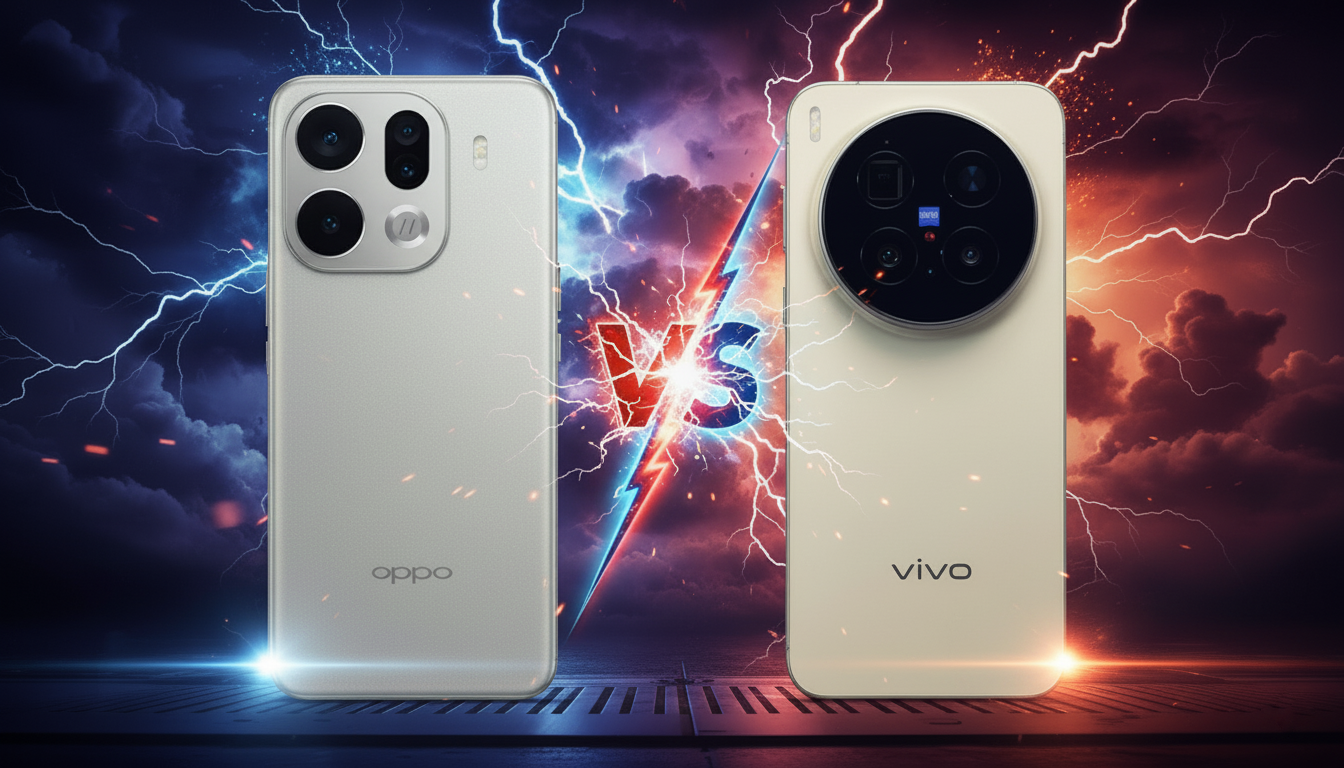
    Oppo Find X9 Pro vs Vivo X300 Pro — which is better?

    If you primarily care about the best battery, record screen brightness, and powerful zoom, Oppo Find X9 Pro will be the better choice.
    On the other hand, if your priorities are the best optical close-ups, more natural Zeiss colors, and advanced gimbal stabilization, Vivo X300 Pro takes the advantage.

    Both models are flagship devices of 2025 with very similar performance — the same Dimensity 9500 processor, identical 16/512 GB memory, excellent LTPO 120 Hz screens, and extremely powerful camera setups of 50 MP + 50 MP + 200 MP. The differences come down to brand philosophy:

    • Oppo Find X9 Pro — larger 7500 mAh battery, brighter screen (up to 3600 nits), collaboration with Hasselblad, zoom up to 200× (with converter).
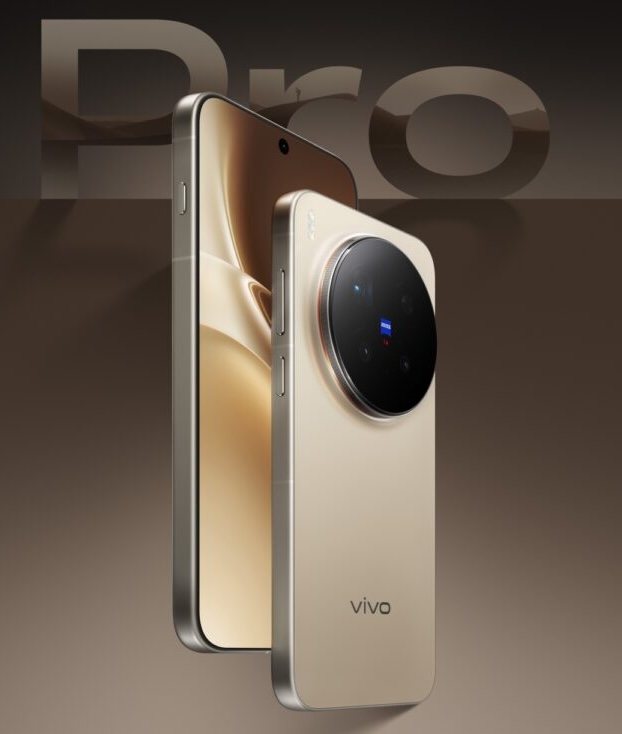
    • Vivo X300 Pro — better Zeiss APO periscope telephoto lens (~3.7×), gimbal stabilization, perfect sharpness at zooms, and Zeiss colors.

    What does this mean in practice?

    • For professional mobile photography and zoomsVivo X300 Pro.
    • For daily use, multimedia, bright screen, and long battery lifeOppo Find X9 Pro.

    Comparison Table: Oppo Find X9 Pro vs Vivo X300 Pro

    CategoryOppo Find X9 ProVivo X300 Pro
    Display6.78″ AMOLED LTPO, 2772×1272 px, 3600 nits, 120 Hz6.78″ AMOLED LTPO, 2800×1260 px, high brightness, 120 Hz
    ProcessorMediaTek Dimensity 9500 (3 nm)MediaTek Dimensity 9500 (3 nm)
    RAM / Storage16 GB LPDDR5X / 512 GB UFS 4.116 GB LPDDR5X / 512 GB UFS 4.1
    Rear Camera50 MP (main) + 50 MP (ultra) + 200 MP tele 3× + mono sensor50 MP (main gimbal OIS) + 50 MP (ultra) + 200 MP tele ~3.7× Zeiss APO
    Front Camera50 MP AF50 MP AF
    Zoom3× optical, 10× optical with converter, up to 200× digital~3.7× optical, ~8.7× with converter, up to 100× digital
    Video4K 120 fps (Dolby Vision), 1080p 240 fps4K 120 fps (Dolby Vision), 1080p 240 fps
    Battery7500 mAh, 80 W, 50 W wireless.6510 mAh / 5440 mAh (EU), 90 W, 40 W wireless.
    ResistanceIP66 / IP68 / IP69IP68 / IP69
    SystemColorOS 16 (Android 15/16)OriginOS 6 (Android 16)
    Dimensions / Weight161.3 × 76.5 × 8.3 mm / 224 g161.98 × 75.48 × 7.99 mm / 226 g
    Price in Polandapprox. 5499 PLN approx. 5999 PLN

    Cameras

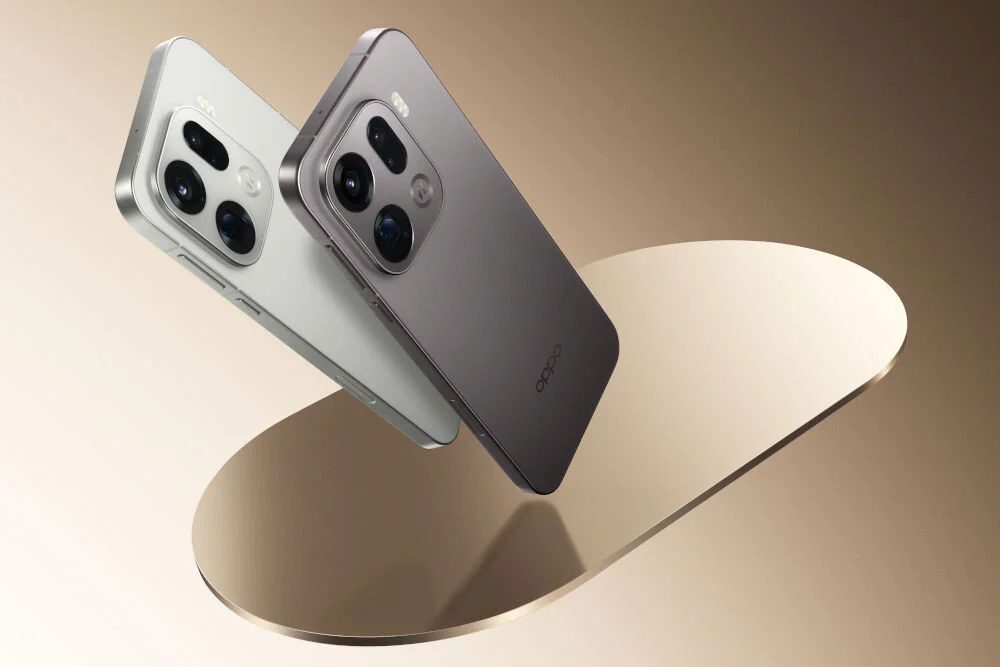
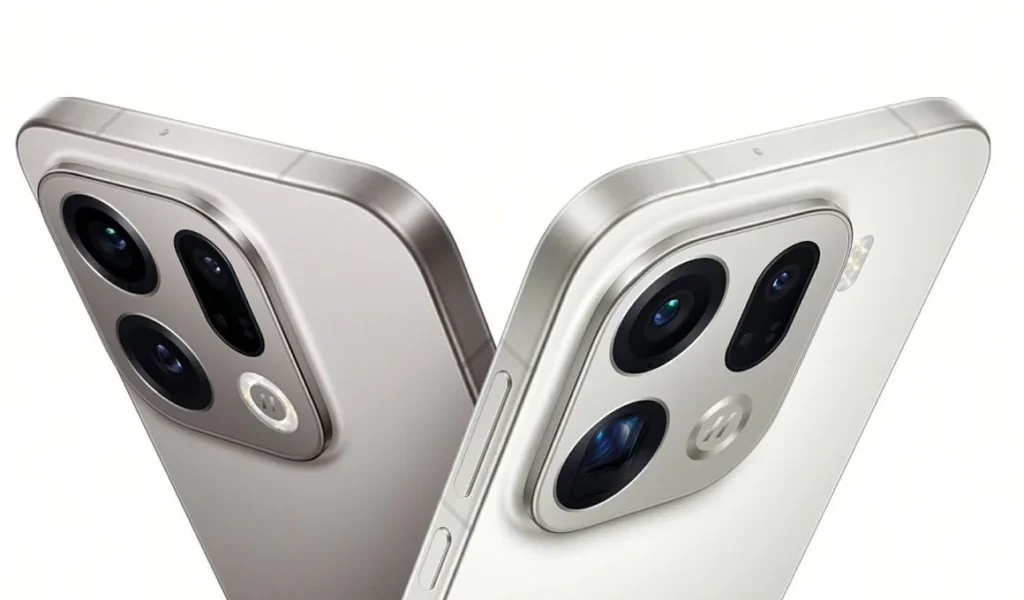
    Oppo Find X9 Pro – Hasselblad and 200× zoom

    Oppo Find X9 Pro focuses on the duo Hasselblad + 200 MP telephoto lens, offering a set for those who enjoy zoom and versatility:

    • 50 MP main (Sony LYT-828, f/1.5, OIS) – excellent quality, natural colors, high detail.
    • 50 MP ultra-wide (120°, AF) – sharp macro photos and wide shots.
    • 200 MP periscope 3× (f/2.1, OIS) – enormous resolution allows for hybrid zoom up to 120×, and with the optional Hasselblad teleconverter, up to 10× optical and 200× digital.
    • Danxia Sensor (mono) – better color analysis and black-and-white mode photos.

    Hasselblad modes (Natural Colour, XPan) give photos a distinctive style, and Night Mode in the Find X9 Pro is one of the best on the market.

    Who is it for?
    ➡️ For those who want powerful zoom and cinematic Hasselblad colors.
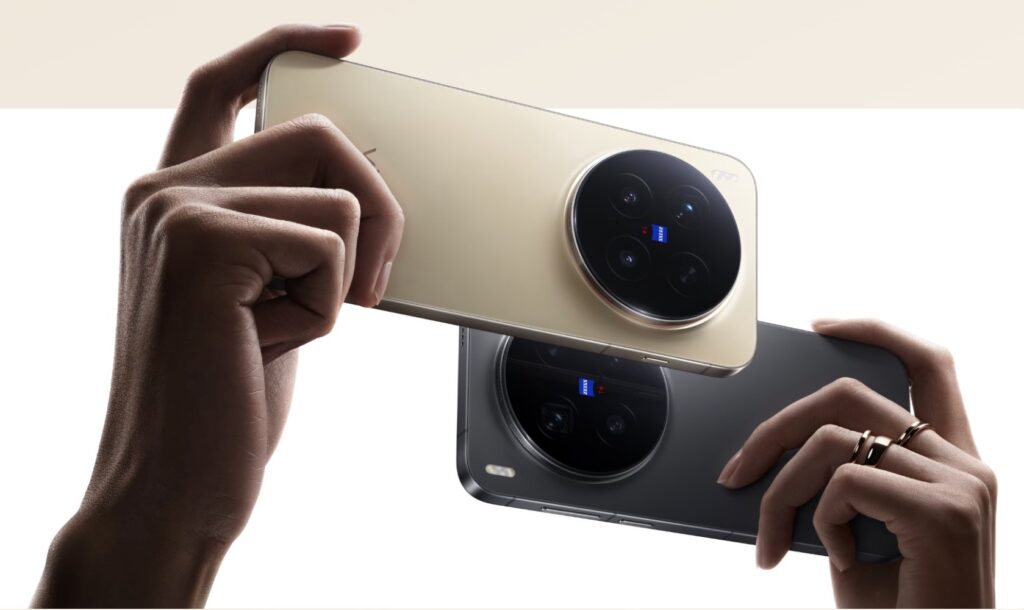
    Vivo X300 Pro – Zeiss, periscope APO and gimbal stabilization

    Vivo X300 Pro is more “photographic” in a professional sense — it focuses on sharpness, optics, and colors:

    • 50 MP main (Sony LYT-828, f/1.57) with gimbal stabilization OIS CIPA 5.5 — incredible stability for night photos and videos.
    • 50 MP ultra-wide with AF — also great for macro.
    • 200 MP tele ~3.7× Zeiss APO (1/1.4”, f/2.67) – a class of its own:
      • sharper than Oppo at high zooms,
      • no aberrations (thanks to APO),
      • with a Zeiss teleconverter, it even reaches a 1600 mm equivalent.
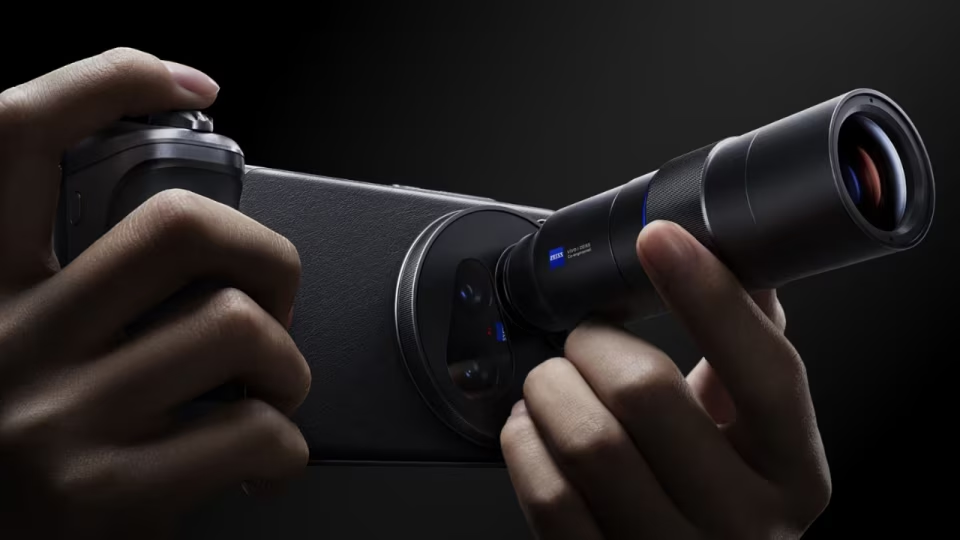
    Zeiss colors are more natural and cinematic, and Zeiss portrait modes (Biotar, Cine-Flare, portrait bokeh) add character to photos.

    For whom?
    ➡️ For those who want the best optical quality and perfect close-ups.

    Camera Summary

    • Best zoom and versatility: Oppo Find X9 Pro
    • Best telephoto quality and professional optics: Vivo X300 Pro
    • Best stabilization and night: Vivo X300 Pro
    • Best panoramic photos and Hasselblad style: Oppo Find X9 Pro

    Display

    Oppo Find X9 Pro – one of the brightest screens on the market

    Oppo aims for the “wow” effect.
    The Find X9 Pro screen is almost a benchmark OLED panel for those who often use their smartphone outdoors:

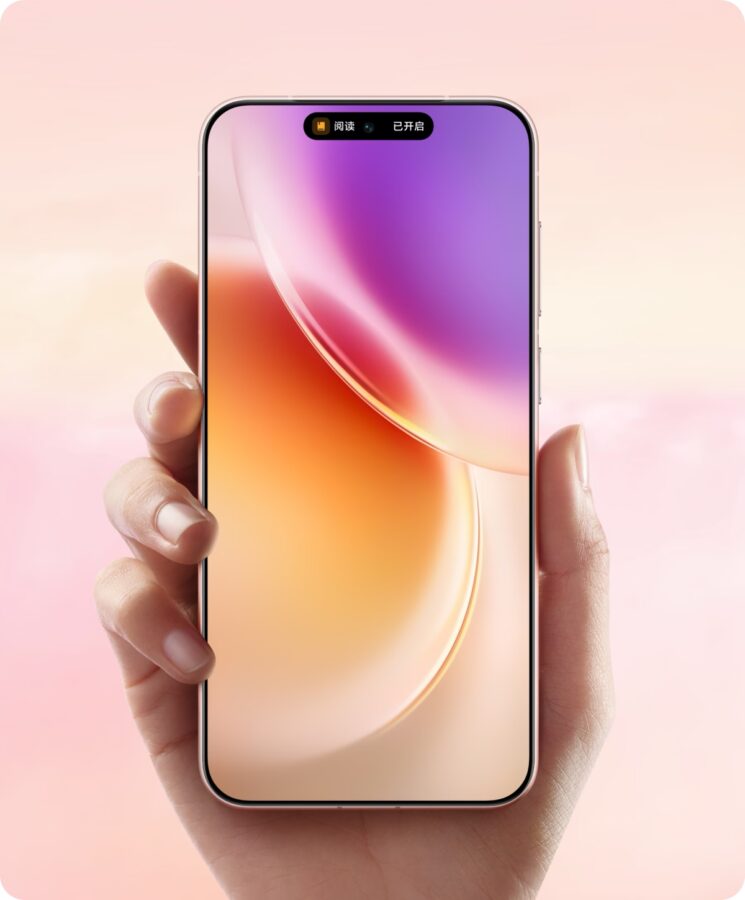
    • 6.78″ AMOLED LTPO 120 Hz
    • Resolution 2772×1272 px (1.5K)
    • Record brightness of 3600 nits – one of the brightest screens of 2025
    • Ultra-thin bezels 1.15 mm
    • High refresh rate of 120 Hz with LTPO (1–120 Hz)
    • Crystal Shield Glass + Gorilla Glass Victus 2

    The Oppo screen is perfect for media, gaming, and photos, especially when using the phone in full sunlight — the brightness makes a huge difference.
    Vivo X300 Pro – perfectly balanced AMOLED with thin bezels

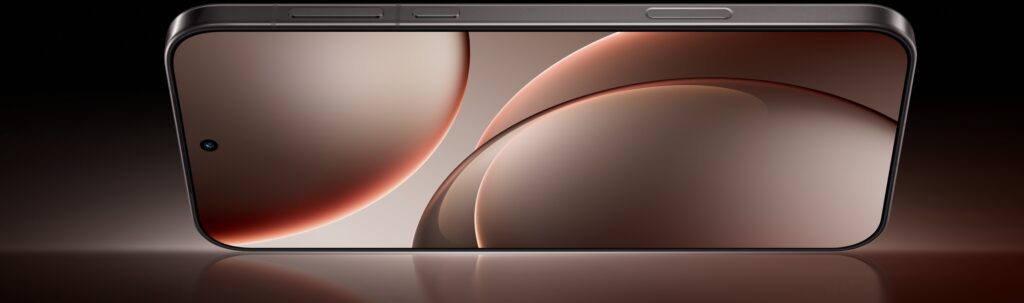
    Vivo also uses a top-tier OLED panel but focuses on color accuracy and design:

    • 6.78″ AMOLED LTPO 120 Hz
    • Resolution 2800×1260 px (1.5K)
    • Frames only 1.1 mm – one of the thinnest in smartphones
    • 100% DCI-P3 coverage
    • Very high brightness HDR10+
    • High resistance tempered glass

    The image on Vivo is slightly more natural, with excellent contrast and perfect black — especially at an angle, it is clear that this is a premium class panel.
    Screen Summary

    • Highest brightness: Oppo Find X9 Pro
    • Thinnest frames: Vivo X300 Pro
    • Best HDR and colors: close, light handling Vivo
    • Usability in sunlight: Oppo > Vivo

    Both displays are absolutely top-notch, but Oppo slightly wins in “power,” while Vivo excels in “aesthetics.”


    Performance and components

    The same processor – top performance in both models

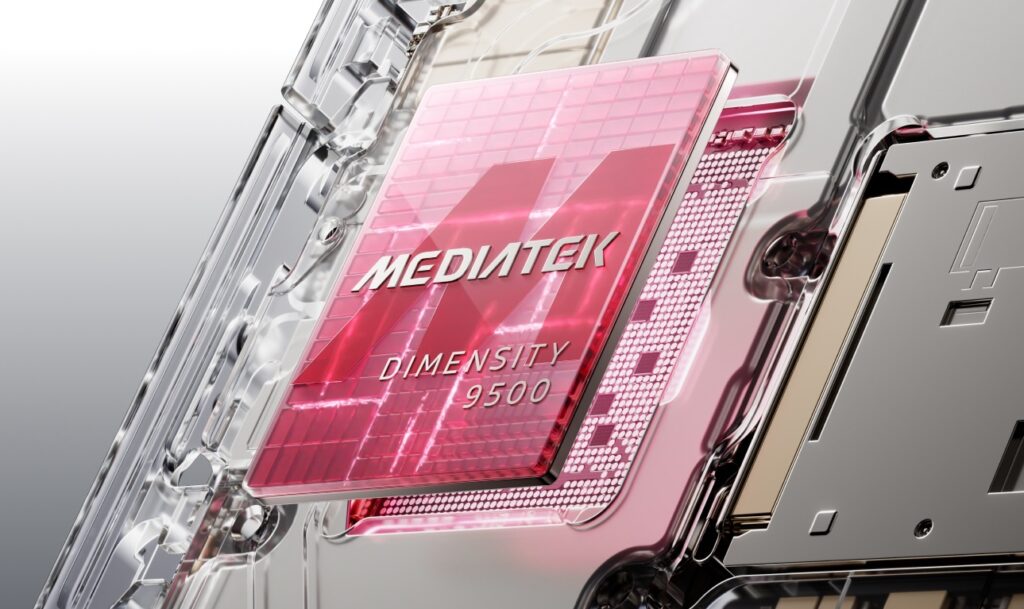
    Oppo Find X9 Pro and Vivo X300 Pro use the identical, flagship processor MediaTek Dimensity 9500 (3 nm). This chip is designed for computational photography, AI, and gaming performance, achieving levels comparable to high-end Snapdragon.

    Key common features:

    • 8 cores, including a super-efficient Cortex-X
    • High graphics power
    • Very low power consumption (3 nm technology)
    • Great stability even during long photo/video sessions
    • Perfect gaming performance at 120 Hz

    In practice – you can’t “choose the faster one”, as both are equally powerful.
    Memory and Fluidity

    Here we also have a draw:

    • 16 GB RAM LPDDR5X
    • 512 GB UFS 4.1
    • Very fast I/O
    • Ability to expand RAM by an additional 8–16 GB (virtually)

    In everyday use, both phones operate extremely fast, without app reloads, with perfect animation fluidity.


    Cooling and Stability

    Both designs utilize advanced heat dissipation systems:

    • Oppo: large vapor chamber + graphite layers
    • Vivo: expanded cooling system + AI optimizations

    Effect?
    Even when recording 4K 120 fps or gaming, the phones do not overheat and do not lose performance.


    Connectivity and Accessories – Full Top Specification

    Both the Find X9 Pro and X300 Pro offer everything expected from a flagship in 2025:

    • 5G (SA/NSA)
    • Wi-Fi 7
    • Bluetooth 6.0 LE Audio
    • NFC
    • USB-C 3.2 Gen1
    • Stereo speakers
    • Precise haptics
    • IR blaster (TV/air conditioning remote)

    These are complete premium smartphones without any compromises.


    Performance Summary

    • Computing power: draw
    • System smoothness: draw
    • Gaming: draw
    • Stability during long recordings: lightweight Vivo handling thanks to the gimbal
    • Cost-effectiveness in terms of power: both at the highest level

    Battery

    Oppo Find X9 Pro – the largest battery in its class

    Oppo wins in capacity – it’s one of the longest-lasting flagships of 2025.

    Key numbers:

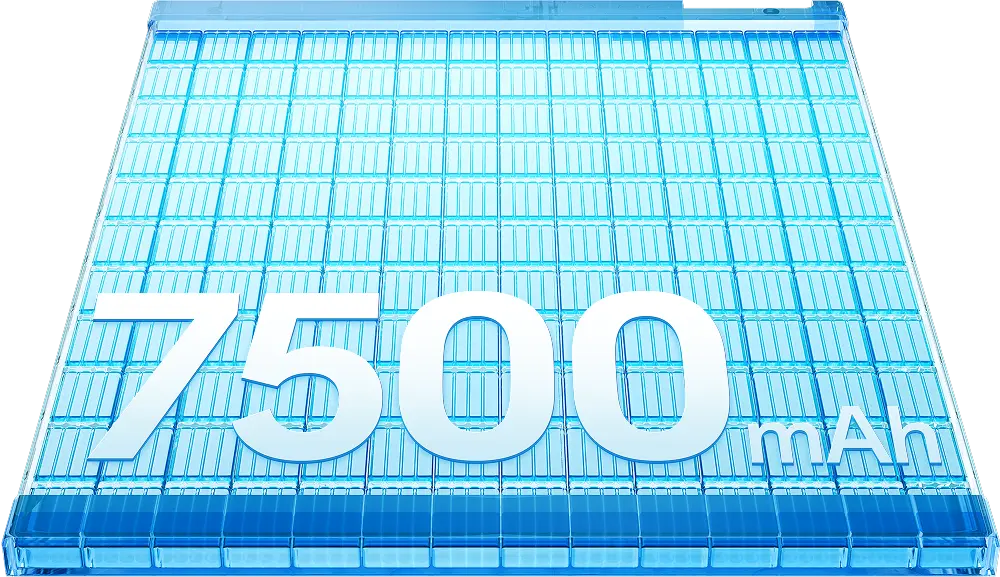
    • 7500 mAh – huge battery
    • 80 W wired charging
    • 50 W wireless charging
    • approx. 10 W reverse charging
    • Full charge: ~40 minutes

    In practice, Oppo lasts 1.5–2 days of use, even with a bright 120 Hz screen.
    It’s a great choice for those who travel a lot, take photos, and want to reach for the charger less often.
    Vivo X300 Pro – fast charging + large battery (though smaller than Oppo)

    Vivo has a smaller battery, but still above average:

    • 6510 mAh (global version)
    • 5440 mAh (EU version)
    • 90 W wired charging
    • 40 W wireless charging
    • 10 W reverse charging
    • Full charge: ~30 minutes

    The difference compared to Oppo is about 13–20%, but Vivo makes up for it with faster charging and intelligent energy management (OriginOS + LTPO 1 Hz).

    Battery life in practice

    • Oppo Find X9 Pro: 7–9h SOT → comfortable 1.5–2 days
    • Vivo X300 Pro: 6–8h SOT → 1–1.5 days

    Both phones are durable, but Oppo has a real advantage – the difference is particularly noticeable with the bright screen and 4K/120 fps photos.

    Resistance and Water Resistance

    Both models offer top-level protection:

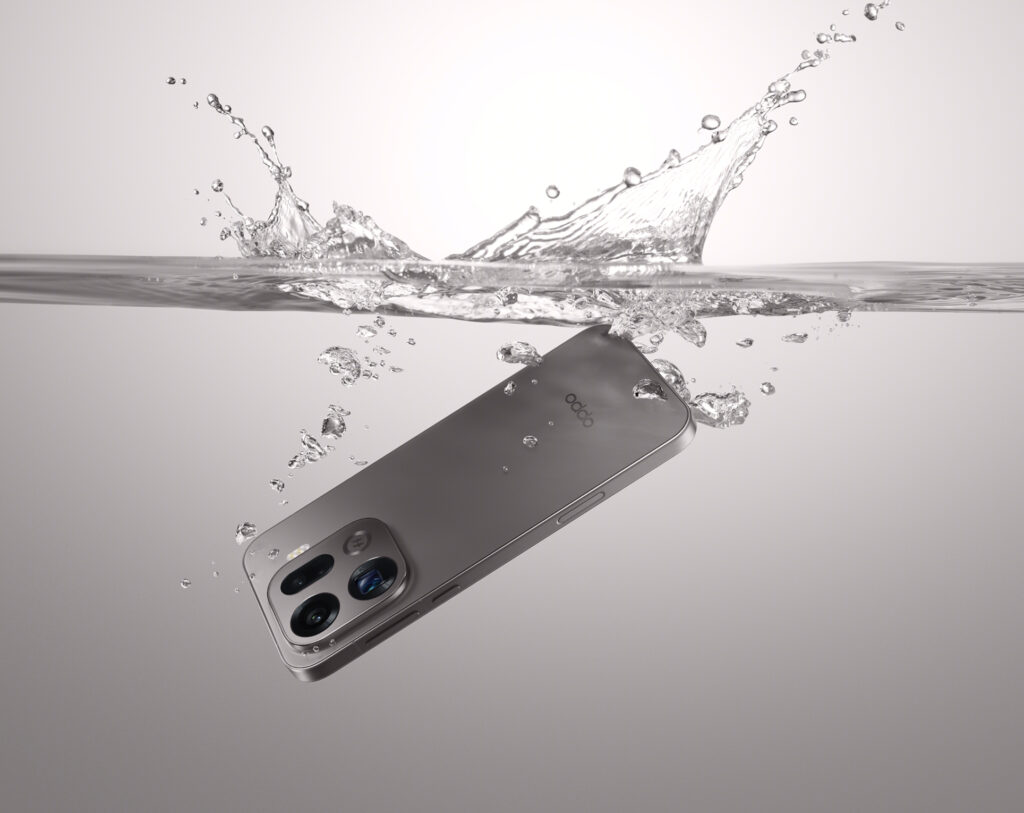
    • IP68 + IP69 (Vivo and Oppo)
    • Oppo additionally has a certificate of IP66 – resistance to water jets under pressure

    This is a rare combination — the phones are resistant even to heavy rain, dust, or shallow immersion.
    Battery Summary

    • Longest Battery Life: Oppo Find X9 Pro
    • Fastest Charging: Vivo X300 Pro
    • Best Water Resistance: tie (Oppo has additional IP66)
    • Most “Hassle-Free” in Daily Use: Oppo

    Software

    ColorOS 16 on Oppo Find X9 Pro – stability, AI, and refined animations

    Oppo focuses on a mature, refined system ColorOS 16, based on Android 15 (with a quick transition to Android 16).
    This overlay is known for:

    • very smooth animations,
    • intelligent energy management Trinity Engine,
    • great customization (themes, AOD, icons),
    • advanced AI features:
      • AI Writer (text summarization, post generation),
      • AI Clean-up (removing objects from photos),
      • AI Eraser video.

    ColorOS also offers Touch to Share – quick file transfer between a laptop and a phone, as well as advanced privacy modes (Private Safe, App Lock).

    This system is for those who want an intuitive, fast, and stable overlay with strong AI support.
    OriginOS 6 on Vivo X300 Pro – modern design, Zeiss, and PC ecosystem

    Vivo has implemented a completely new, global version of OriginOS 6 on Android 16.
    This is one of the most advanced overlays of 2025.

    Key features:

    • minimalist, elegant interface,
    • very smooth 120 Hz animations,
    • Office Kit – excellent collaboration with the computer:
      • Task Handoff (continuing work on PC),
      • Screen Mirroring,
      • dragging files between the phone and laptop,
    • One-Tap Transfer – quick data transfer between Vivo and iPhone,
    • wide integration with Zeiss color profiles in the camera.

    OriginOS is visually more modern and more “impressive” than ColorOS, but equally fast and lightweight.
    Updates and Support

    Both models offer a similar range of updates:

    • 3 versions of Android
    • 4–5 years of security patches

    This means that the phones will be supported until 2029–2030.

    Software Summary

    • Most refined UI: ColorOS 16
    • Most modern and impressive: OriginOS 6
    • Best collaboration with computer: Vivo (Office Kit)
    • Most AI tools: Oppo

    Price and Availability

    Oppo Find X9 Pro – price in Poland

    • Version 16 GB / 512 GB
    • Price: 5,499 PLN

    Vivo X300 Pro – price in Poland

    • Version 16 GB / 512 GB
    • Price: 5,999 PLN

    Which smartphone is more cost-effective?

    If you care solely about the price-to-performance ratio, the more cost-effective option is:

    • Oppo Find X9 Pro – usually cheaper (from 5,499 PLN), and offers a larger battery of 7500 mAh, record screen brightness of 3600 nits, and a strong 200 MP zoom.

    On the other hand:

    • Vivo X300 Pro for 5,999 PLN is a better choice if you care about the highest quality telephoto photos, gimbal stabilization, and distinctive Zeiss colors.

    Summary:

    Best camera and optical zoom: Vivo X300 Pro

    Best price/quality: Oppo Find X9 Pro


    FAQ – frequently asked questions

    Which phone takes better photos – Oppo Find X9 Pro or Vivo X300 Pro?

    Vivo X300 Pro offers better telephoto quality thanks to the 200 MP Zeiss APO ~3.7×, gimbal stabilization, and natural Zeiss colors. Oppo wins with digital zoom, offering up to 200× with a converter.


    Which smartphone has a better battery?

    Oppo Find X9 Pro, with its massive 7500 mAh battery, lasts noticeably longer than the Vivo X300 Pro (5440–6510 mAh). It’s the best choice for those who travel a lot or use their phone intensively.


    Which screen is better – Oppo or Vivo?

    Oppo Find X9 Pro has a brighter screen up to 3600 nits, giving it an advantage in sunlight. Vivo X300 Pro has slightly narrower bezels and more natural colors, but the differences are minor.


    How do they perform in daily efficiency?

    The performance is practically identical, as both smartphones use the MediaTek Dimensity 9500, 16 GB of RAM, and UFS 4.1. In practice, it’s hard to feel any difference.


    Which model is more cost-effective?

    The most cost-effective is the Oppo Find X9 Pro (starting from 5,499 PLN).
    Vivo X300 Pro for about 5,999 PLN only wins if you care about the best telephoto lens and gimbal stabilization.


    Are both phones waterproof?

    Yes — both have IP68 and IP69 certifications, which means they are resistant to immersion, dust, and high-pressure water jets.


    Is it worth paying extra for the Vivo X300 Pro?

    Yes, if your priority is telephoto photography, optical zoom, and gimbal stabilization.
    If not – Oppo Find X9 Pro offers a better price/performance balance.
  • The best sports bands for Apple Watch 11

    The best sports bands for Apple Watch 11

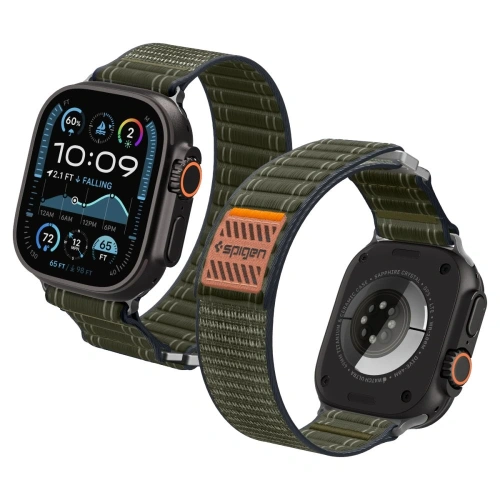
    The best sports band for the Apple Watch Series 11 is UNIQ Stride De Rubber – made of durable fluoroelastomer, which works great during intense workouts. Also notable is Spigen WBF0 Band made of breathable nylon and the rugged Supcase Unicorn Beetle Pro for extreme sports enthusiasts. All fit the Apple Watch 11 case and provide perfect fit, durability, and a sporty look.

    Before you choose the perfect band for your Apple Watch 11, check out our comparison of the most interesting models.

    In the table, you will find TOP 5 best sports bands and their cheaper or alternative counterparts, which differ in material, price, and purpose. It’s a quick way to see which band best suits your style and type of activity.

    👉 See all sports bands for Apple Watch 11 at Home Screen store.

    🏆 TOP 5 SPORTS BANDS FOR APPLE WATCH 11 (42/46 mm)

    #ModelMaterialPriceFor whom / advantagesAlternative (cheaper / different)
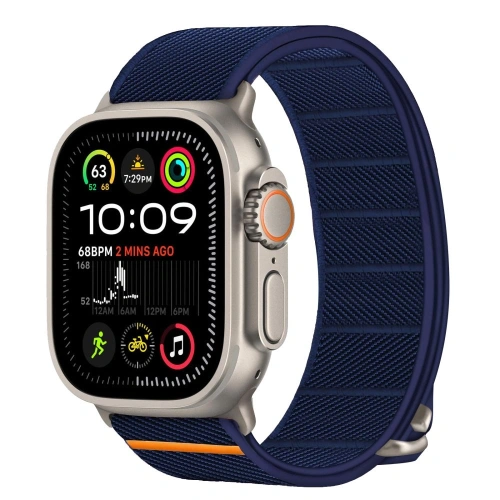
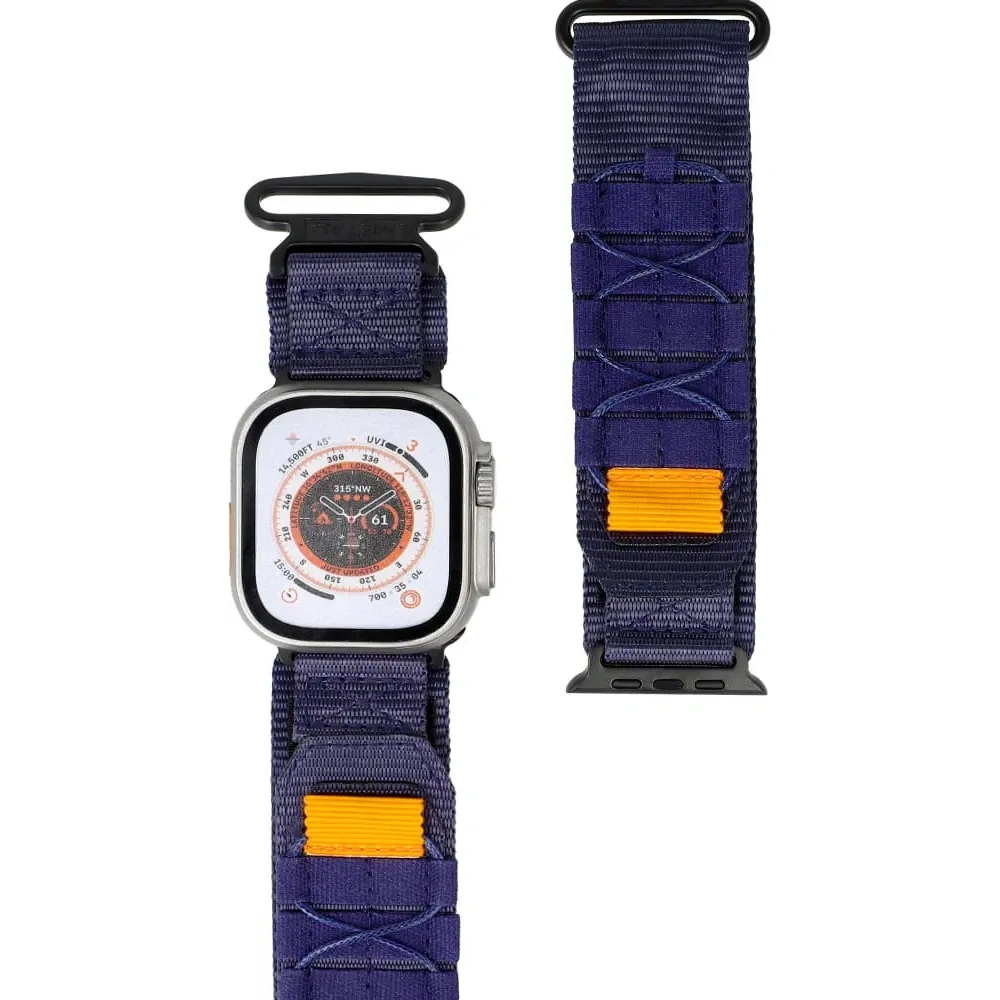
    1Spigen WBF0 Band (Navy)Woven nylon89 PLNThe best nylon strap – lightweight, breathable, very comfortable. Ideal for training and everyday wear.Tech-Protect Nylon Slip (35 PLN) – cheaper nylon with Velcro, simple and sturdy.
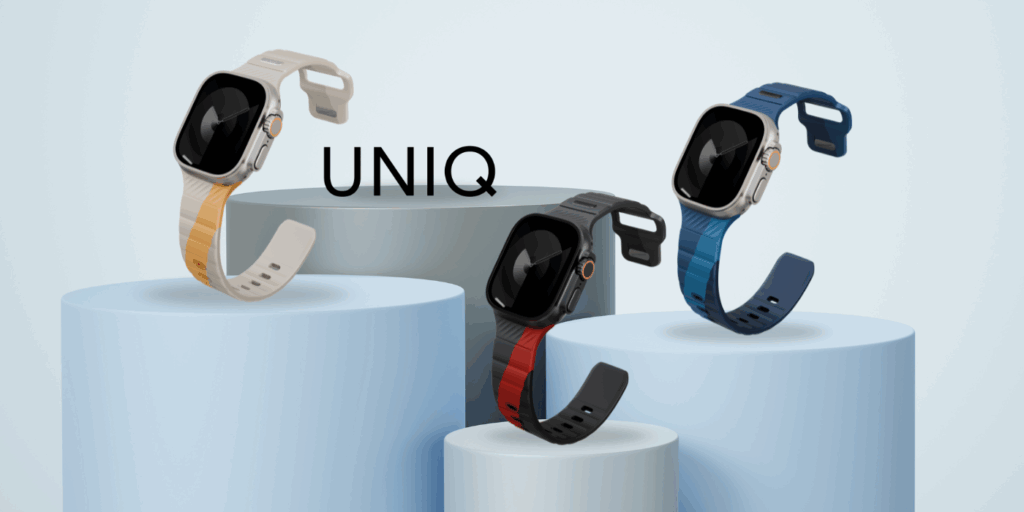
    2UNIQ Stride De Rubber (Storm)Fluoroelastomer / synthetic rubber FKM199 PLNPremium strap for the demanding – resistant to sweat, high temperatures, perfect for intense workouts.Spigen WBS2 Band (69 PLN) – silicone, flexible, good for daily exercises.
    3Bizon Strap Watch Adventure Reinforced nylon59 PLNGreat for outdoor and off-road sports – durable, strong, holds the wrist well.Tech-Protect Nylon Mag (29 PLN) – woven nylon with magnetic closure, cheaper alternative.
    4Spigen Nano Pop (Blueberry Navy)Two-layer silicone95 PLNStylish, soft silicone with colorful finish – comfort + design.Bizon Strap Silicone (26 PLN) – cheap, classic silicone for training.
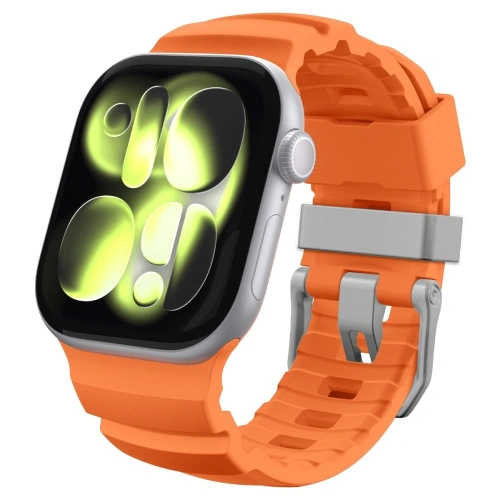
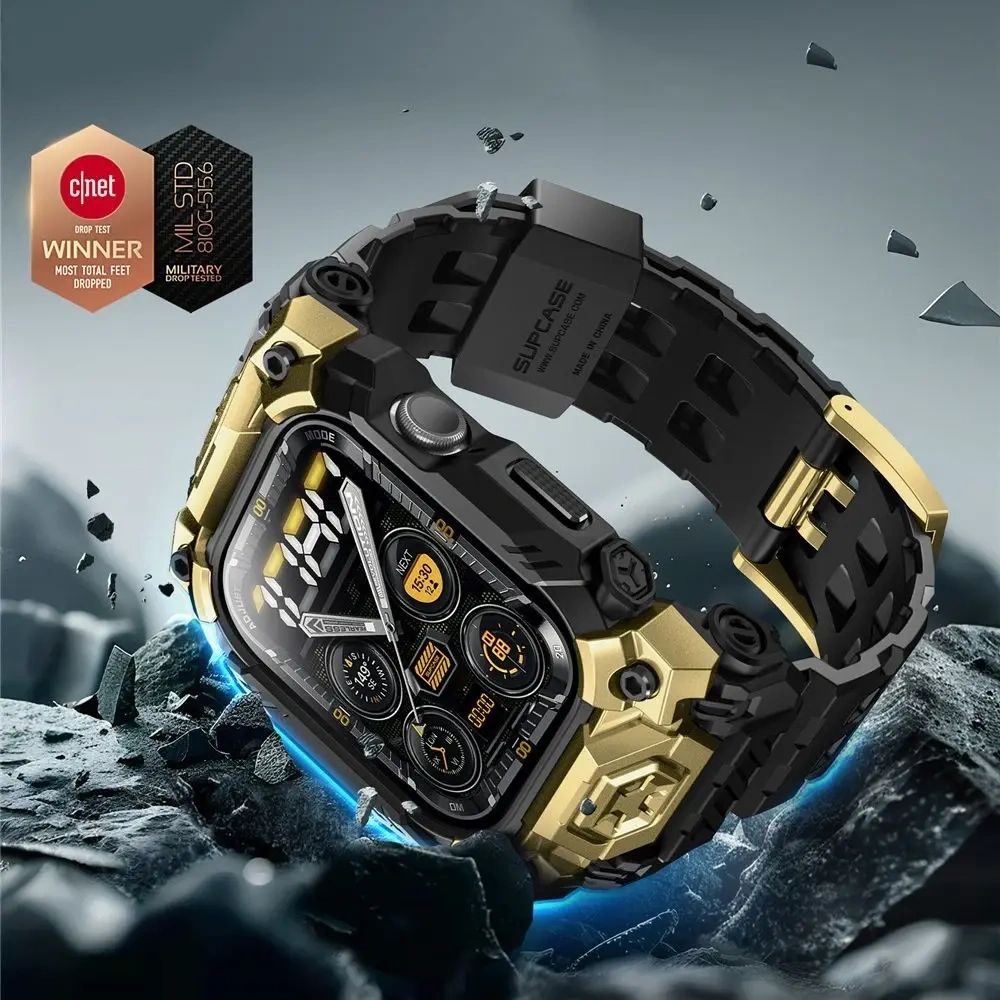
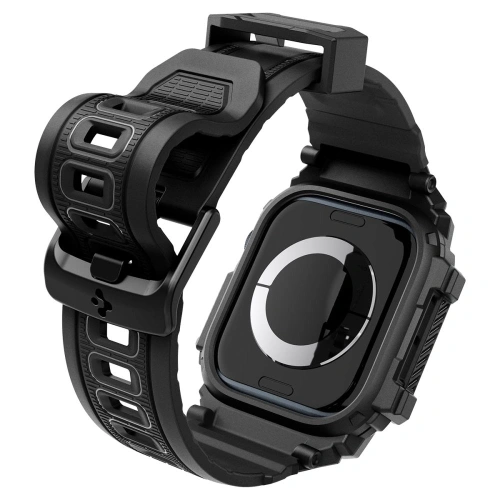
    5Supcase Unicorn Beetle Pro (Gold)TPU + PC (armored 2 in 1 set)129 PLNFor the active and extreme – integrated case + strap, maximum protection.Spigen Rugged Armor Pro (75 PLN) – armored set “case + strap”, cheaper alternative to Supcase, equally protects the watch well.

    What is the best nylon strap for Apple Watch 11?

    If you are looking for a lightweight, breathable, and comfortable accessory for your watch, the nylon strap for Apple Watch 11 will be the perfect choice. It works well for both daily activities and workouts – it doesn’t absorb moisture, dries quickly, and provides excellent comfort even during long wear.

    Spigen WBF0 Band

    Spigen WBF0 Band is one of the most popular sport straps for Apple Watch 11, made from premium woven nylon. The material is breathable and gentle on the skin, and thanks to the Velcro closure, the strap can be quickly adjusted to the wrist.
    Its design makes it suitable for both sports attire and a casual look.
    This is the best nylon strap for Apple Watch 11 if you care about comfort and solid craftsmanship.
    Price: 89 PLN

    Why choose Spigen WBF0 Band?

    This strap is suitable for both daily training and in the office or on a walk. The nylon weave is soft, flexible, and breathable, so it does not cause irritation even during long wear. The Velcro closure allows for precise adjustment, and the adjustment is quick and convenient — especially during dynamic exercises or when changing wrist positions.
    Additionally, the WBF0 model has reinforced stitching and durable ends that protect the material from fraying – ensuring it maintains its aesthetic for a long time.

    🔸 Alternative: Tech-Protect Nylon Slip

    If you’re looking for a cheaper option,  Tech-Protect Nylon Slip is a great alternative. Made from lightweight nylon, it features a Velcro closure that allows you to quickly adjust the strap to your wrist.
    The material is soft and quick-drying, making it suitable for workouts or everyday use.
    Although it doesn’t have the elegant finish of the Spigen model, it is incredibly comfortable and lightweight, making it an ideal choice for those just starting their journey with Apple Watch accessories. This budget nylon strap for Apple Watch 11 pleasantly surprises with its durability and comfort.
    Price: 35 PLN


    Best rubber strap for Apple Watch 11

    If you train intensively and need something that can withstand high temperatures, sweat, and daily effort,  rubber strap for Apple Watch 11 will be the best choice.
    Models made of FKM (fluoroelastomer) are exceptionally durable and flexible, while also looking elegant. In this category, the UNIQ Stride De Rubber strap stands out as a true premium in the world of sports straps.


    UNIQ Stride De Rubber (Storm) – premium rubber sports strap

    UNIQ Stride De Rubber is a strap for those who expect the highest quality. Made of FKM fluoroelastomer, a synthetic rubber used in professional sports and diving watches, it offers unmatched resistance to sweat, UV rays, and high temperatures.
    The material retains its flexibility for years, does not deform, and does not lose color even with intensive use.

    It is the ideal sports strap for Apple Watch 11 for the demanding – it performs excellently during running, crossfit training, and everyday wear.
    The minimalist design and elegant matte finish add class, making it suitable not only for sporty but also for casual styles.
    Price: 199 PLN


    🔁 Alternative: Spigen WBS2 Band – silicone and flexible choice

    If you are looking for a cheaper alternative to UNIQ Stride, the Spigen WBS2 Band is a great compromise between quality and price. Made of soft, perforated silicone, it provides good skin ventilation and comfort even during long workouts.
    Its design is intended to wick moisture away and prevent skin irritation – it’s the ideal silicone strap for Apple Watch 11 for active individuals.

    The Spigen WBS2 Band has a classic sporty finish, available in several colors, making it easy to match with your style.
    Price: 69 PLN
    For whom? For those looking for a functional and comfortable strap for the gym, cycling, or daily workouts, but who do not need premium FKM material.

    Best silicone strap for Apple Watch 11

    If you care about a versatile sports strap that combines the comfort of silicone with everyday use — choosing a silicone strap is a perfect choice. The silicone material is lightweight, flexible, easy to clean, and works great during workouts, at the gym, or in urban movement. Below are two suggestions: one as the main choice, the other — a slightly cheaper alternative.

    Spigen Nano Pop – stylish silicone strap

    Spigen Nano Pop is a soft silicone strap in a trendy, two-tone finish — perfect for those who want to combine a sporty character with everyday style.
    The material is skin-friendly, resistant to sweat and dirt, and the “pin-and-tuck” closure system ensures stability even during intense movement. 
    Price: 95 PLN
    For whom? Ideal for Apple Watch 11 46 mm users looking for a sporty strap that is also a nice everyday accessory — a great compromise between performance and aesthetics.


    🔁 Alternative: Bizon Strap Silicone – budget silicone choice

    If your budget is the main constraint and you still want a decent silicone strap for the Apple Watch 11 — the Bizon Strap Silicone is a proposal to consider. The price starts at 26 PLN, the silicone material is lightweight and functional — making it a great choice for training or as a backup strap.

    For whom? For physically active individuals who need a functional sports strap at a very affordable price — they don’t need a premium brand, just that it meets the conditions: comfort, fit, silicone.

    Best durable strap for outdoor and off-road sports

    If you train outdoors, ride a bike, or spend active time outside, choose a strap that can withstand more than silicone models.
    In this category, durable straps made of dense nylon reign supreme, unafraid of mud, sweat, and moisture.


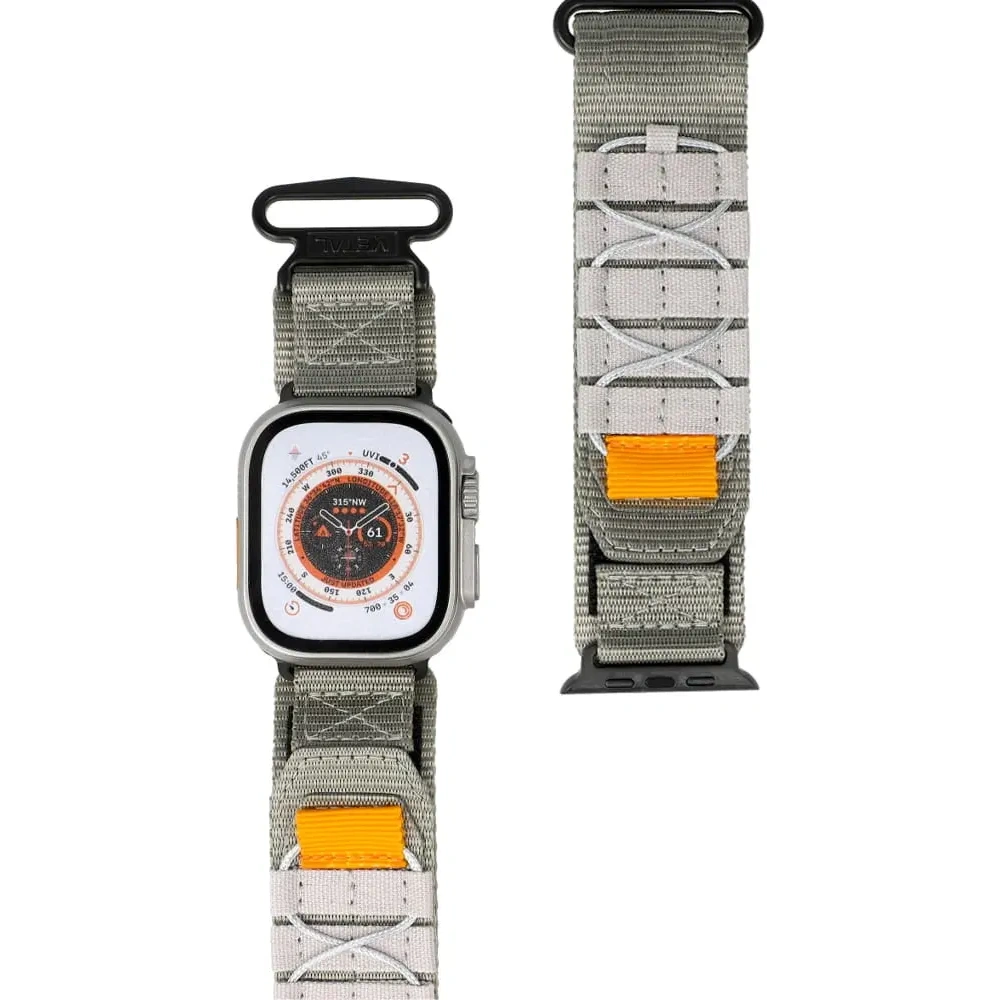
    Bizon Strap Watch Adventure – a durable nylon strap for special tasks

    Bizon Strap Watch Adventure is a proposal for those who love challenges. Made of reinforced high-density nylon, it withstands tough conditions while maintaining flexibility and comfort.
    The material does not absorb water and dries quickly, and thanks to the sturdy buckle, the watch always stays securely on the wrist.

    The strap performs well in trail running, mountain tourism, cycling, or outdoor sports, where durability is needed rather than a luxurious appearance.
    Its subdued gray color and strong stitching make it look professional and minimalist.
    Price: 59 PLN


    🔁 Alternative: Tech-Protect Nylon Mag – braided nylon with magnetic closure

    Tech-Protect Nylon Mag is a lighter, more everyday alternative to the Bizon model.
    The strap made of soft braided nylon provides excellent ventilation and exceptional comfort in use, while the magnetic closure makes putting on and taking off the watch take literally seconds.
    This is a good choice for those who value comfort and aesthetics, but do not need a strap for extreme conditions.
    The material is quick-drying, pleasant to the touch, and ideal for everyday use or light workouts.
    Price: 29 PLN

    For whom? For those looking for a simple, functional strap for Apple Watch 11 that looks elegant while still maintaining a sporty character.


    🦾 The best rugged strap for Apple Watch 11

    If your Apple Watch is to survive everything — from drops to extreme outdoor workouts — choose a rugged 2-in-1 set that protects not only the strap but also the watch case.


    🥇 Supcase Unicorn Beetle Pro (Gold) – rugged protection and style in one

    Supcase Unicorn Beetle Pro is a true tough guy among straps.
    The set combines a durable TPU strap with an integrated polycarbonate (PC) case, creating protection that safeguards the entire watch from impacts and scratches.
    It’s the perfect solution for those who engage in extreme sports, work in tough conditions, or simply want to ensure that their Apple Watch 11 survives anything.

    Despite its rugged properties, the design remains ergonomic – it does not restrict wrist movement, and the ventilation holes improve air circulation.
    Available in several colors, including black and gold.
    Price: 129 PLN


    🔁 Alternative: Spigen Rugged Armor Pro – cheaper but solid protection

    If you are looking for a similarly durable solution but at a lower price, Spigen Rugged Armor Pro will be the perfect alternative.
    Made of flexible TPU and strong plastic, it provides a high level of protection for the watch case and screen, while looking elegant and sporty.
    The integrated case protects the edges of the case, and the buttons are precisely fitted to the shape of the Apple Watch.

    This armored strap for Apple Watch 11 not only looks good but also protects your watch from damage.
    Price: 75 PLN

    For whom? For users who want solid protection for their watch during daily work, cycling, or at the gym – without the need to invest in a more expensive model.

    How to choose a sports strap for Apple Watch 11?

    Choosing the right strap for the Apple Watch 11 (42/46 mm) is more than just a matter of color or appearance. A well-chosen strap should be comfortable, sweat-resistant, and suited to your activity style – whether you are running, working out at the gym, or simply wearing the watch daily.
    🎽 1. Material matters

    The most important factor when choosing a sports strap is material.

    • Woven nylon (e.g. Spigen WBF0, Tech-Protect Nylon Slip) – a lightweight, breathable option ideal for running and everyday wear.
    • Silicone and fluoroelastomer (e.g. UNIQ Stride De Rubber, Spigen WBS2, Nano Pop) – provide resistance to water and sweat, making them best suited for intense workouts and swimming.
    • TPU or rugged materials (Supcase, Spigen Rugged Armor Pro) – for those seeking maximum protection and durability, e.g. in extreme sports.

    👉 In short: nylon – lightness and comfort, silicone – versatility, rugged materials – protection and durability.


    💪 2. Fit and wearing comfort

    A good strap should neither be too tight nor too loose. The Apple Watch 11 has two case sizes (42 mm and 46 mm), and most new straps are compatible with the entire range of 42–49 mm, so you don’t have to worry about compatibility.
    However, it’s worth paying attention to:

    • Buckle – Velcro (e.g. Tech-Protect Nylon Slip) provides quick adjustment,
    • clasp – more secure hold in premium models (e.g. UNIQ Stride),
    • magnetic closure – convenient, but better to avoid in extreme sports (e.g. Nylon Mag).

    🌡️ 3. Resistance and Durability

    The sports band must withstand moisture, sweat, and temperature changes.
    Models made of fluoroelastomer (like UNIQ Stride) are resistant to sweat and UV rays, while nylon ones (Spigen, Bizon) can be easily washed and dried.
    If you train outdoors, opt for quick-drying materials – they won’t stick to your skin.


    ⚙️ 4. Style and Purpose

    Each material has a different application:

    • For everyday wear – lightweight nylon (Spigen WBF0, Bizon Adventure),
    • For intense sports – silicone or FKM rubber (UNIQ Stride, Spigen WBS2),
    • For extreme conditions – rugged sets (Supcase, Spigen Rugged Armor Pro).

    Also, keep in mind the color – bright bands will highlight a sporty look, while dark ones will be more versatile and practical.


    Frequently Asked Questions about Apple Watch 11 – FAQ

    ⭐ Which sports band to choose for Apple Watch 11?

    It depends on your style and activity. If you value lightness and breathability — choose nylon Spigen WBF0 Band. For intense workouts, a rubber UNIQ Stride De Rubber will be better, and in extreme conditions — armored Supcase Unicorn Beetle Pro.


    ⭐ Do bands from previous Apple Watch models fit the series 11?

    Yes ✅. Apple has maintained full compatibility of bands — so models that fit the 42/44/45/46/49 mm cases will also be perfect for Apple Watch 11 (42/46 mm).


    ⭐ Which band for Apple Watch 11 will be best for training?

    The best training bands are those resistant to sweat and moisture:

    • UNIQ Stride De Rubber (FKM rubber – premium durability)
    • Spigen WBS2 Band (silicone – lightweight and ventilated)
      Both are comfortable, easy to clean, and do not cause skin irritation.

    ⭐ Is a nylon strap suitable for sports and everyday wear?

    Yes! The woven nylon strap for Apple Watch 11 is a versatile choice – it is lightweight, quick-drying, and comfortable. Models like Spigen WBF0 Band or Tech-Protect Nylon Slip are suitable for both workouts and casual styles.


    ⭐ Is it worth buying a rugged strap for Apple Watch 11?

    If you engage in outdoor sports, climb, or work in demanding conditions – definitely yes.
    Supcase Unicorn Beetle Pro or Spigen Rugged Armor Pro offer full protection for the watch (case + screen) while maintaining a sporty look.


    ⭐ Which strap for Apple Watch 11 offers the best value for money?

    In terms of quality and price, the following stand out:

    • Bizon Strap Watch Adventure – solid nylon for 59 PLN,
    • Spigen WBS2 Band – silicone, flexible, and durable for 69 PLN.
      These are the most reasonable choices for most users.

    How to take care of the sports band for Apple Watch 11?

    Clean it regularly with a damp cloth and a bit of soap, and after training, rinse it with water and dry it. Avoid chemical agents and high temperatures — this will extend the lifespan of the material.

  • The Best Smartphones with Large Screens 2025 – TOP 5 Ranking

    The Best Smartphones with Large Screens 2025 – TOP 5 Ranking

    Smartphones with screens larger than 6.7 inches are ideal devices for those who want maximum comfort while watching movies, working, gaming, and enjoying multimedia. In 2025, five models stand out: Samsung Galaxy S25 Ultra, Apple iPhone 17 Pro Max, Samsung Galaxy Z Fold 7, Google Pixel 10 Pro XL, and OnePlus 13. Each of them offers top performance, excellent cameras, and large, bright displays.

    Comparison Table: TOP 5 Smartphones with Large Screens (2025)

    ModelScreenProcessorRAMStorageBatteryCameras
    Samsung Galaxy S25 Ultra6.9″ Dynamic AMOLED 2X, 120 HzSnapdragon 8 Elite12 / 16 GB256 GB – 1 TB5000 mAh200 + 50 + 10 + 50 Mpix
    Apple iPhone 17 Pro Max6.9″ Super Retina XDR OLED, 120 HzApple A19 Pro12 GB256 GB – 2 TB~5088 mAh48 + 48 + 48 Mpix
    Samsung Galaxy Z Fold 78.0″ + 6.5″ AMOLED, 120 HzSnapdragon 8 Elite12 / 16 GB256 GB – 1 TB4400 mAh200 + 12 + 10 Mpix
    Google Pixel 10 Pro XL6.8″ LTPO OLED, 120 HzGoogle Tensor G516 GB256 GB – 1 TB5200 mAh50 + 48 + 48 Mpix
    OnePlus 136.82″ LTPO AMOLED, 120 HzSnapdragon 8 Elite12–24 GB256 GB – 1 TB6000 mAh50 + 50 + 50 Mpix

    Analysis of the TOP 5 smartphones with large displays – which model is worth choosing?

    1. Samsung Galaxy S25 Ultra – the most powerful flagship with a large screen

    The Samsung Galaxy S25 Ultra is a true king among large Android smartphones. It features a 6.9-inch Dynamic AMOLED 2X display with a resolution of 3120 x 1440 px (WQHD) and a refresh rate of 120 Hz, providing stunning sharpness and smoothness of the image. The screen is protected by Gorilla Glass Armor 2, and the device meets the IP68 standard – it is resistant to water and dust. The Galaxy S25 Ultra is powered by the latest Snapdragon 8 Elite (overclocked edition for Samsung) along with 12 or 16 GB of RAM, resulting in record performance. We have an enormous internal storage available – 256 GB, 512 GB, or even 1 TB – so there will definitely be no shortage of space for data.
    • Display: 6.9″ Dynamic AMOLED 2X, 3120×1440 px, 120 Hz (almost bezel-less, supports HDR10+)
    • Processor: Snapdragon 8 Elite (8-core 3 nm, up to ~4.5 GHz) – the fastest chip of 2025.
    • RAM: 12 GB or 16 GB LPDDR5X
    • Storage: 256 GB / 512 GB / 1 TB UFS 4.0 (no microSD slot)
    • Rear cameras: Quad – main 200 Mpix (OIS), ultra-wide 50 Mpix, telephoto 10 Mpix (3× optical zoom) and periscope telephoto 50 Mpix (5× optical zoom). This setup allows for up to 100× digital zoom and excellent night photos. On the front, there is a selfie camera 12 Mpix.
    • Battery: 5000 mAh – fast charging 45 W (to full in ~1 hour) and wireless charging 15 W. In practice, the phone easily lasts all day with intensive use.
    • System: Android 15 with One UI 7 (updates for several years)
    • Connectivity: 5G, Wi-Fi 7, Bluetooth 5.3, Ultra Wideband (UWB), NFC, USB-C 3.2. There is also S Pen – the stylus hidden in the body makes note-taking and operation easier (now works passively, without charging).
    The Samsung Galaxy S25 Ultra impresses with its powerful camera – photos have stunning detail thanks to the 200 Mpix sensor, and the 5× periscope telephoto lens can capture distant objects with surprising clarity. The large 6.9″ display is perfect for multimedia and using the DeX feature (desktop mode when connected to a monitor). This is an uncompromising flagship for the most demanding users, combining a huge display with top performance and functionality.

    👉 Check the best cases for Samsung Galaxy S25 Ultra/ tempered glass for Galaxy S25 Ultra/ fast chargers for Samsung Galaxy S25 Ultra


    2. Apple iPhone 17 Pro Max – the best iPhone with a large screen for multimedia

    The latest iPhone 17 Pro Max is Apple’s response to the trend of maximally large screens. The smartphone features a 6.9-inch Super Retina XDR OLED display with a resolution of approximately 2868 x 1320 px and a refresh rate of up to 120 Hz (ProMotion). The screen is incredibly bright (up to 3000 nits in sunlight) and supports Always-On-Display and Dolby Vision. At the heart of the device is the Apple A19 Pro chip – a 6-core chip made in 3 nm, which provides unparalleled performance and extended battery life. The iPhone 17 Pro Max has received as much as 12 GB of RAM – this is the first iPhone with such a large memory, which combined with the refined iOS translates to lightning-fast operation. Data storage is also not an issue – available variants include 256 GB, 512 GB, 1 TB, and even 2 TB of internal memory.

    • Display: 6.9″ Super Retina XDR OLED, ~2868×1320 px, ProMotion 120 Hz (HDR10, Dolby Vision). The screen is protected by Ceramic Shield, and the frame is made of titanium, which increases durability.
    • Processor: Apple A19 Pro (6-core CPU + 6-core GPU) – record power and energy efficiency.
    • RAM: 12 GB LPDDR5
    • Storage: 256 GB / 512 GB / 1 TB / 2 TB NVMe
    • Rear Cameras: Triple 48 Mpix Camera – main 48 Mpix (sensor ~1/1.3″, OIS, f/1.6), ultra-wide 48 Mpix (120°) and periscope 48 Mpix telephoto lens. The telephoto lens offers 4× optical zoom (focal length approx. 120 mm) and up to 8× optical zoom range (0.5×–4×) thanks to the combined work of the lenses. All three rear cameras have the same high resolution, resulting in consistent photo quality. At the front, there is an improved 18 Mpix selfie camera with autofocus, supported by a Face ID (TrueDepth 3D) scanner.
    • Battery: ~5088 mAh (larger than its predecessor) – allows for over 1 day of typical usage. Supports wired fast charging 40 W (up to 50% in ~20 minl) and wireless MagSafe 25 W. The iPhone 17 Pro Max also supports reverse charging for accessories.
    • System: iOS 19 (the latest version for 2025) – with 7 years of update support. Introduces new AI features and even smoother multitasking.
    • Connectivity: 5G (with mmWave and eSIM support), Wi-Fi 6E/7, Bluetooth 5.3, UWB (U2 chip) for device location, NFC,  USB-C (compatible with Thunderbolt 4). The iPhone 17 Pro Max also has satellite connectivity (SOS) and stereo speakers with Dolby Atmos.

    Apple focused on improving the cameras – now all three rear ones have 48 Mpix, which means significantly better ultra-wide and portrait photos than in previous models. Night photos are brighter, and the cinematic mode allows recording in 4K at 120 fps and Dolby Vision. Despite the large 6.9” screen, thanks to the slim bezels and titanium construction, the phone still fits in the hand similarly to earlier Pro Max models. The battery over 5000 mAh finally catches up with the competition from Android – the iPhone 17 Pro Max easily plays ~29 hours of video on a single charge. This is the most advanced iPhone, perfect for those looking for the maximum screen in the world of iOS.

    👉 Check out the best cases for iPhone 17 Pro Max/tempered glass for iPhone 17 Pro Max/Magsafe chargers for iPhone 17 Pro Max


    3. Samsung Galaxy Z Fold 7the largest screen and the perfect 2-in-1 smartphone

    The Galaxy Z Fold 7 is a representative of the new generation of foldable smartphones, combining the features of a phone and a tablet. It has two displays: an external 6.5″ Dynamic AMOLED 2X screen with a resolution of 2520 x 1080 px (aspect ratio ~21:9) and a huge, foldable internal screen of 8.0″ with a resolution of 2184 x 1968 px. Both screens support a refresh rate of 120 Hz, providing incredible smoothness during multitasking. When unfolded, the Galaxy Z Fold 7 offers space like a small tablet – perfect for watching movies, working in multiple windows, or drawing (it supports the S Pen Fold Edition).

    This model is powered by the flagship Snapdragon 8 Elite processor (the same as in S25 Ultra), supported by 12 or 16 GB of RAM. Samsung has ensured adequate storage – the Z Fold 7 comes in configurations of 256 GB, 512 GB, or 1 TB for data. This allows us to store plenty of movies and photos, which is what the Z Fold is known for.

    • Displays:
      • External: 6.5″ Dynamic AMOLED 2X, 2520×1080 px, 120 Hz (Always-On support). Covered with Gorilla Glass Ceramic, brightness up to 2600 nits.
      • Internal: 8.0″ Dynamic AMOLED 2X (LTPO), 2184×1968 px, 120 Hz. Flexible panel made of ultra-thin glass (UTG); hinge design improved and the crease in the middle of the screen minimized compared to previous generations.
    • Processor: Qualcomm Snapdragon 8 Elite (8 cores up to ~4.5 GHz) – special edition For Galaxy ensuring top performance in Samsung devices.
    • RAM: 12 GB / 16 GB LPDDR5X
    • Storage: 256 GB / 512 GB / 1 TB UFS 4.0 (no option for expansion via card)
    • Rear cameras: Triple module like in top Galaxy models: main 200 Mpix (OIS, f/1.7) providing excellent detail, ultra-wide 12 Mpix (120°) for group photos and macro, telephoto 10 Mpix with 3× optical zoom (OIS). This set allows for up to 30× Space Zoom (digitally) and performs well in low light thanks to advanced image processing.
    • Front cameras: Two – one on the external screen (10 Mpix in a small hole, for selfies with the phone folded) and the other under the internal screen (10 Mpix, hidden under the unfolded display). The under-display camera solution ensures that nothing disrupts the image on the large screen. Both cameras allow for convenient video calls (the internal one has a wider angle ~100° for shots from a greater distance).
    • Battery: 4400 mAh (two cells) – lasts all day with moderate use in phone mode or several hours of continuous work in tablet mode. Supports fast charging 25 W (QC 2.0) – replenishes ~50% in 30 minutes. Wireless charging 15 W (Qi) is also available, as well as reverse charging (PowerShare) up to 5 W.
    • System: Android 16 with One UI 8 interface tailored for foldable screens (including Multi-Active Window mode that allows running up to 3 apps simultaneously on the large screen). Samsung guarantees years of security updates.
    • Connectivity: Dual SIM + eSIM, full set 5G (including 5G standalone), Wi-Fi 7 (up to 5.8 Gb/s), Bluetooth 5.3, NFC, USB-C 3.2. The Galaxy Z Fold 7 has stereo speakers with Dolby Atmos and is waterproof (IPX8) – withstands immersion at a depth of 1.5 m for 30 min.

    The Samsung Galaxy Z Fold 7 is the most versatile smartphone in this lineup. When folded, it is a fully-fledged phone with a slightly thicker profile (about 14 mm), and when unfolded, it transforms into an 8-inch tablet – perfect for work and entertainment. The software offers continuity (apps seamlessly transition from the smaller screen to the larger one) and Flex Mode, which divides the interface when the screen is partially folded – great for video conferencing, for example. The Galaxy Z Fold 7 will appeal to tech enthusiasts and those needing a 2-in-1 device that replaces both a smartphone and a tablet.

    👉Check out the case for Galaxy Z Fold 7


    4. Google Pixel 10 Pro XLlarge display and the best AI photo quality

    Google Pixel 10 Pro XL is the largest and most advanced phone in the Pixel series in 2025. It features a large 6.8-inch OLED LTPO display with a high resolution of 2992 x 1344 px and adaptive refresh rate of 1–120 Hz. Google has implemented a new Super Actua Display with peak brightness reaching 3000 nits, ensuring excellent readability even in bright sunlight. The Pixel 10 Pro XL boasts a minimalist design – the front is almost bezel-less, and the aluminum frame of the phone seamlessly connects with the Gorilla Glass Victus 2 protecting the display.

    The heart of the device is the custom Google Tensor G5 processor, designed with artificial intelligence in mind. This unit ensures smooth operation of Android and special Pixel features (such as advanced photo processing). We have 16 GB of RAM and fast UFS 4.0 storage available – the Pixel 10 Pro XL comes in variants of 256 GB, 512 GB, or 1 TB for data.

    • Display: 6.8″ LTPO OLED, 2992×1344 px (QHD+), 1–120 Hz, ~490 ppi, brightness up to ~3000 nits. Supports HDR10+ and Always-On-Display. Provides vibrant colors and excellent contrast (Pixel calls it Super Actua Display).
    • Processor: Google Tensor G5 (8 cores, up to 3.8 GHz) – optimized for AI and energy efficiency. Works with the Titan M2 security chip.
    • RAM: 16 GB LPDDR5X
    • Storage: 256 GB / 512 GB / 1 TB UFS 4.0 (no microSD). Each Pixel also receives unlimited photo storage in Google Photos (in high quality) for 7 years.
    • Rear Cameras: Triple Pixel Pro Camera – main 50 MP (large 1/1.3″ sensor with OIS, laser AF), ultra-wide 48 MP (125° field of view, also serves as macro) and periscope telephoto 48 MP with 5× optical zoom (focal length ~120 mm). This setup provides incredibly versatile photographic capabilities – from spectacular wide-angle shots to close-ups without loss of quality. Pixel is renowned for its camera software: night mode, AstrophotographyPhoto Unblur (for sharpening motion-blurred photos) and Magic Eraser work better than ever thanks to the power of AI Tensor G5.
    • Front camera: 42 Mpix (Center Stage) – placed in a cutout, with a wide angle and automatic framing feature during video calls. It is one of the largest selfie sensors on the market, resulting in detailed selfies and better performance in low light.
    • Battery: 5200 mAh – provides very good usage times (about 8-9h SoT). Supports fast charging ~39–45 W (up to 50% in ~25 min). Pixel has adopted the new standard Qi2 for wireless charging – power up to 15 W on compatible chargers. Also offers reverse charging (e.g., for Pixel Buds).
    • System: Pure Android 16 straight from Google – with a guarantee of 7 years of updates (up to Android 23) and regular so-called Feature Drops every quarter. The interface is optimized for large screens (new split-screen layout, contextual widgets, etc.). Pixel stands out with AI features: assistant in Polish, live speech-to-text transcription, smart spam filtering, etc.
    • Connectivity: 5G (including support for 5G Standalone networks), Wi-Fi 7, Bluetooth 5.4, NFC, USB-C 3.2 (Supports DisplayPort Alt Mode), Ultra Wideband (UWB) for digital keys and precise tracking of trackers. The Pixel 10 Pro XL stereo speakers offer clear sound with spatial audio.

    Google Pixel 10 Pro XL is a smartphone for fans of pure Android and mobile photography. Its cameras, supported by Google’s algorithms, allow you to take great photos literally point-click – without the need for manual editing. The huge 6.8″ screen is perfect for content consumption, while the phone remains slightly narrower than competing Ultras, improving ergonomics. With long-term support and integration of Google services (Assistant, Photos, Live Translator), the Pixel 10 Pro XL will stay current and useful for many years.

    👉Check out screen glass for Pixel 10 Pro XL/ case for Google Pixel 10 Pro XL


    5. OnePlus 13 – large AMOLED screen and record performance

    The OnePlus 13 closes our ranking – it’s a flagship that debuted at the end of 2024 and set new standards for 2025. It features a 6.82-inch LTPO AMOLED display with a resolution of 3168 x 1440 px (aspect ratio 19.8:9), which boasts incredible sharpness (510 ppi) and a peak brightness of up to 4500 nits – currently a record in the smartphone market. The screen supports adaptive refresh rates of 1–120 Hz and is 10-bit, resulting in beautiful, vibrant colors. The OnePlus 13 also has excellent build quality: the front is protected by Gorilla Glass Victus 2, the body is metal with a matte finish, and the device meets IP68/IP69 standards (water resistance even against strong water jets).

    Inside, we find the top-of-the-line Snapdragon 8 Elite (the same as in the Galaxy S25 Ultra) and even 24 GB of RAM in the highest configuration. The OnePlus 13 comes in versions with 12 GB, 16 GB, or 24 GB of RAM and 256 GB, 512 GB, or 1 TB of fast UFS 4.0 storage. Such specifications make the phone perform excellently with both 3D games and multitasking – you can keep dozens of apps running in the background without reloading.

    • Display: 6.82″ 10-bit LTPO AMOLED, 3168×1440 px, 1–120 Hz, up to 4500 nits brightness. Supports HDR10+, Dolby Vision, and is very readable even in direct sunlight. With a high resolution and a density of 510 ppi, the image is incredibly sharp.
    • Processor: Qualcomm Snapdragon 8 Elite (gen. 4) with Adreno 830 graphics – currently one of the most powerful chips on the market. Provides a ~20% increase in CPU and AI power compared to its predecessor.
    • RAM: 12 GB / 16 GB / 24 GB LPDDR5X – OnePlus 13 in the top version offers up to 24 GB of RAM, which allows it to maintain smooth performance for years to come.
    • Storage: 256 GB / 512 GB / 1 TB UFS 4.0 (no microSD slot). The highest variant 24/1 TB will satisfy even the most demanding users.
    • Rear Cameras: Triple Hasselblad 5.0 camera, each with a resolution of 50 Mpix:
      • Main: 50 Mpix, Sony LYT808 sensor, large ~1″ sensor, with optical and electronic stabilization (OIS+EIS), f/1.8 lens. Provides excellent dynamics and detail in photos under all conditions.
      • Telephoto: 50 Mpix, Sony LYT600 sensor, OIS+EIS, 3× lossless optical zoom (equivalent to ~78 mm). Also enables hybrid zoom up to about 10× with minimal quality loss.
      • Ultra-wide: 50 Mpix, field of view 120°, EIS, f/2.2. Allows for photographing vast scenes without distortion, as well as close-up macro shots.
        All three cameras have been tuned in collaboration with Hasselblad, providing natural colors and a Pro Mode with advanced settings. OnePlus 13 allows recording video in a resolution of up to 8K@30 fps and 4K up to 120 fps, with a rich color profile.
    • Front camera: 32 Mpix (f/2.4) – takes very good selfies, offers a portrait mode with impressive background blur. It is centrally positioned at the top of the screen.
    • Battery: 6000 mAh (high-density, carbon-silicon cell) – despite the powerful battery, the phone maintains a reasonable weight (approx. 213 g). The battery supports extremely fast SuperVOOC charging 100 W, allowing the phone to charge from 0 to 100% in about 30–35 minutes. Moreover, OnePlus 13 supports the fastest wireless charging in its class 50 W (requires a dedicated OnePlus charger – full charge in ~50 min). There is also 10 W reverse charging, for topping up devices like headphones.
    • System: OxygenOS 15 (based on Android 15) – a lightweight overlay, similar in appearance to pure Android, known for its speed. The manufacturer promises at least 4 major system updates and 5 years of security patches. The system is optimized for 24 GB RAM – among other things, it intelligently keeps apps in memory and supports AI features to enhance performance.
    • Connectivity: Dual SIM 5G, Wi-Fi 7, Bluetooth 5.3 (LE Audio), NFC, USB-C 2.0 port (unfortunately without video mode – OnePlus focuses on wireless casting). Lacks a 3.5 mm audio jack, but an adapter is included. The phone also offers stereo speakers with Dolby Atmos.

    OnePlus 13 has earned the title of “flagship killer” – it offers comparable specifications to competitors from Samsung or Apple, usually at a more favorable price. Its huge OLED screen impresses with image quality, and thanks to the 120 Hz refresh rate and high resolution, it performs excellently in both mobile gaming and movie watching. 6000 mAh battery with super-fast 100 W charging means no more worries about battery life – even a few minutes of charging provides energy for many hours of use. The triple 50 Mpix camera, created in collaboration with the legendary brand Hasselblad, allows for professional-quality photos with natural colors. If you are looking for an Android phone with a large screen that almost matches competitive flagships in every respect, OnePlus 13 will be an excellent choice.

    👉Check out cases for OnePlus 13/ wall chargers for OnePlus 13


    How to choose the right smartphone with a large screen?

    Choosing a phone with a large display is not just about the diagonal size. The right model should be comfortable to use, provide high image quality, and offer features tailored to your needs — from photography, through gaming, to multitasking. Below you will find the most important elements to pay attention to.


    Compatibility factors

    • Weight and ergonomics — larger smartphones may be heavier, but different screen ratios affect comfort. Slimmer models (e.g., Pixel 10 Pro XL) are easier to handle with one hand.
    • Accessory compatibility — check if good cases, tempered glasses, and chargers are available for the specific model (Home Screen has a wide selection for 2025 models).
    • Connectivity standards — if you use a smartwatch, headphones, or chargers, make sure the phone supports the required technologies (e.g., MagSafe, UWB, Qi2).
    • Memory size — a large screen encourages watching movies and photos, so 128 GB of memory can be insufficient — it’s best to aim for 256 GB and more.

    Key features to consider

    • Screen brightness — large screens need high brightness. Flagships offer 2500–4500 nits, ensuring readability in sunlight.
    • 120 Hz refresh rate — ideal for scrolling, gaming, and smooth system operation.
    • Camera — it’s worth looking for models with large sensors (1/1.3″ or larger) and periscope lenses for 5× zoom.
    • Battery and charging — a smartphone with a 6.8–7.0″ screen should have at least 4800–5200 mAh. The best models (OnePlus 13) even have 6000 mAh and 100 W charging.
    • Performance — 2025 generation processors: Snapdragon 8 Elite, Apple A19 Pro, and Tensor G5 are the absolute top.
    • Water resistance — minimum IP68, and preferably IP68/IP69 for more intensive use.

    Price ranges in 2025

    • 2500–3500 zł – larger mid-range phones, but without flagship image quality and cameras.
    • 3500–5000 zł – solid premium models with large screens, though often without the best processors.
    • 5000–7000 zł – flagships from 2024/2025 with 6.7–6.9″ screens, excellent cameras, and performance.
    • 7000–9000 zł – absolute top: iPhone 17 Pro Max, Galaxy S25 Ultra, and Pixel 10 Pro XL.
    • approx.9000 zł – foldable devices like Galaxy Z Fold 7, combining phone and tablet in one.

    FAQ – Smartphones with Large Screens 2025

    ⭐ Which smartphone with a large display is the best in 2025?

    Samsung Galaxy S25 Ultra – thanks to its powerful 200 Mpix camera, top-notch 6.9″ display, and S Pen stylus.

    ⭐ Which phone has the largest screen?

    Samsung Galaxy Z Fold 7 – when unfolded, it offers an 8-inch screen like a small tablet.

    ⭐ Which model takes the best photos?

    Google Pixel 10 Pro XL – AI algorithms, Astrophotography, and a great 50 Mpix sensor.

    ⭐ Best iPhone with a large screen?

    Definitely the iPhone 17 Pro Max – 6.9″ OLED, triple 48 Mpix, top video quality.

    ⭐ Most cost-effective smartphone with a large screen?

     OnePlus 13 – ultra-fast performance, 24 GB RAM, 4500 nits display, and an above-average 6000 mAh battery.

    ⭐ Does a large-screen phone drain the battery faster?

    Not always — modern LTPO panels in 2025 models dynamically lower the refresh rate, allowing large-screen phones to last longer than smaller smartphones.

    ⭐ Are smartphones over 6.8 inches comfortable for everyday use?

    Yes — manufacturers have significantly narrowed the bezels, and the bodies are more ergonomic. The narrower Pixel 10 Pro XL is the most comfortable.

    ⭐ Which large-screen smartphone is best for gaming?

    OnePlus 13 – powerful Snapdragon 8 Elite chip, up to 24 GB RAM, and a 120 Hz display are perfect for mobile gaming.

    ⭐ Which phone to choose for movies and Netflix?

    Samsung Galaxy S25 Ultra and Apple iPhone 17 Pro Max – the best HDR quality, high brightness, and perfect OLED colors.

  • What is the best protective glass/film for the Thermomix TM7?

    What is the best protective glass/film for the Thermomix TM7?

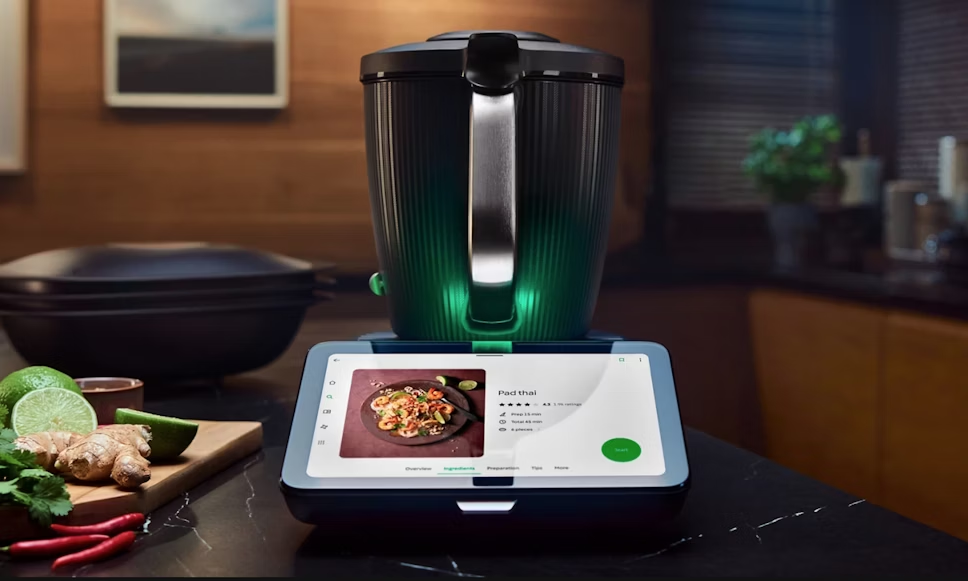
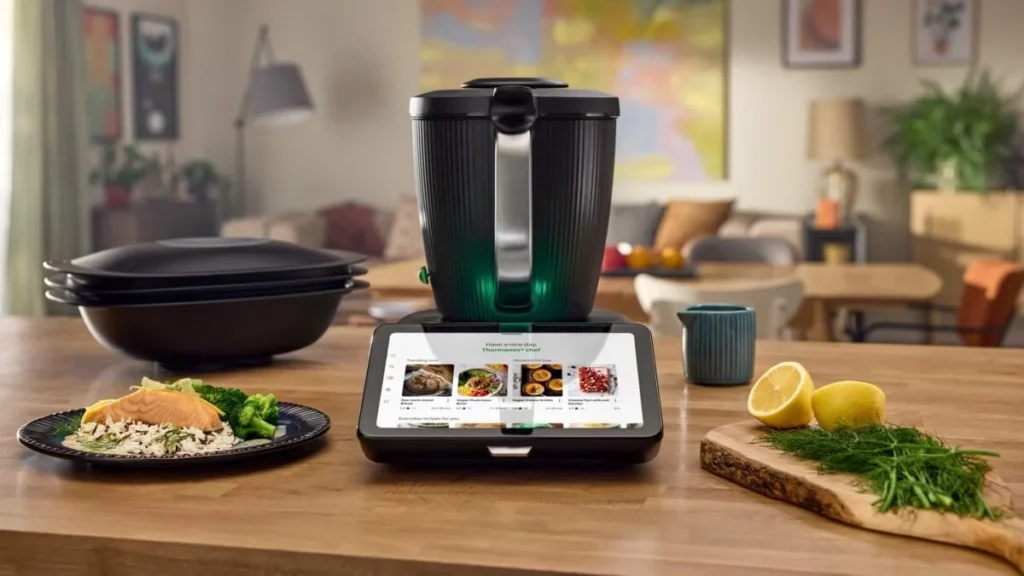
    The best protection for the Thermomix TM7 screen will be tempered or hybrid glass. They provide the highest level of safety against scratches, grease, or accidental impacts in the kitchen. However, if you care about fewer fingerprints, better visibility under light, or often use the TM7 with wet hands — a matte or anti-reflective film will work great. Below you will find a detailed comparison and ranking of the best solutions.

    Why it’s worth protecting the screen on the Thermomix TM7

    The value of the device and the need for protection

    The Thermomix TM7 is already a premium device in the kitchen — a touchscreen, often used in kitchen conditions (water, steam, grease). Scratches, stains, or reflections can hinder operation and reduce user comfort.

    What threats to the screen?

    • Scratches — sharp surfaces, pots, or knives can touch the panel.
    • Stains, fingerprints, steam — a screen used in the kitchen can get dirty and lose readability.
    • Reflections and glare — if the screen in the kitchen is close to a window or lighting, it may be less readable.
    • Moisture and steam — although the device is sturdy, the screen is not infinitely resistant to continuous exposure in difficult conditions.

    What does glass or protective film provide?

    • Creates a protective layer that absorbs micro-damage or scratches.
    • Facilitates cleaning — good films have oleophobic coatings, leaving fewer fingerprints.
    • In the case of matte or anti-reflective films: better visibility in bright light.
    • In the case of well-fitted products: minimal impact on touch functionality and the appearance of the device.
    Table: the best glasses and protective films for Thermomix TM7

    ProductType of protectionGreatest advantageFor whom?Price
    Tech-Protect Glass Fit+ (2-Pack)9H tempered glassMaximum protection, two-packFor frequent and intense use45.00 PLN
    3MK FlexibleGlass LiteHybrid glassThin, flexible, premiumFor those wanting protection without adding bulk to the screen74.90 PLN
    GrizzGlass HybridGlass9H hybrid glassBest price/quality ratioFor budget users19.99 PLN
    GrizzGlass HybridGlass (duplicate)9H hybrid glassCheap, durable, universalAs a spare or cheaper alternative19.99 PLN
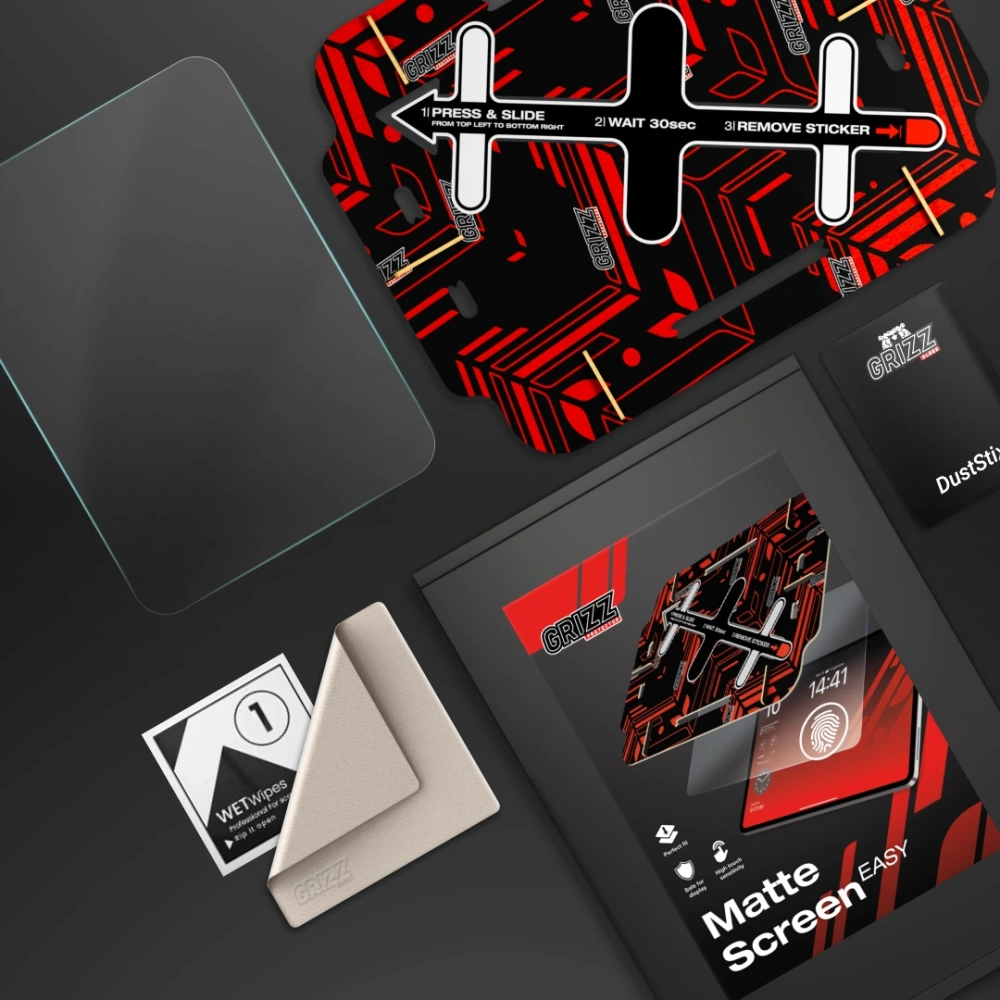
    GrizzGlass MatteScreen EasyMatte filmAnti-reflective, zero fingerprintsFor bright kitchens / under light69.99 PLN
    GrizzGlass PaperScreenMatte film “paper-feel”Best comfort and matte effectFor those who don’t want glare on the screen24.99 PLN
    GrizzGlass CeramicFilmCeramic filmThinnest, resistant, flexibleFor light protection and frequent work with wet hands18.99 PLN

    What is the best tempered glass for Thermomix TM7?

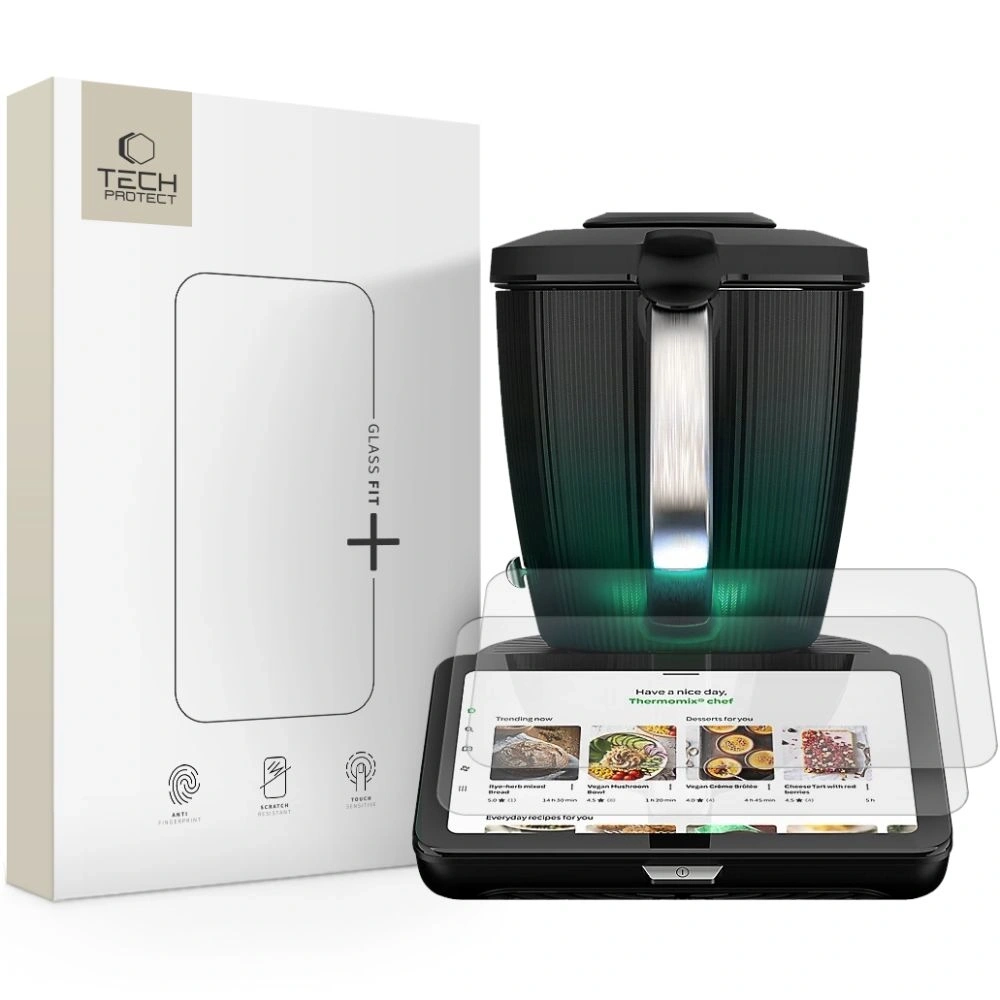
    Tech-Protect Glass Fit+ (2-Pack)

    Type: tempered glass 9H
    Price: 45.00 PLN

    Why is it worth it?

    Tech-Protect Glass Fit+ is a durable tempered glass for Thermomix TM7, designed for kitchen challenges — high hardness 9H provides protection against scratches and impacts, and the two-pack offers economic advantages.

    Key features and properties:

    • Hardness 9H.
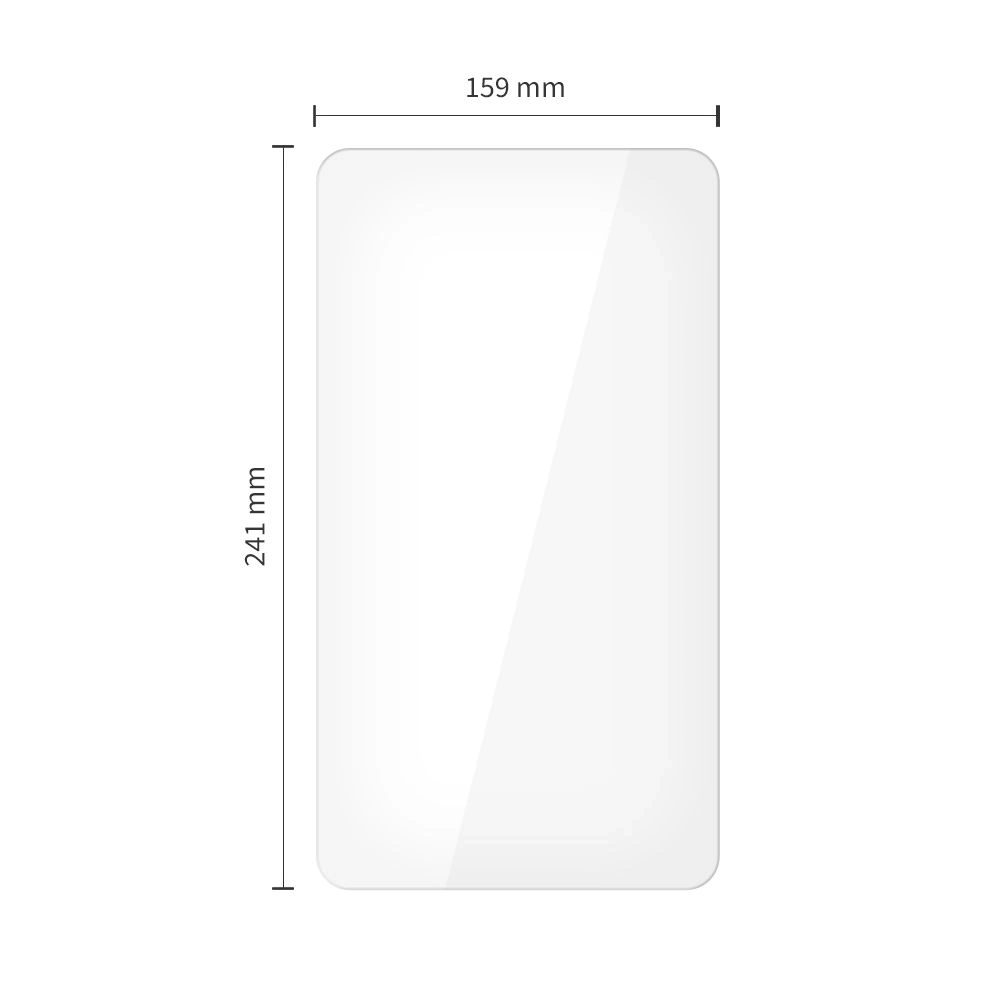
    • Perfect fit for the Thermomix TM7 screen.
    • Oleophobic coating.
    • Very high transparency.

    Pros and cons:
    Pros: maximum protection, one of the best options, great value with 2 pieces.
    Cons: thicker than films, installation requires precision.

    For whom?
    For those who want the best tempered glass for Thermomix TM7 — e.g., in conditions of intensive use.

    What is the best hybrid glass for Thermomix TM7?

    3MK FlexibleGlass Lite for Thermomix TM7

    Type: hybrid glass (flexible glass)
    Price: 74.90 PLN

    Why is it worth it?
    3MK FlexibleGlass Lite is a top-class hybrid glass for Thermomix TM7, which combines the durability of glass with the flexibility of film. It perfectly adapts to the curves of the screen, does not crack under pressure, and provides protection close to tempered glass. It is a premium choice, especially if you care about a thin, invisible protective layer.
    Key features and properties:

    • flexible construction resistant to cracking,
    • hardness 7H – high scratch protection,
    • ultra-thin profile that does not thicken the screen,
    • coating that reduces fingerprints,
    • full compatibility with touch and colors of the TM7 screen.

    Pros and cons:
    Pros:

    • the best hybrid glass for Thermomix TM7 in premium version,
    • thin and practically invisible,
    • very easy to install,
    • resistant to bending and chipping.

    Cons:

    • higher price,
    • somewhat lower impact resistance than classic 9H tempered glass.

    For whom?
    For users looking for very thin and flexible protection that looks like a screen without any protection — while still providing real resistance.


    Best Budget Hybrid Glass for Thermomix TM7

    GrizzGlass HybridGlass for Thermomix TM7

    Type: hybrid glass 9H
    Price: 19.99 PLN

    Why is it worth it?
    GrizzGlass HybridGlass is the most cost-effective option on the market if you need cheap and effective protection. It is a cheaper alternative to hybrid glass for Thermomix TM7, which, thanks to its 9H hardness, protects the screen from typical scratches in the kitchen. It is thin, flexible, and adheres well to the surface.

    Key features and properties:

    • thin and flexible construction,
    • surface hardness of 9H,
    • high resistance to scratches and abrasions,
    • glue on the entire surface – better grip,
    • good transparency and natural colors.

    Pros and cons:
    Pros:

    Cons:

    • somewhat worse oleophobic coating,
    • less premium than 3MK models.

    For whom?
    Perfect for those who want solid protection at the lowest price, without the need to invest in premium models.


    Best Matte Film for Thermomix TM7

    GrizzGlass MatteScreen Easy for Thermomix TM7

    Type: matte / anti-reflective film
    Price: 69.99 PLN

    Why choose this model?

    GrizzGlass MatteScreen Easy is a high-quality matte film for Thermomix TM7, designed for users who want to reduce light reflections, glare, and fingerprints. It works perfectly in bright kitchens — especially where the screen is close to a window or under strong lighting. Its greatest advantage is the ease of installation, which will be appreciated by anyone who does not like to deal with precise glass application.

    Key features and properties:

    • matte finish – zero reflections and much better visibility in light,
    • resistance to streaks, grease, and fingerprints,
    • pleasant, slightly rough surface (greater comfort for finger movement),
    • perfect fit for the Thermomix TM7 panel,
    • flexible material that is easy to apply.

    Pros and cons in everyday use:

    Pros:

    • one of the best matte films for the Thermomix TM7,
    • ideal for bright rooms,
    • high resistance to fingerprints,
    • exceptionally easy installation — great for beginners,
    • does not shatter like glass.

    Cons:

    • less mechanical protection than 9H tempered glass,
    • slightly reduces screen contrast (typical for matte films).

    Who is it the best choice for?

    For those who want a screen without reflections, without greasy stains, and without installation issues — the ideal anti-reflective film for the Thermomix TM7 for everyday kitchen use.


    Best paper-feel film for Thermomix TM7

    GrizzGlass PaperScreen for Thermomix TM7

    Type: matte “paper” film
    Price: 24.99 PLN

    Why choose this model?

    GrizzGlass PaperScreen is a unique paper-feel film for Thermomix TM7 that provides an ultra-matte, slightly textured surface effect. This means the screen does not glare, does not reflect light, and is much more resistant to dirt. It is one of the most economical options, while also being very functional — ideal if you care about maximum visual comfort.

    Key features and properties:

    • matte, “paper-like” finish,
    • high resistance to smudges and grease,
    • natural image reproduction without reflections,
    • thin, flexible construction,
    • very easy installation even without experience.

    Pros and cons:

    Pros:

    • great matte film for Thermomix TM7 at a very affordable price,
    • ideal for kitchens with a lot of light,
    • practically no fingerprints,
    • does not shatter like glass and is slightly flexible.

    Cons:

    • minimal decrease in image sharpness (typical for paper-feel films),
    • does not protect as well against impacts as glass.

    Who is it the best choice for?

    For those looking for a budget-friendly and very comfortable matte film for Thermomix TM7 that reduces light reflections to zero.


    Best ceramic film for Thermomix TM7

    GrizzGlass CeramicFilm for Thermomix TM7

    Type: ceramic film / flexible
    Price: 18.99 PLN

    Why choose this model?

    GrizzGlass CeramicFilm is a thin, flexible, and resistant ceramic film for Thermomix TM7, designed as a compromise between film and glass. It is more resistant than classic film, but at the same time does not shatter like glass. It works great in everyday use, especially when frequently using the device with wet hands.

    Key features and properties:

    • ceramic material — more durable than regular film,
    • thin and durable construction,
    • high transparency,
    • fingerprint-reducing coating,
    • good resistance to minor scratches.

    Pros and cons:

    Pros:

    • the most durable film in its class,
    • very attractively priced,
    • does not shatter like glass,
    • pleasant to the touch, responds well to damp hands.

    Cons:

    • lower resistance than tempered glass,
    • may require more precise installation.

    Who is it the best choice for?

    For those who want a flexible, thin, and durable film for the Thermomix TM7, but do not need full tempered glass.


    FAQ — frequently asked questions about Thermomix TM7

    ⭐ What is the difference between Thermomix TM7 and previous models?

    Thermomix TM7 offers an improved touchscreen, faster processor, more precise weighing, and a refreshed interface. The device operates more smoothly and quickly, and the new features enhance cooking convenience.

    ⭐ Does Thermomix TM7 require a Cookidoo subscription?

    The device also works without a subscription, but you will get the full capabilities (step-by-step guided recipes and planning in the app) with Cookidoo.

    ⭐ How to clean Thermomix TM7 without damaging it?

    Most of the bowl elements are washable, while the screen is best cleaned with a soft, damp cloth — without detergents. It is advisable to use a screen protector to avoid scratches and smudges.

    ⭐ Can the Thermomix TM7 replace other kitchen appliances?

    In many cases, yes. It replaces a blender, food processor, scale, steamer, mixer, and even some sous-vide cooking devices.

    ⭐ How long does cooking take in the Thermomix TM7?

    It depends on the recipe — most dishes are ready faster than traditionally. Cookidoo recipes provide exact times, and the device guides you through each step.

    ⭐ Is the Thermomix TM7 noisy?

    It is quieter than many blenders and food processors, but at the highest speeds, it still generates noise — especially when chopping hard products.

    ⭐ What tempered glass for the Thermomix TM7 is the best?

    The best parameters are offered by 9H tempered glass, e.g., Tech-Protect Glass Fit+, which provides the highest resistance to scratches and mechanical damage during everyday cooking.

    ⭐ Does hybrid glass for the Thermomix TM7 protect as well as tempered glass?

    Hybrid glass is more flexible and thinner, and its scratch resistance is very high. However, in terms of impact, tempered glass still provides the strongest protection.

    ⭐ Does a matte film on the Thermomix TM7 reduce image quality?

    Matte films slightly reduce contrast, but in return, they eliminate reflections and fingerprints, which improves visibility in bright light — especially in bright kitchens.

    ⭐ What protection to choose for the Thermomix TM7: glass or film?

    • Tempered glass — for maximum protection.
    • Hybrid glass — a compromise between durability and thin form.
    • Matte film — best visibility under light and no streaks.

    ⭐ Does screen protection affect touch sensitivity on the Thermomix TM7?

    No. Good glasses and films are designed not to limit touch response or fluidity of operation.

    ⭐ Is it easy to install screen protection on the Thermomix TM7?

    Yes, but with differences — matte films are the easiest to install, while tempered glass requires more precision to avoid bubbles.

  • Which case to choose for Galaxy Tab S11/S11 Ultra?

    Which case to choose for Galaxy Tab S11/S11 Ultra?

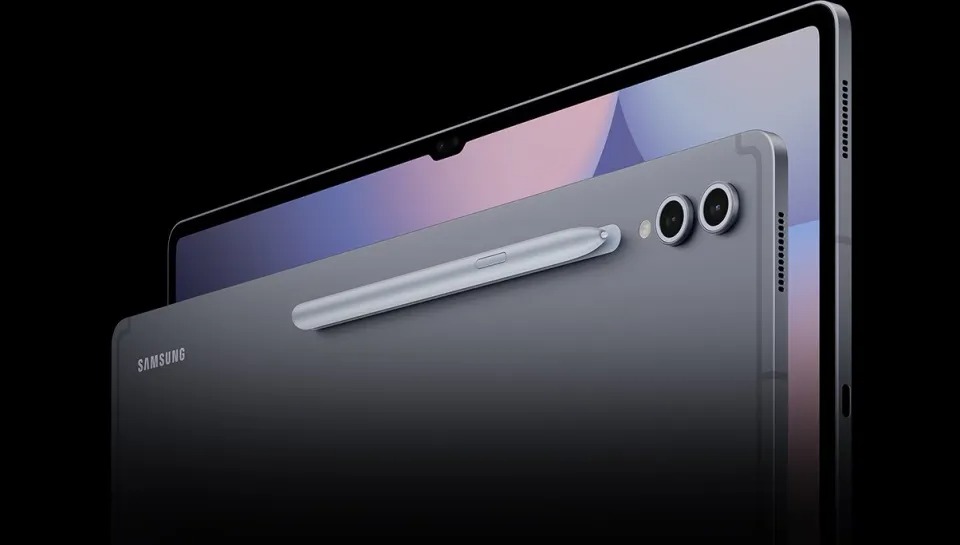
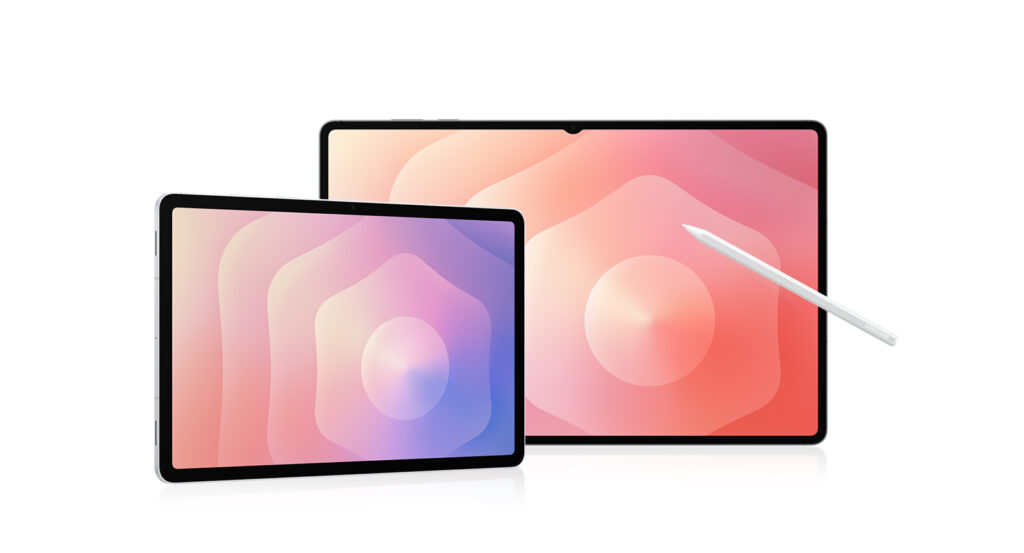
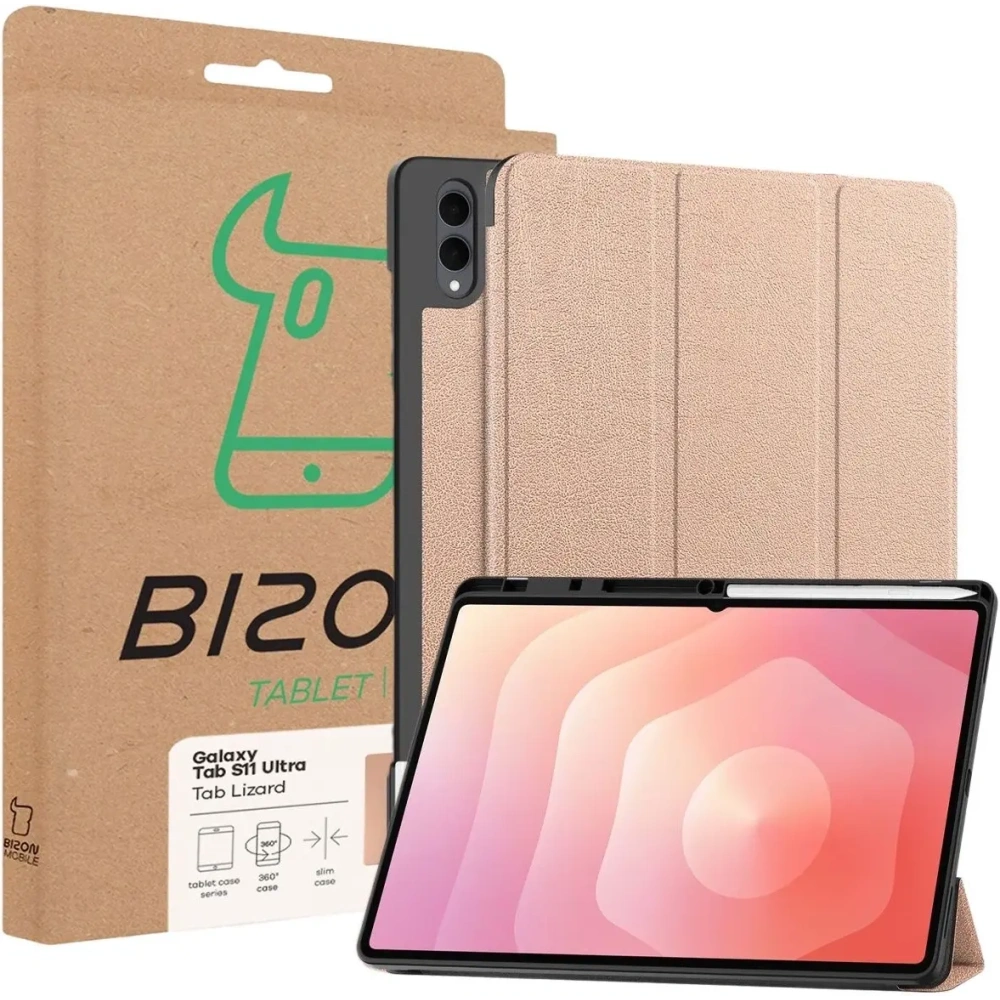
    If you have a Galaxy Tab S11, the best choice will be slim folio cases or lightweight hybrids that do not bulk up the 11-inch model — the Spigen Nano Pop, Tech-Protect SmartCase Pen + Keyboard, or the rugged Spigen Tough Armor Pro will work great.

    For the larger and heavier Galaxy Tab S11 Ultra, it’s better to choose a folio case, stand, or premium construction, such as the Bizon Case Tab Lizard, Spigen Airskin Pro, or the original Samsung Frame Cover.

    ⭐ TOP 5 cases for Samsung Galaxy Tab S11

    PlaceCase ModelTypeBiggest AdvantagePrice
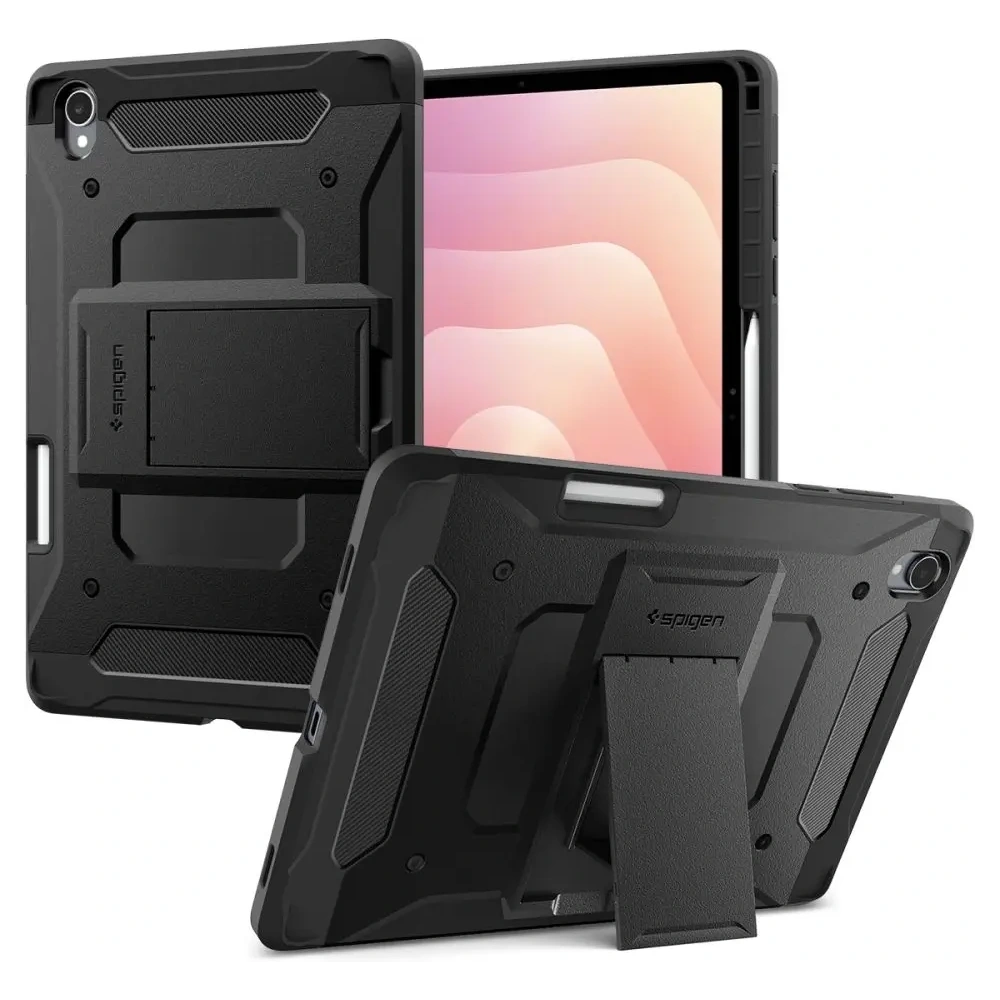
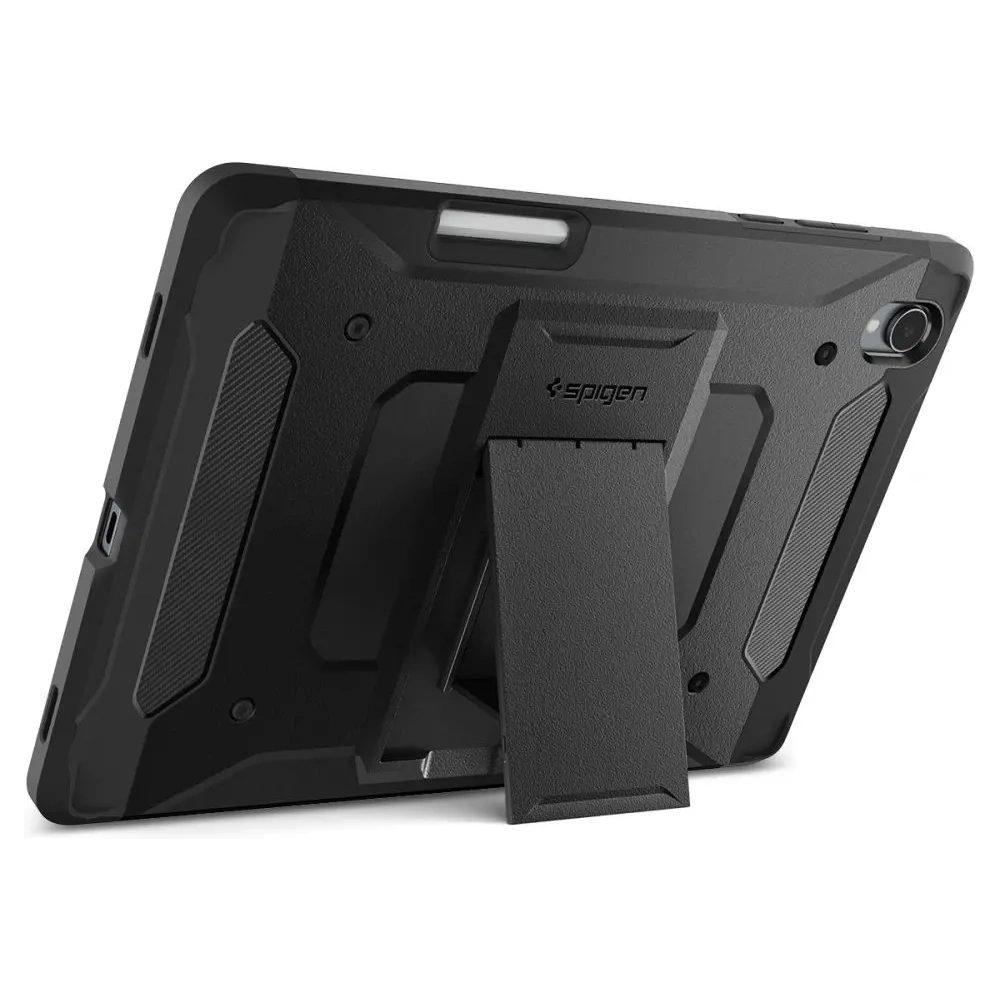
    1Spigen Tough Armor Pro Samsung Galaxy Tab S11 11.0 X730 / X736Rugged, MIL-STD 810G 516.6Strongest protection, kickstand229 PLN
    2Tech-Protect SmartCase Pen + Keyboard for Galaxy Tab S11 11.0 X730 / X736BFlip + keyboardReplaces a laptop, space for S Pen179 PLN
    3Spigen Nano Pop for Samsung Galaxy Tab S11 11.0 X730 / X736BSiliconeLightweight, comfortable, great grip125 PLN
    4Tech-Protect Solid for Samsung Galaxy Tab S11 11.0 X730 / X736BHybrid armorStiff, durable protection129 PLN
    5Bizon Case Tab Clear Matt for Samsung Galaxy Tab S11 (flip)Flip caseBudget choice for everyday use99 PLN

    What are the best cases for Galaxy Tab S11?

    1. Spigen Tough Armor Pro — rugged case for maximum protection

    Price: 229.00 PLN

    Why it’s worth it:

    • Spigen Tough Armor Pro is a design compliant with the standard MIL-STD 810G 516.6 — provides protection against drops, shocks, and harsh conditions.
    • Thick, multi-layered material with reinforced corners — absorbs impacts and protects the back and sides of the tablet.
    • Built-in kickstand — useful for watching movies, presentations, video calls, or working.
    • Perfect fit for the S11 model — no elements protrude, the protections fit perfectly.
    • This case is for those who treat their tablet as a tool — for fieldwork, travel, for children, or simply want to have 100% certainty that the device is safe.

    2. Tech-Protect SmartCase Pen + Keyboard — case-keyboard for work, study, and productivity

    Price: 179.00 PLN

    Why it’s worth it:

    • Tech-Protect SmartCase Pen + Keyboard turns the tablet into a mini-laptop — perfect for writing documents, emails, office work, and notes.
    • Slot for S Pen — convenient if you use the tablet for drawing, note-taking, graphic editing, or making annotations.
    • Protective flap with automatic wake/sleep screen function — battery saving and user convenience.
    • Stand function — stable positioning of the tablet horizontally or at an angle, which increases comfort for work or viewing.
    • Very practical if you treat the S11 as a device for both entertainment and work/projects.

    3. Spigen Nano Pop — lightweight case for everyday, mobile use

    Price: 125.00 PLN

    Why it’s worth it:

    • Spigen Nano Pop is a soft silicone case with a well-finished surface — pleasant to the touch and easy to keep clean.
    • Slim, thin design — the tablet remains lightweight and easy to carry, without unnecessary bulk.
    • Non-slip surface — the tablet sits well in hand, less likely to drop when carrying.
    • Precise fit — perfectly matches the shape and size of the S11, no ports or buttons are covered.
    • Good choice for everyday use: travel, reading, browsing the internet, daily wear — when you value comfort and mobility.

    4. Tech-Protect Solid — solid protection as a compromise between safety and cost

    Price: 129.00 PLN

    Why it’s worth it:

    • Tech-Protect Solid is a hard back + flexible frame — it absorbs falls well and protects the tablet from scratches, impacts, and scuffs.
    • The design is more subtle than in Tough Armor Pro — the tablet doesn’t look like “armor,” but is still protected.
    • Sleek and elegant form — when you don’t need extreme protection, but want a safe, everyday case.
    • Stand function (if provided) — convenient positioning of the tablet for watching movies or working.
    • Optimal choice for users looking for a balance between price, protection, and aesthetics.

    5. Bizon Case Tab Clear Matt — folio case, budget-friendly and practical

    Price: 99.00 PLN

    Why it’s worth it:

    • Bizon Case Tab Clear Matt features a protective flap — perfect if you often carry your tablet in a bag or backpack; it protects the screen from scratches and dirt.
    • Matte finish resistant to fingerprints — the case looks neat for longer.
    • Low price with decent protection — a good option if you want to secure your tablet without a large investment.
    • Stand function — convenient for watching movies or using the tablet at home.
    • A good option as a “daily” case: cheap, simple, functional.

    📌 Check more cases for Samsung Galaxy Tab S11


    Which case to choose for Samsung Galaxy Tab S11 Ultra?

    For the Samsung Galaxy Tab S11 Ultra, the best options are folio cases, lightweight premium models, and original accessories that provide good protection for the large 14.6″ screen. The most recommended are Spigen Airskin Pro (slim and elegant), Samsung Frame Cover (original premium protection), Bizon Case Tab Lizard (stylish folio) and Tech-Protect SmartCase Pen (budget-friendly, practical case).

    ⭐Table of the most interesting case proposals for Galaxy Tab S11 Ultra 14.6″

    PlaceCase ModelType / Key AdvantagePrice
    1Spigen Airskin ProSlim protective case – lightness + elegance275.00 PLN
    2Samsung Frame CoverOriginal manufacturer case – full compatibility + quality379.00 PLN
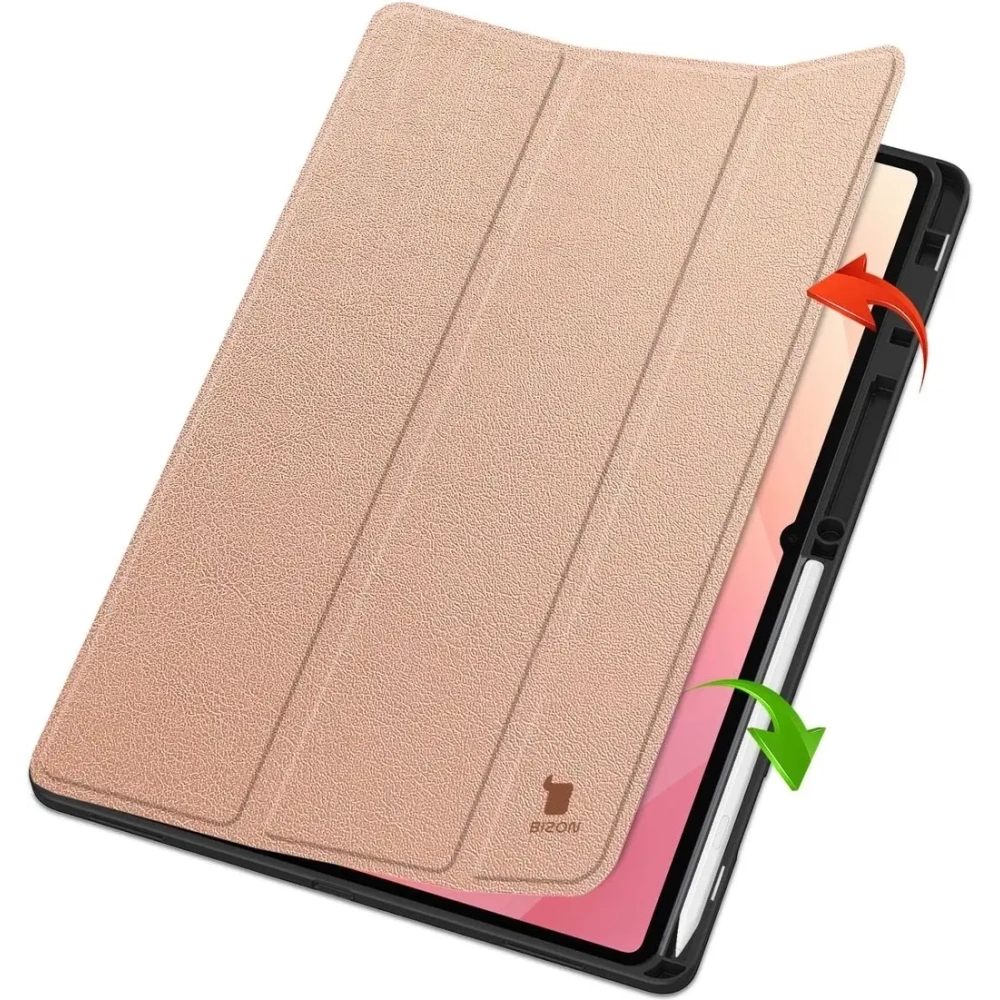
    3Bizon Case Tab Lizard (flap)Case with flap – screen protection + style + good for everyday use139.00 PLN
    4Tech-Protect SmartCase PenUniversal case with flap/stand – good protection + functionality99.00 PLN

    Which case to choose for Samsung Galaxy Tab S11 Ultra?

    Spigen Airskin Pro — slim, elegant, and durable case for a large tablet

    Price: 275.00 PLN

    Why it’s worth it:

    • Spigen Airskin Pro is a thin construction that does not bulk up the large 14.6-inch tablet — ideal if you care about mobility and aesthetics.
    • Hard polycarbonate + flexible frame protect the back and sides of the device from scratches and minor impacts.
    • Precise fit for the X930 / X936 model — all ports and buttons work perfectly.
    • Modern, premium look — a great choice for work, meetings, and professional applications.
    • Good for users who want protection but do not like heavy armored cases.

    Samsung Frame Cover — original, premium case from the manufacturer

    Price: 379.00 PLN

    Why it’s worth it:

    • Samsung Frame Cover is the highest compatibility — a case created by Samsung specifically for the Tab S11 Ultra, so everything works perfectly.
    • Premium quality: materials, fit, and ergonomics at a level that often cheaper, universal cases do not provide.
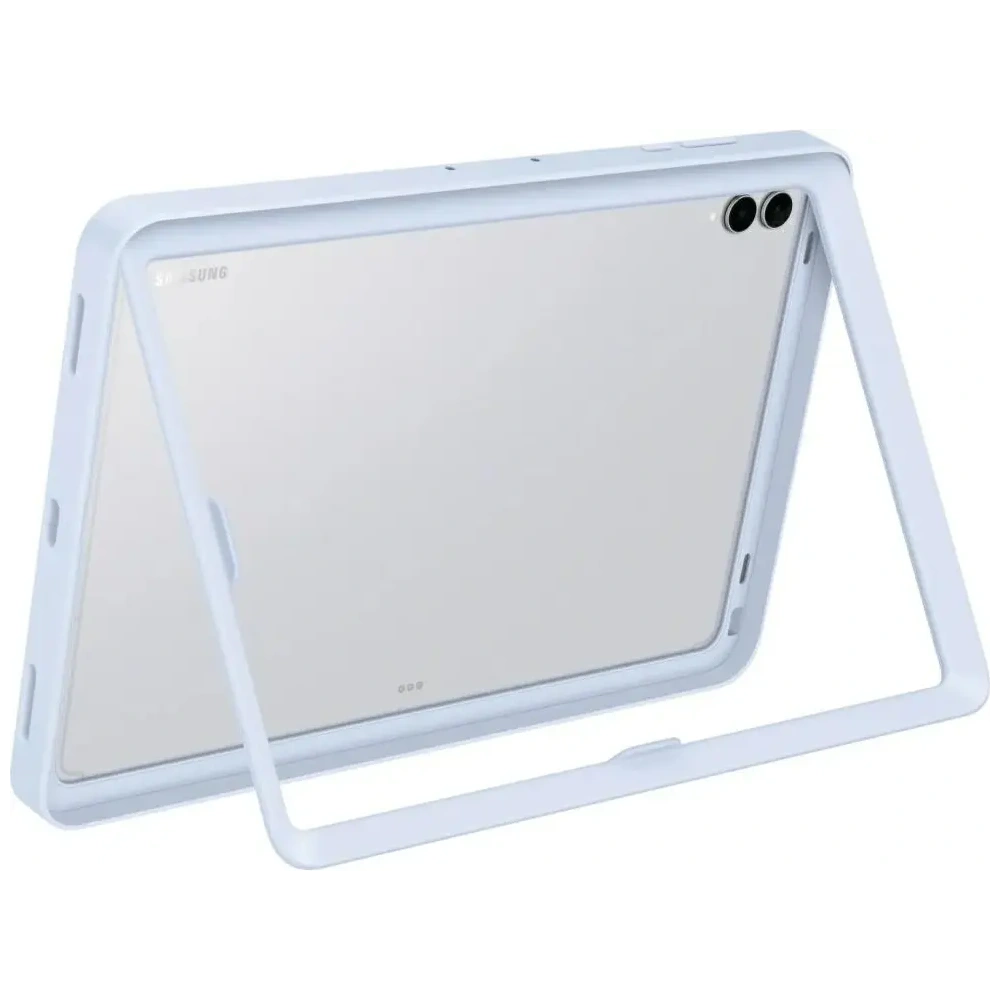
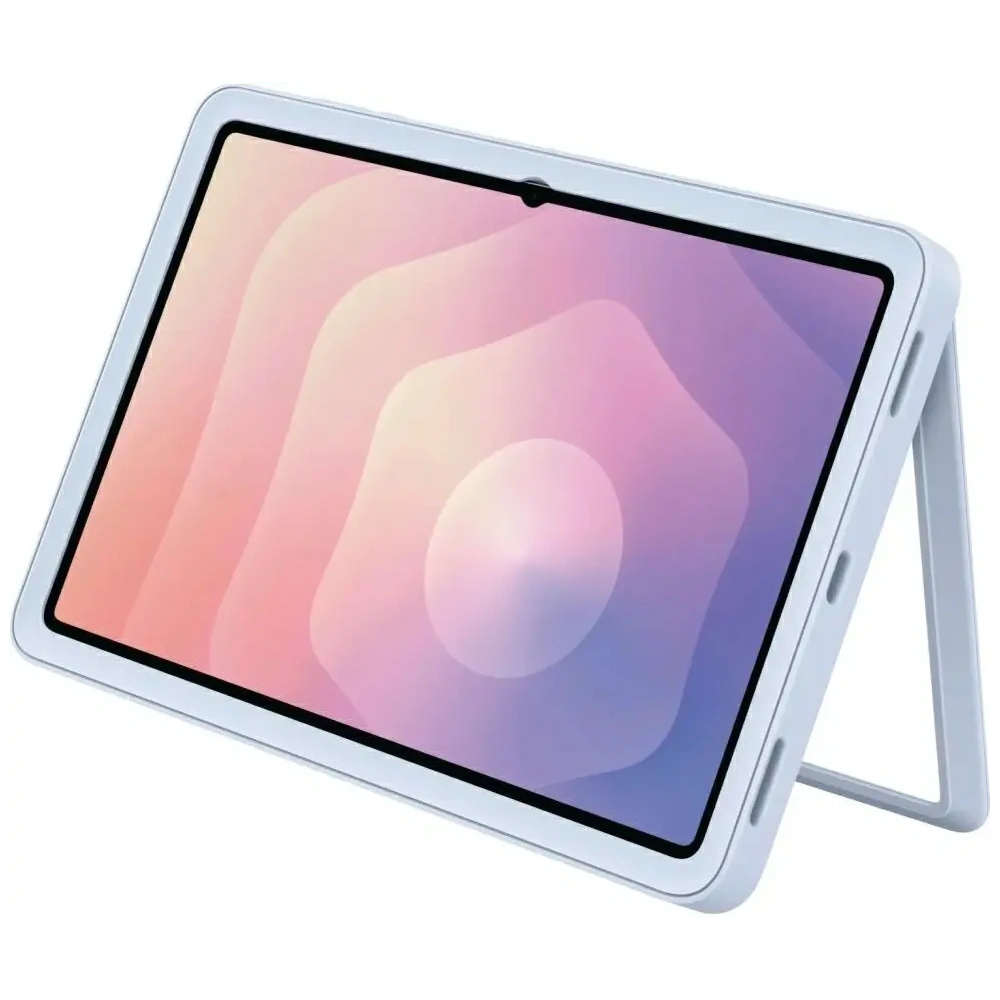
    • Lightweight, rigid protective frame keeps the device secure while maintaining the tablet’s original slimness.
    • Looks professional and minimalist — perfect for work, the office, and for those who value original accessories.
    • The best option if you want the original + the highest fit.

    Bizon Case Tab Lizard — elegant flip case for everyday use

    Price: 139.00 PLN

    Why it’s worth it:

    • Bizon Case Tab Lizard is a case with a flip that protects the huge 14.6″ screen during transport — perfect for a backpack, bag, everyday commuting.
    • Stylish “Lizard” texture — looks better than standard matte cases, adds character to the device.
    • Protects the tablet from scratches, dirt, and minor impacts while remaining light and slim.
    • Convenient stand function — great for watching movies, video calls, and working from home.
    • Ideal choice if you want something more elegant than a “smartcase,” but without overpaying.

    Tech-Protect SmartCase Pen — practical case with a flap and stand

    Price: 99.00 PLN

    Why it’s worth it:

    • Tech-Protect SmartCase Pen is the best budget option for the Galaxy Tab S11 Ultra — great price-to-functionality ratio.
    • Classic flap protecting the screen from scratches — important for a large format of 14.6″.
    • Built-in stand that makes watching movies, typing, and working at a desk easier.
    • Good fit for Ultra models from recent generations (S8/S9/S10/S11 Ultra).
    • Perfect if you are looking for a cheap, practical, and versatile case that will do its job without compromises.

    📌 Check more case for Samsung Galaxy Tab S11 Ultra


    ⭐ FAQ: Frequently Asked Questions about Samsung Galaxy Tab S11/ Tab S11 Ultra

    1. What is the difference between Samsung Galaxy Tab S11 and S11 Ultra?

    Galaxy Tab S11 is a compact, lighter 11″ model, while S11 Ultra is a large 14.6″ tablet with a bigger screen, better audio, and a larger battery. The Ultra is ideal for work and multimedia, while the S11 is for mobility.

    2. Does the case for Tab S11 fit the S11 Ultra version?

    No. They differ in size and camera layout, so you need to buy a case dedicated to a specific version.

    3. Is it worth paying extra for the Galaxy Tab S11 Ultra?

    Yes, if you use the tablet for work, movies, multitasking, drawing, or notes. If you need mobility and a lower price — the regular S11 is more than enough.

    4. Which case best protects the Galaxy Tab S11 Ultra?

    The strongest protection is provided by the Spigen Airskin Pro, and among folio cases — the Bizon Case Tab Lizard.

    5. Is it worth buying the original Samsung Frame Cover case?

    Yes, if you care about the best fit and premium quality.

    6. Which case is the lightest for the Galaxy Tab S11 Ultra?

    The slimmest model is the Spigen Airskin Pro.

    7. The best cheap case for the Galaxy Tab S11 Ultra?

    Tech-Protect SmartCase Pen (99 PLN).

  • Xiaomi Poco F8 Ultra or F7 Ultra – which is better?

    Xiaomi Poco F8 Ultra or F7 Ultra – which is better?

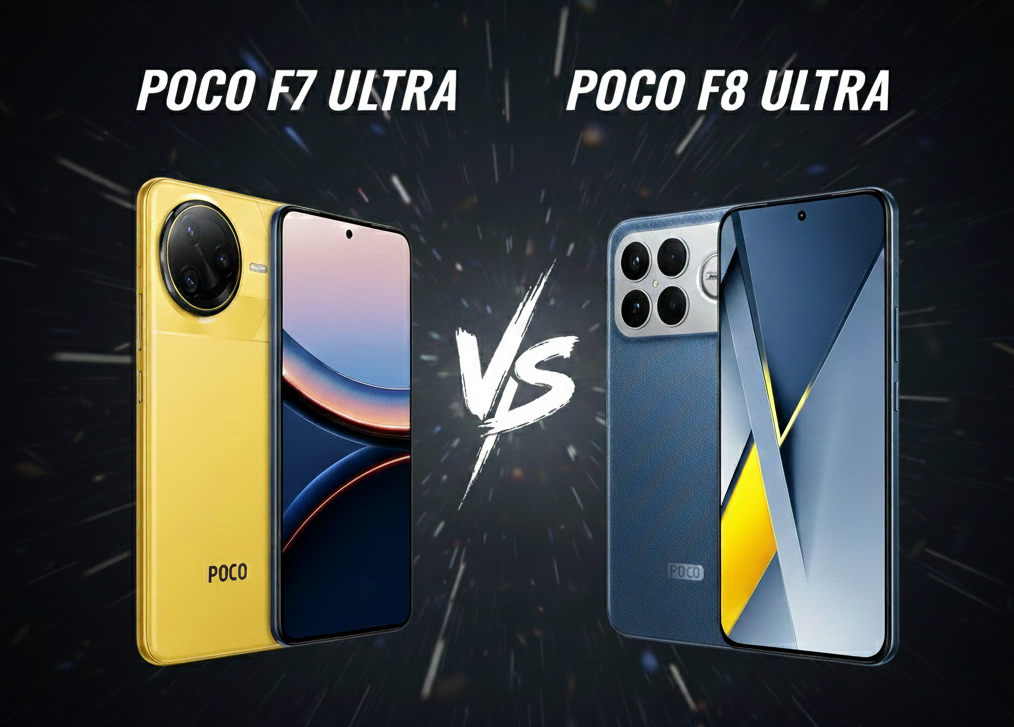
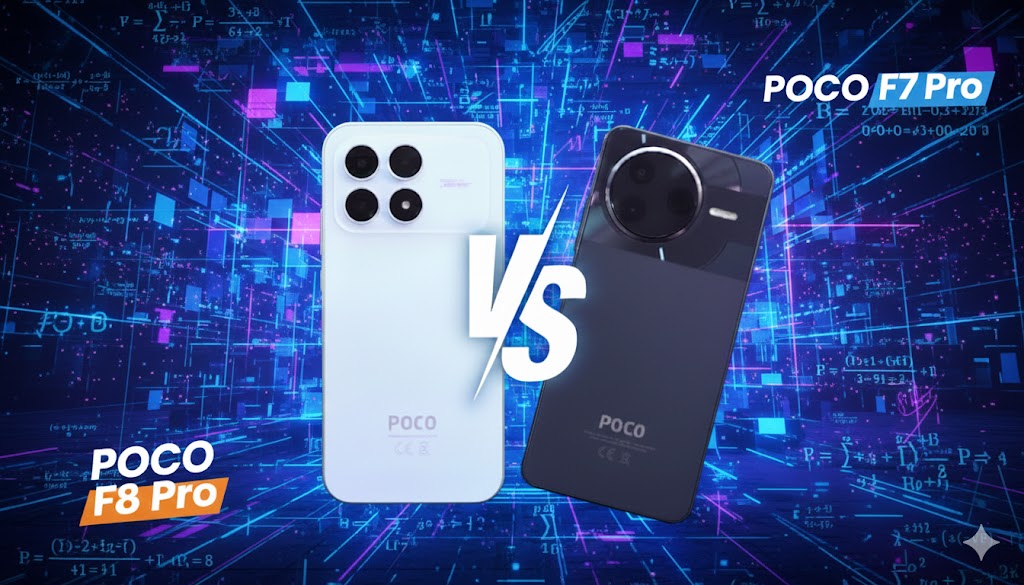
    The new Poco F8 Ultra offers a larger battery (6500 mAh), a better camera (5x periscope), Bose subwoofer speakers, and a top Snapdragon 8 Gen 5 processor. The older F7 Ultra still tempts with a sharper WQHD+ display, faster 120 W charging, and a lower price.

    📊 Comparison Table: Xiaomi Poco F7 Ultra vs F8 Ultra

    ParameterPoco F7 UltraPoco F8 Ultra
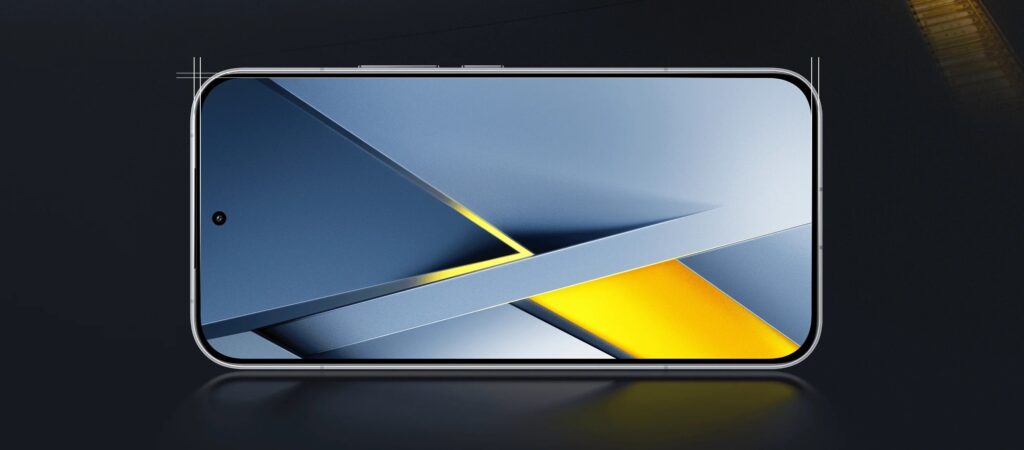
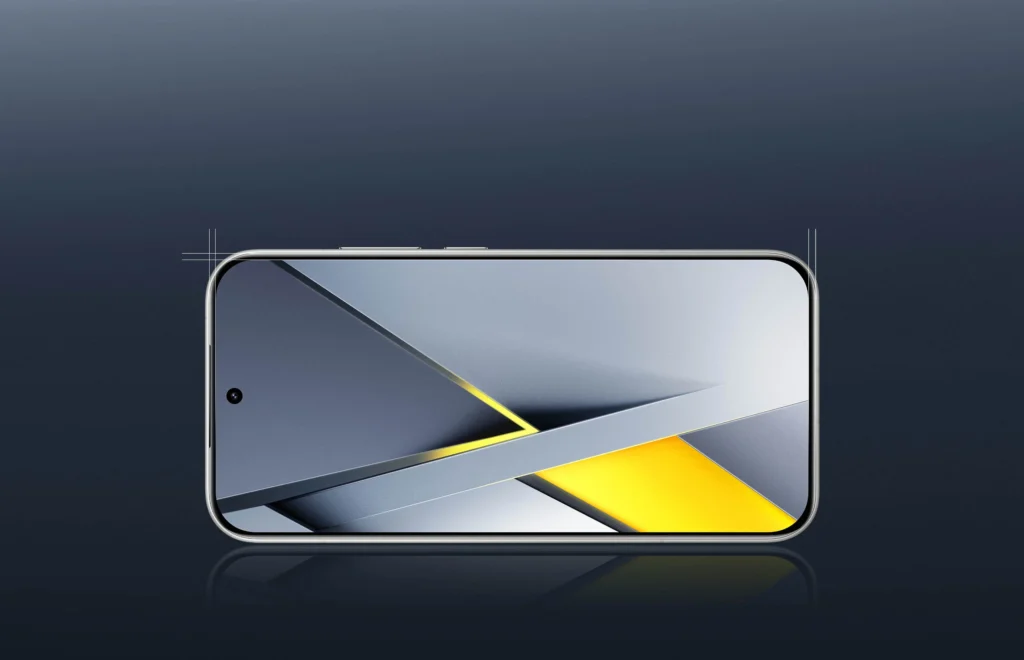
    Display6.67″ WQHD+ AMOLED, 120 Hz6.9″ AMOLED 1.5K, 120 Hz
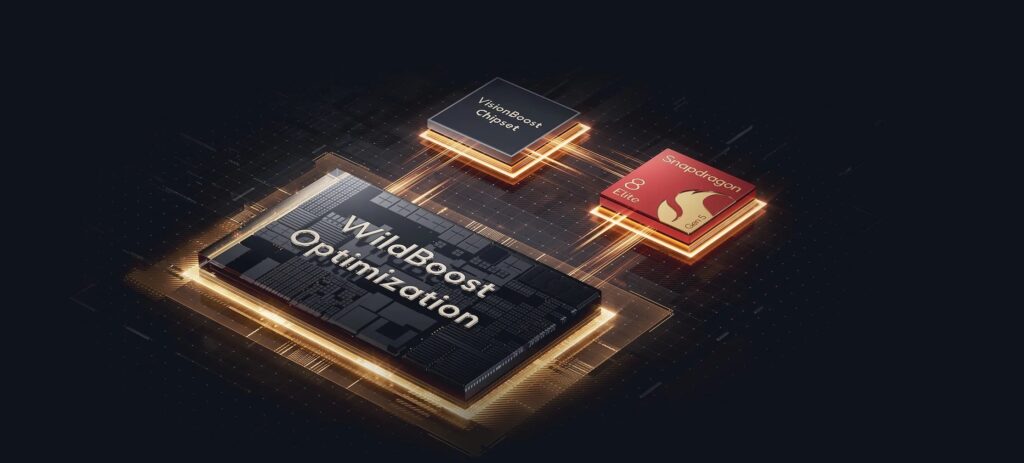
    ProcessorSnapdragon 8 EliteSnapdragon 8 Elite Gen 5
    Camera (rear)50 + 50 (tele 2.5x) + 32 Mpix (ultra)50 + 50 (5x periscope) + 50 Mpix (ultra)
    Camera (front)32 Mpix, FHD video32 Mpix, 4K video
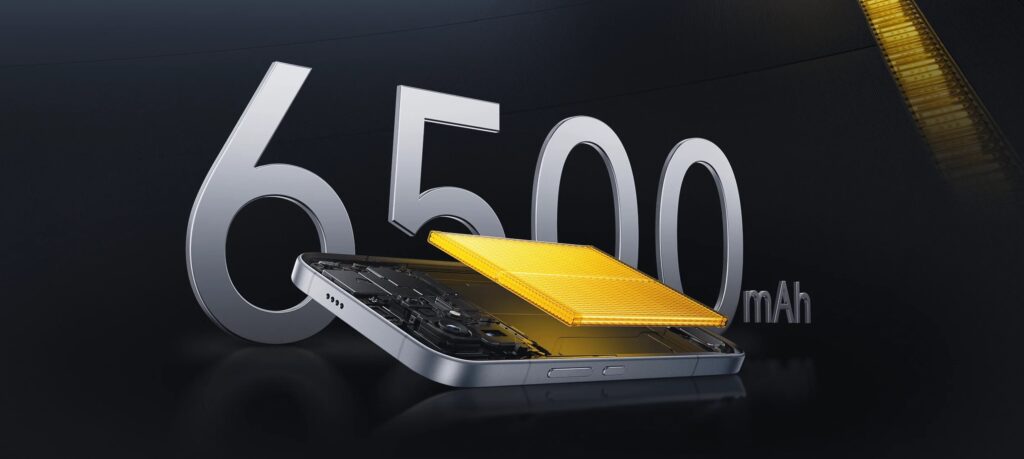
    Battery5300 mAh6500 mAh
    Charging120 W wired, 50 W wireless100 W wired, 50 W wireless, 22.5 W reverse
    AudioStereo 2.0 (Dolby Atmos)Stereo 2.1 + Bose subwoofer
    SystemAndroid 15, HyperOS 2Android 16, HyperOS 3
    Connectivity5G, Wi-Fi 7-ready, Bluetooth 5.4, IR, NFC5G + eSIM, Wi-Fi 7, Bluetooth 6.0, IR, NFC
    Price (PL)1875 zł (12/256 GB), 1999.99 zł (16/512 GB)2699 zł (12/256 GB), 2999 zł (16/512 GB)

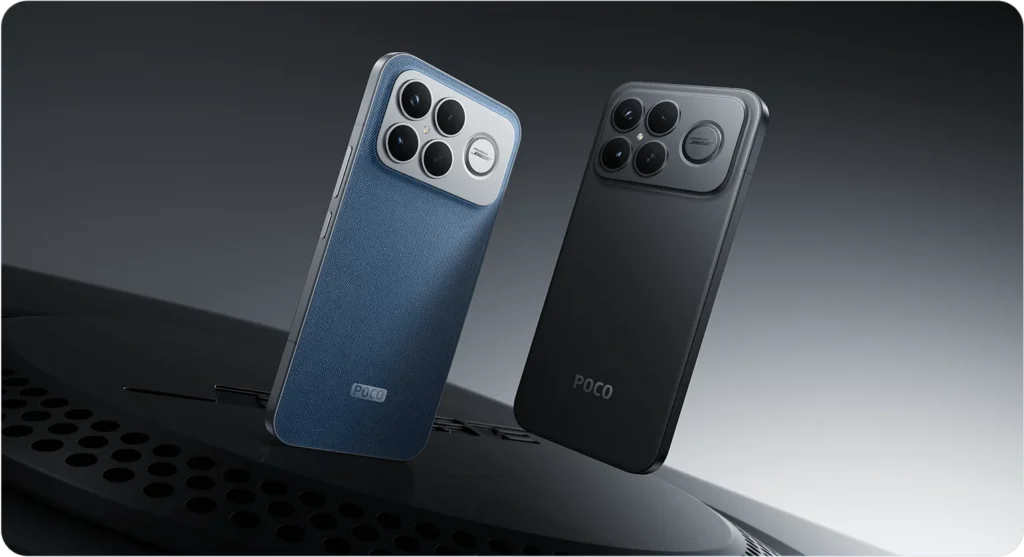
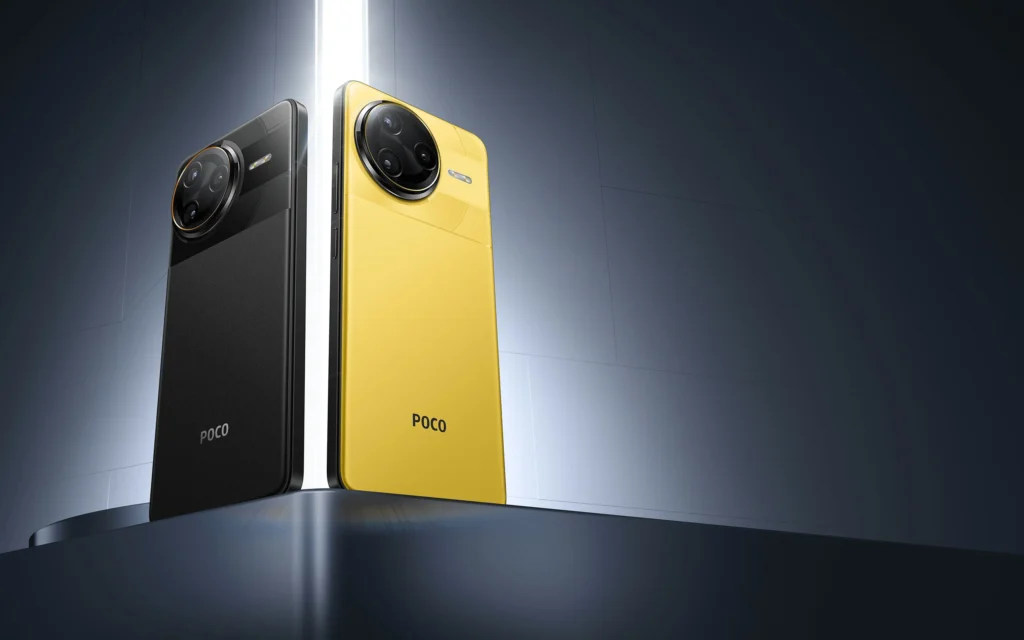
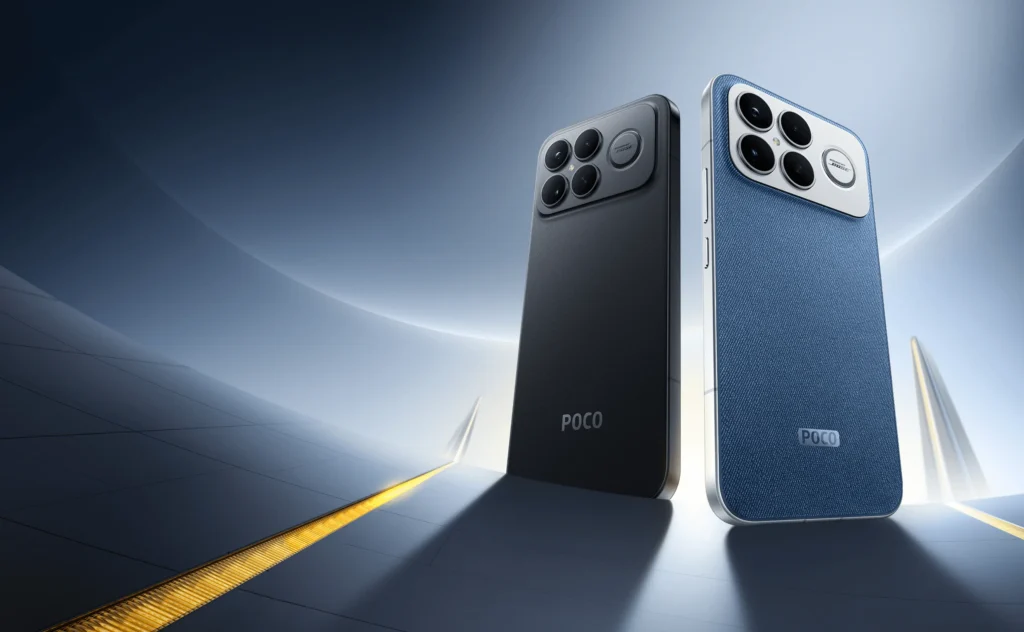
    What does the Poco F8 Ultra and F7 Ultra casing look like?

    What distinguishes the Denim Blue version with Bose subwoofer?

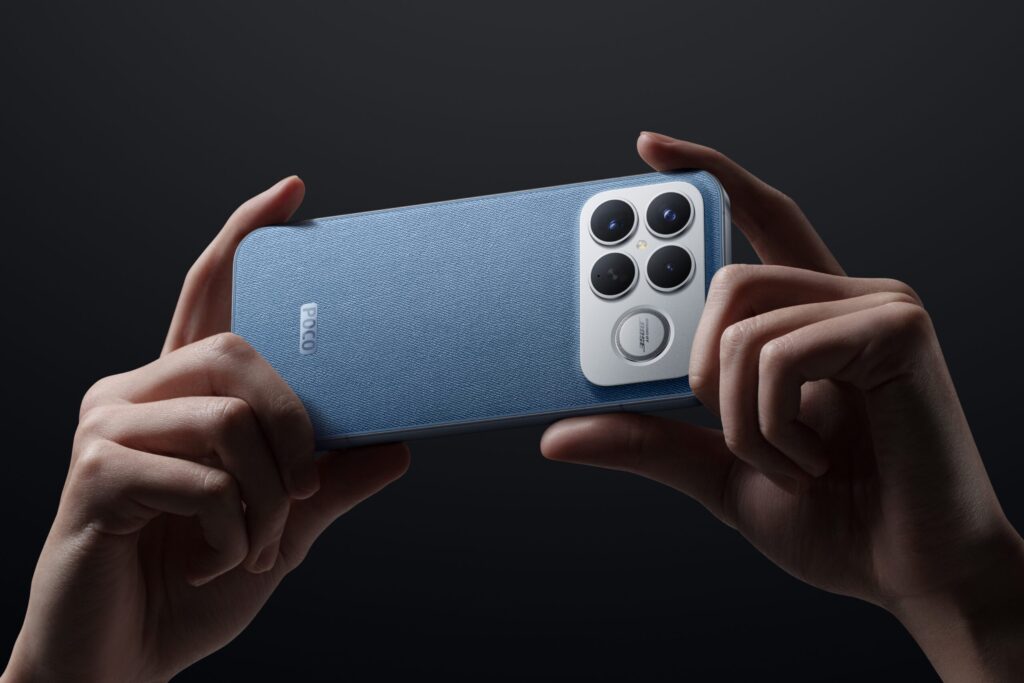
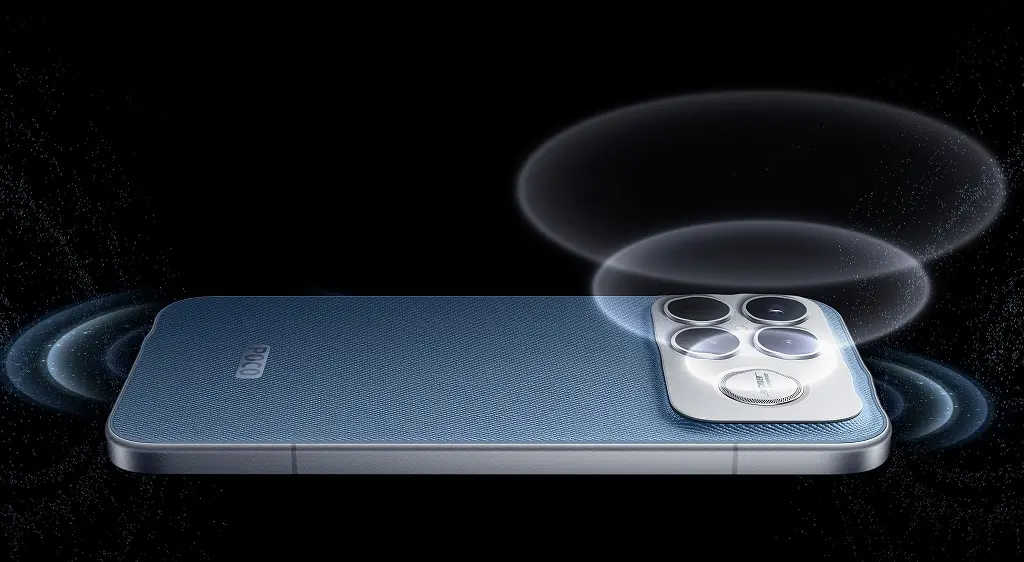
    Poco F8 Ultra in the Denim Blue variant stands out with its vivid, unique design. The back with a texture resembling denim fabric gives the device a stylish yet modern character. It is not real fabric, but the visual and tactile effect is very realistic. At the top of the casing, there is a Bose logo, indicating an unusual addition – a third bass speaker, serving as a subwoofer. As a result, the F8 Ultra offers fuller, deeper sound than most smartphones – especially when playing music and movies without headphones.

    Are both smartphones waterproof?

    Both Poco F7 Ultra and F8 Ultra are designed with everyday durability in mind. Both models feature a metal frame, which ensures structural solidity and an elegant finish. Additionally, they meet the IP68 standard, meaning they are resistant to dirt and immersion in water – up to a depth of 1.5 m for a maximum of 30 minutes. This is a useful feature, especially in the rain, during workouts, or on vacation.

    Dimensions and comfort – which model fits better in the hand?

    ModelDimensions (mm)Weight
    F8 Ultra163.33 × 77.82 × 8.05220 g
    F7 Ultra160.26 × 74.95 × 8.39212 g

    F8 Ultra is slightly larger, but at the same time it is thinner than its predecessor. Thanks to the rounded edges and well-balanced center of gravity, it remains comfortable to use, even with one hand. F7 Ultra is lighter and narrower – more compact, which may be appreciated by those who prefer smaller devices.

    What colors are the models available in?

    • Poco F7 Ultra: classic black and vibrant, recognizable yellow
    • Poco F8 Ultra: elegant black, pure white and unique Denim Blue

    The Denim Blue version is the strongest stylistic accent in the POCO lineup – it combines aesthetics with functionality (Bose speaker) and makes the device stand out from the competition.

    ➡️ Check the case for Poco F7 Ultra, if you want to protect the device without losing style.

    ➡️ In the case of F8 Ultra, check out accessories for Poco F8 Ultra – you will soon find all the necessary additions there, such as tempered glass for Poco F8 Ultra or case for Poco F8 Ultra.


    Poco F8 Ultra Display vs F7 Ultra

    Larger screen vs higher resolution – which provides a better effect?

    Poco F8 Ultra features a larger, 6.90-inch AMOLED LTPS display with a resolution of 1200 × 2608 px (~416 ppi). The 19.5:9 aspect ratio makes the screen wider and more spacious, ideal for movies, multitasking, and gaming.

    Poco F7 Ultra has a smaller, but noticeably sharper display: 6.67″ WQHD+ (1440 × 3200 px), which results in ~526 ppi. This provides noticeably better detail, especially when reading small fonts or browsing photos.

    Refresh Rate and Brightness – Are There Any Differences?

    • Both models offer a smooth 120 Hz, HDR10+ and Dolby Vision.
    • F8 Ultra: up to 3500 nits brightness – screen is great visible in sunlight.
    • F7 Ultra: also very bright (up to 3200 nits), but slightly lags behind the newer model.

    In summary:

    •  F7 Ultra – more detailed image, ideal for text work
    • F8 Ultra – larger, brighter screen, great for multimedia

    Processor and Performance – Which Poco is Stronger in Daily Use?

    Snapdragon 8 Elite vs Elite Gen 5 – How Do They Perform in Tests?

    Poco F7 Ultra is powered by the Snapdragon 8 Elite (SM8750-AB) processor with a clock speed of up to 4.32 GHz. At the time of its release, it was one of the most powerful mobile chipsets, offering excellent performance in games and applications.

    F8 Ultra takes it a step further — it features the latest Snapdragon 8 Elite Gen 5 (SM8850-AC) with a clock speed of up to 4.6 GHz and improved energy architecture (3 nm). In benchmarks like AnTuTu, the differences are clear:

    • AnTuTu: F8 Ultra approaches 3.86 million points, F7 Ultra around 2.63 million
    • Geekbench: F8 Ultra has about 24–25% higher single-core and multi-core performance

    RAM and storage – has anything changed?

    Both smartphones offer top configurations:

    • 12 GB or 16 GB LPDDR5X RAM
    • 256 GB or 512 GB UFS 4.1 storage
    • ❌ No microSD card slot – you cannot expand the storage

    System performance, loading applications or games with maximum details – in both cases it works great, but F8 Ultra provides a greater power reserve for the future.

    Summary:


    Camera – is Poco F8 Ultra the new leader in mobile photography?

    What can the main lenses in F8 Ultra and F7 Ultra do?

    Both models have very good, 50-megapixel main cameras with a large aperture (f/1.6–1.7) and optical image stabilization (OIS). This guarantees great photos during the day, good results after dark, and smooth shots in motion.

    However, differences appear with the additional lenses.

    Poco F8 Ultra – a strong advantage in zoom and wide angle

    • Ultrawide angle: 50 Mpix (vs 32 Mpix in F7 Ultra) – better detail and less distortion
    • Periscope telephoto lens: 50 Mpix with 5x optical zoom and OIS (vs 2.5x zoom in F7 Ultra)
    •  Front camera: 32 Mpix – in F8 Ultra it records 4K, in F7 Ultra only 1080p

    F8 Ultra offers better close-ups, more details, and more advanced photographic capabilities. Additionally, thanks to the periscope, photos taken from a distance maintain sharpness and quality.

    F7 Ultra – still very solid optics

    • Great main camera with OIS
    • 2.5x optical zoom with telephoto lens
    • Good daytime and nighttime shots
    • 32 Mpix front selfie

    In summary:

    •  F8 Ultra – better zoom, better wide angle, better video with selfies
    •  F7 Ultra – good main camera, decent telephoto lens

    Battery and charging – which Poco lasts longer, and which charges faster?

    Which one has a larger battery and better battery life?

    POCO F8 Ultra clearly wins in terms of capacity – it has a 6500 mAh battery that provides a very long usage time even with intensive use. POCO F7 Ultra has a slightly smaller 5300 mAh battery, which also lasts all day, but offers a shorter screen-on time.

    How do fast charging and wireless technologies look?

    F7 Ultra supports very fast 120 W wired charging (full charge in about 30 minutes), as well as 50 W wireless charging and 10–15 W reverse charging.
    F8 Ultra supports 100 W wired charging50 W wireless charging and 22.5 W reverse charging.

    Which model is better in terms of charging and battery?

    •  F8 Ultra – longer usage time, larger capacity, and stronger reverse charging
    • F7 Ultra – faster wired charging, slightly smaller battery

    ➡️ Need fast charging? Check out the available fast chargers for Poco F8 Ultra, compatible with Power Delivery technology.

    ➡️ For the older model, there are also chargers for Poco F7 Ultra, perfect for fully utilizing its capabilities.


    System and software – does the new Android and HyperOS make a difference?

    Android 16 vs Android 15 – what has changed?

    Poco F8 Ultra debuts with the latest Android 16, complemented by HyperOS 3, which is another version of the Xiaomi overlay created after moving away from MIUI. This system offers better optimization, AI support, smoother animations, and better integration with other Xiaomi devices.

    Poco F7 Ultra uses Android 15 and HyperOS 2, which still provides great smoothness, but may receive one update less in the future.

    What does HyperOS offer in practice?

    • Advanced interface customization
    • Intelligent memory manager
    • Gaming mode and advanced sound options
    • Longer support for F8 Ultra (Android updates + security)

    In everyday use, both phones operate very smoothly. But if you care about longer support and newer AI featuresF8 Ultra is the better future-proof choice.


    Memory and storage – is it worth paying extra for the 512 GB version?

    What memory variants do Poco F8 Ultra and F7 Ultra offer?

    Both models are available in identical configurations:

    • 12 GB or 16 GB RAM (standard LPDDR5X – fast and energy-efficient)
    • 256 GB or 512 GB internal storage (UFS 4.1 – very fast read/write)

    This means that regardless of the model, you can count on top performance in multitasking, gaming, video editing, or storing large files.

    Can memory be expanded with a microSD card?

    ❌ Unfortunately no. Neither the F8 Ultra nor the F7 Ultra have a memory card slot. This means that it’s worth deciding on the appropriate capacity right away – if you take a lot of photos, record 4K video, or use many offline games or applications, the 512 GB variant will be a safer choice.

    Brief comparison:

    • Both models offer fast memory and plenty of RAM
    • No microSD – the choice of capacity matters right away
    • F8 Ultra with 512 GB is a sensible investment “for years”

    Connectivity and sound – which Poco has better audio and eSIM?

    Do both models have 5G, Wi-Fi 7, and modern ports?

    Yes – both Poco F8 Ultra and F7 Ultra support the latest connectivity standards:

    • 5G dual SIM (supports two nanoSIM cards simultaneously)
    • Wi-Fi 7 – the fastest standard, backward compatible with Wi-Fi 6 and 5
    • Bluetooth:
      • F8 Ultra: 6.0
      • F7 Ultra: 5.4
    • NFC – for contactless payments on both
    • USB-C:
      • F8 Ultra: USB 3.2
      • F7 Ultra: USB 2.0
    • F8 Ultra additionally supports eSIM – a convenient solution for travelers

    Does the sound differ as well?

    Definitely yes! Poco F8 Ultra has an advantage in the audio system:

    • F8 Ultra: the first smartphone with triple 2.1 speaker setup – two stereo + Bose subwoofer
    • F7 Ultra: stereo with Dolby

    Which Poco Ultra is worth choosing?

    Poco F8 Ultra is a more modern, more efficient, and more multimedia-oriented model:

    ✅ larger battery (6500 mAh)
    ✅ more powerful processor (Snapdragon 8 Elite Gen 5)
    ✅ better additional cameras (5x zoom, 50 Mpix ultra wide)
    ✅ higher screen brightness and Bose subwoofer
    ✅ eSIM, USB 3.2, longer software support

    On the other hand, Poco F7 Ultra still has its strengths:

    ✅ sharper screen (WQHD+)
    ✅ faster charging (120 W)
    ✅ solid camera set and great design
    ✅ often lower price (especially the 12/256 GB version)

    In summary:

    • Choose Poco F8 Ultra if you care about maximum performance, cameras, and sound
    • Opt for F7 Ultra if you want a great flagship at a better price and with a sharper screen

    Frequently Asked Questions about Poco F8 Ultra and Poco F7 Ultra


    What screen does the Poco F8 Ultra have and is it better than the F7 Ultra?

    • The Poco F8 Ultra has a larger 6.9″ AMOLED screen (~1.5K) and very high brightness – up to 3500 nits.
    • The Poco F7 Ultra has a sharper 6.67″ WQHD+ display (526 ppi).
    • Choose the F8 Ultra if visibility is important to you, or the F7 Ultra if you value image sharpness.

    Does the Poco F8 Ultra have better sound than the F7 Ultra?

    • Yes – the F8 Ultra offers a unique 2.1 speaker system with a Bose subwoofer.
    • This is the first Poco smartphone with a dedicated subwoofer.

    Does the Poco F8 Ultra have eSIM and USB 3.2?

    • Yes, the F8 Ultra supports eSIM and fast USB-C 3.2.
    • The F7 Ultra does not offer eSIM and uses a USB 2.0 port.

    Which model has a better camera: Poco F7 Ultra or F8 Ultra?

    • F8 Ultra has 3 cameras 50 Mpix (main, ultra wide, and 5x tele), each with OIS.
    • F7 Ultra has a weaker ultra-wide (32 Mpix) and a 2.5x telephoto lens.
    • F8 Ultra wins in terms of zoom, detail, and night shots.

    How long does the battery last in Poco F8 Ultra and F7 Ultra?

    • F8 Ultra has a larger 6500 mAh battery and lasts noticeably longer.
    • F7 Ultra with 5300 mAh charges faster (120 W), but offers shorter usage time.

    Is it worth buying Poco F8 Ultra in 2025?

    • Yes, Poco F8 Ultra is one of the most advanced smartphones in its class. Great performance, a triple 50 Mpix camera, and a Bose subwoofer make it still a very cost-effective choice.
  • Xiaomi Poco F8 Pro vs Poco F7 Pro – detailed comparison

    Xiaomi Poco F8 Pro vs Poco F7 Pro – detailed comparison

    If you’re looking for the best POCO phone in Poland at the end of 2025, choose the POCO F8 Pro — it offers a more powerful processor, a better camera with a telephoto lens, and a larger battery with faster charging. But if you care about a great 2K screen and want to spend less than 2000 PLN, the POCO F7 Pro is still an excellent option.

    📊 Comparison of specifications POCO F7 PRO vs POCO F8 PRO

    Feature / ParameterPOCO F7 ProPOCO F8 Pro
    ProcessorSnapdragon 8 Gen 3Snapdragon 8 Elite (3 nm, Oryon)
    GPUAdreno 750Adreno 830
    RAM / Internal Memory12 GB LPDDR5X + 256 / 512 GB UFS 4.112 GB LPDDR5X + 256 / 512 GB UFS 4.1
    Screen6.67″ AMOLED, 3200×1440, 120 Hz6.59″ AMOLED, 2510×1156, 120 Hz, 3500 nit
    Rear Cameras50 MP (main) + 8 MP (ultrawide)50 MP (main) + 50 MP tele + 8 MP ultrawide
    Selfie Camera20 MP20 MP
    Battery6000 mAh6210 mAh
    Charging90W HyperCharge100W HyperCharge + 22.5W reverse charge
    Body / Dimensions / Weight160.26 × 74.95 × 8.12 mm — 206 g157.49 × 75.25 × 8.0 mm — 199 g
    SIM / eSIMDual nanoSIMnanoSIM + nanoSIM / nanoSIM + eSIM / eSIM + eSIM
    Water ResistanceIP68IP68
    Operating SystemHyperOS 2 (Android 15)HyperOS 3 (Android 16)
    Connectivity / Wi-Fi / BluetoothWi-Fi 7, Bluetooth 5.4Wi-Fi 7 (8×8 MU-MIMO), Bluetooth 5.4
    Approximate Price (PL)about 1800–2000 PLN (promotions)about 2099–2299 PLN

    Display and External Appearance

    What has changed in the design and screen of the POCO F8 Pro compared to the F7 Pro?

    In terms of appearance and build quality, both models present a high level, but the POCO F8 Pro introduces a few subtle changes that affect daily ergonomics:

    • Smaller dimensions and lower weight: The F8 Pro is shorter (157.5 mm vs 160.3 mm) and lighter (199 g vs 206 g), which translates to more comfortable one-handed use.
    • Rounded edges and better grip: The new shape of the F8 Pro features gentle curves and a thinner bottom bezel, making the phone fit better in the hand.
    • Identical IP68 resistance class: Both smartphones are resistant to dust and immersion in water up to 1.5 m for 30 minutes, confirming a high standard of construction.

    The change in form is not revolutionary, but the F8 Pro is noticeably more compact and “smoother” in daily use – without compromising on sturdiness.

    ➡️ If you want to improve the protection and grip of the device, choose the appropriate  case for POCO F7 Pro or case for POCO F8 Pro.


    Screen: sharpness vs brightness – which is better for the eyes?

    POCO F7 Pro impresses with its classic form – a flat 6.67″ AMOLED display with WQHD+ resolution (3200×1440 px) and thin, symmetrical bezels. With 12-bit color depth, support for HDR10+ and Dolby Vision, and very high sharpness (526 ppi), it is the perfect display for those who value detail – for reading, watching high-quality movies, or playing graphically intensive games.

    The POCO F8 Pro features a smaller 6.59″ screen with a resolution of 2510×1156 px (446 ppi). Importantly, it has a significantly higher peak brightness – up to 3500 nits (vs 3200 nits in F7 Pro), making it better for outdoor use. Additionally, it supports Wet Touch 2.0 mode, which increases touch responsiveness in rain or with wet fingers – a rarity even among flagships.

    Both displays support 120 Hz refresh rate and advanced dimming (PWM/DC), but differ in priority: F7 Pro focuses on sharpness and pixel density, while F8 Pro emphasizes comfort in all lighting conditions. – the screen responds better to touch in humid conditions. Both displays are top quality, but the choice depends on whether detail (F7 Pro) or brightness and response time (F8 Pro) is more important.

    ➡️ Check out the matching tempered glass for POCO F7 Pro or tempered glass for POCO F8 Pro to avoid screen damage.


    Cameras and Photo-Video Capabilities

    Telephoto vs No Tele – an advantage that is immediately visible

    Both smartphones use the same, very good 50 MP Light Fusion 800 sensor as the main camera. It is a 1/1.55″ matrix with OIS, large 2.0 μm pixels (after 4-in-1 merging) and excellent photo quality both day and night. However, this is where the similarities end.

    🔍 POCO F8 Pro – a huge leap thanks to the 50 MP telephoto lens

    F8 Pro is the only one in this pair that has a dedicated 50 MP telephoto lens with a focal length of 60 mm, which offers:

    • 2× optical zoom without quality loss,
    • significantly better portrait photos with natural background separation,
    • sharper detail photos from a greater distance,
    • Super Moon mode and adaptive zoom.

    This makes the F8 Pro clearly more versatile in photography.

    🌄 POCO F7 Pro – only wide and ultra-wide

    The F7 Pro offers two cameras:

    • 50 MP main (the same as in F8 Pro),
    • 8 MP ultra-wide.

    The lack of a telephoto lens means that any zoom is digital, so quality decreases with close-ups. Portraits also look weaker – the bokeh effect is more artificial.

    🎥 Video – both record in 8K, but the F8 Pro does it better

    • F7 Pro: 8K 24 fps, 4K 60 fps.
    • F8 Pro: 8K 30 fps, 4K 60 fps + more stabilization modes.

    Additionally, the F8 Pro offers:

    • director mode,
    • dual video recording,
    • ShootSteady,
    • better motion tracking.

    🤳 Selfie Camera – tie

    Both phones have the same 20 MP front camera, offering HDR, portrait mode, and 1080p 60 fps recording.

    Section summary: If you take a lot of photos, especially portraits and close-ups — the F8 Pro is a crushing winner. The F7 Pro delivers great quality from the main sensor, but it lacks versatility.


    Battery and Charging

    Greater capacity or greater convenience? Differences you feel every day

    In terms of battery, both models perform excellently, but they differ in their approach to runtime and additional features.

    🔋 POCO F7 Pro — solid 6000 mAh battery

    • Capacity: 6000 mAh
    • Wired charging: 90W HyperCharge
    • No reverse charging

    The F7 Pro provides very good runtime — even 7–8 hours SOT, and thanks to 90W, it can be charged quickly. It’s an excellent battery in its price range.

    ⚡ POCO F8 Pro — larger battery, faster charging, and power bank feature

    • Capacity: 6210 mAh (210 mAh more)
    • Wired charging: 100W HyperCharge (full charge in about 30 minutes)
    • Reverse charging 22.5W — you can charge headphones, a smartwatch, or a second phone

    The F8 Pro offers a realistically longer battery life (on average +40–60 minutes) and also acts as a portable power bank thanks to fast reverse charging.

    📌 Which smartphone has a better battery?

    • If you care about maximum convenience and the fastest charging → choose POCO F8 Pro.
    • If you want very good battery life at a lower price → the F7 Pro is still a great choice.

    In practice: the advantage of the F8 Pro is clear, as it combines greater capacity, better charging technology, and additional features that the F7 Pro does not offer.

    ➡️ To take full advantage of the 100W power, it’s worth checking fast chargers for POCO F8 Pro, which support the PD/PPS standard and enable the fastest possible charging of the phone.


    Performance and Computing Power

    Snapdragon 8 Gen 3 in POCO F7 Pro – powerful, stable, predictable

    Snapdragon 8 Gen 3 has long been Qualcomm’s most powerful processor and still performs excellently in 2025. It is a chip that guarantees:

    • high level of fluidity in applications,
    • stable performance even during long gaming sessions,
    • good cooling performance and energy efficiency.

    In everyday use, the F7 Pro operates dynamically — switching applications, multitasking, and media handling are fast and seamless. In gaming, the phone maintains frame rates very well, although in the heaviest FPS titles, it can slightly drop after longer sessions.

    In short: The F7 Pro still offers flagship-level performance but at a lower price.


    Snapdragon 8 Elite in POCO F8 Pro – groundbreaking Oryon architecture

    The Snapdragon 8 Elite is in a completely different league. Qualcomm has implemented the Oryon architecture, which is significantly more advanced than classic ARM cores.

    Key advantages:

    • significantly higher single-core performance, which is felt with every touch of the screen,
    • much stronger Performance cores, which maintain stable clock speeds under heavier loads,
    • better performance with AI and multimedia, which affects photo editing, video, transcription, and content recognition.

    In practice, the F8 Pro works faster — apps open instantly, animations are more responsive, and the phone hardly slows down even with 30–40 apps in the background.


    Smart System and Features

    HyperOS 2 vs HyperOS 3 – is the difference noticeable?

    The POCO F7 Pro runs on HyperOS 2 (Android 15), while the POCO F8 Pro debuts with HyperOS 3 basing on Android 16. Although the interface is visually similar, the differences are clear in performance and system features.

    HyperOS 3 in POCO F8 Pro — faster, smoother, smarter

    The new version of HyperOS introduces several improvements:

    • better energy management thanks to the new processor workload schedule,
    • more responsive animations — utilizing the higher performance of Oryon,
    • enhanced AI modules that speed up photo processing, translation, and search,
    • greater stability of background applications due to RAM optimization.

    F8 Pro also leverages the power of Snapdragon 8 Elite for AI features that F7 Pro does not support, e.g., at such quality or speed.

    HyperOS 2 in POCO F7 Pro — still fast, but less flexible

    HyperOS 2 is a very stable and lightweight system that offers:

    • fast app switching,
    • intuitive gestures,
    • wide customization options,
    • good RAM management.

    It works great, but it lacks some AI enhancements that only appeared in version 3.


    🔐 Security and biometrics

    Both phones offer:

    • ultrasonic fingerprint reader in the display,
    • AI face recognition,
    • regular security updates.

    The difference is that F8 Pro will be supported longer, as HyperOS 3 is a newer generation of the system.


    Conclusions — which system is better?

    • F7 Pro → fast, stable, polished, ideal for those who do not need next-generation AI features.
    • F8 Pro → more future-proof, faster in animations, smarter, better utilizes processor power.

    👉 If you care about up-to-date software and the best responsiveness — F8 Pro wins.


    Connectivity and Global Standards

    eSIM, 5G, Wi-Fi — this is where one of the key differences appears

    In terms of connectivity, both models offer a full set of modern technologies, but the POCO F8 Pro has a more flexible SIM configuration and newer wireless connectivity standards.


    SIM Cards — F8 Pro’s Advantage with eSIM Support

    POCO F7 Pro

    • Dual nanoSIM (2× physical cards)
      No eSIM support.

    POCO F8 Pro

    • nano SIM + nano SIM
      or
    • nano SIM + eSIM
      or
    • eSIM + eSIM

    eSIM requires activation with the operator and may have roaming restrictions — depending on the country and service provider.

    This is a significant advantage of the F8 Pro, especially for people using:

    • two numbers,
    • foreign profiles,
    • eSIM cards in a smartwatch or for easy operator switching.

    Supported 5G and LTE Bands

    Both phones support the same key bands:

    • 5G SA/NSA,
    • wide range of TDD and FDD bands for Europe,
    • full operator support in Poland (Orange, Play, Plus, T-Mobile).

    However, the F8 Pro has a somewhat richer list of bands, especially in 5G SA/NSA, making it more future-proof.


    📡 Wi-Fi and Bluetooth

    F7 Pro

    • Wi-Fi 7, Wi-Fi 6, Wi-Fi 5
    • Bluetooth 5.4

    F8 Pro

    • Wi-Fi 7 (more complete support, 8×8 MU-MIMO),
    • support for multiple links (multi-link),
    • Bluetooth 5.4,
    • support for LDAC, LHDC 5.0, AptX Adaptive, and a full set of codecs.

    In practice:

    • F8 Pro has more stable connections in crowded networks,
    • better BT sound quality,
    • lower latency in games.

    GPS and Location

    Both models have very broad support for global systems:

    • GPS L1+L5
    • Galileo E1+E5a
    • QZSS
    • GLONASS
    • Beidou
    • NavIC

    The differences in practice are minimal — both phones offer fast and precise positioning, even in the city.


    Connectivity Summary

    POCO F8 Pro wins because it offers:

    • eSIM in multiple configurations,
    • more advanced Wi-Fi 7,
    • a wider range of 5G bands,
    • better audio BT codecs.

    F7 Pro is still very good, but the F8 Pro offers more options and is more future-proof.


    Prices and Availability in Poland

    What are the prices of POCO F7 Pro and F8 Pro?

    • In official Polish sales, the list price of F8 Pro (12 GB RAM + 512 GB) is 2299 PLN.
    • The cheaper variant of F8 Pro (12/256 GB) started at 2099 PLN
    • Some stores may also have promotional offers — then the price may be lower, although it rarely drops to a level similar to F7 Pro. 

    Conclusions:

    • The F8 Pro currently ranks above the level of “budget flagships” — the price of around 2099–2299 PLN reflects its modern features (telephoto lens, eSIM, powerful processor).
    • If you find the F7 Pro on sale (~1800–2000 PLN), it may be more cost-effective with a good compromise between price and capabilities.
    • The F8 Pro offers more options for the future — better camera, eSIM, faster charging — but you will pay more for it.

    Summary: Which model to choose?

    🔥 POCO F8 Pro — the choice for those who want:

    • the best possible performance (Snapdragon 8 Elite with Oryon architecture),
    • a better camera with a 50 MP telephoto lens,
    • support for eSIM in various configurations,
    • a larger battery and 100W faster charging,
    • a more compact and lighter design,
    • longer system support (HyperOS 3).

    This is a more future-proof, versatile phone aimed at demanding users.


    💎 POCO F7 Pro — a choice for those who want:

    • an excellent screen WQHD+ 3200×1440 (a rarity at this price),
    • a very powerful Snapdragon 8 Gen 3 processor,
    • a large 6000 mAh battery with 90W fast charging,
    • top gaming performance at a lower price,
    • a reasonable price/quality ratio.

    This is the best choice if you care about flagship components but don’t want to exceed 2000 PLN (during promotions).


    Final Verdict

    • If you want the best POCO 2025, choose F8 Pro.
    • If you want the best value for money, choose F7 Pro.
    • If you mainly care about a 2K display, F7 Pro wins — F8 Pro has a brighter screen but with a lower resolution.
    • If you care about camera versatility, there’s no discussion — F8 Pro with a telephoto lens definitely wins.

    FAQ — Frequently Asked Questions

    ⭐ 1. Which POCO has a better camera — F7 Pro or F8 Pro?

    Definitely F8 Pro. It has a 50 MP telephoto lens with 2× optical zoom and better stabilization modes.
    F7 Pro only has a main camera + ultra-wide.


    ⭐ 2. Does POCO F7 Pro support eSIM?

    No. It only supports 2× nanoSIM.
    eSIM works exclusively on POCO F8 Pro.


    ⭐ 3. Which model has a better battery?

    The F8 Pro has a larger battery (6210 mAh) and faster 100W charging + reverse charging.
    The F7 Pro has 6000 mAh and 90W.


    ⭐ 4. Which screen is better?

    • F7 Pro — higher WQHD+ resolution and pixel density (ideal for content).
    • F8 Pro — much higher brightness (3500 nits) and better outdoor visibility.

    The choice depends on your priorities.


    ⭐ 5. Is it worth paying extra for the F8 Pro?

    Yes, if you care about the best cameras, eSIM, performance, and charging.
    If you want to spend less and have a great 2K screen — the F7 Pro is still excellent.


    ⭐ 6. Which model performs better in gaming?

    F8 Pro, thanks to the Adreno 830 GPU, is more stable during long sessions and heats up less.
    F7 Pro still delivers flagship performance, but F8 Pro wins in 3D gaming.


    ⭐ 7. Do both models have IP68 waterproofing?

    Yes — both F7 Pro and F8 Pro have IP68 (submersion 1.5 m for 30 min).

  • Xiaomi Poco F8 Pro vs Poco F7 Pro – detailed comparison

    Xiaomi Poco F8 Pro vs Poco F7 Pro – detailed comparison

    If you are looking for the best POCO phone in Poland at the end of 2025, choose the POCO F8 Pro — it offers a more powerful processor, a better camera with a telephoto lens, and a larger battery with faster charging. But if you care about a great 2K screen and want to spend less than 2000 PLN, the POCO F7 Pro is still an excellent option.

    📊 Comparison of specifications POCO F7 PRO vs POCO F8 PRO

    Feature / ParameterPOCO F7 ProPOCO F8 Pro
    ProcessorSnapdragon 8 Gen 3Snapdragon 8 Elite (3 nm, Oryon)
    GPUAdreno 750Adreno 830
    RAM / Internal Memory12 GB LPDDR5X + 256 / 512 GB UFS 4.112 GB LPDDR5X + 256 / 512 GB UFS 4.1
    Display6.67″ AMOLED, 3200×1440, 120 Hz6.59″ AMOLED, 2510×1156, 120 Hz, 3500 nit
    Rear Cameras50 MP (main) + 8 MP (ultrawide)50 MP (main) + 50 MP tele + 8 MP ultrawide
    Selfie Camera20 MP20 MP
    Battery6000 mAh6210 mAh
    Charging90W HyperCharge100W HyperCharge + 22.5W reverse charge
    Body / Dimensions / Weight160.26 × 74.95 × 8.12 mm — 206 g157.49 × 75.25 × 8.0 mm — 199 g
    SIM / eSIMDual nanoSIMnanoSIM + nanoSIM / nanoSIM + eSIM / eSIM + eSIM
    Water ResistanceIP68IP68
    Operating SystemHyperOS 2 (Android 15)HyperOS 3 (Android 16)
    Connectivity / Wi-Fi / BluetoothWi-Fi 7, Bluetooth 5.4Wi-Fi 7 (8×8 MU-MIMO), Bluetooth 5.4
    Approximate Price (PL)about 1800–2000 PLN (promotions)about 2099–2299 PLN

    Display and External Appearance

    What has changed in the design and display of POCO F8 Pro compared to F7 Pro?

    In terms of appearance and build quality, both models present a high level, but the POCO F8 Pro introduces a few subtle changes that affect daily ergonomics:

    • Smaller dimensions and lower weight: The F8 Pro is shorter (157.5 mm vs 160.3 mm) and lighter (199 g vs 206 g), which translates to more comfortable one-handed use.
    • Rounded edges and better grip: The new shape of the F8 Pro features gentle curves and a thinner bottom bezel, making the phone fit better in the hand.
    • Identical IP68 resistance class: Both smartphones are resistant to dust and immersion in water up to 1.5 m for 30 minutes, confirming a high standard of workmanship.

    The change in form is not revolutionary, but the F8 Pro is noticeably more compact and “smoother” in daily use – without compromising on sturdiness.

    ➡️ If you want to improve the protection and grip of the device, choose the appropriate  case for POCO F7 Pro or case for POCO F8 Pro.


    Screen: sharpness vs brightness – which is better for the eyes?

    POCO F7 Pro impresses with its classic form – a flat 6.67″ AMOLED display with WQHD+ resolution (3200×1440 px) and thin, symmetrical bezels. With 12-bit color depth, support for HDR10+ and Dolby Vision, and very high sharpness (526 ppi), it is the perfect display for those who value detail – for reading, watching high-quality movies, or playing graphically intensive games.

    The POCO F8 Pro features a smaller 6.59″ screen with a resolution of 2510×1156 px (446 ppi). Importantly, it has a significantly higher peak brightness – up to 3500 nits (vs 3200 nits in F7 Pro), making it better for outdoor use. Additionally, it supports Wet Touch 2.0 mode, which enhances touch responsiveness in rain or with wet fingers – a rarity even among flagships.

    Both displays support 120 Hz refresh rate and advanced dimming (PWM/DC), but differ in priority: F7 Pro focuses on sharpness and pixel density, while F8 Pro prioritizes comfort in all lighting conditions. – the screen responds better to touch in humid conditions. Both displays are top quality, but the choice depends on whether detail (F7 Pro) or brightness and response time (F8 Pro) is more important.

    ➡️ Check the matched tempered glass for POCO F7 Pro or tempered glass for POCO F8 Pro to avoid screen damage.


    Cameras and Photo-Video Capabilities

    Telephoto vs No Tele – an advantage that is immediately visible

    Both smartphones use the same, very good 50 MP Light Fusion 800 sensor as the main camera. It is a 1/1.55″ sensor with OIS, large 2.0 μm pixels (after 4-in-1 binning) and excellent photo quality both day and night. However, this is where the similarities end.

    🔍 POCO F8 Pro – a huge leap thanks to the 50 MP telephoto lens

    F8 Pro is the only one in this pair that has a dedicated 50 MP telephoto lens with a focal length of 60 mm, which offers:

    • 2× optical zoom without loss of quality,
    • significantly better portrait photos with natural background separation,
    • sharper detail photos from a greater distance,
    • Super Moon mode and adaptive zoom.

    This makes the F8 Pro clearly more versatile in photography.

    🌄 POCO F7 Pro – only wide and ultra-wide

    The F7 Pro offers two cameras:

    • 50 MP main (the same as in F8 Pro),
    • 8 MP ultra-wide.

    The lack of a telephoto lens means that every zoom is digital, so quality decreases with close-ups. Portraits also look weaker – the bokeh effect is more artificial.

    🎥 Video – both record in 8K, but the F8 Pro does it better

    • F7 Pro: 8K 24 fps, 4K 60 fps.
    • F8 Pro: 8K 30 fps, 4K 60 fps + more stabilization modes.

    Additionally, the F8 Pro offers:

    • director mode,
    • dual video recording,
    • ShootSteady,
    • better motion tracking.

    🤳 Selfie Camera – tie

    Both phones have the same 20 MP front camera, offering HDR, portrait mode, and 1080p 60 fps recording.

    Section summary: If you take a lot of photos, especially portraits and close-ups — the F8 Pro is a crushing winner. The F7 Pro provides great quality from the main sensor, but it lacks versatility.


    Battery and Charging

    Greater capacity or greater convenience? Differences you can feel every day

    In terms of battery, both models perform excellently, but they differ in their approach to runtime and additional features.

    🔋 POCO F7 Pro — solid 6000 mAh battery

    • Capacity: 6000 mAh
    • Wired charging: 90W HyperCharge
    • No reverse charging

    The F7 Pro offers very good runtime — even 7–8 hours SOT, and with 90W it can be charged quickly. This is an excellent battery in its price range.

    ⚡ POCO F8 Pro — larger battery, faster charging, and power bank function

    • Capacity: 6210 mAh (210 mAh more)
    • Wired charging: 100W HyperCharge (full charge in about 30 minutes)
    • Reverse charging 22.5W — you can charge your headphones, smartwatch, or a second phone

    The F8 Pro offers a realistically longer battery life (on average +40–60 minutes) and additionally acts as a portable power bank thanks to fast reverse charging.

    📌 Which smartphone has a better battery?

    • If you care about maximum convenience and the fastest charging → choose POCO F8 Pro.
    • If you want very good battery life at a lower price → the F7 Pro is still a great choice.

    In practice: the advantage of the F8 Pro is clear, as it combines greater capacity, better charging technology, and additional features that the F7 Pro does not offer.

    ➡️ To take advantage of the full power of 100W, it’s worth checking fast chargers for POCO F8 Pro, which support the PD/PPS standard and enable the fastest possible charging of the phone.


    Performance and Computing Power

    Snapdragon 8 Gen 3 in POCO F7 Pro – powerful, stable, predictable

    Snapdragon 8 Gen 3 has long been Qualcomm’s most powerful processor and still performs excellently in 2025. It is a chip that guarantees:

    • high level of fluidity in applications,
    • stable performance even during long gaming sessions,
    • good cooling performance and energy efficiency.

    In everyday use, the F7 Pro operates dynamically — switching apps, multitasking, and media handling are fast and seamless. In gaming, the phone maintains frame rates very well, although in the heaviest FPS titles, it can slightly drop after longer sessions.

    In short: The F7 Pro still offers flagship-level performance, but at a lower price.


    Snapdragon 8 Elite in POCO F8 Pro – groundbreaking Oryon architecture

    The Snapdragon 8 Elite is in a completely different league. Qualcomm has implemented the Oryon architecture, which is significantly more advanced than classic ARM cores.

    The main advantages:

    • significantly higher single-core performance, which is felt with every touch of the screen,
    • much stronger Performance cores, which maintain stable clock speeds under heavier loads,
    • better performance with AI and multimedia, which affects photo and video processing, transcription, and content recognition.

    In practice, the F8 Pro works faster — apps open instantly, animations are more responsive, and the phone hardly slows down even with 30–40 apps in the background.


    System and Smart Features

    HyperOS 2 vs HyperOS 3 – is the difference noticeable?

    POCO F7 Pro runs on HyperOS 2 (Android 15), while the POCO F8 Pro debuts with HyperOS 3 based on Android 16. Although the interface is visually similar, the differences are clear in performance and system features.

    HyperOS 3 in POCO F8 Pro — faster, smoother, smarter

    The new version of HyperOS introduces several improvements:

    • better power management thanks to the new processor workload schedule,
    • more responsive animations — utilizing the higher performance of Oryon,
    • enhanced AI modules that speed up photo processing, translations, and searches,
    • greater stability of background applications due to RAM optimization.

    F8 Pro also leverages the power of Snapdragon 8 Elite for AI features that F7 Pro does not support, e.g., at such quality or speed.

    HyperOS 2 in POCO F7 Pro — still fast, but less flexible

    HyperOS 2 is a very stable and lightweight system that offers:

    • quick app switching,
    • intuitive gestures,
    • wide customization options,
    • good RAM management.

    It works great, but it lacks some AI enhancements that only appeared in version 3.


    🔐 Security and Biometrics

    Both phones offer:

    • ultrasonic fingerprint reader in the display,
    • AI facial recognition,
    • regular security updates.

    The difference is that F8 Pro will be supported longer, as HyperOS 3 is a newer generation of the system.


    Conclusions — which system is better?

    • F7 Pro → fast, stable, refined, ideal for those who do not need next-generation AI features.
    • F8 Pro → more future-proof, faster in animations, smarter, better utilizes processor power.

    👉 If you care about up-to-date software and the best responsiveness — F8 Pro wins.


    Connectivity and Global Standards

    eSIM, 5G, Wi-Fi — here is one of the key differences

    In terms of connectivity, both models offer a full set of modern technologies, but the POCO F8 Pro has a more flexible SIM configuration and newer wireless connectivity standards.


    SIM Cards — F8 Pro’s Advantage with eSIM Support

    POCO F7 Pro

    • Dual nanoSIM (2× physical cards)
      No eSIM support.

    POCO F8 Pro

    • nano SIM + nano SIM
      or
    • nano SIM + eSIM
      or
    • eSIM + eSIM

    eSIM requires activation with the operator and may have roaming restrictions — depending on the country and service provider.

    This is a significant advantage of the F8 Pro, especially for those using:

    • two numbers,
    • foreign profiles,
    • eSIM cards in a smartwatch or for easy operator switching.

    Supported 5G and LTE bands

    Both phones support the same key bands:

    • 5G SA/NSA,
    • wide range of TDD and FDD bands for Europe,
    • full operator support in Poland (Orange, Play, Plus, T-Mobile).

    However, the F8 Pro has a somewhat richer list of bands, especially in 5G SA/NSA, making it more future-proof.


    📡 Wi-Fi and Bluetooth

    F7 Pro

    • Wi-Fi 7, Wi-Fi 6, Wi-Fi 5
    • Bluetooth 5.4

    F8 Pro

    • Wi-Fi 7 (more comprehensive support, 8×8 MU-MIMO),
    • support for multiple links (multi-link),
    • Bluetooth 5.4,
    • support for LDAC, LHDC 5.0, AptX Adaptive, and a full set of codecs.

    In practice:

    • F8 Pro has more stable connections in crowded networks,
    • better BT sound quality,
    • lower latency in games.

    GPS and location

    Both models have very broad support for global systems:

    • GPS L1+L5
    • Galileo E1+E5a
    • QZSS
    • GLONASS
    • Beidou
    • NavIC

    The differences in practice are minimal — both phones offer fast and precise positioning, even in the city.


    Connectivity Summary

    POCO F8 Pro wins because it offers:

    • eSIM in multiple configurations,
    • more advanced Wi-Fi 7,
    • wider range of 5G bands,
    • better audio BT codecs.

    F7 Pro is still very good, but the F8 Pro offers more options and is more future-proof.


    Prices and Availability in Poland

    What are the prices of POCO F7 Pro and F8 Pro?

    • In official Polish sales, the list price of the F8 Pro (12 GB RAM + 512 GB) is 2299 PLN.
    • The cheaper variant of the F8 Pro (12/256 GB) started at 2099 PLN
    • Some stores may also have promotional offers — then the price may be lower, although it rarely drops to a level similar to the F7 Pro. 

    Conclusions:

    • The F8 Pro currently ranks above the level of “budget flagships” — the price of approx. 2099–2299 PLN reflects its modern features (telephoto lens, eSIM, powerful processor).
    • If you find the F7 Pro on sale (~1800–2000 PLN), it may be more cost-effective with a good compromise between price and capabilities.
    • The F8 Pro offers more options for the future — better camera, eSIM, faster charging — but you will pay more for it.

    Summary: Which model to choose?

    🔥 POCO F8 Pro — the choice for those who want:

    • the best possible performance (Snapdragon 8 Elite with Oryon architecture),
    • a better camera with 50 MP telephoto lens,
    • support for eSIM in various configurations,
    • a larger battery and 100W faster charging,
    • a more compact and lighter design,
    • longer system support (HyperOS 3).

    This is a more future-proof, versatile phone aimed at demanding users.


    💎 POCO F7 Pro — a choice for those who want:

    • a great screen WQHD+ 3200×1440 (a rarity at this price),
    • a very powerful Snapdragon 8 Gen 3 processor,
    • a large 6000 mAh battery with 90W fast charging,
    • top gaming performance at a lower price,
    • a reasonable price/quality ratio.

    This is the best choice if you care about flagship components but don’t want to exceed 2000 PLN (during promotions).


    Final Verdict

    • If you want the best POCO 2025, choose F8 Pro.
    • If you want the best value for money, choose F7 Pro.
    • If you mainly care about a 2K display, F7 Pro wins — F8 Pro has a brighter screen but lower resolution.
    • If you care about camera versatility, there’s no discussion — F8 Pro with a telephoto lens definitely wins.

    FAQ — Frequently Asked Questions

    ⭐ 1. Which POCO has a better camera — F7 Pro or F8 Pro?

    Definitely F8 Pro. It has a 50 MP telephoto lens with 2× optical zoom and better stabilization modes.
    F7 Pro only has a main camera + ultra-wide.


    ⭐ 2. Does POCO F7 Pro support eSIM?

    No. It only supports 2× nanoSIM.
    eSIM works only in POCO F8 Pro.


    ⭐ 3. Which model has a better battery?

    F8 Pro has a larger battery (6210 mAh) and faster charging of 100W + reverse charging.
    F7 Pro has 6000 mAh and 90W.


    ⭐ 4. Which screen is better?

    • F7 Pro — higher WQHD+ resolution and pixel density (ideal for content).
    • F8 Pro — much higher brightness (3500 nits) and better outdoor visibility.

    The choice depends on your priorities.


    ⭐ 5. Is it worth paying extra for F8 Pro?

    Yes, if you care about the best cameras, eSIM, performance, and charging.
    If you want to spend less and have a great 2K screen — F7 Pro is still excellent.


    ⭐ 6. Which model performs better in gaming?

    F8 Pro, thanks to the Adreno 830 GPU, is more stable during long sessions and heats up less.
    F7 Pro still delivers flagship performance, but F8 Pro wins in 3D gaming.


    ⭐ 7. Do both models have IP68 water resistance?

    Yes — both F7 Pro and F8 Pro have IP68 (submersion 1.5 m for 30 min).

  • What is the best case to choose for the OnePlus 15?

    What is the best case to choose for the OnePlus 15?

    If you care about elegance and a minimalist look for the OnePlus 15 — it’s best to reach for a matte case or slim transparent hybrids: they are lightweight, fit well in the hand, and the phone retains its original design.

    If, on the other hand, your priority is protection against drops, durability, and camera safety — choose a rugged case with reinforced corners and a shock resistance certification.

    If you use magnetic accessories (charger, mount) — it’s also worth opting for a case with MagSafe (magnetic ring) — it combines convenience, style, and functionality in everyday use.

    📦 👉 Check out the best cases for OnePlus 15 — and choose the perfect model for yourself.

    Table: The Best Cases for OnePlus 15

    CategoryMain ProductPriceMagSafeAlternatives (similar cases)
    ArmoredRingke Onyx Magnetic MagSafe (MIL-STD)69 PLN• Ringke Fusion-X (Black / Camo) — 55 PLN (✘) 
    • Bizon Case Tur — 35 PLN (✘)
    MatteTech-Protect MagMat Matte Black29 PLN• Bizon Case Angelo (black/light pink frame) — 29 PLN (✘) 
    • Bizon Case MatteO — 45 PLN (✔)
    TransparentBizon Case CrystalO (MagSafe)45 PLN• Tech-Protect FlexAir Hybrid MagSafe — 35 PLN (✔) 
    • Bizon Case Salpa — 25 PLN (✘)
    With flapBizon Case Pocket45 PLN• Tech-Protect Wallet Black — 39 PLN (✘)

    What are the best armored cases for OnePlus 15?

    If you care about maximum protection — the overview below shows the best armored cases for OnePlus 15 that combine reinforced corners, raised edges, and solid construction.

    Ringke Onyx Magnetic MagSafe for OnePlus 15

    Price: 69 PLN

    Why it’s worth it:

    • Ringke Onyx Magnetic MagSafe has aMIL-STD 810G certification, which means it has been tested for drop and shock resistance — a guarantee that the phone will be well protected even against strong impacts or accidental drops.
    • The construction is multi-layered — a durable, rigid material (e.g., polycarbonate or reinforced plastic) plus flexible cushioning layers (e.g., TPU / rubber), which effectively disperses the energy of a fall and reduces the risk of damage to the phone’s interior. 
    • The case features reinforced corners and raised edges around the screen and camera — this is crucial because, during a fall, the corners often “take the brunt” of the impact. Thanks to the raised edges, the screen and camera lenses are less exposed to contact with hard surfaces.
    • The version with MagSafe / magnetic ring is a big plus — if you use magnetic mounts, chargers, or car accessories. The magnetic case thus combines rugged protection with the convenience of everyday use. 

    For Whom? This is the best choice if you often drop your phone, if you frequently carry it in your pocket or backpack, and also if you use your phone in challenging conditions (physical work, moving, transport, mobility).


    Ringke Fusion-X for OnePlus 15 (Black / Camo Black)

    Price: 55 PLN

    Fusion-X is a rugged / semi-rugged case with a reinforced bumper and corners— which increases resistance to drops and impacts, especially where the smartphone is most vulnerable.

    The advantage is a balance between protection and aesthetics— the back can be exposed or partially show the back of the phone, which makes the case not look overwhelming while still providing solid protection. It’s a good solution if you want protection but don’t want a “brick-like rugged case”.

    • The case is well-suited for everyday use — for carrying in your pocket, bag, or to work — especially if you care about protection, but also about comfort and a more universal look.
    • The version Camo Black gives the phone a more military, rugged character — this pattern also hides any potential scratches and signs of use, making the phone look good for a long time. The Fusion-X fits well in the hand, and the reinforced corners effectively cushion falls — it’s a sensible compromise between protection and aesthetics.

    For whom? For users who need higher protection than regular silicone backs — e.g., when frequently carrying the phone in hand, during activities, travels — but do not want a bulky, heavy case.


    Bizon Case Tur for OnePlus 15 — rugged, economical

    Price: 35 PLN

    Why it’s worth it:

    • Bizon Case Tur is a budget option that, despite its low price, offers thicker sides and a reinforced frame, which increases the chances of surviving a fall or impact. It’s a good option as a “work case” or a backup — when the phone may be exposed to tough conditions.
    • The case offers a basic level of mechanical protection — better than thin silicone backs, and sufficient if the phone is not the main “flagship” or if you want to provide protection without high costs.
    • It’s a good compromise if you care about protection but don’t want to invest in the most expensive, top models. For many users (e.g., active people, manual workers), it’s a sensible choice.

    For whom? For someone looking for a cheap but solid case for everyday use — e.g., for work, travel, physical labor, or general protection of the phone against accidental damage.


    What are the best matte cases for OnePlus 15?

    If you care about an elegant look, good grip, and protection without adding excessive bulk to the phone, a great choice would be matte case for OnePlus 15. These types of cases have smoky, semi-transparent backs, are resistant to fingerprints, and provide a stable, non-slip grip.


    Tech-Protect MagMat for OnePlus 15 – Matte Black

    Price: 29 PLN

    Tech-Protect MagMat is a slim, aesthetic case with matte, slightly rubberized backs that ensure the phone sits securely in your hand and does not slip during everyday use. The smoky finish prevents smudges and fingerprints, keeping the case looking clean and fresh at all times.

    The flexible frame effectively absorbs minor impacts, and the raised edges protect the camera and screen when you place the device on a table.

    Who is it for? It is the perfect choice for those who want to maintain a minimalist look while needing practical protection for everyday use.


    Bizon Case Angelo for OnePlus 15 – smoky backs + colorful frame

    Price: 29 PLN

    The Angelo series combines matte, semi-transparent backs with a vivid TPU frame in two variants: black or light pink. It’s a great option if you want to give your phone style without the “thick case” effect.

    The back is resistant to fingerprints, and the slightly smoky finish blends well with the color scheme of the OnePlus 15.

    The flexible TPU frame provides extra cushioning during drops, and the raised camera edge ensures that the lenses remain scratch-free. Angelo is the perfect balance between aesthetics, comfort in hand, and everyday protection for your phone.

    Who is it for? For users who like cases with a color accent but still want a matte, subtle look and comfortable grip.


    Bizon Case MatteO for OnePlus 15 – smoky matte + MagSafe

    Price: 45 PLN

    MatteO is a proposal for those who want a matte look but also need full compatibility with magnetic accessories. The built-in MagSafe ring allows the use of magnetic car mounts, chargers, power banks, or stands.

    The back is matte, semi-transparent, resistant to fingerprints and scratches. The entire construction is stiff and well-fitted, ensuring that the phone stays securely in place, and the case does not bend or stretch over time.

    For whom? This is a great option for users who appreciate minimalist design but do not want to give up MagSafe functionality.


    What are the best transparent cases for OnePlus 15?

    Transparent case for OnePlus 15 is the best choice if you want to maintain the original look while providing everyday protection. Such cases are lightweight, flexible, or hybrid (reinforced), perfectly fitted, and may have MagSafe functionality.


    Bizon Case CrystalO for OnePlus 15 – transparent + MagSafe

    Price: 45 PLN

    CrystalO is a high-quality transparent case with a built-in MagSafe ring. Thanks to the reinforced UV coating, the back is resistant to yellowing, which is a huge advantage for everyday use. The case combines a slim profile with very good protection — the flexible design effectively absorbs shocks, and the raised edges ensure the safety of the camera and screen.

    The magnetic ring provides a stable connection with chargers, mounts, and other MagSafe accessories, making this case extremely practical for drivers and those using magnetic power banks.

    For whom? For those who want to showcase the design of the OnePlus 15 while enjoying the full functionality of MagSafe.


    Tech-Protect FlexAir Hybrid MagSafe Clear for OnePlus 15

    Price: 35 PLN

    FlexAir Hybrid is a transparent hybrid case — a combination of hard polycarbonate back and a soft, flexible TPU frame. This makes the case slim, durable, and scratch-resistant.

    The MagSafe version allows for secure attachment to magnetic accessories, providing great convenience while driving or using magnetic power banks.

    Raised edges protect the camera island and the display, and the case itself fits perfectly to the phone, does not deform, and does not slip from the hand. It is one of the best compromises between a slim form and real protection.

    For whom? For users looking for a clear premium case with MagSafe, but prefer something slimmer than armored versions.


    Bizon Case Salpa for OnePlus 15 – flexible transparent TPU

    Price: 25 PLN

    Bizon Case Salpa is a classic, soft TPU case — the lightest and thinnest form of phone protection, ideal for those who do not want to feel an additional layer on their smartphone.

    The flexible material fits perfectly to the edges of the OnePlus 15, making it easy to put on and providing a natural, secure grip. The case is resistant to cracking, absorbs minor drops well, and the transparent back allows you to fully maintain the look of the phone.

    This is a great solution for minimalists — aesthetic, practical, inexpensive, and very comfortable.

    For whom? For those who want the thinnest possible protection and like soft, flexible cases that do not change the appearance of the phone.


    What are the best flip cases for OnePlus 15?

    A flip case is an ideal option for those who want to protect the entire phone — both the back and the screen. Such cases work great for everyday use, in a bag, backpack, at work, and while traveling. Many of them offer wallet functionality, card pockets, and the ability to use the case as a stand.

    Check the full offer of  flip cases for OnePlus 15.


    Bizon Case Pocket for OnePlus 15 – book case with a pocket

    Price: 45 PLN

    Bizon Case Pocket is an elegant, functional flip case that provides 360° protection. The inner part of the flap is finished with a soft material that protects the screen, and the pockets allow for convenient storage of cards, documents, or banknotes.

    The entire case closes magnetically, ensuring that the flap adheres securely, does not open on its own, and effectively protects the phone in a bag or pocket. The case also serves as a stand — perfect for watching movies or video calls.

    For whom? For those who want to conveniently combine phone protection with a mini-wallet and value practicality in everyday use.


    Tech-Protect Wallet for OnePlus 15 – Black

    Price: 39 zł

    Tech-Protect Wallet is a classic book-style case made of durable, pleasant-to-touch material. It combines elegance with functionality — the internal pockets allow you to store cards, while the flexible TPU “back” securely holds the phone inside.

    The case has a stand function that allows for comfortable use of multimedia or video calls without holding the device. The magnetic closure ensures that the screen remains protected from scratches during transport.

    For whom? For users looking for a classic, elegant flip case for work, everyday use, and safe carrying of the phone in a bag or backpack.


    Summary — which case for OnePlus 15 will work best?

    When choosing a case for the OnePlus 15, it’s worth starting with how you use your phone on a daily basis. If you often work outdoors, travel a lot, or want absolute peace of mind with every drop — the best choice will be a rugged model.

    If you care about a lightweight, modern look and a strong grip — matte backs will work great.

    For those who want to showcase the original design of the smartphone, transparent hybrids will be ideal, and if you carry your phone in a bag or pocket with other items — a flip case will provide protection for the entire device.

    Regardless of style, each of the described solutions is tailored for the OnePlus 15 to protect the camera, screen, and edges, while also ensuring user comfort.

    It’s also worth immediately choosing tempered glass for the OnePlus 15, which will additionally protect the display from cracking and scratches — it’s the best duo for complete phone safety.


    How to choose the best case for OnePlus 15?

    ✔ Determine the level of protection

    • Maximum safety → rugged case (e.g., Ringke Onyx Magnetic).
    • Everyday light protection → matte or transparent TPU.
    • 360° protection → flip case.

    ✔ Consider functionality

    • Do you use a magnetic mount or power bank? → choose a case with MagSafe.
    • Do you want to maintain the phone’s design? → choose a transparent CrystalO or Salpa.

    ✔ Comfort and appearance

    • Matte cases fit best in the hand.
    • Transparent cases best showcase the phone’s color.
    • Armored cases add bulk but provide the greatest peace of mind.

    What do we recommend based on needs?

    🔒 Highest protection:

    Ringke Onyx Magnetic MagSafe — ideal for work, travel, and for those who just want to “not worry about anything.”

    ⚡ Best for everyday use:

    Tech-Protect MagMat or Bizon Angelo — lightweight, matte, and fit perfectly in the hand.

    🔍 Prettiest and most minimalist:

    Bizon CrystalO — full transparency + MagSafe.

    📘 Best for handbag, backpack, and travel:

    Bizon Case Pocket — protection for the entire phone and space for cards.


    FAQ — frequently asked questions about cases for OnePlus 15

    ⭐ 1. Which case best protects the OnePlus 15 from drops?

    The highest level of protection is provided by armored cases with reinforced corners and military-grade resistance, e.g., Ringke Onyx Magnetic or Fusion-X.


    ⭐ 2. Is it worth buying a MagSafe case for the OnePlus 15?

    Yes — if you use magnetic car mounts, power banks, or chargers. A MagSafe case provides stable holding of the device and greater convenience.


    ⭐ 3. Which case adds the least bulk to the phone?

    The thinnest are TPU cases, e.g., Bizon Case Salpa. This is the ideal choice for those who want to feel the phone as if it were without a case.


    ⭐ 4. Do transparent cases for the OnePlus 15 yellow quickly?

    Models with a UV coating, such as CrystalO, are resistant to yellowing and maintain clarity much longer than standard silicone cases.


    ⭐ 5. Which case best protects the camera of the OnePlus 15?

    One that has a raised edge around the camera island. Armored and hybrid cases perform particularly well.


    ⭐ 6. Is a flip case practical for everyday use?

    Yes, especially if you carry your phone in a bag or backpack. It protects the entire phone, not just the edges, and models like the Bizon Pocket offer additional pockets for cards.


    ⭐ 7. Does a matte case get dirty?

    Matte backs are resistant to fingerprints and smudges, which is why they maintain an aesthetic appearance longer than glossy cases.


    ⭐ 8. Is the OnePlus 15 waterproof?

    Yes, the OnePlus 15 is waterproof and meets the IP68 standard, and in selected versions even IP69K — making it resistant to dust, immersion in water, and strong jets under pressure.


    ⭐ 9. Does OnePlus support fast charging?

    Yes. The OnePlus 15 supports fast charging with a power of 120 W (wired) and 50 W (wireless)

    ➡️ Check out fast chargers for OnePlus 15


    ⭐ 10. Is it worth buying OnePlus 15 in 2025?

    Definitely yes — the model offers a top processor, very fast charging, a great display, and an attractive price compared to the competition.

  • Motorola Edge 60 Pro vs Motorola Edge 70 – is it worth buying the newer model?

    Motorola Edge 60 Pro vs Motorola Edge 70 – is it worth buying the newer model?

    Motorola Edge 60 Pro will be a better choice for most people — it has a significantly more powerful processora much larger 6000 mAh batterya 3× telephoto lens, and it costs today over 1500 zł less.

    Motorola Edge 70 is distinguished primarily by its ultra-thin body (5.99 mm) and longer Android support, but its processor is weaker and it lacks optical zoom.

    If you care about power, battery, and value — go for the Edge 60 Pro.
    If your priority is design and low weight — paying extra for the Edge 70 may make sense.

    📊 Comparison table – Motorola Edge 60 Pro vs Edge 70

    FeatureMotorola Edge 60 ProMotorola Edge 70
    ProcessorMediaTek Dimensity 8350 Extreme (flagship)Snapdragon 7 Gen 4 (mid-range)
    RAM / Storage12 GB / 512 GB UFS 4.012 GB / 512 GB uMCP
    Display6.67″ pOLED, 1220p, 120 Hz, 4500 nits6.67″ pOLED, 1220p, 120 Hz, 4500 nits
    Cameras50 Mpix + 50 Mpix + 10 Mpix (3× optical zoom)50 Mpix + 50 Mpix (ultra-wide + macro)
    Selfie50 Mpix50 Mpix
    Battery6000 mAh, 90 W / 15 W4800 mAh, 68 W / 15 W
    Battery Life2 days +, top DXOMARK scoreup to 50 h declared (approx. 1.5–2 days)
    Thickness / Weight8.24 mm / 186 g5.99 mm / 159 g (ultra-thin)
    DurabilityIP68/IP69, MIL-STD-810HIP68/IP69, MIL-STD-810H
    System / SupportAndroid 15 → 18Android 16 → 20 (6 years of security)
    Price (2025/26)approx. 1999 PLNapprox. 3499 PLN
    Biggest AdvantagePower, battery, 3× zoom, priceUltra-thin design, long support
    Who is it for?Demanding userMinimalism, style, portability

    Performance – which smartphone works faster?

    Processors — flagship MediaTek vs mid-range Snapdragon

    The Motorola Edge 60 Pro uses the MediaTek Dimensity 8350 Extreme — an octa-core processor with a clock speed of up to 3.35 GHz, designed for high performance in gaming and CPU and GPU-intensive tasks. Combined with UFS 4.0 memory, the phone clearly outperforms most mid-range models and handles multitasking and video editing with ease.

    The Motorola Edge 70 runs on the Qualcomm Snapdragon 7 Gen 4, also octa-core, but belonging to the upper-midrange class. It provides smooth performance in everyday tasks, excels in energy optimization and AI, but will be noticeably weaker than the Dimensity 8350 Extreme in demanding games.

    👉 If you care about computing power and future performance headroom, the better choice remains Motorola Edge 60 Pro.

    🔗 Looking for good protection? Check out cases for Motorola Edge 60 Pro.


    Screen – the same parameters, top quality

    Identical P-OLED displays

    Both smartphones are equipped with excellent panels:

    • 6.67″
    • P-OLED
    • 1220 × 2712 px
    • 120 Hz
    • brightness up to 4500 nits

    These are some of the brightest screens on the market in 2025/2026. There are virtually no differences in image quality between these two models.


    Cameras – telephoto vs enhanced AI algorithms

    Motorola Edge 60 Pro – the advantage of optical zoom

    Edge 60 Pro features:

    • 50 Mpix (main)
    • 50 Mpix (ultrawide)
    • 10 Mpix telephoto with 3× optical zoom

    This is a big advantage because optical zoom means true close-ups without loss of quality — ideal for urban, sports, or portrait photography.

    Motorola Edge 70 – improved image processing

    Edge 70 has:

    • 50 MP (main)
    • 50 MP (ultra-wide + macro)

    The lack of a telephoto lens is compensated by better color and AI processing. Photos are more natural, especially in difficult lighting, but the limitation of zoom is noticeable.

    👉 If you care about true 3× zoom — choose Edge 60 Pro.
    👉 If you want a lighter phone and good daytime photos — Edge 70 will also do the job.

    Want to protect your screen? Check out hybrid glass for Motorola Edge 70.


    Battery and charging – capacity advantage on the side of Edge 60 Pro

    Difference of as much as 1200 mAh

    • Edge 60 Pro: 6000 mAh
    • Edge 70: 4800 mAh

    Edge 60 Pro has even won DXOMARK awards for battery life — it is one of Motorola’s best smartphones in terms of battery.

    Charging

    • 90 W in Edge 60 Pro
    • 68 W in Edge 70

    Difference of ~10 minutes to full, so in practice both charge quickly.


    Design and ergonomics – ultra-thin style vs classic solidity

    Edge 70 – extremely slim and lightweight, designed for comfort

    Motorola Edge 70 was created as a model that primarily impresses with its silhouette. The smartphone is only 5.99 mm thick, making it one of the thinnest devices on the market in 2025/2026 — and this is in the full-fledged Edge series, not in the “lite” segment.

    Additionally, it weighs only 159 grams, making it almost disappear in your hand during use.
    It’s the perfect choice for those who:

    • don’t like heavy phones,
    • often keep their smartphone in their jeans or jacket pocket,
    • appreciate minimalism and a modern look,
    • are looking for a device that doesn’t strain the hand during prolonged use.

    Despite this ultra-thin construction, the Edge 70 maintains IP68/IP69 and MIL-STD-810H standards, so its durability remains at a very high level — a rarity in such thin phones.

    Aesthetically, it stands out with a matte finish, lightweight profile, and characteristic Pantone colors. It is one of the most “lifestyle” models from Motorola.


    Edge 60 Pro – sturdier, yet still elegant and premium

    The Motorola Edge 60 Pro is noticeably thicker (8.24 mm) and heavier (186 g), but this is directly due to the use of:

    • a much larger battery 6000 mAh,
    • a camera module with a 3× telephoto lens,
    • a more advanced cooling system.

    In practice, this means that the Edge 60 Pro:

    • fits better in the hand for those who prefer a “more secure grip”,
    • feels more stable, especially in a case,
    • gives a more “flagship” impression in everyday use.

    The design of this model is still very attractive — the curved P-OLED screen, matte finish, Pantone colors, and symmetrical lines make the phone look premium, though not as extravagant as the ultra-thin Edge 70.


    Software – longer support in Edge 70

    Android updates and device longevity

    Both models run on nearly pure Android with My UX additions. This means that:

    • the system is lightweight, fast, and free of unnecessary apps,
    • you get Motorola gestures (e.g., “shake to turn on the flashlight”),
    • AI features integrate with the camera, battery, and settings.

    However, the most important difference concerns update support:

    • Motorola Edge 60 Pro: Android 15 → updates approximately until Android 18
    • Motorola Edge 70: Android 16 → updates until Android 20

    This means about 2 years longer support for the Edge 70.
    If you plan to use the smartphone for 4–5 years, this will be a significant advantage.

    The Edge 60 Pro is still well supported, but its life cycle will be shorter — although for those who change their phone every 2–3 years, this is practically irrelevant.


    Final verdict – which model wins?

    Motorola has prepared two great smartphones, but aimed at completely different users. Edge 60 Pro is the choice of reason, power, and value for money. Edge 70 — is the choice of style, lightness, and modern design.

    To make the choice easier, see a brief summary of characteristics.

    Motorola Edge 60 Pro – winner for most users

    This is a phone that offers the most for the least.
    For about 1999 PLN you get:

    • flagship performance of Dimensity 8350 Extreme,
    • a huge 6000 mAh battery that can last up to 2 days,
    • 90 W fast charging,
    • 3× telephoto lens, which is hard to find in the Edge 70,
    • great screen and complete premium specifications.

    If you care about a phone that truly offers more for your money — the Edge 60 Pro wins hands down. It’s the most cost-effective choice of the two.


    Motorola Edge 70 – ideal if style, lightness, and modernity matter

    The Edge 70 is a completely different philosophy:

    • 5.99 mm thick — ultra-thin, minimalist design,
    • only 159 grams,
    • longer Android support (up to version 20),
    • better color in photos and improved image algorithms,
    • high user comfort and an elegant, modern character.

    This is a smartphone for those who want something beautiful, lightweight, and “for years to come”.
    It is not a device for fans of optical zoom or maximum power, but in terms of style and ergonomics, it is one of the most interesting models in its class.

    So what is the choice?

    • If you are looking for performance, battery, optics, and the best priceChoose Motorola Edge 60 Pro.
    • If you care about lightness, design, and long system supportChoose Motorola Edge 70.

    Both smartphones are successful, but it is Edge 60 Pro that remains a more versatile and clearly better choice for most users — Edge 70, on the other hand, delights those who prioritize style over specifications.


    FAQ – frequently asked questions

    ⭐ Is the Motorola Edge 70 better than the Motorola Edge 60 Pro?

    Not in every aspect. The Edge 70 wins in design, lightness, and longer system support, but the Edge 60 Pro is more efficient, more cost-effective, and has a 3× telephoto lens as well as a larger battery.
    For most people, the Edge 60 Pro will be more practical.


    ⭐ Which phone has a better battery – Edge 60 Pro or Edge 70?

    Definitely Motorola Edge 60 Pro.
    It has a 6000 mAh battery, one of the best in its class, with DXOMARK awards.
    The Edge 70 has a smaller 4800 mAh battery, which performs well in a lightweight design, but does not achieve the results of the Edge 60 Pro.


    ⭐ Is it worth paying extra for the Motorola Edge 70?

    Yes — if you really care about an ultra-thin design (5.99 mm), low weight, and longer Android support (up to version 20).
    No — if you care about performance, battery, and cameras. Then the Edge 60 Pro is a much better choice.


    ⭐ Which phone takes better photos?

    • Edge 60 Pro: better in terms of 3× optical zoom, portraits, and photography from a distance.
    • Edge 70: better color reproduction and natural hues, especially in daytime photos.

    If you use zooms — choose Edge 60 Pro.
    If you care about a lightweight phone with a good main camera — Edge 70 will be enough for you.


    ⭐ Is the Motorola Edge 70 suitable for gaming?

    It is suitable for everyday and moderately demanding games.
    However, if you play heavier titles, need higher FPS stability, or use the phone for creative tasks — Edge 60 Pro will be significantly better thanks to the Dimensity 8350 Extreme.


    ⭐ Do both phones have wireless charging?

    Yes, both Edge 60 Pro and Edge 70 support 15 W inductive charging.
    In wired charging, Edge 60 Pro (90 W) is faster.


    ⭐ Is the Edge 70 durable despite such a thin casing?

    Yes — it has IP68, IP69 and MIL-STD-810H certifications.
    This is a very high level of durability for a smartphone that is 5.99 mm thick.