Author: Monika

  • The best glass for iPhone 18 Pro Max: ranking 2026

    The best glass for iPhone 18 Pro Max: ranking 2026

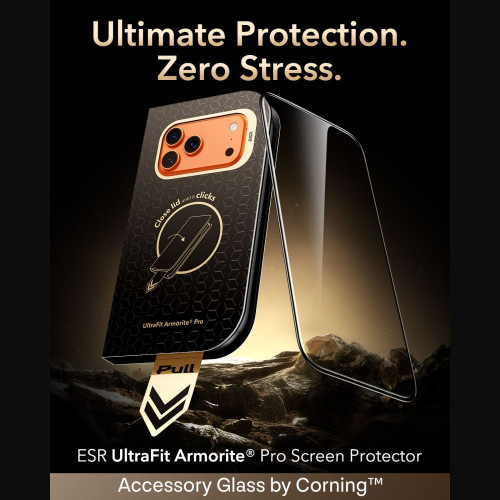
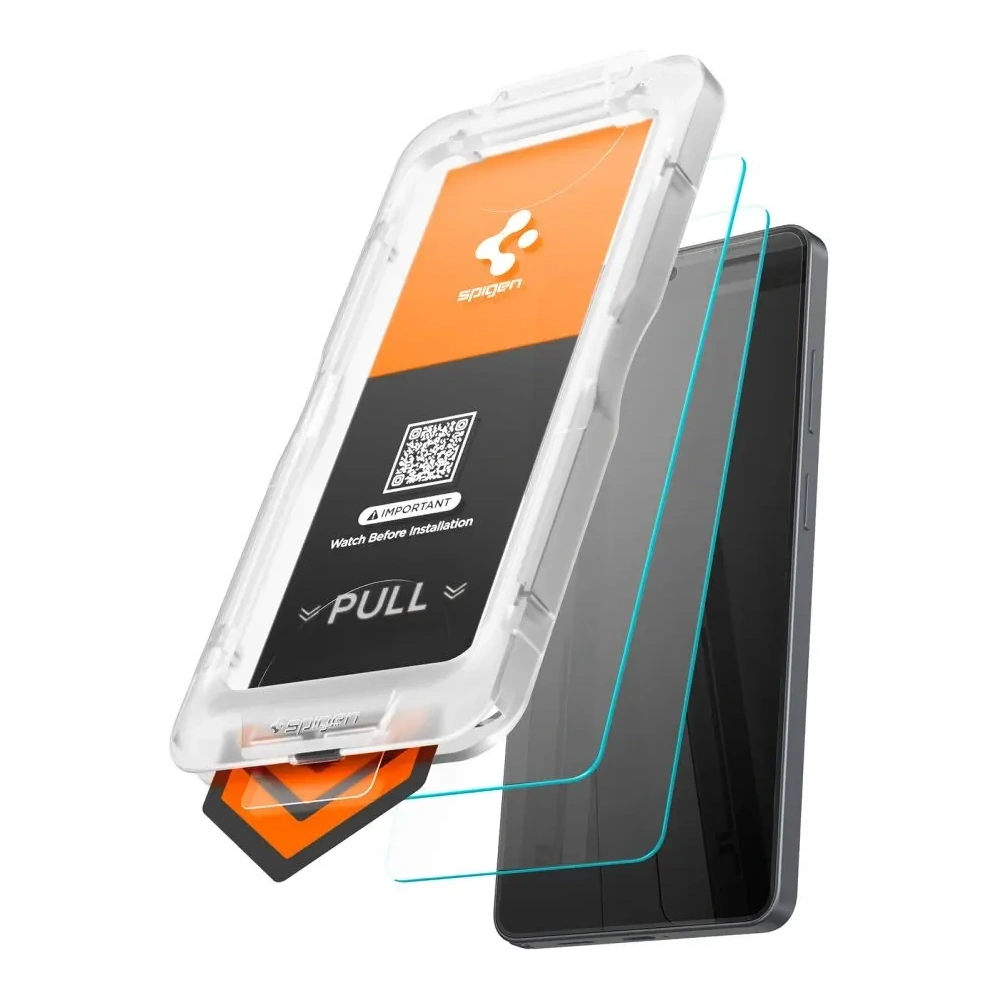
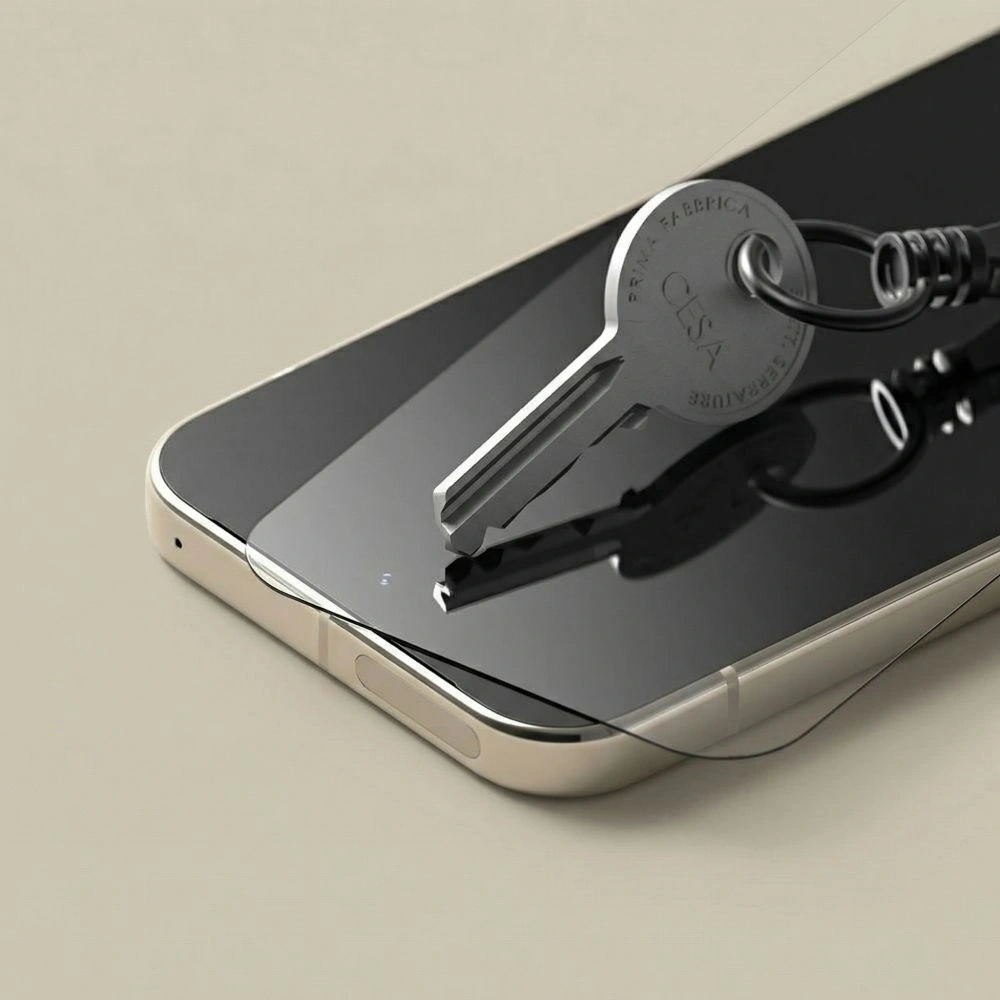
    The best glass for iPhone 18 Pro Max is ESR UltraFit Armorite Pro: Corning tempered glass with a hardness of 9H, which covers the screen edge to edge and is installed in a mounting tray. The easiest to install is the Tech-Protect Quick Set+ two-pack with a positioning frame, and if reflections bother you, choose the matte UNIQ Optix Covex Matte DX2.

    Summary ranking:

    • Best overall: ESR UltraFit Armorite Pro, Corning glass with UltraFit Tray
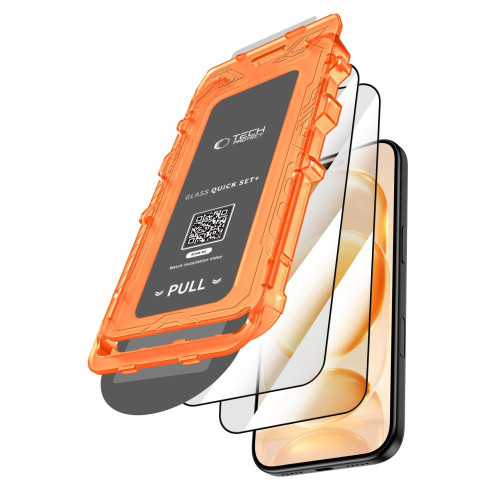
    • Easy installation: Tech-Protect Quick Set+, two pieces and positioning frame
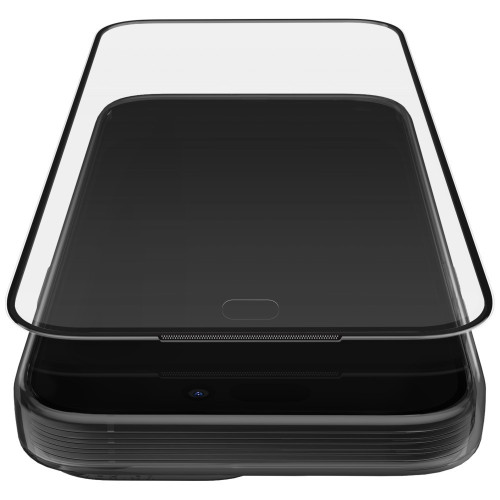
    • Best matte: UNIQ Optix Covex Matte DX2, less glare and drops up to 1.8 m
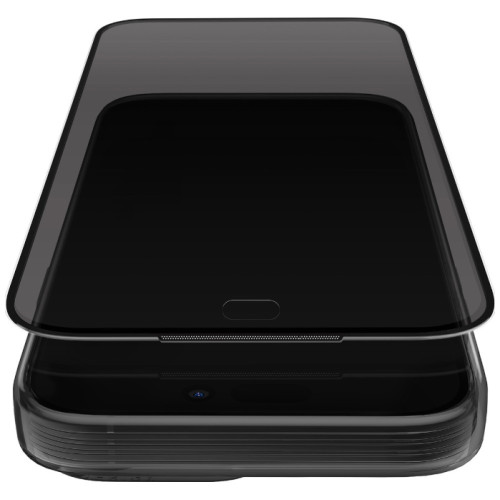
    • Best privacy: UNIQ Optix Covex Privacy DX2, screen unreadable from the side
    • For backup: Bizon Glass Edge Duo, two pieces with a black border

    There is one detail that accessory stores rarely mention. The iPhone 18 Pro Max has a factory anti-reflective coating, and regular tempered glass covers it. We explain what this means in practice, whether the glass from the seventeenth model fits the new one, and which camera covers are worth choosing to complete the set.

    Does the glass from iPhone 17 Pro Max fit 18 Pro Max?

    Yes, the glass fits the screen, but buy new camera covers. According to Apple’s official specifications, both models have identical dimensions and the same screen. They differ in weight (231 g vs 249 g), but this does not affect the fitting of the glass.

    ParameteriPhone 17 Pro MaxiPhone 18 Pro Max
    Dimensions163.4 × 78.0 × 8.75 mm163.4 × 78.0 × 8.75 mm
    Screen6.9″, OLED6.9″, OLED
    Resolution2868 × 1320 px2868 × 1320 px
    Ceramic Shield 2 on the front
    Anti-reflective coating

    Data: specification of iPhone 18 Pro Max and iPhone 17 Pro Max on Apple’s pages

    Some glasses, including ESR, Tech-Protect Quick Set+, and Bizon Glass Edge Duo, are described by manufacturers as common for both the iPhone 17 Pro Max and 18 Pro Max. If you have spare glass from the seventeen, you can usually use it. It’s best when the manufacturer explicitly states compatibility with the 18 Pro Max.

    Camera covers are different. In our catalog, all are described as “for iPhone 18 Pro / 18 Pro Max” or just “for iPhone 18 Pro Max,” and none are marked as compatible with the seventeen. Why you can transfer the case to the new phone, but not the camera covers, is explained in the guide whether the case from iPhone 17 Pro fits 18 Pro.

    All glasses described as compatible with the new model can be found in the category tempered glass for iPhone 18 Pro Max.
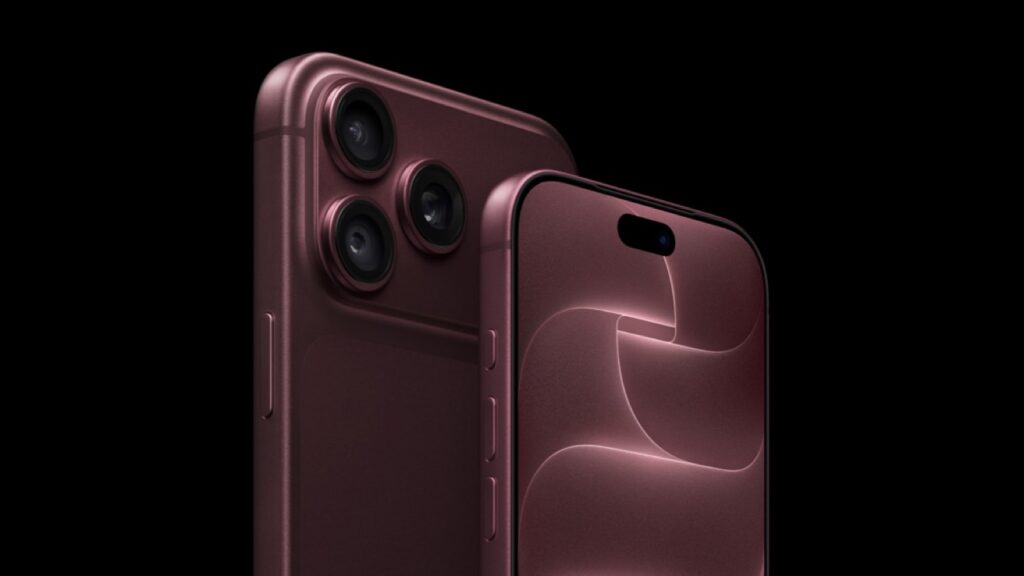
    Anti-reflective coating of the iPhone 18 Pro Max and tempered glass

    Yes, regular tempered glass disables the anti-reflective coating of the iPhone 18 Pro Max. The coating reduces reflections only when it is in direct contact with air, and glass without its own anti-reflective layer covers it. In sunlight, you will see more reflections than on a bare screen.

    Apple lists this coating in the screen specifications, and it has already appeared in the iPhone 17. According to tests described by MacRumors, it reduces light reflections by about half compared to the iPhone 16. The tests were conducted by Astropad, which itself sells glasses with such a coating, so treat this number as a guideline.

    There are glasses for the screen with their own anti-reflective layer, but none of the glasses in our ranking claim to have it. The glass does not damage the screen itself: after its removal, the coating works as it did before. You have three reasonable options:

    • Transparent tempered glass: the best protection against cracks and scratches, but more glare in sunlight.
    • Frosted glass: diffuses light, reducing glare, although the image may be slightly less sharp.
    • No glass: you retain the full effect of the coating. At the launch of the iPhone 17 Pro, Apple stated that Ceramic Shield 2 has a new coating that provides 3x better scratch resistance, but even it does not guarantee that the screen won’t crack upon falling.

    Tip: if your phone often lands on hard surfaces, choose glass. Replacing the screen on the Pro Max costs many times more than even the best protection, and a cracked tempered glass can simply be removed and replaced with a new one.

    What to pay attention to when choosing screen glass

    9H hardness does not distinguish products. It is the highest grade on the pencil hardness scale and is claimed by practically every tempered glass. Other factors matter: material, coatings, and how well the glass withstands drops.

    Installation with a frame, tray, or applicator. A 6.9-inch screen is difficult to align perfectly by hand. A positioning frame, tray, or applicator ensures that the glass lands in place on the first try, without shifting relative to the edges.

    Compatibility with cases. Edge-to-edge glass protects the most surface area, but a high-rim case can lift it. Look for the “case friendly” designation or check if the manufacturer provides the dimensions of the glass.

    Oleophobic coating. Reduces fingerprints and makes your finger glide smoothly across the screen. The bare iPhone has it factory-installed, so you’ll notice immediately if the glass lacks such a coating.

    The type of glass depends on how you use your phone:

    TypeAdvantagesDisadvantagesFor whom
    Clearfull brightness and clarity of imagemore glare in sunlightfor most people
    Matteless glare and fingerprintsimage may be slightly less sharpfor people often outdoors
    Privacyscreen unreadable from the sidedarker imagefor public transport and office use
    Hybridflexible, harder to breakusually less scratch-resistant than temperedfor people who break every glass

    The differences between types of protection are described in more detail in the guide tempered glass, hybrid glass or film.

    Ranking: the best tempered glasses for iPhone 18 Pro Max

    The first place is taken by transparent glass, about which the manufacturer provides the most specifics: material, scratch resistance, and installation method. Matte and privacy glasses are ranked lower not because they offer less protection, but because each of them detracts something from the image. The Bison closes the ranking, as it is the only one without a frame or mounting tray in the set.

    1. ESR UltraFit Armorite Pro: best overall
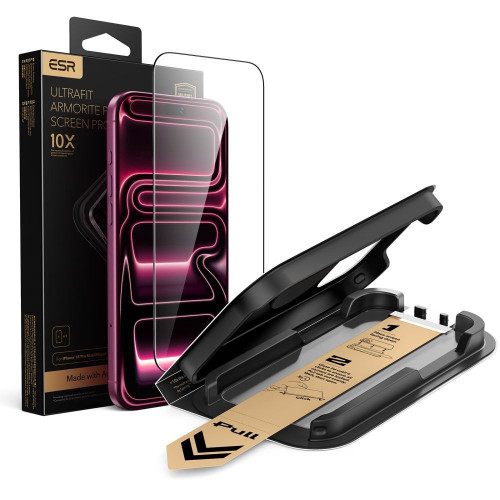
    ESR UltraFit Armorite Pro is made of Corning Accessory Glass with a hardness of 9H. Corning has been supplying glass to smartphone manufacturers for years, and Accessory Glass is its line designed for screen protection.

    According to ESR, the glass is even twice as resistant to scratches as regular tempered glasses, and any scratches are up to 25% less visible. It covers the screen edge to edge and has an oleophobic coating. The UltraFit Tray positioning tray sets the glass on the screen, so installation takes two steps.

    It will work for most people who want one well-crafted glass.

    Minus: there is one piece in the package. If you prefer a spare, ESR also sells a two-pack of UltraFit Armorite, in which the manufacturer does not specify Corning glass.

    2. Tech-Protect Quick Set+ [2 PACK]: the easiest installation
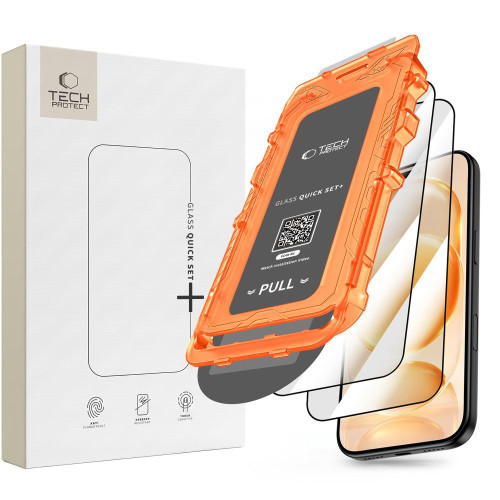
    Tech-Protect Quick Set+ is two pieces of 9H glass with a positioning frame. The frame is placed on the phone and guides the glass precisely onto the screen, making it difficult to apply it crooked even on the first installation.

    The glass has an oleophobic coating and according to the manufacturer, it does not affect touch sensitivity. The second piece will come in handy if the first one breaks or if the installation fails. It’s a good choice if you’re applying glass for the first time.

    Cons: Tech-Protect does not provide the type of glass or scratch resistance data, making it harder to compare with ESR, which reveals both.

    3. UNIQ Optix Covex Matte DX2: best matte
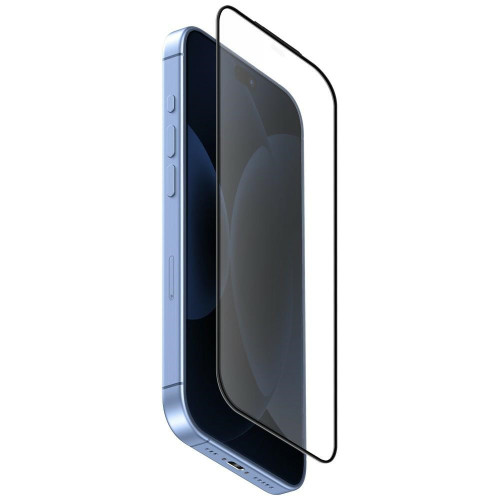
    UNIQ Optix Covex Matte DX2 is a sensible compromise if you miss the factory anti-reflective coating after applying the glass. The matte surface diffuses reflections, making the screen clearer in sunlight than under clear glass, and fingerprints are less visible.

    UNIQ uses Fusion Glass with lithium additives, chemically strengthened twice (hence the DX2 designation). According to the manufacturer, it is twice as durable as regular tempered glass and protects the screen from drops from heights of up to 1.8 m. The package includes a mounting frame, and the glass is marked as case-friendly.

    Cons: the matte surface may slightly soften the image, which can be noticeable when viewing photos and videos.

    [hs_products ids=”143081,143223,146666″ cols=”3″ title=”Top three in the ranking”]

    4. UNIQ Optix Covex Privacy DX2: best privacy glass
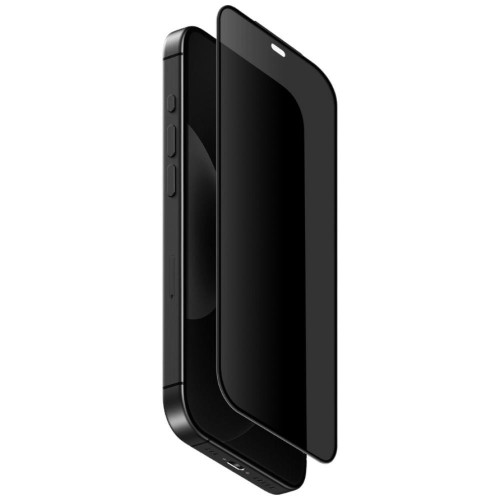
    UNIQ Optix Covex Privacy DX2 is a privacy glass, also referred to as tinted, with a filter that limits the visibility of the screen from the side. You see the content directly, albeit a bit darker, while a person sitting next to you on the tram will see a dark surface.

    The glass uses the same DX2 technology as the matte version, and UNIQ claims protection against drops from a height of up to 2 m. The package also includes a mounting frame. It will come in handy if you check your work email on public transport or work on your phone in an open office.

    Cons: the privacy filter darkens the image, so you’ll often need to increase the brightness. We explain how such glasses work in the text what privacy glasses are.

    5. Bizon Glass Edge Duo [2 PACK]: for backup
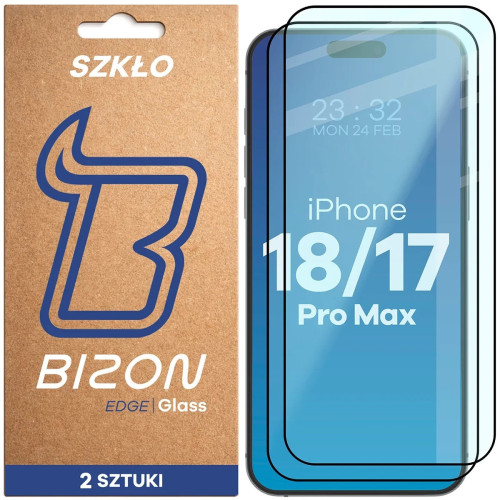
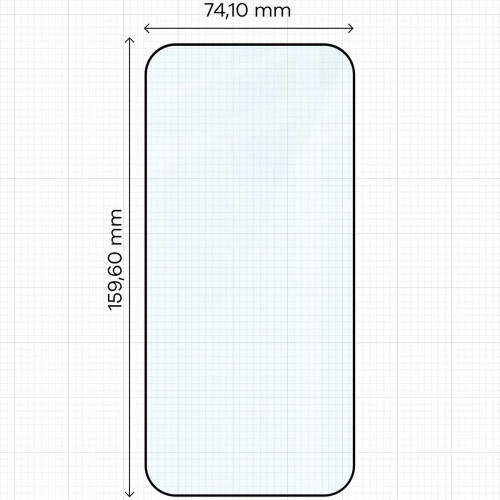
    Bizon Glass Edge Duo consists of two pieces of 9H glass with a thickness of 0.33 mm, featuring a black border on the edges and an oleophobic coating. The edges have a 4D rounding.

    Bizon provides the dimensions of the glass and honestly notes that it overlaps with the screen frames, which may not fit every case. It’s a good choice if you frequently change the glass and want to have a second piece on hand.

    Cons: the set does not include a mounting frame, only positioning stickers, so you align the glass manually. With a case that has a high edge, it may lift up.

    Comparison of glasses in the table

    GlassTypeMaterial (according to the manufacturer)Drop protection (according to the manufacturer)InstallationNumber of pieces
    ESR UltraFit Armorite ProtransparentCorning Accessory Glassno height (Military Grade)UltraFit Tray1
    Tech-Protect Quick Set+transparentno datano dataframe2
    UNIQ Optix Covex Matte DX2matteFusion Glass DX2up to 1.8 mframe1
    UNIQ Optix Covex Privacy DX2privacyFusion Glass DX2up to 2 mframe1
    Bizon Glass Edge Duotransparent, black borderno datano datapositioning stickers2

    It’s also worth considering

    If none of the five glasses meet your needs, check out these alternatives:

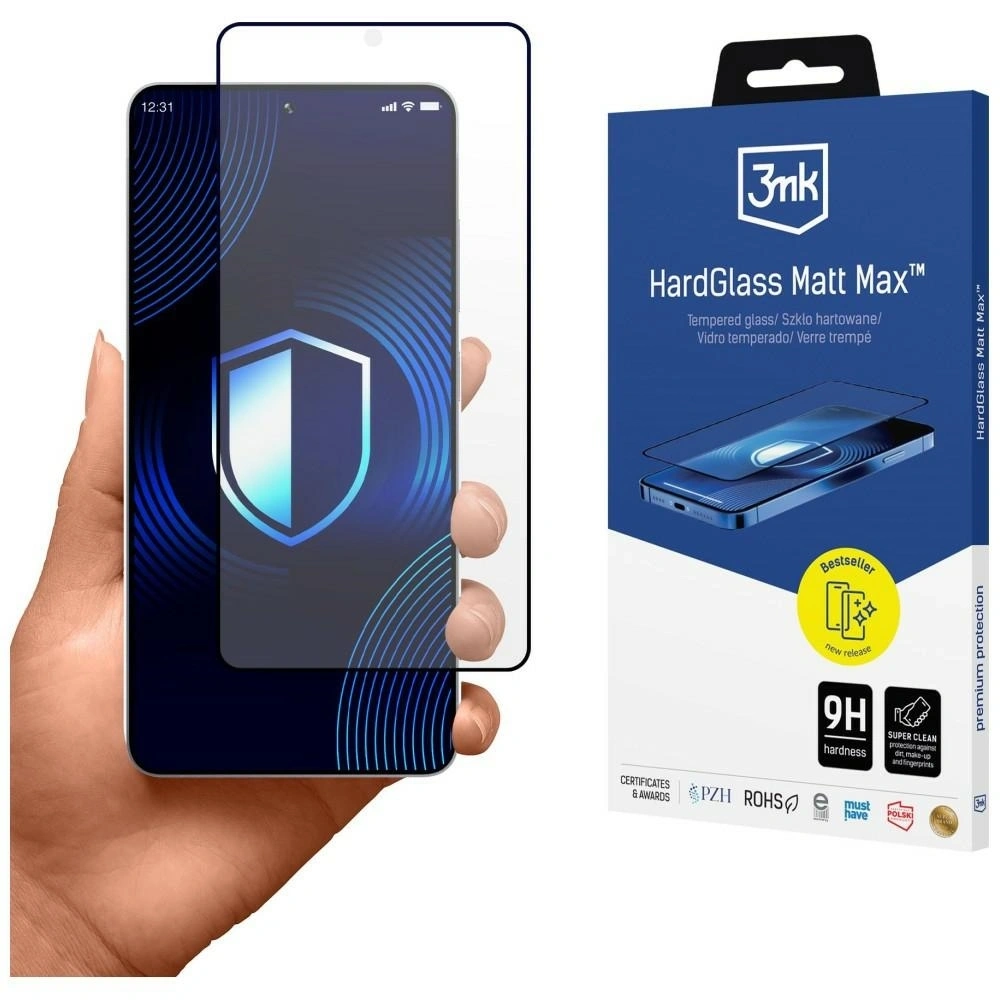
    • Matte from 3mk: 3mk HardGlass Matt Max is a matte 9H glass with a thickness of 0.33 mm that covers the entire screen along with the rounded edges. The package includes a card for squeezing out bubbles.
    • Ceramic glass: UNIQ Optix Xenon Nanoceram has a thickness of 0.33 mm and according to the manufacturer, it survived a drop test of a 250 g metal ball from a height of 2 m.
    • Second privacy glass: Bizon Glass Clear Shadow has a thickness of 0.30 mm and a viewing angle of 30°.
    • Screen and lens set: Tech-Protect Easy Set+ includes two glasses for the screen and a glass for the lens with a mounting frame.

    Camera glass for iPhone 18 Pro Max

    The camera island on the Pro Max protrudes above the back and it is the first to touch the surface when you lay the phone down. The lens cover costs a fraction of the camera repair.

    If you take a lot of photos against the light, choose the ESR Armorite Camera Protector with an anti-reflective coating. If you want to maintain the look of the camera island, opt for single lens covers: Tech-Protect Camring Fit+ or UNIQ Optix Aluguard DX2.

    ESR Armorite Camera Protector
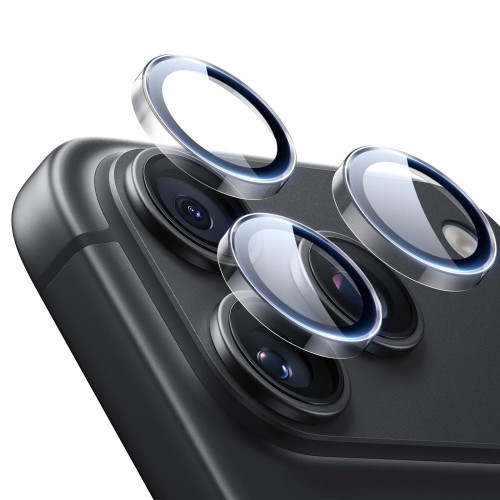
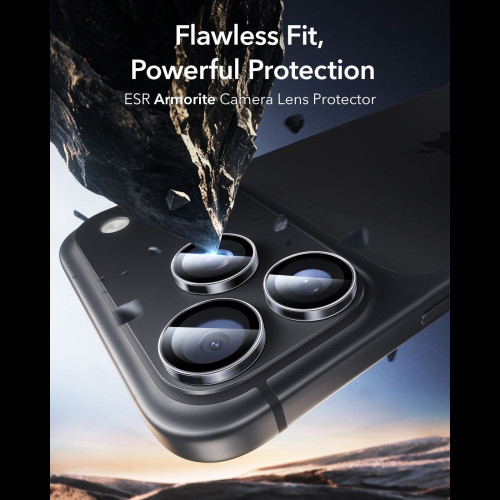
    ESR Armorite Camera Protector is tempered glass with an anti-reflective coating, which the manufacturer claims reduces glare and does not degrade photo quality. The raised edges create an additional barrier when placing the phone down, and the cover is easy to remove and reapply.

    It is the only cover in the comparison whose manufacturer claims to have an anti-reflective coating.

    Tech-Protect Camring Fit+

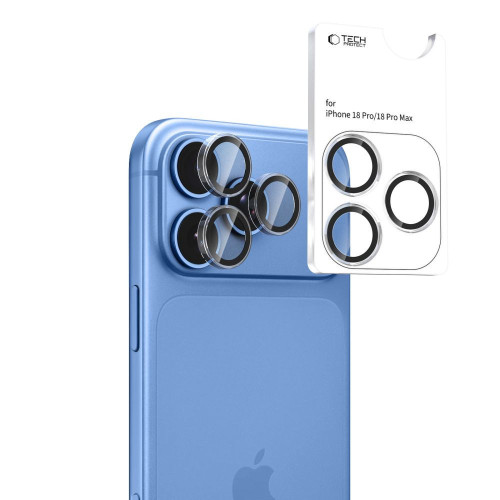
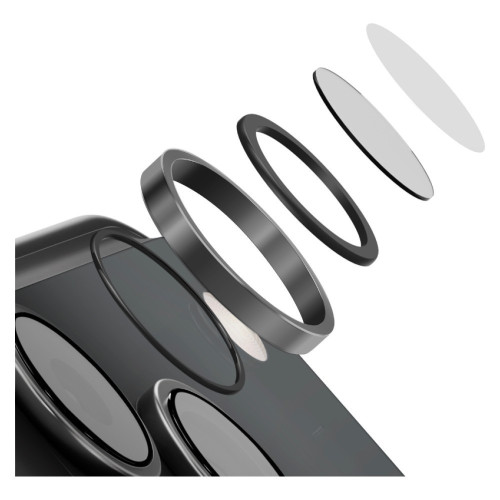
    Tech-Protect Camring Fit+ protects each lens separately: the aluminum ring surrounds the lens, and the tempered glass covers it. This way, the camera island retains its appearance.

    The set includes a mounting frame that guides each piece of glass into the correct position. This is important because a misaligned cover can overlap the lens.

    UNIQ Optix Aluguard DX2
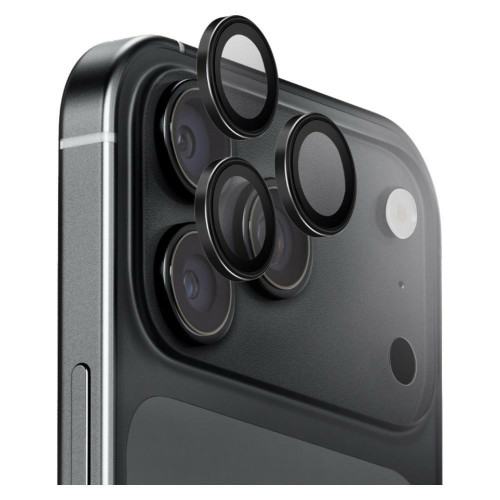
    UNIQ Optix Aluguard DX2 combines a 360° aluminum frame around each lens with Fusion Glass DX2 glass with a hardness of 9H. The included applicator aligns the covers evenly, and several color variants allow you to match them to the color of the phone.

    CoverConstructionAnti-reflective coatingInstallation
    ESR Armorite Camera Protectortempered glass with raised edgesno data
    Tech-Protect Camring Fit+aluminum and glass for each lensno declarationmounting frame
    UNIQ Optix Aluguard DX2360° aluminum and Fusion Glass DX2no declarationapplicator

    [hs_products ids=”143085,142581,146670″ cols=”3″ title=”Camera covers for iPhone 18 Pro Max”]

    You can find the full selection of covers in the category camera glass for iPhone 18 Pro Max.

    How to apply glass to iPhone 18 Pro Max without bubbles

    Most manufacturer instructions from our catalog come down to similar steps:

    1. Prepare a dust-free area. ESR and Tech-Protect recommend installation in the bathroom right after a shower, as steam binds dust from the air.
    2. Clean and degrease the screen, then polish it with a dry cloth. Collect any remaining particles with a dust removal sticker if included in the set.
    3. Align the glass using a frame, tray, or positioning stickers, depending on the set.
    4. Press the glass and push air bubbles towards the edges.

    You can find more tips in the guide on how to apply tempered glass without air bubbles.

    Which glass to choose for the iPhone 18 Pro Max?

    • Want one proven glass? Choose ESR UltraFit Armorite Pro.
    • Worried about crooked installation? Choose Tech-Protect Quick Set+ with a frame and a second piece included in the set.
    • Annoyed by reflections? Choose matte UNIQ Optix Covex Matte DX2. It won’t replace the factory coating, but it will significantly reduce glare.
    • Do you care about privacy? Choose UNIQ Optix Covex Privacy DX2.
    • Do you use a case with a high edge? Avoid glasses that overlap the screen frames. Cases that work well with the glass can be found in our ranking of cases for iPhone 18 Pro Max.

    For every screen glass, it’s worth choosing a camera cover, as the camera island often collects scratches when placing the phone down.

    Summary

    The best glass for iPhone 18 Pro Max is ESR UltraFit Armorite Pro. From the entire ranking, remember four things:

    1. Screen glass from 17 Pro Max usually fits. Apple provides identical dimensions and screens for both models.
    2. Regular glass disables the anti-reflective coating effect. If reflections are bothersome, choose matte glass for iPhone 18 Pro Max instead of clear.
    3. Hardness 9H is a standard, not a distinguishing feature. Look at the material, installation, and compatibility with cases.
    4. Buy camera covers marked for 18 Pro Max, as none in our catalog are described as compatible with the seventeenth.

    If you’re looking for protection for an older model, check our ranking of glasses for iPhone 17 Pro Max.

    FAQ: glass for iPhone 18 Pro Max

    Which tempered glass is the best for iPhone 18 Pro Max?

    The best overall is the ESR UltraFit Armorite Pro made of Corning 9H glass with a mounting tray. If reflections bother you, a better choice would be the matte UNIQ Optix Covex Matte DX2.

    Does tempered glass ruin the anti-reflective coating of the iPhone?

    It doesn’t damage it, but covers it, so the effect disappears. The coating works only in contact with air and returns to function after removing the glass.

    Which tempered glass is better: 7H or 9H?

    9H is better, but the difference matters less than the packaging suggests. On the pencil hardness scale, 9H is the end of the scale, so almost every tempered glass claims it, and when choosing, the material, coatings, and installation method are more important.

    What is better for iPhone: film or glass?

    Tempered glass offers better protection against cracks and scratches, while film, including hydrogel, is thinner and more flexible. On the flat screen of the Pro Max, glass will be the better choice.

    What is better: hybrid glass or hydrogel film?

    Hybrid glass is stiffer and better withstands scratches, while hydrogel film is soft and adapts even to curved screens. For the flat screen of the iPhone 18 Pro Max, hybrid glass will be better, although tempered glass provides the best protection against cracking.

    Should you put tempered glass on the iPhone 18 Pro Max since it has Ceramic Shield 2?

    Yes, if you tend to drop your phone. Ceramic Shield 2 withstands scratches well, but it does not guarantee that the screen won’t crack, and the protective glass absorbs the impact, allowing you to replace it instead of the screen.

    Which privacy glass to choose for the iPhone 18 Pro Max?

    The best is the UNIQ Optix Covex Privacy DX2 with a mounting frame and according to the manufacturer, protection against falls from heights of up to 2 m. An alternative is the tinted Bizon Glass Clear Shadow with a viewing angle of 30°. Every privacy filter darkens the image, so you will often need to increase the screen brightness.

    Sources: iPhone 18 Pro Max specifications, iPhone 17 Pro Max specifications, Apple on Ceramic Shield 2 at the iPhone 17 Pro launch, MacRumors on anti-reflective coating and protective glasses
  • Xiaomi Poco F8 Pro vs Poco F7 Pro – detailed comparison

    Xiaomi Poco F8 Pro vs Poco F7 Pro – detailed comparison

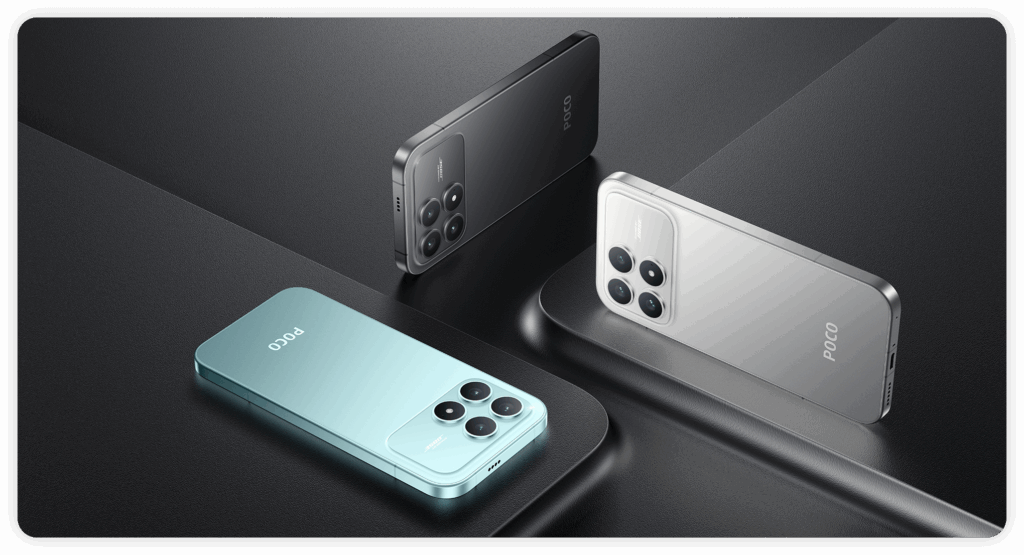
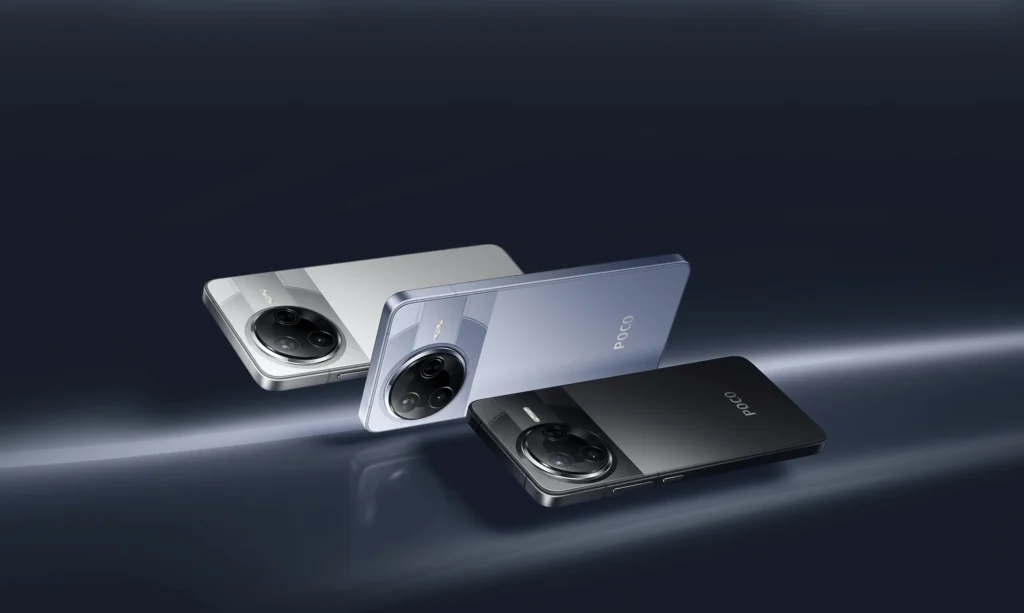
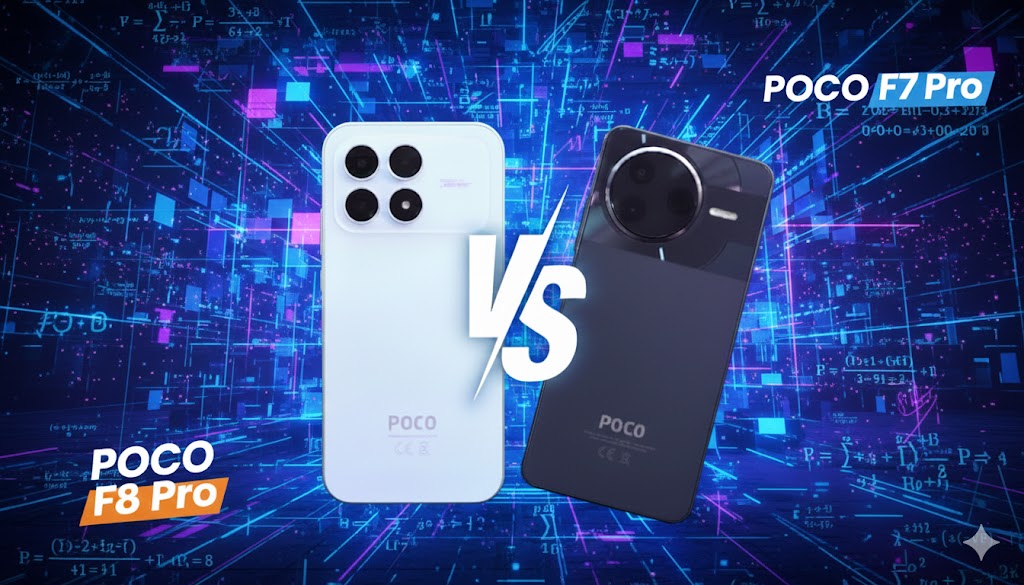
    If you are looking for the best POCO phone in Poland at the end of 2025, choose the POCO F8 Pro — it offers a more powerful processor, a better camera with a telephoto lens, and a larger battery with faster charging. But if you care about a great 2K screen and want to spend less than 2000 PLN, the POCO F7 Pro is still an excellent option.

    📊 Comparison of specifications POCO F7 PRO vs POCO F8 PRO

    Feature / ParameterPOCO F7 ProPOCO F8 Pro
    ProcessorSnapdragon 8 Gen 3Snapdragon 8 Elite (3 nm, Oryon)
    GPUAdreno 750Adreno 830
    RAM / Internal Memory12 GB LPDDR5X + 256 / 512 GB UFS 4.112 GB LPDDR5X + 256 / 512 GB UFS 4.1
    Display6.67″ AMOLED, 3200×1440, 120 Hz6.59″ AMOLED, 2510×1156, 120 Hz, 3500 nit
    Rear Cameras50 MP (main) + 8 MP (ultrawide)50 MP (main) + 50 MP tele + 8 MP ultrawide
    Selfie Camera20 MP20 MP
    Battery6000 mAh6210 mAh
    Charging90W HyperCharge100W HyperCharge + 22.5W reverse charge
    Body / Dimensions / Weight160.26 × 74.95 × 8.12 mm — 206 g157.49 × 75.25 × 8.0 mm — 199 g
    SIM / eSIMDual nanoSIMnanoSIM + nanoSIM / nanoSIM + eSIM / eSIM + eSIM
    Water ResistanceIP68IP68
    Operating SystemHyperOS 2 (Android 15)HyperOS 3 (Android 16)
    Connectivity / Wi-Fi / BluetoothWi-Fi 7, Bluetooth 5.4Wi-Fi 7 (8×8 MU-MIMO), Bluetooth 5.4
    Approximate Price (PL)about 1800–2000 PLN (promotions)about 2099–2299 PLN

    Display and External Appearance

    What has changed in the design and display of POCO F8 Pro compared to F7 Pro?

    In terms of appearance and build quality, both models present a high level, but the POCO F8 Pro introduces a few subtle changes that affect daily ergonomics:

    • Smaller dimensions and lower weight: The F8 Pro is shorter (157.5 mm vs 160.3 mm) and lighter (199 g vs 206 g), which translates to more comfortable one-handed use.
    • Rounded edges and better grip: The new shape of the F8 Pro features gentle curves and a thinner bottom bezel, making the phone fit better in the hand.
    • Identical IP68 resistance class: Both smartphones are resistant to dust and immersion in water up to 1.5 m for 30 minutes, confirming a high standard of workmanship.

    The change in form is not revolutionary, but the F8 Pro is noticeably more compact and “smoother” in daily use – without compromising on sturdiness.

    ➡️ If you want to improve the protection and grip of the device, choose the appropriate  case for POCO F7 Pro or case for POCO F8 Pro.


    Screen: sharpness vs brightness – which is better for the eyes?

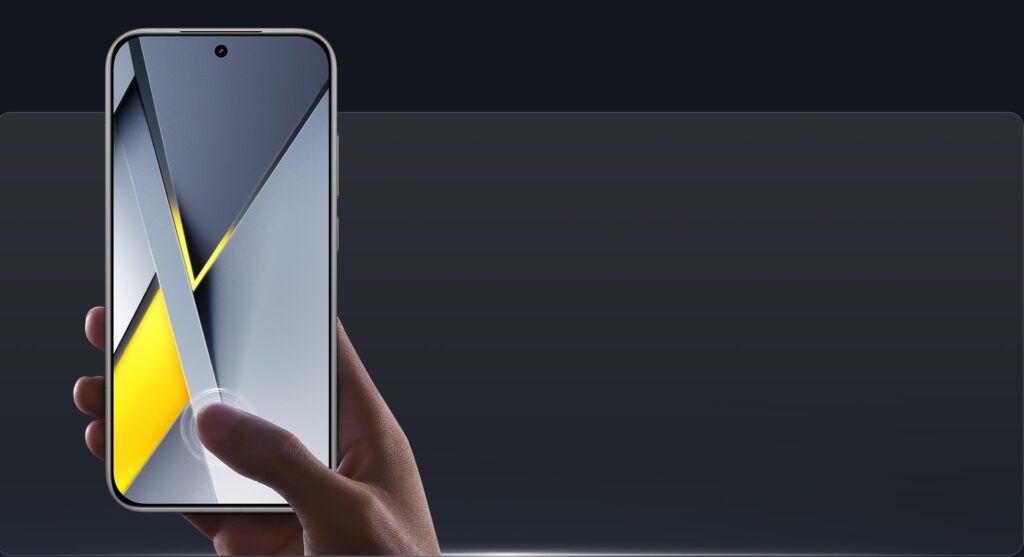
    POCO F7 Pro impresses with its classic form – a flat 6.67″ AMOLED display with WQHD+ resolution (3200×1440 px) and thin, symmetrical bezels. With 12-bit color depth, support for HDR10+ and Dolby Vision, and very high sharpness (526 ppi), it is the perfect display for those who value detail – for reading, watching high-quality movies, or playing graphically intensive games.

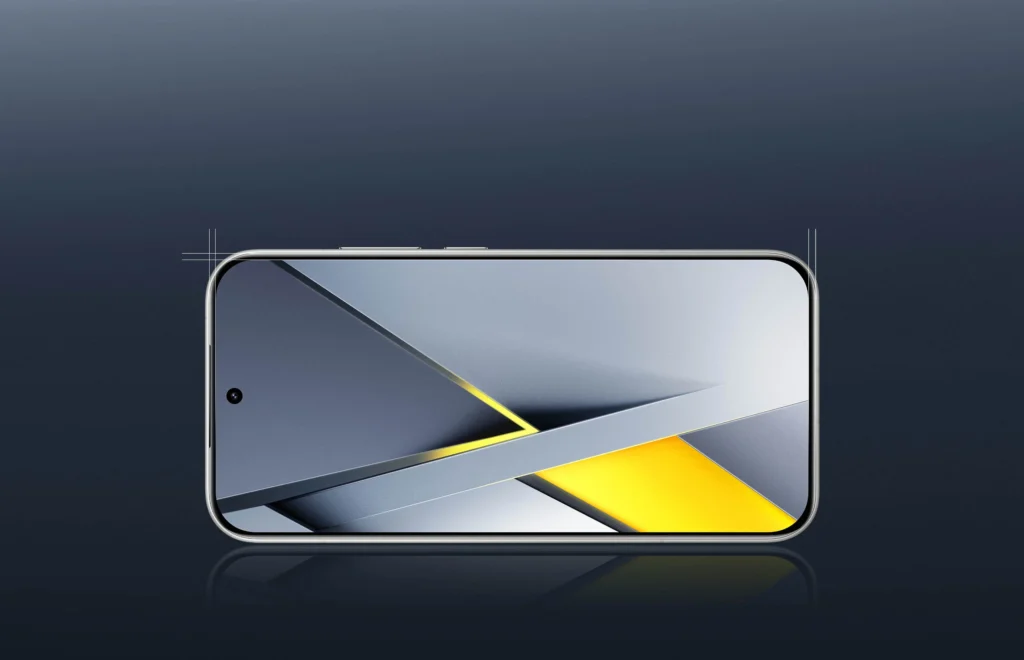
    The POCO F8 Pro features a smaller 6.59″ screen with a resolution of 2510×1156 px (446 ppi). Importantly, it has a significantly higher peak brightness – up to 3500 nits (vs 3200 nits in F7 Pro), making it better for outdoor use. Additionally, it supports Wet Touch 2.0 mode, which enhances touch responsiveness in rain or with wet fingers – a rarity even among flagships.

    Both displays support 120 Hz refresh rate and advanced dimming (PWM/DC), but differ in priority: F7 Pro focuses on sharpness and pixel density, while F8 Pro prioritizes comfort in all lighting conditions. – the screen responds better to touch in humid conditions. Both displays are top quality, but the choice depends on whether detail (F7 Pro) or brightness and response time (F8 Pro) is more important.

    ➡️ Check the matched tempered glass for POCO F7 Pro or tempered glass for POCO F8 Pro to avoid screen damage.


    Cameras and Photo-Video Capabilities

    Telephoto vs No Tele – an advantage that is immediately visible

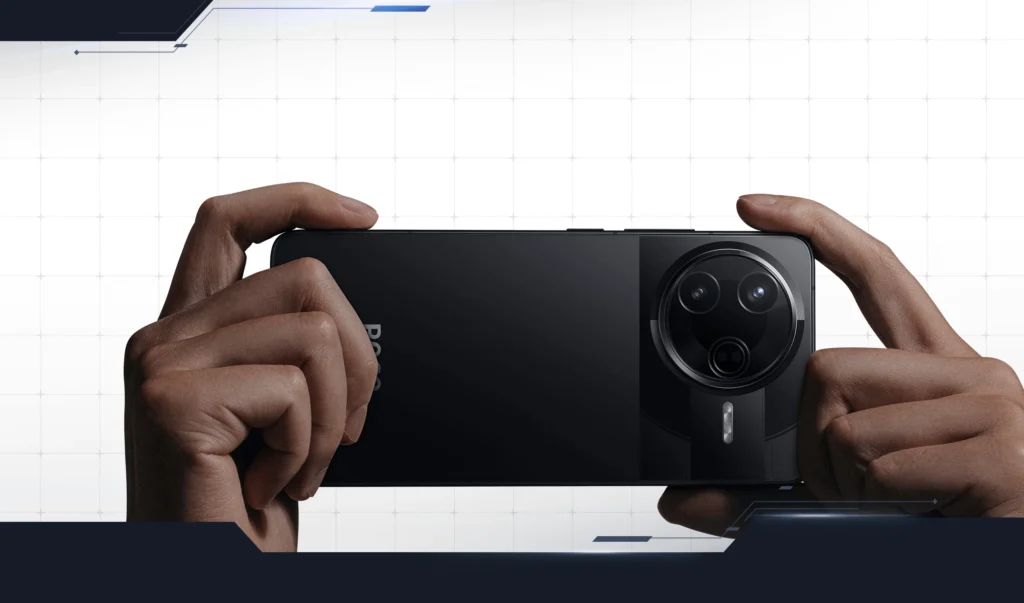
    Both smartphones use the same, very good 50 MP Light Fusion 800 sensor as the main camera. It is a 1/1.55″ sensor with OIS, large 2.0 μm pixels (after 4-in-1 binning) and excellent photo quality both day and night. However, this is where the similarities end.

    🔍 POCO F8 Pro – a huge leap thanks to the 50 MP telephoto lens

    F8 Pro is the only one in this pair that has a dedicated 50 MP telephoto lens with a focal length of 60 mm, which offers:

    • 2× optical zoom without loss of quality,
    • significantly better portrait photos with natural background separation,
    • sharper detail photos from a greater distance,
    • Super Moon mode and adaptive zoom.

    This makes the F8 Pro clearly more versatile in photography.

    🌄 POCO F7 Pro – only wide and ultra-wide

    The F7 Pro offers two cameras:

    • 50 MP main (the same as in F8 Pro),
    • 8 MP ultra-wide.

    The lack of a telephoto lens means that every zoom is digital, so quality decreases with close-ups. Portraits also look weaker – the bokeh effect is more artificial.

    🎥 Video – both record in 8K, but the F8 Pro does it better

    • F7 Pro: 8K 24 fps, 4K 60 fps.
    • F8 Pro: 8K 30 fps, 4K 60 fps + more stabilization modes.

    Additionally, the F8 Pro offers:

    • director mode,
    • dual video recording,
    • ShootSteady,
    • better motion tracking.

    🤳 Selfie Camera – tie

    Both phones have the same 20 MP front camera, offering HDR, portrait mode, and 1080p 60 fps recording.

    Section summary: If you take a lot of photos, especially portraits and close-ups — the F8 Pro is a crushing winner. The F7 Pro provides great quality from the main sensor, but it lacks versatility.


    Battery and Charging

    Greater capacity or greater convenience? Differences you can feel every day

    In terms of battery, both models perform excellently, but they differ in their approach to runtime and additional features.

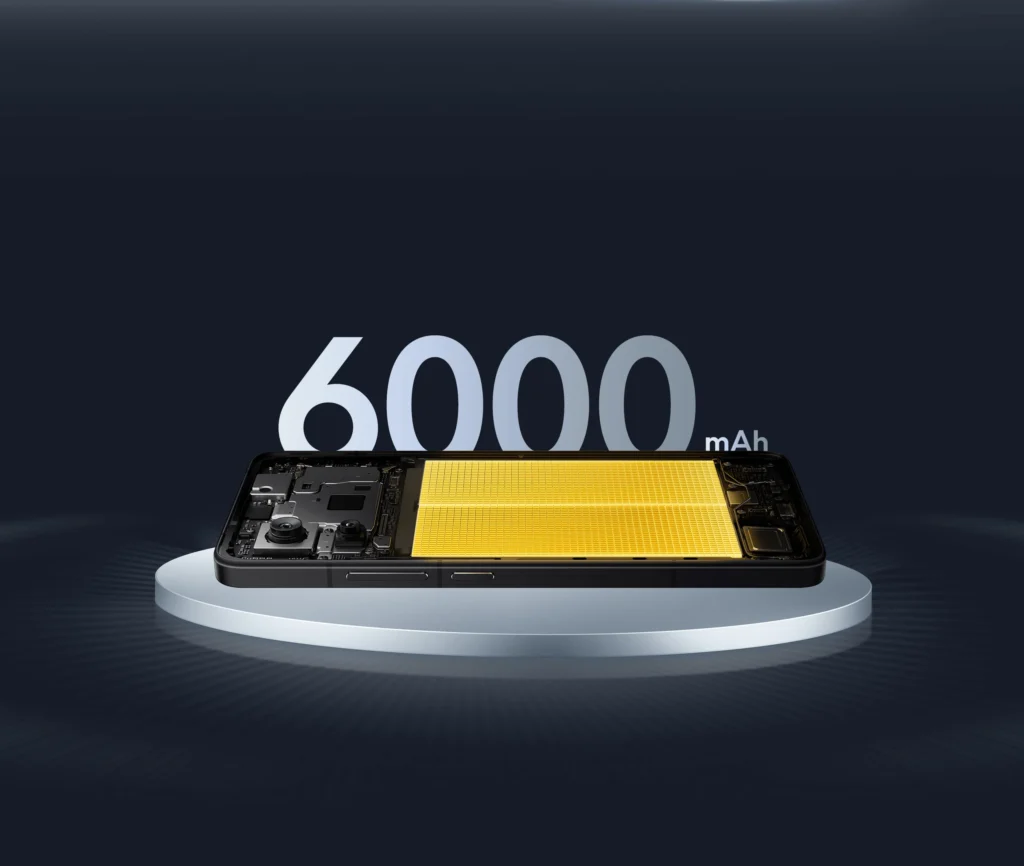
    🔋 POCO F7 Pro — solid 6000 mAh battery

    • Capacity: 6000 mAh
    • Wired charging: 90W HyperCharge
    • No reverse charging

    The F7 Pro offers very good runtime — even 7–8 hours SOT, and with 90W it can be charged quickly. This is an excellent battery in its price range.

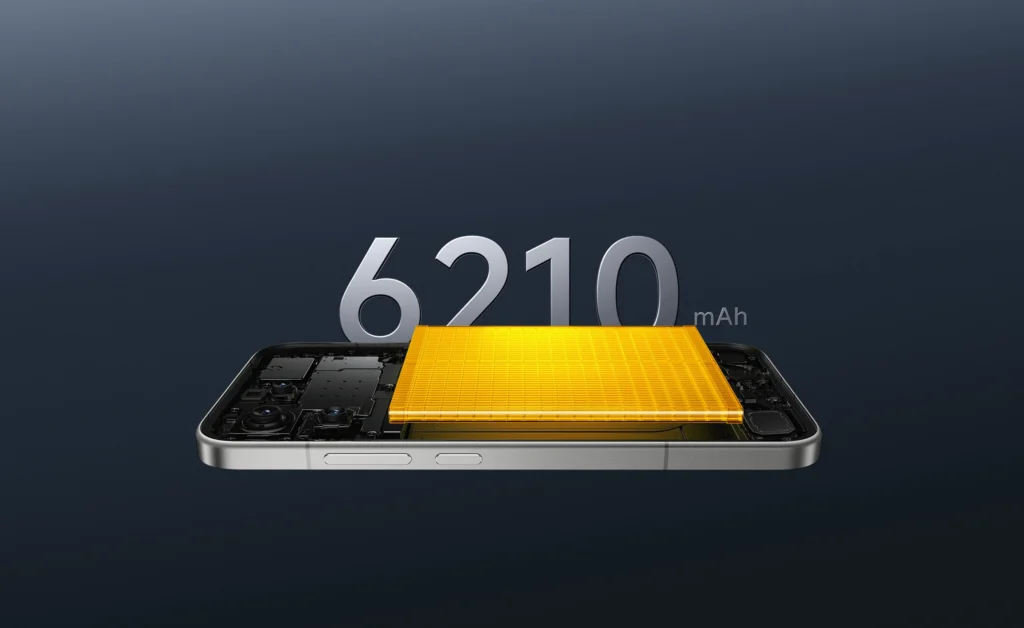
    ⚡ POCO F8 Pro — larger battery, faster charging, and power bank function

    • Capacity: 6210 mAh (210 mAh more)
    • Wired charging: 100W HyperCharge (full charge in about 30 minutes)
    • Reverse charging 22.5W — you can charge your headphones, smartwatch, or a second phone

    The F8 Pro offers a realistically longer battery life (on average +40–60 minutes) and additionally acts as a portable power bank thanks to fast reverse charging.

    📌 Which smartphone has a better battery?

    • If you care about maximum convenience and the fastest charging → choose POCO F8 Pro.
    • If you want very good battery life at a lower price → the F7 Pro is still a great choice.

    In practice: the advantage of the F8 Pro is clear, as it combines greater capacity, better charging technology, and additional features that the F7 Pro does not offer.

    ➡️ To take advantage of the full power of 100W, it’s worth checking fast chargers for POCO F8 Pro, which support the PD/PPS standard and enable the fastest possible charging of the phone.


    Performance and Computing Power

    Snapdragon 8 Gen 3 in POCO F7 Pro – powerful, stable, predictable

    Snapdragon 8 Gen 3 has long been Qualcomm’s most powerful processor and still performs excellently in 2025. It is a chip that guarantees:

    • high level of fluidity in applications,
    • stable performance even during long gaming sessions,
    • good cooling performance and energy efficiency.

    In everyday use, the F7 Pro operates dynamically — switching apps, multitasking, and media handling are fast and seamless. In gaming, the phone maintains frame rates very well, although in the heaviest FPS titles, it can slightly drop after longer sessions.

    In short: The F7 Pro still offers flagship-level performance, but at a lower price.


    Snapdragon 8 Elite in POCO F8 Pro – groundbreaking Oryon architecture

    The Snapdragon 8 Elite is in a completely different league. Qualcomm has implemented the Oryon architecture, which is significantly more advanced than classic ARM cores.

    The main advantages:

    • significantly higher single-core performance, which is felt with every touch of the screen,
    • much stronger Performance cores, which maintain stable clock speeds under heavier loads,
    • better performance with AI and multimedia, which affects photo and video processing, transcription, and content recognition.

    In practice, the F8 Pro works faster — apps open instantly, animations are more responsive, and the phone hardly slows down even with 30–40 apps in the background.


    System and Smart Features

    HyperOS 2 vs HyperOS 3 – is the difference noticeable?

    POCO F7 Pro runs on HyperOS 2 (Android 15), while the POCO F8 Pro debuts with HyperOS 3 based on Android 16. Although the interface is visually similar, the differences are clear in performance and system features.

    HyperOS 3 in POCO F8 Pro — faster, smoother, smarter

    The new version of HyperOS introduces several improvements:

    • better power management thanks to the new processor workload schedule,
    • more responsive animations — utilizing the higher performance of Oryon,
    • enhanced AI modules that speed up photo processing, translations, and searches,
    • greater stability of background applications due to RAM optimization.

    F8 Pro also leverages the power of Snapdragon 8 Elite for AI features that F7 Pro does not support, e.g., at such quality or speed.

    HyperOS 2 in POCO F7 Pro — still fast, but less flexible

    HyperOS 2 is a very stable and lightweight system that offers:

    • quick app switching,
    • intuitive gestures,
    • wide customization options,
    • good RAM management.

    It works great, but it lacks some AI enhancements that only appeared in version 3.


    🔐 Security and Biometrics

    Both phones offer:

    • ultrasonic fingerprint reader in the display,
    • AI facial recognition,
    • regular security updates.

    The difference is that F8 Pro will be supported longer, as HyperOS 3 is a newer generation of the system.


    Conclusions — which system is better?

    • F7 Pro → fast, stable, refined, ideal for those who do not need next-generation AI features.
    • F8 Pro → more future-proof, faster in animations, smarter, better utilizes processor power.

    👉 If you care about up-to-date software and the best responsiveness — F8 Pro wins.


    Connectivity and Global Standards

    eSIM, 5G, Wi-Fi — here is one of the key differences

    In terms of connectivity, both models offer a full set of modern technologies, but the POCO F8 Pro has a more flexible SIM configuration and newer wireless connectivity standards.


    SIM Cards — F8 Pro’s Advantage with eSIM Support

    POCO F7 Pro

    • Dual nanoSIM (2× physical cards)
      No eSIM support.

    POCO F8 Pro

    • nano SIM + nano SIM
      or
    • nano SIM + eSIM
      or
    • eSIM + eSIM

    eSIM requires activation with the operator and may have roaming restrictions — depending on the country and service provider.

    This is a significant advantage of the F8 Pro, especially for those using:

    • two numbers,
    • foreign profiles,
    • eSIM cards in a smartwatch or for easy operator switching.

    Supported 5G and LTE bands

    Both phones support the same key bands:

    • 5G SA/NSA,
    • wide range of TDD and FDD bands for Europe,
    • full operator support in Poland (Orange, Play, Plus, T-Mobile).

    However, the F8 Pro has a somewhat richer list of bands, especially in 5G SA/NSA, making it more future-proof.


    📡 Wi-Fi and Bluetooth

    F7 Pro

    • Wi-Fi 7, Wi-Fi 6, Wi-Fi 5
    • Bluetooth 5.4

    F8 Pro

    • Wi-Fi 7 (more comprehensive support, 8×8 MU-MIMO),
    • support for multiple links (multi-link),
    • Bluetooth 5.4,
    • support for LDAC, LHDC 5.0, AptX Adaptive, and a full set of codecs.

    In practice:

    • F8 Pro has more stable connections in crowded networks,
    • better BT sound quality,
    • lower latency in games.

    GPS and location

    Both models have very broad support for global systems:

    • GPS L1+L5
    • Galileo E1+E5a
    • QZSS
    • GLONASS
    • Beidou
    • NavIC

    The differences in practice are minimal — both phones offer fast and precise positioning, even in the city.


    Connectivity Summary

    POCO F8 Pro wins because it offers:

    • eSIM in multiple configurations,
    • more advanced Wi-Fi 7,
    • wider range of 5G bands,
    • better audio BT codecs.

    F7 Pro is still very good, but the F8 Pro offers more options and is more future-proof.


    Prices and Availability in Poland

    What are the prices of POCO F7 Pro and F8 Pro?

    • In official Polish sales, the list price of the F8 Pro (12 GB RAM + 512 GB) is 2299 PLN.
    • The cheaper variant of the F8 Pro (12/256 GB) started at 2099 PLN
    • Some stores may also have promotional offers — then the price may be lower, although it rarely drops to a level similar to the F7 Pro. 

    Conclusions:

    • The F8 Pro currently ranks above the level of “budget flagships” — the price of approx. 2099–2299 PLN reflects its modern features (telephoto lens, eSIM, powerful processor).
    • If you find the F7 Pro on sale (~1800–2000 PLN), it may be more cost-effective with a good compromise between price and capabilities.
    • The F8 Pro offers more options for the future — better camera, eSIM, faster charging — but you will pay more for it.

    Summary: Which model to choose?

    🔥 POCO F8 Pro — the choice for those who want:

    • the best possible performance (Snapdragon 8 Elite with Oryon architecture),
    • a better camera with 50 MP telephoto lens,
    • support for eSIM in various configurations,
    • a larger battery and 100W faster charging,
    • a more compact and lighter design,
    • longer system support (HyperOS 3).

    This is a more future-proof, versatile phone aimed at demanding users.


    💎 POCO F7 Pro — a choice for those who want:

    • a great screen WQHD+ 3200×1440 (a rarity at this price),
    • a very powerful Snapdragon 8 Gen 3 processor,
    • a large 6000 mAh battery with 90W fast charging,
    • top gaming performance at a lower price,
    • a reasonable price/quality ratio.

    This is the best choice if you care about flagship components but don’t want to exceed 2000 PLN (during promotions).


    Final Verdict

    • If you want the best POCO 2025, choose F8 Pro.
    • If you want the best value for money, choose F7 Pro.
    • If you mainly care about a 2K display, F7 Pro wins — F8 Pro has a brighter screen but lower resolution.
    • If you care about camera versatility, there’s no discussion — F8 Pro with a telephoto lens definitely wins.

    FAQ — Frequently Asked Questions

    ⭐ 1. Which POCO has a better camera — F7 Pro or F8 Pro?

    Definitely F8 Pro. It has a 50 MP telephoto lens with 2× optical zoom and better stabilization modes.
    F7 Pro only has a main camera + ultra-wide.


    ⭐ 2. Does POCO F7 Pro support eSIM?

    No. It only supports 2× nanoSIM.
    eSIM works only in POCO F8 Pro.


    ⭐ 3. Which model has a better battery?

    F8 Pro has a larger battery (6210 mAh) and faster charging of 100W + reverse charging.
    F7 Pro has 6000 mAh and 90W.


    ⭐ 4. Which screen is better?

    • F7 Pro — higher WQHD+ resolution and pixel density (ideal for content).
    • F8 Pro — much higher brightness (3500 nits) and better outdoor visibility.

    The choice depends on your priorities.


    ⭐ 5. Is it worth paying extra for F8 Pro?

    Yes, if you care about the best cameras, eSIM, performance, and charging.
    If you want to spend less and have a great 2K screen — F7 Pro is still excellent.


    ⭐ 6. Which model performs better in gaming?

    F8 Pro, thanks to the Adreno 830 GPU, is more stable during long sessions and heats up less.
    F7 Pro still delivers flagship performance, but F8 Pro wins in 3D gaming.


    ⭐ 7. Do both models have IP68 water resistance?

    Yes — both F7 Pro and F8 Pro have IP68 (submersion 1.5 m for 30 min).


  • What is the best tempered glass for Samsung S26 Ultra? TOP 5 ranking (2026)

    What is the best tempered glass for Samsung S26 Ultra? TOP 5 ranking (2026)

    The best tempered glass for Samsung Galaxy S26 Ultra should have 9H hardness, a good oleophobic coating, and an easy installation system that allows perfect fitting of the glass to the curved screen. In practice, models with an installation frame, such as Spigen Glas.tr EZ Fit or ESR UltraFit Armorite, work best.

    Ranking of tempered glasses for Samsung Galaxy S26 Ultra — comparison

    Below you will find a quick comparison of the best tempered glasses for Samsung Galaxy S26 Ultra in 2026.

    Glass modelManufacturerTypeSetBiggest advantagePrice
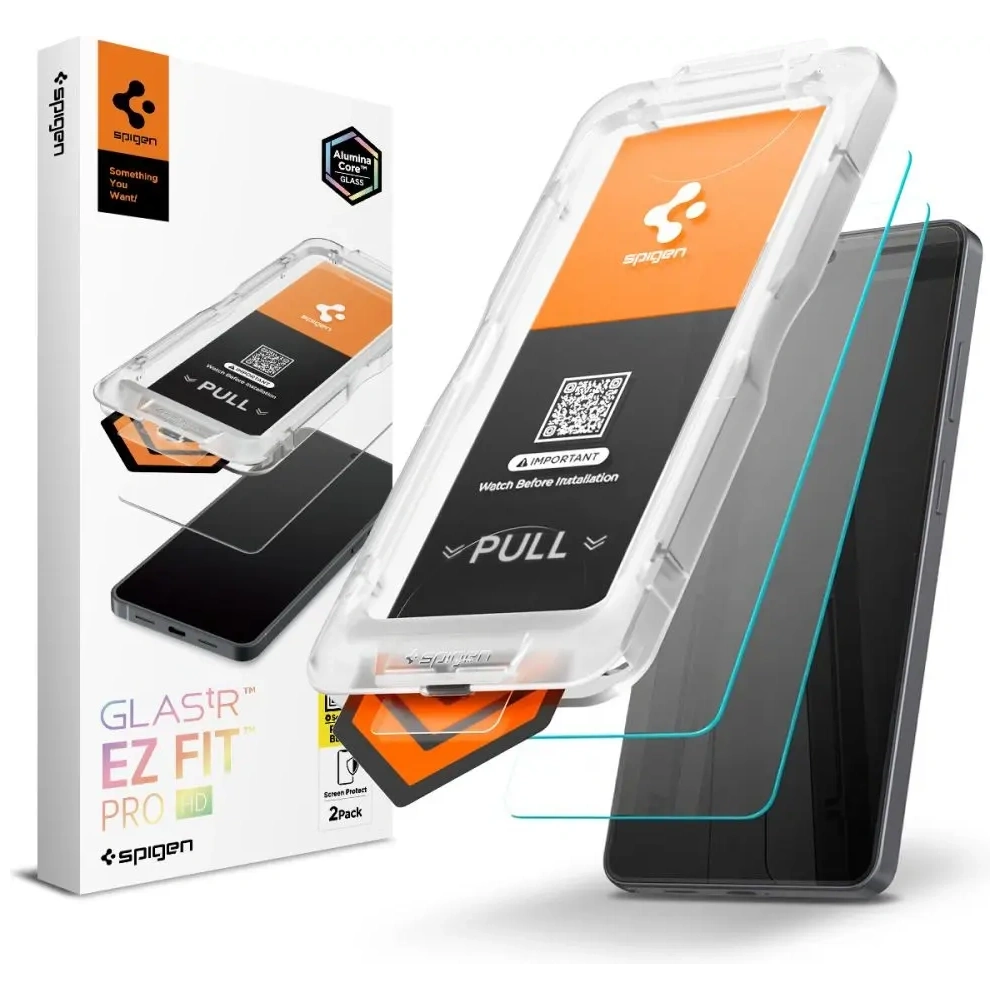
    Spigen Glas.tr EZ Fit Pro HDSpigenHD tempered glass2 pcs.very easy installation with EZ Fit frame79 PLN
    ESR UltraFit ArmoriteESRtempered glass2 pcs.very high impact resistance85 PLN
    3mk HardGlass Matt Max3mkmatte tempered glass1 pc.matte surface without fingerprints89 PLN
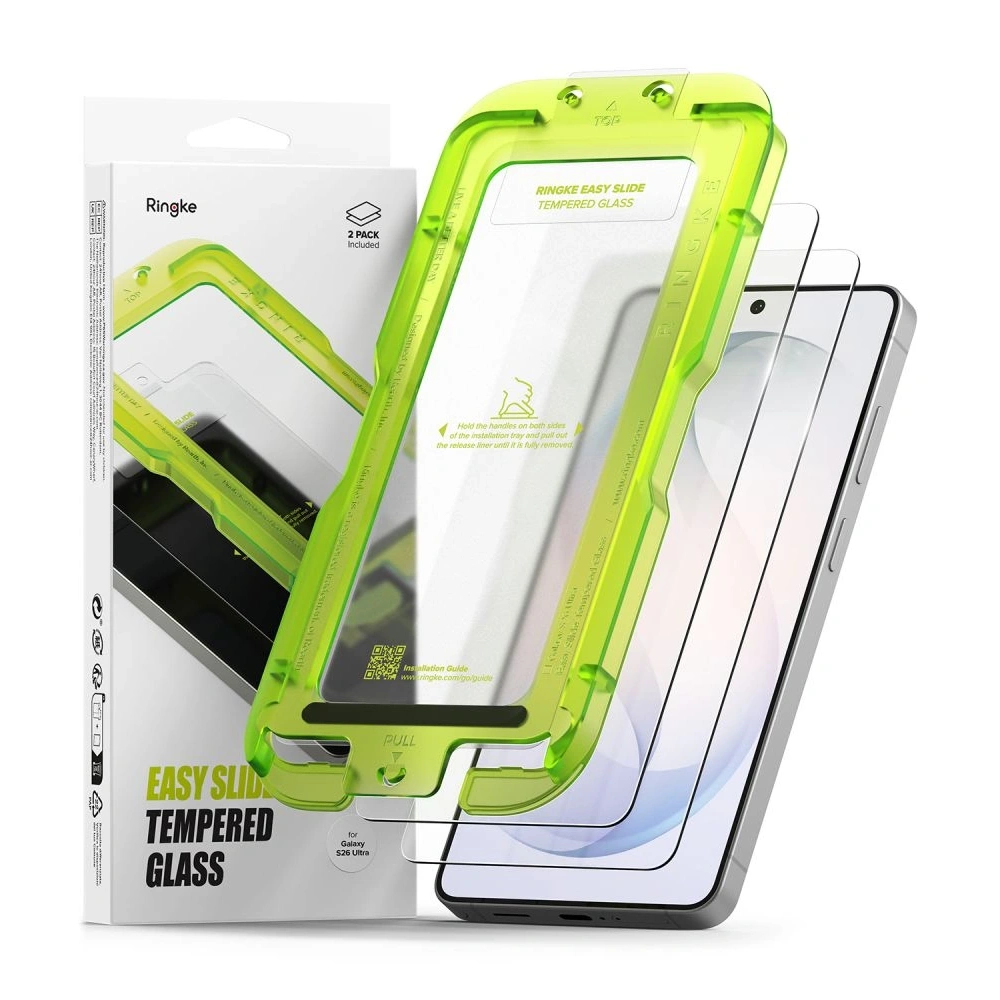
    Ringke Easy SlideRingketempered glass2 pcs.quick installation thanks to the applicator49 PLN
    Tech-Protect Glass FitTech-Protecttempered glass2 pcs.cheapest solid screen protection19 PLN

    Check out the best tempered glass for Samsung Galaxy S26 Ultra at homescreen.pl


    1. Best Tempered Glass — Spigen Glas.tr EZ Fit Pro HD

    Spigen Glas.tr EZ Fit Pro HD is one of the best-designed tempered glasses for the Samsung Galaxy S26 Ultra. The manufacturer has implemented the EZ Fit installation system, which allows you to perfectly fit the glass to the screen in a few seconds — without shifts and air bubbles.

    The glass is made of tempered material with a hardness of 9H, which effectively protects the screen from scratches and minor impacts. The package includes two glasses, so you can keep one as a spare.

    Key features:

    EZ Fit installation system with installation frame
    9H hardness resistant to scratches
    oleophobic coating reducing fingerprints
    ✅ high HD transparency
    2 glasses in the package

    Price: 79 PLN

    If you are looking for easy installation and high-quality protection, this is one of the best tempered glasses for the Galaxy S26 Ultra.


    2. The Most Durable Glass — ESR UltraFit Armorite

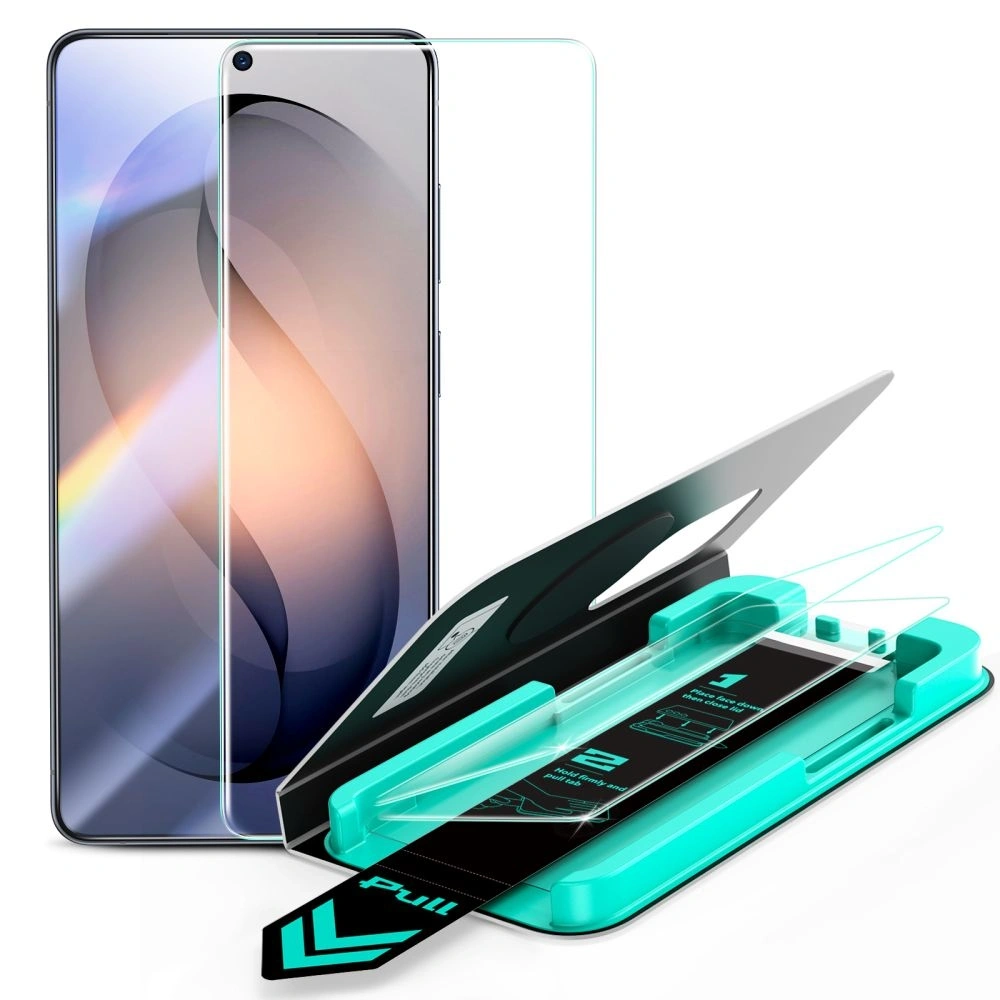
    ESR UltraFit Armorite is tempered glass designed for maximum impact resistance. The manufacturer has used a reinforced Armorite glass construction that better protects the screen during falls.

    A significant advantage is the UltraFit installation frame, which facilitates the perfect fit of the glass to the Galaxy S26 Ultra screen.

    Key features:

    ✅ reinforced glass Armorite with high resistance
    ✅ installation frame UltraFit
    ✅ high image clarity
    ✅ oleophobic coating
    ✅ set of 2 glasses in the package

    Price: 85 PLN

    This is a great choice for those who want maximum protection for the flagship Samsung screen.


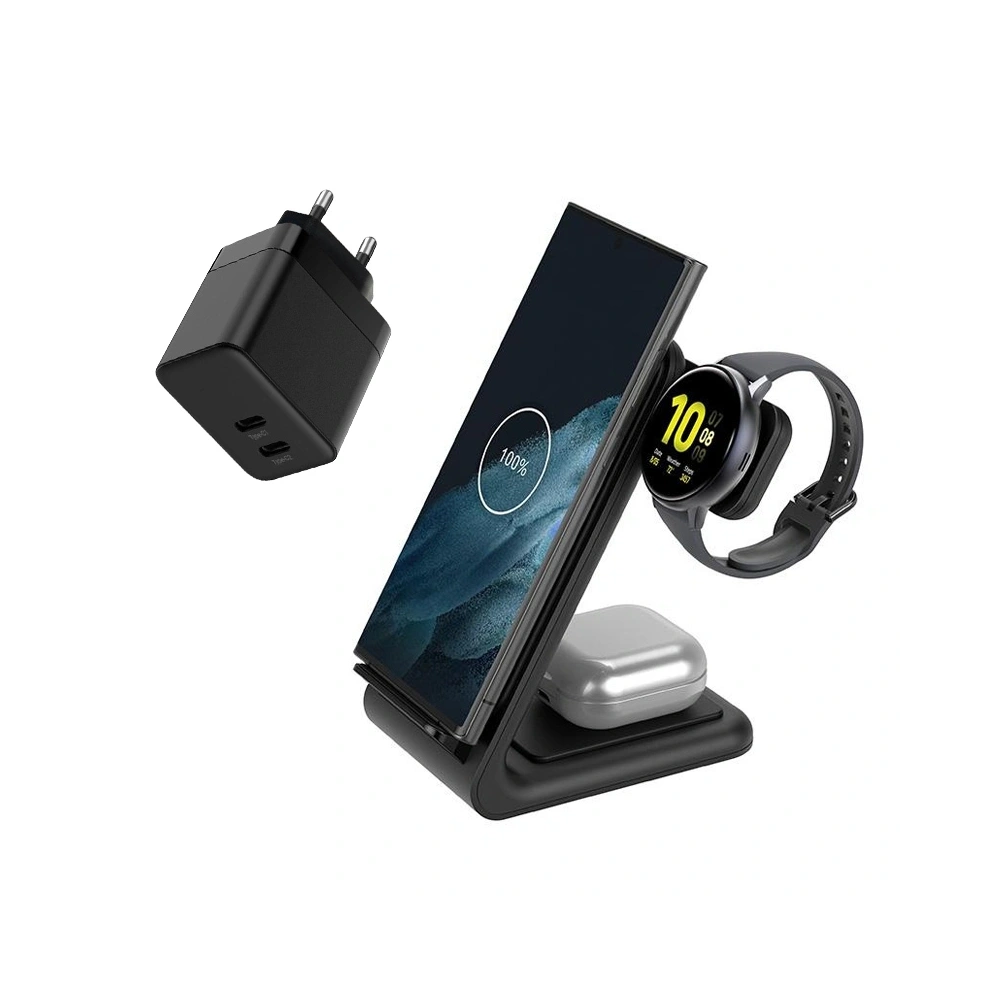
    3. Best Matte Glass — 3mk HardGlass Matt Max

    3mk HardGlass Matt Max is a tempered glass with a matte surface that effectively reduces light reflections and fingerprints on the screen.

    Matte glasses are particularly convenient when using the phone in sunlight and during intensive use.
    Key advantages:

    ✅ matte anti-fingerprint surface
    ✅ less light reflection
    ✅ high scratch resistance
    ✅ compatibility with fingerprint reader
    ✅ full screen coverage

    Price: 89 PLN

    This is a good choice for those who do not like glossy screens and frequent phone cleaning.


    4. Best price-to-quality ratio — Ringke Easy Slide

    Ringke Easy Slide is a very popular tempered glass for the Galaxy S26 Ultra, offering good protection at a reasonable price.

    The manufacturer has implemented the Easy Slide installation system, which allows for easy positioning of the glass on the screen without sliding.

    Key features:

    ✅ installation system Easy Slide
    ✅ set 2 glasses in the package
    ✅ high glass transparency
    ✅ good compatibility with cases

    Price: 49 PLN

    This is one of the best choices in the price / quality category.


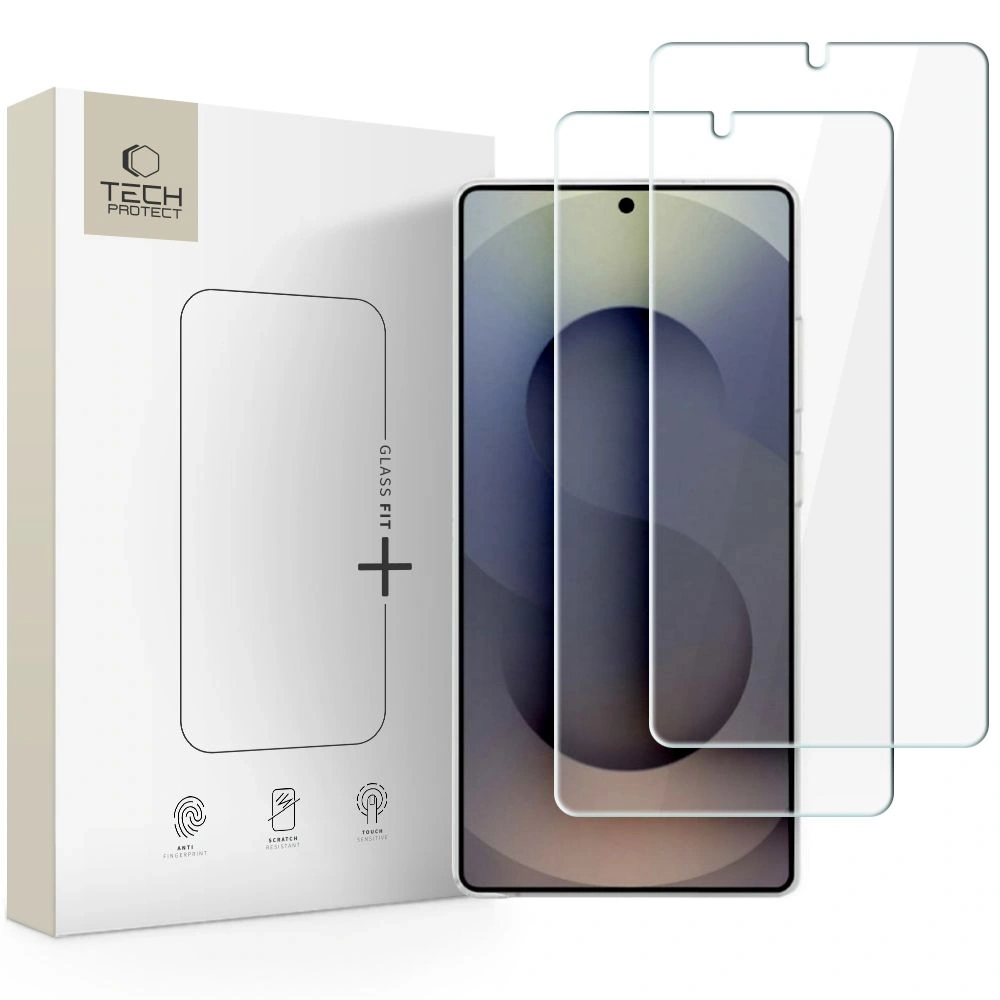
    5. Cheapest tempered glass — Tech-Protect Glass Fit

    Tech-Protect Glass Fit is a very budget-friendly tempered glass for Samsung Galaxy S26 Ultra, which despite its low price offers basic screen protection.

    Thanks to the hardness of 9H the glass protects the screen from scratches and minor damage.

    Key features:

    ✅ hardness 9H
    ✅ good screen clarity
    ✅ set of 2 glasses in the package
    ✅ very attractive price

    Price: 19 PLN

    This is a good choice for those looking for the cheapest screen protection for the Galaxy S26 Ultra.

    Best tempered glass for Galaxy S26 Ultra — quick selection

    If you don’t want to analyze the entire ranking, below you will find quick recommendations based on your needs.

    Each of the above is a proven tempered glass for Samsung Galaxy S26 Ultra, which effectively protects the screen from scratches and mechanical damage.


    How to choose tempered glass for Samsung Galaxy S26 Ultra?

    Choosing the right tempered glass for Galaxy S26 Ultra depends on several factors: level of protection, ease of installation, and the type of coating on the glass surface.

    Glass hardness

    The best tempered glasses have 9H hardness, which protects the screen from scratches caused by keys, coins, or sand particles.
    It is worth remembering that tempered glass is meant to break instead of the phone’s display. Replacing the glass costs several dozen zlotys, while repairing the Galaxy S26 Ultra screen can cost over 1000 zlotys.


    Installation system

    More and more manufacturers are using installation frames that facilitate the perfect fit of the glass to the screen.

    You can find such solutions in models like:

    • Spigen Glas.tr EZ Fit
    • ESR UltraFit Armorite
    • Ringke Easy Slide

    Thanks to this, the installation of the glass is quick and practically bubble-free.


    Oleophobic coating

    The oleophobic coating reduces fingerprints and smudges on the screen, making the phone cleaner and easier to use.

    In practice, all good tempered glasses for the Samsung Galaxy S26 Ultra have such a coating.

    Compatibility with cases

    Good glass should be marked as case friendly, meaning it is minimally narrower than the entire screen surface. This way, the case does not lift the glass at the edges.


    Which tempered glass to choose for the Galaxy S26 Ultra?

    If you care aboutChoose
    the easiest installationSpigen Glas.tr EZ Fit Pro HD
    the highest durabilityESR UltraFit Armorite
    a matte screen without fingerprints3mk HardGlass Matt Max
    good priceRingke Easy Slide
    the cheapest protectionTech-Protect Glass Fit

    Tempered glass or protective film for Galaxy S26 Ultra?

    Type of protectionAdvantagesDisadvantages
    Tempered glassbest screen protectioncan crack upon impact
    Protective filmvery thinweaker protection
    Matte glassfewer fingerprintsslightly worse clarity

    In most cases, tempered glass for the Samsung Galaxy S26 Ultra will be the best choice as it provides the highest level of screen protection.

    If you want to comprehensively protect your phone, in addition to tempered glass, it is worth considering other accessories as well.

    Check all tempered glasses for Samsung Galaxy S26 Ultra and accessories for this model at Home Screen.

    FAQ – frequently asked questions about tempered glass for Samsung Galaxy S26 Ultra

    Does tempered glass for Samsung Galaxy S26 Ultra affect the operation of the fingerprint reader?

    Good tempered glass for Samsung Galaxy S26 Ultra is compatible with the fingerprint reader in the screen. However, it is important to properly install the glass and increase the touch sensitivity in the phone settings.


    Does tempered glass degrade image quality?

    No. High-quality tempered glasses for Galaxy S26 Ultra are practically invisible on the screen. They offer high transparency and an oleophobic coating that reduces fingerprints.

    Does tempered glass protect the screen from cracking?
    Tempered glass is primarily designed to absorb impact energy and shatter instead of the phone screen. This protects the display from more serious damage.


    Is tempered glass compatible with cases?

    Yes. Most models are designed to be case-friendly, meaning they are slightly smaller than the entire screen surface. This way, the case does not lift the glass at the edges.


    How often should tempered glass be replaced?

    Tempered glass is usually replaced when it cracks or gets heavily scratched. That’s why many products are sold in 2-pack sets, allowing one piece of glass to be kept as a spare.


  • The Best Wireless Charger for Samsung Galaxy S26 – TOP 5 (2026)

    The Best Wireless Charger for Samsung Galaxy S26 – TOP 5 (2026)

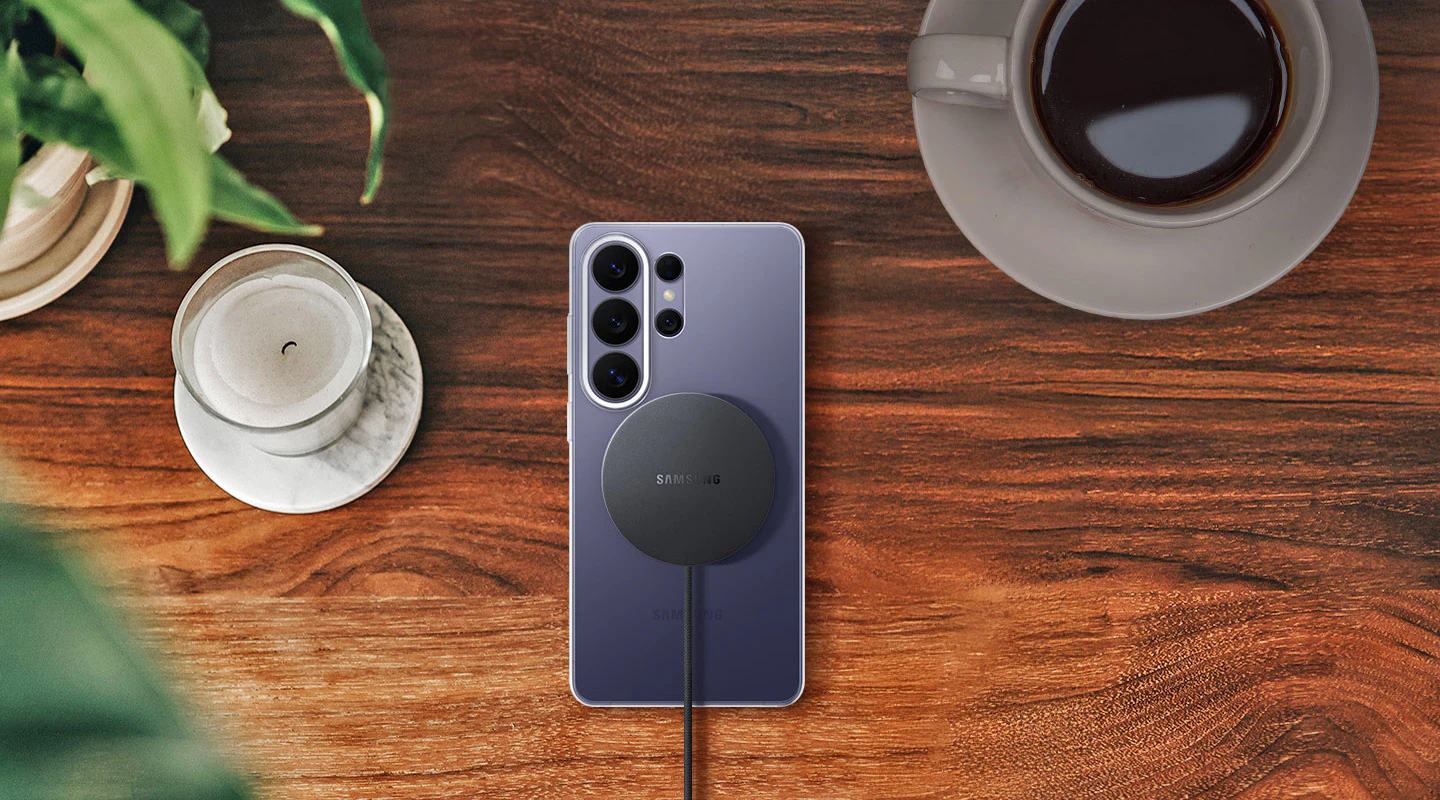
    The best wireless charger for Samsung Galaxy S26 Ultra should support 25 W in the Qi2 standard, because only then will you utilize the full power of the phone.

    For Galaxy S26+Plus, models of 20–25 W will be optimal, while the basic Galaxy S26 will fully utilize 15 W chargers.

    If you choose a magnetic charger, you also need a case with a built-in magnetic ring that stabilizes the phone during charging.

    Therefore, before purchasing a charger, it is worth selecting a  MagSafe case for Galaxy S26 that will ensure full compatibility with magnetic Qi2 chargers and maximum charging efficiency.

    Additionally, pay attention to whether the charger is:

    • a classic pad,
    • a vertical charging stand,
    • or a 2-in-1 or 3-in-1 station (phone + headphones + watch).

    If you want it to be a truly  fast charger for Galaxy S26, pay attention to the maximum power supported by your model and support for the Qi2 standard.

    🏆 TOP 5 wireless chargers for Samsung Galaxy S26

    Below you will find a comparison of the best-matched models for Galaxy S26, S26+ and S26 Ultra — taking into account power, functionality, and application.


    📊 Comparison of chargers for Galaxy S26

    PlaceModel PowerTypePriceBest for
    1️⃣Spigen EF323MQ 3-in-1 (25W)25 WMagnetic 3-in-1 station259.00 PLN⭐ S26 Ultra
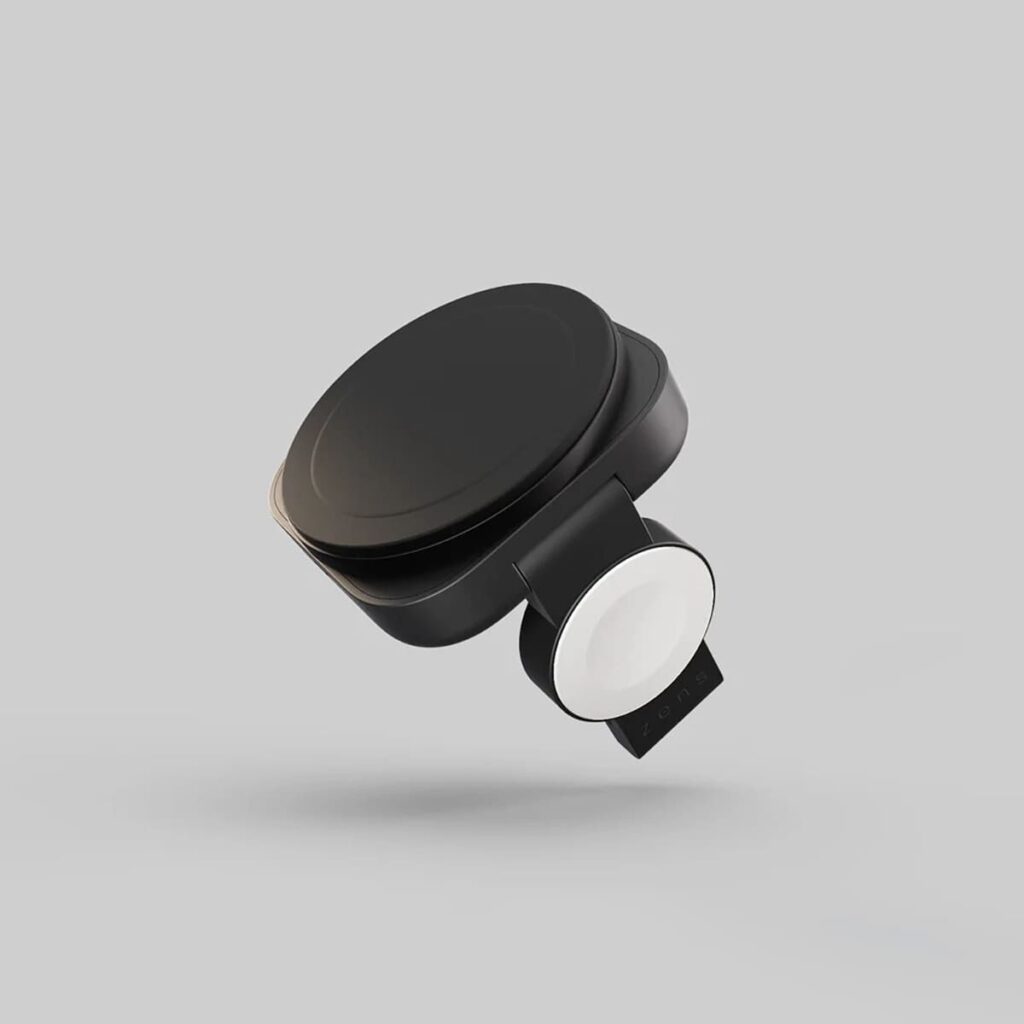
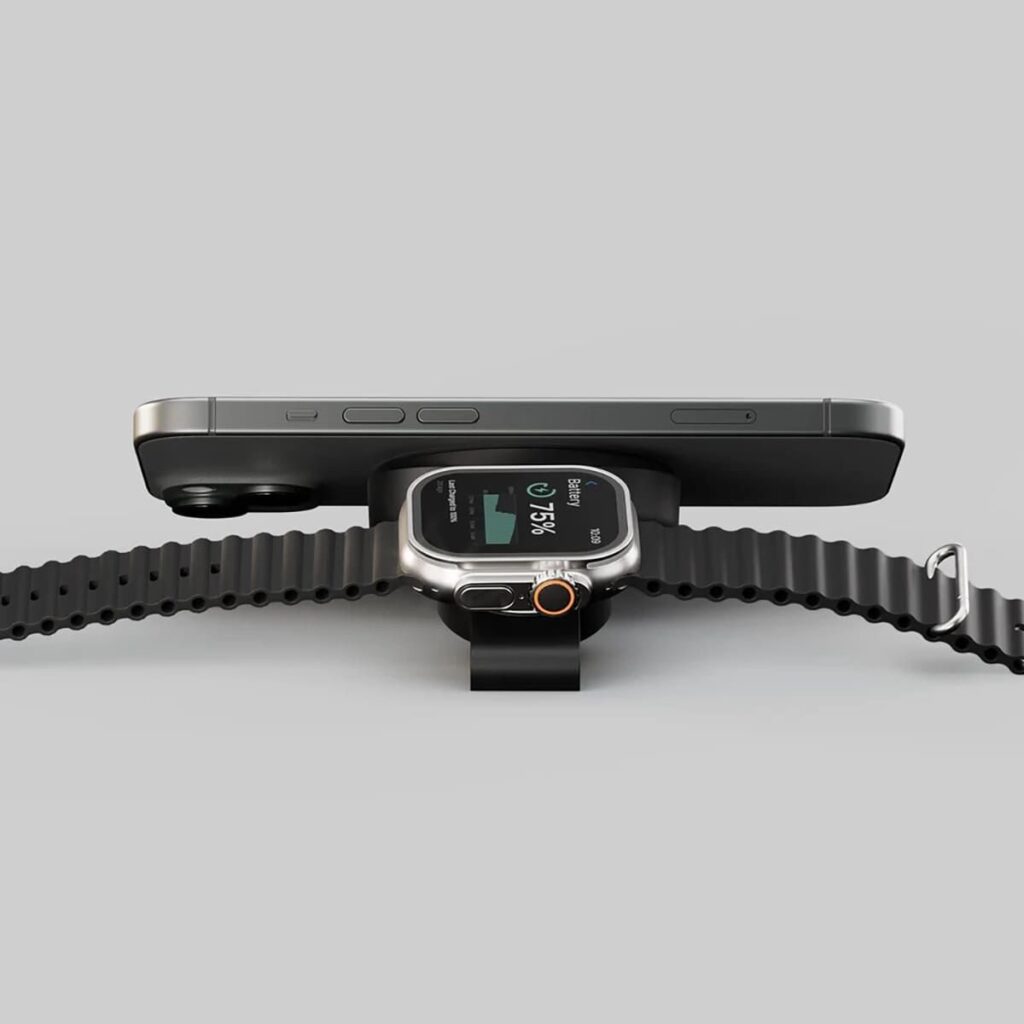
    2️⃣Zens Travel Pro 2 (20W)20 WMagnetic 2-in-1148.01 PLN⭐ S26+Plus
    3️⃣Crong PowerSpot 3-in-115 WStation + USB ports199.00 PLNUniversal
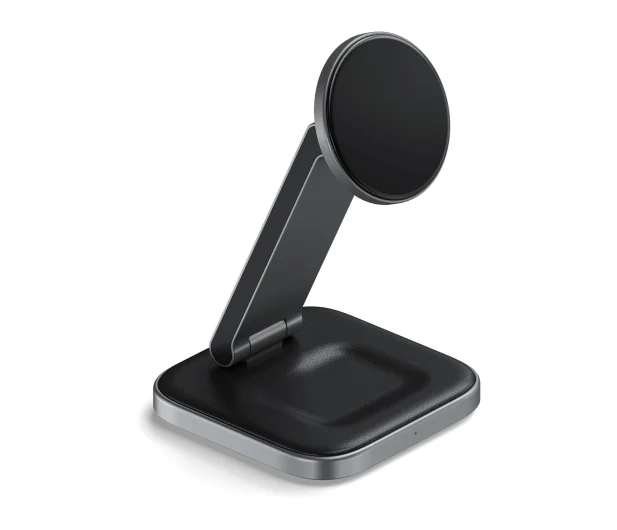
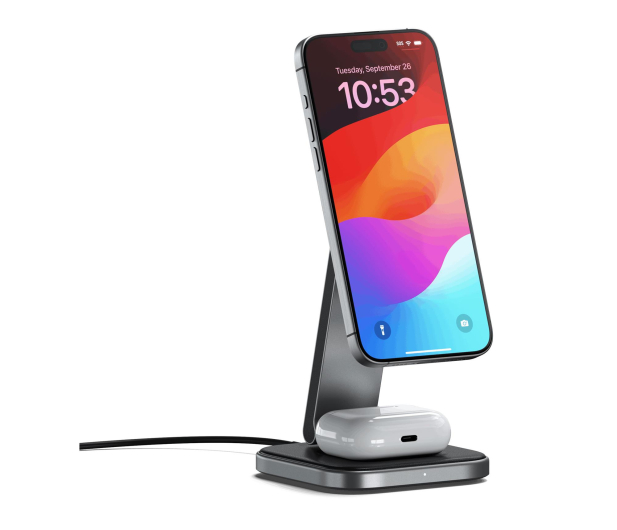
    4️⃣Satechi Foldable 2-in-1 Qi215 WFoldable magnetic389.00 PLNDesk / home
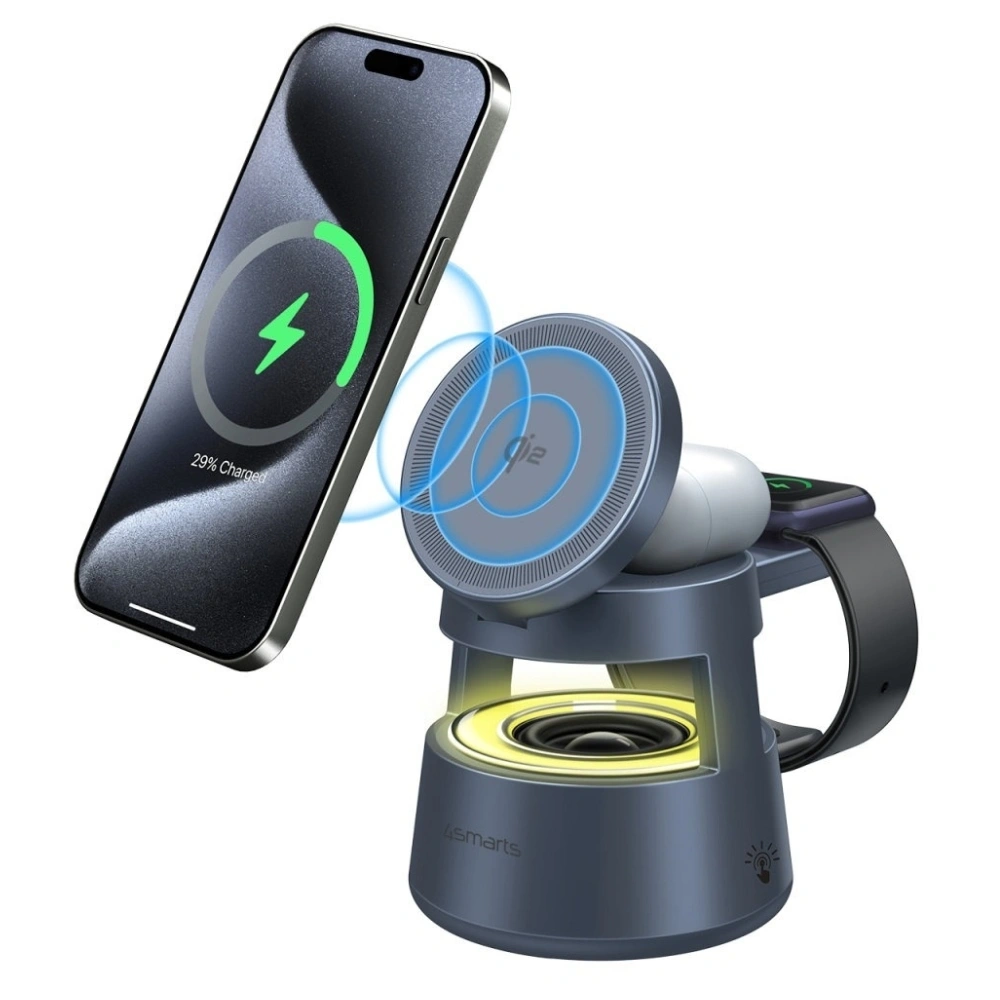
    5️⃣4smarts Aura Sound Qi215 WStation + LED speaker249.00 PLNRoom / desk

    What is the strongest wireless charger for Galaxy S26 Ultra?

    The strongest wireless charger for Samsung Galaxy S26 Ultra is a model supporting 25 W in the Qi2 standard. Only such power allows you to fully utilize the capabilities of this phone without using a cable.

    In practice, this means noticeably faster charging than with classic pads of 10–15 W. If you care about time and want it to be a truly fast charger for S26 Ultra, choose only 25 W models.

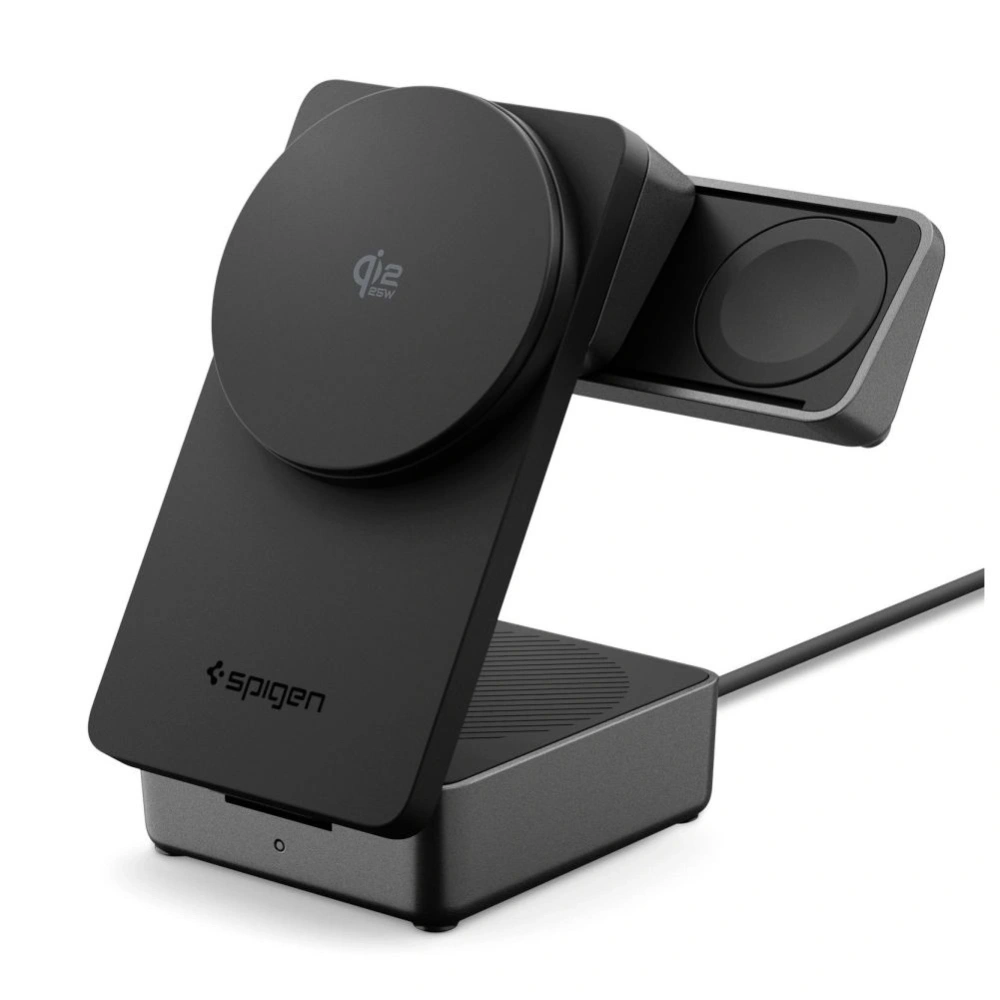
    Spigen EF323MQ 3-in-1 Magnetic 25W – full Qi2.2 power for S26 Ultra

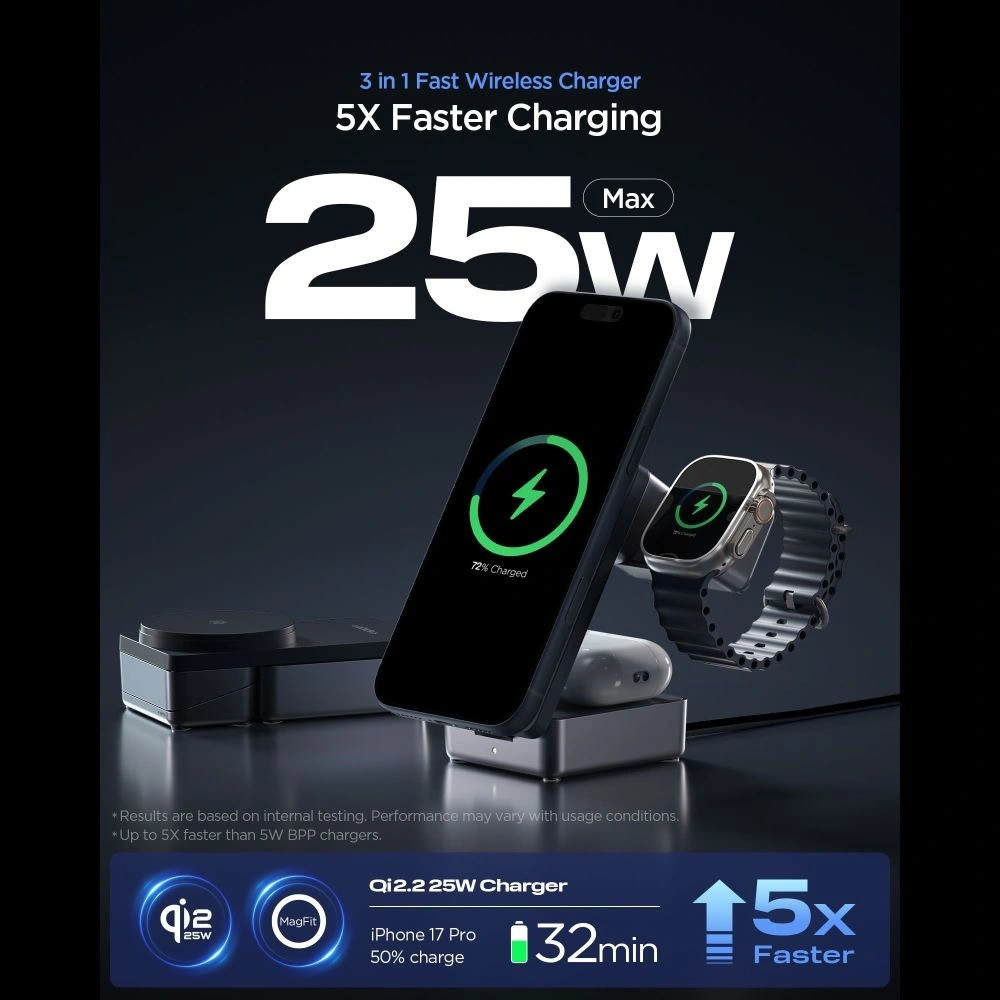
    The best choice from our offer is Spigen EF323MQ 3-in-1 Magnetic 25W Qi2.2, which is a magnetic charging station that supports full 25 W wirelessly.

    It is a 3-in-1 magnetic station that not only charges your phone quickly but also helps organize your desk space. With one device, you can power your smartphone, headphones, and watch — without the tangle of wires and several separate chargers.

    The magnetic mount stabilizes the phone and positions it perfectly in the charging axis, which increases energy efficiency and reduces interruptions in the charging process. You will achieve the best results when combined with a MagSafe case for Galaxy S26 with a built-in magnetic ring.

    Key features:

    • full 25 W wireless (Qi2.2)
    • MagSafe-compatible magnetic mounting
    • charging 3 devices simultaneously
    • stable phone position (vertical/horizontal)
    • elegant station for desk or bedroom

    Who is it for?

    ✔ for users Galaxy S26 Ultra who want maximum power of 25 W
    ✔ for those with multiple devices (phone + headphones + watch)
    ✔ for those who value order and a single central charging place

    If you care about maximum efficiency and the most complete solution for the S26 Ultra — this is currently the strongest option in the ranking.


    What fast wireless charger for Galaxy S26+Plus?

    Galaxy S26+Plus supports wireless charging of up to 20 W — more than the basic S26 (15 W), but less than S26 Ultra (25 W). To achieve a realistically higher wireless charging speed, it is worth choosing a model that actually produces ~20 W of output power.

    One of the best solutions available is a charger that offers magnetic mounting, Qi2 support, and around 20 W of power — which allows for faster charging of the S26+ than a typical 15 W pad.

    Wireless Charger 2in1 Zens Travel Charger Pro 2 20W MagSafe

    Zens Travel Charger Pro 2 20W MagSafe is a compact, magnetic wireless charger that supports up to 20 W of output power and simultaneously charges two devices — a phone and a second accessory (e.g., headphones).

     Key Features:

    •  20 W Wireless — fast charging ideal for Galaxy S26+
    • MagSafe Compatible — strong magnetic phone attachment
    • 2-in-1 — one pad for phone and another device
    • Compact Design — great for the desk or on the go

    With Qi2 support while maintaining 20 W power, this model provides faster charging than traditional 15 W pads, while also being a convenient solution for everyday use.

    Who It’s For:

    ✔ Galaxy S26+ users,
    ✔ those who want faster wireless charging without a large station,
    ✔ convenient charging of two devices with one device.


    Best 3-in-1 Charging Station for Galaxy S26

    If you also use a Galaxy Watch or wireless headphones in addition to your phone, a 3-in-1 charging station could be a good solution. Such chargers allow you to charge multiple devices simultaneously in one place, keeping your desk or nightstand more organized.

    In practice, this means fewer cables and one central charging station for all devices. One of the most practical options in our offer is a set that combines wireless charging with an additional fast wall charger.

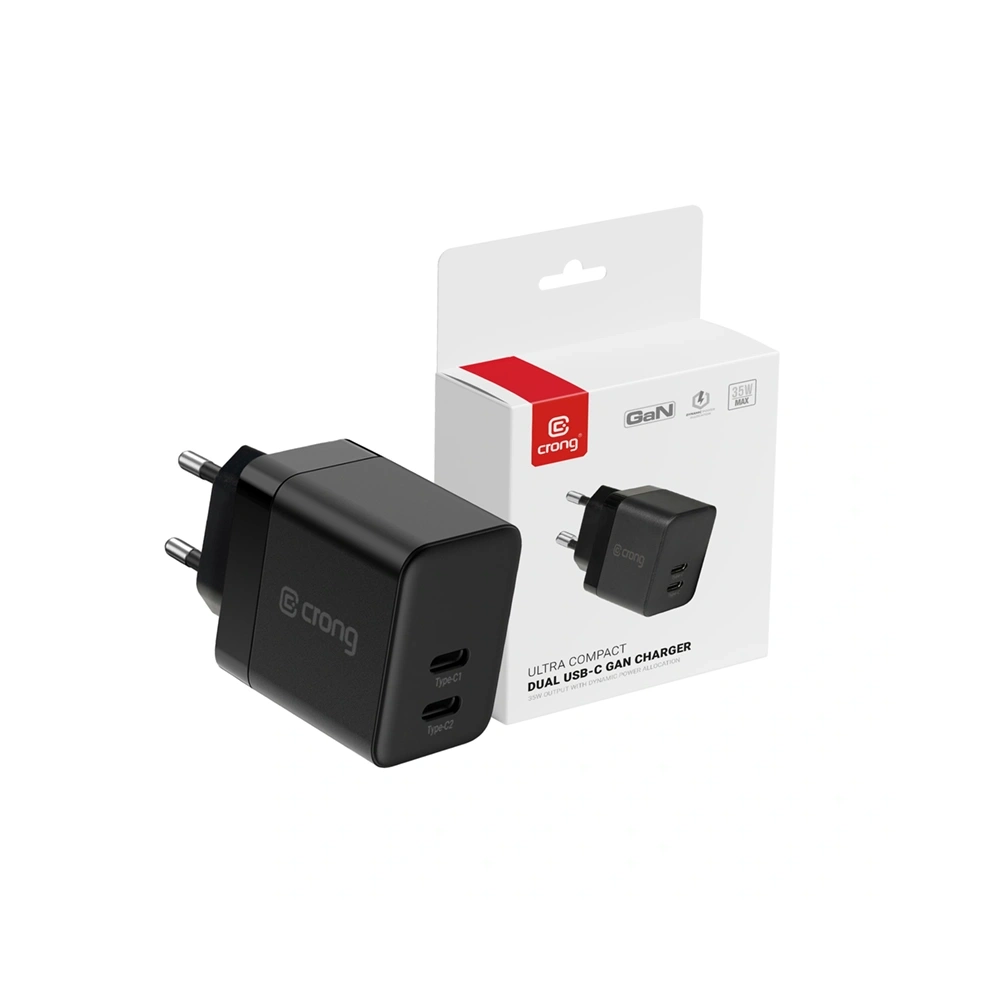
    Crong Set Wall Charger 2xUSB-C 35W + Wireless GaN PD PowerSpot Pivot Stand 3-in-1 Black

    Crong PowerSpot Pivot Stand 3-in-1 is a functional charging station that allows you to charge a smartphone, headphones, and a watch simultaneously. This way, it can replace several separate chargers and organize your desk space.

    The wireless part of the charger supports the Qi standard up to about 15 W, which is fully sufficient for conveniently charging the Galaxy S26 and S26+. The phone can be positioned both vertically and horizontally, which is great for watching movies or video calls.

    A significant advantage of this set is also the 35 W GaN wall charger with two USB-C Power Delivery ports, which allows for fast wired charging of additional devices.

    Key features:

    • wireless charging Qi up to approx. 15 W
    • charging 3 devices simultaneously
    • charger GaN 35 W with 2× USB-C PD included
    • ability to position the phone vertically or horizontally
    • convenient station for a desk or nightstand

    Who is it for?

    ✔ for users of Galaxy S26 or S26+ who want one station for all devices
    ✔ for those using Galaxy Watch and wireless headphones
    ✔ for those who want to reduce the number of cables on their desk

    Foldable magnetic charger for Galaxy S26

    If you are looking for a more compact solution than a large 3-in-1 station, a good option might be a foldable magnetic charger. Such models take up less space on the desk and work great while traveling as well.

    Satechi 2-in-1 Wireless Charger Foldable Charging Stand Qi2

    Satechi 2-in-1 Foldable Charging Stand Qi2 is an elegant and very compact magnetic charger that allows you to charge two devices simultaneously. The foldable design makes it easy to take with you on trips or use as a convenient stand on your desk.

    The model supports the Qi2 standard, which provides stable magnetic alignment for the phone and efficient wireless charging. This ensures that the phone is always in the perfect charging position.

    Key features:

    • supports the Qi2 standard
    • magnetic phone attachment
    • charges 2 devices simultaneously
    • foldable design ideal for travel
    • elegant design that fits any desk

    Who is it for?

    ✔ for those looking for a compact charger for Galaxy S26
    ✔ for users who utilize magnetic charging
    ✔ for those who travel frequently and want to take the charger with them


    Wireless charger with speaker for Galaxy S26

    Some chargers offer additional features that can be useful on a desk or in the bedroom. A good example is a model that combines wireless charging with a Bluetooth speaker.

    4smarts Aura Sound Qi2 Charging Station

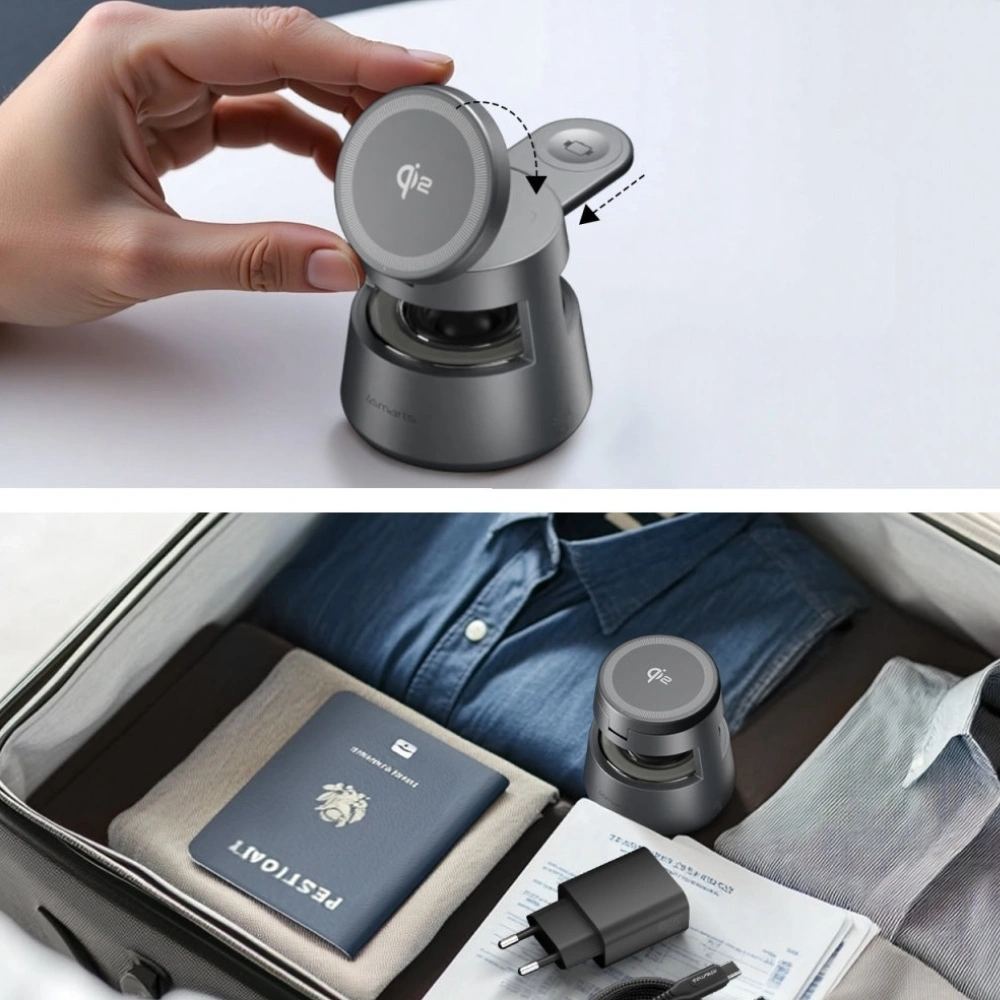
    4smarts Aura Sound Qi2 is a wireless charger that, in addition to charging functions, also offers a built-in Bluetooth speaker and LED lighting. This allows it to serve as a small multimedia center on a desk or nightstand.

    The charger supports the Qi2 standard and allows you to conveniently charge your phone without using a cable. It’s an interesting solution for those who want to combine charging functionality with additional audio capabilities.

    Main features:

    • wireless charging Qi2
    • built-in Bluetooth speaker
    • LED backlighting
    • modern design for desk or bedroom
    • convenient phone charging without a cable

    Who is it for?

    ✔ for those who want chargers with additional functions
    ✔ for users who use their phone at a desk or bed
    ✔ for those who like modern 2-in-1 gadgets


    Which wireless charger to choose for Galaxy S26?

    Choosing the right wireless charger for the Galaxy S26 primarily depends on the model of the phone and how you use the device. The Galaxy S26 series supports various charging powers, so it’s worth selecting a charger to fully utilize your smartphone’s capabilities.

    How to choose a charger for a specific Galaxy S26 model?

    If you are using the Galaxy S26 Ultra, the best choice will be a charger supporting 25 W in the Qi2 standard, as it allows you to achieve maximum charging speed without using a cable.

    In the case of Galaxy S26+, the optimal solution will be a charger offering around 20 W of power, which will allow you to charge the phone faster than standard models of 10–15 W.

    On the other hand, the Galaxy S26 supports wireless charging up to about 15 W, so even simpler Qi chargers will be fully sufficient for everyday use.

    When choosing, it is also worth paying attention to additional features such as:

    • the ability to charge multiple devices simultaneously (2-in-1 or 3-in-1 stations)
    • magnetic alignment of the phone in the Qi2 standard
    • convenient form of desk or nightstand stand

    Thanks to this, the charger can become not only a power source but also a convenient element of everyday smartphone use.


    FAQ – frequently asked questions about wireless chargers for Galaxy S26

    Do MagSafe chargers work with Samsung Galaxy S26?

    Yes, many MagSafe chargers work with Samsung Galaxy S26 phones. However, to fully utilize the magnetic alignment of the phone to the charger, it is best to use a MagSafe case for Samsung Galaxy S26.


    Does the Qi2 charger work with Galaxy S26?

    Yes. Modern chargers supporting the Qi2 standard are compatible with the Galaxy S26 series. The Qi2 standard uses magnetic alignment of the phone to the charger, allowing the device to be positioned perfectly for charging and to charge more stably.


    Is wireless charging slower than wired charging?

    Generally, wireless charging is slower than wired charging. However, modern chargers Qi2 with a power of 20–25 W significantly reduce charging time and are a more convenient alternative for many users compared to traditional cables.


    Does every wireless charger work with the Galaxy S26?

    Yes, most chargers supporting the Qi standard will be compatible with the Samsung Galaxy S26. However, it is advisable to choose newer models Qi2, which offer more stable charging and magnetic alignment of the phone to the charger.


    Does a wireless charger heat up the phone?

    During wireless charging, the phone may get slightly warm, which is a normal phenomenon. However, modern chargers Qi2 and Qi have safety systems that monitor temperature and prevent the device from overheating.


    Is wireless charging safe for the battery?

    Yes, wireless charging is safe for the phone’s battery. Modern chargers have protections against overheating, overvoltage, and overcharging, ensuring that the charging process is fully controlled.


    Can you use the phone while wireless charging?

    Yes, you can use the phone while wireless charging. Many chargers are designed as stands, allowing you to comfortably watch movies, make video calls, or read messages.


    Is a 3-in-1 charger a good choice for the Galaxy S26?

    3-in-1 chargers are a very convenient solution, especially if you also use a Galaxy Watch and wireless earbuds. With one station, you can charge all your devices simultaneously and avoid cable clutter.

  • Samsung Galaxy S26 Ultra vs Samsung Galaxy S25 Ultra – a battle of generations

    Samsung Galaxy S26 Ultra vs Samsung Galaxy S25 Ultra – a battle of generations

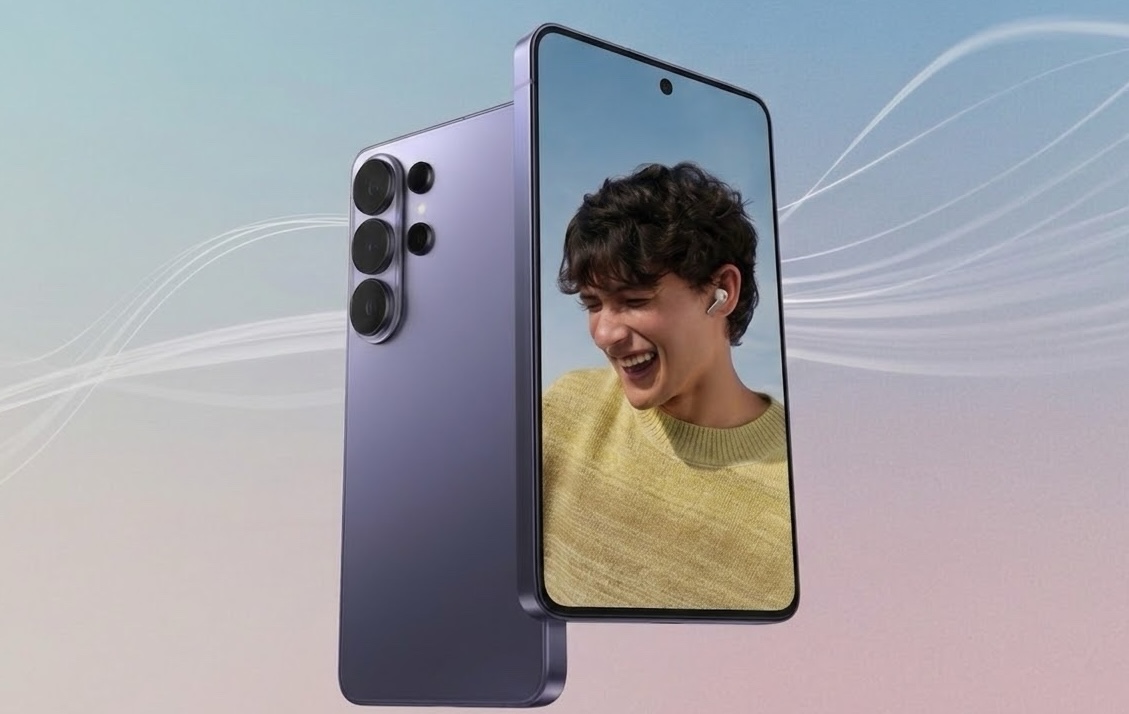
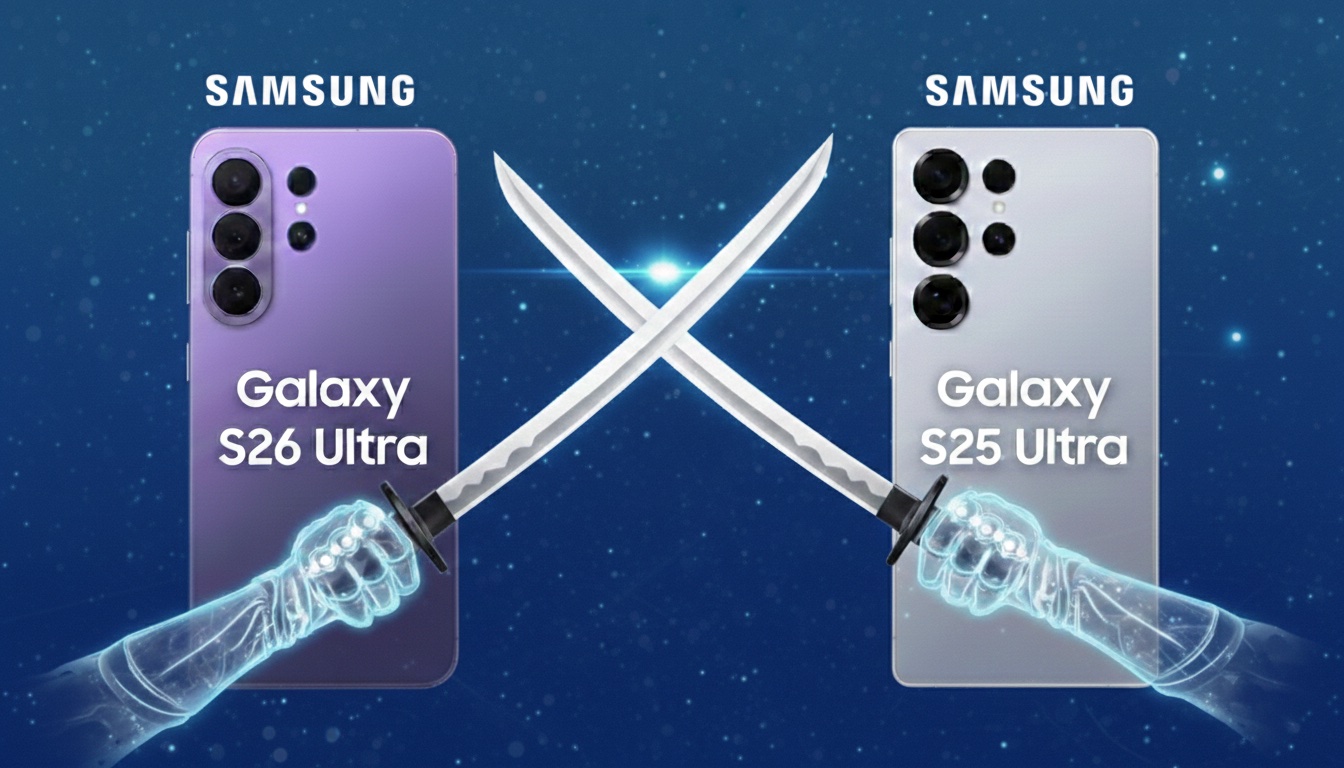
    The Samsung Galaxy S26 Ultra is clearly better than the S25 Ultra in three key areas: performance, charging, and low-light photography.

    The new model offers:

    • more powerful Snapdragon 8 Elite Gen 5 processor
    • brighter main camera f/1.4 (more light at night)
    • faster 60 W charging (75% in 30 minutes)
    • larger vapor chamber and better cooling
    • new Privacy Display feature (private screen)
    • thinner and lighter body

    At the same time, the screen, battery (5000 mAh), and most AI capabilities remain very similar to its predecessor.

    Appearance, dimensions, and build quality

    Comparison of Galaxy S26 Ultra vs Galaxy S25 Ultra construction

    SpecificationSamsung Galaxy S26 UltraSamsung Galaxy S25 Ultra
    Dimensions163.6 × 78.1 × 7.9 mm162.8 × 77.6 × 8.2 mm
    Weight214 g218 g
    FrameArmor AluminiumTitanium
    Front GlassCorning Gorilla Armor 2Corning Gorilla Armor
    Back GlassGorilla Glass Victus 2Gorilla Glass Victus 2
    ResistanceIP68IP68
    PortUSB-C 3.2, OTG, DisplayPort 1.4USB-C 3.2, OTG, DisplayPort 1.4

    What has really changed in the design?

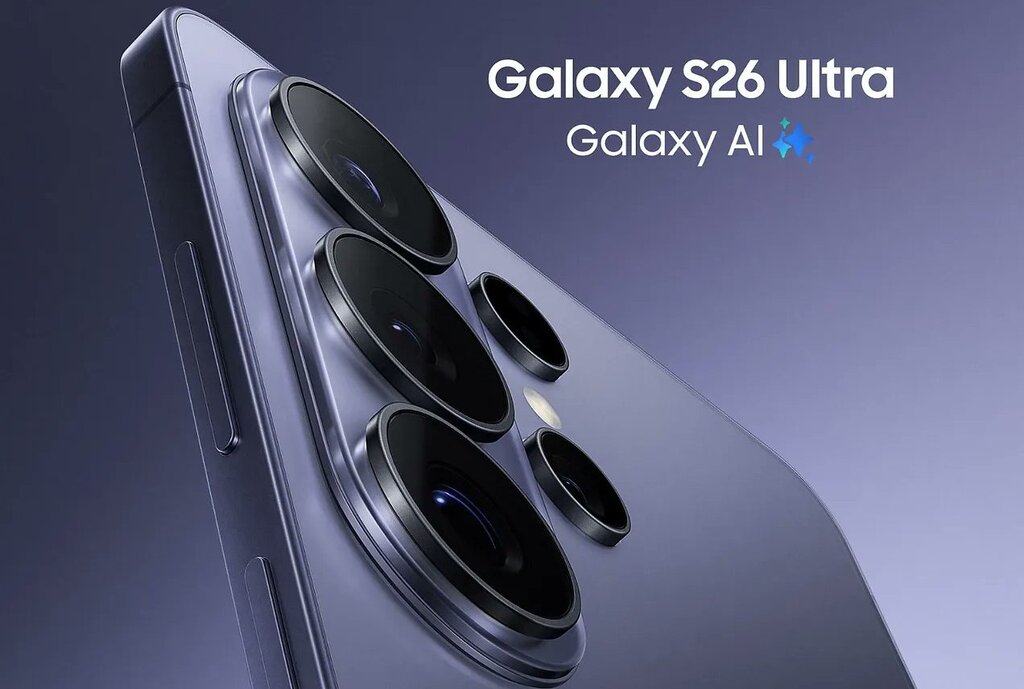
    At first glance, both models are almost identical. The camera layout, shape, proportions – Samsung has not introduced a visual revolution. The differences are subtle and can only be seen when comparing the specifications.

    Galaxy S26 Ultra is thinner (7.9 mm vs 8.2 mm) and lighter (214 g vs 218 g).
    This makes it the slimmest Ultra model in the history of the series. The difference of 0.3 mm may seem symbolic, but with such a large device, it affects the comfort of grip.

    The change that sparks the most discussion is the abandonment of the titanium frame. The Galaxy S25 Ultra used titanium, while the S26 Ultra features Armor Aluminium. In practice, both materials provide very high structural rigidity, but titanium was a distinguishing element of its predecessor. The new model does not feel less solid, but it is a noticeable change in premium communication.

    At the front, the Galaxy S26 Ultra is protected by Gorilla Armor 2, which is the newer generation of protective glass. The back in both cases is Gorilla Glass Victus 2. This means very high resistance to scratches and drops in both devices.

    The IP68 certification remains unchanged — both smartphones are resistant to dust and immersion in water.

    The slimmer design and glass back mean it’s worth taking care of the case protection as well. Case for Samsung Galaxy S26 Ultra helps protect the frame and camera from scratches and cushions falls – especially with such a large and heavy smartphone.


    Screen – similar parameters, but S26 Ultra adds “smart” enhancements

    Display comparison

    Samsung Galaxy S26 UltraSamsung Galaxy S25 Ultra
    Diagonal6.9″6.9″
    TypeDynamic LTPO AMOLED 2XDynamic LTPO AMOLED 2X
    Resolution3120 × 1440 px3120 × 1440 px
    Refresh Rateadaptive 1–120 Hzadaptive 1–120 Hz
    Maximum Brightness2600 nits2600 nits

    What does this mean in practice?

    If we look solely at the numbers, the screen is “the same”: identical diagonal, resolution, brightness, and refresh rate. This is important because the S25 Ultra was already at the absolute top, and Samsung didn’t need to forcefully boost the specifications here.

    The differences in the S26 Ultra only appear when we delve into how the phone processes images.

    New mDNIe engine and ProScaler – why is this necessary if the parameters are the same?

    In the Galaxy S26 Ultra, Samsung adds new elements “under the hood”:

    • mDNIe (Digital Natural Image) – a new image processing engine designed to improve color depth precision and gradations (i.e., tonal transitions, shadows, midtones, subtle differences in hues). In short: the image is supposed to look more “smooth” and natural, without the effect of artificiality in challenging scenes.
    • ProScaler – uses AI to enhance sharpness and readability of details, especially when the source is of lower quality (e.g., lower resolution video, streaming, reels, heavily compressed content).

    These are not “wow on paper” changes, but in everyday use they can provide subtly better image quality: sharper contours in video, less “flat” colors, better transitions in shadows.

    Privacy Display – the biggest difference in the screen (and realistically practical)

    Here we enter a feature that actually distinguishes the S26 Ultra from the S25 Ultra: Privacy Display.

    This is a privacy mode that:

    • limits screen readability from a side angle, so people next to you see less,
    • can work for the entire screen or only for selected elements (e.g., apps, notifications, password/PIN fields),
    • is particularly useful in public places (transportation, queues, open spaces).

    Important detail: when private mode is enabled, the image from “your” angle may look different (this is normal), and depending on conditions (brightness, angle, surroundings), some information may still be somewhat visible — this is not an “invisibility cloak,” just a limitation of the view.

    With such a large, 6.9-inch display, it’s worth considering additional protection. Tempered glass for Samsung Galaxy S26 Ultra is a small cost compared to potential repairs 🔒📱


    Cameras – does brighter optics make a real difference?

    Camera specifications comparison

    Samsung Galaxy S26 UltraSamsung Galaxy S25 Ultra
    Main camera200 MP, f/1.4, 1/1.3”, PDAF, Laser AF, OIS200 MP, f/1.7, 1/1.3”, PDAF, Laser AF, OIS
    Ultrawide50 MP, f/1.9, 120°50 MP, f/1.9, 120°
    Tele 3x10 MP, f/2.4, OIS10 MP, f/2.4, OIS
    Tele 5x50 MP, f/2.8, OIS50 MP, f/3.4, OIS
    Front camera12 MP, f/2.212 MP, f/2.2
    Video8K 30 fps, 4K 120 fps8K 30 fps, 4K 120 fps

    What has changed in practice?

    On paper, the arrangement of the cameras looks almost identical, but the key differences lie in the optics.

    The Galaxy S26 Ultra has received a brighter main lens (f/1.4 instead of f/1.7).
    This means that more light reaches the sensor, which translates to:

    • better night photos,
    • shorter exposure times,
    • lower risk of motion blur,
    • more natural colors in difficult conditions.

    The difference is particularly noticeable after dark.

    The second important change concerns the 5x telephoto lens.
    In the S26 Ultra, it has an aperture of f/2.8 instead of f/3.4, which also improves photo quality in lower light and provides slightly better background depth.

    AI and photo editing

    Both models offer advanced Galaxy AI features, but the Galaxy S26 Ultra introduces the ability to edit photos using text commands. You can describe the effect you want to achieve, and the system will automatically adjust the parameters.

    It’s more of an evolution than a revolution, but for those who frequently edit photos, it can be a real advantage.

    Performance and cooling – the new Snapdragon makes a difference

    Processor comparison

    Samsung Galaxy S26 UltraSamsung Galaxy S25 Ultra
    ProcessorSnapdragon 8 Elite Gen 5 (3 nm)Snapdragon 8 Elite (3 nm)
    Performance cores2 × 4.74 GHz Oryon V32 × 4.47 GHz Oryon V2
    Efficient cores6 × 3.62 GHz6 × 3.53 GHz
    GPUAdreno 840Adreno 830
    Performance increase+19% CPU, +24% GPU, +39% NPU

    What does Snapdragon 8 Elite Gen 5 mean in practice?

    The Galaxy S26 Ultra is the only model in the series to receive Snapdragon 8 Elite Gen 5 for Galaxy – currently the most powerful chip in Qualcomm’s offering.

    Samsung declares:

    • up to 19% faster CPU performance,
    • up to 24% better GPU performance,
    • up to 39% increase in AI unit power (NPU).

    In everyday use, this translates to:

    • faster app switching,
    • more stable performance with many open programs,
    • better fluidity in games,
    • more efficient operation of Galaxy AI features.

    The difference won’t be dramatic when browsing the internet, but in gaming, video editing, or intensive multitasking – it will be.


    Cooling – larger vapor chamber

    The Galaxy S26 Ultra has received a new Vapor Chamber design.
    Samsung reports a thermal performance improvement of about 21%.

    In practice, this means:

    • longer maintenance of maximum performance,
    • fewer clock speed drops in games,
    • more stable performance when recording in 8K.

    This is particularly important when utilizing the power of the new processor – without adequate cooling, even the best chip won’t show its full potential.


    System and updates

    Galaxy S26 Ultra launches with Android 16 and One UI 8.5.
    Galaxy S25 Ultra runs on Android 15 but will receive an update to Android 16.

    Both models have:

    • Galaxy AI support,
    • long update support (multi-year security and system patches).

    Differences in AI features may blur over time as the older model also receives new tools in updates.

    Battery and charging – this is where the difference is most noticeable

    Battery and charging power comparison

    Samsung Galaxy S26 UltraSamsung Galaxy S25 Ultra
    Battery capacity5000 mAh5000 mAh
    Wired charging60 W45 W
    Wireless charging25 W15 W
    Reverse charging4.5 W4.5 W
    30 minutes of chargingup to ~75%about ~69%

    The same battery, but different speed

    In terms of capacity, the batteries are identical – both models have 5000 mAh, so the actual usage time on a single charge will be similar.

    However, the differences are clear in the charging methods:

    Galaxy S26 Ultra supports fast wired charging at 60 W – this means that in about 30 minutes you can reach even ~75% battery.

    Galaxy S25 Ultra charges at 45 W – in a similar charging time, it reaches about ~69%.

    Wireless charging is also faster – S26 Ultra supports up to 25 W, while S25 Ultra offers 15 W.

    This translates to:

    • shorter sessions under the charger,
    • faster charging “here and now”,
    • more flexible use of wireless chargers.

    Although the battery capacity has not changed, S26 Ultra has a clear advantage in charging speed, both wired and wireless.

    Prices and profitability – does the price difference make sense?

    Market price comparison

    Samsung Galaxy S26 UltraSamsung Galaxy S25 Ultra
    12/256 GB6499 PLN5349 PLN
    12/512 GB7399 PLN5799 PLN
    12/1 TB8699 PLN6598 PLN

    💡 Samsung promotion (until March 10):
    🔹 Galaxy S26 Ultra 512 GB quickly on promotion costs about 6499 PLN
    🔹 Galaxy S26 Ultra 1 TB about 7799 PLN
    (effectively this is a reduction of ~900 PLN from the catalog price)

    Price vs value

    The new Galaxy S26 Ultra is not cheap — this is natural for a top Ultra model. However, it has several areas where it significantly surpasses its predecessor:
    ✔️ new Snapdragon 8 Elite Gen 5 processor
    ✔️ brighter main and 5x telephoto camera
    ✔️ faster charging (60 W / 25 W wirelessly)
    ✔️ thinner and lighter design
    ✔️ Privacy Display and new AI features

    At the same time, the S25 Ultra still offers:
    ✔️ great cameras
    ✔️ a very large 5000 mAh battery
    ✔️ top-notch display
    ✔️ stable performance and long updates


    When is the S26 Ultra worth it?

    if you care about:

    • the best possible performance in the Galaxy series,
    • faster charging,
    • better camera in difficult lighting conditions,
    • new AI features and screen privacy

    During promotions, the price difference is smaller, making it easier to justify purchasing the new generation.


    FAQ – frequently asked questions about the Galaxy S26 Ultra

    Is it worth switching from the Galaxy S25 Ultra to the Galaxy S26 Ultra?

    If you care about faster loading, better performance, and a brighter camera for night photos — yes. However, if the S25 Ultra still runs smoothly and the price difference is significant, a change is not necessary.


    Does the Galaxy S26 Ultra have a better camera than the S25 Ultra?

    Yes, but the difference mainly concerns low-light performance. The Galaxy S26 Ultra has a brighter aperture (f/1.4 vs f/1.7) and a better 5x telephoto lens (f/2.8 vs f/3.4), which improves the quality of night photos and close-ups.


    Is the battery in the Galaxy S26 Ultra larger?

    No. Both models have a 5000 mAh battery. The difference lies in faster charging in the S26 Ultra (60 W wired and 25 W wireless).


    What is Privacy Display in the Galaxy S26 Ultra?

    It is a feature that limits screen visibility at an angle. It protects sensitive data, such as banking apps or messages, from being viewed in public places.


    How much does the Samsung Galaxy S26 Ultra cost?

    • Samsung Galaxy S26 Ultra 12/256 GB — ok. 6499 zł
    • Samsung Galaxy S26 Ultra 12/512 GB — ok. 7399 zł
    • Samsung Galaxy S26 Ultra 12/1 TB — ok. 8699 zł

    What colors does the Galaxy S26 Ultra come in?

    The Galaxy S26 Ultra is available in four basic color versions: purple, light blue, black, and white. Additionally, Samsung offers two special variants – silver and gold – which can only be purchased through the manufacturer’s official sales.


  • What is the best charger for Samsung Galaxy S26?

    What is the best charger for Samsung Galaxy S26?

    The best charger for Samsung Galaxy S26 should have 25W power and support for PD and PPS — this is the optimal solution for the basic model, ensuring stable and safe charging.

    For the Galaxy S26+(Plus) it is worth choosing 45W (USB PD 3.0 + PPS / Super Fast Charging) to shorten the battery charging time.

    Meanwhile, the Galaxy S26 Ultra supports charging up to 60W, so the best choice is a 60W charger with PD and PPS, which will allow you to take full advantage of its potential.

    If you plan to charge multiple devices simultaneously, consider a 65W or stronger model, which will provide extra power for a tablet or laptop as well.

    Remember — a fast wall charger for Samsung Galaxy S26 is one that supports the USB Power Delivery standard and PPS and offers real, model-specific power.

    On the other hand, a wireless charger for Galaxy S26 should support the Qi2 standard and Fast Wireless Charging up to 25 W to ensure the fastest possible charging without using a cable.

    Best chargers for Samsung Galaxy S26 (ranking by model)

    Samsung Galaxy S26

    Charger modelPowerFast charging technologiesPortsPrice
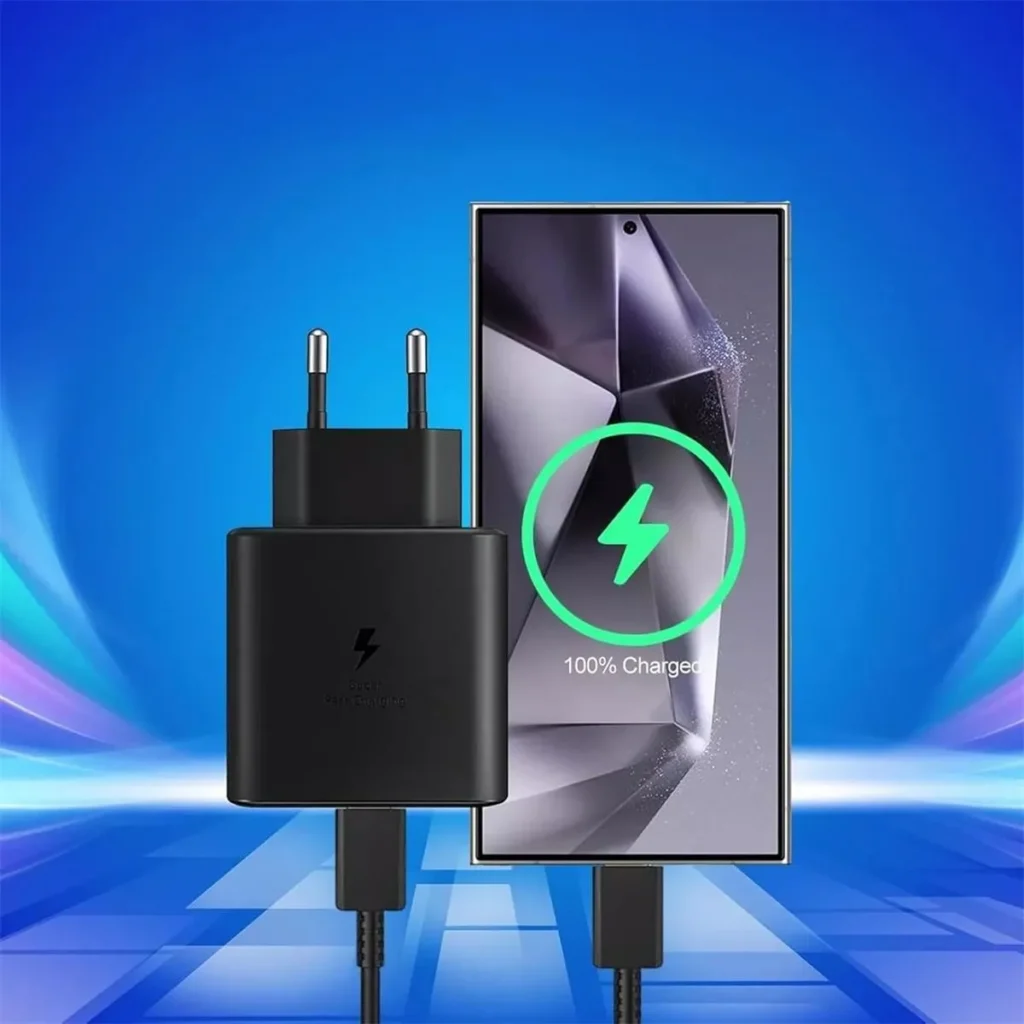
    Samsung EP-T2510NB25WUSB PD + PPS (Super Fast Charging)1x USB-C99.00 zł
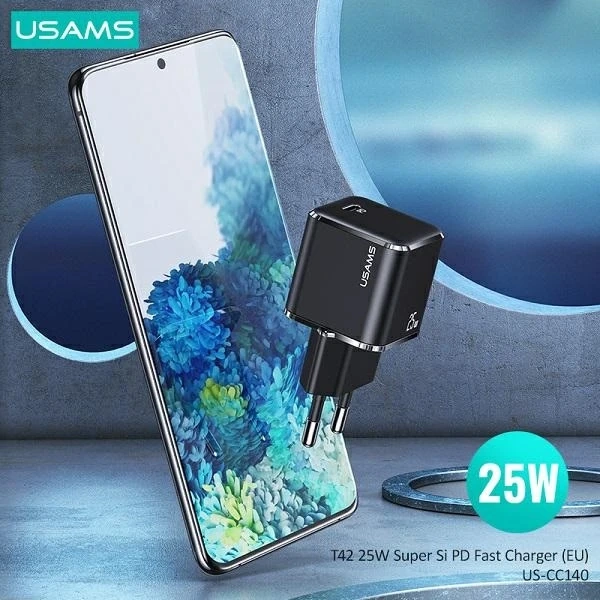
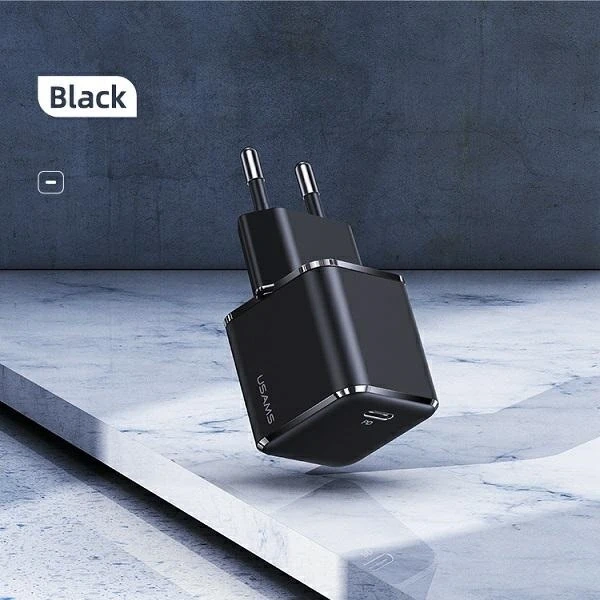
    USAMS T42 mini25WUSB PD 3.01x USB-C55.44 zł
    Tech-Protect NCM2525WUSB PD1x USB-C35.00 zł

    Samsung Galaxy S26+(Plus)

    Charger modelPowerFast charging technologiesPortsPrice
    Samsung EP-T4511NBEGEU45WUSB PD + PPS (Super Fast Charging 2.0)1x USB-C179.00 zł
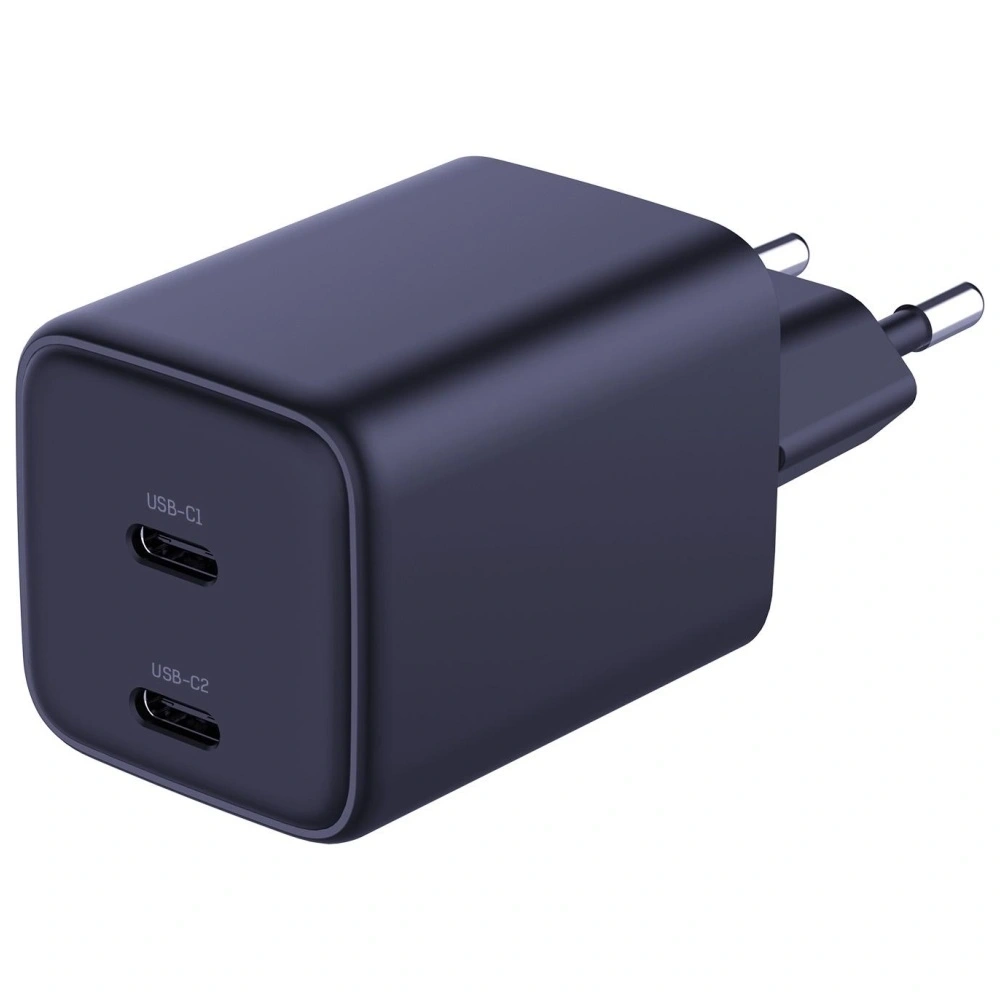
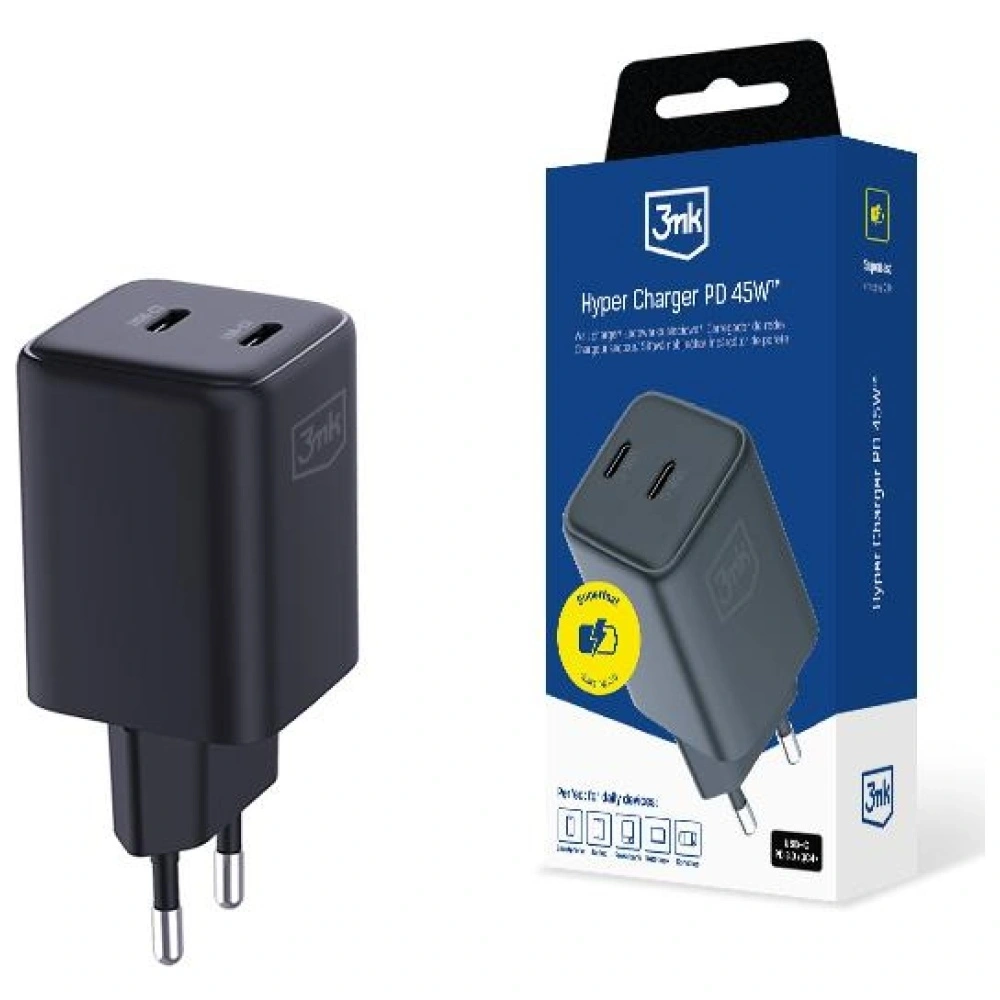
    3MK Hyper Charger GaN45WUSB PD + PPS + QC4+2x USB-C89.90 zł
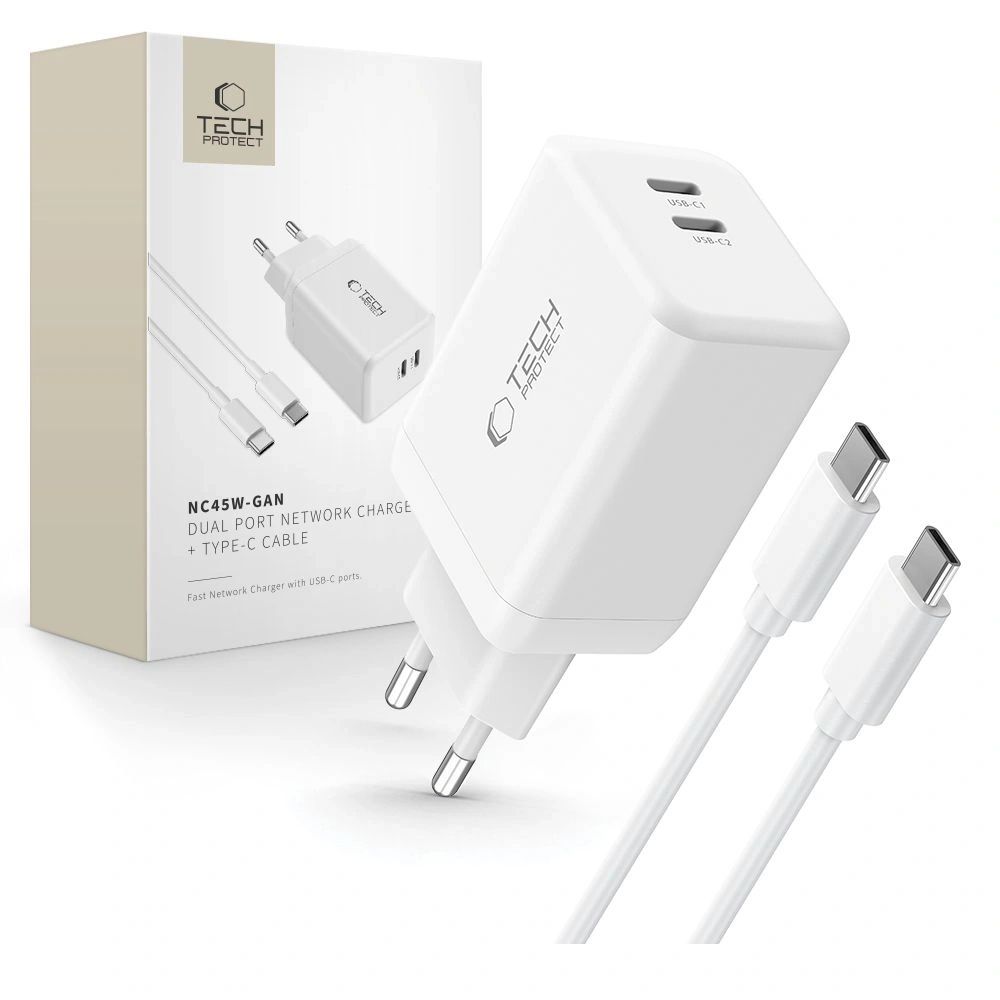
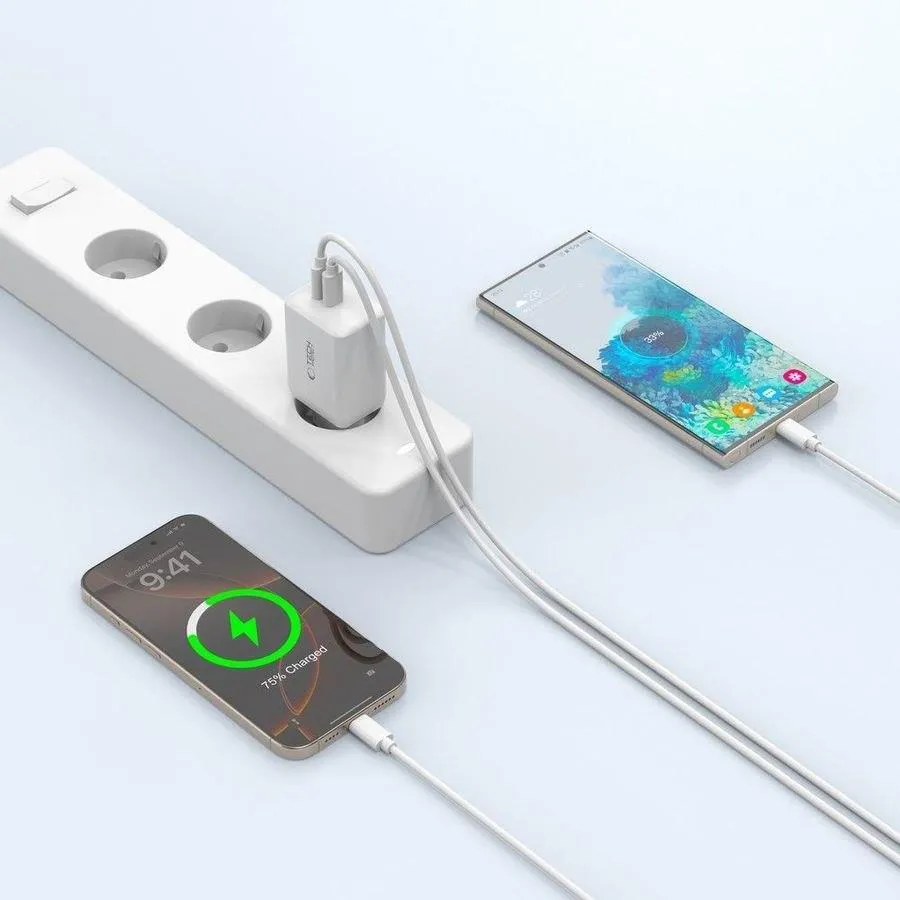
    Tech-Protect NC45W-GAN45WUSB PD + PPS2x USB-C79.00 zł

    Samsung Galaxy S26 Ultra

    Charger ModelPowerTechnologiesPortsPrice
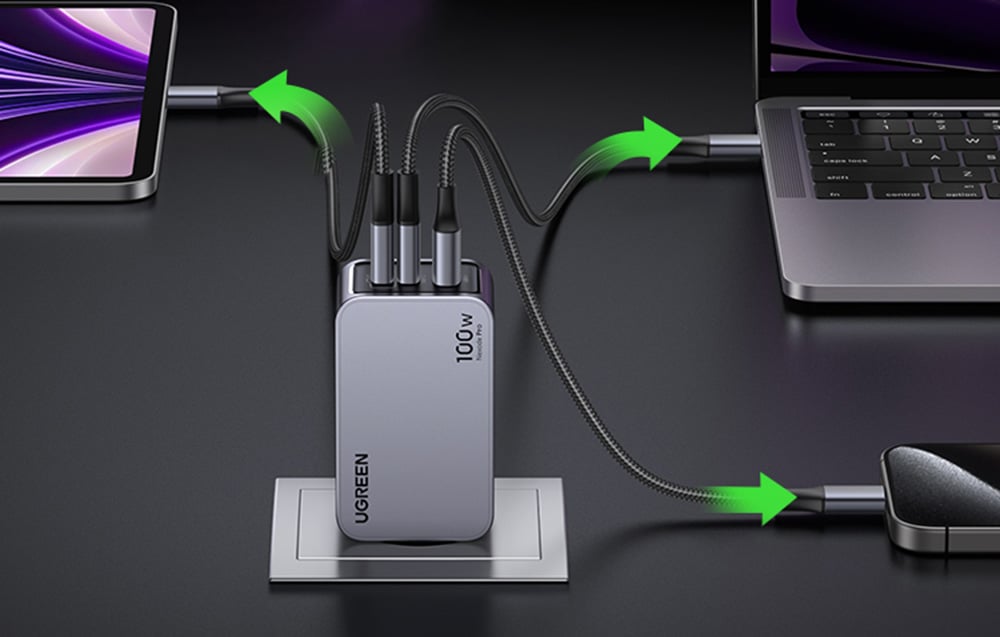
    UGREEN Nexode Pro100WPD, PPS, QC2x USB-C + USB-A219.90 PLN
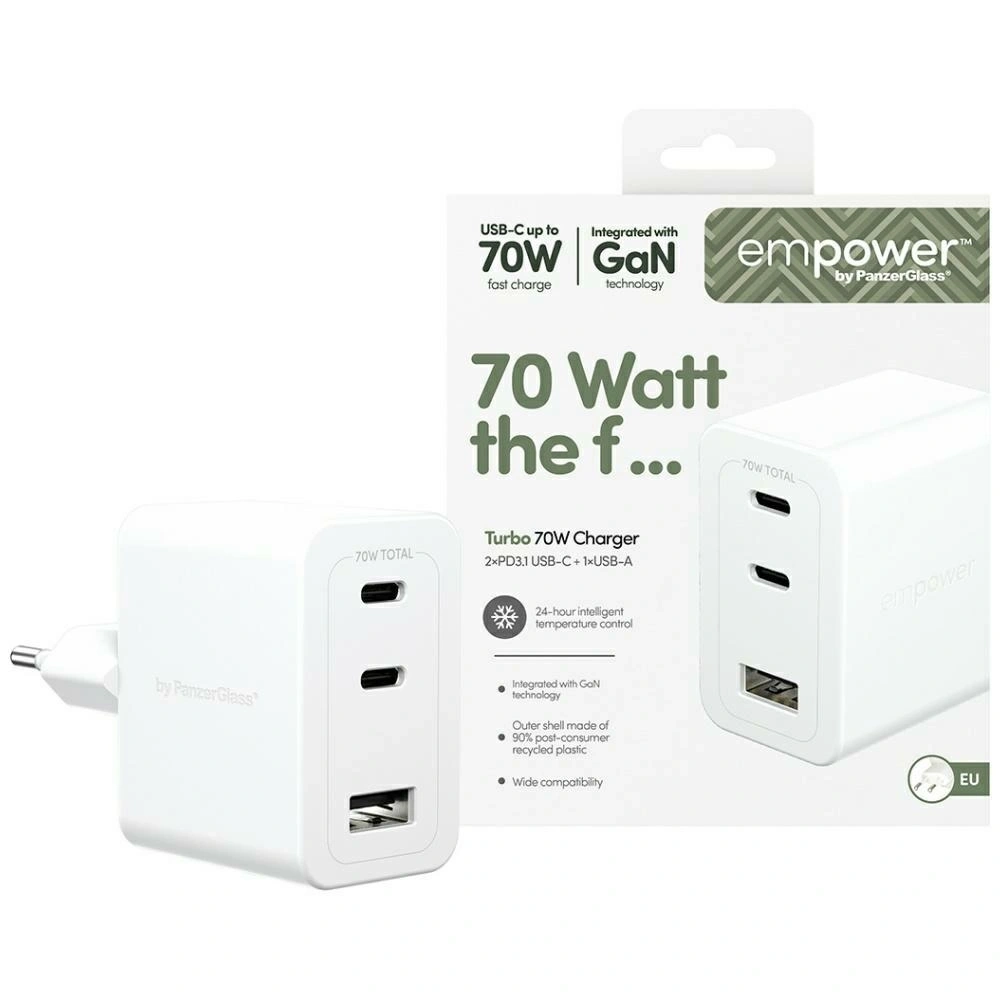
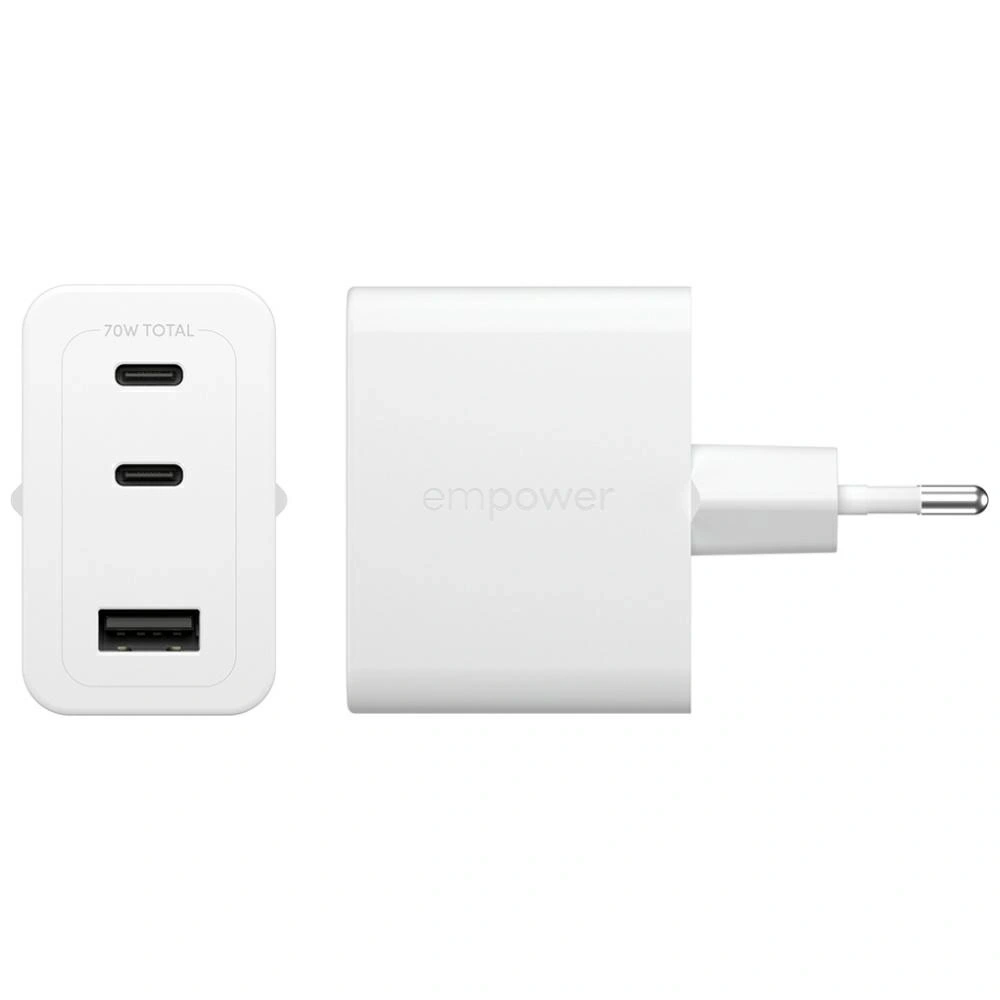
    Empower by PanzerGlass Turbo70WUSB PD + QC3.02x USB-C + USB-A179.00 PLN
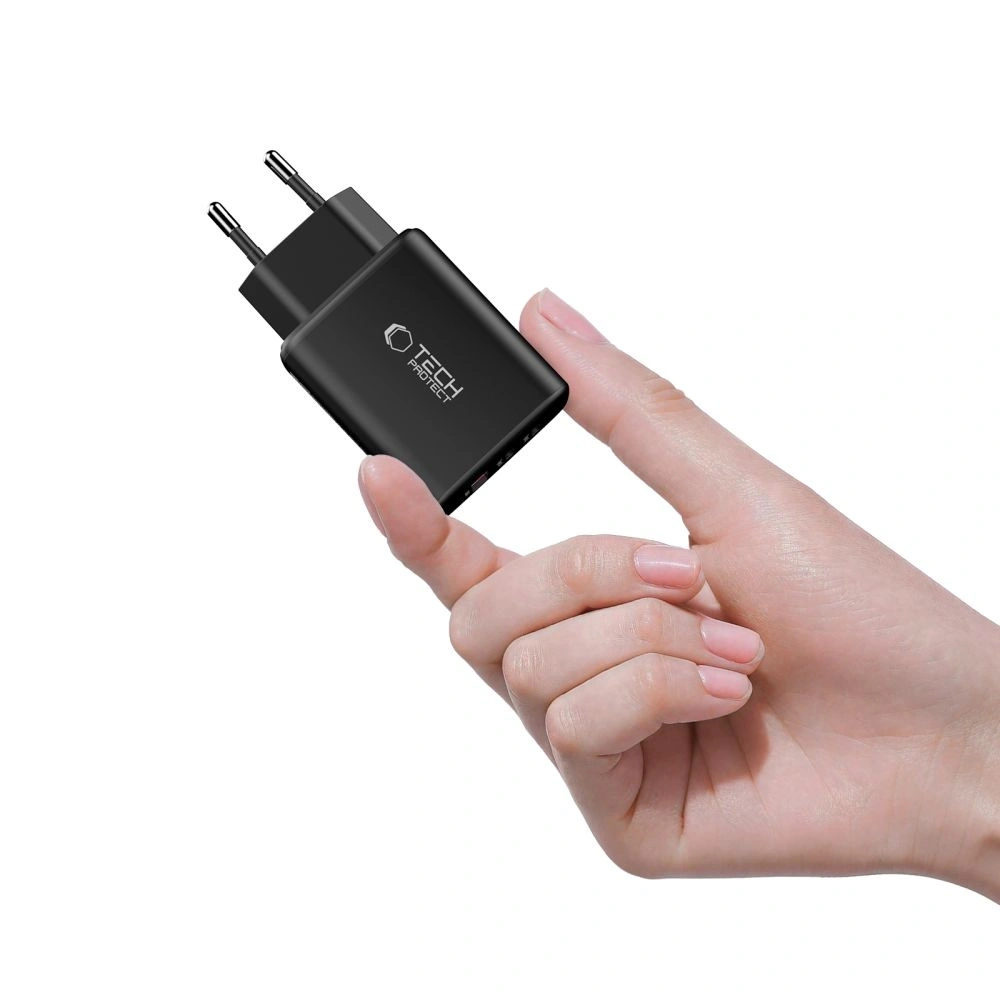
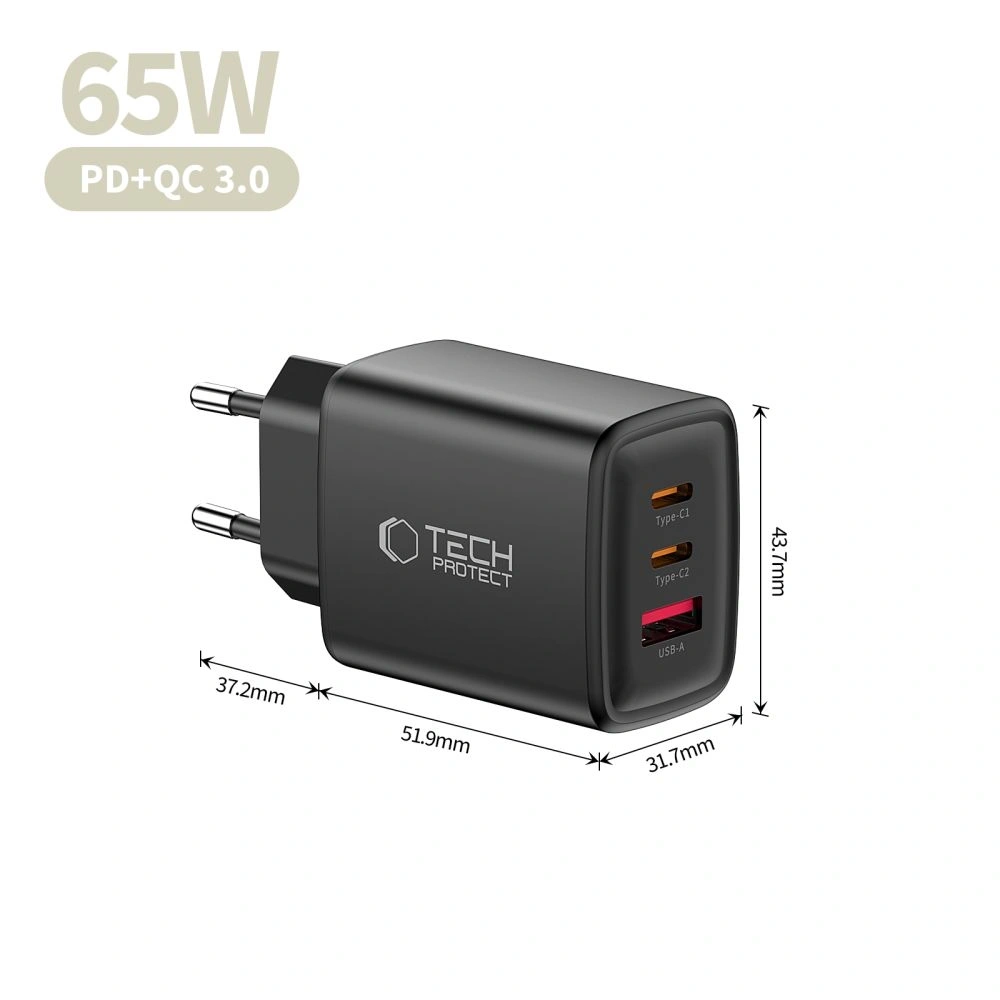
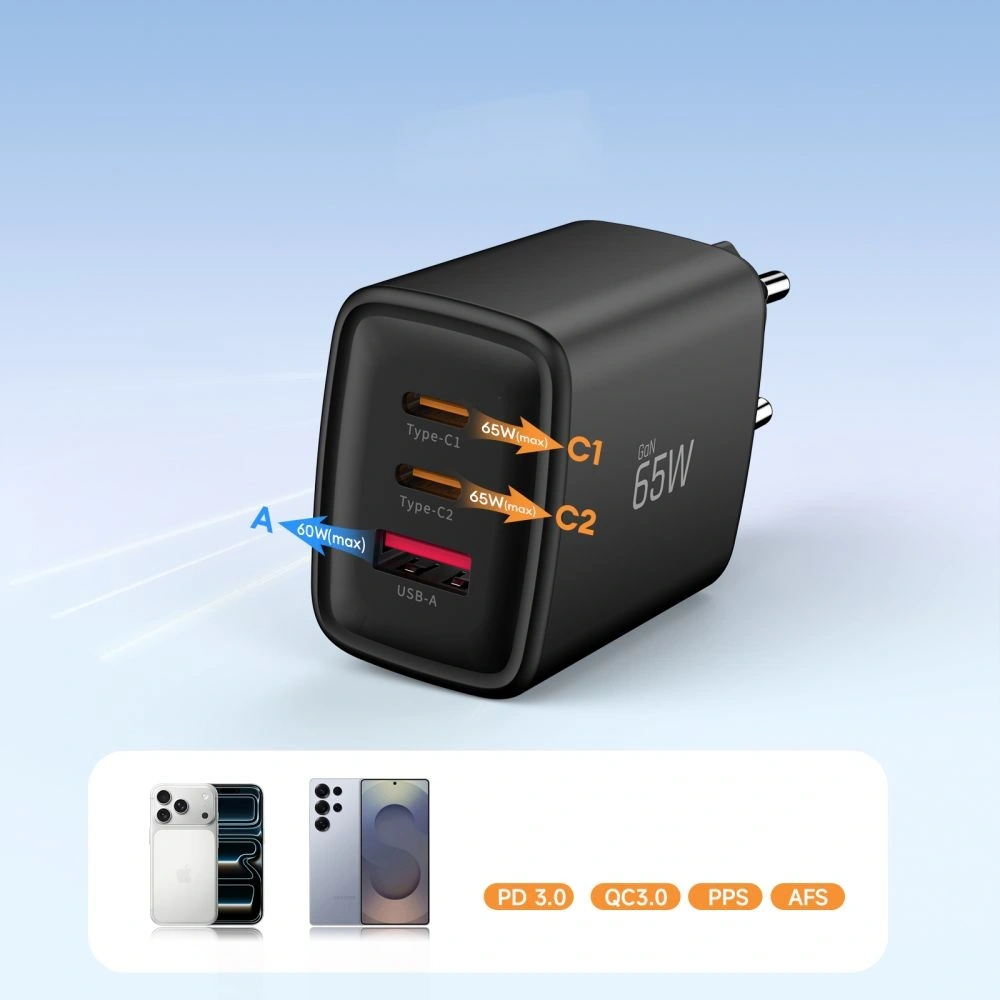
    Tech-Protect NCA65W-GAN65WPD, QC3.02x USB-C + USB-A75.00 PLN

    Which charger to choose for Samsung Galaxy S26?

    If you want to take full advantage of charging in Samsung Galaxy S26, the key is USB Power Delivery (PD) and PPS standards, which ensure fast, stable, and safe charging.

    Since the Galaxy S26 supports a maximum of 25W, the best choice will be USB-C wall chargers with this power — more powerful models will not speed up charging but may be more versatile and useful for other devices as well.

    Below you will find a summary of tested 25W chargers and brief descriptions that will help you choose the best model for your needs.


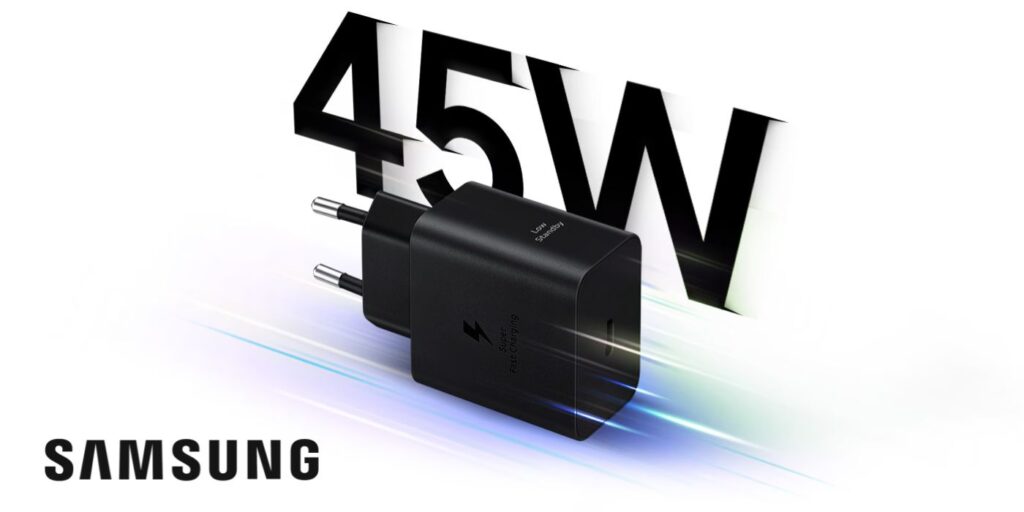
    Samsung EP-T2510NB 25W Fast Charge Wall Charger

    Samsung EP-T2510NB is an original Samsung charger, fully compatible with Super Fast Charging 25W technology. It is the safest and most predictable choice for the Galaxy S26. Price 99.00 PLN.

    With full support for USB Power Delivery and PPS the charger dynamically adjusts the voltage and current to the current needs of the smartphone. This translates to stable charging, reduced energy loss, and temperature control even during prolonged use. It is a solution that guarantees maximum compatibility with Samsung’s software and security features.

    • Support for USB Power Delivery + PPS
    • Stable and safe charging without excessive heating
    • Ideal for everyday use
    • Compact design – good for home and travel

    This is the best option if you care about full compatibility and reliable, hassle-free operation for a long time.


    USAMS T42 mini 25W PD 3.0 Wall Charger

    USAMS T42 is a compact 25W charger with support for PD 3.0, which works great as a cheaper alternative for the Galaxy S26. Price 55.44 PLN.

    This model provides full power of 25W, exactly what the Galaxy S26 uses. Thanks to its small size, it easily fits in a pocket, bag, or travel organizer. It’s a good choice for those who want fast charging without overpaying for a premium brand.

    • Power 25W – optimal for S26
    • Small size, lightweight design
    • Good price-to-performance ratio
    • Modern design

    It will work well as a second charger for work, the car, or trips.


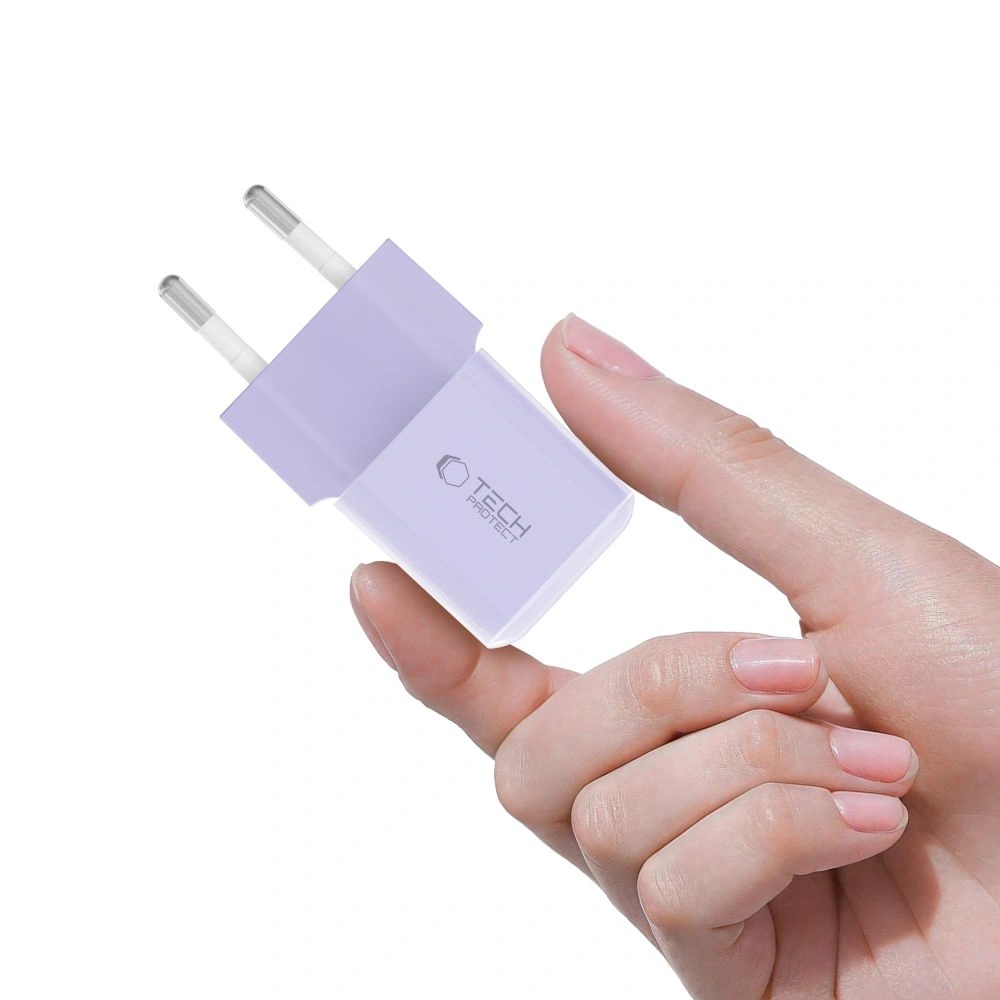
    Tech-Protect NCM25 USB-C PD 25W Charger

    Tech-Protect NCM25 is a budget 25W charger with USB-C, available in several interesting color options. Price 35.00 PLN.

    Despite its low price, it offers support for USB Power Delivery 25W, which means full compatibility with the maximum charging power of the Galaxy S26. It’s a simple, functional solution for those looking for an economical charger for everyday use. Its compact design makes it suitable for both home and travel.

    • USB PD 25W support
    • Very attractive price
    • Compact size
    • Available in various colors

    Cheap wall charger for Galaxy S26 is a great option if you don’t want to overpay and care about maintaining the fast charging standard.


    Which charger to choose for Samsung Galaxy S26+Plus?

    Samsung Galaxy S26+ supports Super Fast Charging 2.0 with a power of up to 45W, so to take full advantage of its potential, it is worth choosing a charger that supports USB Power Delivery and PPS with a minimum power of 45W.

    Weaker 25W chargers will of course charge the phone, but they will not allow you to take advantage of the maximum charging speed. If you care about a shorter battery recharge time, the 45W model will be the best choice.

    Below you will find tested 45W chargers compatible with Galaxy S26+Plus.


    Samsung EP-T4511NBEGEU 45W USB-C Charger

    Samsung EP-T4511NBEGEU is the original charger from the manufacturer, fully compatible with Super Fast Charging 2.0 (45W). Price 179.00 PLN.

    With support for USB PD + PPS, it ensures maximum charging speed for the Galaxy S26+ while maintaining stable temperature and battery safety. This is the most predictable choice if you care about full compatibility with Samsung software and maximum performance.

    • 45W with full support for Super Fast Charging 2.0
    • USB-C with PD + PPS support
    • Stable, fast, and safe charging
    • High quality of workmanship

    The best option if you want to utilize 100% of the Galaxy S26+ capabilities without compromises.


    3MK Hyper Charger PD 45W GaN QC4+ PPS 2C

    3MK Hyper Charger is a modern 45W charger utilizing GaN technology, which allows for a smaller device size while maintaining high efficiency. Price 89.90 PLN.

    Support for PD + PPS + QC4+ makes the charger compatible not only with the Galaxy S26+, but also with other smartphones, tablets, or accessories. Two USB-C ports allow charging two devices simultaneously, increasing its versatility.

    • 45W with PD + PPS (SFC 2.0)
    • GaN technology – less heating and higher efficiency
    • 2x USB-C
    • Very good price-to-performance ratio

    Great alternative to the original Samsung charger at a lower price.


    Tech-Protect NC45W-GAN 2xUSB-C Network Charger

    Tech-Protect NC45W-GAN is a compact 45W charger with two USB-C ports and support for fast charging. Price 79.00 PLN.

    Thanks to GaN technology, it is smaller and more energy-efficient than traditional chargers of the same power. Support for PD + PPS allows you to fully utilize the capabilities of the Galaxy S26+, and the two USB-C ports increase functionality in everyday use.

    • 45W USB Power Delivery + PPS
    • 2x USB-C
    • GaN Technology
    • Compact design

    A good choice if you’re looking for an efficient 45W charger at a reasonable price.


    Which charger to choose for Samsung Galaxy S26 Ultra?

    Samsung Galaxy S26 Ultra supports wired fast charging up to 60W, so it’s worth choosing a charger that will allow you to take full advantage of this performance. Models with 65W and above not only provide fast charging for the phone but are often more versatile — conveniently powering a tablet, headphones, or even a laptop.

    Below you will find tested 65W–100W chargers that will work great with the Galaxy S26 Ultra.


    UGREEN Nexode Pro 100W GaN USB-C + USB-C + USB-A Charger

    UGREEN Nexode Pro is one of the most efficient models in the lineup — perfect if you care about maximum power and versatility. Thanks to GaN technology, the charger is more efficient and compact than traditional models of this power. Price 219.90 PLN.

    • Support for USB Power Delivery + PPS + QC for wide compatibility
    • Maximum power of 100W — you can use it not only with Galaxy S26 Ultra
    • 2x USB-C + USB-A — charging multiple devices simultaneously
    • Stable charging without excessive heating

    It’s a great option if you want one charger for your phone, tablet, power bank, headphones, or laptop.


    Empower by PanzerGlass Turbo 70W 2xUSB-C + USB-A Charger

    Empower by PanzerGlass Turbo is a powerful and versatile 70W charger that works perfectly with the Galaxy S26 Ultra, while also being an efficient power source for other devices. Price 179.00 PLN.

    • 70W with support for USB PD + QC3.0
    • 2x USB-C + USB-A — greater connection flexibility
    • Solid build quality
    • Well-balanced power relative to price

    It’s worth considering this model if you need a powerful charger for everyday use and travel — not just for your smartphone.


    Tech-Protect NCA65W-GAN USB-C + USB-C + USB-A Wall Charger

    Tech-Protect NCA65W-GAN is a very good budget option with quite a bit of power, capable of handling the Galaxy S26 Ultra and other devices requiring fast charging. Price 75.00 PLN.

    • 65W USB PD + QC3.0
    • 2x USB-C + USB-A — convenient charging of multiple devices
    • GaN technology – less heating and greater efficiency
    • Very favorable price

    This is the best choice if you are looking for a powerful and inexpensive charger for the S26 Ultra without overpaying.


    FAQ – chargers for Samsung Galaxy S26

    Can a higher wattage charger damage the battery?

    No. The smartphone only draws as much power as it can handle. If you connect a 65W or 100W charger to the Galaxy S26 (25W), the phone will still limit the draw to a maximum of 25W. However, it is crucial that the charger supports the USB Power Delivery (PD) and PPS standards — then charging is safe and stable.


    What cable for fast charging Samsung Galaxy S26 will be the best?

    To ensure maximum charging speed for the Samsung Galaxy S26 — especially in the Plus (45W) and Ultra (up to 60W) versions — it is advisable to choose a 5A USB-C to USB-C cable with Power Delivery (PD) and PPS support


    What wattage should the charger have if I want to charge both a laptop and the Galaxy S26 at the same time?

    In this case, it is best to choose a charger with a power of at least 65W, and ideally 70–100W, especially if the laptop supports charging via USB-C. Models with two USB-C ports will allow you to conveniently charge both devices simultaneously without significant power drops.


    Does the Galaxy S26 support fast wireless charging?

    Yes. The Galaxy S26 series supports the Qi2 standard, with:

    • S26 and S26+ up to 20W,
    • S26 Ultra up to 25W.

    To achieve maximum wireless charging speed, it is advisable to choose a Qi2 charger with magnetic positioning.


    Is it worth buying a 60W charger for the Galaxy S26?

    For the basic Galaxy S26 (25W), it does not affect charging speed, but it may be a good choice if you want to use one charger for multiple devices — e.g., a tablet or laptop.


    Will a 45W charger speed up charging for the Galaxy S26?

    No — the Galaxy S26 will use a maximum of 25W. The 45W charger makes sense mainly with the Galaxy S26+Plus model.


    Does fast charging shorten battery life?

    Modern PD and PPS technologies control voltage and temperature, so using a good quality charger, fast charging does not pose a threat to the battery. The most important thing is to avoid cheap, unverified models without proper safeguards.


  • Honor Magic 8 Pro vs Honor Magic 8 Lite – which one to choose?

    Honor Magic 8 Pro vs Honor Magic 8 Lite – which one to choose?

    If you care about the highest performance, top-tier cameras, and technological innovations – Honor Magic8 Pro will definitely be a better choice. This flagship offers top components and features in all aspects (screen, camera, processor, fast charging, etc.).

    On the other hand, Honor Magic8 Lite will be suitable if your priority is long battery life, increased durability of the casing, and a significantly lower price. Magic8 Lite provides solid daily functionality with a fantastic battery, although it falls short of the Pro version in terms of speed and photo quality.

    In short: Honor Magic8 Pro for demanding enthusiasts, Magic8 Lite for practical users who care about budget.

    Two new Honor Magic8 models

    Honor presented two new smartphones from the Magic series at the beginning of 2026, aimed at different audiences. Honor Magic8 Pro is a premium flagship, focused on advanced mobile photography and integration with AI (including Google Assistant Gemini). Meanwhile, Honor Magic8 Lite is a “rugged” mid-range device with a reinforced construction and record battery life. Both models had their Polish premiere in January 2026 – sales started on January 15, 2026. Magic8 Pro showcases the technological capabilities of the Honor brand, while Magic8 Lite aims to attract users looking for long battery life and resistance to damage at a more affordable price.
    Comparison table Magic8 Pro vs Magic8 Lite

    FeaturesHonor Magic8 ProHonor Magic8 Lite
    Screen6.71″ OLED LTPO, adaptive 1–120 Hz, ~1.5K (2808×1256), 6000 nit peak HDR6.79″ OLED, 120 Hz, ~1.5K (2640×1200), 6000 nit peak HDR
    ProcessorSnapdragon 8 Elite Gen 5 (8 cores, most powerful SoC 2026)Snapdragon 6 Gen 4 (8 cores, mid-range chipset)
    Memory (RAM/ROM)12 GB / 512 GB (UFS 4.1)8 GB / 256 GB or 8 GB / 512 GB
    Rear CamerasTriple: 200 Mpix periscope tele (OIS, 3.7× zoom) + 50 Mpix main (f/1.6, OIS) + 50 Mpix ultra-wide (122°)Dual: 108 Mpix main (f/1.75, OIS+EIS) + 5 Mpix ultra-wide (f/2.2)
    Front Camera50 Mpix (likely with 3D sensors for Face ID)16 Mpix
    Battery6270 mAh (silicon-carbon technology), up to 2.5 days of usage7500 mAh (silicon-carbon cell), up to 3–4 days of usage
    Charging100 W wired (up to 100% ~30 min), 80 W wireless66 W wired (no wireless charging)
    ResistanceIP68 / IP69K (waterproof, dustproof; resistant to high-pressure water jets)IP68 / IP69K, cert. SGS Triple Resistant(shock, drop)
    DesignGlass and metal (premium), curved screen, 213 g, 8.3 mm thick. Colors: gold (Sunrise), blue (Sky), black.Reinforced casing, flat symmetrical screen, 189 g, 7.8 mm thick. Colors: black, green (Forest).
    SystemMagicOS 10 (Android 16) – integration with Google Gemini, dedicated AI ButtonMagicOS 9 (Android 15) – similar AI features (photo editor, life assistant), no physical AI Button.

    💡After choosing a model, it’s worth taking care of the protection for the case and screen right away. If you’re aiming for a flagship, check out the best cases for Honor Magic8 Pro— preferably one that securely protects the camera and edges.

    If you prefer a durable mid-range phone, check out cases for Honor Magic8 Lite, which will emphasize its “rugged” character and facilitate everyday use.


    Design and durability: which is more comfortable and resistant?

    On paper, both models appear to be “strong” (high IP ratings), but in hand and in everyday use, they differ significantly: Magic8 Pro is a heavier, bulkier flagship with strong screen protection, while Magic8 Lite is lighter, thinner, and has a larger display – more “practical” for daily use.

    Honor Magic8 Pro – heavier flagship with NanoCrystal Shield and top IP protection

    Magic8 Pro features a 6.71″ OLED (2808 × 1256 px) and HONOR NanoCrystal Shield, which is a real plus if the phone often ends up in a pocket with keys or experiences drops.

    Pro dimensions and specifications (Your data):

    • 161.15 × 75 × 8.4 mm
    • 219 g
    • IP68 / IP69 / IP69K
    • brightness: up to 6000 nits (max), HBM 1800 nits
    • USB-C 3.2 Gen 1

    In practice: the phone is “substantial” – 219 g is noticeable, but this is also typical for models with a large battery and an advanced camera module. If you like solid and “flagship-feeling” equipment, the Pro fulfills this role.

    Honor Magic8 Lite – larger screen, lower weight, and an even wider set of IP standards

    Magic8 Lite has 6.79″ AMOLED (2640 × 1200 px), glass aluminosilicate and one thing that stands out in the specifications: IP66 + IP68 + IP69 + IP69K (which means IP66 is added).

    Construction and dimensions of Lite (your data):

    • 161.9 × 76.1 × 7.76 mm
    • 189 g
    • IP66 / IP68 / IP69 / IP69K
    • screen: 3840 Hz PWM (important for sensitive eyes)

    Lite is 30 g lighter and noticeably thinner. For many people, this will simply be more comfortable in the pocket and in the hand — especially during longer scrolling, reading, or watching videos (larger screen).

    Mini-conclusion: what to choose at this point?

    If you prefer a larger screen, lower weight, and thinner body (plus 3840 Hz PWM) → Magic8 Lite

    If you want a strongly “flagship” feel, compact 6.71″ and NanoCrystal Shield protection → Magic8 Pro


    Screen: brightness, PWM, and comfort for the eyes (Pro vs Lite)

    The screen is one of those things you feel all the time — while scrolling, reading, watching movies, and in the sun. In this pair, the differences are concrete: Pro has a more “flagship” specification (OLED + higher claimed brightness), while Lite focuses on a large AMOLED panel and strong eye comfort features (including 3840 Hz PWM).

    Honor Magic8 Pro – OLED 6.71″ with strong brightness and NanoCrystal Shield

    Pro offers a 6.71″ OLED with a resolution of 2808 × 1256 px and declared brightness parameters:

    • up to 6000 nits (max.)
    • HBM 1800 nits

    This is important in two scenarios:

    • sun / bright environment → the phone remains readable
    • HDR and multimedia → the screen can achieve a very high peak effect

    Additionally, there is HONOR NanoCrystal Shield, which is a real protective bonus for the panel itself.

    Who is this for?
    For those who use their phone a lot outside the home, watch multimedia, and want a “flagship” display without compromises.


    Honor Magic8 Lite – AMOLED 6.79″ + 3840 Hz PWM, a screen friendly to the eyes

    Lite has a larger screen: 6.79″ AMOLED with a resolution of 2640 × 1200 px. It is most distinguished by features related to comfort:

    • 3840 Hz – ultra-high PWM dimming
    • “Eye comfort”
    • “Night display with circadian rhythm”
    • “Dynamic dimming”
    • glass aluminosilicate

    In practice: if you belong to those who strain their eyes in the evening or are sensitive to flicker at low brightness, 3840 Hz PWM may be one of the most noticeable advantages of this model.

    Who is this for?
    For those who read a lot on their phone, work in the evenings, and want a larger screen for movies/scrolling.

    Mini-conclusion: Pro or Lite in terms of the screen?

    • Choose Magic8 Pro if your priority is maximum brightness and a “flagship” OLED + NanoCrystal Shield experience.
    • Choose Magic8 Lite if you want a bigger screen and eye comfort (3840 Hz PWM) is the most important.

    Performance and smoothness: Snapdragon 8 Elite Gen 5 vs Snapdragon 6 Gen 4

    At this point, the differences between Magic8 Pro and Magic8 Lite are the most “black and white.” Pro is built for maximum power and uncompromising performance, while Lite aims for stable everyday use — but with a clearly weaker performance reserve.

    Honor Magic8 Pro – Snapdragon 8 Elite Gen 5 and Adreno 840 (top 2026)

    Magic8 Pro runs on Snapdragon 8 Elite Gen 5 with Adreno 840 graphics, which is a top-tier set. In practice, this provides:

    • very high system fluidity even with many applications at once,
    • great performance in games and with heavier titles,
    • faster photo processing and AI modes (e.g., burst shots, night, “AI” features in the camera),
    • greater comfort “for years,” as the top chipset remains fast longer despite updates and increasing application demands.

    This is a model for those who want to be sure that the phone won’t “struggle” under intensive use.

    Honor Magic8 Lite – Snapdragon 6 Gen 4 (mid-range, but economical and practical)

    Magic8 Lite has Snapdragon 6 Gen 4 (8 cores), which is a mid-range chipset. This means that:

    • in everyday use (social media, navigation, YouTube, browser) it will simply work smoothly,
    • but with heavier tasks (games at high settings, longer editing, more demanding applications) it will show its limitations faster,
    • compared to Pro, it has less “future-proof” power reserve.

    This is a good solution for those who do not need flagship power, but want a stable phone for normal use — with an emphasis on battery life.

    Conclusion: if maximum performance, gaming, and “peace of mind for years” are a priority → Magic8 Pro. If you want daily smoothness without overpaying and are not a demanding user → Magic8 Lite.


    Cameras: 200 MP periscope and 50 MP selfie vs 108 MP and simple photography

    In cameras, it is easiest to see, who each model is for. Magic8 Pro has a typically flagship set (periscope telephoto + strong main + wide) and many photo/video features with AI. Magic8 Lite focuses on simplicity: a good 108 MP main camera and a basic 5 MP ultra-wide.

    Honor Magic8 Pro – triple camera 200 MP + 50 MP + 50 MP and strong AI modes

    On the back, you get 3 cameras:

    • 200 MP periscope telephoto: ƒ/2.6, 1/1.4″ sensor, OIS, 3.7× optical zoom
    • 50 MP main: ƒ/1.6, 1/1.3″ sensor, OIS, 4-in-1 (2.4 μm)
    • 50 MP ultra-wide: ƒ/2.0, 122°, with HD Macro mode at 2.5 cm

    This means that the Pro is “complete”:

    • you have reasonable zoom (not just digital),
    • you have wide angle and close-up macro,
    • you have greater flexibility in difficult lighting thanks to OIS and a bright main camera.

    Additionally, there are many photo/video features from your list, including AI Super Zoomenhanced AI night mode, HDR, super burst, professional mode, multi-video, EIS/OIS.

    On the front: 50 MP (ƒ/2.0) + 3D face unlock — and this is a real advantage of the Pro if you care about fast, “reliable” face unlock and better selfies.

    Honor Magic8 Lite – 108 MP with OIS, but a more basic set

    In the Lite, we have 2 cameras on the back:

    • 108 MP main: ƒ/1.75, OIS
    • 5 MP (second camera): ƒ/1.22

    The main 108 MP camera with OIS is a good foundation for everyday photos (especially during the day and in typical scenarios). However, the set is less versatile than in the Pro — particularly when:

    • you want to zoom without significant loss of quality (no periscope),
    • you often take wide-angle shots in better quality,
    • you care about more advanced photo/video capabilities.

    On the front: 16 MP (ƒ/2.45) — sufficient for video calls and social media, but it’s not in the same league as the 50 MP in the Pro.

    Conclusion: if the camera is important (zoom, night, portraits, versatility, and selfies) → Magic8 Pro. If you mainly take regular photos and want “just a good main camera” → Magic8 Lite will be sufficient.


    Battery and Charging: 6270 mAh + 100W/80W vs 7500 mAh + 66W

    Here the situation is very interesting, because both phones have silicon-carbon batteries, but follow a completely different philosophy: Pro wins in charging speed (also wirelessly), while Lite boasts a record capacity and is focused on maximum runtime.

    Honor Magic8 Pro – 6270 mAh and premium charging (100W + 80W wirelessly)

    Magic8 Pro has a battery:

    • 6270 mAh (typical) / 6090 mAh (rated)
    • technology: next-generation HONOR silicon-carbon

    On top of that, you get:

    • 100W HONOR SuperCharge (wired)
    • 80W HONOR SuperCharge (wireless)

    In practice, Pro is for those who:

    • like to charge their phone “on the go” (briefly, but very quickly),
    • want the convenience of cable-free charging,
    • often use it intensively (photo, video, GPS, games) and quick energy replenishment is more important than breaking battery life records.

    Honor Magic8 Lite – 7500 mAh: a phone for those who don’t want to charge daily

    Magic8 Lite has a battery:

    • 7500 mAh
    • technology: silicon-carbon

    Charging:

    • 66W wired
    • no wireless charging

    This is a model that is ideal if:

    • you want to plug your phone into the charger as rarely as possible,
    • You are often on the go, working “in the field,” or simply don’t like keeping track of percentages,
    • longer battery life is more important than top charging speed.

    Conclusion: if you care about convenience and top charging (including wireless) → Magic8 Pro. If your priority is the longest possible usage time away from the socket → Magic8 Lite.

    💡If you want to make the most of the device, it’s worth choosing compatible accessories — check out fast wireless chargers for Honor Magic8 Pro.

    For the Honor Magic8 Lite, which offers 66 W wired charging and does not support wireless charging, a good choice would be wired chargers for Honor Magic8 Lite — these accessories will help minimize charging time.


    Connectivity and Add-ons: Wi-Fi 7, Bluetooth 6.0, and USB-C 3.2 vs Wi-Fi 6 (ax) and Bluetooth 5.2

    In everyday use, both phones provide everything needed (5G, NFC, modern Wi-Fi), but the Pro version has several typically “flagship” features that will be appreciated by those using fast networks, good audio, and more modern connectivity standards.

    Honor Magic8 Pro – Wi-Fi 7, Bluetooth 6.0, richer audio, and more flexible SIM

    In the Magic8 Pro, you get a very strong package:

    • Wi-Fi 7 (plus Wi-Fi 6 / Wi-Fi Direct, 2.4 and 5 GHz bands)
    • Bluetooth 6.0
    • support for multiple audio codecs: SBC/AAC/aptX/aptX HD/aptX Adaptive/LDAC/LHDC 5.0/LC3
    • NFC
    • USB-C 3.2 Gen 1 (this is a practical difference, e.g., when transferring data)

    Additionally, the Pro also has more advanced card options:

    • Dual SIM in several variants: SIM+SIM / SIM+eSIM / eSIM+eSIM

    And an expanded multi-system navigation with precise bands:

    • GPS L1+L5 + AGPS
    • GLONASS, Galileo (E1+E5a+E5b), BeiDou (B1I+B1C+B2a+B2b), QZSS (L1+L5)

    Plus multimedia bonus:

    • HONOR Sound + HONOR Surround Subwoofer (in practice: stronger, “fuller” sound than typical mid-range devices).

    Honor Magic8 Lite – modern base: Wi-Fi 6 (ax), Bluetooth 5.2, 4×4 MIMO

    Lite has a very reasonable set, simply more “mid-range”:

    • Wi-Fi in standards a/b/g/n/ac/ax (which means practically Wi-Fi 6 / ax)
    • Bluetooth 5.2
    • NFC
    • Wi-Fi Direct
    • additionally: 4×4 MIMO

    Audio codecs are also decent:

    • SBC/AAC/LDAC/aptX/aptX HD/aptX Adaptive + BLE

    Navigation is complete (GPS, A-GPS, Galileo, GLONASS, BeiDou), but without specified bands like L1/L5.

    Connector:

    • USB-C (without specifying the version as in Pro).

    Conclusion: if you care about the most modern connectivity (Wi-Fi 7, Bluetooth 6.0), faster wired transfer (USB-C 3.2), and richer audio → Magic8 Pro. If you just want very good connectivity for everyday use (Wi-Fi 6/ax, NFC, 5G) without paying extra for “top standards” → Magic8 Lite.


    System and features: MagicOS 10 (Android 16) vs MagicOS 9 (Android 15)

    The system difference between these models is not just a “number”. Magic8 Pro starts with a newer version of Android and MagicOS, which means a longer perspective for updates and the latest features. Magic8 Lite operates on an older version but still offers a complete set of the most important solutions.

    Honor Magic8 Pro – Android 16 and MagicOS 10.0

    Magic8 Pro runs on:

    • Android 16
    • MagicOS 10.0

    This provides:

    • newer system base,
    • greater future-proofing for updates,
    • better integration with AI features (especially with the camera and system tools),
    • potentially longer security support.

    In practice: by buying the Pro, you start with the latest software, which usually means more updates in the future and slower “aging” of the system.


    Honor Magic8 Lite – Android 15 and MagicOS 9.0

    Magic8 Lite runs on:

    • Android 15
    • MagicOS 9.0

    It is still a modern system that provides:

    • smooth operation,
    • access to all current applications,
    • typical MagicOS features (customization, gestures, power-saving modes, camera tools).

    The difference will not be dramatic in the first months of use, but in the long run, the Pro has a “starting” advantage due to the newer version of Android.


    Conclusion: if you care about the latest system and maximum future-proofing → Magic8 Pro. If Android 15 is completely sufficient for you and you don’t care about being “on the latest version” → Magic8 Lite will be fully functional.


    Who is Honor Magic8 Pro for, and who is Honor Magic8 Lite for?

    Honor Magic8 Pro — for the demanding and those who want a “limitless phone”

    Choose Magic8 Pro if your phone usage is more than just social media and a browser — and you want hardware that won’t limit you.

    For mobile gamers and fans of maximum smoothness

    If you play demanding titles and want stable performance, Pro is the safer choice. A top-tier chipset + strong GPU simply means more comfort today and greater reserves for the coming years.

    For those who take a lot of photos and use zoom

    You have optical zoom from the periscope, a powerful camera setup, and advanced photo/video modes with AI. If you often take photos in the evening, at concerts, while traveling, or like to “zoom in” without losing quality — the Pro will be clearly better.

    For multitaskers and those working on their phone

    If you frequently switch between apps, make video calls, edit files, scan documents, and want everything to run smoothly — the Pro offers greater freedom and a newer system base.

    For those who want charging convenience (including wireless)

    If you value quick “top-ups on the go” and like to place your phone on a charger without a cable — the Pro has an advantage with wireless charging and faster wired charging.


    Honor Magic8 Lite — for the practical: battery, convenience, and great price

    Choose Magic8 Lite if you are looking for a “life phone”: it should last long, be comfortable, and cost reasonably — without paying extra for flagship features.

    For travelers, drivers, and those often away from home

    A large battery makes a difference when you don’t want to remember to charge every day. The Lite is also convenient for navigation and watching content (large screen).

    For the everyday user: social media, videos, messaging apps

    If your phone is mainly for the internet, apps, quick photos, banking, and entertainment — Lite will handle it easily, and it will be easier on your wallet.

    For students and those buying “most sensibly”

    At this price, Lite is a pragmatic choice: a large screen for notes/reading, a good battery for the whole day, and no feeling that you are overpaying for power you won’t use.

    For those sensitive to eye comfort in the evening

    If you spend a lot of time on your phone after dark and care about solutions for eye comfort (e.g., high PWM, eye protection modes) — Lite has a very strong argument here.


    FAQ: Honor Magic8 Pro vs Honor Magic8 Lite — frequently asked questions

    Does Honor Magic8 Lite have wireless charging?

    No. Honor Magic8 Lite does not support wireless charging. It only offers wired charging 66W.


    Does Honor Magic8 Pro have wireless charging?

    Yes. Honor Magic8 Pro supports wireless charging 80W (HONOR SuperCharge) and 100W wired. This is one of the significant differences between the models.


    Which model has a better camera: Magic8 Pro or Magic8 Lite?

    Honor Magic8 Pro. It has a triple set (200 MP periscope + 50 MP + 50 MP) and 50 MP front, making it more versatile, especially in zoom and challenging conditions. Lite has 108 MP with OIS and a simpler set, good for everyday photos.


    Does Honor Magic8 Lite have image stabilization (OIS)?

    Yes — the main camera 108 MP in Magic8 Lite has OIS, which helps in low light photography and video recording.


    Which phone is better for gaming?

    Honor Magic8 Pro, because it has a top-tier Snapdragon 8 Elite Gen 5 chipset and stronger graphics. The Lite (Snapdragon 6 Gen 4) will handle everyday games, but in heavier titles, it will show its limitations faster.


    Which model has a better battery?

    When it comes to battery life, the Honor Magic8 Lite wins with a 7500 mAh battery. The Magic8 Pro has 6270 mAh and can also last long, but the Lite is typically “long-lasting”.


    Are both models waterproof?

    Yes, both have high resistance to water and dust.

    • Magic8 Pro: IP68 / IP69 / IP69K
    • Magic8 Lite: IP66 / IP68 / IP69 / IP69K

    Which model has a better screen? Honor Magic8 Pro or Lite?

    It depends on what is more important:

    • Magic8 Pro has a 6.71″ OLED with very high brightness (max 6000 nits) and protection from NanoCrystal Shield.
    • Magic8 Lite has a larger 6.79″ AMOLED and a strong argument for eye comfort: 3840 Hz PWM.

    Which model is lighter and more comfortable for everyday use?

    Honor Magic8 Lite — weighs 189 g and has a thickness of 7.76 mm. Magic8 Pro is heavier (219 g) and thicker (8.4 mm).


  • What are the best cases for Samsung Galaxy S26?

    What are the best cases for Samsung Galaxy S26?

    When choosing a case for Samsung Galaxy S26, it’s worth matching it to your style of use. A different model is needed by someone who wants slim protection for everyday use, and another by someone who wants to maximally secure the phone against drops.

    On the market today, you will find both fashionable premium cases (Karl Lagerfeld, Guess)light silicone modelsrugged Supcase covers, as well as transparent or matte variants that do not hide the phone’s design. This way, you can easily match the protection to your needs and budget.

    👉 Check out the best cases for Samsung Galaxy S26 and choose the perfect model for yourself.

    💡If you’re aiming for a larger screen, remember that the dimensions differ between versions. Therefore, before purchasing, also check cases for Samsung Galaxy S26 Plus and cases for Samsung Galaxy S26 Ultra — so that everything fits perfectly.

    📊 TOP best cases for Samsung Galaxy S26

    CategoryMain choice (premium / higher price)PriceBiggest advantageAlternatives (with prices)
    Women’s / fashionKarl Lagerfeld IML MagSafe Case119 PLNPremium style, trendy designGuess IML Leopard / Classic Logo – 139 PLN
    Tech-Protect Lamano MagSafe – 39 PLN
    Silicone and lightweightRingke Silicone Magnetic MagSafe79 PLNSoft silicone + MagSafeMercury Silicone – 49 PLN
    Tech-Protect Silicone MagSafe – 39 PLN
    RuggedSupcase IBLSN Armorbox MagSafe159 PLNMaximum 360° protectionTech-Protect Kevlar Cam+ (2-pack) – 95 PLN
    Ringke Fusion-X Magnetic – 65 PLN
    TransparentUNIQ LifePro Xtreme MagClick119 PLNHigh durability + transparent design3MK Clear MagCase – 49.90 PLN
    Tech-Protect Flexair Hybrid – 35 PLN
    MatteBizon Case MatteO with ring45 PLNMatte finish + magnetic ringTech-Protect Magmat MagSafe – 39 PLN
    Modern finishBMW M Kevlar Logo MagSafe149 PLNAramid fiber / KevlarUNIQ Lyden MagClick (eco leather) – 129 PLN
    Tech-Protect Ion Carbon MagSafe – 45 PLN

    👜 Which women’s case for Galaxy S26 to choose?

    Women’s case for Samsung Galaxy S26 is a combination of protection and style. In this category, not only the protection of the phone matters, but also the design that highlights the user’s character. Fashionable prints, golden details, animal motifs, or luxurious finishes make the case an element of styling.

    If you care about the “wow” effect and want your phone to look designer — the models below will be a hit.


    Karl Lagerfeld IML MagSafe

    IML Repeated Series / Peekaboo / KC Script Choupette is a proposal for fans of premium fashion accents. The distinctive logo and Choupette motif give the smartphone a luxurious character, and the built-in MagSafe increases functionality. Price: 119 PLN.

    Who is this the best choice for?

    ➡️ For women who treat their phone as a fashion accessory and enjoy branded accents.
    ➡️ For fans of minimalist yet recognizable design.

    Main benefits

    ✔️ Original design by Karl Lagerfeld
    ✔️ Built-in MagSafe
    ✔️ Good protection for the back and sides
    ✔️ Premium effect


    Guess IML Leopard / 4G Classic Logo Charm

    Two variants Guess IML Leopard and Guess 4G Classic Logo Charm combine elegant style with distinctive branding — the leopard print makes a statement, and the classic 4G charm looks premium and fits many styles. It’s a great option when you want your case to not only protect but also look like an accessory. Price: 139 PLN.

    Who is this the best choice for?

    ➡️ For those who want to stand out with their phone’s pattern and detail.
    ➡️ For fans of premium accessories (logo, charms, “fashion vibe”).

    Main benefits

    ✔️ Trendy design
    ✔️ Premium effect and strong style in hand
    ✔️ Good fit for the phone
    ✔️ Versions with MagSafe


    Tech-Protect Lamano MagSafe

    If you are looking for a trendy design at an affordable price, Tech-Protect Lamano MagSafe is an interesting alternative to more expensive fashion brands. The leopard print gives the phone a distinctive character, while the case remains lightweight and comfortable for everyday use. It’s a good option if you care about style without spending over 100 zł. Price: 39 zł.

    Who is it the best choice for?

    ➡️ For those who want a trendy design at a budget price.
    ➡️ For users looking for a lightweight case with MagSafe.

    Main benefits

    ✔️ Attractive price
    ✔️ Trendy leopard print
    ✔️ Built-in MagSafe ring
    ✔️ Slim, lightweight construction

    💡 Why is it worth choosing a women’s case for the Samsung Galaxy S26?

    Fashionable case for the Galaxy S26 is more than just protection — it’s a style element. Depending on your budget, you can opt for premium branded models or cheaper yet still impressive designs. Each of these options allows you to secure your phone while giving it a unique, more “fashion” character.


    Which silicone and lightweight case for the Galaxy S26 should you choose?

    If you care about a slim design and comfortable grip, silicone case for the Samsung Galaxy S26 will be one of the safest choices. Such models effectively cushion minor falls, do not bulk up the phone, and perform well in everyday use.


    Ringke Silicone Magnetic MagSafe

    If you care about a durable and well-made silicone case, Ringke Silicone Magnetic is one of the strongest candidates in this category.

    Who is this the best choice for?

    ➡️ For those who want minimalism and good finish.
    ➡️ For users utilizing MagSafe.

    Main benefits

    ✔️ Soft, pleasant silicone
    ✔️ Built-in magnet
    ✔️ Slim design
    ✔️ Good fit to the phone


    Mercury Silicone for Samsung Galaxy S26

    If you are looking for a classic, budget-friendly solution, Mercury Silicone  is a proven choice for everyday use. The case is lightweight, flexible, and provides good protection for the sides of the device against scratches. Price: 49 PLN.

    Who is this the best choice for?

    ➡️ For those who want simple protection without extras.
    ➡️ For users who value low weight.

    Main benefits

    ✔️ Lightweight construction
    ✔️ Flexible material
    ✔️ Good protection for the sides
    ✔️ Favorable price


    Tech-Protect Silicone MagSafe

    If you care about a low price and support for magnetic accessories,  Tech-Protect Silicone MagSafe is a sensible option. The classic black version will work well both at work and privately. Price: 39 PLN.

    Who is this the best choice for?

    ➡️ For those who want the cheapest MagSafe case.
    ➡️ For users looking for simplicity and functionality.

    Main benefits

    ✔️ Very good price
    ✔️ Built-in magnetic ring
    ✔️ Minimalist design
    ✔️ Lightweight and slim form


    Which durable case to choose for the Galaxy S26?

    If your phone often ends up in your pocket with keys, slips from your hand, or you use it at work/outdoors, armored case for Samsung Galaxy S26 will be the best decision. Reinforced corners, tougher backs, and a sturdier construction absorb impact energy better than classic, thin cases.

    This category is for those who prefer “peace of mind” and real protection—even at the cost of slightly larger dimensions.


    Supcase IBLSN Armorbox Mag MagSafe for Samsung Galaxy S26

    If you want the absolute maximum protection, Supcase for Samsung Galaxy S26 is one of the strongest choices in the lineup. The Armorbox has a clearly reinforced construction and looks like a case “for special tasks,” while also supporting MagSafe. Price: 159 PLN.

    Who is this the best choice for?

    ➡️ For people who often drop their phone or use it outdoors.
    ➡️ For users who want armored protection + MagSafe.

    Main benefits

    ✔️ Very high level of protection
    ✔️ Reinforced construction and corners
    ✔️ MagSafe in armored form
    ✔️ Great for tough conditions


    Tech-Protect Kevlar Cam+ for Samsung Galaxy S26 (2 PACK)

    If you care about a strong case, but in a more “technological” style, Tech-Protect Kevlar Cam+ is a great compromise. The 2-pack version is practical (spare / replacement), and the finish character suits those who like a raw, sporty look. Price: 95 PLN.

    Who is this the best choice for?

    ➡️ For those who want durability without excessive “bulk”.
    ➡️ For those who prefer a technical, modern design.

    Main benefits

    ✔️ Enhanced everyday protection
    ✔️ Set of 2 pieces (practical solution)
    ✔️ Better grip and durable back
    ✔️ Good balance: protection vs thickness


    Ringke Fusion-X Magnetic MagSafe

    If you want reinforced protection, but not as bulky as typical “tanks”, Ringke Fusion-X Magnetic MagSafe  is one of the most versatile models. The characteristic reinforced corners and hybrid construction work great for everyday use, and MagSafe is onboard. Price: 65 PLN.

    Who is this the best choice for?

    ➡️ For those who want armored protection at a reasonable price.
    ➡️ For users looking for a compromise: durability + everyday comfort.

    Main benefits

    ✔️ Reinforced corners (better cushioning)
    ✔️ Hybrid, durable construction
    ✔️ MagSafe for charging and accessories
    ✔️ Very good price for this class


    Which transparent case to choose for the Galaxy S26?

    If you want to maintain the original design of the Samsung Galaxy S26, while also providing solid protection, it’s worth opting for a transparent case for the Samsung Galaxy S26. Transparent cases allow you to showcase the color and shape of the phone, while also protecting it from scratches and minor drops.

    Transparent models are a great solution for those who appreciate minimalism and do not like the “damaged” design of the case.


    UNIQ LifePro Xtreme MagClick Charging

    If you care about transparent protection with good cushioningUNIQ LifePro Xtreme MagClick Charging is one of the stronger options in this category. The case maintains clarity while also having reinforced edges and supporting MagClick/MagSafe. Price: 119 PLN.

    Who is this the best choice for?

    ➡️ For those who want to showcase the original color and design of the phone.
    ➡️ For those who need transparent protection with MagSafe.

    Main benefits

    ✔️ Transparent, minimalist look
    ✔️ MagClick/MagSafe compatibility
    ✔️ Reinforced edges
    ✔️ Good shock absorption from falls


    3MK Clear MagCase

    If you are looking for a clean, classic, transparent case3MK Clear MagCase for Samsung Galaxy S26 is a good choice at a budget price. The simple design without unnecessary embellishments works well for everyday use and does not cover the phone’s design. Price: 49.90 PLN.

    Who is it the best choice for?

    ➡️ For minimalists in design.
    ➡️ For those who want a light, transparent case without magnets.

    Main benefits

    ✔️ Transparency without compromise
    ✔️ Classic, universal look
    ✔️ Light and slim
    ✔️ Great price


    Tech-Protect Flexair Hybrid MagSafe

    If you want a transparent case, but in an even lighter version than “Xtreme”, Tech-Protect Flexair Hybrid MagSafe is an economical and functional option. Price: 35 PLN.

    Who is this the best choice for?

    ➡️ For those who want a transparent case with MagSafe at the lowest price.
    ➡️ For those who prefer minimalist solutions.

    Main benefits

    ✔️ MagSafe support
    ✔️ Slim and lightweight profile
    ✔️ Transparent back
    ✔️ Very affordable price


    Which matte case for Galaxy S26 to choose?

    If you don’t like fingerprints, shine, and “slippery” backs, matte case for Samsung Galaxy S26 will be a great choice. The matte finish looks more elegant, provides a more secure grip, and usually better hides minor scratches that occur during everyday use.

    This is the perfect option for those who want to combine minimalist style with practicality.


    Bizon Case MatteO for Samsung Galaxy S26

    If you care about a matte look and magnetic functionality, Bizon Case MatteO is a very reasonable choice. The smoky black finish looks modern, and the magnetic ring makes it easier to use accessories. Price: 45 PLN.

    Who is this the best choice for?

    ➡️ For those who want a matte case without streaks and fingerprints.
    ➡️ For users who like magnetic accessories.

    Main benefits

    ✔️ Matte finish (fewer fingerprints)
    ✔️ More secure grip in hand
    ✔️ Magnetic ring
    ✔️ Modern, smoky appearance


    Tech-Protect Magmat MagSafe for Samsung Galaxy S26

    If you prefer simple, classic black and MagSafe at a budget price, Tech-Protect Magmat MagSafe for Samsung Galaxy S26 will be a good choice. This case is for those who want to “get the job done”: it should look neat and work without fuss. Price: 39 zł.

    Who is this the best choice for?

    ➡️ For fans of simple, matte style.
    ➡️ For those looking for a cheap case with MagSafe.

    Main benefits

    ✔️ Matte surface and neat appearance
    ✔️ Compatibility with MagSafe
    ✔️ Lightweight, comfortable form
    ✔️ Very good price


    Premium case for Samsung Galaxy S26 — Kevlar, carbon, and eco-leather

    If you care about an elegant look and modern texture, a great choice would be a premium case for Samsung Galaxy S26 made from Kevlar/aramid, carbon, or eco-leather materials. Such models usually fit better in the hand, show fewer signs of use, and look “classy” even over time.

    BMW M Kevlar Logo MagSafe

    If you are looking for a premium effect and a “motorsport” character, BMW M Kevlar case  will be a strong choice. The aramid fiber-inspired surface gives a unique texture, and the BMW M branding makes an impression without being excessive. Price: 149 PLN.

    Who is this the best choice for?

    ➡️ For automotive enthusiasts and premium style.
    ➡️ For those who want an elegant case with texture and MagSafe.

    Main benefits

    ✔️ Kevlar/aramid look (modern texture)
    ✔️ BMW M branding (premium)
    ✔️ MagSafe for accessories and charging
    ✔️ Very “masculine,” technical style


    UNIQ Lyden MagClick Charging

    If you prefer modern elegance,  UNIQ Lyden for Samsung Galaxy S26 with an eco-leather finish is a great everyday option — especially for “work” and more subdued styles. The case looks neat, feels pleasant to the touch, and supports MagClick/MagSafe. Price: 129 PLN.

    Who is this the best choice for?

    ➡️ For those who want a business, elegant look.
    ➡️ For users looking for an eco-leather finish + MagSafe.

    Main benefits

    ✔️ Eco-leather material (premium look)
    ✔️ MagClick/MagSafe compatibility
    ✔️ Subdued, elegant design
    ✔️ Good option “for the office”


    Tech-Protect Ion Carbon MagSafe

    If you want a modern, carbon finish without spending over 100 PLN, Tech-Protect Ion Carbon MagSafe is a very reasonable choice. It looks technical, is lightweight, and fits well with minimalist accessories. Price: 45 PLN.

    Who is this the best choice for?

    ➡️ For fans of carbon and technical style.
    ➡️ For those who want an affordable option with MagSafe.

    Main benefits

    ✔️ Carbon look (modern aesthetics)
    ✔️ MagSafe at a good price
    ✔️ Lightweight construction
    ✔️ Minimalist, “tech” character

    Why is it worth choosing a case with a modern finish for the Samsung Galaxy S26?

    Models with aramid, carbon, or eco-leather combine practicality with a premium look. Thanks to their texture, they fit better in the hand, look “clean” even over time, and match a minimalist style. They are a great choice if you want your Galaxy S26 to look modern and elegant.


    How to choose the best case for Samsung Galaxy S26?

    1) Match the level of protection to your lifestyle

    If your phone often slips from your hand or you use it outdoors — choose a rugged case for Samsung Galaxy S26. For home/office, silicone or hybrid is usually sufficient.

    2) Decide if you need MagSafe

    If you use magnetic chargers, mounts, or wallets — choose a MagSafe case for Galaxy S26.

    3) Choose a finish that won’t irritate you

    Matte cases collect fewer fingerprints, transparent ones show the phone’s color, and carbon/eco-leather looks more premium and “clean” over time.

    4) Pay attention to the edges around the screen and camera

    A good case should have slightly raised edges — this makes a difference when placing the phone screen down.

    5) Think about how you carry your phone

    If you often toss it into your pocket with keys or carry it in a bag with other items, consider a sturdier hybrid or rugged case for Samsung Galaxy S26 — damage usually comes from everyday small things, not from “big drops”.

    It’s also worth immediately securing the screen and camera by choosing tempered glass for Samsung Galaxy S26, which will protect the display from micro-scratches and cracking upon impact.


    FAQ – Frequently Asked Questions about Samsung Galaxy S26

    What is the difference between Galaxy S26, S26+, and S26 Ultra?

    The differences mainly concern the screen size, battery, cameras, and the presence of the S Pen (only in Ultra).


    What screen do Galaxy S26, S26+, and S26 Ultra have?

    Galaxy S26 – approx. 6.3″
    Galaxy S26+ – approx. 6.7″
    Galaxy S26 Ultra – approx. 6.9″


    Which model has the best camera?

    The most advanced camera set is in the Galaxy S26 Ultra – a main sensor of 200 MP and a 50 MP periscope telephoto lens.


    What processor will the Galaxy S26 series have?

    Galaxy S26 and S26+ – Exynos 2600 (Europe) or Snapdragon 8 Gen 5 (selected markets).
    Galaxy S26 Ultra – Snapdragon 8 Gen 5 (also in leaks referred to as “Snapdragon 8 Elite Gen 5”).


    Which model has the largest battery?

    Galaxy S26 Ultra – approx. 5000–5400 mAh.
    S26+ – approx. 4900 mAh.
    S26 – approx. 4300 mAh.


    What charging options do the S26 models offer?

    Galaxy S26 – up to 45 W.
    Galaxy S26+ – up to 45 W.
    Galaxy S26 Ultra – up to 60 W.


    Do all models have S Pen?

    No. The S Pen stylus is available only with the Galaxy S26 Ultra.


    How much RAM does the Galaxy S26 have?

    S26 – 12 GB (possible 16 GB in selected versions).
    S26+ and S26 Ultra – 12–16 GB.


    What internal memory versions will be available?

    S26 and S26+ – 256 GB or 512 GB.
    S26 Ultra – 256 GB / 512 GB / 1 TB.


    When is the Galaxy S26 premiere?

    According to leaks, the premiere is scheduled for February 25, 2026, and sales are expected to start in March 2026.


  • Google Pixel 10a vs Pixel 9a — is it worth choosing the new model?

    Google Pixel 10a vs Pixel 9a — is it worth choosing the new model?

    Today, February 18, 2026, the pre-sale of Google Pixel 10a begins — Google announced this itself in a short video on the Made by Google channel. This is important because the A series usually debuted later in the year, and this time Google is clearly accelerating the schedule.

    In practice, Pixel 10a and 9a are very similar (the same Tensor G4, similar ~6.3″ 120 Hz display, similar camera setup, and 5100 mAh battery). So if you want the best value for money, Pixel 9a usually wins on price, especially during promotions.

    When is it worth paying extra for Pixel 10a? Mainly when “specific details” matter: faster charging (according to leaks 45 W), newer glass (Gorilla Glass 7i), and minor design changes (flatter back / camera module).

    Vanden Borre: European retailer revealed details before the premiere

    Vanden Borre is an example of a classic situation where “the store published the page too early.” Such product cards are often created based on marketing materials from the distributor, which is why they are very valuable – especially when they contain specific information about the device’s features and characteristics.

    What does the Vanden Borre listing bring?

    In their description, Pixela 10a features a lot of “user” details that are typical for Google communication:

    • battery: claims of 30+ hours of operation and a power-saving mode for about 120 hours,
    • durability: IP68 (water and dust),
    • screen: Actua 6.3” with a refresh rate of up to 120 Hz,
    • AI and smart features: emphasis on solutions like Gemini Live, “Nano Banana”, call features (e.g., noise reduction), Highlight to search,
    • variants and prices: the store suggests memory configurations (e.g. 128/256 GB) and visible price levels.

    Comparison of Google Pixel 10a vs Pixel 9a — table

    FeatureGoogle Pixel 10aGoogle Pixel 9a
    StatusPre-order: February 18, 2026Available
    System / supportAndroid 16 + 7 years Pixel 9a has 7 years of updates/security
    ProcessorGoogle Tensor G4Google Tensor G4
    RAM / storage8 GB, 128/256 GB (UFS 3.1 according to leaks)8 GB, 128/256 GB
    Screen~6.3″ OLED, up to 120 Hz6.3″ pOLED (Actua), 60–120 Hz
    Front glassGorilla Glass 7i Gorilla Glass 3
    Cameras (rear)48 MP (OIS) + 13 MP ultra-wide48 MP + 13 MP ultra-wide
    Selfie camera13 MP13 MP
    Battery5100 mAh5100 mAh
    Wired chargingup to 45 W approx. 23 W
    ResistanceIP68IP68
    ConnectivityBluetooth 6, Wi-Fi 6E, NFC, USB-CBluetooth 5.3, Wi-Fi 6E, NFC, USB-C 
    Dimensions / weight153.9 × 73 × 9 mm, 183 g (according to leaks)154.7 × 73.3 × 8.9 mm, 186 g
    ColorsObsidian, Berry, Fog, Lavender (according to leaks) Obsidian, Porcelain, Peony, Iris (Google Store) 
    PricesEurope approx. €499 (128 GB) and ~€600 (256 GB)Google Store UK: £499 Poland (market): approx. 1656 zł (128 GB)

    What does this specification mean in practice and is it worth the extra cost?

    On paper, the Pixel 10a looks like a very close relative of the Pixel 9a — and that’s true: the core of the phone is practically the same. Therefore, the decision of “is it worth it” comes down to a few specific differences that can be felt in everyday use.

    Tensor G4 Processor + 8 GB RAM: a big leap? Probably not

    The Pixel 10a is expected to be based on Tensor G4 and offer 8 GB RAM, which is a configuration very similar to the 9a. In practice, this means that:

    • the daily performance speed (apps, social, navigation) will be very similar,
    • the “feeling” of the system and smoothness should be at the same level,
    • any differences may arise more from Android optimization and AI features than from “power”.

    Is it worth paying extra just for this? No. If the 9a meets your needs, the 10a won’t suddenly change the performance class.


    6.3″ OLED 120 Hz display: the comfort is the same

    Both models target a display of around 6.3″ and a refresh rate of 120 Hz, so in everyday scrolling and content viewing, the difference will be minimal.

    Is it worth paying extra for the screen? Probably not — it’s a similar level and similar feelings.


    Battery 5100 mAh: similar, but 10a might win on charging habits

    Capacity 5100 mAh is very good in this class, and Vanden Borre provides marketing claims of 30+ hours and an extreme mode for about 120 hours.

    Is this an argument “for 10a”? The capacity alone — no, because it’s similar in 9a. But…


    Charging 45 W: this might be the only upgrade that you can actually feel

    If 45 W charging in Pixel 10a (according to WinFuture) is confirmed, it’s a difference that changes everyday life:

    • short top-ups before going out make sense,
    • less stress when using a lot of camera, GPS, and data,
    • easier to “save the day” without a power bank.

    Is it worth paying extra for charging?

    Yes, if you often charge on the go and are annoyed by slower battery replenishment.
    No, if you mainly charge at night — then you won’t feel the advantage.


    Cameras 48 MP + 13 MP: “hardware-wise” almost the same

    Leaks suggest a set of 48 MP (OIS) + 13 MP ultra-wide + 13 MP selfie. This indicates a continuation of Google’s strategy: algorithms do the work, not a chase for megapixels.

    Is it worth paying extra for photos? If you expect a significant jump in quality compared to 9a — probably not. If you want new AI features for photos (e.g., suggestions/enhancers) — then yes, but it largely depends on what Google leaves as “exclusive” and what will also come to 9a via an update.


    Gorilla Glass 7i vs Gorilla Glass 3: small change on paper, big for peace of mind

    According to leaks, the Pixel 10a is set to receive Gorilla Glass 7i, while the Pixel 9a has Gorilla Glass 3. In practice, this is a difference that doesn’t make a “wow” in specifications, but can make sense in everyday life because:

    • newer glass usually handles micro-scratches and minor mishaps better,
    • it’s easier to keep the screen in “nice condition” without visible marks after a few months.

    Is it worth paying extra for glass?

    Yes, if you don’t like protective film/glass or often carry your phone in your pocket with keys.
    No, if you immediately apply glass/film anyway — then the difference is less noticeable.

    Even if the Pixel 10a has newer glass, many people still choose additional protection — so it’s worth just checking tempered glass for Google Pixel 10a, and for the 9 check glass for Google Pixel 9a.


    Bluetooth 6 vs Bluetooth 5.3: an upgrade “for the future”, but not for everyone

    The Pixel 10a is rumored to switch to Bluetooth 6, while the Pixel 9a will remain with Bluetooth 5.3. In everyday use, it may not always be a revolution, but it can be useful if:

    • you use TWS headphones a lot and care about connection stability,
    • you have several BT devices (watch, car, headphones) and switch often,
    • you plan to keep the phone “for years” and want a newer standard for future accessories.

    Is it worth paying extra for Bluetooth 6?

    Rather just as a bonus, not as the main reason for the change. It’s a detail you’ll appreciate mainly when you actually live in the BT accessories ecosystem and want maximum compatibility for the future.


    IP68 and a more “flat” back: small things, but practical

    IP68 is simply peace of mind (rain, kitchen, dust). And the flattened camera module is a detail you’ll appreciate:

    • the phone sits more stably on the table,
    • it’s easier to choose a thinner case,
    • it catches less in your pocket.

    Is it worth paying extra for design/durability? It’s a nice bonus, but rarely justifies the change from 9a to 10a on its own.

    If you want to take real care of the case on a daily basis, check the best cases for Google Pixel 10a, and if you stick with the predecessor, choose a case for Google Pixel 9a.


    FAQ: Google Pixel 10a vs Pixel 9a

    Is it worth buying the Google Pixel 10a instead of the Pixel 9a?
    It is worth it if you care about faster charging and newer details (glass, Bluetooth). If price is a priority, the Pixel 9a will usually be more cost-effective.

    Is the Pixel 10a much better than the Pixel 9a?
    No — it’s more of a slight refresh. The core (processor, RAM, cameras, battery) is very similar, and the biggest differences are in charging, glass, and connectivity.

    When does the pre-sale for the Google Pixel 10a start?
    The pre-sale starts on February 18, 2026.

    Does the Pixel 10a have IP68?
    According to leaks and store listings — yes, it has IP68 (water and dust resistance).

    Does the Pixel 10a have 120 Hz?
    Yes — the pre-release information mentions a ~6.3″ OLED display with a refresh rate of up to 120 Hz.

    Does the Pixel 10a have faster charging than the Pixel 9a?
    According to leaks, the Pixel 10a is expected to have up to 45 W, which would be a clear advantage over the 9a.

    Are the cameras in the Pixel 10a better than in the Pixel 9a?
    Hardware-wise, they look very similar (48 MP + 13 MP). If there are differences, they are likely to be in features and algorithms rather than in “raw specifications.”

    Is it worth upgrading from the Pixel 9a to the Pixel 10a?
    Most often, no — unless you really care about faster charging and the extra cost is small.

    What could be the price of the Pixel 10a in Poland?
    Based on the announced prices in euros and typical market conversions in Poland, it is most often mentioned to be around ~2399–2499 PLN at launch (this will only be confirmed by official sales).


  • New iPhone 17e – what do we know before the premiere?

    New iPhone 17e – what do we know before the premiere?

    According to leaks, the iPhone 17e is likely to be released on Thursday, February 19 or March 4, 2026. There are many indications that Apple may announce this model without a large conference — rather in the form of a short press release and a quick launch of sales (or pre-sales) in the following days.

    The biggest question mark concerns the front design: will Apple opt for Dynamic Island, or will it stick with the classic notch — and this element may have the strongest impact on the perception of the 17e model as a “modern” iPhone.

    Dynamic Island or notch? The biggest mystery surrounding the iPhone 17e

    There are many leaks about the processor, RAM, or camera regarding the iPhone 17e, but it is the front design that evokes the most emotions. The reason is simple: for many people, it is the “business card” of a modern iPhone. Therefore, today, two scenarios are most often debated: Dynamic Island (as suggested by Jon Prosser) or sticking with the classic notch (which is indicated by other reports, including Mac Otakara and earlier signals from Digital Chat Station).

    What speaks for Dynamic Island? (the “Prosser” version)

    Jon Prosser in his material points to the possibility of using Dynamic Island in the iPhone 17e. It’s not just a matter of appearance, but also the “feeling of novelty” — Dynamic Island is seen as an element that immediately distinguishes newer iPhones from older generations with a notch. Prosser also notes that there is no 100% certainty, but his message is clear: if Apple were still selling a budget iPhone with a notch in 2026, many people would consider it too big of a compromise.

    Why could Apple do this?

    • Dynamic Island allows for “refreshing” the 17e without making a revolution in the entire design.
    • It’s easier from a marketing perspective to sell the 17e as a “new iPhone,” rather than just a cheaper version.
    • It’s a great selling point for those who want to enter iOS but don’t want to look like they’ve bought an older model.

    What speaks for the notch? (the “Mac Otakara” version)

    On the other hand, there are reports compared to Mac Otakara, according to which the iPhone 17e will take over the case and basic design of the iPhone 16e. If this version is true, the most logical consequence is that the notch remains, as Apple would not be redesigning the entire front of the device.

    Why might Apple stick with the notch?

    • It maintains clear differences between the “e” series and the more expensive iPhone 17/Pro/Air models.
    • It lowers production costs and minimizes the risk of changes in the supply chain.
    • It allows focusing on the internals (A19, 8 GB RAM, C1X/N1 modem, MagSafe) instead of an expensive redesign.

    Digital Chat Station: where did the hope for a “completely new design” come from?

    Additionally, there is the thread from Digital Chat Station, which previously suggested that the iPhone 17e might get a completely new design. It was these signals that heated expectations that Apple would finally “upgrade” the e model visually closer to the more expensive iPhones — and that Dynamic Island would be a natural element of such a change.

    In practice, it looks like this: Digital Chat Station fueled the scenario of “greater changes,” Prosser added a strong emphasis on Dynamic Island, and Mac Otakara proposed a more cautious version: “it will be like the 16e.”


    iPhone 17e in a nutshell: what will the cheapest iPhone 2026 have to offer?

    ElementWhat leaks suggest
    PremiereFebruary 19 or March 4
    Screen6.1” OLED
    Refresh rate60 Hz
    Screen cutoutDynamic Island or notch (depending on the source)
    ProcessorApple A19
    RAM8 GB
    Base storage128 GB
    Rear camera48 MP, single lens
    Selfie camera18 MP
    Batteryapprox. 4000 mAh
    ConnectivityApple C1X (modem) + N1 (wireless module)
    MagSafeis expected to be present (this is one of the most frequently repeated pieces of information)
    Starting price599 USD

    The leaks form a coherent specification that looks like “Apple’s minimum for 2026”, without exaggeration, but also without compromises on key points.


    What powers the iPhone 17e?

    A19: a new processor designed to provide peace of mind for years

    The performance is driven by the Apple A19 chip. It is this processor that usually determines whether the phone still works “like new” after 2–3 years – especially as iOS receives new features and increasingly heavy updates.

    8 GB RAM: a small number, a big effect

    The A19 will be accompanied by 8 GB of RAM, which in practice translates to:

    • smoother app switching,
    • less “killing” of background apps,
    • better photo and video processing performance,
    • greater power reserve for new system features.

    Connectivity redefined: what will Apple C1X and module N1 bring?

    Apple C1X: proprietary modem and potentially more stable connections

    In the leaks, Apple C1X appears as the modem responsible for connectivity. If Apple is indeed opting for its own solution here, the goal may be better control over:

    • connection stability,
    • energy consumption,
    • phone behavior in poor reception areas.

    N1: a detail that is not visible but can be felt

    Alongside C1X, a new wireless module N1 is also mentioned. Such changes rarely make a “wow” in the specs table, but often simply mean fewer problems in practice: more stable Wi-Fi/Bluetooth and more predictable connectivity.


    How much memory will the base version get?

    128 GB: the minimum that makes sense today

    It is most commonly assumed that the starting variant is 128 GB. For the “e” line, this would be a healthy compromise – without the feeling that one has to pay extra for a reasonable configuration right from the start.


    iPhone 17e screen

    6.1” OLED: a format that simply “sits”

    Leaks suggest a 6.1-inch OLED panel – which is the most versatile size, comfortable for everyday use, yet large enough for videos, maps, and social media.

    60 Hz: a compromise that Apple might leave intentionally

    The second part of the equation is 60 Hz. For some, this will be the biggest downside, as the market has gotten used to 90/120 Hz even in cheaper smartphones. From Apple’s perspective, however, it makes sense: 120 Hz is meant to be a selling point for the higher models. The 17e is supposed to be fast thanks to the A19, but it is not meant to compete “directly” with the more expensive iPhones.


    Cameras in the iPhone 17e

    48 MP on the back: simple, but in Apple style

    The “e” line is meant to remain simple: there will be one 48 MP camera on the back. This approach is “one lens, one philosophy” – Apple aims to deliver quality with the main camera, without pretending to be a photographic powerhouse.

    18 MP selfie: supposed to be better for calls and front photos

    On the front, there is talk of an 18 MP camera. If the iPhone 17e actually gets Dynamic Island, leaks also mention a change in the design of the front module (hence the references to a “different” sensor at 18 MP). In practice: the goal is simple – better selfies and FaceTime.

    Battery and MagSafe

    About 4000 mAh: a specific value many are waiting for

    Leaks mention the battery value: about 4000 mAh. If confirmed, this could be a real step towards longer usage time in everyday use.

    MagSafe is expected to be present — and it changes the way you use your phone

    One of the most anticipated pieces of information is: MagSafe is set to return. This is important not only for charging. MagSafe means an entire ecosystem of accessories:

    For many people, MagSafe is a “dealbreaker,” because once you enter this system, it’s hard to go back to classic solutions.


    Price of iPhone 17e

    $599 sounds good — but Poland has its own rules

    The leaks mention a price of $599 for the base version (most often assumed to be 128 GB). A simple conversion to złoty doesn’t make sense, as Apple prices its devices based on the market, not “the exchange rate”.

    Polish reference point: 16e started at 2999 zł

    A good anchor is its predecessor: iPhone 16e 128 GB started in Poland at a price of 2999 zł. Therefore, the most realistic scenario for the 17e is a similar price range – Apple may maintain this tier so that the “e” model remains the cheapest gateway to iOS.


    iPhone 17e colors: black, white, and… purple as a “wildcard”

    Purple (wildcard): a color that could make the biggest impression

    There is a graphic circulating online that lists three variants: Black, White and Purple (wildcard). If purple is confirmed, it could be the “distinguishing feature” of the 17e – a simple way for the phone to look fresh even if Apple doesn’t make a revolution in design.


    Is it worth waiting for the iPhone 17e?

    The iPhone 17e makes sense for those who want to:

    • enter iOS and the Apple ecosystem as cheaply as possible,
    • have a new processor (A19) and peace of mind with performance for years,
    • use MagSafe and magnetic accessories,
    • not need additional lenses.

    It may disappoint if the priority is:

    • 120 Hz,
    • a significant change in design,
    • certainty of Dynamic Island (as there is still no full consensus on this).

    FAQ: frequently asked questions about the iPhone 17e

    When is the iPhone 17e release?

    The most frequently mentioned date is February 19 or March 4.


    Will the iPhone 17e have Dynamic Island?

    This remains the biggest question mark. Jon Prosser suggests Dynamic Island, but other reports indicate that Apple may stick with the notch and a design similar to the iPhone 16e.


    What screen will the iPhone 17e have?

    Leaks suggest a 6.1” OLED and 60 Hz. This may be a compromise that Apple intentionally leaves to differentiate the 17e from the more expensive models.


    Is 60 Hz a big problem for the iPhone 17e?

    It depends on what you are used to. If you have used a phone with 120 Hz, the difference in scrolling smoothness will be noticeable. If not — many users will accept 60 Hz without much pain, especially if the rest of the phone operates very quickly.


    What cameras does the iPhone 17e have?

    Back: one 48 MP camera. Front: 18 MP. The “e” line is supposed to be simple – one good camera instead of several additional lenses.


    Will the iPhone 17e be good for photos, even though it has only one camera?

    In theory, yes, if Apple focuses on a solid 48 MP sensor and strong image processing (the A19 helps here). The limitation will be less flexibility (lack of ultra-wide and telephoto), but the quality “from the main” is supposed to be simply very good.


    Will the iPhone 17e support MagSafe?

    Probably yes — and this is one of the most practical changes that have been mentioned in leaks. MagSafe means not only charging but also car mounts, power banks, and magnetic accessories.


    Will MagSafe in the 17e be fast?

    This can’t be said for sure based on the leaks alone. The safest thing to say is: MagSafe is supposed to be, but we will only know the charging power details after the premiere.


    What processor will the iPhone 17e have?

    The most frequently mentioned is Apple A19 and 8 GB RAM. This suggests very good performance and power reserves for years to come.


    How much will the iPhone 17e cost?

    The most common figure is 599 USD. In Poland, a price close to its predecessor (e.g., around 2999 zł for the base version) is realistic, but the final amount will only be known after the announcement.


    Will the iPhone 17e have new colors?

    A set is being mentioned: black, white, and purple (as a “wildcard”). If purple is confirmed, it could be the most distinctive version of the 17e.


    Is it worth waiting for the iPhone 17e instead of buying the 16e?

    It’s worth waiting if you care about the newer processor (A19), possible connectivity improvements (C1X/N1), and MagSafe. If the 17e turns out to be very similar visually, the differences may mainly be “under the hood.”