Tag: Samsung

  • Motorola Razr Fold vs Samsung Galaxy Z Fold 7 — comparison

    Motorola Razr Fold vs Samsung Galaxy Z Fold 7 — comparison

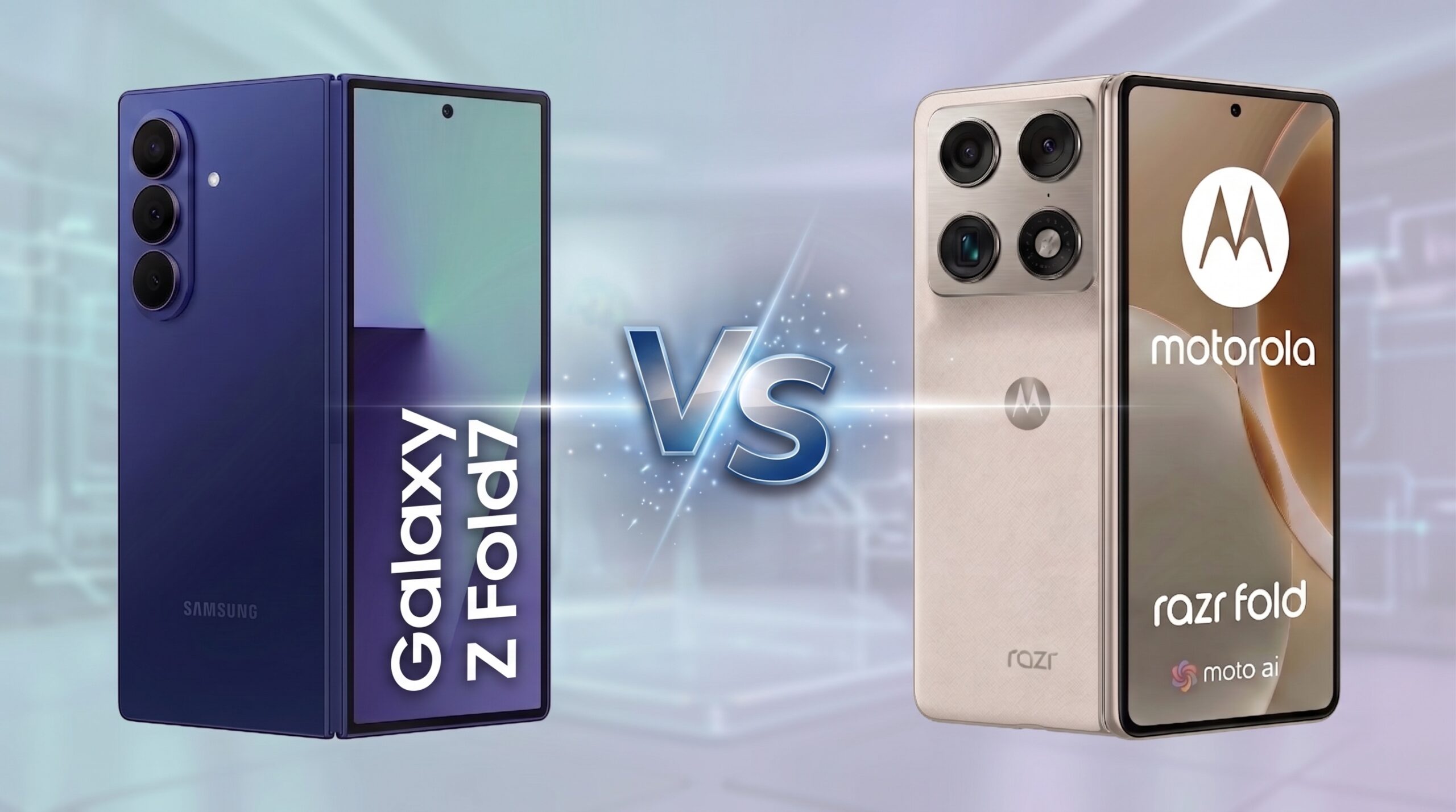
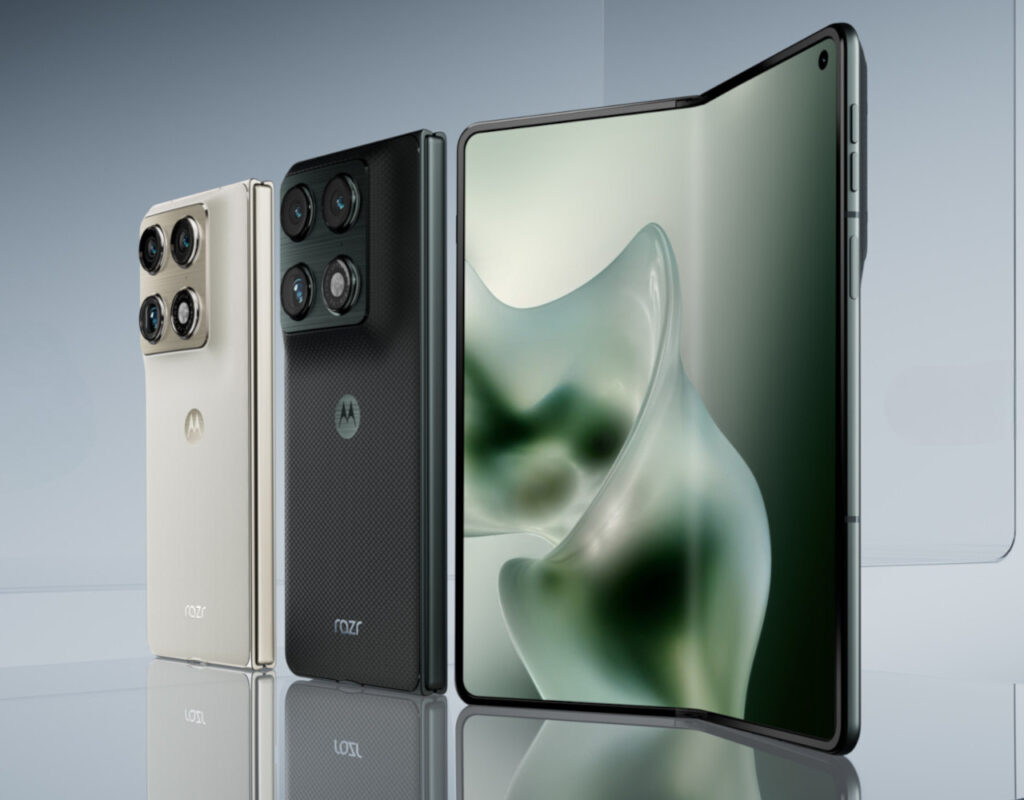
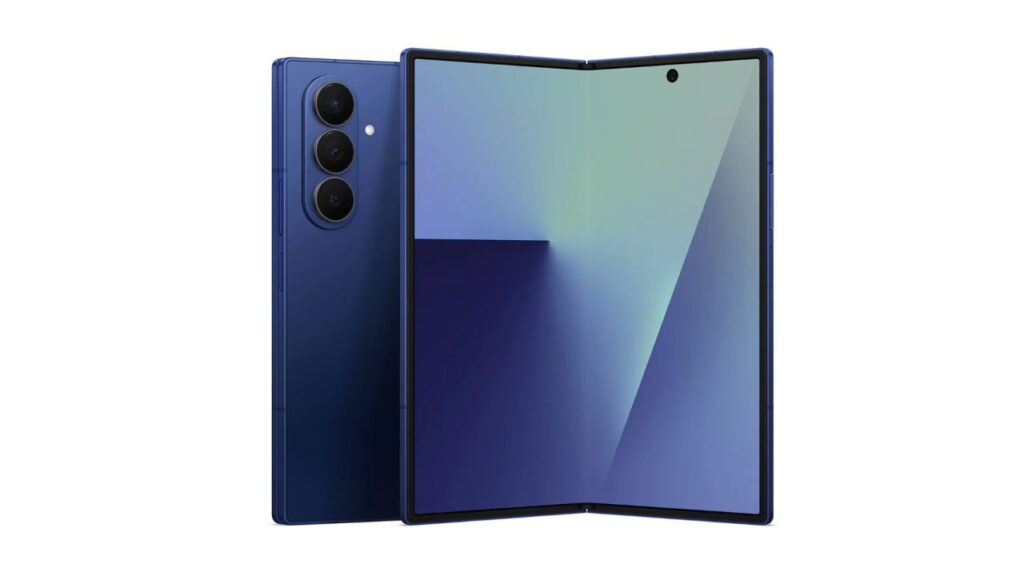
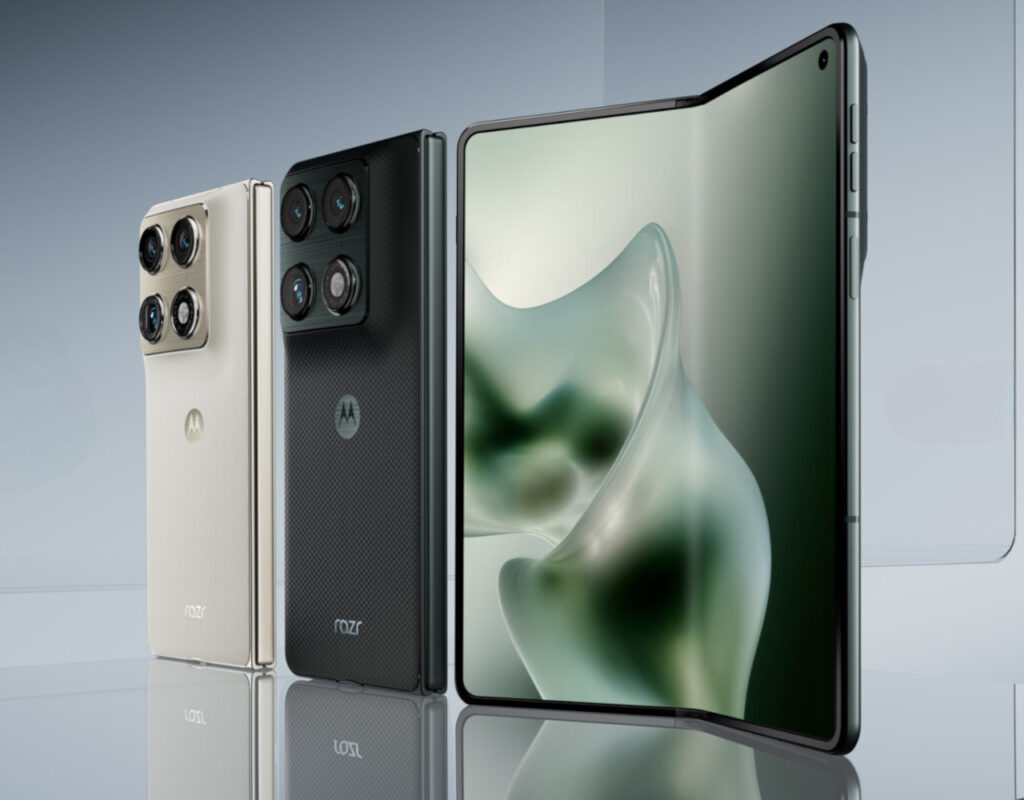
    Motorola Razr Fold and Samsung Galaxy Z Fold 7 are two top foldable smartphones in a book style. Which one to choose? We compare specifications, cameras, batteries, and prices.

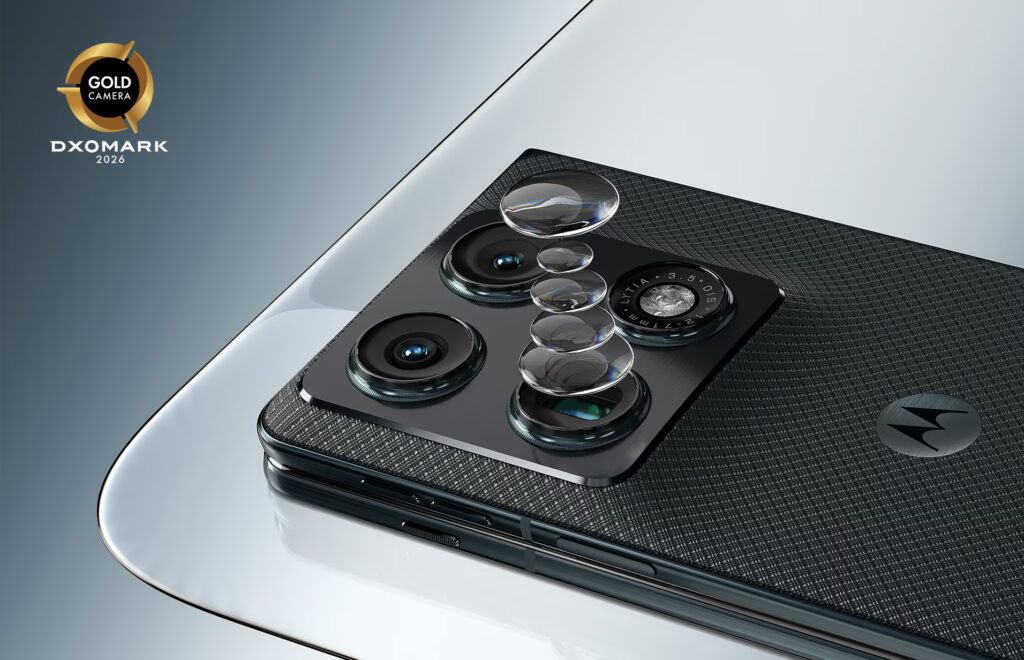
    Motorola Razr Fold vs Samsung Galaxy Z Fold 7 — this is the showdown that the entire foldable smartphone market has been waiting for in 2026. Motorola debuts in the book format with a 6000 mAh battery, a triple 50 MP camera (DXOMARK Gold certified), and a price starting from 9999 PLN (8499 PLN with cashback).

    Samsung responds with the proven One UI 8 ecosystem, a 200 MP camera, Galaxy AI, and a price starting at around 6450 PLN in stores (RRP 8799 PLN). Which of them will perform better as your daily smartphone? Below is a detailed comparison of specifications, cameras, batteries, and prices — with specific recommendations for different types of users.

    Specifications — comparison table

    Before we get into the details, here are the key parameters of both smartphones in one table:

    ParameterMotorola Razr FoldSamsung Galaxy Z Fold 7
    Internal screen8.09″ LTPO pOLED, 2K, 120 Hz, 6200 nits8.0″ Dynamic AMOLED 2X, 2K, 120 Hz
    External screen6.6″ pOLED, 165 Hz, 6000 nits6.5″ Dynamic AMOLED 2X, 120 Hz
    ProcessorSnapdragon 8 Gen 5 (3 nm)Snapdragon 8 Elite for Galaxy (3 nm)
    RAM16 GB LPDDR5X12 GB / 16 GB (1 TB)
    Storage512 GB UFS 4.1256 / 512 GB / 1 TB
    Main camera50 MP Sony LYTIA 828, f/1.6, OIS200 MP, f/1.7, OIS
    Telephoto50 MP Sony LYTIA 600, 3x zoom10 MP, f/2.4, 3x zoom
    Ultra-wide50 MP, f/2.0, 122°12 MP, f/2.2, 123°
    Selfie (external screen)32 MP10 MP
    Selfie (internal screen)20 MP10 MP
    Video8K @ 30 fps Dolby Vision, 4K @ 120 fps8K @ 30 fps, 4K @ 60 fps
    Battery6000 mAh (Si/C)4400 mAh
    Wired charging80 W TurboPower45 W
    Wireless charging50 W + 5 W reverse15 W + 4.5 W reverse
    ResistanceIPX9IP48
    SystemAndroid 16 (7 years of updates)Android 16 + One UI 8 (7 years)
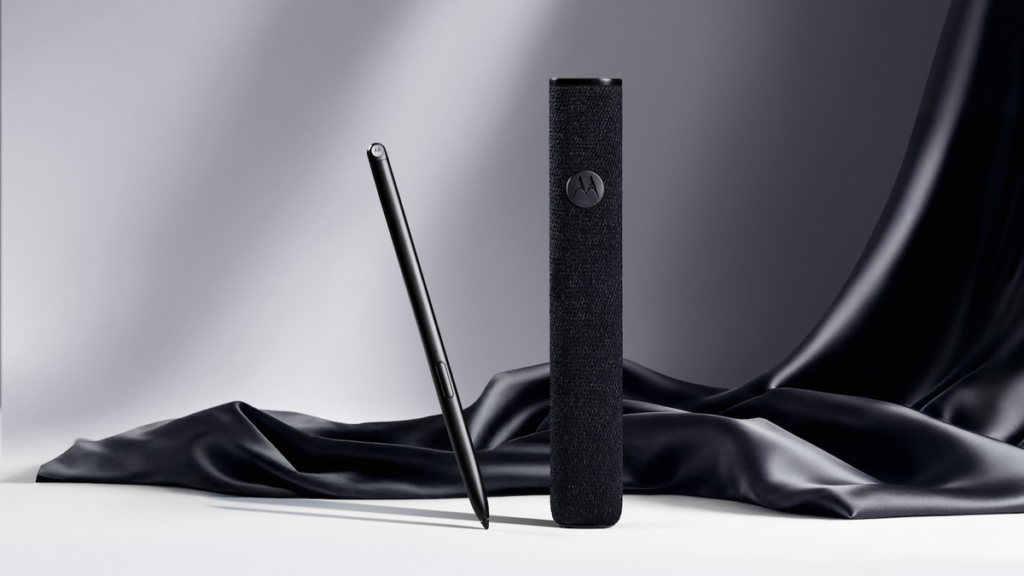
    StylusMoto Pen Ultra (included)S Pen (optional)
    Dimensions (folded)160.1 × 73.6 × 10.1 mm158.5 × 72.8 × 8.9 mm
    Weight243 g215 g
    Screen protectionGorilla Glass Ceramic 3Gorilla Glass Victus 2
    Price in Poland (RRP)9999 zł (16/512 GB)8799 zł (12/256 GB)
    Market price (April 2026)from ~8499 zł (with cashback)from ~6450 zł (Ceneo/Allegro)

    Razr Fold vs Z Fold 7 Screens — Brightness and Refresh Rate

    The Motorola Razr Fold offers slightly larger screens and significantly higher brightness. The internal display of 8.09 inches with a brightness of 6200 nits is one of the brightest panels in foldable smartphones — readable even in full sunlight. The external display of 6.6 inches with a refresh rate of 165 Hz is better suited for gaming and fast scrolling of content.

    The Samsung Galaxy Z Fold 7 has an internal display of 8.0 inches and an external display of 6.5 inches — both with a refresh rate of 120 Hz and Dynamic AMOLED 2X technology. Samsung does not provide peak brightness, but in practice, the panel is bright enough for everyday use.

    Screen Verdict: Motorola wins in brightness and size, while Samsung offers proven Dynamic AMOLED technology with deeper blacks and excellent color calibration. If you use your smartphone outdoors a lot — the Razr Fold will be the better choice.

    Camera — 50 MP vs 200 MP

    This is one of the most interesting differences. Samsung opts for one large 200 MP sensor with pixel binning, while Motorola uses three 50 MP cameras with top Sony LYTIA sensors.

    Motorola Razr Fold — triple 50 MP

    • 50 MP Sony LYTIA 828 (f/1.6, OIS) — large 1/1.28″ sensor with excellent low-light performance
    • 50 MP ultra-wide (f/2.0, 122°) — with macro mode from 3.5 cm
    • 50 MP Sony LYTIA 600 telephoto (3x zoom, OIS) — periscope, with AI Super Zoom Pro up to 100x
    • Certificate DXOMARK Gold 2026 — 164/175 points

    Samsung Galaxy Z Fold 7 — 200 MP with AI

    • 200 MP (f/1.7, OIS) — binning to 12.5 MP, excellent details in daylight
    • 12 MP ultra-wide (f/2.2, 123°)
    • 10 MP telephoto (f/2.4, 3x zoom, OIS)
    • Galaxy AI — advanced photo editing and generative tools

    In practice, the difference is most noticeable at zoom. Motorola with a 50 MP periscope telephoto retains a lot of detail at 3x and produces usable photos even at 10x. Samsung with a mere 10 MP telephoto quickly loses sharpness above 3x — details blur already at 5x.

    In low light, Motorola uses a large Sony LYTIA 828 sensor (1/1.28″) — one of the largest in foldable smartphones. Samsung compensates for the smaller sensor with advanced AI processing and multi-frame HDR, which yields good results but with fewer natural details.

    For video recording, Motorola offers 4K @ 120 fps and 8K with Dolby Vision — Samsung is limited to 4K @ 60 fps and 8K without Dolby Vision. For video creators, this is a significant advantage of the Razr Fold.

    Samsung, on the other hand, excels in daytime portraits thanks to its 200 MP sensor and better post-processing with Galaxy AI — automatic beautification, generative editing, and Circle to Search are features that Motorola does not offer at this level.

    Razr Fold Battery vs Galaxy Z Fold 7 — 6000 vs 4400 mAh

    This is the biggest difference between these smartphones and the main argument for Motorola.

    ParameterMotorola Razr FoldSamsung Galaxy Z Fold 7
    Capacity6000 mAh (Si/C)4400 mAh
    Difference36% less
    Wired charging80 W TurboPower45 W
    Wireless charging50 W15 W
    Reverse wireless5 W4.5 W
    Declared usage timeup to 59 h (mixed cycle)no official data

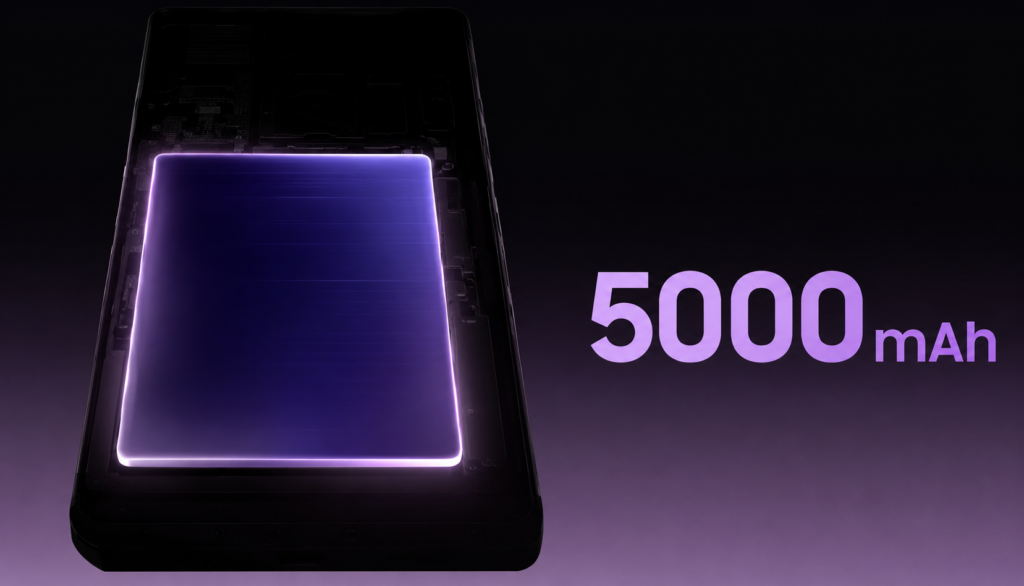
    Motorola Razr Fold with a 6000 mAh battery is the largest battery in the foldable smartphone segment. Compared to the Galaxy Z Fold 7 (4400 mAh), it offers 36% more capacity. Motorola claims up to 59 hours of usage in a mixed cycle — in practice, this means 1.5-2 days of typical use without charging.

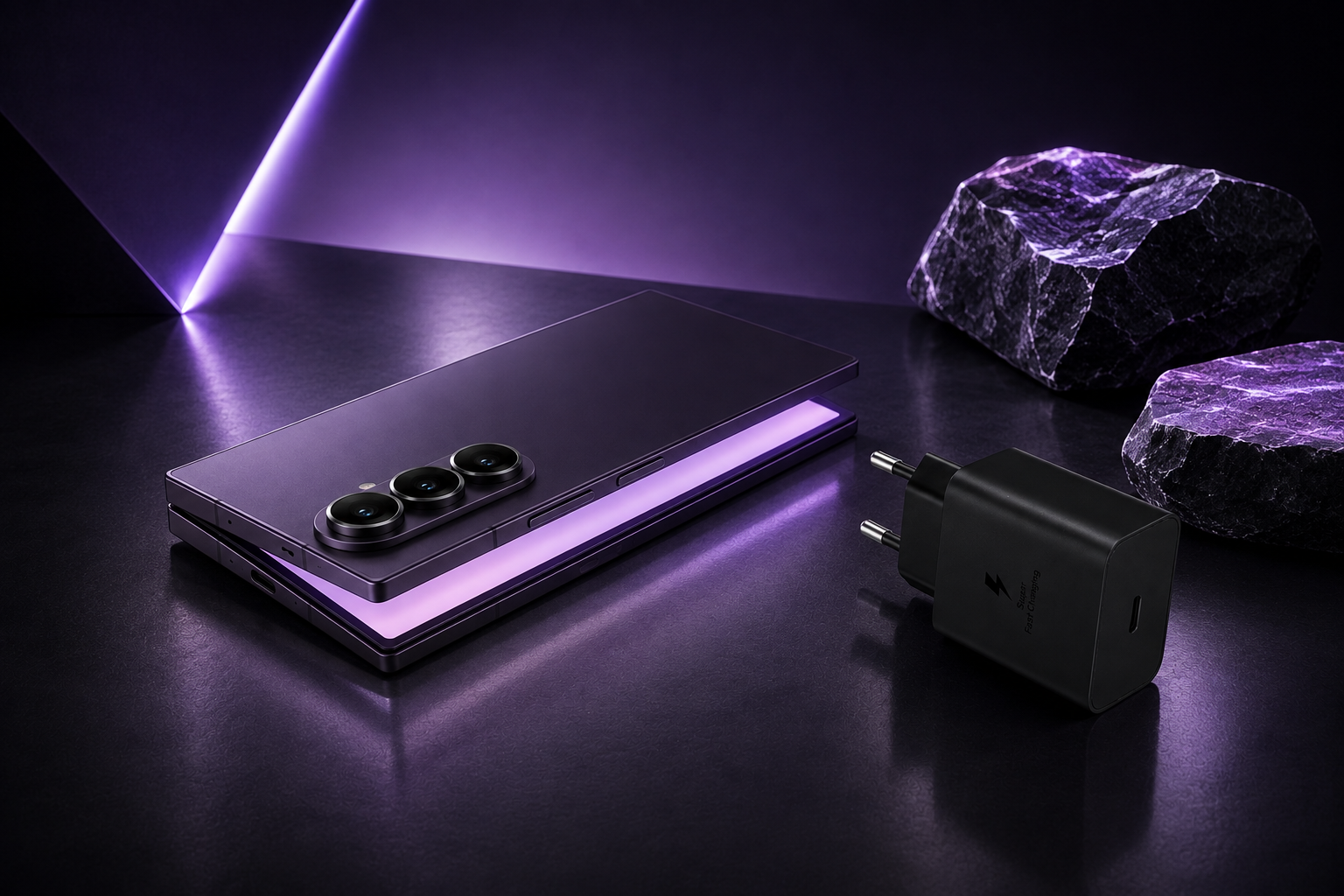
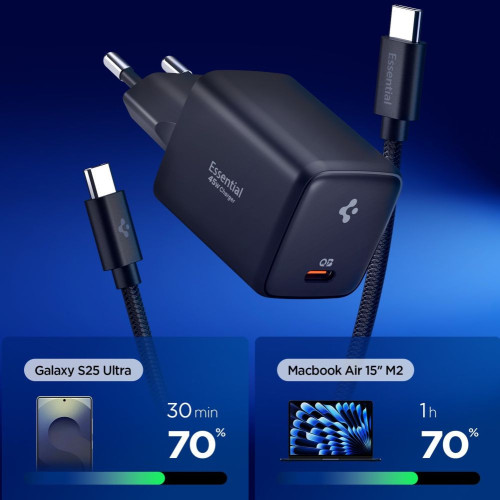
    Charging with 80 W TurboPower allows you to recharge from 0 to 50% in about 15 minutes. Samsung, with 45 W charging, takes about 25-30 minutes for the same — that’s almost twice as long.

    Wireless charging at 50 W in Motorola is over three times faster than 15 W in Samsung. For those using wireless chargers, this is an important difference.

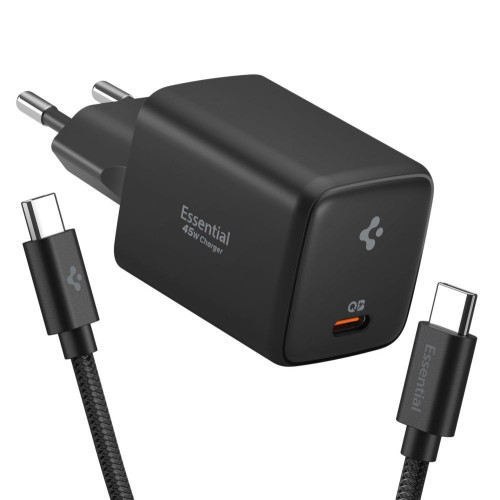
    Tip: For the Motorola Razr Fold, you need a wall charger supporting TurboPower 80 W (USB PD 3.0), while for Samsung, a 45 W charger with PD/PPS is sufficient. Check USB-C cables that support fast charging.

    Performance, system, and stylus

    Both smartphones use top Qualcomm processors in a 3 nm process, but they are slightly different chipsets with variations in clock speeds and performance.

    Motorola Razr FoldSnapdragon 8 Gen 5 with cores 2×3.8 GHz + 6×3.32 GHz and Adreno 829 GPU. 16 GB RAM and 512 GB UFS 4.1 in the only available variant. Snapdragon 8 Gen 5 achieves about 2300 points in Geekbench Single-Core and 9100 points in Multi-Core.

    Samsung Galaxy Z Fold 7 — Snapdragon 8 Elite for Galaxy with cores 2×4.47 GHz + 6×3.53 GHz and Adreno 830 GPU. Higher clock speeds translate to approx. 3100 points in Geekbench Single-Core and 10,200 points in Multi-Core — 15-20% advantage in single-threaded tasks. In everyday use — scrolling through social media, switching apps, browsing websites — the difference is negligible. Both smartphones are extremely fast.

    Software

    In terms of software, Samsung has a clear advantage. One UI 8 is the most refined interface for foldable smartphones — with multitasking features (App Pair, Multi-window, floating windows), Galaxy AI (real-time translations, generative photo editing, conversation transcription, Circle to Search) and a rich ecosystem of accessories. If you have a Galaxy Watch or Galaxy Buds — the integration with Samsung is unmatched.

    Motorola offers a cleaner Android 16 with minimal overlay, but with fewer features dedicated to foldable screens. The Motorola interface is fast and free of bloatware, which will be appreciated by those who prefer a pure Android experience.

    Both models will receive 7 years of system updates — support until 2032 (Samsung) and 2033 (Motorola).

    S Pen

    The Motorola Razr Fold has a significant advantage: the Moto Pen Ultra is included in the package. It supports precise drawing, note-taking, and navigation through the interface on the large 8.09-inch screen.

    The Samsung Galaxy Z Fold 7 supports the S Pen, but it must be purchased separately (around 200-350 PLN). The S Pen offers comparable functionality — note-taking, drawing, Air Gestures — but the additional cost must be added to the smartphone’s price.

    Design and Durability — Weight, Thickness, and Resistance

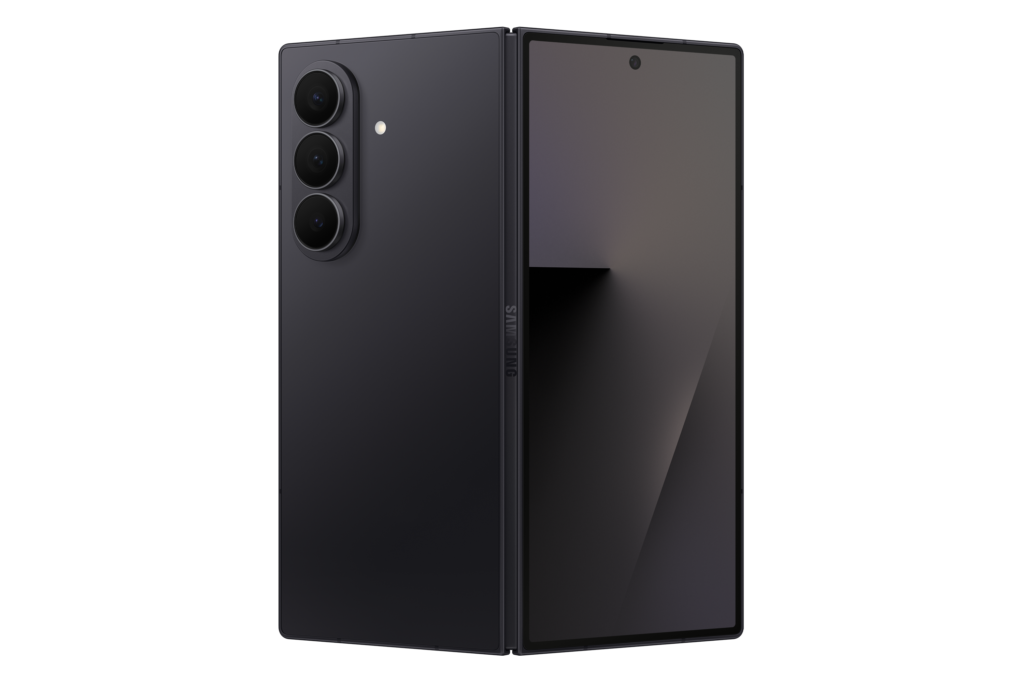
    The Samsung Galaxy Z Fold 7 is lighter (215 g vs 243 g) and thinner when folded (8.9 mm vs 10.1 mm). For people carrying a smartphone in their pants pocket, this is a significant difference — 28 g and over a millimeter less is a noticeable change in carrying comfort.

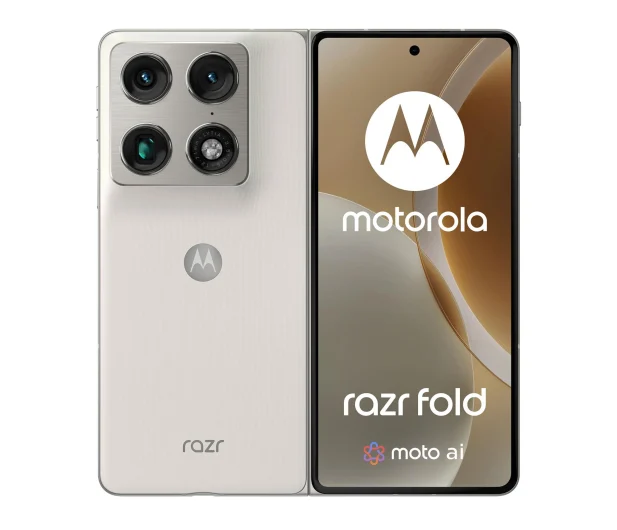
    Motorola stands out with a teardrop hinge made of stainless steel, which eliminates the visible gap when folded — the gap is still visible on Samsung’s device. When unfolded, Motorola has a thickness of 4.7 mm, while Samsung has 4.2 mm — here Samsung is slightly thinner.

    Available colors:
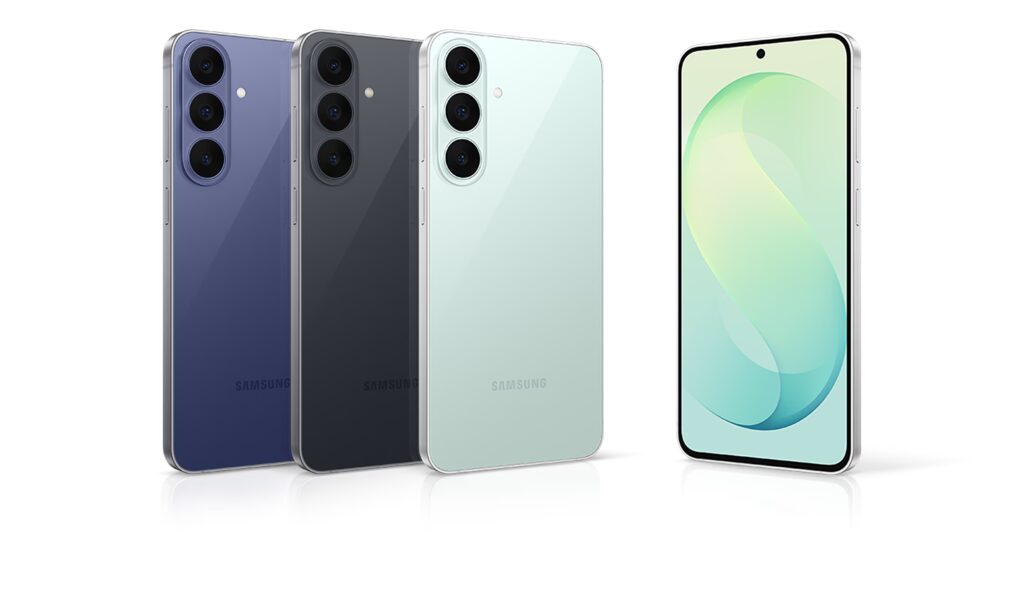
    Motorola: Pantone Blackened Blue, Pantone Lily White (+ FIFA edition with 24-karat gold)
    Samsung: Silver Gray, Navy Blue, Black

    In terms of durability, both smartphones have different priorities:
    Motorola: IPX9 (water jets under pressure + immersion up to 1.5 m for 30 min), Gorilla Glass Ceramic 3
    Samsung: IP48 (dust resistant above 1 mm + splash resistant), Gorilla Glass Victus 2

    Motorola offers better water resistance (IPX9 > IPX8 in Samsung), Samsung provides better dust protection (IP4X vs no dustproof certification in Motorola). If you often use your smartphone at the beach or in a workshop — each model has its own strengths here.

    Price of Razr Fold vs Z Fold 7 in Poland

    VariantMotorola Razr FoldSamsung Galaxy Z Fold 7
    12/256 GBRRP 8799 zł / market from ~6450 zł
    12/512 GBRRP 9999 zł / market from ~7200 zł
    16/512 GB9999 zł (cashback 1500 zł → 8499 zł)
    16/1 TBRRP 11 349 zł
    Limited editionFIFA World Cup 26™: 11 499 zł

    Samsung Galaxy Z Fold 7 has been on the market since July 2025, so its market prices have significantly dropped. On Ceneo and Allegro, the 256 GB variant can be purchased for around 6450 zł — over 2000 zł cheaper than in the official Samsung store.

    Comparing the most similar configurations:

    • Motorola 16/512 GB (8499 zł with cashback) vs Samsung 12/512 GB (from ~7200 zł market) — Samsung is currently about 1300 zł cheaper, although it offers less RAM (12 vs 16 GB) and does not include a stylus
    • Samsung 12/256 GB (from ~6450 zł) is the cheapest entry point — over 2000 zł less than Motorola, making it significantly more affordable, although with less memory, a smaller battery, and no stylus

    Accessories — cases, films, and chargers
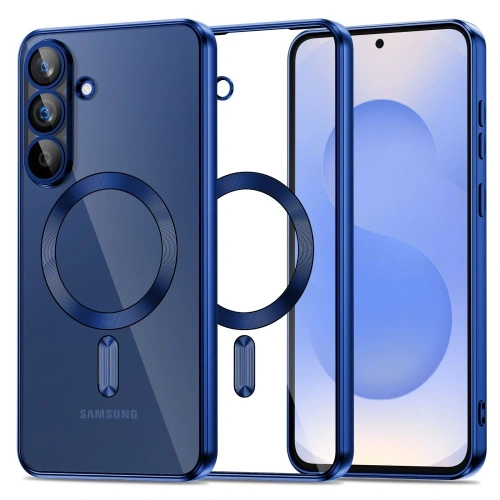
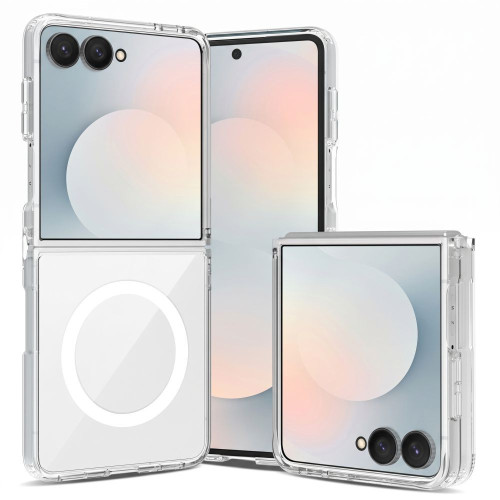
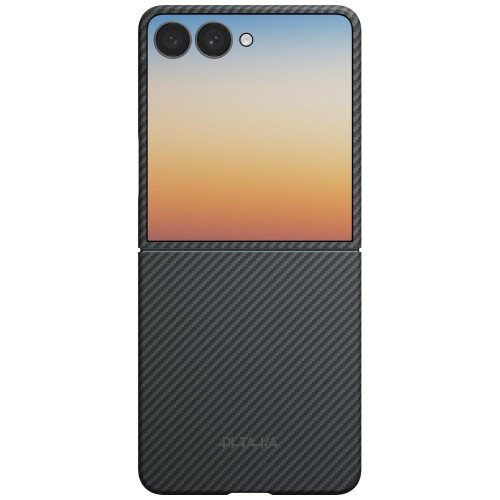
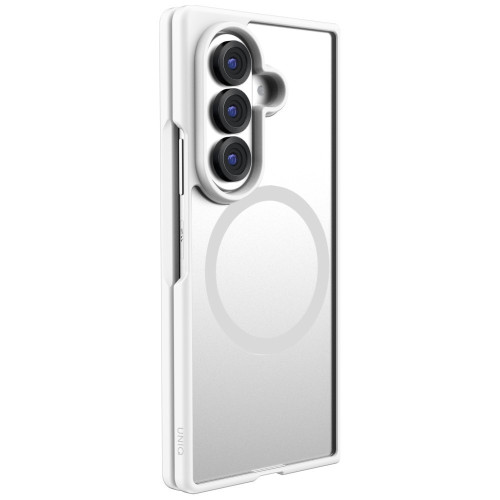
    Protecting your foldable smartphone is a priority — replacing the pOLED screen can cost several thousand zlotys. At homescreen.pl, you will find accessories for both models.
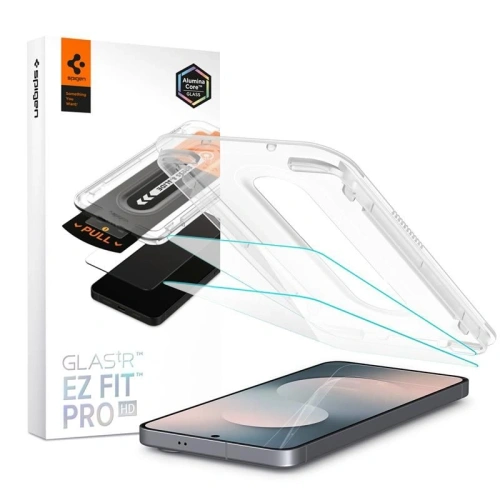
    For Samsung Galaxy Z Fold 7 — available are cases and protective films for Galaxy Z Fold 7 from Samsung, 3MK, Ringke, UAG, PITAKA, and PanzerGlass. Prices range from 15.99 PLN (GrizzGlass film) to 379 PLN (Samsung Carbon Shield Case).
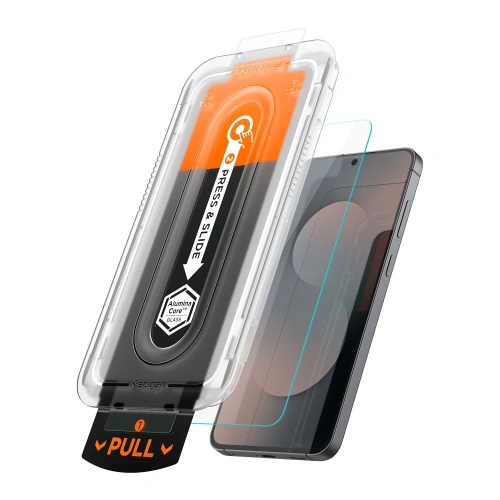
    For Motorola Razr Fold — the offer includes hydrogel films and lens protection from 3MK, Bizon Glass, and GrizzGlass. Due to the pOLED foldable screen, hydrogel films are recommended instead of traditional tempered glass.

    Complete protective set? Case + film for the inner screen + glass for the camera lens. Also check out power banks — they will be especially useful with the Galaxy Z Fold 7, which has a smaller battery.

    Motorola Razr Fold or Samsung Galaxy Z Fold 7 — which one to choose?

    Motorola Razr Fold and Samsung Galaxy Z Fold 7 are the two best foldable smartphones in book style in 2026 — but aimed at different users. There is no clear winner. Motorola excels in hardware specifications (battery, camera, charging), while Samsung leads in software and ecosystem. The decision depends on your priorities.

    Samsung has been on the market for 9 months and its market prices have dropped significantly — the 256 GB variant costs around 6450 PLN, and the 512 GB from around 7200 PLN. Motorola with cashback comes out to 8499 PLN for 16/512 GB. Samsung is therefore cheaper, but Motorola offers more RAM (16 vs 12 GB), a better battery, a camera with a DXOMARK Gold certification, and a stylus included. Samsung, on the other hand, provides access to Galaxy AI, a lighter design (215 g), and the best software for foldable screens on the market.

    Choose the Motorola Razr Fold if:
    – You care about long battery life (6000 vs 4400 mAh)
    – You take photos and record videos (better telephoto lens, 4K @ 120 fps, DXOMARK Gold)
    – You want a stylus included without extra payment
    – You don’t need the Samsung ecosystem (Galaxy Watch, Galaxy Buds, DeX)

    Choose the Samsung Galaxy Z Fold 7 if:
    – You use the Samsung ecosystem (watch, headphones, tablet)
    – You care about a lighter and slimmer design (215 g vs 243 g)
    – You value Galaxy AI and advanced multitasking features of One UI
    – You want more memory options (256 GB / 512 GB / 1 TB)
    – You are looking for a lower entry threshold (from ~6450 PLN on the market vs 9999 PLN)

    If you compare models with similar memory configurations (512 GB), the Motorola with cashback is 800 PLN cheaper and offers a better battery, camera, and stylus included. Samsung counters with better software, a lighter design, and a wider ecosystem of accessories.

    FAQ

    Which foldable smartphone has a better battery — Razr Fold or Galaxy Z Fold 7?

    The Motorola Razr Fold has a 6000 mAh battery — 36% larger than the 4400 mAh in the Samsung Galaxy Z Fold 7. This is currently the largest battery in the foldable smartphone segment.

    How much does the Motorola Razr Fold vs Samsung Galaxy Z Fold 7 cost in Poland?

    The Motorola Razr Fold costs 9999 PLN (8499 PLN with cashback) in the 16/512 GB version. The Samsung Galaxy Z Fold 7 has an RRP starting from 8799 PLN, but is available in stores (Ceneo, Allegro) for around 6450 PLN for the 12/256 GB version.

    Which has a better camera — Motorola Razr Fold or Samsung Galaxy Z Fold 7?

    The Motorola Razr Fold with a triple 50 MP camera (Sony LYTIA) has received the DXOMARK Gold 2026 certification (164/175 points). Samsung has a 200 MP sensor with better pixel binning. Motorola wins in telephoto (50 vs 10 MP) and video (4K @ 120 fps).

    Which foldable smartphone is lighter?

    The Samsung Galaxy Z Fold 7 weighs 215 g, while the Motorola Razr Fold weighs 243 g. Samsung is 28 g lighter and 1.2 mm slimmer when folded.

    Do both smartphones come with a stylus?

    The Motorola Razr Fold comes with the Moto Pen Ultra included. The Samsung Galaxy Z Fold 7 supports the S Pen, but it must be purchased separately for about 200-350 PLN.

  • The best cases for Samsung Galaxy Buds 4 and Buds 4 Pro [2026]

    The best cases for Samsung Galaxy Buds 4 and Buds 4 Pro [2026]

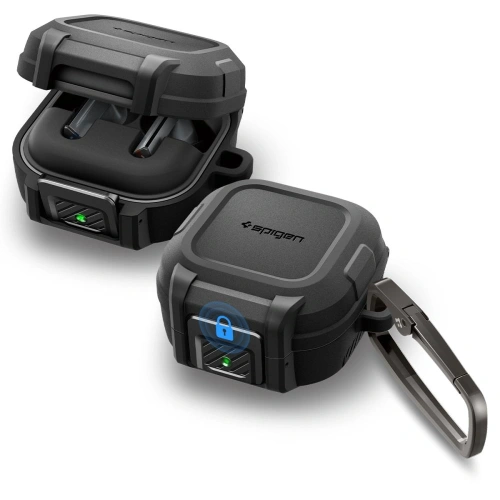
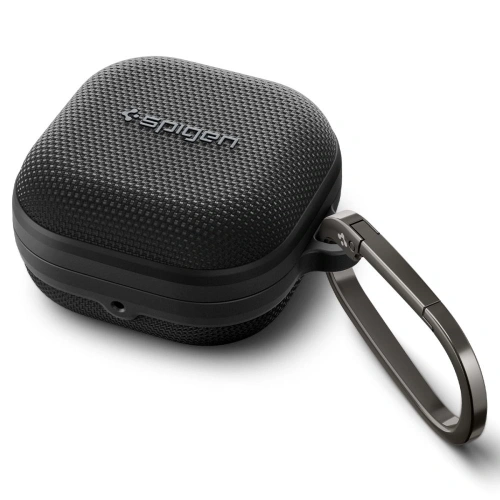
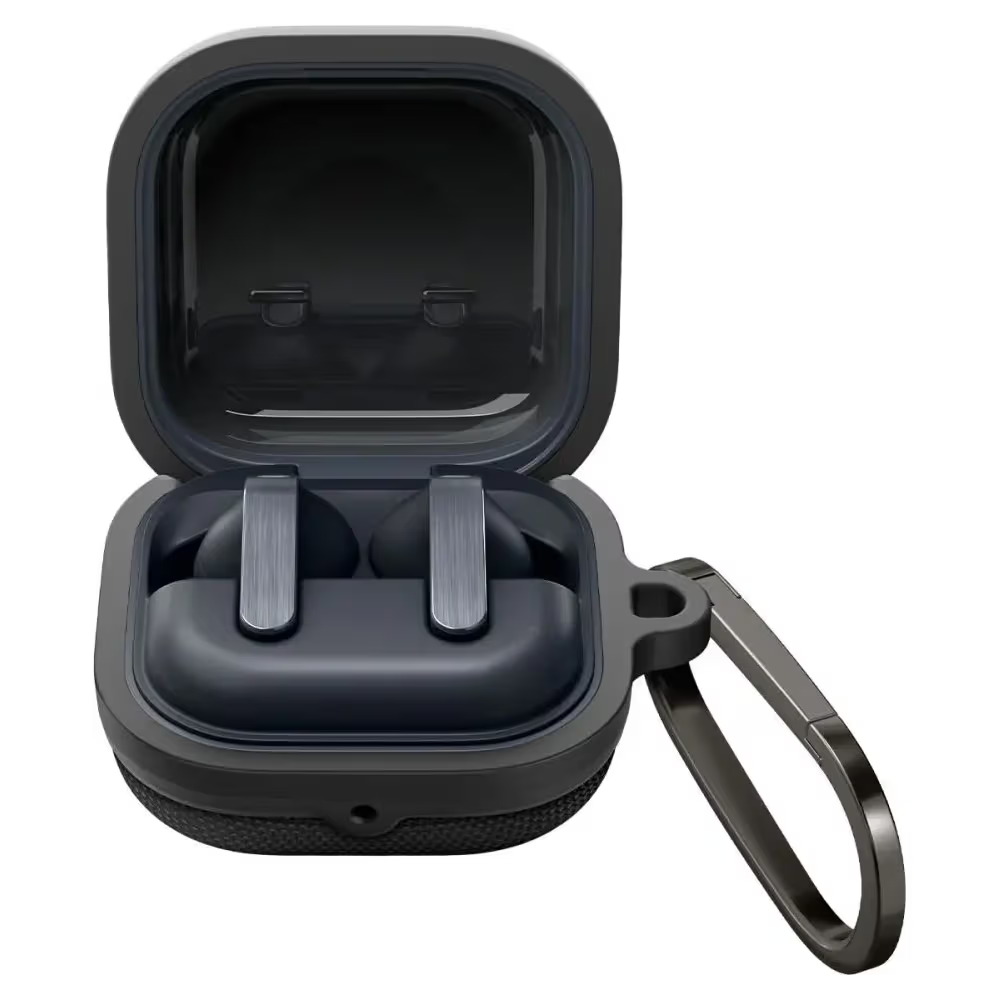
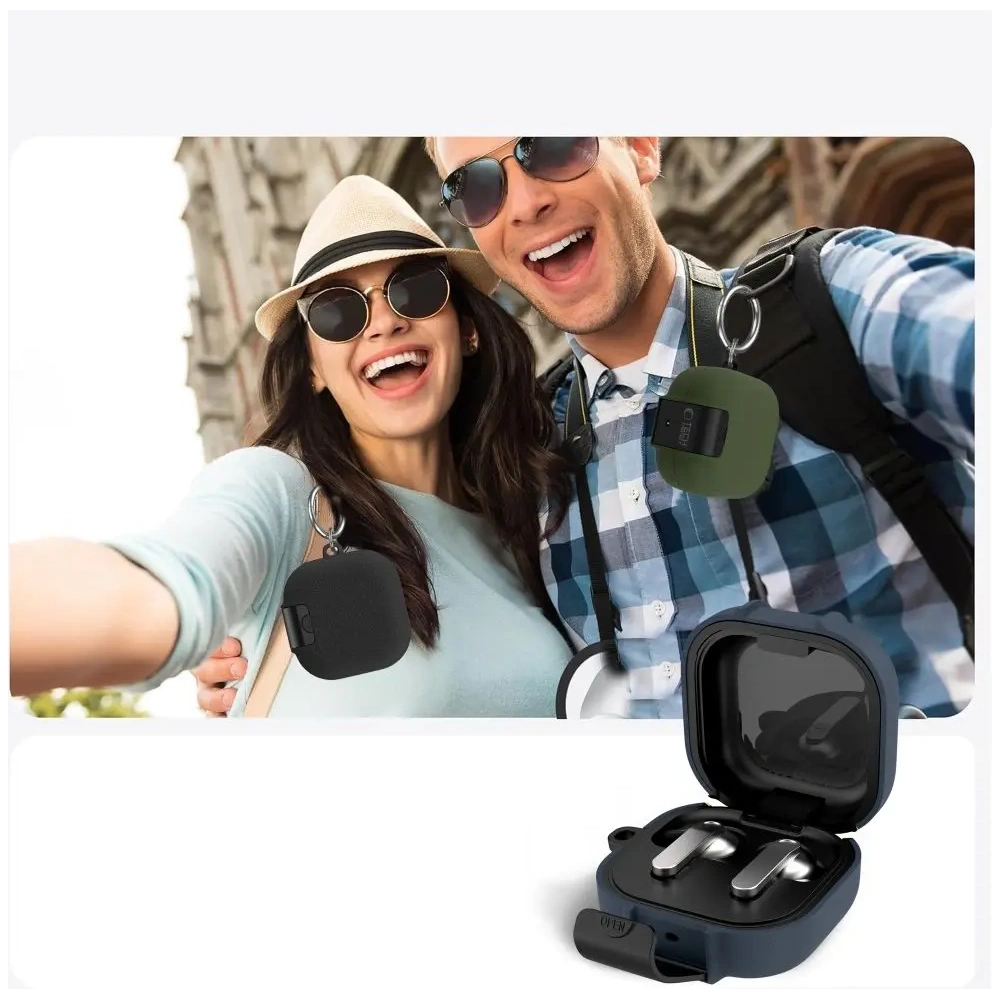
    The best case for Galaxy Buds 4 is the Spigen Rugged Armor (85 PLN) – durable, with a matte finish and precise fit for the charging case. If you’re looking for a cheaper option, the Tech-Protect Slim Hook at 39 PLN offers a carabiner and a slim design. All cases in this ranking fit both Galaxy Buds 4 and Buds 4 Pro.

    Samsung Galaxy Buds 4 and Buds 4 Pro are among the most interesting true wireless headphones on the market. However, the charging cases are prone to scratches and mechanical damage. In this guide, we compare eight protective cases from Spigen, Ringke, and Tech-Protect.

    We advise what to pay attention to when choosing and which case will work best depending on your needs. Looking for a case for an older model? Check out the case for Galaxy Buds 3 / 3 Pro.

    What to pay attention to when choosing a case for Galaxy Buds 4?

    Before we move on to the ranking, it’s worth knowing what to consider when choosing. A protective case for headphones is a small expense, but a good case for Galaxy Buds 4/4 Pro can protect your headphones from costly repairs.

    Material and type of protection

    Protective cases for Galaxy Buds 4 are made from three main materials. TPU (thermoplastic polyurethane) is the most common choice – flexible, shock-absorbing, and scratch-resistant. Silicone provides a better grip and a pleasant texture, but it may attract dust. Polycarbonate (PC) offers rigid protection and a sleek appearance, but it absorbs falls less effectively.

    The best protection is provided by dual-layer cases, combining a soft TPU core with a rigid polycarbonate outer shell. This solution is used, among others, by Spigen in the Lock Fit model.

    Carabiner and Hook

    Many users carry their headphones with them all day. A case with a carabiner or hook allows you to attach the Galaxy Buds 4 to a backpack, belt, or bag. This convenient solution minimizes the risk of losing the charging case.

    Not every carabiner is equally sturdy. Metal hooks (like in Spigen Lock Fit) are more durable than plastic ones, but they add some weight.

    Compatibility with Wireless Charging and MagSafe

    All cases in this ranking allow for Qi wireless charging without removing the cover. It’s worth paying attention to models with a cutout for the LED – this way, you can immediately see the charging status. If you are looking for a wireless charger compatible with Galaxy Buds 4, you can find it in our offer.

    An interesting option is the Ringke Onyx Magnetic with built-in MagSafe magnets. If you use a MagSafe charger or a magnetic mount, the case will provide a stable attachment.

    Fit for Galaxy Buds 4 and Buds 4 Pro

    Both Samsung headphone models – Galaxy Buds 4 and Galaxy Buds 4 Pro – have identical dimensions for the charging case. All protective cases in this ranking fit both versions.

    Ranking – best cases for Galaxy Buds 4 / 4 Pro

    We tested the offer available at homescreen.pl and selected the eight best cases. Here is our ranking – from the best to the cheapest.

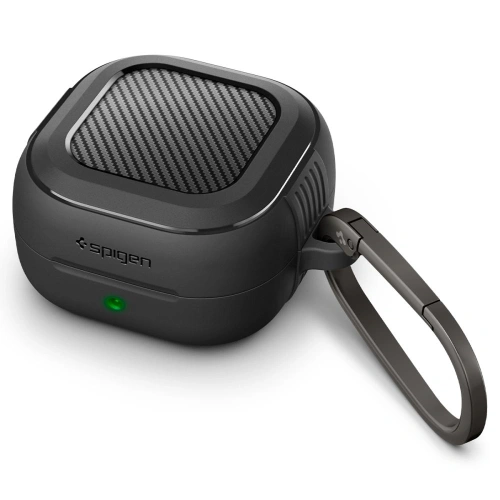
    1. Spigen Rugged Armor – durable and stylish (85 PLN)

    Our choice in the category of best protection

    Spigen Rugged Armor is a proven series, known for smartphone cases. The version for Galaxy Buds 4 maintains the same high standard. Made of flexible TPU with a characteristic carbon fiber pattern, it provides solid protection against drops and scratches.

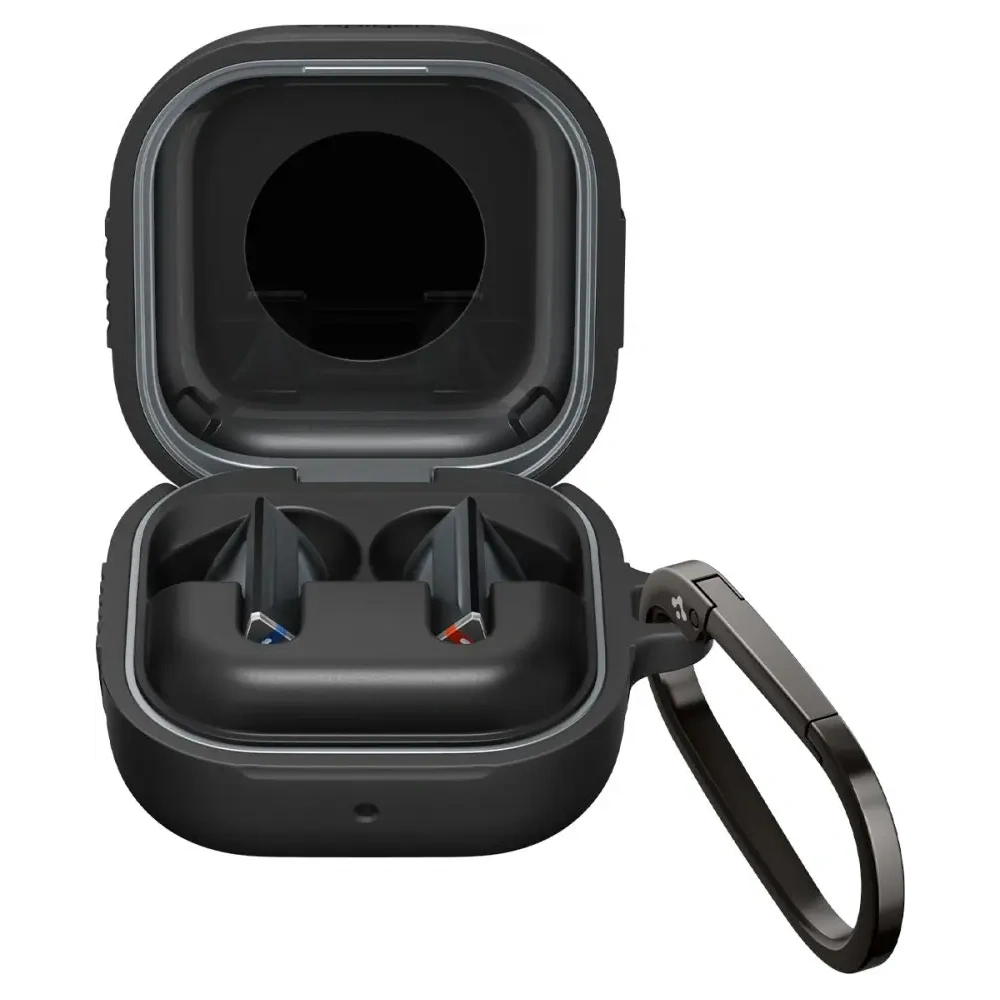
    The case has precise cutouts for the USB-C port and LED indicator. The Matte Black finish does not collect fingerprints. On the back, you’ll find a hook for a carabiner (included). The whole thing weighs just a few grams and does not add unnecessary bulk.

    Advantages:
    – Proven brand with many years of experience
    – Matte finish resistant to fingerprints
    – Carabiner included
    – Compatible with Qi wireless charging

    Disadvantages:
    – Available only in black
    – No version with MagSafe

    2. Spigen Lock Fit – premium with metal carabiner (145 PLN)

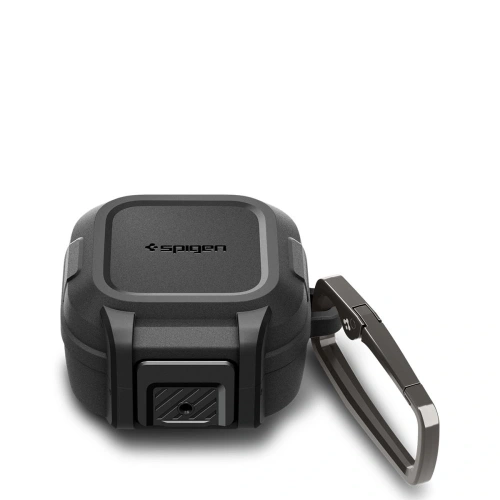
    Spigen Lock Fit is the most expensive case in this comparison, but also the most advanced. The two-piece construction made of polycarbonate and TPU provides the highest level of protection. The metal carabiner is exceptionally sturdy and will not accidentally detach.

    The case closes with a snap, eliminating the risk of the earbuds falling out. The matte black finish looks premium and feels good in hand. If you care about maximum protection and don’t mind the higher price – Lock Fit is the best option.

    Advantages:
    – Two-layer construction PC + TPU
    – Metal, sturdy carabiner
    – Snap closure system
    – Best protection in the ranking

    Disadvantages:
    – Highest price (145 PLN)
    – Adds some thickness

    3. Spigen Classic Fit – elegant style (109 PLN)

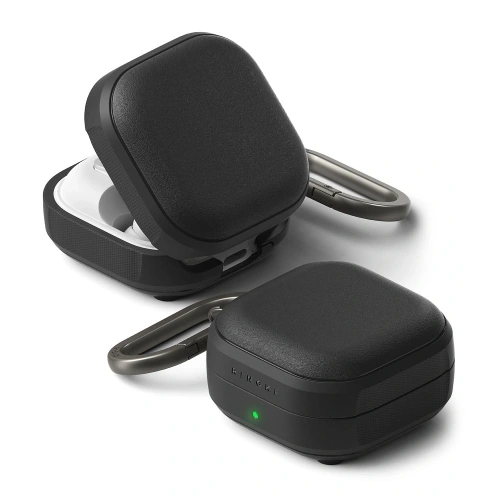
    Spigen Classic Fit stands out from the competition with its elegant design. The leather-like finish gives the Galaxy Buds 4 a more prestigious look. Underneath, there is a solid TPU layer that protects against impacts.

    This case is perfect if you value style and don’t want your headphones to look like survival gear. Classic Fit pairs well with an elegant set of accessories for Galaxy Watch or a leather smartphone case.

    Advantages:
    – Elegant leather-like finish
    – Solid TPU protection underneath
    – Good grip in hand
    – Carabiner included

    Disadvantages:
    – Higher price than silicone cases
    – Finish may wear over time

    4. Ringke Onyx Magnetic MagSafe – for fans of magnetic charging (59 zł)

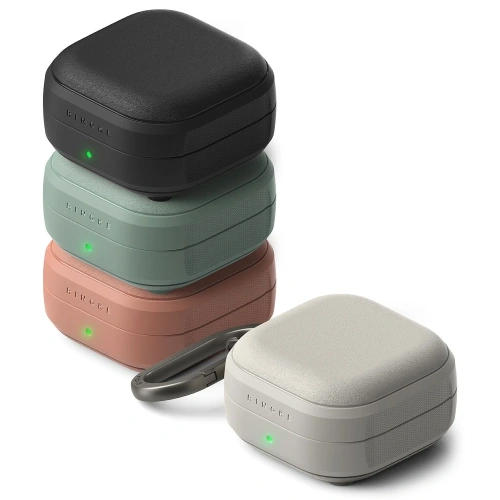
    Ringke Onyx Magnetic is a unique case with built-in magnets compatible with MagSafe. If you use a MagSafe charger, magnetic power bank, or car mount – this case will connect perfectly with them.

    Made of flexible TPU with a textured surface. Provides a secure grip and solid protection against scratches. Available in four colors: Black, Sage Green, Constant Coral, and Warm Grey.

    Advantages:
    – Built-in MagSafe magnets
    – Four color variants
    – Textured surface for better grip
    – Good value for money

    Disadvantages:
    – No carabiner included
    – Magnets add a small weight

    5. Ringke Silicone – soft silicone in many colors (55 PLN)

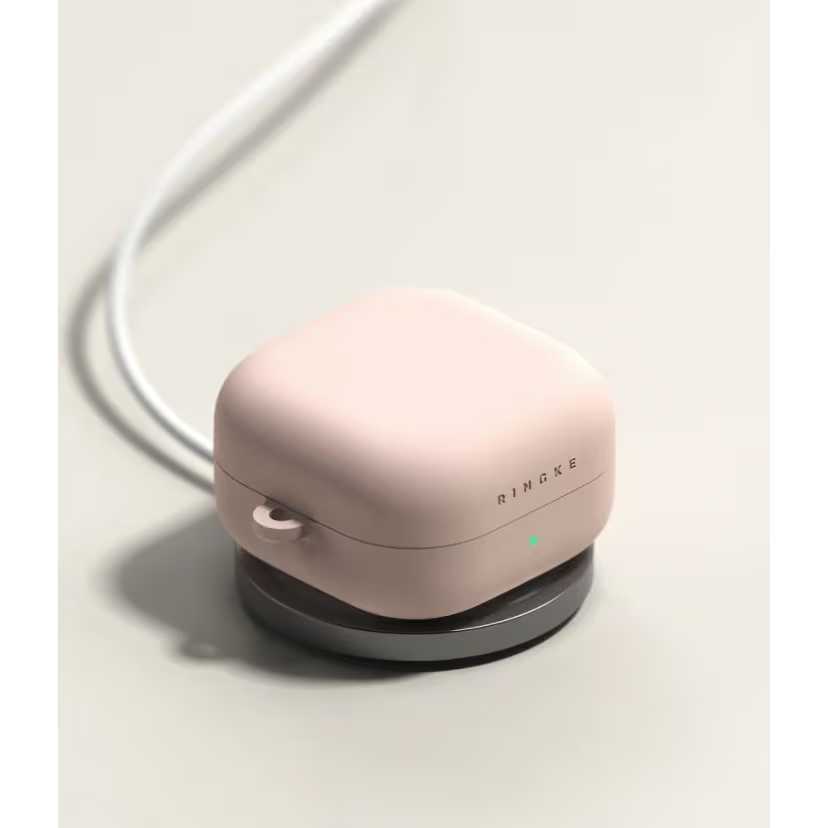
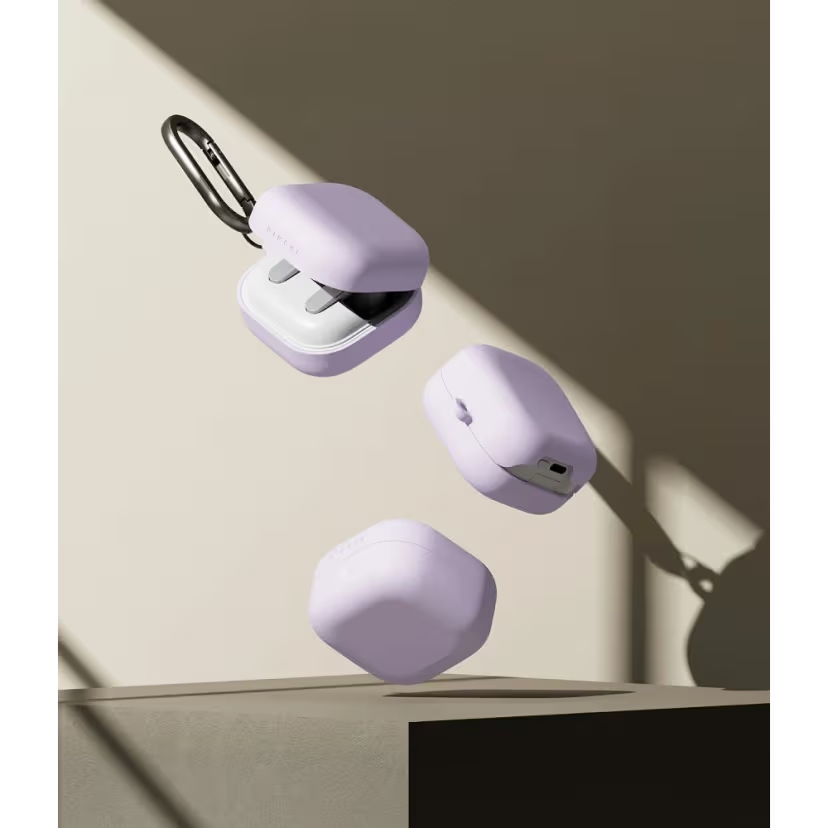
    Ringke Silicone is a classic silicone case with a pleasant-to-touch surface. The silicone provides an excellent grip – the case won’t slip out of your hand or off the table. Available in Black, Light Purple, Pink Sand, and Stone colors.

    The cutouts for the charging port and LED are precise. The case absorbs minor drops well, although it does not offer as advanced protection as Spigen models. It is a solid choice in the mid-price range.

    Advantages:
    – Pleasant, matte texture of silicone
    – Four colors to choose from
    – Excellent grip
    – Precise cutouts

    Disadvantages:
    – Silicone may attract dust and particles
    – No carabiner

    6. Tech-Protect Slim Hook – slim with a hook (39 zł)

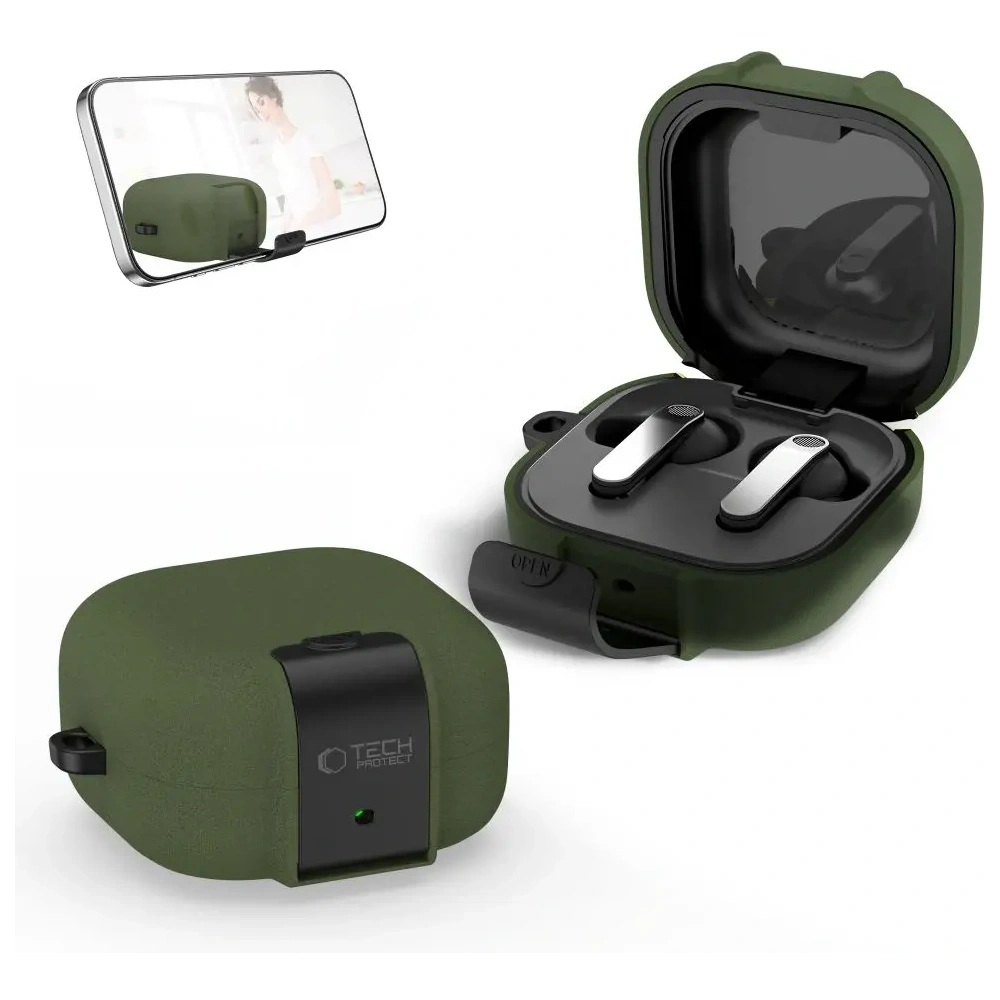
    Tech-Protect Slim Hook combines a slim design with a practical hook. The TPU case is thin, lightweight, and does not add unnecessary bulk. The built-in hook allows you to attach the headphones to a bag or belt.

    Available in three colors: Black, Fluffy Blue, and Olive Green. At this price, it’s hard to find a better balance of functionality to price. If you’re looking for a case with a carabiner but don’t want to spend over 80 PLN – Slim Hook is a perfect choice.

    Advantages:
    – Hook/carabiner included
    – Slim design
    – Three color variants
    – Attractive price

    Disadvantages:
    – Plastic hook (less durable than metal)
    – Basic level of protection

    7. Tech-Protect FlexAir – transparent and minimalist (25 PLN)

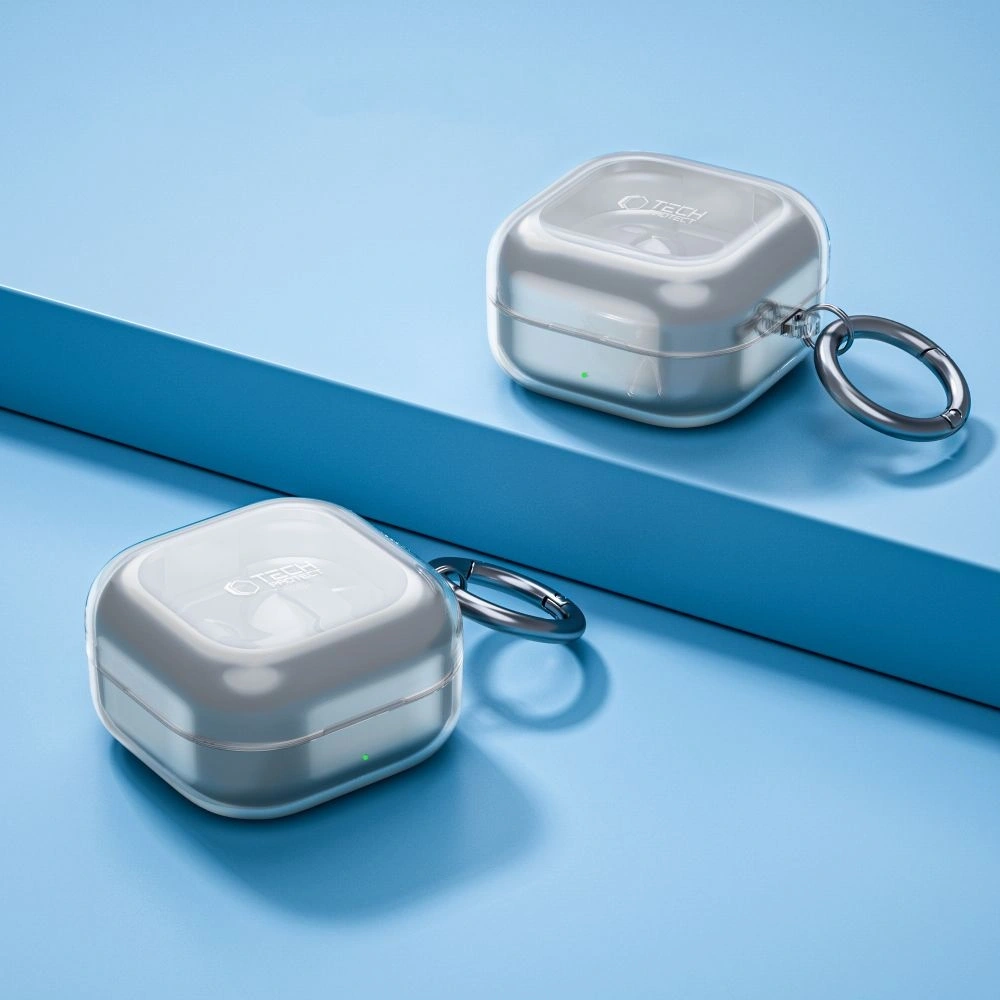
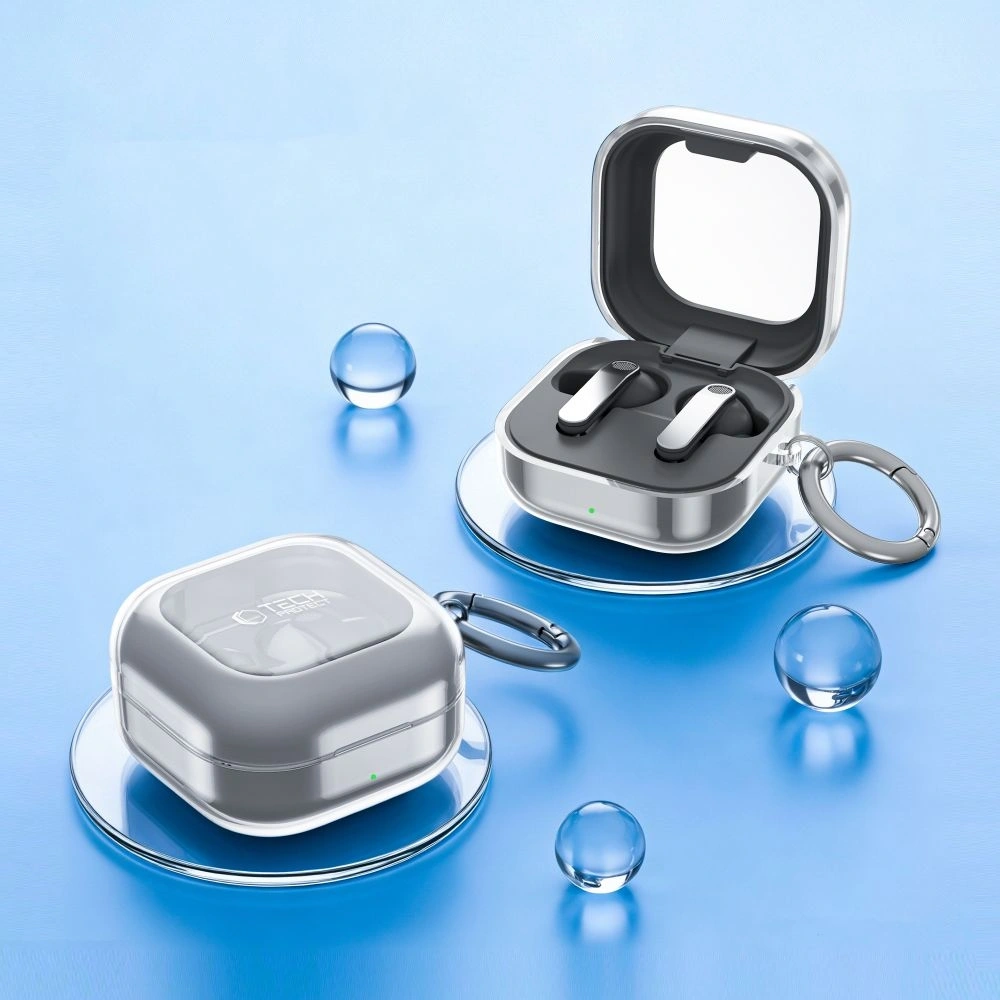
    Tech-Protect FlexAir is a transparent case made of flexible TPU. Ideal if you want to showcase the original color of the Galaxy Buds 4 charging case while providing basic protection against scratches.

    The transparent case may slightly yellow over time due to UV exposure – this is a natural characteristic of the material. In return, you get a minimalist look and full compatibility with wireless charging for only 25 PLN.

    Advantages:
    – Transparent design – shows the original color of the headphones
    – Very low price
    – Minimalist and lightweight
    – Compatible with Qi charging

    Disadvantages:
    – May yellow over time
    – No carabiner
    – Basic protection

    8. Tech-Protect Silicone Hook – lowest price with hook (19 PLN)

    Best price in the ranking

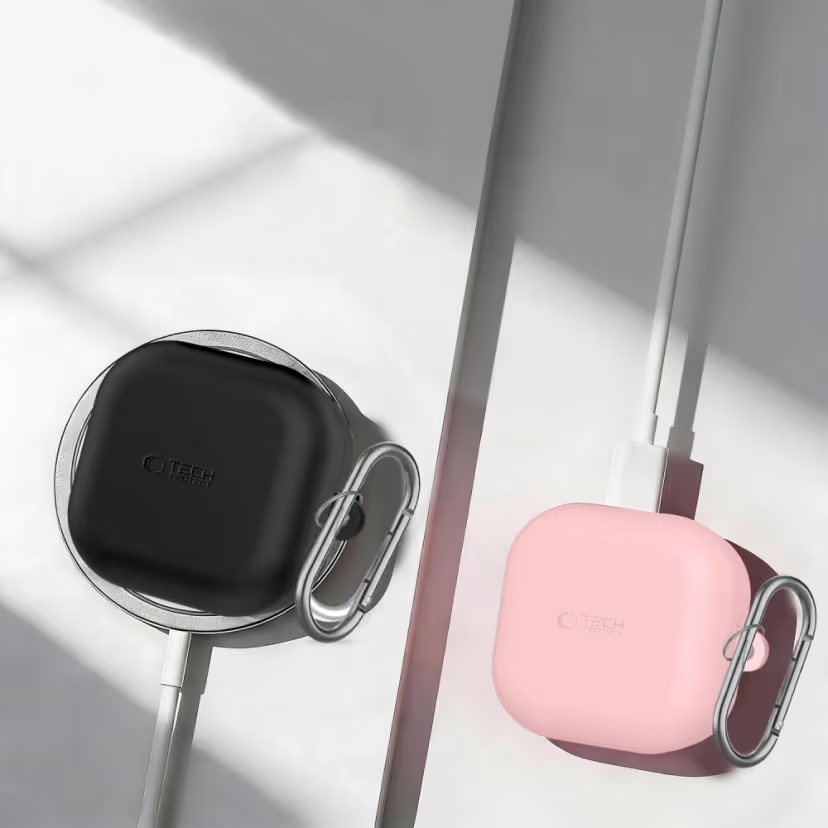
    Tech-Protect Silicone Hook is the cheapest case in the comparison – and yet it offers a silicone construction with a built-in hook. For 19 PLN, you get protection against scratches, a convenient hook for attachment, and a pleasant silicone texture.

    Available in Black, Navy Blue, Dusty Pink, and Lavender. This is an ideal choice if you are looking for a cheap everyday case or want to have a few colors to switch between.

    Advantages:
    – Lowest price on the market (19 PLN)
    – Hook included
    – Four colors
    – Silicone texture

    Disadvantages:
    – Thinner silicone than in more expensive models
    – Less precise fit

    Comparison of cases for Galaxy Buds 4 – summary table

    CaseMaterialCarabinerMagSafeColorsPrice
    Spigen Rugged ArmorTPU185 zł
    Spigen Lock FitPC + TPU✅ (metal)1145 zł
    Spigen Classic FitTPU + eco-leather1109 zł
    Ringke Onyx MagneticTPU459 zł
    Ringke SiliconeSilicone455 zł
    Tech-Protect Slim HookTPU339 zł
    Tech-Protect FlexAirTPU125 zł
    Tech-Protect Silicone HookSilicone419 zł

    Which case to choose? Recommendations based on needs

    The choice of case depends on your priorities. Here are our recommendations tailored to different scenarios.

    If you care about the best protection – choose Spigen Lock Fit (145 zł). The dual-layer construction and metal carabiner provide the highest level of security. It will be suitable if you travel often or work in demanding conditions. Are you gathering accessories for the new Samsung? Also check out cases for the Galaxy S26 Ultra.

    If you are looking for the best value for moneySpigen Rugged Armor (85 PLN) is the golden mean. Solid protection, a carabiner included, and proven Spigen quality. Our number one in this ranking.

    If you use MagSafe – the only choice is Ringke Onyx Magnetic (59 PLN). Built-in magnets ensure compatibility with MagSafe chargers and accessories.

    If you want a case with a carabiner at a low priceTech-Protect Slim Hook (39 PLN) combines a practical hook with a slim design. For even more savings – Tech-Protect Silicone Hook for 19 PLN.

    If you value style and eleganceSpigen Classic Fit (109 PLN) with a leather-like finish fits a more formal outfit. Meanwhile, Ringke Silicone (55 PLN) offers a nice texture and pastel colors.

    If you want to maintain the original look – the transparent Tech-Protect FlexAir (25 PLN) shows the factory color of the charging case.

    Tip: Regardless of the case you choose, all models in this ranking allow for Qi wireless charging without removing the case. So you don’t have to worry about compatibility with chargers.

    Summary

    The case for Galaxy Buds 4 and Buds 4 Pro is a small investment that will protect your headphones from scratches and drops. Our favorite is Spigen Rugged Armor (85 PLN) – it combines solid protection with an elegant matte finish and a carabiner included.

    If you have a limited budget, Tech-Protect Silicone Hook for 19 PLN offers surprisingly much for its price. And for fans of magnetic charging, the only option with MagSafe is Ringke Onyx Magnetic (59 PLN).

    Check the full offer cases for Galaxy Buds 4 / 4 Pro at homescreen.pl and choose a model suited to your needs. Are you interested in other audio accessories? At homescreen.pl you will also find headphones, speakers, and microphones.

    FAQ

    Does the case for Galaxy Buds 4 also fit Galaxy Buds 4 Pro?

    Yes. Galaxy Buds 4 and Galaxy Buds 4 Pro have identical dimensions of the charging case. All protective cases from this ranking fit both models of Samsung headphones. However, keep in mind that the cases from this ranking do not fit older models. If you have Galaxy Buds 2, Buds Pro, or Buds Live, check cases for older models of Galaxy Buds.

    Can I wirelessly charge Galaxy Buds 4 with the case on?

    Yes, all the cases in our ranking are compatible with Qi wireless charging. You don’t need to remove the case to charge the headphones on the induction charger.

    Which case for Galaxy Buds 4 is the cheapest?

    The cheapest case in our ranking is the Tech-Protect Silicone Hook for 19 PLN. Despite the low price, it offers a silicone construction, a clip for attachment, and four color variants.

    Does the case for Galaxy Buds 4 have a carabiner?

    Not all of them. The following have a carabiner or clip: Spigen Rugged Armor, Spigen Lock Fit, Spigen Classic Fit, Tech-Protect Slim Hook, and Tech-Protect Silicone Hook. The Ringke and Tech-Protect FlexAir models do not have a clip.

    Which case for Galaxy Buds 4 has MagSafe?

    The only case with built-in MagSafe magnets in our offer is the Ringke Onyx Magnetic (59 PLN). It allows you to attach the headphones to chargers and magnetic accessories.

    Is it worth buying a case for Galaxy Buds 4?

    Definitely yes. The charging case for Galaxy Buds 4 is prone to scratches and can crack upon falling. A protective case costing 19-145 PLN is a small expense compared to the price of new headphones or repairs.

  • Samsung Galaxy A57 vs Galaxy A56 – which one to choose?

    Samsung Galaxy A57 vs Galaxy A56 – which one to choose?

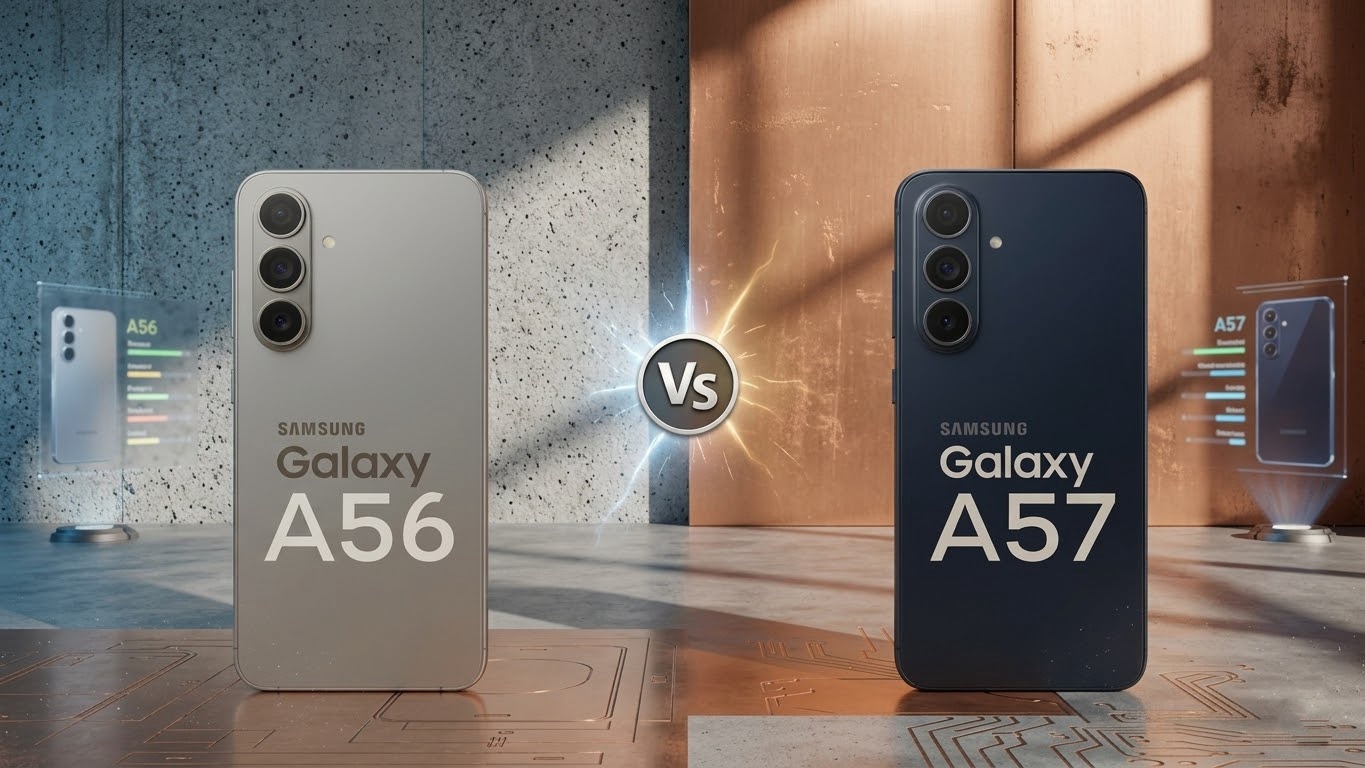
    Samsung Galaxy A57 vs A56 – the main difference is the more powerful Exynos 1680 processor with AMD Xclipse 550 GPU and Android 16 with One UI 8.5. The display (6.7″ Super AMOLED, 120 Hz), battery (5000 mAh), and cameras (50 Mpix) are identical in both models. The starting price of the Galaxy A57 is about 300 PLN higher.

    The Galaxy A57 is the successor to one of the best-selling mid-range phones of 2025. The Galaxy A56 gained immense popularity due to its solid specifications, attractive price, and long update support. In this comparison of Samsung Galaxy A57 vs A56, we examine both models point by point so you can choose the one that best fits your needs.

    Specifications of Galaxy A57 vs Galaxy A56 – comparison table

    Before we get into the details, it’s worth looking at a side-by-side comparison of the Galaxy A57 and A56. The table below summarizes the Samsung Galaxy A57 specifications and key technical parameters of both models.

    ParameterSamsung Galaxy A57 5GSamsung Galaxy A56 5G
    Display6.7″ Super AMOLED, FHD+ (1080 × 2340), 120 Hz6.7″ Super AMOLED, FHD+ (1080 × 2340), 120 Hz
    ProcessorExynos 1680 (4 nm), GPU Xclipse 550Exynos 1580 (4 nm)
    RAM8 GB8 GB / 12 GB
    Internal storage128 / 256 GB128 / 256 GB
    Main camera50 Mpix, OIS50 Mpix, f/1.8, OIS, 1/1.56″
    Ultra-wide camera12 Mpix12 Mpix, f/2.2, 123°
    Macro camera5 Mpix5 Mpix, f/2.4
    Front camera12 Mpix, f/2.212 Mpix, f/2.2
    Battery5000 mAh5000 mAh
    Charging45 W wired45 W wired
    SystemAndroid 16, One UI 8.5Android 15, One UI 7
    Dimensions161.5 × 76.9 × 6.9 mm162.2 × 77.5 × 7.4 mm
    Weight192 g198 g
    ProtectionIP67IP67
    Connectivity5G, Wi-Fi 6E, Bluetooth 6.05G, Wi-Fi 6E, Bluetooth 5.3
    SIMDual SIM + eSIMDual SIM + eSIM
    Price (Europe)from approx. 539 EUR (~2,299 PLN)from approx. 479 EUR (~1,999 PLN)

    The full specifications of both models are available on the GSMArena website.

    Tip: If you mainly care about the camera and RAM capacity, the Galaxy A56 with 12 GB RAM might be a better choice at a lower price.

    Display of Galaxy A57 vs A56 – identical panel

    Both the Galaxy A57 and A56 feature a 6.7-inch Super AMOLED display with a Full HD+ resolution (1080 × 2340 pixels) and a refresh rate of 120 Hz. The peak brightness reaches 1900 nits, ensuring good readability even in bright sunlight.

    Both models are protected by Gorilla Glass Victus+, which effectively safeguards against scratches and minor drops. Samsung did not opt to introduce LTPO technology (dynamic refresh rate change from 1 to 120 Hz), which would help save battery. LTPO remains reserved for the flagship Galaxy S series.

    In the comparison of Galaxy A57 and A56 in terms of display, there are practically no differences. If you liked the screen of the Galaxy A56, you will get exactly the same panel in the A57.

    However, it is worth protecting this great display from day one. Check out durable tempered glass for Galaxy A57 available at homescreen.pl.

    Performance of Galaxy A57 vs A56 – Exynos 1680 vs Exynos 1580

    Here, the Galaxy A57 makes the biggest leap forward. The new Exynos 1680 processor (4 nm) with AMD Xclipse 550 GPU offers a noticeable increase in computing power compared to the Exynos 1580 in the Galaxy A56.

    Benchmarks and real-world performance

    The Exynos 1680 uses CPU cores in a 1+3+4 configuration and a 4 nm lithography, similar to its predecessor. The key change is the Xclipse 550 GPU based on AMD RDNA architecture, which offers ray tracing support. This feature has so far only been available in flagship Exynos 2×00 processors from the Galaxy S series.

    What does this mean in practice?

    • Mobile games run smoother. Titles like Genshin Impact or Call of Duty Mobile should maintain more stable frames per second, and ray tracing will add realism in supported games.
    • Applications open faster, and multitasking (switching between several apps at once) is smoother.
    • Photo and video editing – the stronger GPU accelerates rendering and applying filters in apps like Adobe Lightroom or CapCut.
    • Energy efficiency – the new chip is more energy-efficient, which may result in longer battery life despite higher performance.

    The Galaxy A56 with Exynos 1580 still performs well in everyday use. If you don’t play demanding mobile games and mainly use social media, browsers, and messaging apps, the performance difference will not be noticeable. For the average user, both processors offer more power than needed for daily tasks.

    Camera of Galaxy A57 vs Galaxy A56 – evolution, not revolution

    Both phones have a triple camera setup with a main 50 Mpix sensor with optical image stabilization (OIS), a 12 Mpix ultra-wide, and a 5 Mpix macro. The front camera in both cases is 12 Mpix with an f/2.2 aperture.

    Samsung did not change the hardware configuration of the cameras, but the Galaxy A57 benefits from improved image processing thanks to the new processor. The Exynos 1680 supports AI algorithms for night photography, which enhance noise reduction and dynamic range in low light conditions.

    Key differences in photography

    ScenarioGalaxy A57Galaxy A56
    Daytime photosIdentical quality, same 50 Mpix sensorIdentical quality
    Night modeFaster processing, better noise reductionGood, but slower processing
    Video recordingPotentially better stabilization (stronger GPU)Standard OIS stabilization
    SelfiesNo changes, 12 Mpix f/2.2No changes, 12 Mpix f/2.2
    Portrait with bokehBetter background cutting thanks to AIGood background cutting

    In the comparison of Galaxy A57 vs A56, the camera differences will be subtle. The sensors remain the same, so photo quality in good lighting is practically identical. Improvements will mainly be visible in demanding conditions, such as night photography or dynamic video shots.

    Battery and charging – no changes, but with better optimization

    Both smartphones have a 5000 mAh battery and support 45 W fast charging (Super Fast Charge 2.0). The charger is not included in the box, so you will need to purchase it separately.

    The Galaxy A56 charges from 0 to 65% in about 30 minutes, and a full charge takes about 68 minutes. The Galaxy A57 should achieve similar results, but thanks to the more energy-efficient Exynos 1680, the overall battery life on a single charge may be slightly longer.

    Neither model supports wireless charging, which remains the domain of the flagship Galaxy S series. If you’re looking for a fast 45 W charger compatible with both models, check out network chargers with USB Power Delivery in our store. A solid USB-C cable supporting USB PD will also be useful.

    Design and build quality

    The Galaxy A57 is slimmer and lighter than its predecessor:

    Galaxy A57Galaxy A56
    Thickness6.9 mm7.4 mm
    Weight192 g198 g
    Dimensions161.5 × 76.9 mm162.2 × 77.5 mm

    The difference of 0.5 mm in thickness and 6 g in weight may not look impressive on paper, but it is noticeable in hand. The Galaxy A57 feels more comfortable and appears more refined.

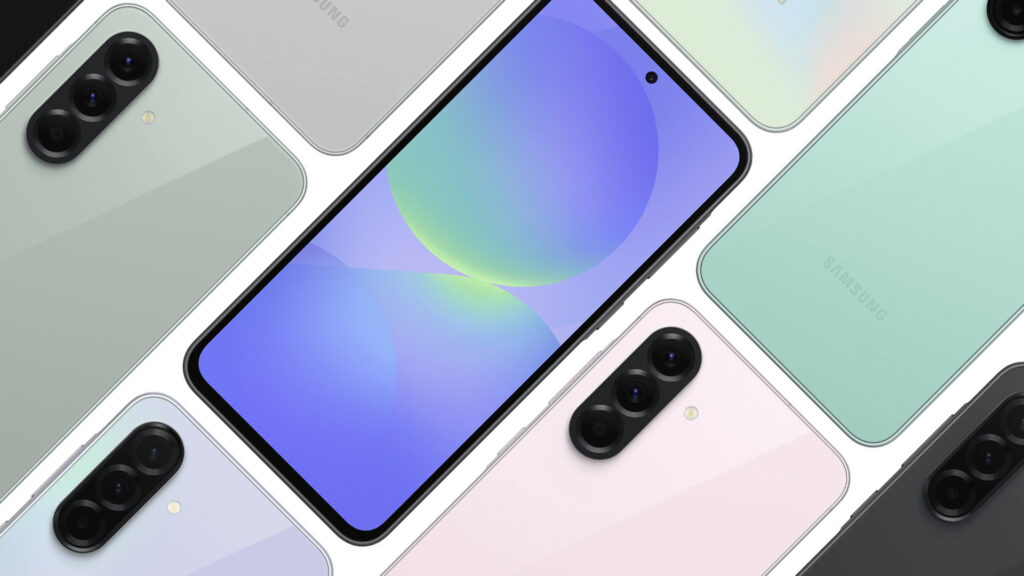
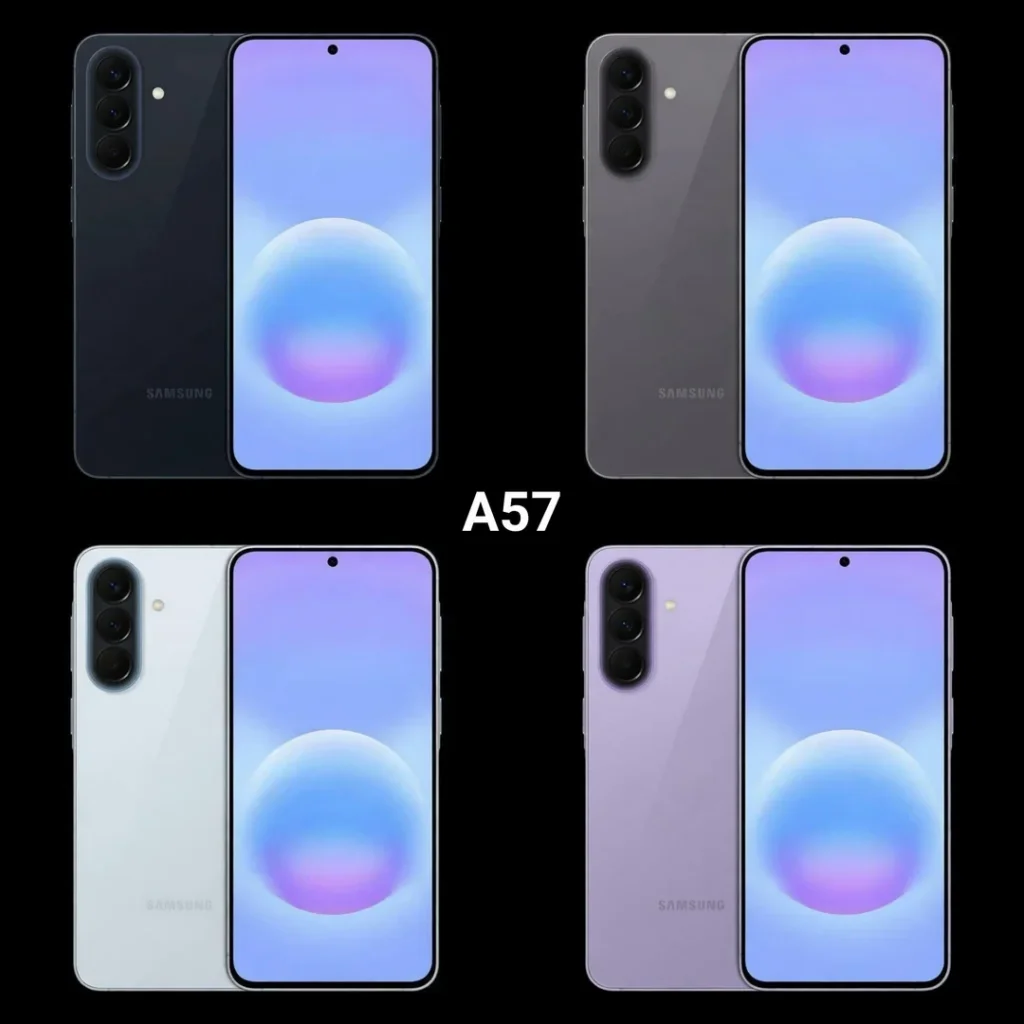
    Both models have a flat frame, an IP67 rating (dust and water resistance up to 1 m for 30 minutes), and Gorilla Glass Victus+ on the front. The colors of the Galaxy A57 are gray, light blue, lilac, and navy blue, with a slightly different palette than the A56 (graphite, light gray, olive, pink).

    Choose a case that highlights the slim design of the new model. At homescreen.pl, you will find cases for Galaxy A57 from Ringke, 3MK, Tech-Protect, and Bizon, with over 50 models starting from 29 PLN.

    System and updates – Android 16 vs Android 15

    The Galaxy A57 debuts with Android 16 and One UI 8.5, while the Galaxy A56 launched with Android 15 and One UI 7. This is an important difference, as the newer version of the system means:

    • Longer support for updates from the moment of release
    • New AI features integrated with One UI 8.5, including improved Galaxy AI with context recognition
    • Circle to Search 2.0 – enhanced visual search by circling an object on the screen
    • Improved notifications and interface customization
    • Bluetooth 6.0 (vs Bluetooth 5.3 in A56), providing better connection stability with wireless headphones

    The Galaxy A56 will receive an update to Android 16, but it may take a few months from the release of the new system. Samsung provides 4 years of system updates and 5 years of security patches for both models, which according to Samsung’s official update policy is one of the longest support cycles in the mid-range market.

    Galaxy A57 vs A56 – price and value for money

    This is a key question for many buyers. The launch price of the Galaxy A57 in Poland starts at around 2,299 PLN for the 8/128 GB version, while the Galaxy A56 in the same configuration cost around 1,999 PLN at launch. This is a difference of about 300 PLN.

    VariantGalaxy A57 (launch price)Galaxy A56 (current price)
    8/128 GBapprox. 2,299 PLNapprox. 1,599-1,799 PLN
    8/256 GBapprox. 2,599 PLNapprox. 1,799-1,999 PLN

    The Galaxy A56, which has been on the market for over a year, can be purchased at a significantly lower price than at launch. This makes the value for money of the Galaxy A56 really hard to beat. With the saved 500-700 PLN, you can buy a complete set of protective accessories: a case, tempered glass, and a fast charger.

    Which one to choose? Recommendations based on needs

    Choose the Samsung Galaxy A57 if:
    – You care about the latest processor and the highest performance in mobile gaming
    – You want Android 16 and One UI 8.5 from day one
    – You prefer a slimmer and lighter design
    – You don’t mind paying a higher price for the latest solutions

    Stick with the Samsung Galaxy A56 if:
    – You are looking for great value for money
    – You don’t need the latest processor for everyday use
    – You want to save 300-500 PLN and spend it on accessories
    – You prefer a model that has been proven by users, with Samsung Galaxy A56 reviews confirming its reliability (rating 4.6/5)

    Our recommendation: For most users, the Galaxy A56 at its current reduced price is the better choice. The extra cost for the Galaxy A57 makes sense mainly for mobile gamers and those who always want the latest technology.

    Accessories – protection for your new smartphone

    Whether you choose the Galaxy A57 or the Galaxy A56, it’s worth getting protective accessories right away. Both models have a large 6.7″ display that should be protected with tempered glass from day one of use.

    For Samsung Galaxy A57, you will find at homescreen.pl:
    Protective cases from Ringke, 3MK, Tech-Protect, and Bizon (starting from 29 PLN)
    Tempered glass Bizon Glass Clear Duo and Ringke Easy Slide (starting from 35 PLN)
    Camera glasses to protect the camera module
    Protective sets Bizon MatteO Pack and Case Clear Pack (case + glass at an attractive price)

    Check out the full offer: accessories for Samsung Galaxy A57

    For Samsung Galaxy A56, available are:
    Recycled cases Bizon Case ReLeaf in various colors
    Tempered glass 3MK HardGlass Max with full coverage
    Privacy glass Bizon Glass Mule Shadow protecting against peeping
    Matte films Bizon Glass Film Sun reducing glare and fingerprints

    Check out the full offer: films, glasses, and cases for Galaxy A56

    Don’t forget about a power bank for longer trips; the 5000 mAh battery is substantial, but extra energy is always useful.

    Summary

    In the comparison of Samsung Galaxy A57 vs A56, it is clear that the new model is a solid, albeit evolutionary update. The main changes are the more powerful Exynos 1680 processor with AMD Xclipse 550 GPU and ray tracing, a slimmer body (6.9 vs 7.4 mm), a newer Android 16 system with One UI 8.5, and Bluetooth 6.0. The display, battery, camera, and charging remain practically unchanged.

    With a price difference of about 300-700 PLN (considering the reduced price of the Galaxy A56 after a year on the market), the choice depends on your priorities. If performance and the latest system are your priorities, go for the A57. If value for money matters, in the comparison of Galaxy A57 vs Galaxy A56, the older model wins as one of the best mid-range phones on the market.

    FAQ

    What is the difference between Samsung Galaxy A57 and Galaxy A56?
    The main differences are the newer Exynos 1680 processor (vs Exynos 1580), Android 16 with One UI 8.5 (vs Android 15), Bluetooth 6.0 (vs 5.3), and a slimmer and lighter design (6.9 vs 7.4 mm thick). The display, battery, charging, and cameras remain the same.

    Is it worth paying extra for the Galaxy A57?
    The extra cost of about 300-500 PLN makes sense if you care about better gaming performance (Xclipse 550 GPU with ray tracing) or want the latest system from day one. For everyday use, the Galaxy A56 is still sufficient.

    What processor does the Samsung Galaxy A57 have?
    The Samsung Galaxy A57 5G is equipped with the Exynos 1680 processor made in 4 nm technology with AMD Xclipse 550 GPU. This chip is noticeably more powerful than the Exynos 1580 in the Galaxy A56, especially in terms of graphics.

    How much does the Samsung Galaxy A57 cost? Price in Poland
    The starting price of the Galaxy A57 is around 2,299 PLN for the 8/128 GB version and around 2,599 PLN for the 8/256 GB version. The Galaxy A56 in the same configuration can be purchased from around 1,599 PLN after discounts.

    Does the Galaxy A57 have a better camera than the A56?
    Both models have identical camera configurations: 50 Mpix (main) + 12 Mpix (ultra-wide) + 5 Mpix (macro) + 12 Mpix (selfie). The Galaxy A57 may offer slightly better night photography due to the improved ISP in the Exynos 1680 processor.

    Do Galaxy A56 cases fit the Galaxy A57?
    No, the Galaxy A57 has different dimensions than the Galaxy A56 (161.5 × 76.9 × 6.9 mm vs 162.2 × 77.5 × 7.4 mm), so the cases are not compatible. Check out dedicated cases for Galaxy A57 at homescreen.pl.

    When is the Samsung Galaxy A57 release date?
    The Samsung Galaxy A57 5G debuts in March 2026. The phone is already available for pre-order with most Polish operators and in electronics stores.