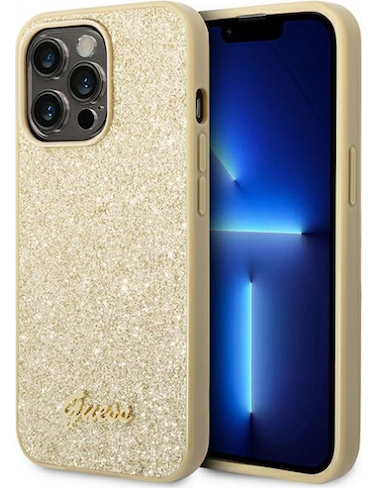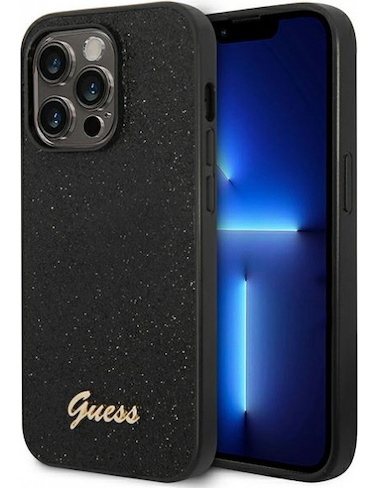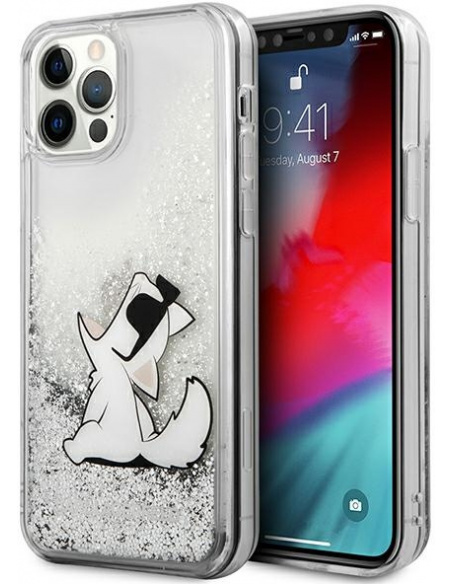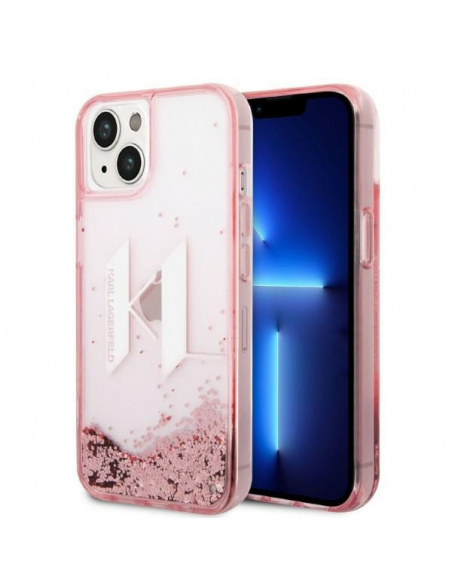
In today’s times, we take our smartphones literally everywhere, which exposes them to various threats lurking at every turn. The most vulnerable part to scratches, cracks, or dirt is the screen, and its damage evidently affects the comfort of use. As we know, even the cheapest screen protection is better than none. So which option should we choose to best protect the front panel of the device? Tempered glass or film? Or maybe it’s worth investing in hybrid glass?
Protective film:
With a protective film, we gain the most aesthetic, least visible, but not necessarily the best protection. Unfortunately, this solution is not the most advantageous due to the thickness of the layer created by the film, as well as its relatively low durability. Another downside is the difficulty of installing the film on the screen. Many hard-to-remove “bubbles” may form, causing our protective layer not to adhere as it should, which also means it won’t be as effective as it could be. It is worth emphasizing that this is one of the cheaper and more effective options for securing the front panel of a smartphone, especially when it is heavily curved.
Tempered glass:
Tempered glass offers significantly better protection than film, but is less aesthetic because it is thicker and much more visible on the device, which may bother some users. A significant advantage of this type of protection is the ease of installation, provided our device has a flat front panel. If our smartphone has rounded edges, the situation becomes a bit more complicated, and not everyone will be able to handle the installation themselves. Importantly, tempered glass can be removed and reinstalled multiple times, so you can safely attempt several times in case of failure.
Hybrid glass:
Hybrid glass is a combination of the flexibility and thickness of a protective film with high hardness, slightly yielding to glass. This combination places it perfectly between standard tempered glass and protective film. An important advantage of this form of protection is that due to its high flexibility, the glass does not shatter or break, allowing it to last a long, long time. Another plus is the fact that hybrid glass is a slim product, making it practically unnoticeable during device use.It is also easy to install, but it is somewhat more susceptible to surface scratches compared to tempered glass.
So which solution to choose? That depends on the individual preferences of each user, how much the screen is exposed to scratches or cracks, and what budget we want to allocate for protecting the front panel of our smartphone. However, it is worth remembering that any protection is better than none! All types of glass as well as cases for iPhone 12 can be found in the appropriate section:)
In today’s world, where many smartphone models are available on the market, the ability to check the phone model has become extremely important. Whether you own a Samsung, iPhone, Huawei, or Xiaomi smartphone, knowing the exact model of your phone is crucial in the context of technical support, purchasing accessories such as cases, or software updates. In this article, we will present various ways to check your phone model so that you can quickly and easily obtain the necessary information about your device.
How to check the Samsung phone model?
What information about the phone is available in Settings?
If you want to check the Samsung phone model, the first step should be to go to the phone settings. In the “About phone” section, you will find all the essential data, such as the model name, software version, and serial number. With this information, you can accurately determine which smartphone model you are dealing with, which is particularly important when planning to purchase a new phone case or update the system. The settings also allow you to identify whether you have a model from the Galaxy S, A, or another series, which may affect the availability of certain features and applications.
How to use a short code to check the Samsung Galaxy model?
Another way to check the Samsung phone model is to use a short code. Entering *#1234# on the phone’s keypad allows you to quickly check the model name and software version. This is a very practical method as it does not require access to settings and can be performed at any time. However, it is worth remembering that not all models may support the same code, so it may vary depending on the software version.
Where to find the IMEI number of a Samsung phone?
The IMEI number is a unique identifier for your smartphone, which can be extremely helpful in identifying the phone model. To check the IMEI number on a Samsung phone, you need to enter the code *#06#. This number will appear on the screen and may also be available in the phone settings under the “About phone” section. In case the phone is lost or stolen, the IMEI number is crucial when reporting the incident to the mobile network operator. Knowing this number, you can also obtain technical support and information about your device.
How to check the iPhone model?
What steps should be taken to find the iPhone model name?
To check the iPhone model, you need to go to the “Settings” section and select “General,” then “About”. There you will find the exact model name of your device. It is worth noting that Apple introduces different iPhone models every year, so knowing the specific model is important, especially when purchasing accessories. For example, iPhone models differ in terms of casing, functionality, and technical specifications, which can affect your purchasing decisions.

How can the IMEI number help in identifying an iPhone?
Similar to Samsung phones, the IMEI number is extremely useful for iPhone owners. You can find it in the settings, in the “About” section, or directly on the device casing. Knowing this number, you can identify the exact phone model and check whether the device is locked, lost, or stolen. Moreover, many online services offer the ability to check the phone’s history using the IMEI number, which can be helpful when purchasing a used iPhone.
How do iPhone models differ by year?
iPhone models differ not only in specifications but also in design and materials used in production. For example, the iPhone 12, 13, and 14 introduced various innovations such as better cameras, faster processors, and new casing colors. It is worth noting that depending on the year, there may be significant differences in functionality, which can influence whether you want to invest in a new model or if your current iPhone is sufficient.
How to check the Huawei phone model?
Where to look for information about the Huawei smartphone model?
To check the Huawei phone model, you need to go to the device settings and select the “About phone” section. There you will find all the essential information, including the model name, IMEI number, and software version. Huawei models, such as P40 or Mate 30, differ in specifications, and knowing the exact model is necessary when you want to update the software or purchase accessories. It is also worth remembering that some models may have different memory variants, which also affects their performance.

How to use a code to check the Huawei phone model?
Another way to check the Huawei smartphone model is to use a USSD code. Entering *#*#2846579#*#* on the phone’s keypad allows you to obtain information about the model and software version. This method is quick and convenient, and it also provides access to additional information about the device. This way, you can easily check the phone model without the need to search through the settings.
How does the IMEI number affect the identification of Huawei devices?
The IMEI number is a key element in identifying any smartphone, including Huawei devices. To check the IMEI number, simply enter the code *#06#. This number is unique to each device and can be used to report theft or loss of the phone. Additionally, the IMEI number allows you to obtain information about the device’s history, which is particularly important when purchasing a used model.
How to check the Xiaomi phone model?
What information can be found in Xiaomi Redmi Settings?
To check the Xiaomi smartphone model, simply go to settings and select the “About phone” section. There you will find the model name, MIUI version, and IMEI number. Xiaomi models, such as Redmi Note 10 or Mi 11, differ in specifications, and knowing the exact model is important when purchasing accessories such as phone cases. Additionally, this information can be helpful when updating the software.
What are the ways to check the Xiaomi smartphone model?
In addition to checking the model in settings, there is also the option to use a code to obtain information about the Xiaomi smartphone model. Entering *#*#4636#*#* on the phone’s keypad allows you to quickly check the model name and software version. This is a convenient method that allows you to quickly obtain the necessary information without having to search through the settings menu.
How can the IMEI number help in identifying Xiaomi?
The IMEI number is just as important for Xiaomi smartphones as it is for other manufacturers. To check the IMEI number, simply enter the code *#06#. This number is essential for identifying the device and also when reporting theft. It is worth noting that the IMEI number can be used to check the device’s history and its condition, which is important when purchasing a used Xiaomi model.
How to check the smartphone model in Android?
What steps should be taken to check the Android smartphone model?
Checking the model of an Android smartphone is relatively simple. You need to go to settings and then select the “About phone” section. Here you will find the exact model name and system version. It is worth remembering that different manufacturers may introduce different user interfaces, which can affect the location of model information. Therefore, for some models, it may be necessary to search through the settings for device information.
What information can be obtained from the Settings tab?
In the “Settings” tab, you can obtain many valuable pieces of information about the smartphone. In addition to the model name, you will also find the operating system version, serial number, and memory information. Knowledge of this data is essential when planning a software update or purchasing new accessories. It is worth noting that different Android models may have different specifications and may also differ depending on the manufacturer, which can affect their performance.
How do Android smartphone models differ by manufacturer?
Android smartphone models differ not only in specifications but also in design and functionality depending on the manufacturer. For example, Samsung, Huawei, Xiaomi, and other brands have their unique features. Samsung may offer more advanced camera features, while Xiaomi may provide a better price-to-quality ratio. Therefore, it is important to know the exact model of your smartphone to fully utilize its capabilities and purchase the appropriate accessories that will fit your device.